©drtamil@gmail.com 2020
Facebook Live
https://www.facebook.com/
facebookmedia/solutions/
facebook-live
Hack #33
©drtamil@gmail.com 2020
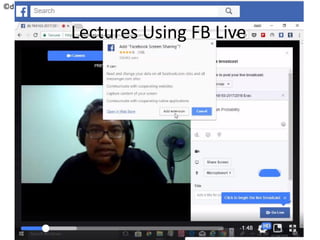
Lectures Using FB Live
©drtamil@gmail.com 2020
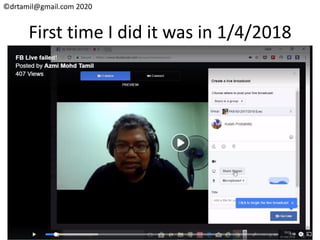
First time I did it was in 1/4/2018
©drtamil@gmail.com 2020
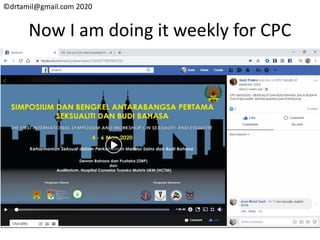
Now I am doing it weekly for CPC
©drtamil@gmail.com 2020
Install the required Chrome extension
• This Chrome extension allows you to share
your screen in video calls on Facebook.
Choose which windows or tabs to project
during your call. You can also share your
screen during your Facebook Live videos.
• https://chrome.google.com/webstore/detail/
facebook-screen-sharing/
ncfpggehkhmjpdjpefomjchjafhmbnai/
©drtamil@gmail.com 2020
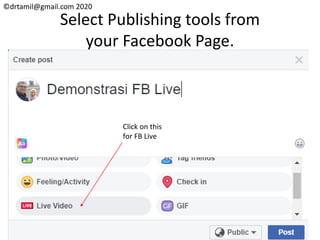
Select Publishing tools from
your Facebook Page.
Click on this
for FB Live
©drtamil@gmail.com 2020
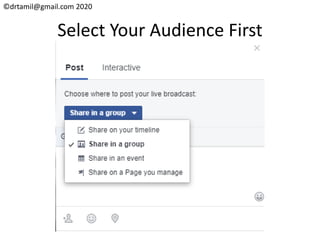
Select Your Audience First
©drtamil@gmail.com 2020
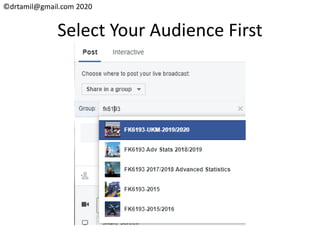
Select Your Audience First
©drtamil@gmail.com 2020
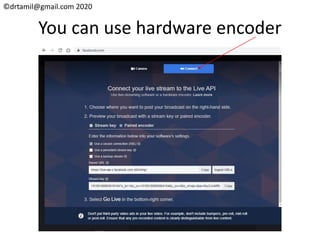
You can use hardware encoder
©drtamil@gmail.com 2020
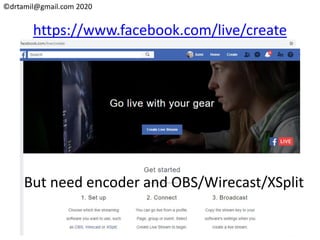
https://www.facebook.com/live/create
But need encoder and OBS/Wirecast/XSplit
©drtamil@gmail.com 2020
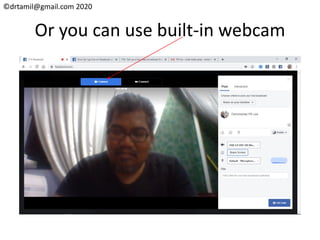
Or you can use built-in webcam
©drtamil@gmail.com 2020
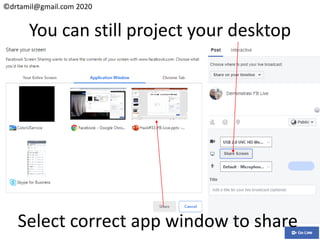
You can still project your desktop
Select correct app window to share
©drtamil@gmail.com 2020
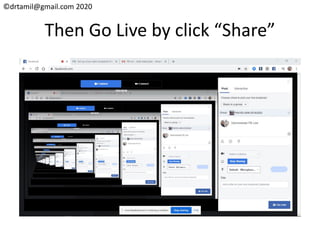
Then Go Live by click “Share”
©drtamil@gmail.com 2020
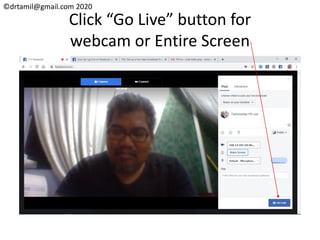
Click “Go Live” button for
webcam or Entire Screen
©drtamil@gmail.com 2020
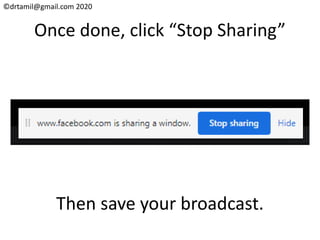
Once done, click “Stop Sharing”
Then save your broadcast.
©drtamil@gmail.com 2020
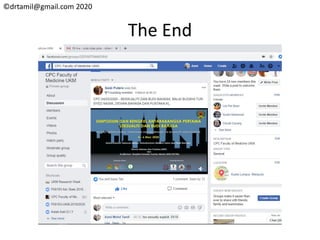
The End

Hack#33 How To FB-Live