Downloaded 34 times
![CopyTable
• Purpose:
– Copy part of or all of a table, either to the same cluster or
another cluster
• Usage:
– bin/hbase org.apache.hadoop.hbase.mapreduce.CopyTable [--starttime=X] [--
endtime=Y] [--new.name=NEW] [--peer.adr=ADR] tablename
• Options:
– starttime: Beginning of the time range.
– endtime: End of the time range. Without endtime means
starttime to forever.
– new.name: New table's name.
– peer.adr: Address of the peer cluster given in the format
hbase.zookeeper.quorum:hbase.zookeeper.client.port:zookeepe
r.znode.parent
– families: Comma-separated list of ColumnFamilies to copy.](https://image.slidesharecdn.com/tsmchbaseincrementalbackup-120723041655-phpapp02/75/HBase-Incremental-Backup-3-2048.jpg)
![Export
• Purpose:
– Dump the contents of table to HDFS in a sequence file
• Usage:
– $ bin/hbase org.apache.hadoop.hbase.mapreduce.Export <tablename>
<outputdir> [[<starttime> [<endtime>]]]
• Options:
– *tablename: The name of the table to export
– *outputdir: The location in HDFS to store the exported data
– starttime: Beginning of the time range
– endtime: The matching end time for the time range of the scan
used](https://image.slidesharecdn.com/tsmchbaseincrementalbackup-120723041655-phpapp02/75/HBase-Incremental-Backup-5-2048.jpg)
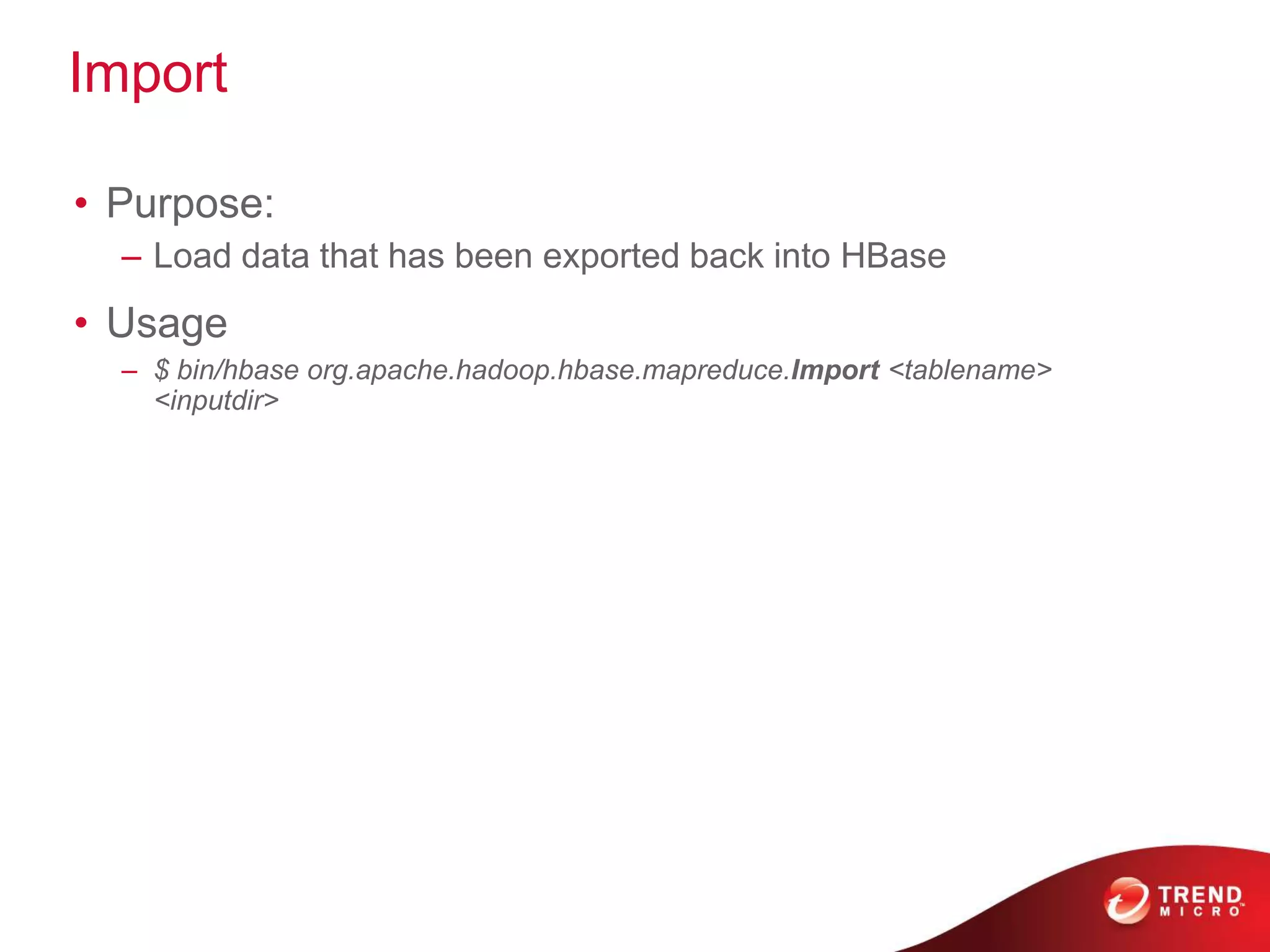
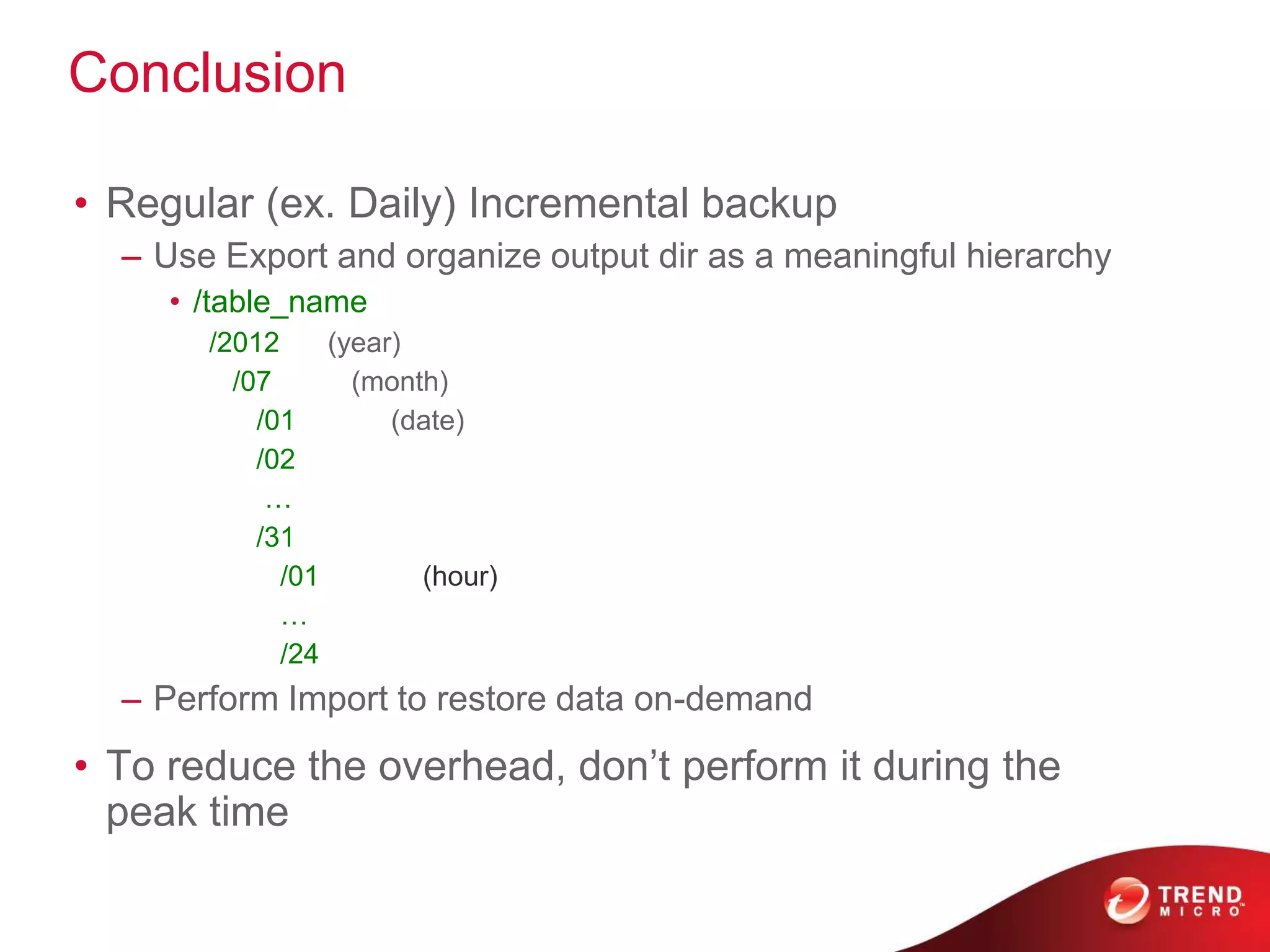


CopyTable allows copying data between HBase tables either within or between clusters. Export dumps the contents of a table to HDFS in sequence files. Import loads exported data back into HBase. For regular incremental backups, Export is recommended with a hierarchical output directory structure organized by date/time. Data can then be restored using Import on demand. Backup/restore should be done during off-peak hours to reduce overhead.


![[Paper Reading]KVSSD: Close integration of LSM trees and flash translation la...](https://cdn.slidesharecdn.com/ss_thumbnails/kvssdcloseintegrationoflsmtreesandflashtranslationlayerforwrite-efficientkvstore-211206083654-thumbnail.jpg?width=640&height=640&fit=bounds)


![Coded Agents – with UiPath SDK + LangGraph [Virtual Hands-on Workshop]](https://cdn.slidesharecdn.com/ss_thumbnails/codedagentsdeck-251215155422-5497c599-thumbnail.jpg?width=640&height=640&fit=bounds)


