COMPONENTS FOR A
   COMPUTER
    By harry hickford
CPU
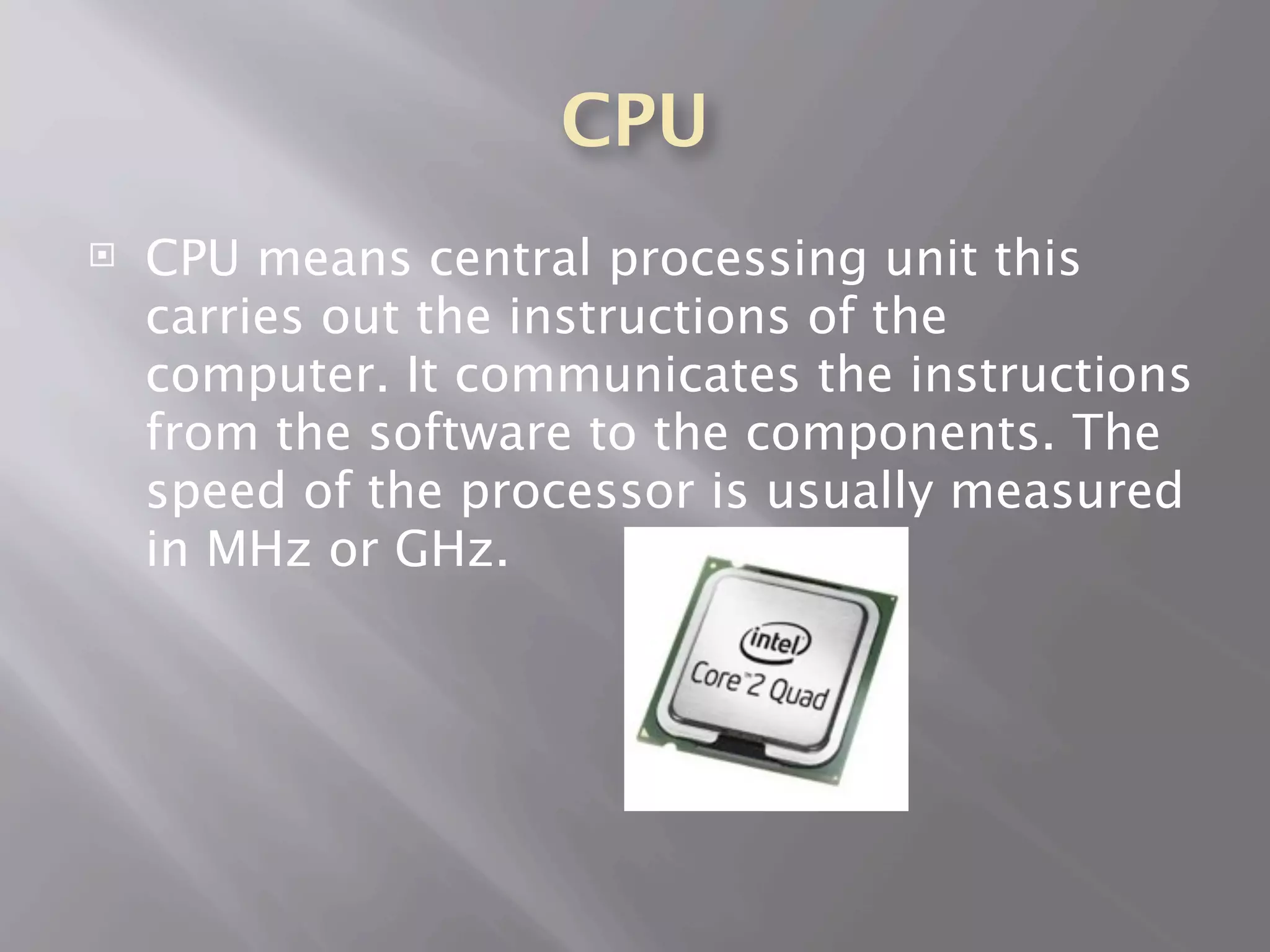
   CPU means central processing unit this
    carries out the instructions of the
    computer. It communicates the instructions
    from the software to the components. The
    speed of the processor is usually measured
    in MHz or GHz.
Heat sink
   The CPU it needs to be compatible on the
    socket on the motherboard
   The heat sink is cools down the laptop or
    the desktop when extremely hot and uses
    thermal compound to transfer the heat to
    the Processor.
Processor types
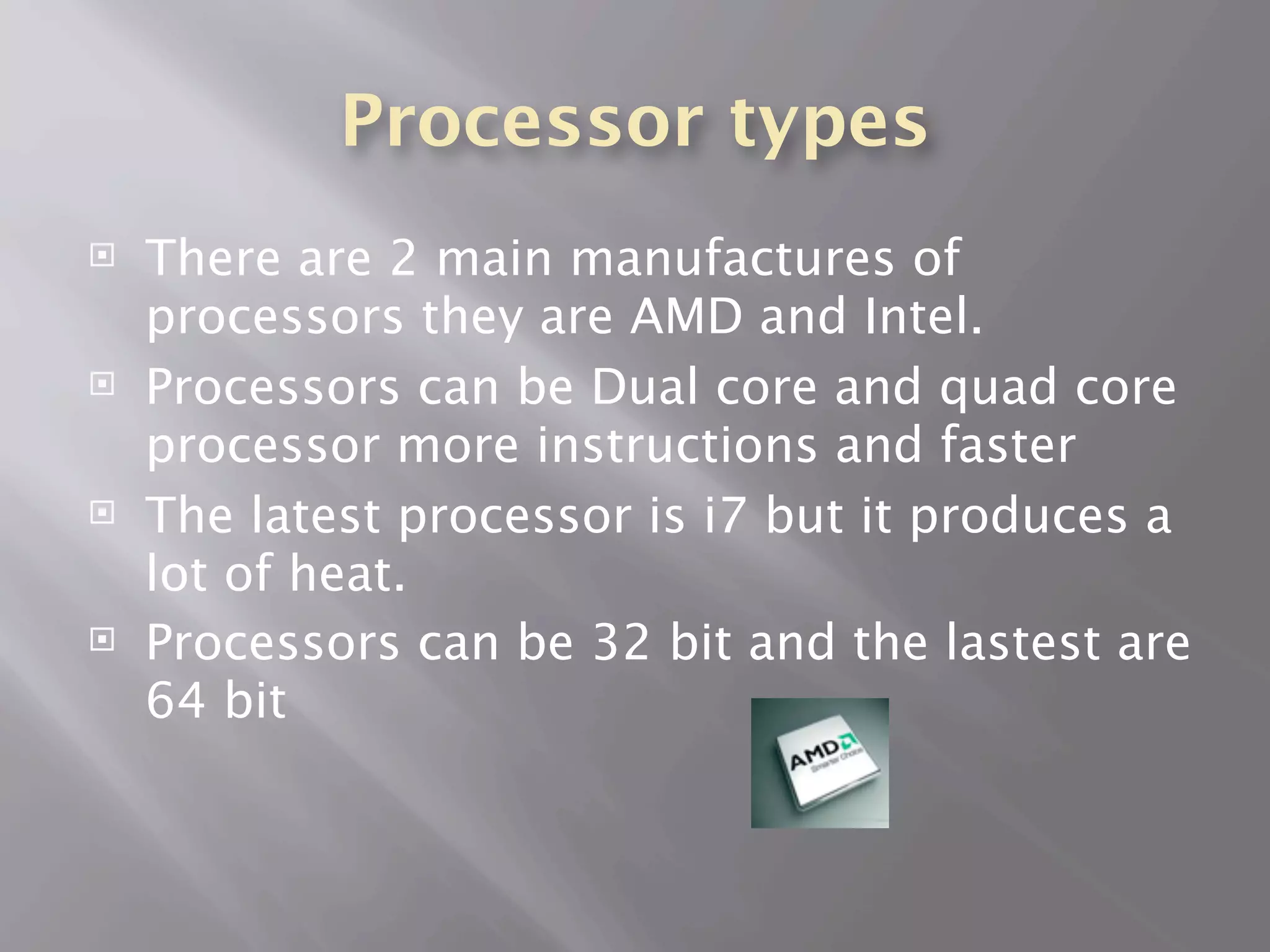
   There are 2 main manufactures of
    processors they are AMD and Intel.
   Processors can be Dual core and quad core
    processor more instructions and faster
   The latest processor is i7 but it produces a
    lot of heat.
   Processors can be 32 bit and the lastest are
    64 bit
Memory
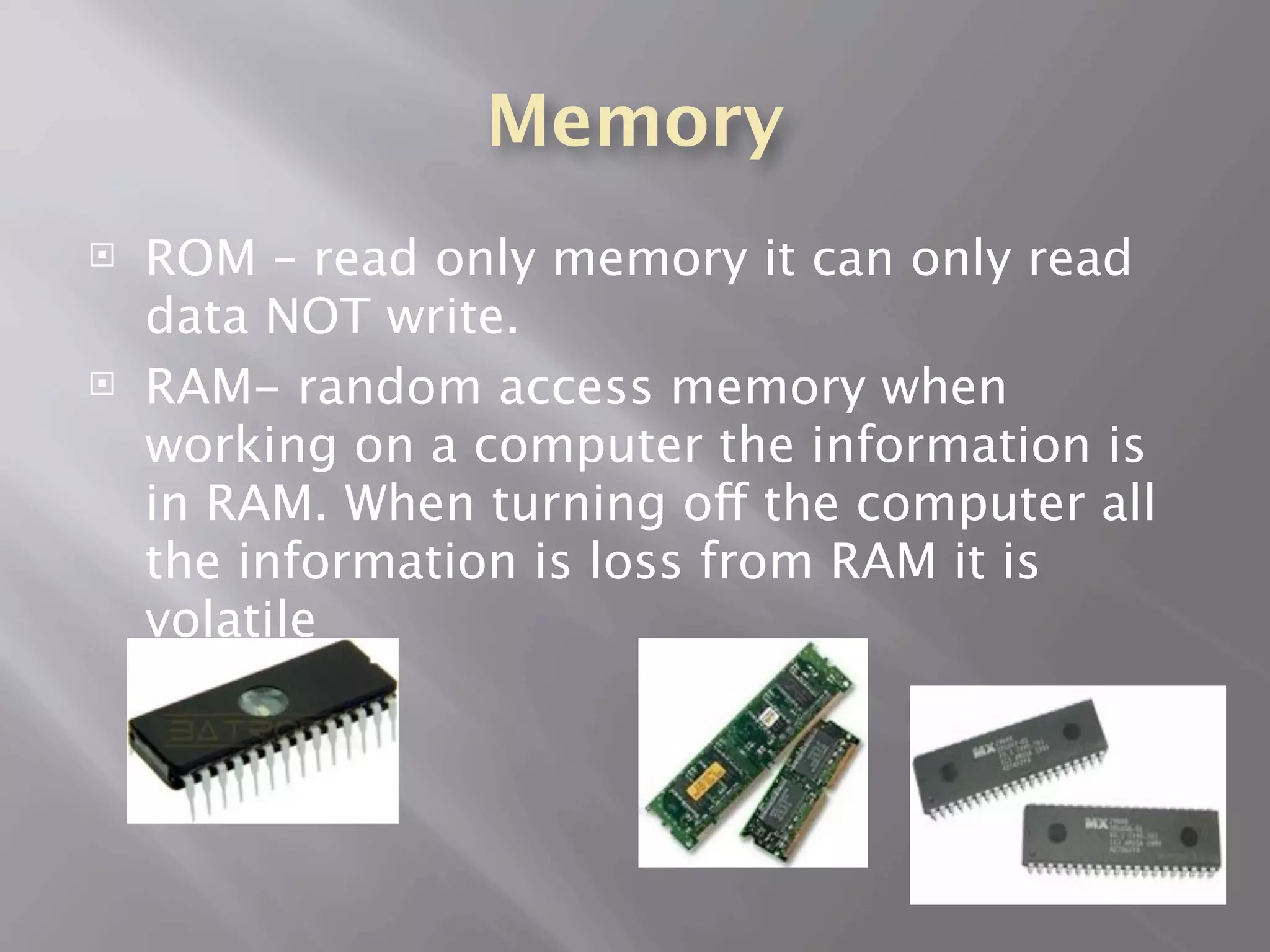
   ROM – read only memory it can only read
    data NOT write.
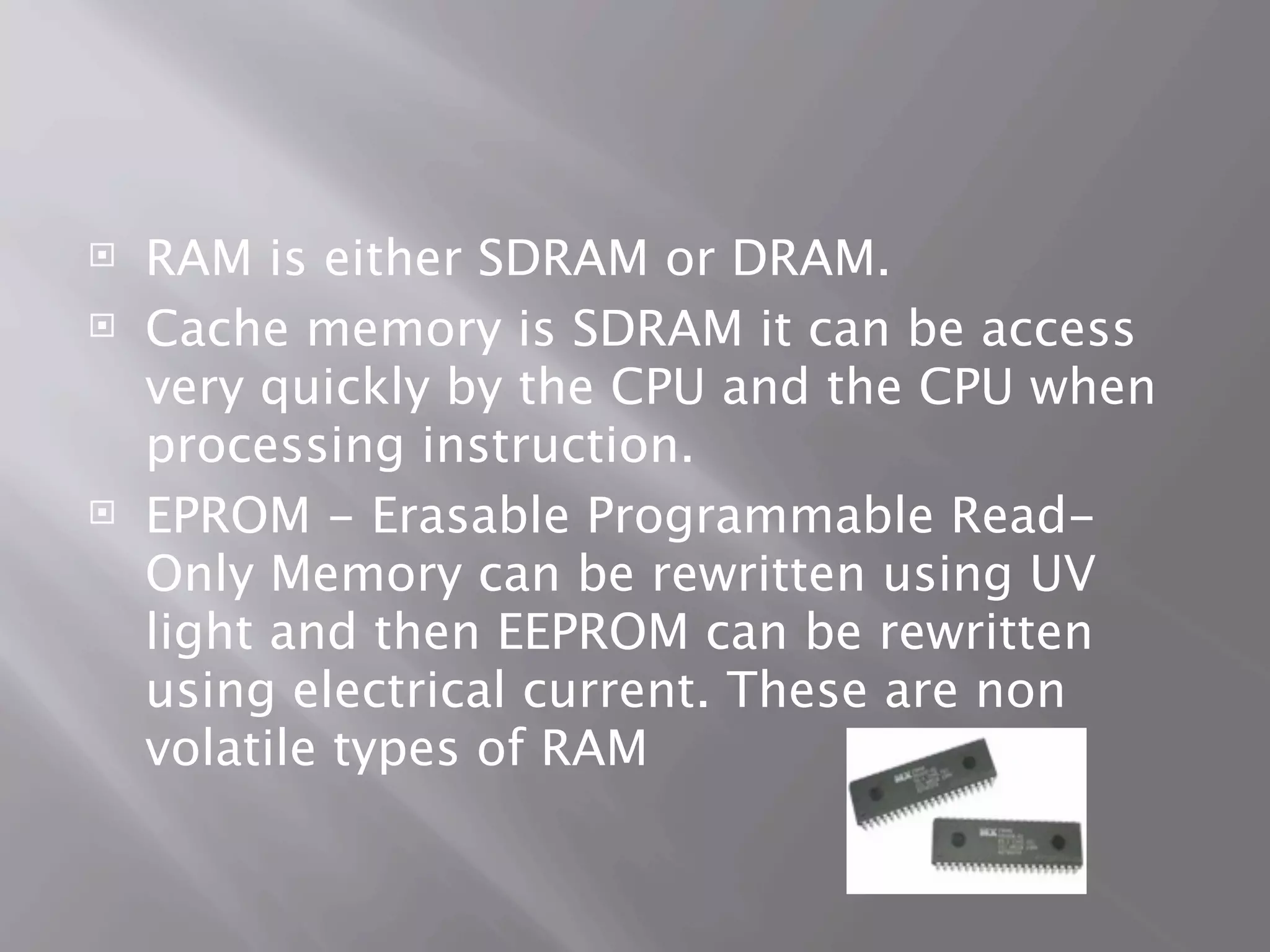
   RAM- random access memory when
    working on a computer the information is
    in RAM. When turning off the computer all
    the information is loss from RAM it is
    volatile
   RAM is either SDRAM or DRAM.
   Cache memory is SDRAM it can be access
    very quickly by the CPU and the CPU when
    processing instruction.
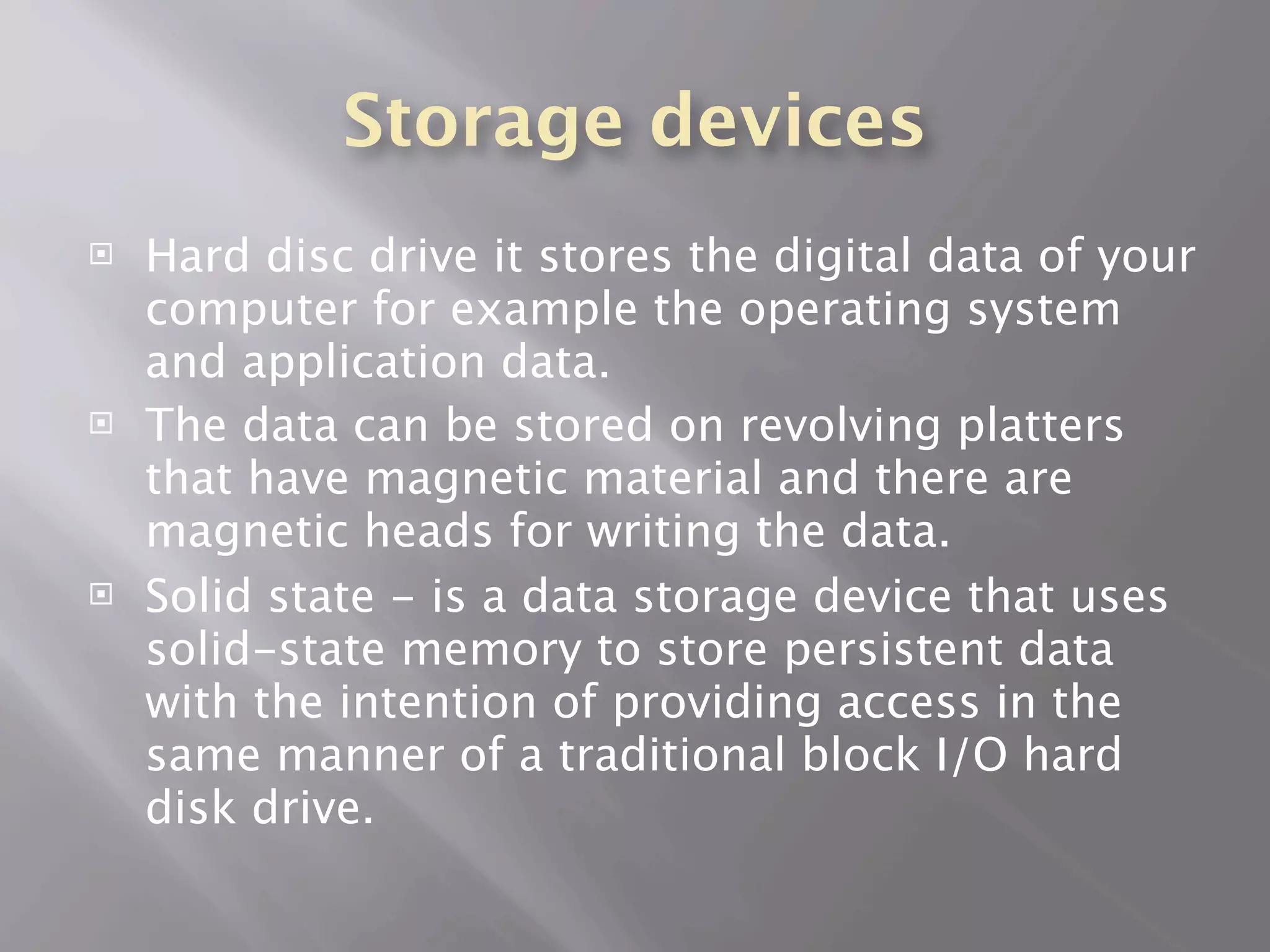
   EPROM - Erasable Programmable Read-
    Only Memory can be rewritten using UV
    light and then EEPROM can be rewritten
    using electrical current. These are non
    volatile types of RAM
Storage devices
   Hard disc drive it stores the digital data of your
    computer for example the operating system
    and application data.
   The data can be stored on revolving platters
    that have magnetic material and there are
    magnetic heads for writing the data.
   Solid state - is a data storage device that uses
    solid-state memory to store persistent data
    with the intention of providing access in the
    same manner of a traditional block I/O hard
    disk drive.
Internal hard drives
          storage devices
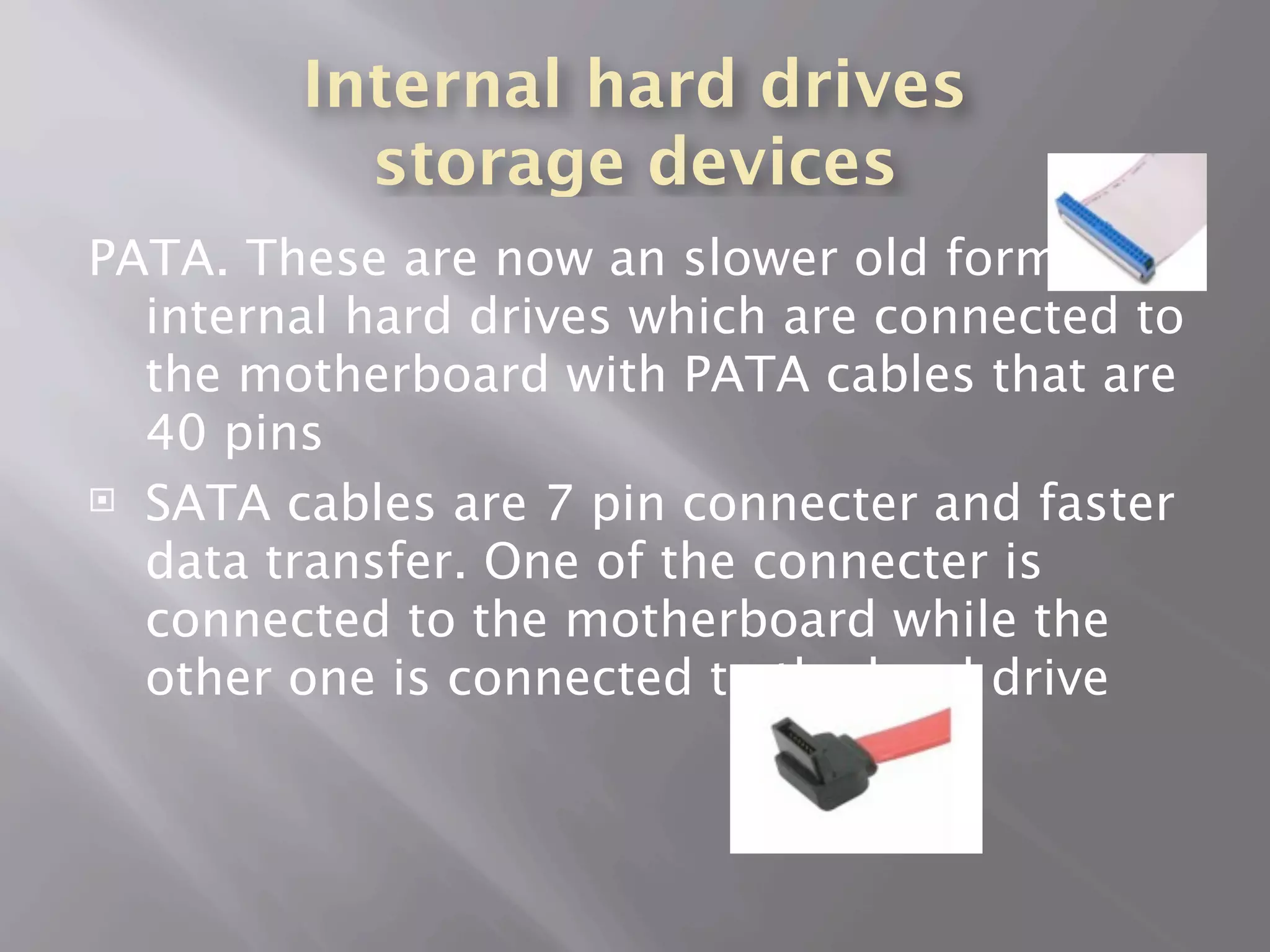
PATA. These are now an slower old form of
  internal hard drives which are connected to
  the motherboard with PATA cables that are
  40 pins
 SATA cables are 7 pin connecter and faster

  data transfer. One of the connecter is
  connected to the motherboard while the
  other one is connected to the hard drive
External storage devices
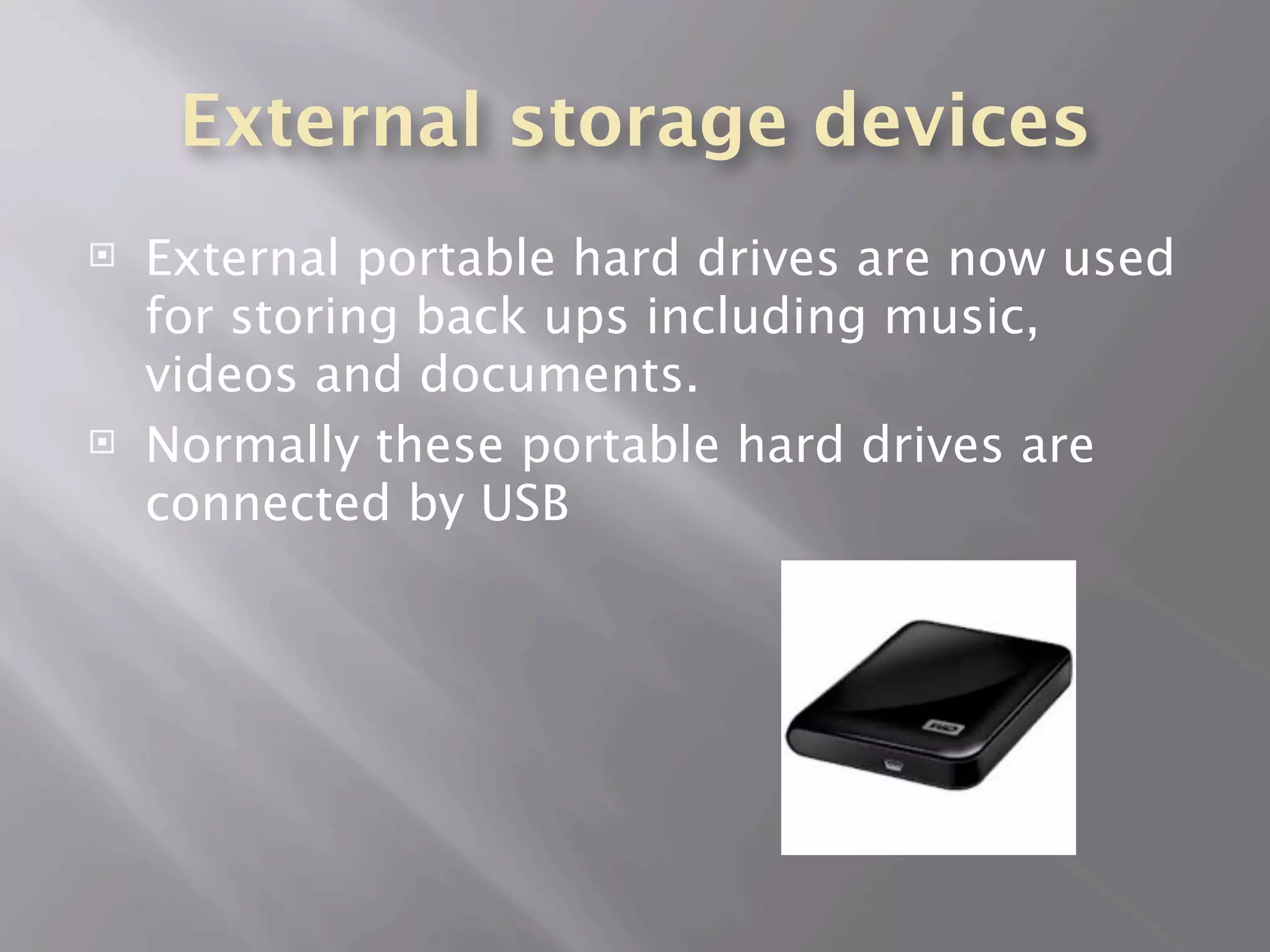
   External portable hard drives are now used
    for storing back ups including music,
    videos and documents.
   Normally these portable hard drives are
    connected by USB
Storage devices
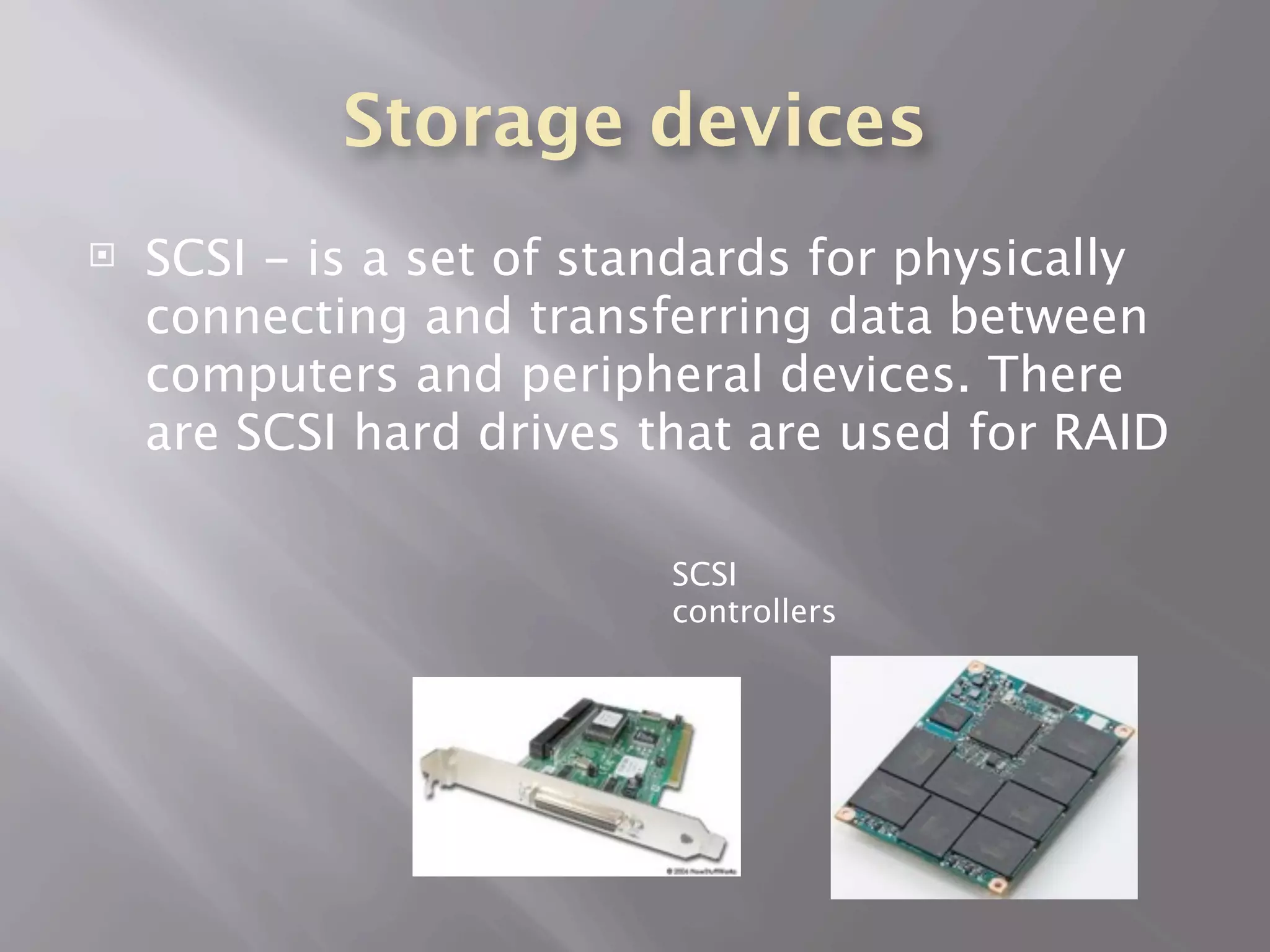
   SCSI - is a set of standards for physically
    connecting and transferring data between
    computers and peripheral devices. There
    are SCSI hard drives that are used for RAID

                          SCSI
                          controllers
Adapter card
   These are printed circuit boards that’s can
    be inserted into an expansion slot of the
    computer motherboard.
   These slots are PCI or PCIe. The PCIe has a
    faster bus than the PCI card.
   PCMCIA is a very compact small device that
    slides into a laptop
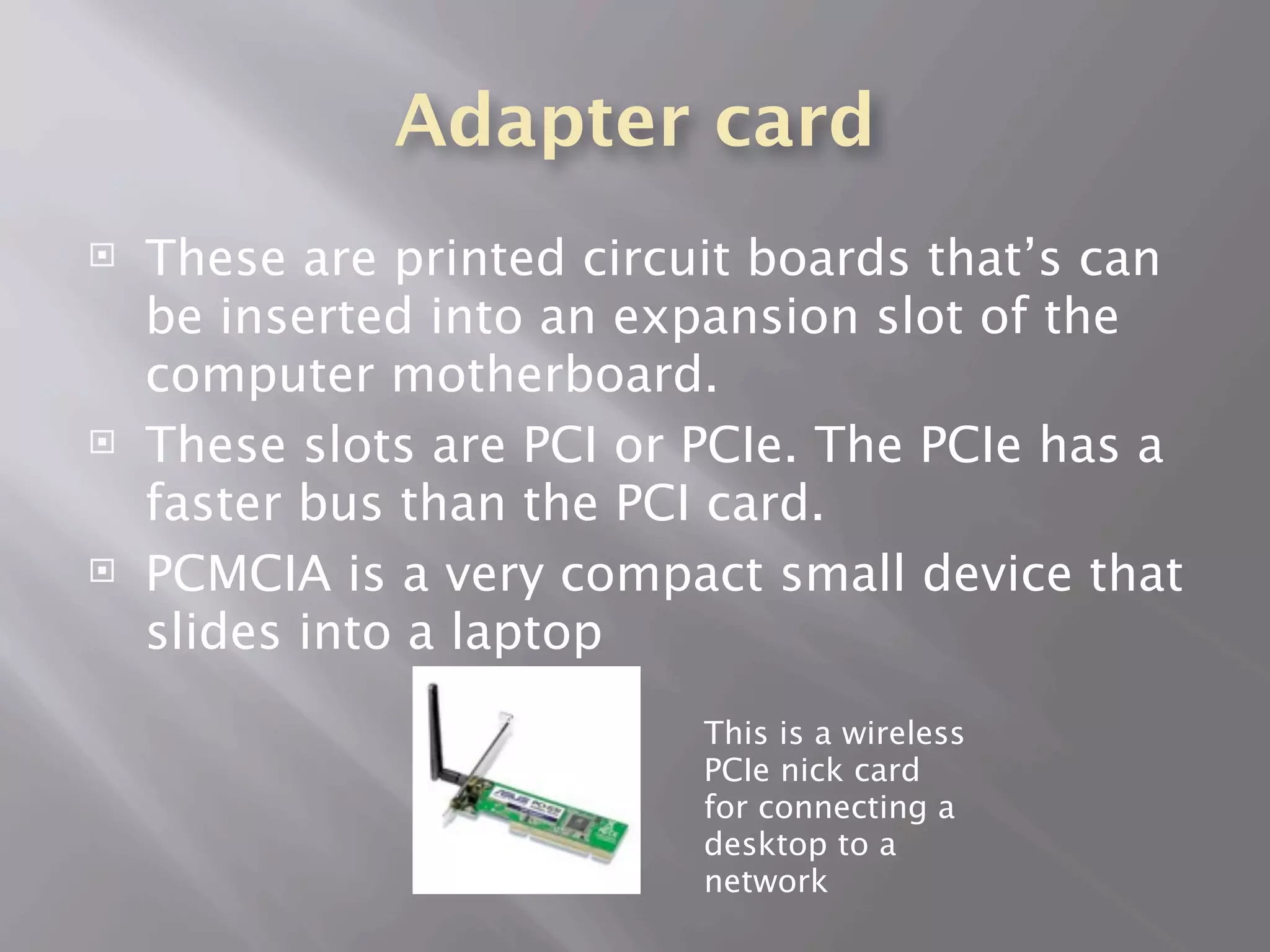
                           This is a wireless
                           PCIe nick card
                           for connecting a
                           desktop to a
                           network
Sound and video card


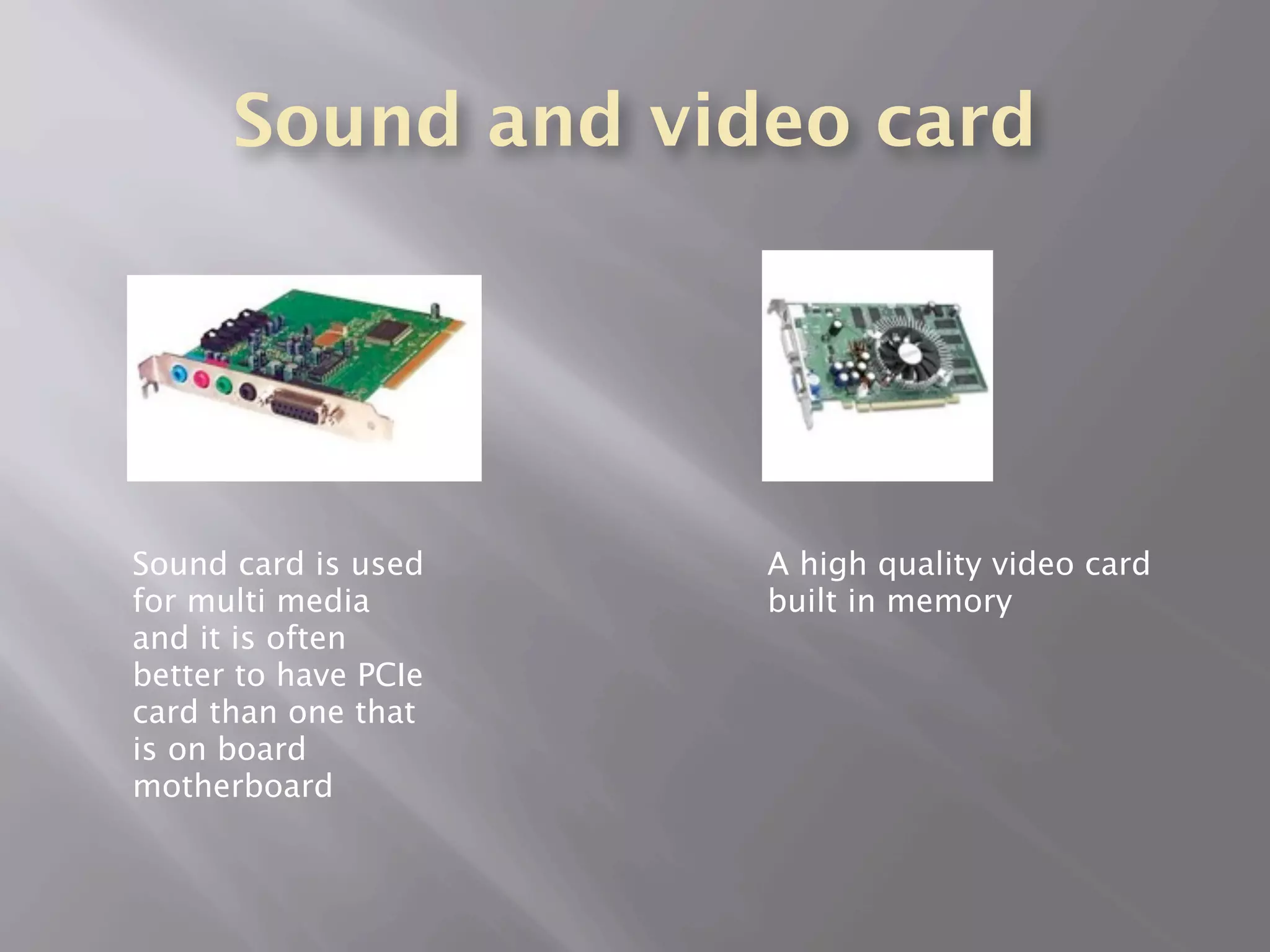
Sound card is used    A high quality video card
for multi media       built in memory
and it is often
better to have PCIe
card than one that
is on board
motherboard
Motherboard
   The motherboard holds all of the internal
    components of the computer together it is
    a printed circuit board.
   The motherboard must be compatible with
    the computer case, the memory, processor
    and the power supply.
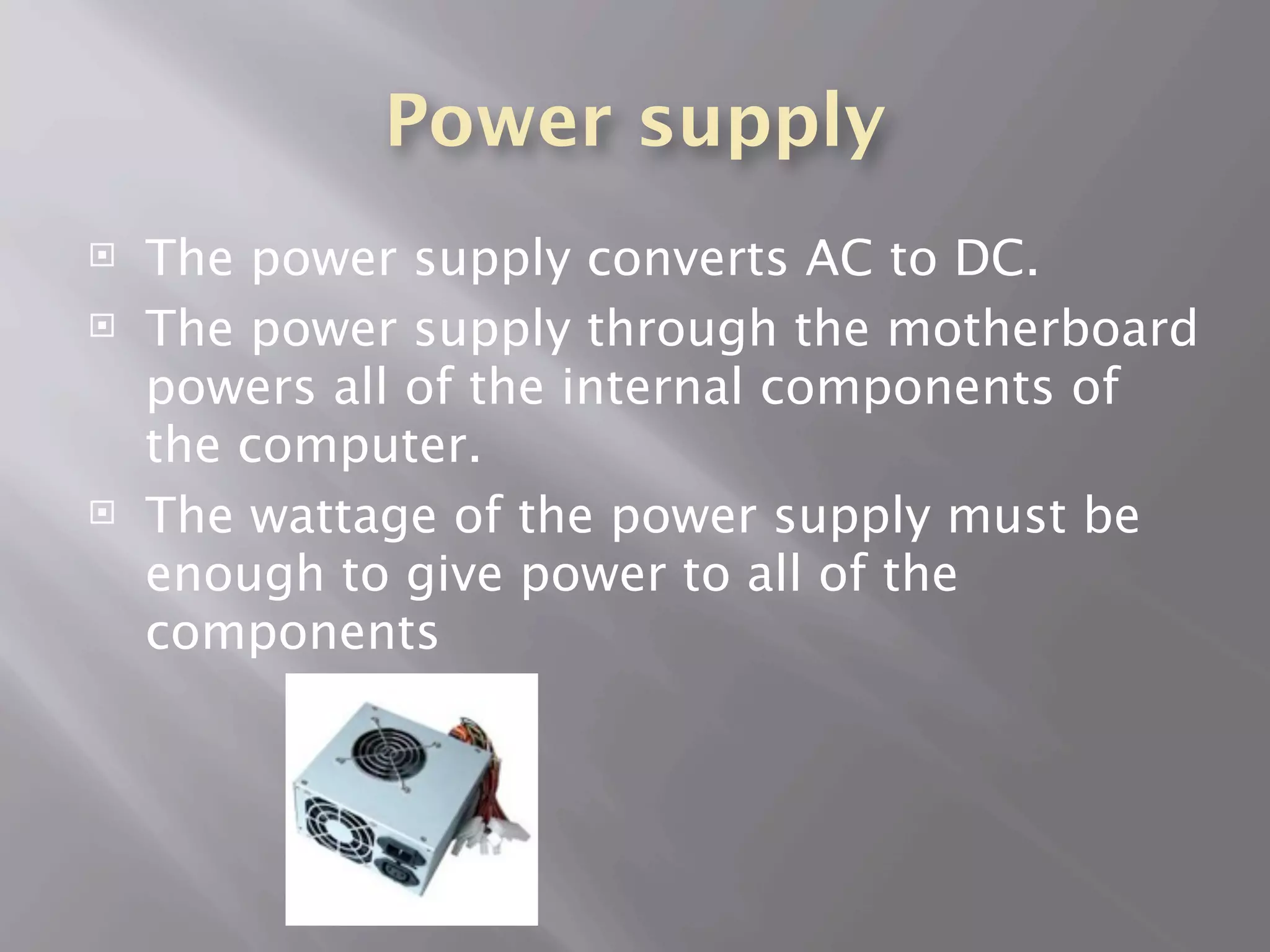
Power supply
   The power supply converts AC to DC.
   The power supply through the motherboard
    powers all of the internal components of
    the computer.
   The wattage of the power supply must be
    enough to give power to all of the
    components

Harry hickford components for a computer

  • 1.
    COMPONENTS FOR A COMPUTER By harry hickford
  • 2.
    CPU  CPU means central processing unit this carries out the instructions of the computer. It communicates the instructions from the software to the components. The speed of the processor is usually measured in MHz or GHz.
  • 3.
    Heat sink  The CPU it needs to be compatible on the socket on the motherboard  The heat sink is cools down the laptop or the desktop when extremely hot and uses thermal compound to transfer the heat to the Processor.
  • 4.
    Processor types  There are 2 main manufactures of processors they are AMD and Intel.  Processors can be Dual core and quad core processor more instructions and faster  The latest processor is i7 but it produces a lot of heat.  Processors can be 32 bit and the lastest are 64 bit
  • 5.
    Memory  ROM – read only memory it can only read data NOT write.  RAM- random access memory when working on a computer the information is in RAM. When turning off the computer all the information is loss from RAM it is volatile
  • 6.
    RAM is either SDRAM or DRAM.  Cache memory is SDRAM it can be access very quickly by the CPU and the CPU when processing instruction.  EPROM - Erasable Programmable Read- Only Memory can be rewritten using UV light and then EEPROM can be rewritten using electrical current. These are non volatile types of RAM
  • 7.
    Storage devices  Hard disc drive it stores the digital data of your computer for example the operating system and application data.  The data can be stored on revolving platters that have magnetic material and there are magnetic heads for writing the data.  Solid state - is a data storage device that uses solid-state memory to store persistent data with the intention of providing access in the same manner of a traditional block I/O hard disk drive.
  • 8.
    Internal hard drives storage devices PATA. These are now an slower old form of internal hard drives which are connected to the motherboard with PATA cables that are 40 pins  SATA cables are 7 pin connecter and faster data transfer. One of the connecter is connected to the motherboard while the other one is connected to the hard drive
  • 9.
    External storage devices  External portable hard drives are now used for storing back ups including music, videos and documents.  Normally these portable hard drives are connected by USB
  • 10.
    Storage devices  SCSI - is a set of standards for physically connecting and transferring data between computers and peripheral devices. There are SCSI hard drives that are used for RAID SCSI controllers
  • 11.
    Adapter card  These are printed circuit boards that’s can be inserted into an expansion slot of the computer motherboard.  These slots are PCI or PCIe. The PCIe has a faster bus than the PCI card.  PCMCIA is a very compact small device that slides into a laptop This is a wireless PCIe nick card for connecting a desktop to a network
  • 12.
    Sound and videocard Sound card is used A high quality video card for multi media built in memory and it is often better to have PCIe card than one that is on board motherboard
  • 13.
    Motherboard  The motherboard holds all of the internal components of the computer together it is a printed circuit board.  The motherboard must be compatible with the computer case, the memory, processor and the power supply.
  • 14.
    Power supply  The power supply converts AC to DC.  The power supply through the motherboard powers all of the internal components of the computer.  The wattage of the power supply must be enough to give power to all of the components

Editor's Notes