PRESENTATION ON HARDWARE
COMPONENTS
BY,
CHETHAN M, UTTAM S, VEDANTH S, SHAYAN
KHAN, MAHAMUD SHAID KHAN.
CLASS : 7 RUBY
SUBMITTED TO : SUSHMA MADAM
THERE ARE TWO TYPES OF HARDWARE
COMPONENTS.
INTERNAL AND EXTERNAL HARDWARE.
• INTERNAL HARDWARE
The hardware components that are installed inside the CPU cabinet
are called internal hardware. For example, CPU, RAM, ROM, disk
drive, Mother board, Video card, etc.
MOTHER BOARD
A motherboard is the main circuit board of a computer that holds the
most essential components of the computer system.
A motherboard mainly contains:
 Processor chip [CPU]
 Basic input/output System [BIOS]
 Memory chips[RAM and ROM].
RAM
RAM stands for Random Access Memory. It is
directly accessed by CPU. The size of the RAM is 2
GB ,4 GB, 8GB, so on. The two types of RAM is:
Static RAM and Dynamic RAM.
ROM
ROM stands for Read Only Memory. The
instruction stored in a RAM cannot be changed.
The different types of ROM are PROM, EPROM,
EEPROM .
DISK DRIVE
A disk drive is a hardware component in a
computer that enables the users to read, write,
delete, and modify data on a storage disk.
HARD DISK
A hard disk is a magnetic storage device
used to store used to store and retrieve
data. Nowadays, came in various
capacities, 512GB, 1TB, 5TB AND so on.
SMPS
SMPS stands for Switching Mode Power
Supply. It is essential for safe running of
power consuming electrical components for
the CPU.
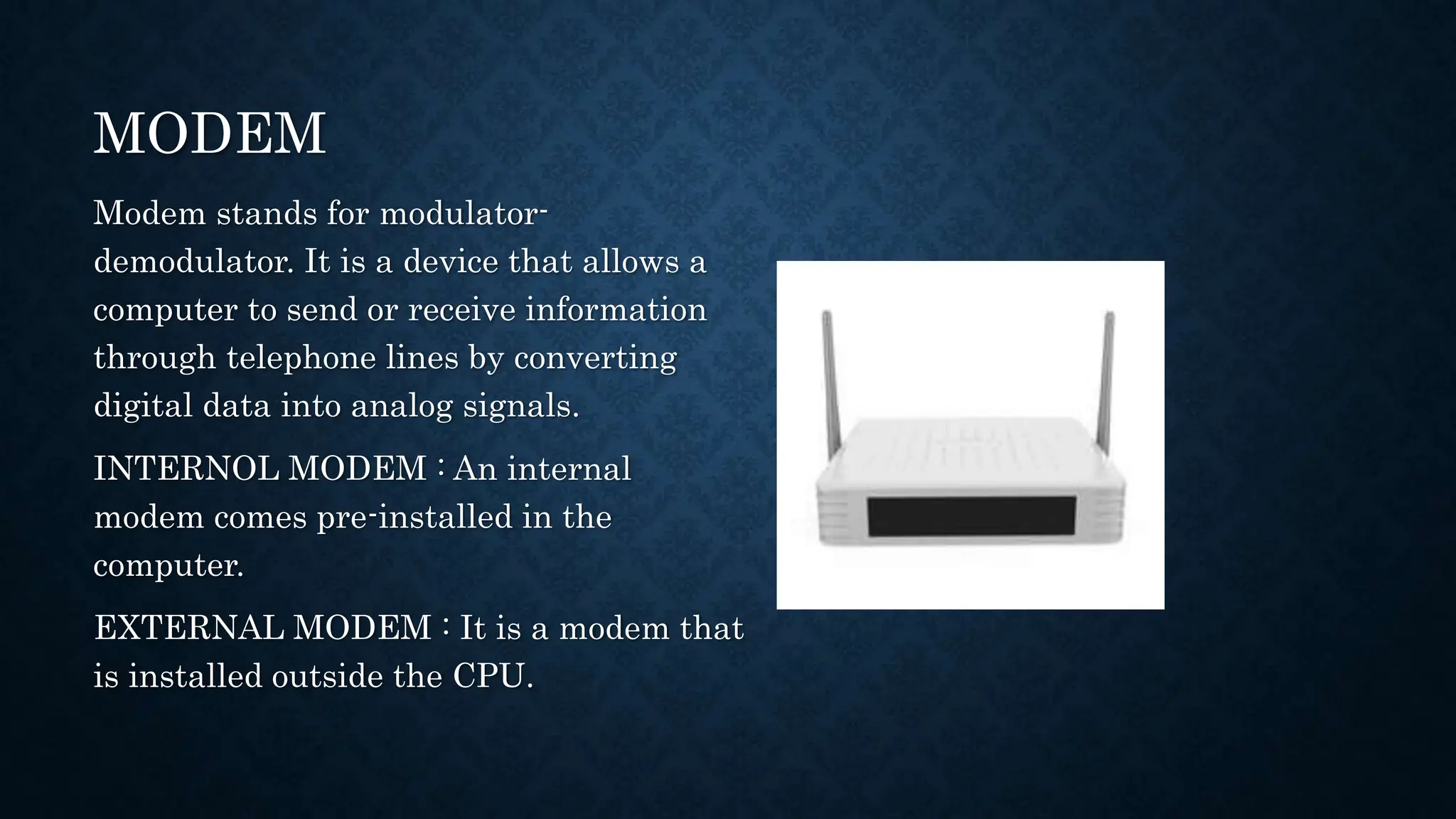
MODEM
Modem stands for modulator-
demodulator. It is a device that allows a
computer to send or receive information
through telephone lines by converting
digital data into analog signals.
INTERNOL MODEM : An internal
modem comes pre-installed in the
computer.
EXTERNAL MODEM : It is a modem that
is installed outside the CPU.
HEAT SINK
A heat sink is an electronic device, which is designed to
disperse the heat generated by the CPU.
PORTS :
SERIAL PORTS: It transfers the information in
or out sequentially one bit at a time.
PARALLEL PORTS: It transfers several bits at
a time.
USB: USB stands for Universal Serial Bus.
Nowadays, external devices are used to connect
with CPU.
AUDIO: It is used to connect speakers,
headphones, microphone, etc…
•EXTERNAL
HARDWARE
The components that are attached to the computer
externally, are called external hardware.
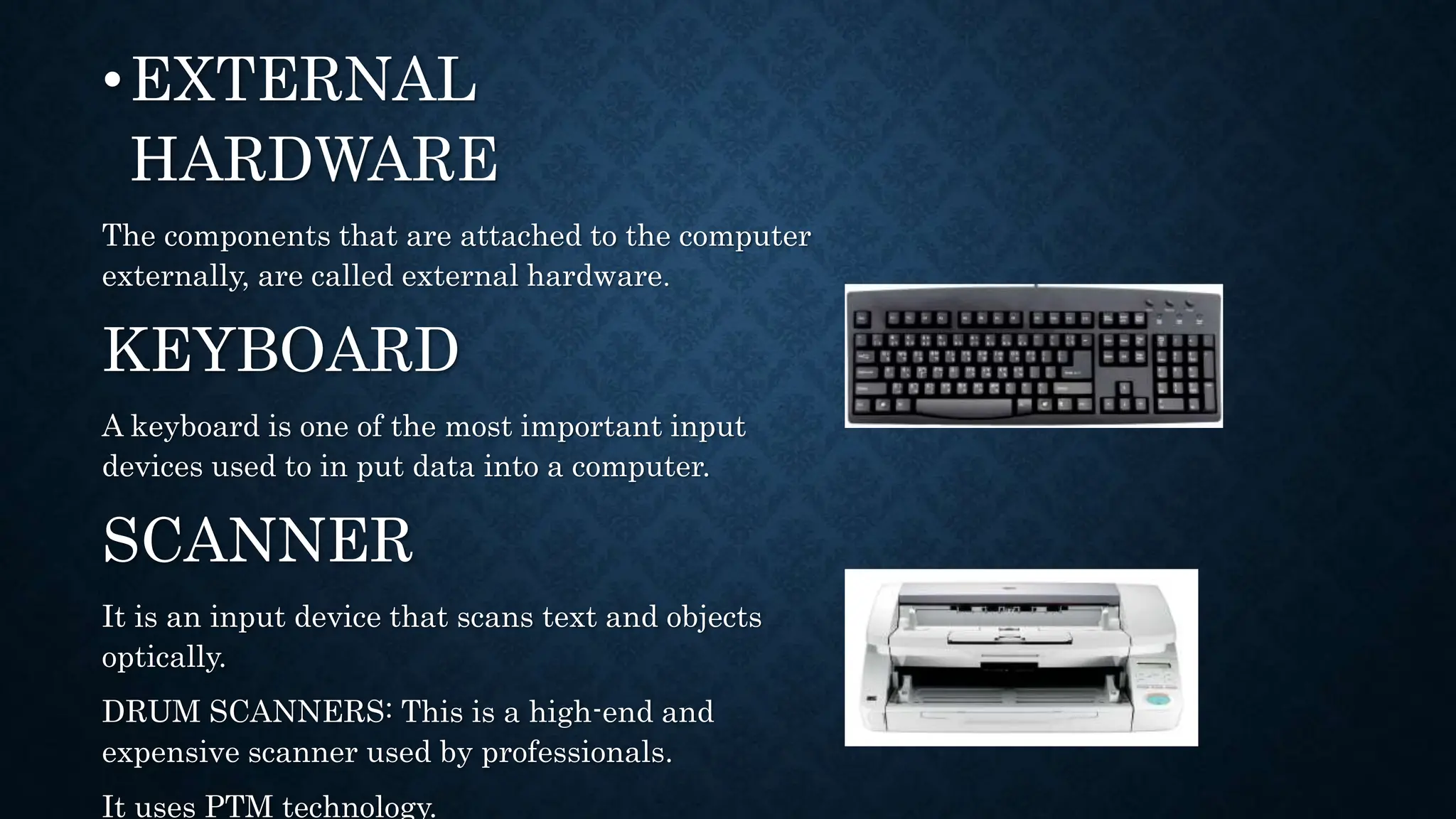
KEYBOARD
A keyboard is one of the most important input
devices used to in put data into a computer.
SCANNER
It is an input device that scans text and objects
optically.
DRUM SCANNERS: This is a high-end and
expensive scanner used by professionals.
It uses PTM technology.
MICROPHONE
It is a input device, used to record and
store voice or any other sound into a
computer, generally as a .wav file.
WEB CAMERA
A web camera is a device connected to a
computer for taking images.
MONITOR
Monitor is a most common output device.
It is also called VDU. Just like a TV.
PROJECTOR
A is an output device that takes the images
generated by the computer and display onto a
big screen.
CD
CD stands for compact disk. It is a optical
storage device. A CD can store up to 700MB.
There are two types of CD are:-
CD-R
CD-RW
PEN DRIVE
It is a small And portable flash memory
data storage device, mainly used to
transfer audio, video and from the hard
disk of one computer to another.
THANK YOU

PRESENTATION ON HARDWARE COMPONENTS.pptx

  • 1.
    PRESENTATION ON HARDWARE COMPONENTS BY, CHETHANM, UTTAM S, VEDANTH S, SHAYAN KHAN, MAHAMUD SHAID KHAN. CLASS : 7 RUBY SUBMITTED TO : SUSHMA MADAM
  • 2.
    THERE ARE TWOTYPES OF HARDWARE COMPONENTS. INTERNAL AND EXTERNAL HARDWARE. • INTERNAL HARDWARE The hardware components that are installed inside the CPU cabinet are called internal hardware. For example, CPU, RAM, ROM, disk drive, Mother board, Video card, etc. MOTHER BOARD A motherboard is the main circuit board of a computer that holds the most essential components of the computer system. A motherboard mainly contains:  Processor chip [CPU]  Basic input/output System [BIOS]  Memory chips[RAM and ROM].
  • 3.
    RAM RAM stands forRandom Access Memory. It is directly accessed by CPU. The size of the RAM is 2 GB ,4 GB, 8GB, so on. The two types of RAM is: Static RAM and Dynamic RAM. ROM ROM stands for Read Only Memory. The instruction stored in a RAM cannot be changed. The different types of ROM are PROM, EPROM, EEPROM . DISK DRIVE A disk drive is a hardware component in a computer that enables the users to read, write, delete, and modify data on a storage disk.
  • 4.
    HARD DISK A harddisk is a magnetic storage device used to store used to store and retrieve data. Nowadays, came in various capacities, 512GB, 1TB, 5TB AND so on. SMPS SMPS stands for Switching Mode Power Supply. It is essential for safe running of power consuming electrical components for the CPU.
  • 5.
    MODEM Modem stands formodulator- demodulator. It is a device that allows a computer to send or receive information through telephone lines by converting digital data into analog signals. INTERNOL MODEM : An internal modem comes pre-installed in the computer. EXTERNAL MODEM : It is a modem that is installed outside the CPU.
  • 6.
    HEAT SINK A heatsink is an electronic device, which is designed to disperse the heat generated by the CPU. PORTS : SERIAL PORTS: It transfers the information in or out sequentially one bit at a time. PARALLEL PORTS: It transfers several bits at a time. USB: USB stands for Universal Serial Bus. Nowadays, external devices are used to connect with CPU. AUDIO: It is used to connect speakers, headphones, microphone, etc…
  • 7.
    •EXTERNAL HARDWARE The components thatare attached to the computer externally, are called external hardware. KEYBOARD A keyboard is one of the most important input devices used to in put data into a computer. SCANNER It is an input device that scans text and objects optically. DRUM SCANNERS: This is a high-end and expensive scanner used by professionals. It uses PTM technology.
  • 8.
    MICROPHONE It is ainput device, used to record and store voice or any other sound into a computer, generally as a .wav file. WEB CAMERA A web camera is a device connected to a computer for taking images. MONITOR Monitor is a most common output device. It is also called VDU. Just like a TV.
  • 9.
    PROJECTOR A is anoutput device that takes the images generated by the computer and display onto a big screen. CD CD stands for compact disk. It is a optical storage device. A CD can store up to 700MB. There are two types of CD are:- CD-R CD-RW
  • 10.
    PEN DRIVE It isa small And portable flash memory data storage device, mainly used to transfer audio, video and from the hard disk of one computer to another.
  • 11.