Hacking
Keynote
ROCK!HackingKeynote
Tips and tricks to make your slides
HackingKeynote
About Me
HackingKeynote
https://www.youtube.com/watch?v=kNO2HY7Auh8
4
Fonts
Colors
Images
Animation
HackingKeynote
FontsHackingKeynote
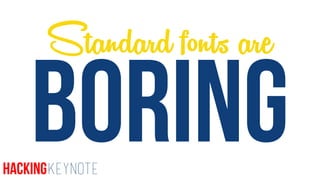
BORING
Standard fonts are
HackingKeynote
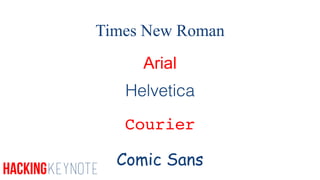
Times New Roman
Arial
Helvetica
Courier
Comic Sans
HackingKeynote
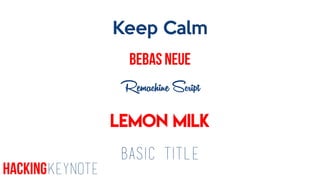
Keep Calm
Bebas Neue
Remachine Script
Lemon Milk
Basic Title
HackingKeynote
1Demonstration
HackingKeynote
11. Navigate to dafont.com
2. download Bebas Neue and Basic
Title.
3. Type first name in Bebas Neue and
last name in Basic Title.
4. Resize names
Challenge
TipsHackingKeynote
Chunky
LightHackingKeynote
Sans Serif
Serif
HackingKeynote
Play withdifferent sizes
HackingKeynote
ANIMATION
HackingKeynote
HackingKeynote
How cool was that?
HackingKeynote
2Demonstration
HackingKeynote
HackingKeynote
Hacking
Keynote
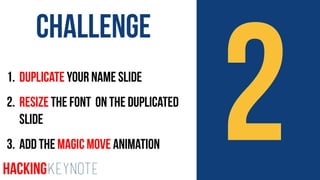
21. Duplicate Your Name Slide
2. Resize the font on the Duplicated
Slide
3. Add the Magic Move Animation
Challenge
HackingKeynote
I’m going to MOVE the boat.
Speaking of Magic…
HackingKeynote
HackingKeynote
3Demonstration
HackingKeynote
HackingKeynote
31. Insert an Image into a slide
2. Use the Action > Move Animation to
Animate your Image
Challenge
HackingKeynote
ColorsHackingKeynote
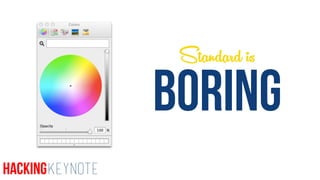
BORING
Standard is
HackingKeynote
HackingKeynote
4Demonstration
HackingKeynote
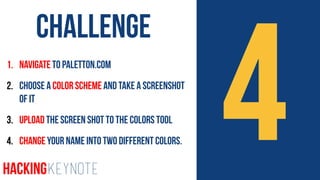
41. Navigate to paletton.com
2. Choose a color scheme and take a screenshot
of it
3. Upload the Screen shot to the Colors tool
4. Change your Name into two different Colors.
Challenge
HackingKeynote
TipUse the color palette!
HackingKeynote
ImagesHackingKeynote
Frog
HackingKeynote
FROG
HackingKeynote
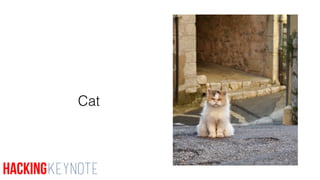
Cat
HackingKeynote
CAT
HackingKeynote
HackingKeynote
HackingKeynote
5Demonstration
HackingKeynote
HackingKeynote
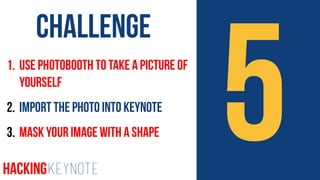
51. Use Photobooth to take a picture of
yourself
2. Import the photo into Keynote
3. Mask your Image with a Shape
Challenge
HackingKeynote
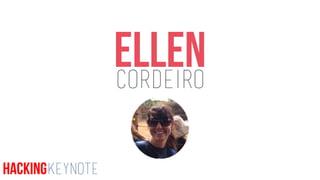
EllenCordeiro
HackingKeynote

HACK keynote