A Presentation by : Prakash jha
ID: AD/RH/WM/09-15/23
Submitted By: Prakash jha
Submitted To: Mr. Rajesh Yadav
Topic: Google Analytics
 Access to the Internet
 Access to your website’s HTML
 Basic HTML knowledge
What it does
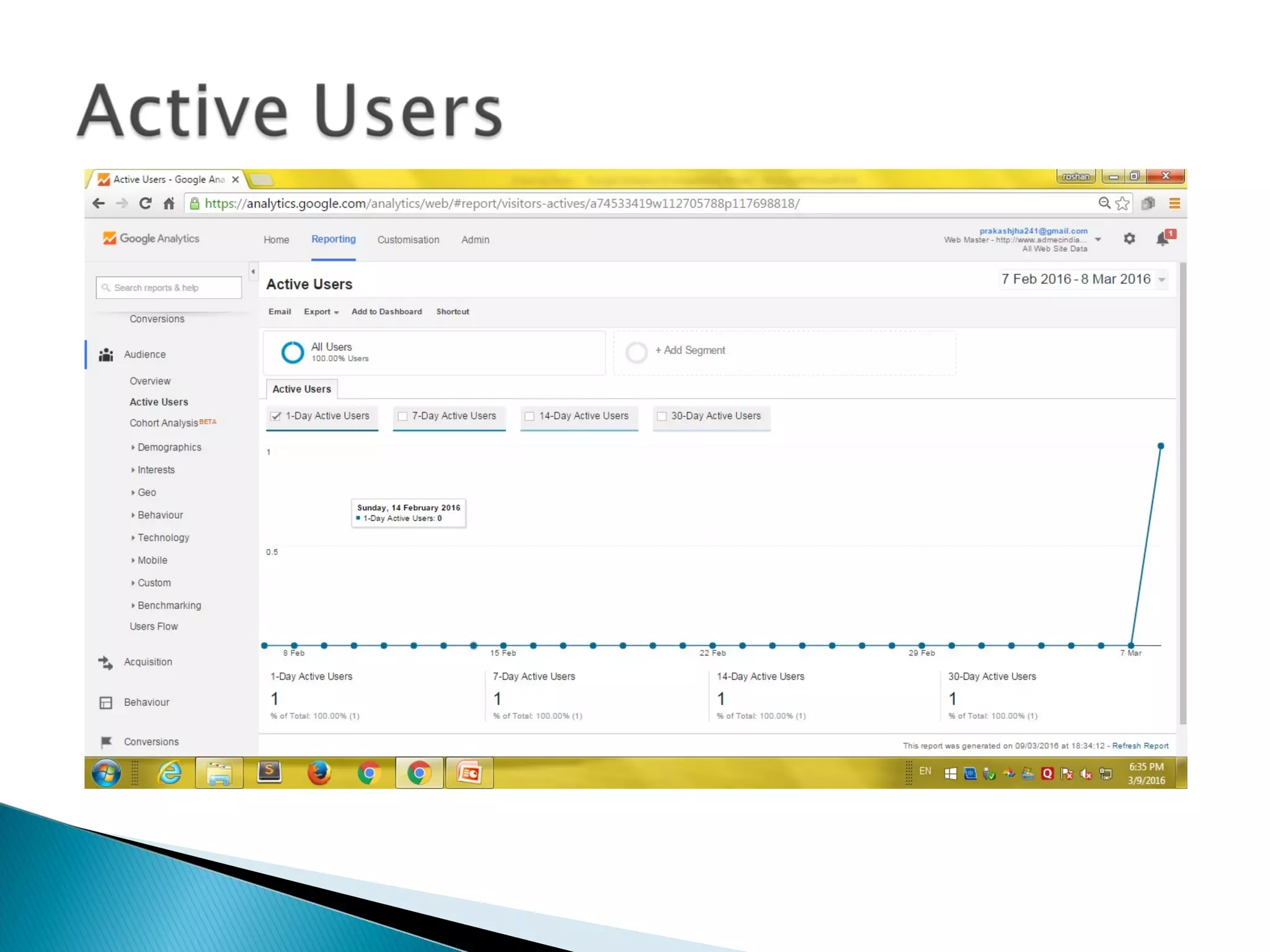
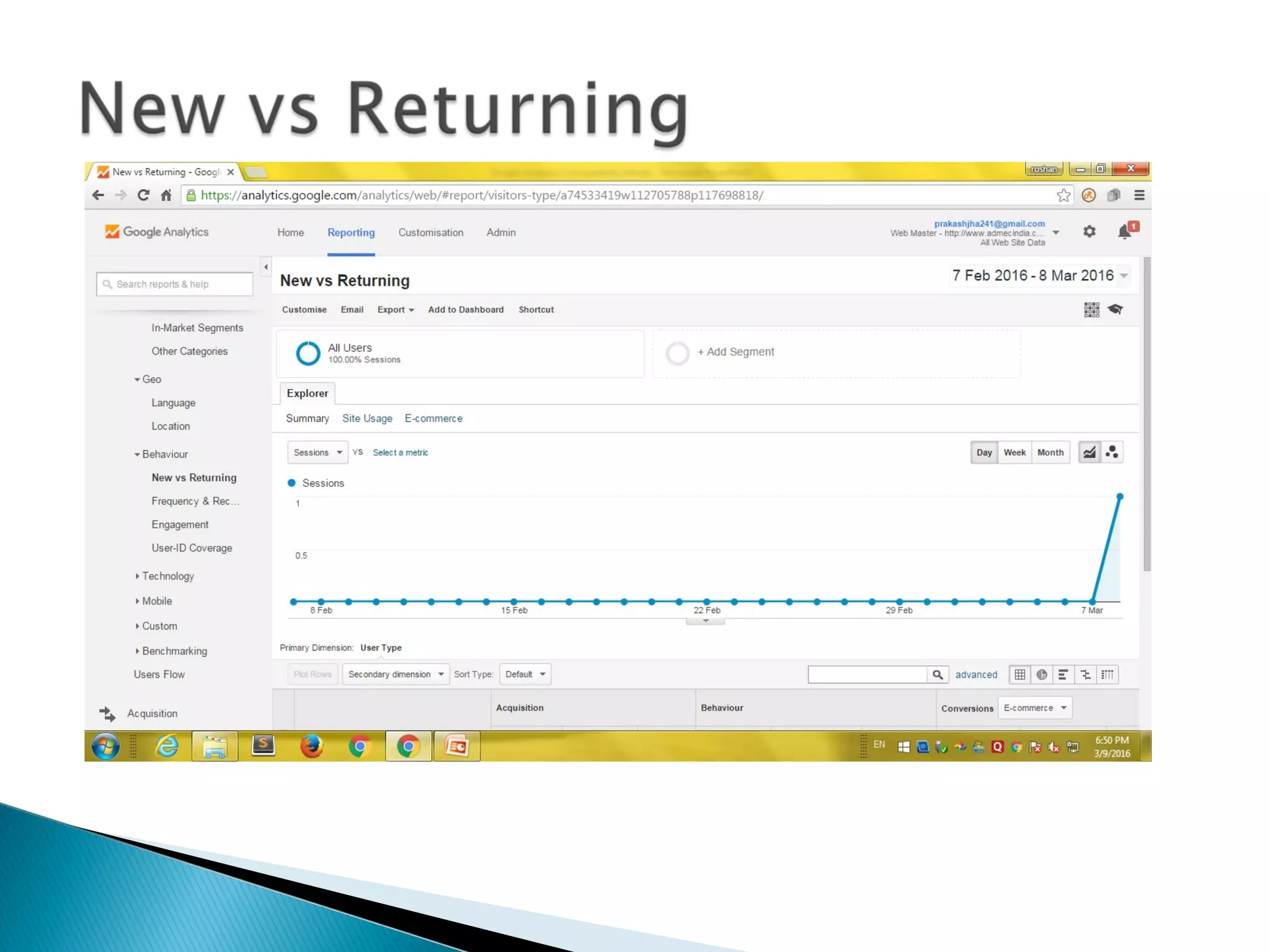
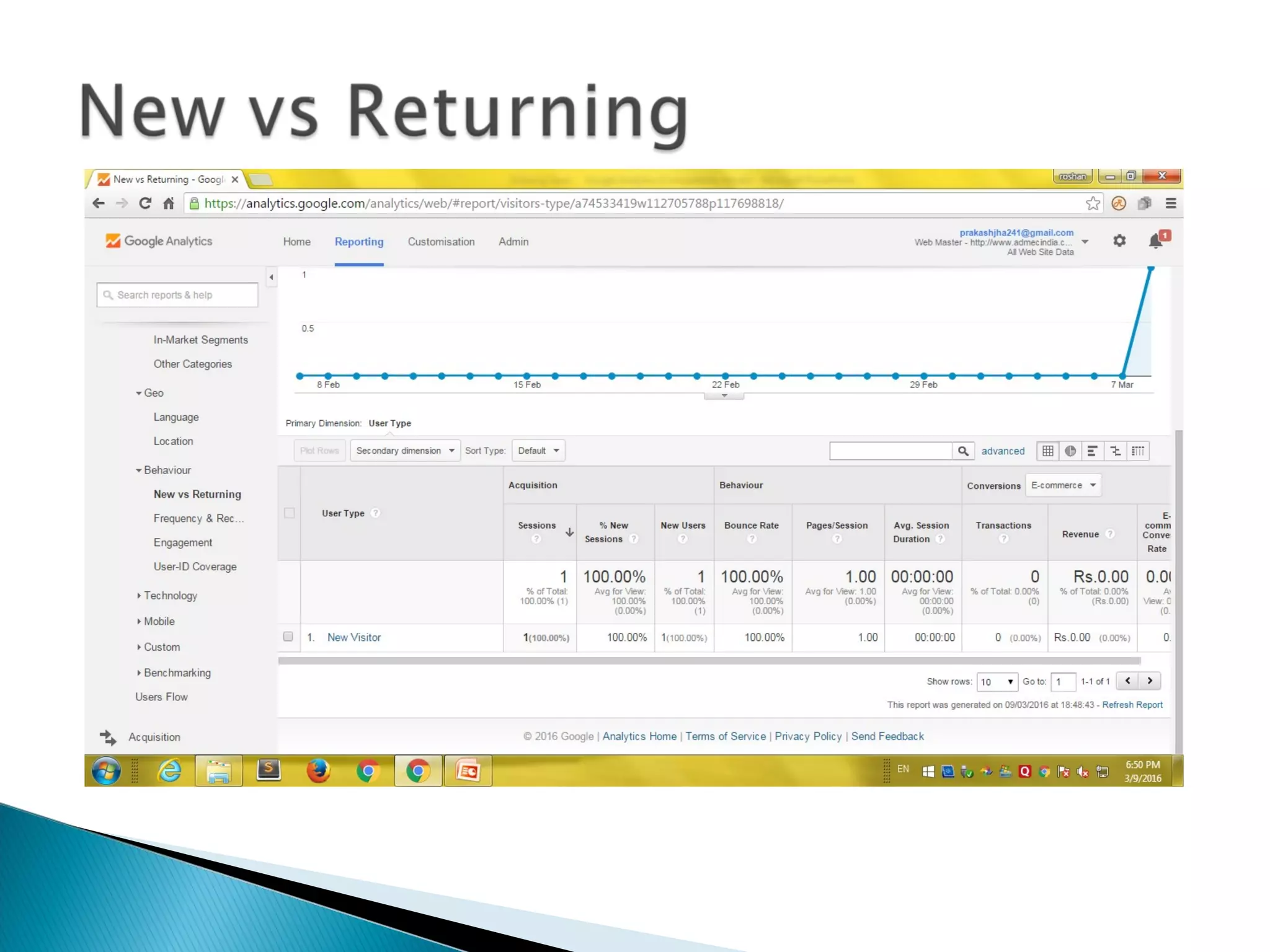
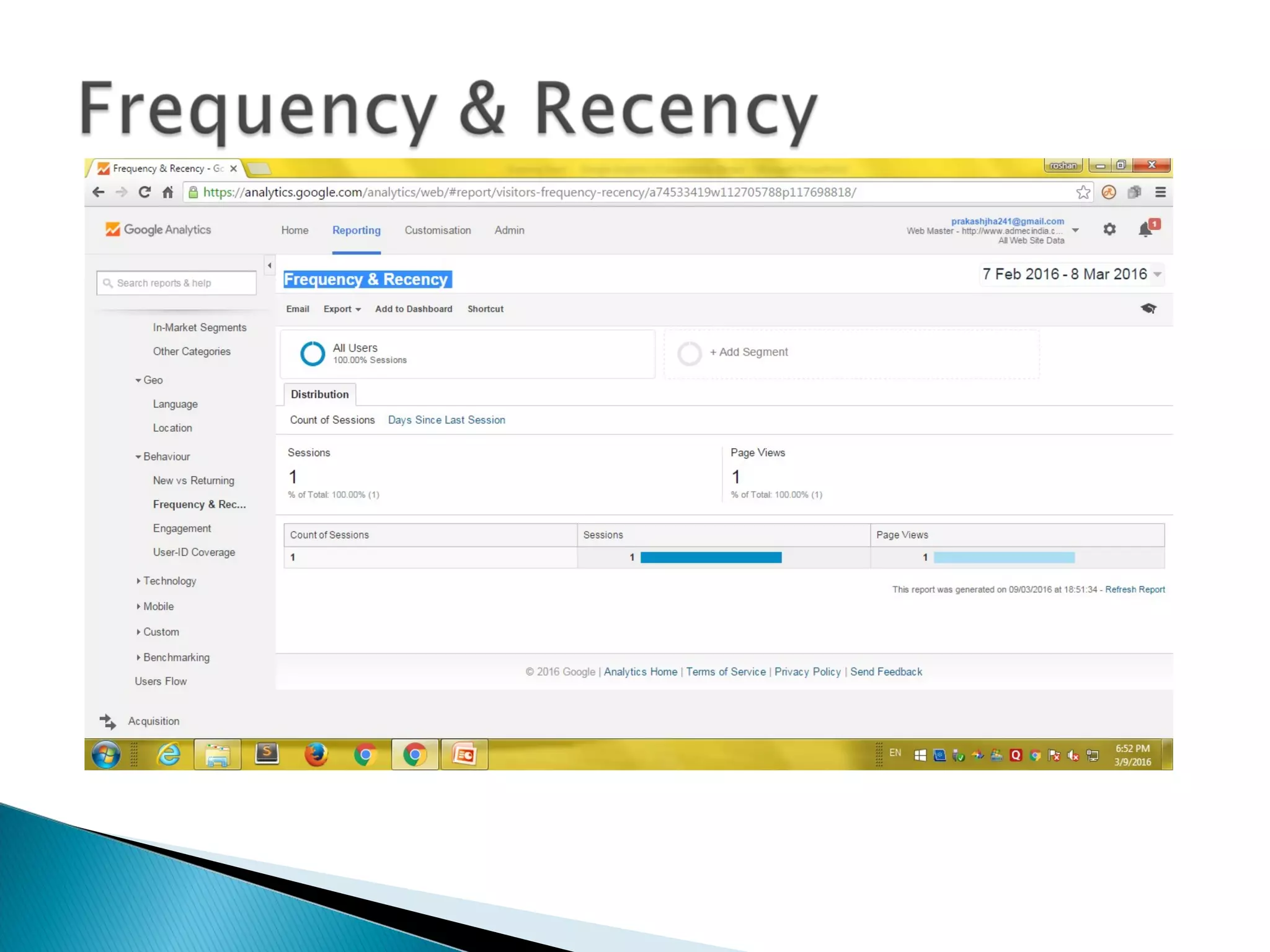
 Daily, monthly, yearly tracking of web visits
• Graphed over time
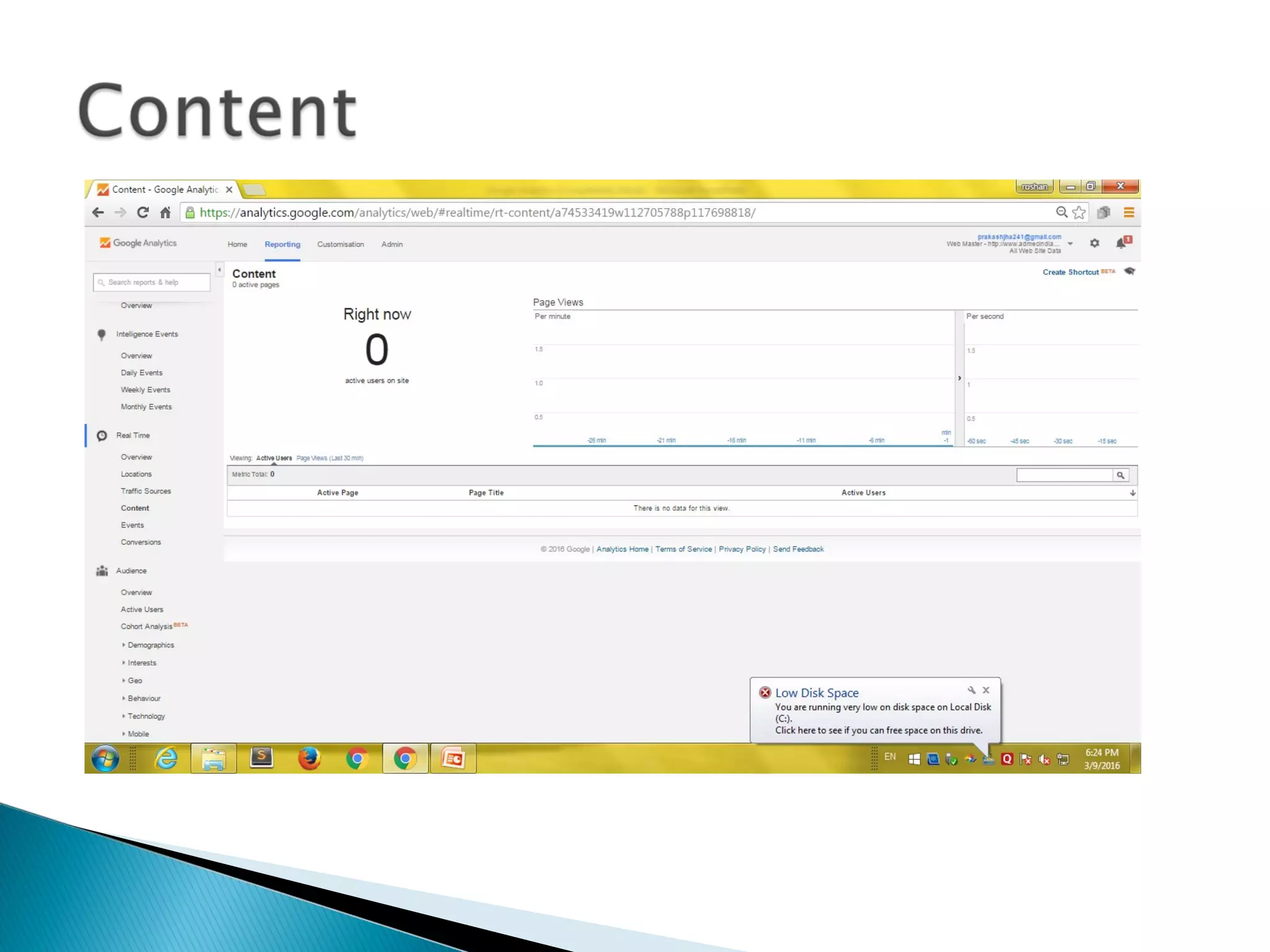
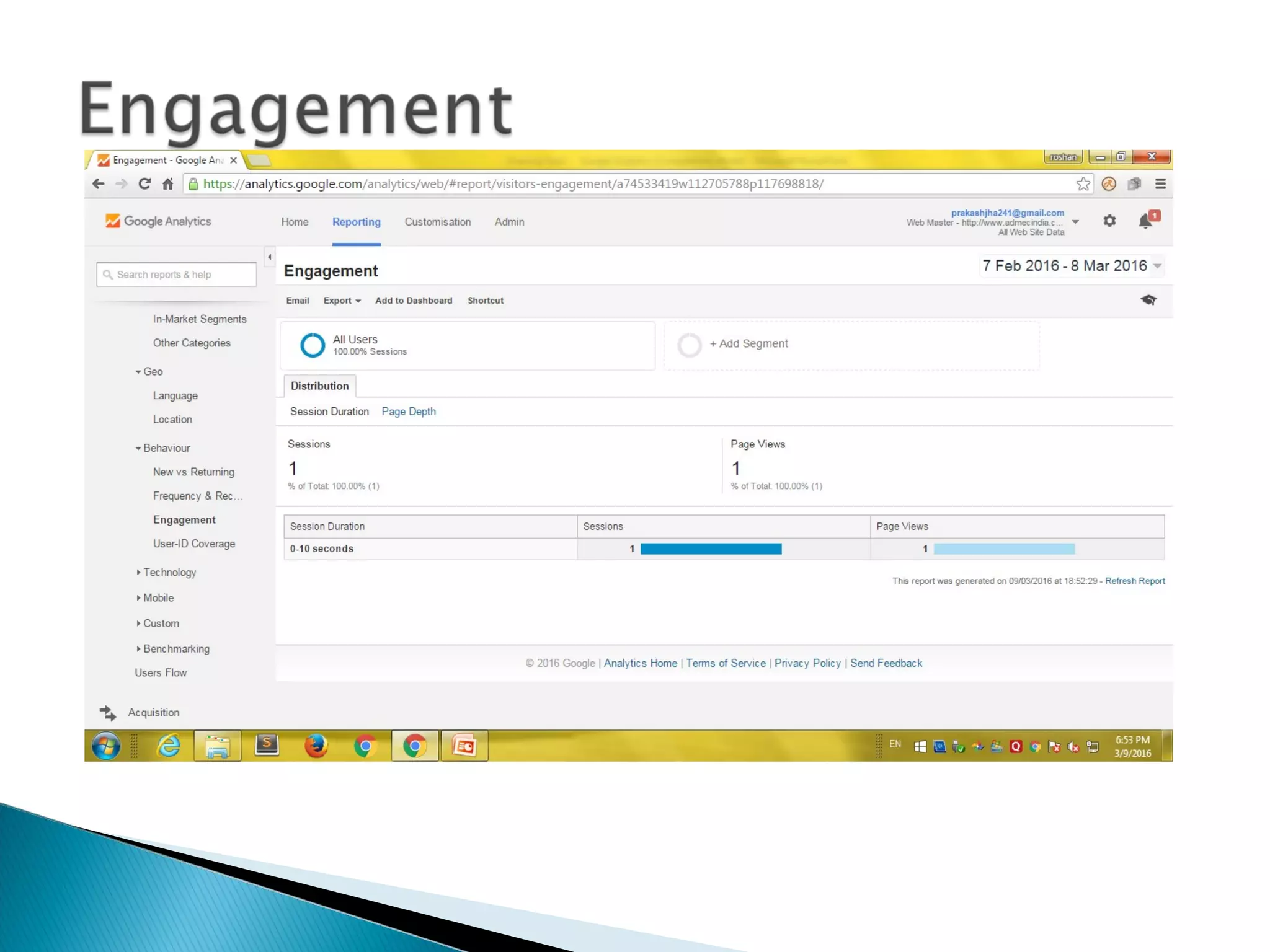
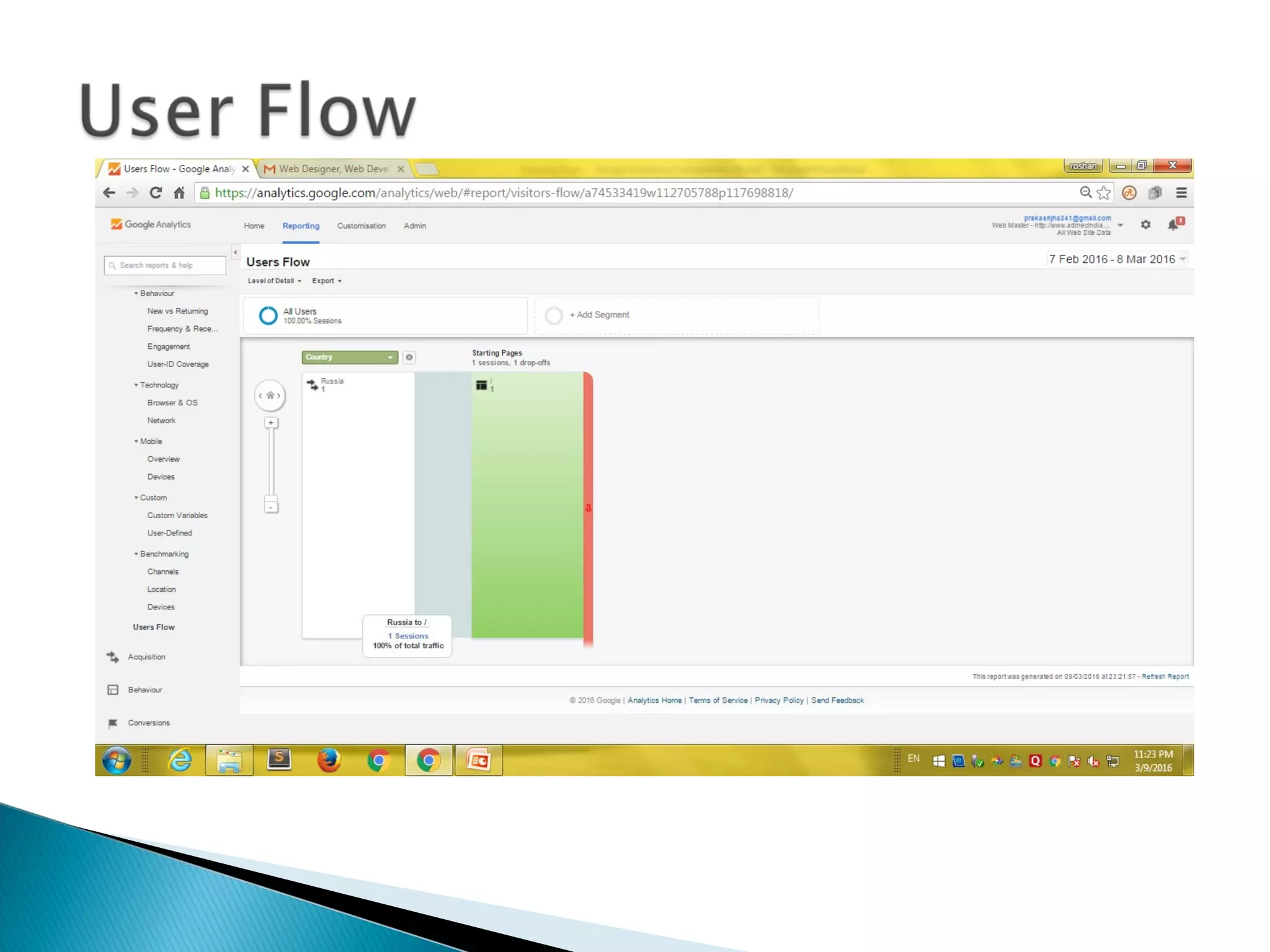
 Which pages they go to, how long they stay
• Bounce rate
• Entrance pages
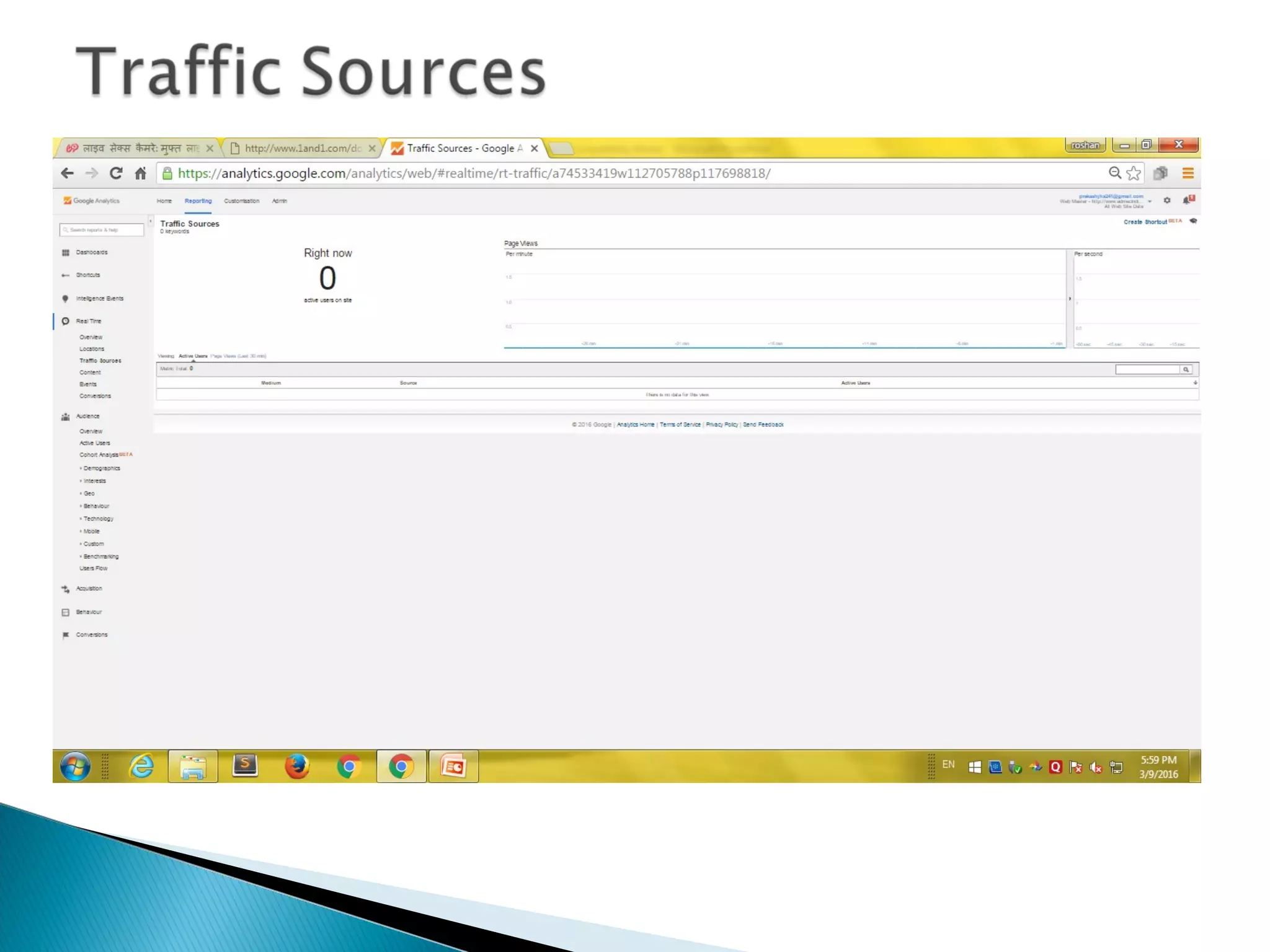
How they got there
• Search engines and Search terms used
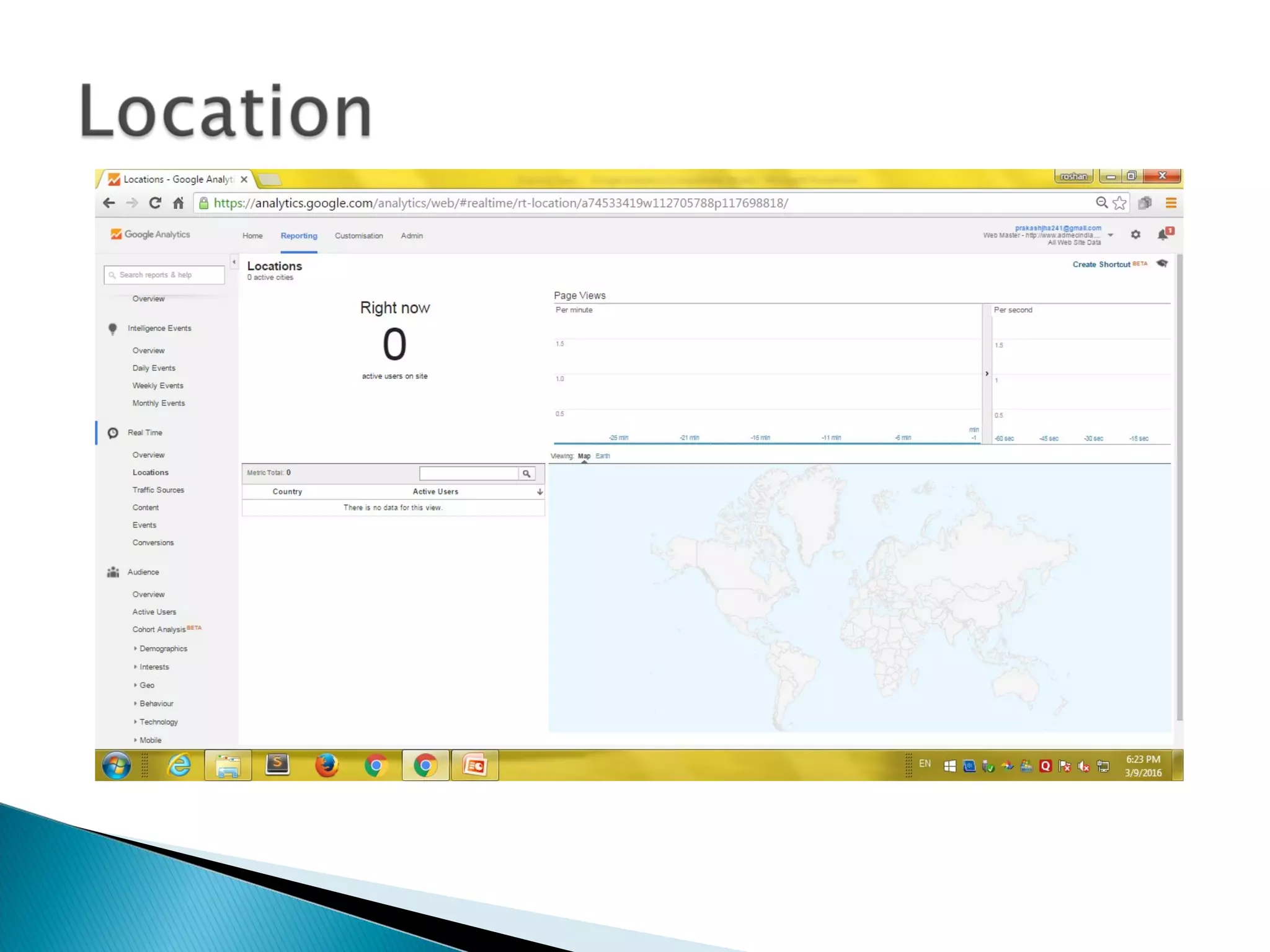
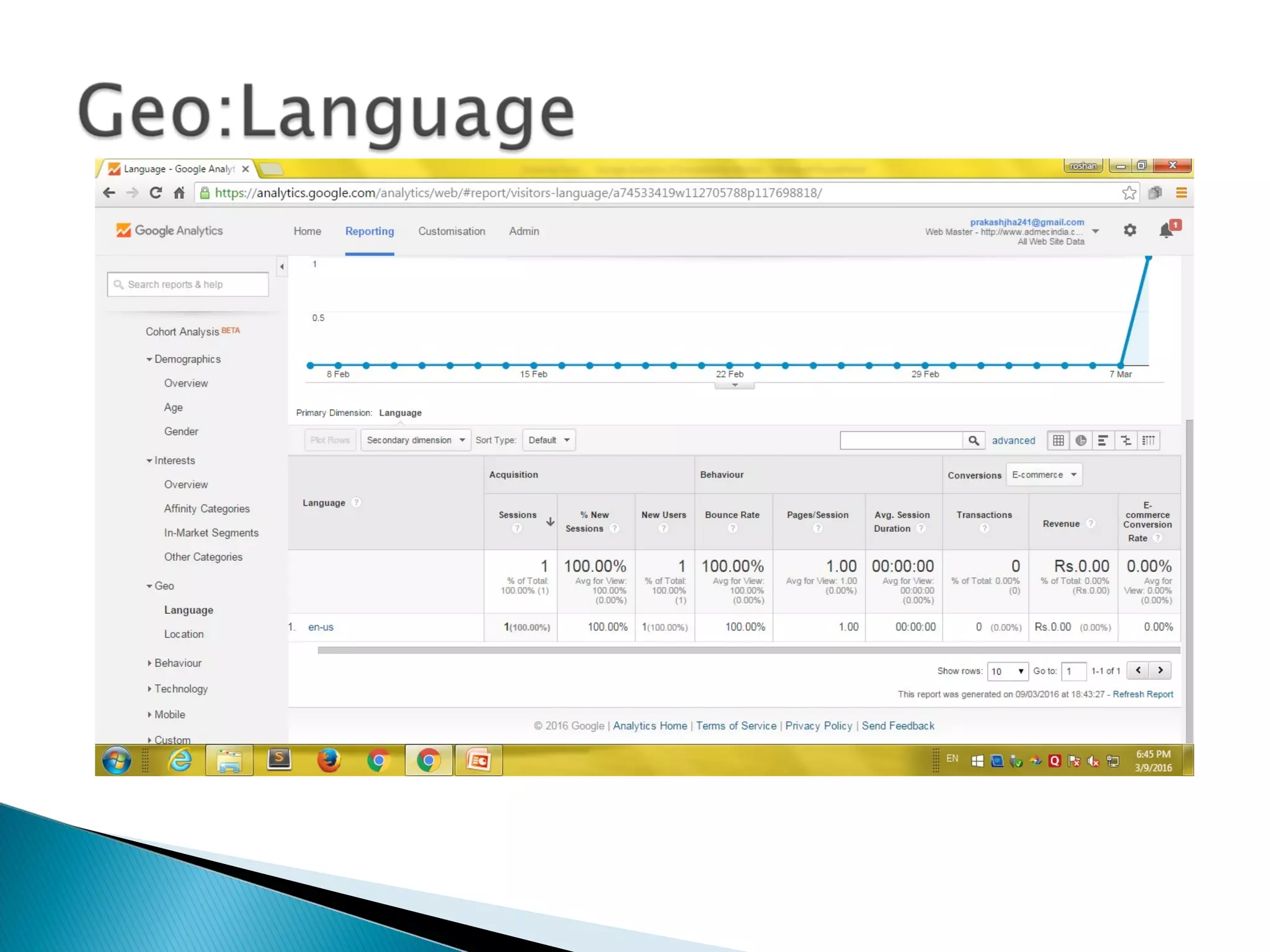
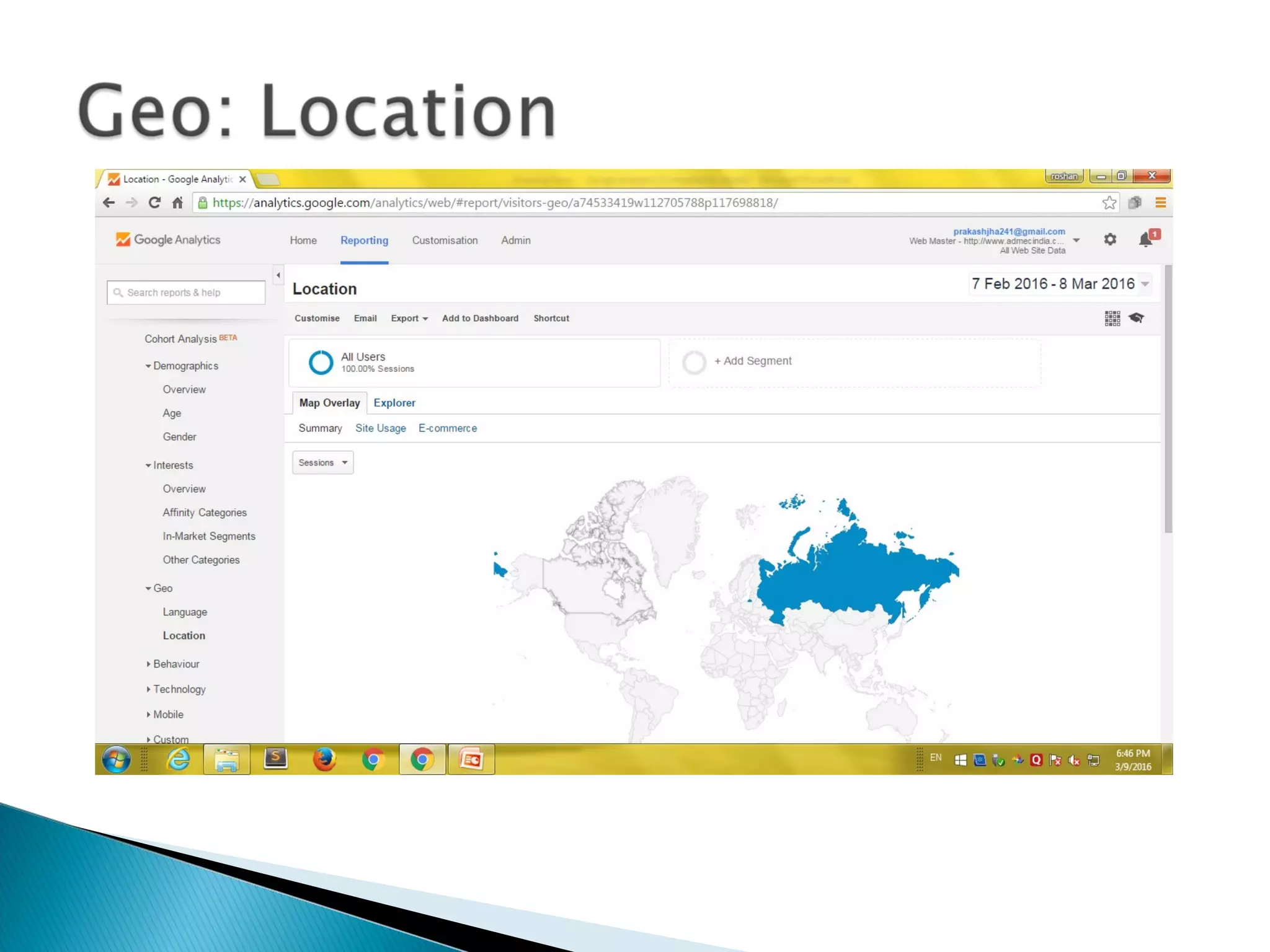
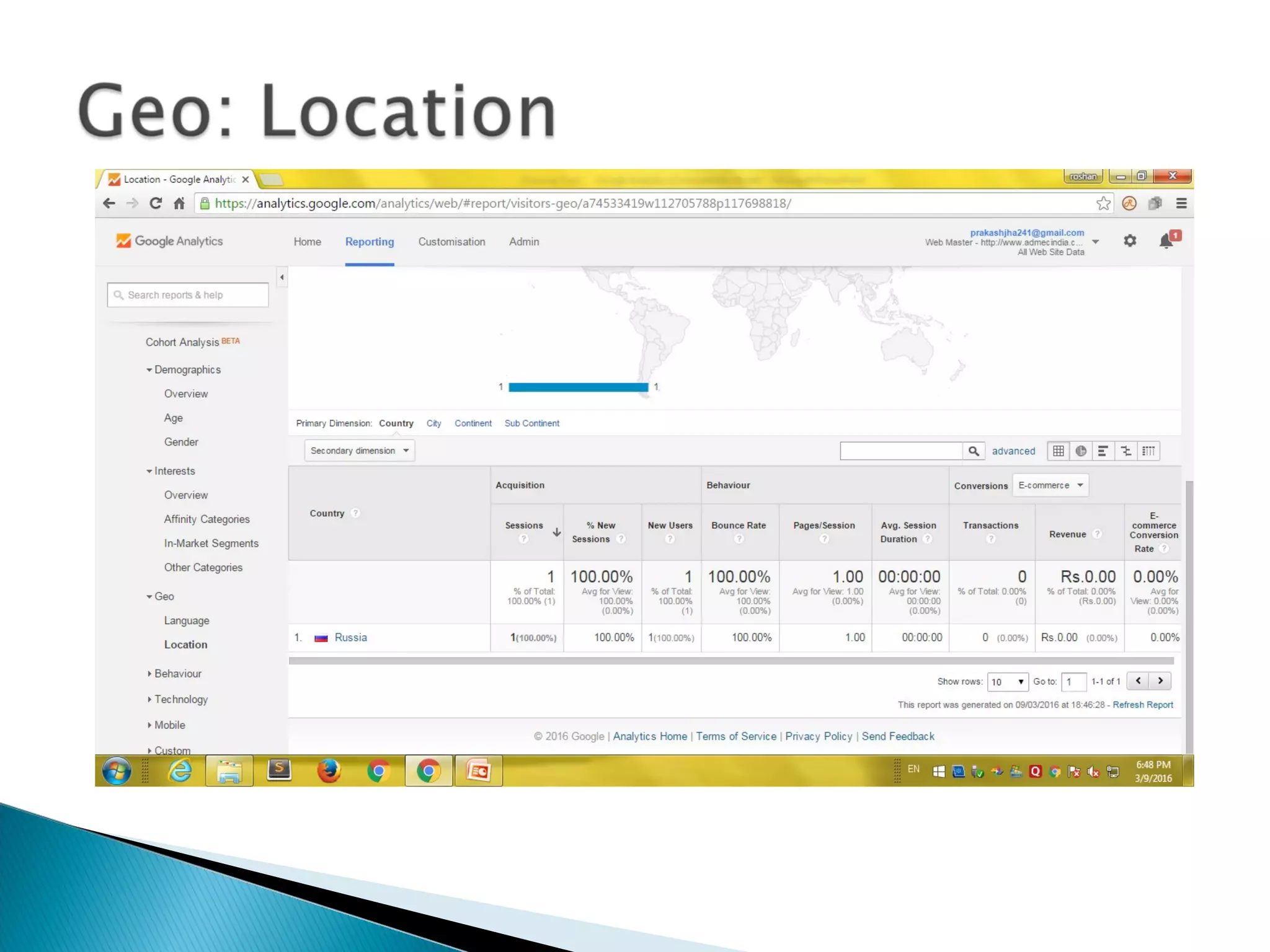
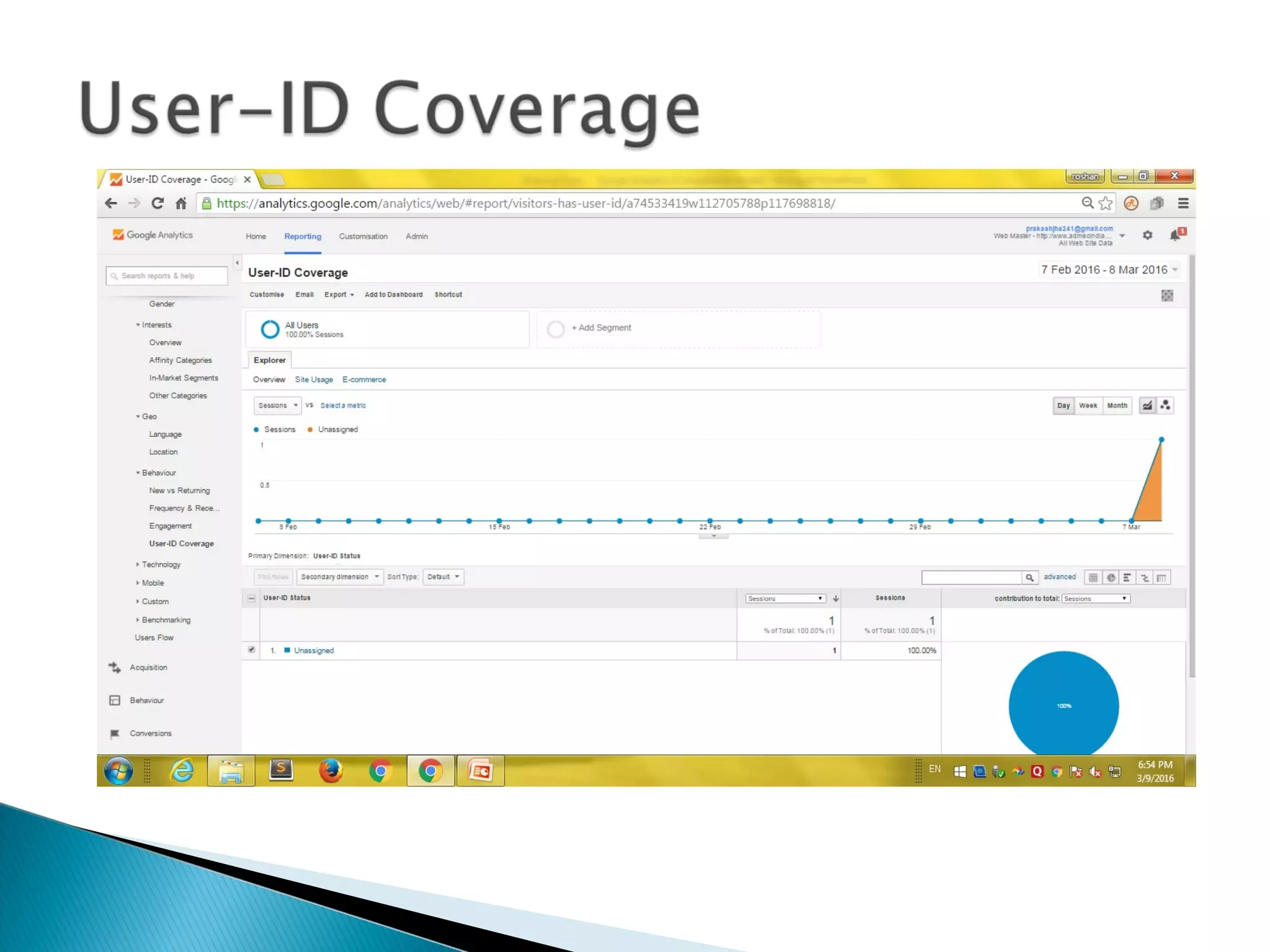
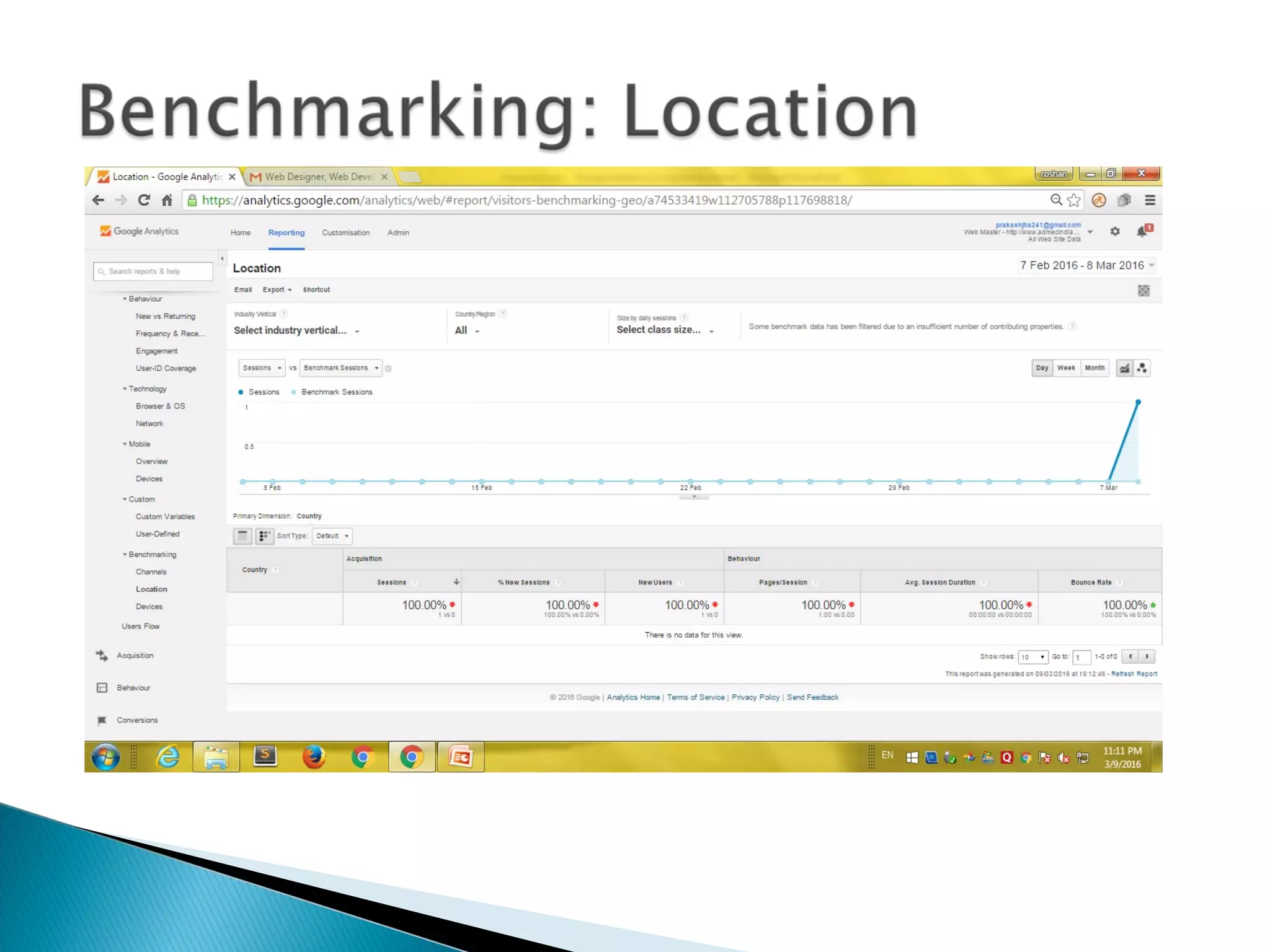
 Location, operating system, monitor resolution
How it works
 Sign up for Google Analytics
• https://www.google.com/analytics/
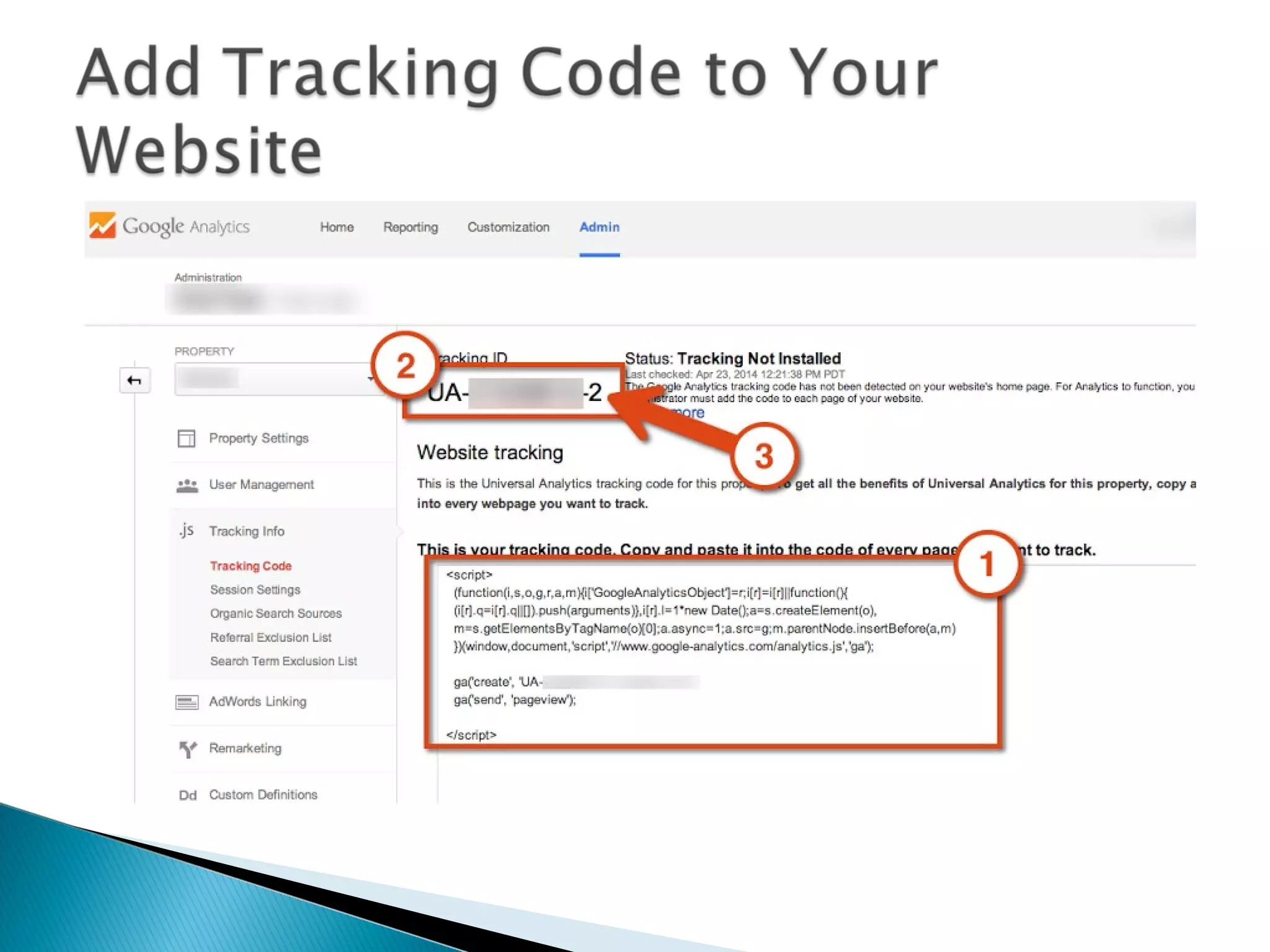
 They return code to you
 You paste the code just below the </head> tag
 Put it on EVERY page
• Edit>Find and Replace is easiest option
 Put it in your template pages, so it will be automatically
on every page
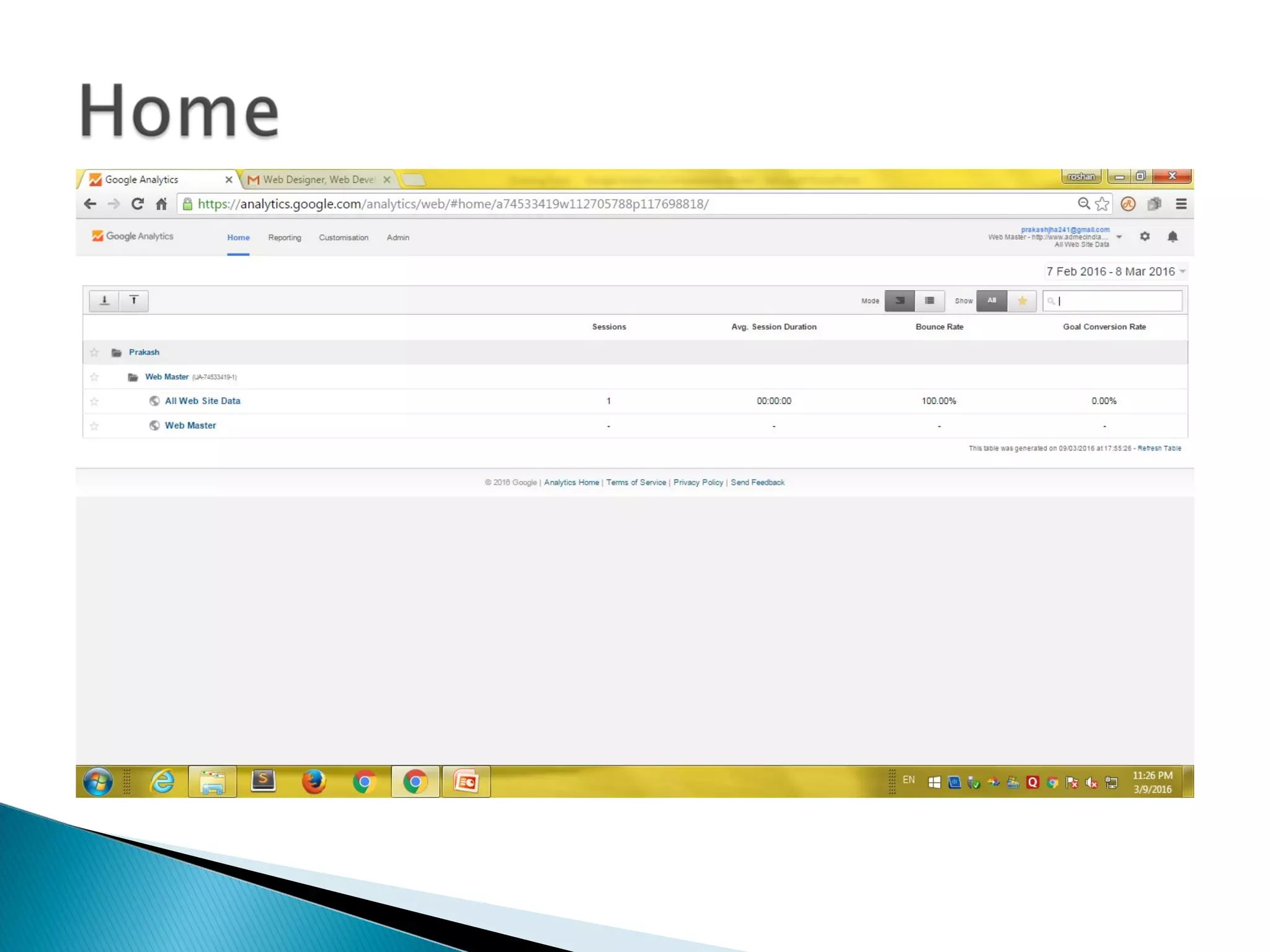
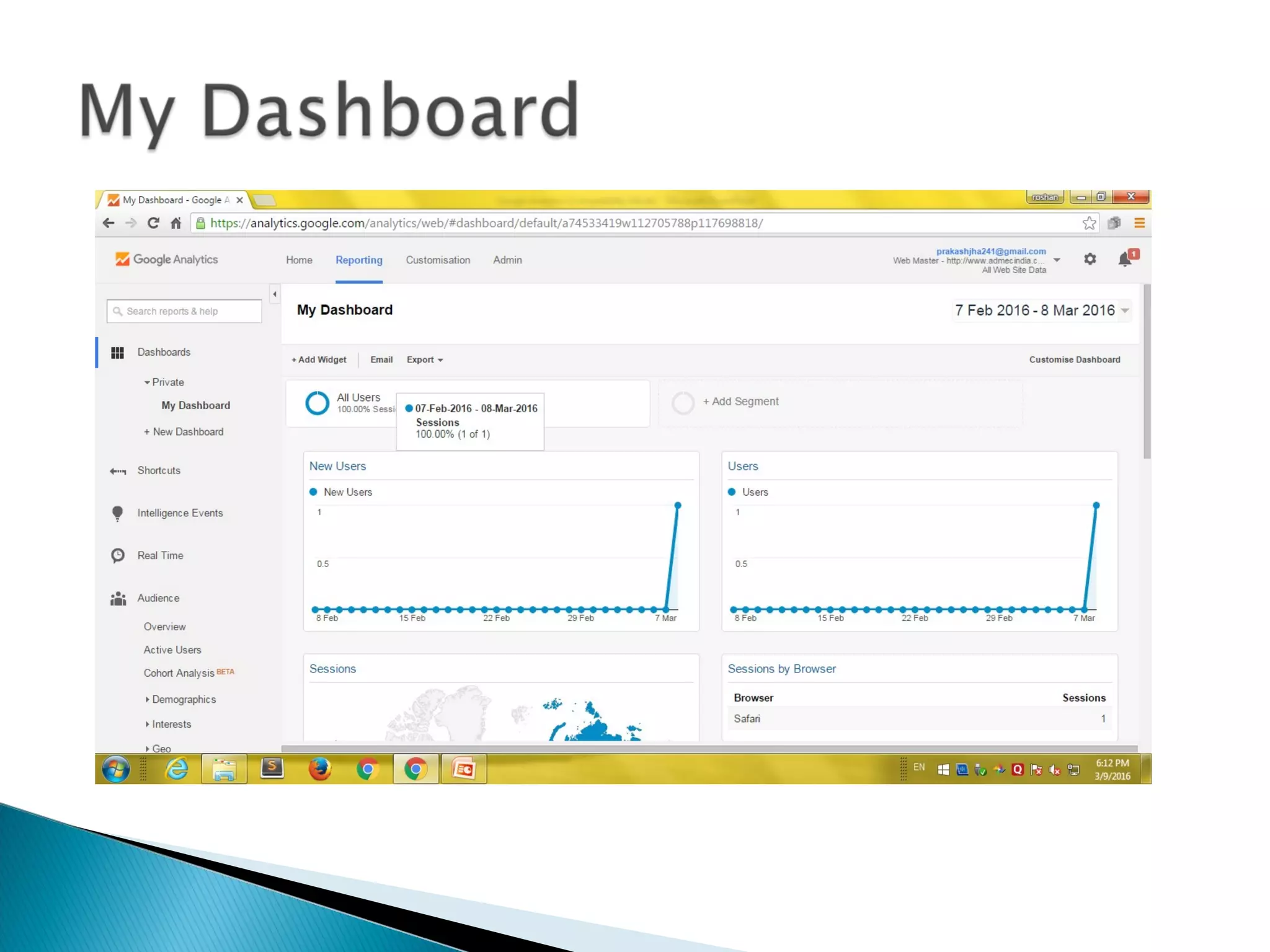
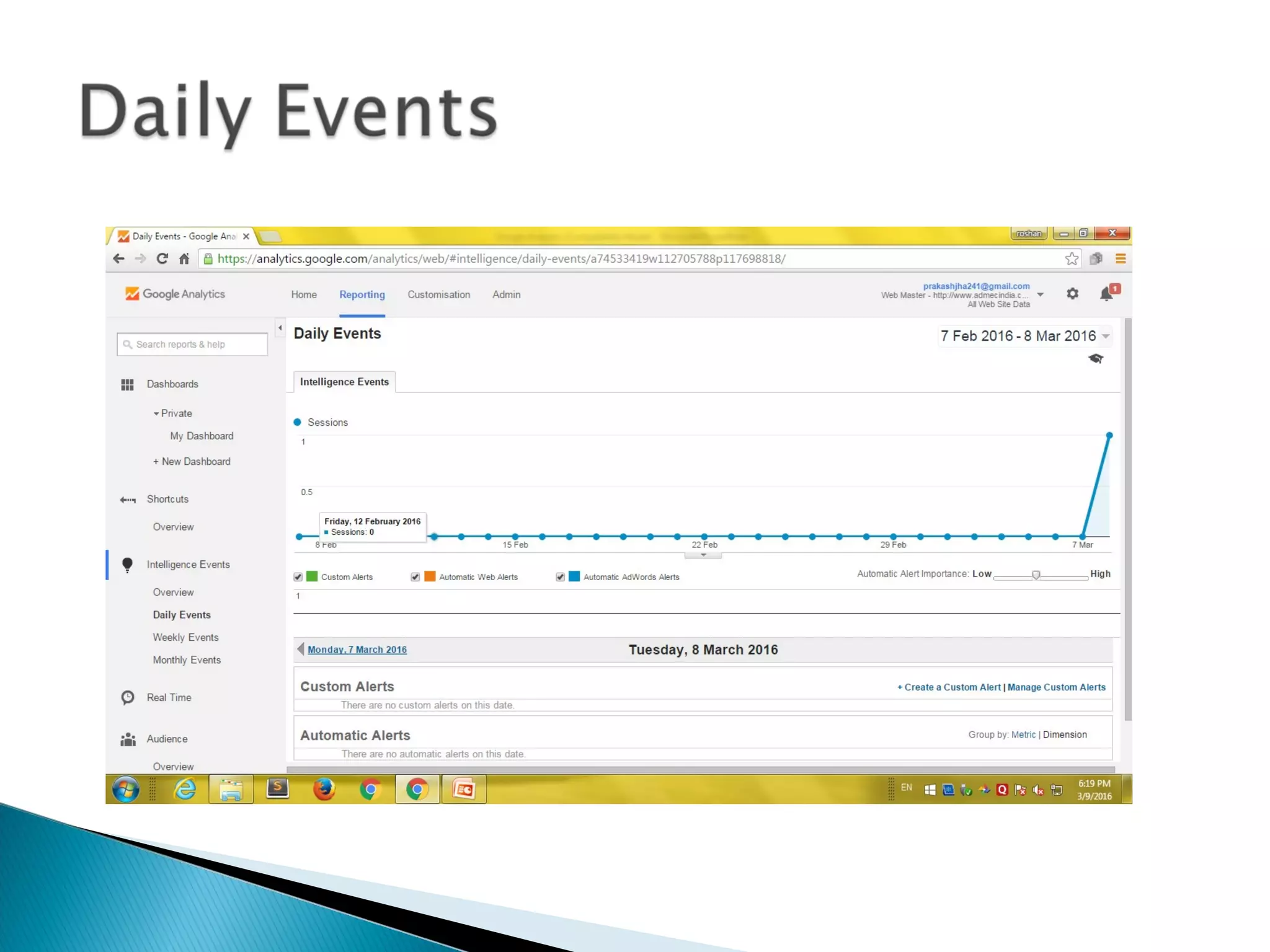
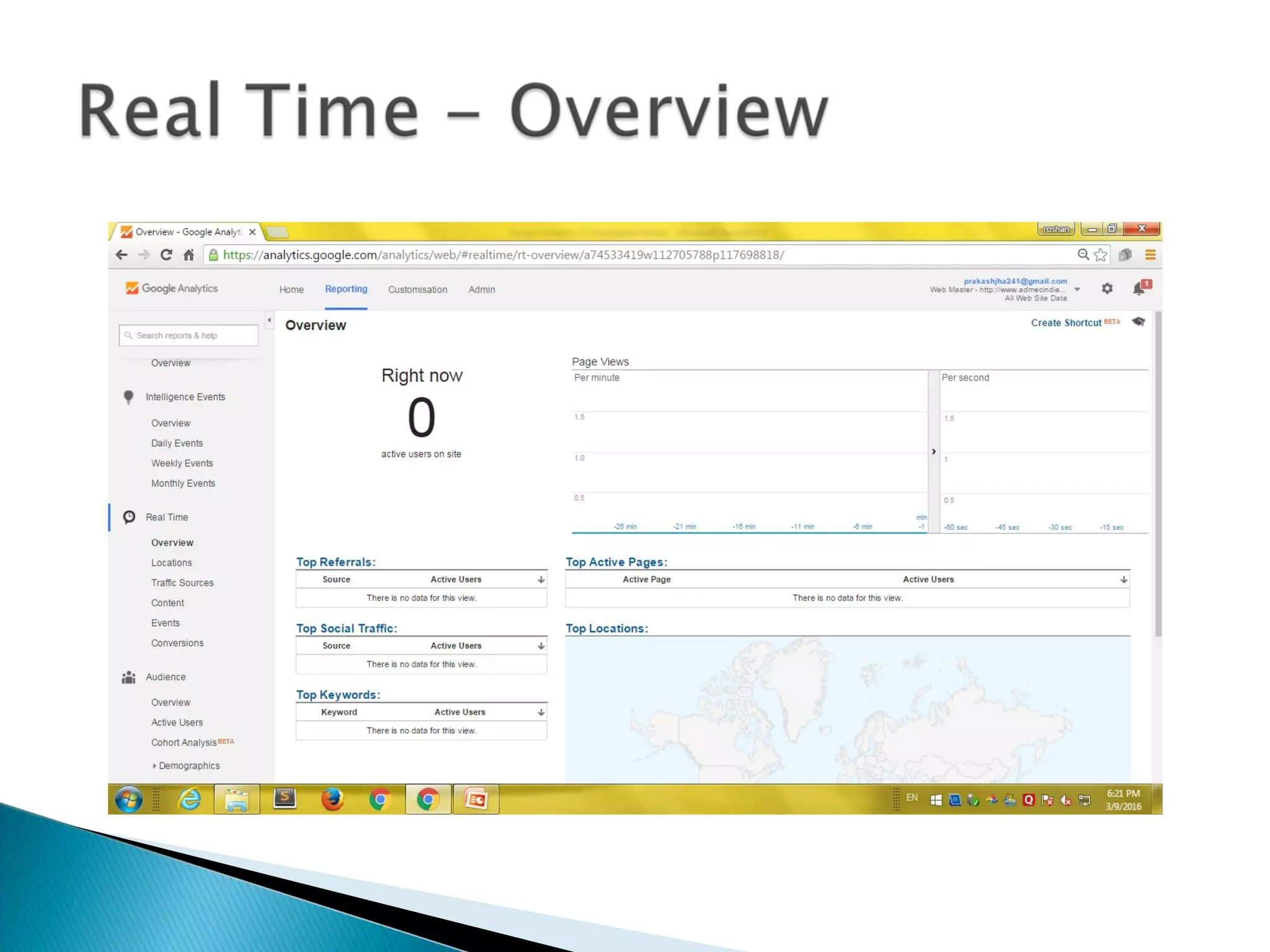
 Go to the Analytics dashboard page to see daily metrics
Useful Reports
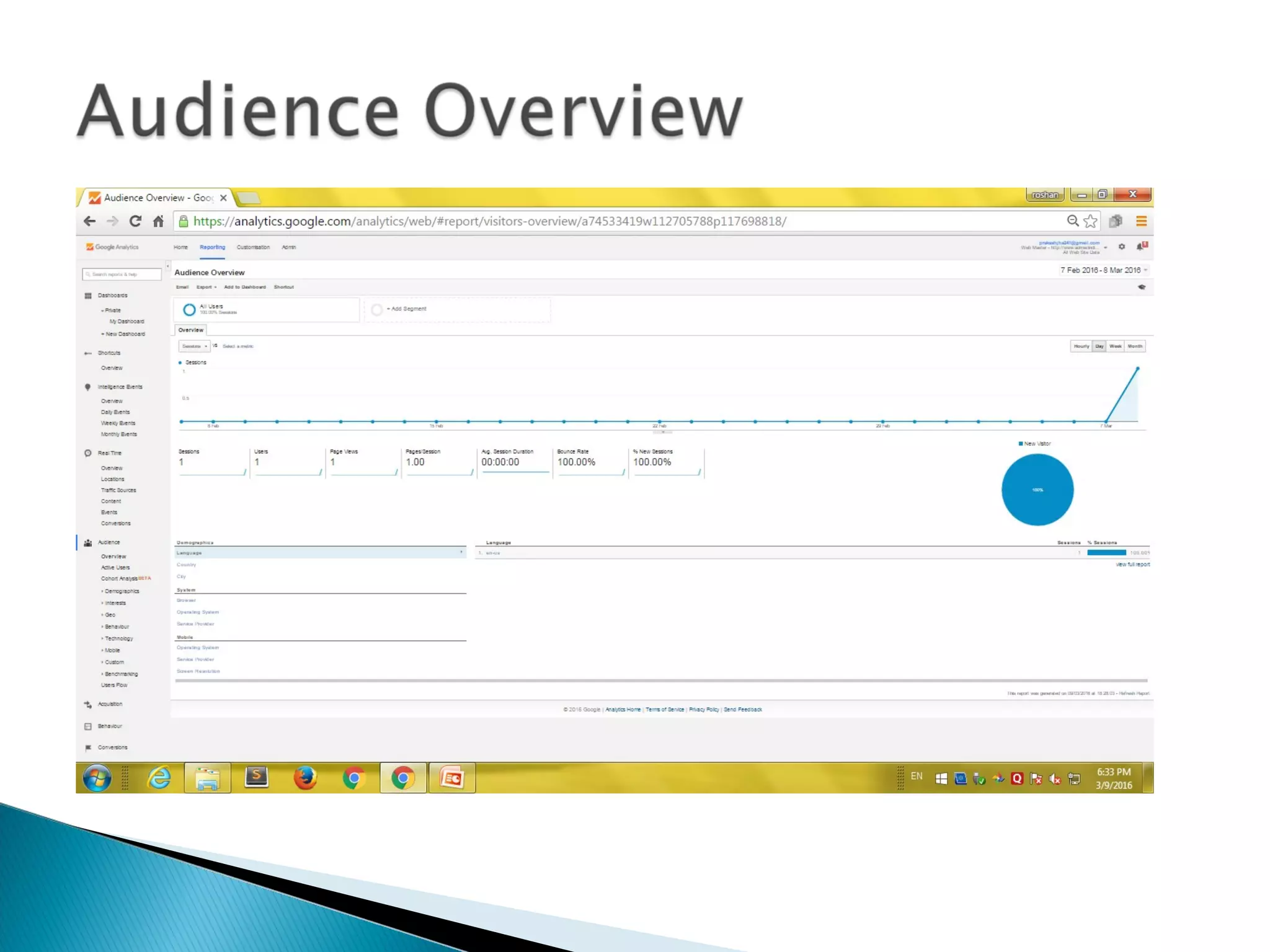
 Visitors:
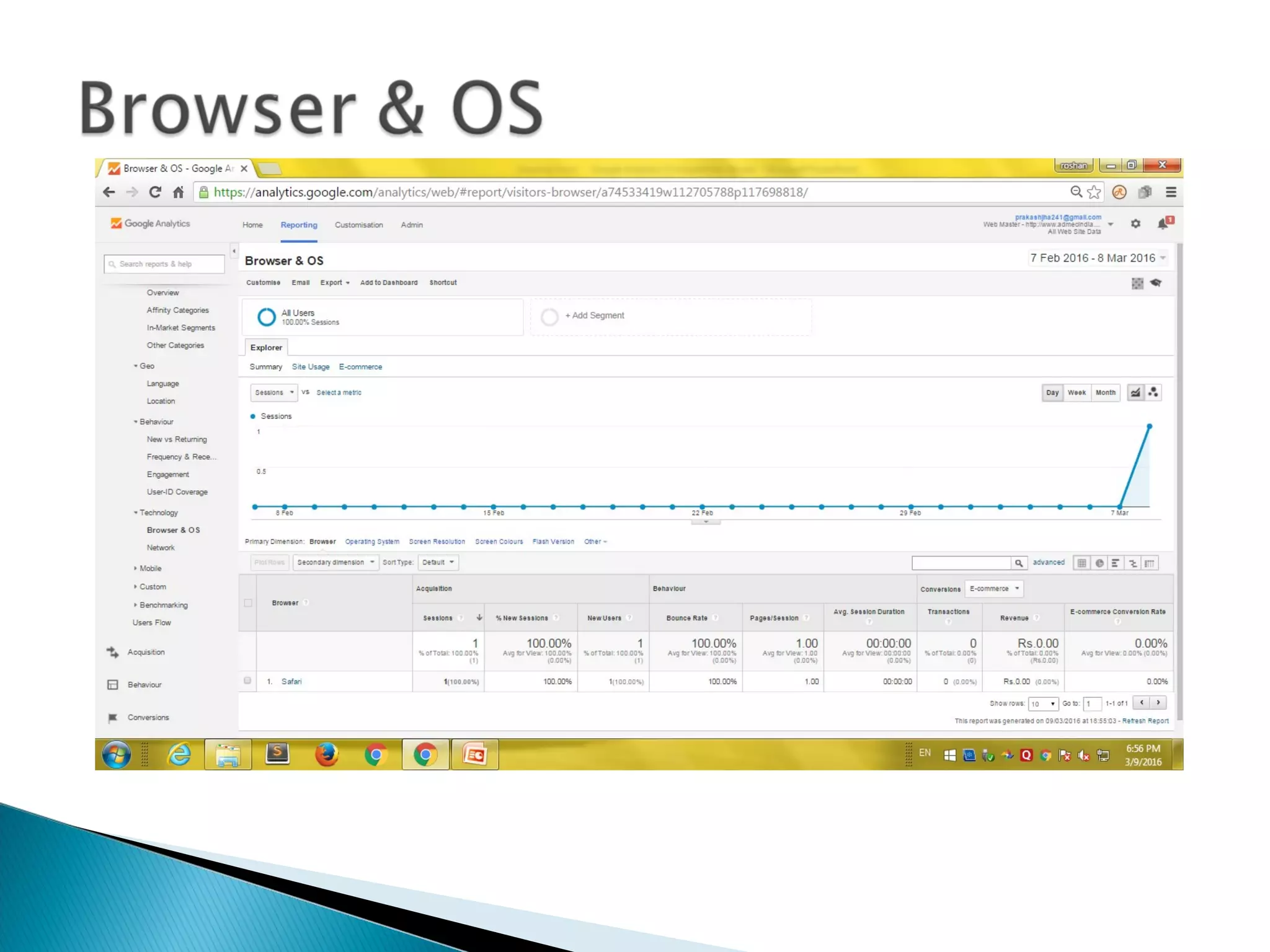
Map overlay, Browsers, Operating systems, Screen
resolution, Connection speed
 Traffic sources
Direct links/Referring links/Search engines, Most
frequent search words used
 Content
Top content, Site overlay
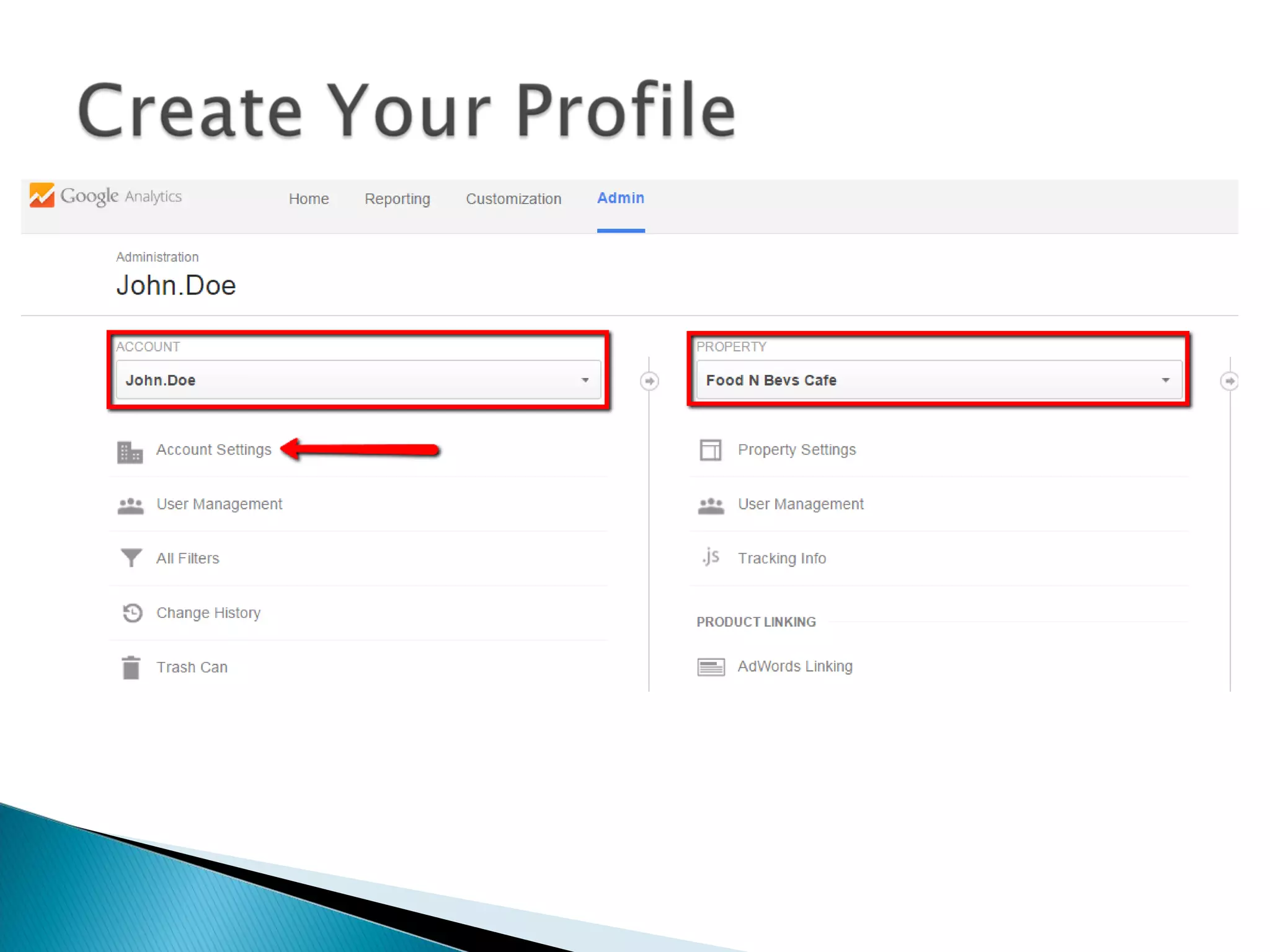
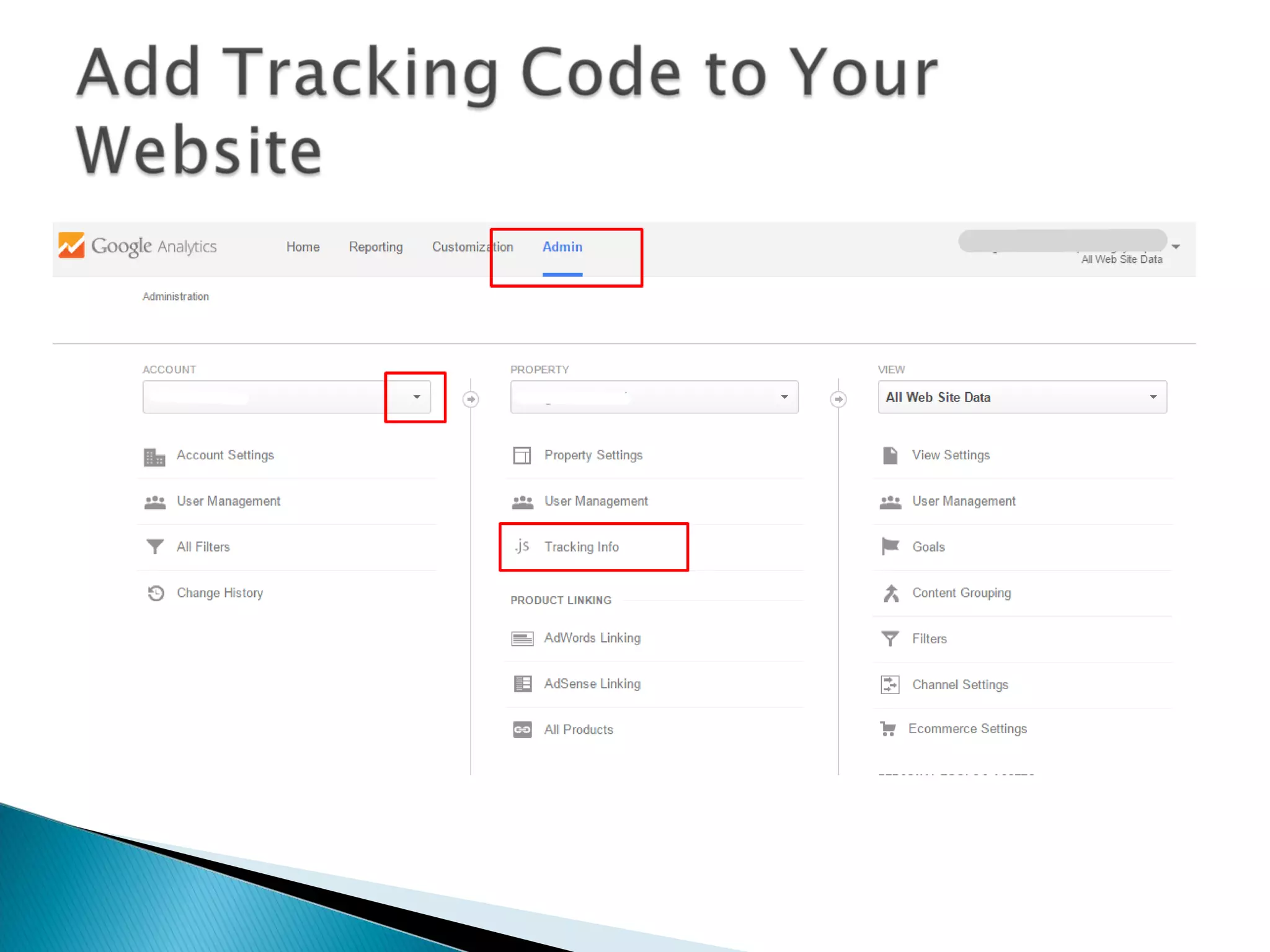
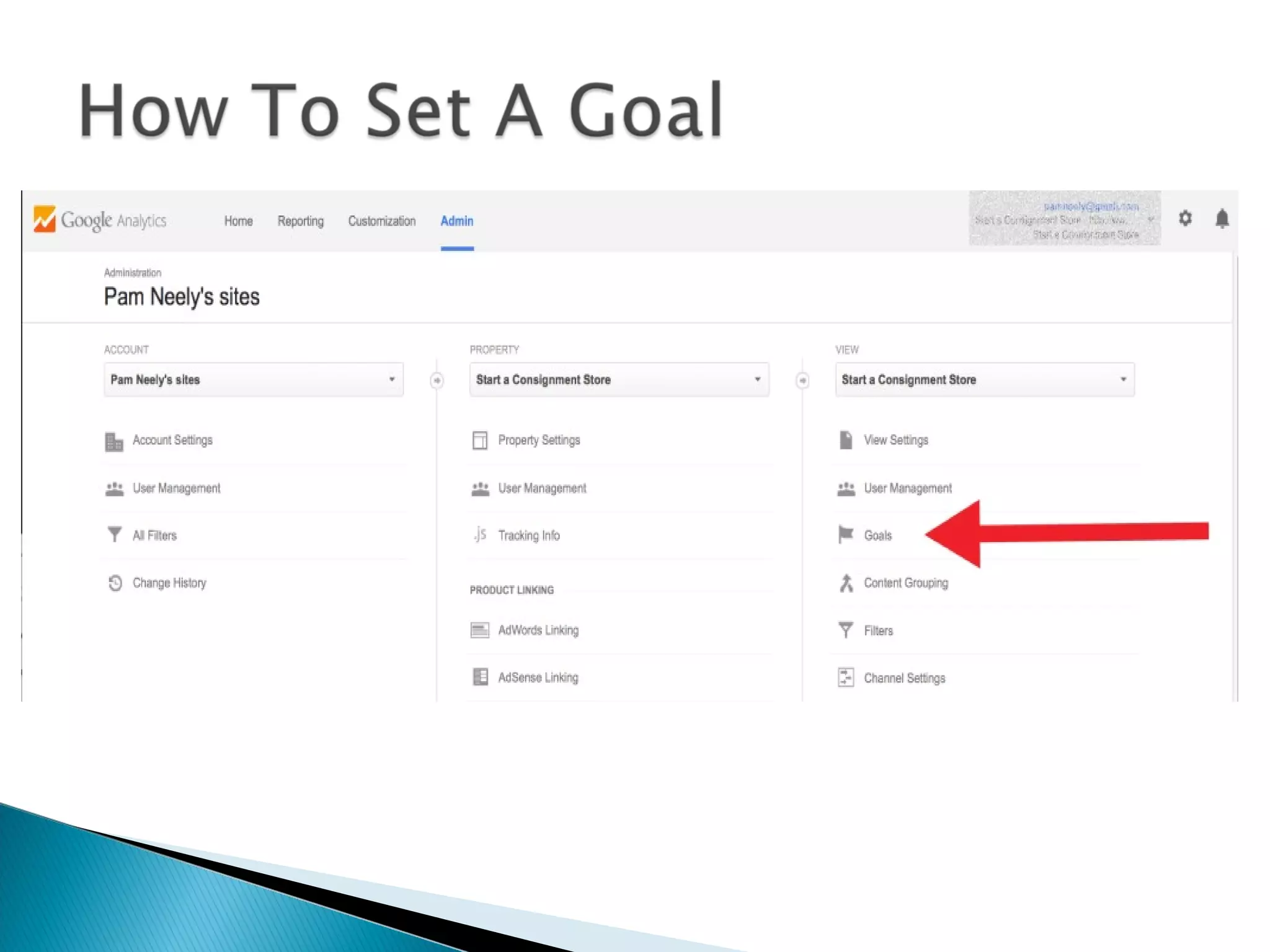
Home
Reporting
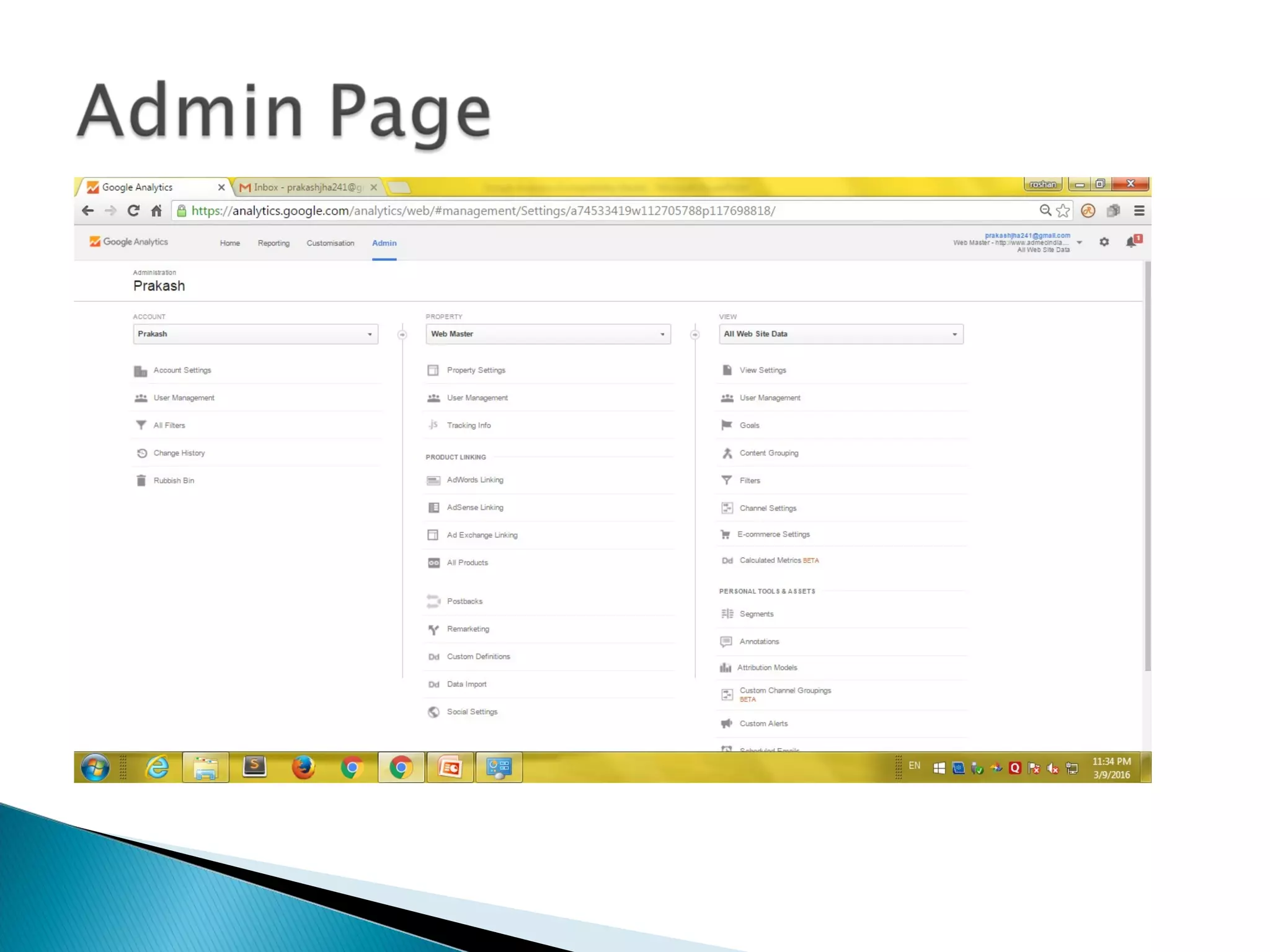
Admin
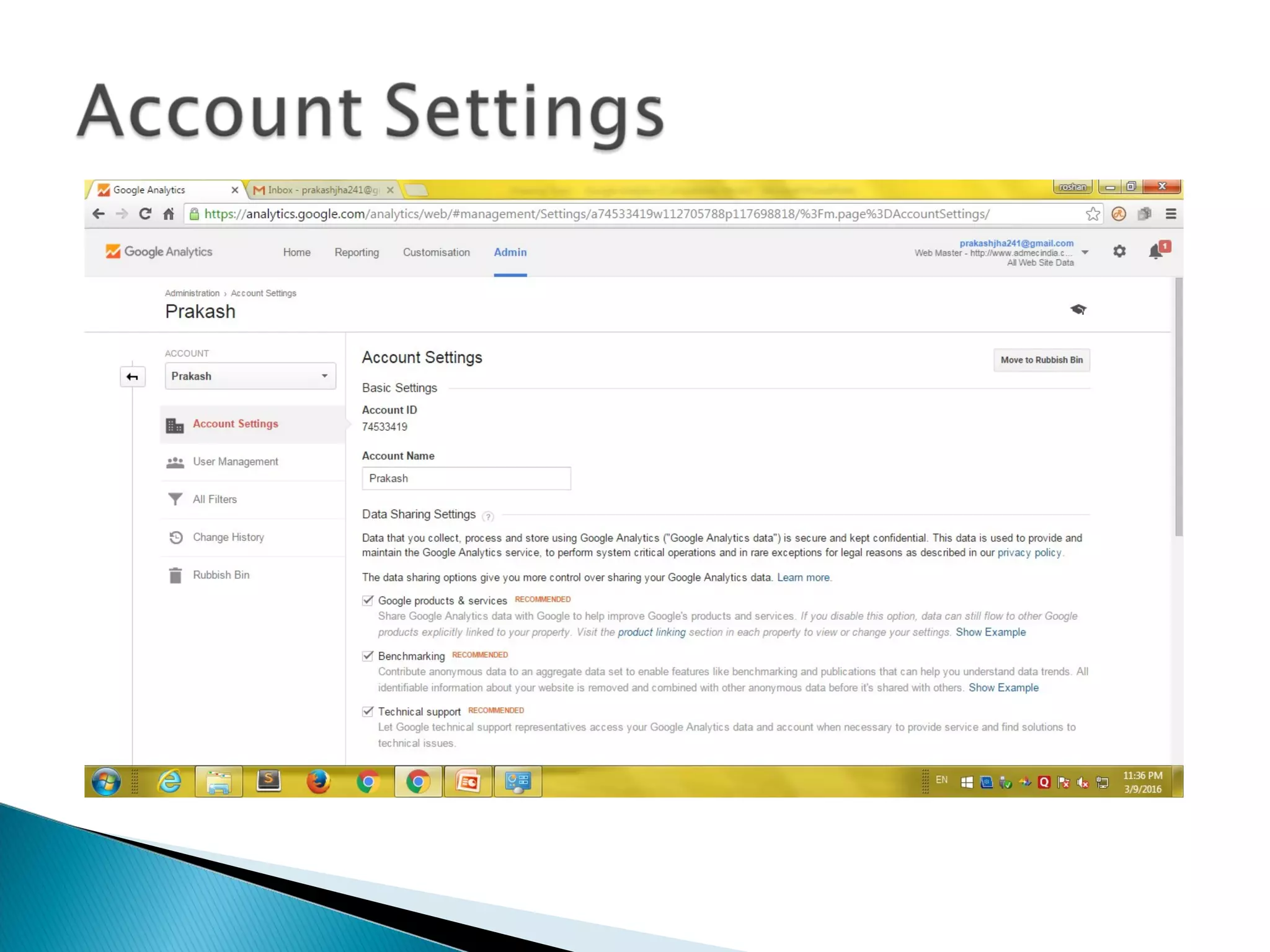
Admin Account
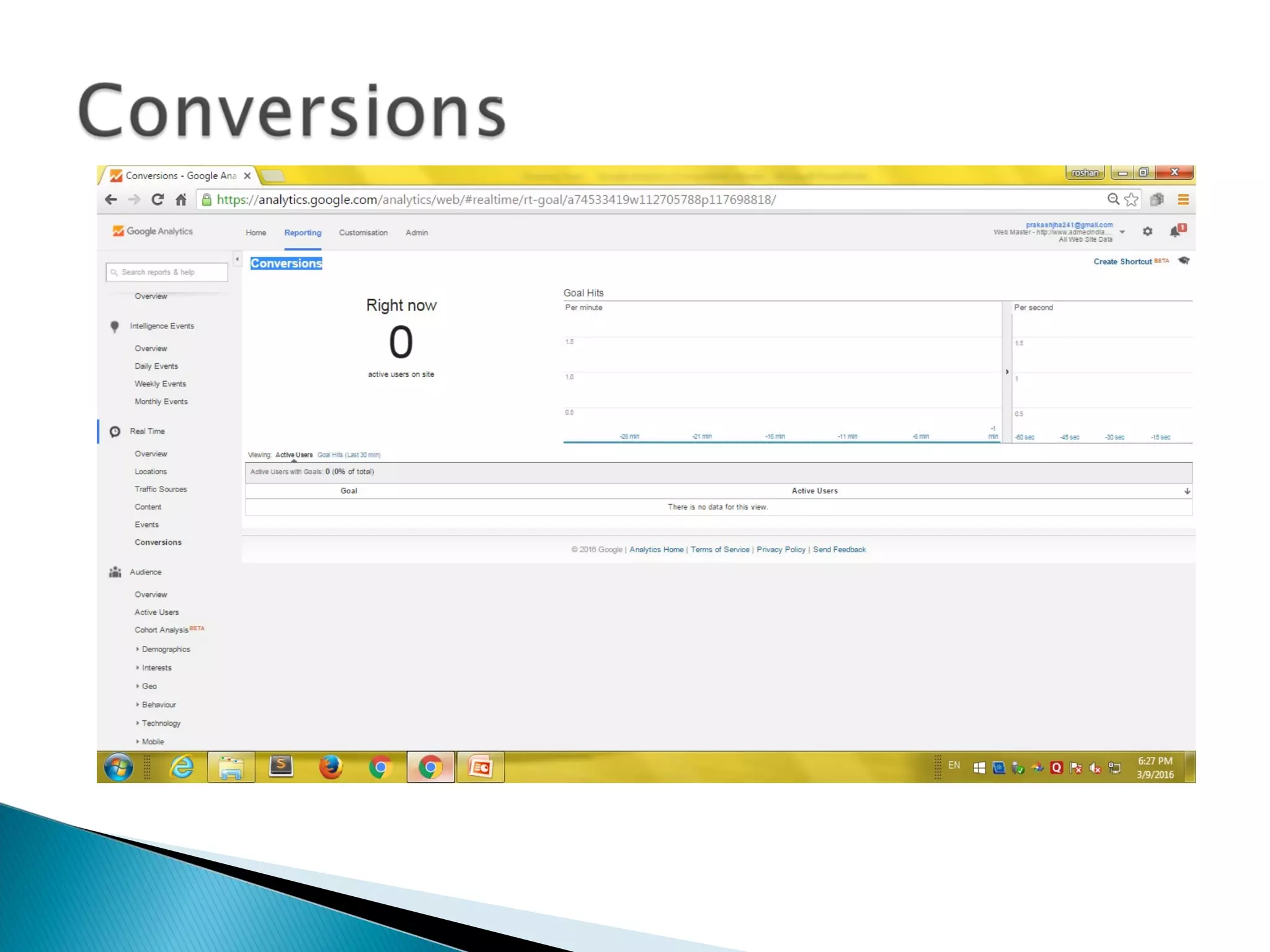
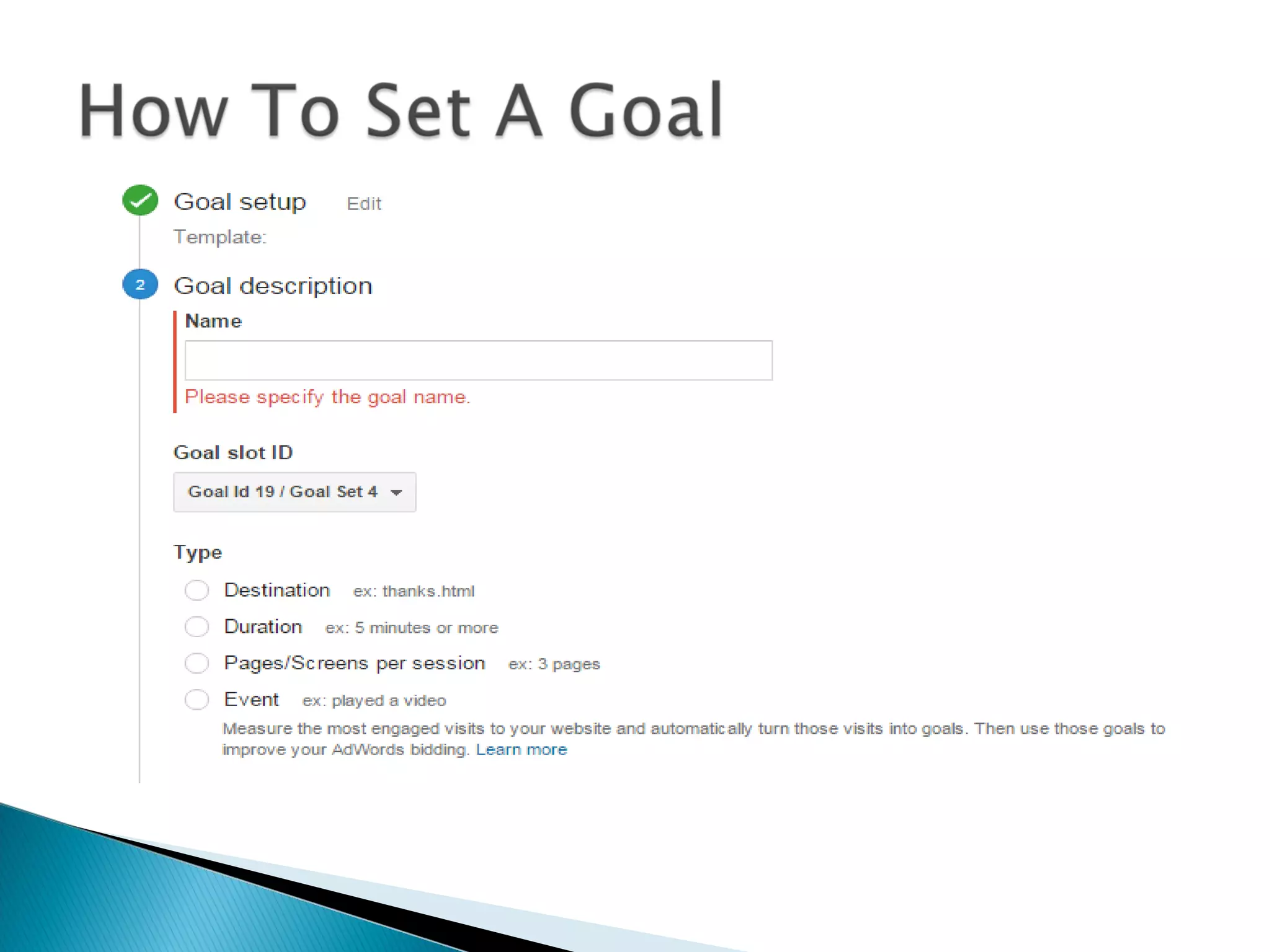
 Goal: a page which a visitor reaches once they
have completed an action
 you define goals based on the purpose of your
website and the actions you want your visitors to
take. Goals are often called conversions.
 Easily see how many visitors reach a page
 Understand where visitors may be falling off the
path along the way
 Use this information to improve site content and
design
 Goals help you make smarter decisions about
your marketing efforts by telling you:
 Which marketing campaign or referral converted the
most visitors.
 Geographic location of converted visitors.
 Keywords that lead to goal conversion.

Google analytics

  • 1.
    A Presentation by: Prakash jha
  • 2.
    ID: AD/RH/WM/09-15/23 Submitted By:Prakash jha Submitted To: Mr. Rajesh Yadav Topic: Google Analytics
  • 3.
     Access tothe Internet  Access to your website’s HTML  Basic HTML knowledge
  • 4.
    What it does Daily, monthly, yearly tracking of web visits • Graphed over time  Which pages they go to, how long they stay • Bounce rate • Entrance pages How they got there • Search engines and Search terms used  Location, operating system, monitor resolution
  • 5.
    How it works Sign up for Google Analytics • https://www.google.com/analytics/  They return code to you  You paste the code just below the </head> tag  Put it on EVERY page • Edit>Find and Replace is easiest option  Put it in your template pages, so it will be automatically on every page  Go to the Analytics dashboard page to see daily metrics
  • 6.
    Useful Reports  Visitors: Mapoverlay, Browsers, Operating systems, Screen resolution, Connection speed  Traffic sources Direct links/Referring links/Search engines, Most frequent search words used  Content Top content, Site overlay
  • 10.
  • 12.
  • 46.
  • 48.
  • 56.
     Goal: apage which a visitor reaches once they have completed an action  you define goals based on the purpose of your website and the actions you want your visitors to take. Goals are often called conversions.
  • 59.
     Easily seehow many visitors reach a page  Understand where visitors may be falling off the path along the way  Use this information to improve site content and design  Goals help you make smarter decisions about your marketing efforts by telling you:  Which marketing campaign or referral converted the most visitors.  Geographic location of converted visitors.  Keywords that lead to goal conversion.