Git Obstacle Course Stop BASHing your head and break down the basics
about me
• Cleveland, OH
• .NET Web Developer
• CardinalCommerce
• @cjb5790
• http://chris.bohatka.com
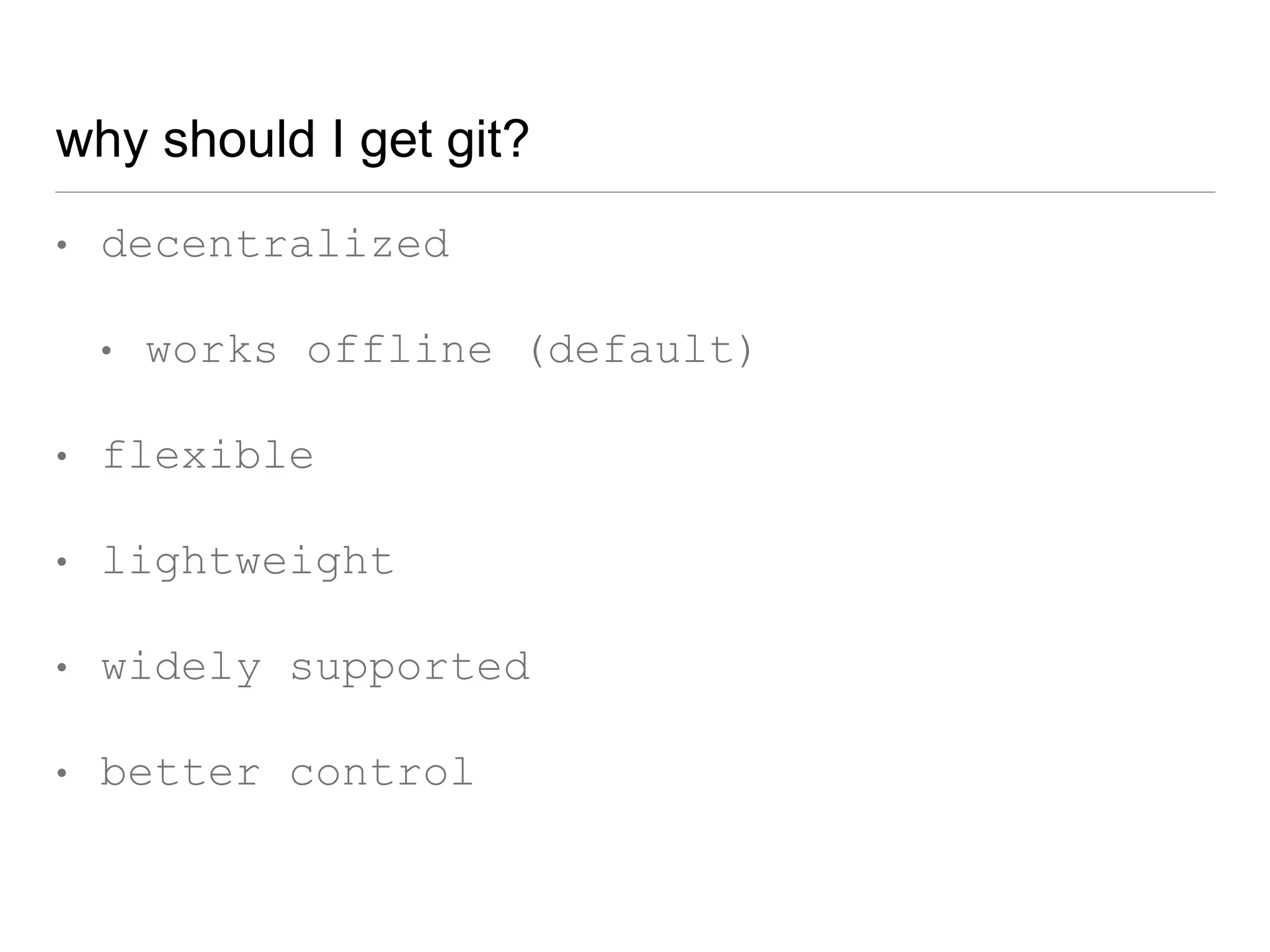
why should I get git?
• decentralized
• works offline (default)
• flexible
• lightweight
• widely supported
• better control
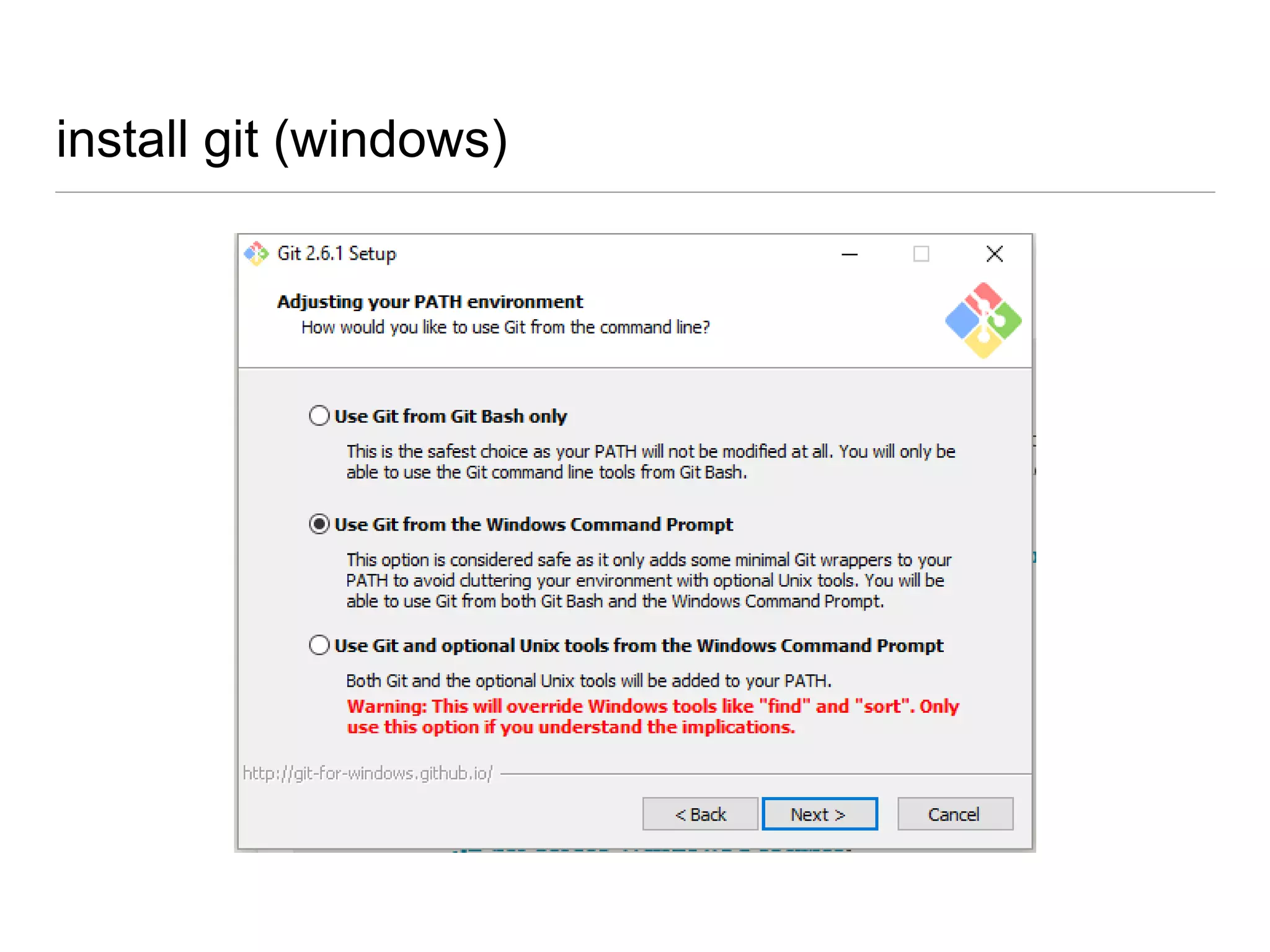
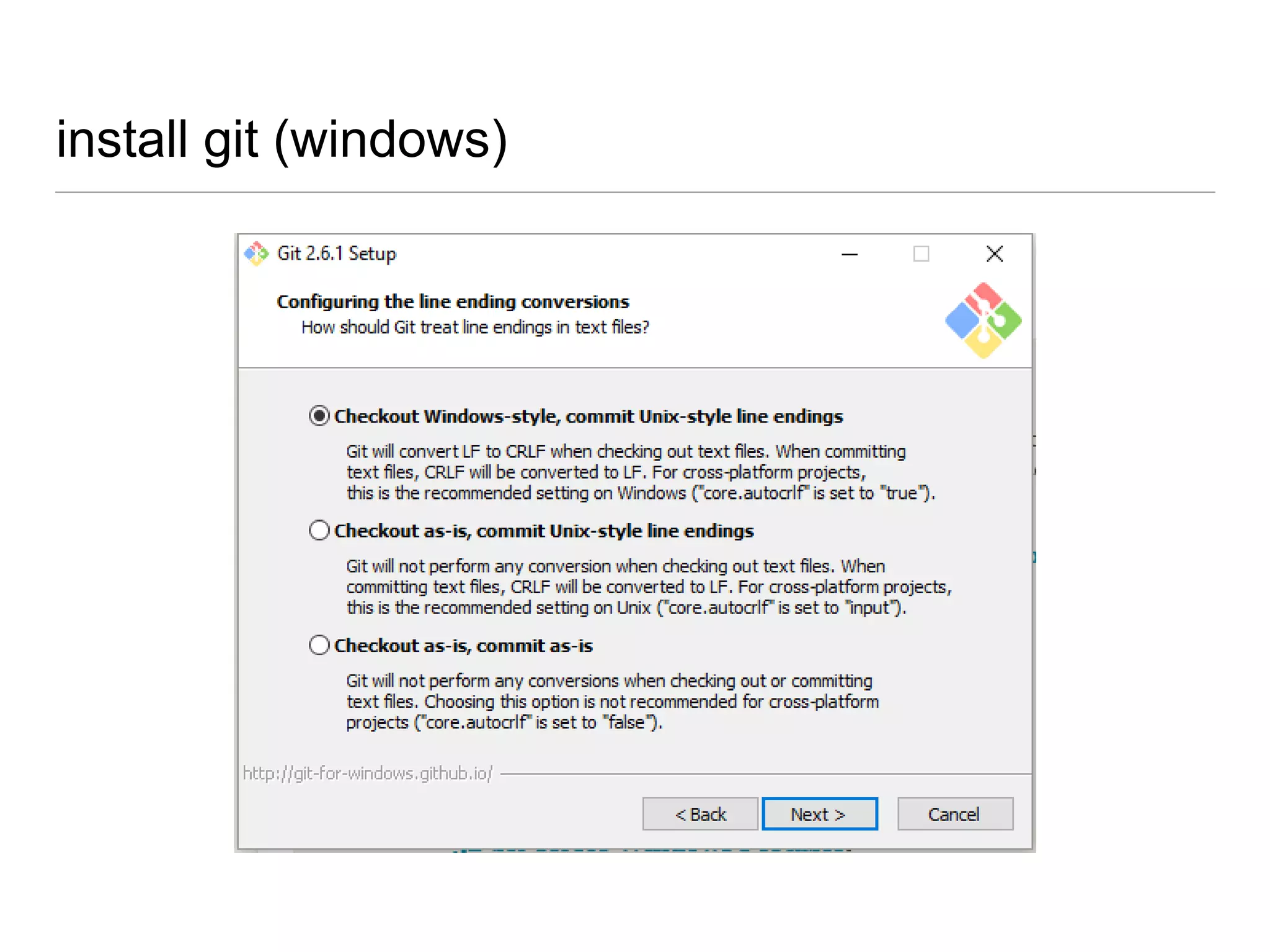
install git (windows)
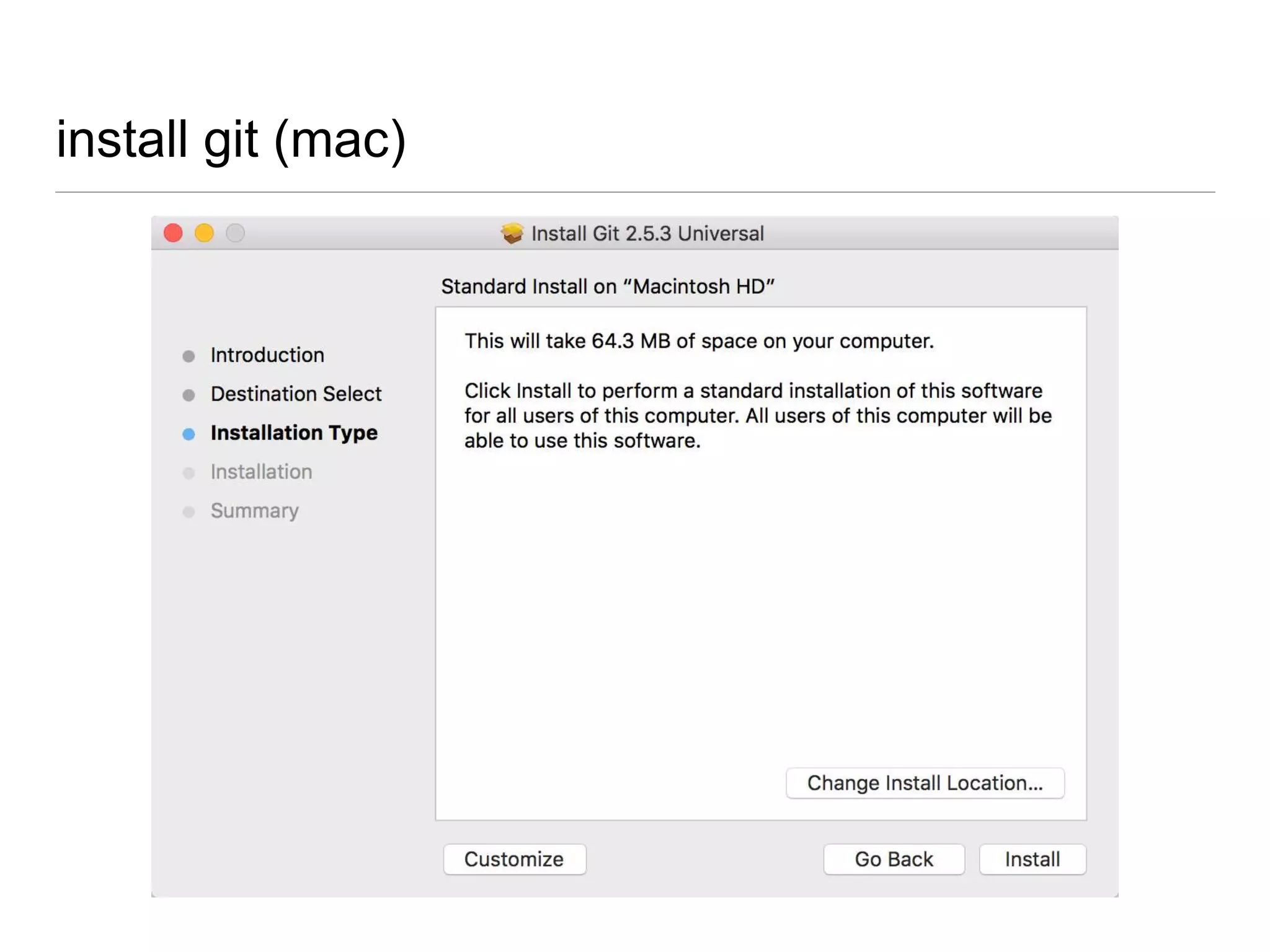
install git (mac)
now what?
lets create our first repo
but how?
tools
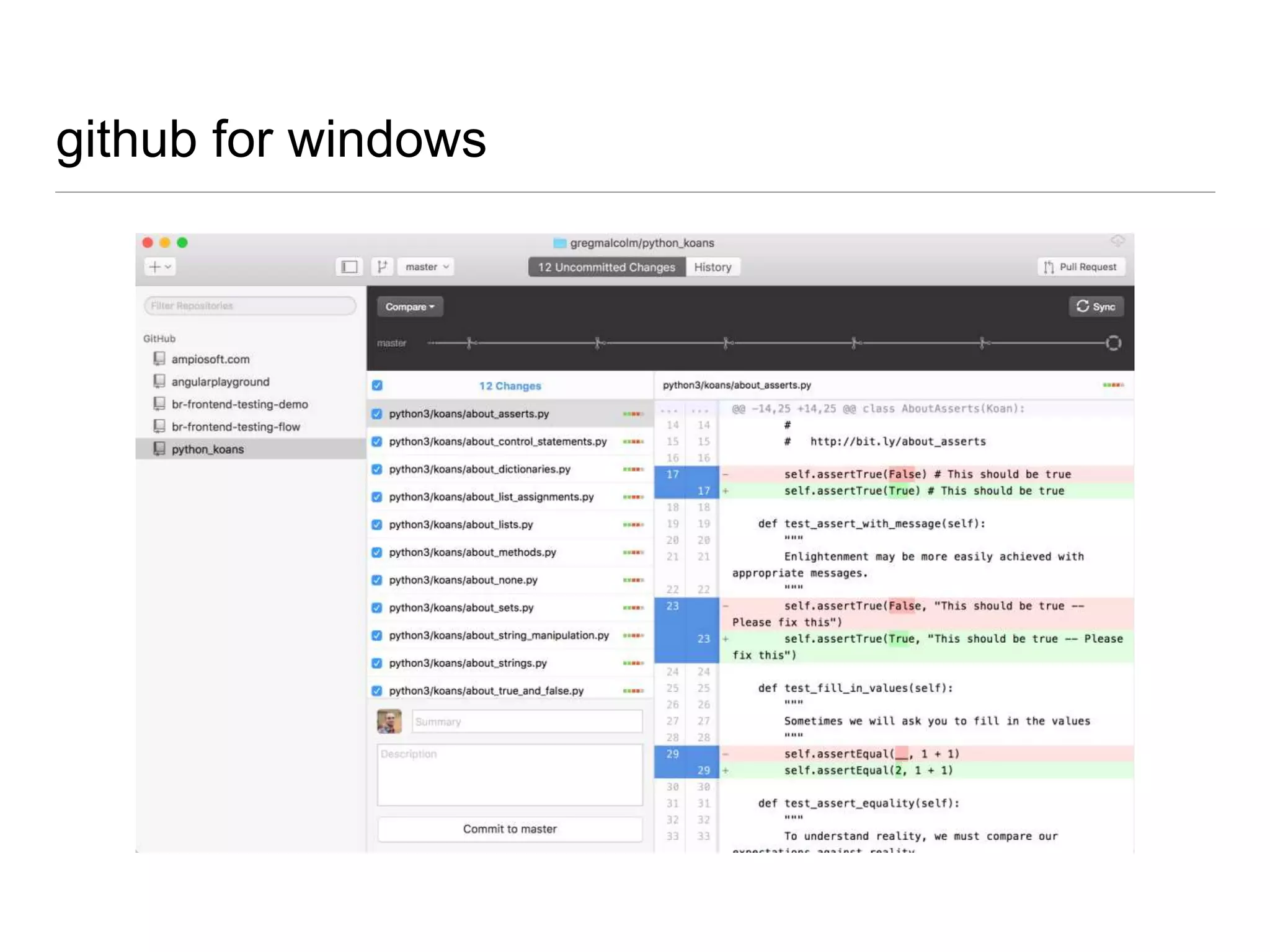
github for windows
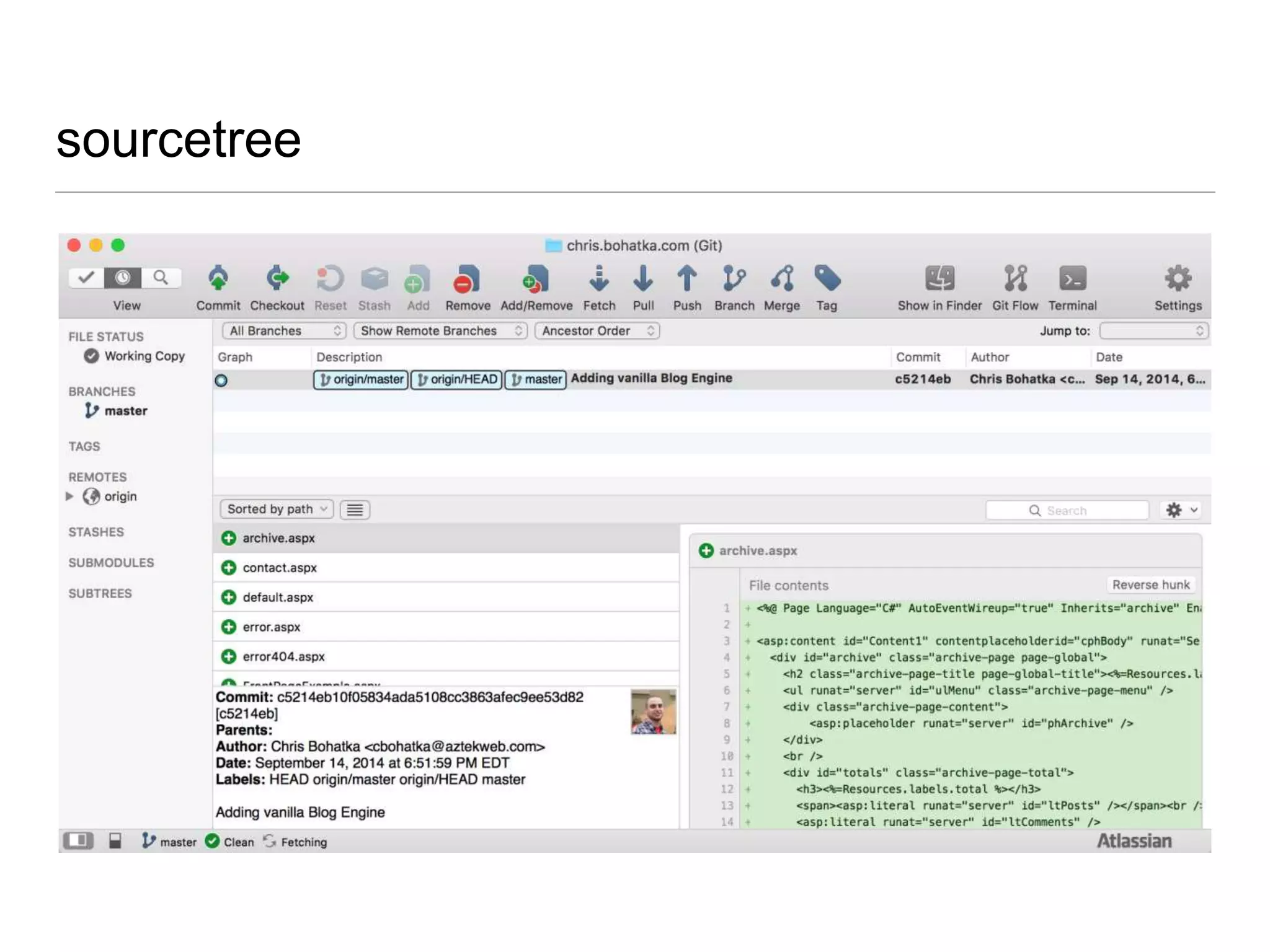
atlassian sourcetree
axosoft gitkraken
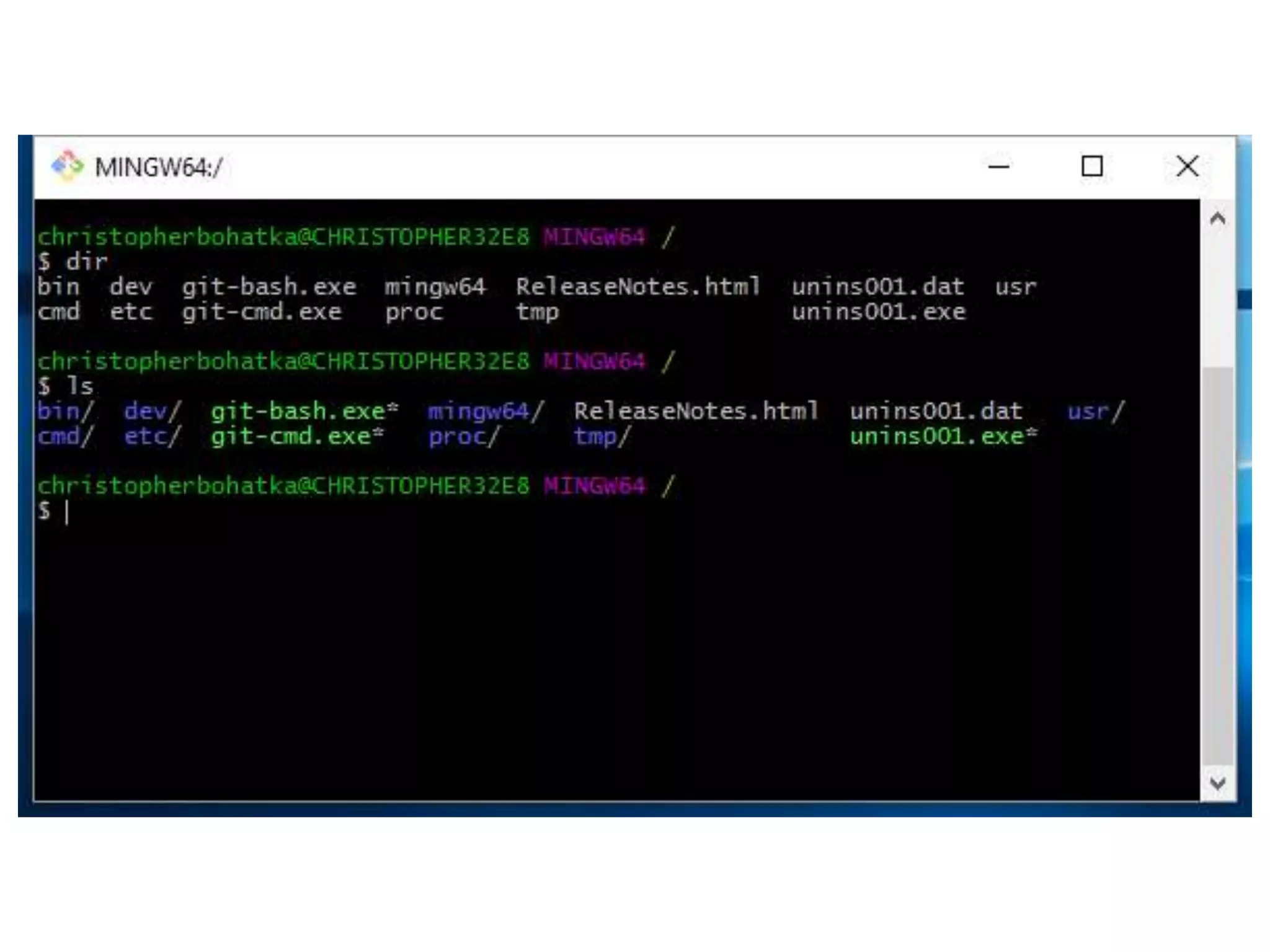
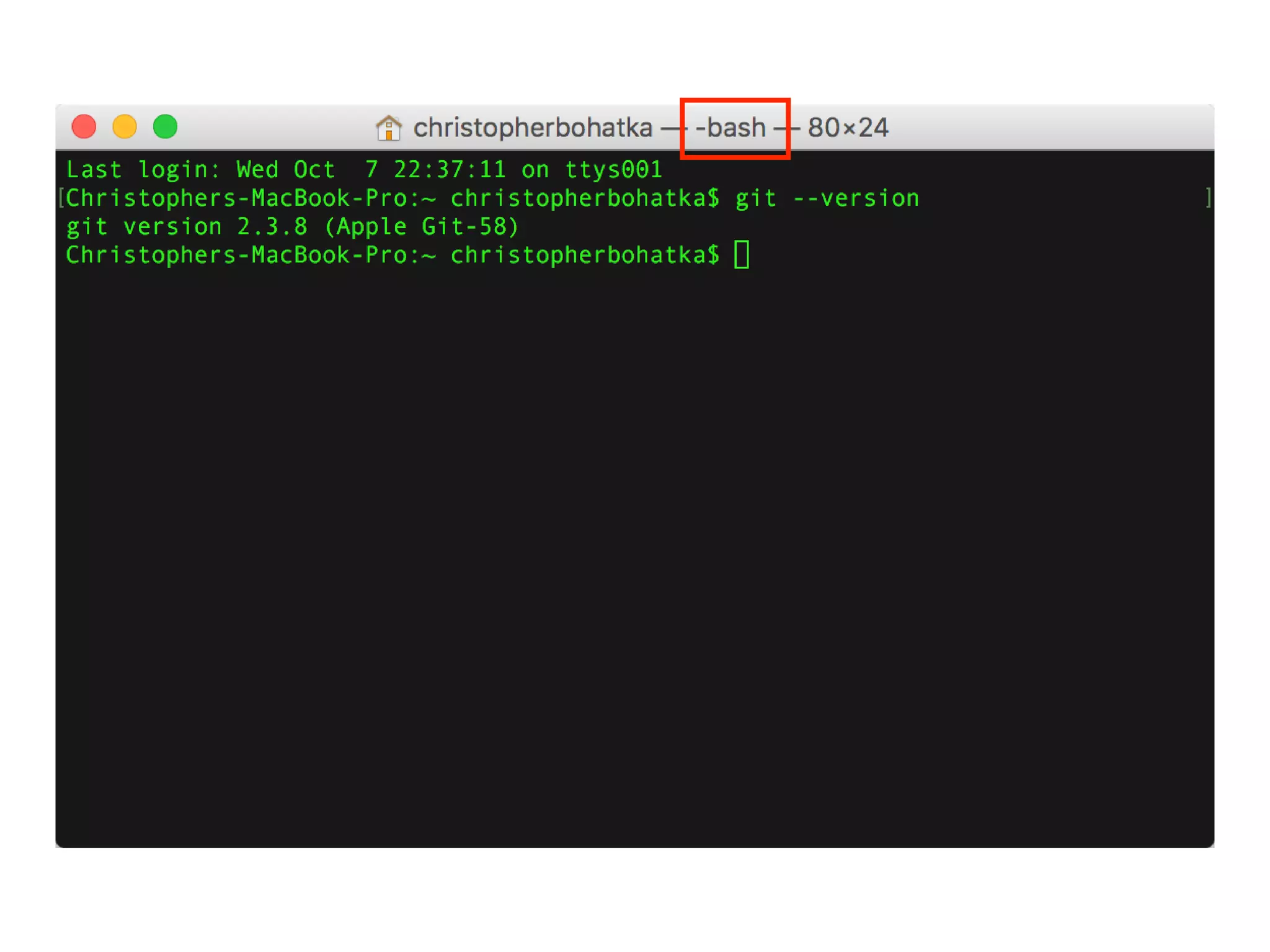
git bash
• shell running in cygwin
• cygwin = terminal
• terminal = program that runs a shell
• shell = program that runs commands
• console = type of terminal
command line (CLI)
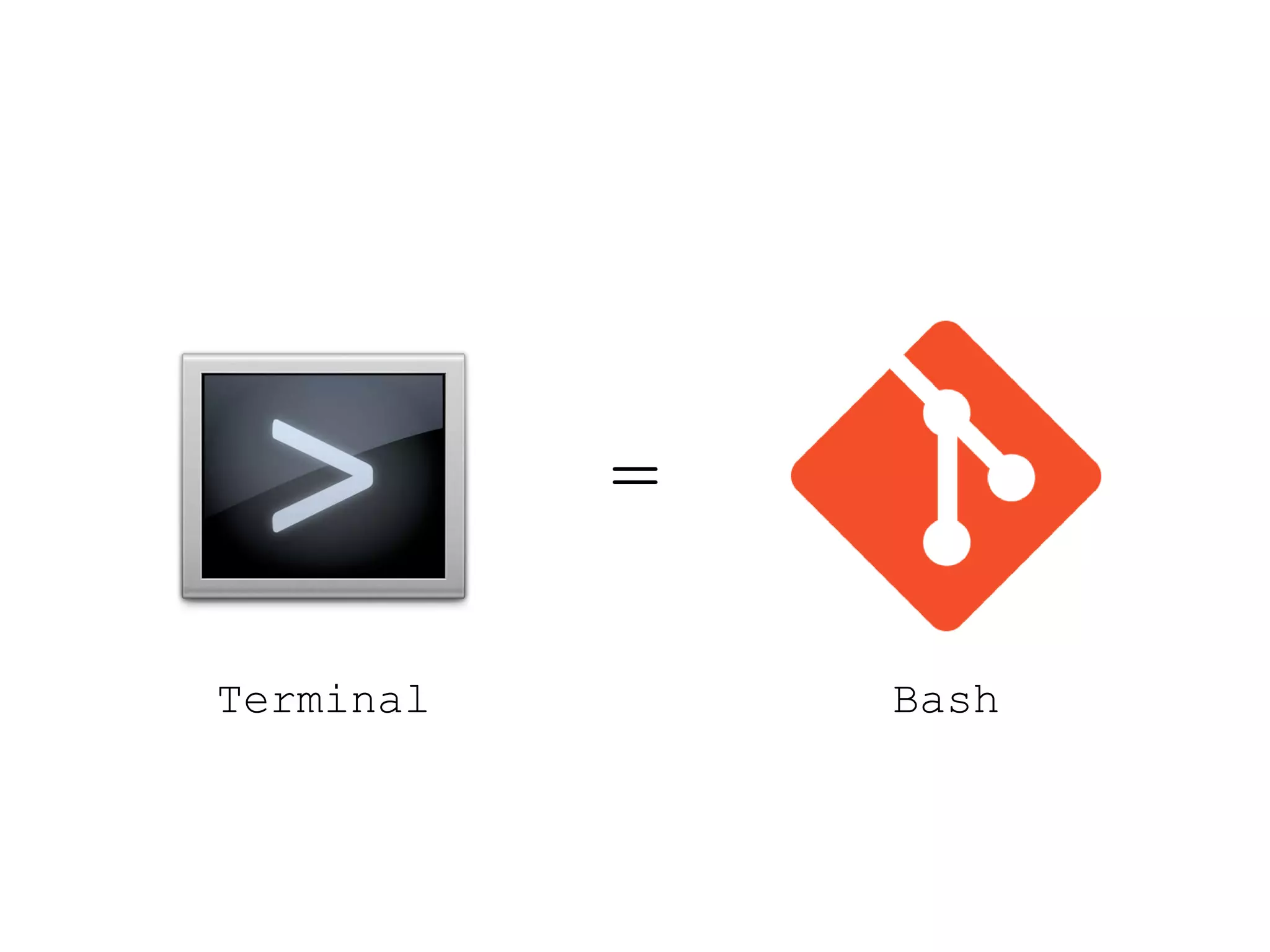
Terminal
=
Bash
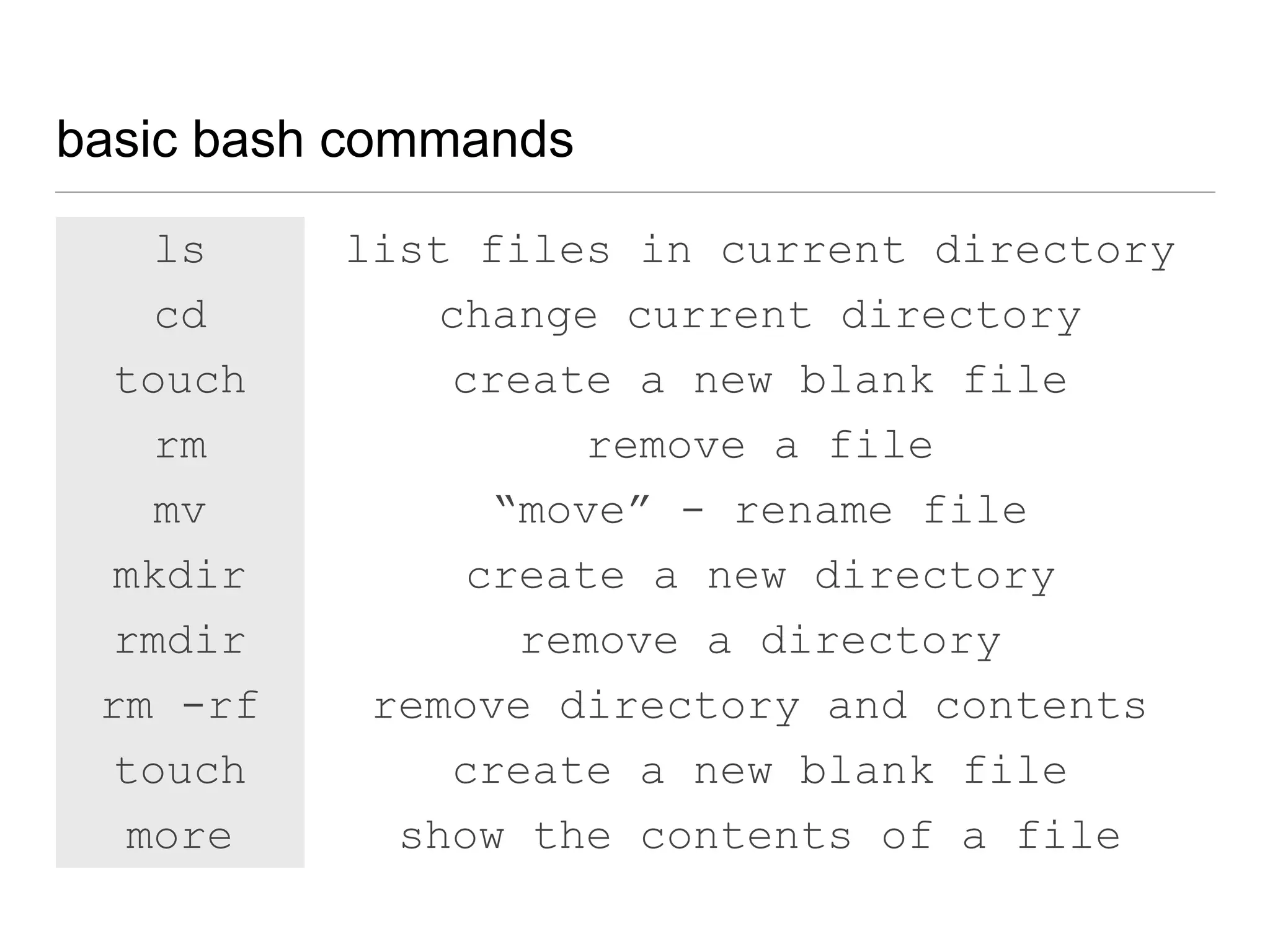
basic bash commands
ls list files in current directory
cd change current directory
touch create a new blank file
rm remove a file
mv “move” - rename file
mkdir create a new directory
rmdir remove a directory
rm -rf remove directory and contents
more show the contents of a file
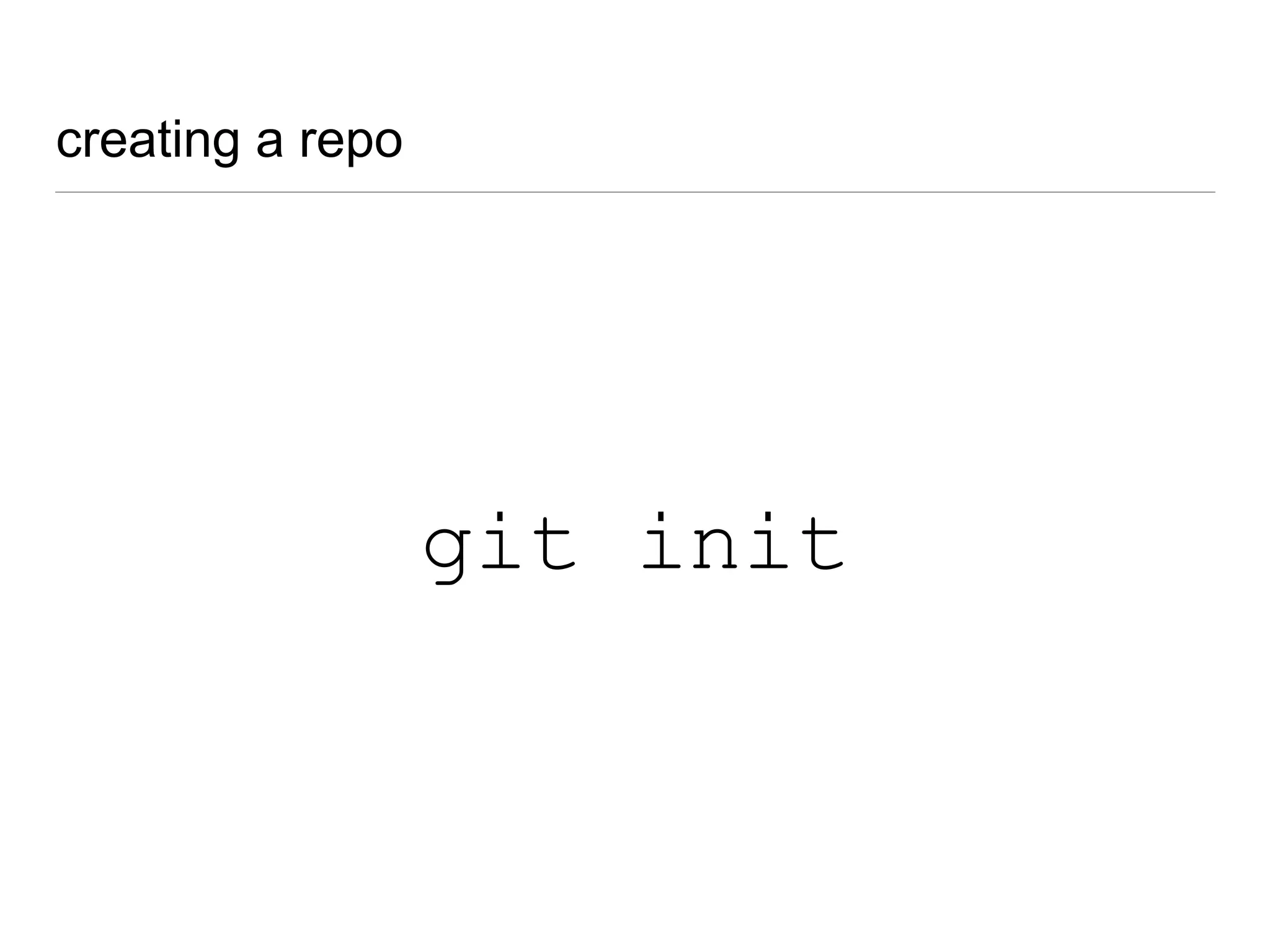
creating a repo
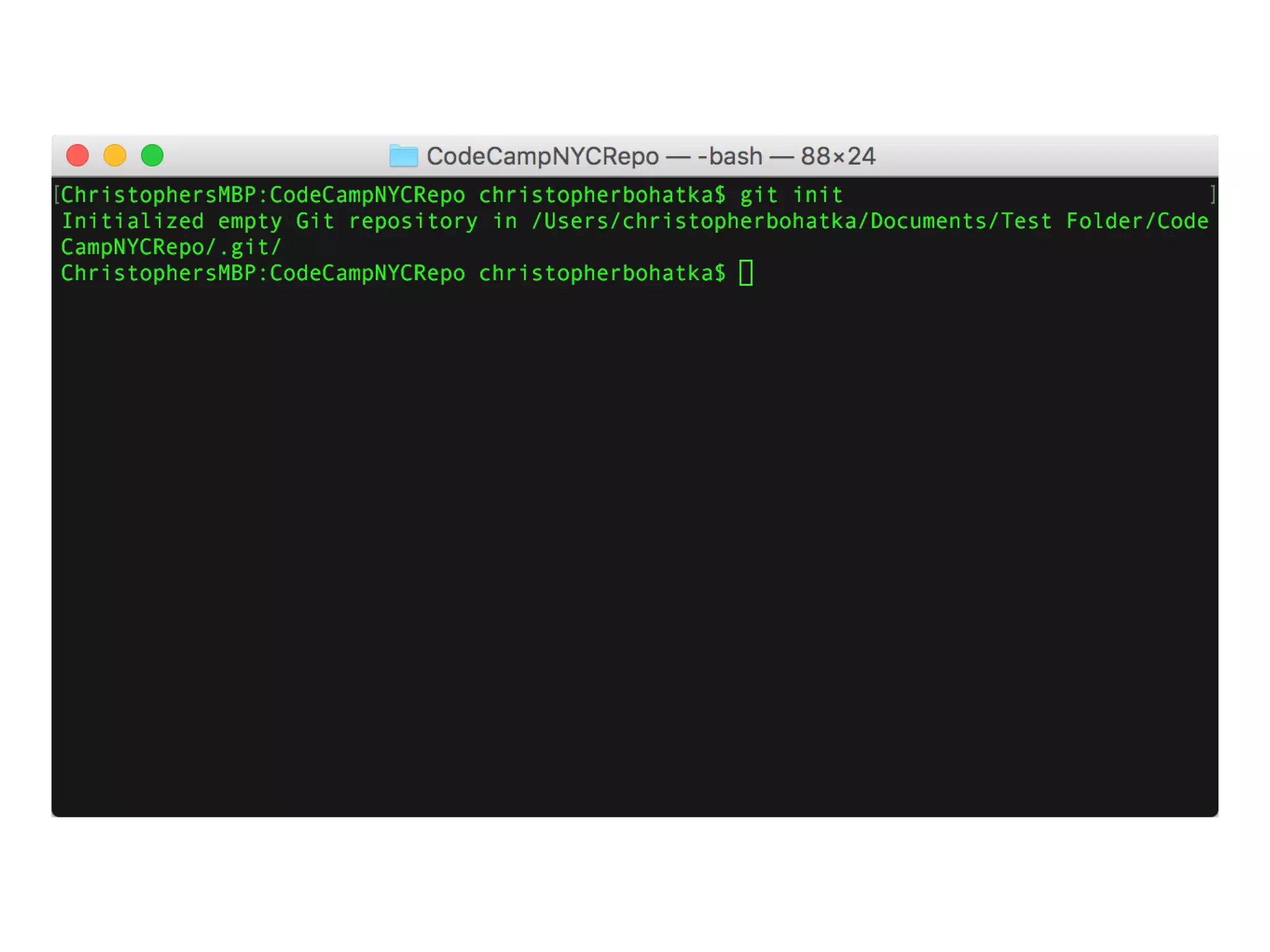
git init
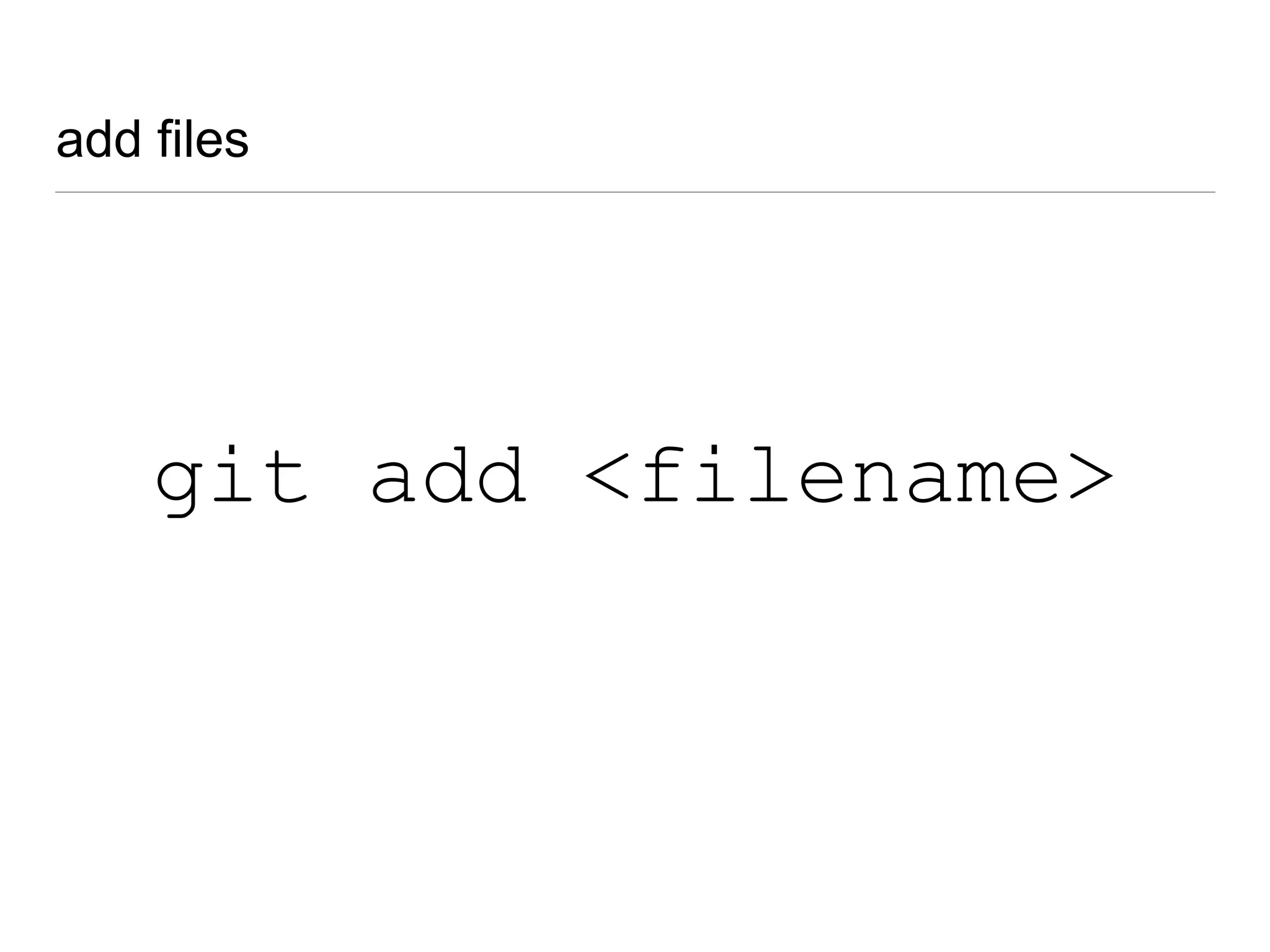
add files
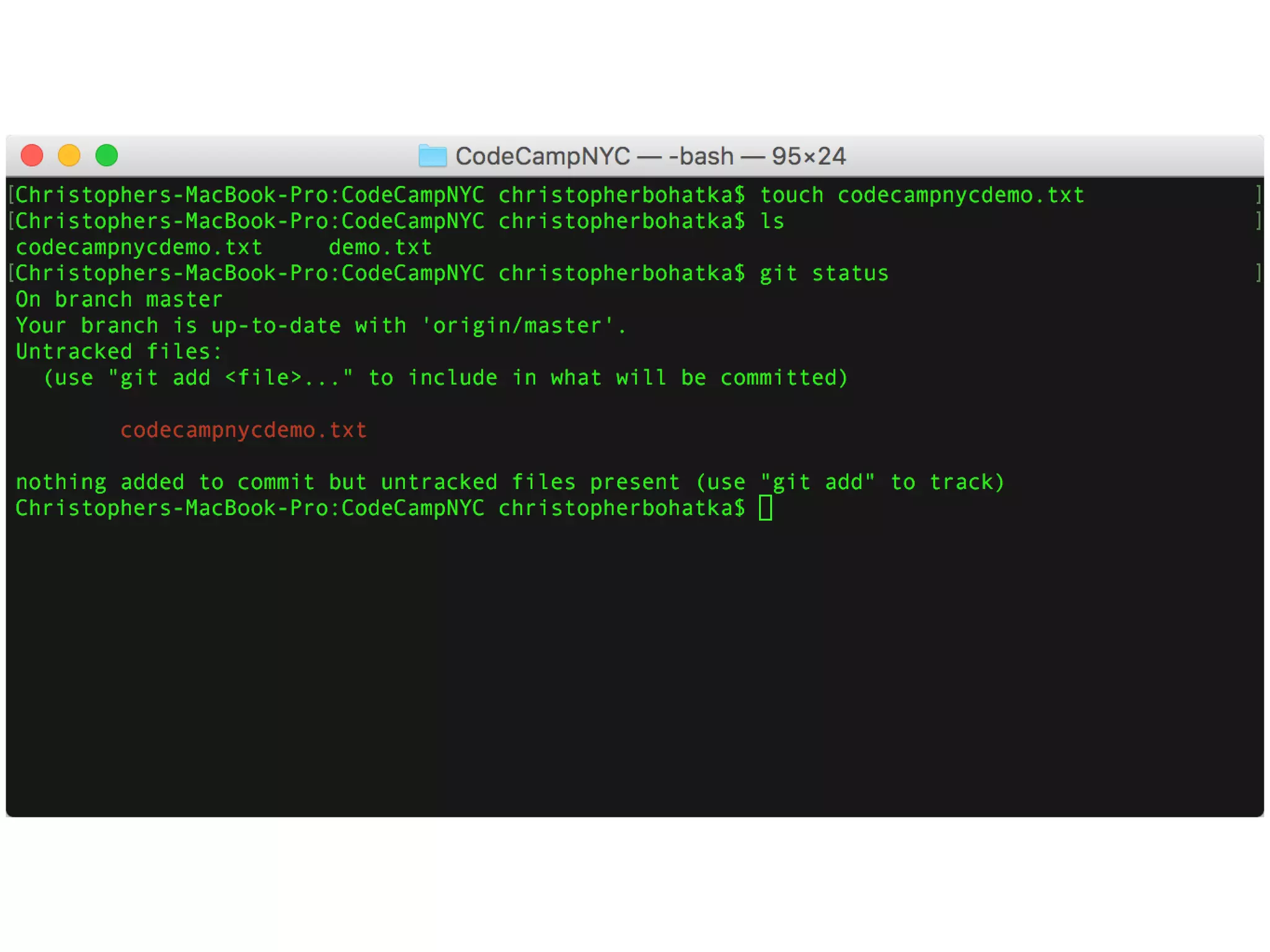
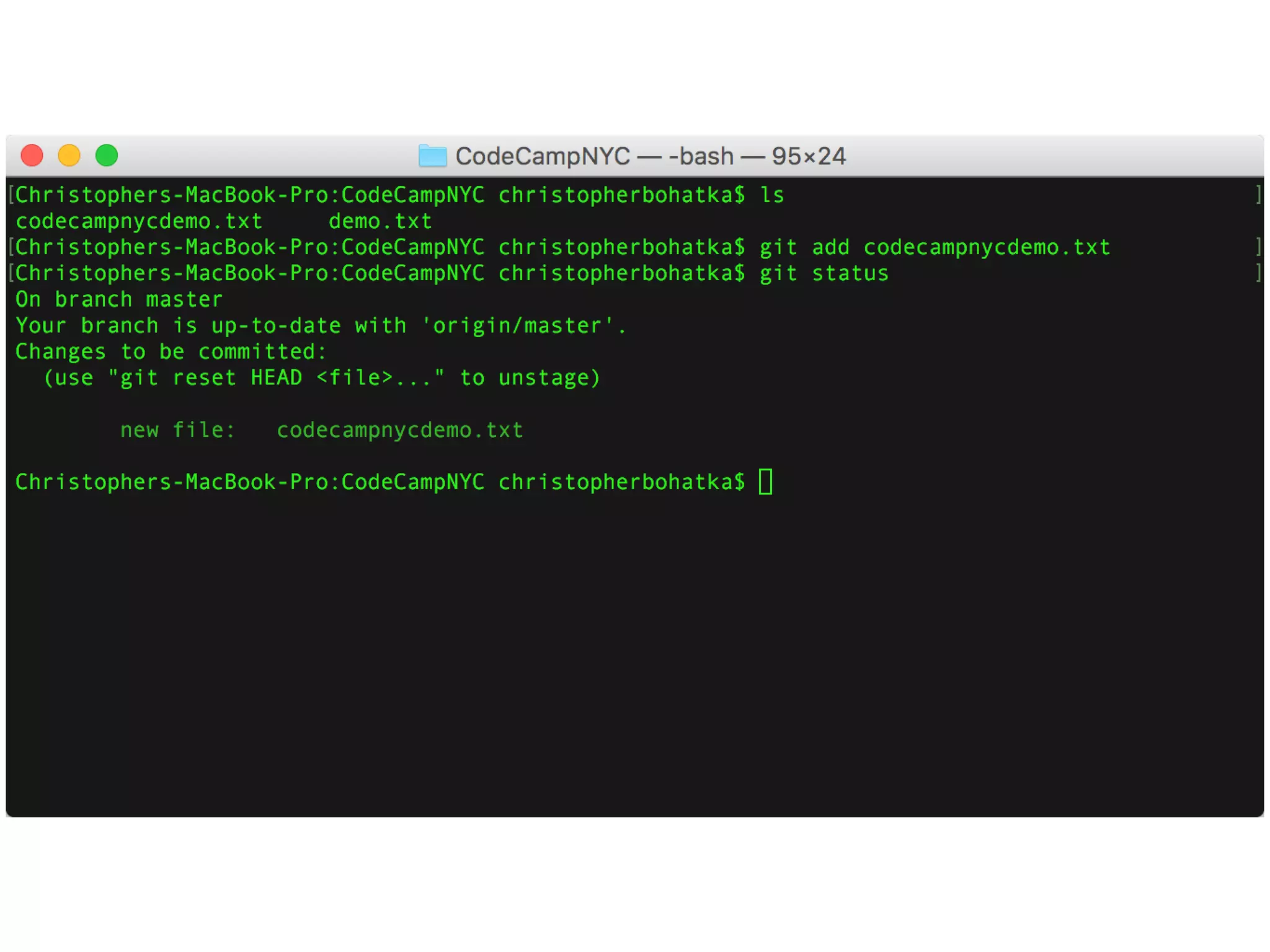
git add <filename>
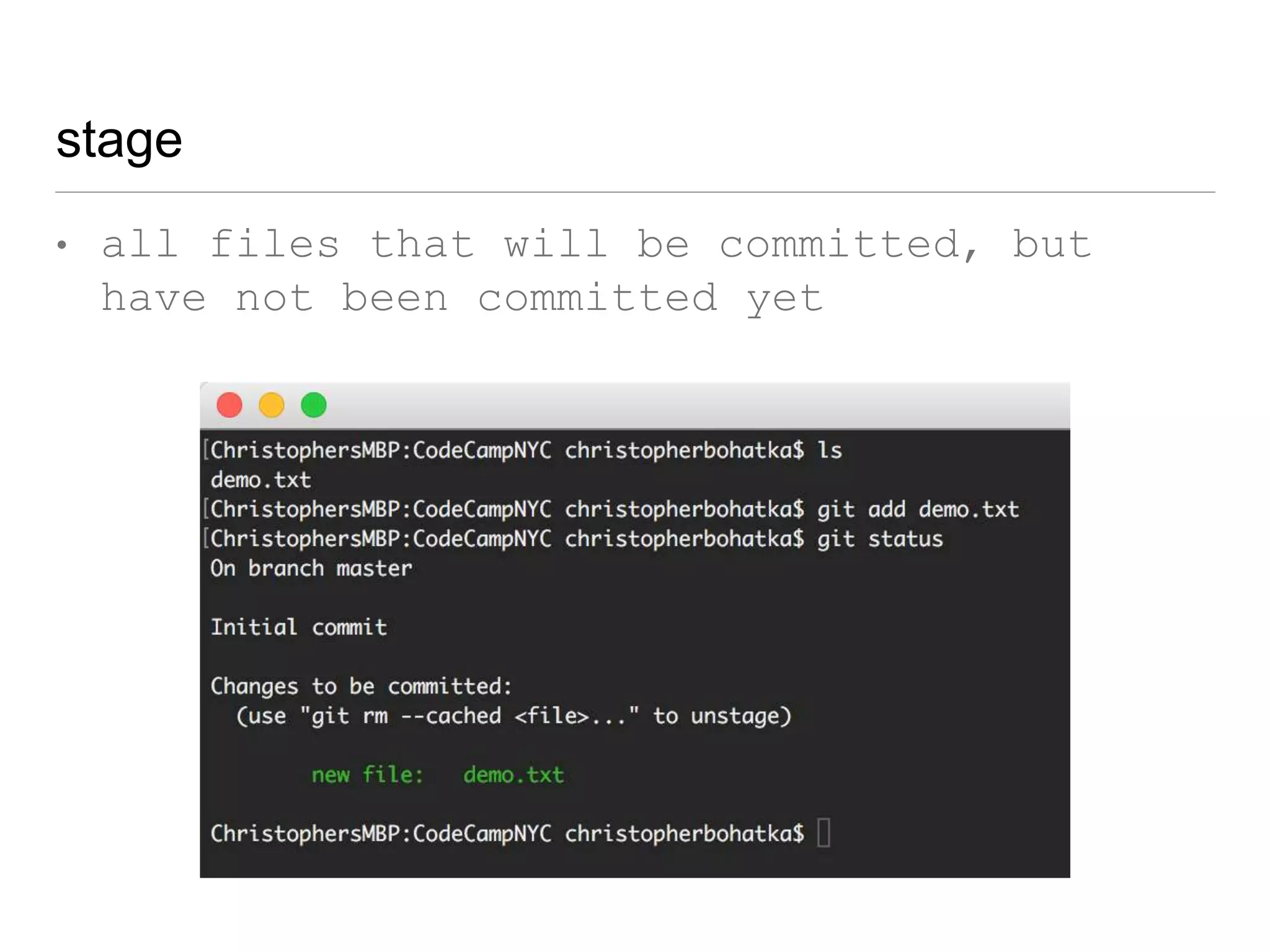
stage
• all files that will be committed, but
have not been committed yet
git ignore
let’s commit
how to commit
git commit
but before we
commit...
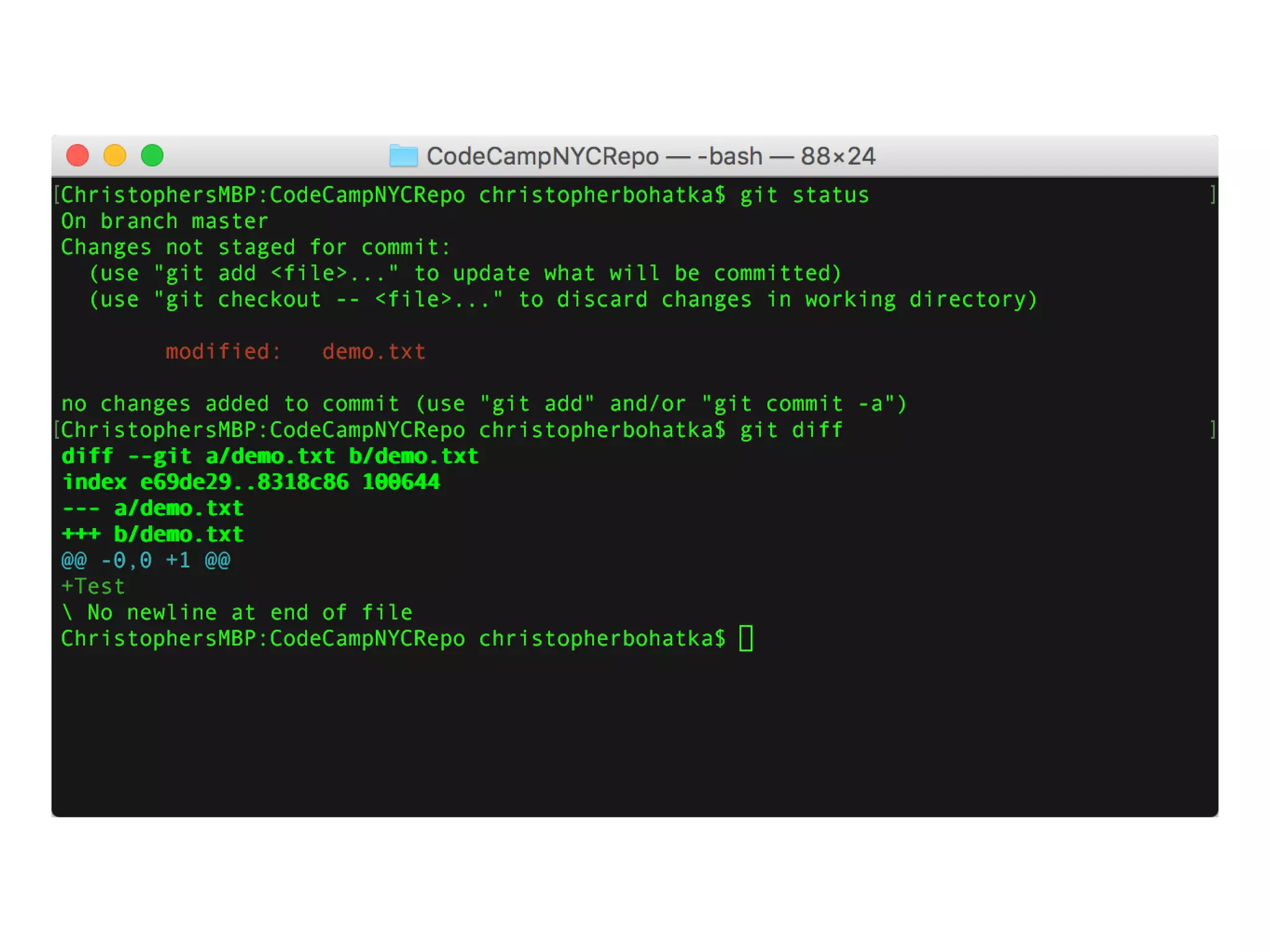
...ALWAYS diff!
ALWAYS diff
git diff
git difftool
git difftool -t <tool name>
git difftool
git difftool
git config --global diff.tool kdiff3
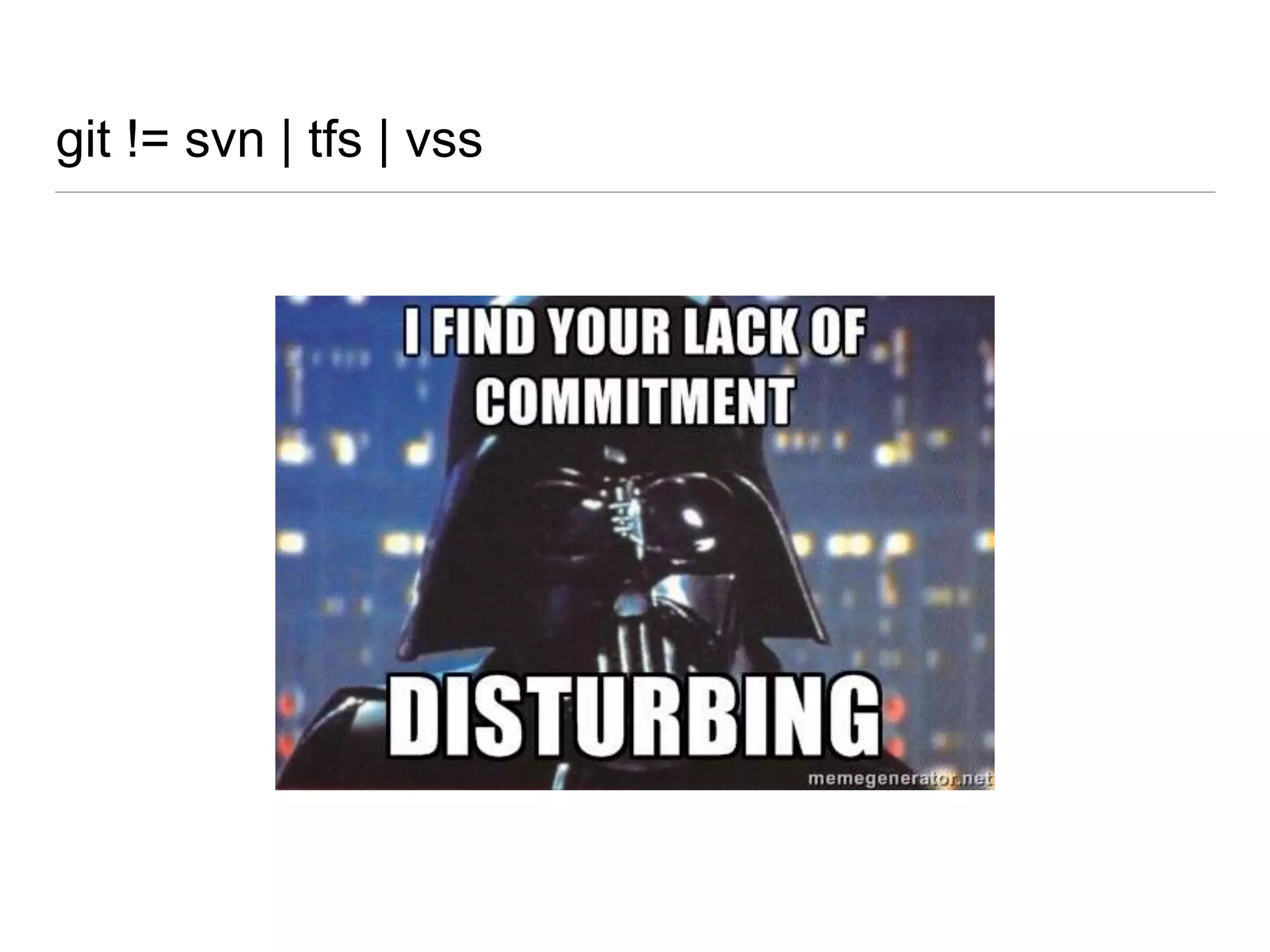
git != svn | tfs | vss
git commit
git commit -a
git commit -a -m
git commit -a -m “[commit message]”
commit early, commit often
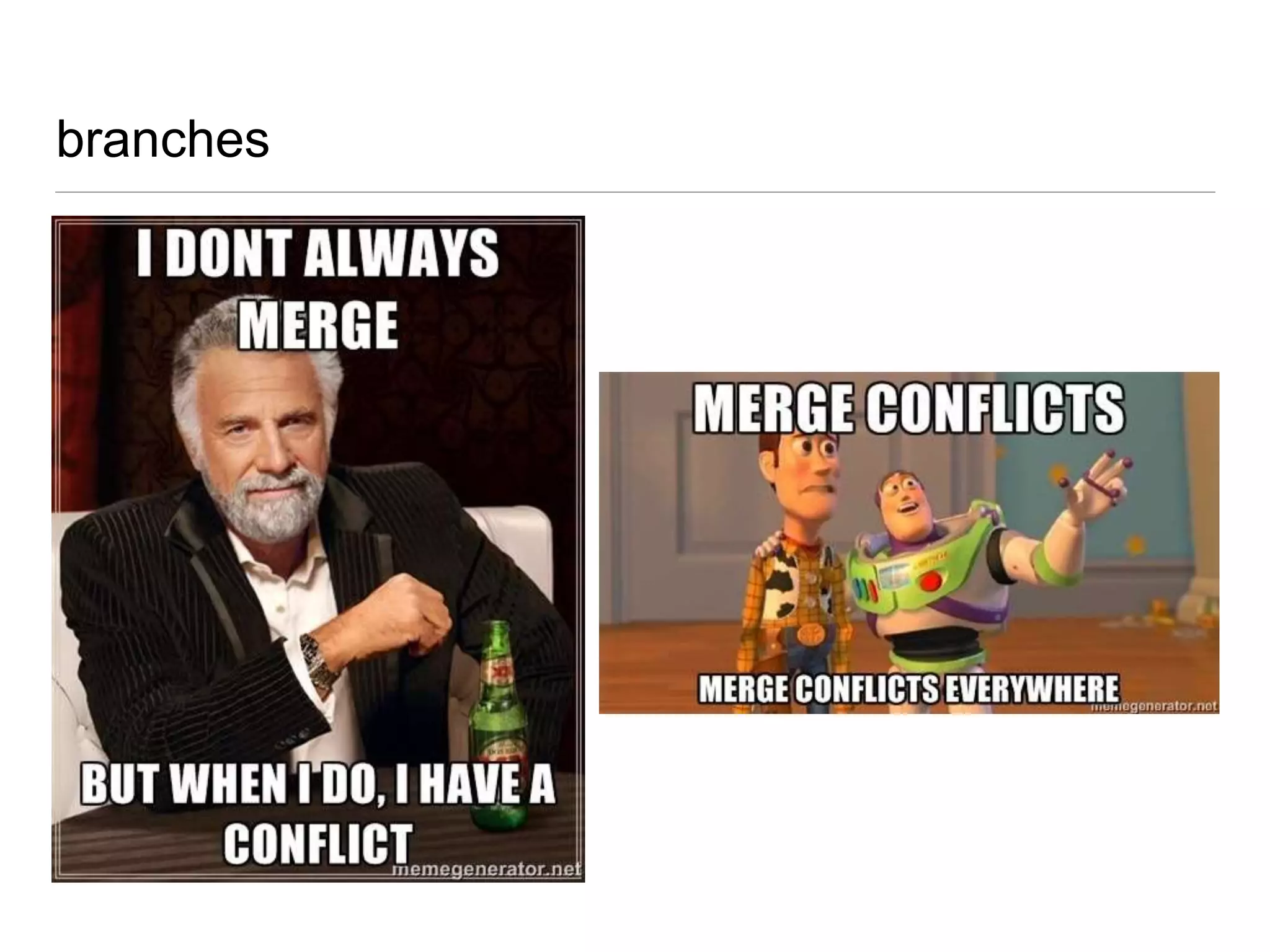
branches
branches
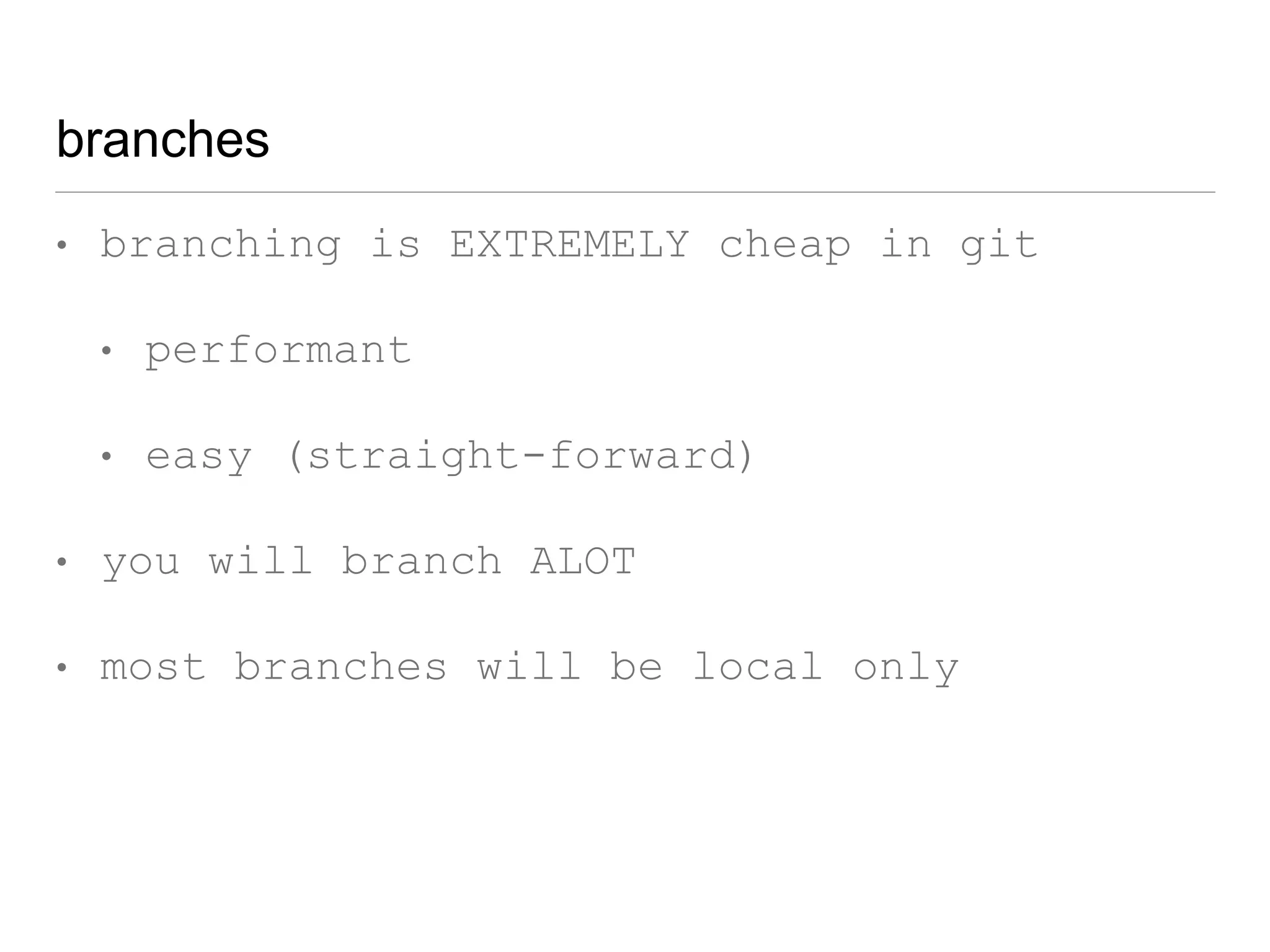
• branching is EXTREMELY cheap in git
• performant
• easy (straight-forward)
• you will branch A LOT
• most branches will be local only
• branch life expectancy is very short
branches
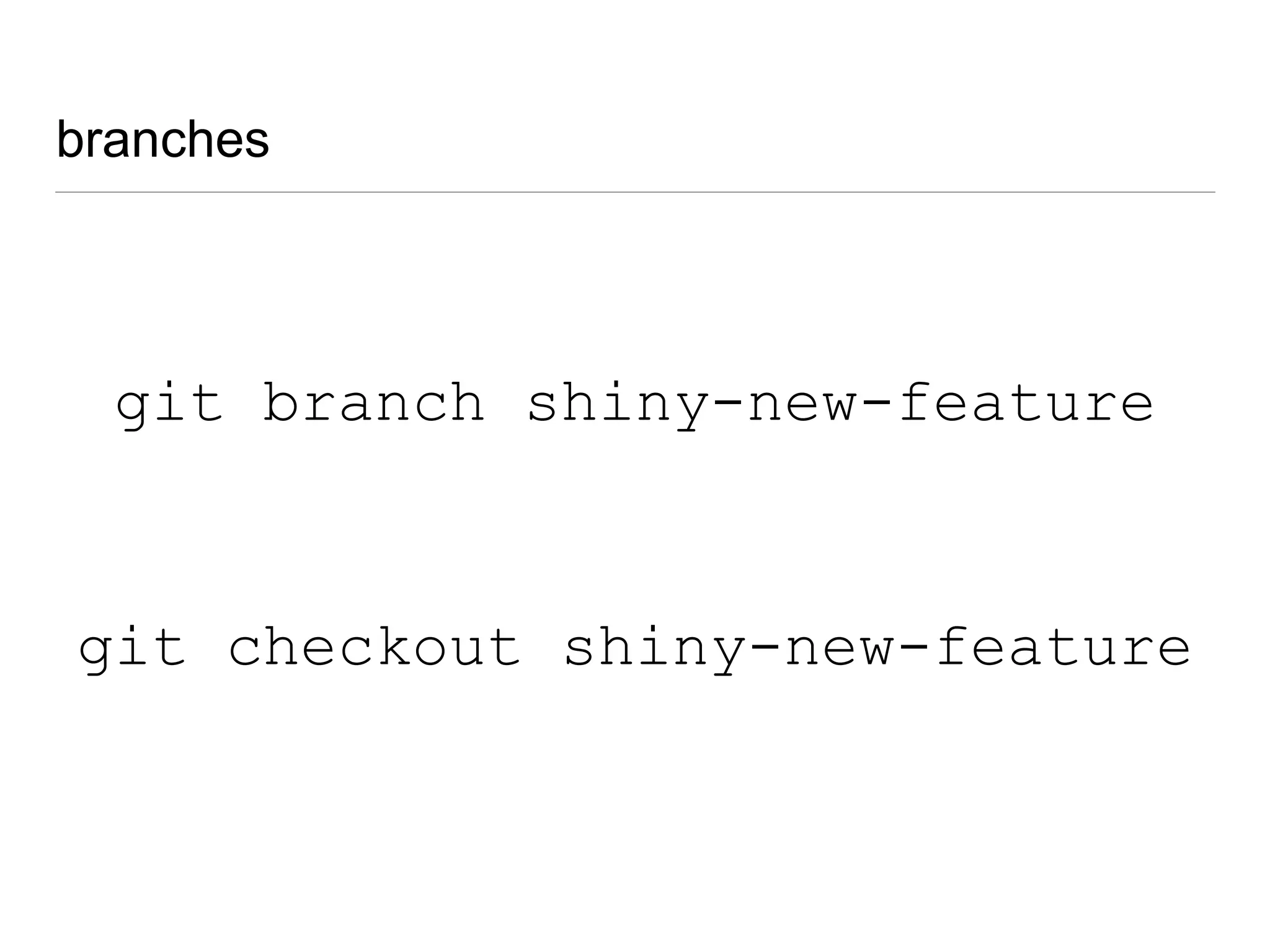
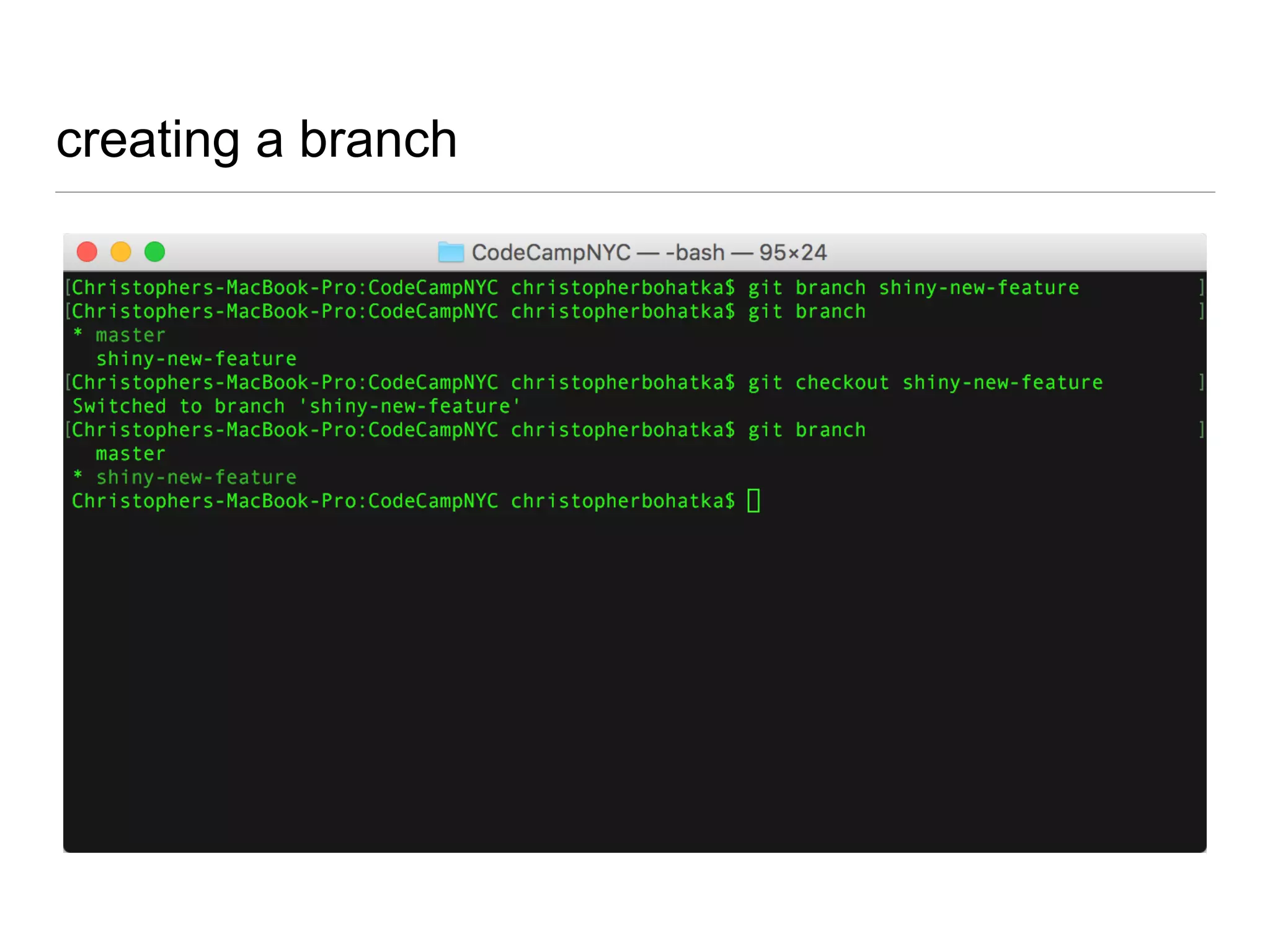
git branch shiny-new-feature
git checkout shiny-new-feature
git checkout
• switches active branch
• doesn’t actually ‘pull’ any files
• unless you “git fetch”
creating a branch
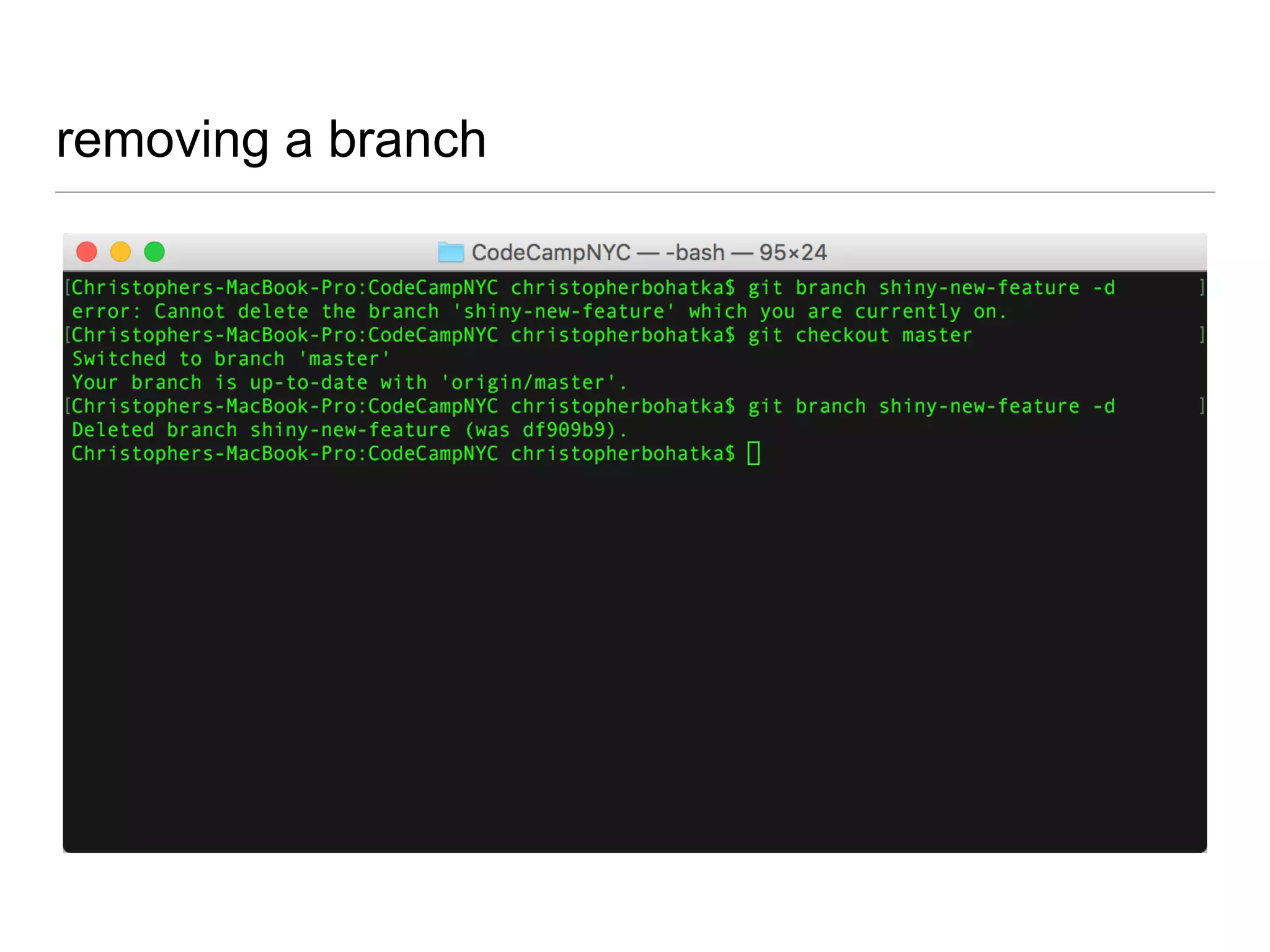
removing a branch
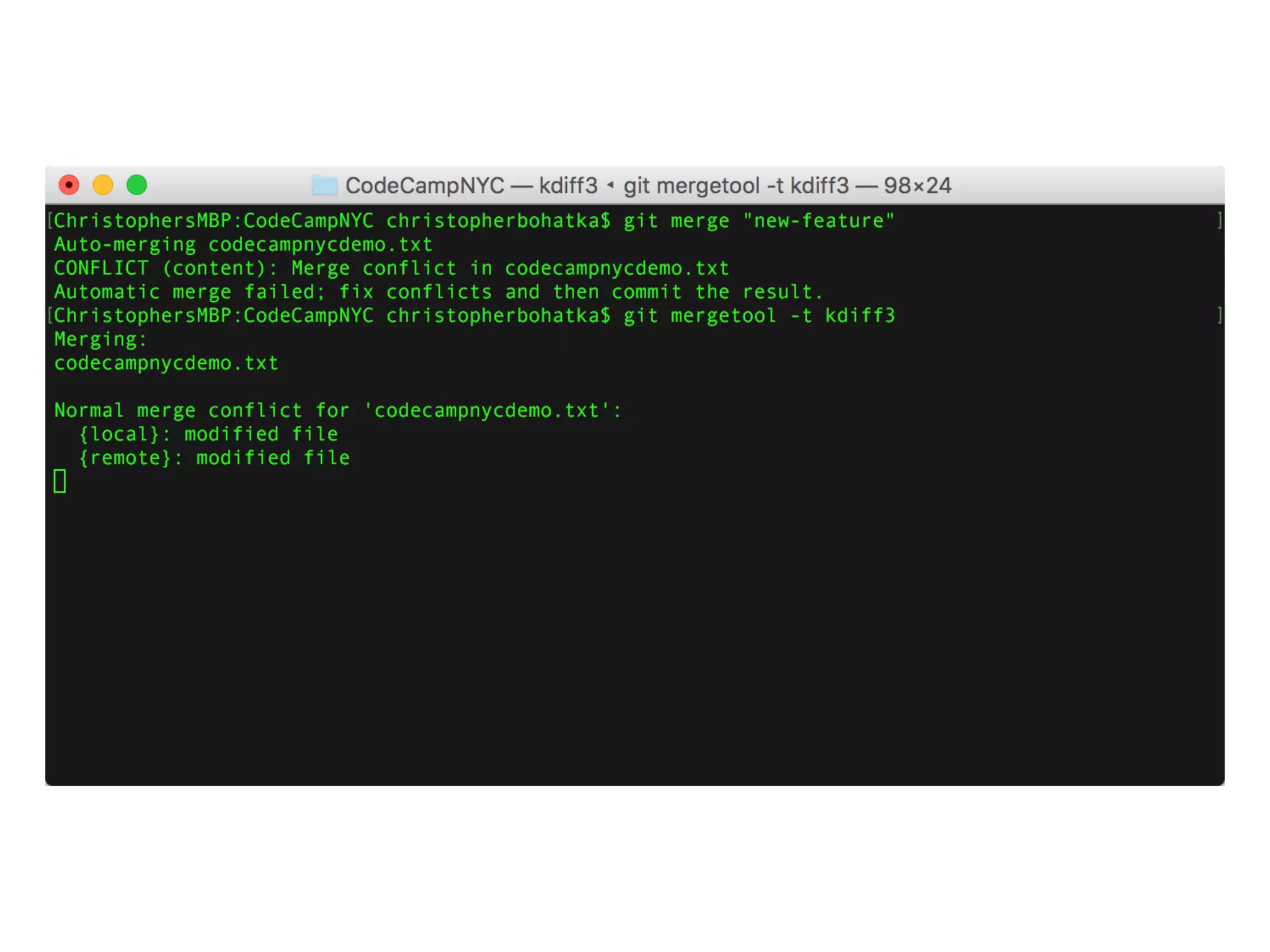
git merge
git merge <name-of-branch>
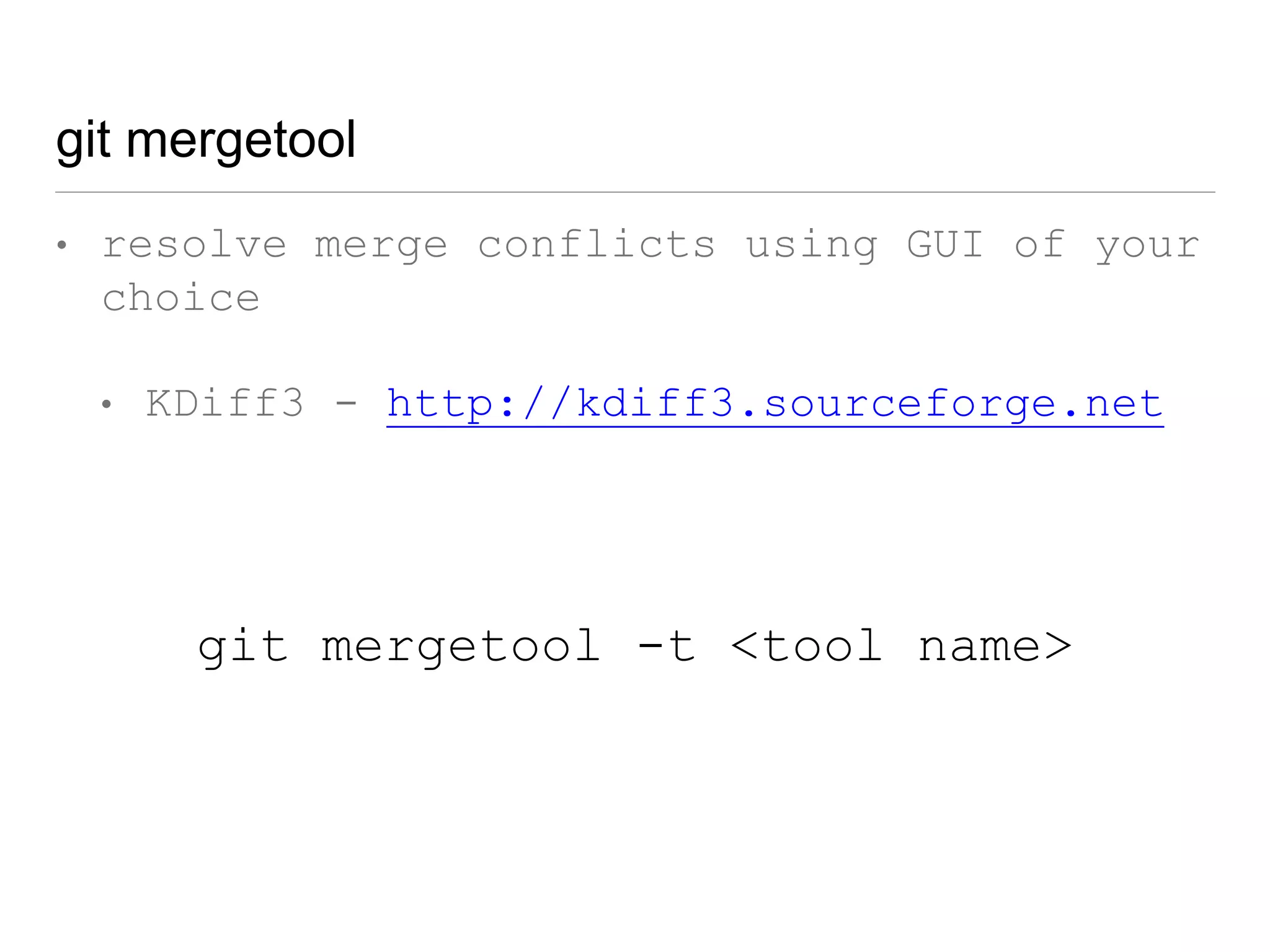
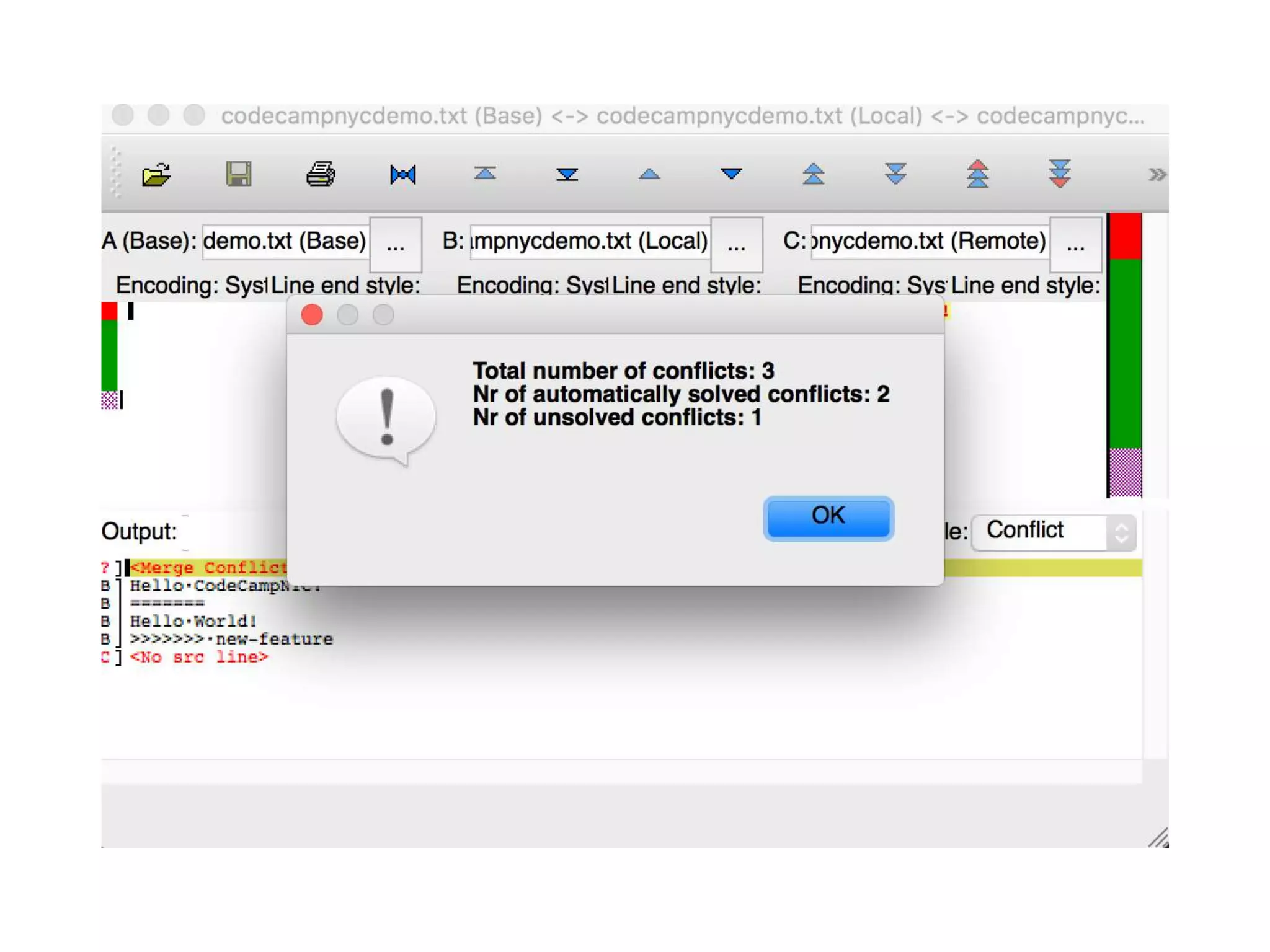
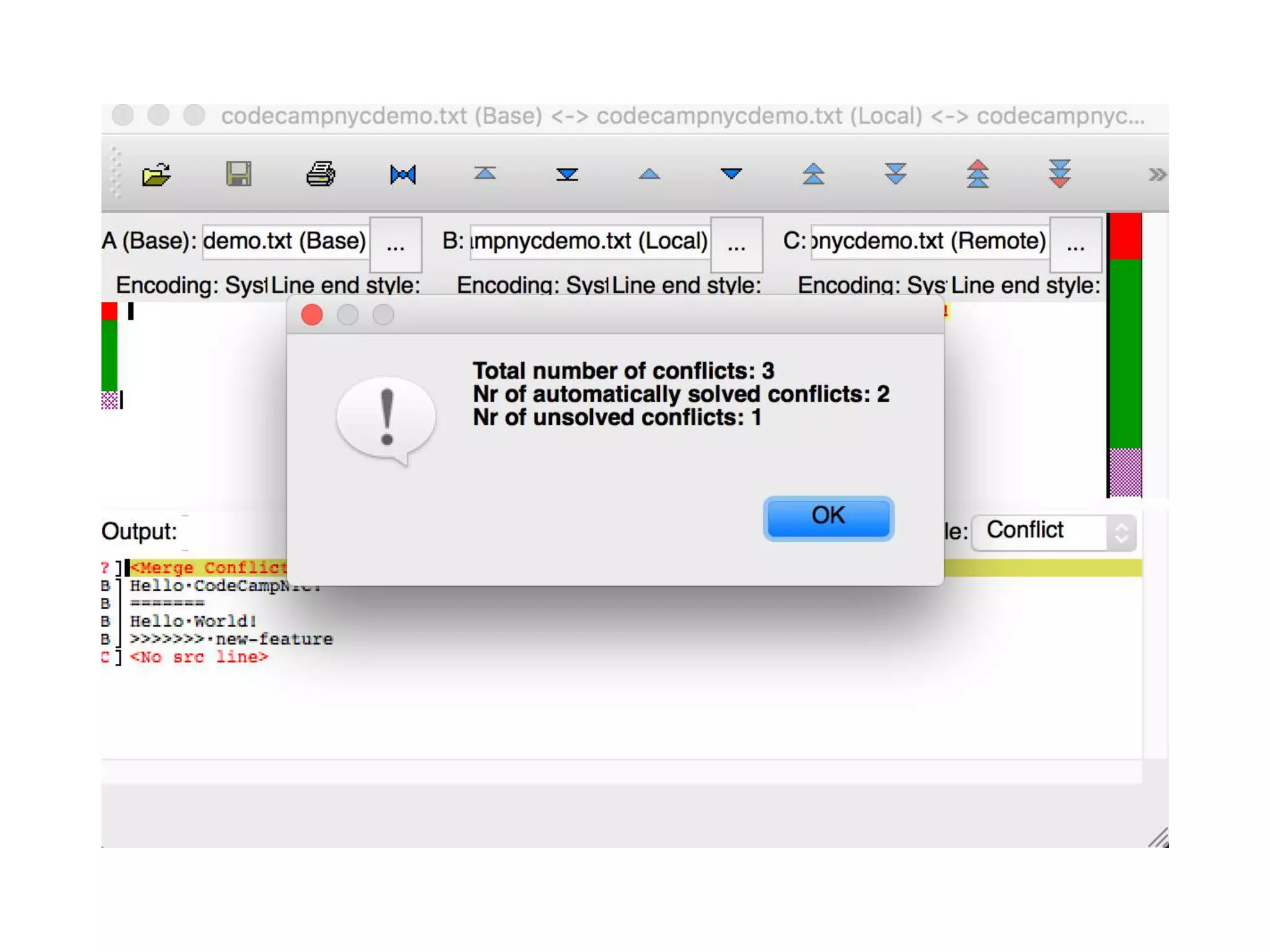
git mergetool
• resolve merge conflicts using GUI of your
choice
• KDiff3 - http://kdiff3.sourceforge.net
• AraxisMerge -
http://www.araxis.com/merge/index.en
git mergetool -t <tool name>
git mergetool
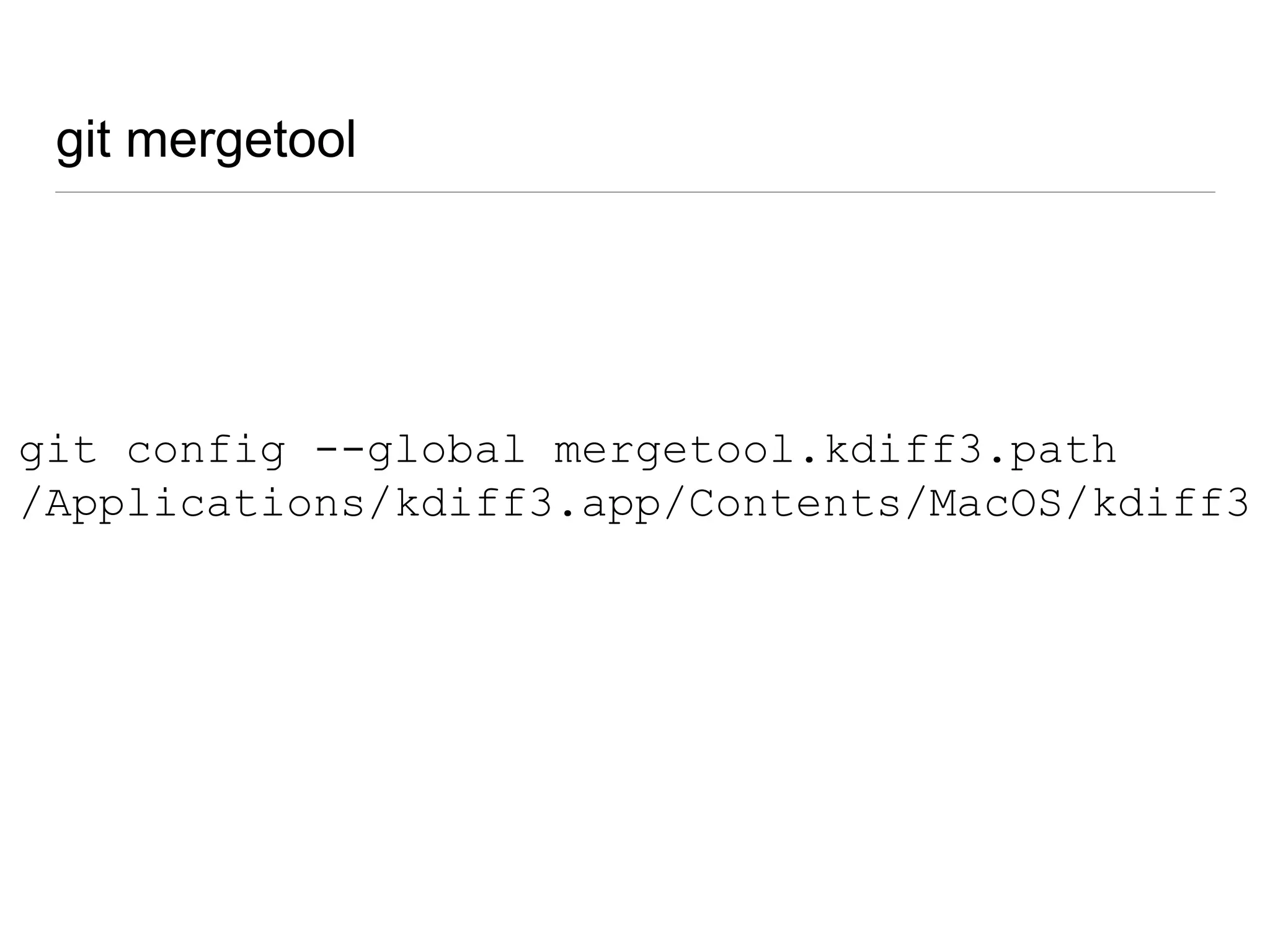
git config --global mergetool.kdiff3.path
/Applications/kdiff3.app/Contents/MacOS/kdiff3
git mergetool
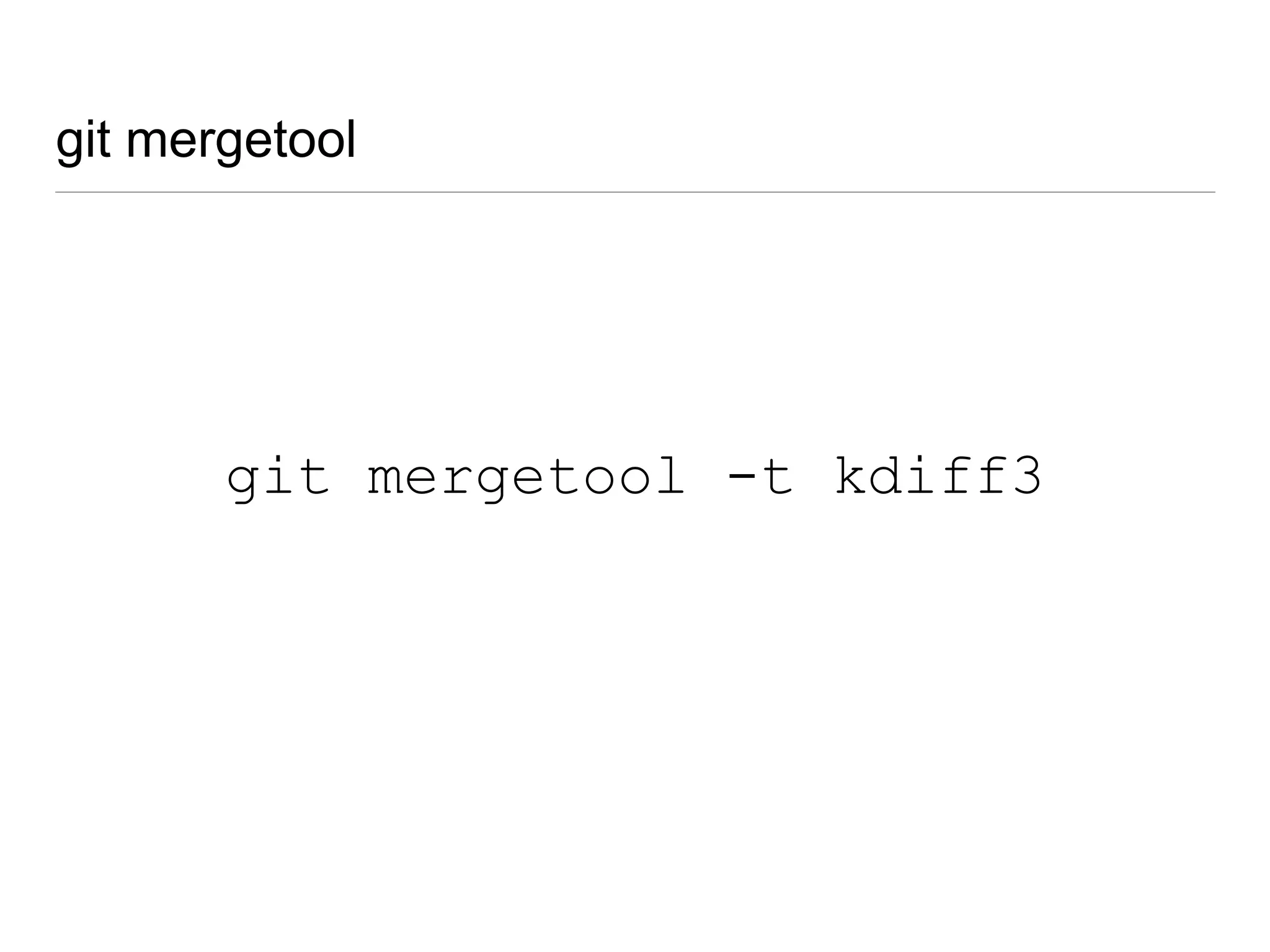
git mergetool -t kdiff3
git mergetool
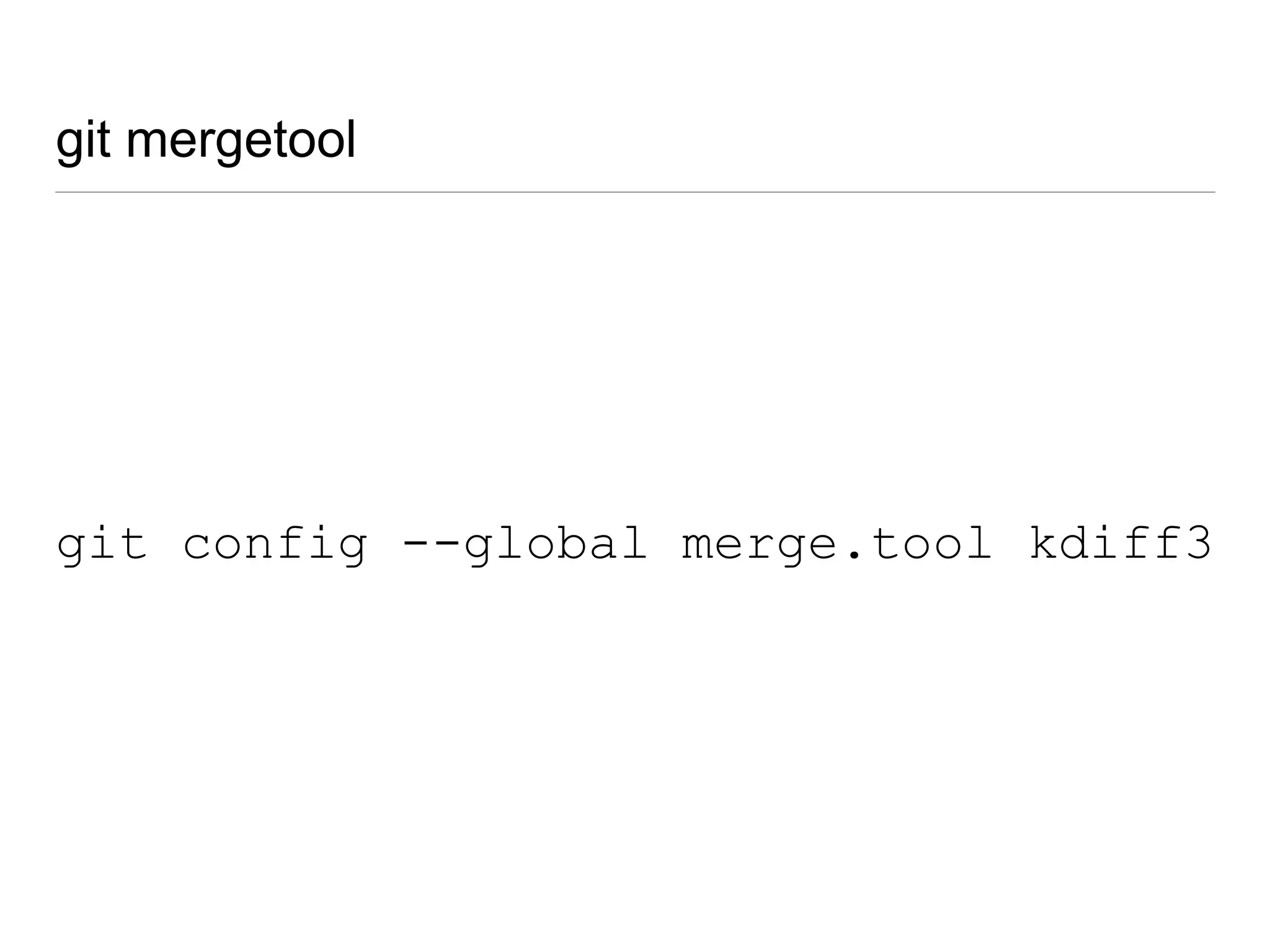
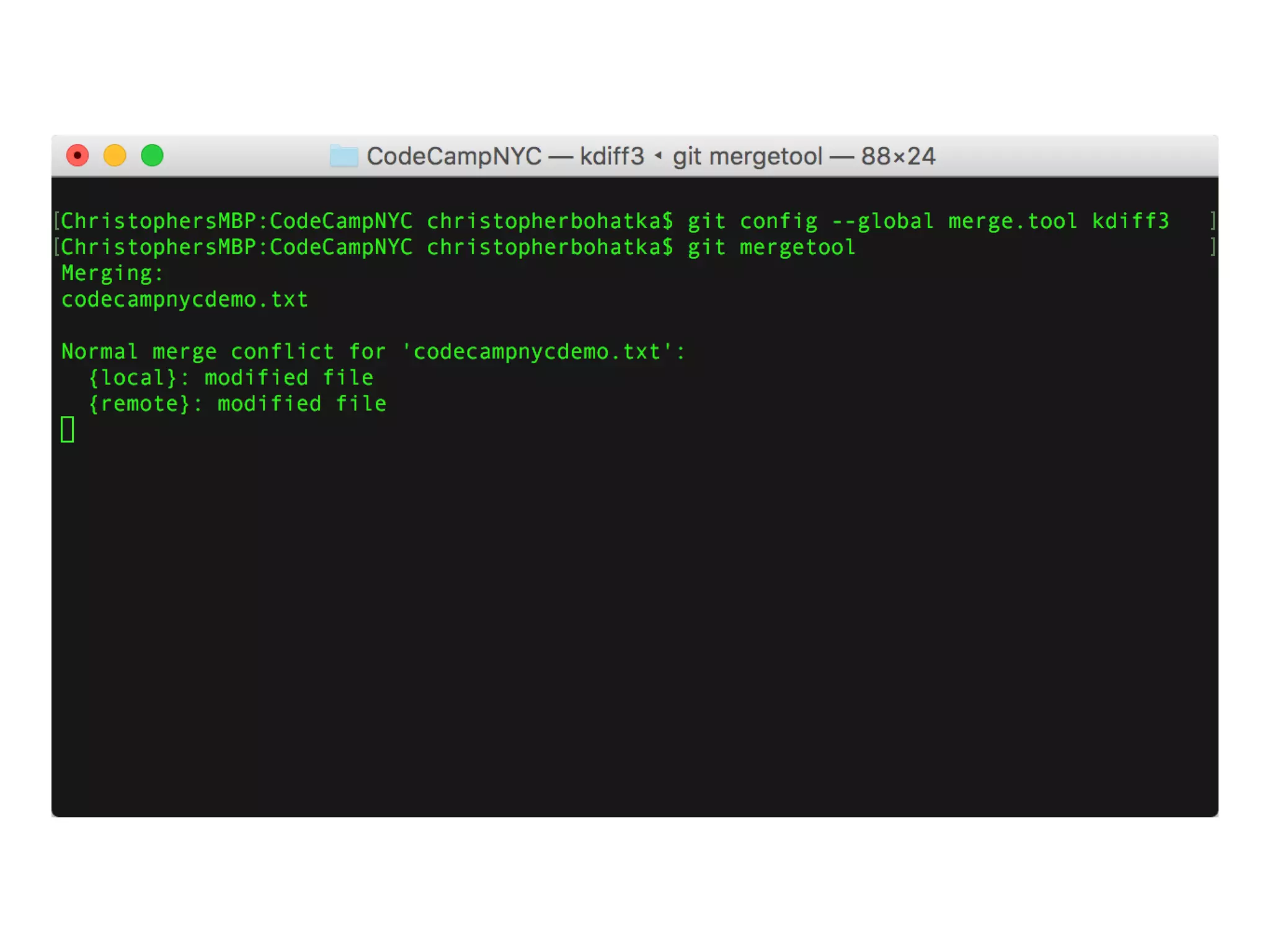
git config --global merge.tool kdiff3
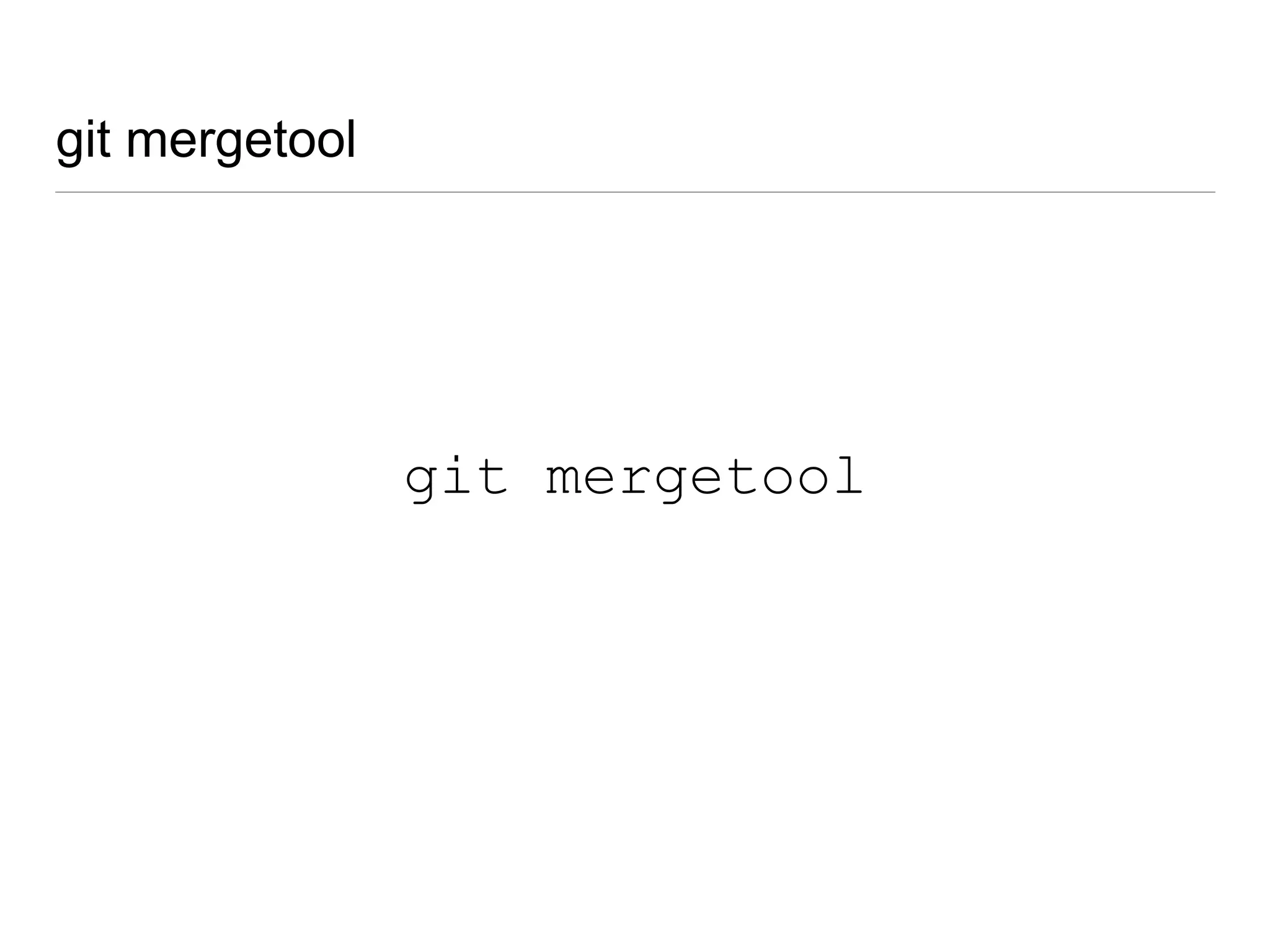
git mergetool
git mergetool
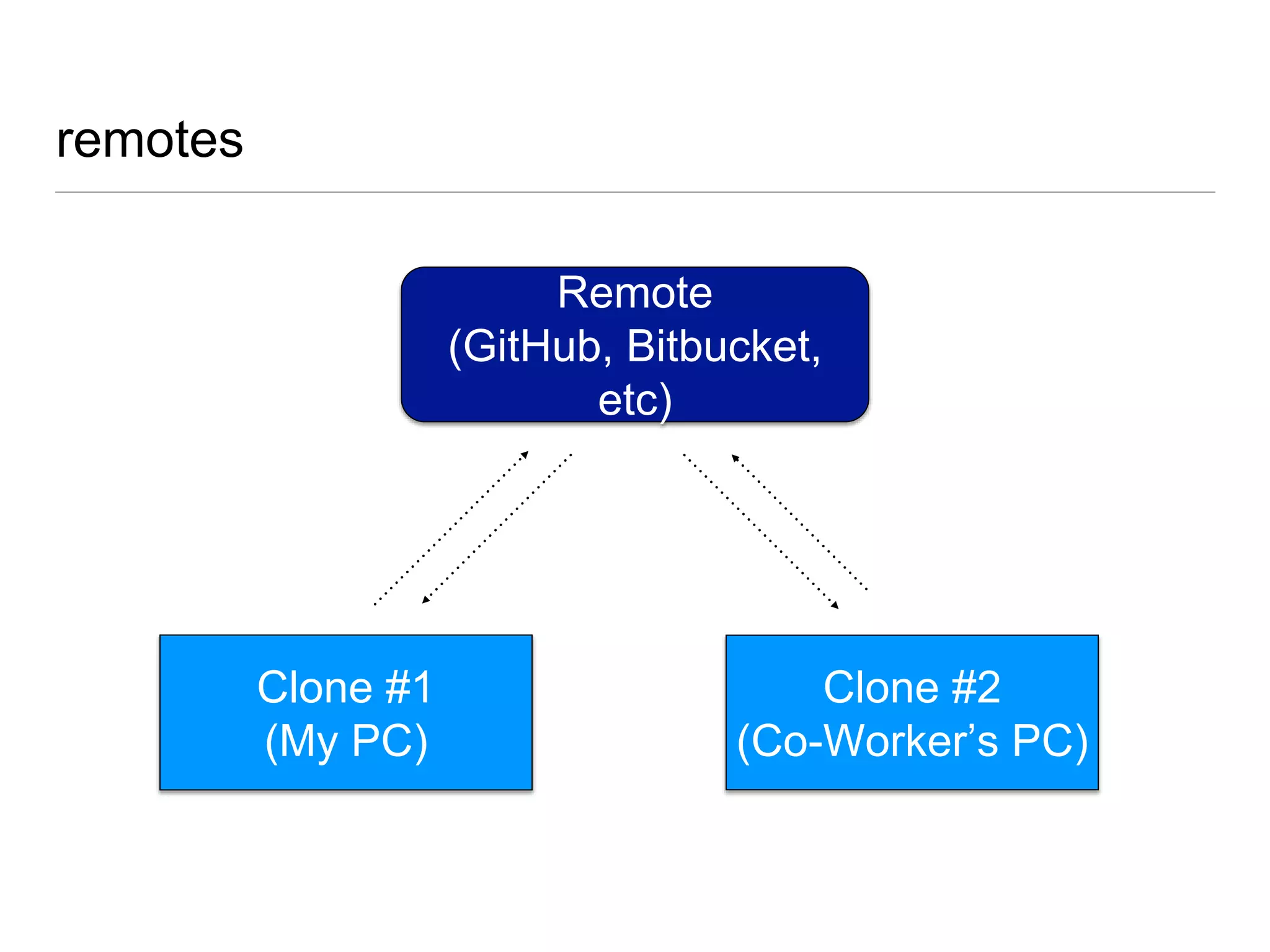
remotes
Remote
(GitHub, Bitbucket,
etc)
Clone #1
(My PC)
Clone #2
(Co-Worker’s PC)

repository hosts
https://github.com https://bitbucket.org
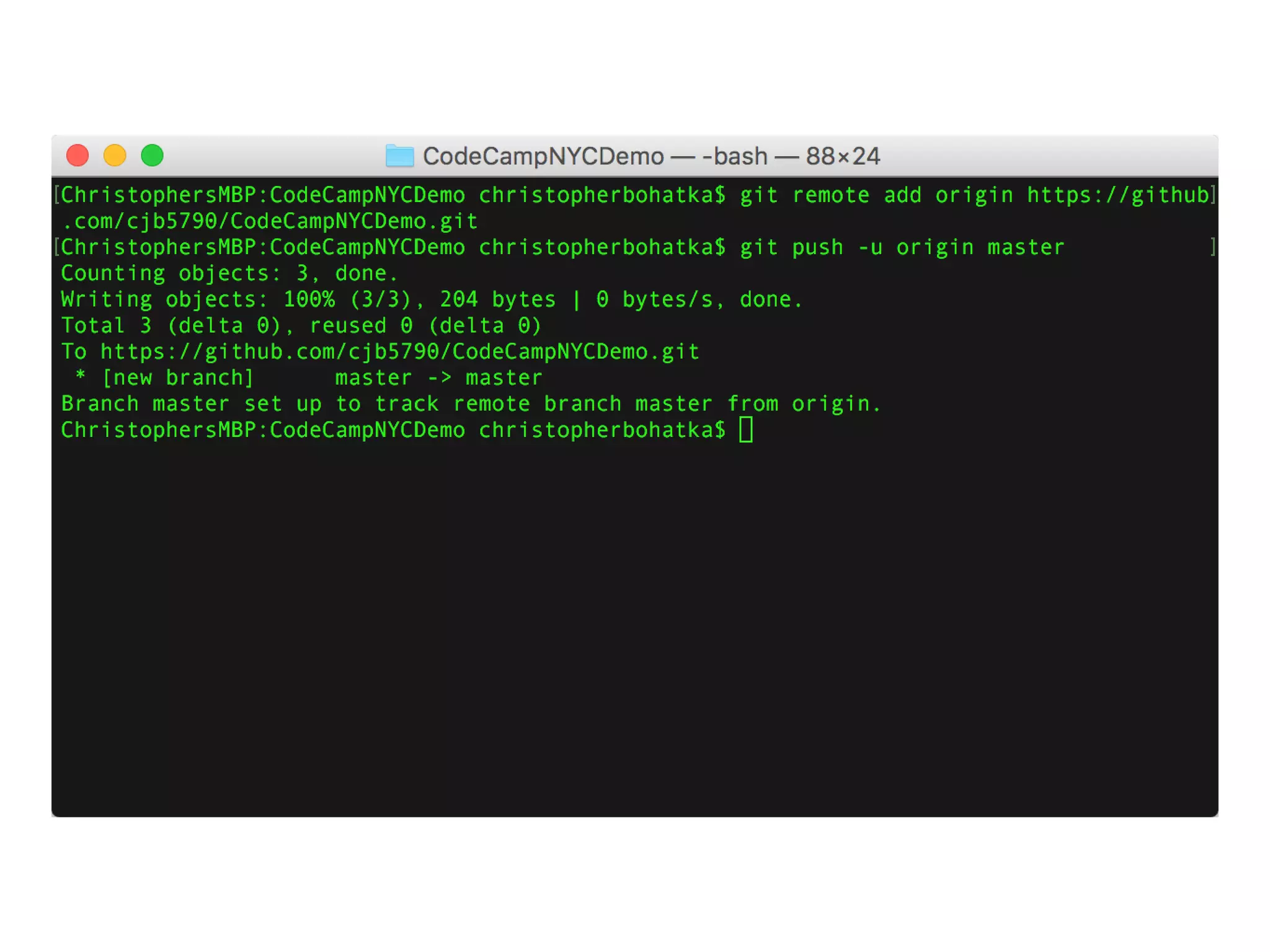
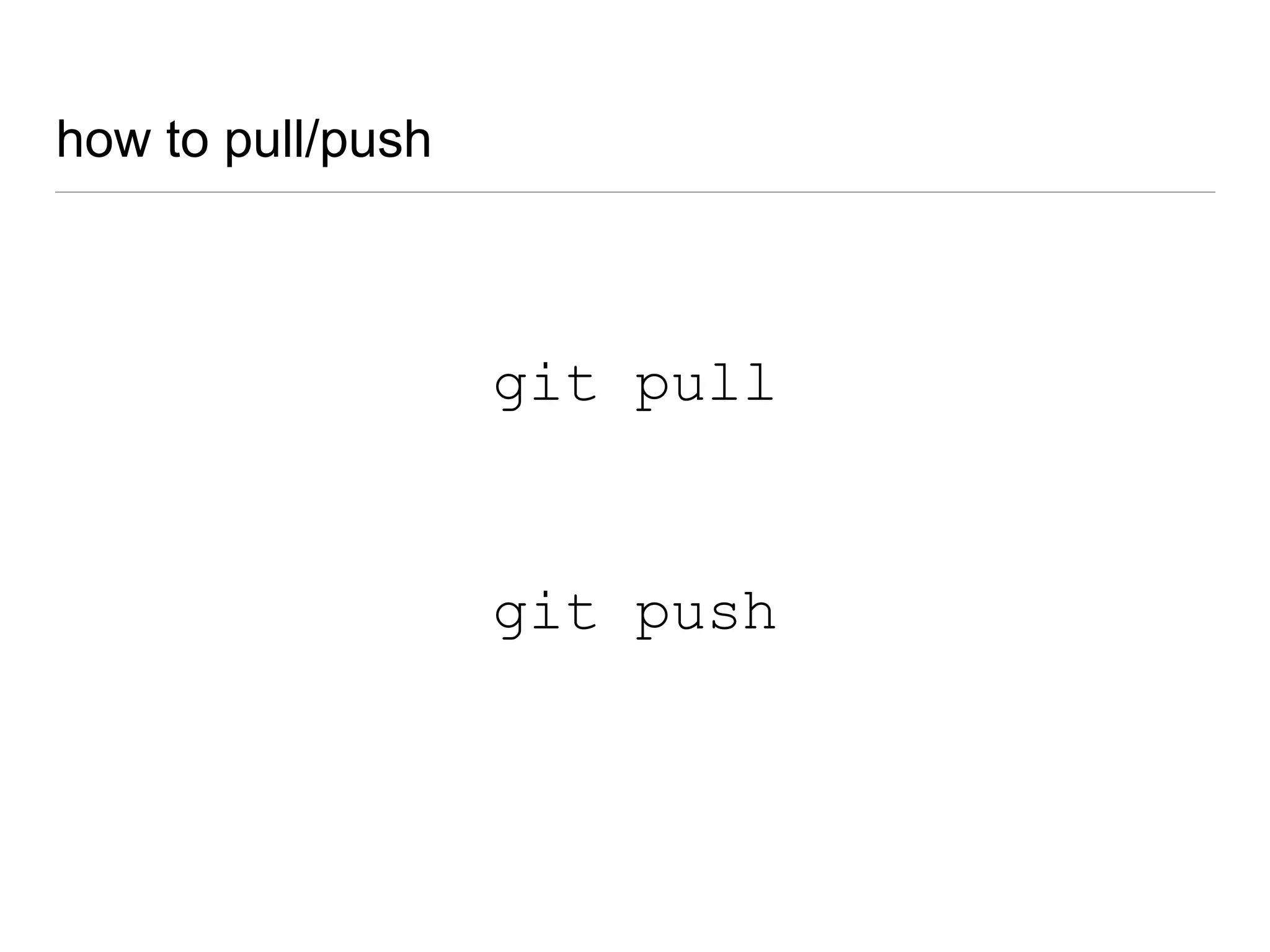
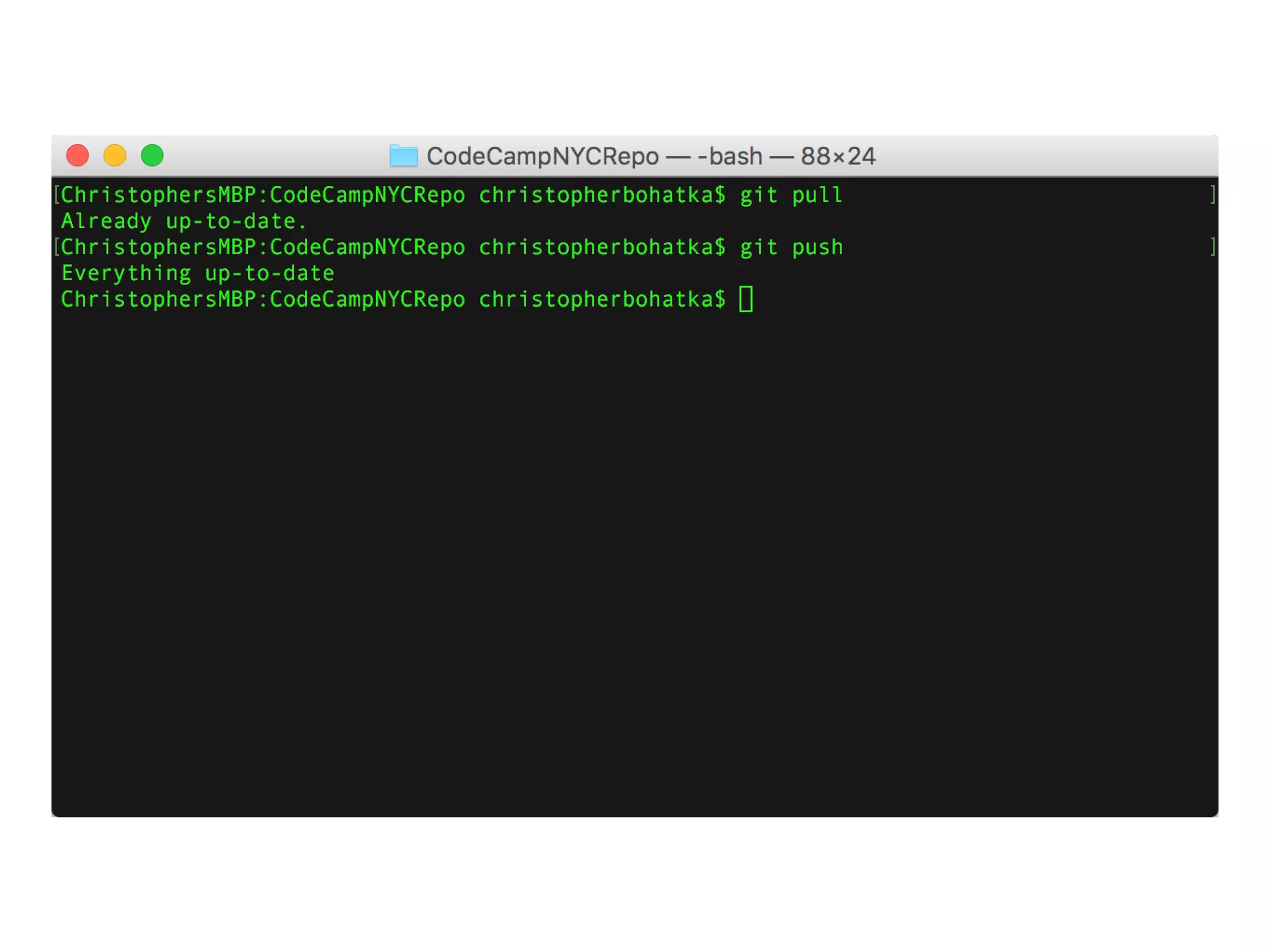
how to pull/push
git pull
git push
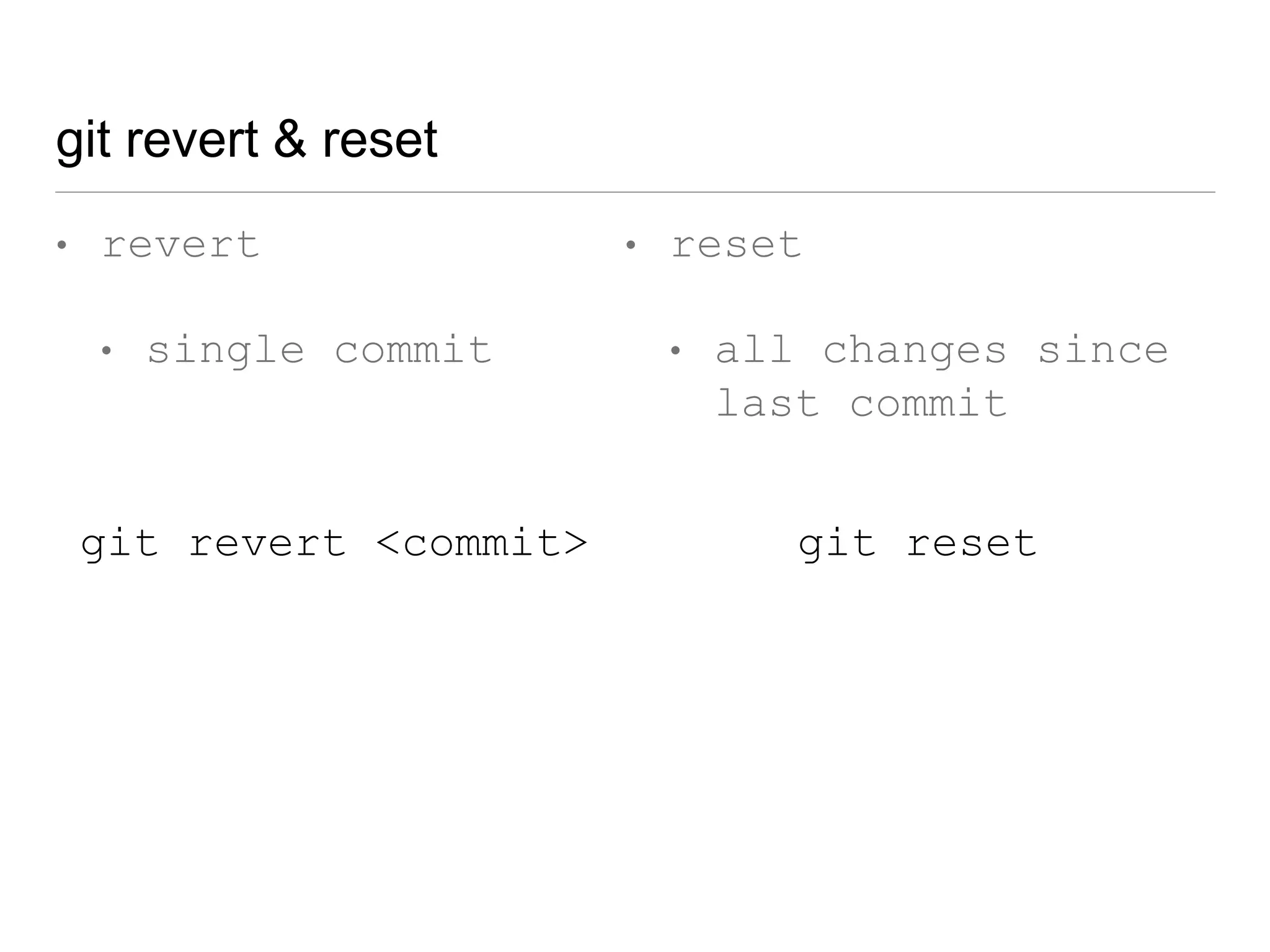
git revert & reset
• revert
• single commit
• reset
• all changes since
last commit
git revert <commit> git reset
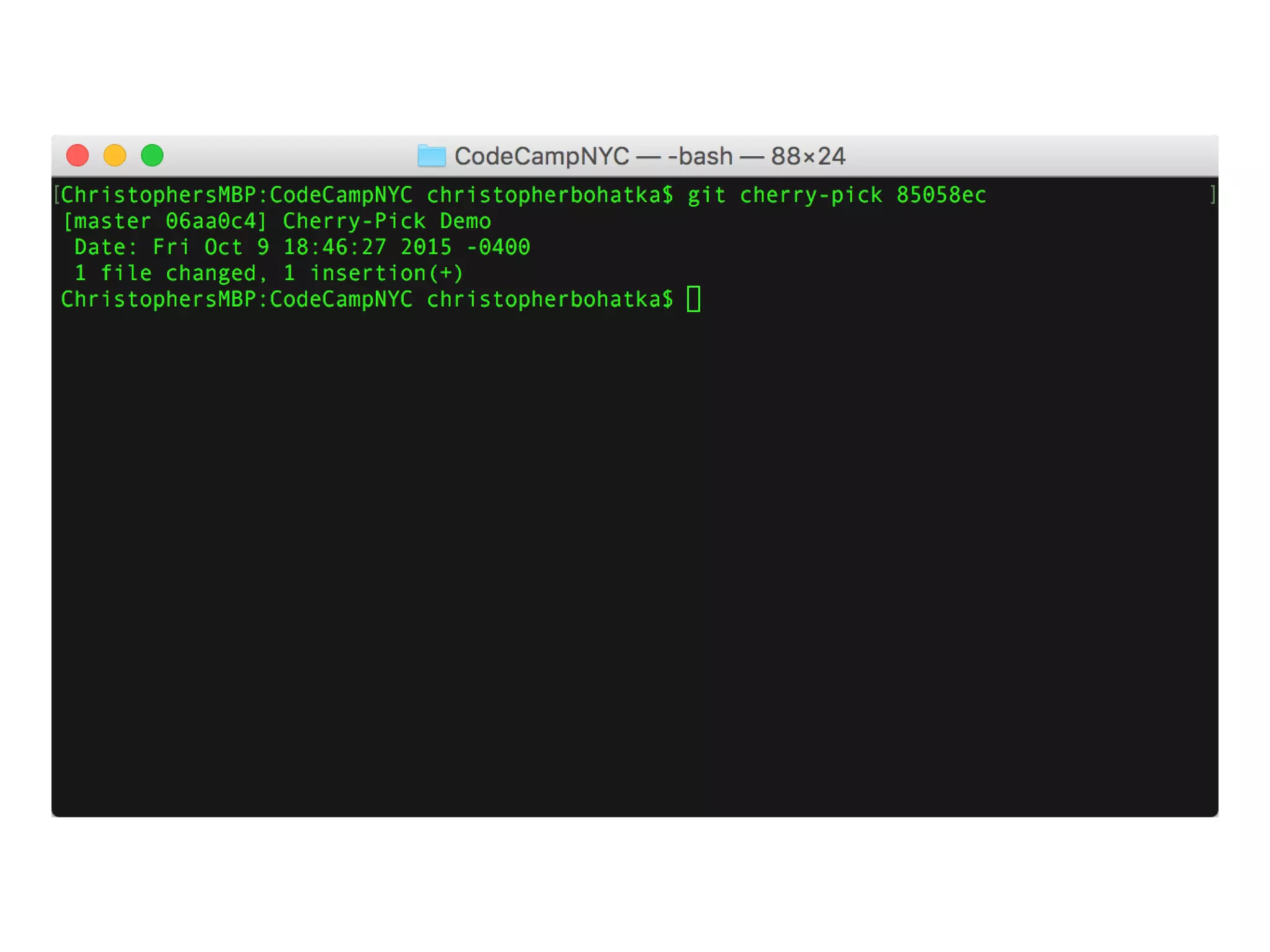
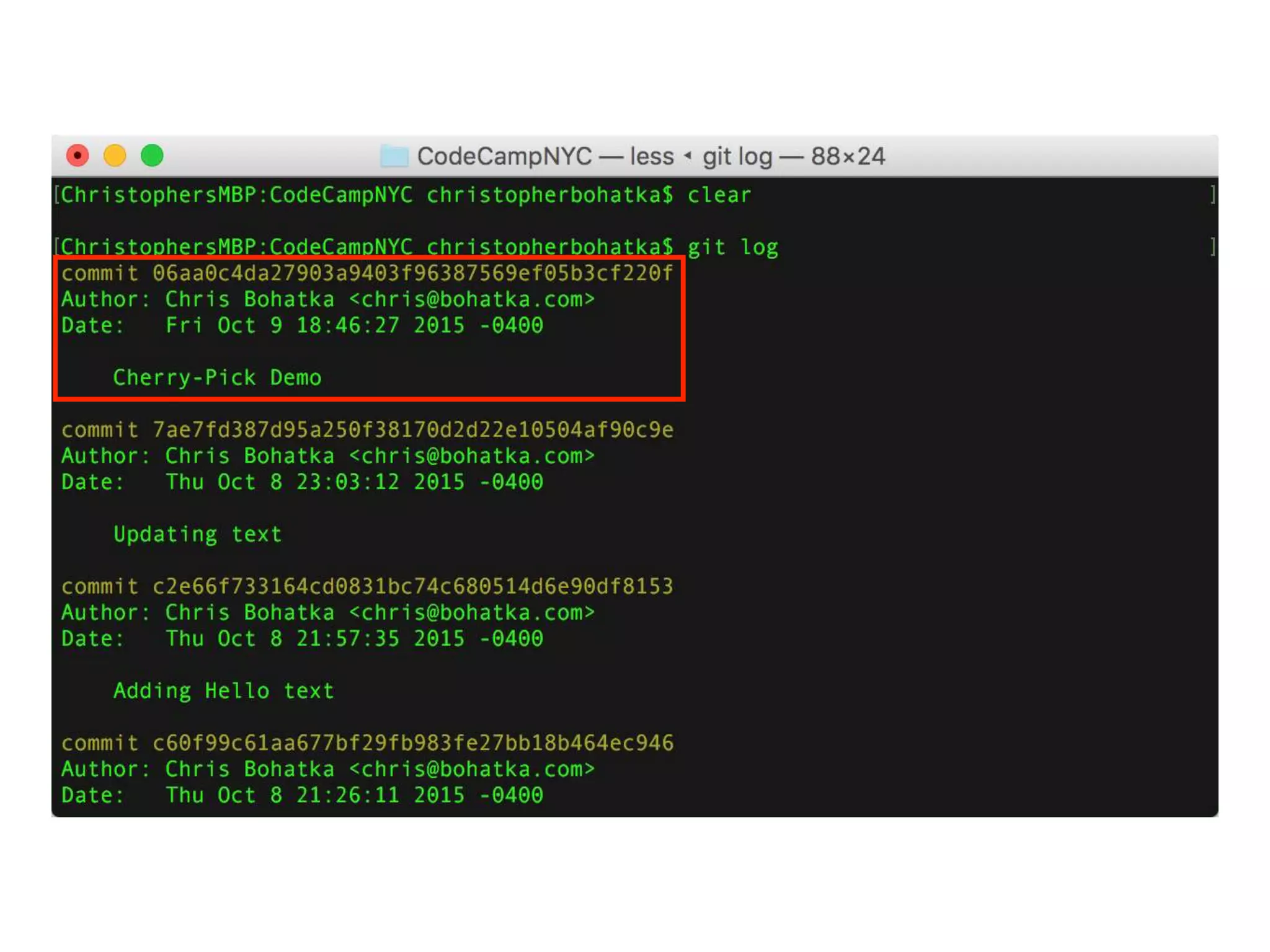
git cherry-pick
git cherry-pick <revision>
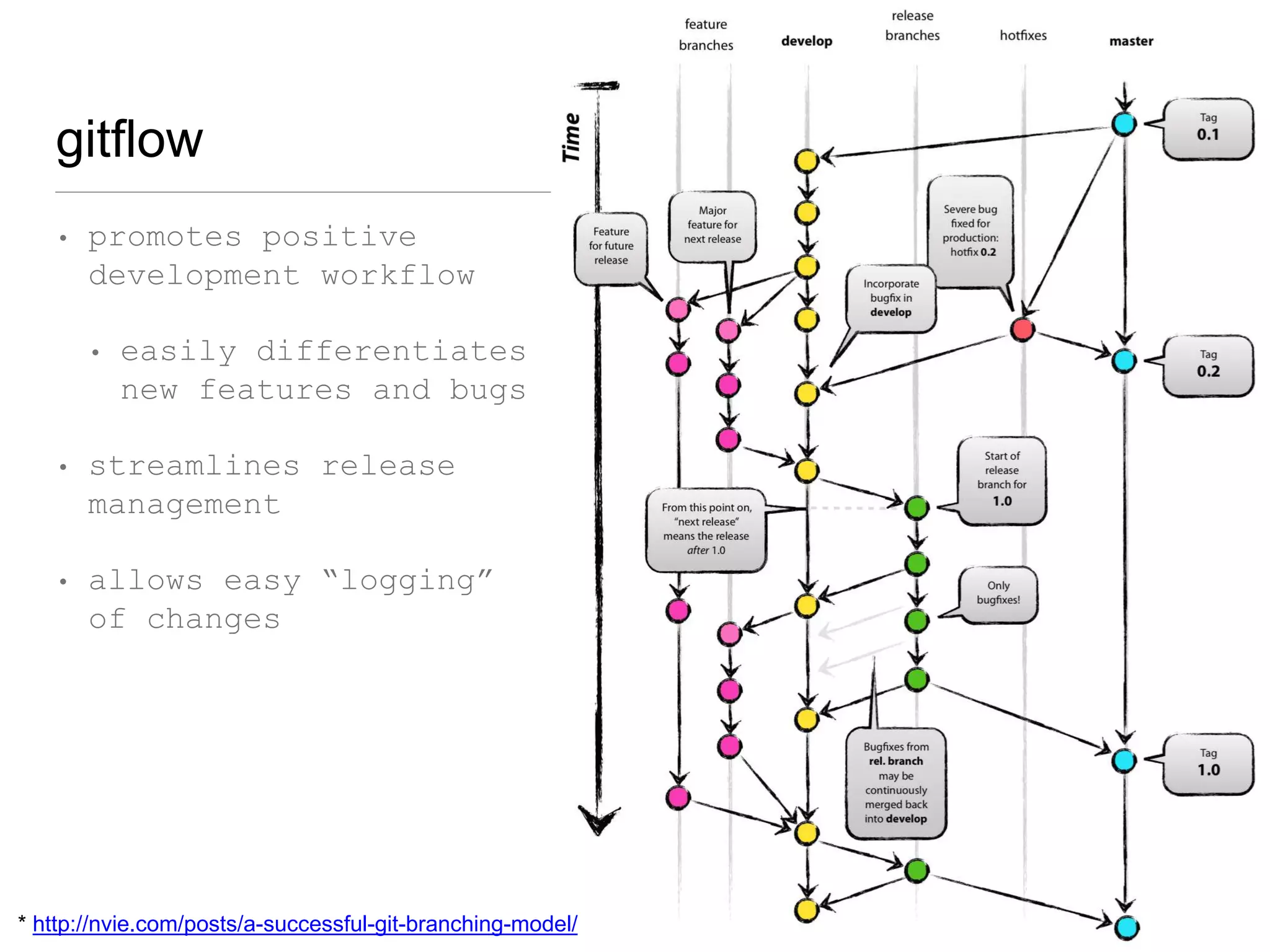
gitflow
• promotes positive
development workflow
• easily differentiates
new features and bugs
• streamlines release
management
• allows easy “logging”
of changes
* http://nvie.com/posts/a-successful-git-branching-model/
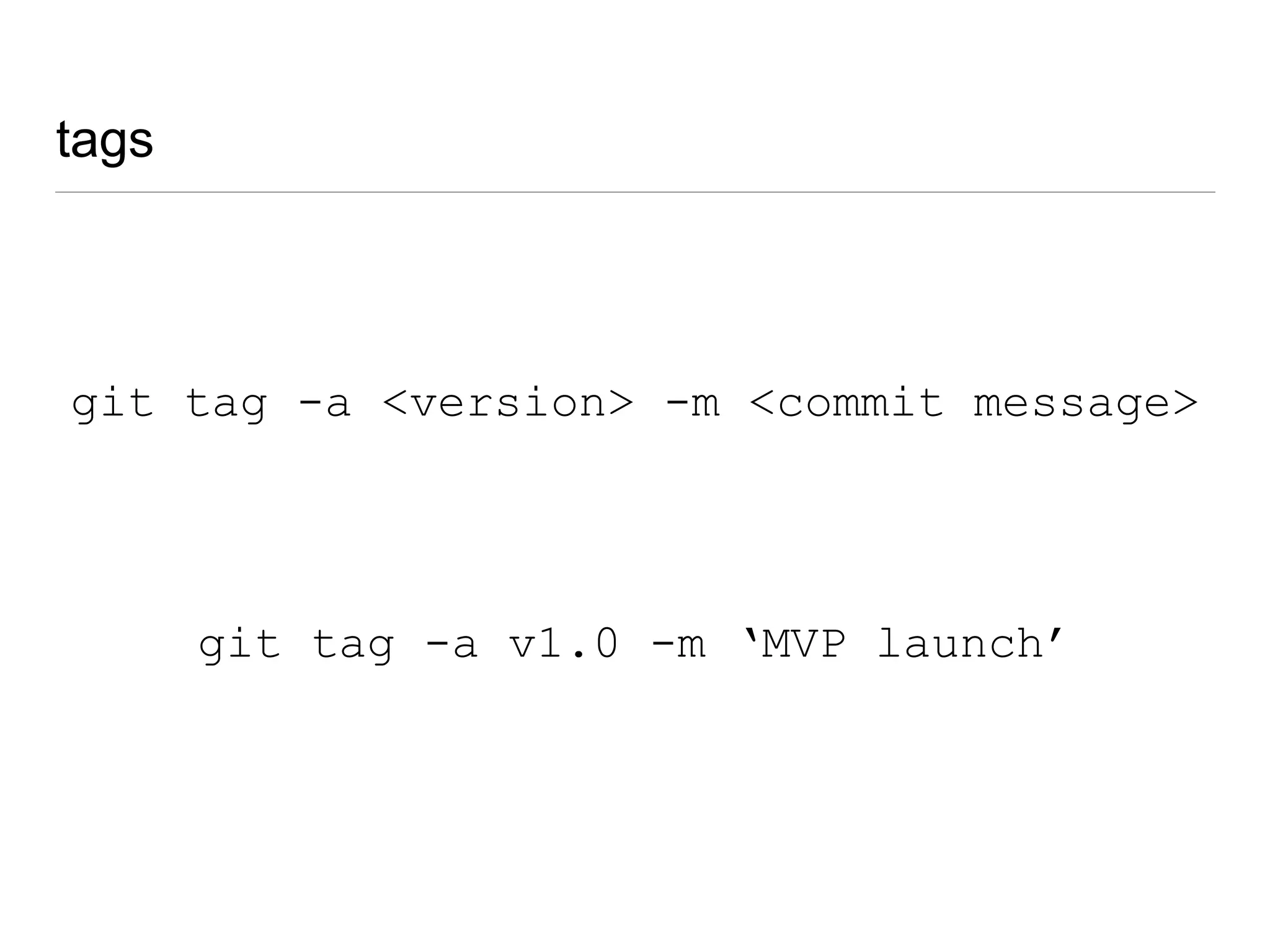
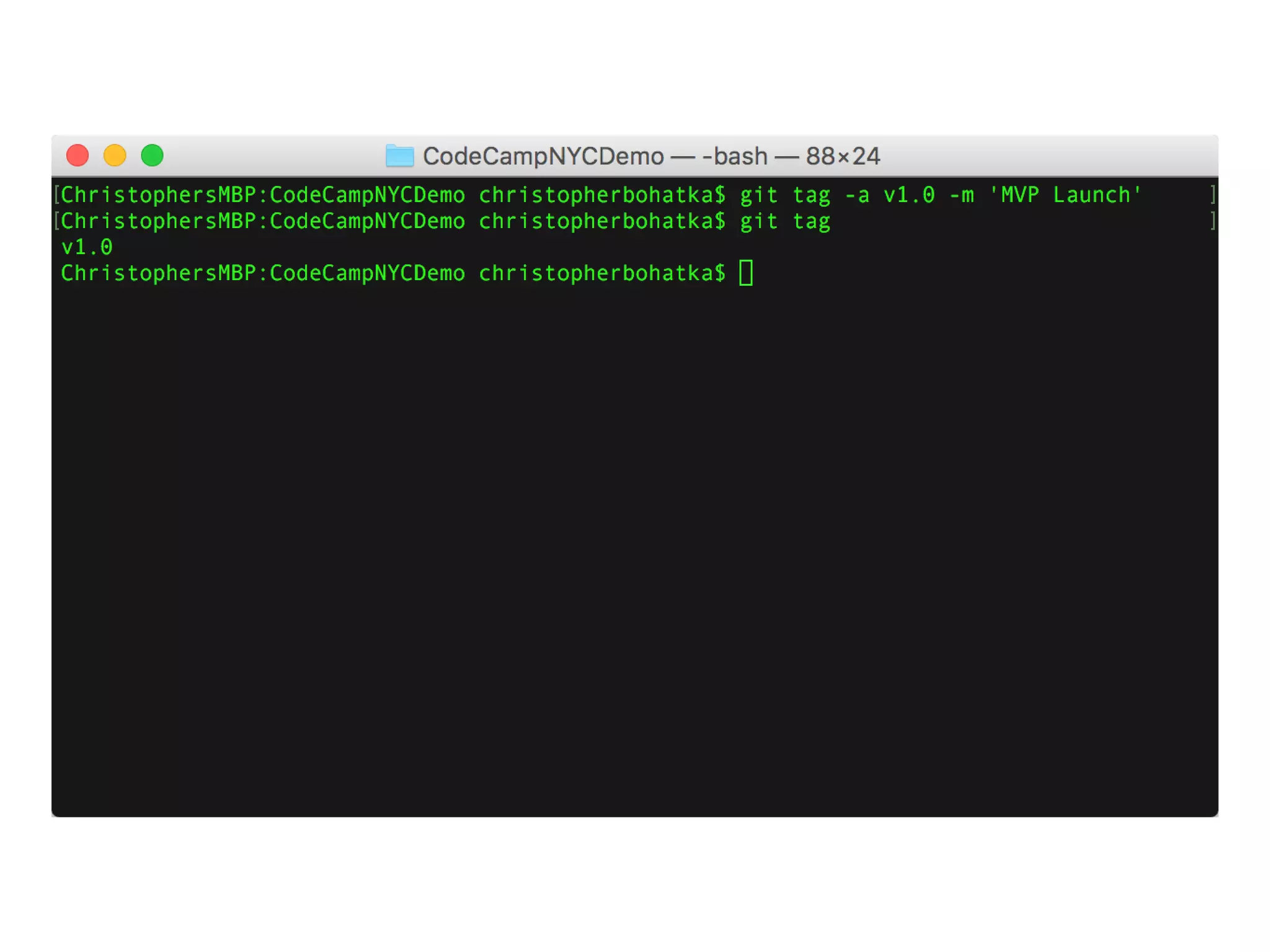
tags
git tag -a <version> -m <commit message>
git tag -a v1.0 -m ‘MVP launch’
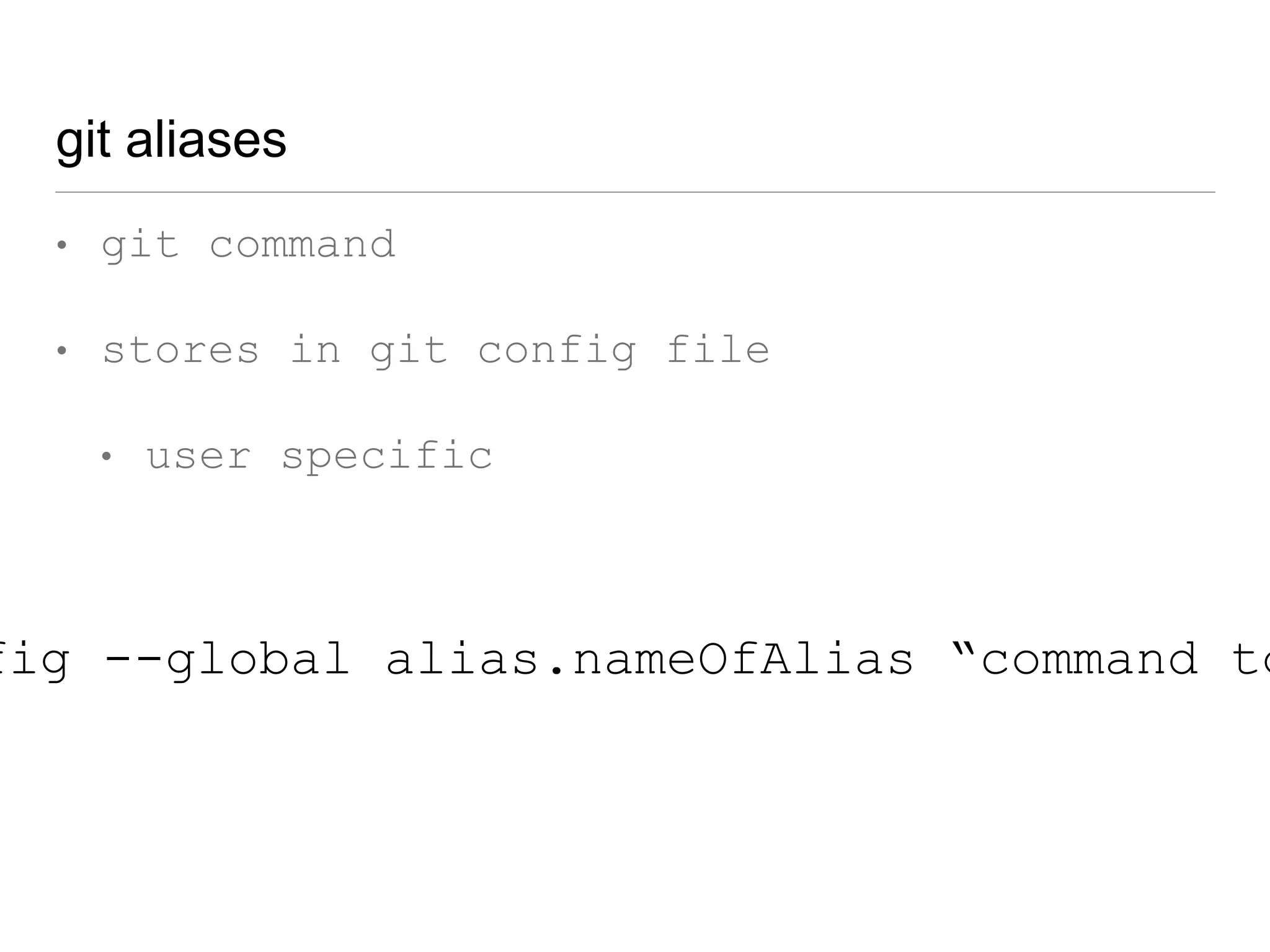
git aliases
• git command
• stores in git config file
• user specific
fig --global alias.nameOfAlias “command to
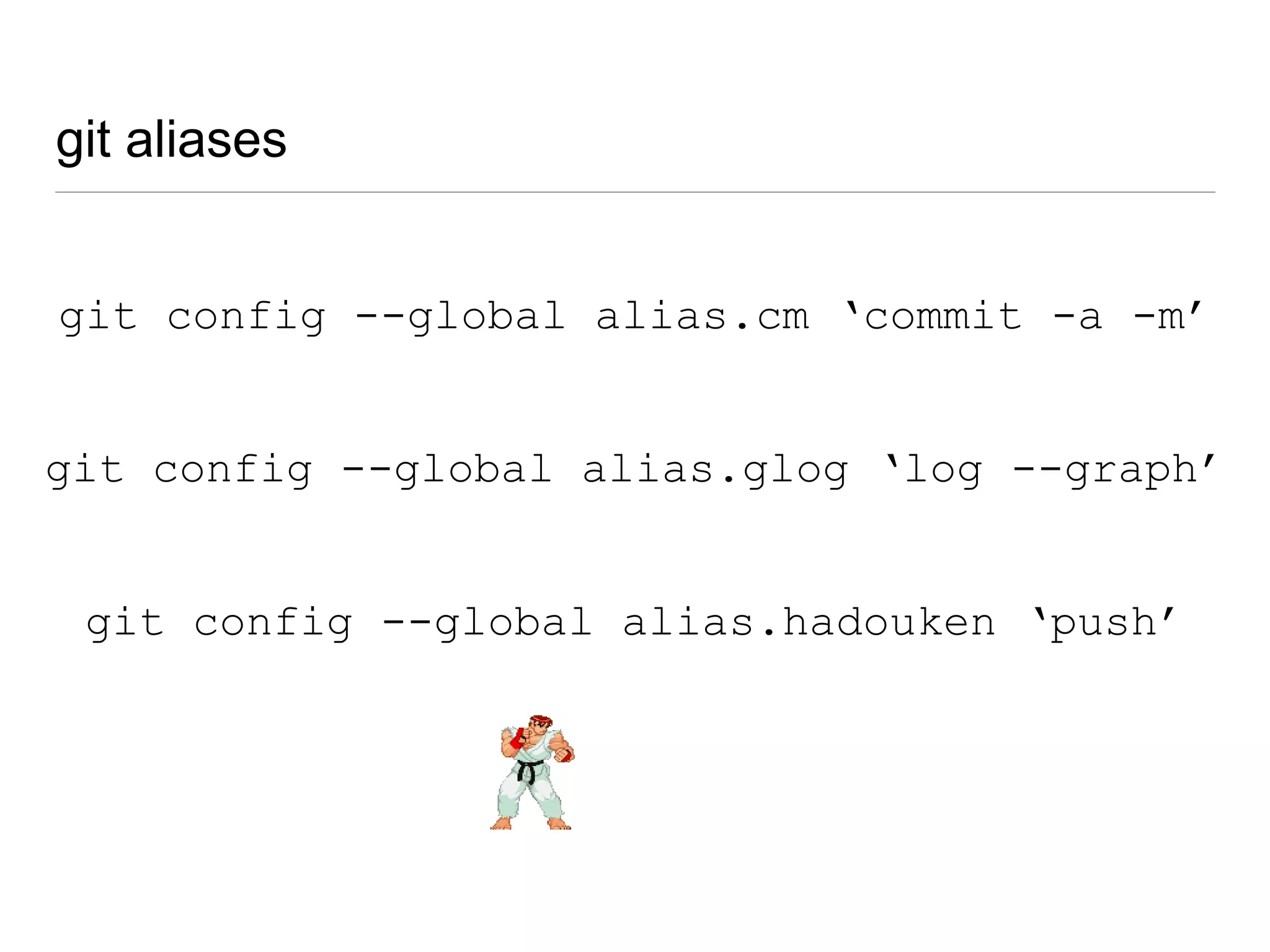
git aliases
git config --global alias.hadouken ‘push’
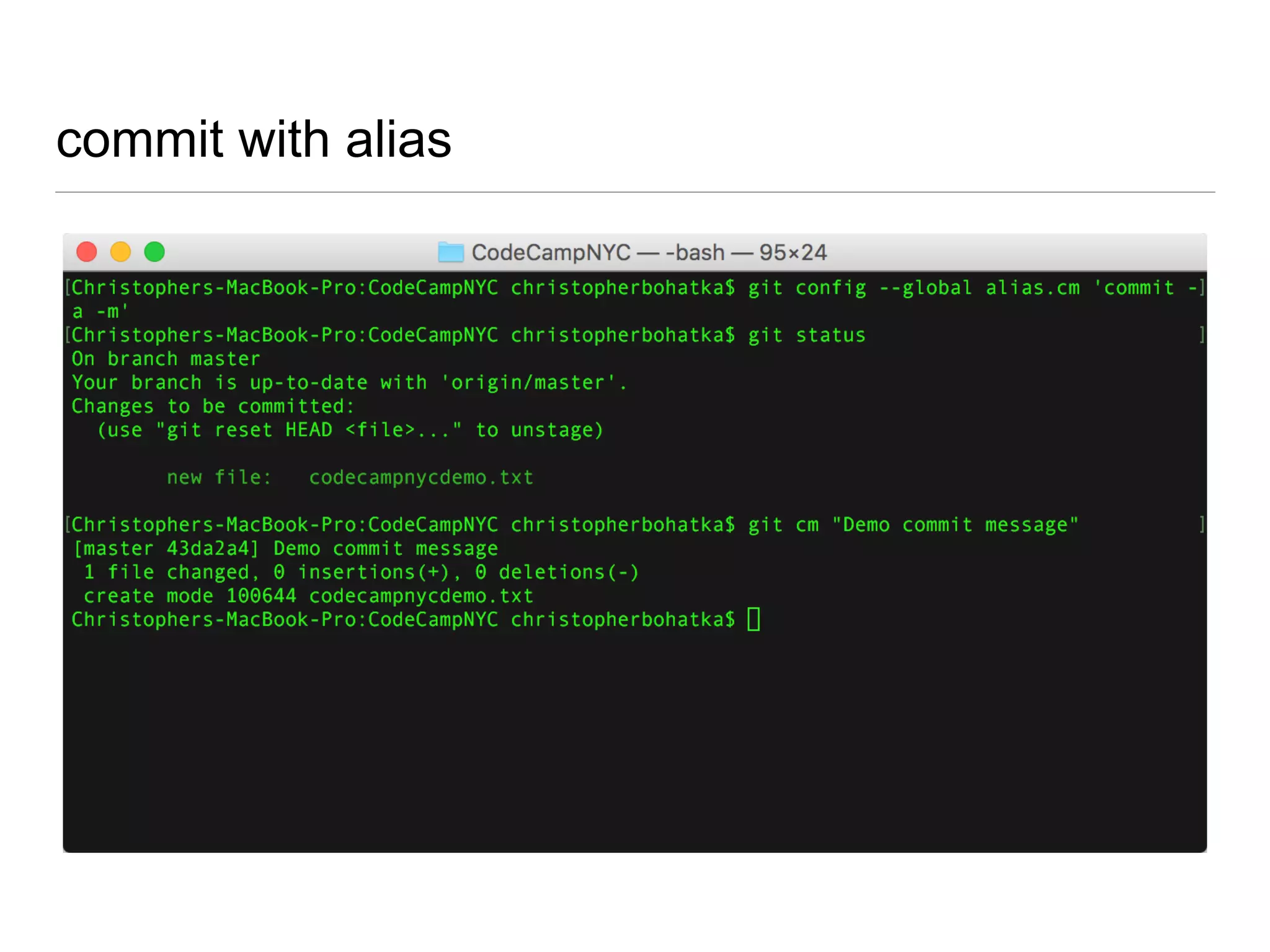
git config --global alias.cm ‘commit -a -m’
git config --global alias.glog ‘log --graph’
commit with alias
bash aliases
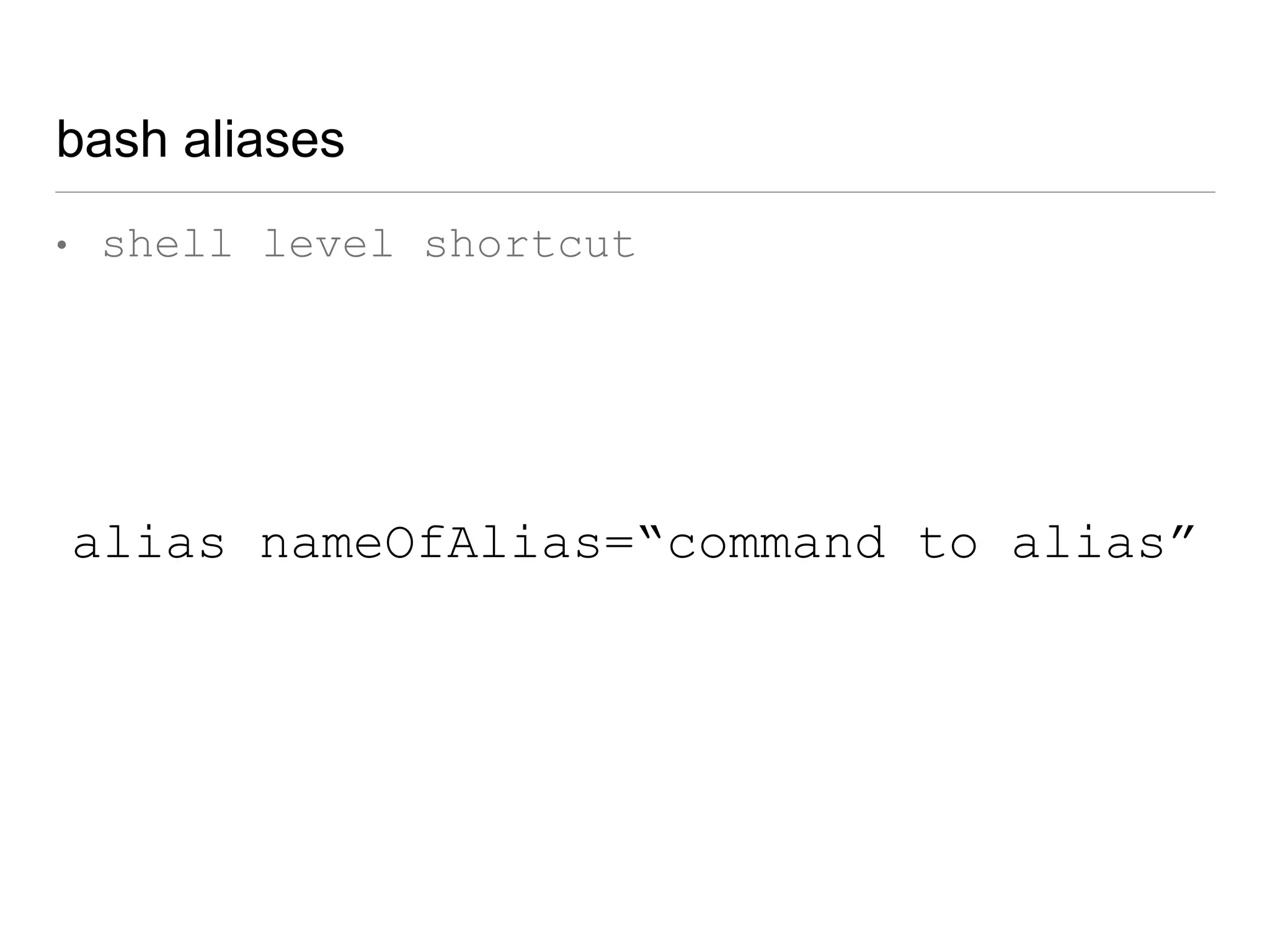
• shell level shortcut
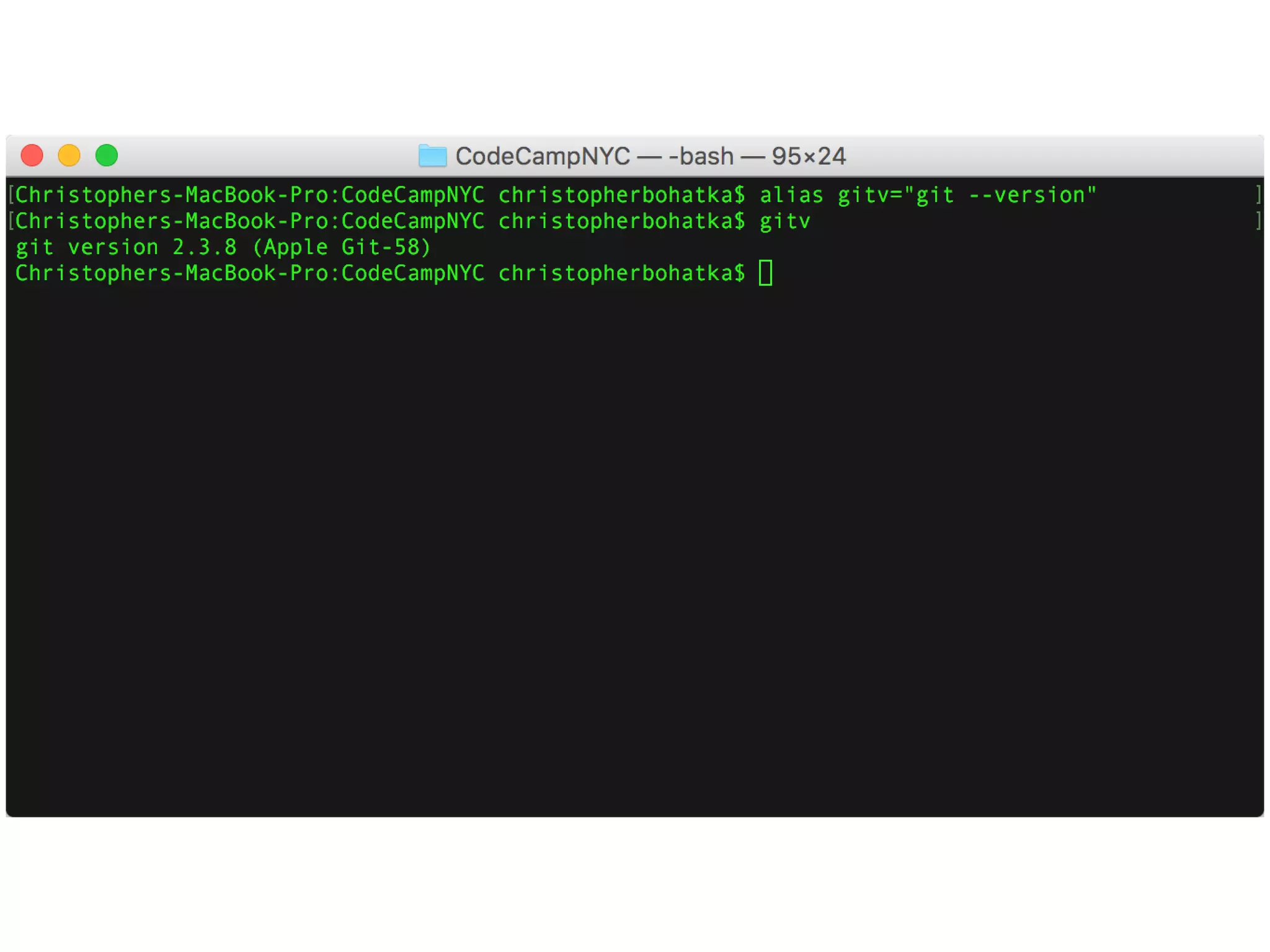
alias nameOfAlias=“command to alias”
bash aliases
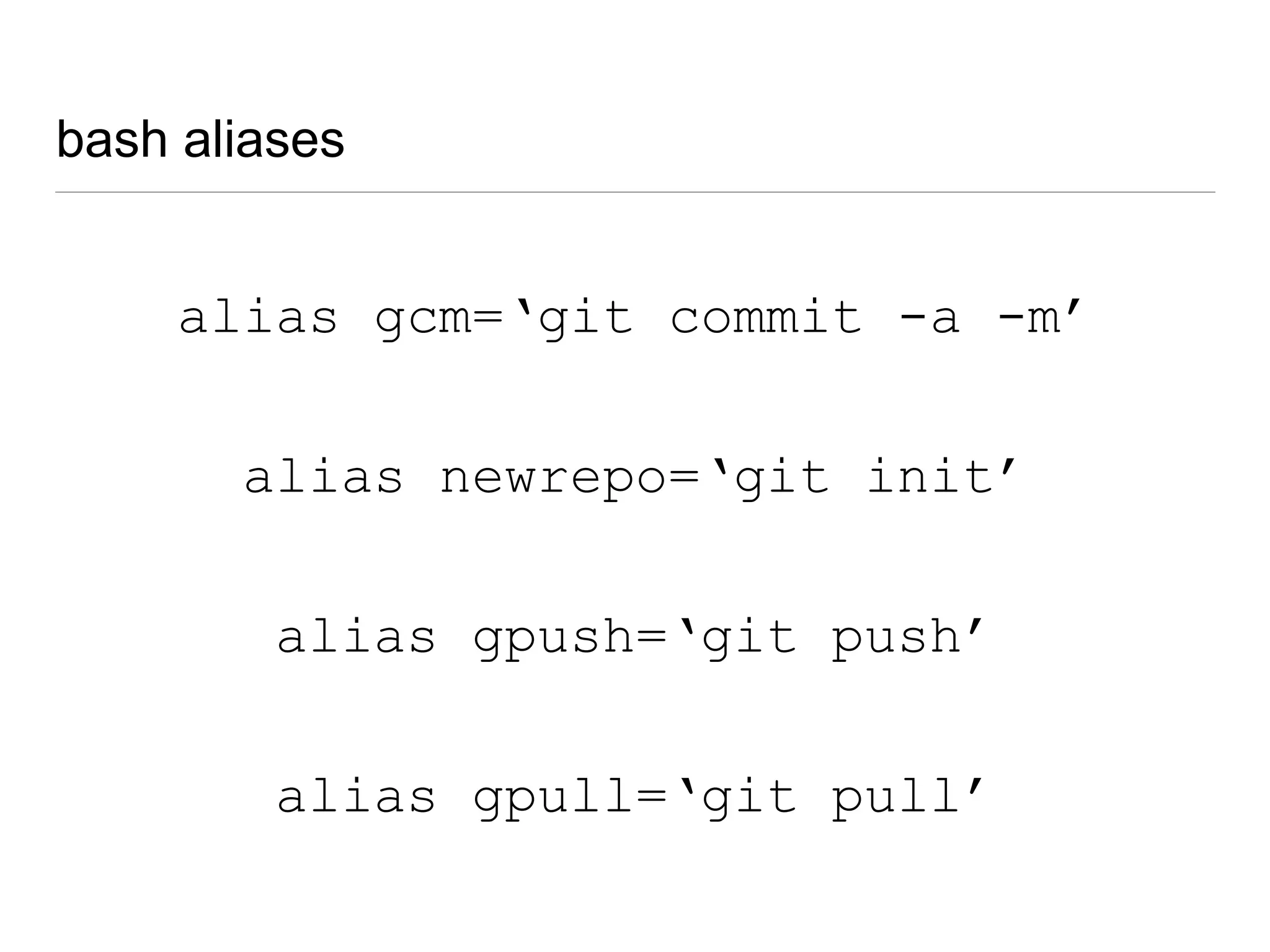
alias gcm=‘git commit -a -m’
alias gpull=‘git pull’
alias gpush=‘git push’
alias newrepo=‘git init’
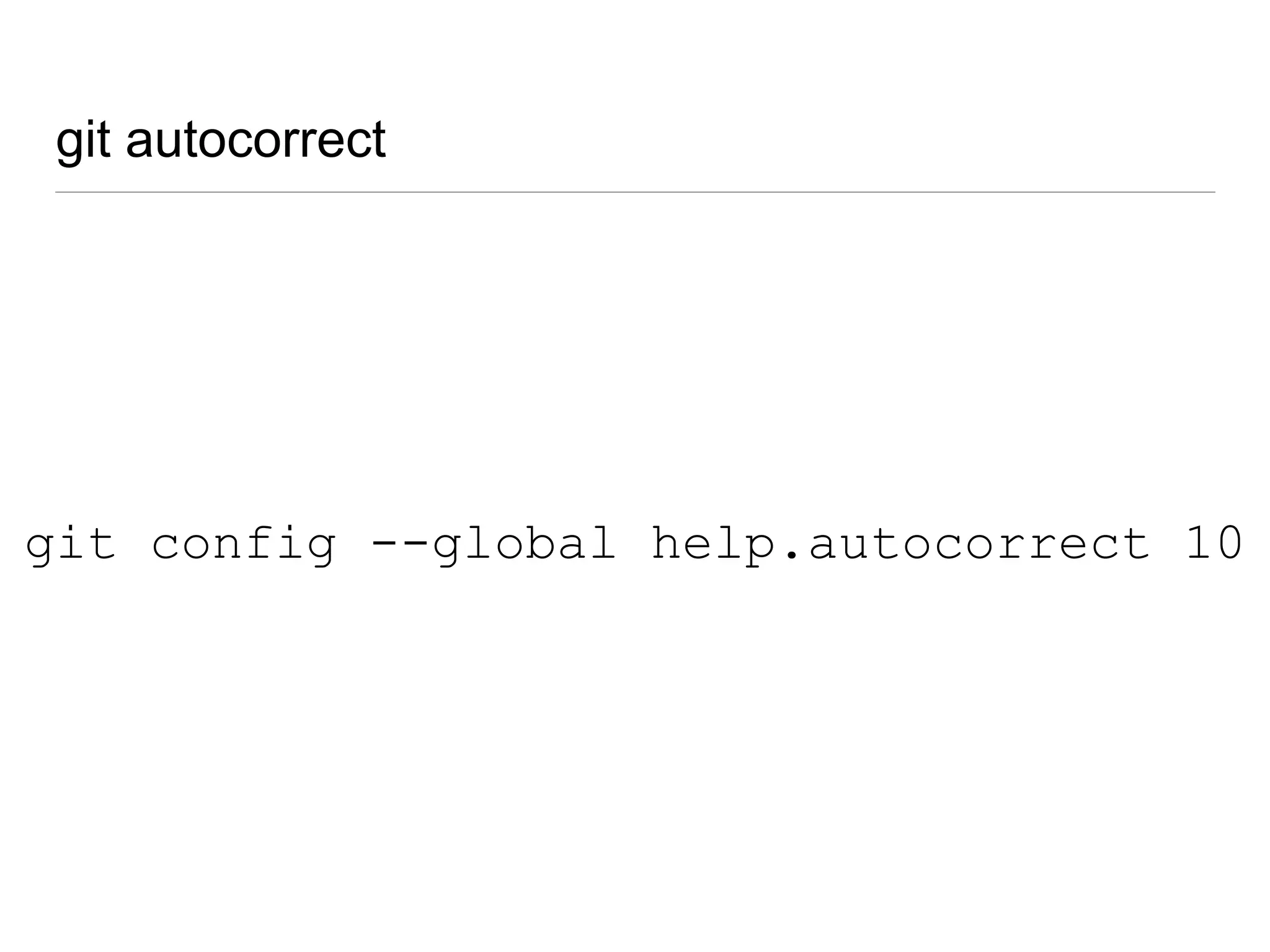
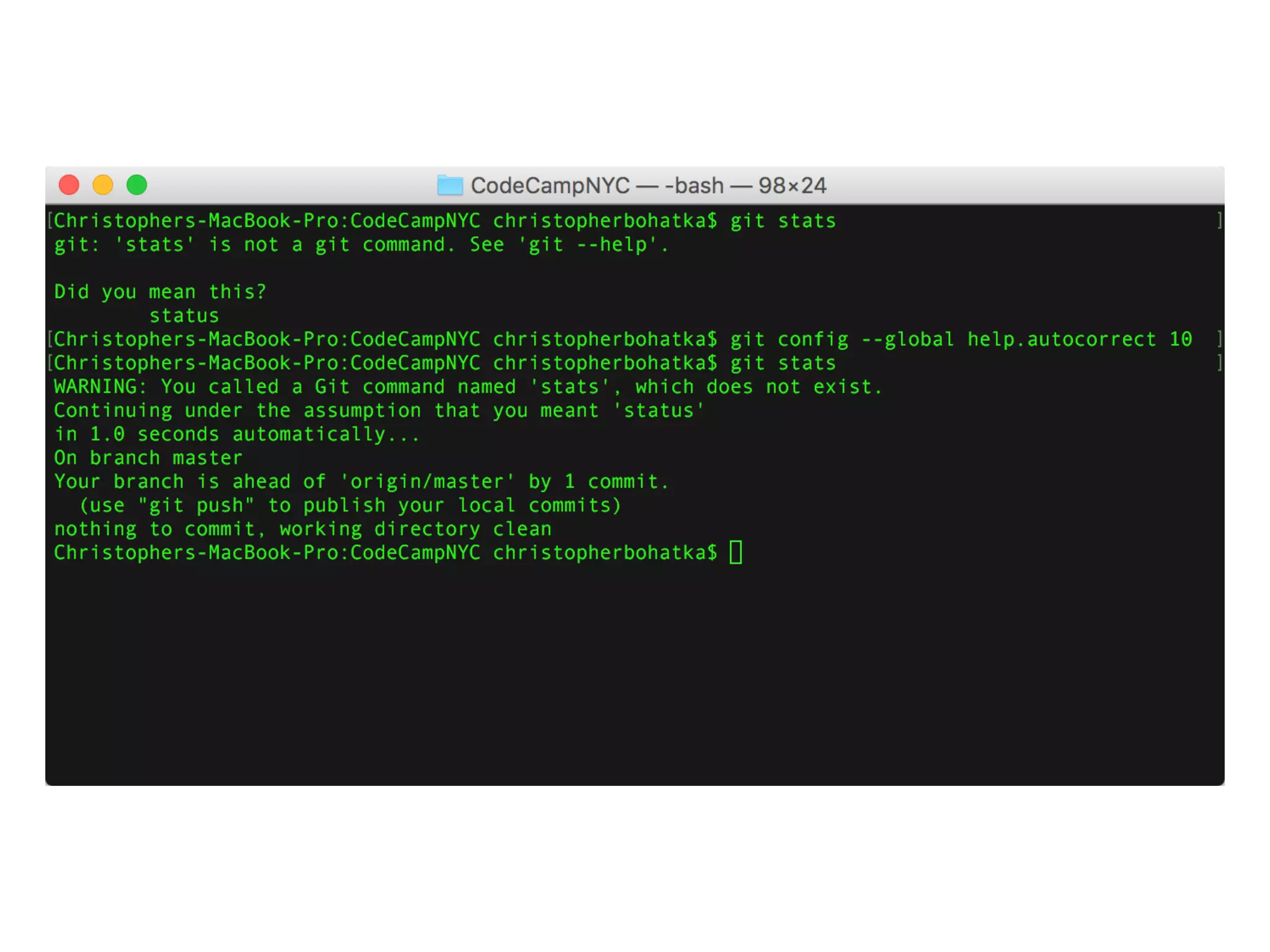
git autocorrect
git config --global help.autocorrect 10
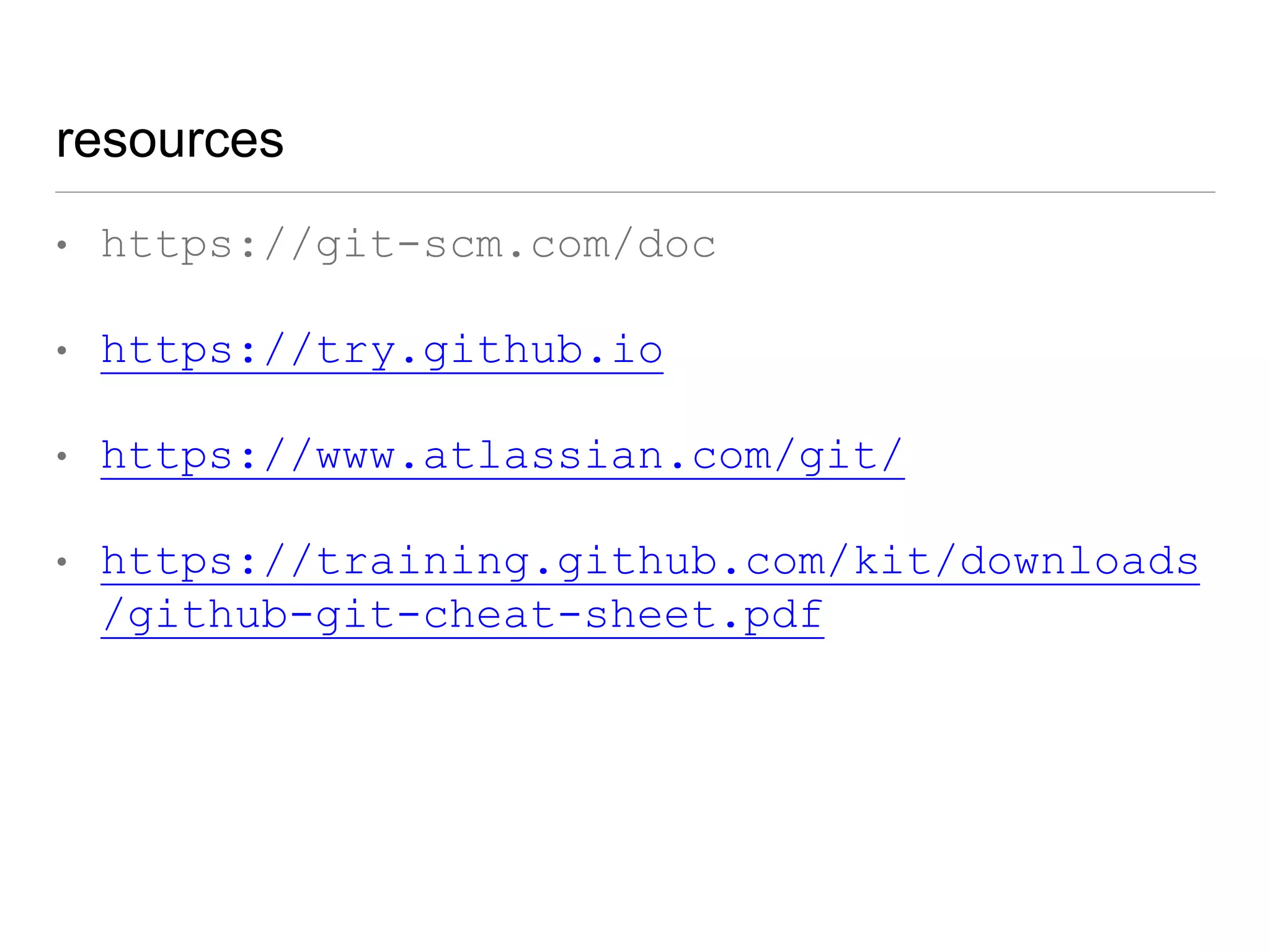
resources
• https://git-scm.com/doc
• https://try.github.io
• https://www.atlassian.com/git/
• https://training.github.com/kit/downloads
/github-git-cheat-sheet.pdf
thank you
@cjb5790

Git Obstacle Course: Stop BASHing your head and break down the basics

Editor's Notes

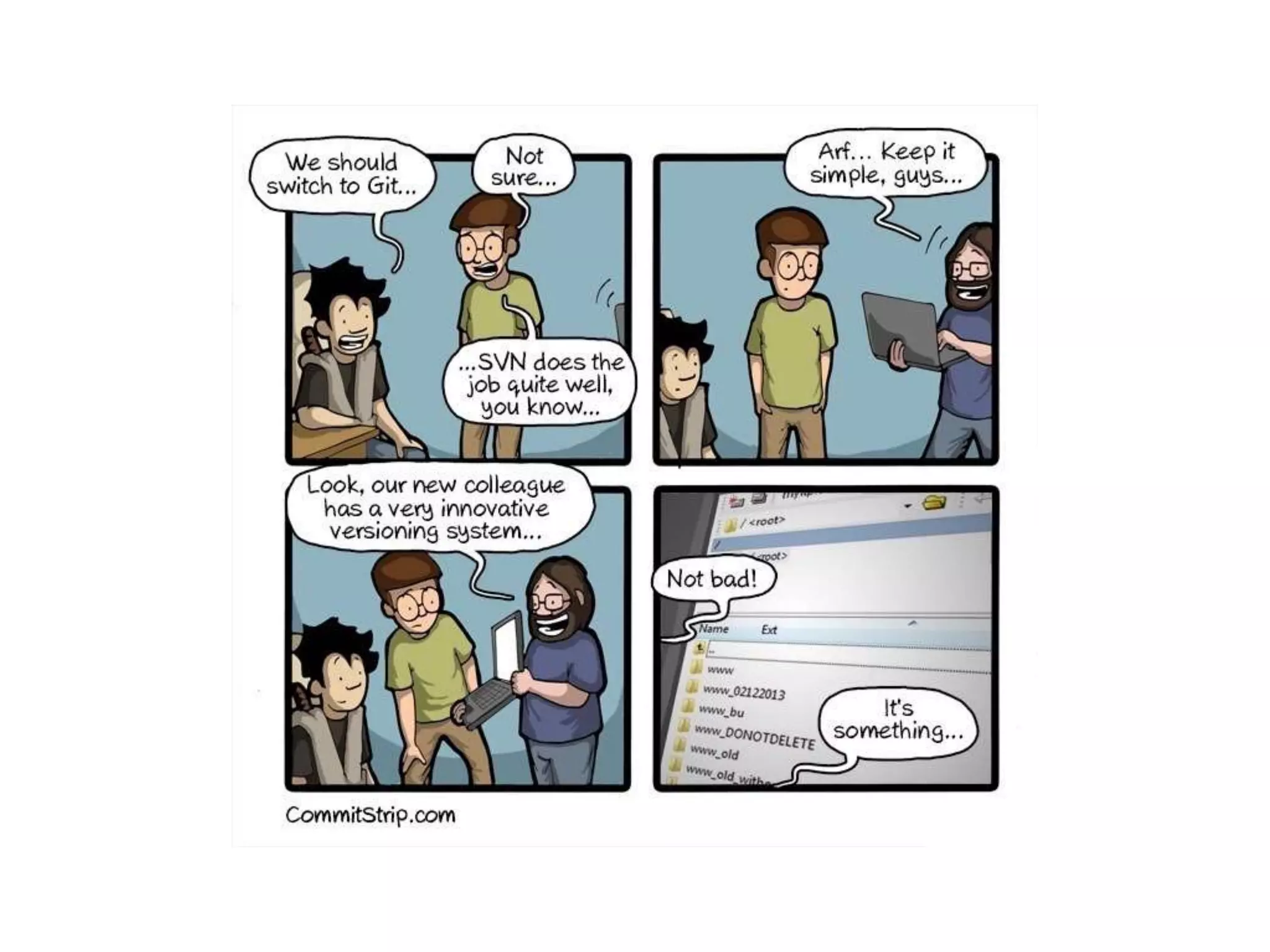
  • #2 SVN -> Git transition a few times Wrote this talk after designers were having issues with Git Mt. Midoriyama
  • #3 Marketing hat = “We are the industry leader in Card Not Present authentication and authorization.”
  • #4 Past experience working from network drive
  • #5 What are people using?
  • #6 Source control is about more than checking into a central repository.
  • #16 what is git bash? - ironically, not a developer conference. That’s “Git Merge”
  • #18 Git is a gateway drug to understanding CLI
  • #20 Mac = case sensitive
  • #21 Unix Shell
  • #23 DEMO
  • #31 WARNING - this will launch Vi
  • #42 Network Drive example
  • #43 Stage, without -a flag, you will need to git add every file
  • #45 branch life expectancy
  • #48 Git has a copy of all branches You “checkout” the whole repo
  • #51 Web UI’s for remote hosts have better than average merge UI’s
  • #63 -u = -set--upstream
  • #68 branch with a bunch of unneeded commits, but one good one
  • #78 If you’re tired of typing ‘git’ all the time
  • #80 10 is number of seconds it will wait