@paulononaka
Git &	GitHub		
for Beginners
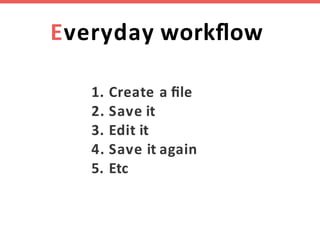
Everyday workflow
1. Create	a file
2. Save it
3. Edit it
4. Save	it again
5. Etc
Manual	version control
File	life	and	teams
Can	we	automate this?
For	each	document	version,	we	need	
to know
When
What
Why
Who
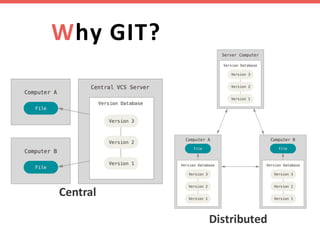
Why	GIT?
Central
Distributed
Installing	GIT
https://git-scm.com
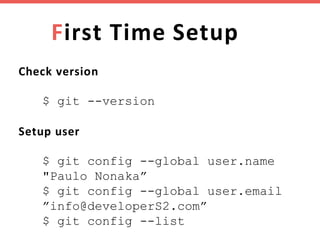
First	Time	Setup
Check	version
$ git --version
Setup	user
$ git config --global user.name
"Paulo Nonaka”
$ git config --global user.email
”info@developerS2.com”
$ git config --list
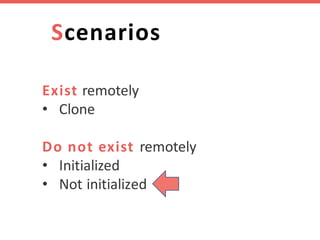
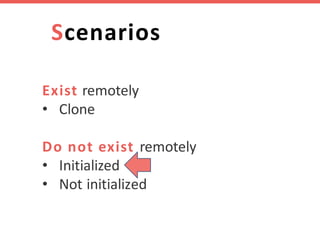
Scenarios
Exist remotely
• Clone
Do	not	exist	remotely
• Initialized
• Not	initialized
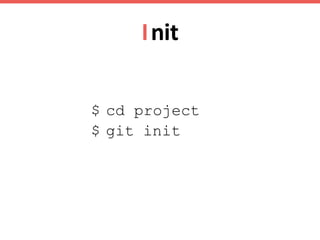
Init
$ cd project
$ git init
Status
$ git status
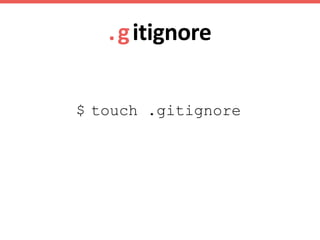
.gitignore
$ touch .gitignore
Where	are	we	now?
Add
$ git add <file>
or
$ git add .
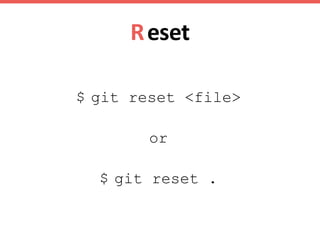
Reset
$ git reset <file>
or
$ git reset .
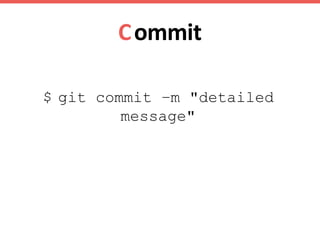
Commit
$ git commit –m "detailed
message"
Log
$ git log
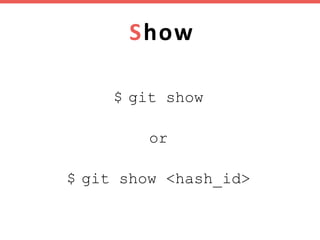
Show
$ git show
or
$ git show <hash_id>
Diff
Working:
$ git diff
$ git diff <file>
Staging:
$ git diff --cached
$ git diff –-cached <file>
Branching
One	feature	=	One branch
Branch
$git branch my-feature
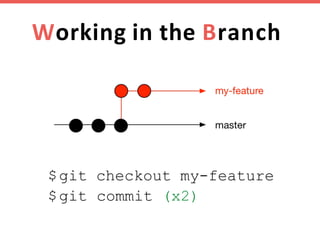
Working	in	the Branch
$git checkout my-feature
$git commit (x2)
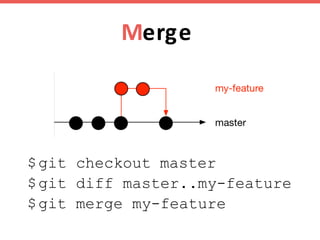
Merge
$git checkout master
$git diff master..my-feature
$git merge my-feature
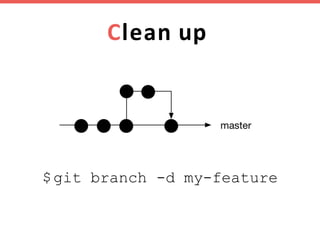
Clean up
$git branch -d my-feature
Remote
Profile page
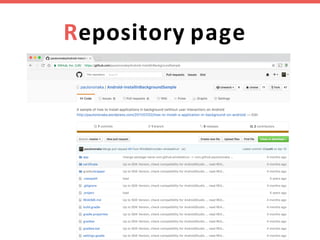
Repository page
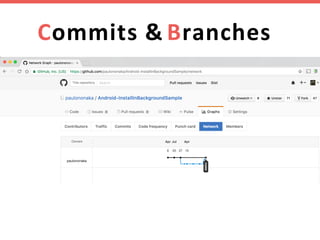
Commits	& Branches
Scenarios
Exist remotely
• Clone
Do	not	exist	remotely
• Initialized
• Not	initialized
Create	a	remote	repo
$ git remote add origin
https://github.com/paulononaka/teste.git
Remote
$ git remote –v
$ git remote remove <name>
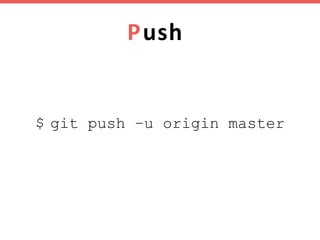
Push
$ git push –u origin master
Scenarios
Exist remotely
• Clone
Do	not	exist	remotely
• Initialized
• Not	initialized
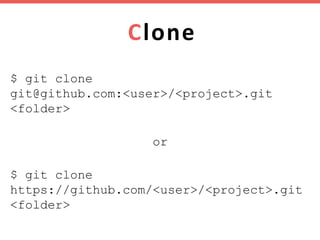
Clone
$ git clone
git@github.com:<user>/<project>.git
<folder>
or
$ git clone
https://github.com/<user>/<project>.git
<folder>
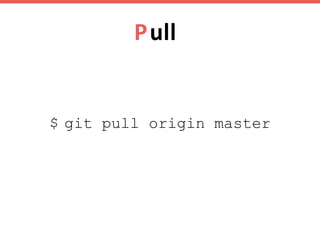
Pull
$ git pull origin master
Remote	branch
Local:
$ git branch my-feature
$ git branch -d my-feature
Remote:
$ git branch -a
$ git push origin my-feature
$ git push origin --delete my-feature
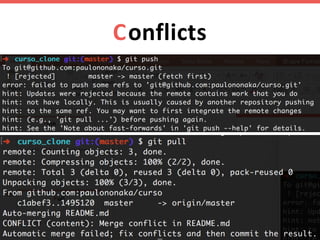
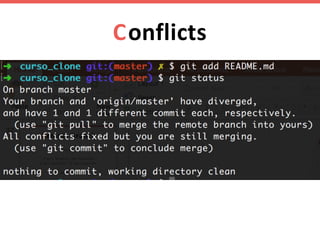
Conflicts
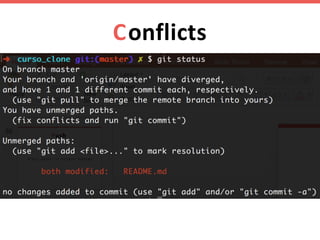
Conflicts
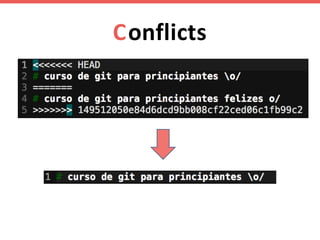
Conflicts
Conflicts
Conflicts
Conflicts
Conflicts
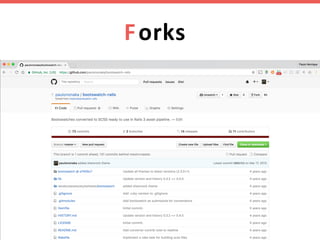
Forks
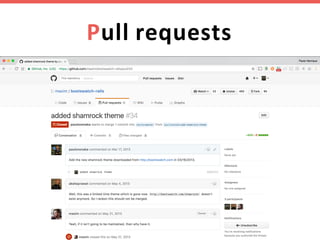
Pull requests
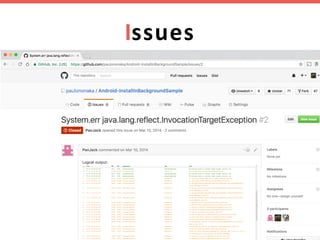
Issues
Github pages
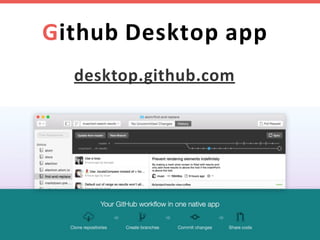
Github	Desktop app
desktop.github.com
More	tips
https://github.com/paulononaka/dotfiles/blob/
master/git/gitconfig
https://gist.github.com/paulononaka/5286136
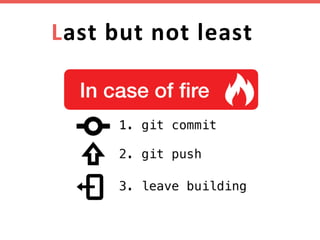
Last	but	not	least
Thank	you!

Git & Github for beginners