Introduction to Git and GitHub 2012/02/02
Git 101 Distributed Version Control System Design for speed and efficiency Open Source 
Git 101 Distributed Version Control System Designed for speed and efficiency Open Source  
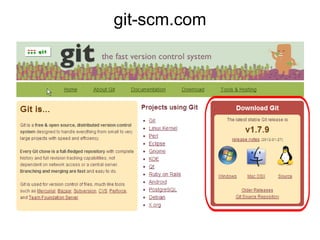
git-scm.com
Git 101 Distributed  Version Control  System Designed for speed and efficiency Open Source 
Version Control ?? ??
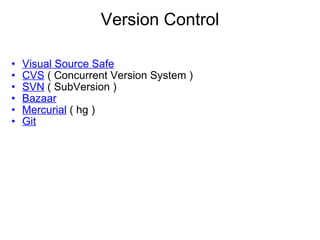
Version Control Visual Source Safe CVS  ( Concurrent Version System ) SVN  ( SubVersion ) Bazaar   Mercurial  ( hg ) Git  
Git 101 Distributed  Version Control System Designed for speed and efficiency Open Source 
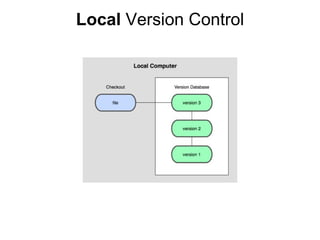
Local  Version Control
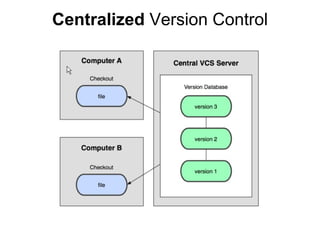
Centralized  Version Control
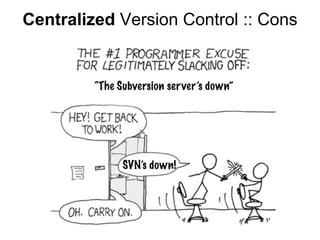
Centralized  Version Control :: Cons
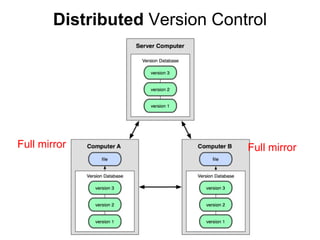
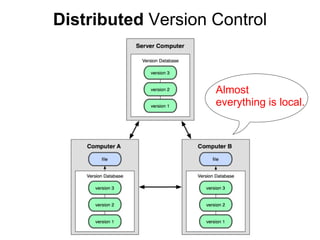
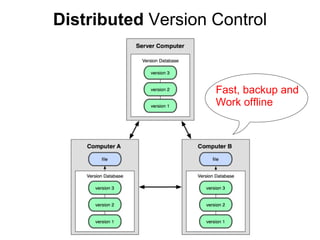
Distributed  Version Control Full mirror Full mirror
Distributed  Version Control Almost  everything is local.
Distributed  Version Control Fast, backup and Work offline
Git 101 Distributed Version Control System Designed for speed and efficiency Open Source 
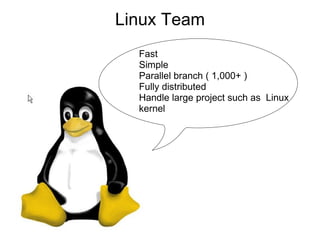
Linux Team Fast Simple Parallel branch ( 1,000+ ) Fully distributed Handle large project such as  Linux kernel
Who use git ?
 
 
Hello Git
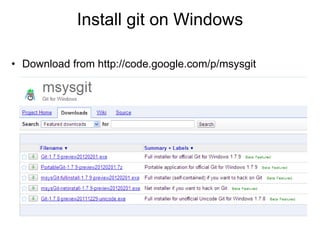
Install git on Windows Download from http://code.google.com/p/msysgit
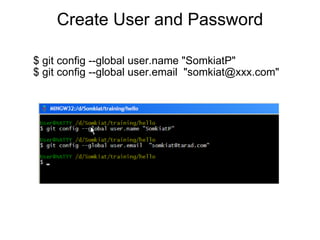
Create User and Password $ git config --global user.name "SomkiatP" $ git config --global user.email  "somkiat@xxx.com"
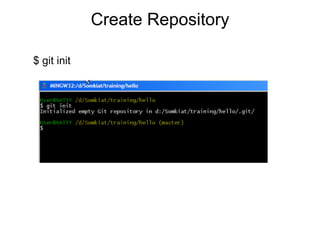
Create Repository $ git init
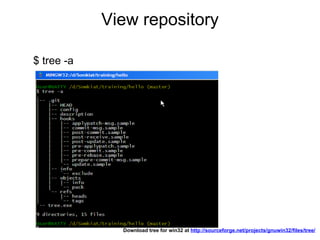
View repository $ tree -a Download tree for win32 at  http://sourceforge.net/projects/gnuwin32/files/tree/  
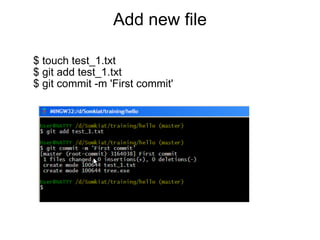
Add new file $ touch test_1.txt $ git add test_1.txt $ git commit -m 'First commit'
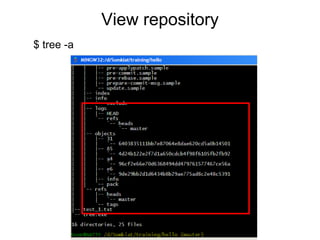
View repository $ tree -a
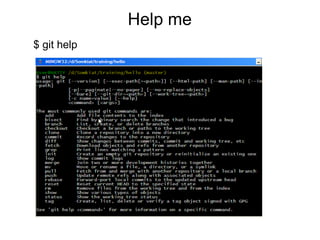
Help me $ git help
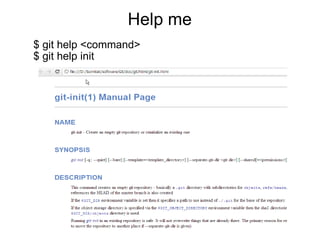
Help me $ git help <command> $ git help init
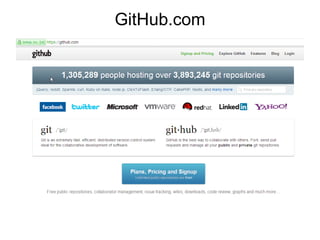
Clone Now, We don't have Git Server. But we have  GitHub.com
GitHub.com
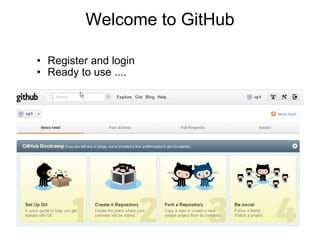
Welcome to GitHub Register and login Ready to use ....
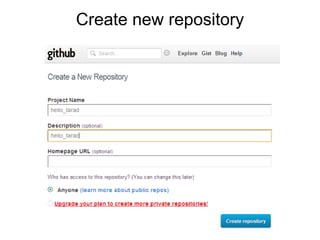
Create new repository
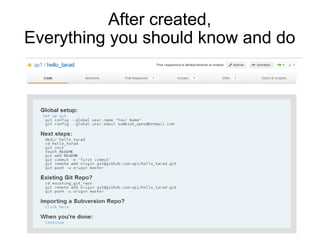
After created, Everything you should know and do
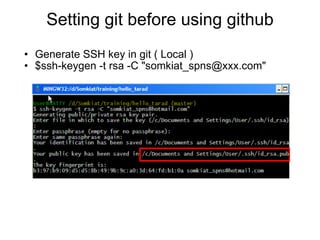
Setting git before using github Generate SSH key in git ( Local ) $ssh-keygen -t rsa -C &quot;somkiat_spns@xxx.com&quot;
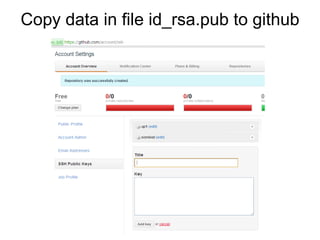
Copy data in file id_rsa.pub to github
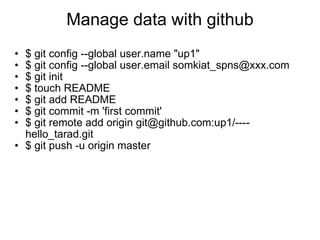
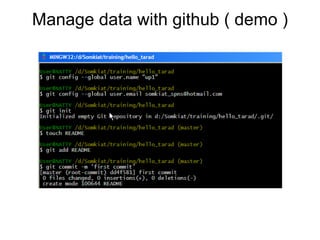
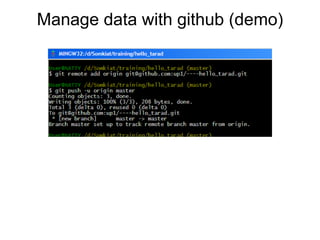
Manage data with github $ git config --global user.name &quot;up1&quot; $ git config --global user.email somkiat_spns@xxx.com $ git init $ touch README $ git add README $ git commit -m 'first commit' $ git remote add origin git@github.com:up1/----hello_tarad.git $ git push -u origin master
Manage data with github ( demo )
Manage data with github (demo)
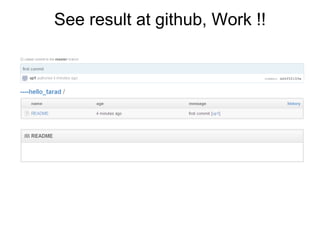
See result at github, Work !!
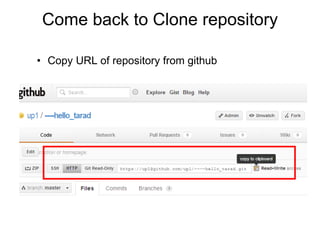
Come back to Clone repository Copy URL of repository from github
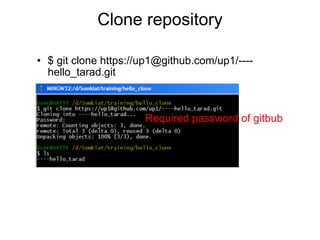
Clone repository $ git clone https://up1@github.com/up1/----hello_tarad.git Required password of gitbub
Good Resource  for beginner
progit.org
https://github.com/opendream/progit  

Introduction to Git and Github