here
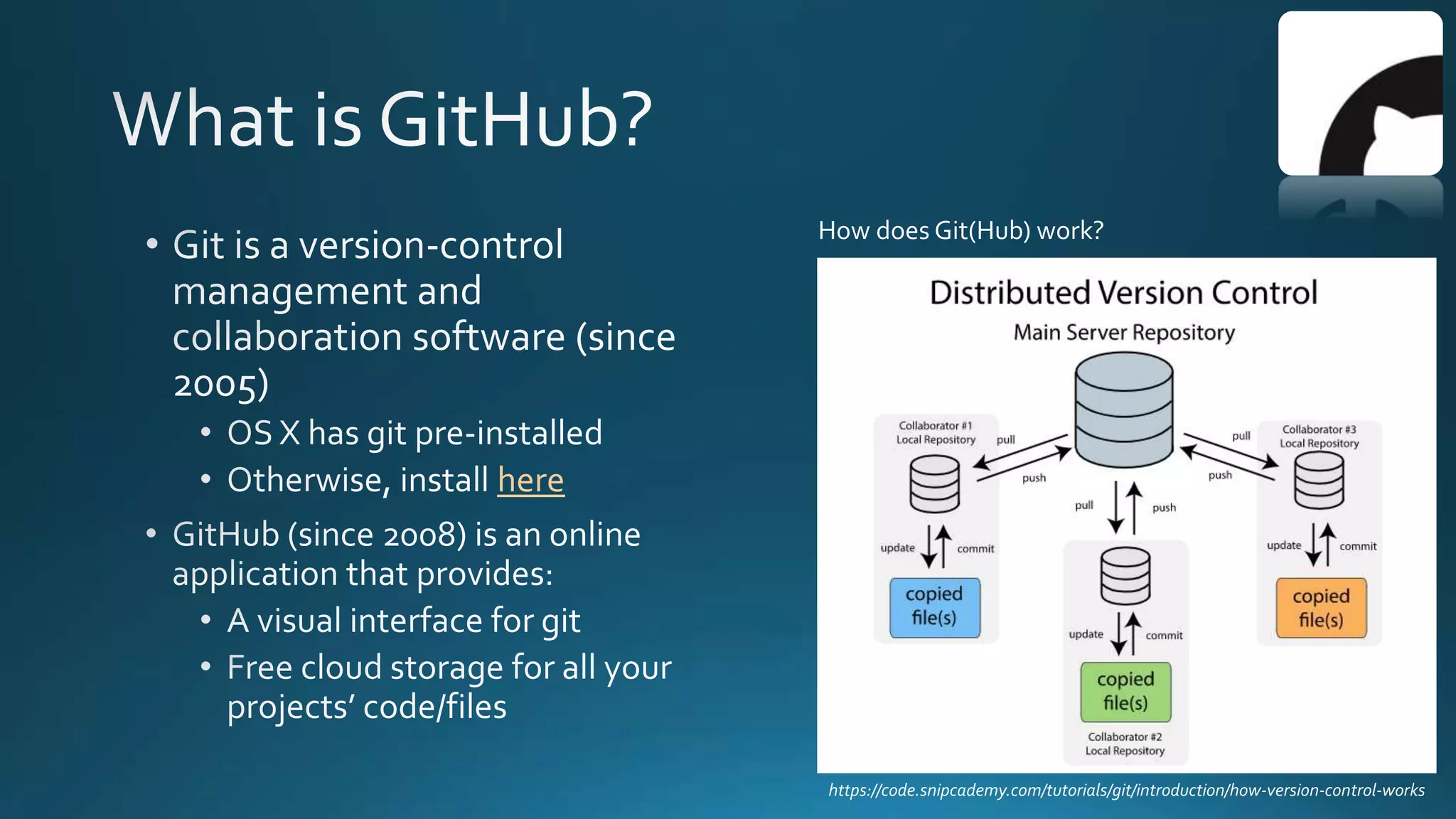
https://code.snipcademy.com/tutorials/git/introduction/how-version-control-works
How does Git(Hub) work?
• No more…. script, script_v2, script _v2_10-18edits, etc.
• Can always go back to any previous version!Version control
• Integrates edits from multiple people
• Keeps record of who did what and whenCollaboration
• All scripts in a single place with Readme files
Documentation
• You and others can recreate and/or modify an script
you created, even many years laterReproducibility
• Showcase your work to potential employers / schools
• Promote your lab's achievements and facilitate the
use of your pipelines
Visibility
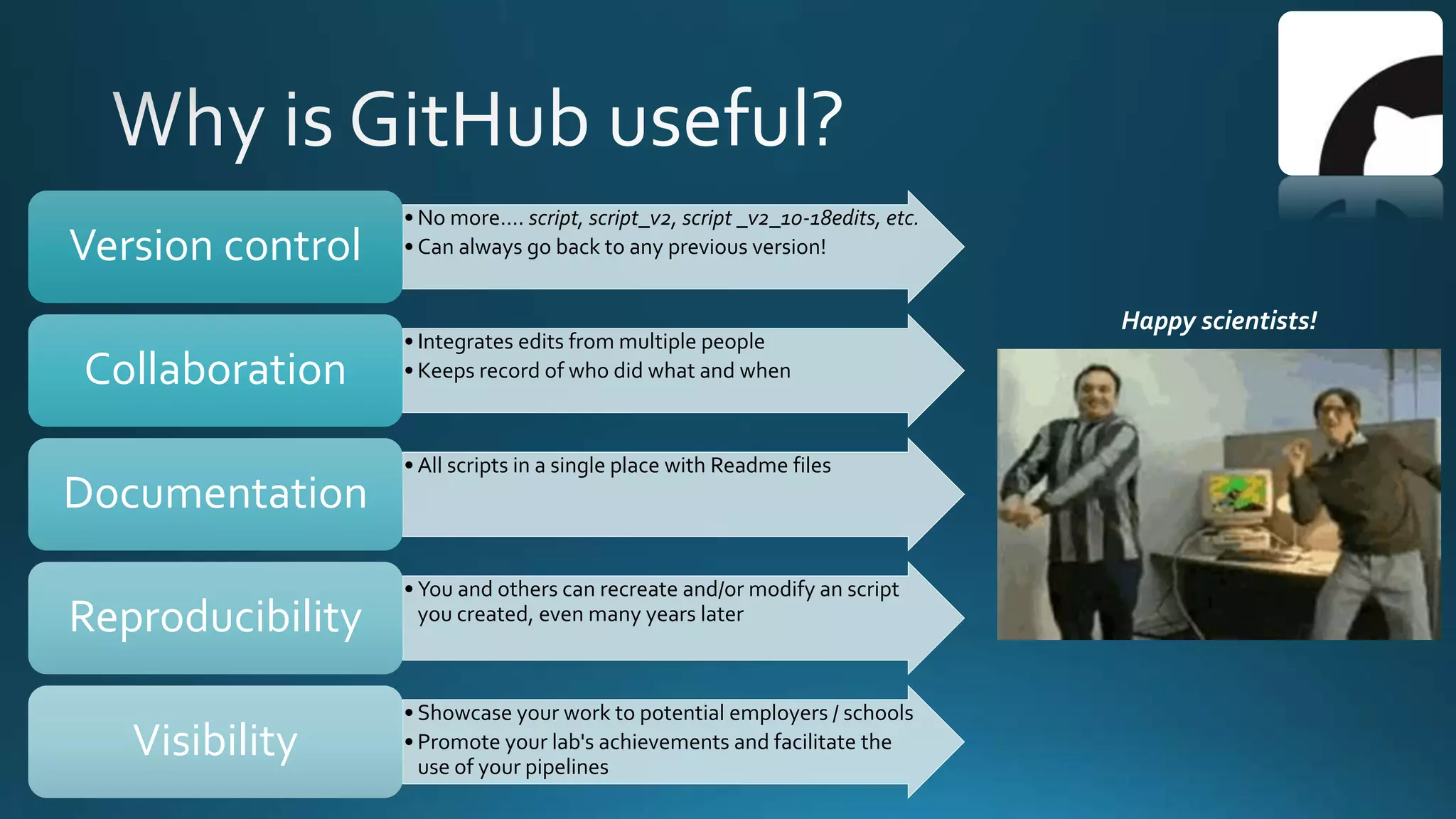
Happy scientists!
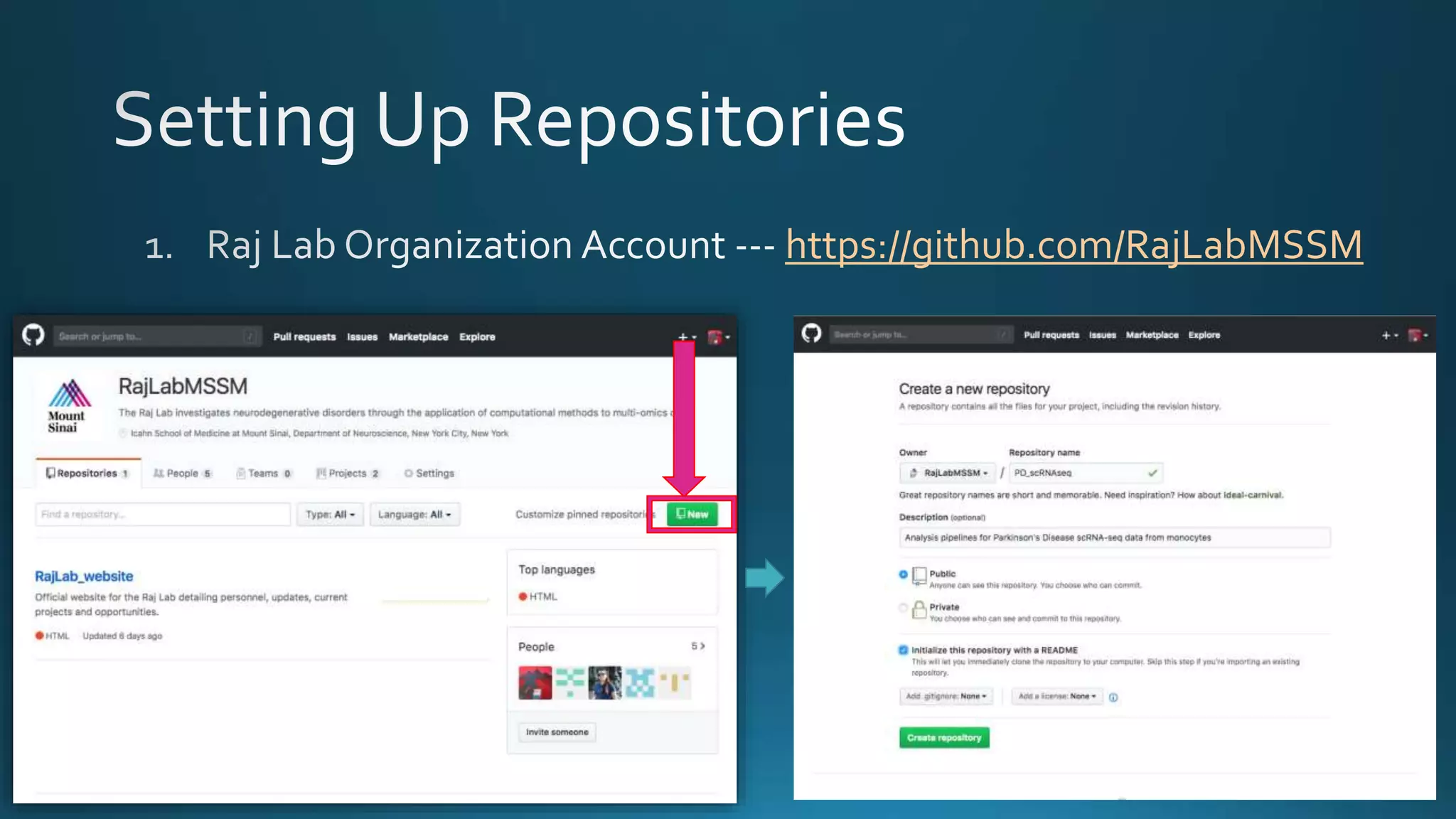
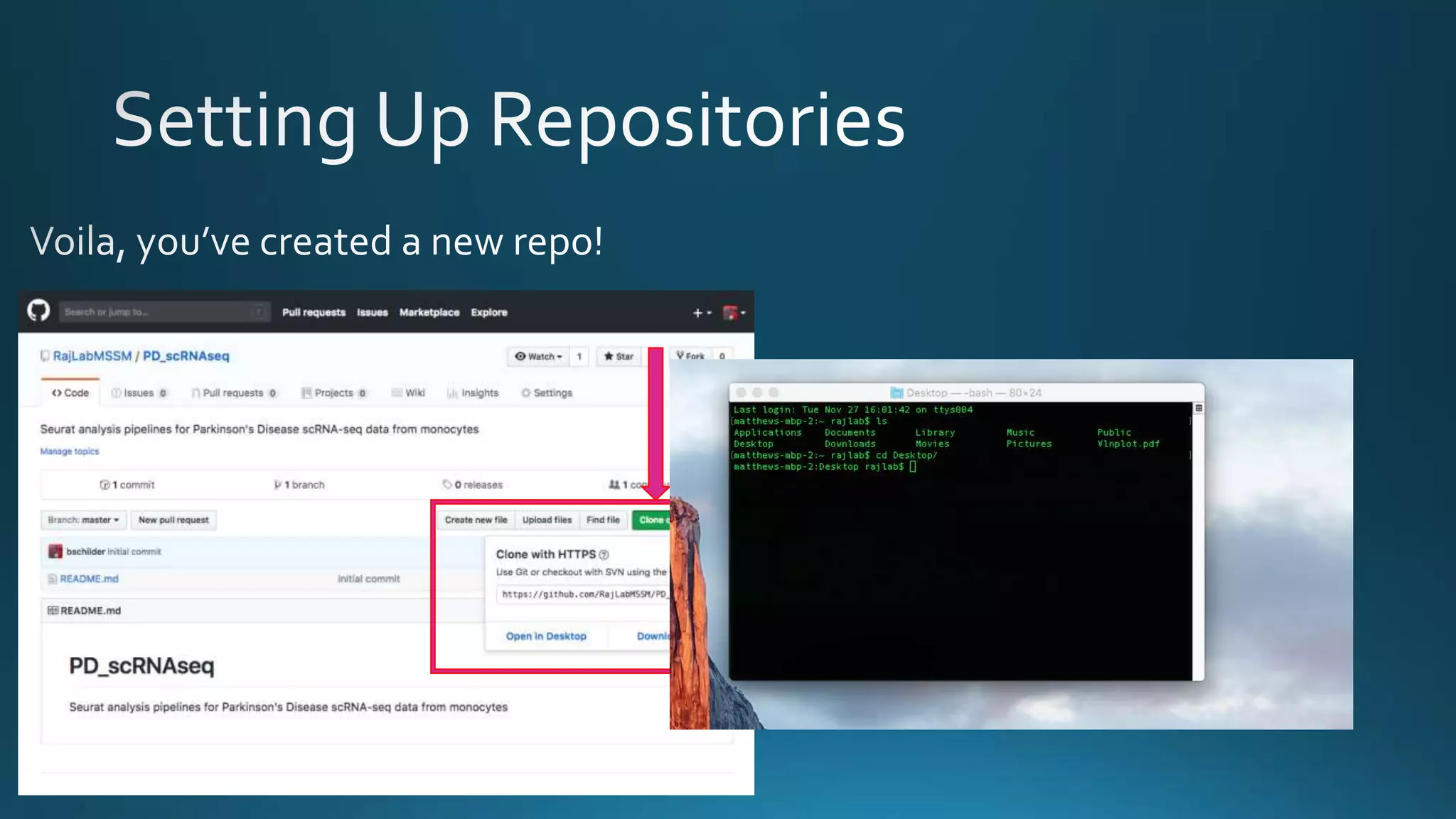
https://github.com/RajLabMSSM
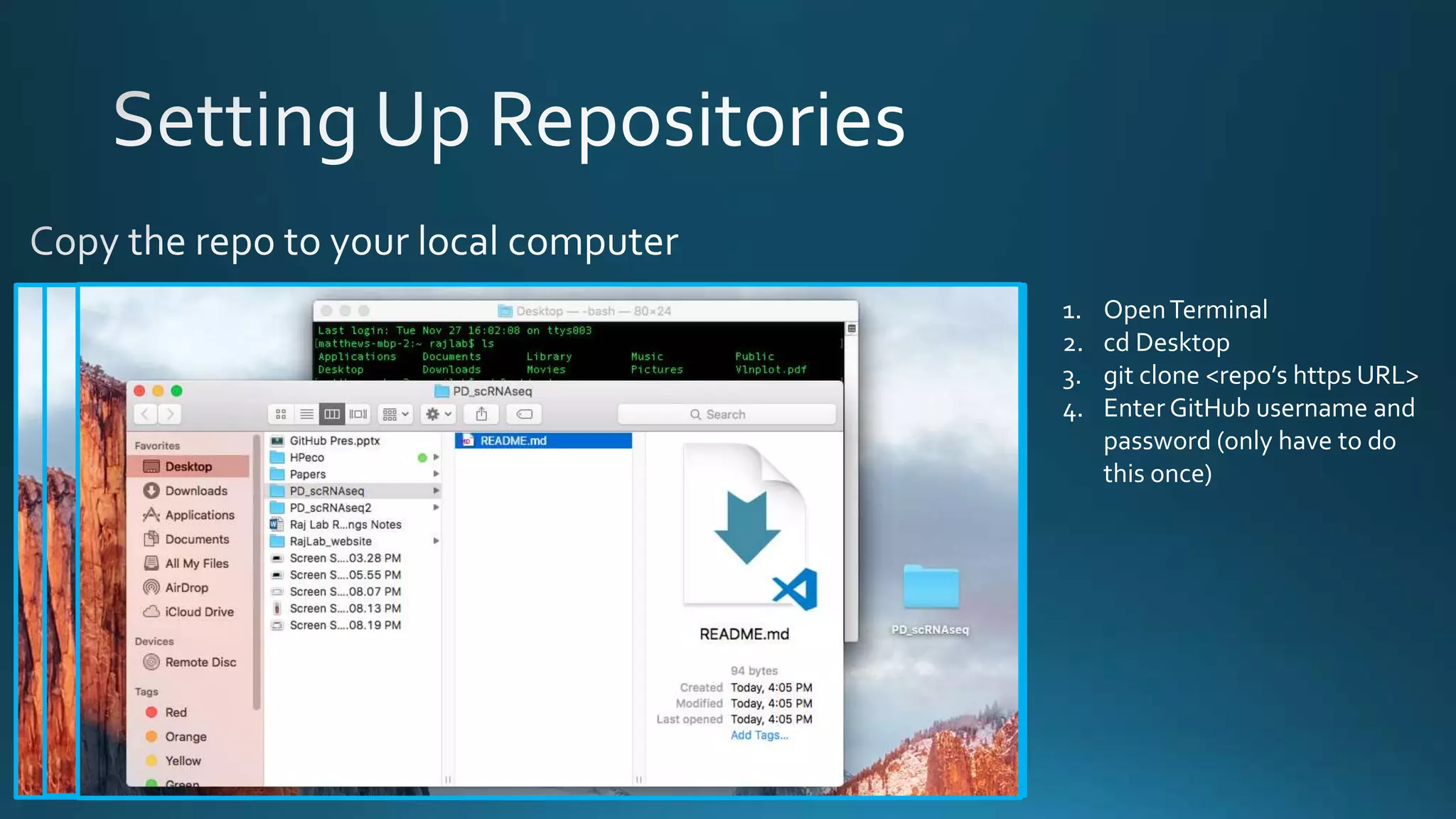
1. OpenTerminal
2. cd Desktop
3. git clone <repo’s https URL>
4. Enter GitHub username and
password (only have to do
this once)
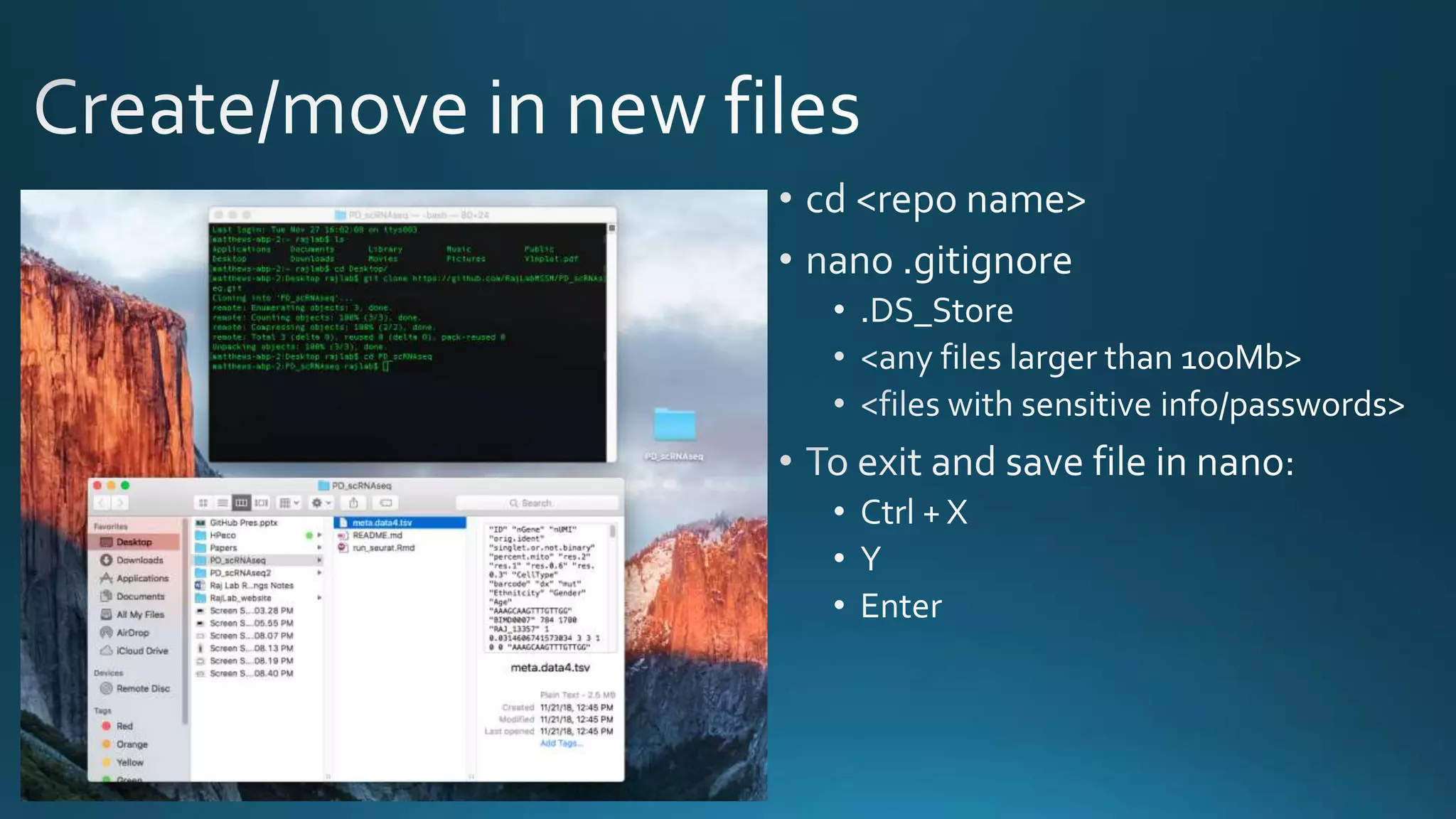
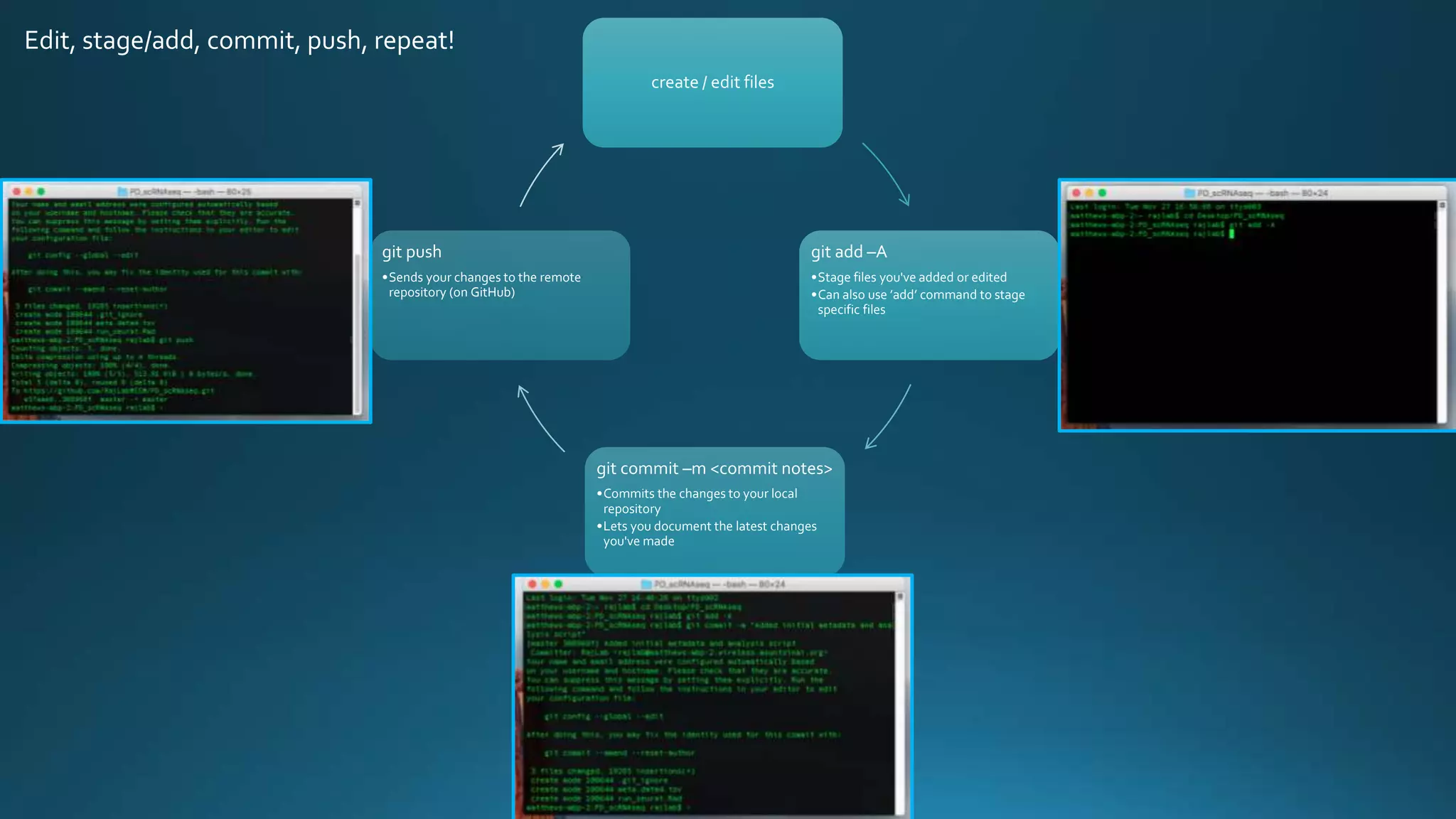
create / edit files
git add –A
•Stage files you've added or edited
•Can also use ’add’ command to stage
specific files
git commit –m <commit notes>
•Commits the changes to your local
repository
•Lets you document the latest changes
you've made
git push
•Sends your changes to the remote
repository (on GitHub)
Edit, stage/add, commit, push, repeat!
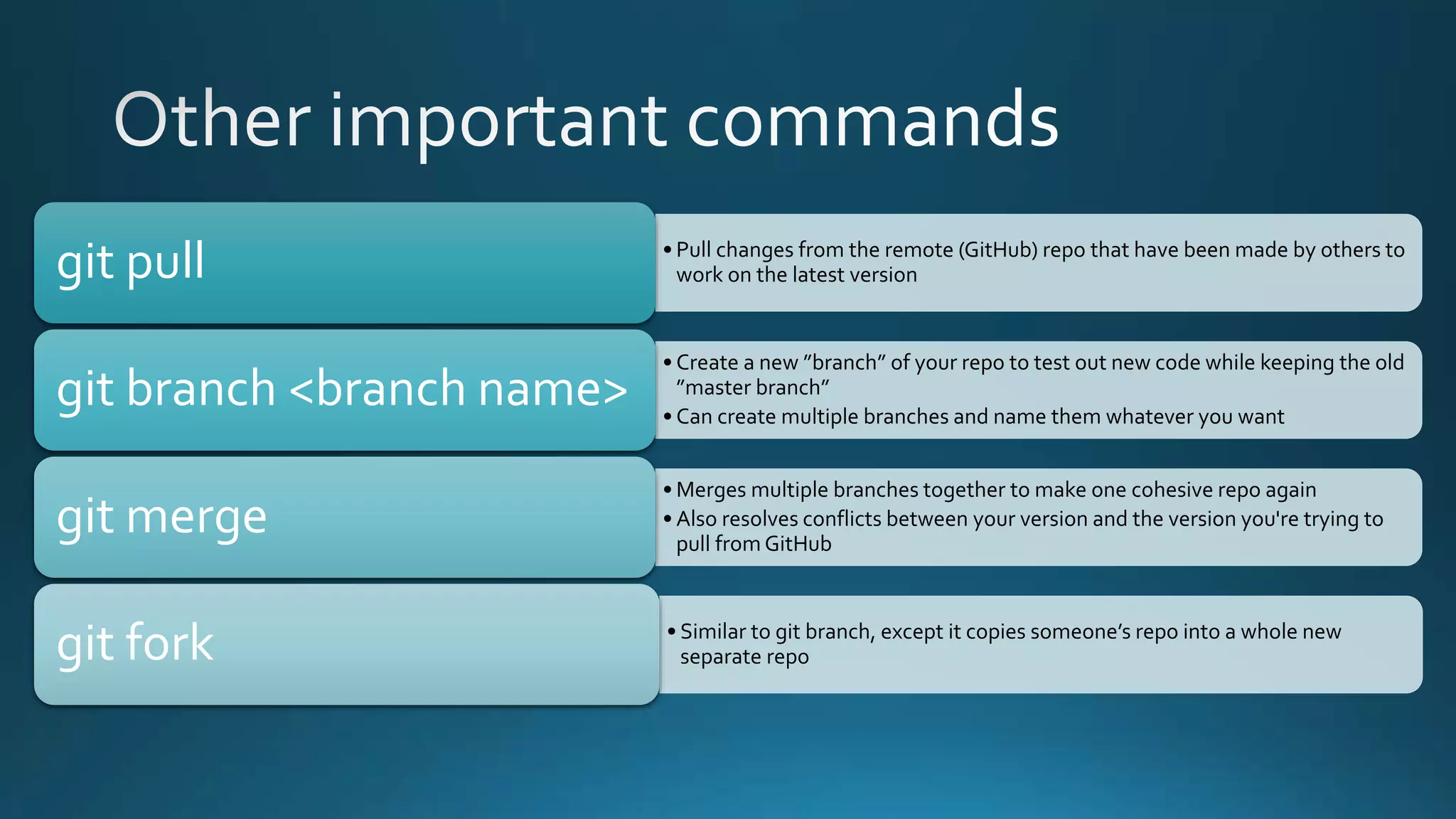
• Pull changes from the remote (GitHub) repo that have been made by others to
work on the latest versiongit pull
• Create a new ”branch” of your repo to test out new code while keeping the old
”master branch”
• Can create multiple branches and name them whatever you want
git branch <branch name>
• Merges multiple branches together to make one cohesive repo again
• Also resolves conflicts between your version and the version you're trying to
pull from GitHub
git merge
• Similar to git branch, except it copies someone’s repo into a whole new
separate repogit fork
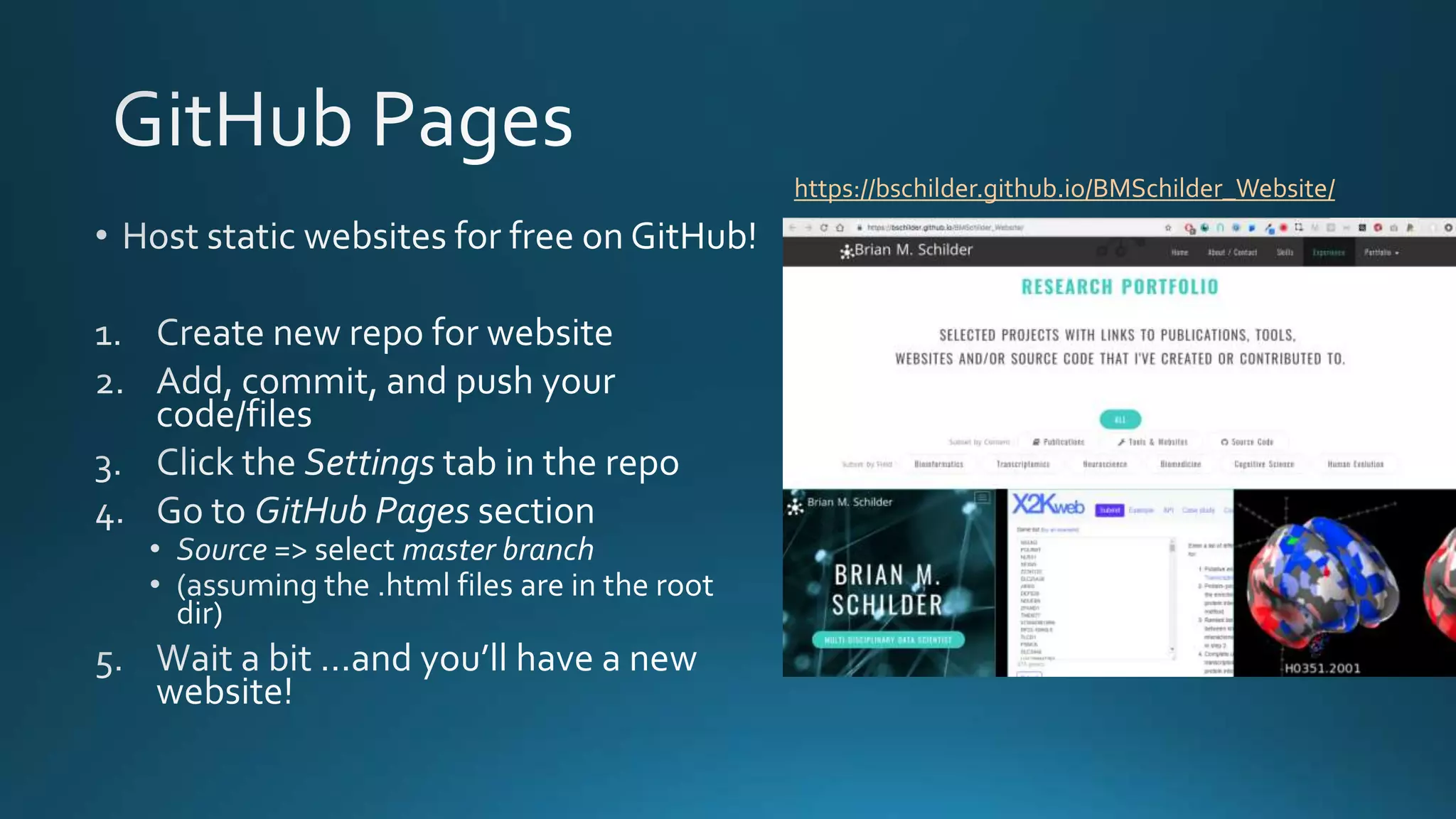
https://bschilder.github.io/BMSchilder_Website/
Raj Lab GitHub
Simple explanation of GitHub
Reasons to use GitHub
Official GitHub guides

GitHub Presentation

  • 2.
  • 3.
    • No more….script, script_v2, script _v2_10-18edits, etc. • Can always go back to any previous version!Version control • Integrates edits from multiple people • Keeps record of who did what and whenCollaboration • All scripts in a single place with Readme files Documentation • You and others can recreate and/or modify an script you created, even many years laterReproducibility • Showcase your work to potential employers / schools • Promote your lab's achievements and facilitate the use of your pipelines Visibility Happy scientists!
  • 5.
  • 7.
    1. OpenTerminal 2. cdDesktop 3. git clone <repo’s https URL> 4. Enter GitHub username and password (only have to do this once)
  • 9.
    create / editfiles git add –A •Stage files you've added or edited •Can also use ’add’ command to stage specific files git commit –m <commit notes> •Commits the changes to your local repository •Lets you document the latest changes you've made git push •Sends your changes to the remote repository (on GitHub) Edit, stage/add, commit, push, repeat!
  • 11.
    • Pull changesfrom the remote (GitHub) repo that have been made by others to work on the latest versiongit pull • Create a new ”branch” of your repo to test out new code while keeping the old ”master branch” • Can create multiple branches and name them whatever you want git branch <branch name> • Merges multiple branches together to make one cohesive repo again • Also resolves conflicts between your version and the version you're trying to pull from GitHub git merge • Similar to git branch, except it copies someone’s repo into a whole new separate repogit fork
  • 12.
  • 13.
    Raj Lab GitHub Simpleexplanation of GitHub Reasons to use GitHub Official GitHub guides