GIT AND
GITHUB
COMMANDS AND CREAT AN
ACOUNT
KASHAF NAZ
SP18-BSI-025
COMPARISON
GIT
 Git is installed locally
 First released in 2005
 Maintained by the Linux foundation
 Primarily a command line tool
GITHUB
 Hosted in a cloud
 Company launched in 2008
 Purchased in 2019 by Microsoft
 Administrated through the web
11/7/2021
Git & Github
2
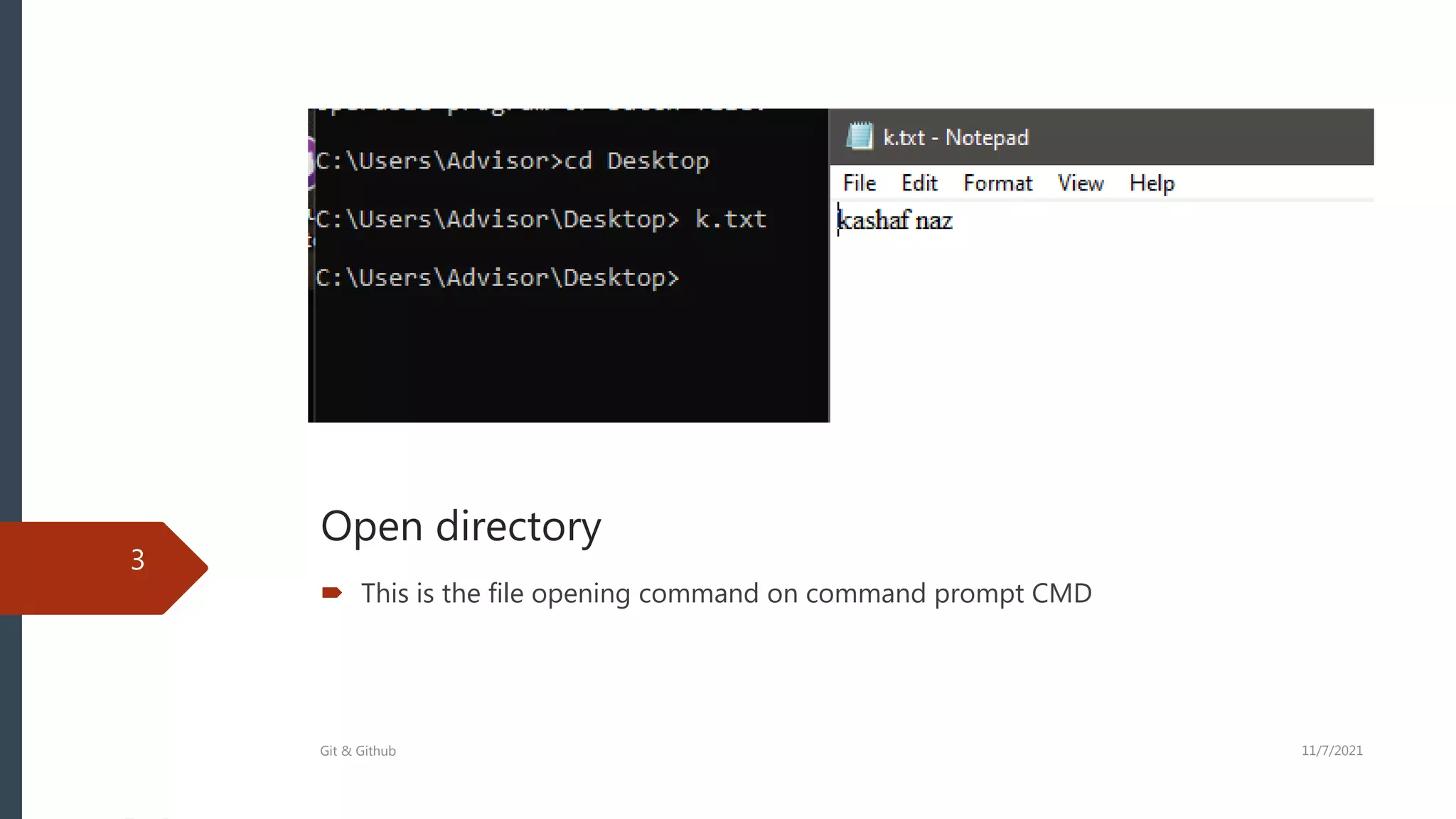
Open directory
3
 This is the file opening command on command prompt CMD
Git & Github 11/7/2021
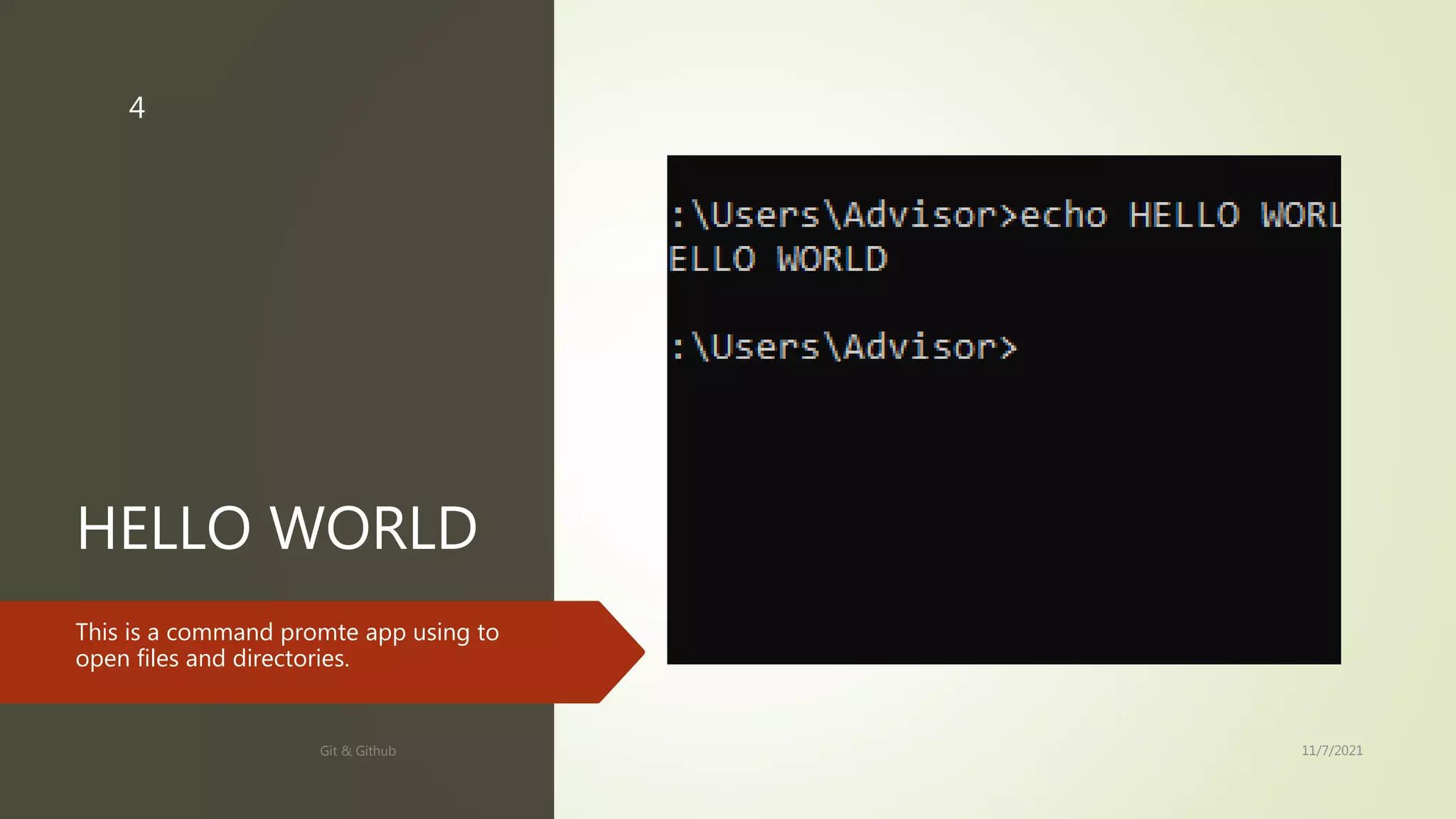
HELLO WORLD
This is a command promte app using to
open files and directories.
11/7/2021
Git & Github
4
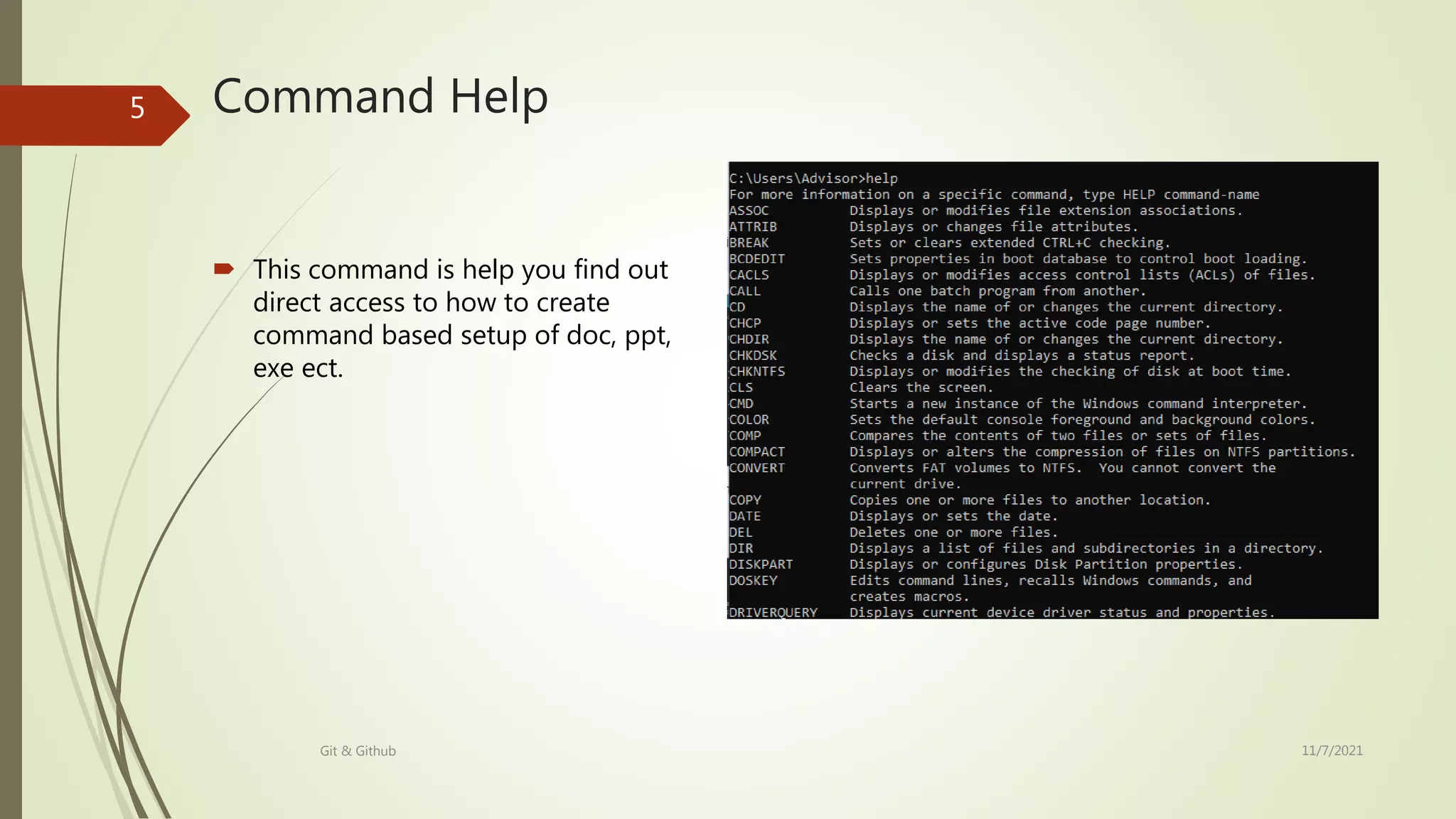
Command Help
 This command is help you find out
direct access to how to create
command based setup of doc, ppt,
exe ect.
11/7/2021
Git & Github
5
Command to
display date
This command display date of today
11/7/2021
Git & Github
6
GIT AND
GITHUB
The first two things you'll want to
do are install git and create a free
GitHub account.
11/7/2021
Git & Github
7
ACCOUNT
 This is a icon of git-hub app
when you create an account
on it. This automatically
installed a short cut on your
desktop.
11/7/2021
Git & Github
8
When open app
This will show your repositories and
account details like this. And this will also
show you different options to changing in
profiles and files
11/7/2021
Git & Github
9
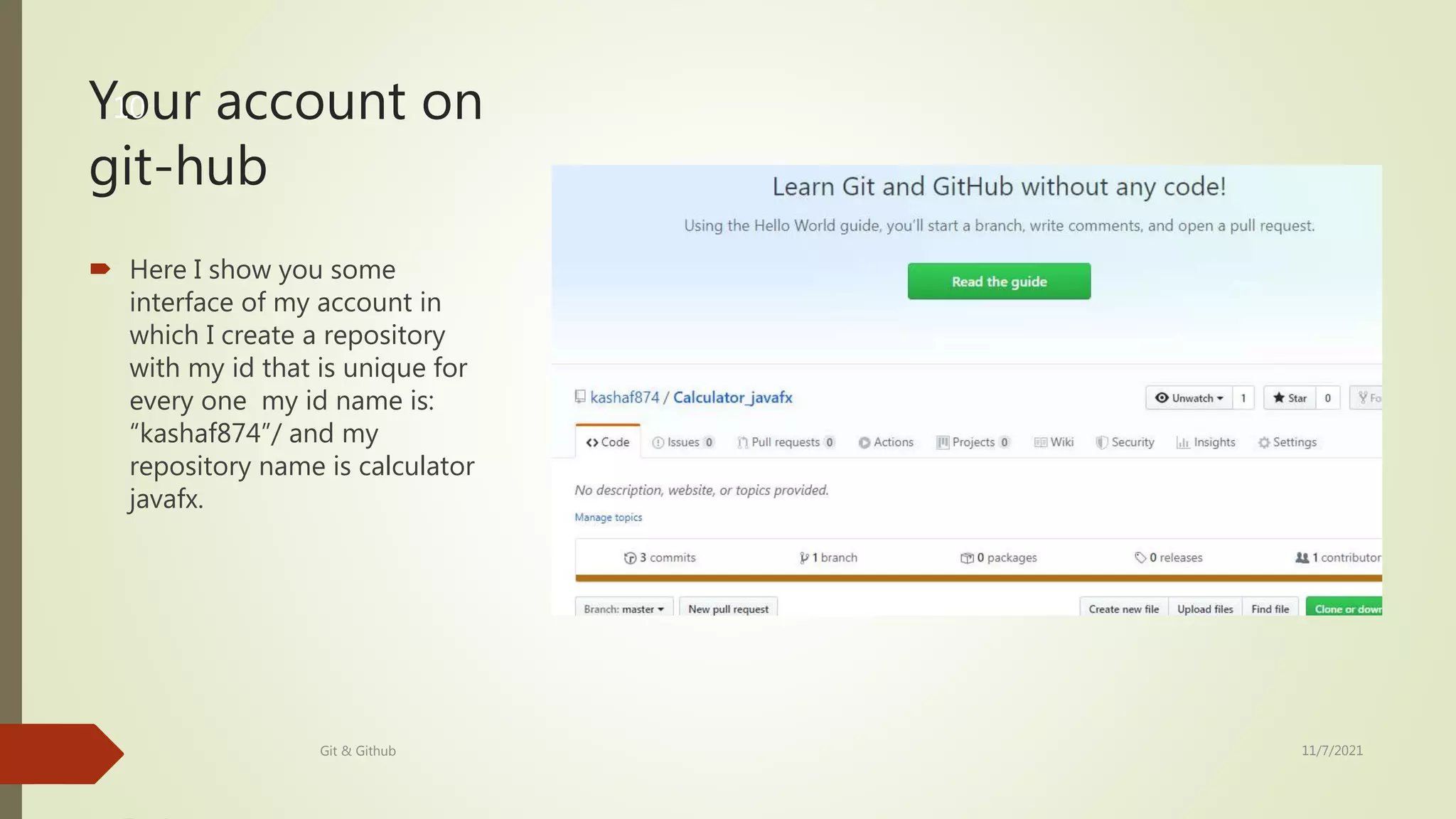
Your account on
git-hub
 Here I show you some
interface of my account in
which I create a repository
with my id that is unique for
every one my id name is:
“kashaf874”/ and my
repository name is calculator
javafx.
11/7/2021
Git & Github
10
Other options
 Here I show you my account details options
different options like
 Your profile option is for edit your profile
 Your repositories option is for edit and
remove.
11/7/2021
Git & Github
11
File edit place
 Here this photo show you different options.
 Download
 Check repositories files
11/7/2021
Git & Github
12

GIT AND GITHUB

  • 1.
    GIT AND GITHUB COMMANDS ANDCREAT AN ACOUNT KASHAF NAZ SP18-BSI-025
  • 2.
    COMPARISON GIT  Git isinstalled locally  First released in 2005  Maintained by the Linux foundation  Primarily a command line tool GITHUB  Hosted in a cloud  Company launched in 2008  Purchased in 2019 by Microsoft  Administrated through the web 11/7/2021 Git & Github 2
  • 3.
    Open directory 3  Thisis the file opening command on command prompt CMD Git & Github 11/7/2021
  • 4.
    HELLO WORLD This isa command promte app using to open files and directories. 11/7/2021 Git & Github 4
  • 5.
    Command Help  Thiscommand is help you find out direct access to how to create command based setup of doc, ppt, exe ect. 11/7/2021 Git & Github 5
  • 6.
    Command to display date Thiscommand display date of today 11/7/2021 Git & Github 6
  • 7.
    GIT AND GITHUB The firsttwo things you'll want to do are install git and create a free GitHub account. 11/7/2021 Git & Github 7
  • 8.
    ACCOUNT  This isa icon of git-hub app when you create an account on it. This automatically installed a short cut on your desktop. 11/7/2021 Git & Github 8
  • 9.
    When open app Thiswill show your repositories and account details like this. And this will also show you different options to changing in profiles and files 11/7/2021 Git & Github 9
  • 10.
    Your account on git-hub Here I show you some interface of my account in which I create a repository with my id that is unique for every one my id name is: “kashaf874”/ and my repository name is calculator javafx. 11/7/2021 Git & Github 10
  • 11.
    Other options  HereI show you my account details options different options like  Your profile option is for edit your profile  Your repositories option is for edit and remove. 11/7/2021 Git & Github 11
  • 12.
    File edit place Here this photo show you different options.  Download  Check repositories files 11/7/2021 Git & Github 12