版本控制 GIT
kewang
2
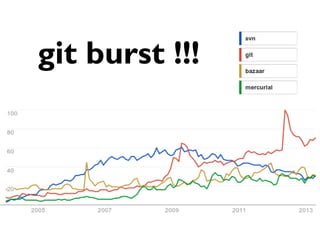
git burst !!!
3
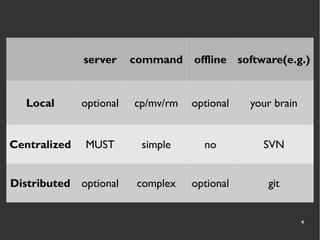
RCS comparison
4
server command offline software(e.g.)
Local optional cp/mv/rm optional your brain
Centralized MUST simple no SVN
Distributed optional complex optional git
5
Git history
6
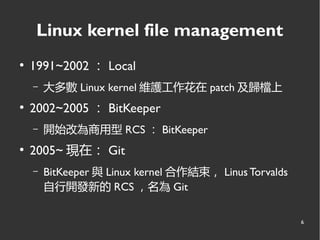
Linux kernel file management
●
1991~2002 : Local
– 大多數 Linux kernel 維護工作花在 patch 及歸檔上
●
2002~2005 : BitKeeper
– 開始改為商用型 RCS : BitKeeper
●
2005~ 現在: Git
– BitKeeper 與 Linux kernel 合作結束, Linus Torvalds
自行開發新的 RCS ,名為 Git
7
from SVN migrate to
Git you must know
8
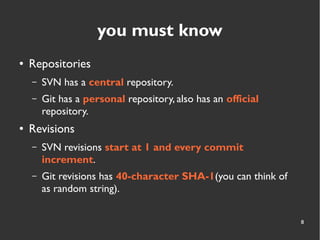
you must know
● Repositories
– SVN has a central repository.
– Git has a personal repository, also has an official
repository.
● Revisions
– SVN revisions start at 1 and every commit
increment.
– Git revisions has 40-character SHA-1(you can think of
as random string).
9
Installing......
http://git-scm.com/book/en/Getting-Started-Installing-Git
10
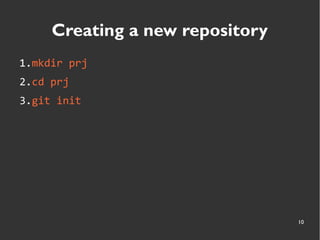
Creating a new repository
1.mkdir prj
2.cd prj
3.git init
11
File Status Lifecycle
12
13
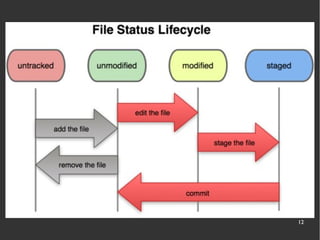
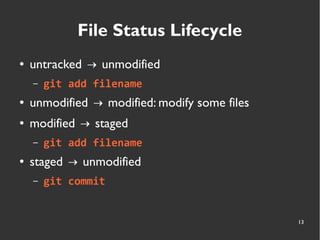
File Status Lifecycle
● untracked unmodified→
– git add filename
● unmodified modified: modify some files→
● modified staged→
– git add filename
● staged unmodified→
– git commit
14
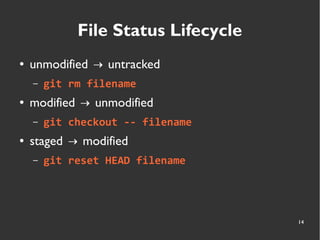
File Status Lifecycle
● unmodified untracked→
– git rm filename
● modified unmodified→
– git checkout -- filename
● staged modified→
– git reset HEAD filename
15
SVN maps to Git
16
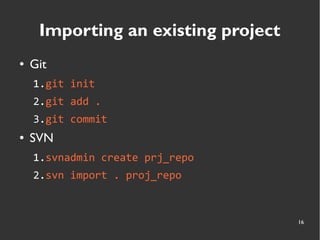
Importing an existing project
● Git
1.git init
2.git add .
3.git commit
● SVN
1.svnadmin create prj_repo
2.svn import . proj_repo
17
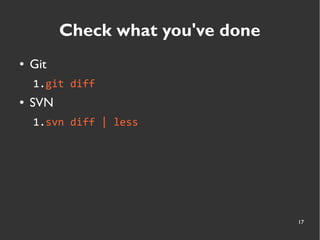
Check what you've done
● Git
1.git diff
● SVN
1.svn diff | less
18
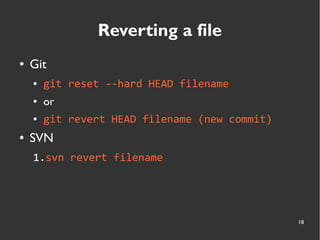
Reverting a file
● Git
● git reset --hard HEAD filename
● or
● git revert HEAD filename (new commit)
● SVN
1.svn revert filename
19
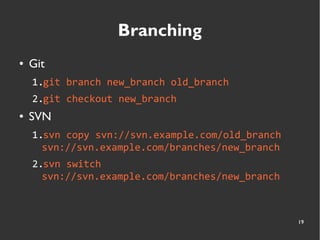
Branching
● Git
1.git branch new_branch old_branch
2.git checkout new_branch
● SVN
1.svn copy svn://svn.example.com/old_branch
svn://svn.example.com/branches/new_branch
2.svn switch
svn://svn.example.com/branches/new_branch
20
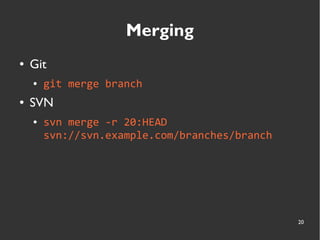
Merging
● Git
● git merge branch
● SVN
● svn merge -r 20:HEAD
svn://svn.example.com/branches/branch
21
and more commands...
22
git remoting
23
24
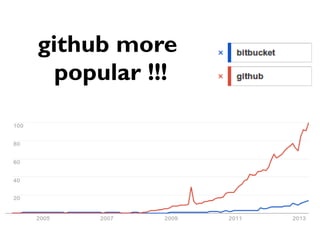
github more
popular !!!
25
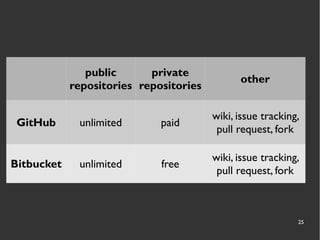
public
repositories
private
repositories
other
GitHub unlimited paid
wiki, issue tracking,
pull request, fork
Bitbucket unlimited free
wiki, issue tracking,
pull request, fork
26
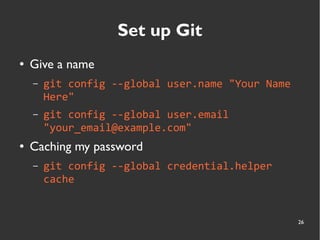
Set up Git
● Give a name
– git config --global user.name "Your Name
Here"
– git config --global user.email
"your_email@example.com"
● Caching my password
– git config --global credential.helper
cache
27
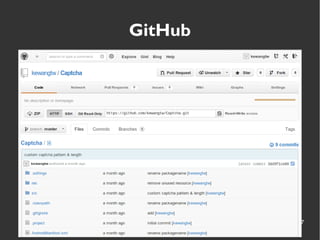
GitHub
28
Step by Step
29
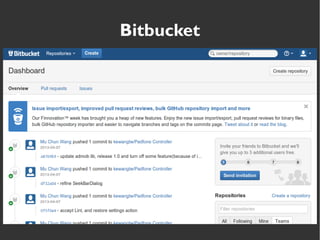
Bitbucket
30
Step by Step
31
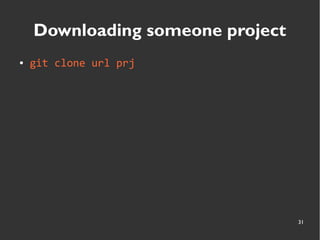
Downloading someone project
● git clone url prj
32
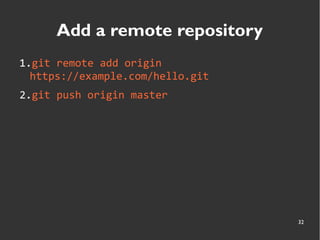
Add a remote repository
1.git remote add origin
https://example.com/hello.git
2.git push origin master
33
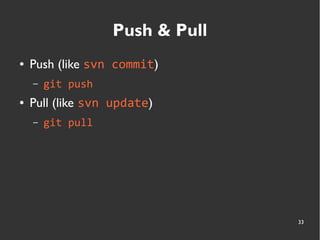
Push & Pull
● Push (like svn commit)
– git push
● Pull (like svn update)
– git pull
34
Links
● MY GITHUB RÉSUMÉ
●
Git flow開發流程
● GitSvnCrashCourse
●
Git 教學(2):Git Branch 的操作與基本工作流程
● 3.2 Git Branching - Basic Branching and Merging
●
寫給大家的Git教學
● Code School - Try Git
35via http://blog.gslin.org/archives/2013/01/17/3136/
36

版本控制Git