Getting to Know Computers

       CATHERINE THOMAS
        IDOL CLASS SP12
         MARCH 24, 2012
What is a Computer

 Electronic Device that

 Accepts instructions or information
 Manipulates information

 Displays data

 Stores data for later use
Computers Simplified

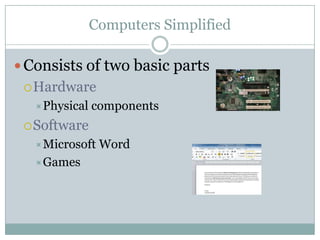
 Consists of two basic parts
  Hardware
   Physical   components
  Software
   Microsoft   Word
   Games
Different Types of Computers

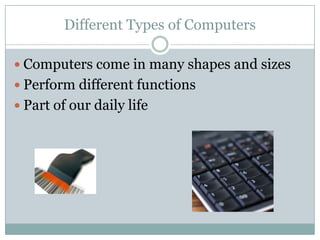
 Computers come in many shapes and sizes
 Perform different functions
 Part of our daily life
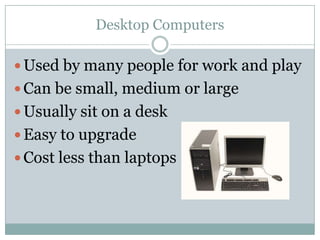
Desktop Computers

 Used by many people for work and play
 Can be small, medium or large
 Usually sit on a desk
 Easy to upgrade
 Cost less than laptops
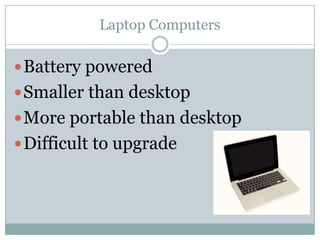
Laptop Computers

 Battery powered
 Smaller than desktop
 More portable than desktop
 Difficult to upgrade
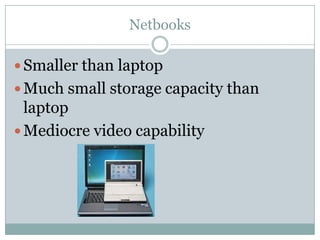
Netbooks

 Smaller than laptop
 Much small storage capacity than
  laptop
 Mediocre video capability
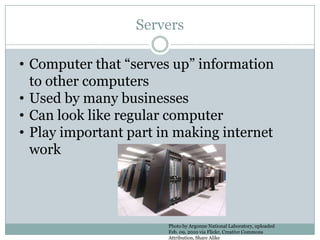
Servers

• Computer that “serves up” information
  to other computers
• Used by many businesses
• Can look like regular computer
• Play important part in making internet
  work


                       Photo by Argonne National Laboratory, uploaded
                       Feb. 09, 2010 via Flickr, Creative Commons
                       Attribution, Share Alike
Other Types of Computers

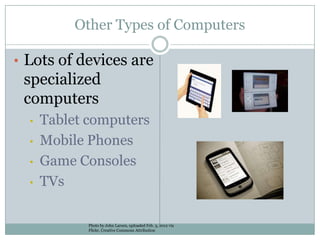
• Lots of devices are
 specialized
 computers
  •   Tablet computers
  •   Mobile Phones
  •   Game Consoles
  •   TVs

             Photo by John Larsen, uploaded Feb. 3, 2012 via
             Flickr, Creative Commons Attribution
PCs and MACs

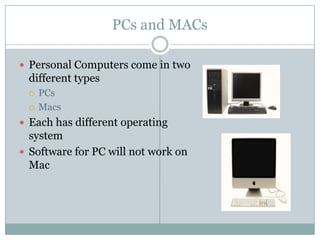
 Personal Computers come in two
 different types
    PCs
    Macs
 Each has different operating
  system
 Software for PC will not work on
  Mac
Conclusion

 Computers are part of our everyday life
 Come in all different shapes and sizes
 Are basically same inside

Getting to know computers

  • 1.
    Getting to KnowComputers CATHERINE THOMAS IDOL CLASS SP12 MARCH 24, 2012
  • 2.
    What is aComputer  Electronic Device that Accepts instructions or information Manipulates information Displays data Stores data for later use
  • 3.
    Computers Simplified  Consistsof two basic parts  Hardware Physical components  Software Microsoft Word Games
  • 4.
    Different Types ofComputers  Computers come in many shapes and sizes  Perform different functions  Part of our daily life
  • 5.
    Desktop Computers  Usedby many people for work and play  Can be small, medium or large  Usually sit on a desk  Easy to upgrade  Cost less than laptops
  • 6.
    Laptop Computers  Batterypowered  Smaller than desktop  More portable than desktop  Difficult to upgrade
  • 7.
    Netbooks  Smaller thanlaptop  Much small storage capacity than laptop  Mediocre video capability
  • 8.
    Servers • Computer that“serves up” information to other computers • Used by many businesses • Can look like regular computer • Play important part in making internet work Photo by Argonne National Laboratory, uploaded Feb. 09, 2010 via Flickr, Creative Commons Attribution, Share Alike
  • 9.
    Other Types ofComputers • Lots of devices are specialized computers • Tablet computers • Mobile Phones • Game Consoles • TVs Photo by John Larsen, uploaded Feb. 3, 2012 via Flickr, Creative Commons Attribution
  • 10.
    PCs and MACs Personal Computers come in two different types  PCs  Macs  Each has different operating system  Software for PC will not work on Mac
  • 11.
    Conclusion  Computers arepart of our everyday life  Come in all different shapes and sizes  Are basically same inside