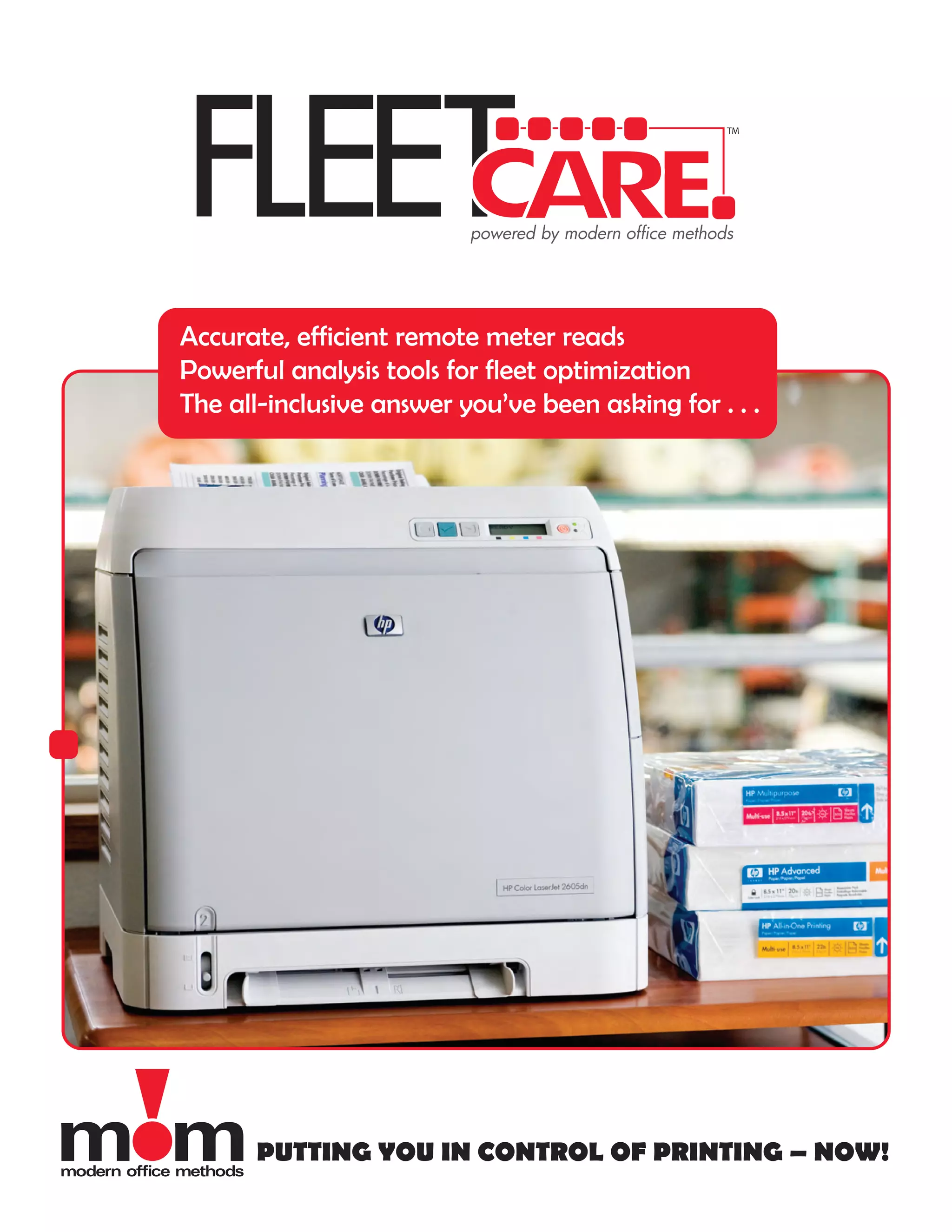
Accurate, efficient remote meter reads
Powerful analysis tools for fleet optimization
The all-inclusive answer you’ve been asking for . . .


       PUTTING YOU IN CONTROL OF PRINTING – NOW!
DO YOU CONTROL YOUR                                  PUTTING YOU IN CONTROL OF
OUTPUT DEVICES - OR                                  PRINTING – NOW!
DO THEY CONTROL YOU?
                                                     Modern Office Methods’ Managed Print Solution is
· U.S. corporations spend 1 to 3% of total annual    a robust, easy-to-use and entirely agnostic
revenue on printing                                  software solution capable of delivering the data
· The typical office worker spends $15,000/year in   you need to optimize printing assets.
document output
· 40% of all IT/help desk calls are output related   GETTING STARTED COULDN’T
· Offices usually have 1 output device per 4
employees; the optimal ratio is 1:10                 BE SIMPLER
· Printing devices are, on average, in an error
state 55% of the time                                Within minutes of a quick, easy installation, the
                                                     Modern Office Methods Data Collection Agent
Take charge with MANAGED PRINT SOLUTIONS,            (DCA) will begin to pull detailed information from
the powerful-but-simple approach that . . .          networked output devices, including the vast
· Reduces printing cost by up to 30%                 majority of printers, copiers, faxes and
· Optimizes device usage                             multi-function peripherals in use today.
· Maximizes uptime and reduces emergency             Powerful analytical tools then translate the raw
repairs with proactive maintenance programs          data into useful reports accessible at any time via
                                                     Web interface, including:
                                                     · Current status for all networked output devices
HERE’S WHAT MPS DOES FOR THE
                                                     · Supply levels
KEY PLAYERS IN YOUR COMPANY                          · Page counts/meter reads
                                                     · Model descriptions
For the CEO                                          · Serial and asset numbers
MPS provides CEOs with the data they need to         · Printer locations
manage a printing fleet at peak efficiency –         · Utilization and page coverage
reducing the overall cost of imaging, improving      · Cost/page tracking
efficiency and maximizing the value of capital       · Automated service alerts
expenditures.                                        · Historical trend reports

For the CFO                                          Organized in a series of easily understood screens,
CFOs are seeking true cost reduction solutions.      the data enables managers to optimize usage,
MPS helps them identify current document output      more efficiently diagnose problems as they occur,
related costs, create printing economies and         and painlessly right-size the printing fleet by
maximize the value of capital expenditures.          boosting efficiencies and reducing output costs.

For the IT Manager                                   Easy-to-follow reports make complex information
The IT Department prefers not to waste time on       highly accessible, revealing critical data such as
document output devices. For them, MPS takes         daily page counts, supplies status, meter reads and
over many mundane tasks such as supply               device errors – to name just a few.
ordering, maintenance scheduling and
troubleshooting.

For the Purchasing Agent
MPS can automate toner orders! No more
contacting every department to assess needs – or
getting panic calls from departments that have
run out of toner and need it yesterday!
                                                     www.momnet.com
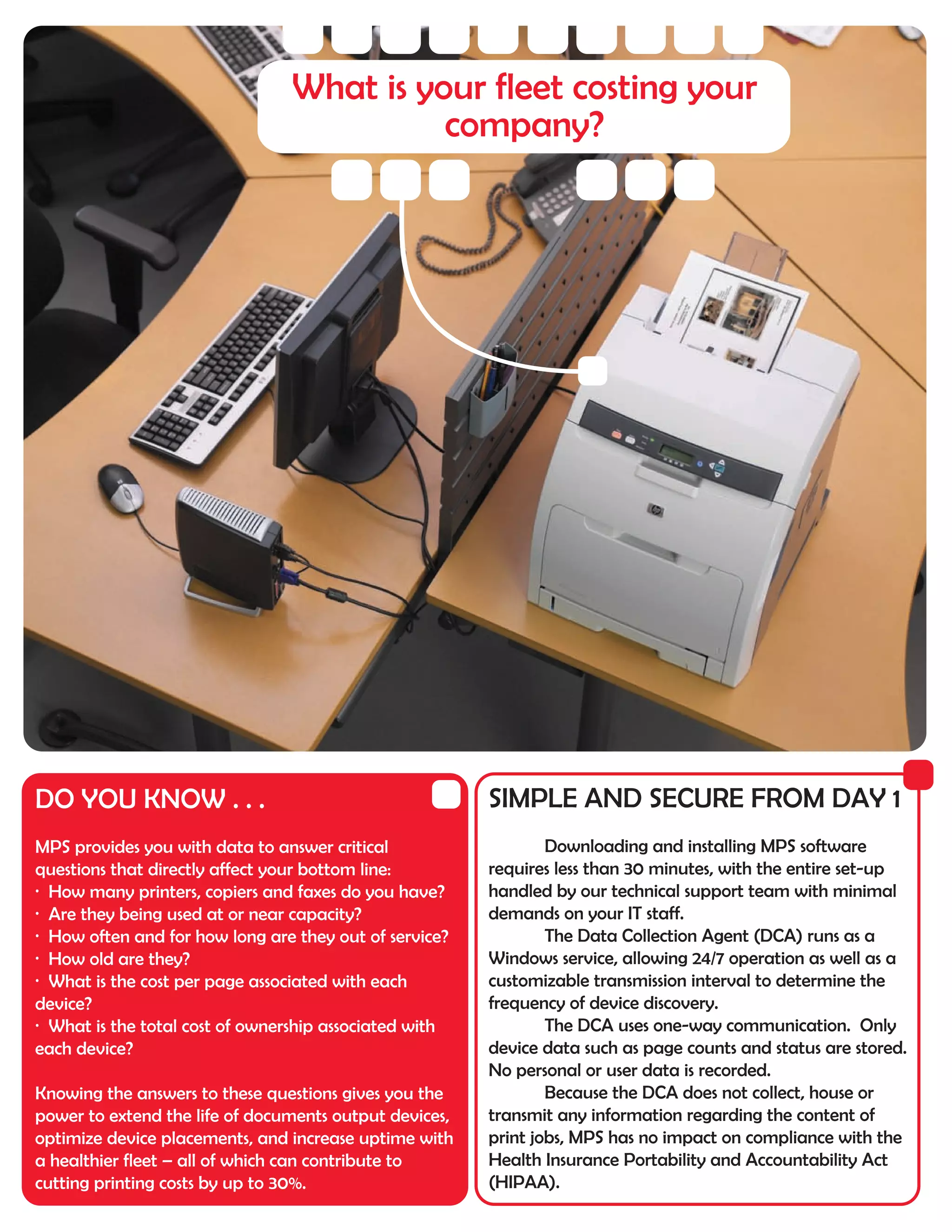
What is your fleet costing your
                                          company?


DO YOU KNOW . . .                                       SIMPLE AND SECURE FROM DAY 1
MPS provides you with data to answer critical                   Downloading and installing MPS software
questions that directly affect your bottom line:        requires less than 30 minutes, with the entire set-up
· How many printers, copiers and faxes do you have?     handled by our technical support team with minimal
· Are they being used at or near capacity?              demands on your IT staff.
· How often and for how long are they out of service?           The Data Collection Agent (DCA) runs as a
· How old are they?                                     Windows service, allowing 24/7 operation as well as a
· What is the cost per page associated with each        customizable transmission interval to determine the
device?                                                 frequency of device discovery.
· What is the total cost of ownership associated with           The DCA uses one-way communication. Only
each device?                                            device data such as page counts and status are stored.
                                                        No personal or user data is recorded.
Knowing the answers to these questions gives you the            Because the DCA does not collect, house or
power to extend the life of documents output devices,   transmit any information regarding the content of
optimize device placements, and increase uptime with    print jobs, MPS has no impact on compliance with the
a healthier fleet – all of which can contribute to      Health Insurance Portability and Accountability Act
cutting printing costs by up to 30%.                    (HIPAA).
INSTALLATION REQUIREMENTS
   Minimum system requirements
   · Hardware: desktop computer or server
   · Operating system: Windows 2000/XP/Server 2003
   · Network card: 100Mbit
   · RAM: 256MB (512MB or greater recommended)
   · Internet connected to browser installed
   · Must be powered on at all times
   · Dedicated system not required
   Minimum network requirements
   · TCP/IP configured
   · One of these ports must be open for automatic transmission of
   data: 443 (HTTPS – recommended), 80 (HTTP), or 20/21 (FTP)


MOM’s Office Locations
Cincinnati / Blue Ash         Columbus / Westerville Office
Corporate Headquarters        929 East Wind Drive
4747 Lake Forest Drive        Suite 220
Cincinnati, OH 45242          Westerville, OH 43081
Phone: 513.791.0909           Phone: 614.891.3693
Fax: 513.791.0985             Fax: 614.891.5089

Cincinnati / Blue Ash         Zanesville
Distribution Center           507 Main Street
4750 Cornell Road             Zanesville, OH 43701
Cincinnati, OH 45241          Phone: 740.588.0326
Phone: 513.791.0909           Fax: 740.588.0343
Fax: 513.791.0985

Dayton / Centerville Office
7475 Paragon Road
Dayton, OH 45459
Phone: 937.436.2295
Fax: 937.436.1747
                        www.momnet.com

FleetCare managed print solution

  • 1.
    Accurate, efficient remotemeter reads Powerful analysis tools for fleet optimization The all-inclusive answer you’ve been asking for . . . PUTTING YOU IN CONTROL OF PRINTING – NOW!
  • 2.
    DO YOU CONTROLYOUR PUTTING YOU IN CONTROL OF OUTPUT DEVICES - OR PRINTING – NOW! DO THEY CONTROL YOU? Modern Office Methods’ Managed Print Solution is · U.S. corporations spend 1 to 3% of total annual a robust, easy-to-use and entirely agnostic revenue on printing software solution capable of delivering the data · The typical office worker spends $15,000/year in you need to optimize printing assets. document output · 40% of all IT/help desk calls are output related GETTING STARTED COULDN’T · Offices usually have 1 output device per 4 employees; the optimal ratio is 1:10 BE SIMPLER · Printing devices are, on average, in an error state 55% of the time Within minutes of a quick, easy installation, the Modern Office Methods Data Collection Agent Take charge with MANAGED PRINT SOLUTIONS, (DCA) will begin to pull detailed information from the powerful-but-simple approach that . . . networked output devices, including the vast · Reduces printing cost by up to 30% majority of printers, copiers, faxes and · Optimizes device usage multi-function peripherals in use today. · Maximizes uptime and reduces emergency Powerful analytical tools then translate the raw repairs with proactive maintenance programs data into useful reports accessible at any time via Web interface, including: · Current status for all networked output devices HERE’S WHAT MPS DOES FOR THE · Supply levels KEY PLAYERS IN YOUR COMPANY · Page counts/meter reads · Model descriptions For the CEO · Serial and asset numbers MPS provides CEOs with the data they need to · Printer locations manage a printing fleet at peak efficiency – · Utilization and page coverage reducing the overall cost of imaging, improving · Cost/page tracking efficiency and maximizing the value of capital · Automated service alerts expenditures. · Historical trend reports For the CFO Organized in a series of easily understood screens, CFOs are seeking true cost reduction solutions. the data enables managers to optimize usage, MPS helps them identify current document output more efficiently diagnose problems as they occur, related costs, create printing economies and and painlessly right-size the printing fleet by maximize the value of capital expenditures. boosting efficiencies and reducing output costs. For the IT Manager Easy-to-follow reports make complex information The IT Department prefers not to waste time on highly accessible, revealing critical data such as document output devices. For them, MPS takes daily page counts, supplies status, meter reads and over many mundane tasks such as supply device errors – to name just a few. ordering, maintenance scheduling and troubleshooting. For the Purchasing Agent MPS can automate toner orders! No more contacting every department to assess needs – or getting panic calls from departments that have run out of toner and need it yesterday! www.momnet.com
  • 3.
    What is yourfleet costing your company? DO YOU KNOW . . . SIMPLE AND SECURE FROM DAY 1 MPS provides you with data to answer critical Downloading and installing MPS software questions that directly affect your bottom line: requires less than 30 minutes, with the entire set-up · How many printers, copiers and faxes do you have? handled by our technical support team with minimal · Are they being used at or near capacity? demands on your IT staff. · How often and for how long are they out of service? The Data Collection Agent (DCA) runs as a · How old are they? Windows service, allowing 24/7 operation as well as a · What is the cost per page associated with each customizable transmission interval to determine the device? frequency of device discovery. · What is the total cost of ownership associated with The DCA uses one-way communication. Only each device? device data such as page counts and status are stored. No personal or user data is recorded. Knowing the answers to these questions gives you the Because the DCA does not collect, house or power to extend the life of documents output devices, transmit any information regarding the content of optimize device placements, and increase uptime with print jobs, MPS has no impact on compliance with the a healthier fleet – all of which can contribute to Health Insurance Portability and Accountability Act cutting printing costs by up to 30%. (HIPAA).
  • 4.
    INSTALLATION REQUIREMENTS Minimum system requirements · Hardware: desktop computer or server · Operating system: Windows 2000/XP/Server 2003 · Network card: 100Mbit · RAM: 256MB (512MB or greater recommended) · Internet connected to browser installed · Must be powered on at all times · Dedicated system not required Minimum network requirements · TCP/IP configured · One of these ports must be open for automatic transmission of data: 443 (HTTPS – recommended), 80 (HTTP), or 20/21 (FTP) MOM’s Office Locations Cincinnati / Blue Ash Columbus / Westerville Office Corporate Headquarters 929 East Wind Drive 4747 Lake Forest Drive Suite 220 Cincinnati, OH 45242 Westerville, OH 43081 Phone: 513.791.0909 Phone: 614.891.3693 Fax: 513.791.0985 Fax: 614.891.5089 Cincinnati / Blue Ash Zanesville Distribution Center 507 Main Street 4750 Cornell Road Zanesville, OH 43701 Cincinnati, OH 45241 Phone: 740.588.0326 Phone: 513.791.0909 Fax: 740.588.0343 Fax: 513.791.0985 Dayton / Centerville Office 7475 Paragon Road Dayton, OH 45459 Phone: 937.436.2295 Fax: 937.436.1747 www.momnet.com