Learn How to Efficiently Manage Your Print and Scan Environment
Dana Mawn
Business Development Consultant
NT-ware USA a Canon Group Company
Canon has a single platform solution to address the following:
• Control and reduce your print and copy costs
• Heighten your document security
• Increase your employee productivity
• Improve your environmental performance
• Manage your print room
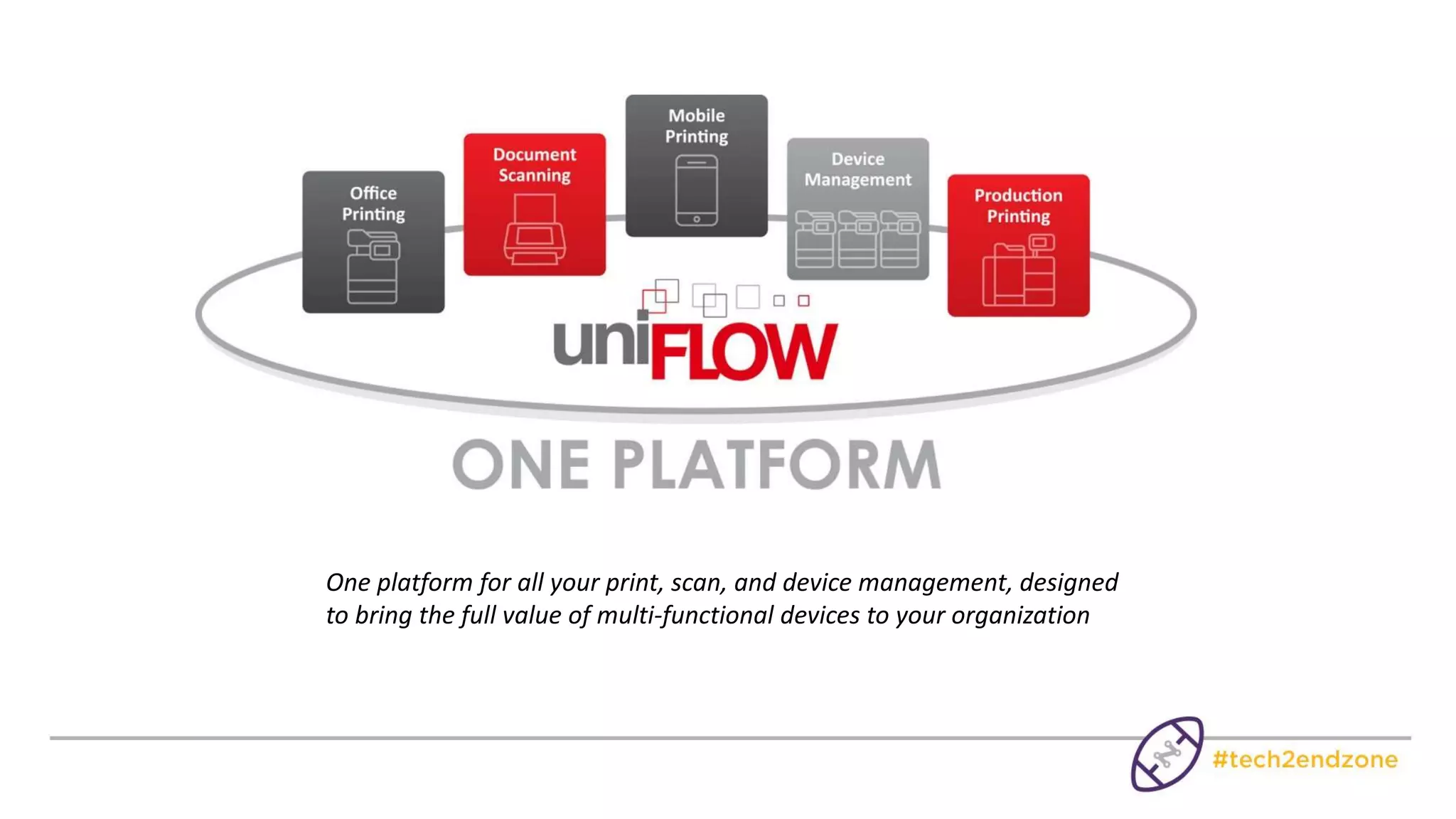
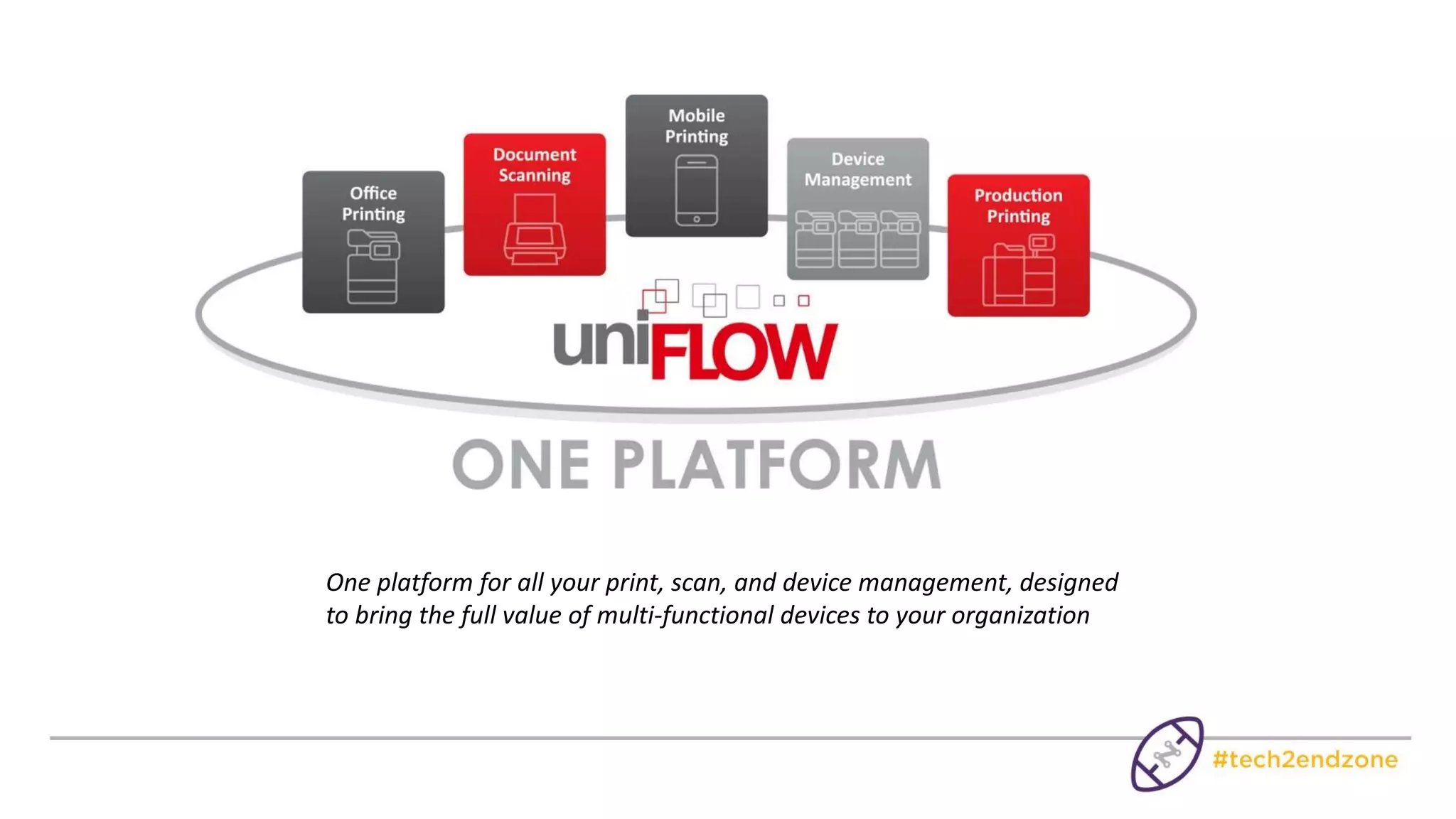
One platform for all your print, scan, and device management, designed
to bring the full value of multi-functional devices to your organization
What is uniFLOW?
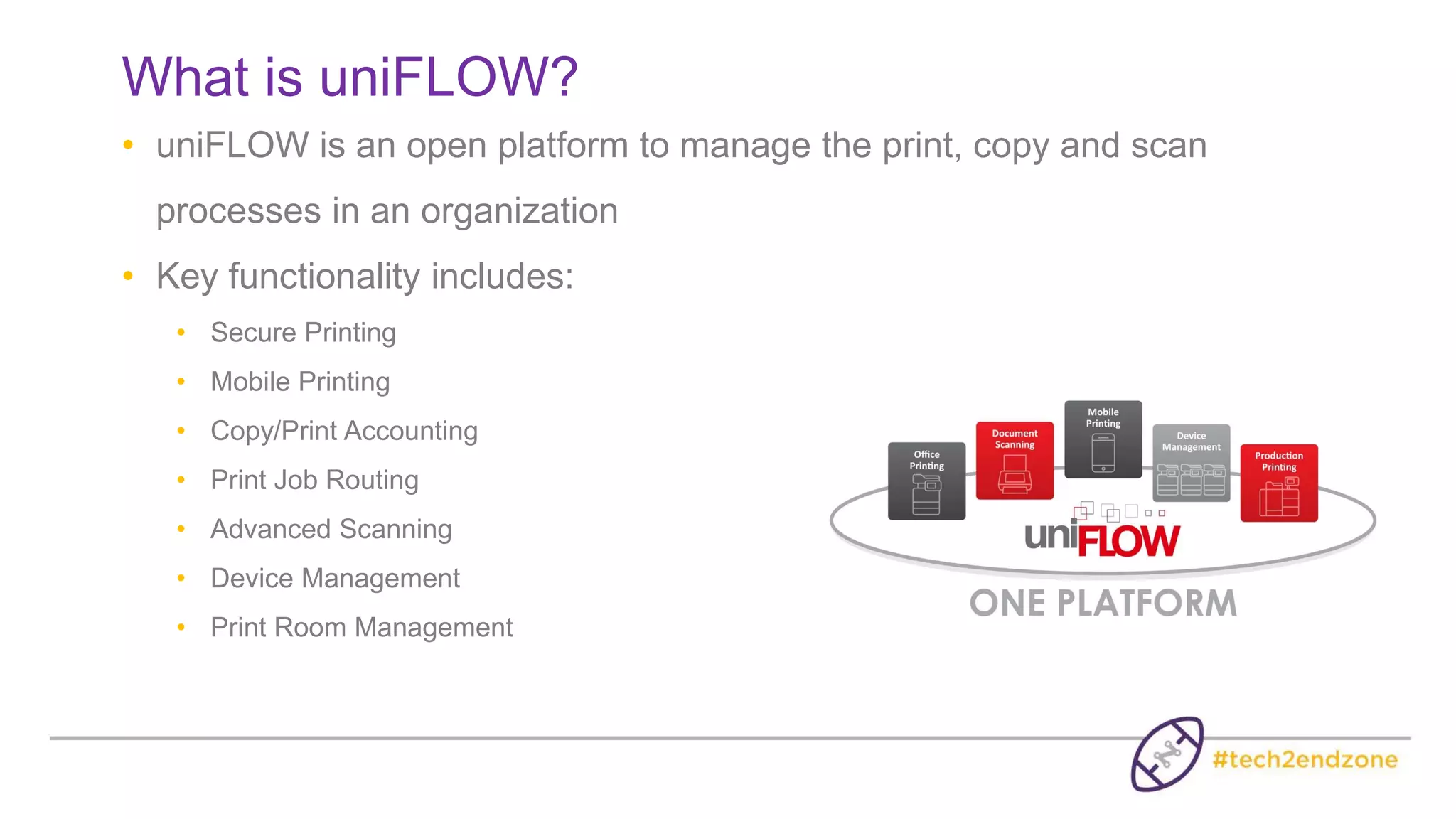
• uniFLOW is an open platform to manage the print, copy and scan
processes in an organization
• Key functionality includes:
• Secure Printing
• Mobile Printing
• Copy/Print Accounting
• Print Job Routing
• Advanced Scanning
• Device Management
• Print Room Management
• How can uniFLOW help to control
your Print and Copy Costs?
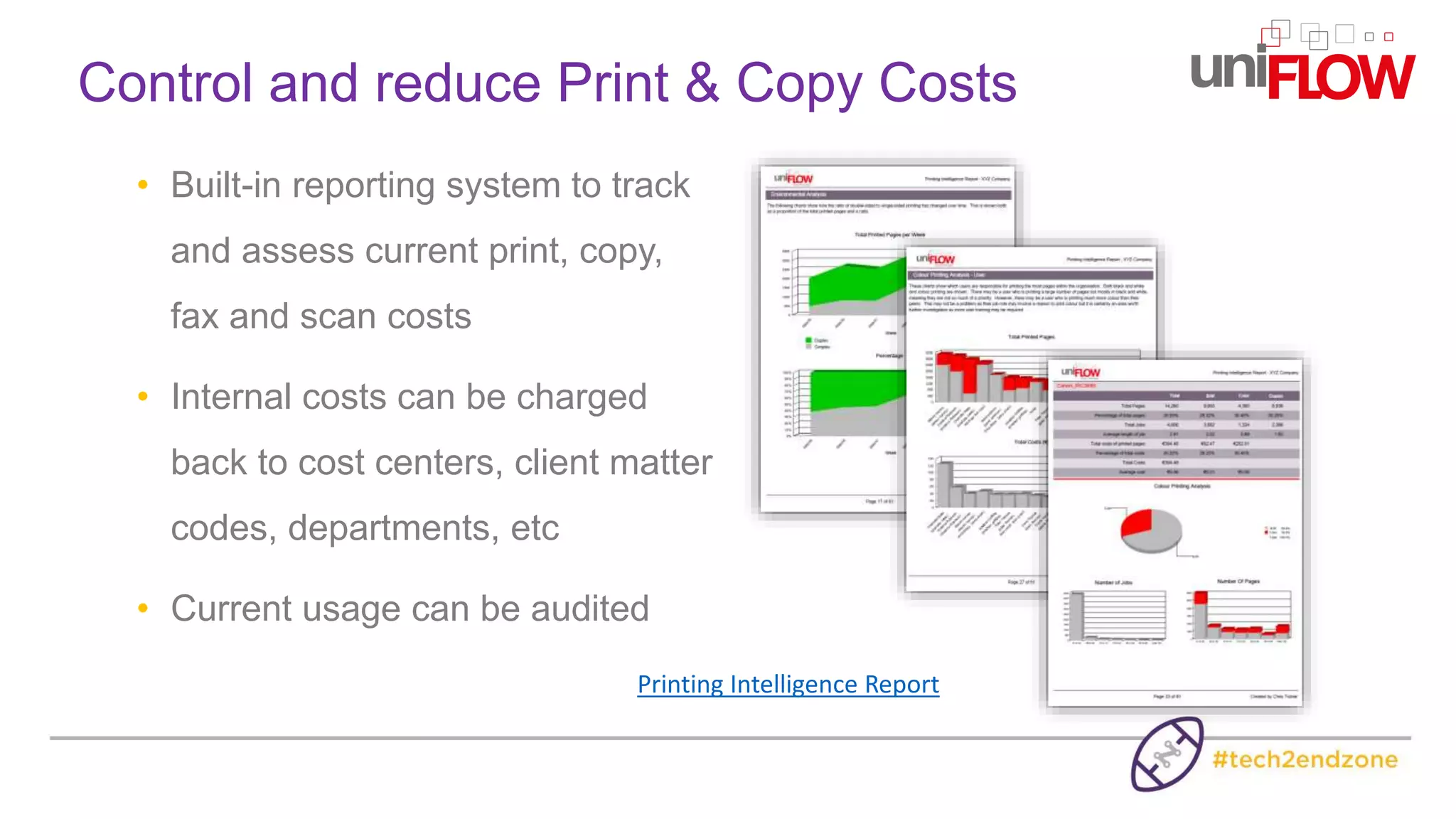
• Built-in reporting system to track
and assess current print, copy,
fax and scan costs
• Internal costs can be charged
back to cost centers, client matter
codes, departments, etc
• Current usage can be audited
Control and reduce Print & Copy Costs
Printing Intelligence Report
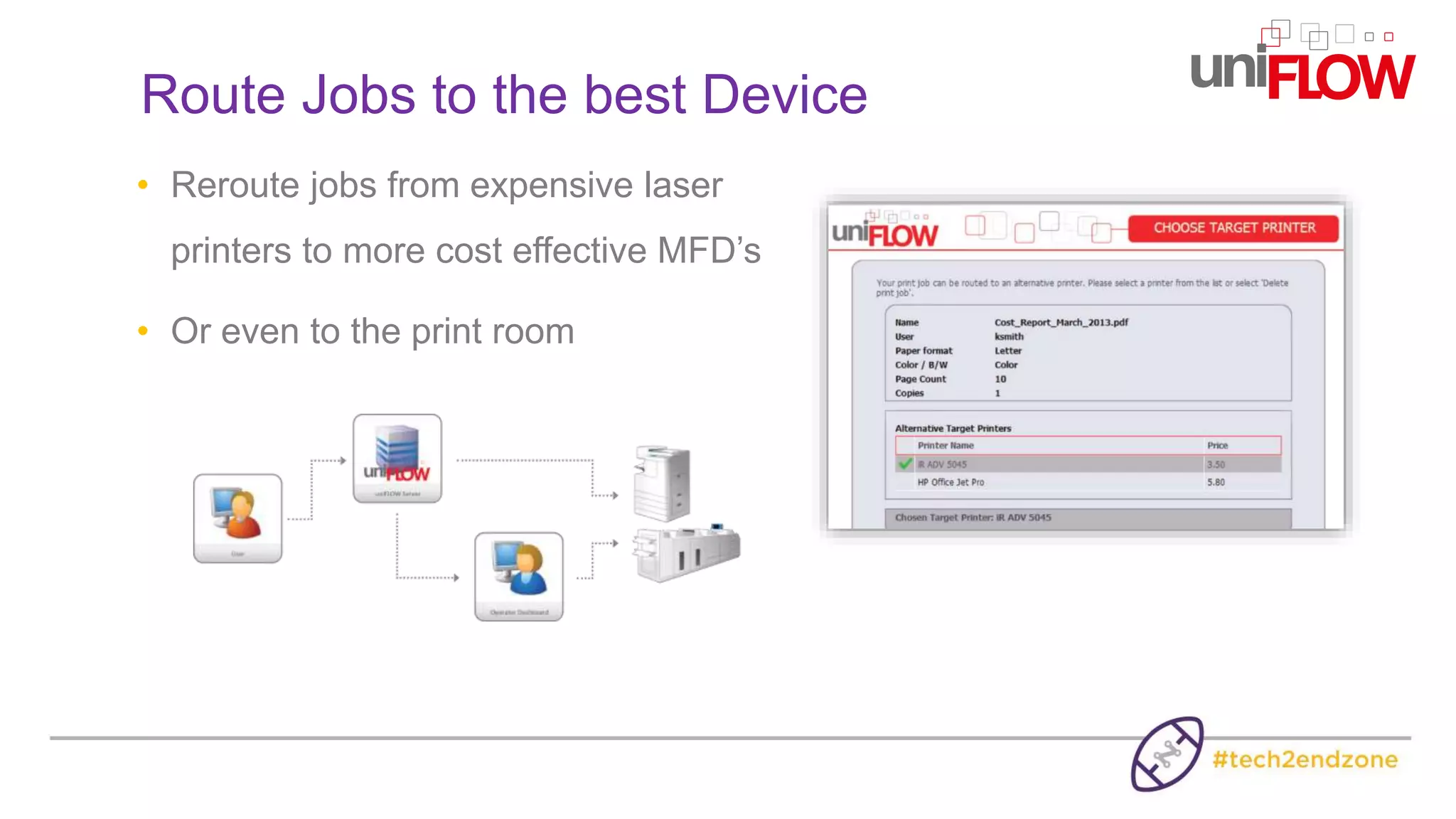
• Reroute jobs from expensive laser
printers to more cost effective MFD’s
• Or even to the print room
Route Jobs to the best Device
How can uniFLOW help to heighten
your Document Security?
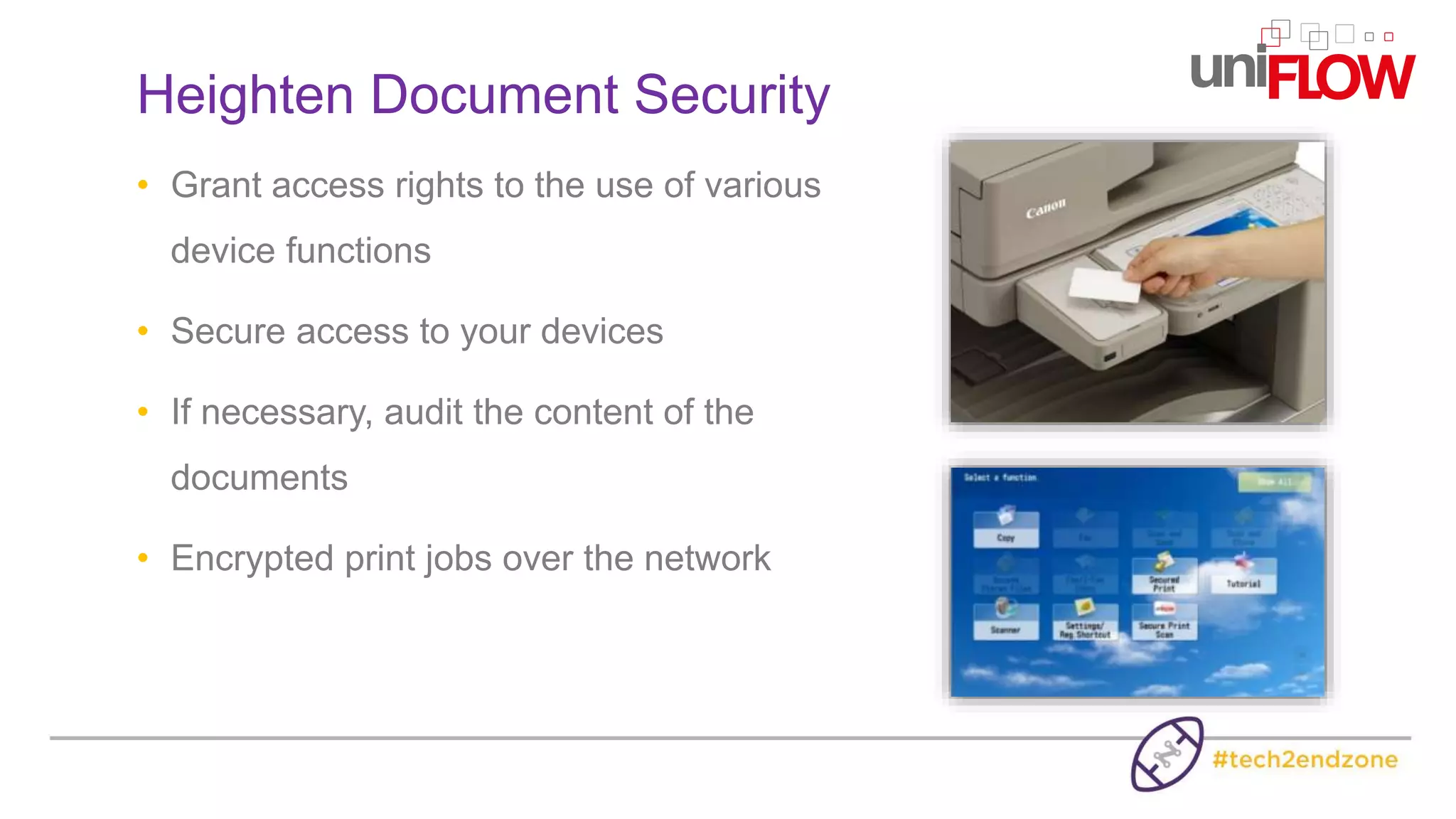
• Grant access rights to the use of various
device functions
• Secure access to your devices
• If necessary, audit the content of the
documents
• Encrypted print jobs over the network
Heighten Document Security
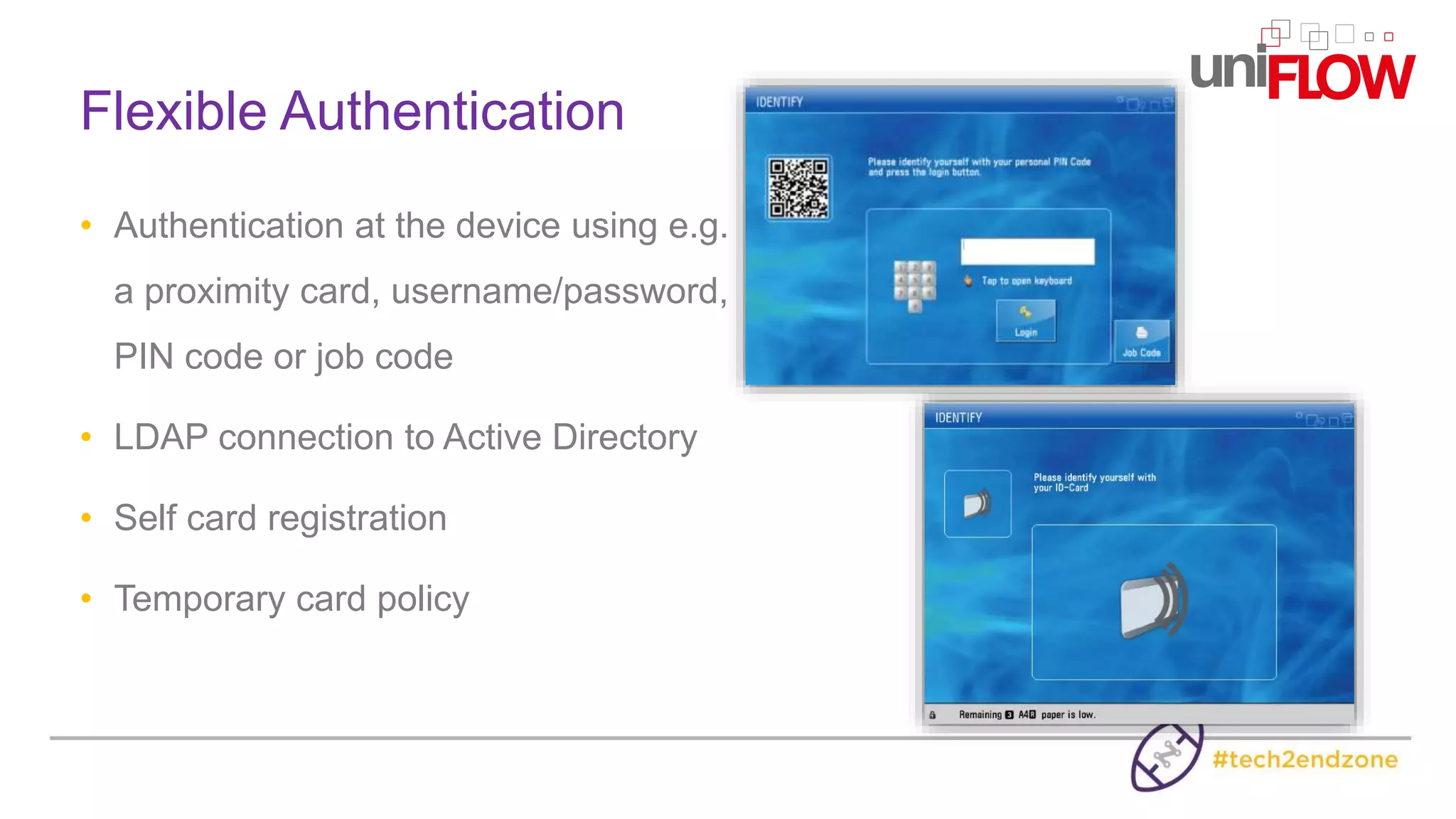
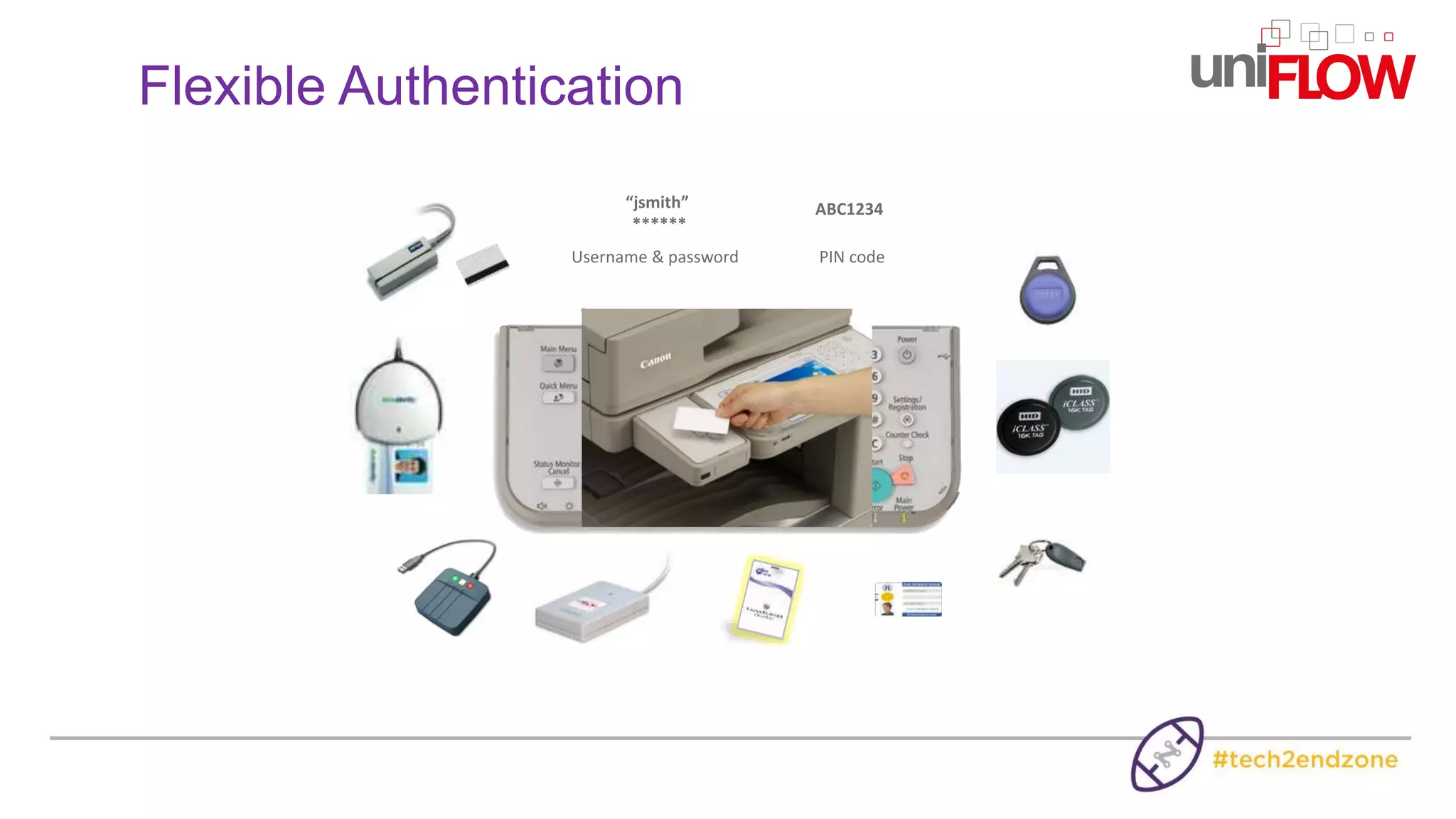
• Authentication at the device using e.g.
a proximity card, username/password,
PIN code or job code
• LDAP connection to Active Directory
• Self card registration
• Temporary card policy
Flexible Authentication
Username & password
“jsmith”
******
PIN code
ABC1234
Flexible Authentication
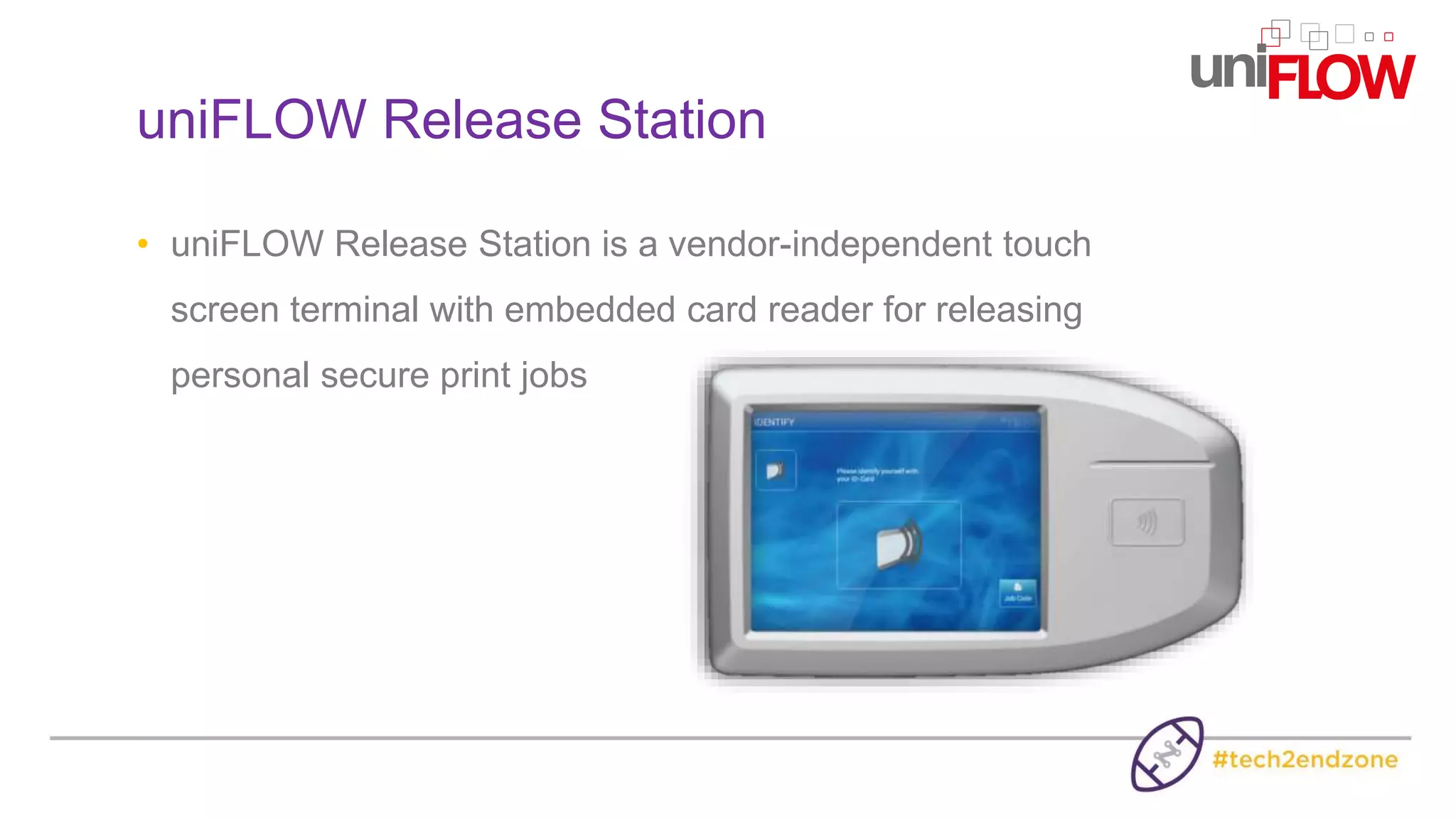
• uniFLOW Release Station is a vendor-independent touch
screen terminal with embedded card reader for releasing
personal secure print jobs
uniFLOW Release Station
How can uniFLOW help to increase
your Employee Productivity?
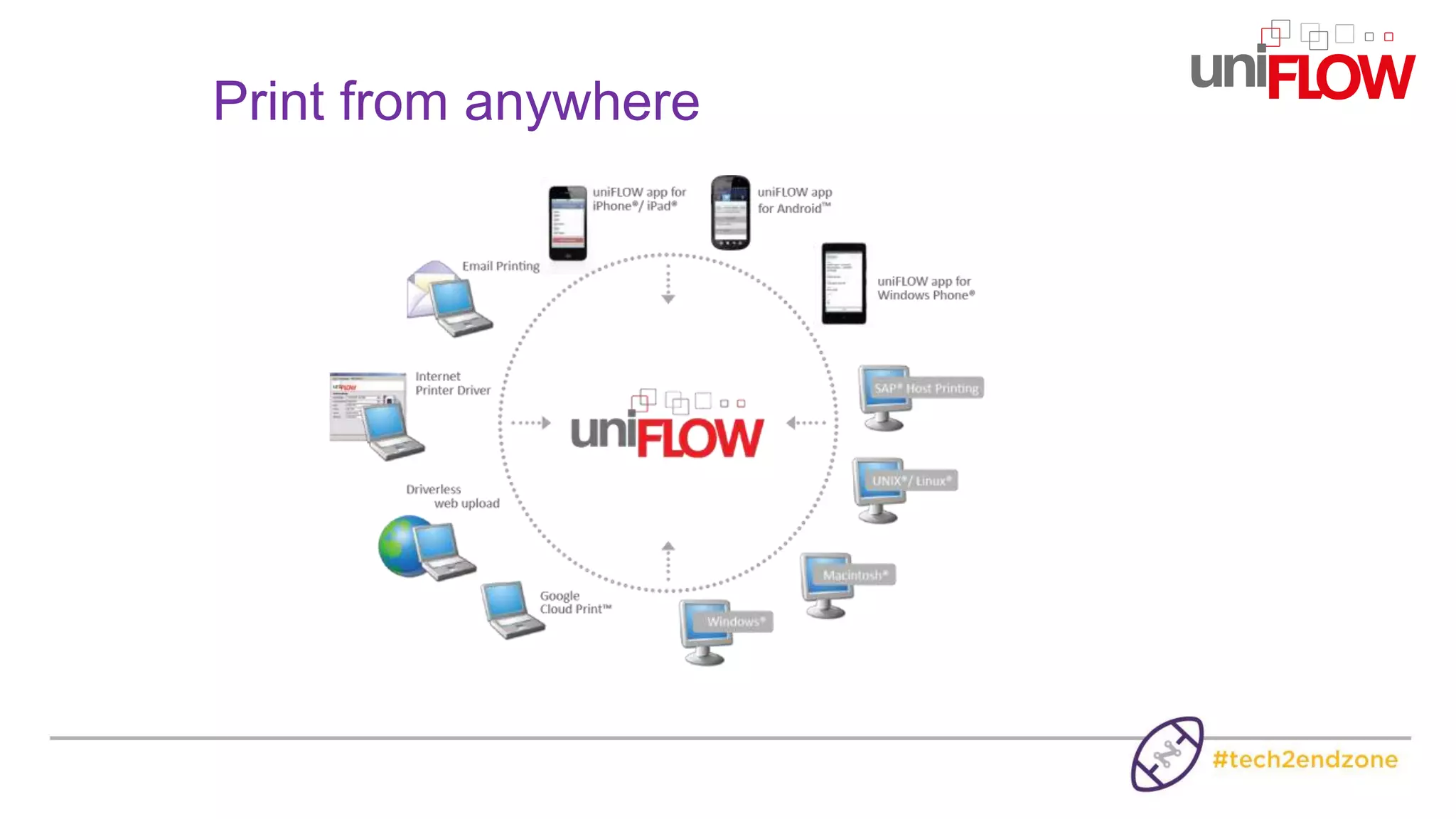
Print from anywhere
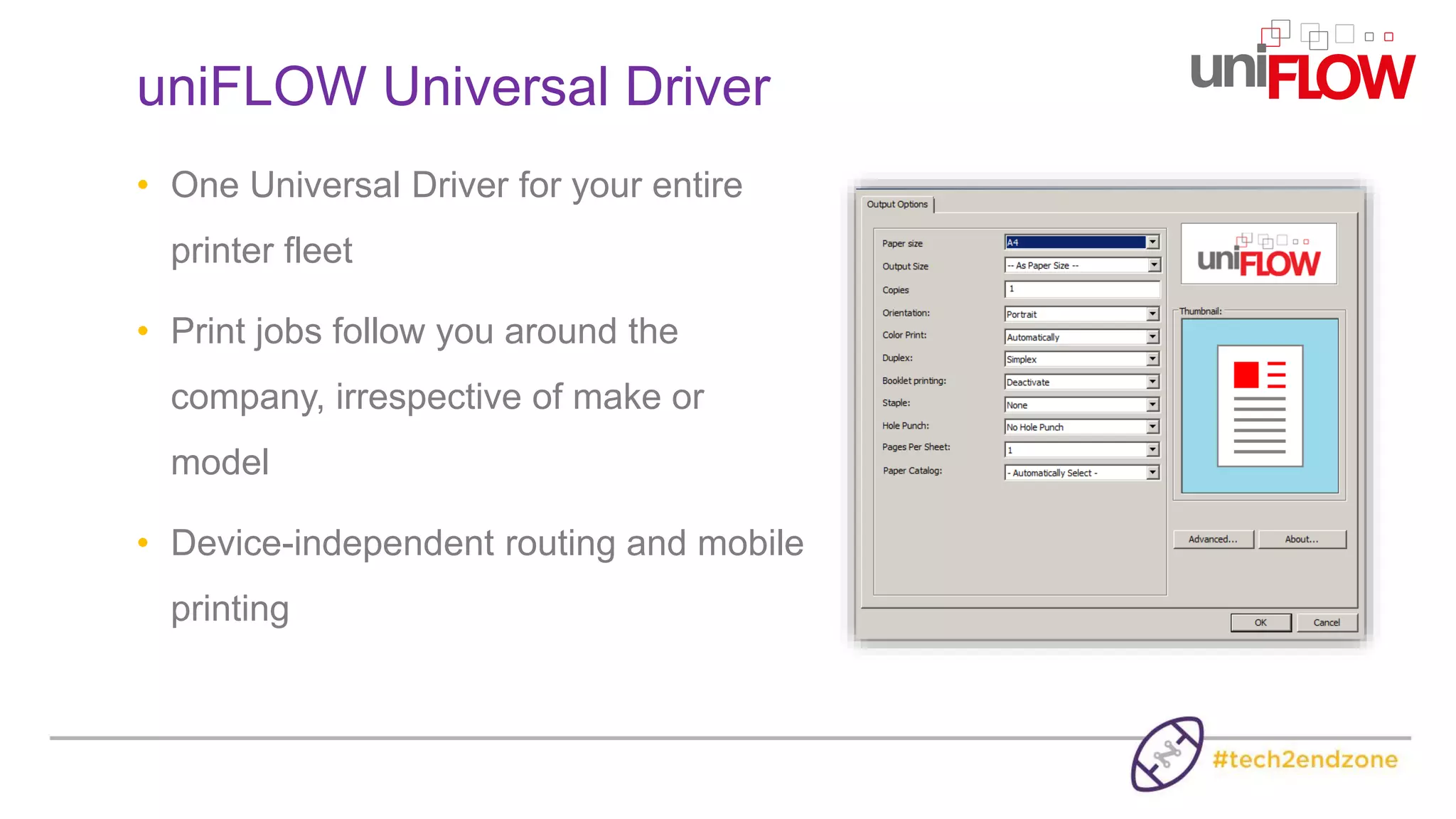
• One Universal Driver for your entire
printer fleet
• Print jobs follow you around the
company, irrespective of make or
model
• Device-independent routing and mobile
printing
uniFLOW Universal Driver
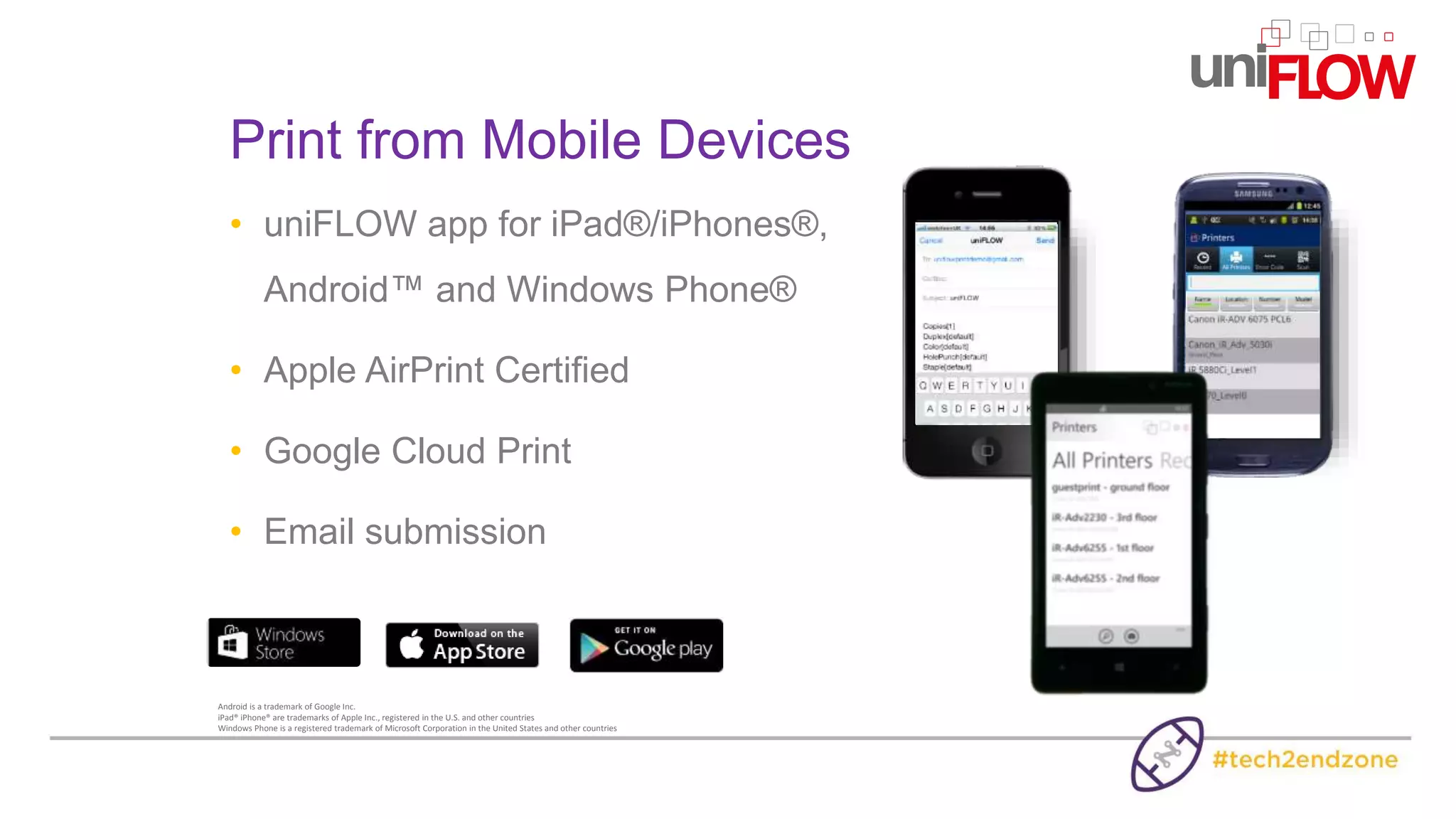
• uniFLOW app for iPad®/iPhones®,
Android™ and Windows Phone®
• Apple AirPrint Certified
• Google Cloud Print
• Email submission
Print from Mobile Devices
Android is a trademark of Google Inc.
iPad® iPhone® are trademarks of Apple Inc., registered in the U.S. and other countries
Windows Phone is a registered trademark of Microsoft Corporation in the United States and other countries
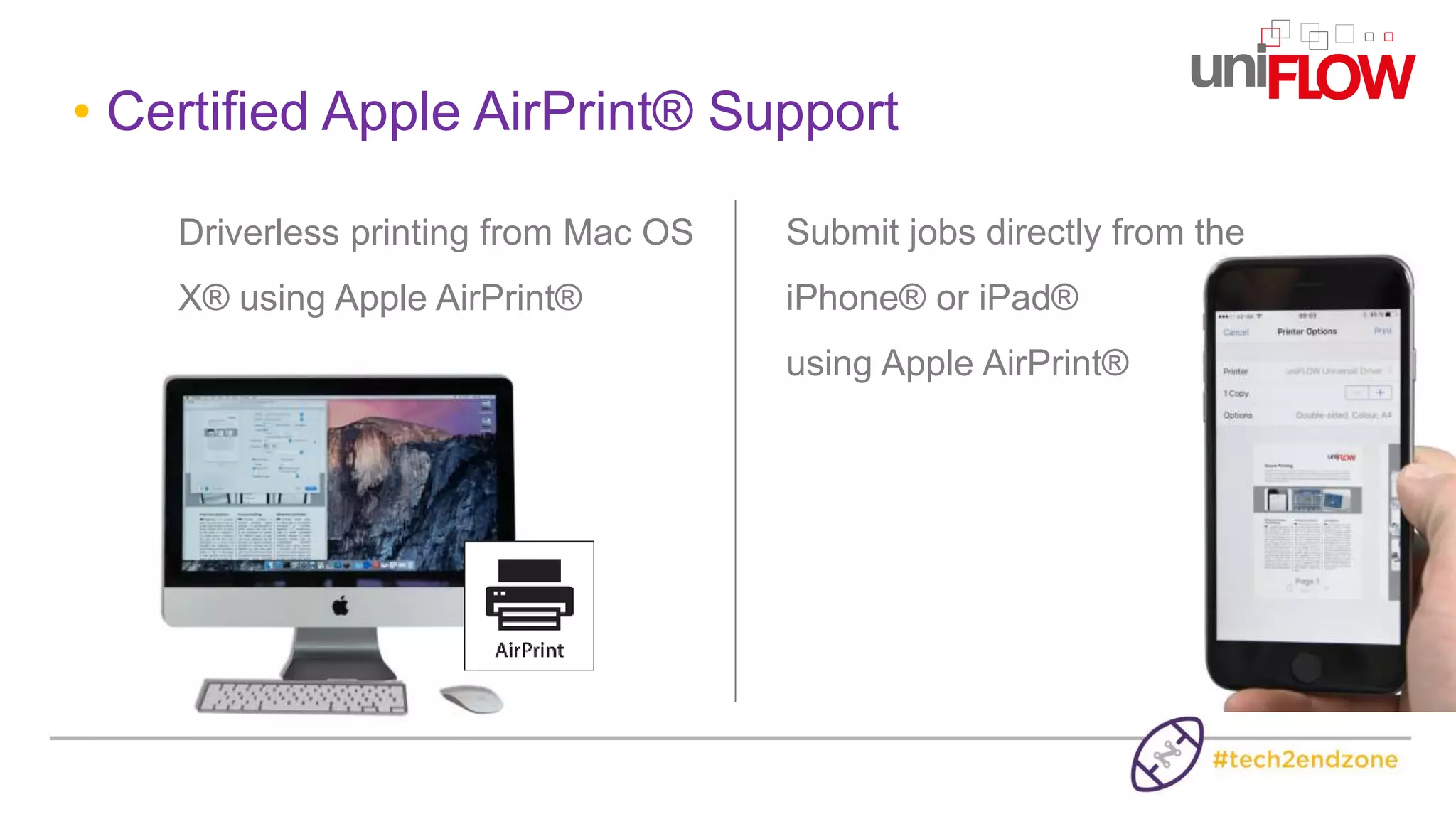
• Certified Apple AirPrint® Support
Driverless printing from Mac OS
X® using Apple AirPrint®
Submit jobs directly from the
iPhone® or iPad®
using Apple AirPrint®
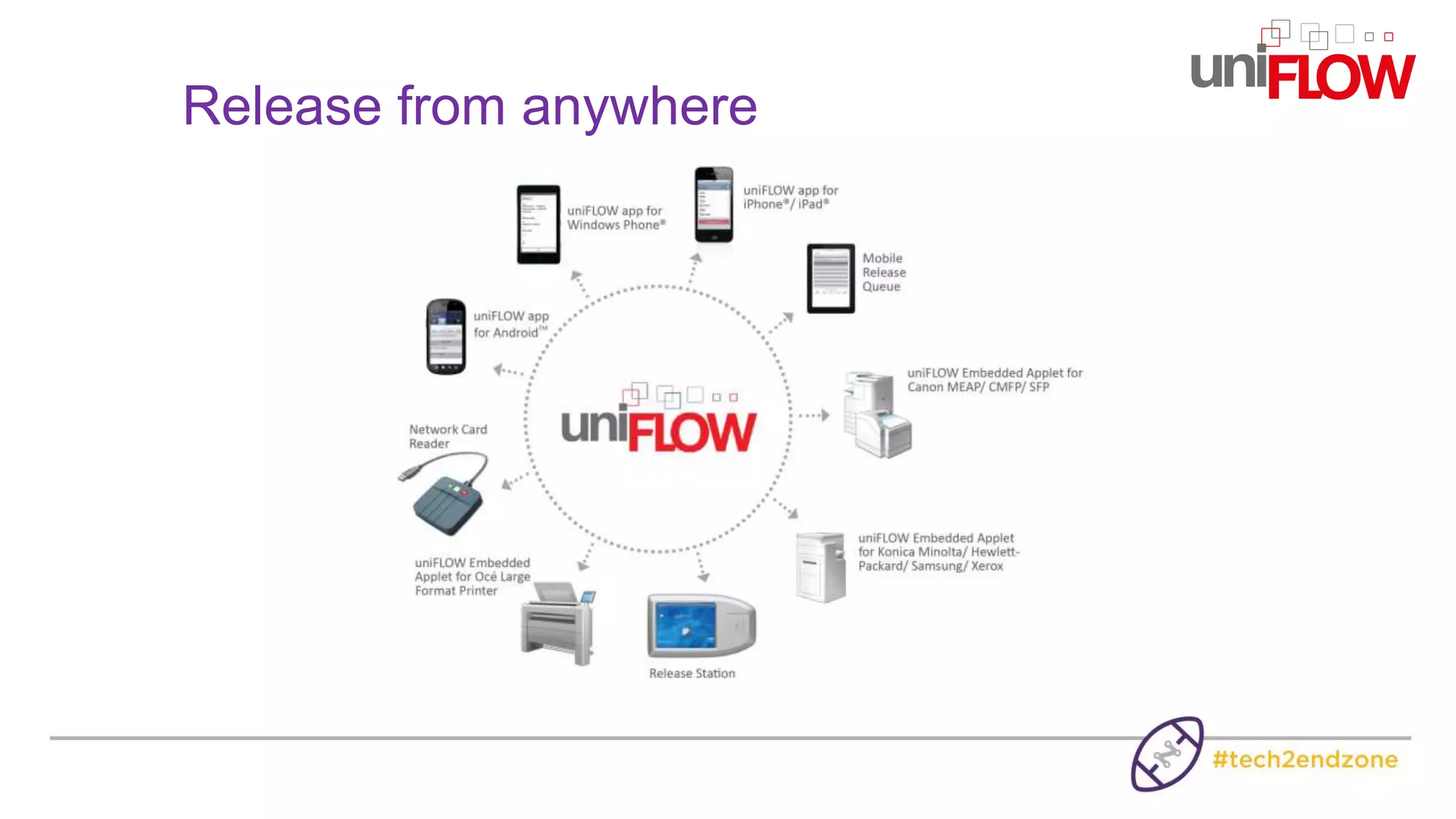
Release from anywhere
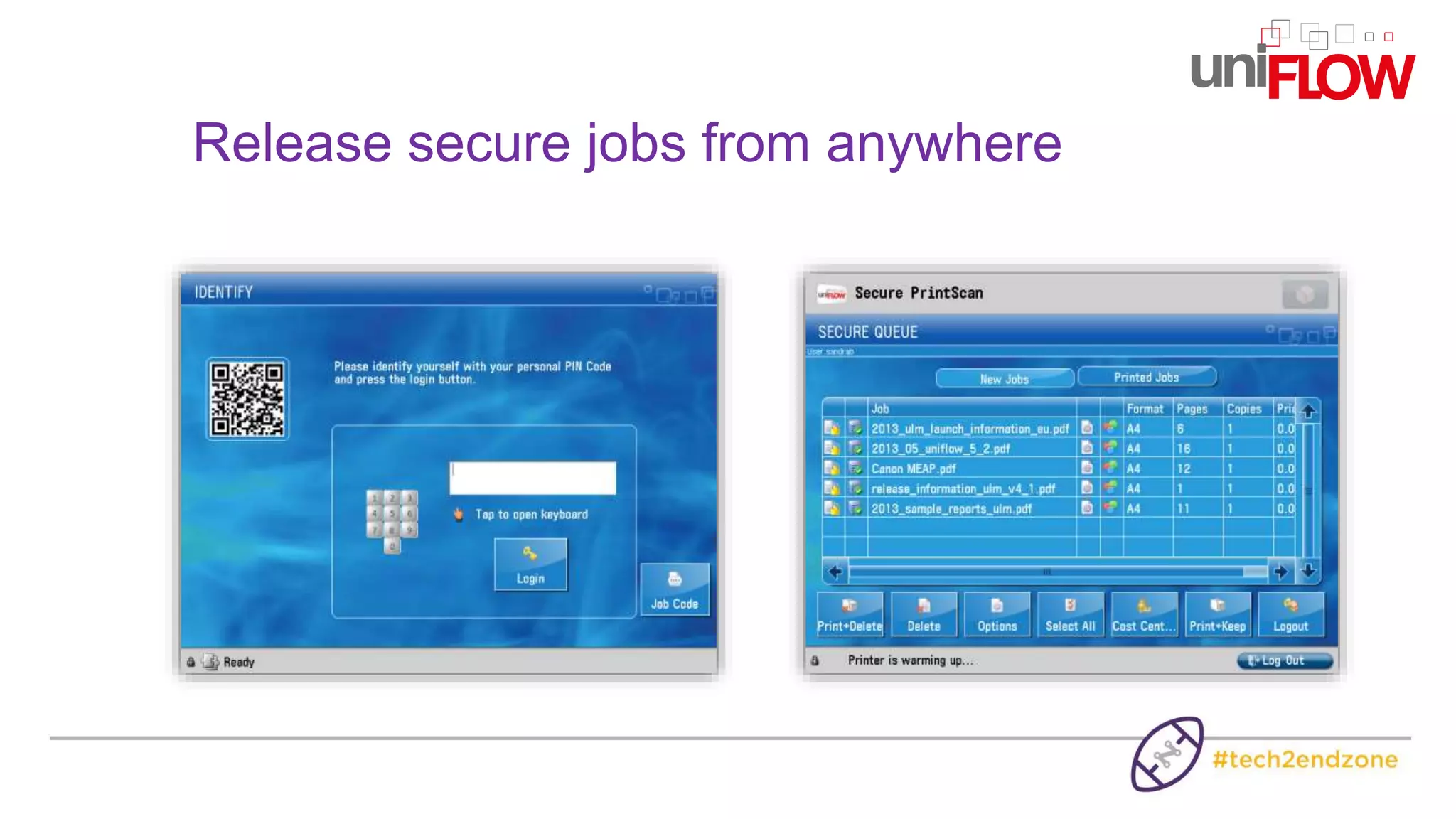
Release secure jobs from anywhere
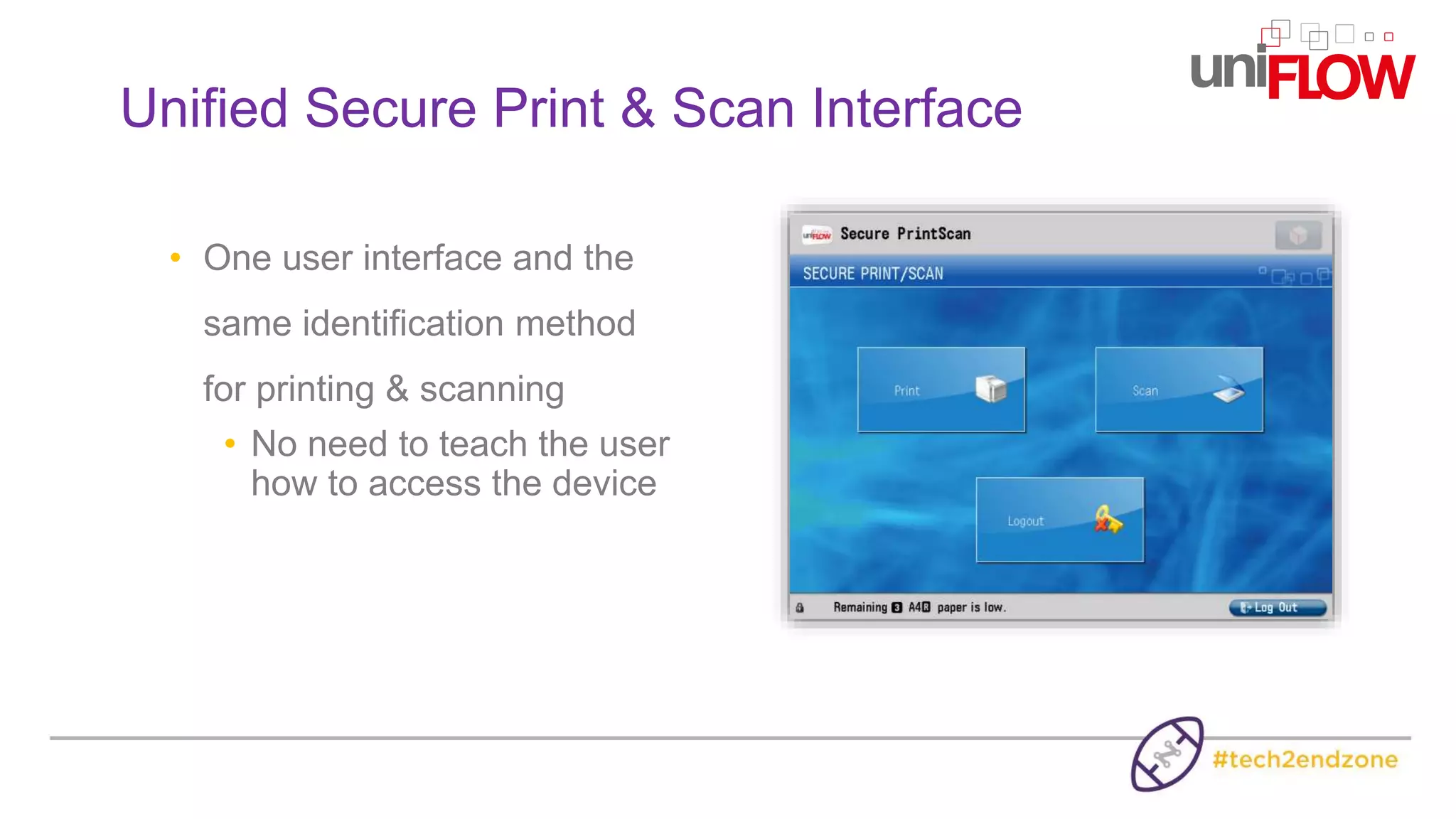
• One user interface and the
same identification method
for printing & scanning
• No need to teach the user
how to access the device
Unified Secure Print & Scan Interface
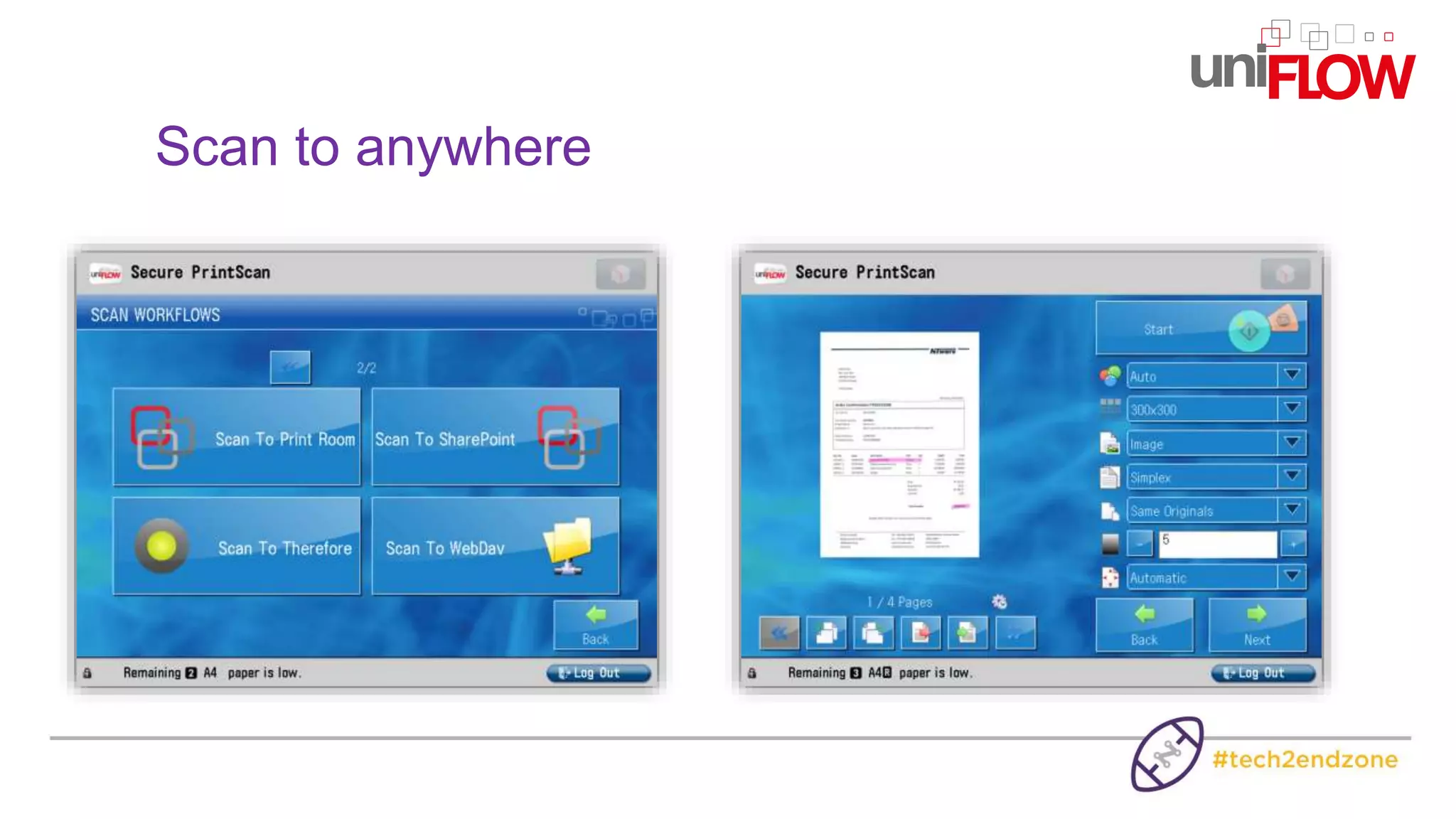
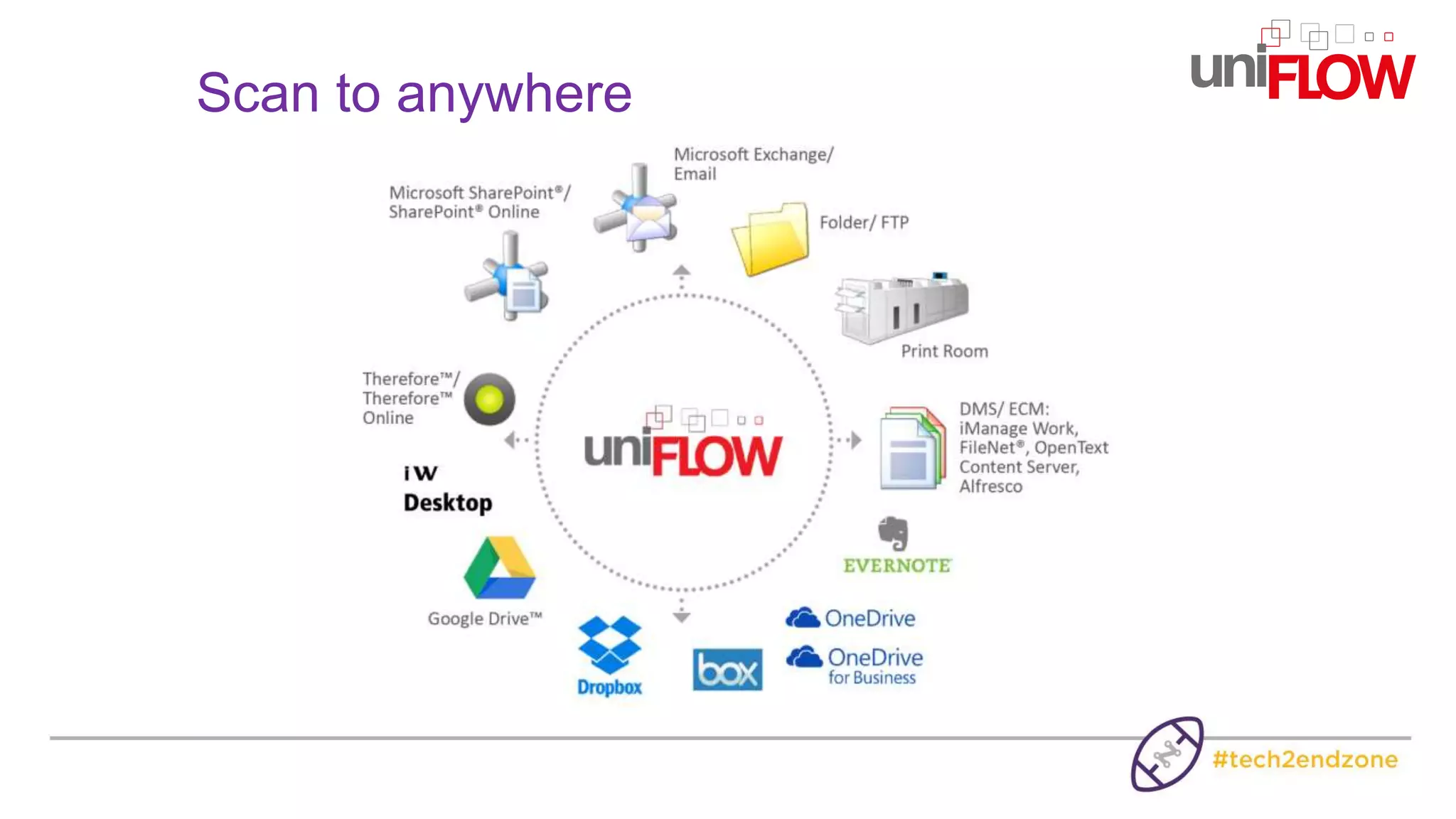
Scan to anywhere
Scan to anywhere
How can uniFLOW help to improve
your environmental Performance?
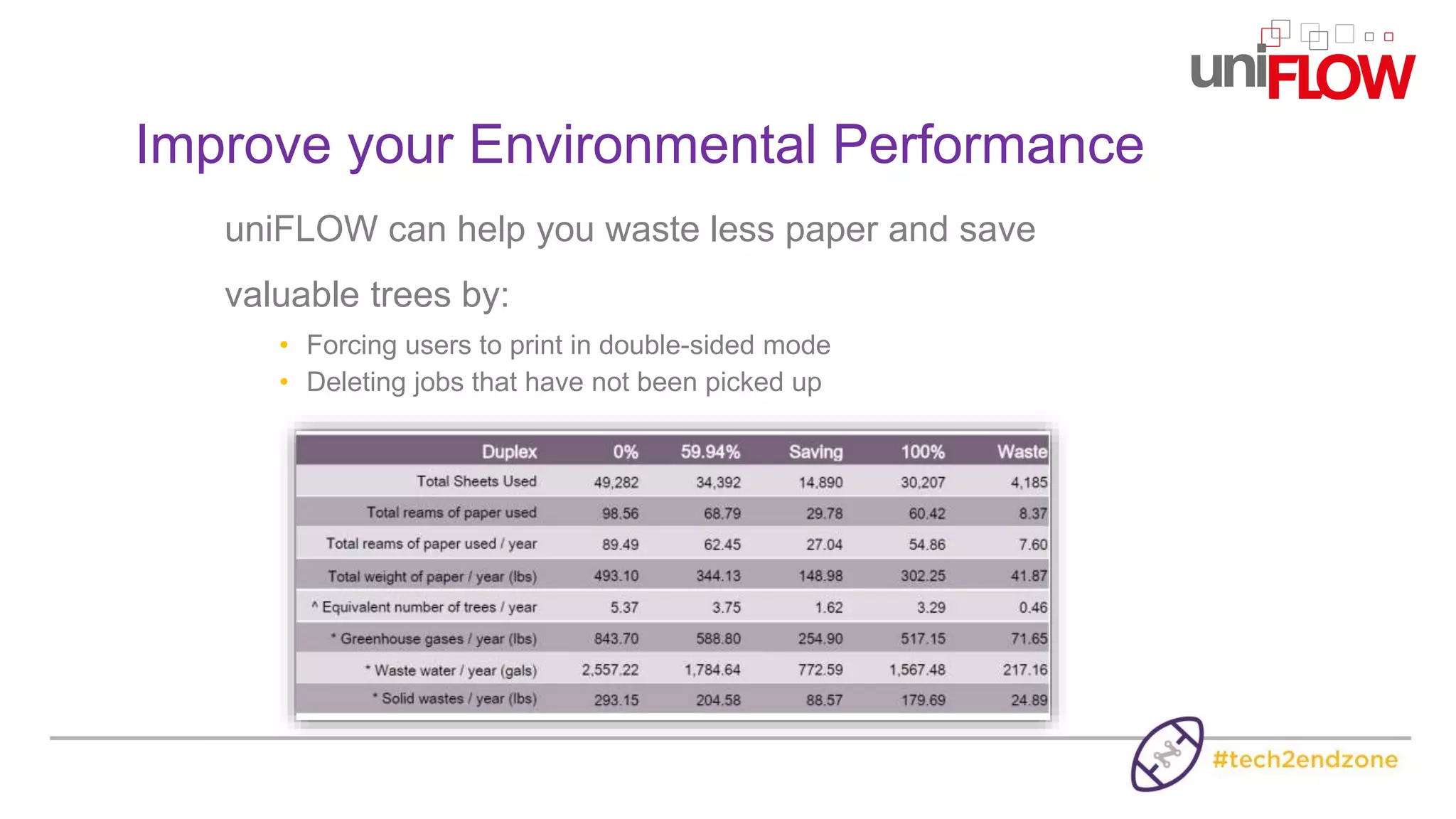
uniFLOW can help you waste less paper and save
valuable trees by:
• Forcing users to print in double-sided mode
• Deleting jobs that have not been picked up
Improve your Environmental Performance
How can uniFLOW help to improve
your Print Room Experience?
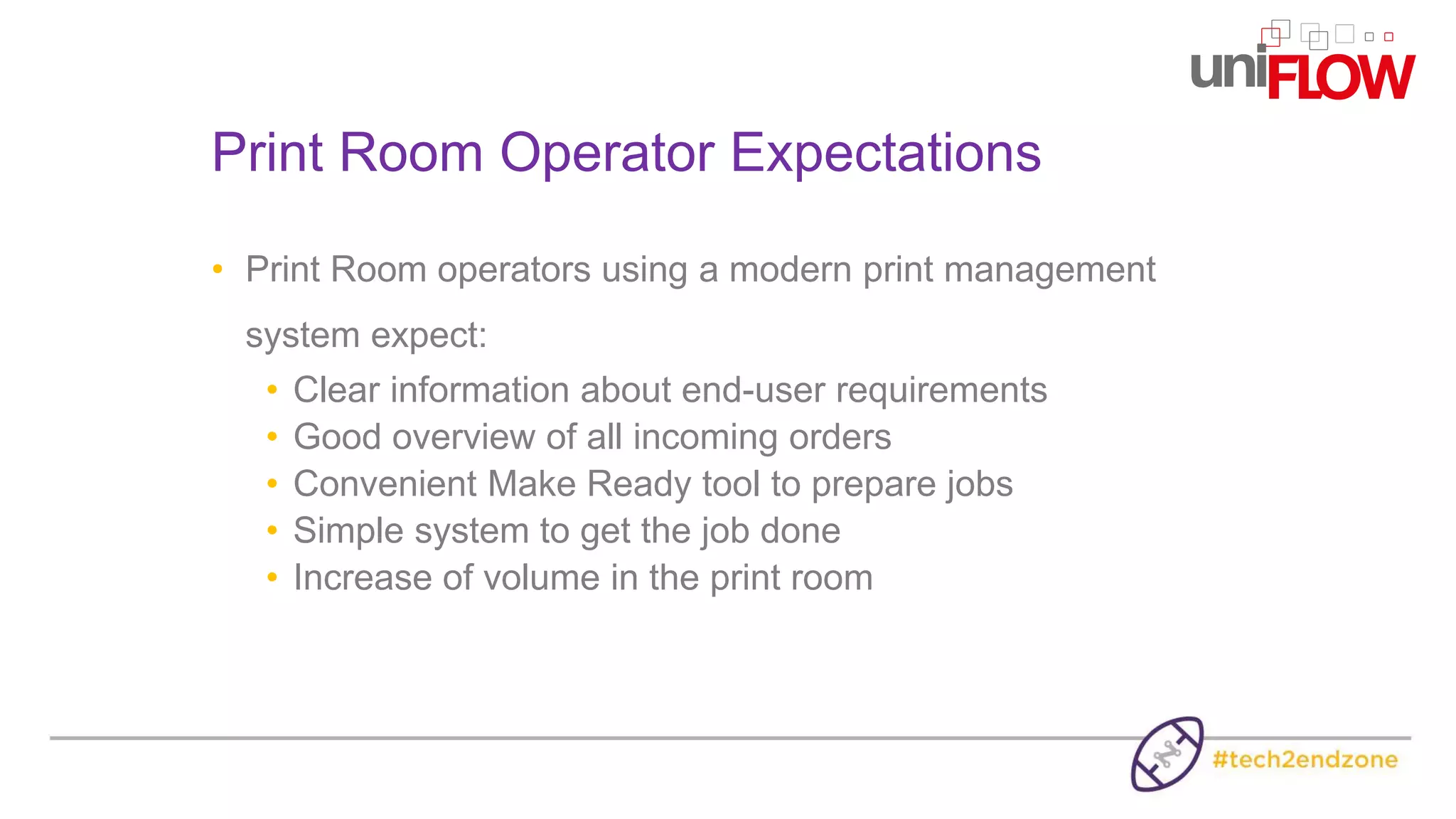
• Print Room operators using a modern print management
system expect:
• Clear information about end-user requirements
• Good overview of all incoming orders
• Convenient Make Ready tool to prepare jobs
• Simple system to get the job done
• Increase of volume in the print room
Print Room Operator Expectations
Printer Driver Submission
• Documents are printed to the CRD
using a PostScript printer driver
• After printing a digital job ticket
opens up
• Specify requirements quickly and
accurately
• Convenient way of submitting jobs
• Reducing the risk of errors
Central Management of all Jobs
Sort on any criteriaCheck the original job ticket
Open a PDF preview and/or check the preflight result
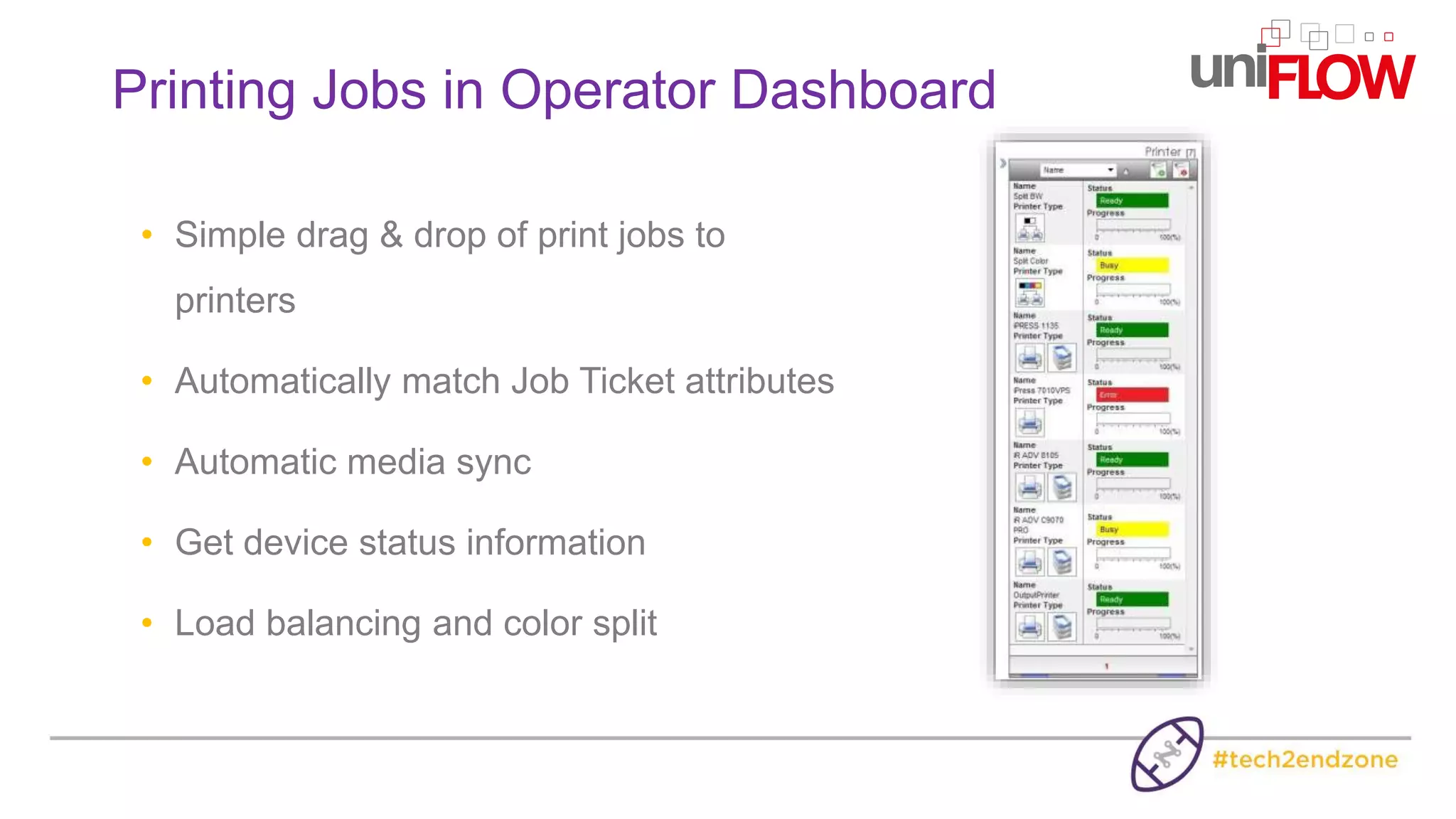
• Simple drag & drop of print jobs to
printers
• Automatically match Job Ticket attributes
• Automatic media sync
• Get device status information
• Load balancing and color split
Printing Jobs in Operator Dashboard
• Automatically re-route print jobs from the MFP to the print room
• Show the cost of printing in the CRD and offer that as alternative
• Bring more volume to the print room
• Create awareness of the print room services
• Reduce cost for the company as jobs are printed more
economically on the right devices
Automatic Re-Routing of Print Jobs
The uniFLOW Advantage
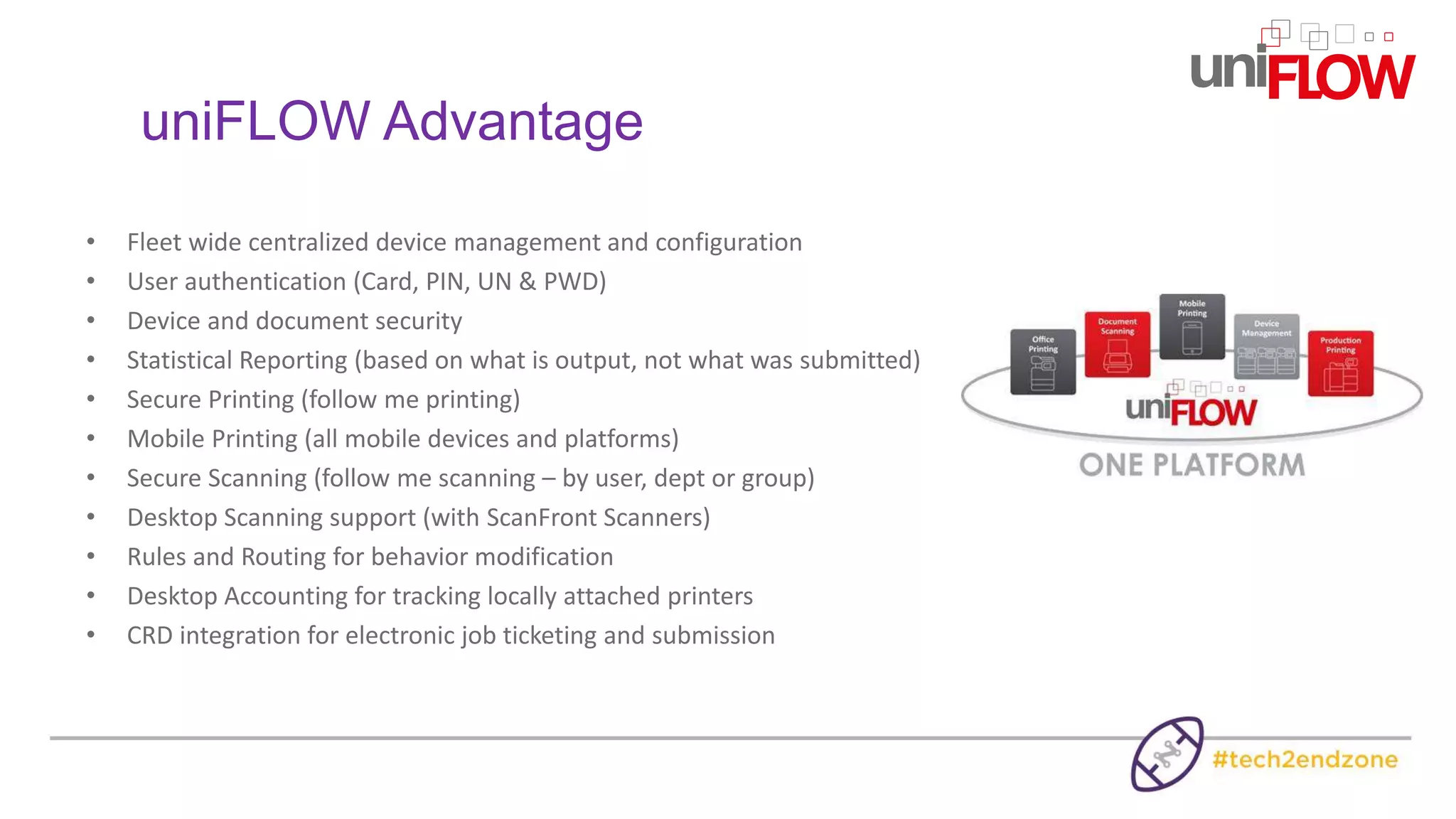
uniFLOW Advantage
• Fleet wide centralized device management and configuration
• User authentication (Card, PIN, UN & PWD)
• Device and document security
• Statistical Reporting (based on what is output, not what was submitted)
• Secure Printing (follow me printing)
• Mobile Printing (all mobile devices and platforms)
• Secure Scanning (follow me scanning – by user, dept or group)
• Desktop Scanning support (with ScanFront Scanners)
• Rules and Routing for behavior modification
• Desktop Accounting for tracking locally attached printers
• CRD integration for electronic job ticketing and submission
How can we help you?
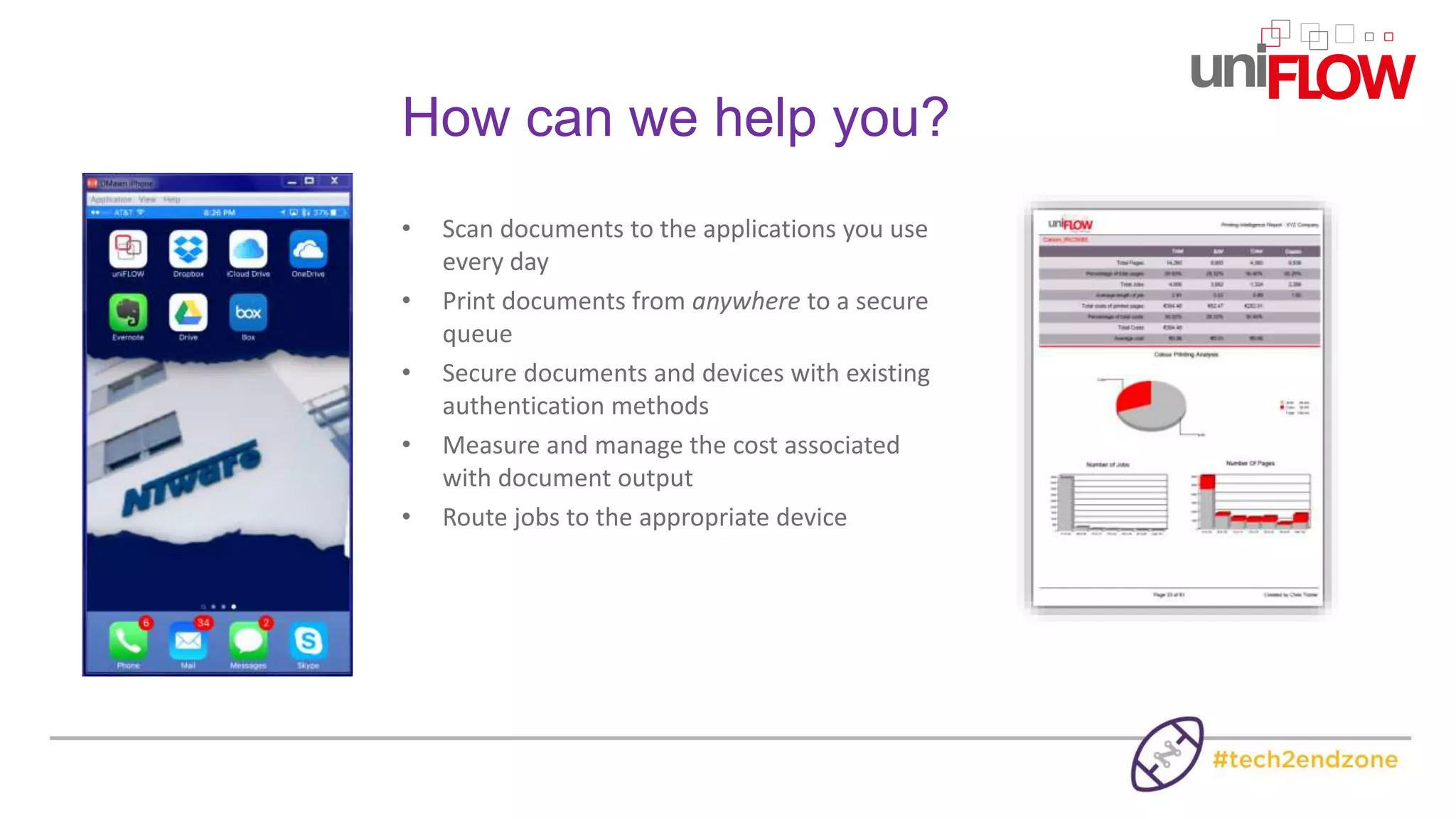
• Scan documents to the applications you use
every day
• Print documents from anywhere to a secure
queue
• Secure documents and devices with existing
authentication methods
• Measure and manage the cost associated
with document output
• Route jobs to the appropriate device
One platform for all your print, scan, and device management, designed
to bring the full value of multi-functional devices to your organization
Find out more:

Learn How to Efficiently Manage Your Print and Scan Environment - Canon

  • 1.
    Learn How toEfficiently Manage Your Print and Scan Environment Dana Mawn Business Development Consultant NT-ware USA a Canon Group Company
  • 2.
    Canon has asingle platform solution to address the following: • Control and reduce your print and copy costs • Heighten your document security • Increase your employee productivity • Improve your environmental performance • Manage your print room
  • 3.
    One platform forall your print, scan, and device management, designed to bring the full value of multi-functional devices to your organization
  • 4.
    What is uniFLOW? •uniFLOW is an open platform to manage the print, copy and scan processes in an organization • Key functionality includes: • Secure Printing • Mobile Printing • Copy/Print Accounting • Print Job Routing • Advanced Scanning • Device Management • Print Room Management
  • 5.
    • How canuniFLOW help to control your Print and Copy Costs?
  • 6.
    • Built-in reportingsystem to track and assess current print, copy, fax and scan costs • Internal costs can be charged back to cost centers, client matter codes, departments, etc • Current usage can be audited Control and reduce Print & Copy Costs Printing Intelligence Report
  • 7.
    • Reroute jobsfrom expensive laser printers to more cost effective MFD’s • Or even to the print room Route Jobs to the best Device
  • 8.
    How can uniFLOWhelp to heighten your Document Security?
  • 9.
    • Grant accessrights to the use of various device functions • Secure access to your devices • If necessary, audit the content of the documents • Encrypted print jobs over the network Heighten Document Security
  • 10.
    • Authentication atthe device using e.g. a proximity card, username/password, PIN code or job code • LDAP connection to Active Directory • Self card registration • Temporary card policy Flexible Authentication
  • 11.
    Username & password “jsmith” ****** PINcode ABC1234 Flexible Authentication
  • 12.
    • uniFLOW ReleaseStation is a vendor-independent touch screen terminal with embedded card reader for releasing personal secure print jobs uniFLOW Release Station
  • 13.
    How can uniFLOWhelp to increase your Employee Productivity?
  • 14.
  • 15.
    • One UniversalDriver for your entire printer fleet • Print jobs follow you around the company, irrespective of make or model • Device-independent routing and mobile printing uniFLOW Universal Driver
  • 16.
    • uniFLOW appfor iPad®/iPhones®, Android™ and Windows Phone® • Apple AirPrint Certified • Google Cloud Print • Email submission Print from Mobile Devices Android is a trademark of Google Inc. iPad® iPhone® are trademarks of Apple Inc., registered in the U.S. and other countries Windows Phone is a registered trademark of Microsoft Corporation in the United States and other countries
  • 17.
    • Certified AppleAirPrint® Support Driverless printing from Mac OS X® using Apple AirPrint® Submit jobs directly from the iPhone® or iPad® using Apple AirPrint®
  • 18.
  • 19.
    Release secure jobsfrom anywhere
  • 20.
    • One userinterface and the same identification method for printing & scanning • No need to teach the user how to access the device Unified Secure Print & Scan Interface
  • 21.
  • 22.
  • 23.
    How can uniFLOWhelp to improve your environmental Performance?
  • 24.
    uniFLOW can helpyou waste less paper and save valuable trees by: • Forcing users to print in double-sided mode • Deleting jobs that have not been picked up Improve your Environmental Performance
  • 25.
    How can uniFLOWhelp to improve your Print Room Experience?
  • 26.
    • Print Roomoperators using a modern print management system expect: • Clear information about end-user requirements • Good overview of all incoming orders • Convenient Make Ready tool to prepare jobs • Simple system to get the job done • Increase of volume in the print room Print Room Operator Expectations
  • 27.
    Printer Driver Submission •Documents are printed to the CRD using a PostScript printer driver • After printing a digital job ticket opens up • Specify requirements quickly and accurately • Convenient way of submitting jobs • Reducing the risk of errors
  • 28.
    Central Management ofall Jobs Sort on any criteriaCheck the original job ticket Open a PDF preview and/or check the preflight result
  • 29.
    • Simple drag& drop of print jobs to printers • Automatically match Job Ticket attributes • Automatic media sync • Get device status information • Load balancing and color split Printing Jobs in Operator Dashboard
  • 30.
    • Automatically re-routeprint jobs from the MFP to the print room • Show the cost of printing in the CRD and offer that as alternative • Bring more volume to the print room • Create awareness of the print room services • Reduce cost for the company as jobs are printed more economically on the right devices Automatic Re-Routing of Print Jobs
  • 31.
  • 32.
    uniFLOW Advantage • Fleetwide centralized device management and configuration • User authentication (Card, PIN, UN & PWD) • Device and document security • Statistical Reporting (based on what is output, not what was submitted) • Secure Printing (follow me printing) • Mobile Printing (all mobile devices and platforms) • Secure Scanning (follow me scanning – by user, dept or group) • Desktop Scanning support (with ScanFront Scanners) • Rules and Routing for behavior modification • Desktop Accounting for tracking locally attached printers • CRD integration for electronic job ticketing and submission
  • 34.
    How can wehelp you? • Scan documents to the applications you use every day • Print documents from anywhere to a secure queue • Secure documents and devices with existing authentication methods • Measure and manage the cost associated with document output • Route jobs to the appropriate device
  • 35.
    One platform forall your print, scan, and device management, designed to bring the full value of multi-functional devices to your organization
  • 36.

Editor's Notes

  • #3 Canon has developed their latest MFP line with uniFLOW integration in mind that allows us to offer even more functionality and integration with the applications you use every day
  • #4 We have always excelled in the office with follow you printing and reporting. Where our platform has evolved has been in the addition of these other areas to provide a true single platform solution.
  • #5 Again its an single platform (you will hear me say that a lot) here are a few of the feature we will talk about today and of course feel free to jump in and ask questions at any time. I want this to be as interactive as possible.
  • #7 The built in uniFLOW reporting engine can customize and automate reporting on print, copy, scan and fax activity. Any report we generate can be broken down by organization, location, building, department, group, user and of course device.
  • #8 Rules based routing is a module that gives you the ability to route jobs to the least cost device by the feather or the hammer approach
  • #10 How many of you have iphones or android device with a passcode? Why? Security and a customized experience
  • #11 We will talk about the different methods of identification on the next slide. Multiple identities
  • #15 This should really say controlled printing from anywhere. We don’t really want everyone printing from every device they have and driving up costs.
  • #16 This is a key feature of uniflow for a few reasons. Single print driver to manage Single interface for end users The ability to have your job print correctly at any device regardless of manufacturer or features
  • #18 This was a long painful process with apple but we are now the only vendor in our industry with this certification. What this gives us is the ability to make the print server (running uniFLOW) to be the airprint server thus giving us the ability to make ANY printer that is on the print server airprint available
  • #19 The most common here is proximity card however we are seeing people take advantage of the fact they can use their mobile device to manage their print queue
  • #20 This is the interface set up for PIN code authentication. This is completely customizable and because we use the universal driver we can no make changes right at the device. Forgot color? Want to add stapling? Want to adjust copies?
  • #23 Of course all multi-function copiers come with scanning capability and the ability to scan to folders and more and more the ability to scan to other applications. With the uniFLOw capture module we can scan directly to these applications while also managing your identities and tying it to you primary login method such as proximity card unifLOW capture also gives you the ability to cconvert scans to editable formats and utilize the OCR engine to read barcodes and route jobs, index key information through zonal OCR
  • #28 This ticket can be set up several ways Pop-up Email Web interface