Film Magazine Front Cover
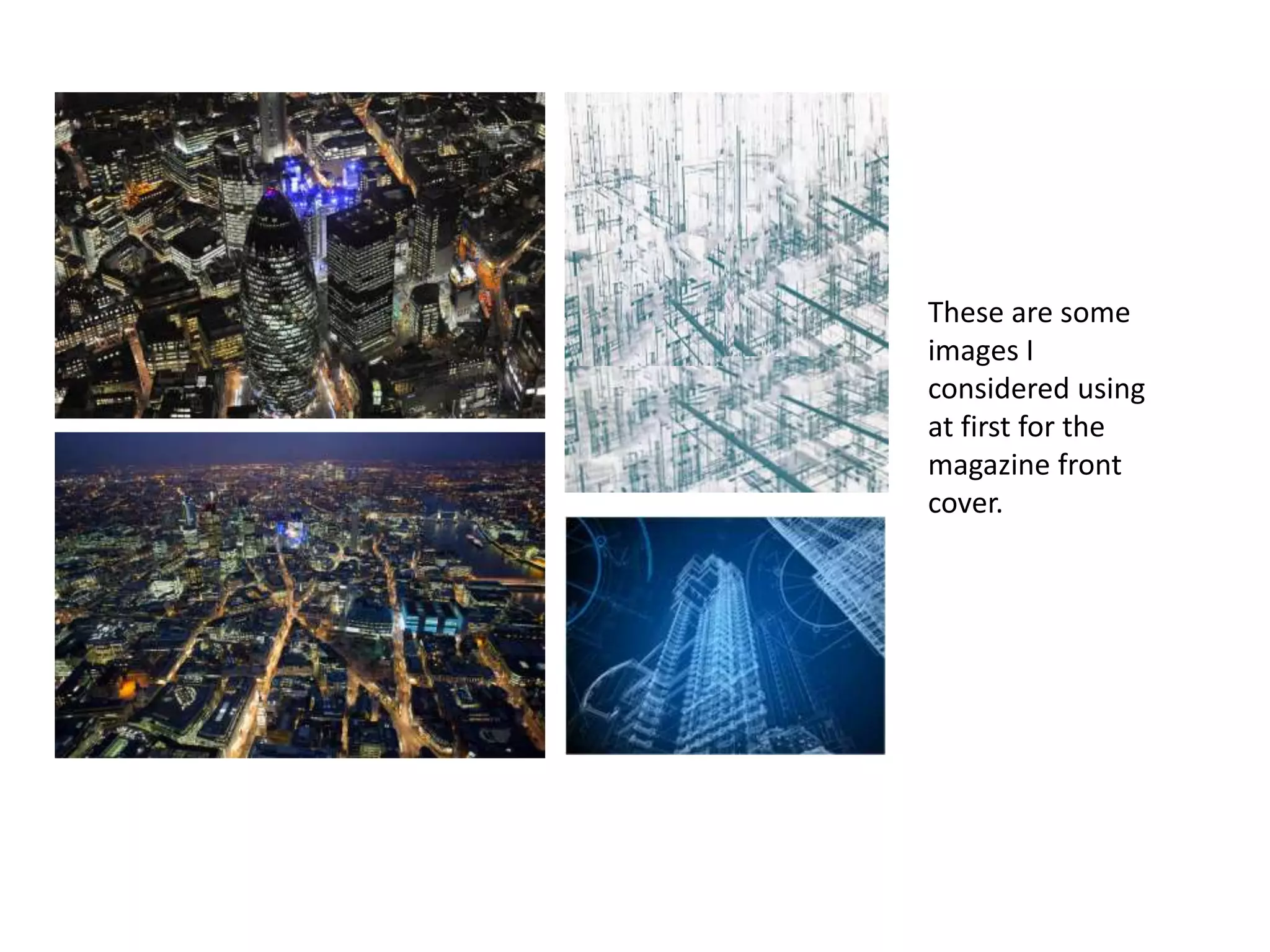
These are some
images I
considered using
at first for the
magazine front
cover.
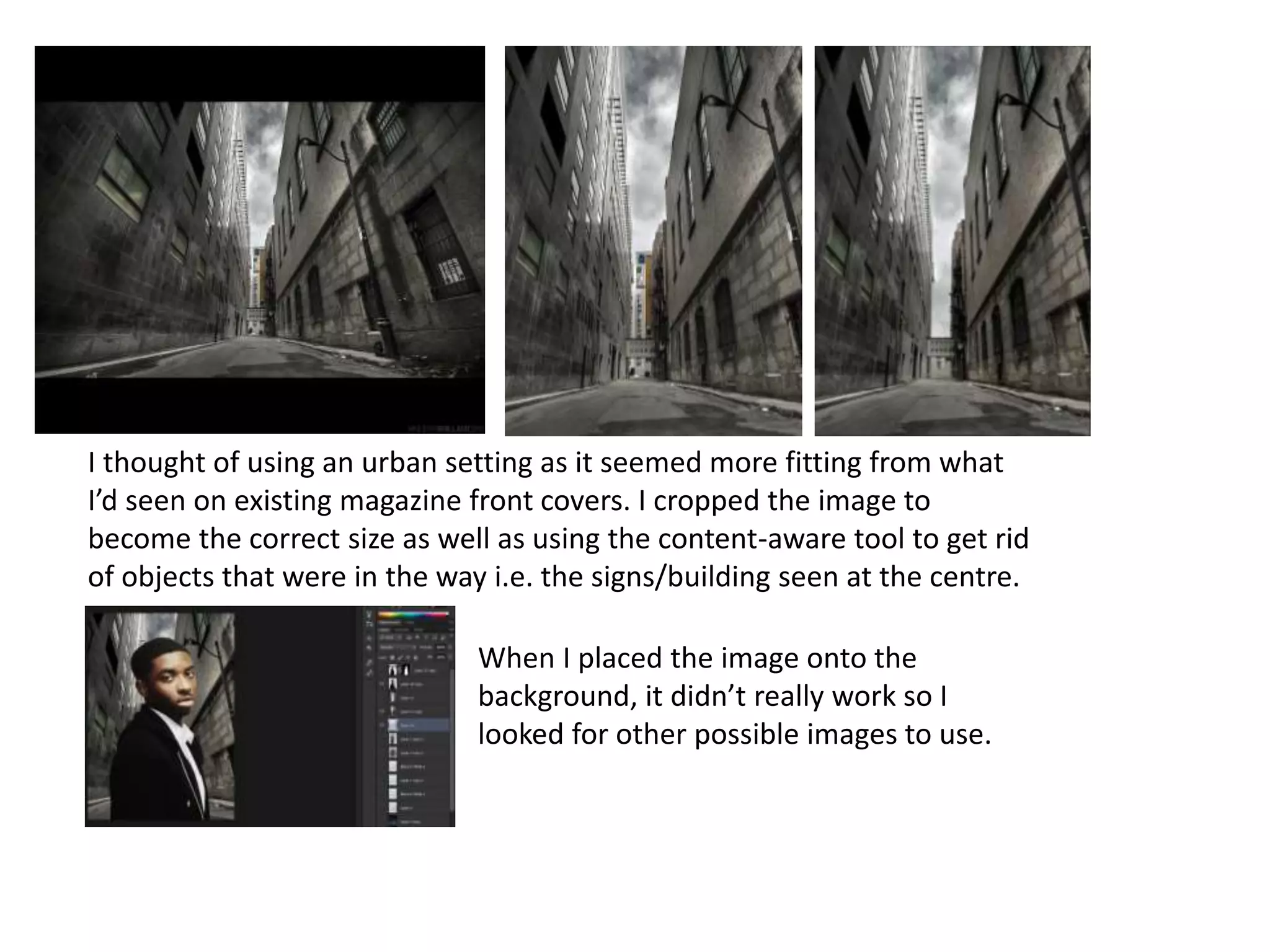
I thought of using an urban setting as it seemed more fitting from what
I’d seen on existing magazine front covers. I cropped the image to
become the correct size as well as using the content-aware tool to get rid
of objects that were in the way i.e. the signs/building seen at the centre.
When I placed the image onto the
background, it didn’t really work so I
looked for other possible images to use.
The main image I
decided to use
was a mid shot of
the protagonist in
costume with a
serious expression
- looking directly
at the camera.
This image didn't
come out fully in
focus however, it
was the most
suitable. I edited
the image to make
it look clearer.
I decided to test
out the image on
various
backgrounds. I
also tried out
different fonts for
the masthead. I
was looking for a
blueprint effect
however, through
further existing
film magazine
research, I decided
to use an urban
location as the
background.
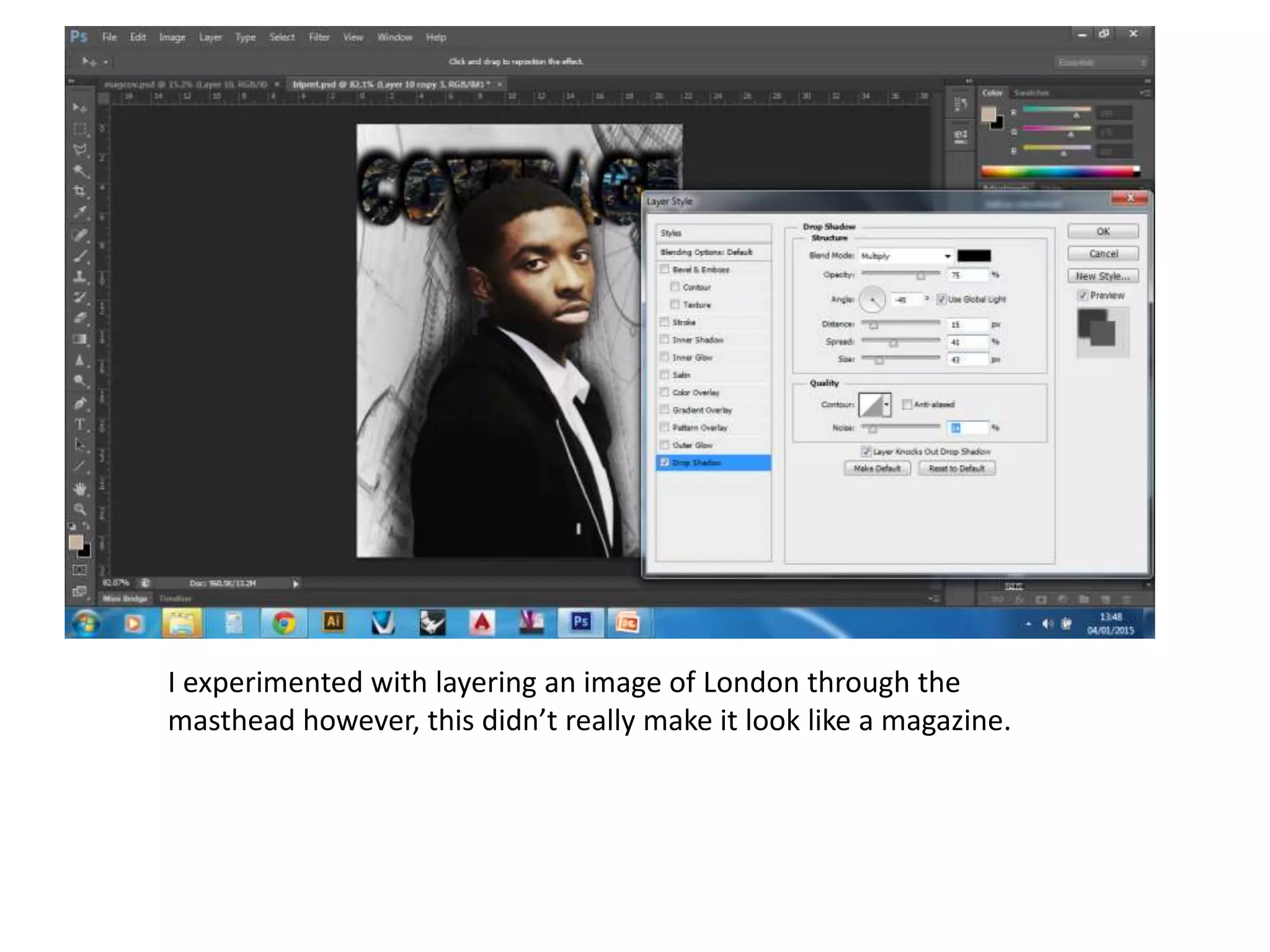
I experimented with layering an image of London through the
masthead however, this didn’t really make it look like a magazine.
I got a different background image here of an alleyway which I was happy with. I played
around with the colours of the image effects and decided to use the blue (cyanotype) one.
£3.70 ($9.99 USO)
These are some of the features I found and created to
use for the conventions of my film magazine cover.
For all the text, I
downloaded fonts from
dafont.com and used the
text tool however, I
modified their look from
the ‘character’ section.
For the masthead, I used
the blending options to
create the bevel effect
and making it look
slightly 3D. I applied
conventions such as: the
banners, masthead,
issue number and date,
website, buttons,
title/anchorage text, sell
lines, barcode and price.

Film Magazine Front Cover Development

  • 1.
  • 2.
    These are some imagesI considered using at first for the magazine front cover.
  • 3.
    I thought ofusing an urban setting as it seemed more fitting from what I’d seen on existing magazine front covers. I cropped the image to become the correct size as well as using the content-aware tool to get rid of objects that were in the way i.e. the signs/building seen at the centre. When I placed the image onto the background, it didn’t really work so I looked for other possible images to use.
  • 4.
    The main imageI decided to use was a mid shot of the protagonist in costume with a serious expression - looking directly at the camera. This image didn't come out fully in focus however, it was the most suitable. I edited the image to make it look clearer.
  • 5.
    I decided totest out the image on various backgrounds. I also tried out different fonts for the masthead. I was looking for a blueprint effect however, through further existing film magazine research, I decided to use an urban location as the background.
  • 6.
    I experimented withlayering an image of London through the masthead however, this didn’t really make it look like a magazine.
  • 7.
    I got adifferent background image here of an alleyway which I was happy with. I played around with the colours of the image effects and decided to use the blue (cyanotype) one.
  • 8.
    £3.70 ($9.99 USO) Theseare some of the features I found and created to use for the conventions of my film magazine cover.
  • 9.
    For all thetext, I downloaded fonts from dafont.com and used the text tool however, I modified their look from the ‘character’ section. For the masthead, I used the blending options to create the bevel effect and making it look slightly 3D. I applied conventions such as: the banners, masthead, issue number and date, website, buttons, title/anchorage text, sell lines, barcode and price.