File Management
What is file management?Also known as  file system or filesystemThe system that an operating system or program uses to organize and keep track of files.E.g: a hierarchical file system. Although the operating system provides its own file management system, you can buy separate file management systems. These systems interact smoothly with the operating system but provide more features, such as improved backup procedures and stricter file protection.
Aspects of file managementFile nameName assigned to a file in order to secure storage location in the computer memoryMetadata	Other bookkeeping information is typically associated with each file within a file system.eg: time last modifiedFacilitiesTraditional file systems offer facilities to create, move and delete both files and directoriesSecure access
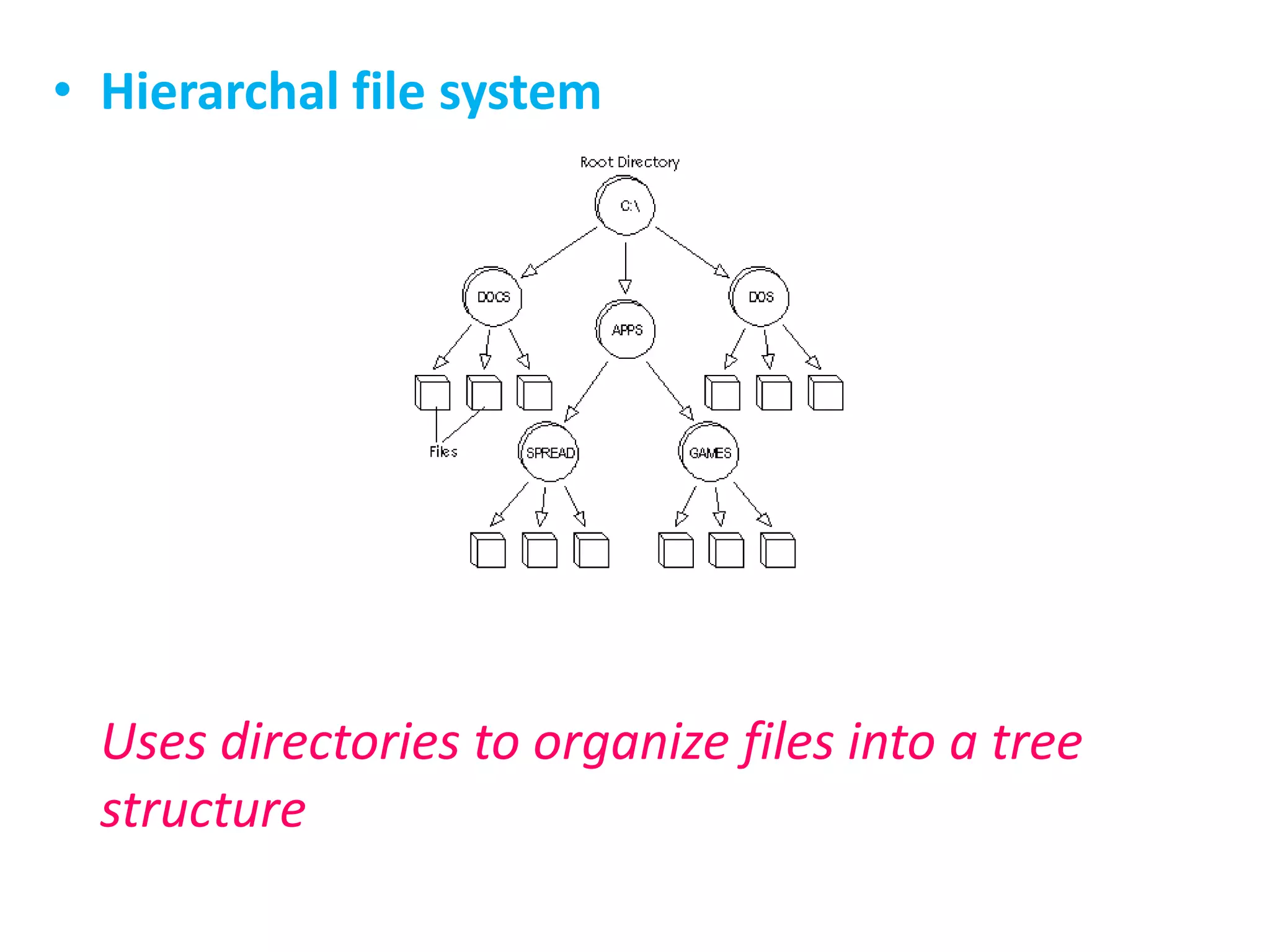
Hierarchal file systemUses directories to organize files into a tree structure
Types of file managementDisk file systems	File system designed for the storage of files on a data storage device, most commonly a disk drive, which might be directly or indirectly connected to the computerFlash file systems	Designed for storing files on flash memory devices. These are becoming more prevalent as the number of mobile devices are increasing, and the capacity of flash memories increase.
Database file systems	Instead of, or in addition to, hierarchical structured management, files are identified by their characteristics, like type of file, topic, author, or similar metadata.Transactional file systemsNetwork file systems	acts as a client for a remote file access protocol, providing access to files on a server
Shared Disk file systemsA number of machines (usually servers) all have access to the same external disk subsystem (usually a SAN). The file system arbitrates access to that subsytem, preventing write collision's. Eg: GFS from Redhat and GPFS from IBM.Special purpose file systemsA special purpose file system is basically any file system that is not a disk file system or network file system. This includes systems where the files are arranged dynamically by software, intended for such purposes as communication between computer processes or temporary file space.
ImportanceIt is dull but very essentialThe single most important design skill anyone can have is File ManagementWithout good file management your files will become lost or damaged.
Vital in MultimediaFile management is important for any work you do on a computer. For multimedia projects it is essential.Why?
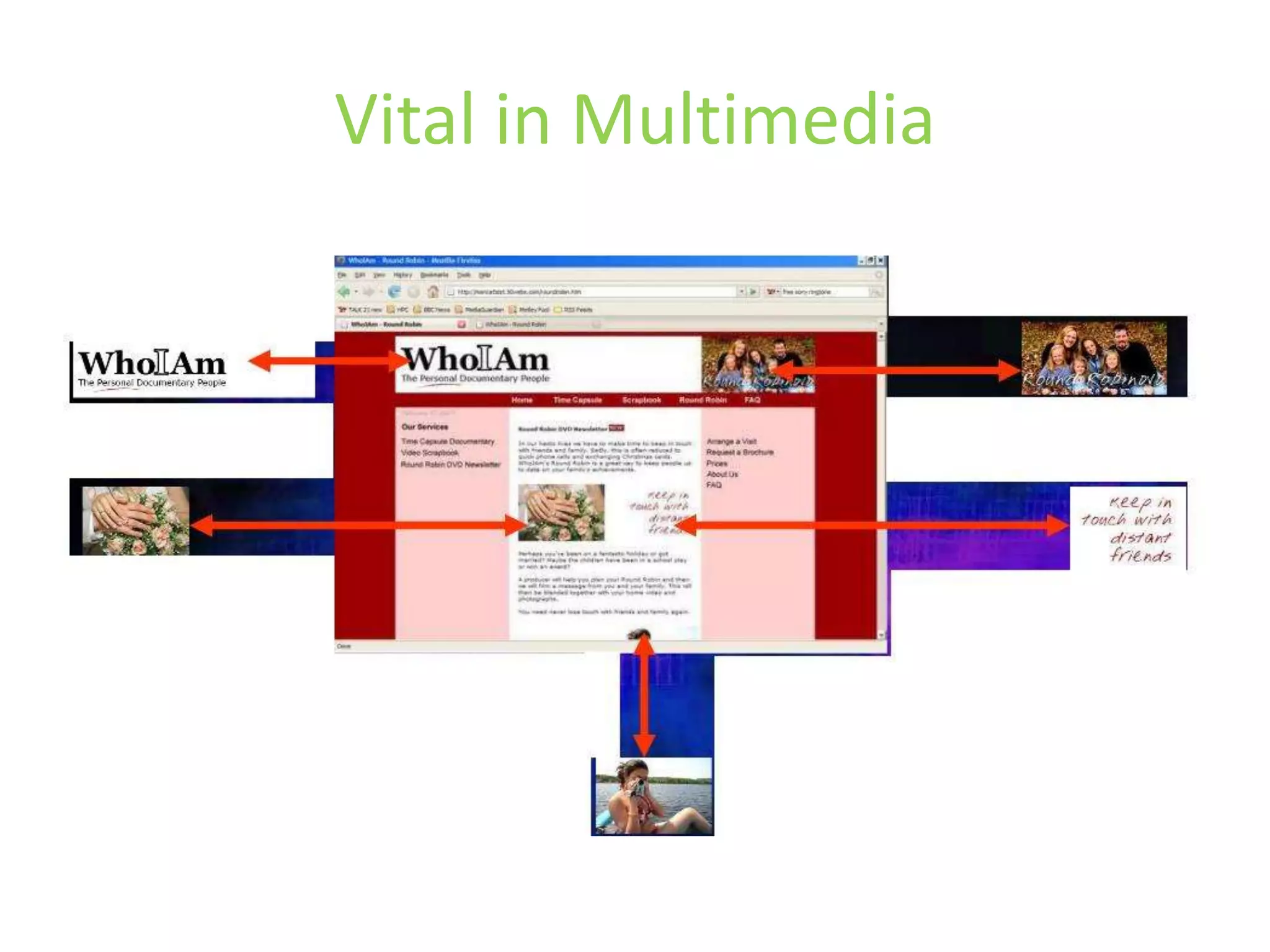
Vital in MultimediaMost multimedia applications rely on linking to other filesFor instance, a website is a really a series of links to picture files
Vital in Multimedia
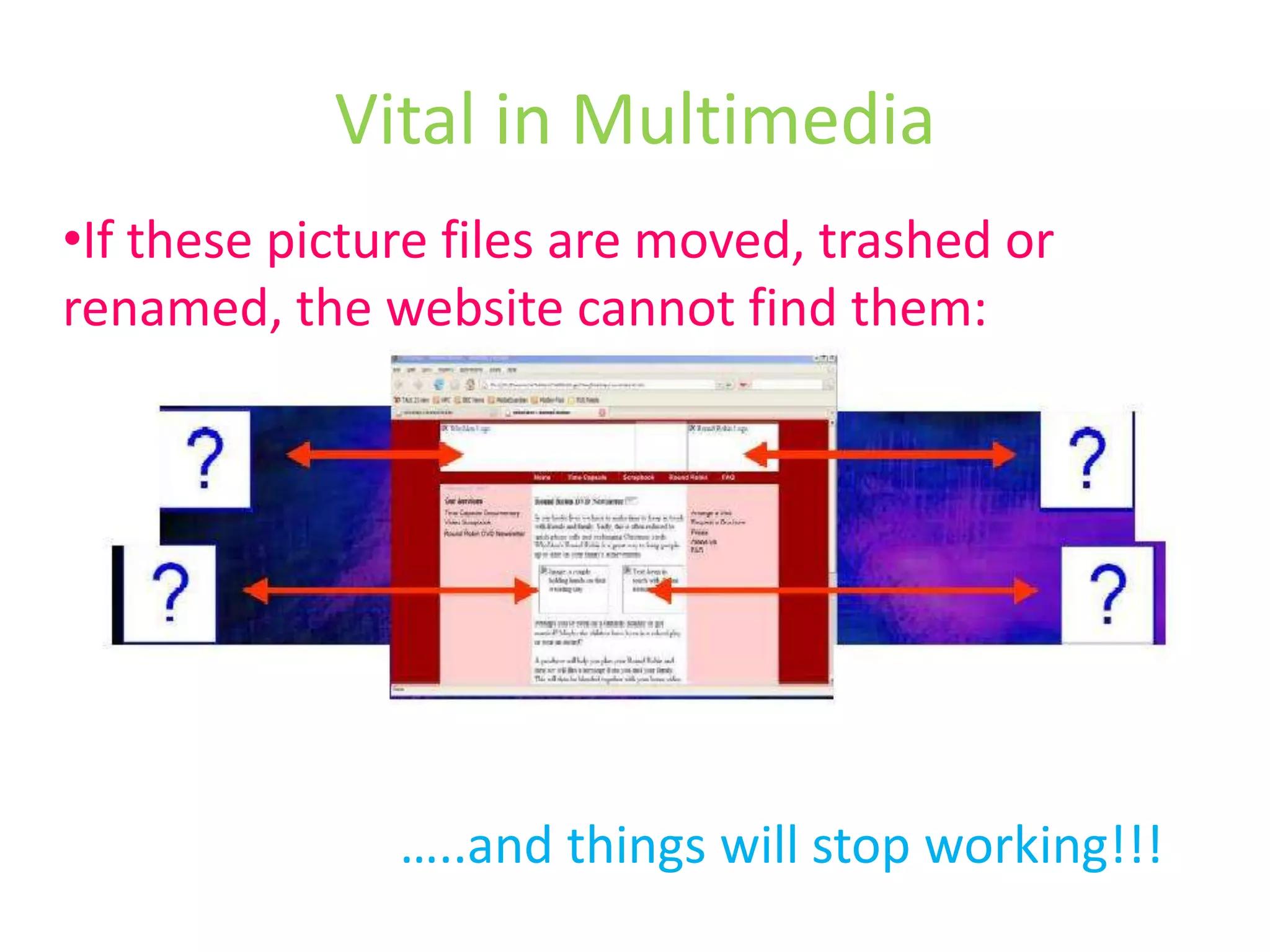
Vital in MultimediaIf these picture files are moved, trashed or renamed, the website cannot find them: …..and things will stop working!!!
Vital in Multimedia…this is true for mostly all professional applications:DreamweaverGo LiveFinal Cut ProAdobe PremiereAfter Effects                       …….the list goes on…..
Vital in MultimediaThus, good  File Management is absolutely the most important skill you will learnIt is quite easy, but many people get stucked
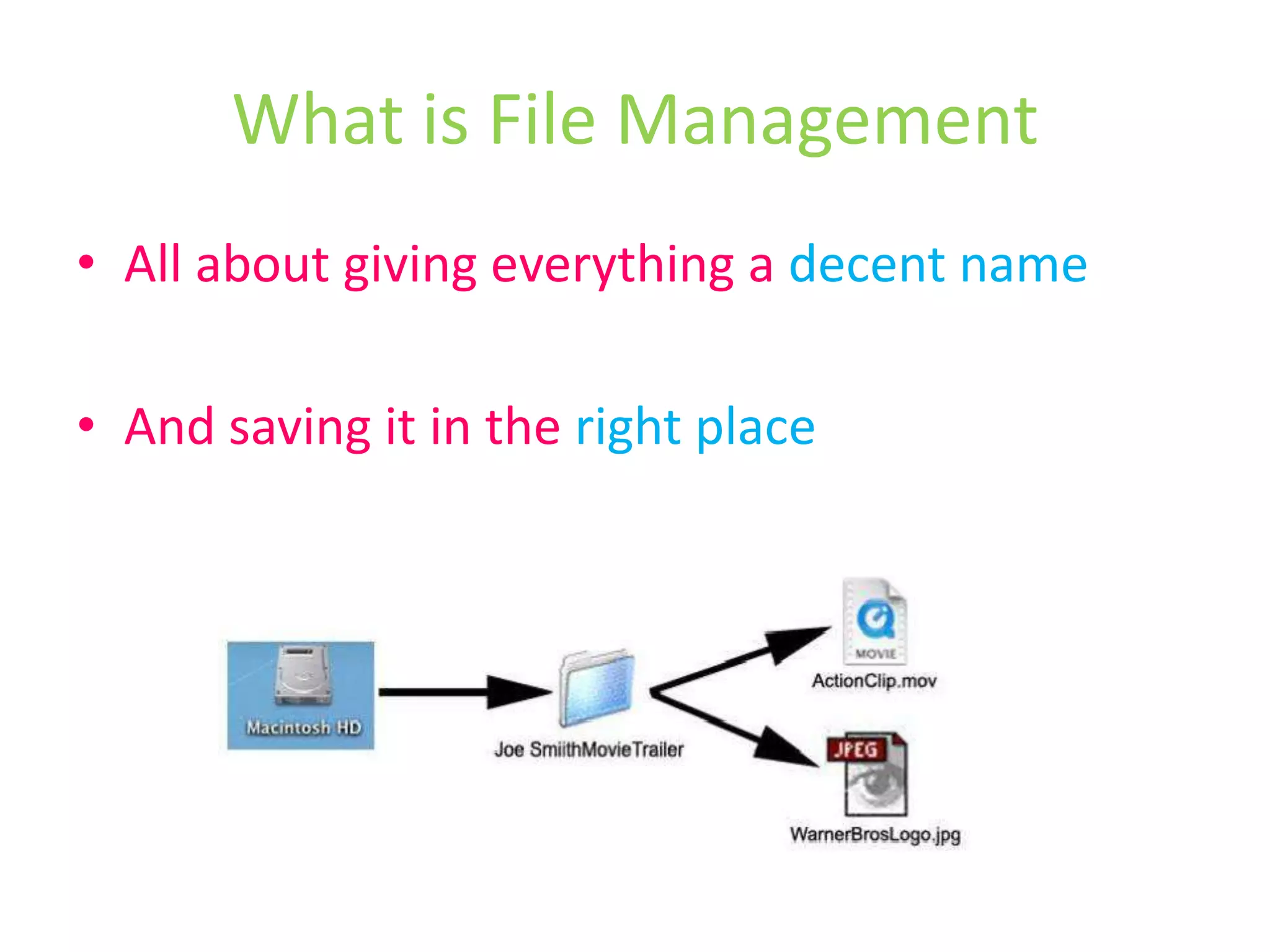
What is File ManagementAll about giving everything a decent nameAnd saving it in the right place
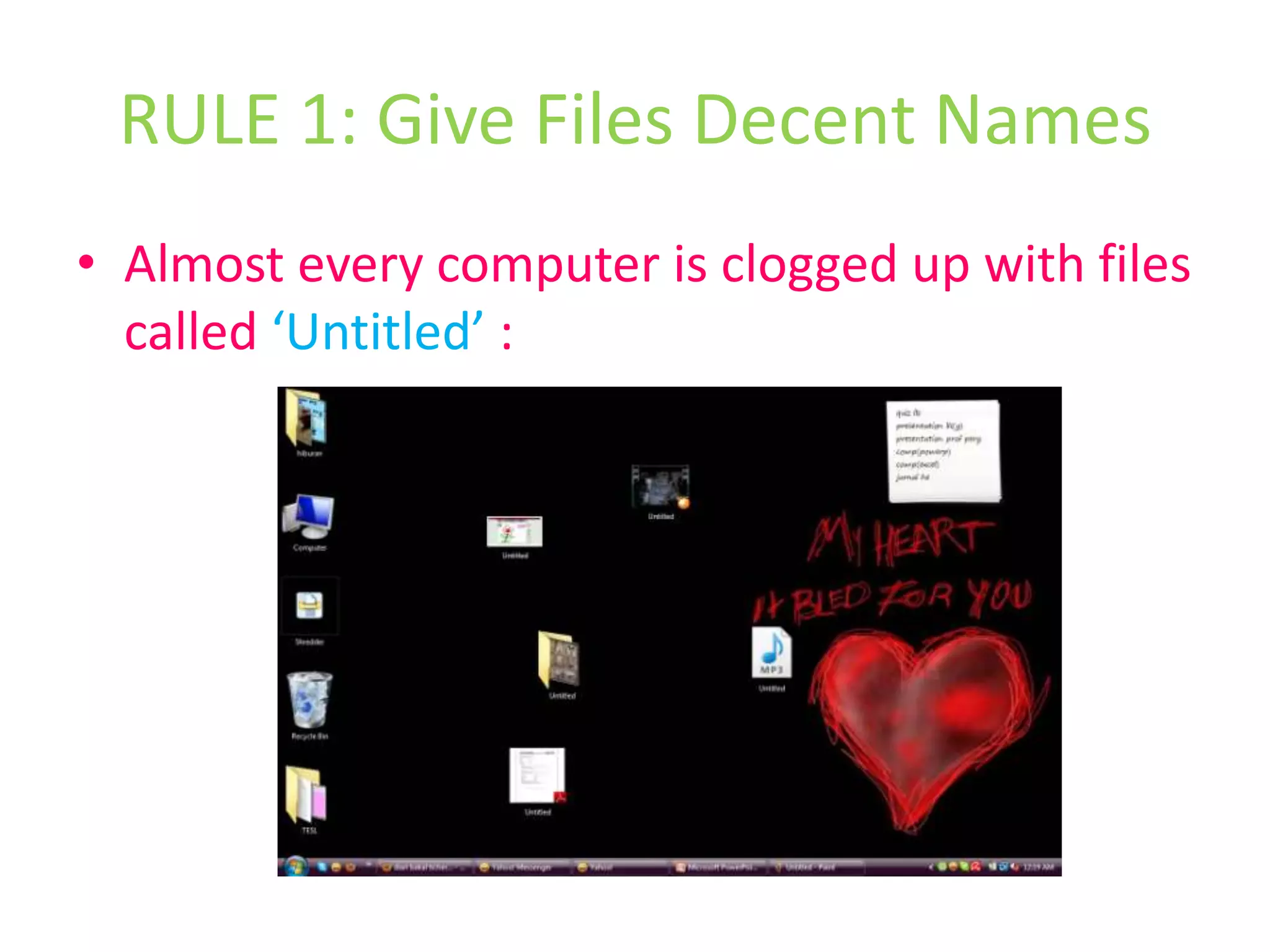
RULE 1: Give Files Decent NamesAlmost every computer is clogged up with files called ‘Untitled’ :
Give Files Decent NamesAlways give your files a decent nameBuild up the name of your files using a format that makes sense to you
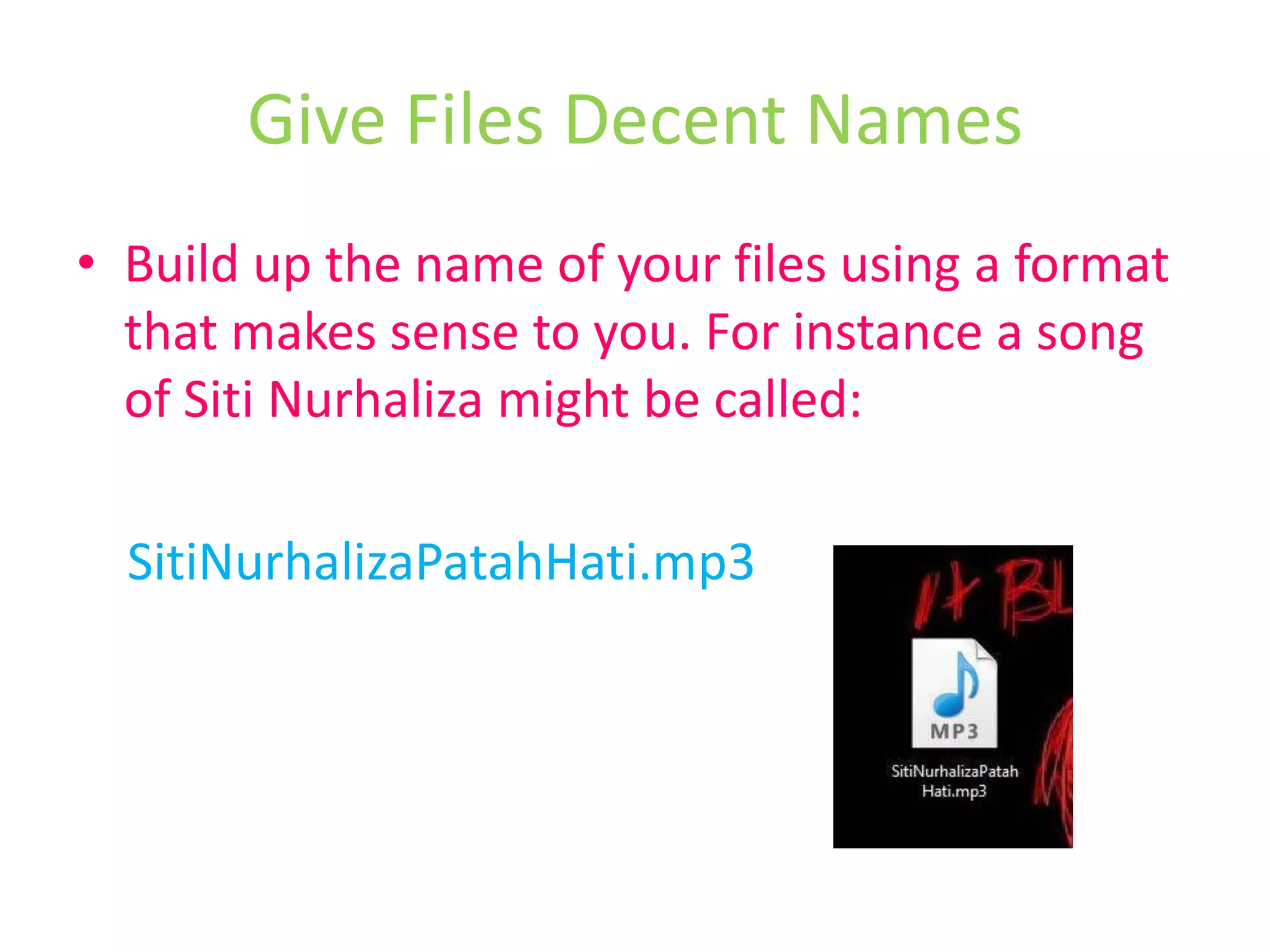
Build up the name of your files using a format that makes sense to you. For instance a song of SitiNurhaliza might be called:SitiNurhalizaPatahHati.mp3Give Files Decent Names
Using the same format, a song of SitiNurhaliza would be:SitiNurhalizaJeratPercintaan.mp3 This means that when sorted alphabetically these songs will appear next to each otherGive Files Decent Names
For most multimedia projects or any files, it is best to avoid fancy character in a file name such as ‘&’ , ’*’ , ’_’ , ’-’ and even blank spacesOnce you have begun your multimedia project, do not move or rename any files or folders.Give Files Decent Names
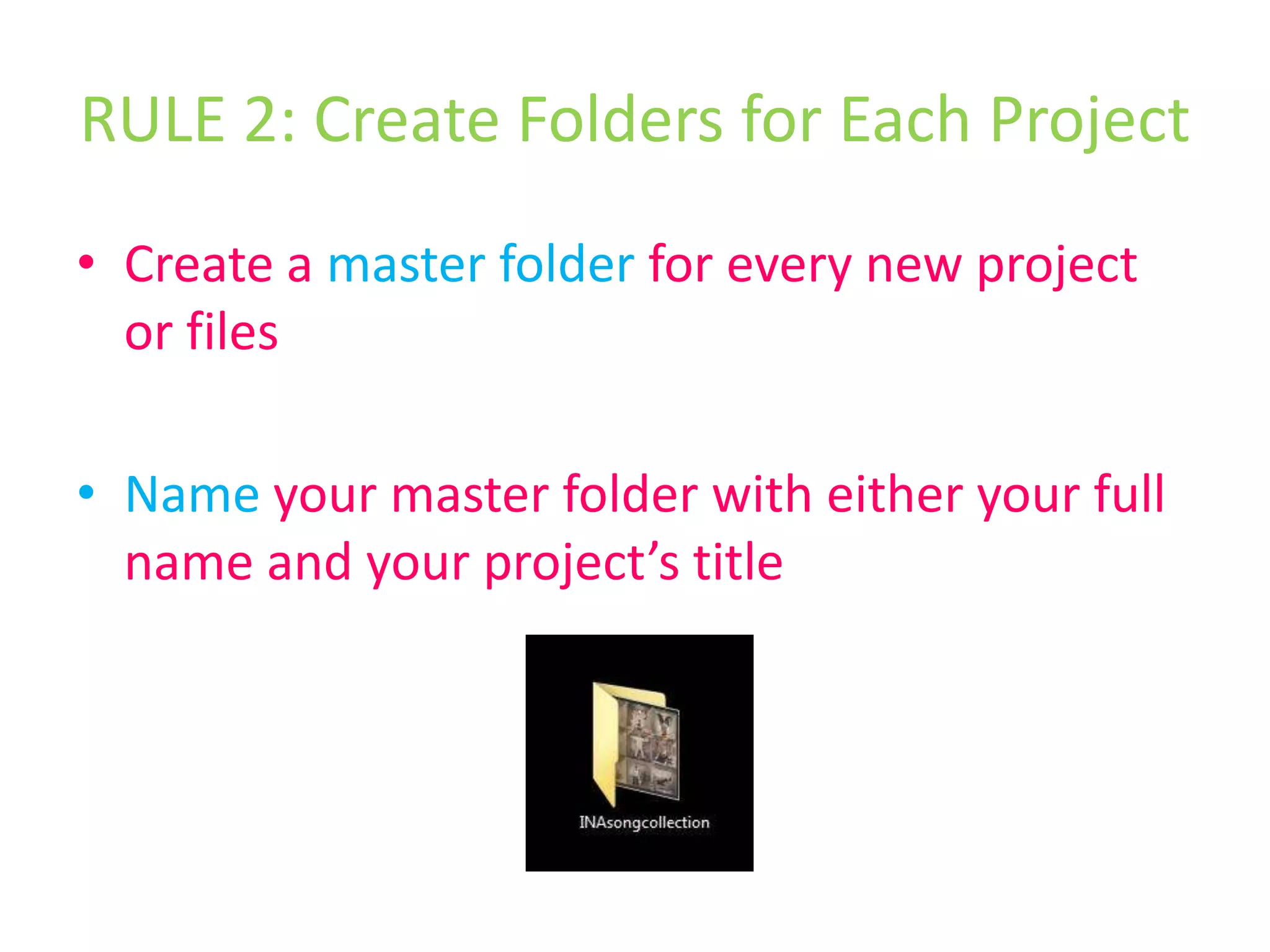
RULE 2: Create Folders for Each ProjectCreate a master folder for every new project or filesName your master folder with either your full name and your project’s title
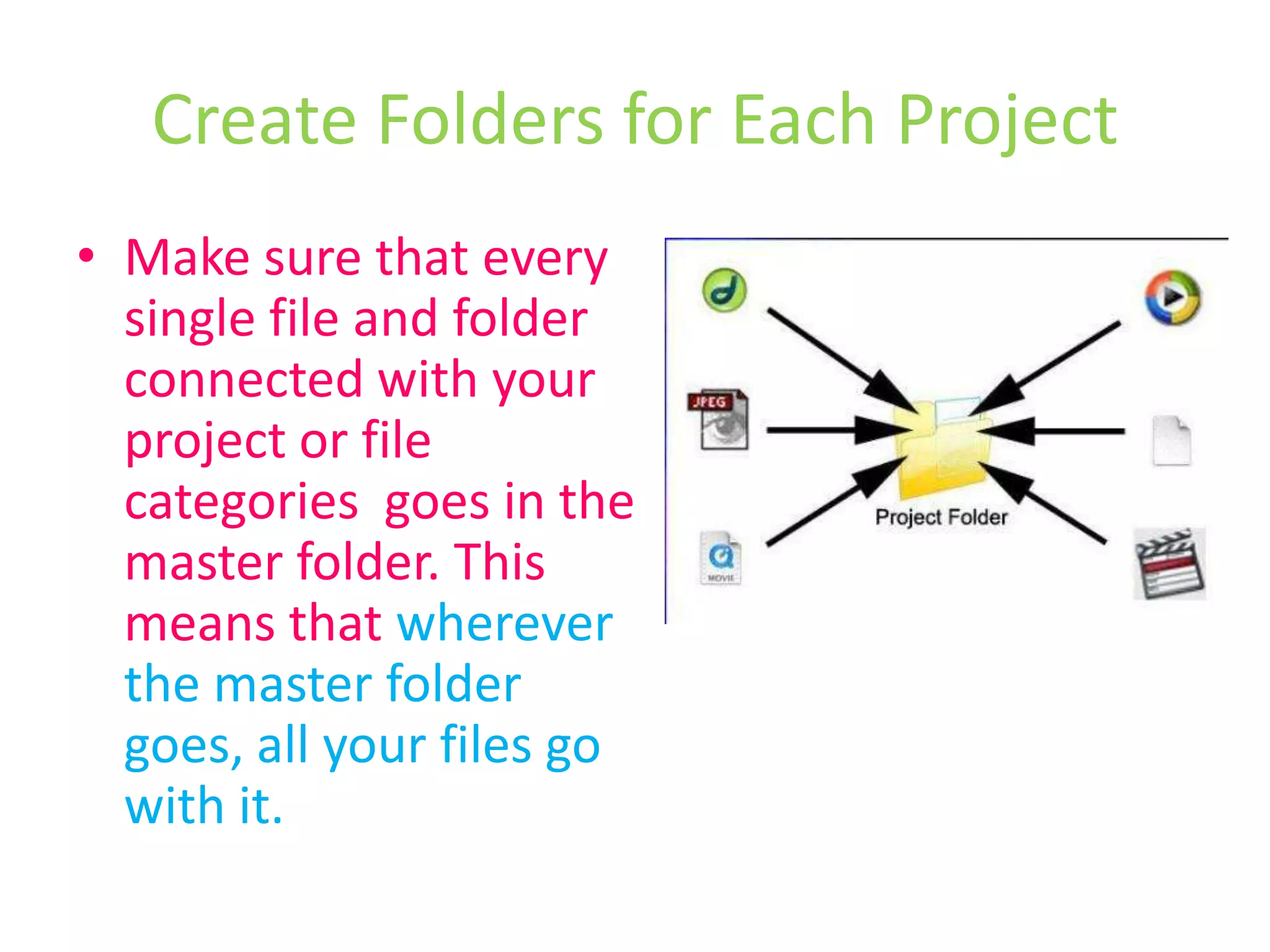
Create Folders for Each ProjectMake sure that every single file and folder connected with your project or file categories  goes in the master folder. This means that wherever the master folder goes, all your files go with it.
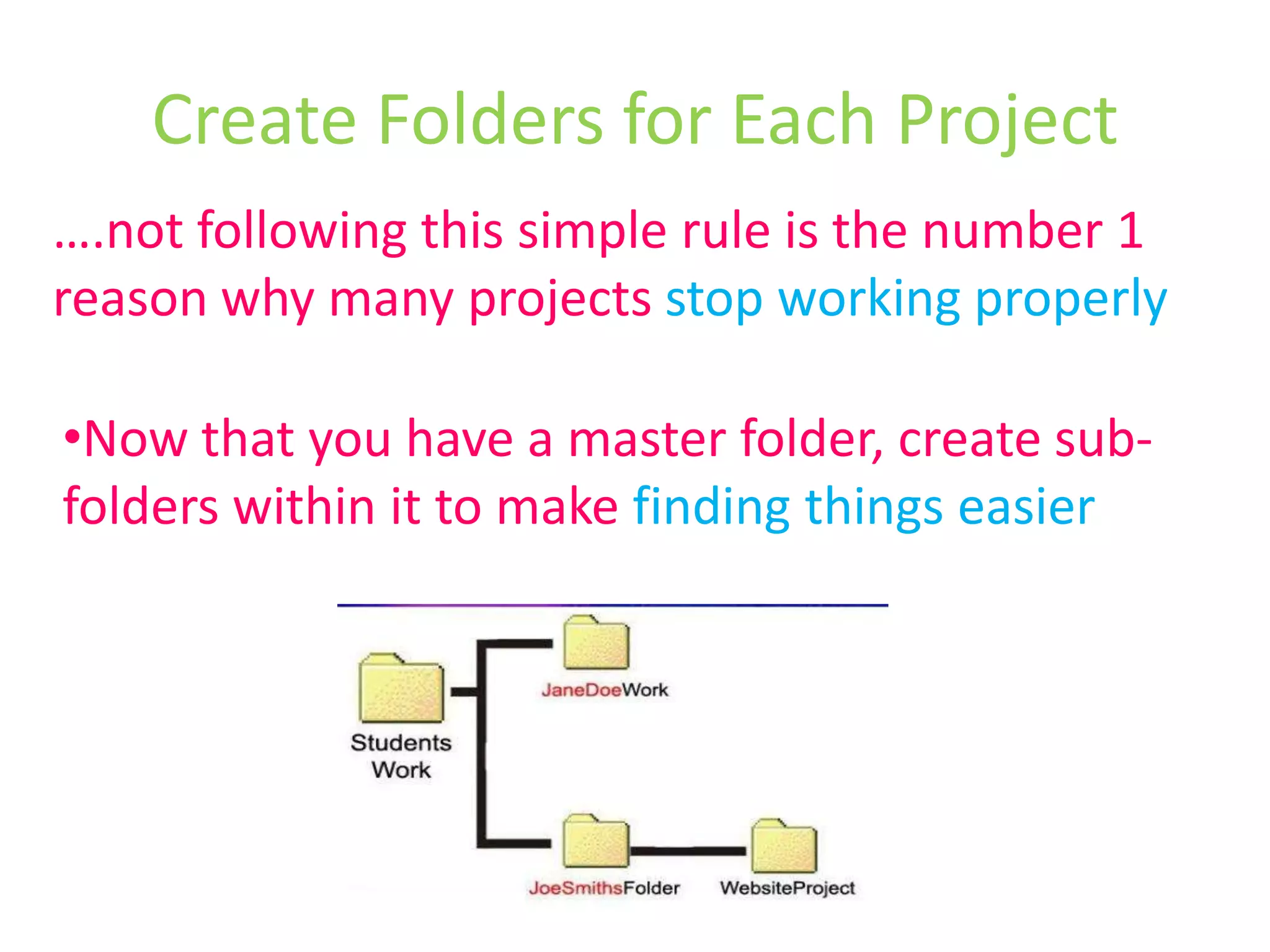
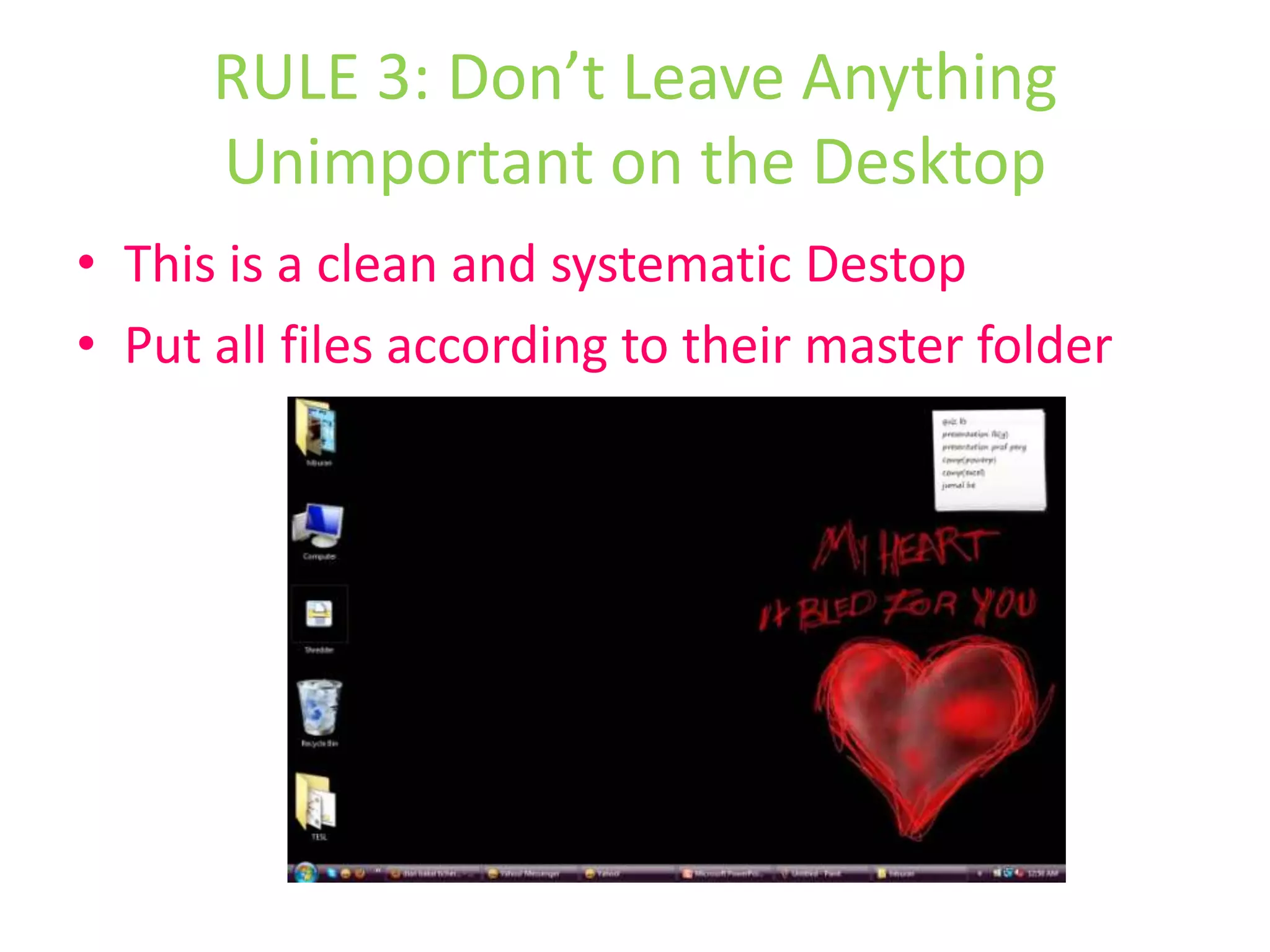
Create Folders for Each Project….not following this simple rule is the number 1 reason why many projects stop working properlyNow that you have a master folder, create sub-folders within it to make finding things easierRULE 3: Don’t Leave Anything Unimportant on the DesktopThis is a clean and systematic DestopPut all files according to their master folder
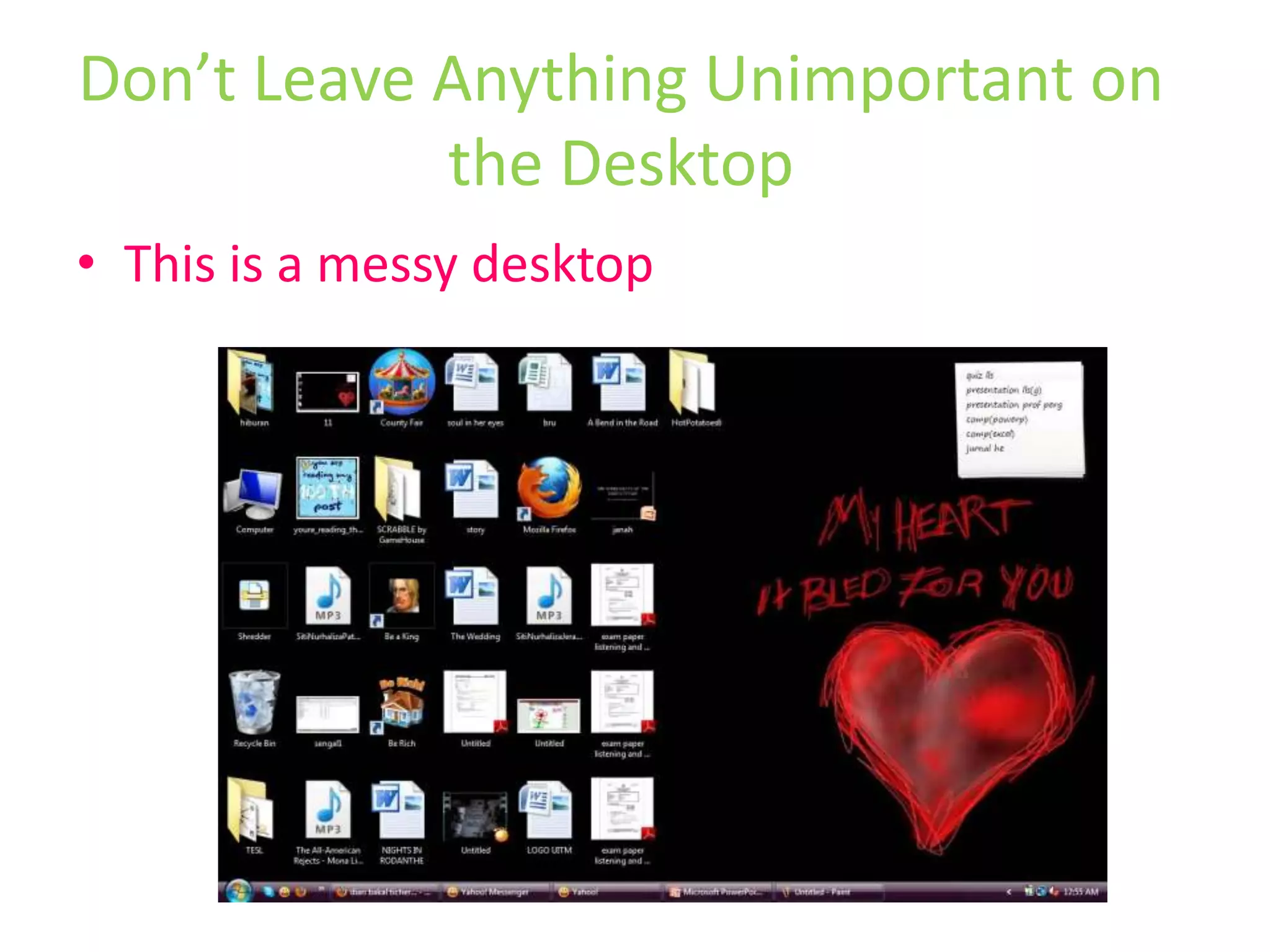
Don’t Leave Anything Unimportant on the DesktopThis is a messy desktop
Messy desktop will be troublesome in case of any missing filesSo…DON’T DO IT!!!Don’t Leave Anything Unimportant on the Desktop
Give every file and folder a decent nameSave everything to a project folder and use sub-folders if necessaryArrange all files according to their master folder on the Desktop.In Summary
In SummaryProbably the best thing you can get in the habit of doing is:When saving any file – STOP!Is the file correctly named?Is it being saved to your master folder?
File ManagementYou have been warned!=======THE END=======
File Management

File Management

  • 1.
  • 2.
    What is filemanagement?Also known as file system or filesystemThe system that an operating system or program uses to organize and keep track of files.E.g: a hierarchical file system. Although the operating system provides its own file management system, you can buy separate file management systems. These systems interact smoothly with the operating system but provide more features, such as improved backup procedures and stricter file protection.
  • 3.
    Aspects of filemanagementFile nameName assigned to a file in order to secure storage location in the computer memoryMetadata Other bookkeeping information is typically associated with each file within a file system.eg: time last modifiedFacilitiesTraditional file systems offer facilities to create, move and delete both files and directoriesSecure access
  • 4.
    Hierarchal file systemUsesdirectories to organize files into a tree structure
  • 5.
    Types of filemanagementDisk file systems File system designed for the storage of files on a data storage device, most commonly a disk drive, which might be directly or indirectly connected to the computerFlash file systems Designed for storing files on flash memory devices. These are becoming more prevalent as the number of mobile devices are increasing, and the capacity of flash memories increase.
  • 6.
    Database file systems Insteadof, or in addition to, hierarchical structured management, files are identified by their characteristics, like type of file, topic, author, or similar metadata.Transactional file systemsNetwork file systems acts as a client for a remote file access protocol, providing access to files on a server
  • 7.
    Shared Disk filesystemsA number of machines (usually servers) all have access to the same external disk subsystem (usually a SAN). The file system arbitrates access to that subsytem, preventing write collision's. Eg: GFS from Redhat and GPFS from IBM.Special purpose file systemsA special purpose file system is basically any file system that is not a disk file system or network file system. This includes systems where the files are arranged dynamically by software, intended for such purposes as communication between computer processes or temporary file space.
  • 8.
    ImportanceIt is dullbut very essentialThe single most important design skill anyone can have is File ManagementWithout good file management your files will become lost or damaged.
  • 9.
    Vital in MultimediaFilemanagement is important for any work you do on a computer. For multimedia projects it is essential.Why?
  • 10.
    Vital in MultimediaMostmultimedia applications rely on linking to other filesFor instance, a website is a really a series of links to picture files
  • 11.
  • 12.
    Vital in MultimediaIfthese picture files are moved, trashed or renamed, the website cannot find them: …..and things will stop working!!!
  • 13.
    Vital in Multimedia…thisis true for mostly all professional applications:DreamweaverGo LiveFinal Cut ProAdobe PremiereAfter Effects …….the list goes on…..
  • 14.
    Vital in MultimediaThus,good File Management is absolutely the most important skill you will learnIt is quite easy, but many people get stucked
  • 15.
    What is FileManagementAll about giving everything a decent nameAnd saving it in the right place
  • 16.
    RULE 1: GiveFiles Decent NamesAlmost every computer is clogged up with files called ‘Untitled’ :
  • 17.
    Give Files DecentNamesAlways give your files a decent nameBuild up the name of your files using a format that makes sense to you
  • 18.
    Build up thename of your files using a format that makes sense to you. For instance a song of SitiNurhaliza might be called:SitiNurhalizaPatahHati.mp3Give Files Decent Names
  • 19.
    Using the sameformat, a song of SitiNurhaliza would be:SitiNurhalizaJeratPercintaan.mp3 This means that when sorted alphabetically these songs will appear next to each otherGive Files Decent Names
  • 20.
    For most multimediaprojects or any files, it is best to avoid fancy character in a file name such as ‘&’ , ’*’ , ’_’ , ’-’ and even blank spacesOnce you have begun your multimedia project, do not move or rename any files or folders.Give Files Decent Names
  • 21.
    RULE 2: CreateFolders for Each ProjectCreate a master folder for every new project or filesName your master folder with either your full name and your project’s title
  • 22.
    Create Folders forEach ProjectMake sure that every single file and folder connected with your project or file categories goes in the master folder. This means that wherever the master folder goes, all your files go with it.
  • 23.
    Create Folders forEach Project….not following this simple rule is the number 1 reason why many projects stop working properlyNow that you have a master folder, create sub-folders within it to make finding things easierRULE 3: Don’t Leave Anything Unimportant on the DesktopThis is a clean and systematic DestopPut all files according to their master folder
  • 24.
    Don’t Leave AnythingUnimportant on the DesktopThis is a messy desktop
  • 25.
    Messy desktop willbe troublesome in case of any missing filesSo…DON’T DO IT!!!Don’t Leave Anything Unimportant on the Desktop
  • 26.
    Give every fileand folder a decent nameSave everything to a project folder and use sub-folders if necessaryArrange all files according to their master folder on the Desktop.In Summary
  • 27.
    In SummaryProbably thebest thing you can get in the habit of doing is:When saving any file – STOP!Is the file correctly named?Is it being saved to your master folder?
  • 28.
    File ManagementYou havebeen warned!=======THE END=======