NEED FOR DATA FILE HANDLING
● Mostly, in programming languages, all the values or data are stored in some
variables which are volatile in nature.
● Because data will be stored into those variables during run-time only and will be
lost once the program execution is completed. Hence it is better to save these data
permanently using files.
1
INTRODUCTION
● A file in itself is a sequence of bytes stored in some storage device like hard-disk,
pen-drive etc.
● Python allow us to create and manage three types of files :
1. TEXT FILE
2. BINARY FILE
3. CSV (Comma Separated Values) FILES
2
TEXT FILE
● A text file is structured as a sequence of lines.
● Line is a sequence of characters (ASCII or UNICODE)
● Stores information in ASCII or Unicode characters.
● Each line of text is terminated by a special character known as End Of Line
character.
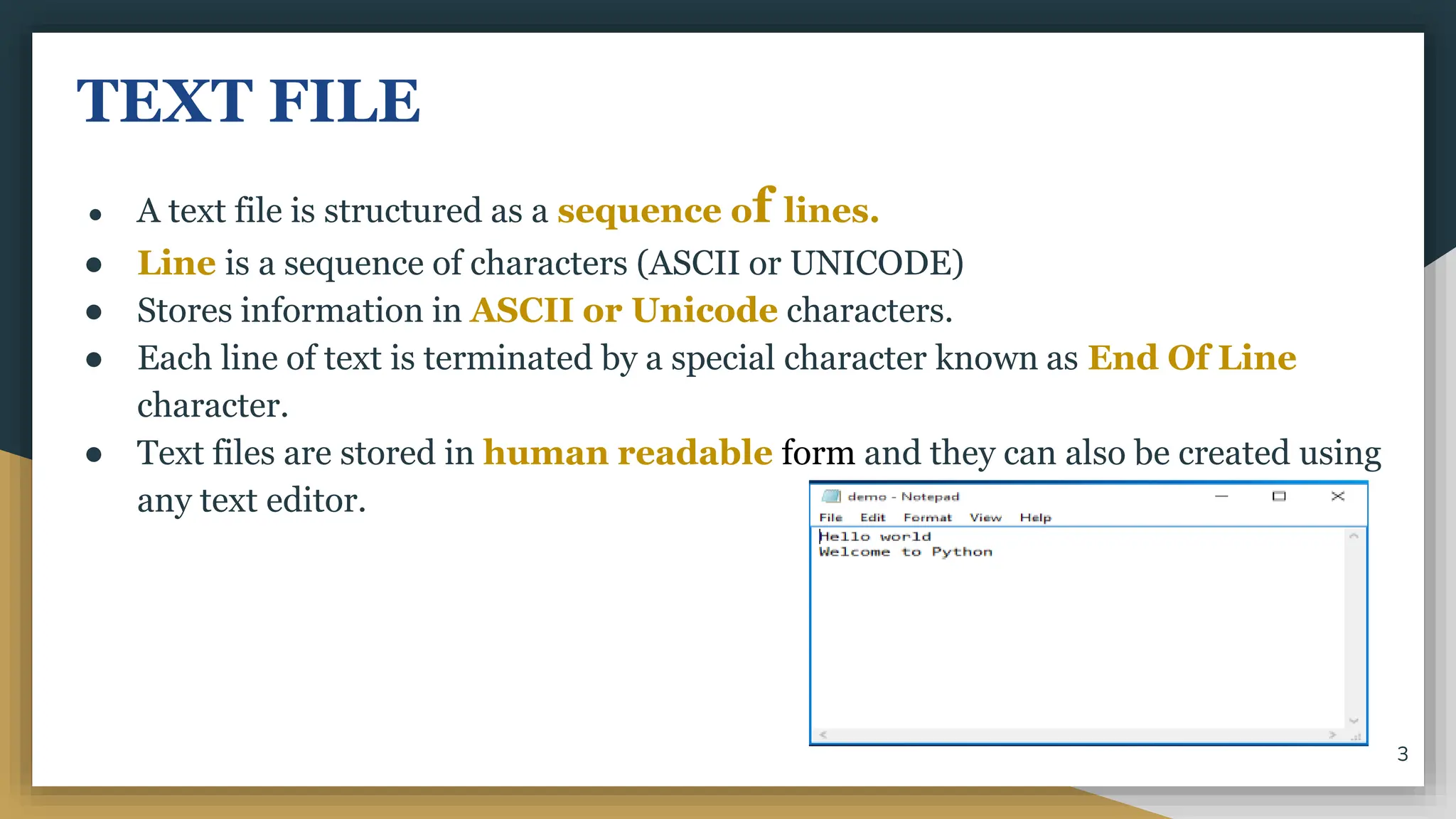
● Text files are stored in human readable form and they can also be created using
any text editor.
3
BINARY FILE
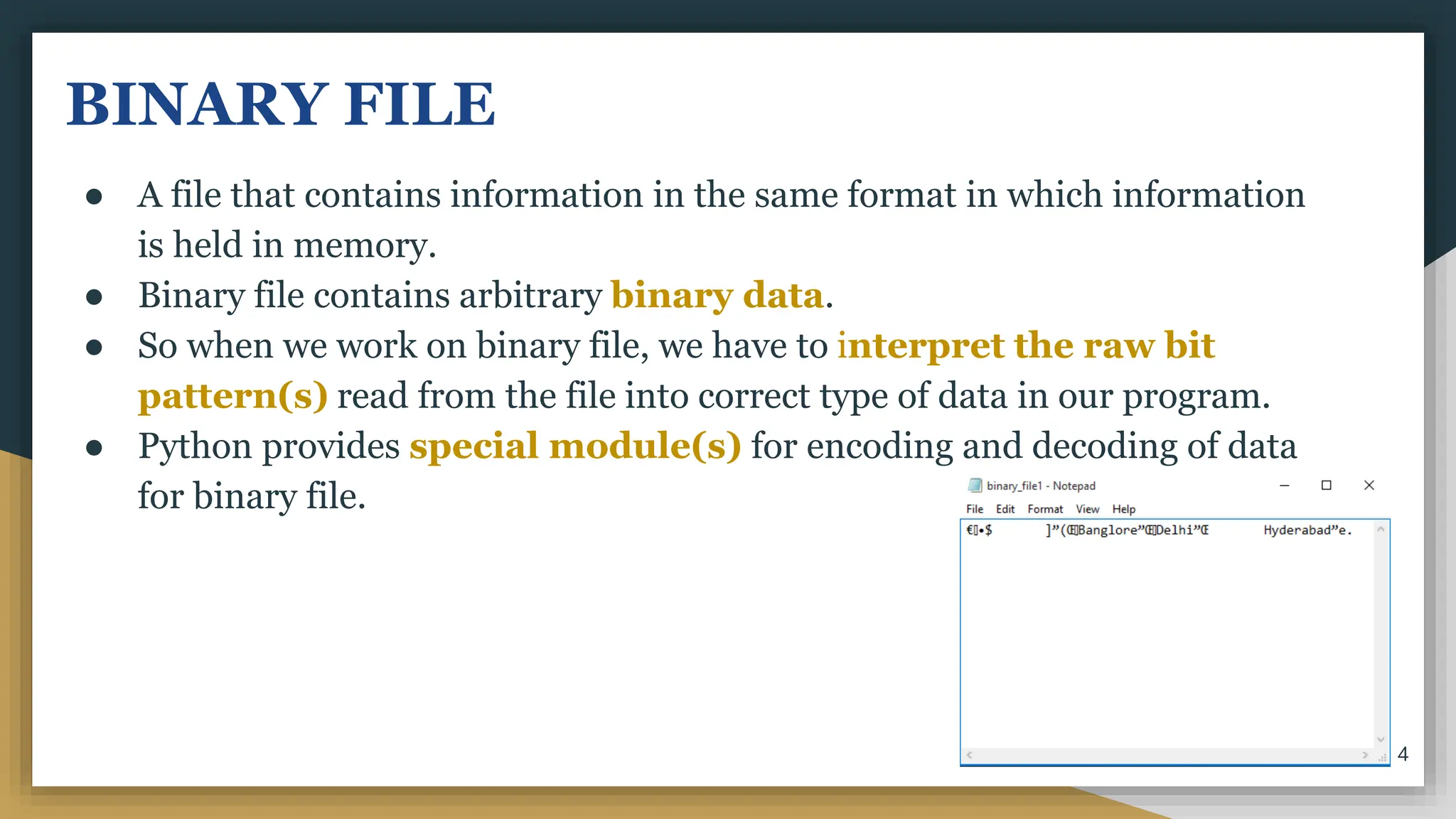
● A file that contains information in the same format in which information
is held in memory.
● Binary file contains arbitrary binary data.
● So when we work on binary file, we have to interpret the raw bit
pattern(s) read from the file into correct type of data in our program.
● Python provides special module(s) for encoding and decoding of data
for binary file.
4
CSV FILES
● CSV stands for Comma Separated Values.
● CSV is just like a text file, in a human readable format which is extensively
used to store tabular data, in a spreadsheet or database.
● The separator character of CSV files is called a delimiter.
● Default delimiter is comma (,). Other delimiters are tab (t), colon (:), pipe
(|), semicolon (;) characters.
5
STEPS TO PROCESS A FILE
1. Determine the type of file usage.
a. Reading purpose : If the data is to be brought in from a file to memory
b. Writing purpose : If the data is to be sent from memory to file.
2. Open the file and assign its reference to a file object or file-handle.
3. Process the file as required : Perform the desired operation from the file.
4. Close the file.
6
DATA FILE HANDLING IN BINARY
FILES
● Files that store objects as some byte stream are called binary files.
● That is, all the binary files are encoded in binary format , as a sequence of
bytes, which is understood by a computer or machine.
● In binary files, there is no delimiter to end the line.
● Since they are directly in the form of binary, there is no need to translate
them.
● But they are not in human readable form and hence difficult to
understand.
7
● Objects have a specific structure which must be maintained while storing or
accessing them.
● Python provides a special module called pickle module for this.
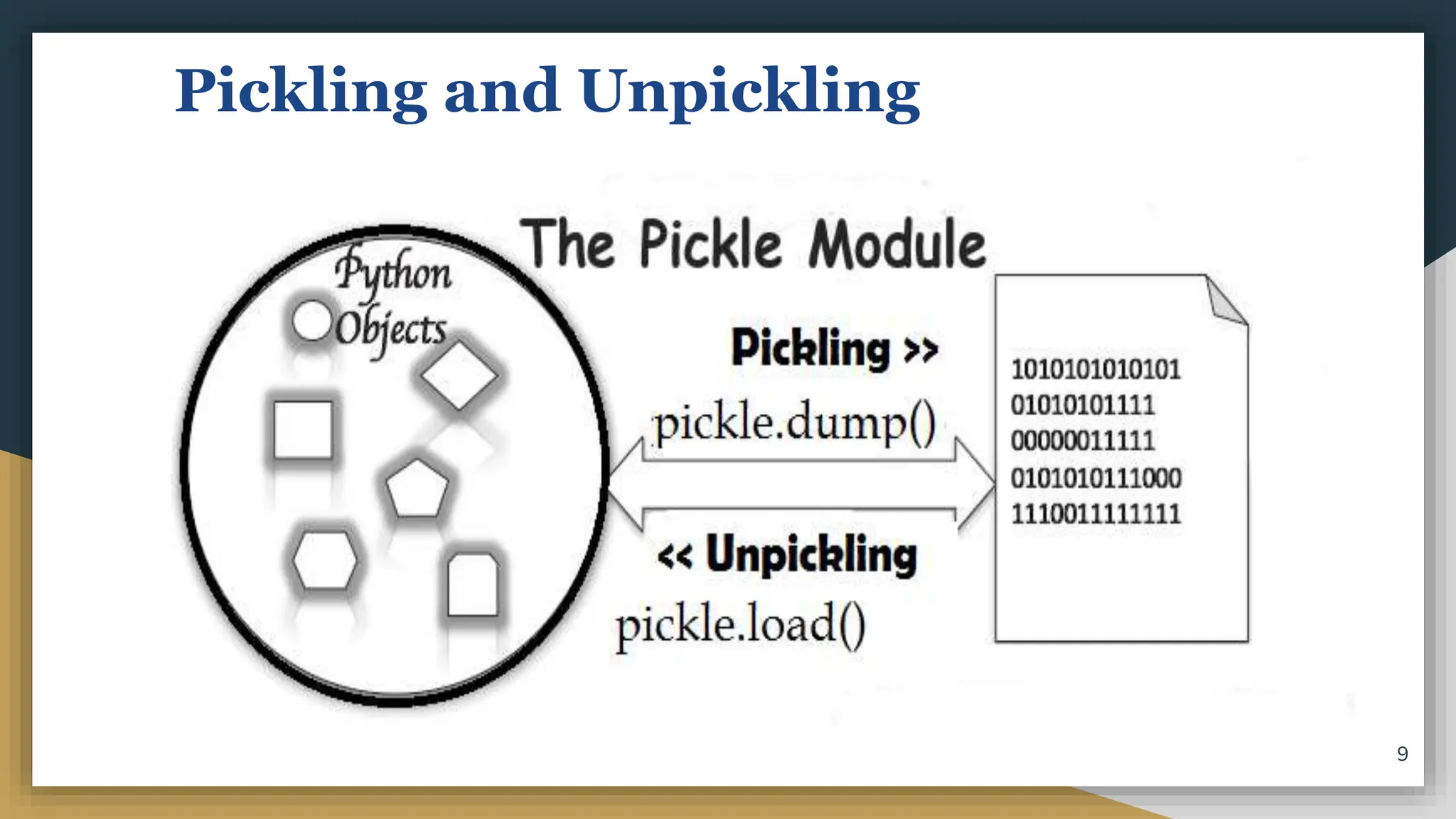
● PICKLING refers to the process of converting the structure to a byte
stream before writing to a file.
● UNPICKLING is used to convert the byte stream back to the original
structure while reading the contents of the file.
8
Pickling and Unpickling
9
PICKLE Module
● Before reading or writing to a file, we have to import the pickle
module.
import pickle
● It provides two main methods :
○ dump() method
○ load() method
10
Opening and closing binary files
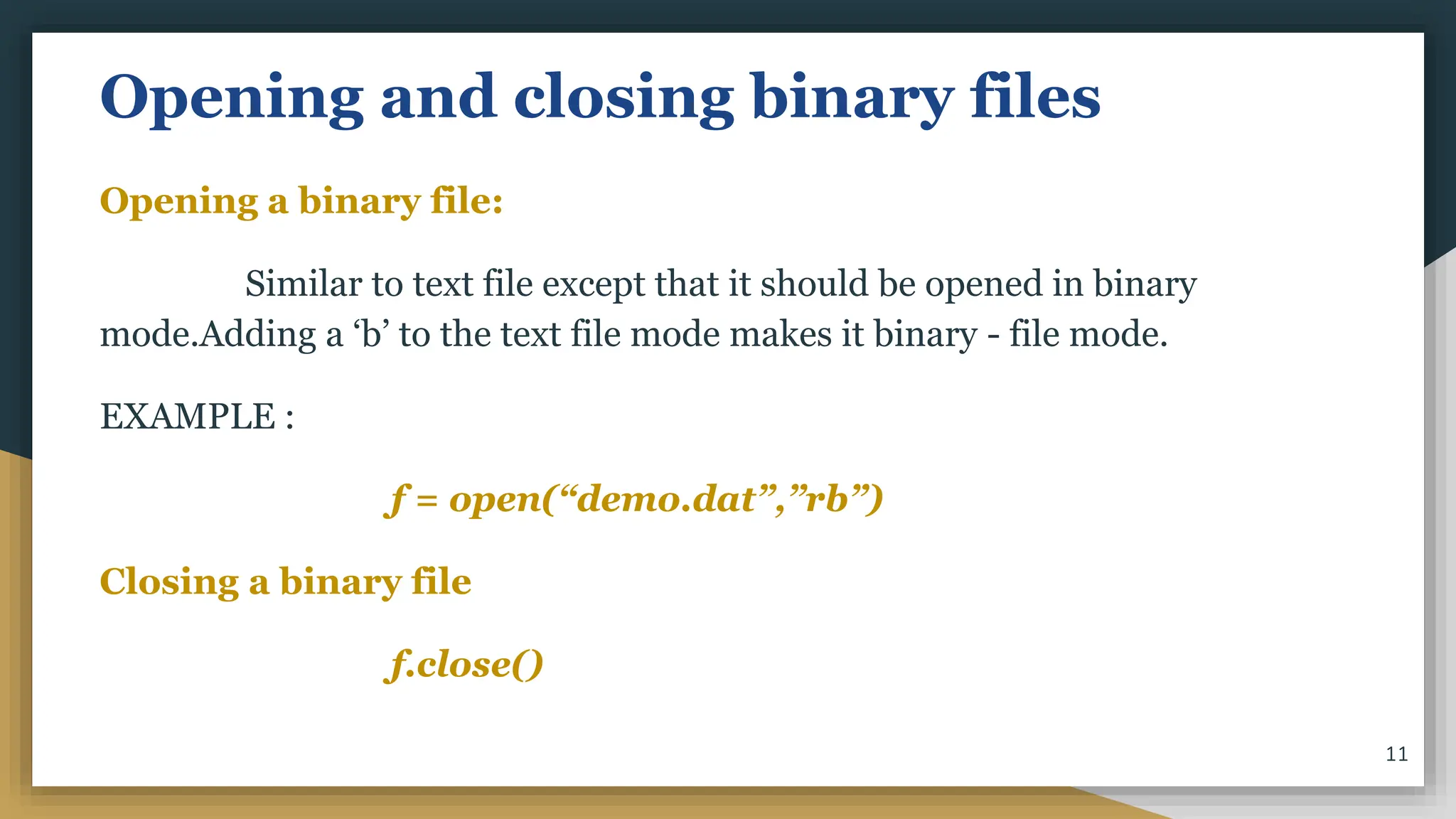
Opening a binary file:
Similar to text file except that it should be opened in binary
mode.Adding a ‘b’ to the text file mode makes it binary - file mode.
EXAMPLE :
f = open(“demo.dat”,”rb”)
Closing a binary file
f.close()
11
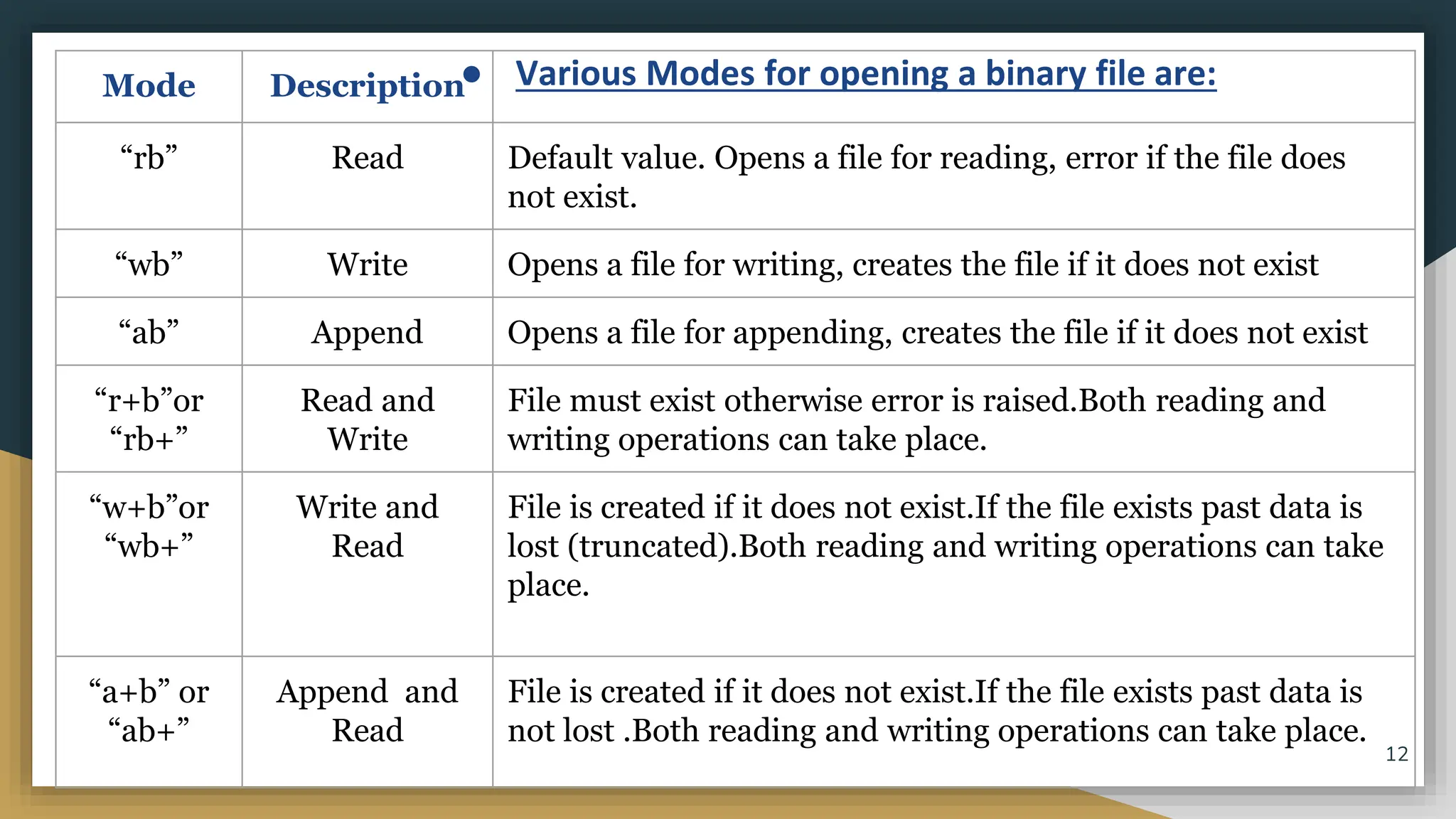
● Various Modes for opening a binary file are:
Mode Description
“rb” Read Default value. Opens a file for reading, error if the file does
not exist.
“wb” Write Opens a file for writing, creates the file if it does not exist
“ab” Append Opens a file for appending, creates the file if it does not exist
“r+b”or
“rb+”
Read and
Write
File must exist otherwise error is raised.Both reading and
writing operations can take place.
“w+b”or
“wb+”
Write and
Read
File is created if it does not exist.If the file exists past data is
lost (truncated).Both reading and writing operations can take
place.
“a+b” or
“ab+”
Append and
Read
File is created if it does not exist.If the file exists past data is
not lost .Both reading and writing operations can take place.
12
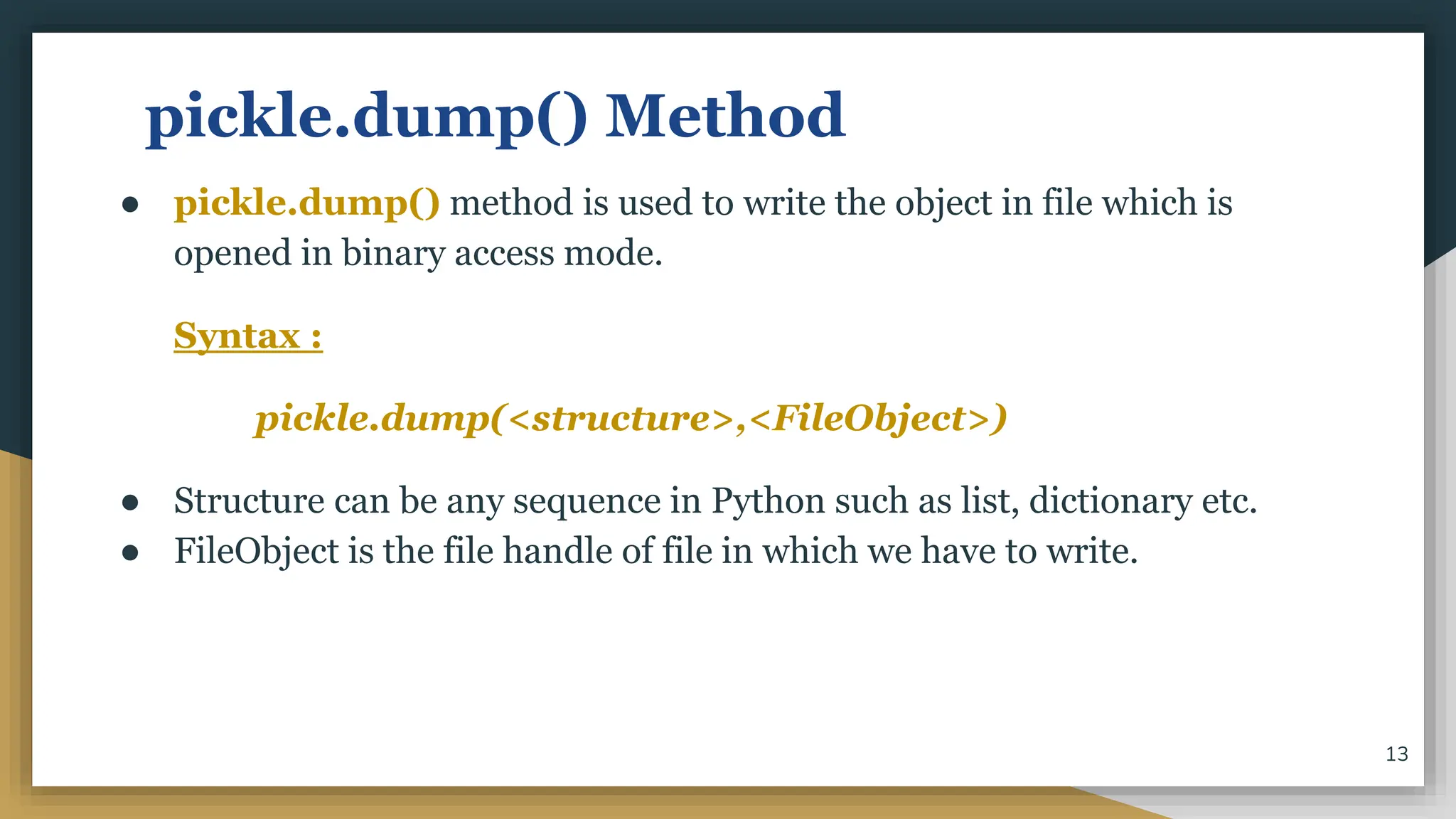
pickle.dump() Method
● pickle.dump() method is used to write the object in file which is
opened in binary access mode.
Syntax :
pickle.dump(<structure>,<FileObject>)
● Structure can be any sequence in Python such as list, dictionary etc.
● FileObject is the file handle of file in which we have to write.
13
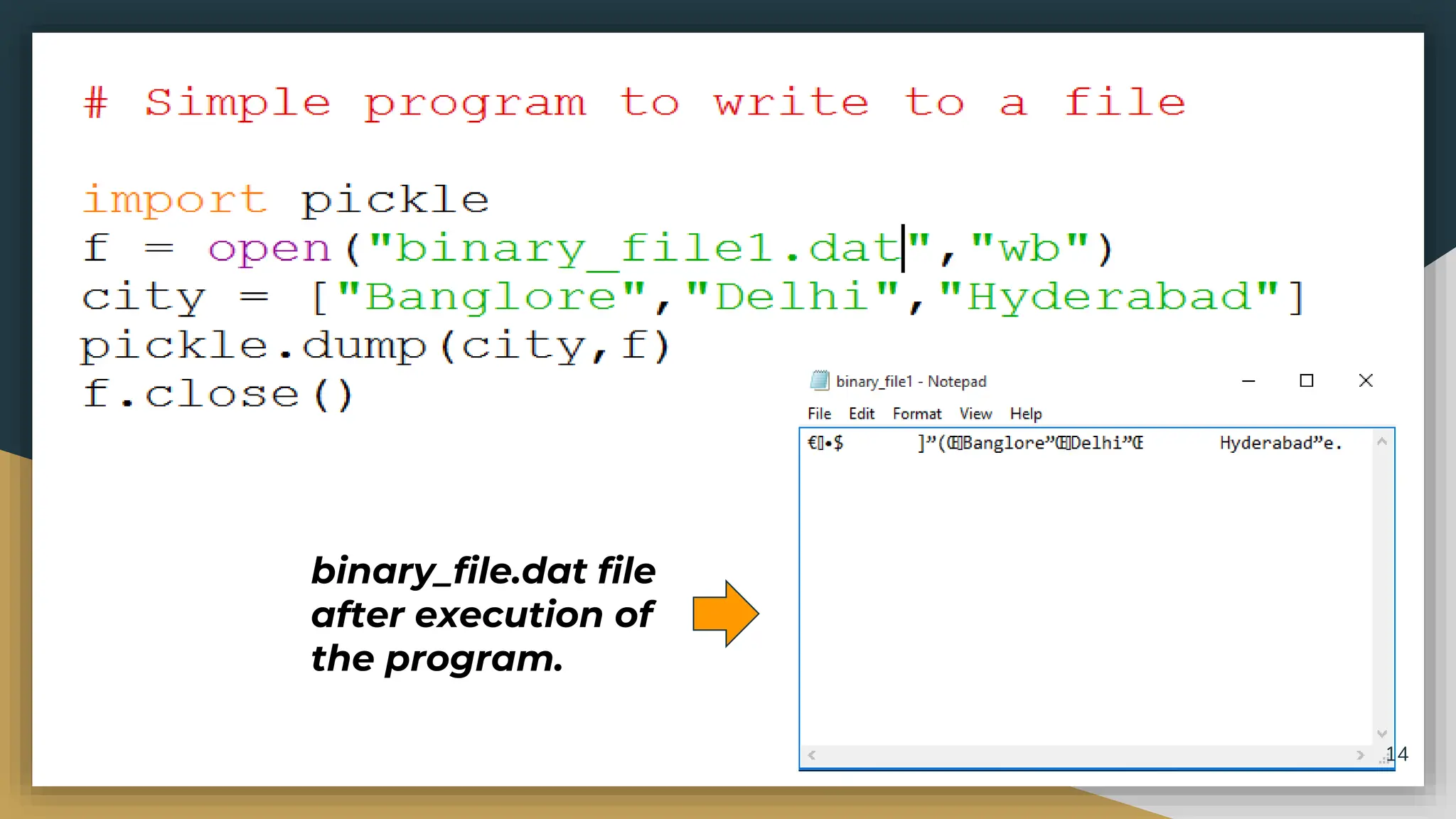
binary_file.dat file
after execution of
the program.
14
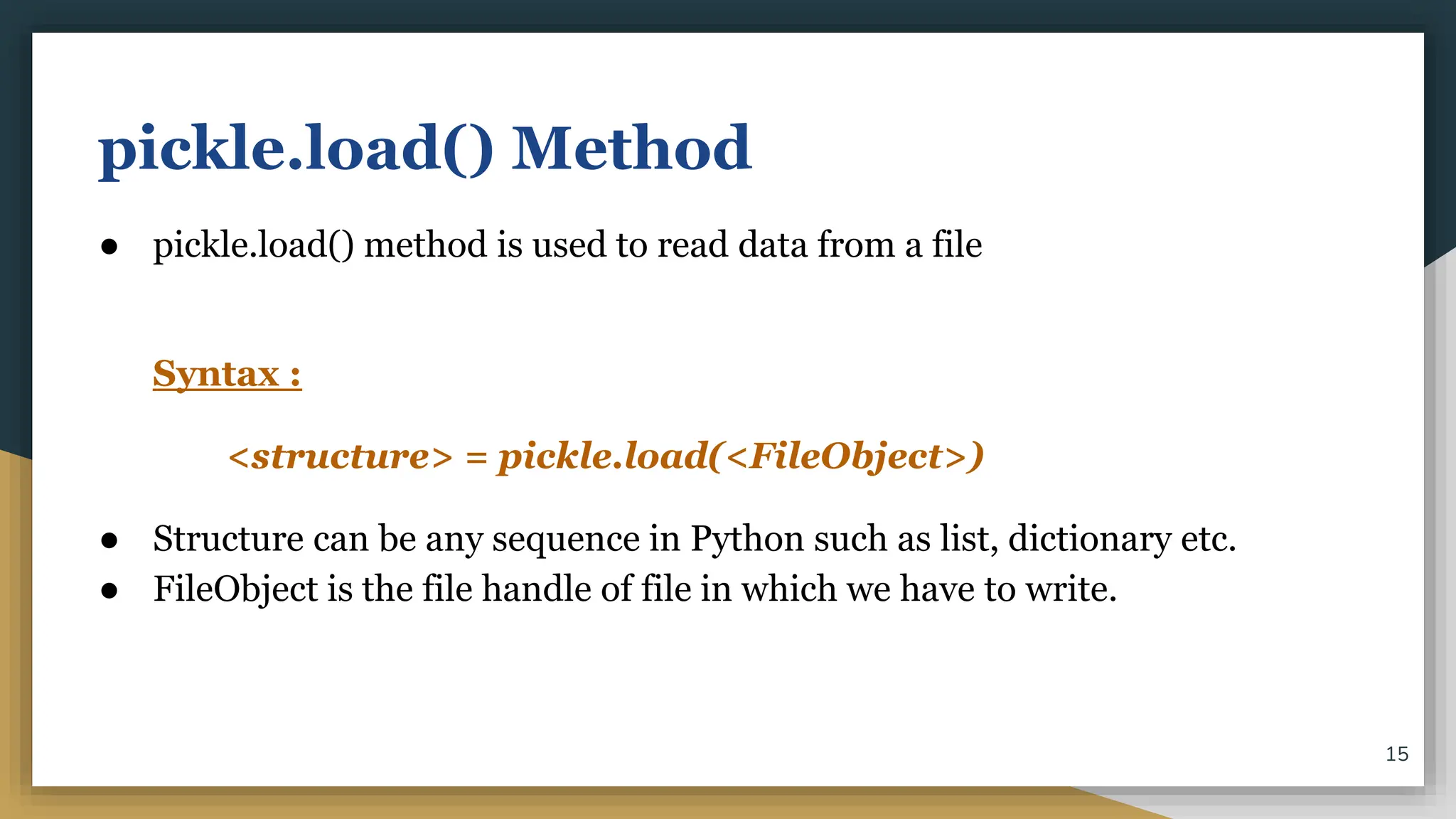
pickle.load() Method
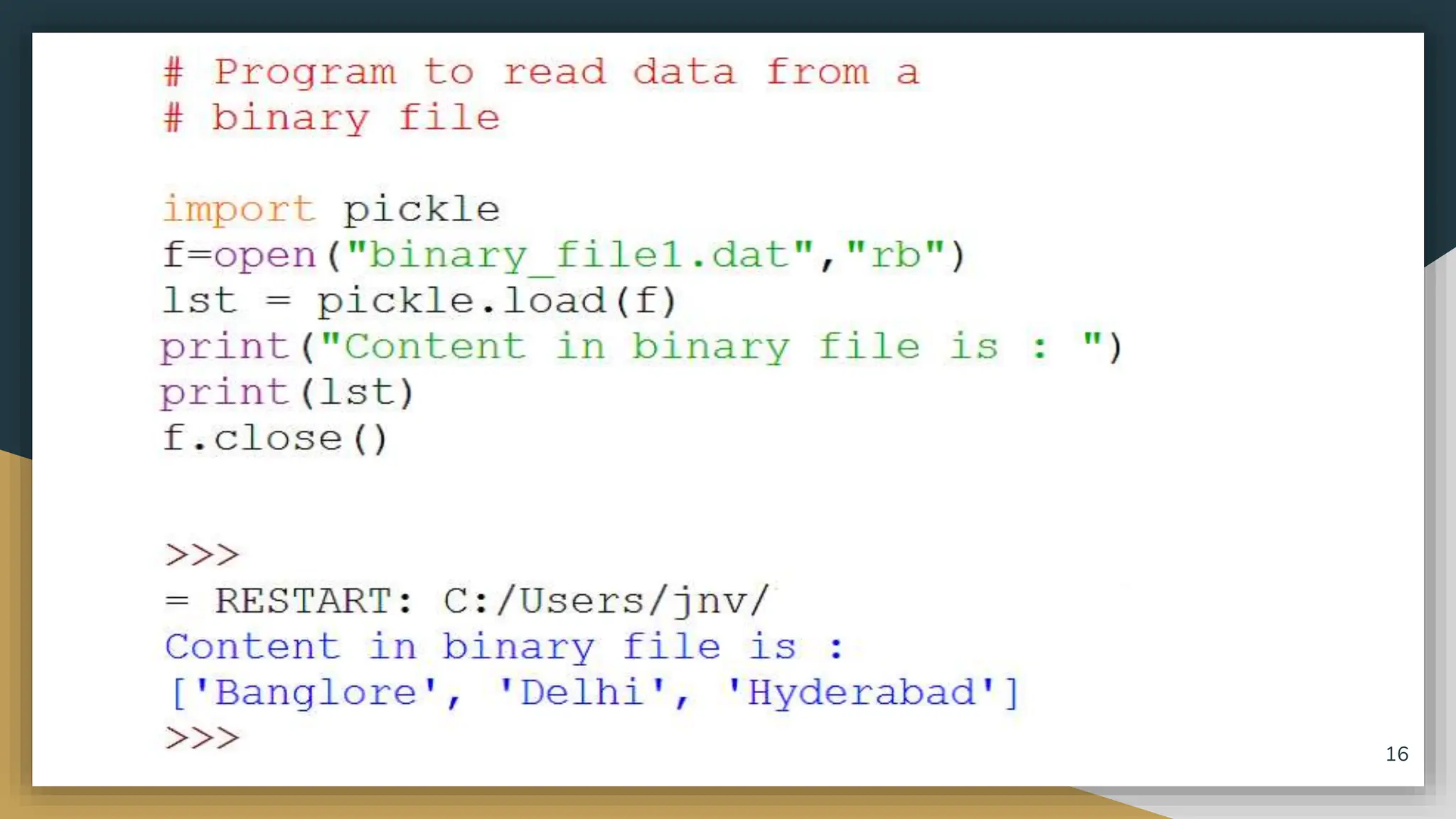
● pickle.load() method is used to read data from a file
Syntax :
<structure> = pickle.load(<FileObject>)
● Structure can be any sequence in Python such as list, dictionary etc.
● FileObject is the file handle of file in which we have to write.
15
16
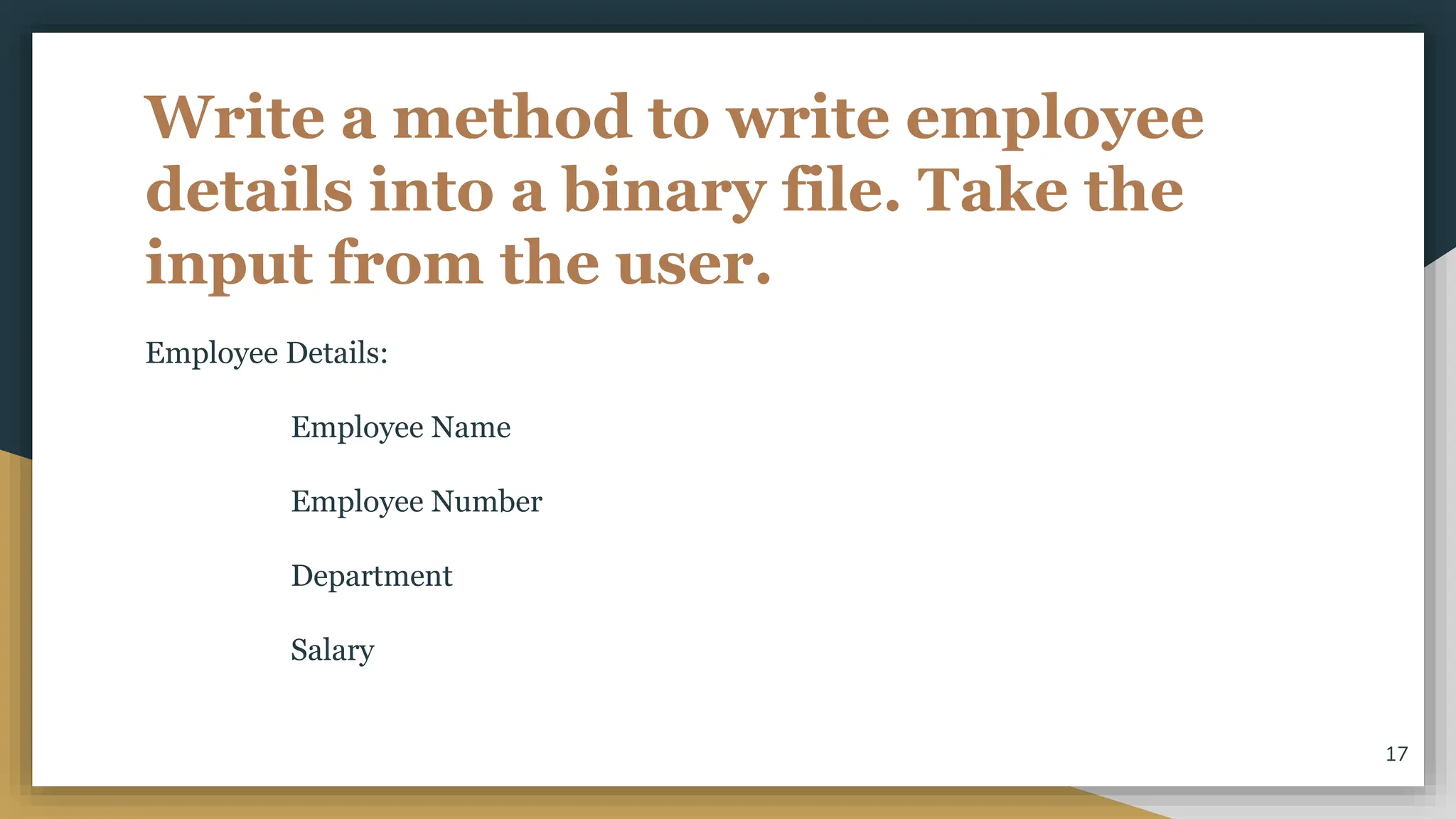
Write a method to write employee
details into a binary file. Take the
input from the user.
Employee Details:
Employee Name
Employee Number
Department
Salary
17
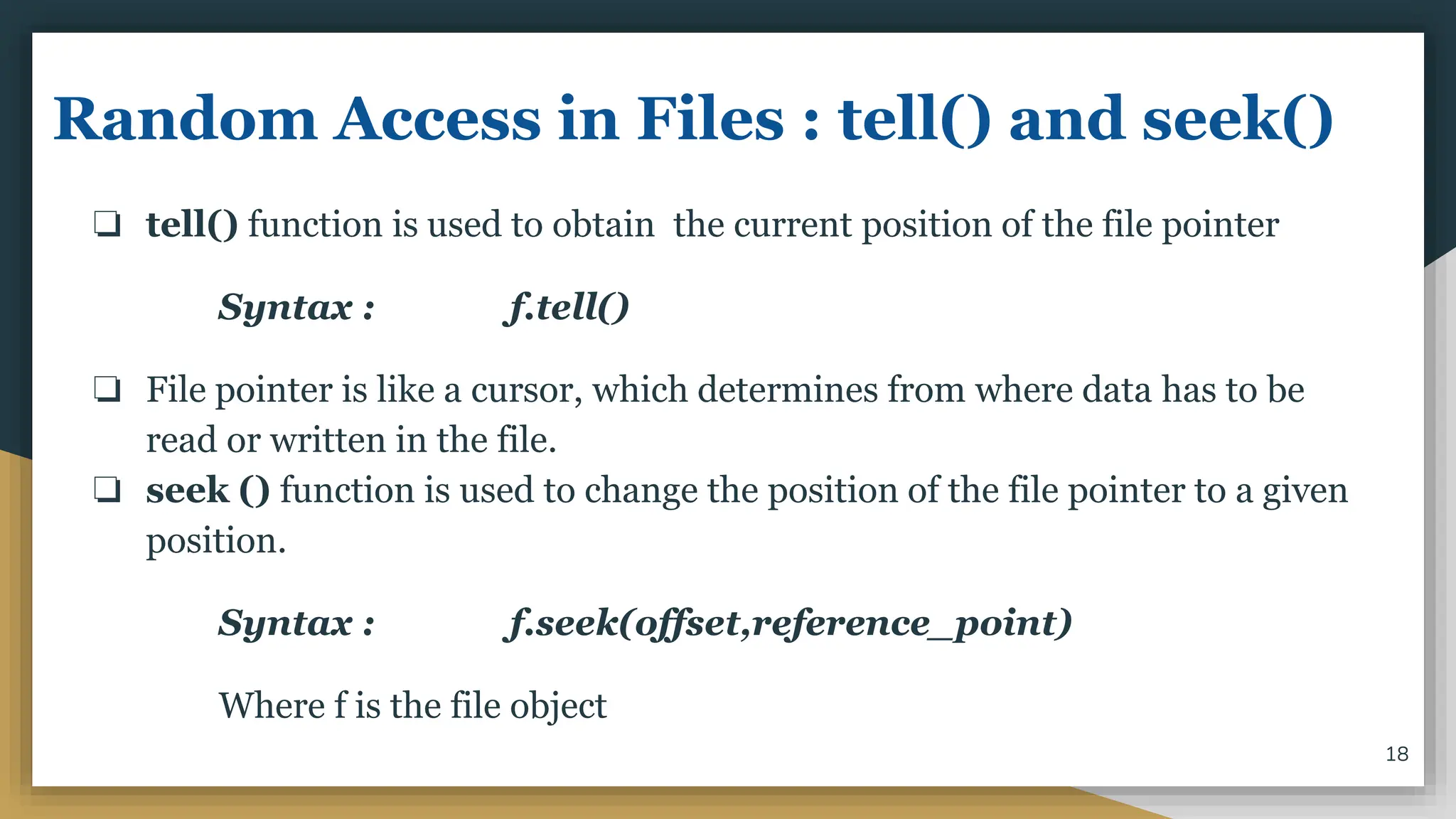
Random Access in Files : tell() and seek()
❏ tell() function is used to obtain the current position of the file pointer
Syntax : f.tell()
❏ File pointer is like a cursor, which determines from where data has to be
read or written in the file.
❏ seek () function is used to change the position of the file pointer to a given
position.
Syntax : f.seek(offset,reference_point)
Where f is the file object
18
THANK YOU
19

Binary File.pptx

  • 1.
    NEED FOR DATAFILE HANDLING ● Mostly, in programming languages, all the values or data are stored in some variables which are volatile in nature. ● Because data will be stored into those variables during run-time only and will be lost once the program execution is completed. Hence it is better to save these data permanently using files. 1
  • 2.
    INTRODUCTION ● A filein itself is a sequence of bytes stored in some storage device like hard-disk, pen-drive etc. ● Python allow us to create and manage three types of files : 1. TEXT FILE 2. BINARY FILE 3. CSV (Comma Separated Values) FILES 2
  • 3.
    TEXT FILE ● Atext file is structured as a sequence of lines. ● Line is a sequence of characters (ASCII or UNICODE) ● Stores information in ASCII or Unicode characters. ● Each line of text is terminated by a special character known as End Of Line character. ● Text files are stored in human readable form and they can also be created using any text editor. 3
  • 4.
    BINARY FILE ● Afile that contains information in the same format in which information is held in memory. ● Binary file contains arbitrary binary data. ● So when we work on binary file, we have to interpret the raw bit pattern(s) read from the file into correct type of data in our program. ● Python provides special module(s) for encoding and decoding of data for binary file. 4
  • 5.
    CSV FILES ● CSVstands for Comma Separated Values. ● CSV is just like a text file, in a human readable format which is extensively used to store tabular data, in a spreadsheet or database. ● The separator character of CSV files is called a delimiter. ● Default delimiter is comma (,). Other delimiters are tab (t), colon (:), pipe (|), semicolon (;) characters. 5
  • 6.
    STEPS TO PROCESSA FILE 1. Determine the type of file usage. a. Reading purpose : If the data is to be brought in from a file to memory b. Writing purpose : If the data is to be sent from memory to file. 2. Open the file and assign its reference to a file object or file-handle. 3. Process the file as required : Perform the desired operation from the file. 4. Close the file. 6
  • 7.
    DATA FILE HANDLINGIN BINARY FILES ● Files that store objects as some byte stream are called binary files. ● That is, all the binary files are encoded in binary format , as a sequence of bytes, which is understood by a computer or machine. ● In binary files, there is no delimiter to end the line. ● Since they are directly in the form of binary, there is no need to translate them. ● But they are not in human readable form and hence difficult to understand. 7
  • 8.
    ● Objects havea specific structure which must be maintained while storing or accessing them. ● Python provides a special module called pickle module for this. ● PICKLING refers to the process of converting the structure to a byte stream before writing to a file. ● UNPICKLING is used to convert the byte stream back to the original structure while reading the contents of the file. 8
  • 9.
  • 10.
    PICKLE Module ● Beforereading or writing to a file, we have to import the pickle module. import pickle ● It provides two main methods : ○ dump() method ○ load() method 10
  • 11.
    Opening and closingbinary files Opening a binary file: Similar to text file except that it should be opened in binary mode.Adding a ‘b’ to the text file mode makes it binary - file mode. EXAMPLE : f = open(“demo.dat”,”rb”) Closing a binary file f.close() 11
  • 12.
    ● Various Modesfor opening a binary file are: Mode Description “rb” Read Default value. Opens a file for reading, error if the file does not exist. “wb” Write Opens a file for writing, creates the file if it does not exist “ab” Append Opens a file for appending, creates the file if it does not exist “r+b”or “rb+” Read and Write File must exist otherwise error is raised.Both reading and writing operations can take place. “w+b”or “wb+” Write and Read File is created if it does not exist.If the file exists past data is lost (truncated).Both reading and writing operations can take place. “a+b” or “ab+” Append and Read File is created if it does not exist.If the file exists past data is not lost .Both reading and writing operations can take place. 12
  • 13.
    pickle.dump() Method ● pickle.dump()method is used to write the object in file which is opened in binary access mode. Syntax : pickle.dump(<structure>,<FileObject>) ● Structure can be any sequence in Python such as list, dictionary etc. ● FileObject is the file handle of file in which we have to write. 13
  • 14.
  • 15.
    pickle.load() Method ● pickle.load()method is used to read data from a file Syntax : <structure> = pickle.load(<FileObject>) ● Structure can be any sequence in Python such as list, dictionary etc. ● FileObject is the file handle of file in which we have to write. 15
  • 16.
  • 17.
    Write a methodto write employee details into a binary file. Take the input from the user. Employee Details: Employee Name Employee Number Department Salary 17
  • 18.
    Random Access inFiles : tell() and seek() ❏ tell() function is used to obtain the current position of the file pointer Syntax : f.tell() ❏ File pointer is like a cursor, which determines from where data has to be read or written in the file. ❏ seek () function is used to change the position of the file pointer to a given position. Syntax : f.seek(offset,reference_point) Where f is the file object 18
  • 19.