Extracting deliverables
      from DITA


                      Sarah O'Keefe
             Scriptorium Publishing
Preliminary notes
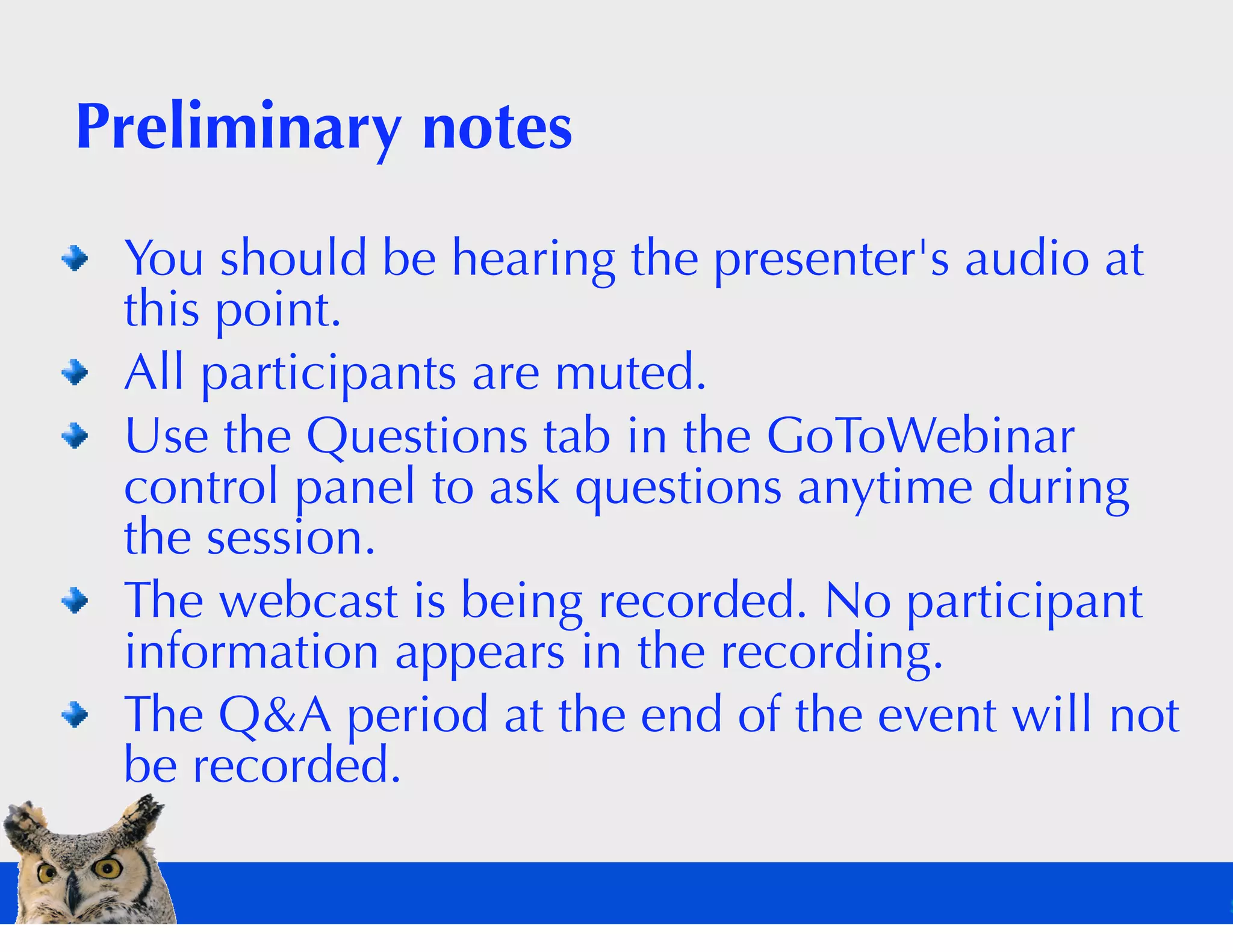
 You should be hearing the presenter's audio at
 this point.
 All participants are muted.
 Use the Questions tab in the GoToWebinar
 control panel to ask questions anytime during
 the session.
 The webcast is being recorded. No participant
 information appears in the recording.
 The Q&A period at the end of the event will not
 be recorded.
Poll: What is your DITA status?
DITA deliverable categories

 HTML
 PDF
 Custom output


                              Flickr: freewine
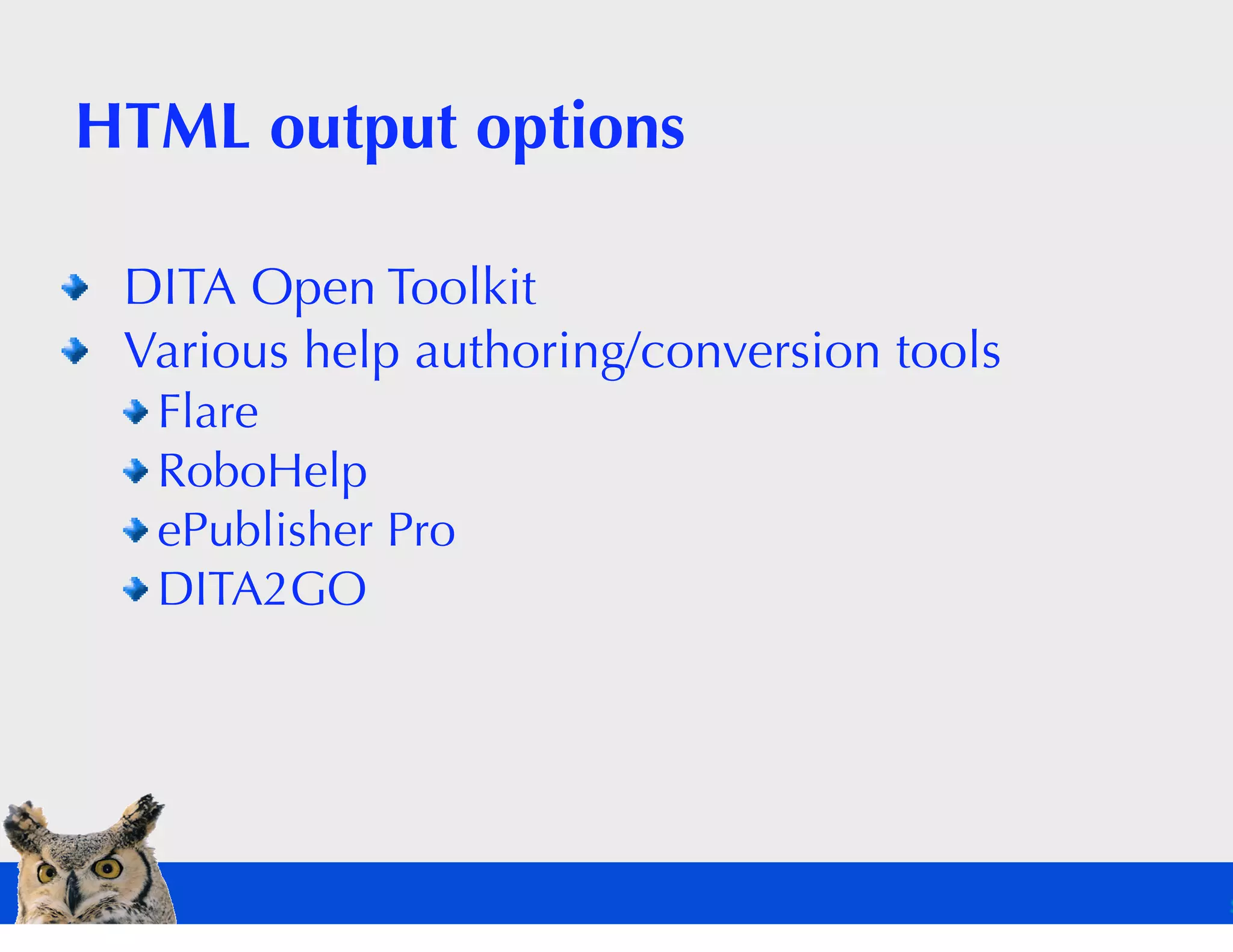
HTML output options

 DITA Open Toolkit
 Various help authoring/conversion tools
  Flare
  RoboHelp
  ePublisher Pro
  DITA2GO
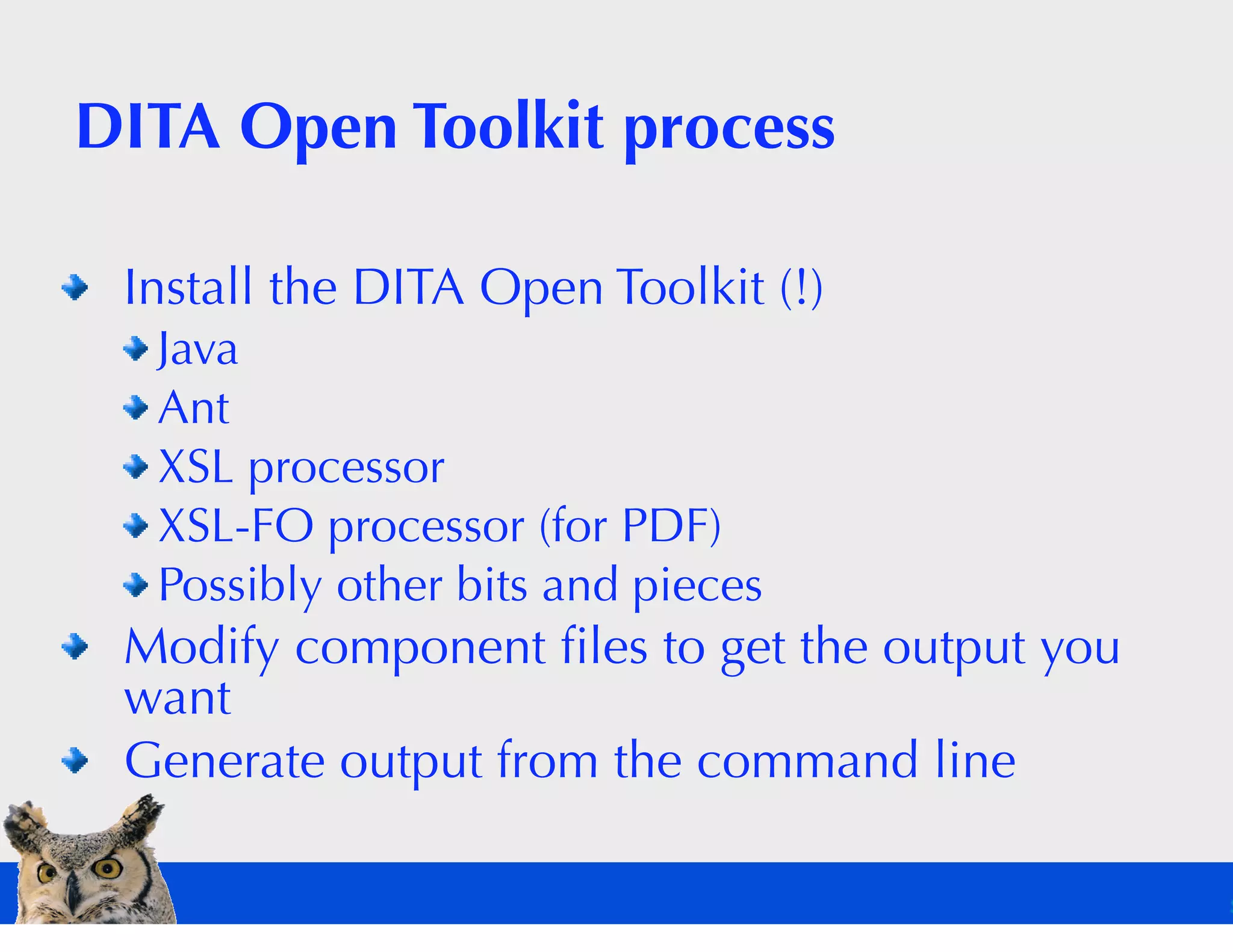
DITA Open Toolkit process

 Install the DITA Open Toolkit (!)
  Java
  Ant
  XSL processor
  XSL-FO processor (for PDF)
  Possibly other bits and pieces
 Modify component files to get the output you
 want
 Generate output from the command line
Help authoring tools

 Set up template/configuration
 Import DITA content
 (optionally) Make changes in the help
 authoring tool
 Publish to HTML
About those last-minute changes…

 The traditional authoring/publishing model
 allows them.
 The automated publishing model eliminates
 them.
 The transition to the “no tweaking” mindset can
 be painful.
 What are the costs and benefits?
The DITA Open
Toolkit is the best
choice for HTML.
 Light customization with
 CSS
 In-depth customization
 with XSL
 No arbitrary formatting
 Complete automation


                            Flickr: bobistraveling
The special case: WebHelp

 WebHelp = HTML-based help system with
 tripane interface (content, index, search)
 No support in DITA Open Toolkit (custom build
 of tripane interface required)
 Commercial support via XMetaL, Flare, Trisoft,
 ePublisher Pro, DITA2GO, and perhaps others
 Balance DITA Open Toolkit customization effort
 against license costs
PDF options

 DITA Open Toolkit
 Page layout
 applications
 Others


                     Flickr: freewine
PDF publishing is hard because:

 Printed page layouts have more options than
 HTML layouts.
 Extensible Stylesheet Language Formatting
 Objects (XSL-FO) needs to support
 sophisticated page layout options.
 Pushing XML into page layout tools is
 challenging.
 Automation means giving up page-by-page
 formatting.
Poll: The five stages of DITA-based
PDF publishing
 What's your stage?
Please choose one of the following
terrifying options:
 DITA Open Toolkit
 Page-based layout tool
  FrameMaker
  InDesign
  Quark
 Help authoring/conversion tool
  RoboHelp
  ePublisher Pro
  Flare
PDF through the DITA Open Toolkit

 Very difficult to configure
 No “tweaking” to fix copyfitting problems
 Almost certainly the long-term winner
DITA Open Toolkit process

 Customize default PDF output to your
 requirements (once)
 Make fonts available to FO processor (once)
 Run Ant command to generate PDF
DITA Open Toolkit challenges

 Fonts
 Formatting
 Foggy FO
 FOP foibles
PDF via FrameMaker

 Configuration, at a minimum, requires
 modifying a formatting template
 Nice PDF
 Can tweak to adjust pagination
FrameMaker process

 Modify the template to meet your requirements
 (once)
 Manage white space (tabs, newlines) (once)
 Open the map file
 (v8 and earlier) Generate intermediate book
 Save as PDF
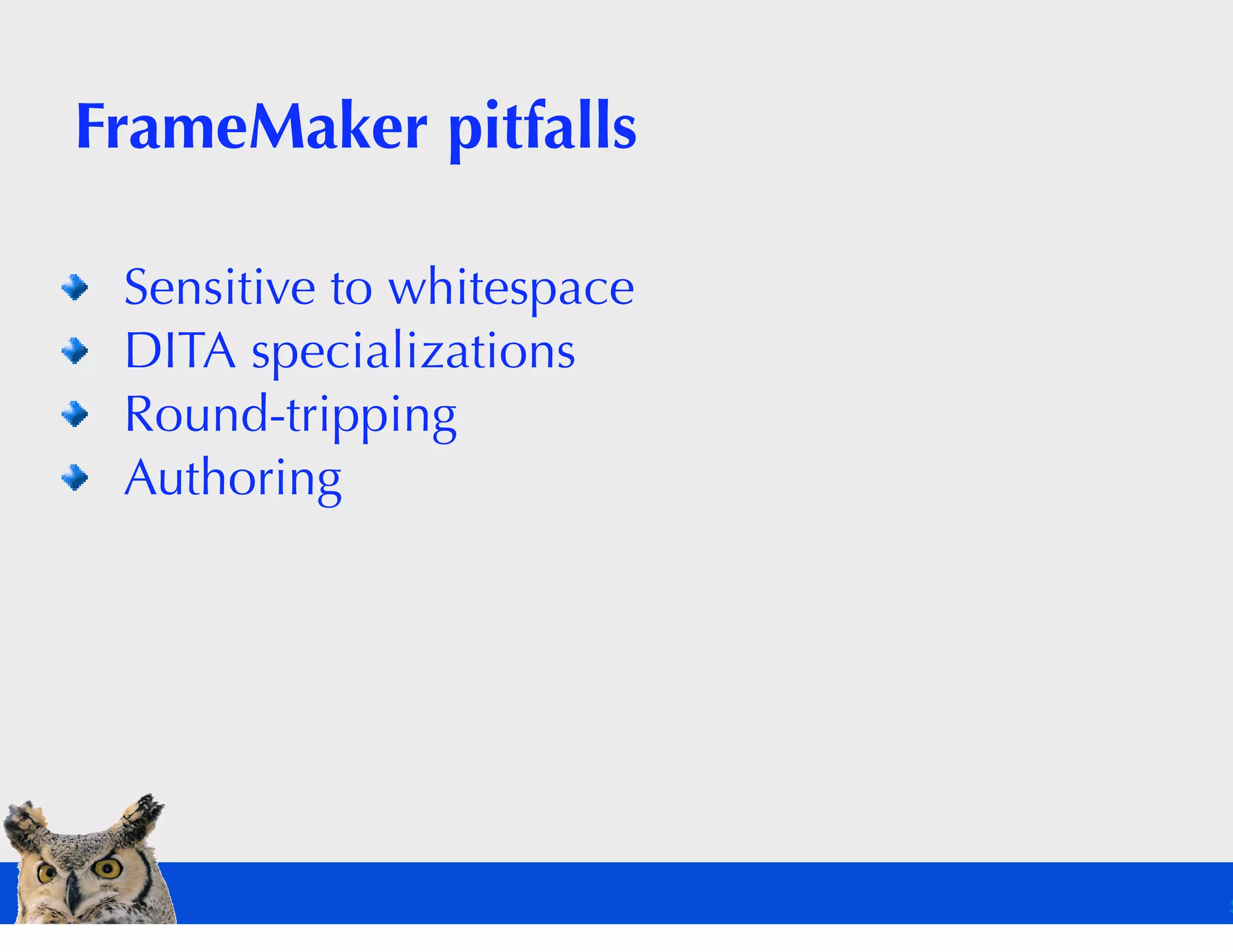
FrameMaker pitfalls

 Sensitive to whitespace
 DITA specializations
 Round-tripping
 Authoring
FrameMaker recommendations

 Use DITA-FMx plug-in
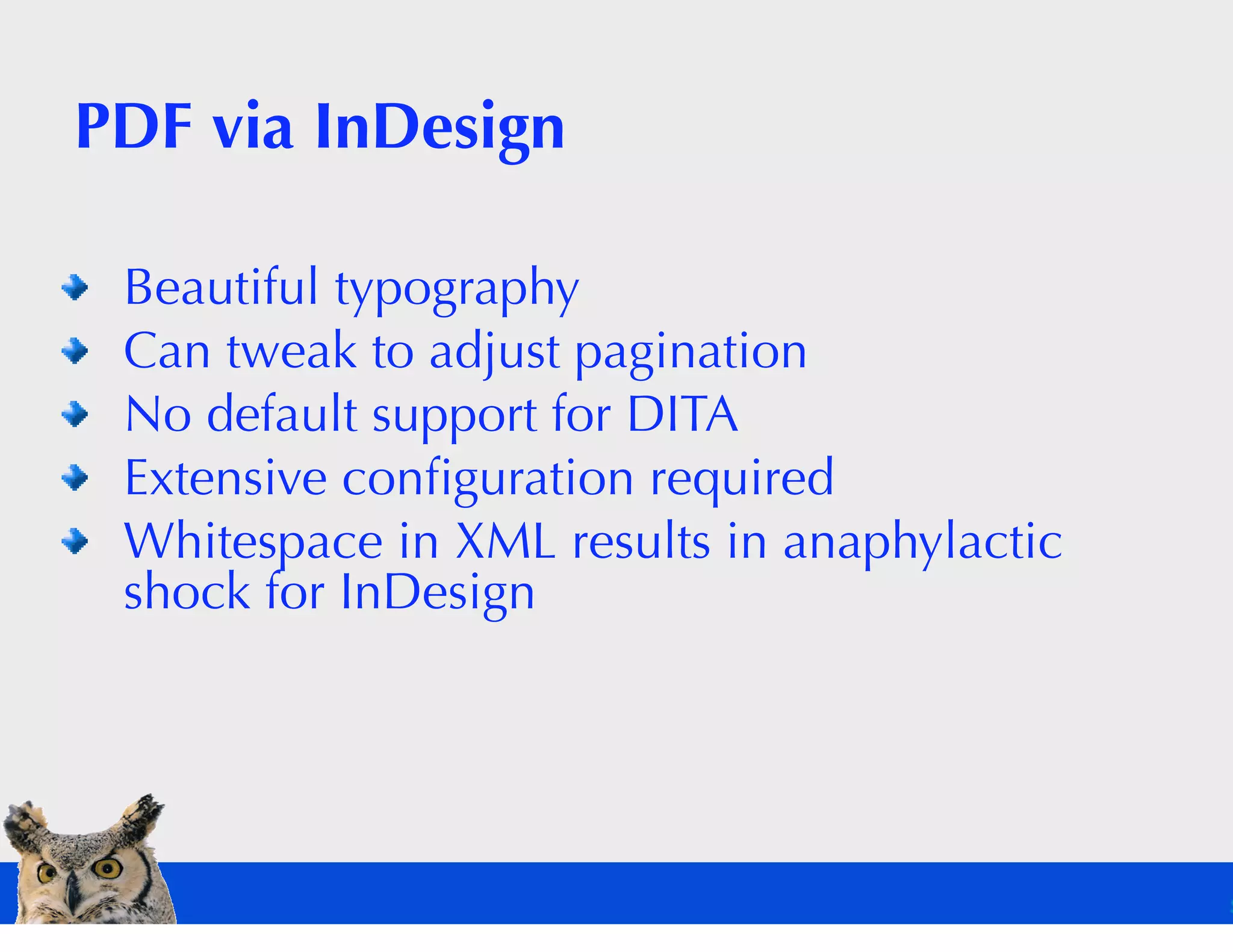
PDF via InDesign

 Beautiful typography
 Can tweak to adjust pagination
 No default support for DITA
 Extensive configuration required
 Whitespace in XML results in anaphylactic
 shock for InDesign
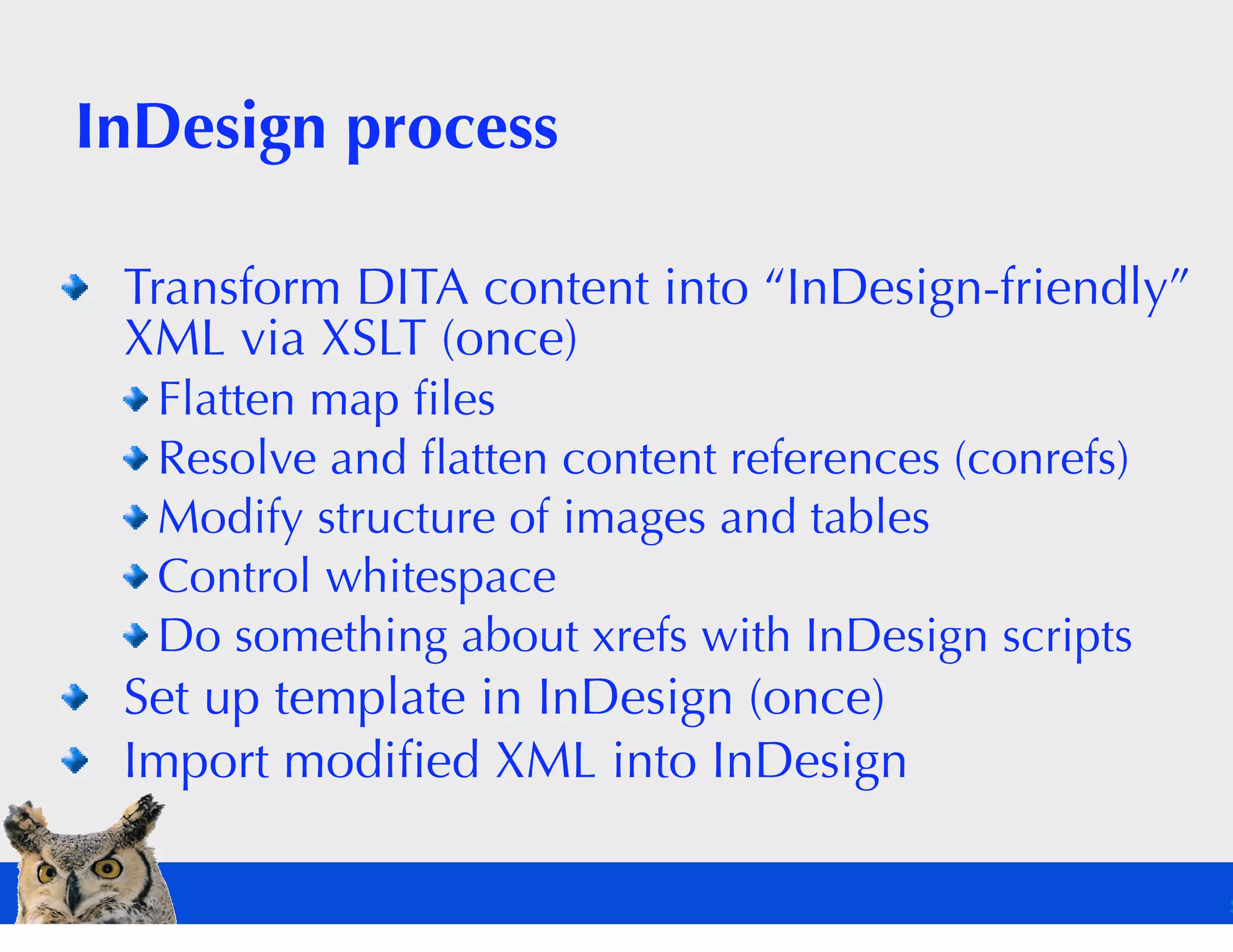
InDesign process

 Transform DITA content into “InDesign-friendly”
 XML via XSLT (once)
  Flatten map files
  Resolve and flatten content references (conrefs)
  Modify structure of images and tables
  Control whitespace
  Do something about xrefs with InDesign scripts
 Set up template in InDesign (once)
 Import modified XML into InDesign
DITA to InDesign challenges

 Extensive preprocessing
 Round-tripping
 Authoring
 White space
What about the help authoring
tools?
 Yes, if you need cross-browser,
 cross-platform help.
 Not the best choice for PDF only.
What are your PDF priorities?

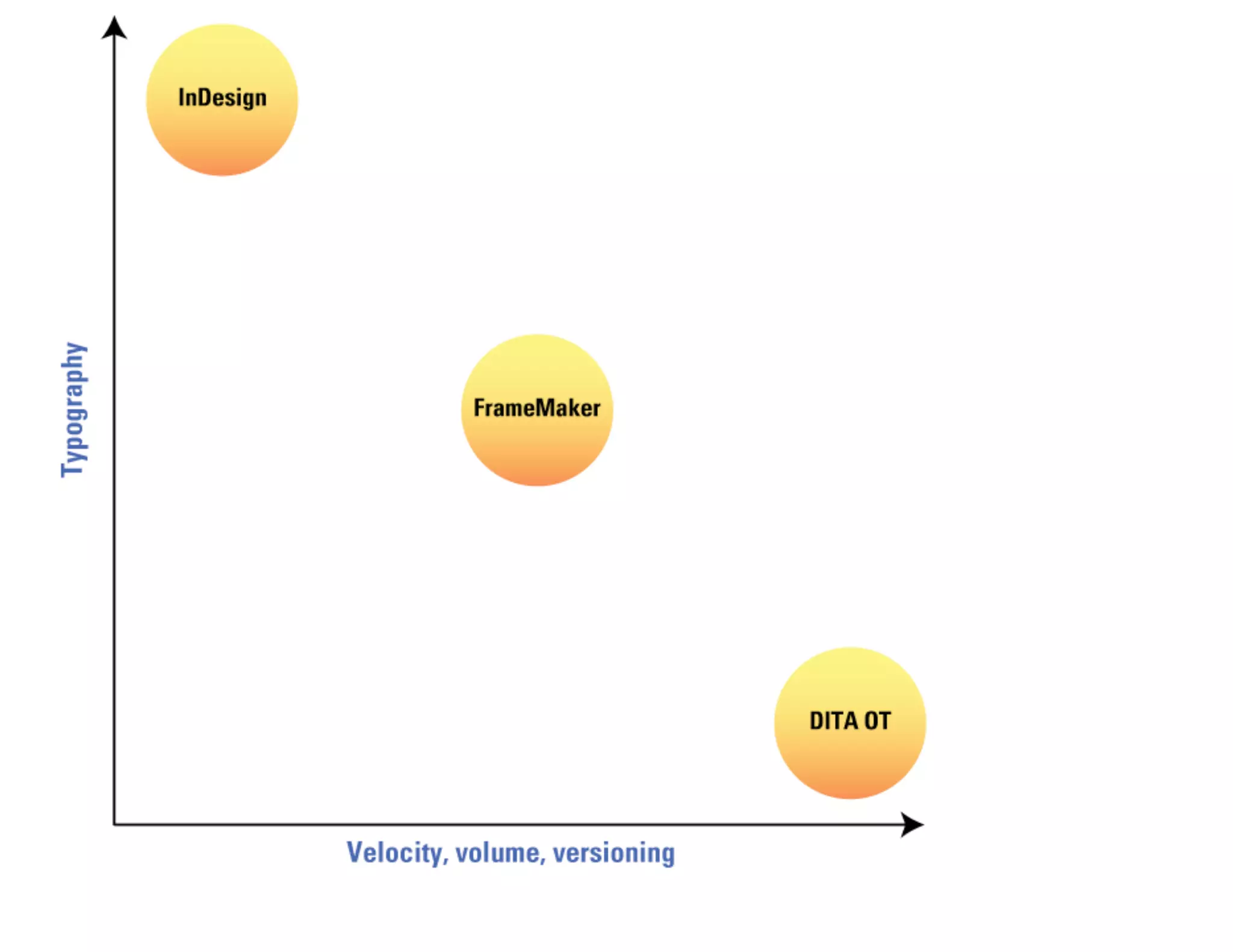
 For typography, choose InDesign or similar.
 For automation, choose the DITA Open Toolkit.
 For a middle ground, choose FrameMaker.
Lower your standards.

 Does your audience care about fine typography?
 Less copyfitting = greater automation
Factors to consider for PDF output

 Platform requirements
 Technical resources
 Typography requirements
 Velocity
 Volume
 Versioning
Poll: How are you creating (or
planning to create) PDF output?
DITA Open Toolkit PDF is not
necessarily ugly.
 It just starts out that way.
 Making it pretty is a lot of work.
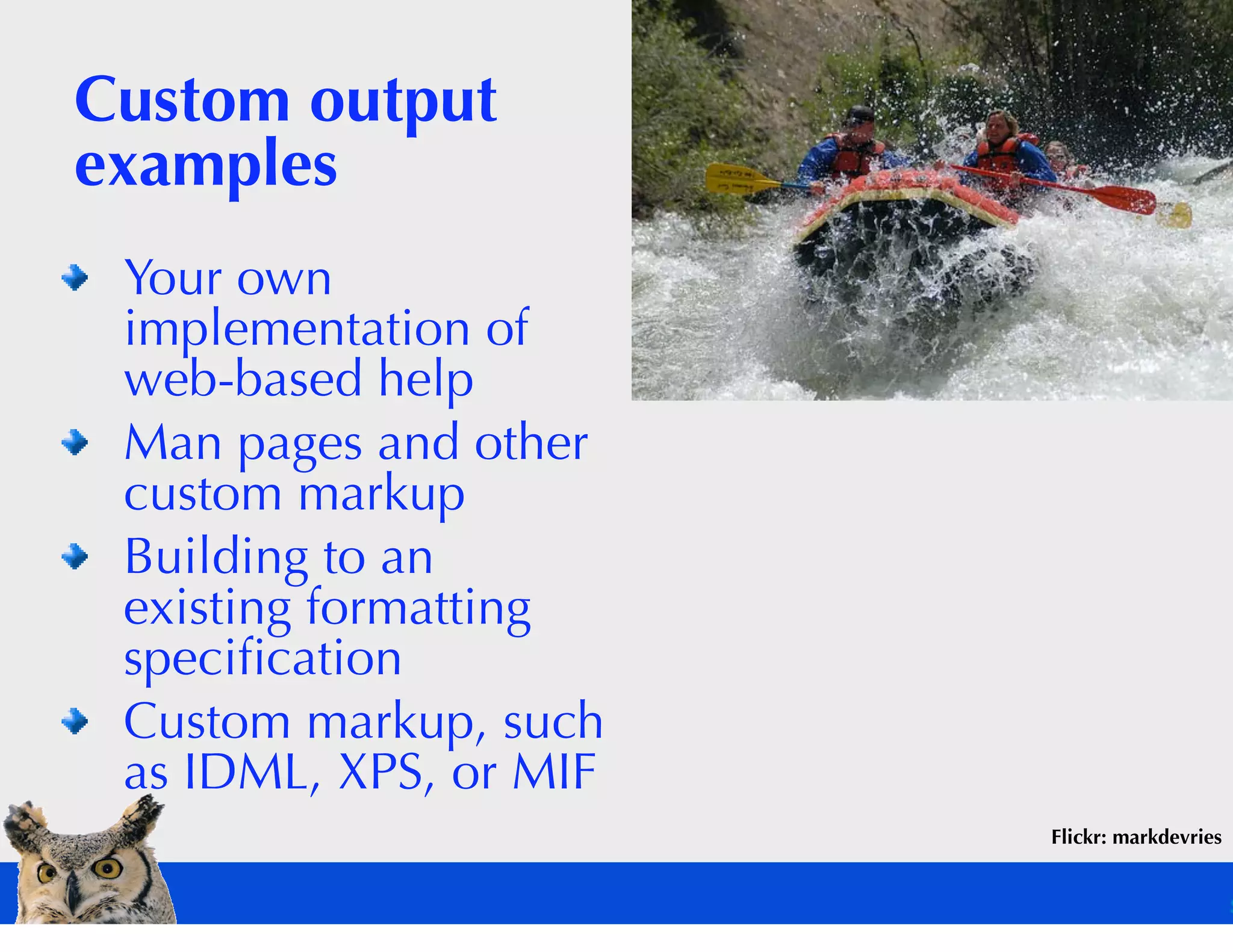
Custom output
examples
 Your own
 implementation of
 web-based help
 Man pages and other
 custom markup
 Building to an
 existing formatting
 specification
 Custom markup, such
 as IDML, XPS, or MIF
                        Flickr: markdevries
XSL programming skill is an issue

 In-house resources
 Contractors or
 consultants?
 Technical skills
 required are beyond
 “typical” FrameMaker
 templates, HTML
 coding, and CSS


                                    Flickr: jinxmcc
Automation has advantages

 Incremental builds (nightly updates)
 Zero manual formatting
 Excellent localization support in DITA Open
 Toolkit
Automation has disadvantages

 Initial configuration effort
 No intermediate file for last-ditch copyfitting or
 content changes
 No book-by-book customization
Overall recommendation for HTML

 Use the DITA Open Toolkit
 Automation is more valuable than ability to
 finagle
Overall recommendation for PDF

 Weigh the benefits of automation against the
 difficulty of implementing XSL-FO
 Remember that localization support in DITA OT
 is excellent (and extensive)
 Consider the value of existing assets
 (FrameMaker or InDesign templates)
 How strict are your output requirements? How
 strict do they need to be?
Questions? Comments?
Contact information

 Sarah O'Keefe
 okeefe@scriptorium.com
 www.scriptorium.com
 Phone: +919 459 5362
 Twitter: @sarahokeefe

Extracting deliverables from DITA

  • 1.
    Extracting deliverables from DITA Sarah O'Keefe Scriptorium Publishing
  • 2.
    Preliminary notes Youshould be hearing the presenter's audio at this point. All participants are muted. Use the Questions tab in the GoToWebinar control panel to ask questions anytime during the session. The webcast is being recorded. No participant information appears in the recording. The Q&A period at the end of the event will not be recorded.
  • 3.
    Poll: What isyour DITA status?
  • 4.
    DITA deliverable categories HTML PDF Custom output Flickr: freewine
  • 5.
    HTML output options DITA Open Toolkit Various help authoring/conversion tools Flare RoboHelp ePublisher Pro DITA2GO
  • 6.
    DITA Open Toolkitprocess Install the DITA Open Toolkit (!) Java Ant XSL processor XSL-FO processor (for PDF) Possibly other bits and pieces Modify component files to get the output you want Generate output from the command line
  • 7.
    Help authoring tools Set up template/configuration Import DITA content (optionally) Make changes in the help authoring tool Publish to HTML
  • 8.
    About those last-minutechanges… The traditional authoring/publishing model allows them. The automated publishing model eliminates them. The transition to the “no tweaking” mindset can be painful. What are the costs and benefits?
  • 9.
    The DITA Open Toolkitis the best choice for HTML. Light customization with CSS In-depth customization with XSL No arbitrary formatting Complete automation Flickr: bobistraveling
  • 10.
    The special case:WebHelp WebHelp = HTML-based help system with tripane interface (content, index, search) No support in DITA Open Toolkit (custom build of tripane interface required) Commercial support via XMetaL, Flare, Trisoft, ePublisher Pro, DITA2GO, and perhaps others Balance DITA Open Toolkit customization effort against license costs
  • 11.
    PDF options DITAOpen Toolkit Page layout applications Others Flickr: freewine
  • 12.
    PDF publishing ishard because: Printed page layouts have more options than HTML layouts. Extensible Stylesheet Language Formatting Objects (XSL-FO) needs to support sophisticated page layout options. Pushing XML into page layout tools is challenging. Automation means giving up page-by-page formatting.
  • 13.
    Poll: The fivestages of DITA-based PDF publishing What's your stage?
  • 14.
    Please choose oneof the following terrifying options: DITA Open Toolkit Page-based layout tool FrameMaker InDesign Quark Help authoring/conversion tool RoboHelp ePublisher Pro Flare
  • 15.
    PDF through theDITA Open Toolkit Very difficult to configure No “tweaking” to fix copyfitting problems Almost certainly the long-term winner
  • 16.
    DITA Open Toolkitprocess Customize default PDF output to your requirements (once) Make fonts available to FO processor (once) Run Ant command to generate PDF
  • 17.
    DITA Open Toolkitchallenges Fonts Formatting Foggy FO FOP foibles
  • 18.
    PDF via FrameMaker Configuration, at a minimum, requires modifying a formatting template Nice PDF Can tweak to adjust pagination
  • 19.
    FrameMaker process Modifythe template to meet your requirements (once) Manage white space (tabs, newlines) (once) Open the map file (v8 and earlier) Generate intermediate book Save as PDF
  • 20.
    FrameMaker pitfalls Sensitiveto whitespace DITA specializations Round-tripping Authoring
  • 21.
  • 22.
    PDF via InDesign Beautiful typography Can tweak to adjust pagination No default support for DITA Extensive configuration required Whitespace in XML results in anaphylactic shock for InDesign
  • 23.
    InDesign process TransformDITA content into “InDesign-friendly” XML via XSLT (once) Flatten map files Resolve and flatten content references (conrefs) Modify structure of images and tables Control whitespace Do something about xrefs with InDesign scripts Set up template in InDesign (once) Import modified XML into InDesign
  • 24.
    DITA to InDesignchallenges Extensive preprocessing Round-tripping Authoring White space
  • 25.
    What about thehelp authoring tools? Yes, if you need cross-browser, cross-platform help. Not the best choice for PDF only.
  • 26.
    What are yourPDF priorities? For typography, choose InDesign or similar. For automation, choose the DITA Open Toolkit. For a middle ground, choose FrameMaker.
  • 27.
    Lower your standards. Does your audience care about fine typography? Less copyfitting = greater automation
  • 28.
    Factors to considerfor PDF output Platform requirements Technical resources Typography requirements Velocity Volume Versioning
  • 29.
    Poll: How areyou creating (or planning to create) PDF output?
  • 31.
    DITA Open ToolkitPDF is not necessarily ugly. It just starts out that way. Making it pretty is a lot of work.
  • 32.
    Custom output examples Yourown implementation of web-based help Man pages and other custom markup Building to an existing formatting specification Custom markup, such as IDML, XPS, or MIF Flickr: markdevries
  • 33.
    XSL programming skillis an issue In-house resources Contractors or consultants? Technical skills required are beyond “typical” FrameMaker templates, HTML coding, and CSS Flickr: jinxmcc
  • 34.
    Automation has advantages Incremental builds (nightly updates) Zero manual formatting Excellent localization support in DITA Open Toolkit
  • 35.
    Automation has disadvantages Initial configuration effort No intermediate file for last-ditch copyfitting or content changes No book-by-book customization
  • 36.
    Overall recommendation forHTML Use the DITA Open Toolkit Automation is more valuable than ability to finagle
  • 37.
    Overall recommendation forPDF Weigh the benefits of automation against the difficulty of implementing XSL-FO Remember that localization support in DITA OT is excellent (and extensive) Consider the value of existing assets (FrameMaker or InDesign templates) How strict are your output requirements? How strict do they need to be?
  • 38.
  • 39.
    Contact information SarahO'Keefe okeefe@scriptorium.com www.scriptorium.com Phone: +919 459 5362 Twitter: @sarahokeefe