Comparing DITA support in XMetaL and FrameMaker Simon Bate Scriptorium Publishing www.scriptorium.com
Agenda Authoring  Conditional processing Generating output Cross-references and conrefs Map files Specialization Consider your needs
About the presenter Based in Research Triangle, North Carolina Senior Technical Consultant at Scriptorium 30+ years experience in Technical Publications Long-time FrameMaker user Instructor for Scriptorium classes: XMetaL DITA  XSL in Publications
A note about Scriptorium Affiliated with Adobe as Adobe Authorized Training Center Affiliated with JustSystems as a Certified Services Partner Nonetheless, I think you'll find this presentation quite candid about each tool's strengths and weaknesses.
Questions Please ask questions. I may defer some questions to the end of the presentation.
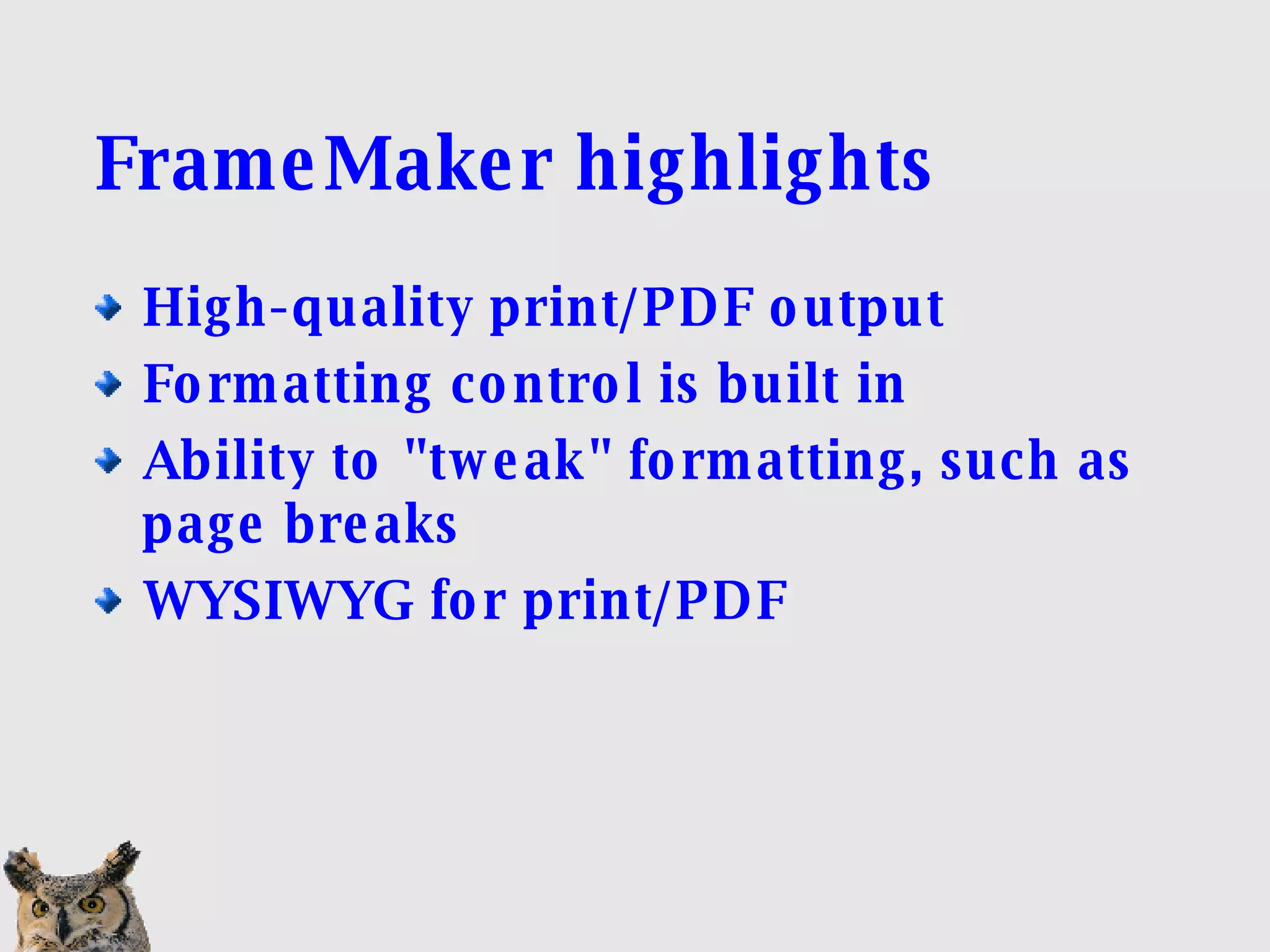
FrameMaker highlights High-quality print/PDF output Formatting control is built in Ability to "tweak" formatting, such as page breaks WYSIWYG for print/PDF
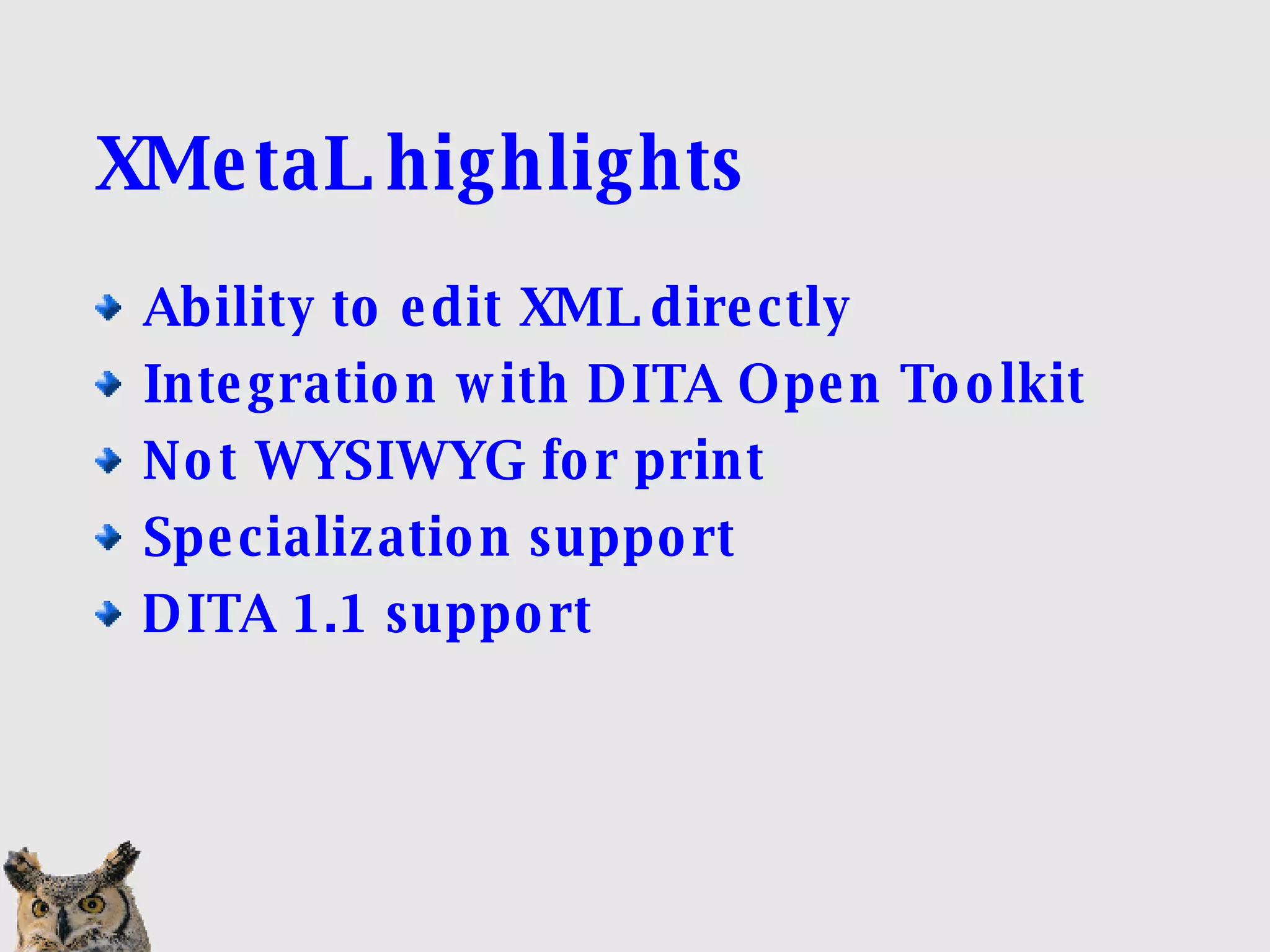
XMetaL highlights Ability to edit XML directly Integration with DITA Open Toolkit Not WYSIWYG for print Specialization support DITA 1.1 support
 
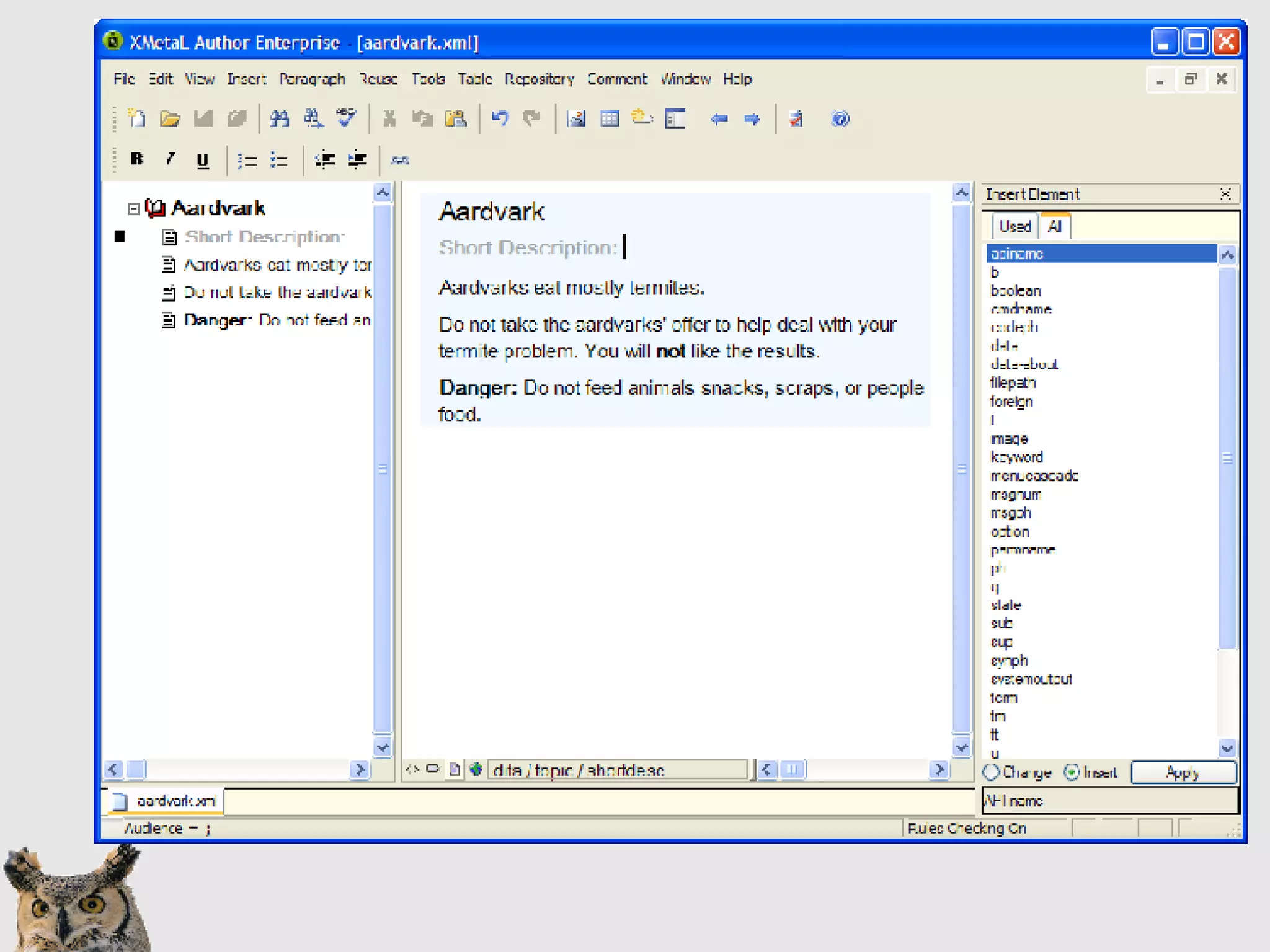
XMetaL Authoring highlights  Code ("plain text") view Structure view (block only)‏ Format-neutral WYSIOO presentation No invalid content allowed Elements grouped by type (Insert menu)‏
 
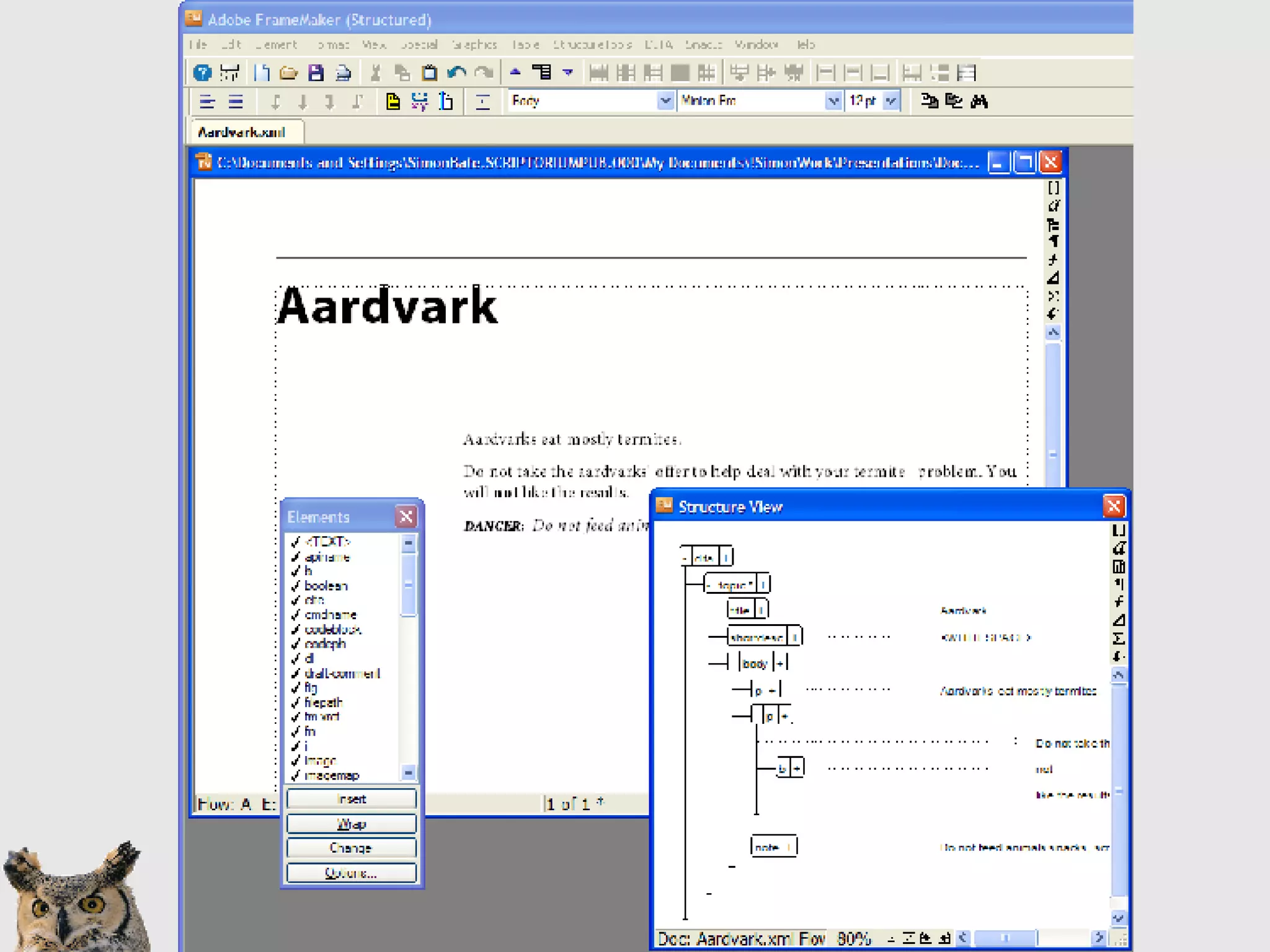
FrameMaker authoring highlights WYSIWYG for print/PDF Structure view is complete Document window/structure view combination Invalid content allowed
Conditional processing in FrameMaker Traditional FrameMaker conditions  In 8.0, allows expressions FM information is saved in XML output But the information is not DITA Use attributes Special > Filter by attributes
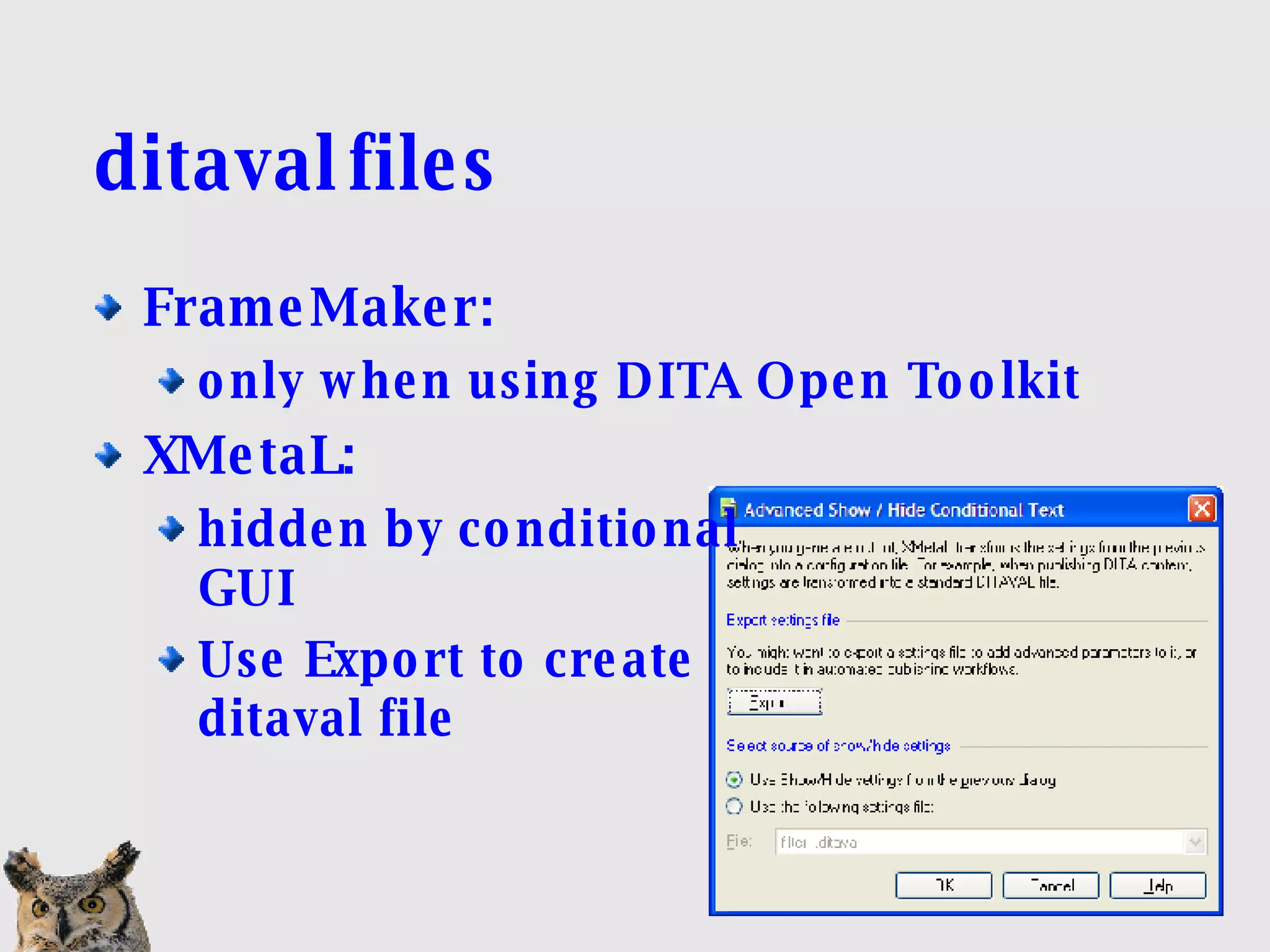
ditaval files FrameMaker:  only when using DITA Open Toolkit XMetaL:  hidden by conditional  GUI Use Export to create ditaval file
Generating output in XMetaL Open Toolkit RenderX for PDF via Open Toolkit HTML-based help
Generating output in FrameMaker PDF Open Toolkit (install plug-in)‏ FrameMaker book from DITA map HTML-based help
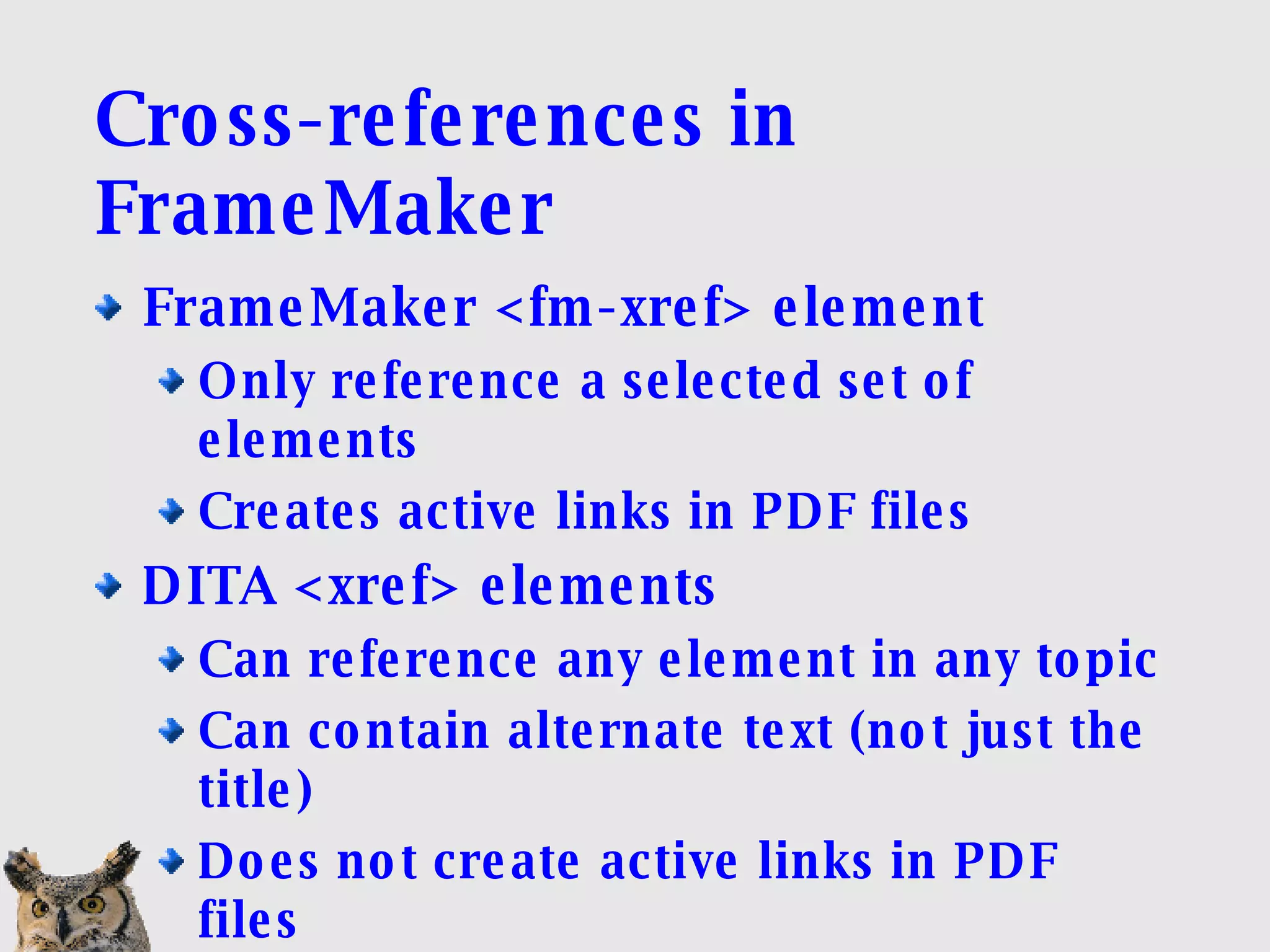
Cross-references in FrameMaker FrameMaker <fm-xref> element Only reference a selected set of elements Creates active links in PDF files DITA <xref> elements Can reference any element in any topic Can contain alternate text (not just the title)‏ Does not create active links in PDF files
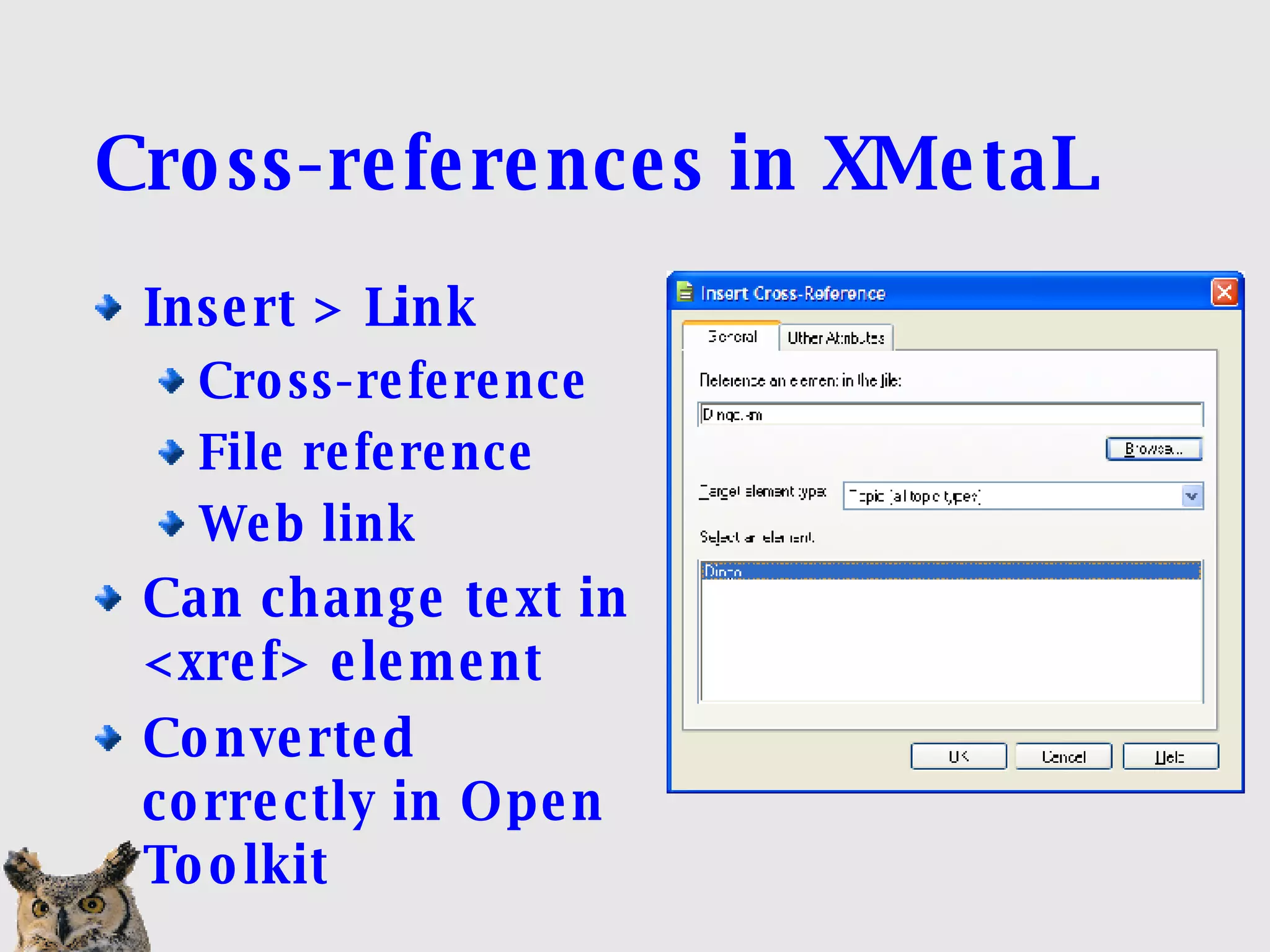
Cross-references in XMetaL Insert > Link Cross-reference File reference Web link Can change text in <xref> element Converted correctly in Open Toolkit
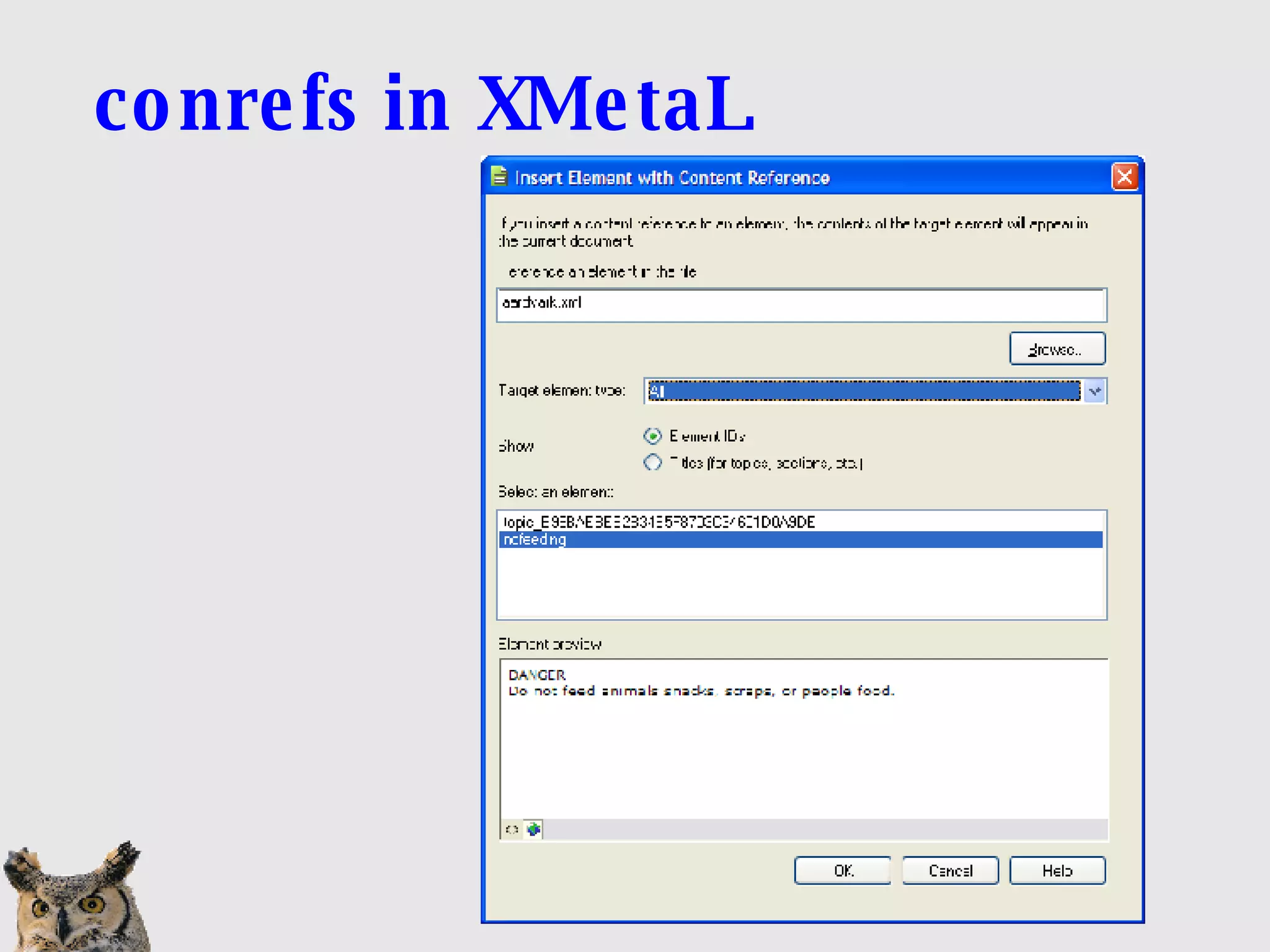
conrefs in XMetaL
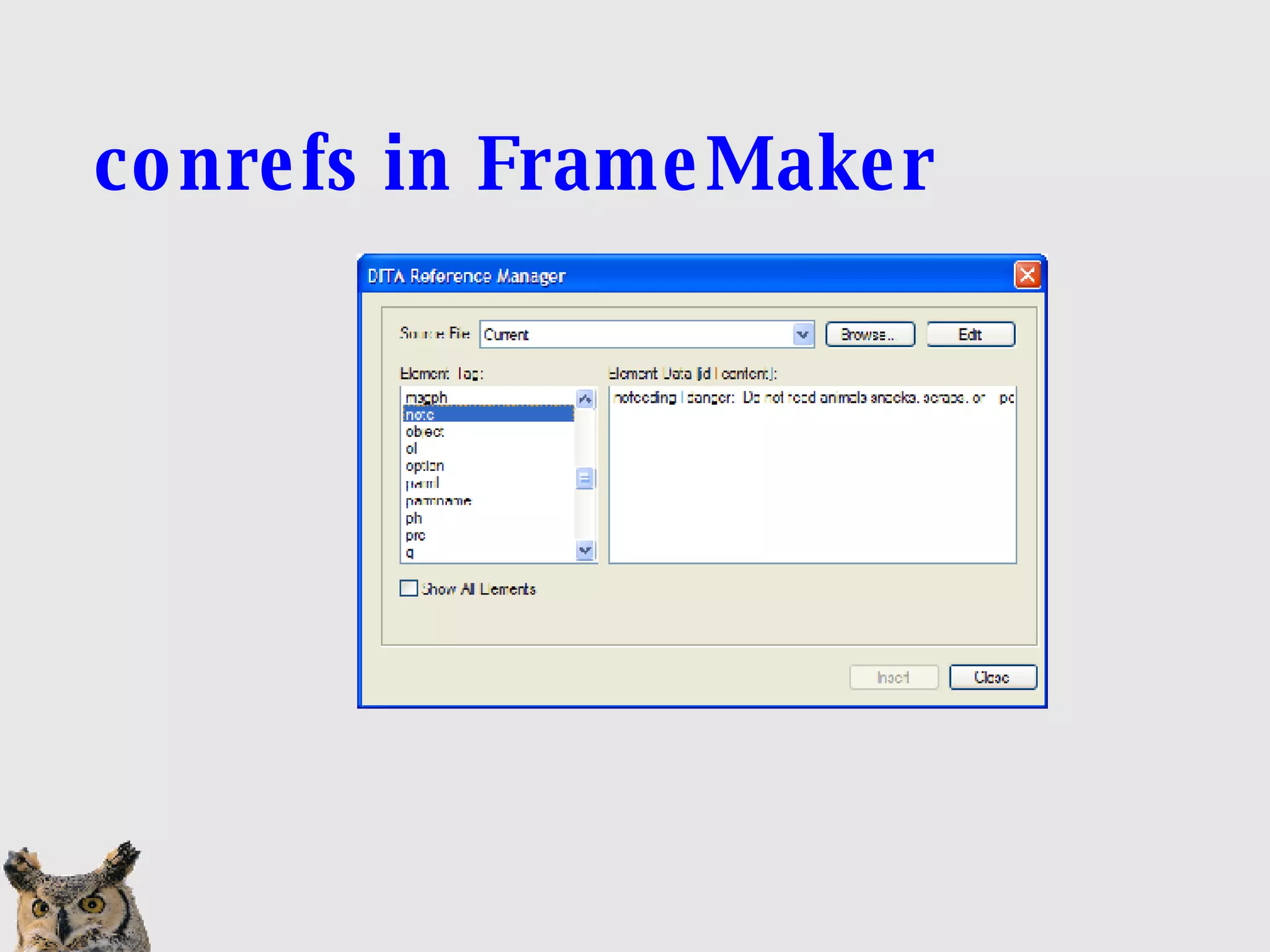
conrefs in FrameMaker
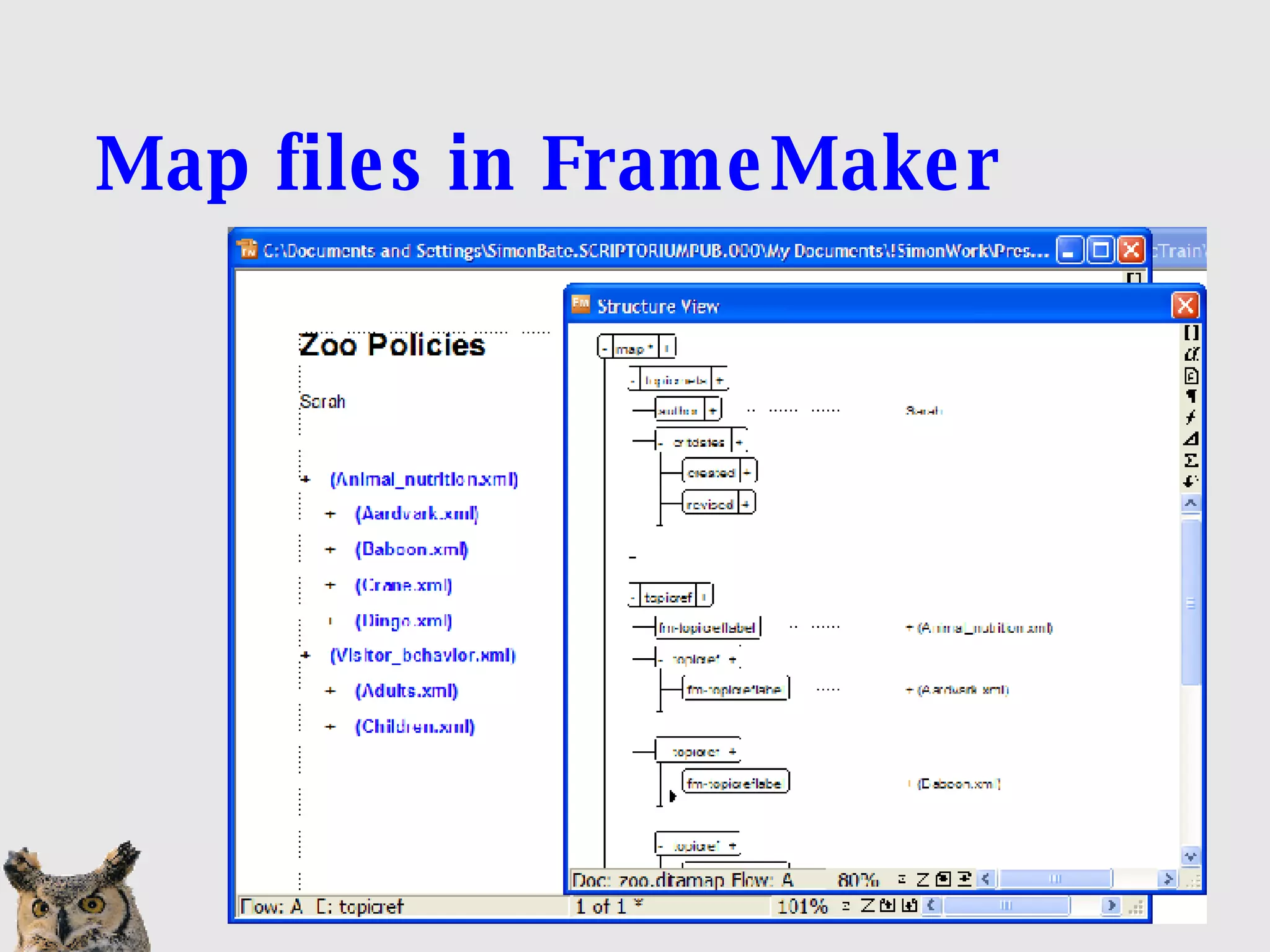
Map files in FrameMaker
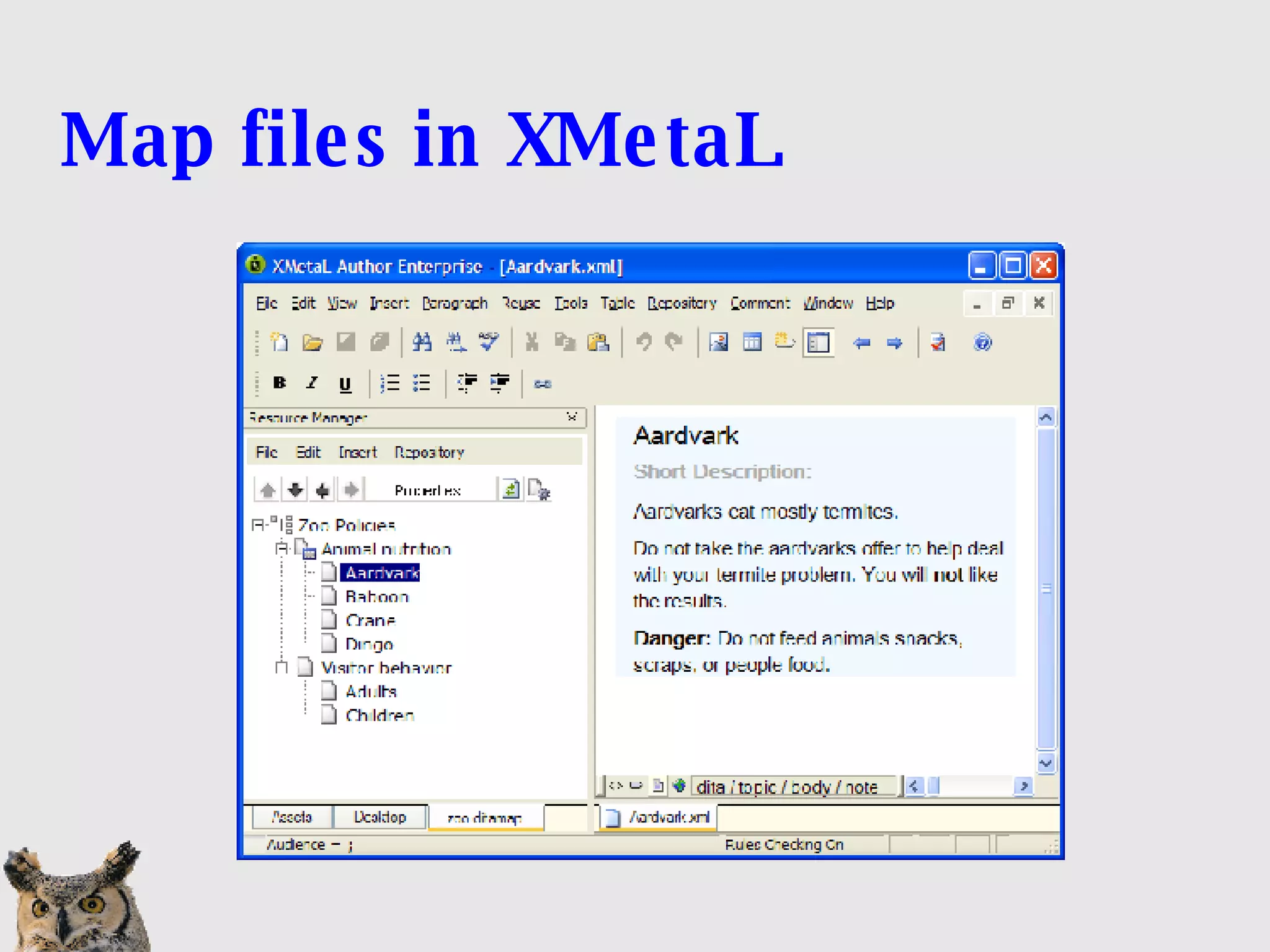
Map files in XMetaL
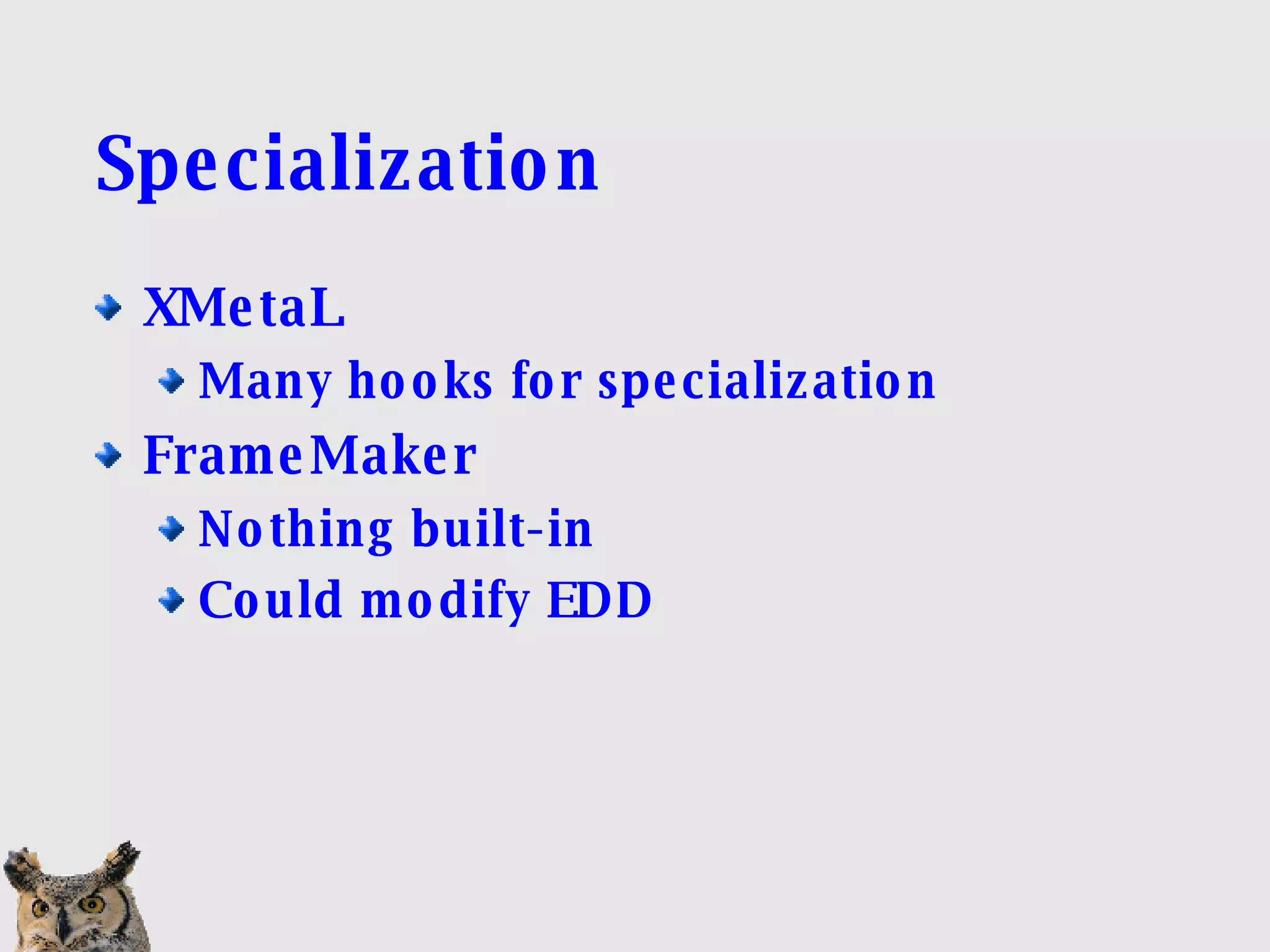
Specialization XMetaL Many hooks for specialization FrameMaker Nothing built-in Could modify EDD
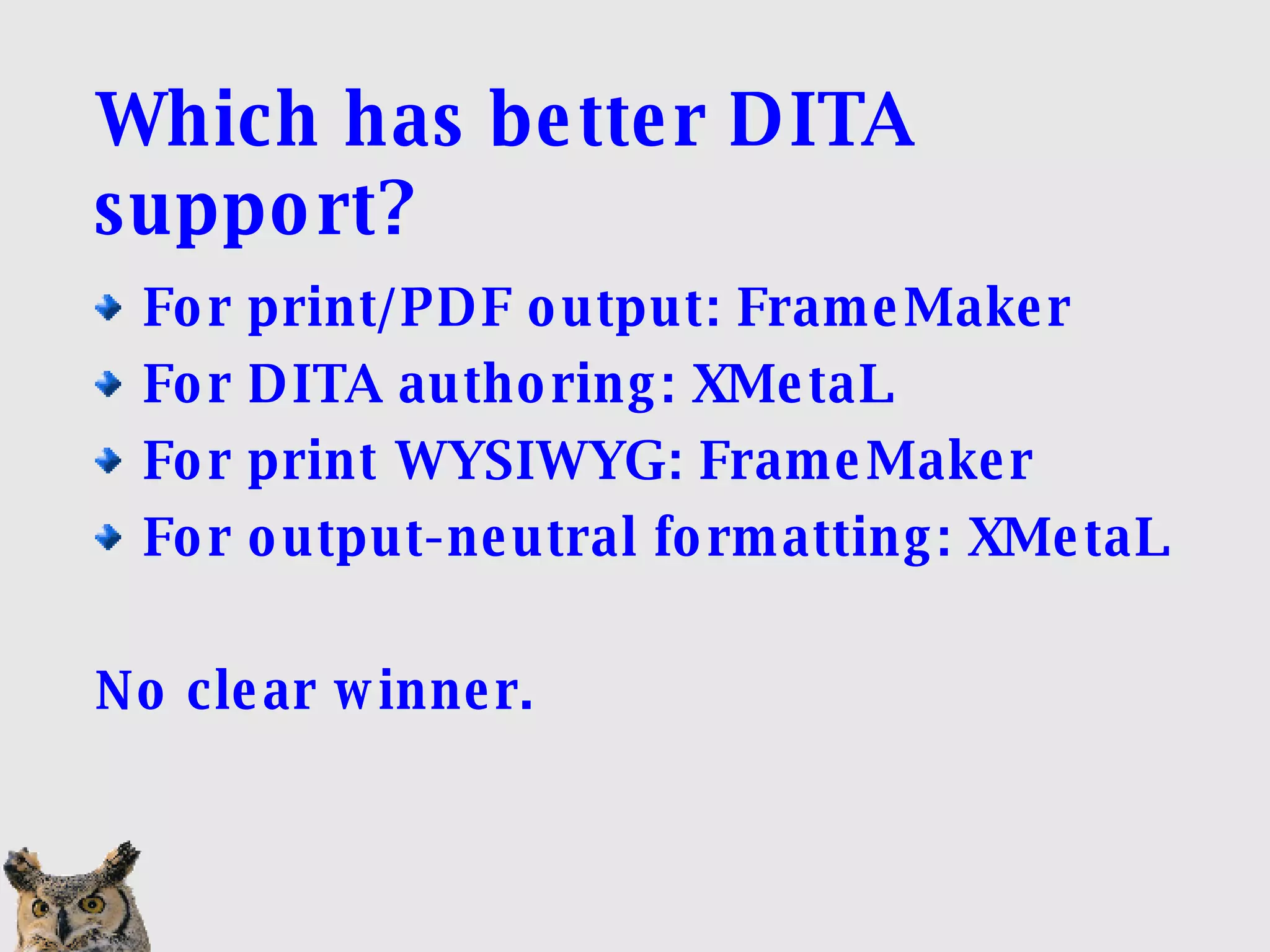
Which has better DITA support? For print/PDF output: FrameMaker For DITA authoring: XMetaL For print WYSIWYG: FrameMaker For output-neutral formatting: XMetaL No clear winner.
How important is print publishing? It's much easier to produce high-end print/PDF from FrameMaker. Print/PDF publishing through Open Toolkit is not satisfactory. WYSIWYG presentation in FrameMaker is a plus for print-centric workflows. WYSIOO presentation in XMetaL is a plus for authoring without focusing on print.
How much control should authors have? Because FrameMaker combines authoring and publishing, authors have more control Can create and publish with invalid content XMetaL enables DITA authoring; separates out publishing Does not allow invalid content in normal authoring. Think workflow and sharing topics
Do you need cross-browser, cross-platform help? HTMLHelp (CHM)‏ Not cross-platform XMetaL and FrameMaker (3 rd -party or OT)‏ XHTML-based Help FrameMaker and 3 rd -party converters Eclipse Help XMetaL and FrameMaker (via OT)‏ Requires Eclipse infrastructure
Transition issues Current unstructured FrameMaker users will find structured FrameMaker easier than XMetaL (mostly). Developer types  may  prefer XMetaL. FrameMaker includes conversion utility. (Of course, you could convert in FrameMaker and then use the converted content in another XML tool.)‏
Do you need to specialize? You will have to implement FrameMaker support yourself. XMetaL supports use of specialized DTDs.
Graphics Many more formats supported in FrameMaker. In XMetaL, PDF output with EPS images requires Acrobat Distiller. Callouts a problem in either: Layers in graphic file? FrameMaker callouts are flattened on export to XML.
Attributes Attributes Inspector (XMetaL) is easier to use than Attributes Editor (FrameMaker). But...attributes show up in FrameMaker structure view and not in XMetaL structure view.
Summary Your priorities will dictate which tool is a better fit for your organization. Each application has significant strengths and weaknesses. Authoring paradigms are significantly different.
Resources DITA @ OASIS http://www.oasis-open.org/committees/ tc_home.php?wg_abbrev=dita White papers Available on CD at our booth www.scriptorium.com/papers.html Please leave a business card or your email address if you want the handouts.
Contact information Simon Bate Scriptorium Publishing Services www.scriptorium.com [email_address] 919 481-2701 x106
Questions

Comparing DITA Support in XMetaL and FrameMaker

  • 1.
    Comparing DITA supportin XMetaL and FrameMaker Simon Bate Scriptorium Publishing www.scriptorium.com
  • 2.
    Agenda Authoring Conditional processing Generating output Cross-references and conrefs Map files Specialization Consider your needs
  • 3.
    About the presenterBased in Research Triangle, North Carolina Senior Technical Consultant at Scriptorium 30+ years experience in Technical Publications Long-time FrameMaker user Instructor for Scriptorium classes: XMetaL DITA XSL in Publications
  • 4.
    A note aboutScriptorium Affiliated with Adobe as Adobe Authorized Training Center Affiliated with JustSystems as a Certified Services Partner Nonetheless, I think you'll find this presentation quite candid about each tool's strengths and weaknesses.
  • 5.
    Questions Please askquestions. I may defer some questions to the end of the presentation.
  • 6.
    FrameMaker highlights High-qualityprint/PDF output Formatting control is built in Ability to &quot;tweak&quot; formatting, such as page breaks WYSIWYG for print/PDF
  • 7.
    XMetaL highlights Abilityto edit XML directly Integration with DITA Open Toolkit Not WYSIWYG for print Specialization support DITA 1.1 support
  • 8.
  • 9.
    XMetaL Authoring highlights Code (&quot;plain text&quot;) view Structure view (block only)‏ Format-neutral WYSIOO presentation No invalid content allowed Elements grouped by type (Insert menu)‏
  • 10.
  • 11.
    FrameMaker authoring highlightsWYSIWYG for print/PDF Structure view is complete Document window/structure view combination Invalid content allowed
  • 12.
    Conditional processing inFrameMaker Traditional FrameMaker conditions In 8.0, allows expressions FM information is saved in XML output But the information is not DITA Use attributes Special > Filter by attributes
  • 13.
    ditaval files FrameMaker: only when using DITA Open Toolkit XMetaL: hidden by conditional GUI Use Export to create ditaval file
  • 14.
    Generating output inXMetaL Open Toolkit RenderX for PDF via Open Toolkit HTML-based help
  • 15.
    Generating output inFrameMaker PDF Open Toolkit (install plug-in)‏ FrameMaker book from DITA map HTML-based help
  • 16.
    Cross-references in FrameMakerFrameMaker <fm-xref> element Only reference a selected set of elements Creates active links in PDF files DITA <xref> elements Can reference any element in any topic Can contain alternate text (not just the title)‏ Does not create active links in PDF files
  • 17.
    Cross-references in XMetaLInsert > Link Cross-reference File reference Web link Can change text in <xref> element Converted correctly in Open Toolkit
  • 18.
  • 19.
  • 20.
    Map files inFrameMaker
  • 21.
  • 22.
    Specialization XMetaL Manyhooks for specialization FrameMaker Nothing built-in Could modify EDD
  • 23.
    Which has betterDITA support? For print/PDF output: FrameMaker For DITA authoring: XMetaL For print WYSIWYG: FrameMaker For output-neutral formatting: XMetaL No clear winner.
  • 24.
    How important isprint publishing? It's much easier to produce high-end print/PDF from FrameMaker. Print/PDF publishing through Open Toolkit is not satisfactory. WYSIWYG presentation in FrameMaker is a plus for print-centric workflows. WYSIOO presentation in XMetaL is a plus for authoring without focusing on print.
  • 25.
    How much controlshould authors have? Because FrameMaker combines authoring and publishing, authors have more control Can create and publish with invalid content XMetaL enables DITA authoring; separates out publishing Does not allow invalid content in normal authoring. Think workflow and sharing topics
  • 26.
    Do you needcross-browser, cross-platform help? HTMLHelp (CHM)‏ Not cross-platform XMetaL and FrameMaker (3 rd -party or OT)‏ XHTML-based Help FrameMaker and 3 rd -party converters Eclipse Help XMetaL and FrameMaker (via OT)‏ Requires Eclipse infrastructure
  • 27.
    Transition issues Currentunstructured FrameMaker users will find structured FrameMaker easier than XMetaL (mostly). Developer types may prefer XMetaL. FrameMaker includes conversion utility. (Of course, you could convert in FrameMaker and then use the converted content in another XML tool.)‏
  • 28.
    Do you needto specialize? You will have to implement FrameMaker support yourself. XMetaL supports use of specialized DTDs.
  • 29.
    Graphics Many moreformats supported in FrameMaker. In XMetaL, PDF output with EPS images requires Acrobat Distiller. Callouts a problem in either: Layers in graphic file? FrameMaker callouts are flattened on export to XML.
  • 30.
    Attributes Attributes Inspector(XMetaL) is easier to use than Attributes Editor (FrameMaker). But...attributes show up in FrameMaker structure view and not in XMetaL structure view.
  • 31.
    Summary Your prioritieswill dictate which tool is a better fit for your organization. Each application has significant strengths and weaknesses. Authoring paradigms are significantly different.
  • 32.
    Resources DITA @OASIS http://www.oasis-open.org/committees/ tc_home.php?wg_abbrev=dita White papers Available on CD at our booth www.scriptorium.com/papers.html Please leave a business card or your email address if you want the handouts.
  • 33.
    Contact information SimonBate Scriptorium Publishing Services www.scriptorium.com [email_address] 919 481-2701 x106
  • 34.