FROM PLANNING TO PUBLISHING How Business Objects migrated to DITA COPYRIGHT © 2008, BUSINESS OBJECTS S.A.
AGENDA About us Reasons for change Migrating to DITA Other Changes Required How did we do? Lessons Learned
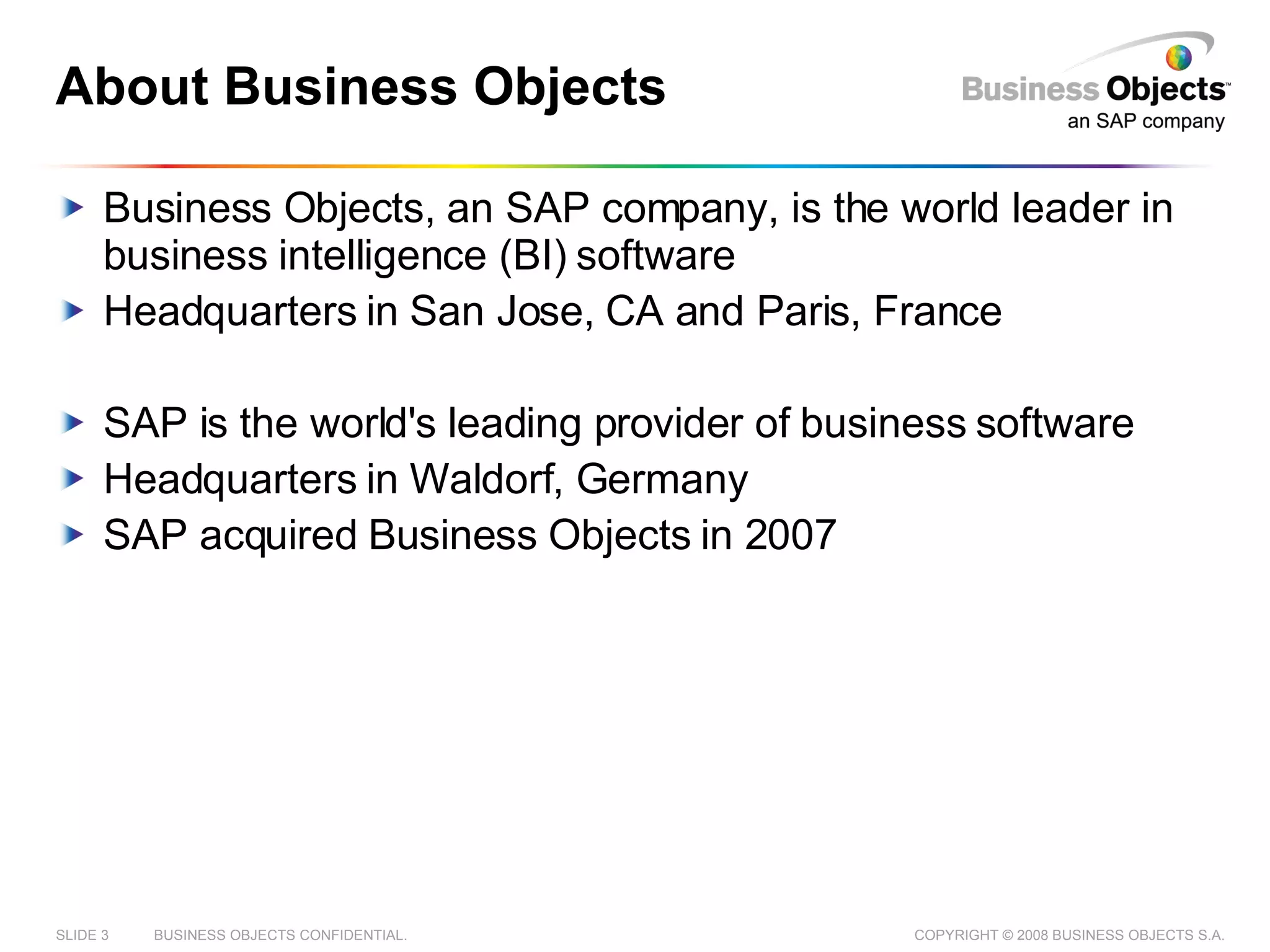
About Business Objects Business Objects, an SAP company, is the world leader in business intelligence (BI) software Headquarters in San Jose, CA and Paris, France SAP is the world's leading provider of business software Headquarters in Waldorf, Germany SAP acquired Business Objects in 2007
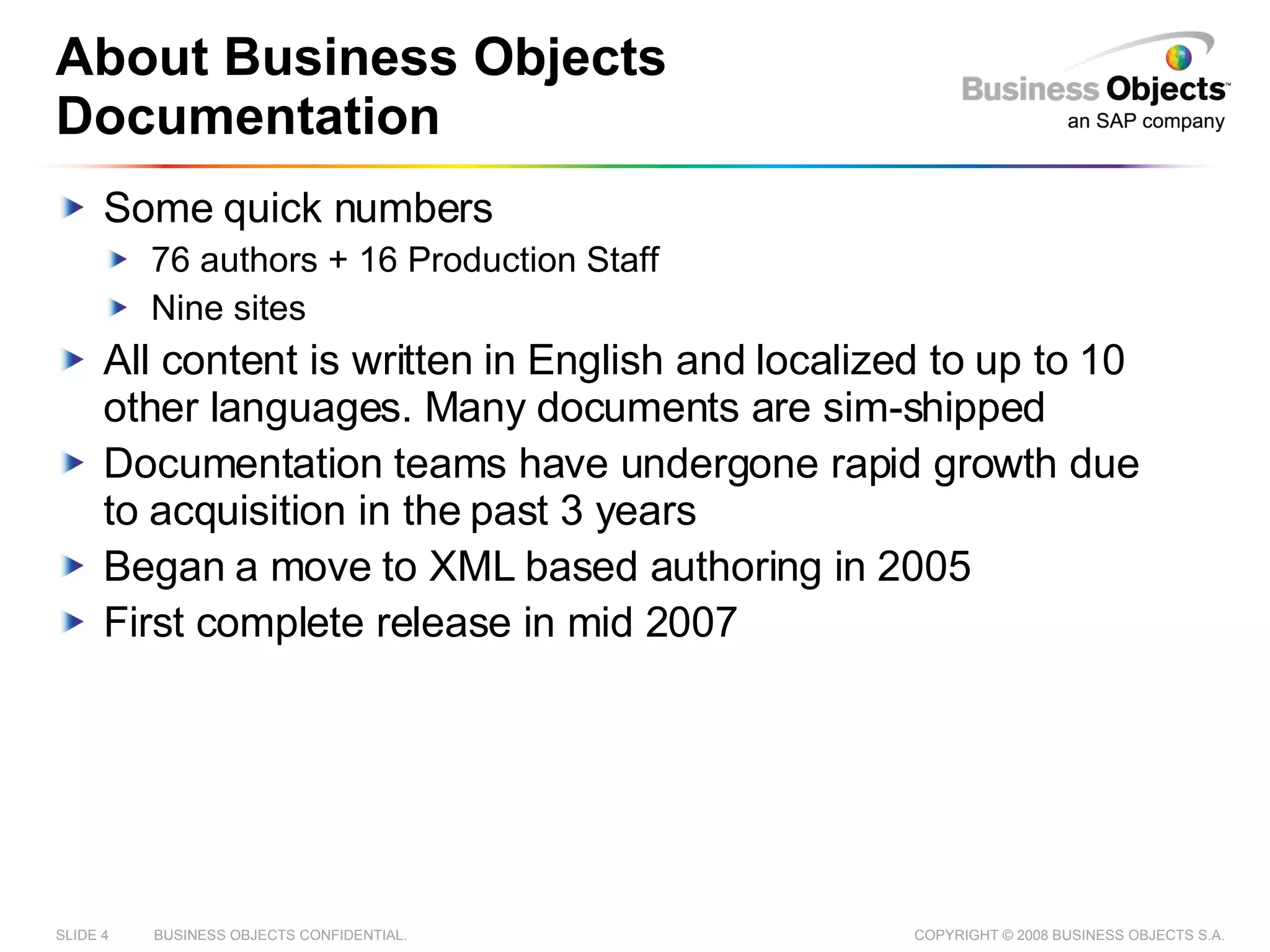
About Business Objects Documentation Some quick numbers 76 authors + 16 Production Staff Nine sites All content is written in English and localized to up to 10 other languages. Many documents are sim-shipped Documentation teams have undergone rapid growth due to acquisition in the past 3 years Began a move to XML based authoring in 2005 First complete release in mid 2007
Reasons for Change
Motivation for Change (1/2) Fast growth due to acquisitions of other companies brought inconsistencies Supported 6+ file formats Different team structures and cultures Different styles and guidelines Authors suffered from inefficient processes Manual processes made up a large portion of an authors work Inconsistent tools and processes increased overhead Writers spent time recreating existing content and manually copying/pasting instead of single sourcing
Motivation for Change (2/2) Translation process was expensive Had to manage multiple character encodings Large number of queries about English source content Simultaneous shipment of software in 8 languages meant complex schedules and tight deadlines Publishing process was overly complicated Build times were as high as 2 days per deliverable per language Multiple tools meant supporting multiple publishing processes
Why did we choose XML? Support for end-to-end Unicode encoding Improved reporting on content and automated workflows Separation of content and format: centralized, standardized output But we needed a DTD…
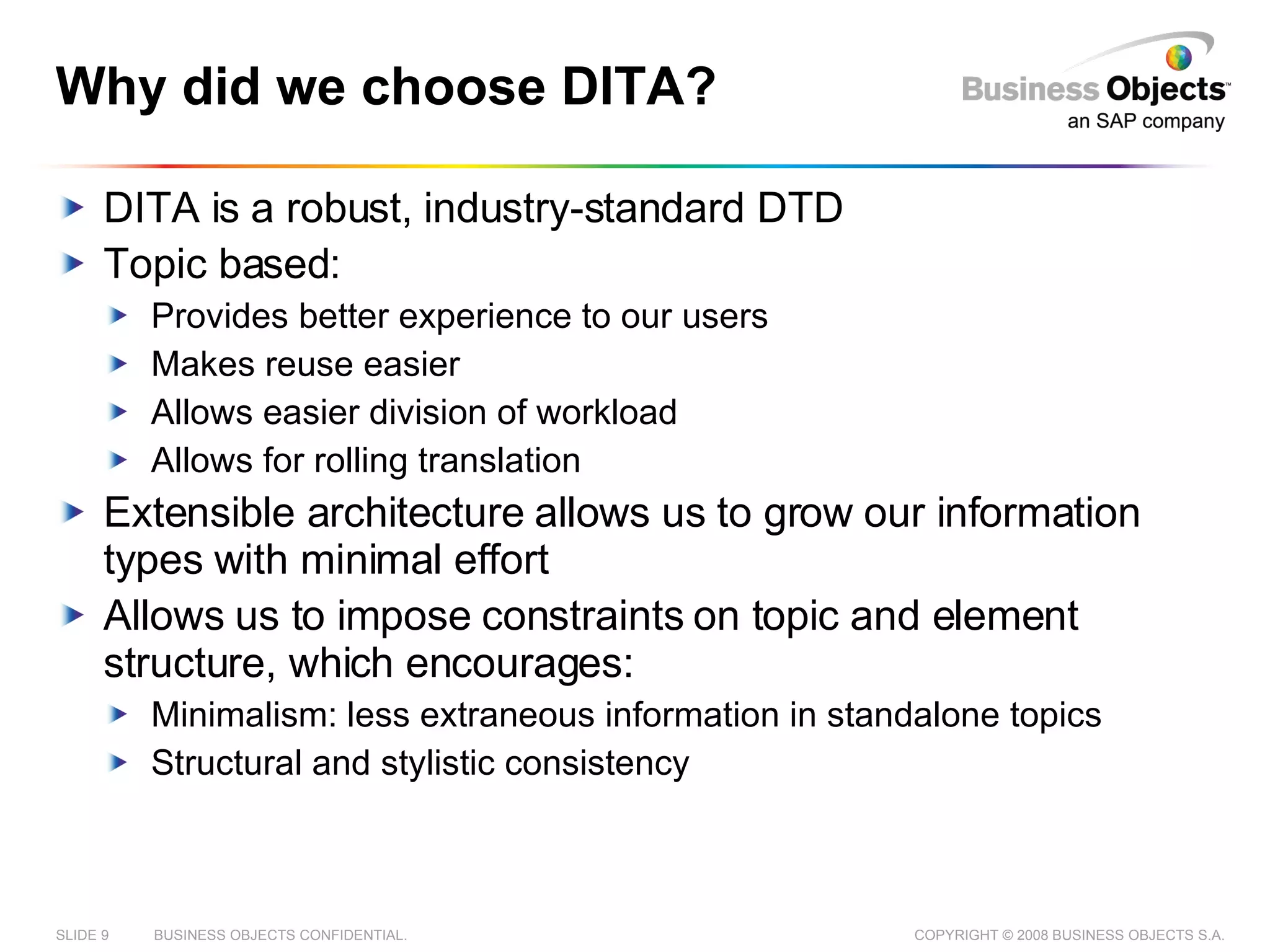
Why did we choose DITA? DITA is a robust, industry-standard DTD Topic based: Provides better experience to our users Makes reuse easier Allows easier division of workload Allows for rolling translation Extensible architecture allows us to grow our information types with minimal effort Allows us to impose constraints on topic and element structure, which encourages: Minimalism: less extraneous information in standalone topics Structural and stylistic consistency
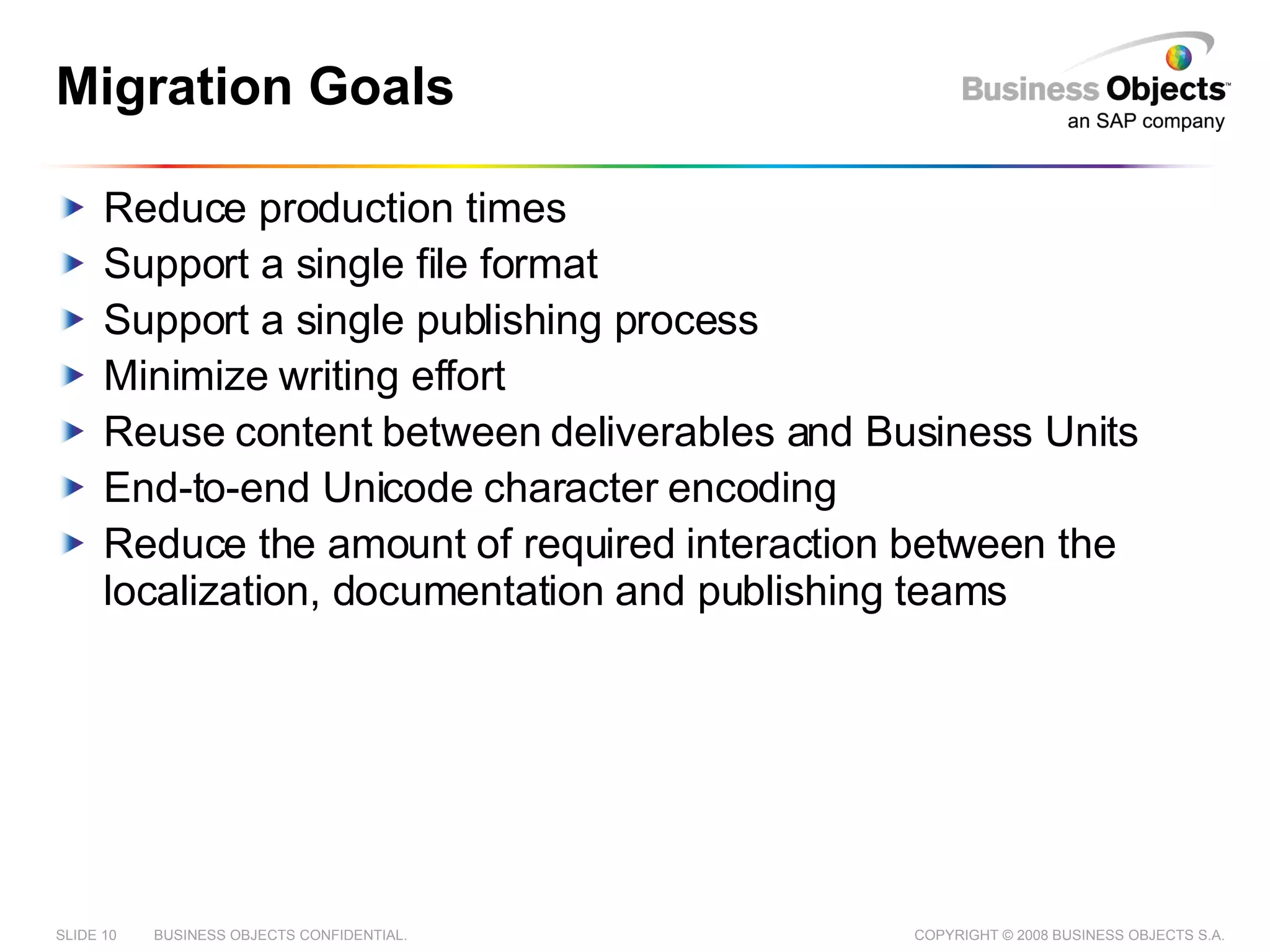
Migration Goals Reduce production times Support a single file format Support a single publishing process Minimize writing effort Reuse content between deliverables and Business Units End-to-end Unicode character encoding Reduce the amount of required interaction between the localization, documentation and publishing teams
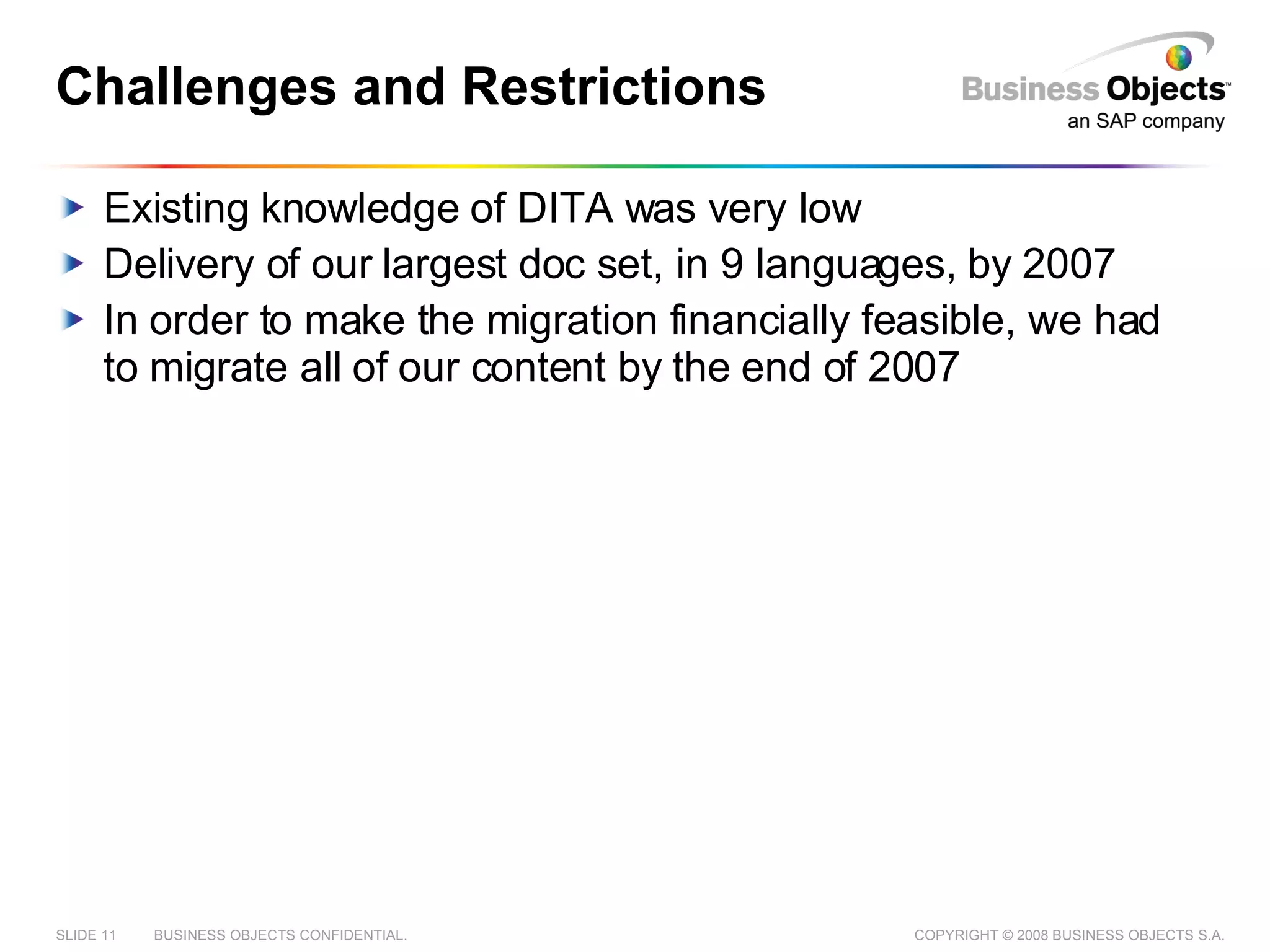
Challenges and Restrictions Existing knowledge of DITA was very low Delivery of our largest doc set, in 9 languages, by 2007 In order to make the migration financially feasible, we had to migrate all of our content by the end of 2007
Migrating to DITA How did we get from there, to here?
Components of a Successful Migration Content and Reuse analysis DITA specialization New Authoring tools Content Management System Publishing process Automated migration process
Content and Reuse analysis Conducted initial analysis, including: Content analysis Reuse analysis Tools analysis Designed a roadmap that included all teams Decided to migrate to DITA 1.0 with no specialization Reuse strategy would be implemented later in the project Created rough plans for content alignment and rework
Authoring Tool Authoring tools may have to change Any XML Friendly Editor should be fine We selected XMetaL for DITA authoring Highly visual XML Editor  Direct integration with our Content Management System Several extension points
Content Management System A good Content Management Tool: Is a common place to store files Allows multiple people to work on the same files Includes tools to find, group, sort and categorize information Includes tools to publish information to other sources A good Globalization Management Tool: Supports the maintenance and deployment of multi-lingual versions of the same content Custom formatting for each language Provides additional tools for translation to the people that need them We Selected Idiom’s WorldServer
Publishing System Nearly all publishing is handled through WorldServer  Exceptions for some release material or API material. We single source to the following formats: PDF x 3 styles (for review, product whitepaper, product guide) CHM x 3 styles (for review, help, .NET2005) HxS Eclipse Help HTML Flat XML All languages published using the same workflows Initial customization of publishing process done in house Hired an XSL Developer to work on publishing full time
Automated Migration to DITA
Creating an Automated Process Most migration tasks can be automated Some tools freely available Any automation will require customization Any customization will require technical expertise No automation is perfect
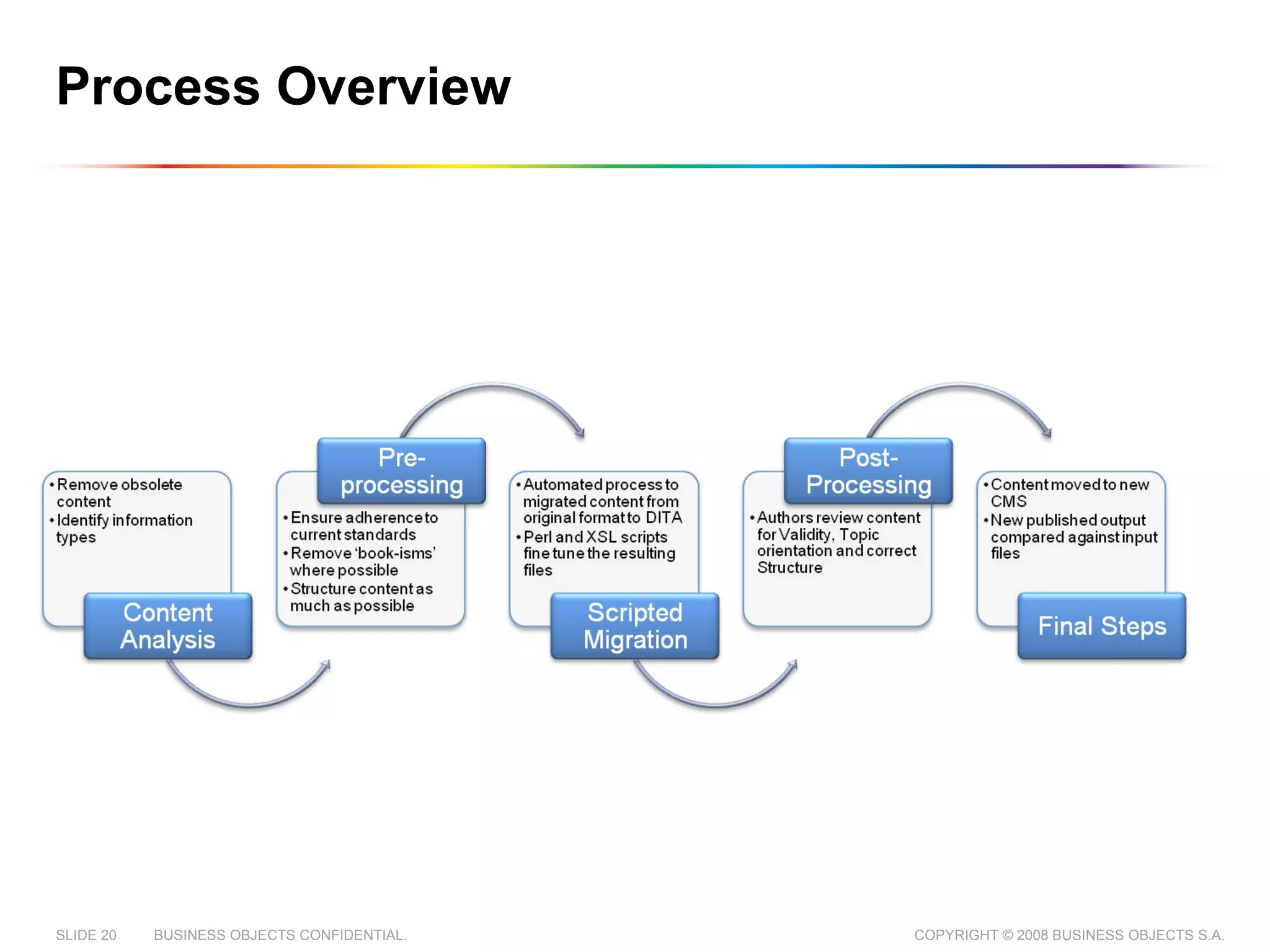
Process Overview
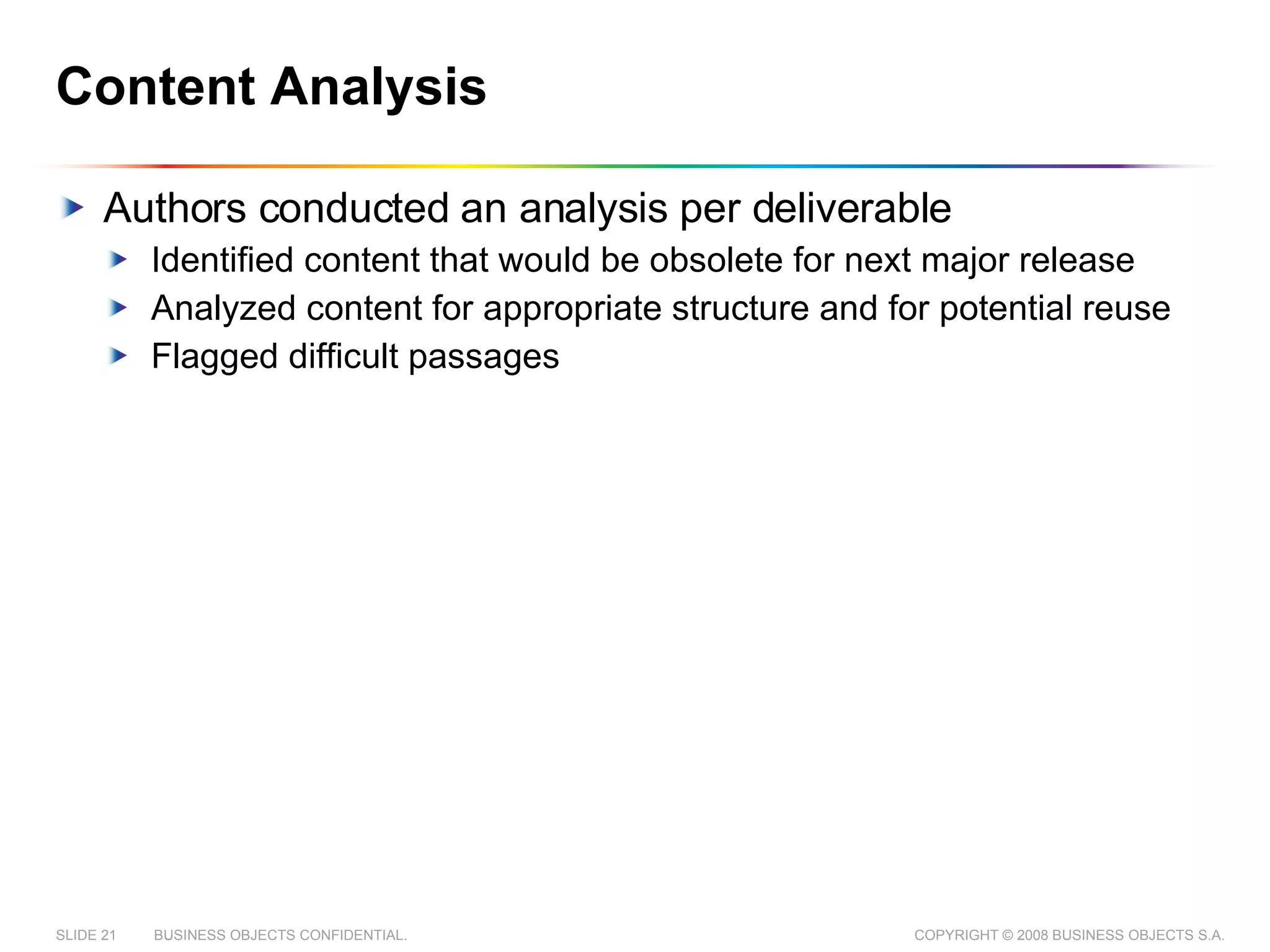
Content Analysis Authors conducted an analysis per deliverable Identified content that would be obsolete for next major release Analyzed content for appropriate structure and for potential reuse  Flagged difficult passages
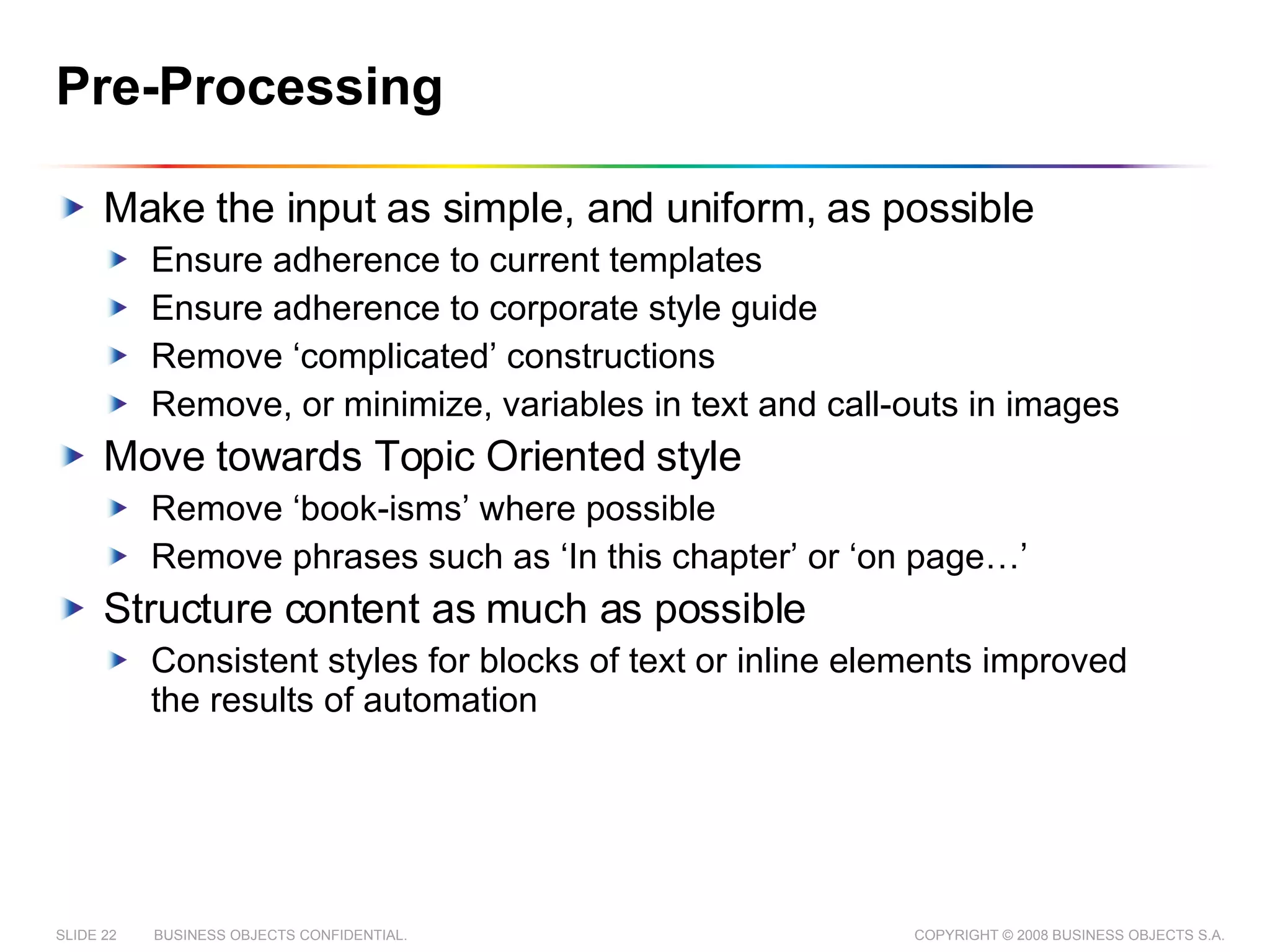
Pre-Processing Make the input as simple, and uniform, as possible Ensure adherence to current templates Ensure adherence to corporate style guide Remove ‘complicated’ constructions Remove, or minimize, variables in text and call-outs in images Move towards Topic Oriented style Remove ‘book-isms’ where possible Remove phrases such as ‘In this chapter’ or ‘on page…’ Structure content as much as possible Consistent styles for blocks of text or inline elements improved the results of automation
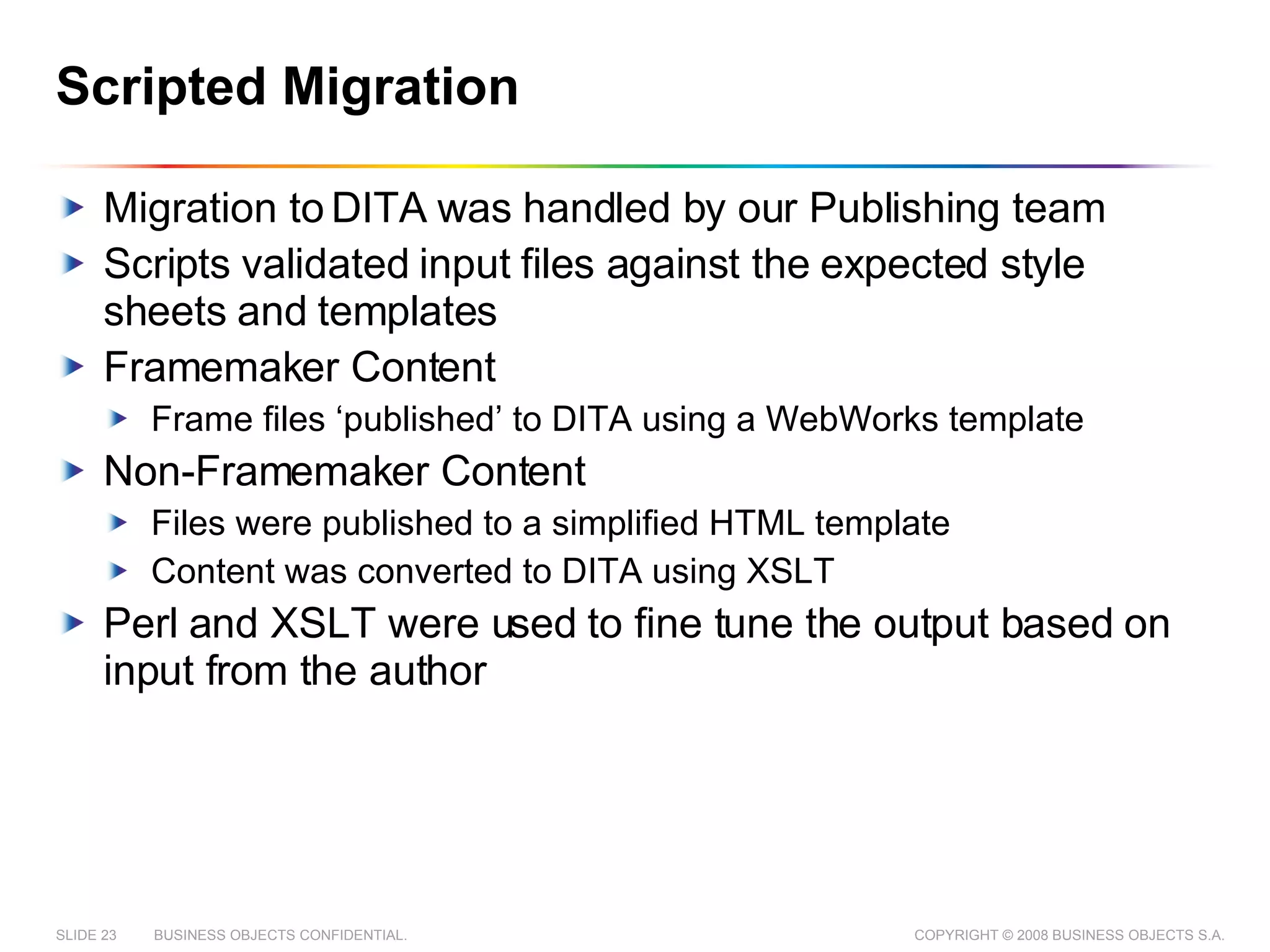
Scripted Migration Migration to DITA was handled by our Publishing team Scripts validated input files against the expected style sheets and templates Framemaker Content  Frame files ‘published’ to DITA using a WebWorks template Non-Framemaker Content Files were published to a simplified HTML template Content was converted to DITA using XSLT Perl and XSLT were used to fine tune the output based on input from the author
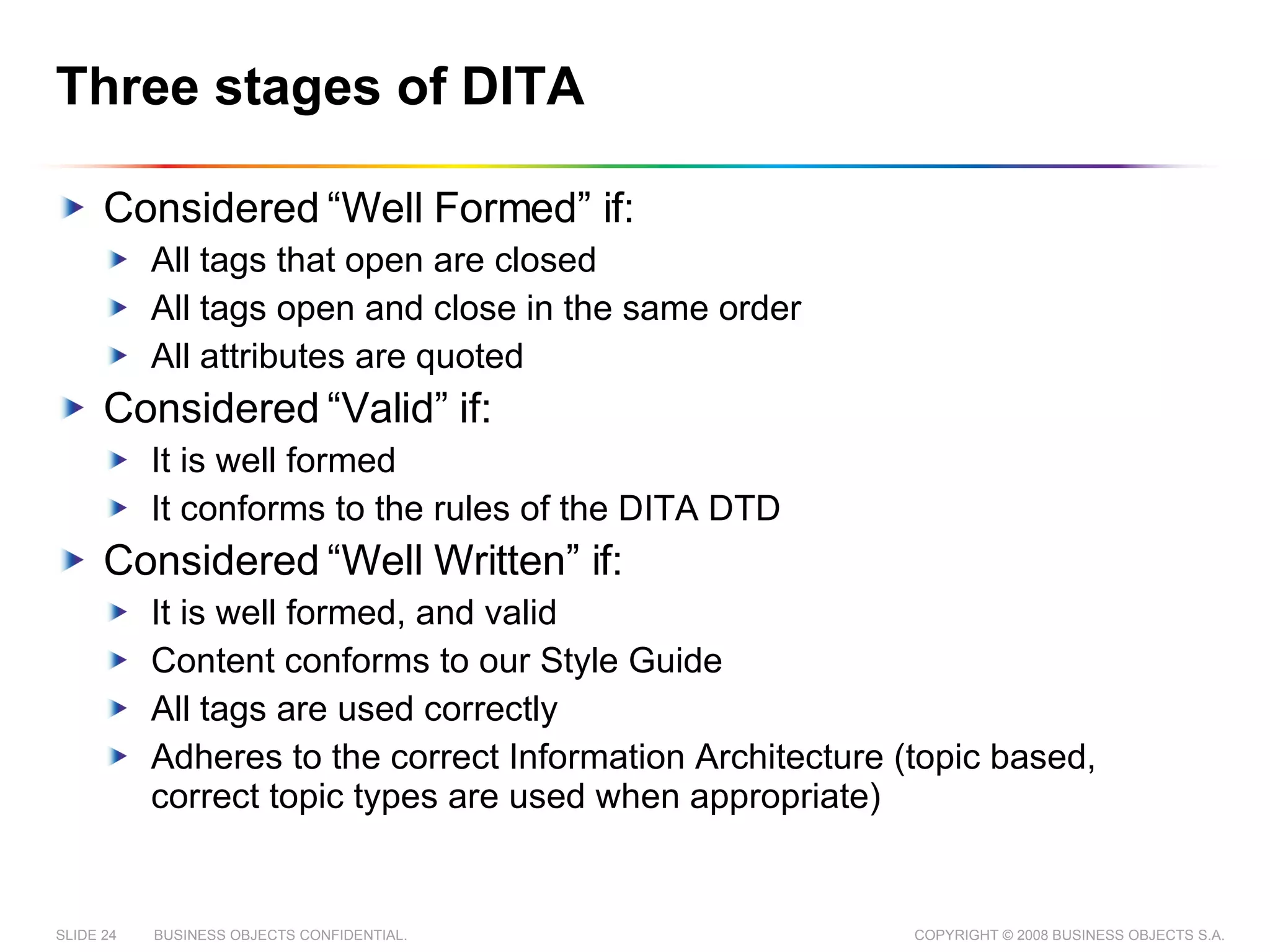
Three stages of DITA Considered “Well Formed” if: All tags that open are closed All tags open and close in the same order All attributes are quoted Considered “Valid” if: It is well formed It conforms to the rules of the DITA DTD Considered “Well Written” if: It is well formed, and valid Content conforms to our Style Guide All tags are used correctly Adheres to the correct Information Architecture (topic based, correct topic types are used when appropriate)
Post-Processing Content from migration was: Guaranteed to be Valid 80% Structurally correct 20-80% topic based Authors examined resulting files and improved content as necessary No more than 10% of the content required re-writing Most rewriting occurred because the input files were not topic based
Final Steps Content moved to new CMS New published output compared against input files Authors published content in familiar file formats, and compared the output against the original files Authors published content to unfamiliar formats, and examined the output for oddities Localization teams scoped the new files for loc impact Translation Memories were adjusted programmatically where possible to reduce the impact of the changes Input files changed programmatically to filter out some content from translation
Other changes required
Process Refinement Continual improvement of migration process Write scripts to migrate content to DITA Write scripts to fine tune results Test scripts on a sample set Work with authors to identify pain points Repeat… Began enforcing stricter limitations on input files
Changes for Authors New Authoring Tool New Content Management System Direct integration with our authoring tool made managing files easier New Content Management System easier to use, but less robust, than previous system Software strings extracted from source code for use in error message guides New Style Guide Created new roles to handle concerns or confusion about the new format
Changes for Localization TM adjusted programmatically to reduce the impact of the new file format Filters put in place to restrict the type of content that is exposed for translation Workflows introduced to automate translation process Interactions with vendors changed New translation tools New systems for translating graphics and screenshots (graphics now translated as text)
Changes for Publishing All content uses a single file format Redesigned our publishing layer (several times) to be more extensible Had to develop custom transforms for formats that were previously produced with proprietary software Introduced tools for automated QA testing Created processes to automate publishing of content, and incorporate output into the product build
How did we do?
Migration Goals: Revisited Reduce production times Support a single file format Support a single publishing process Minimize writing effort Reuse content between deliverables and Business Units End-to-end Unicode character encoding Reduce the amount of required interaction between the localization, documentation and publishing teams
Documentation in 2008 Criteria 2005 2008 Teams 6 14 Tools/Formats supported Word, Framemaker 6/7, Robohelp, (forehelp), JavaDoc, .Net XML XMetaL and DITA Content Management Perforce WorldServer Translation Trados WorldServer Publishing Combination of people, and WebWorks WorldServer Managing Published Content Fully manual 50% Automation (and more on the way!)
Unexpected Benefits Less source content Increased adherence to standards and style guidelines Collaboration across the sites Improved flexibility with published output The technology has given us more flexibility Pulling content directly from source code Direct integration with the build system
Room for improvement Lost some doc-related features Process automation needs review Some workflows not effective Some workflows take too long, or are too tedious Discovered commonalities in content that can be better represented through topic specialization Information Architecture still fairly rudimentary
Lessons Learned Some additional wisdom we picked up along the way
Education General education should be provided early Theoretical DITA Topic Oriented Writing Structured Writing Principles Specific education should be provided as needed DITA tag reference  Specific tools training Classroom training can help improve confidence Some material should always be available for on boarding Skill with DITA is not yet common – some degree of training will need to be provided for any new hires
DITA is not ‘Just XML’ DITA implies a content architecture and necessitates Information Typing The DITA DTD is not simple The Open Toolkit Transformations are not trivial
Planning Plan extra time for: Migration workload for writers Rewriting of content Bug resolution before first release Analyze the cost and the business case Is it a worthwhile investment? Get 100% commitment Upper management commit to cost Writers commit to change and to migration schedule
Communication Separate tools and content architecture decisions Create a dedicated tools team Leverage the tools as much as possible Create a single point of contact for style changes Determine tagging rules and ‘special cases’ as early as possible With no guidance, authors are forced to make their own decisions Not everything needs to be done at once, but clear milestones need to be set for when things will be done
General The migration requires some initial investment from all parties The most difficult move for us was the move to Topic Oriented Authoring The ‘cleaner’ your input, the better your output will be Dedicate resources for customizing publishing output
Questions? Feel free to email me at dave.holmes@sap.com

From Planning to Publishing: How Business Objects Migrated Documentation to DITA One Step at a Time

  • 1.
    FROM PLANNING TOPUBLISHING How Business Objects migrated to DITA COPYRIGHT © 2008, BUSINESS OBJECTS S.A.
  • 2.
    AGENDA About usReasons for change Migrating to DITA Other Changes Required How did we do? Lessons Learned
  • 3.
    About Business ObjectsBusiness Objects, an SAP company, is the world leader in business intelligence (BI) software Headquarters in San Jose, CA and Paris, France SAP is the world's leading provider of business software Headquarters in Waldorf, Germany SAP acquired Business Objects in 2007
  • 4.
    About Business ObjectsDocumentation Some quick numbers 76 authors + 16 Production Staff Nine sites All content is written in English and localized to up to 10 other languages. Many documents are sim-shipped Documentation teams have undergone rapid growth due to acquisition in the past 3 years Began a move to XML based authoring in 2005 First complete release in mid 2007
  • 5.
  • 6.
    Motivation for Change(1/2) Fast growth due to acquisitions of other companies brought inconsistencies Supported 6+ file formats Different team structures and cultures Different styles and guidelines Authors suffered from inefficient processes Manual processes made up a large portion of an authors work Inconsistent tools and processes increased overhead Writers spent time recreating existing content and manually copying/pasting instead of single sourcing
  • 7.
    Motivation for Change(2/2) Translation process was expensive Had to manage multiple character encodings Large number of queries about English source content Simultaneous shipment of software in 8 languages meant complex schedules and tight deadlines Publishing process was overly complicated Build times were as high as 2 days per deliverable per language Multiple tools meant supporting multiple publishing processes
  • 8.
    Why did wechoose XML? Support for end-to-end Unicode encoding Improved reporting on content and automated workflows Separation of content and format: centralized, standardized output But we needed a DTD…
  • 9.
    Why did wechoose DITA? DITA is a robust, industry-standard DTD Topic based: Provides better experience to our users Makes reuse easier Allows easier division of workload Allows for rolling translation Extensible architecture allows us to grow our information types with minimal effort Allows us to impose constraints on topic and element structure, which encourages: Minimalism: less extraneous information in standalone topics Structural and stylistic consistency
  • 10.
    Migration Goals Reduceproduction times Support a single file format Support a single publishing process Minimize writing effort Reuse content between deliverables and Business Units End-to-end Unicode character encoding Reduce the amount of required interaction between the localization, documentation and publishing teams
  • 11.
    Challenges and RestrictionsExisting knowledge of DITA was very low Delivery of our largest doc set, in 9 languages, by 2007 In order to make the migration financially feasible, we had to migrate all of our content by the end of 2007
  • 12.
    Migrating to DITAHow did we get from there, to here?
  • 13.
    Components of aSuccessful Migration Content and Reuse analysis DITA specialization New Authoring tools Content Management System Publishing process Automated migration process
  • 14.
    Content and Reuseanalysis Conducted initial analysis, including: Content analysis Reuse analysis Tools analysis Designed a roadmap that included all teams Decided to migrate to DITA 1.0 with no specialization Reuse strategy would be implemented later in the project Created rough plans for content alignment and rework
  • 15.
    Authoring Tool Authoringtools may have to change Any XML Friendly Editor should be fine We selected XMetaL for DITA authoring Highly visual XML Editor Direct integration with our Content Management System Several extension points
  • 16.
    Content Management SystemA good Content Management Tool: Is a common place to store files Allows multiple people to work on the same files Includes tools to find, group, sort and categorize information Includes tools to publish information to other sources A good Globalization Management Tool: Supports the maintenance and deployment of multi-lingual versions of the same content Custom formatting for each language Provides additional tools for translation to the people that need them We Selected Idiom’s WorldServer
  • 17.
    Publishing System Nearlyall publishing is handled through WorldServer Exceptions for some release material or API material. We single source to the following formats: PDF x 3 styles (for review, product whitepaper, product guide) CHM x 3 styles (for review, help, .NET2005) HxS Eclipse Help HTML Flat XML All languages published using the same workflows Initial customization of publishing process done in house Hired an XSL Developer to work on publishing full time
  • 18.
  • 19.
    Creating an AutomatedProcess Most migration tasks can be automated Some tools freely available Any automation will require customization Any customization will require technical expertise No automation is perfect
  • 20.
  • 21.
    Content Analysis Authorsconducted an analysis per deliverable Identified content that would be obsolete for next major release Analyzed content for appropriate structure and for potential reuse Flagged difficult passages
  • 22.
    Pre-Processing Make theinput as simple, and uniform, as possible Ensure adherence to current templates Ensure adherence to corporate style guide Remove ‘complicated’ constructions Remove, or minimize, variables in text and call-outs in images Move towards Topic Oriented style Remove ‘book-isms’ where possible Remove phrases such as ‘In this chapter’ or ‘on page…’ Structure content as much as possible Consistent styles for blocks of text or inline elements improved the results of automation
  • 23.
    Scripted Migration Migrationto DITA was handled by our Publishing team Scripts validated input files against the expected style sheets and templates Framemaker Content Frame files ‘published’ to DITA using a WebWorks template Non-Framemaker Content Files were published to a simplified HTML template Content was converted to DITA using XSLT Perl and XSLT were used to fine tune the output based on input from the author
  • 24.
    Three stages ofDITA Considered “Well Formed” if: All tags that open are closed All tags open and close in the same order All attributes are quoted Considered “Valid” if: It is well formed It conforms to the rules of the DITA DTD Considered “Well Written” if: It is well formed, and valid Content conforms to our Style Guide All tags are used correctly Adheres to the correct Information Architecture (topic based, correct topic types are used when appropriate)
  • 25.
    Post-Processing Content frommigration was: Guaranteed to be Valid 80% Structurally correct 20-80% topic based Authors examined resulting files and improved content as necessary No more than 10% of the content required re-writing Most rewriting occurred because the input files were not topic based
  • 26.
    Final Steps Contentmoved to new CMS New published output compared against input files Authors published content in familiar file formats, and compared the output against the original files Authors published content to unfamiliar formats, and examined the output for oddities Localization teams scoped the new files for loc impact Translation Memories were adjusted programmatically where possible to reduce the impact of the changes Input files changed programmatically to filter out some content from translation
  • 27.
  • 28.
    Process Refinement Continualimprovement of migration process Write scripts to migrate content to DITA Write scripts to fine tune results Test scripts on a sample set Work with authors to identify pain points Repeat… Began enforcing stricter limitations on input files
  • 29.
    Changes for AuthorsNew Authoring Tool New Content Management System Direct integration with our authoring tool made managing files easier New Content Management System easier to use, but less robust, than previous system Software strings extracted from source code for use in error message guides New Style Guide Created new roles to handle concerns or confusion about the new format
  • 30.
    Changes for LocalizationTM adjusted programmatically to reduce the impact of the new file format Filters put in place to restrict the type of content that is exposed for translation Workflows introduced to automate translation process Interactions with vendors changed New translation tools New systems for translating graphics and screenshots (graphics now translated as text)
  • 31.
    Changes for PublishingAll content uses a single file format Redesigned our publishing layer (several times) to be more extensible Had to develop custom transforms for formats that were previously produced with proprietary software Introduced tools for automated QA testing Created processes to automate publishing of content, and incorporate output into the product build
  • 32.
  • 33.
    Migration Goals: RevisitedReduce production times Support a single file format Support a single publishing process Minimize writing effort Reuse content between deliverables and Business Units End-to-end Unicode character encoding Reduce the amount of required interaction between the localization, documentation and publishing teams
  • 34.
    Documentation in 2008Criteria 2005 2008 Teams 6 14 Tools/Formats supported Word, Framemaker 6/7, Robohelp, (forehelp), JavaDoc, .Net XML XMetaL and DITA Content Management Perforce WorldServer Translation Trados WorldServer Publishing Combination of people, and WebWorks WorldServer Managing Published Content Fully manual 50% Automation (and more on the way!)
  • 35.
    Unexpected Benefits Lesssource content Increased adherence to standards and style guidelines Collaboration across the sites Improved flexibility with published output The technology has given us more flexibility Pulling content directly from source code Direct integration with the build system
  • 36.
    Room for improvementLost some doc-related features Process automation needs review Some workflows not effective Some workflows take too long, or are too tedious Discovered commonalities in content that can be better represented through topic specialization Information Architecture still fairly rudimentary
  • 37.
    Lessons Learned Someadditional wisdom we picked up along the way
  • 38.
    Education General educationshould be provided early Theoretical DITA Topic Oriented Writing Structured Writing Principles Specific education should be provided as needed DITA tag reference Specific tools training Classroom training can help improve confidence Some material should always be available for on boarding Skill with DITA is not yet common – some degree of training will need to be provided for any new hires
  • 39.
    DITA is not‘Just XML’ DITA implies a content architecture and necessitates Information Typing The DITA DTD is not simple The Open Toolkit Transformations are not trivial
  • 40.
    Planning Plan extratime for: Migration workload for writers Rewriting of content Bug resolution before first release Analyze the cost and the business case Is it a worthwhile investment? Get 100% commitment Upper management commit to cost Writers commit to change and to migration schedule
  • 41.
    Communication Separate toolsand content architecture decisions Create a dedicated tools team Leverage the tools as much as possible Create a single point of contact for style changes Determine tagging rules and ‘special cases’ as early as possible With no guidance, authors are forced to make their own decisions Not everything needs to be done at once, but clear milestones need to be set for when things will be done
  • 42.
    General The migrationrequires some initial investment from all parties The most difficult move for us was the move to Topic Oriented Authoring The ‘cleaner’ your input, the better your output will be Dedicate resources for customizing publishing output
  • 43.
    Questions? Feel freeto email me at dave.holmes@sap.com