#evolverocks
INTRODUCTION TO AEM ASSETS
ABHISHEK DWEVEDI
August 31st, 2016
#evolverocks 2
Introduction to AEM
ASSETS
• Overview
• Benefits
• Demo
#evolverocks 3
AEM Assets is an application on the AEM
platform that allows enterprises to manage their
digital assets in a web-based repository.
AEM Assets includes metadata-support,
renditions, AEM Assets Administration UI etc.
AEM ASSETS:OVERVIEW
#evolverocks 4
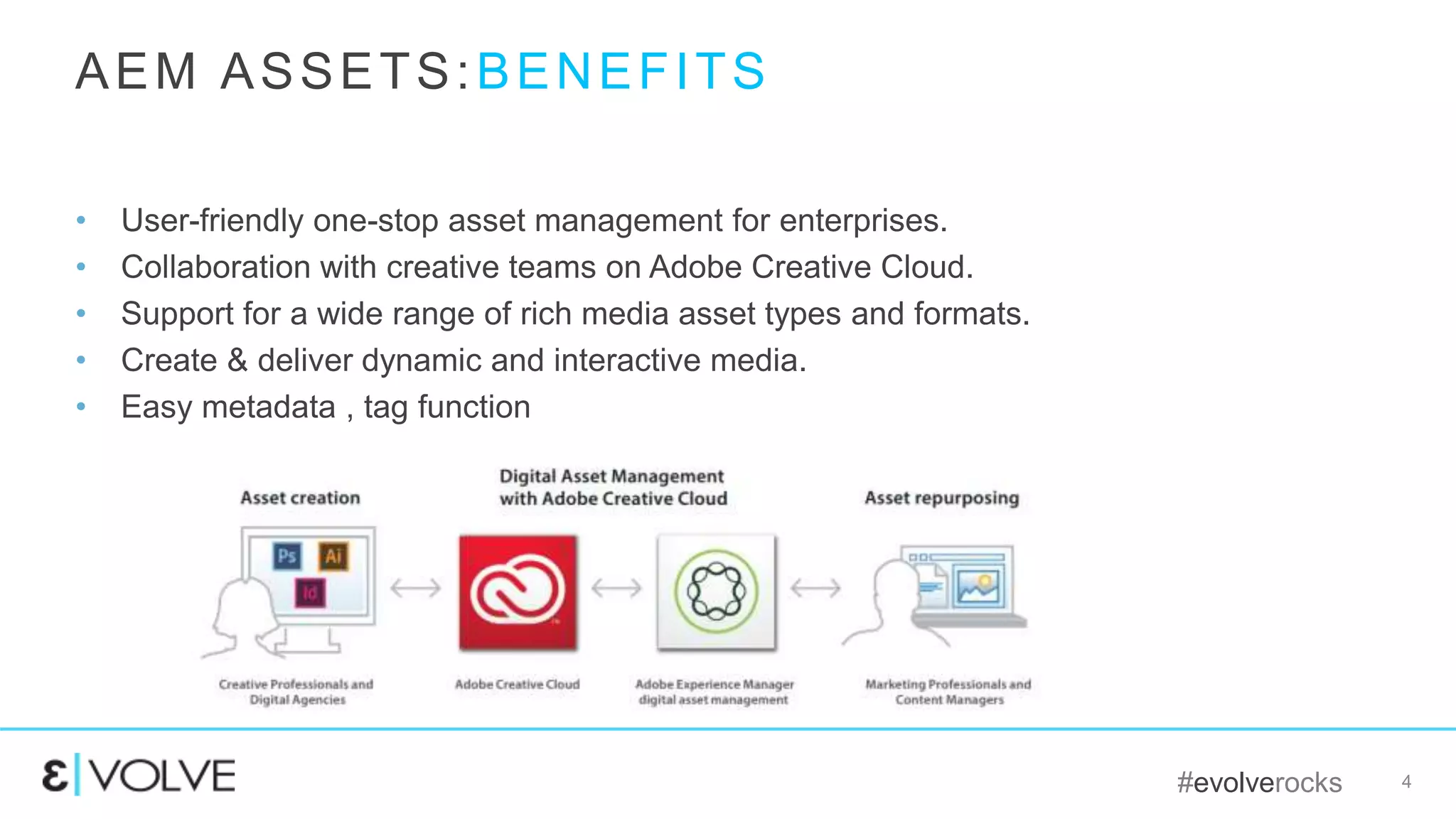
• User-friendly one-stop asset management for enterprises.
• Collaboration with creative teams on Adobe Creative Cloud.
• Support for a wide range of rich media asset types and formats.
• Create & deliver dynamic and interactive media.
• Easy metadata , tag function
AEM ASSETS:BENEFITS
#evolverocks 5
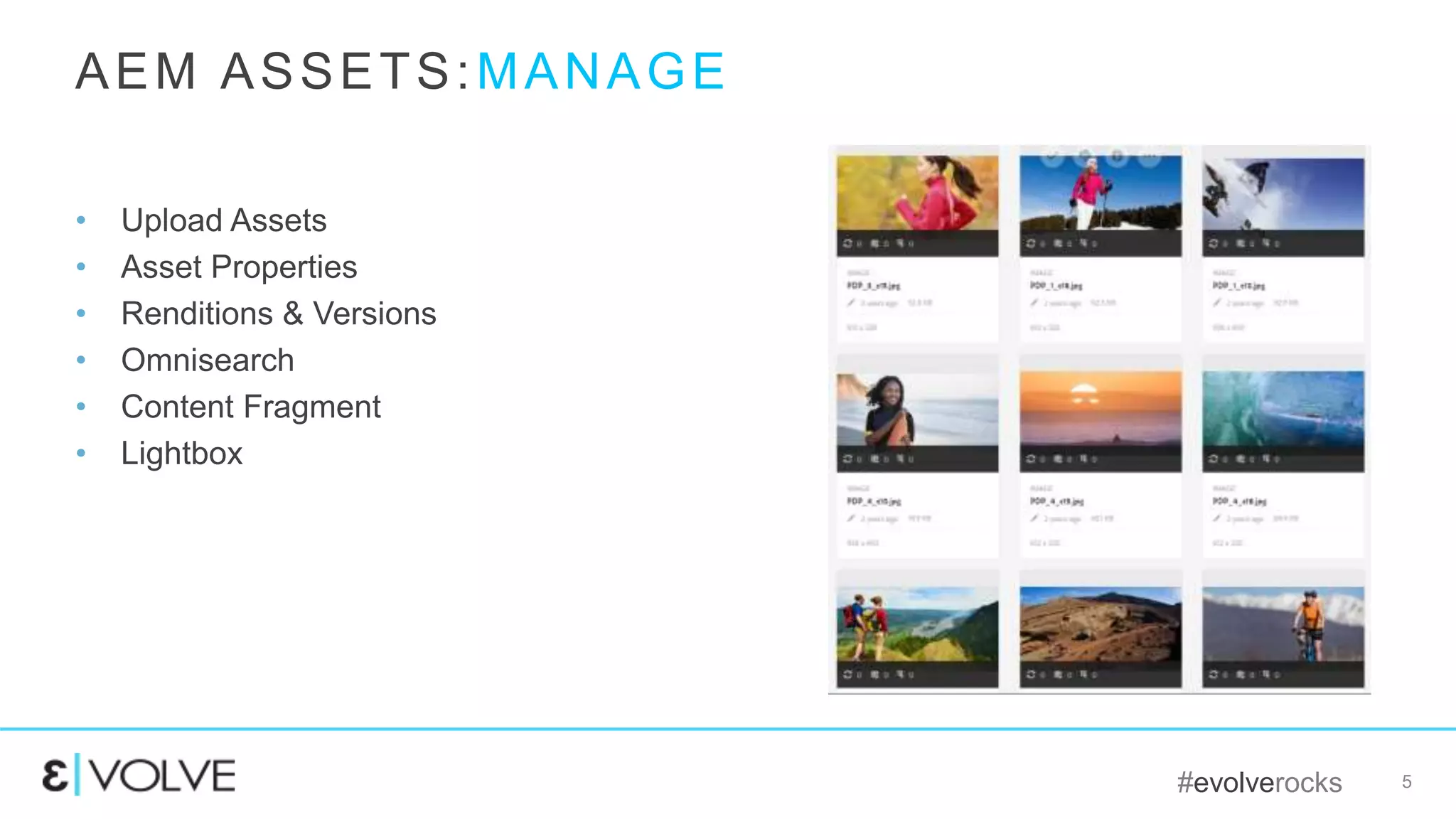
• Upload Assets
• Asset Properties
• Renditions & Versions
• Omnisearch
• Content Fragment
• Lightbox
AEM ASSETS:MANAGE
#evolverocks 6
• Dynamic media serves interactive
viewing experiences, including
zoom, 360-degree spin, and video.
• Dynamic Media can generates and
deliver multiple variations of rich
content in real time through its
global, scalable, performance-
optimized network.
AEM ASSETS: DYNAMIC MEDIA
#evolverocks 7
• Link Share feature for URL based ad-hoc
sharing of digital assets
• Share folders and collections easily and
securely using user email ID
• Users can view and download shared assets
without a need to login
• URL expiration dates can be controlled and
managed
AEM ASSETS:LINK SHARING
#evolverocks 8
• New machine learning based Smart Tags feature
to automatically tag and discover digital assets
• Tag images automatically as they come into the
system
• Bulk Tag existing images in the repository
• Inspect machine generated tags available on
asset properties page
• Leverage Smart Tags to find, repurpose images
that were never tagged manually
AEM ASSETS:SMART TAGS
#evolverocks 9
QUESTIONS ?
#evolverocks
THANK YOU!

EVOLVE'16 | Deploy | Abhishek Dwevedi | Introduction to AEM Assets

  • 1.
    #evolverocks INTRODUCTION TO AEMASSETS ABHISHEK DWEVEDI August 31st, 2016
  • 2.
    #evolverocks 2 Introduction toAEM ASSETS • Overview • Benefits • Demo
  • 3.
    #evolverocks 3 AEM Assetsis an application on the AEM platform that allows enterprises to manage their digital assets in a web-based repository. AEM Assets includes metadata-support, renditions, AEM Assets Administration UI etc. AEM ASSETS:OVERVIEW
  • 4.
    #evolverocks 4 • User-friendlyone-stop asset management for enterprises. • Collaboration with creative teams on Adobe Creative Cloud. • Support for a wide range of rich media asset types and formats. • Create & deliver dynamic and interactive media. • Easy metadata , tag function AEM ASSETS:BENEFITS
  • 5.
    #evolverocks 5 • UploadAssets • Asset Properties • Renditions & Versions • Omnisearch • Content Fragment • Lightbox AEM ASSETS:MANAGE
  • 6.
    #evolverocks 6 • Dynamicmedia serves interactive viewing experiences, including zoom, 360-degree spin, and video. • Dynamic Media can generates and deliver multiple variations of rich content in real time through its global, scalable, performance- optimized network. AEM ASSETS: DYNAMIC MEDIA
  • 7.
    #evolverocks 7 • LinkShare feature for URL based ad-hoc sharing of digital assets • Share folders and collections easily and securely using user email ID • Users can view and download shared assets without a need to login • URL expiration dates can be controlled and managed AEM ASSETS:LINK SHARING
  • 8.
    #evolverocks 8 • Newmachine learning based Smart Tags feature to automatically tag and discover digital assets • Tag images automatically as they come into the system • Bulk Tag existing images in the repository • Inspect machine generated tags available on asset properties page • Leverage Smart Tags to find, repurpose images that were never tagged manually AEM ASSETS:SMART TAGS
  • 9.
  • 10.

Editor's Notes

  • #4 Break a discussion ! Go slow !  AEM Assets is an application on the AEM Platform that allows our customers to manage their digital assets (images, videos, documents and audio clips) in a web-based repository. AEM Assets includes Metadata-support, Renditions, the Digital Asset Management Finder and the AEM Assets Administration UI. AEM Assets lets your organization easily create, manage, deliver, and optimize digital assets from a single platform. Your team can collaborate with creative professionals, share campaign assets with cross-functional marketing teams, and deliver rich, interactive media experiences across all customer-facing touchpoints.
  • #5 Assets provides an easy-to-use web interface that enables business users to add, access, update, and share assets without extensive training. The user experience is optimized for brand, campaign, and multichannel publishing scenarios. Business users can also be sheltered from power features, enabling nontechnical users to focus on productivity and speed. Digital assets can be easily organized into logical hierarchies and with consistent taxonomies to simplify locating, searching, and repurposing. For business users on a tablet or mobile device, the touch-optimized UI allows them to access and manage digital assets while on the go. Creative Cloud Integration Search and metadata Analytics Hotspots on Video
  • #6 AEM Assets is an application on the AEM Platform that allows our customers to manage their digital assets (images, videos, documents and audio clips) in a web-based repository. AEM Assets includes Metadata-support, Renditions, the Digital Asset Management Finder and the AEM Assets Administration UI. AEM Assets lets your organization easily create, manage, deliver, and optimize digital assets from a single platform. Your team can collaborate with creative professionals, share campaign assets with cross-functional marketing teams, and deliver rich, interactive media experiences across all customer-facing touchpoints. Search Forms
  • #7 DAM provides an easy-to-use web interface that enables business users to add, access, update, and share assets without extensive training. The user experience is optimized for brand, campaign, and multichannel publishing scenarios. Business users can also be sheltered from power features, enabling nontechnical users to focus on productivity and speed. Digital assets can be easily organized into logical hierarchies and with consistent taxonomies to simplify locating, searching, and repurposing. For business users on a tablet or mobile device, the touch-optimized UI allows them to access and manage digital assets while on the go.
  • #8 DAM provides an easy-to-use web interface that enables business users to add, access, update, and share assets without extensive training. The user experience is optimized for brand, campaign, and multichannel publishing scenarios. Business users can also be sheltered from power features, enabling nontechnical users to focus on productivity and speed. Digital assets can be easily organized into logical hierarchies and with consistent taxonomies to simplify locating, searching, and repurposing. For business users on a tablet or mobile device, the touch-optimized UI allows them to access and manage digital assets while on the go.
  • #9 DAM provides an easy-to-use web interface that enables business users to add, access, update, and share assets without extensive training. The user experience is optimized for brand, campaign, and multichannel publishing scenarios. Business users can also be sheltered from power features, enabling nontechnical users to focus on productivity and speed. Digital assets can be easily organized into logical hierarchies and with consistent taxonomies to simplify locating, searching, and repurposing. For business users on a tablet or mobile device, the touch-optimized UI allows them to access and manage digital assets while on the go. Talk about classic ui as well Talk about search form Talk about companion app Talk about asset insigh Talk about processing profile Talk about asset viewers 
  • #10 Any questions ? Supported Formats - https://docs.adobe.com/docs/en/aem/6-2/administer/content/assets/assets-formats.html