Downloaded 34 times

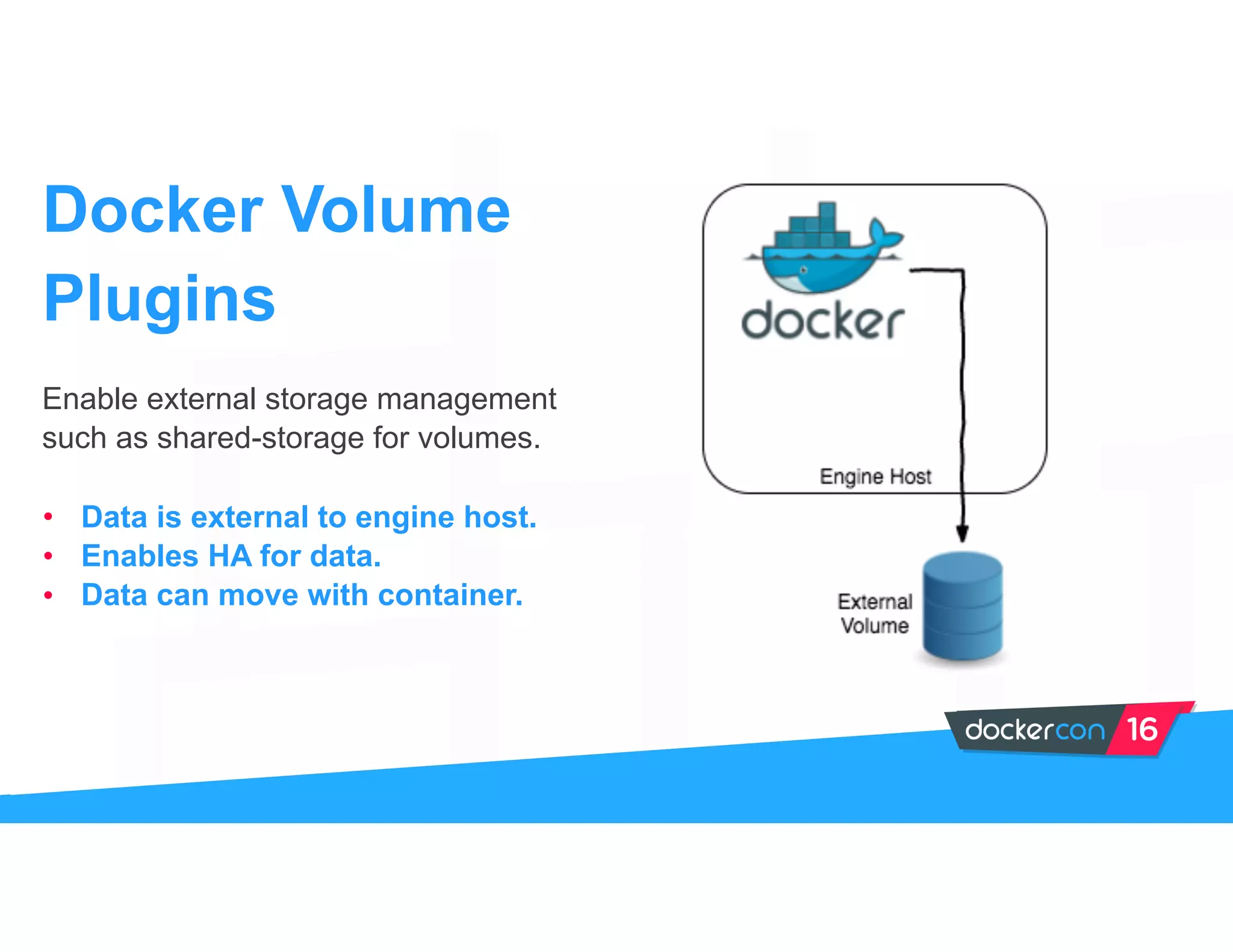
![Docker volumes help store state from
the application to locations outside the
docker image. They are logical
primitives for shared storage when
combined with plugins.
• Data is local to engine host only.
• Bind-mounts also local, bypass
UFS.
• Data is inflexible, prone to loss.
Docker Volumes
$ docker run
--name my-special-container
-v /container/dir busybox
[{e779eb1/var/lib/docker/volumes/e779eb1/_
data /container/dir local true }]](https://image.slidesharecdn.com/dc16ryanwallner-160624203657/75/Everything-You-Need-to-Know-About-Docker-and-Storage-by-Ryan-Wallner-ClusterHQ-6-2048.jpg)
![Example
$ docker run --name my-container
--volume-driver flocker
-v vol:/data busybox
my-container
$ docker inspect -f “{{.Mounts}}” my-container
[{vol /flocker/71887326.. /data flocker rw true rprivate}]](https://image.slidesharecdn.com/dc16ryanwallner-160624203657/75/Everything-You-Need-to-Know-About-Docker-and-Storage-by-Ryan-Wallner-ClusterHQ-8-2048.jpg)
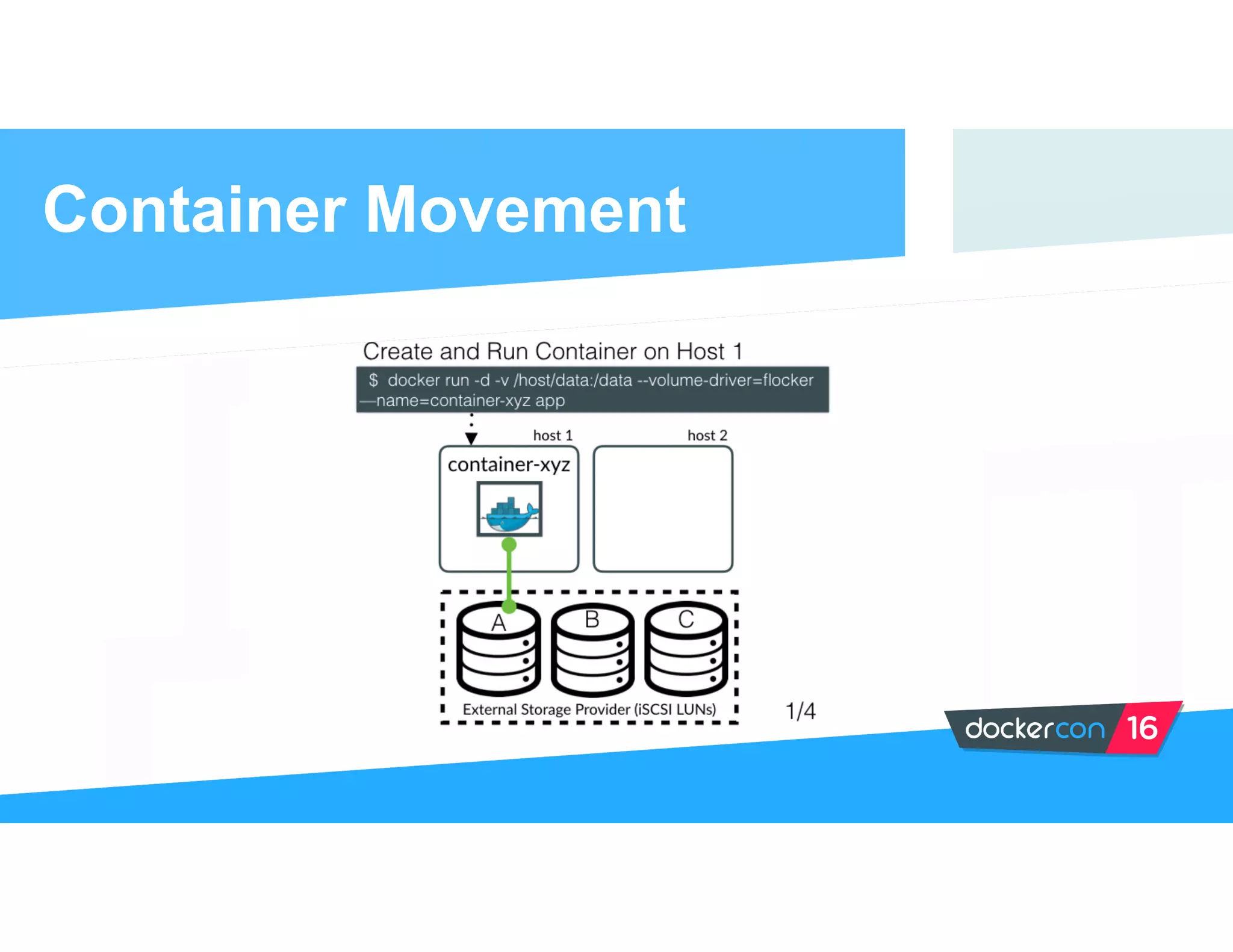

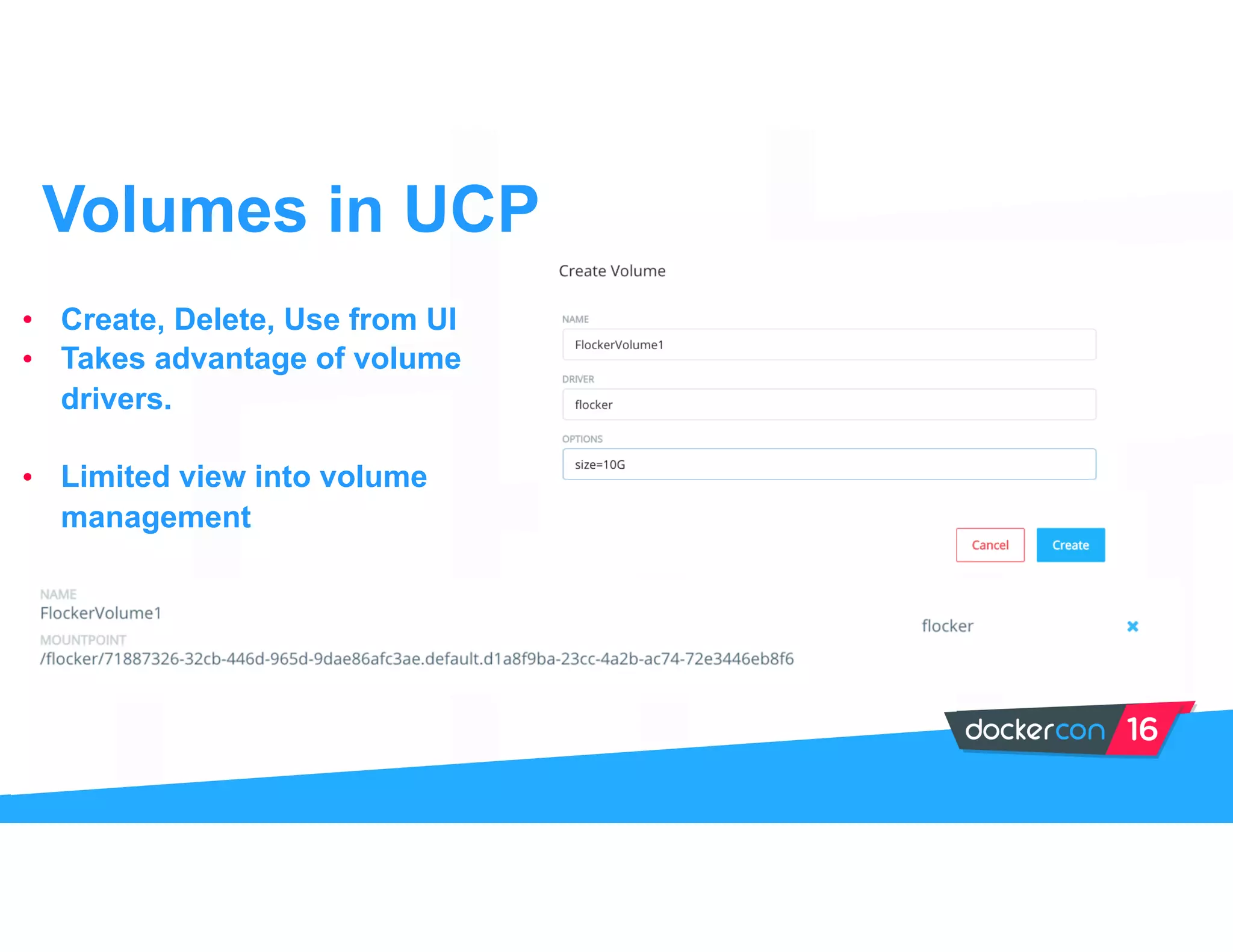
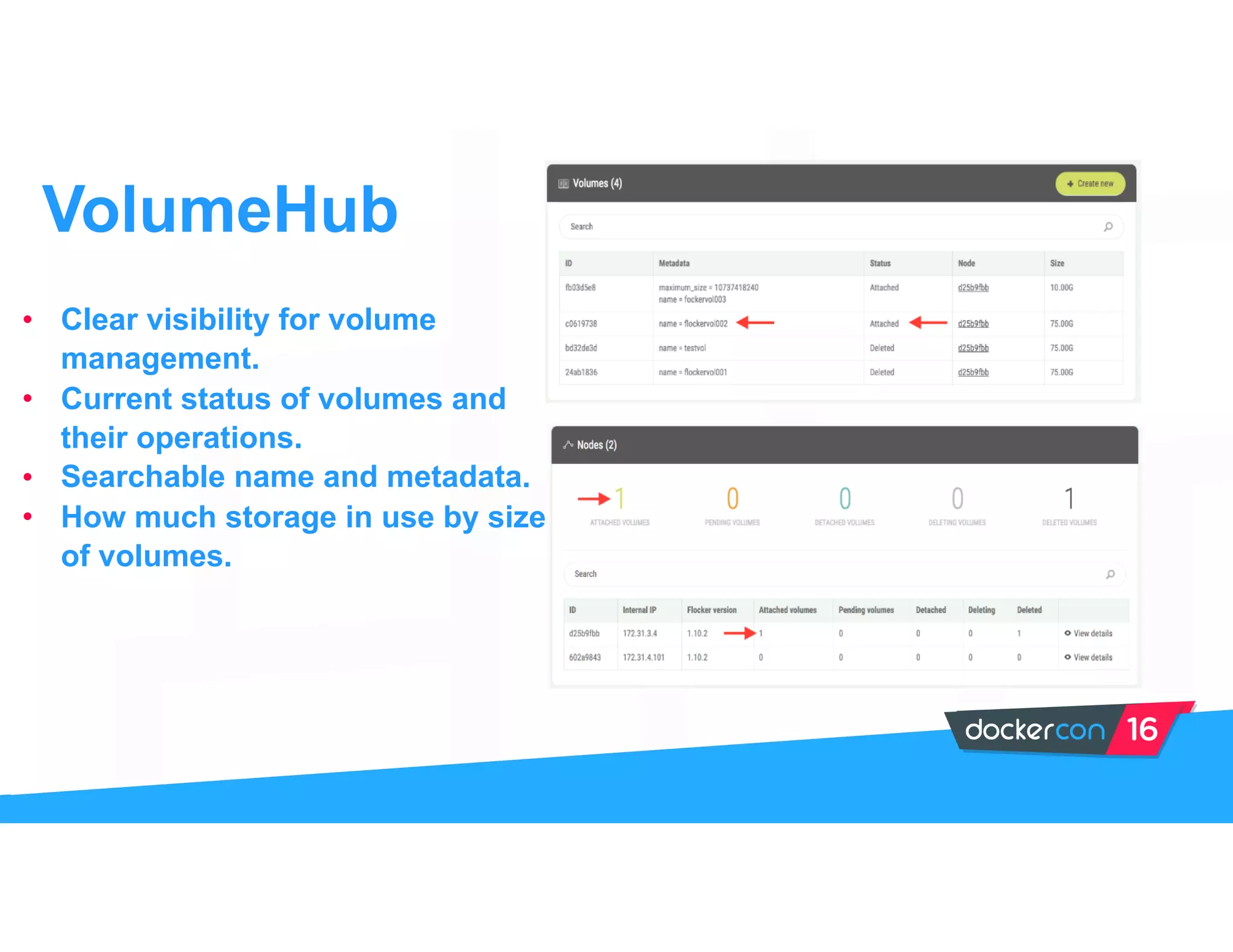


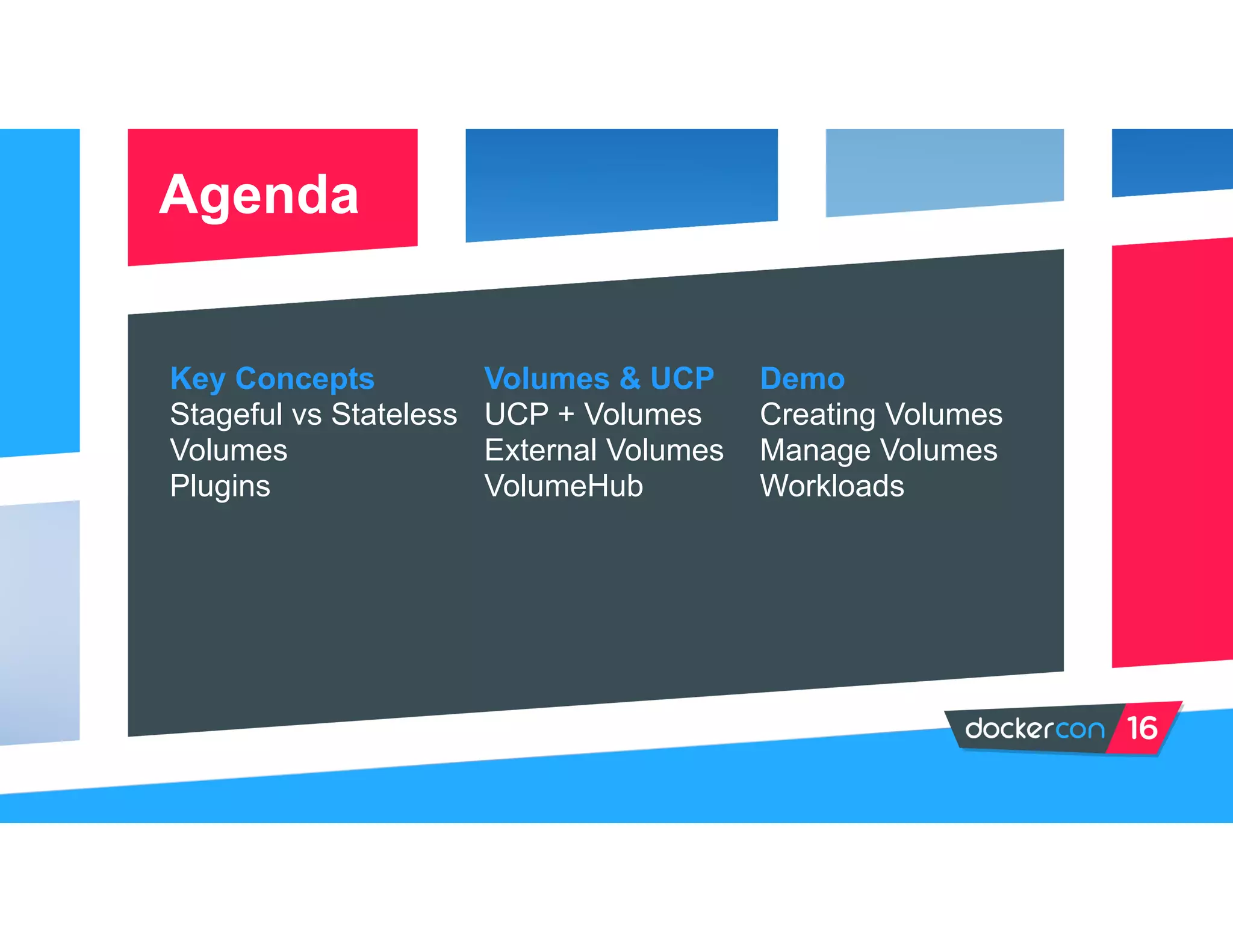
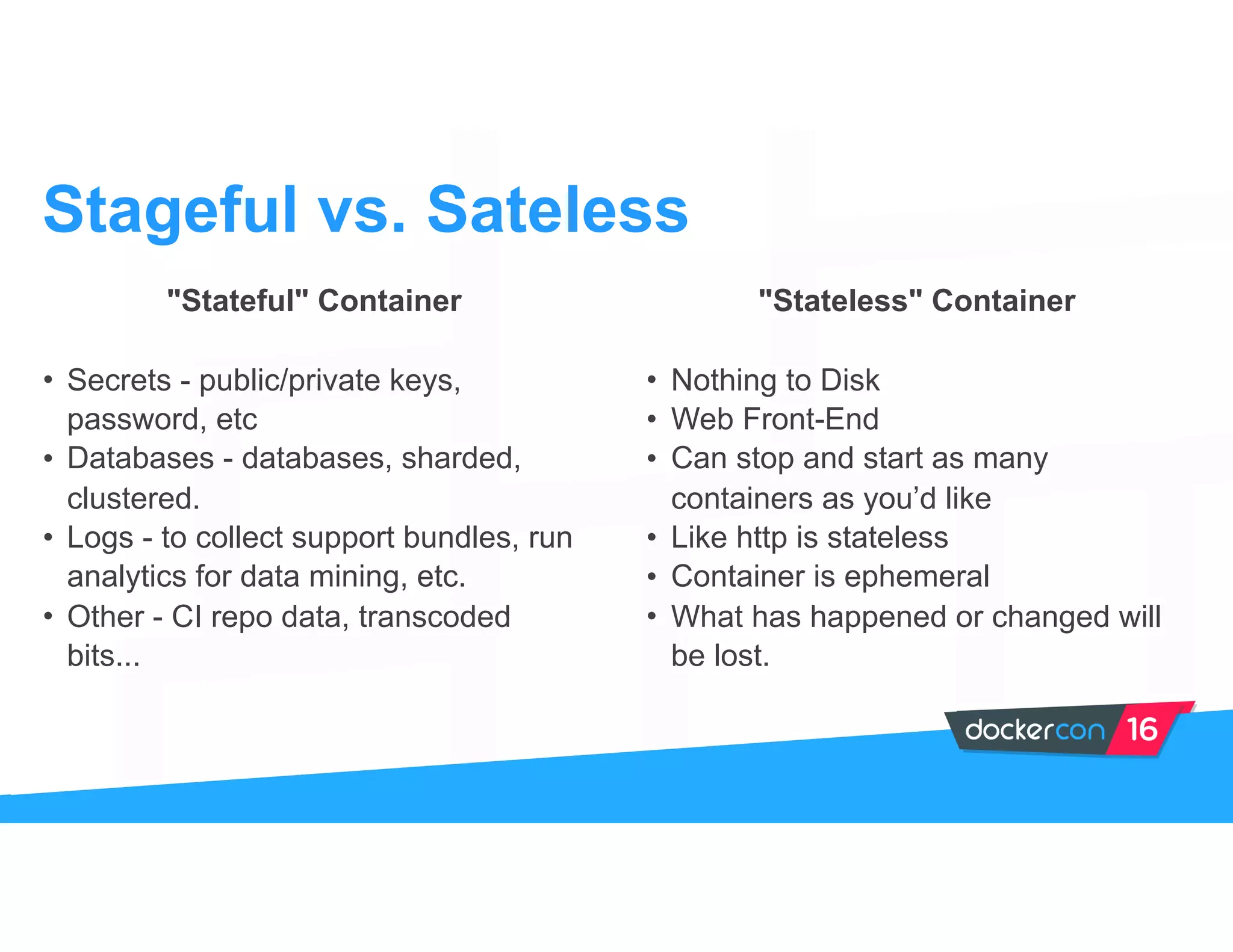
The document provides an overview of Docker and its storage capabilities, emphasizing the differences between stateful and stateless containers. It discusses Docker volumes as a means to manage application state external to Docker images, highlighting the use of plugins for shared storage. Additionally, the document covers volume management within UCP and the features offered by VolumeHub for monitoring and managing Docker volumes.


![Vibe Coding vs. Spec-Driven Development [Free Meetup]](https://cdn.slidesharecdn.com/ss_thumbnails/vibecodingvsspecdrivendevelopment-251209105622-43f455e7-thumbnail.jpg?width=640&height=640&fit=bounds)


