Dan Finneran (@thebsdbox)
EMEA Solutions Architect,
Docker
Docker Storage:
Designing a Platform for
Persistent Data
Why Storage?
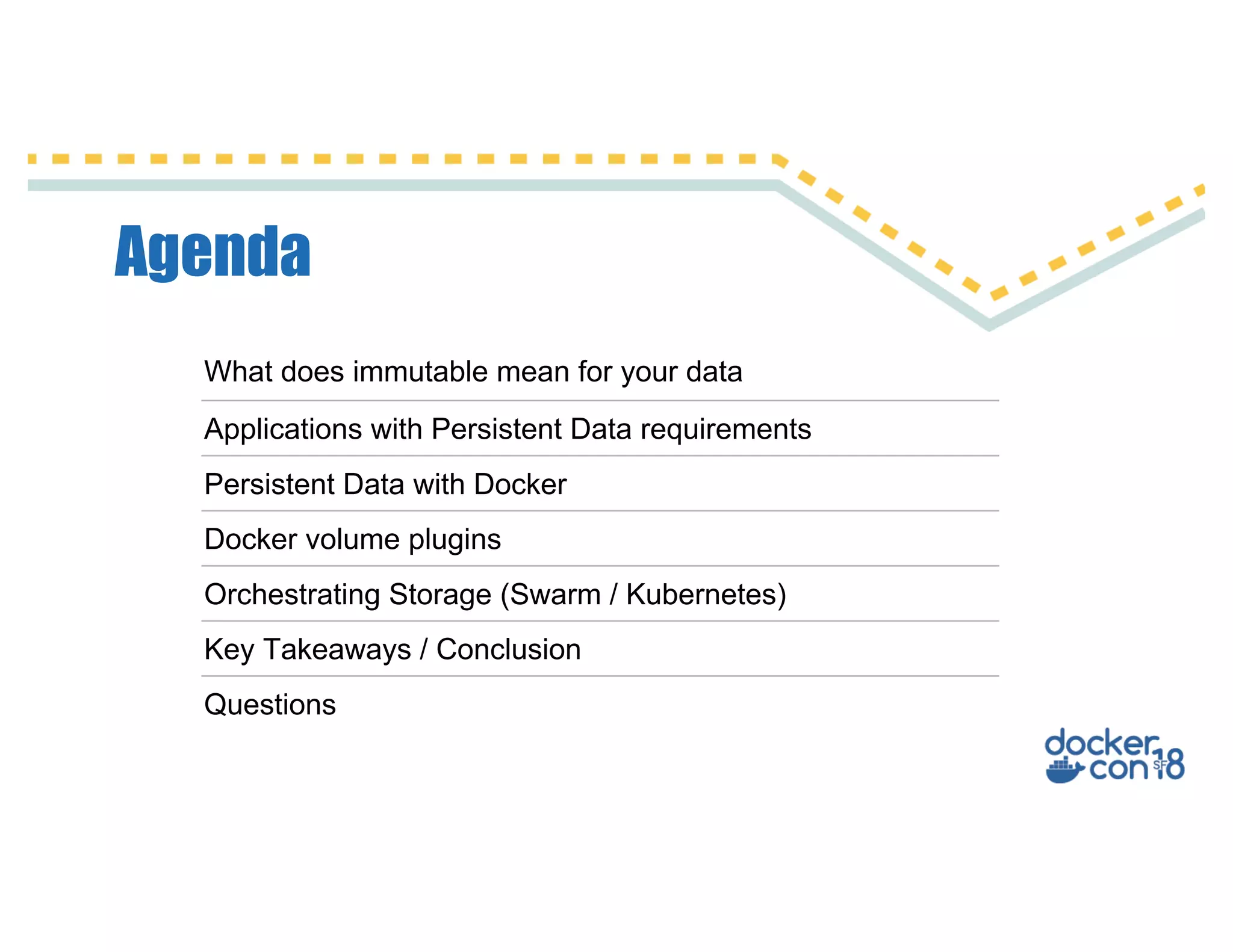
Agenda
What does immutable mean for your data
Applications with Persistent Data requirements
Persistent Data with Docker
Docker volume plugins
Orchestrating Storage (Swarm / Kubernetes)
Key Takeaways / Conclusion
Questions
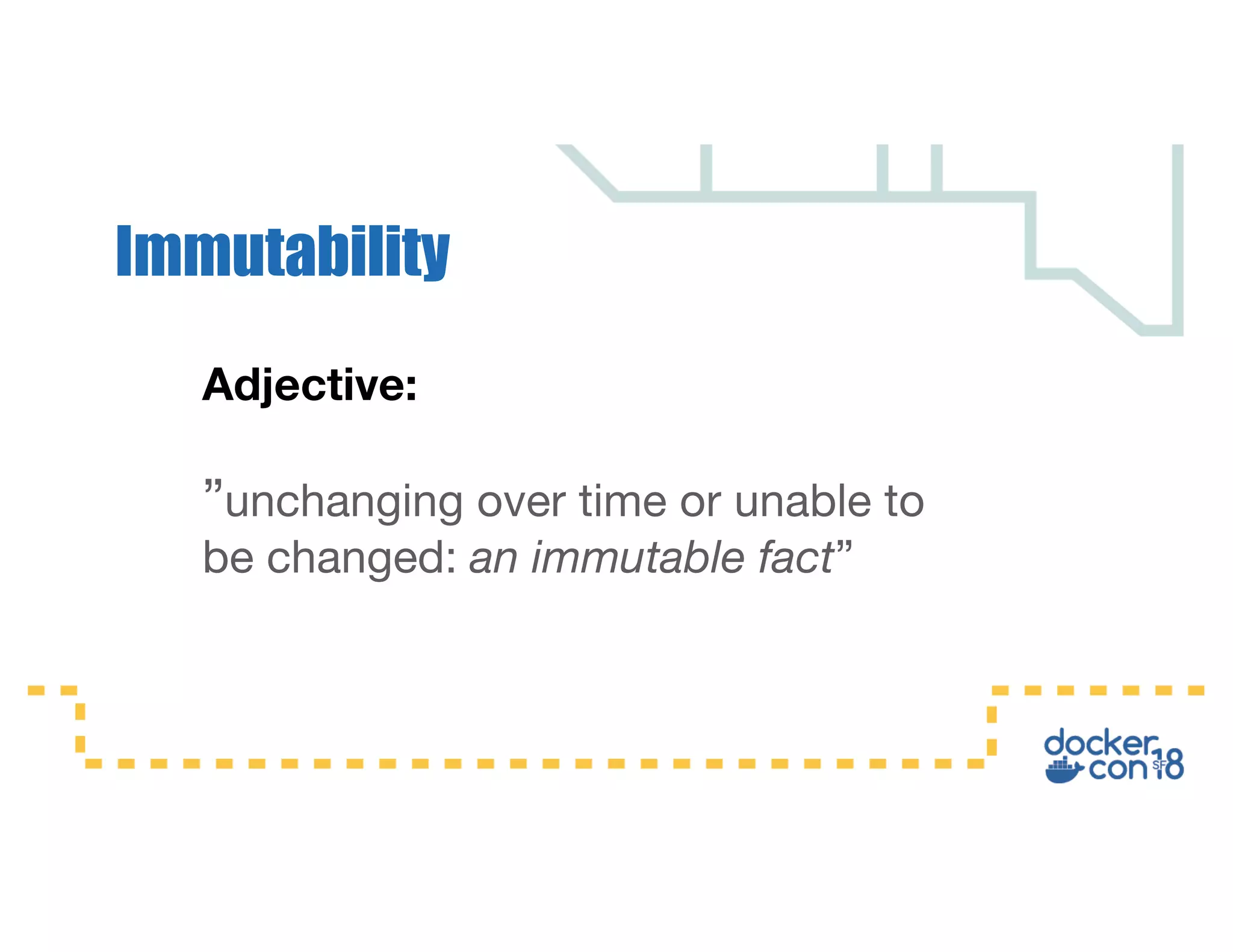
Adjective:
”unchanging over time or unable to
be changed: an immutable fact”
Immutability
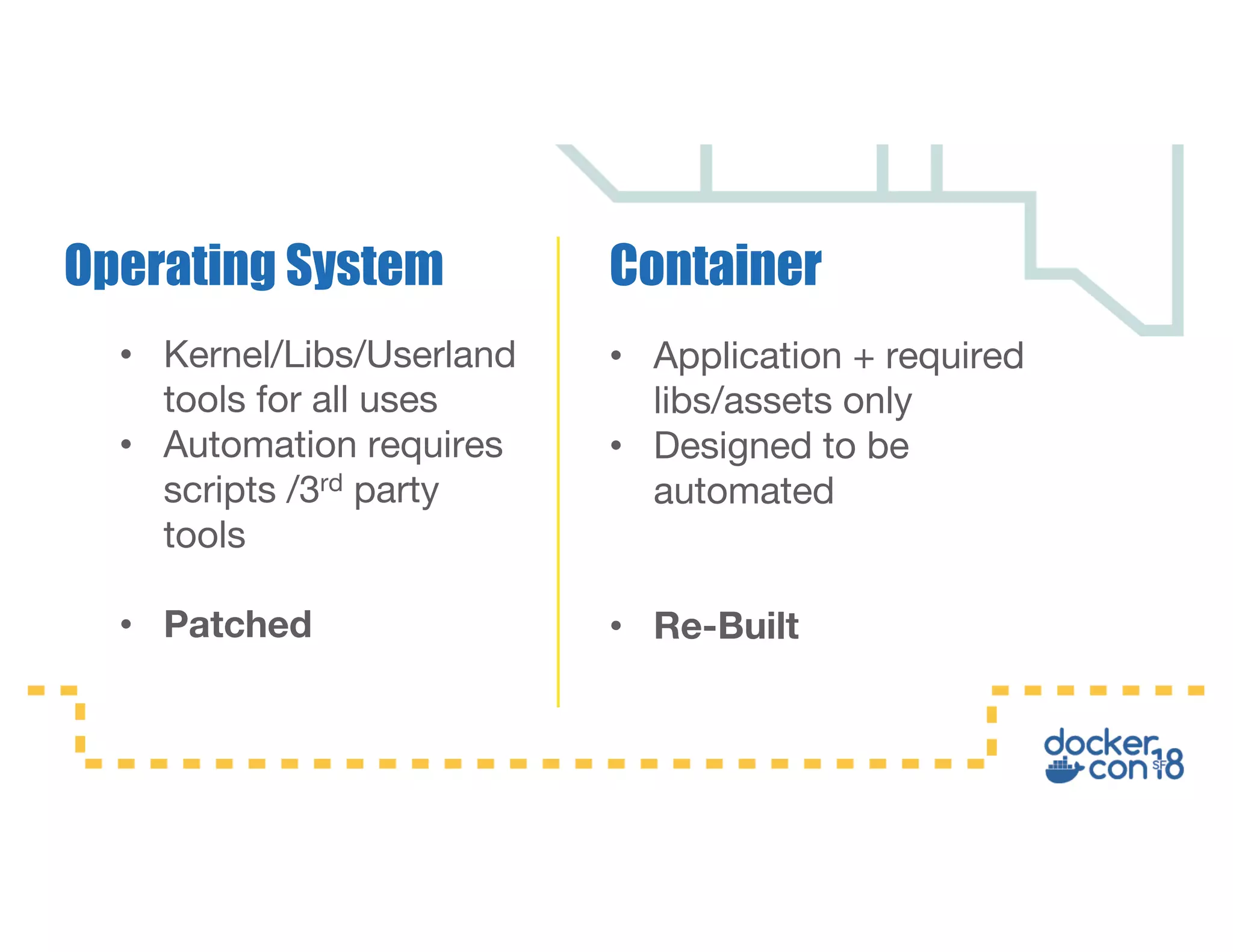
• Application + required
libs/assets only
• Designed to be
automated
• Re-Built
ContainerOperating System
• Kernel/Libs/Userland
tools for all uses
• Automation requires
scripts /3rd party
tools
• Patched
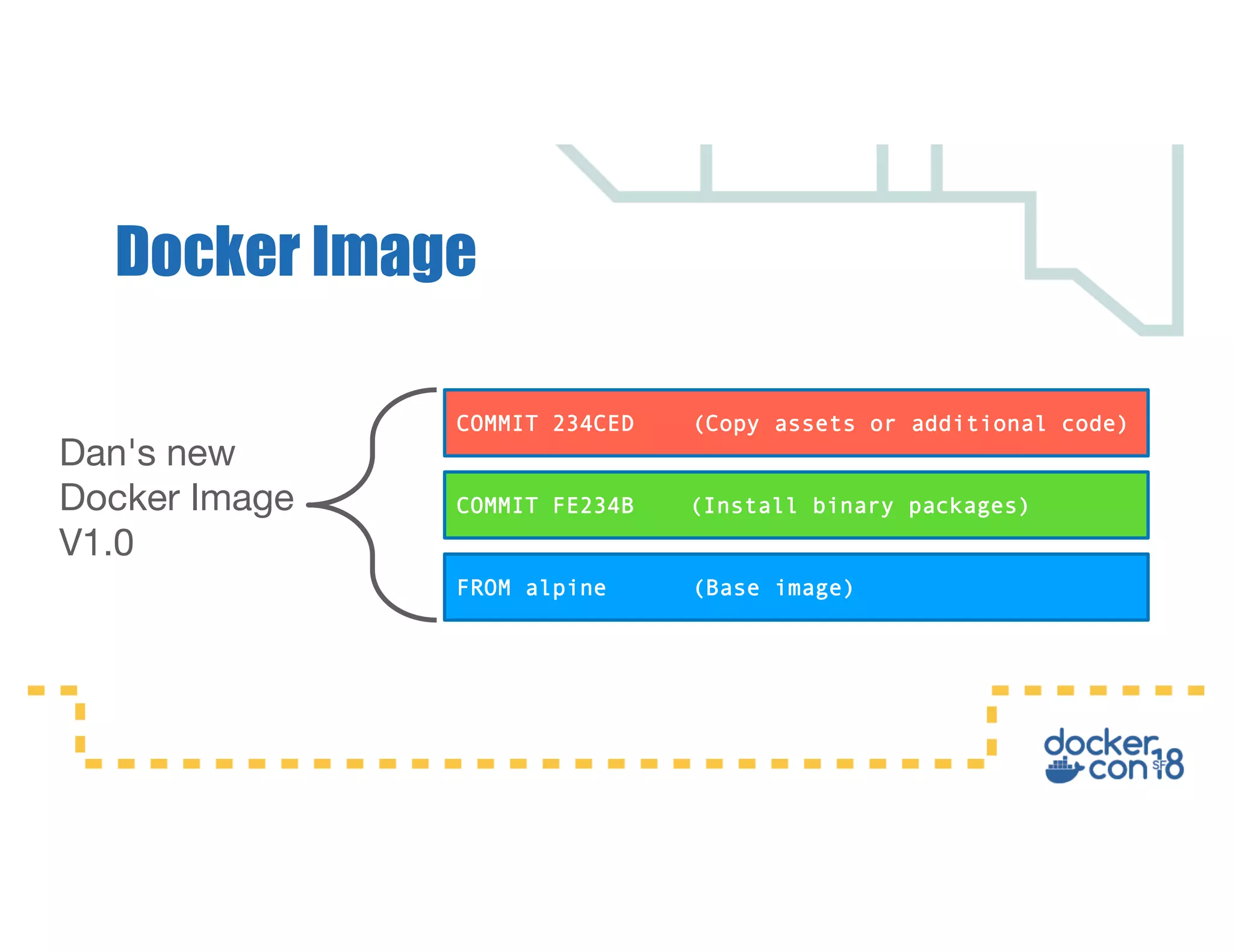
Docker Image
FROM alpine (Base image)
COMMIT FE234B (Install binary packages)
COMMIT 234CED (Copy assets or additional code)
Dan's new
Docker Image
V1.0
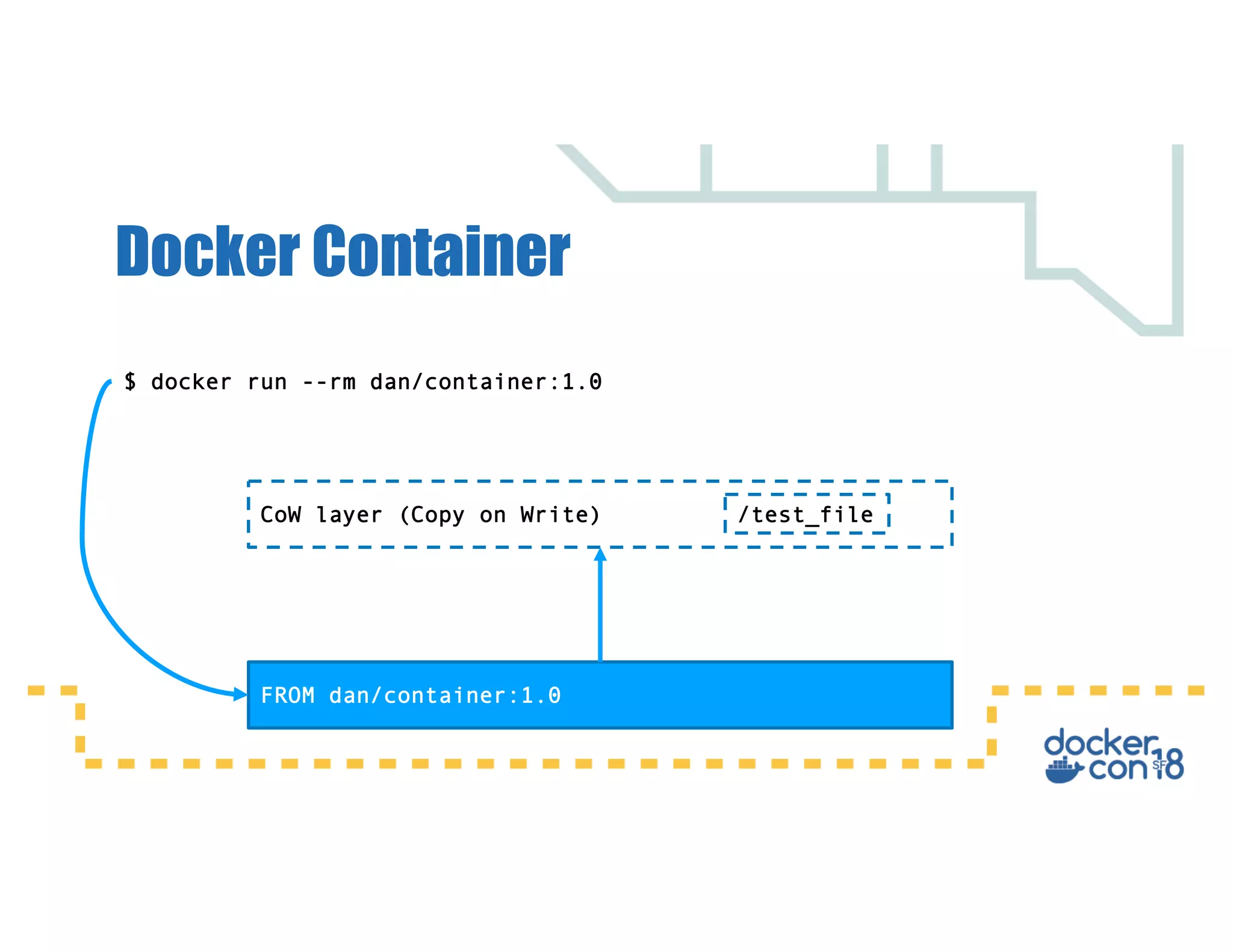
Docker Container
FROM dan/container:1.0
CoW layer (Copy on Write)
$ docker run --rm dan/container:1.0
/test_file
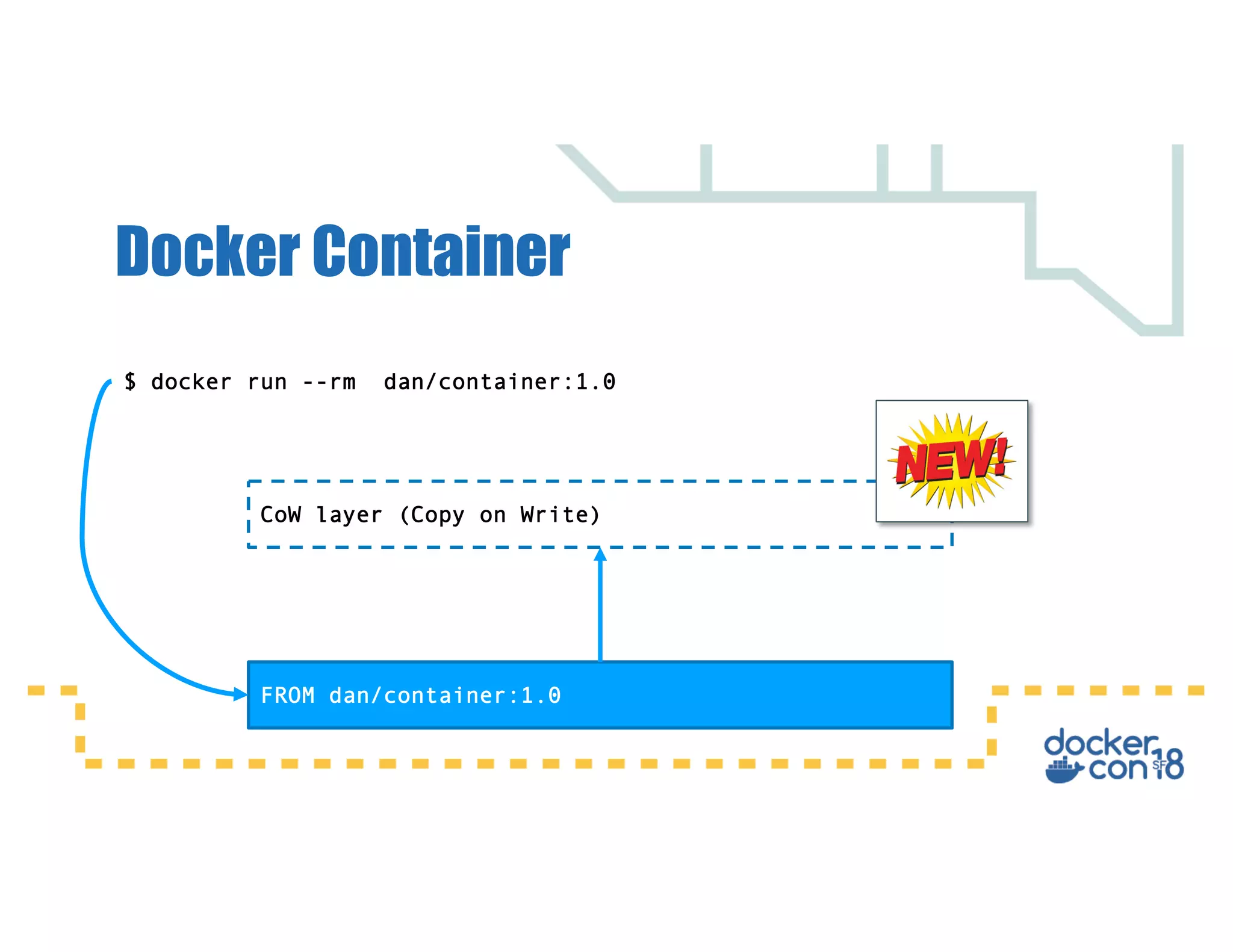
Docker Container
FROM dan/container:1.0
CoW layer (Copy on Write)
$ docker run --rm dan/container:1.0
Applications with Persistent Data
requirements
• Regardless of the lifespan of the container the data
should always persist.
• The container could be scheduled to run on any
node in the cluster, meaning persistent data may
need to be accessed from any node.
Persistent Data
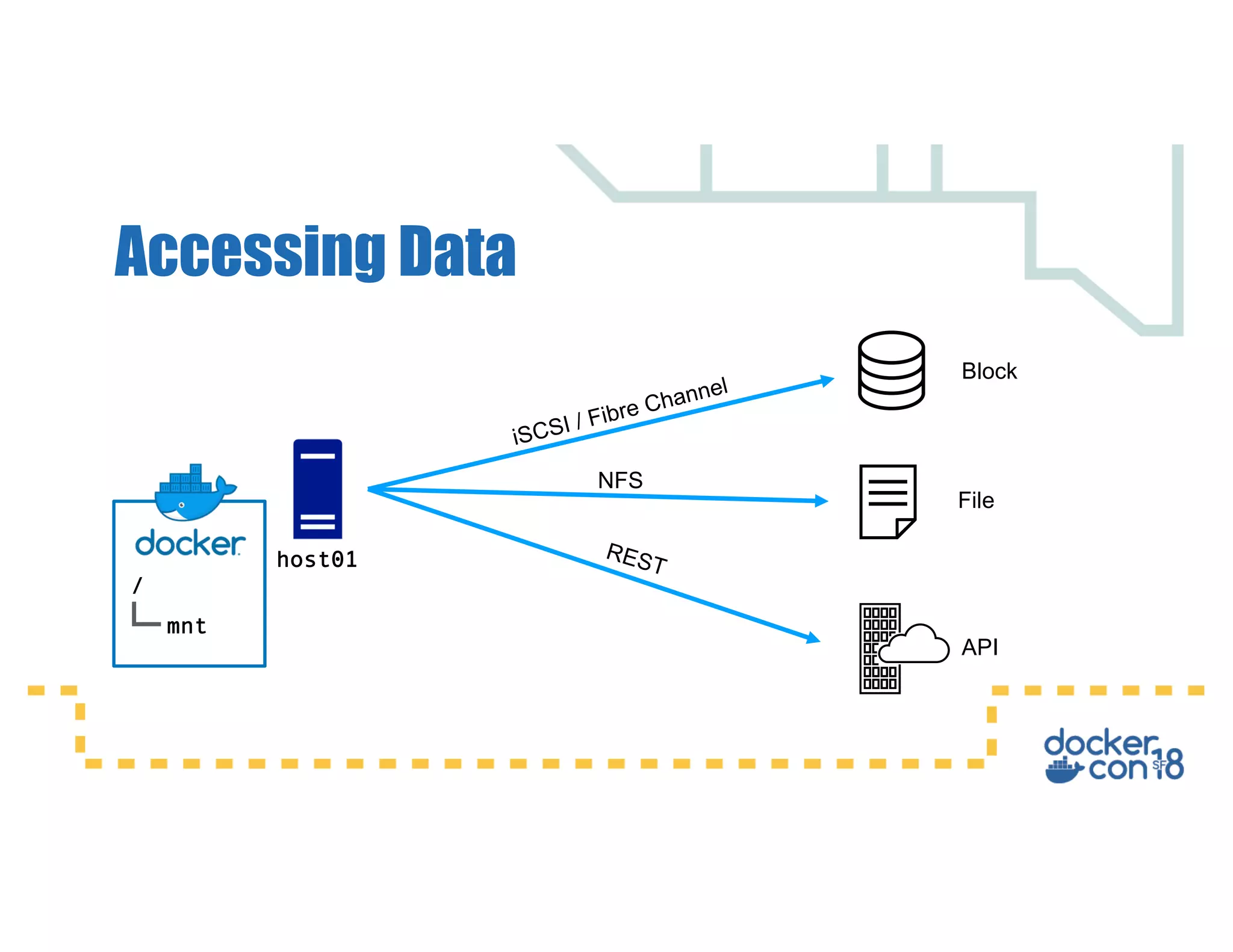
Accessing Data
Block
File
API
host01
/
mnt
iSCSI / Fibre Channel
NFS
REST
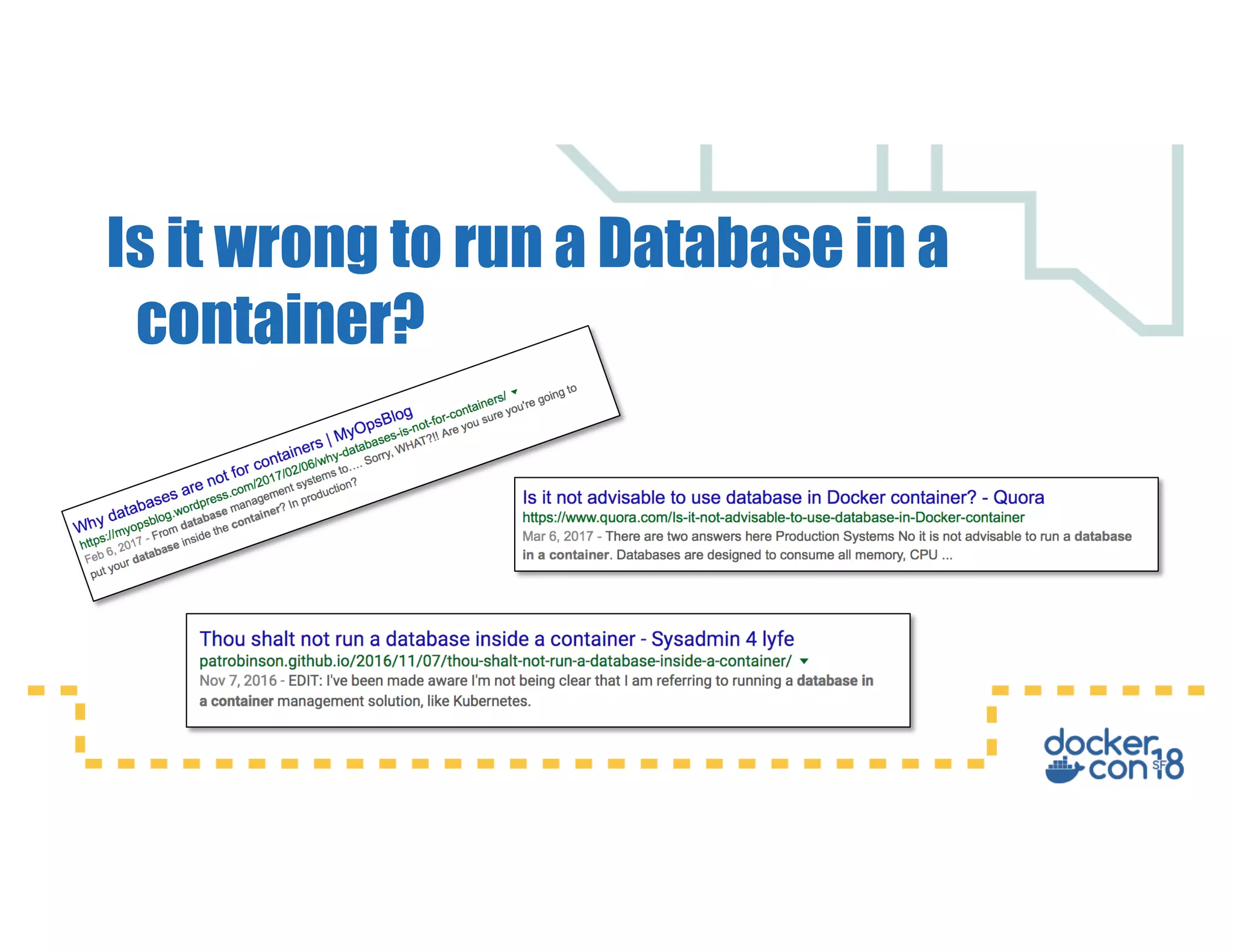
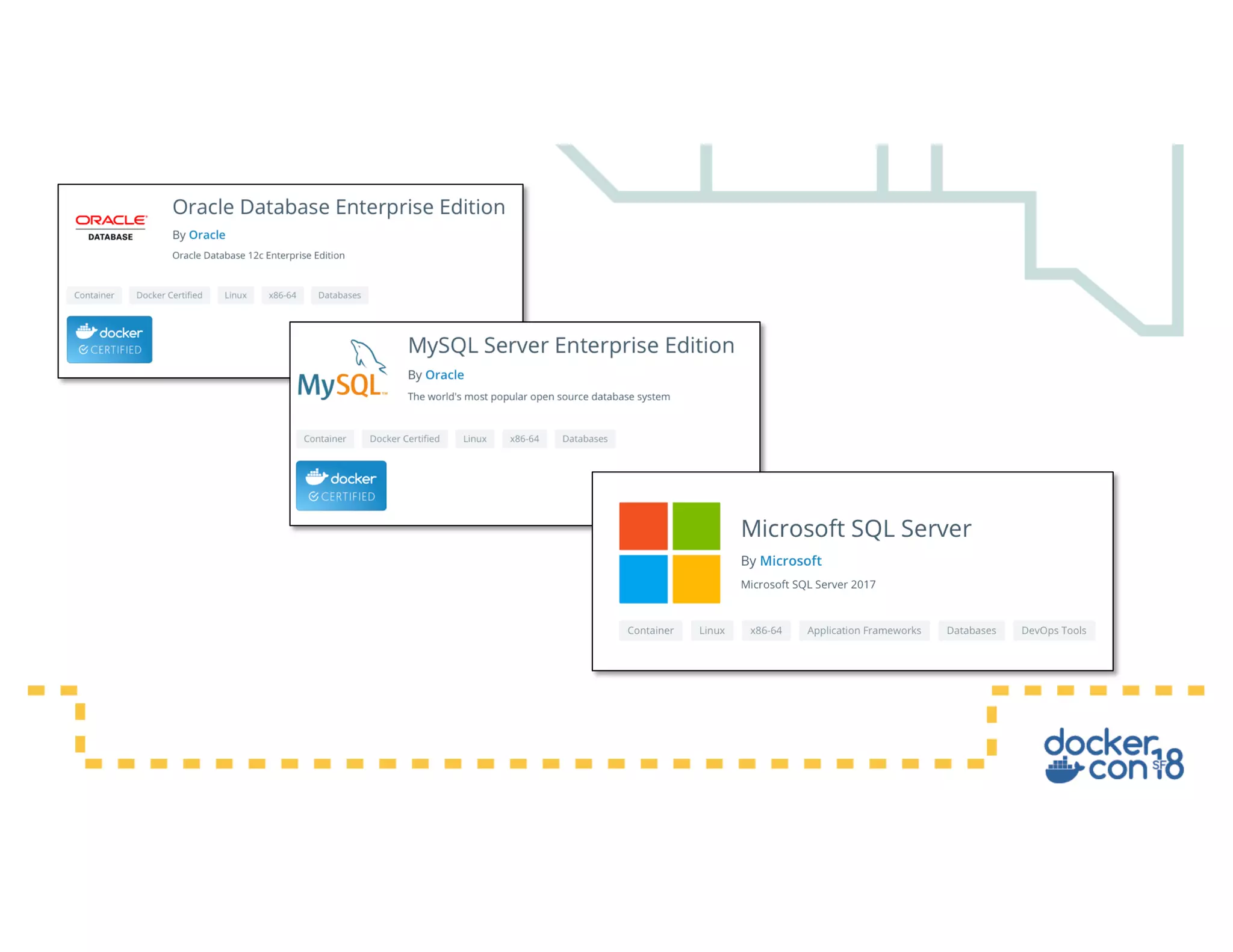
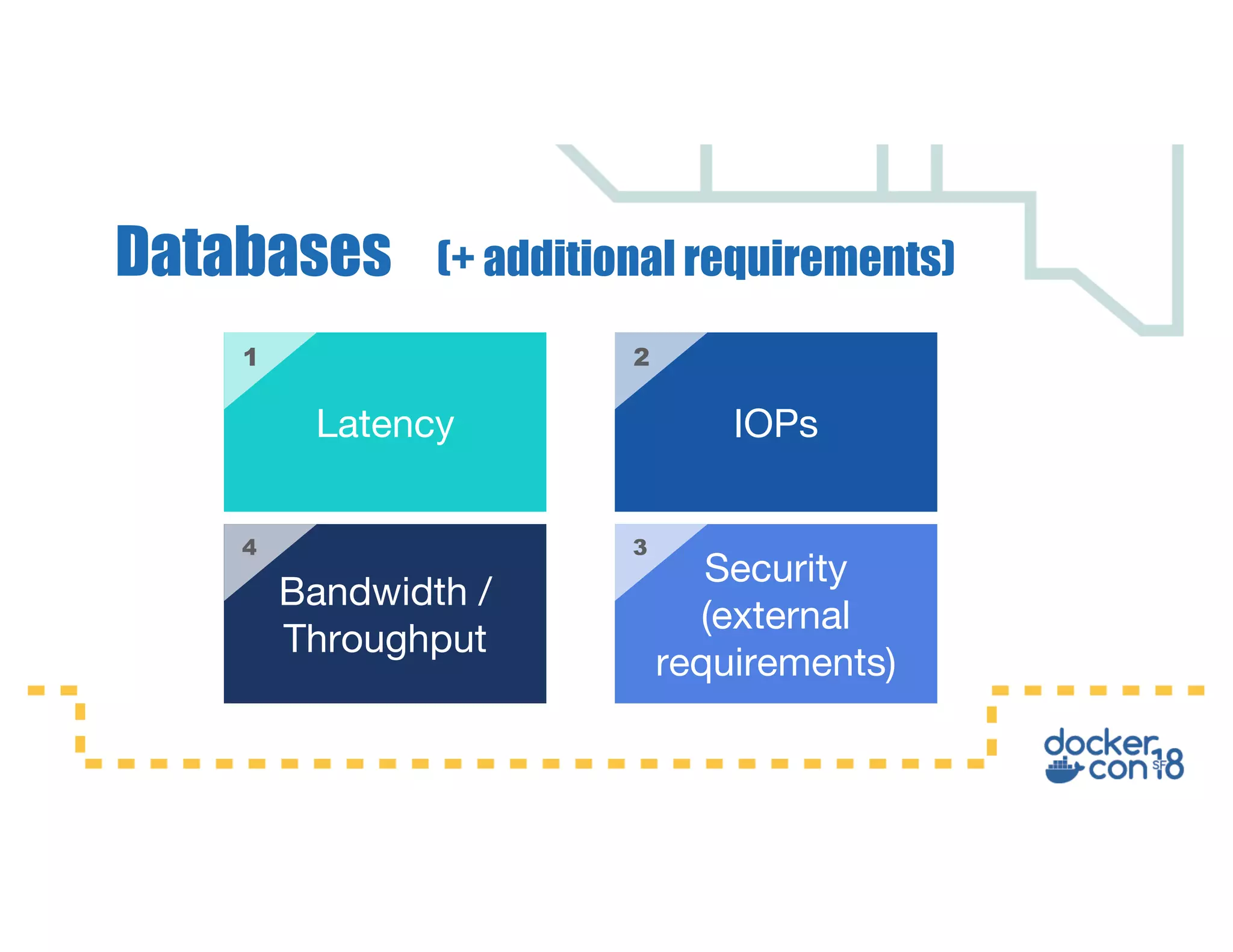
Is it wrong to run a Database in a
container?
Latency IOPs
Bandwidth /
Throughput
Security
(external
requirements)
21
34
Databases (+ additional requirements)
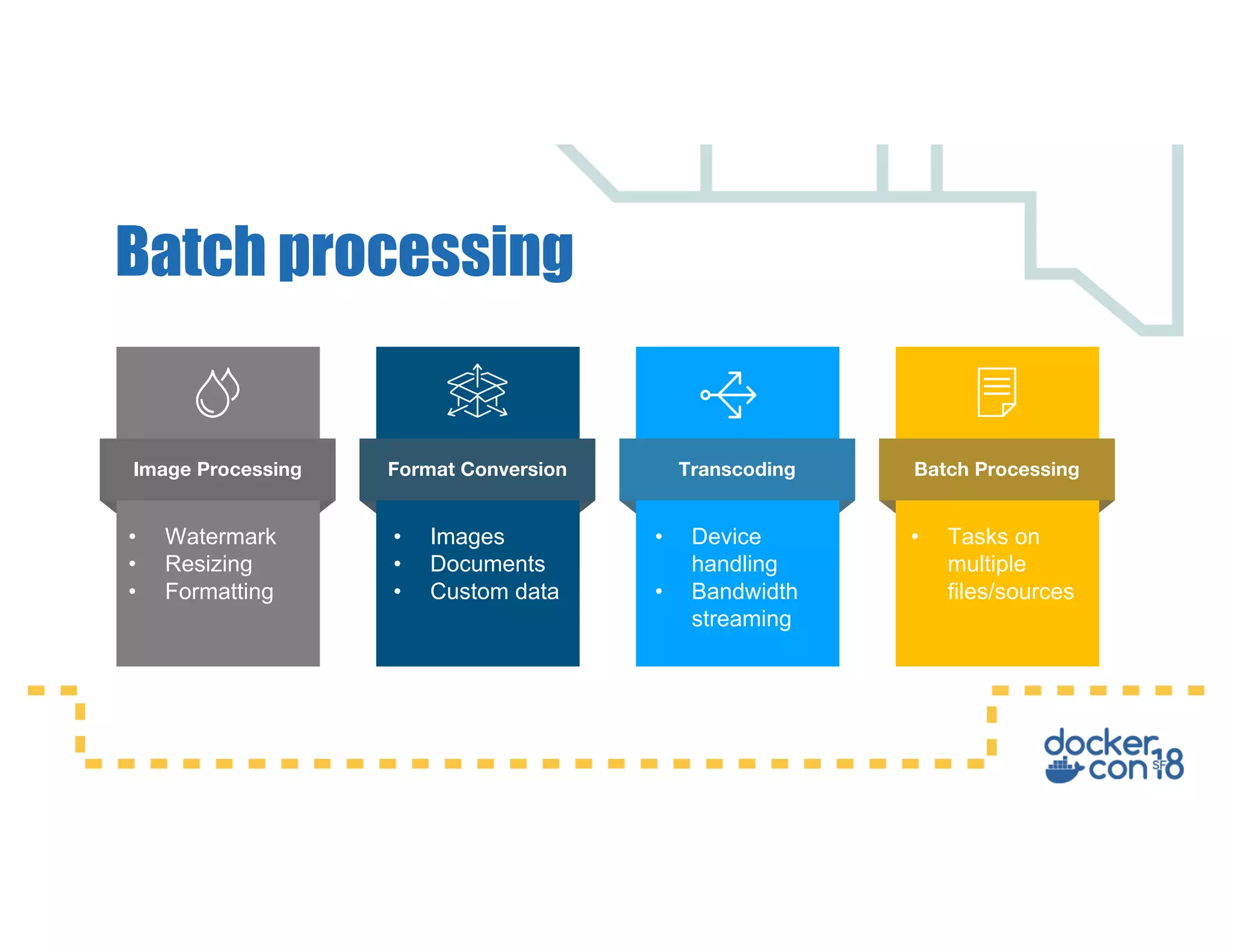
Batch processing
Image Processing Format Conversion Transcoding Batch Processing
• Watermark
• Resizing
• Formatting
• Images
• Documents
• Custom data
• Device
handling
• Bandwidth
streaming
• Tasks on
multiple
files/sources
A large number of applications will typically "park" cold
data to a disk under the following circumstances:
• Waiting for a back-end system to respond
• Out of order data being processed
• Data-sets that are typically too large to mapped to
memory
Applications that Require Persistent Data
Between Restarts
Common bad practice patterns
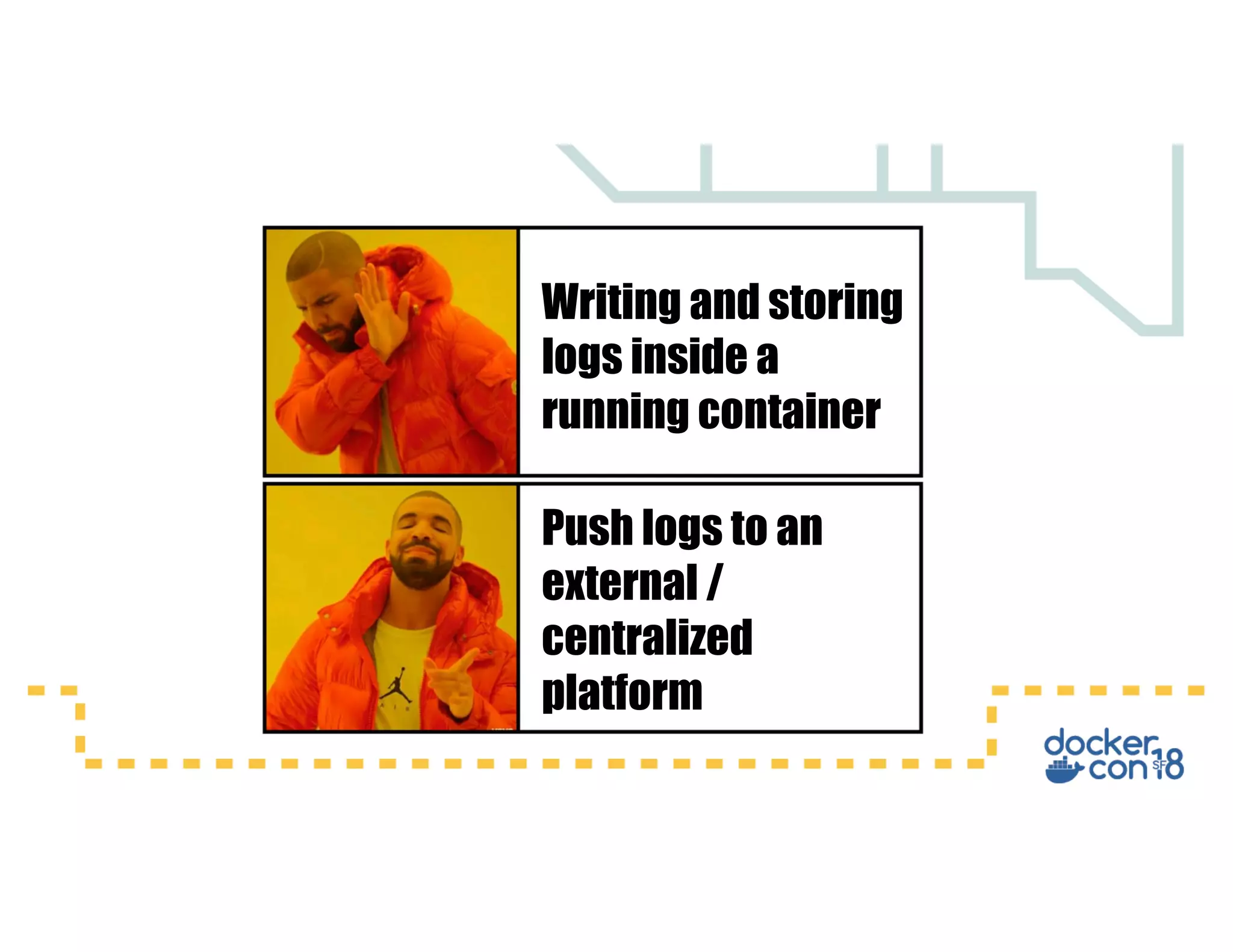
Writing and storing
logs inside a
running container
Push logs to an
external /
centralized
platform
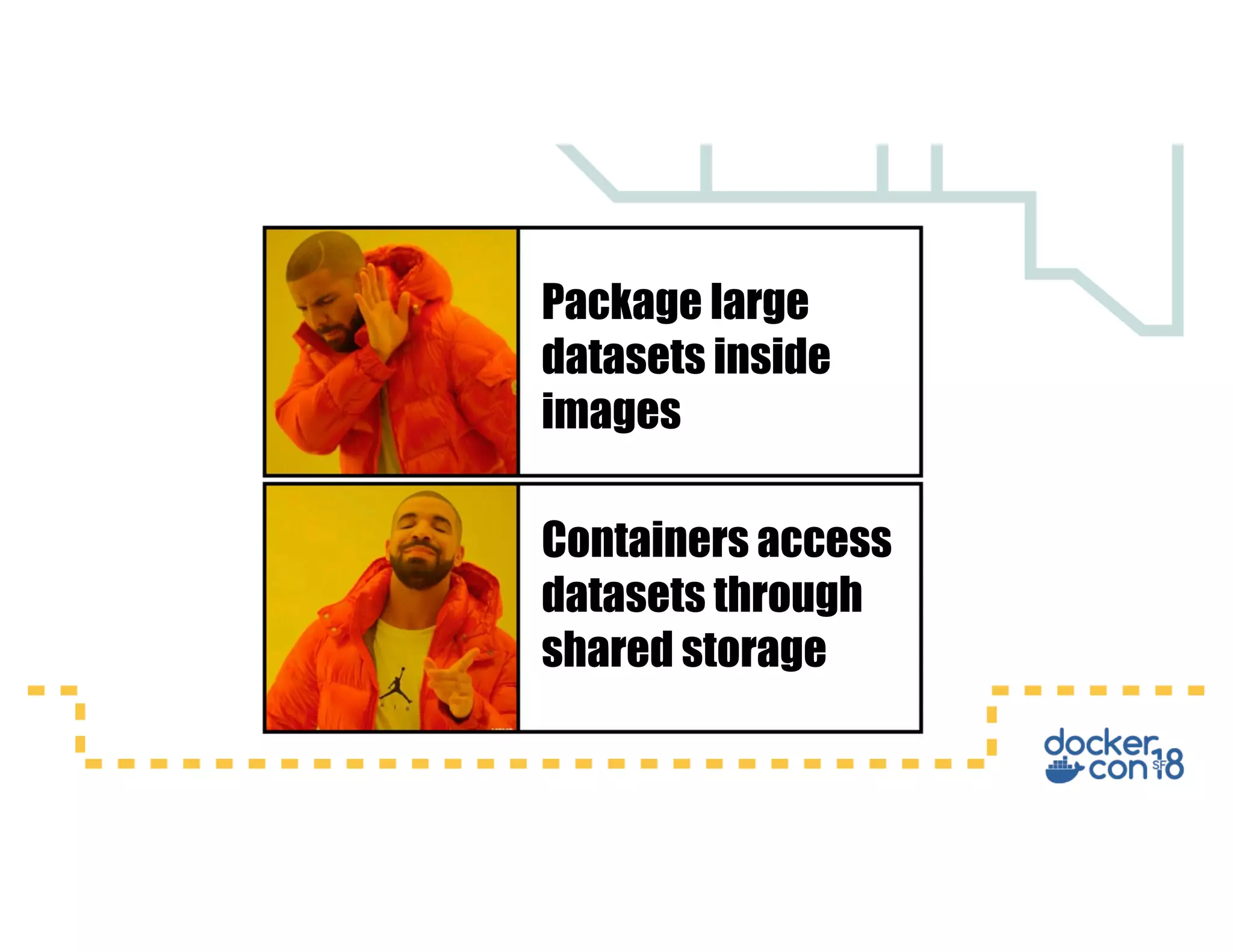
Package large
datasets inside
images
Containers access
datasets through
shared storage
Persistent Data with Docker
•Per container storage
•Shared storage (same host)
•Multi-Host shared storage
Persistence
Implementations
Running your first
Container (*)
*This at least happened to me.
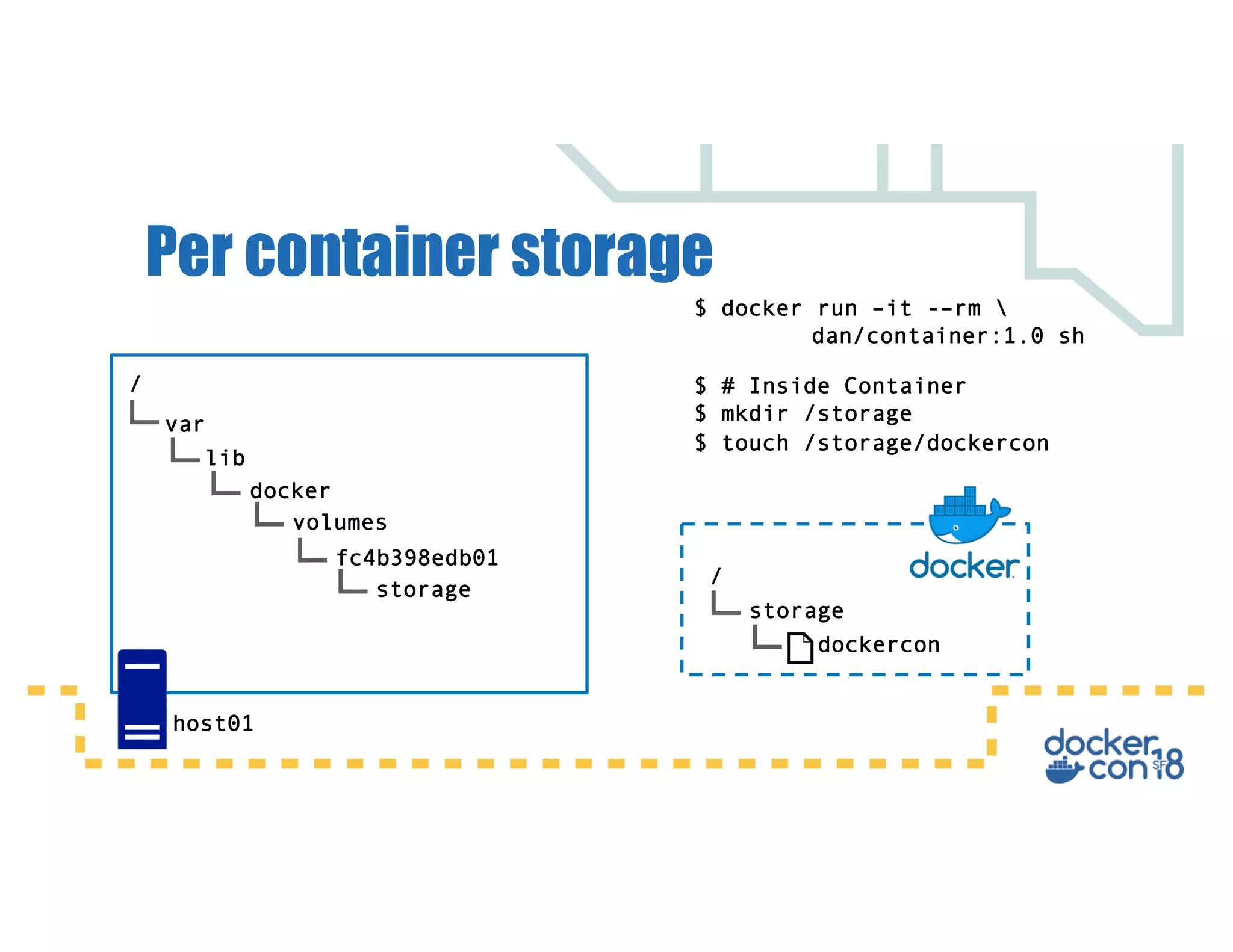
Per container storage
/
var
lib
docker
volumes
$ docker run –it -–rm 
dan/container:1.0 sh
fc4b398edb01
host01
$ # Inside Container
$ mkdir /storage
/
$ touch /storage/dockercon
storage
storage
dockercon
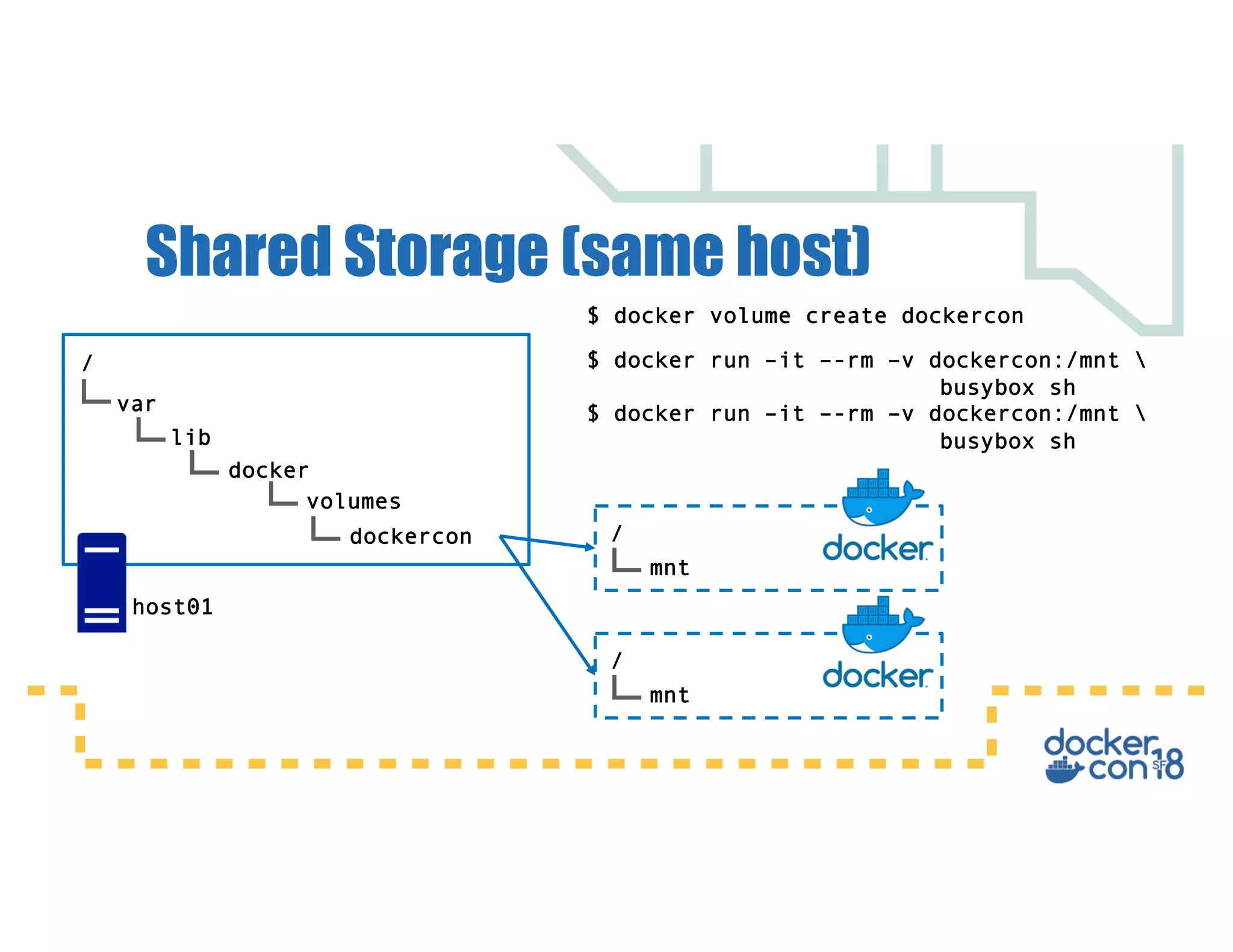
Shared Storage (same host)
/
var
lib
docker
volumes
$ docker volume create dockercon
dockercon
$ docker run –it –-rm –v dockercon:/mnt 
busybox sh
/
mnt
/
mnt
$ docker run –it –-rm –v dockercon:/mnt 
busybox sh
host01
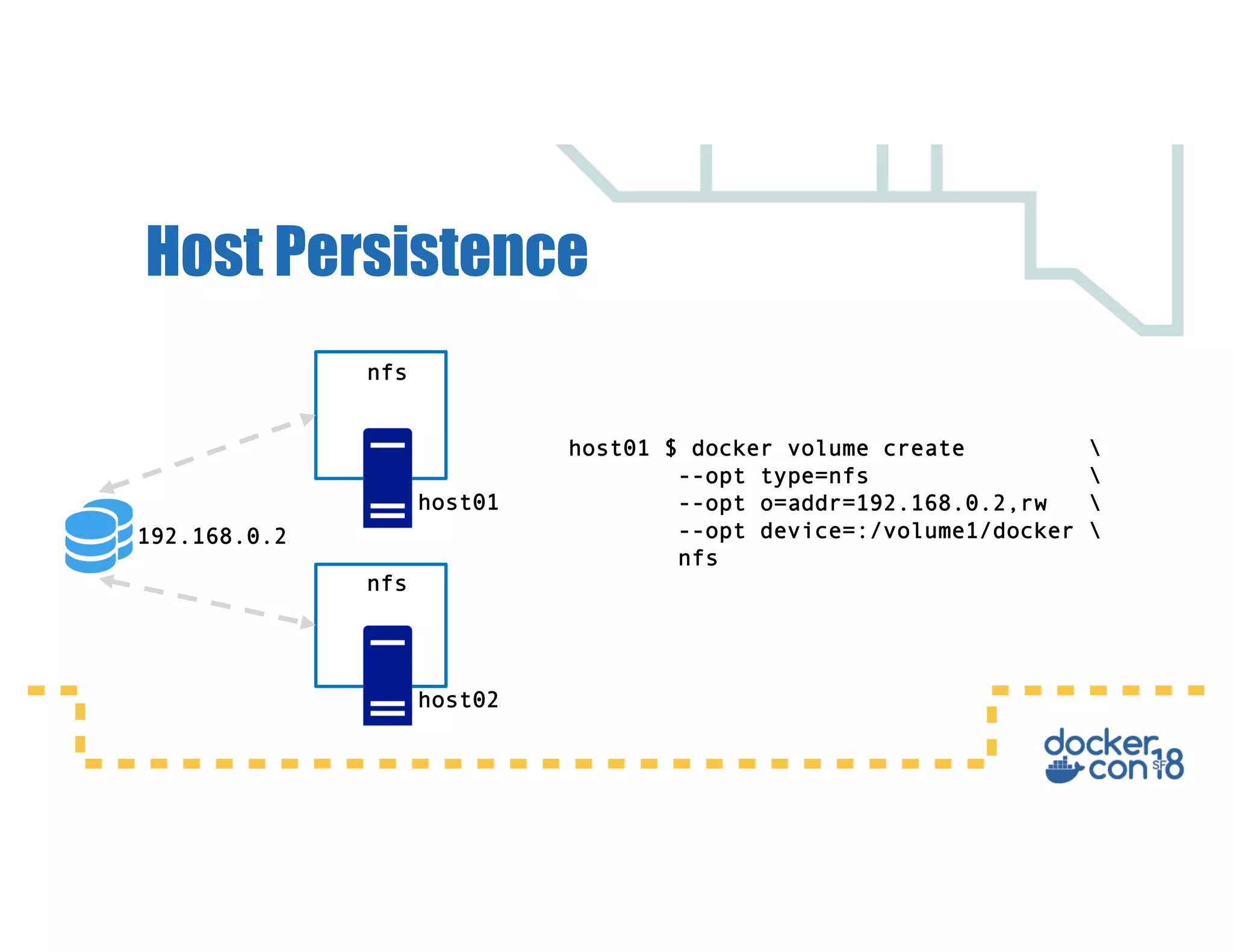
Host Persistence
192.168.0.2
host01
host02
host01 $ docker volume create 
--opt type=nfs 
--opt o=addr=192.168.0.2,rw 
--opt device=:/volume1/docker 
nfs
nfs
nfs
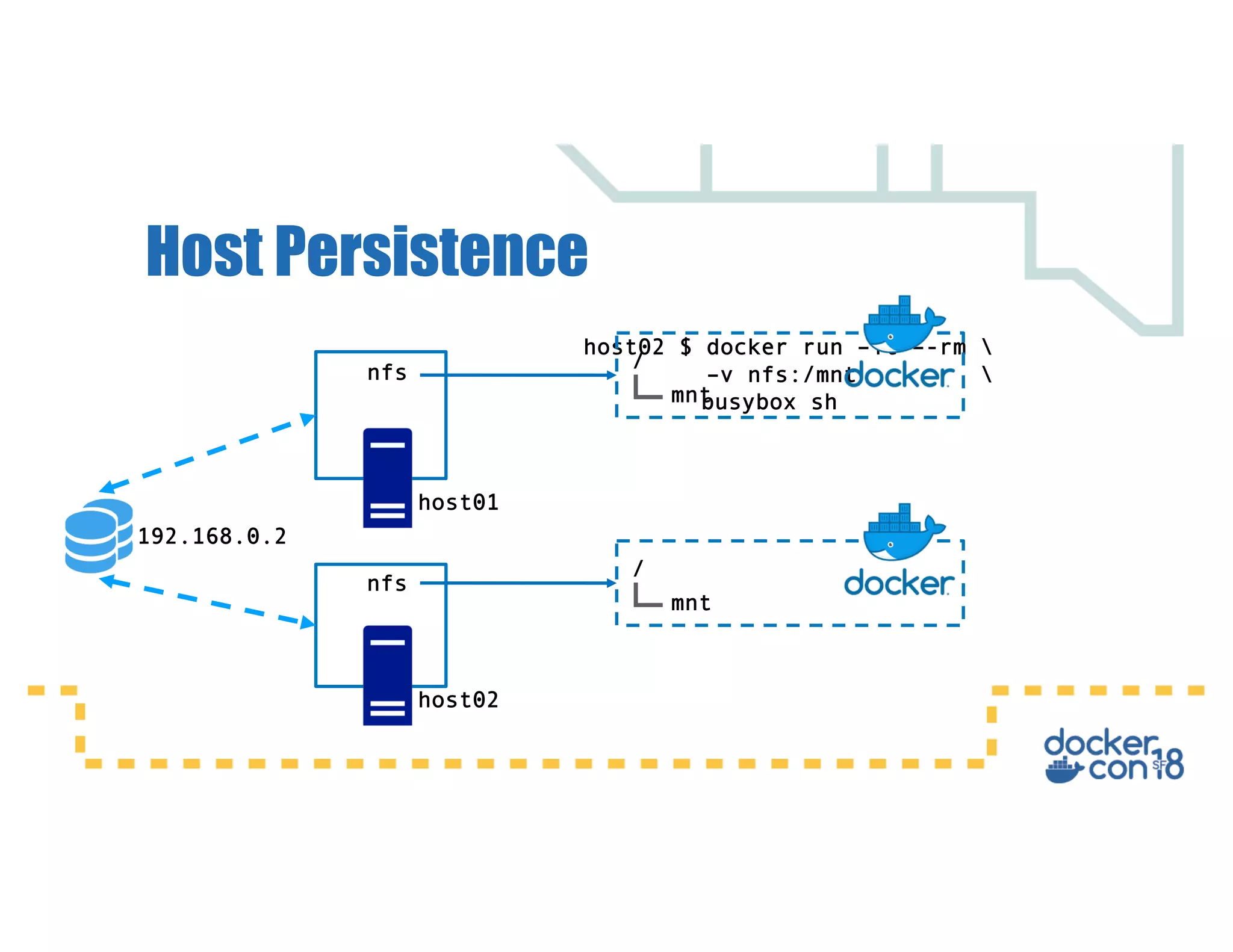
Host Persistence
192.168.0.2
host01
host02
nfs
nfs
/
mnt
host02 $ docker run –it –-rm 
–v nfs:/mnt 
busybox sh
/
mnt
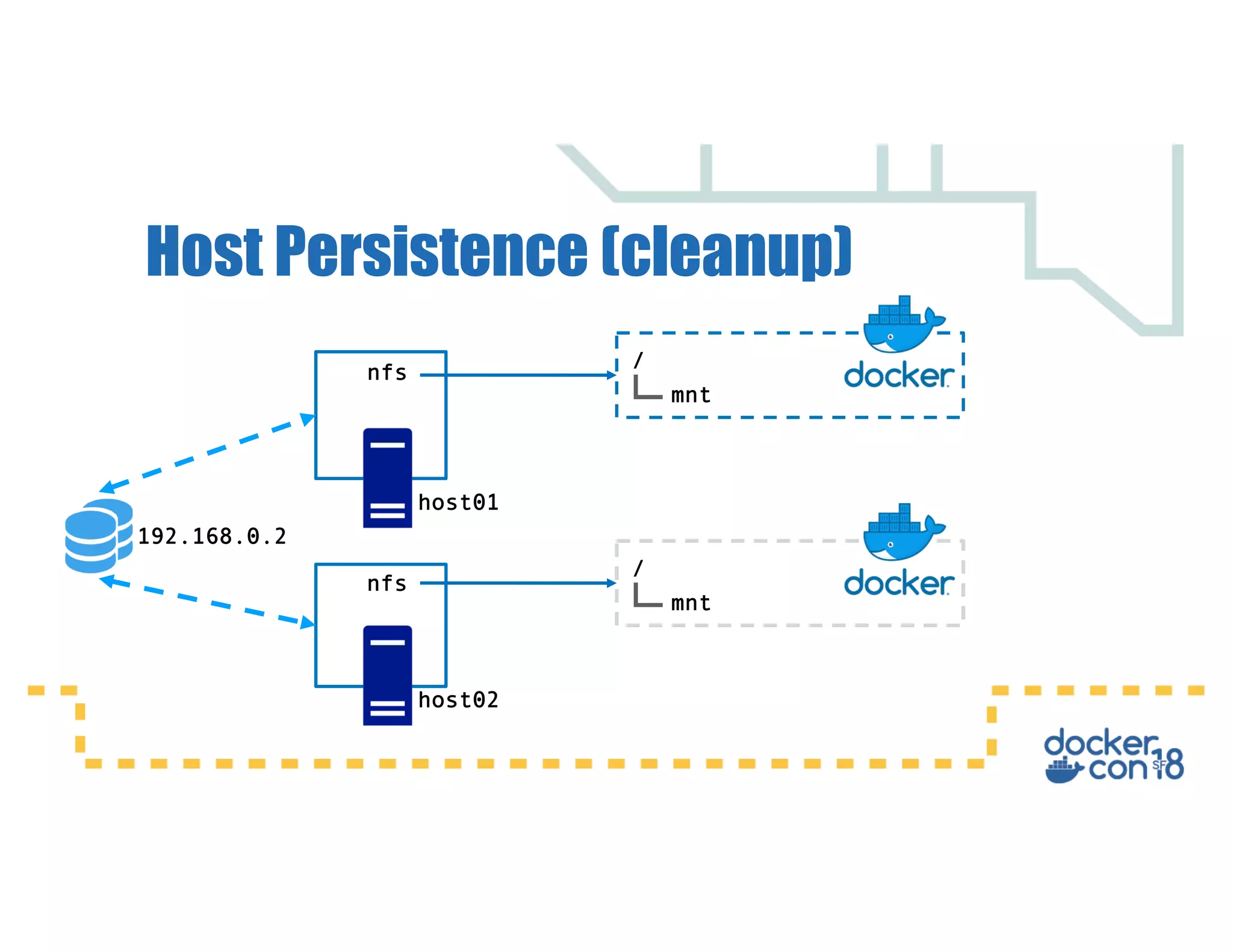
Host Persistence (cleanup)
192.168.0.2
host01
host02
nfs
nfs
/
mnt
/
mnt
Docker Volume Plugins
• Extend the functionality of the Docker Engine
• Use the extensible Docker plugin API
• Allows an end-user to consume existing storage and
its functionality
• Create Docker storage volumes that are linked to a
containers lifecycle (can be persisted afterwards if
needed)
Docker Volume Plugins
Current Plugins
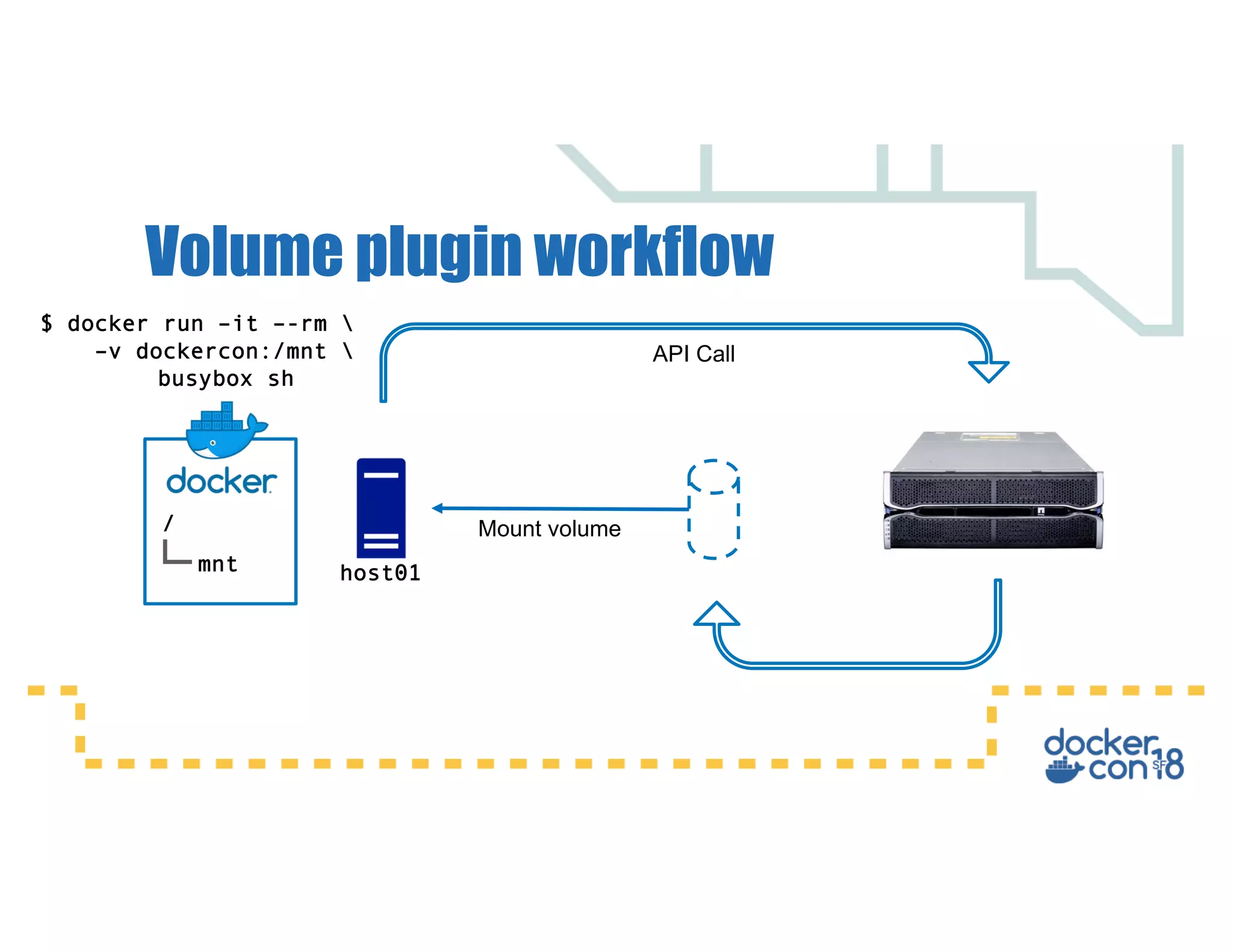
Volume plugin workflow
[dan@dockercon ~]$ docker volume –d array -o ssd -o 32Gb fast_volume
fast_volume
[dan@dockercon ~]$ docker volume ls
DRIVER VOLUME NAME
array fast_volume
[dan@dockercon ~]$ docker plugin install store/storagedriver/array
Volume plugin workflow
host01
API Call
Mount volume/
mnt
$ docker run –it –-rm 
–v dockercon:/mnt 
busybox sh
Data-intensive applications:
Volume plugins expose specialized functionality in storage providers that can be
utilised for data–intensive workloads.
Database migration:
Volume plugins make it easy to move data across hosts in the form of snapshots,
which enable migration of production databases from one host to another with
minimum downtime..
Plugin benefits / use-cases
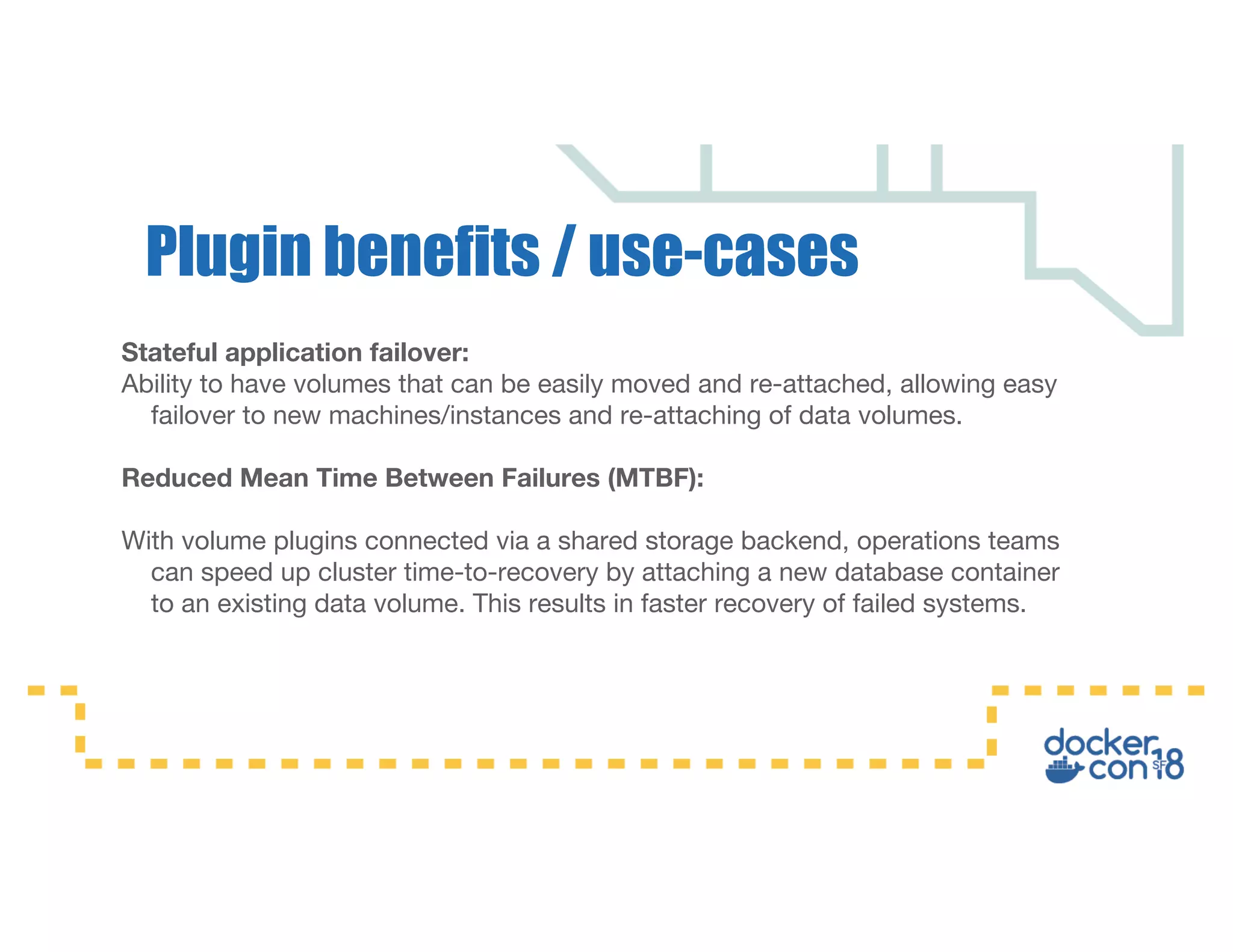
Stateful application failover:
Ability to have volumes that can be easily moved and re-attached, allowing easy
failover to new machines/instances and re-attaching of data volumes.
Reduced Mean Time Between Failures (MTBF):
With volume plugins connected via a shared storage backend, operations teams
can speed up cluster time-to-recovery by attaching a new database container
to an existing data volume. This results in faster recovery of failed systems.
Plugin benefits / use-cases
Orchestrating Storage with Docker EE 2.0
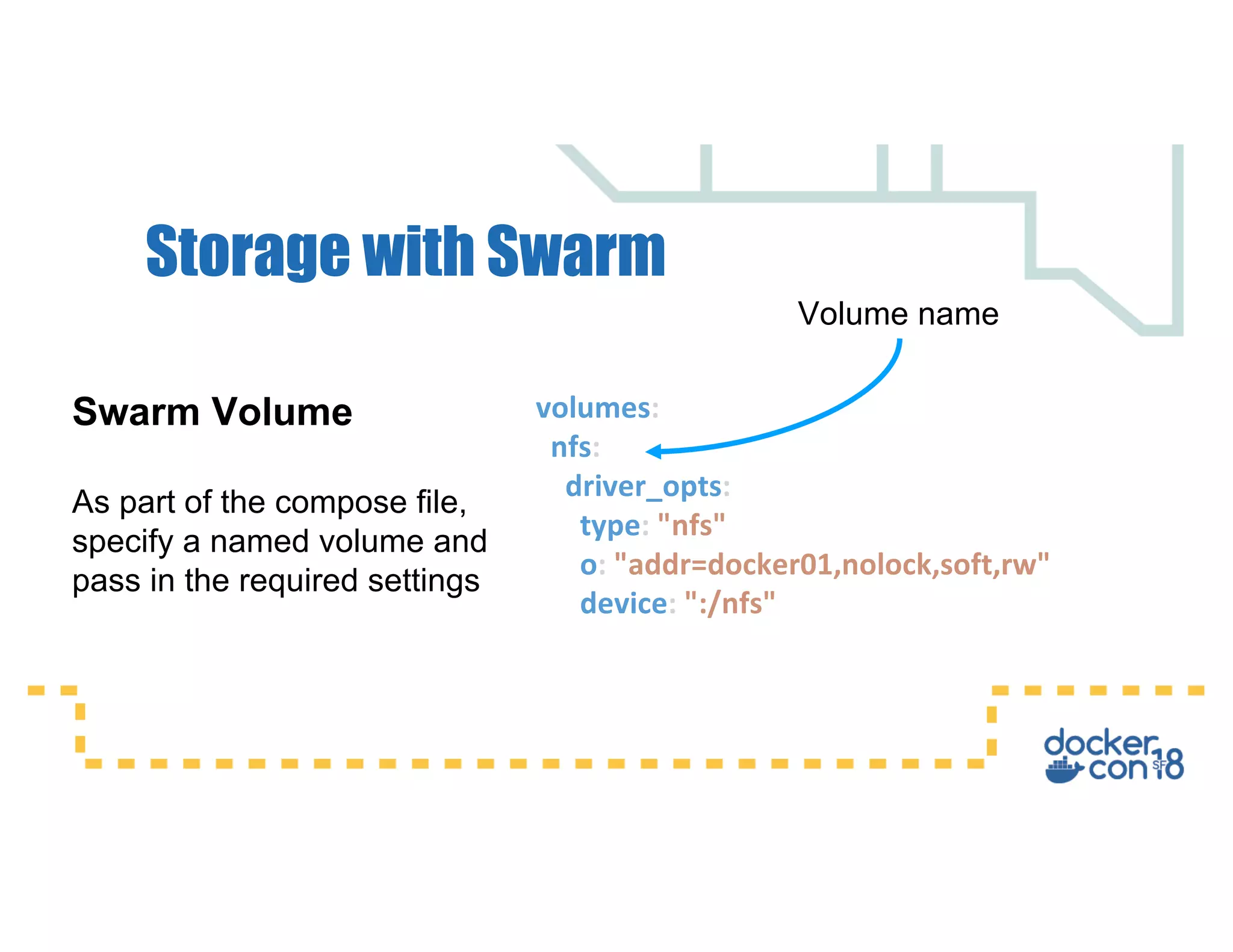
Storage with Swarm
volumes:
nfs:
driver_opts:
type: "nfs"
o: "addr=docker01,nolock,soft,rw"
device: ":/nfs"
Swarm Volume
As part of the compose file,
specify a named volume and
pass in the required settings
Volume name
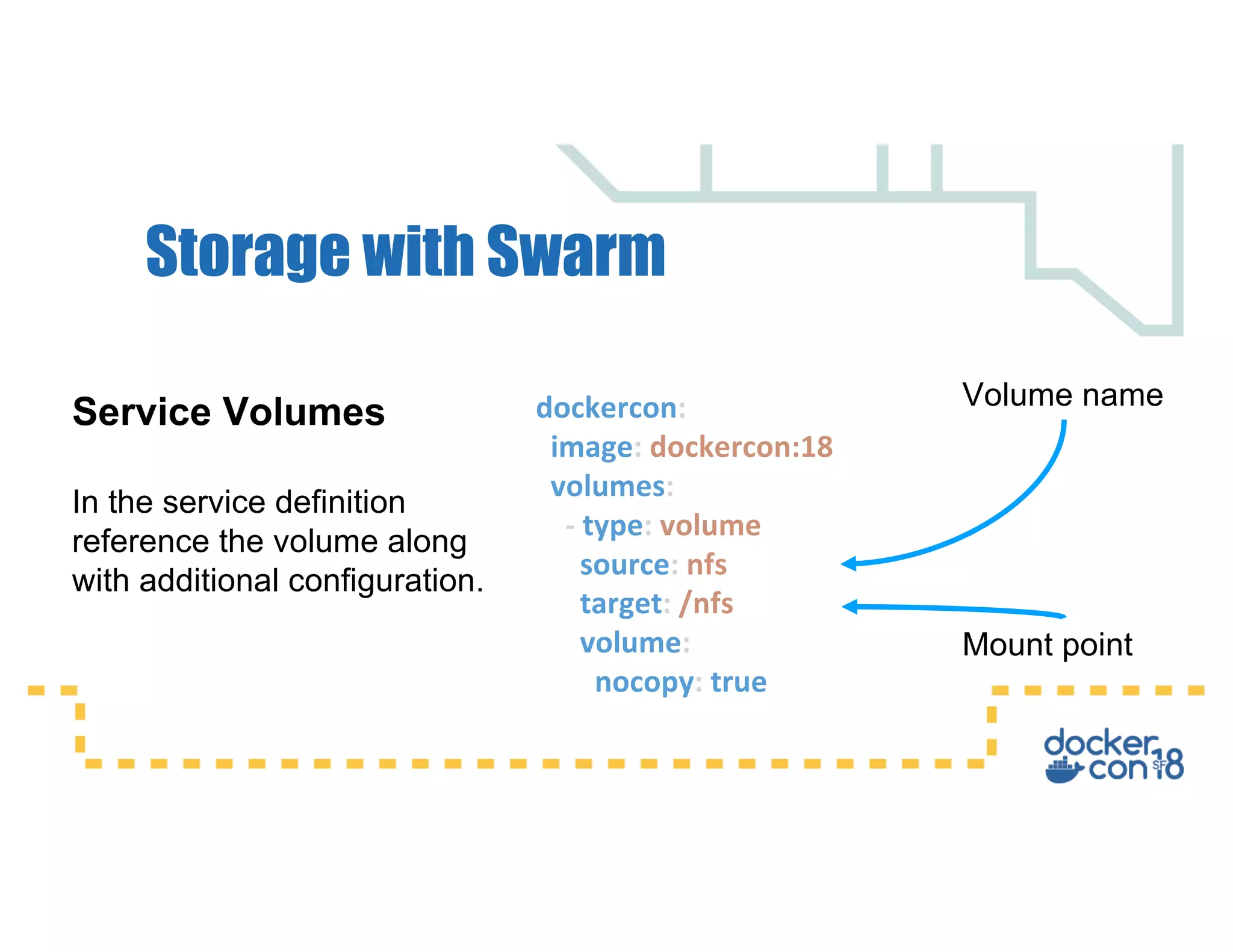
Storage with Swarm
dockercon:
image: dockercon:18
volumes:
- type: volume
source: nfs
target: /nfs
volume:
nocopy: true
Service Volumes
In the service definition
reference the volume along
with additional configuration.
Volume name
Mount point
Storage with Kubernetes
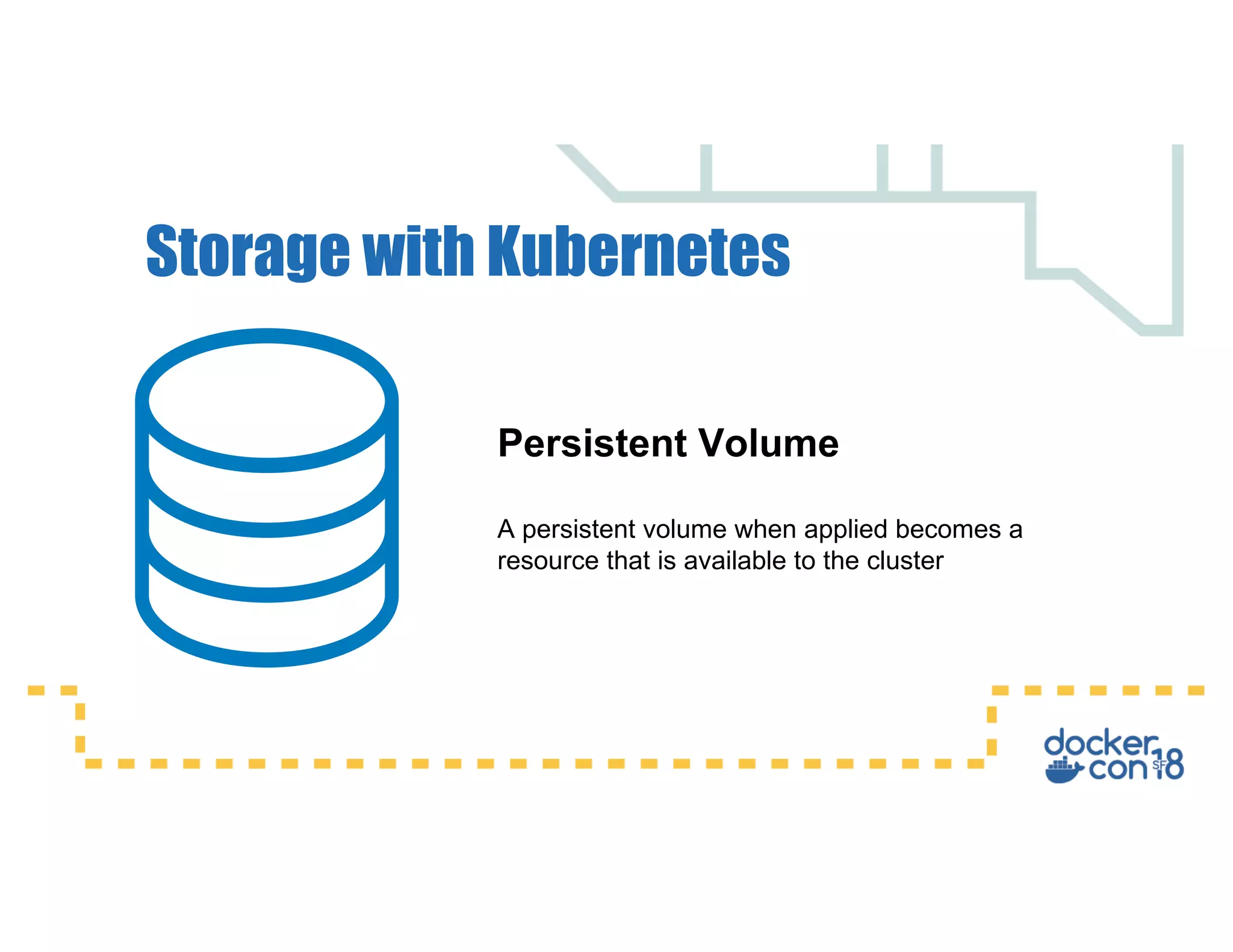
Persistent Volume
A persistent volume when applied becomes a
resource that is available to the cluster
Storage with Kubernetes
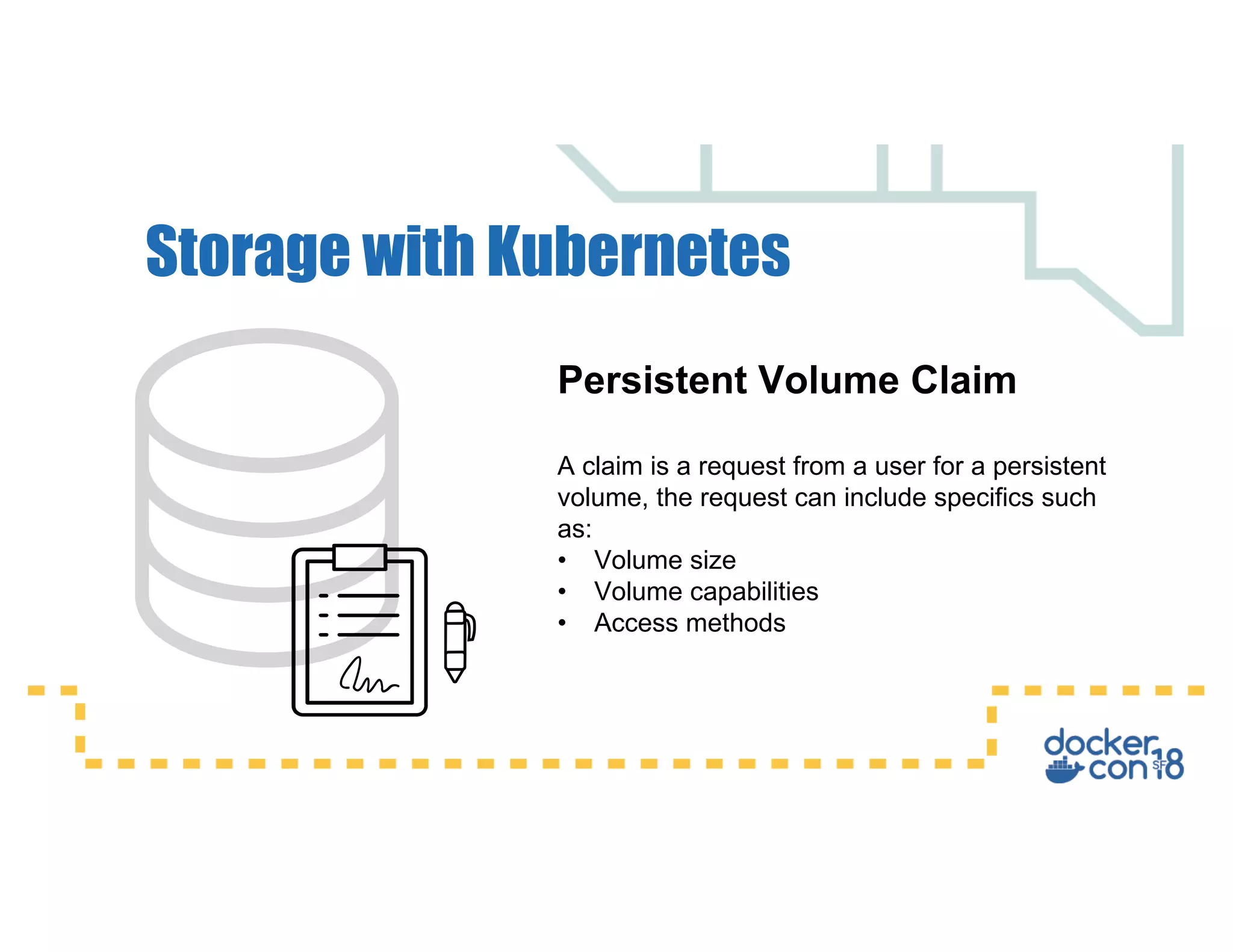
Persistent Volume Claim
A claim is a request from a user for a persistent
volume, the request can include specifics such
as:
• Volume size
• Volume capabilities
• Access methods
Storage with Kubernetes
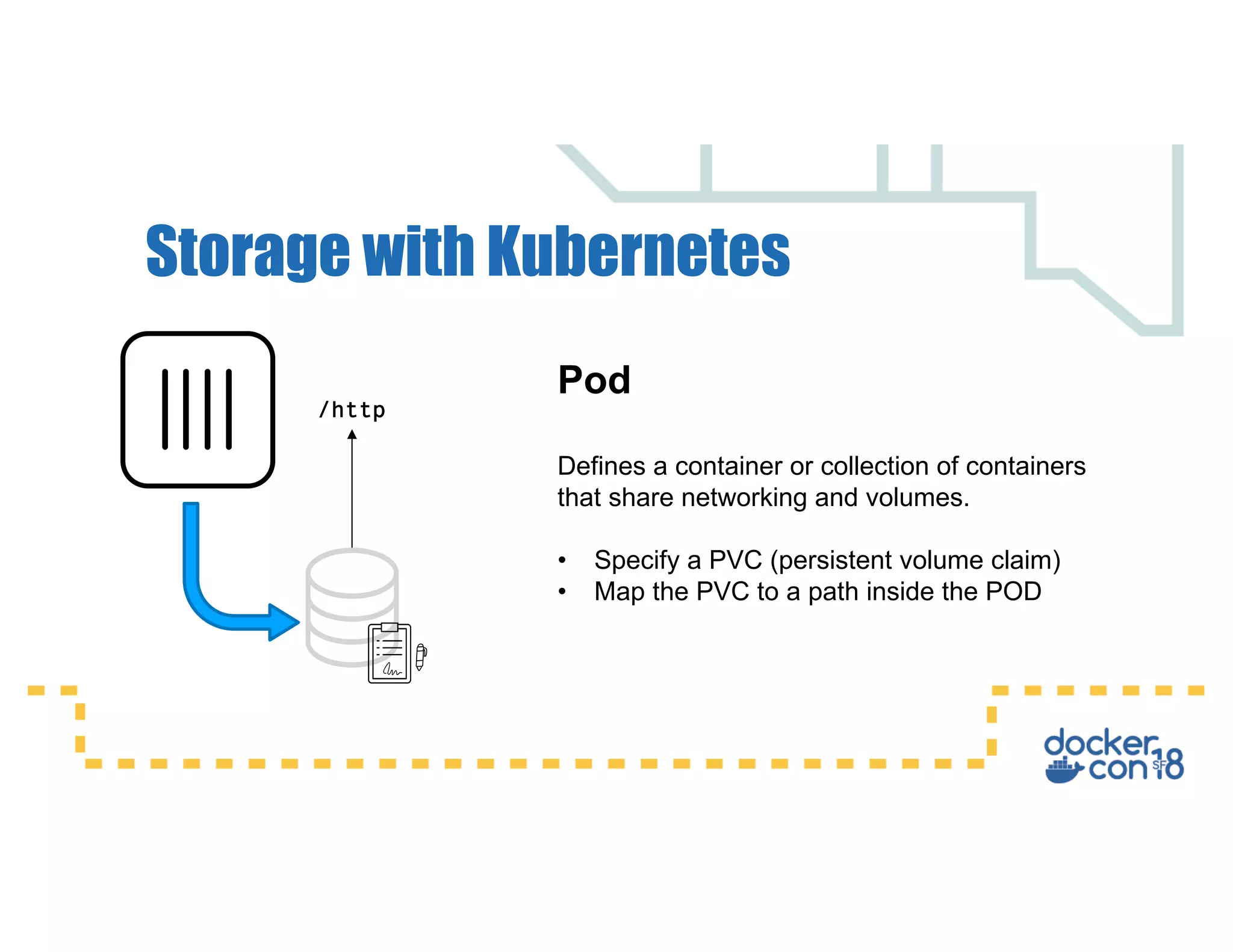
Pod
Defines a container or collection of containers
that share networking and volumes.
• Specify a PVC (persistent volume claim)
• Map the PVC to a path inside the POD
/http
Shared storage:
• Smaller images
• Efficient usage of repetitive
data
• Decouples application and
data
Key Takeaways
• Running a Database is fine
in a container, as long as
the requirements are met.
• Don’t write logs inside a
container
Key Takeaways
Questions

Docker storage designing a platform for persistent data