





The container revolution
Staring Docker, CoreOS, Rocket and guests
December 27th, 2014
Anchor Coworking
Romain Dorgueil
romain@monk.cx
Who am I ?
Romain Dorgueil
Founding partner / Tech Advisor @ WeAreTheShops
Founder / CTO @ Monk
➔ Startupper
➔ DevOps
➔ Python & Linux
➔ Electronic sound distorder
hello@monk.cx
Monk.cx ?
Most affordable Chief Data Officer ever.
➔ Data management
➔ Data processing
➔ Data visualisation
➔ Data reporting
➔ Geek & Biz friendly.
hello@monk.cx
Monk.cx ?
Most affordable Chief Data Officer ever.
➔ Different flavours
◆ Software (runs on your laptop)
◆ Service (runs on our servers)
◆ Appliance (runs on your servers)
➔ Distributed
◆ Sync & deploy as simple as git pull/push
hello@monk.cx
Monk.cx ?
http://monk.cx/
hello@monk.cx
Monk.cx ?
http://monk.cx/
hello@monk.cx
DATA !
</advertising>
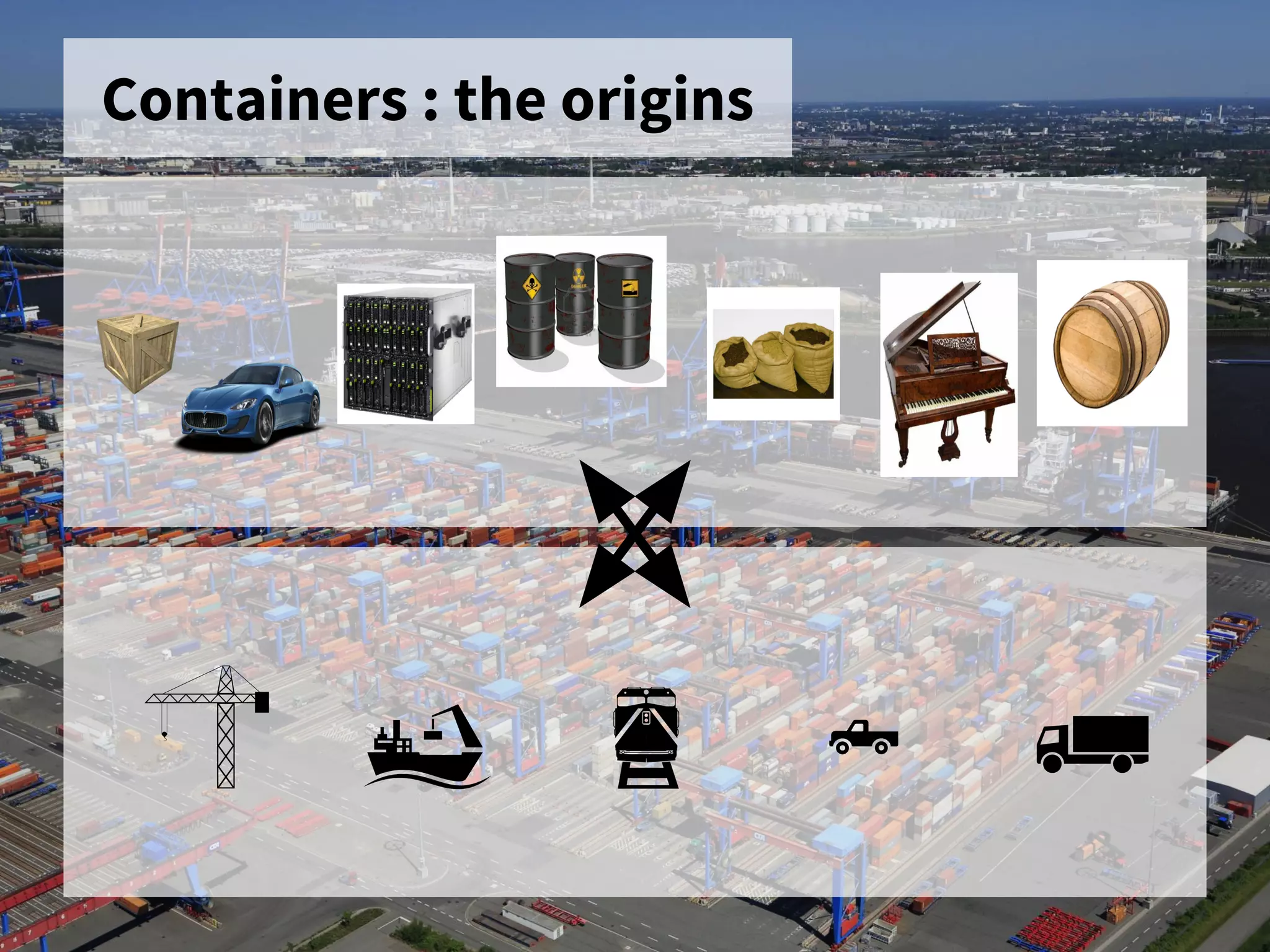
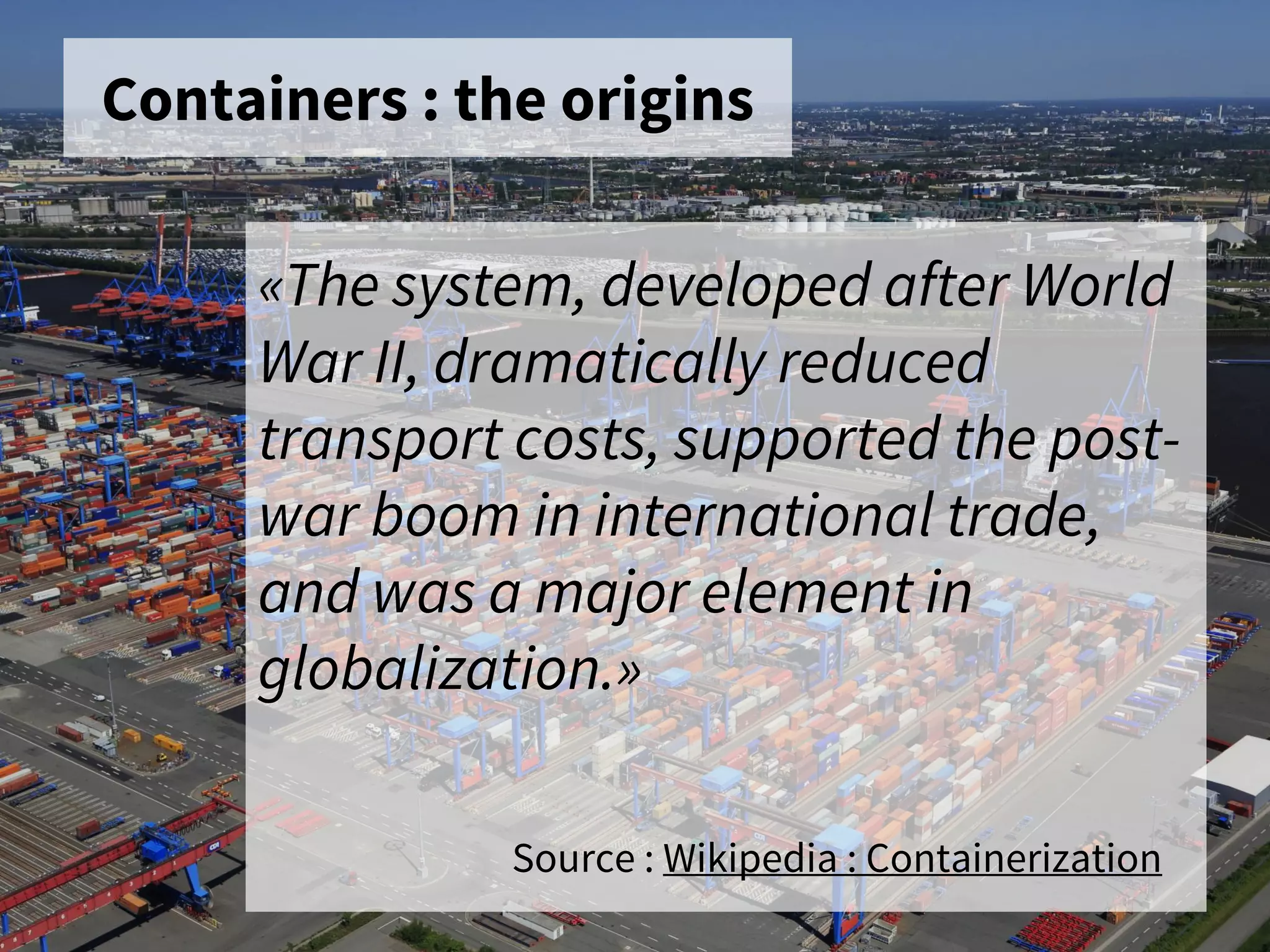
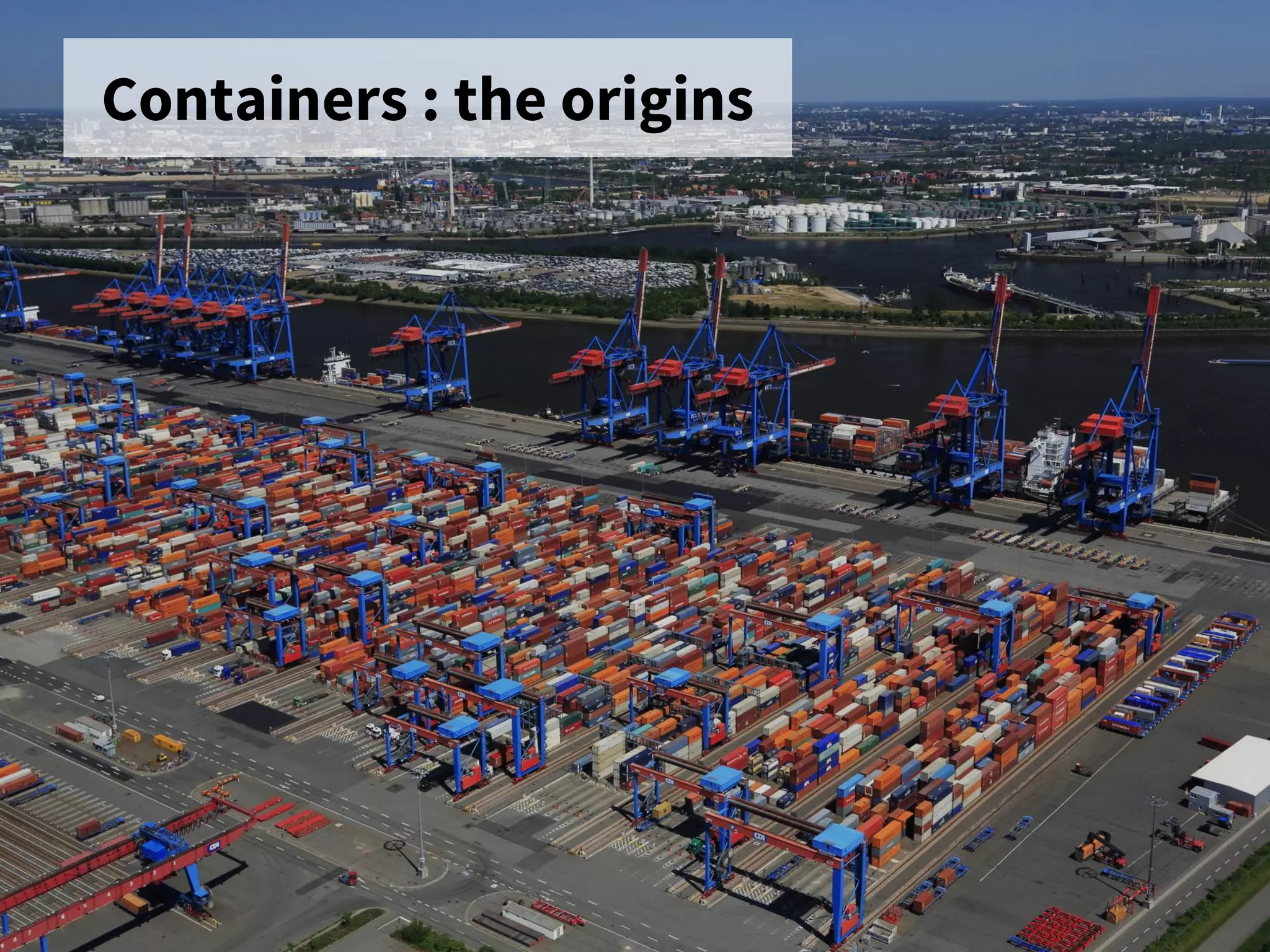
Containers : the origins
«The system, developed after World
War II, dramatically reduced
transport costs, supported the post-
war boom in international trade,
and was a major element in
globalization.»
Source : Wikipedia : Containerization
Containers : the origins
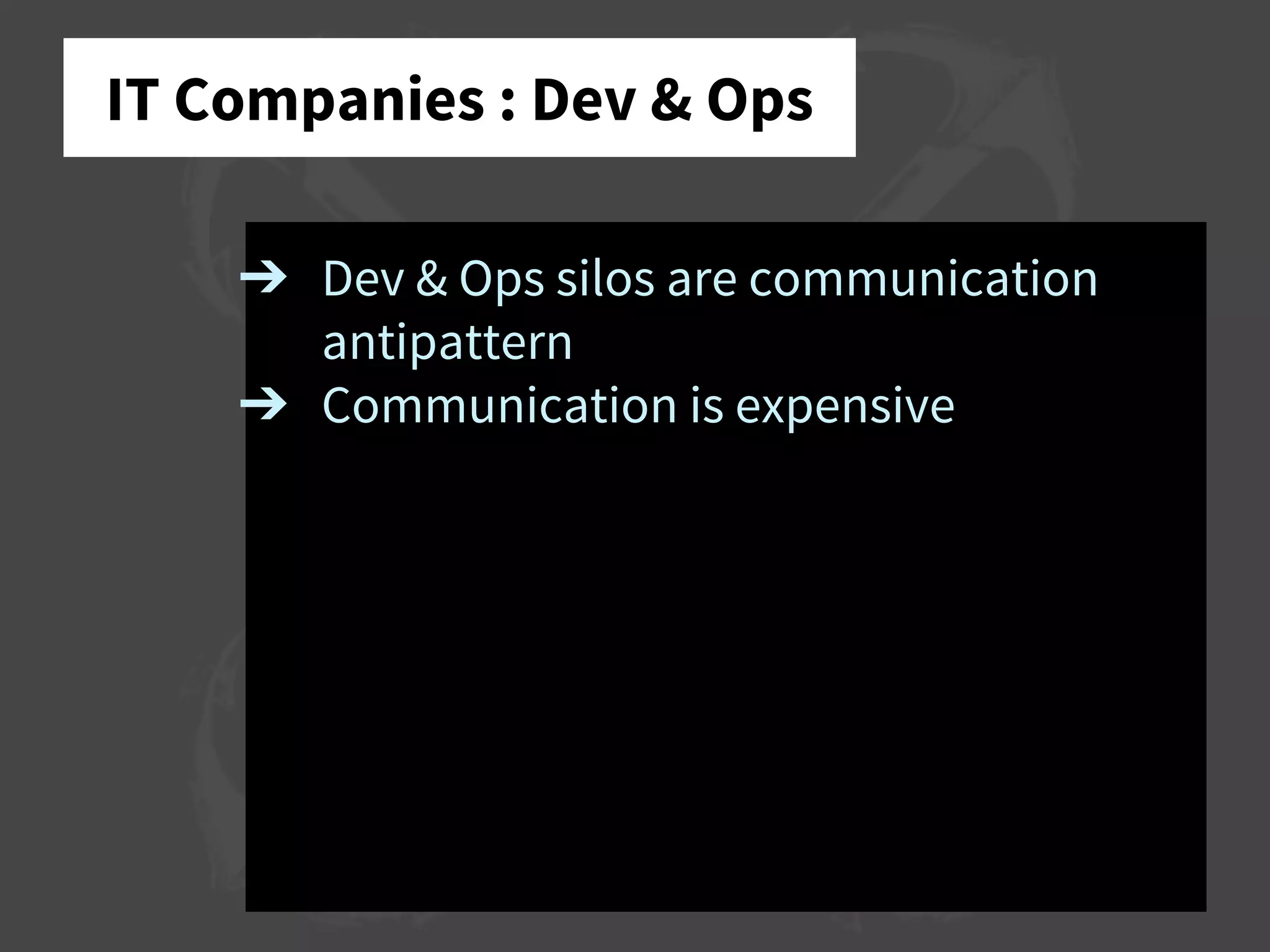
IT Companies : Dev & Ops
➔ Dev & Ops silos are communication
antipattern
➔ Communication is expensive
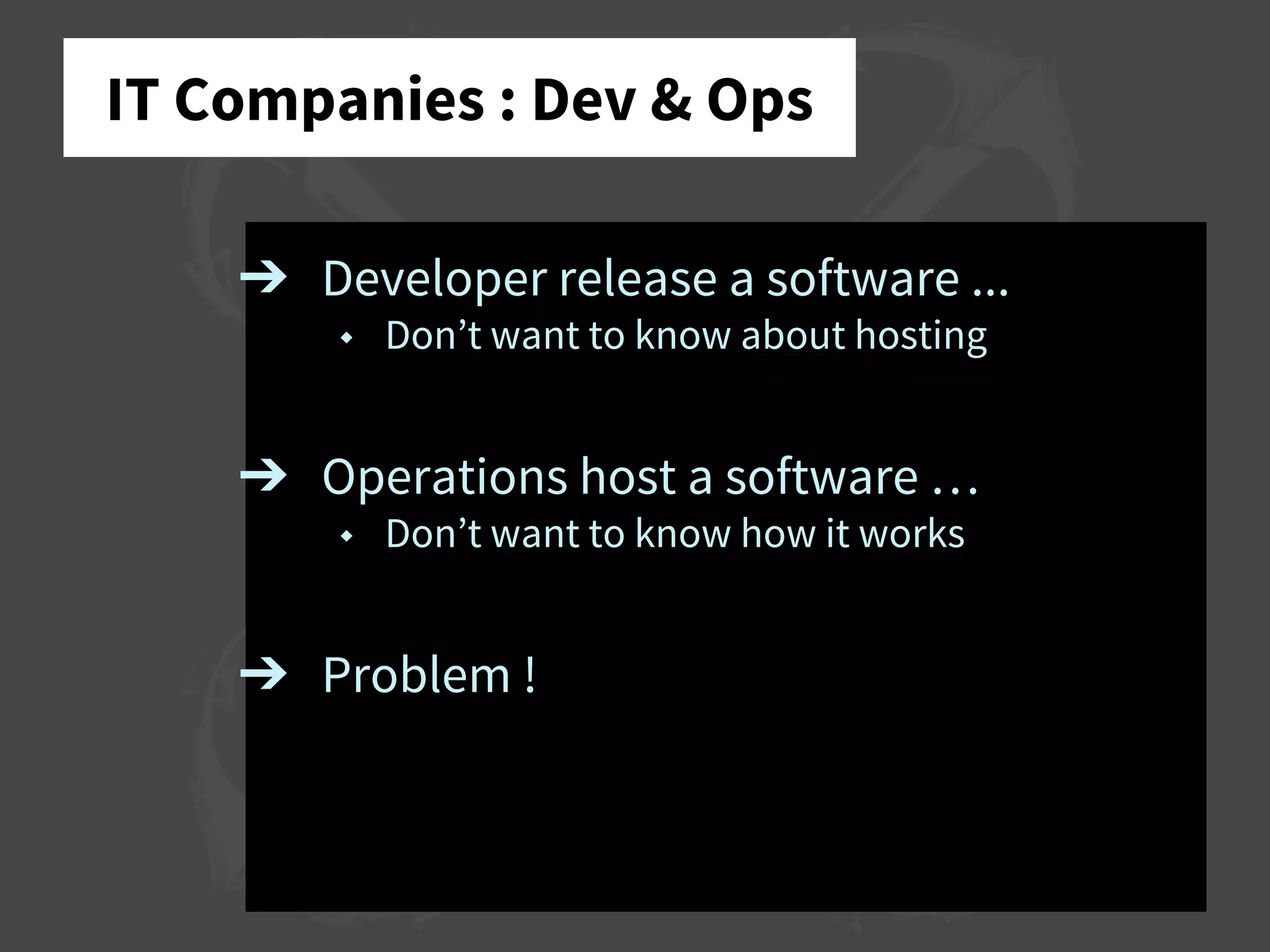
IT Companies : Dev & Ops
➔ Developer release a software ...
◆ Don’t want to know about hosting
➔ Operations host a software …
◆ Don’t want to know how it works
➔ Problem !
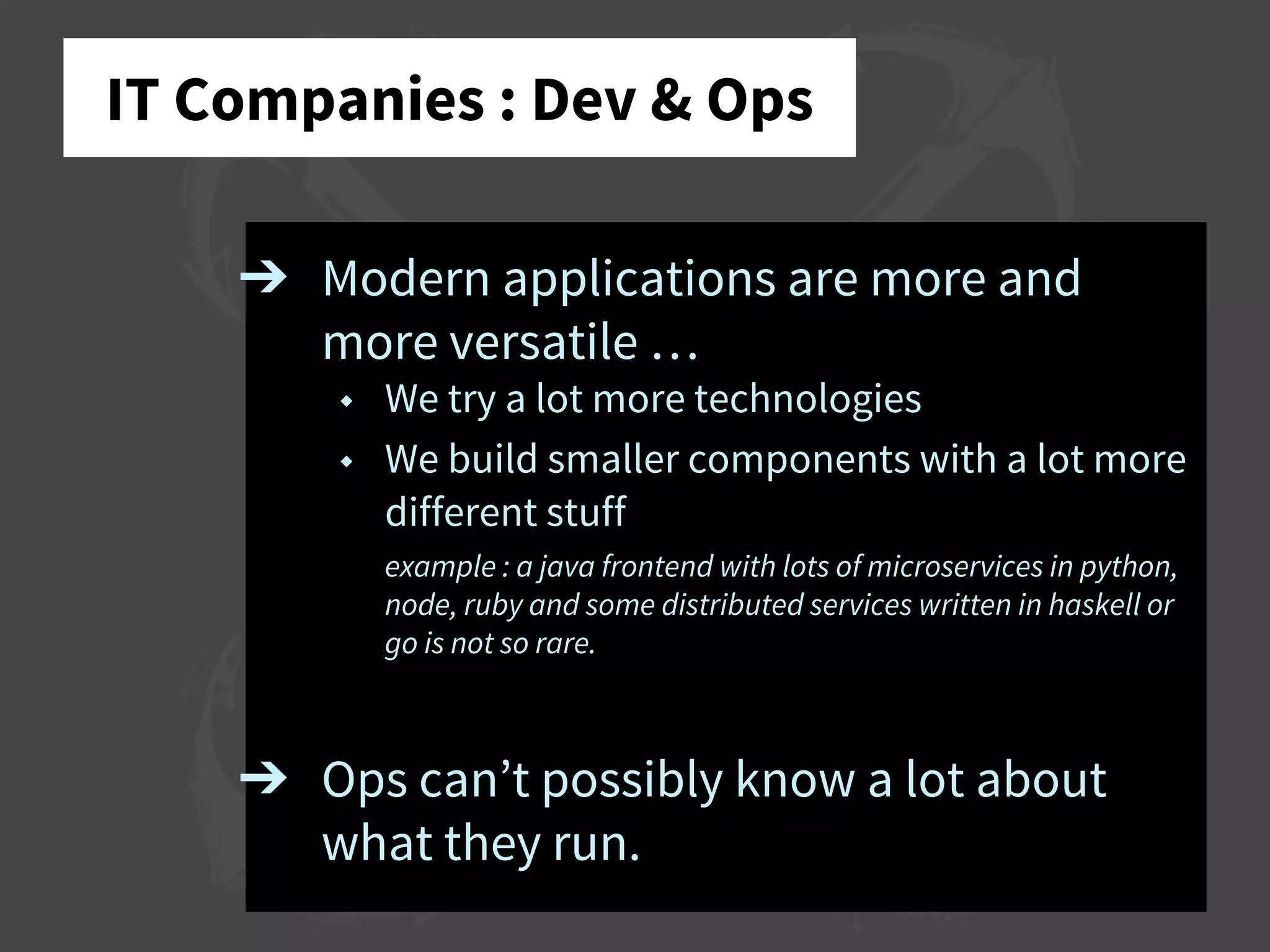
IT Companies : Dev & Ops
➔ Modern applications are more and
more versatile …
◆ We try a lot more technologies
◆ We build smaller components with a lot more
different stuff
example : a java frontend with lots of microservices in python,
node, ruby and some distributed services written in haskell or
go is not so rare.
➔ Ops can’t possibly know a lot about
what they run.
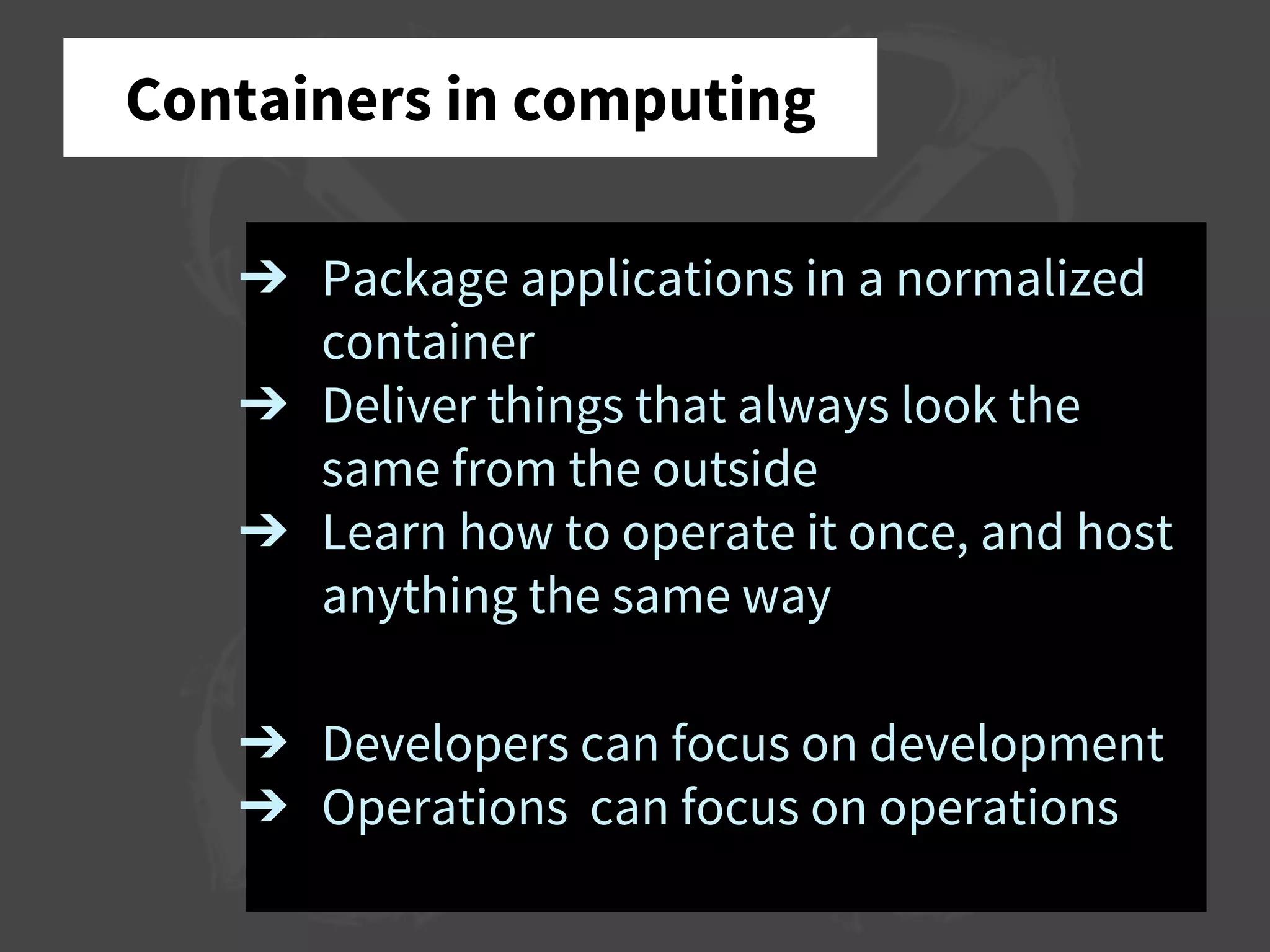
Containers in computing
➔ Package applications in a normalized
container
➔ Deliver things that always look the
same from the outside
➔ Learn how to operate it once, and host
anything the same way
➔ Developers can focus on development
➔ Operations can focus on operations
➔ Run things
➔ Monitor running things
➔ Don’t trust those running things
➔ Don’t care about what’s running
Containers in computing
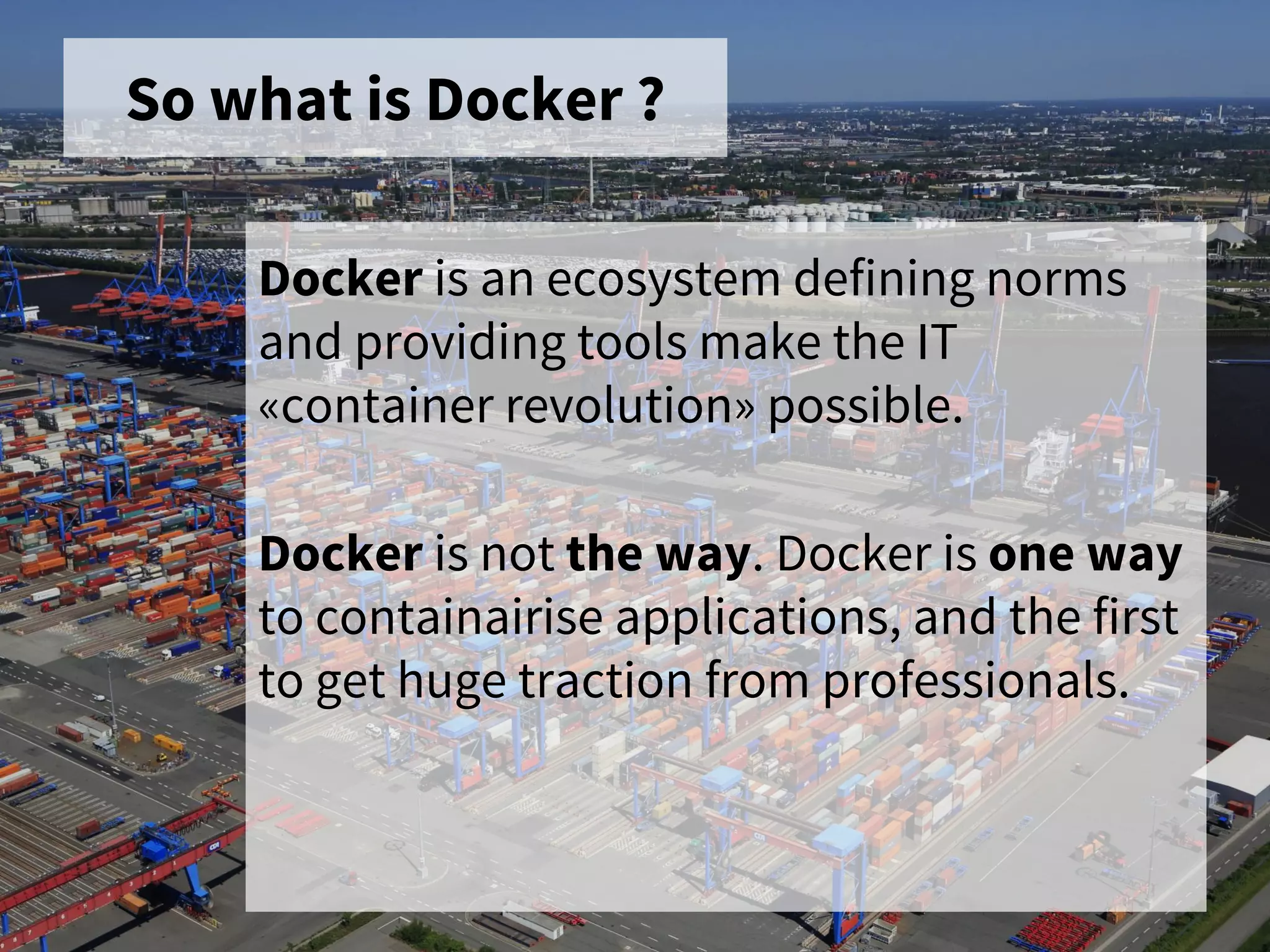
So what is Docker ?
Docker is an ecosystem defining norms
and providing tools make the IT
«container revolution» possible.
Docker is not the way. Docker is one way
to containairise applications, and the first
to get huge traction from professionals.
Traction ?
GAFAs and little brothers all says
«I’m doing it for ages»
or …
«I want a piece of the cake»
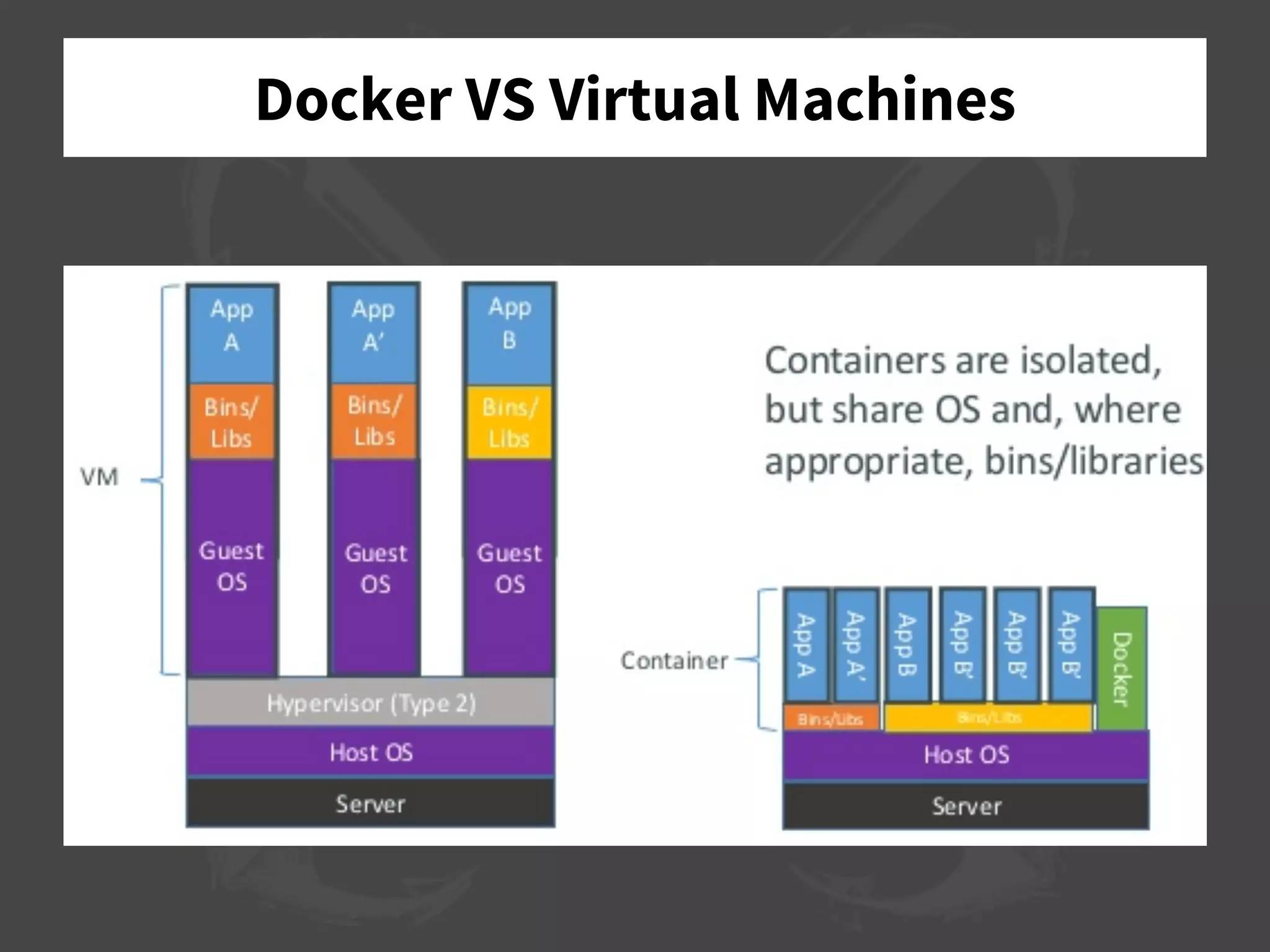
Docker VS Virtual Machines
Docker
➔ Modern Linux (3.8+)
➔ Linux Containers (LXC)
➔ Another Union File System (AUFS)
➔ Docker Server (and client …)
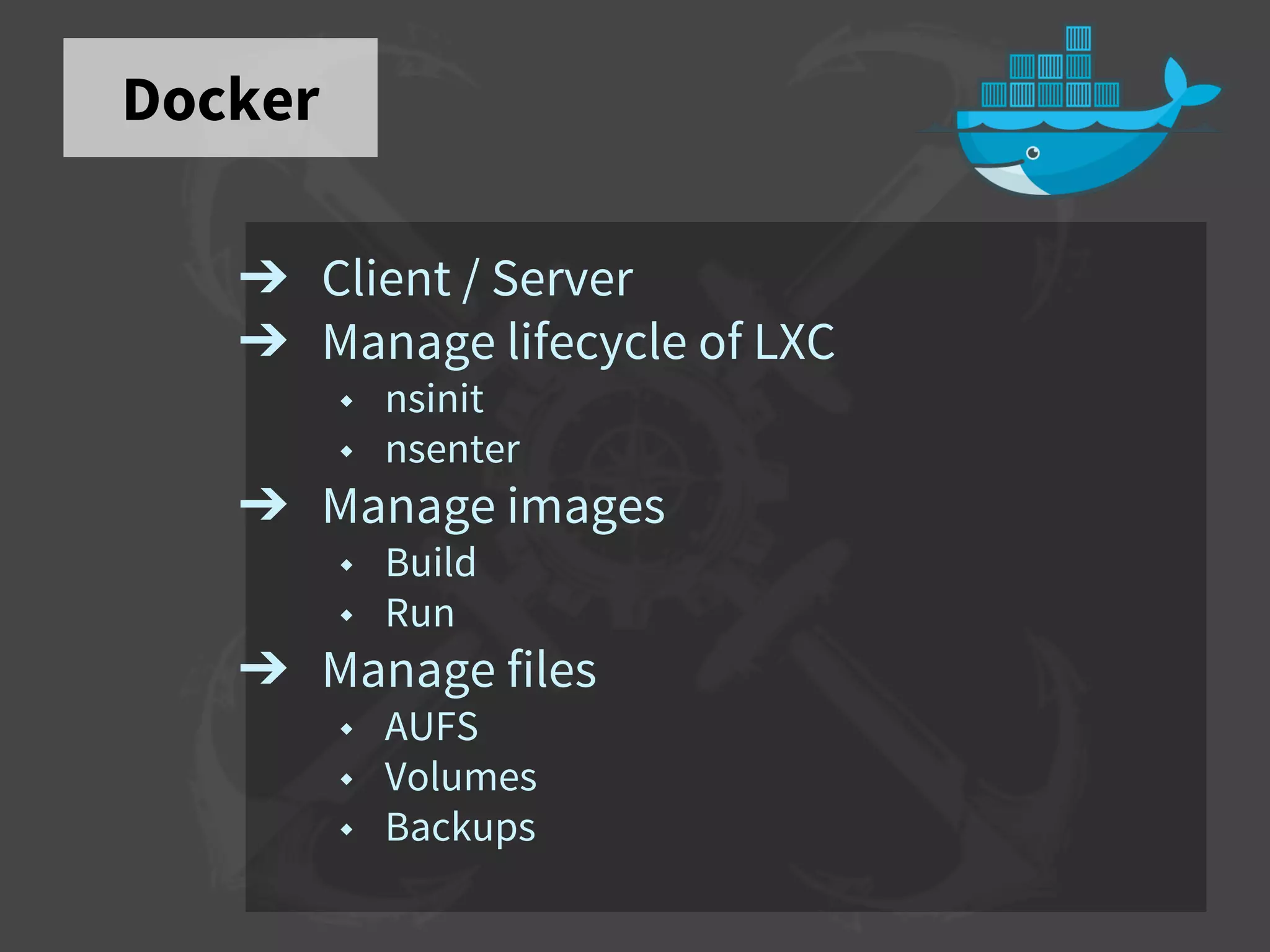
Docker
➔ Client / Server
➔ Manage lifecycle of LXC
◆ nsinit
◆ nsenter
➔ Manage images
◆ Build
◆ Run
➔ Manage files
◆ AUFS
◆ Volumes
◆ Backups
Docker : Images
➔ Complete snapshot of a system state
➔ Hints about exposed ports
➔ Infos about volumes
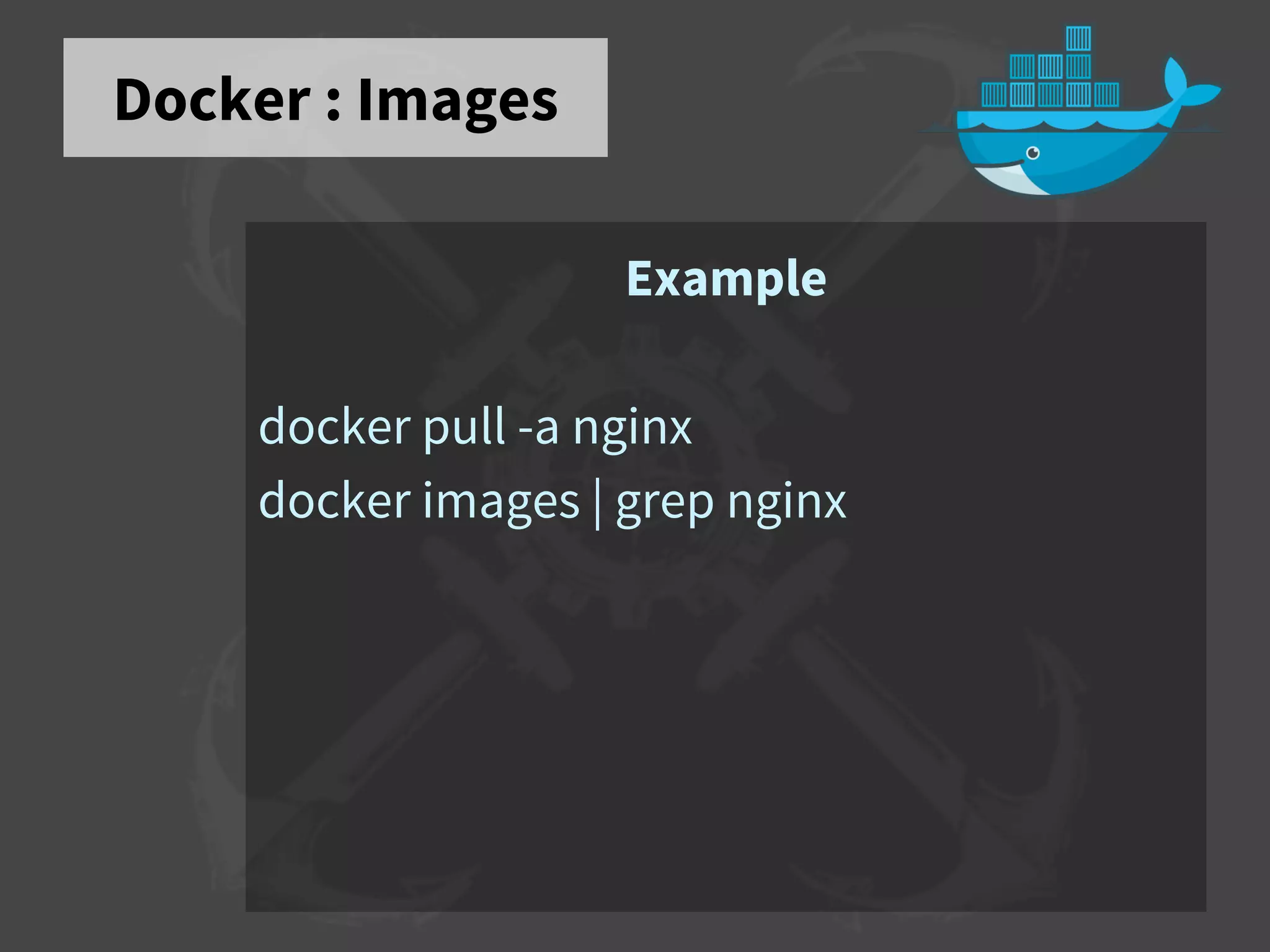
Docker : Images
Example
docker pull -a nginx
docker images | grep nginx
Docker : Containers
➔ Take an image
➔ Add some environment
➔ Run it
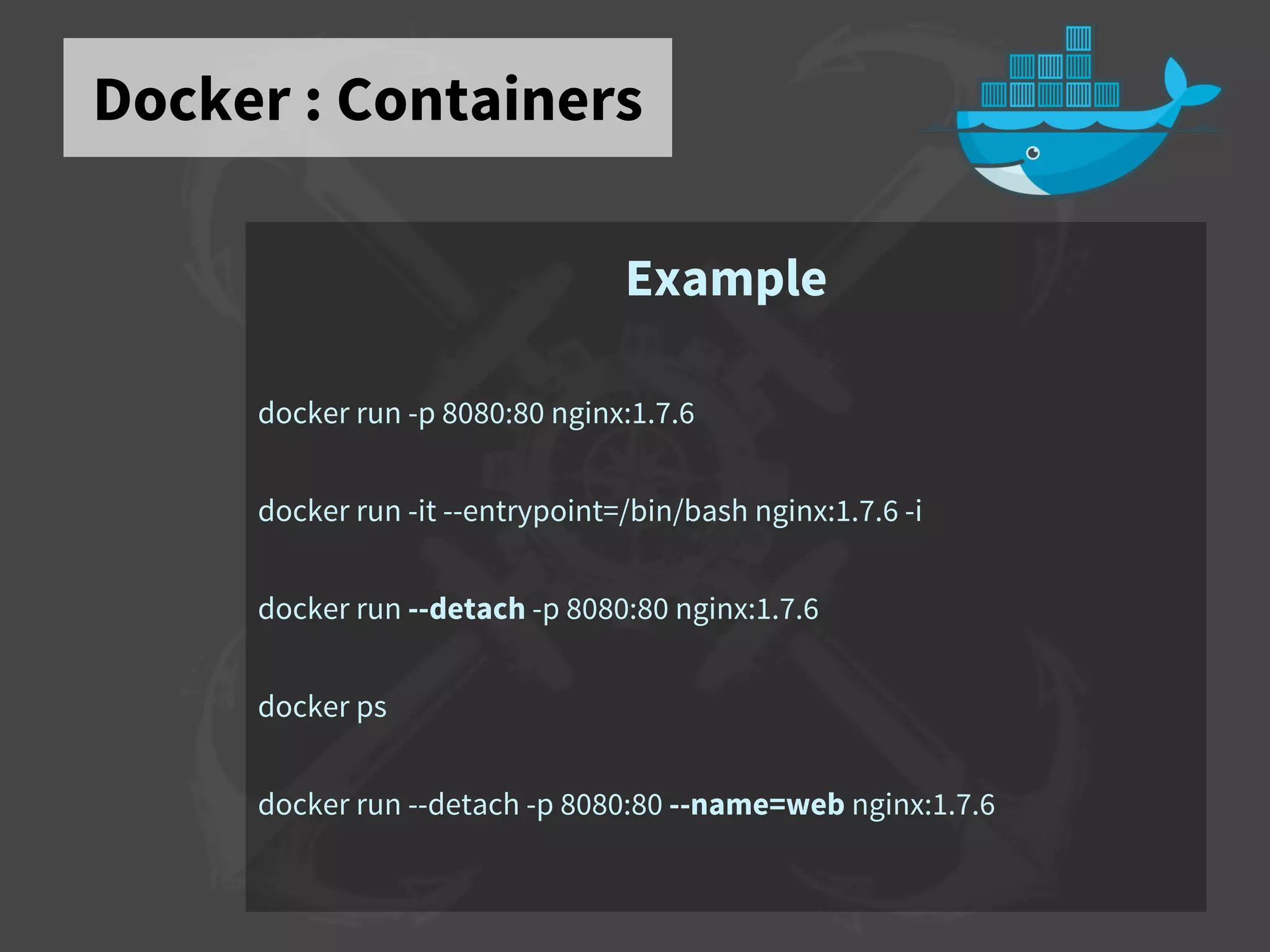
Docker : Containers
Example
docker run -p 8080:80 nginx:1.7.6
docker run -it --entrypoint=/bin/bash nginx:1.7.6 -i
docker run --detach -p 8080:80 nginx:1.7.6
docker ps
docker run --detach -p 8080:80 --name=web nginx:1.7.6
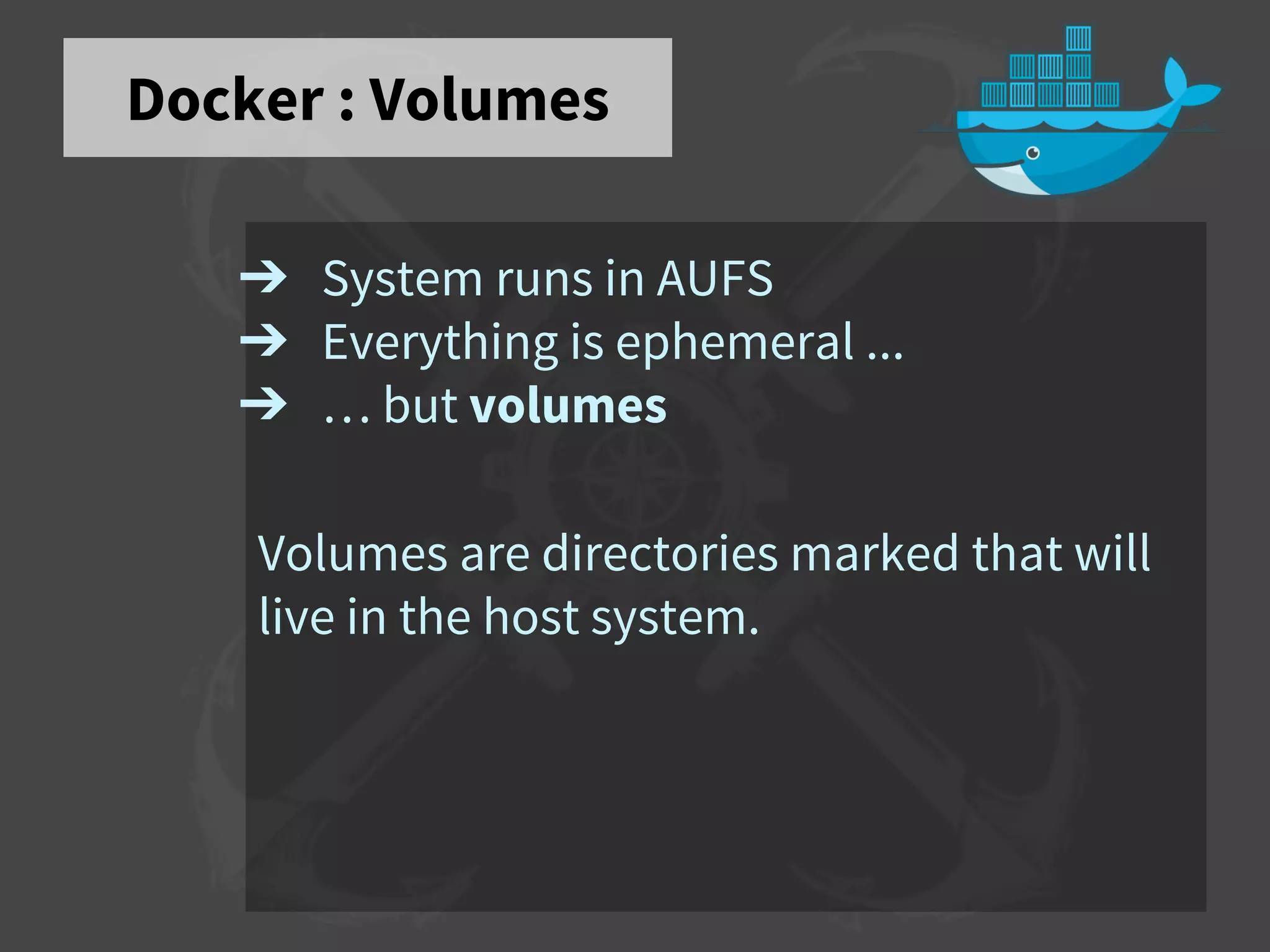
Docker : Volumes
➔ System runs in AUFS
➔ Everything is ephemeral ...
➔ … but volumes
Volumes are directories marked that will
live in the host system.
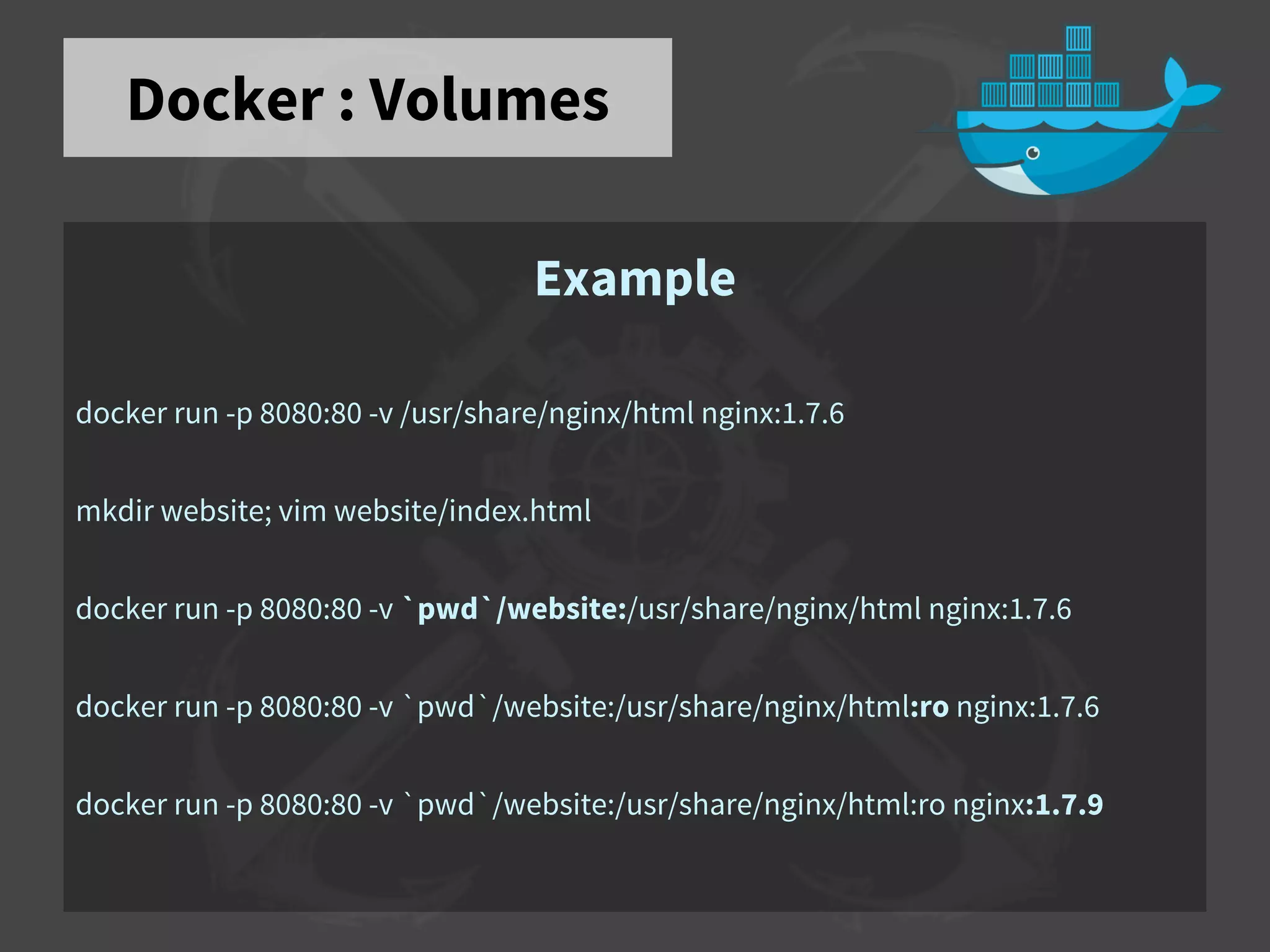
Docker : Volumes
Example
docker run -p 8080:80 -v /usr/share/nginx/html nginx:1.7.6
mkdir website; vim website/index.html
docker run -p 8080:80 -v `pwd`/website:/usr/share/nginx/html nginx:1.7.6
docker run -p 8080:80 -v `pwd`/website:/usr/share/nginx/html:ro nginx:1.7.6
docker run -p 8080:80 -v `pwd`/website:/usr/share/nginx/html:ro nginx:1.7.9
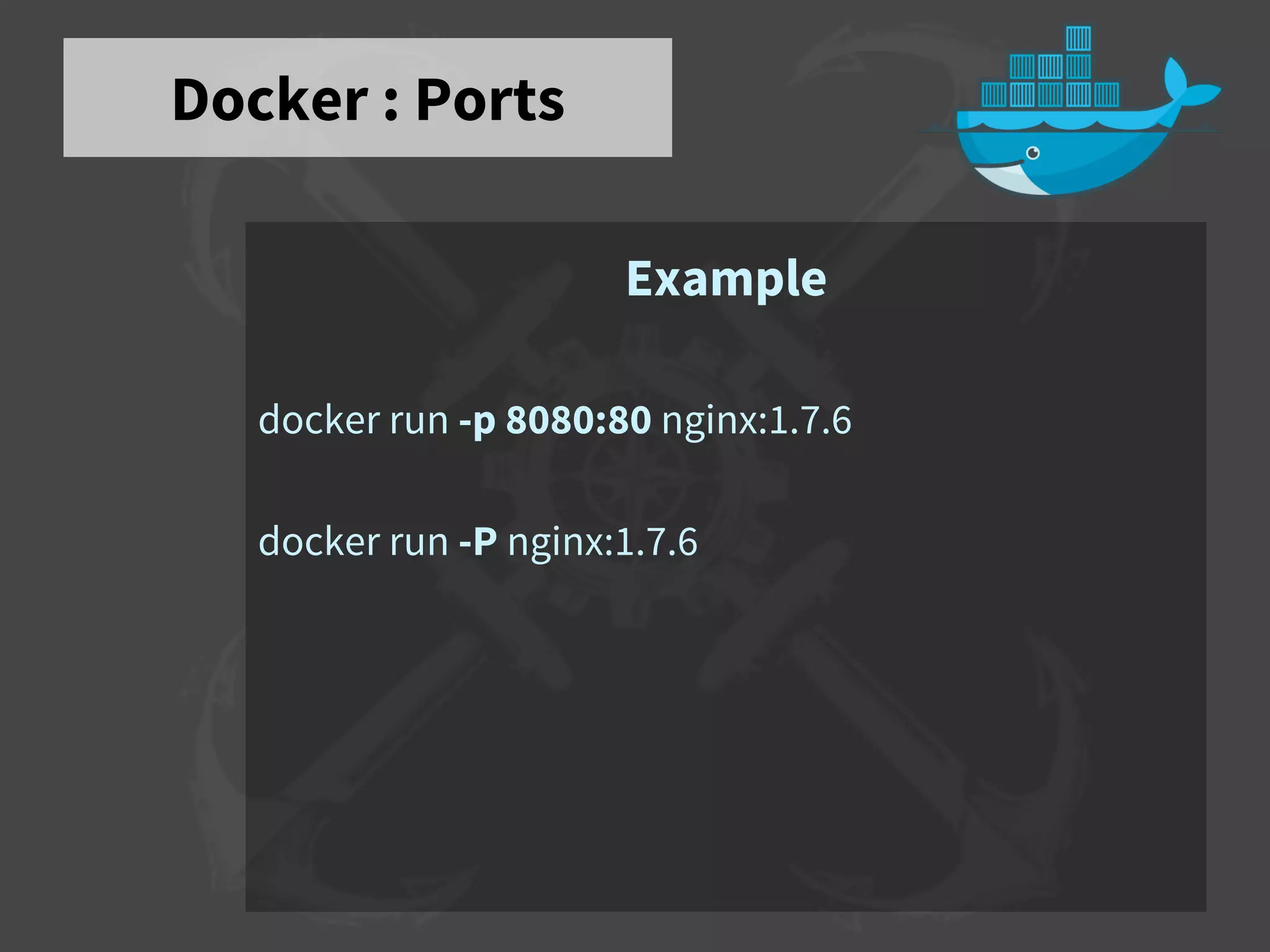
Docker : Ports
Example
docker run -p 8080:80 nginx:1.7.6
docker run -P nginx:1.7.6
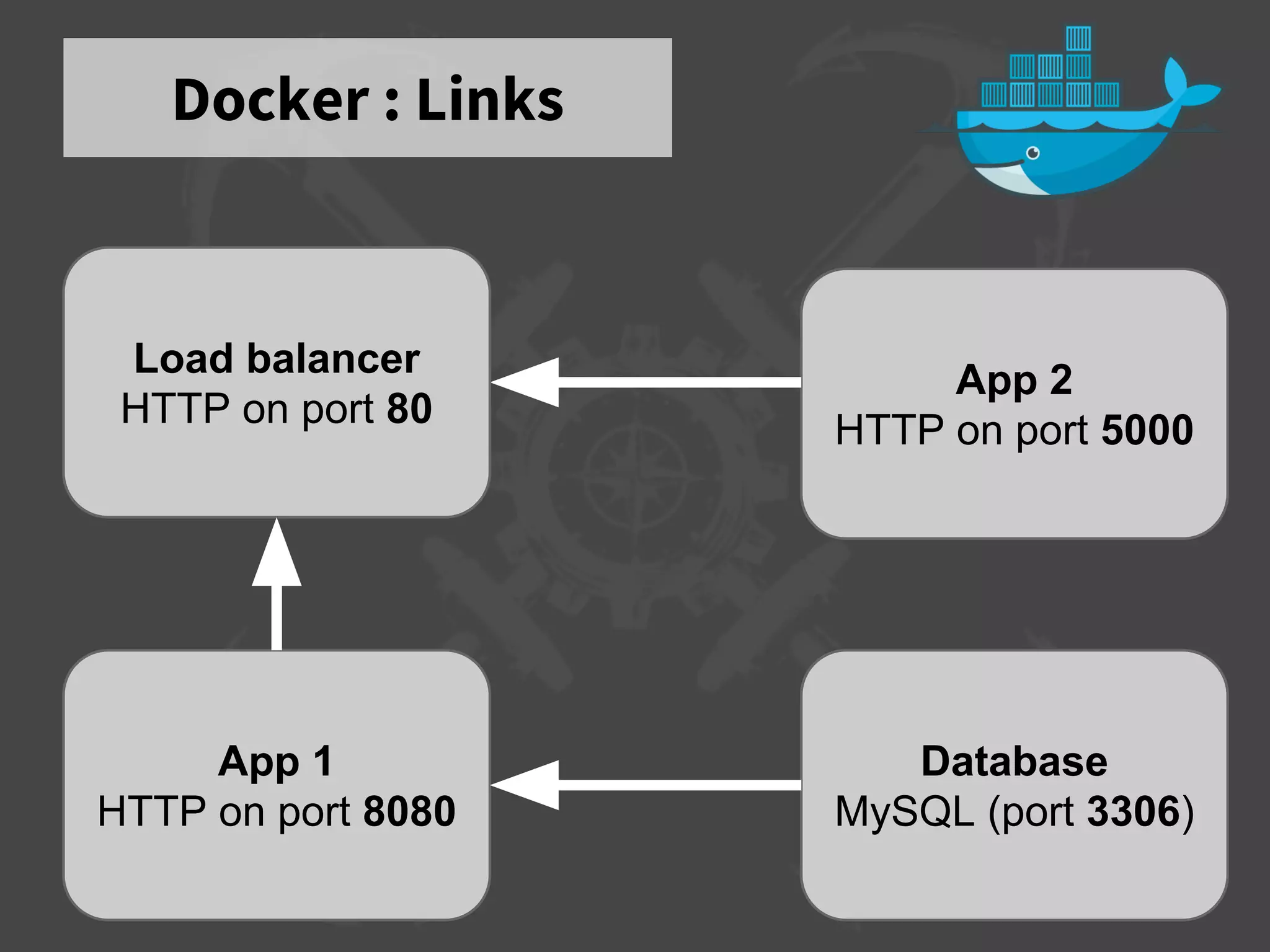
Docker : Links
App 1
HTTP on port 8080
Database
MySQL (port 3306)
App 2
HTTP on port 5000
Load balancer
HTTP on port 80
Docker : Links
Example
In a moment, with demo.
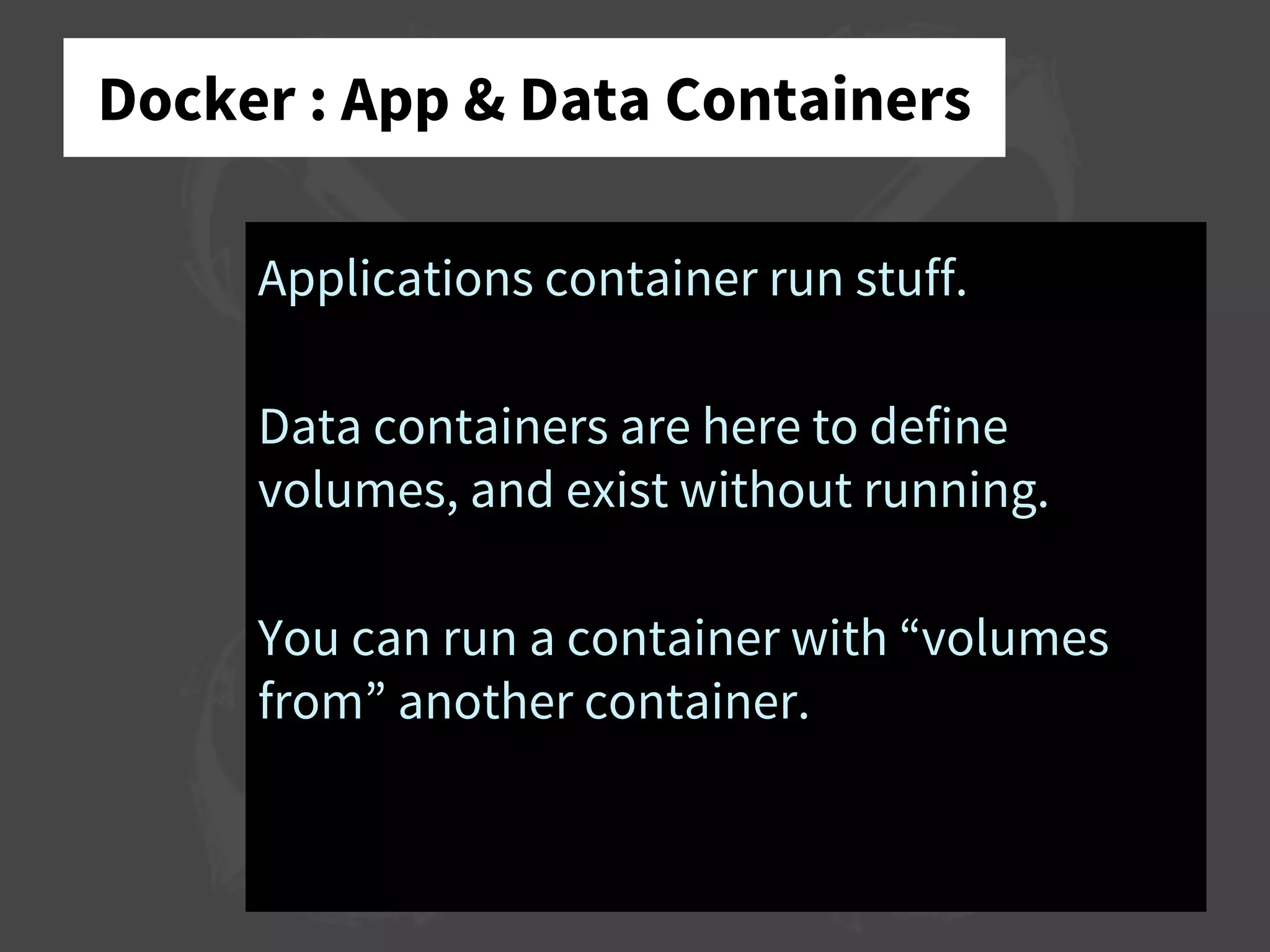
Docker : App & Data Containers
Applications container run stuff.
Data containers are here to define
volumes, and exist without running.
You can run a container with “volumes
from” another container.
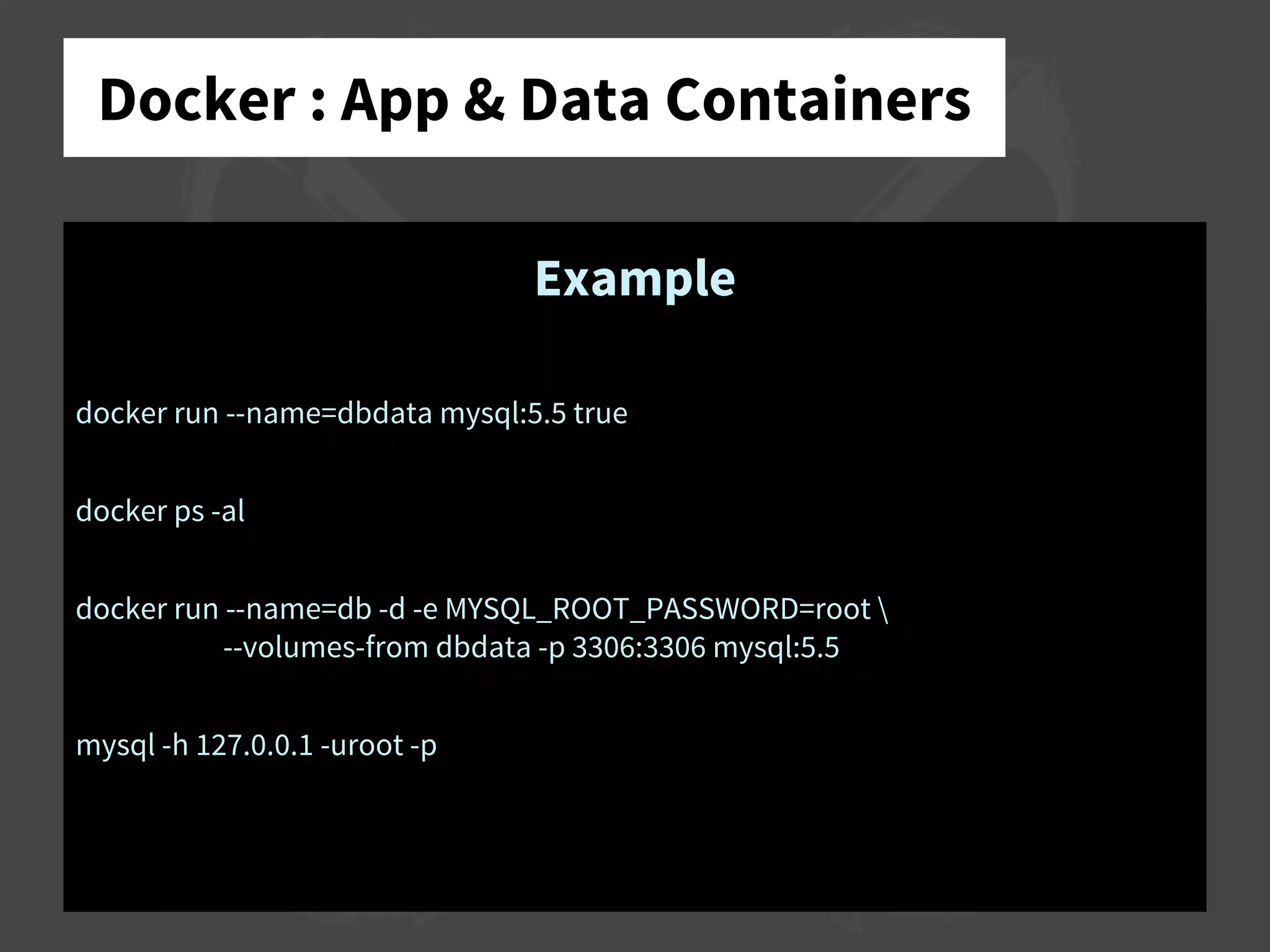
Docker : App & Data Containers
Example
docker run --name=dbdata mysql:5.5 true
docker ps -al
docker run --name=db -d -e MYSQL_ROOT_PASSWORD=root 
--volumes-from dbdata -p 3306:3306 mysql:5.5
mysql -h 127.0.0.1 -uroot -p
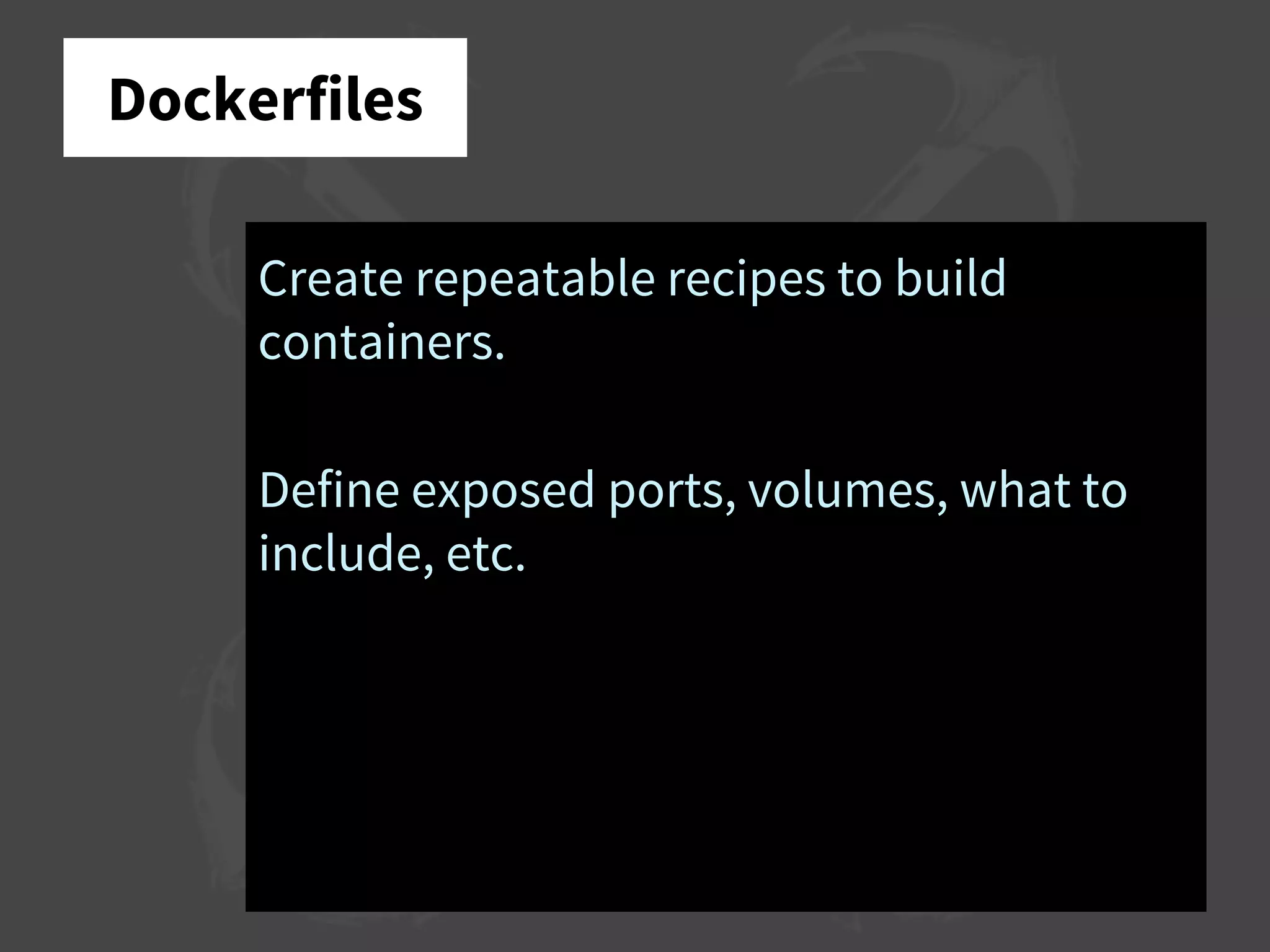
Dockerfiles
Create repeatable recipes to build
containers.
Define exposed ports, volumes, what to
include, etc.
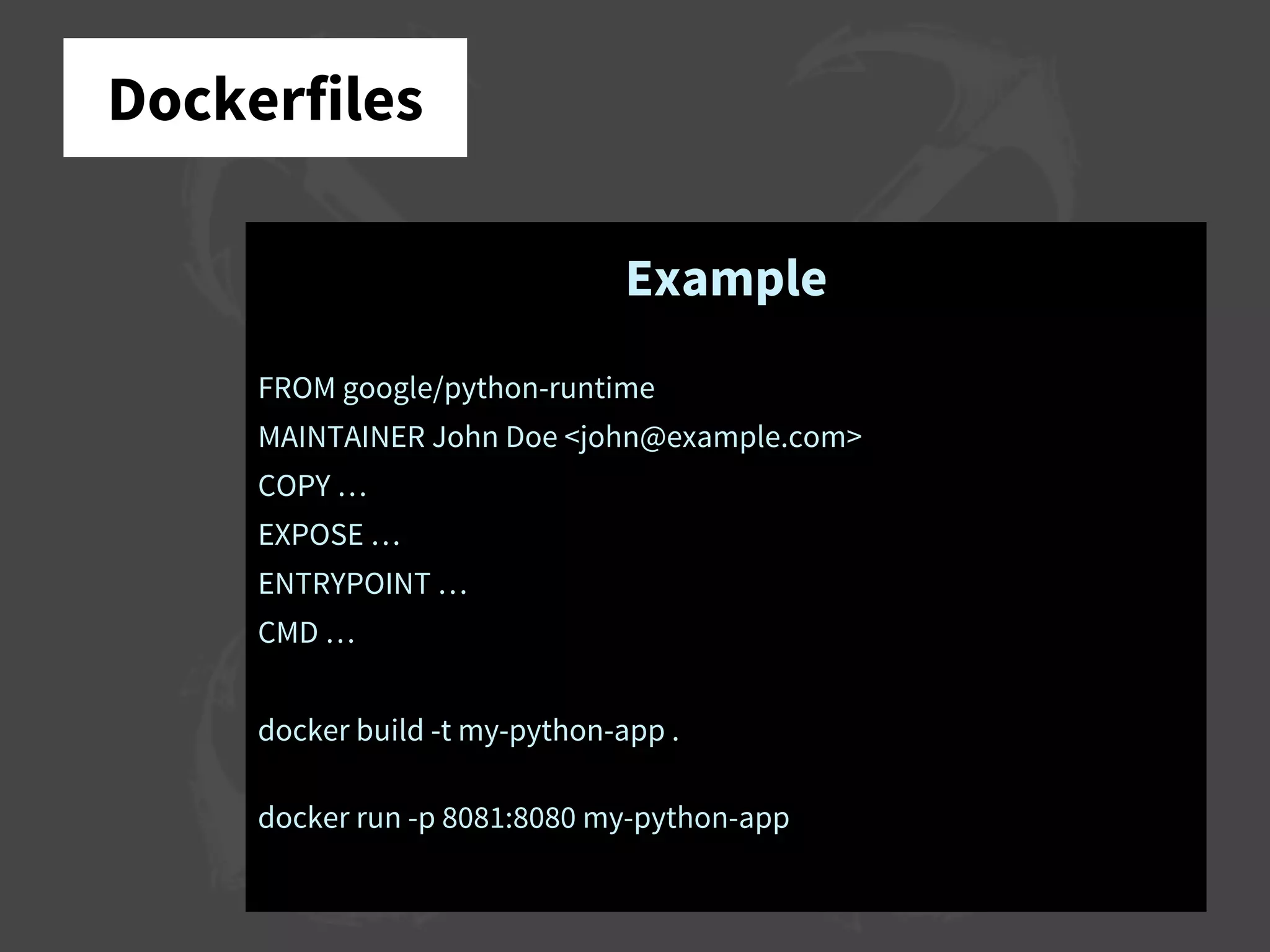
Dockerfiles
Example
FROM google/python-runtime
MAINTAINER John Doe <john@example.com>
COPY …
EXPOSE …
ENTRYPOINT …
CMD …
docker build -t my-python-app .
docker run -p 8081:8080 my-python-app
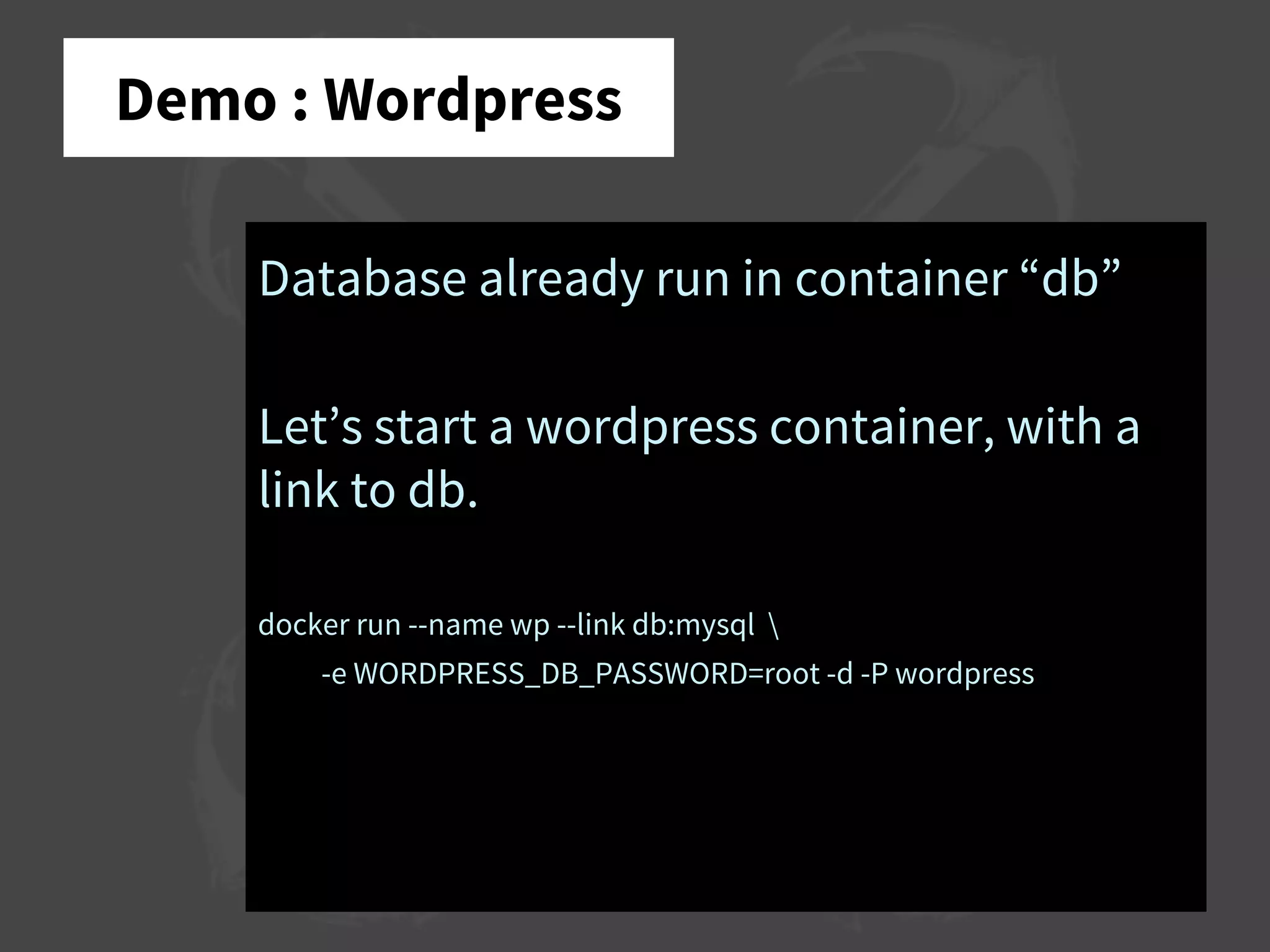
Demo : Wordpress
Database already run in container “db”
Let’s start a wordpress container, with a
link to db.
docker run --name wp --link db:mysql 
-e WORDPRESS_DB_PASSWORD=root -d -P wordpress
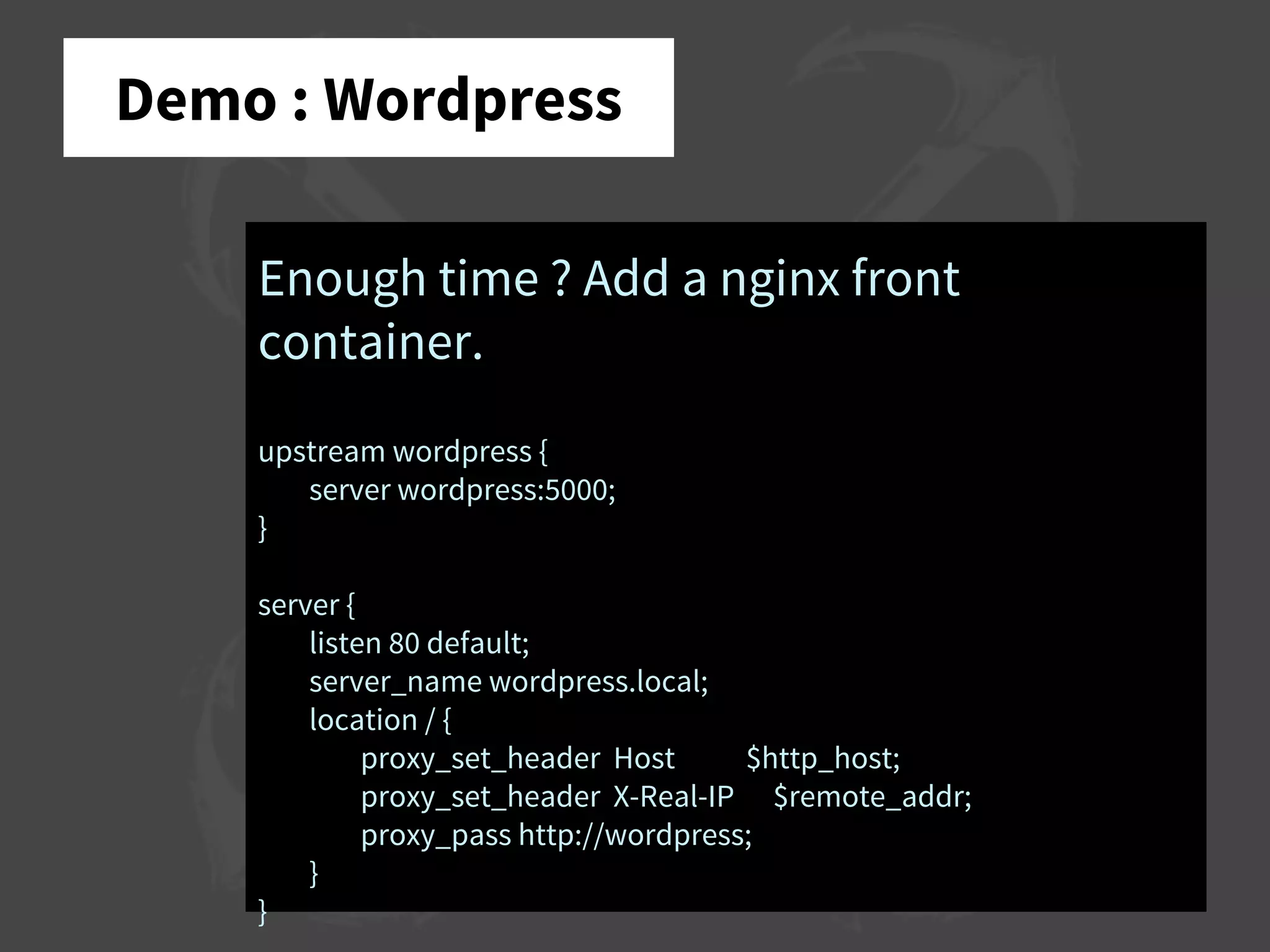
Demo : Wordpress
Enough time ? Add a nginx front
container.
upstream wordpress {
server wordpress:5000;
}
server {
listen 80 default;
server_name wordpress.local;
location / {
proxy_set_header Host $http_host;
proxy_set_header X-Real-IP $remote_addr;
proxy_pass http://wordpress;
}
}
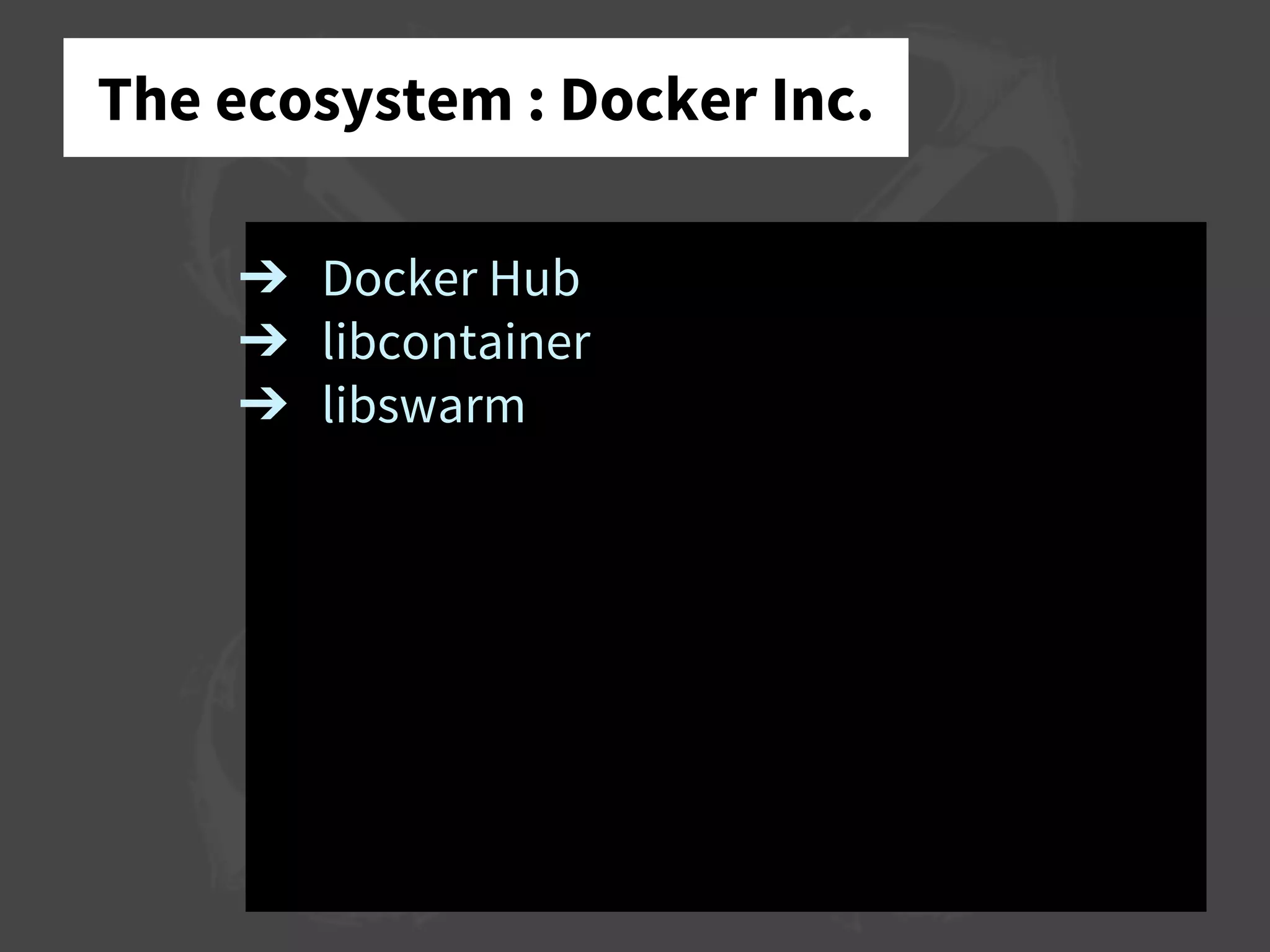
The ecosystem : Docker Inc.
➔ Docker Hub
➔ libcontainer
➔ libswarm
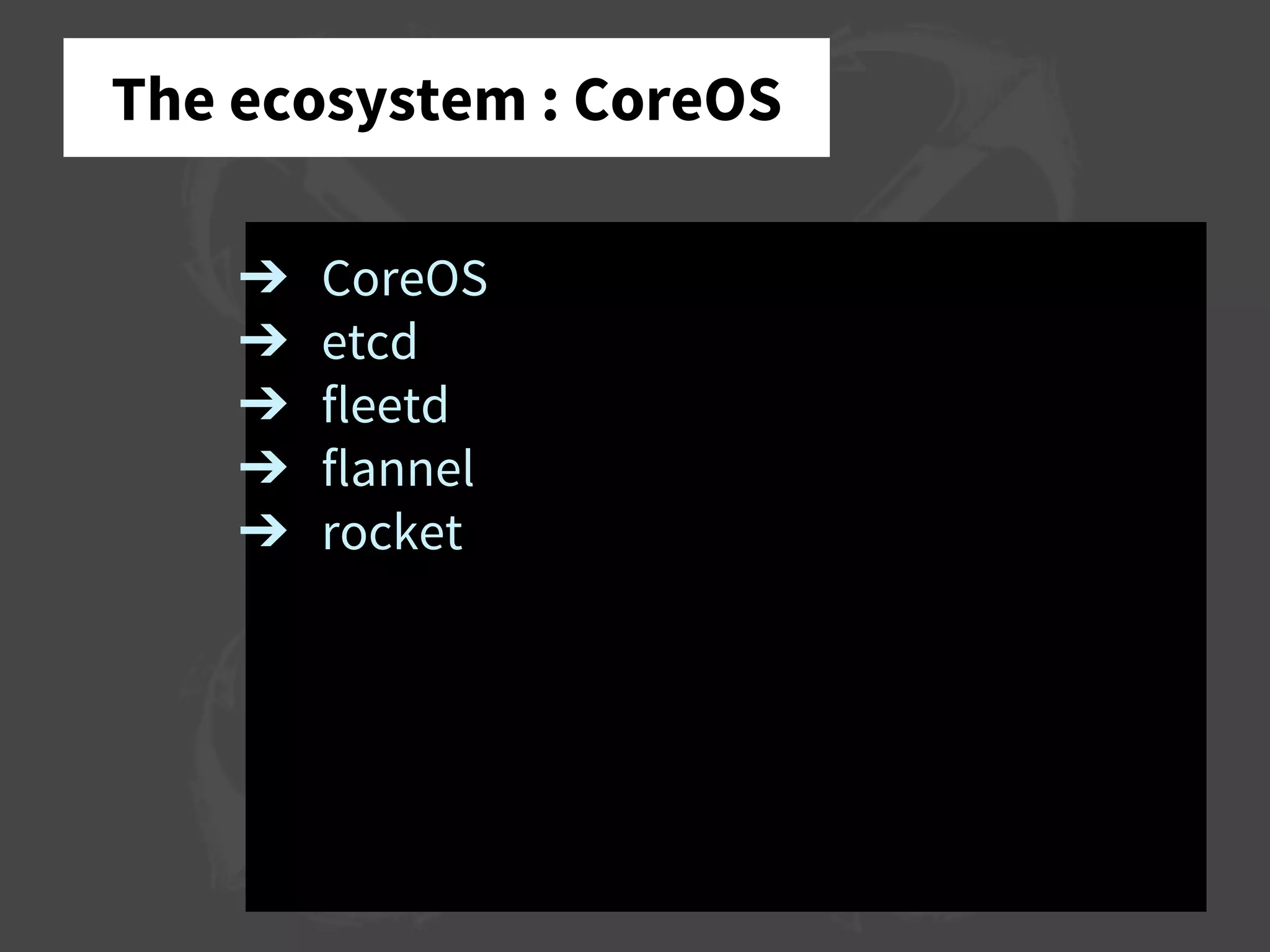
The ecosystem : CoreOS
➔ CoreOS
➔ etcd
➔ fleetd
➔ flannel
➔ rocket
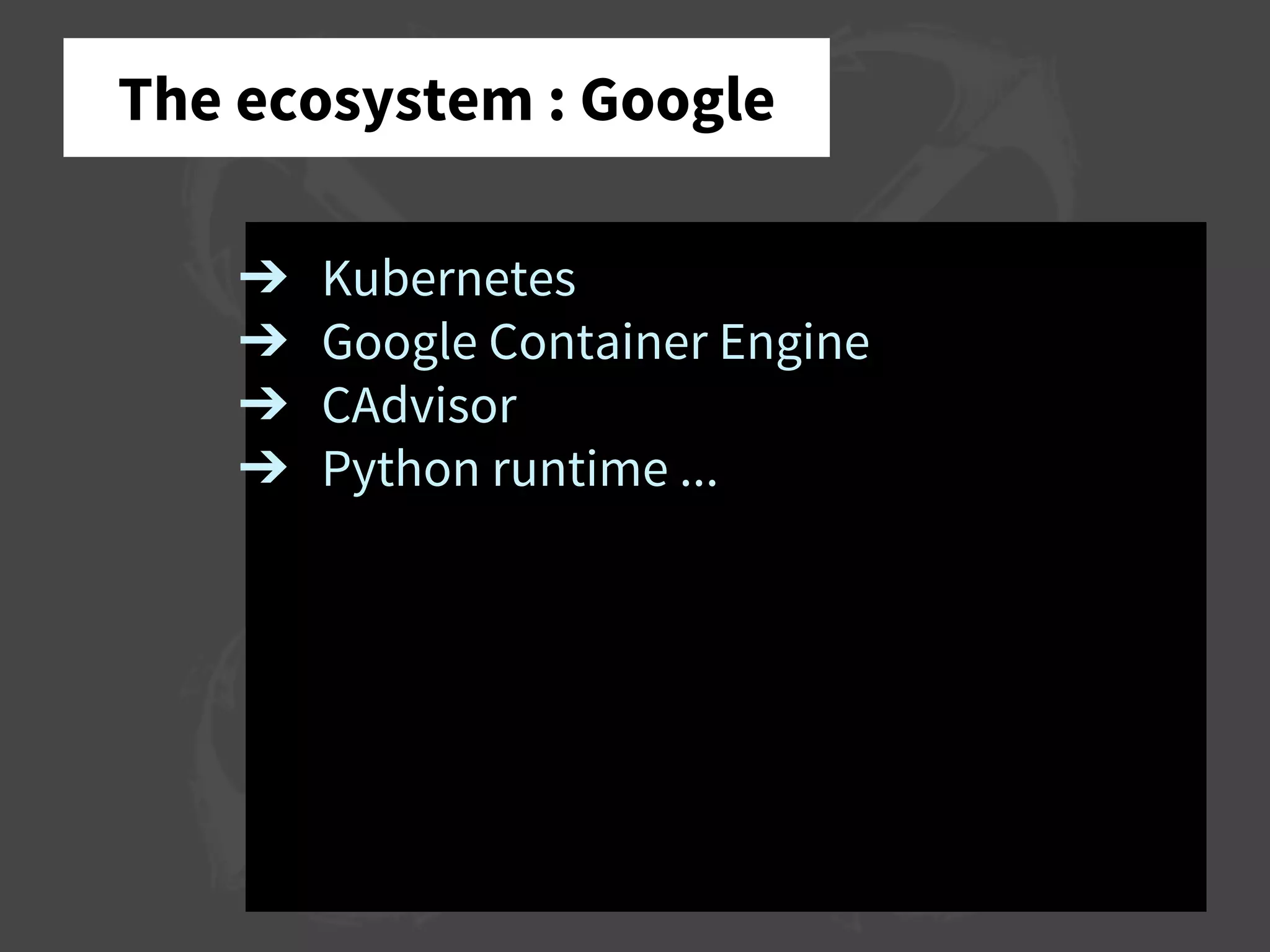
The ecosystem : Google
➔ Kubernetes
➔ Google Container Engine
➔ CAdvisor
➔ Python runtime ...
The ecosystem : Apache
➔ Mesos
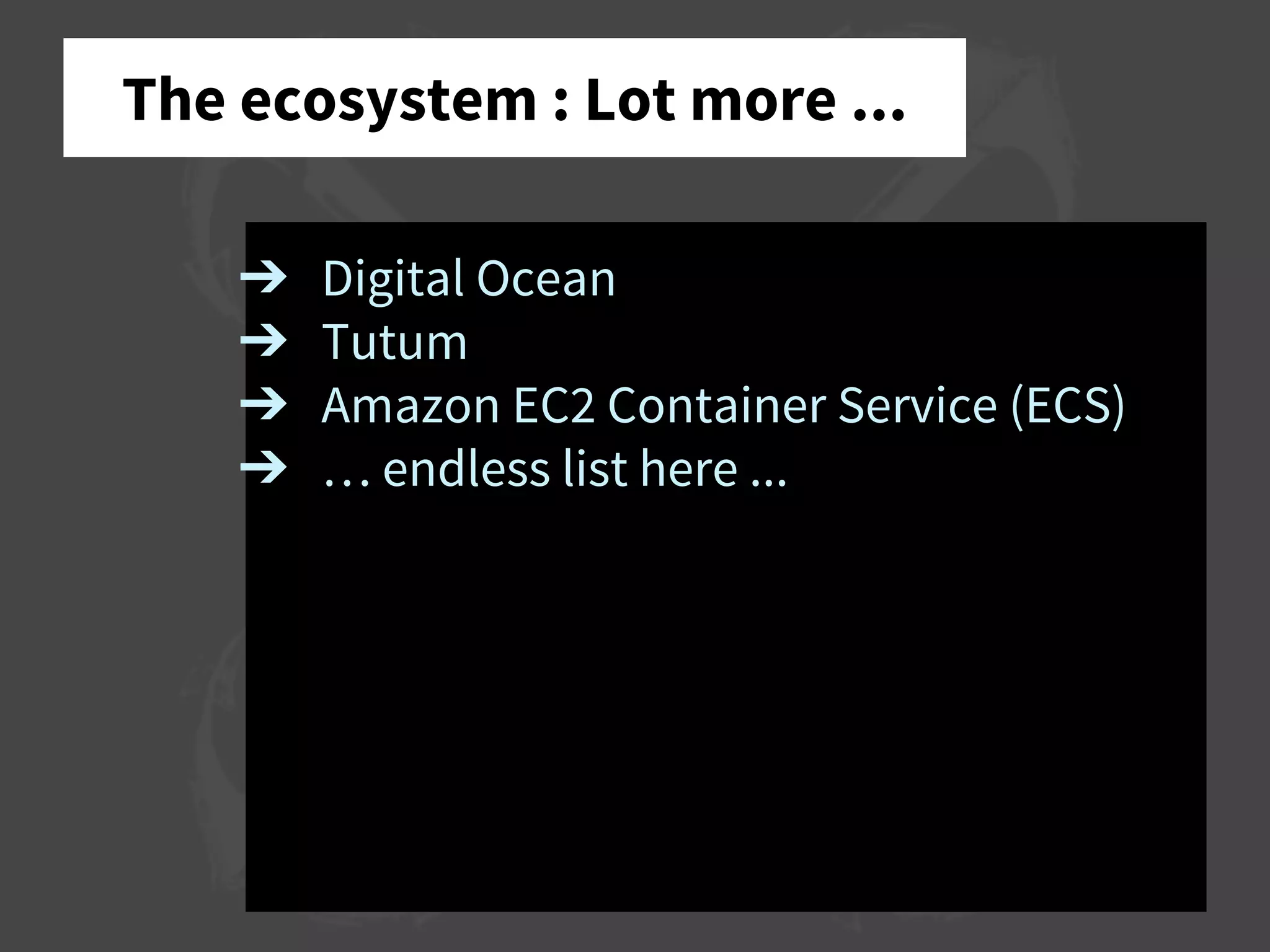
The ecosystem : Lot more ...
➔ Digital Ocean
➔ Tutum
➔ Amazon EC2 Container Service (ECS)
➔ … endless list here ...
Q&A
Follow me on twitter : @hartym Ask me anything: romain@monk.cx
Q&A
➔ How to setup docker on mac?
Follow me on twitter : @hartym Ask me anything: romain@monk.cx
Q&A
➔ Should docker be used on a per-
website basis?
➔ How to easily setup docker and git
deployment with some <insert your
favorite here> backend?
Follow me on twitter : @hartym Ask me anything: romain@monk.cx
Q&A
➔ Performance? Benchmarks?
- Containers
- AUFS
Follow me on twitter : @hartym Ask me anything: romain@monk.cx
More Q&A
Follow me on twitter : @hartym Ask me anything: romain@monk.cx
Thanks!
Follow me on twitter : @hartym Ask me anything: romain@monk.cx

Docker and the Container Revolution

  • 1.
    The container revolution StaringDocker, CoreOS, Rocket and guests December 27th, 2014 Anchor Coworking Romain Dorgueil romain@monk.cx
  • 2.
    Who am I? Romain Dorgueil Founding partner / Tech Advisor @ WeAreTheShops Founder / CTO @ Monk ➔ Startupper ➔ DevOps ➔ Python & Linux ➔ Electronic sound distorder hello@monk.cx
  • 3.
    Monk.cx ? Most affordableChief Data Officer ever. ➔ Data management ➔ Data processing ➔ Data visualisation ➔ Data reporting ➔ Geek & Biz friendly. hello@monk.cx
  • 4.
    Monk.cx ? Most affordableChief Data Officer ever. ➔ Different flavours ◆ Software (runs on your laptop) ◆ Service (runs on our servers) ◆ Appliance (runs on your servers) ➔ Distributed ◆ Sync & deploy as simple as git pull/push hello@monk.cx
  • 5.
  • 6.
  • 7.
  • 8.
  • 9.
    Containers : theorigins «The system, developed after World War II, dramatically reduced transport costs, supported the post- war boom in international trade, and was a major element in globalization.» Source : Wikipedia : Containerization
  • 10.
  • 11.
    IT Companies :Dev & Ops ➔ Dev & Ops silos are communication antipattern ➔ Communication is expensive
  • 12.
    IT Companies :Dev & Ops ➔ Developer release a software ... ◆ Don’t want to know about hosting ➔ Operations host a software … ◆ Don’t want to know how it works ➔ Problem !
  • 13.
    IT Companies :Dev & Ops ➔ Modern applications are more and more versatile … ◆ We try a lot more technologies ◆ We build smaller components with a lot more different stuff example : a java frontend with lots of microservices in python, node, ruby and some distributed services written in haskell or go is not so rare. ➔ Ops can’t possibly know a lot about what they run.
  • 14.
    Containers in computing ➔Package applications in a normalized container ➔ Deliver things that always look the same from the outside ➔ Learn how to operate it once, and host anything the same way ➔ Developers can focus on development ➔ Operations can focus on operations
  • 15.
    ➔ Run things ➔Monitor running things ➔ Don’t trust those running things ➔ Don’t care about what’s running Containers in computing
  • 16.
    So what isDocker ? Docker is an ecosystem defining norms and providing tools make the IT «container revolution» possible. Docker is not the way. Docker is one way to containairise applications, and the first to get huge traction from professionals.
  • 17.
    Traction ? GAFAs andlittle brothers all says «I’m doing it for ages» or … «I want a piece of the cake»
  • 18.
  • 19.
    Docker ➔ Modern Linux(3.8+) ➔ Linux Containers (LXC) ➔ Another Union File System (AUFS) ➔ Docker Server (and client …)
  • 20.
    Docker ➔ Client /Server ➔ Manage lifecycle of LXC ◆ nsinit ◆ nsenter ➔ Manage images ◆ Build ◆ Run ➔ Manage files ◆ AUFS ◆ Volumes ◆ Backups
  • 21.
    Docker : Images ➔Complete snapshot of a system state ➔ Hints about exposed ports ➔ Infos about volumes
  • 22.
    Docker : Images Example dockerpull -a nginx docker images | grep nginx
  • 23.
    Docker : Containers ➔Take an image ➔ Add some environment ➔ Run it
  • 24.
    Docker : Containers Example dockerrun -p 8080:80 nginx:1.7.6 docker run -it --entrypoint=/bin/bash nginx:1.7.6 -i docker run --detach -p 8080:80 nginx:1.7.6 docker ps docker run --detach -p 8080:80 --name=web nginx:1.7.6
  • 25.
    Docker : Volumes ➔System runs in AUFS ➔ Everything is ephemeral ... ➔ … but volumes Volumes are directories marked that will live in the host system.
  • 26.
    Docker : Volumes Example dockerrun -p 8080:80 -v /usr/share/nginx/html nginx:1.7.6 mkdir website; vim website/index.html docker run -p 8080:80 -v `pwd`/website:/usr/share/nginx/html nginx:1.7.6 docker run -p 8080:80 -v `pwd`/website:/usr/share/nginx/html:ro nginx:1.7.6 docker run -p 8080:80 -v `pwd`/website:/usr/share/nginx/html:ro nginx:1.7.9
  • 27.
    Docker : Ports Example dockerrun -p 8080:80 nginx:1.7.6 docker run -P nginx:1.7.6
  • 28.
    Docker : Links App1 HTTP on port 8080 Database MySQL (port 3306) App 2 HTTP on port 5000 Load balancer HTTP on port 80
  • 29.
    Docker : Links Example Ina moment, with demo.
  • 30.
    Docker : App& Data Containers Applications container run stuff. Data containers are here to define volumes, and exist without running. You can run a container with “volumes from” another container.
  • 31.
    Docker : App& Data Containers Example docker run --name=dbdata mysql:5.5 true docker ps -al docker run --name=db -d -e MYSQL_ROOT_PASSWORD=root --volumes-from dbdata -p 3306:3306 mysql:5.5 mysql -h 127.0.0.1 -uroot -p
  • 32.
    Dockerfiles Create repeatable recipesto build containers. Define exposed ports, volumes, what to include, etc.
  • 33.
    Dockerfiles Example FROM google/python-runtime MAINTAINER JohnDoe <john@example.com> COPY … EXPOSE … ENTRYPOINT … CMD … docker build -t my-python-app . docker run -p 8081:8080 my-python-app
  • 34.
    Demo : Wordpress Databasealready run in container “db” Let’s start a wordpress container, with a link to db. docker run --name wp --link db:mysql -e WORDPRESS_DB_PASSWORD=root -d -P wordpress
  • 35.
    Demo : Wordpress Enoughtime ? Add a nginx front container. upstream wordpress { server wordpress:5000; } server { listen 80 default; server_name wordpress.local; location / { proxy_set_header Host $http_host; proxy_set_header X-Real-IP $remote_addr; proxy_pass http://wordpress; } }
  • 36.
    The ecosystem :Docker Inc. ➔ Docker Hub ➔ libcontainer ➔ libswarm
  • 37.
    The ecosystem :CoreOS ➔ CoreOS ➔ etcd ➔ fleetd ➔ flannel ➔ rocket
  • 38.
    The ecosystem :Google ➔ Kubernetes ➔ Google Container Engine ➔ CAdvisor ➔ Python runtime ...
  • 39.
    The ecosystem :Apache ➔ Mesos
  • 40.
    The ecosystem :Lot more ... ➔ Digital Ocean ➔ Tutum ➔ Amazon EC2 Container Service (ECS) ➔ … endless list here ...
  • 41.
    Q&A Follow me ontwitter : @hartym Ask me anything: romain@monk.cx
  • 42.
    Q&A ➔ How tosetup docker on mac? Follow me on twitter : @hartym Ask me anything: romain@monk.cx
  • 43.
    Q&A ➔ Should dockerbe used on a per- website basis? ➔ How to easily setup docker and git deployment with some <insert your favorite here> backend? Follow me on twitter : @hartym Ask me anything: romain@monk.cx
  • 44.
    Q&A ➔ Performance? Benchmarks? -Containers - AUFS Follow me on twitter : @hartym Ask me anything: romain@monk.cx
  • 45.
    More Q&A Follow meon twitter : @hartym Ask me anything: romain@monk.cx
  • 46.
    Thanks! Follow me ontwitter : @hartym Ask me anything: romain@monk.cx