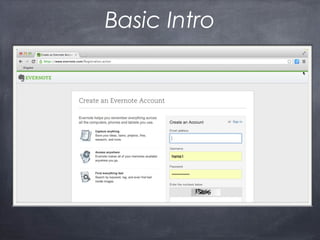
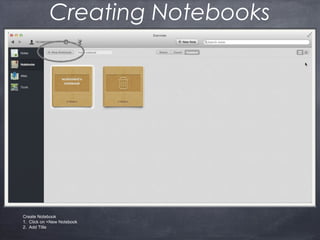
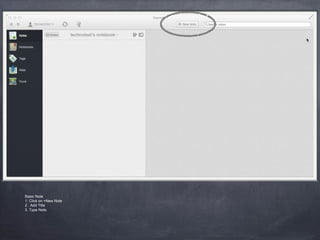
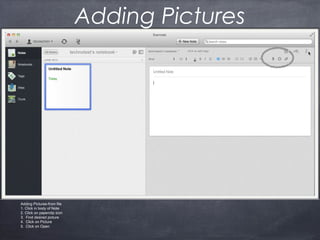
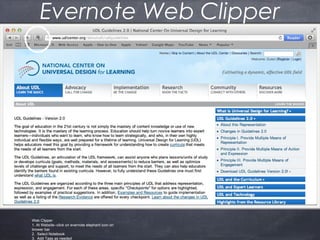
Evernote is a note-taking application that allows users to store notes, documents, web pages, images, and audio files in digital notebooks. Notes can be created on computers or mobile devices and synced across all devices. Key features include creating and organizing notes into notebooks, adding tags to notes for easy searching, and clipping content from the web directly into Evernote notes using the Evernote web clipper browser extension. Evernote offers both free and premium paid accounts with additional storage and features for individuals and businesses.













![[Easy] How to use Evernote: Beginner's Guide](https://cdn.slidesharecdn.com/ss_thumbnails/autevernote-160903100815-thumbnail.jpg?width=640&height=640&fit=bounds)


![[Made Easy] How to use Evernote - Tutorial](https://cdn.slidesharecdn.com/ss_thumbnails/howtouseevernote-170421062508-thumbnail.jpg?width=640&height=640&fit=bounds)


