Download as PDF, PPTX
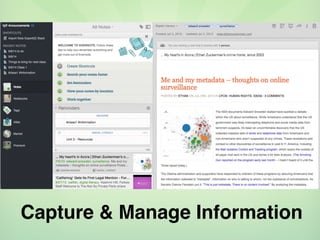
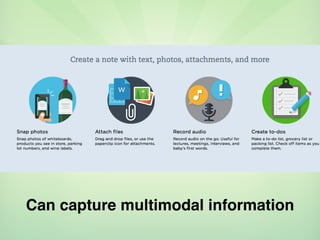
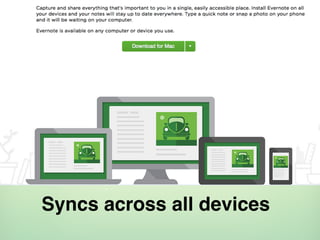


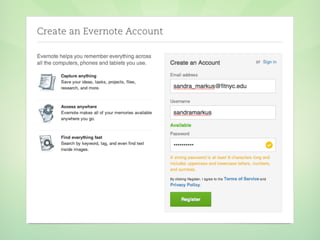
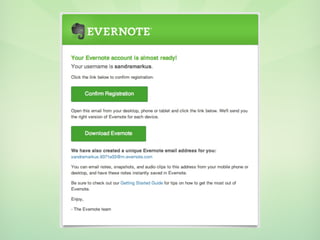
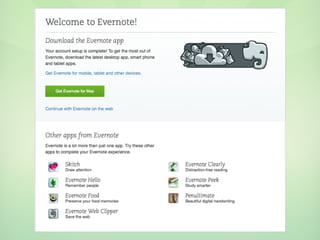
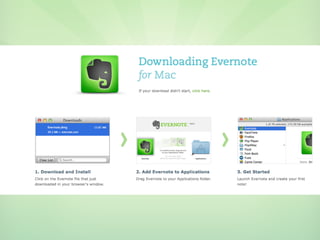
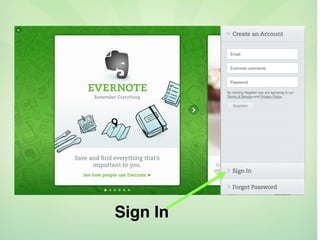
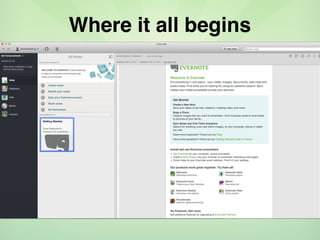
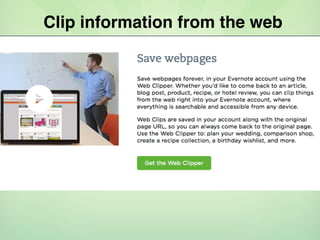
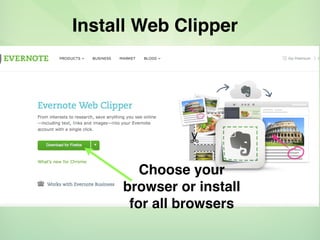
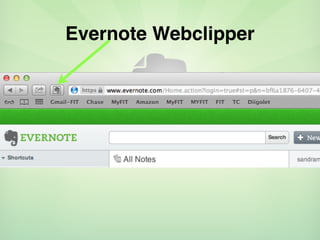
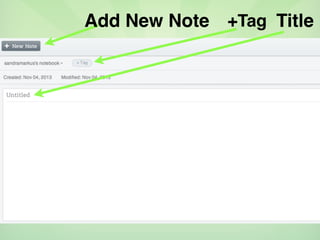
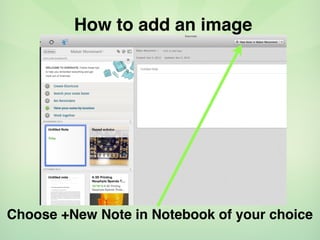
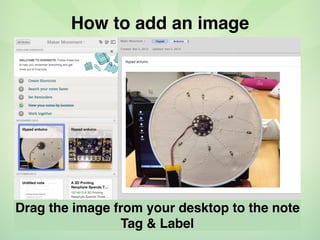
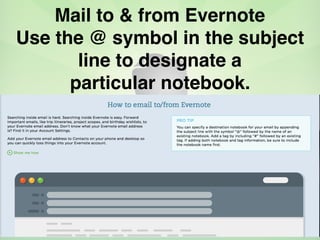
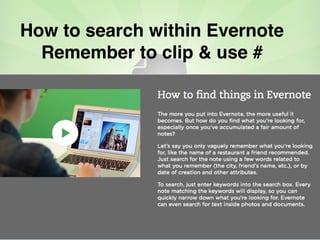
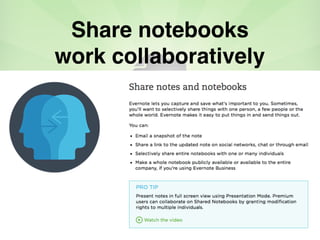
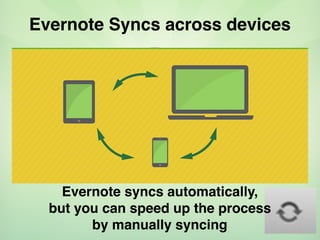
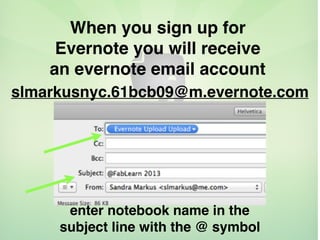



Evernote is an application that allows users to capture, organize and access information across multiple devices. It can sync notes, documents, voice memos and images. Users can clip information from the web, add images to notes, tag and label notes, and mail notes to and from Evernote accounts. Information can be searched within Evernote and notebooks can be shared for collaborative work. Evernote syncs information automatically across devices.


![[Easy] How to use Evernote: Beginner's Guide](https://cdn.slidesharecdn.com/ss_thumbnails/autevernote-160903100815-thumbnail.jpg?width=640&height=640&fit=bounds)


![[Made Easy] How to use Evernote - Tutorial](https://cdn.slidesharecdn.com/ss_thumbnails/howtouseevernote-170421062508-thumbnail.jpg?width=640&height=640&fit=bounds)


