How I used Web Tools in
My Evaluation
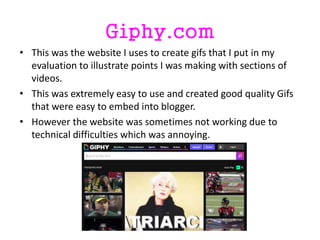
Giphy.com
• This was the website I uses to create gifs that I put in my
evaluation to illustrate points I was making with sections of
videos.
• This was extremely easy to use and created good quality Gifs
that were easy to embed into blogger.
• However the website was sometimes not working due to
technical difficulties which was annoying.
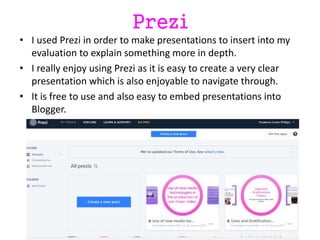
Prezi
• I used Prezi in order to make presentations to insert into my
evaluation to explain something more in depth.
• I really enjoy using Prezi as it is easy to create a very clear
presentation which is also enjoyable to navigate through.
• It is free to use and also easy to embed presentations into
Blogger.
Padlet
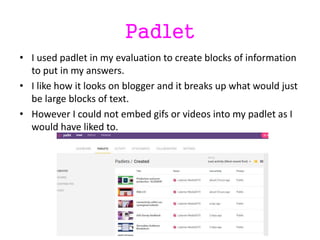
• I used padlet in my evaluation to create blocks of information
to put in my answers.
• I like how it looks on blogger and it breaks up what would just
be large blocks of text.
• However I could not embed gifs or videos into my padlet as I
would have liked to.
Survey Monkey
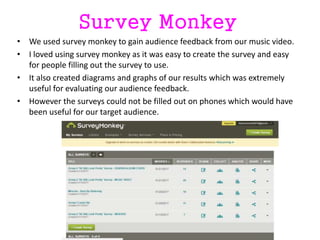
• We used survey monkey to gain audience feedback from our music video.
• I loved using survey monkey as it was easy to create the survey and easy
for people filling out the survey to use.
• It also created diagrams and graphs of our results which was extremely
useful for evaluating our audience feedback.
• However the surveys could not be filled out on phones which would have
been useful for our target audience.
Goconqr.com
• I used this website to create mind maps and flow charts for my blog.
• It was extremely easy to use and the results were aesthetically pleasing
and easy to navigate through.
• However you cannot customise the mind maps as much as I would like for
example you cannot change the font.

Evaluation web tools

  • 1.
    How I usedWeb Tools in My Evaluation
  • 2.
    Giphy.com • This wasthe website I uses to create gifs that I put in my evaluation to illustrate points I was making with sections of videos. • This was extremely easy to use and created good quality Gifs that were easy to embed into blogger. • However the website was sometimes not working due to technical difficulties which was annoying.
  • 3.
    Prezi • I usedPrezi in order to make presentations to insert into my evaluation to explain something more in depth. • I really enjoy using Prezi as it is easy to create a very clear presentation which is also enjoyable to navigate through. • It is free to use and also easy to embed presentations into Blogger.
  • 4.
    Padlet • I usedpadlet in my evaluation to create blocks of information to put in my answers. • I like how it looks on blogger and it breaks up what would just be large blocks of text. • However I could not embed gifs or videos into my padlet as I would have liked to.
  • 5.
    Survey Monkey • Weused survey monkey to gain audience feedback from our music video. • I loved using survey monkey as it was easy to create the survey and easy for people filling out the survey to use. • It also created diagrams and graphs of our results which was extremely useful for evaluating our audience feedback. • However the surveys could not be filled out on phones which would have been useful for our target audience.
  • 6.
    Goconqr.com • I usedthis website to create mind maps and flow charts for my blog. • It was extremely easy to use and the results were aesthetically pleasing and easy to navigate through. • However you cannot customise the mind maps as much as I would like for example you cannot change the font.