HOW DID YOU USE
MEDIA TECHNOLOGIES
IN THE CONSTRUCTION
AND RESEARCH,
PLANNING AND
EVALUATION STAGES?
TAYLOR LYTTLETON
RESEARCH
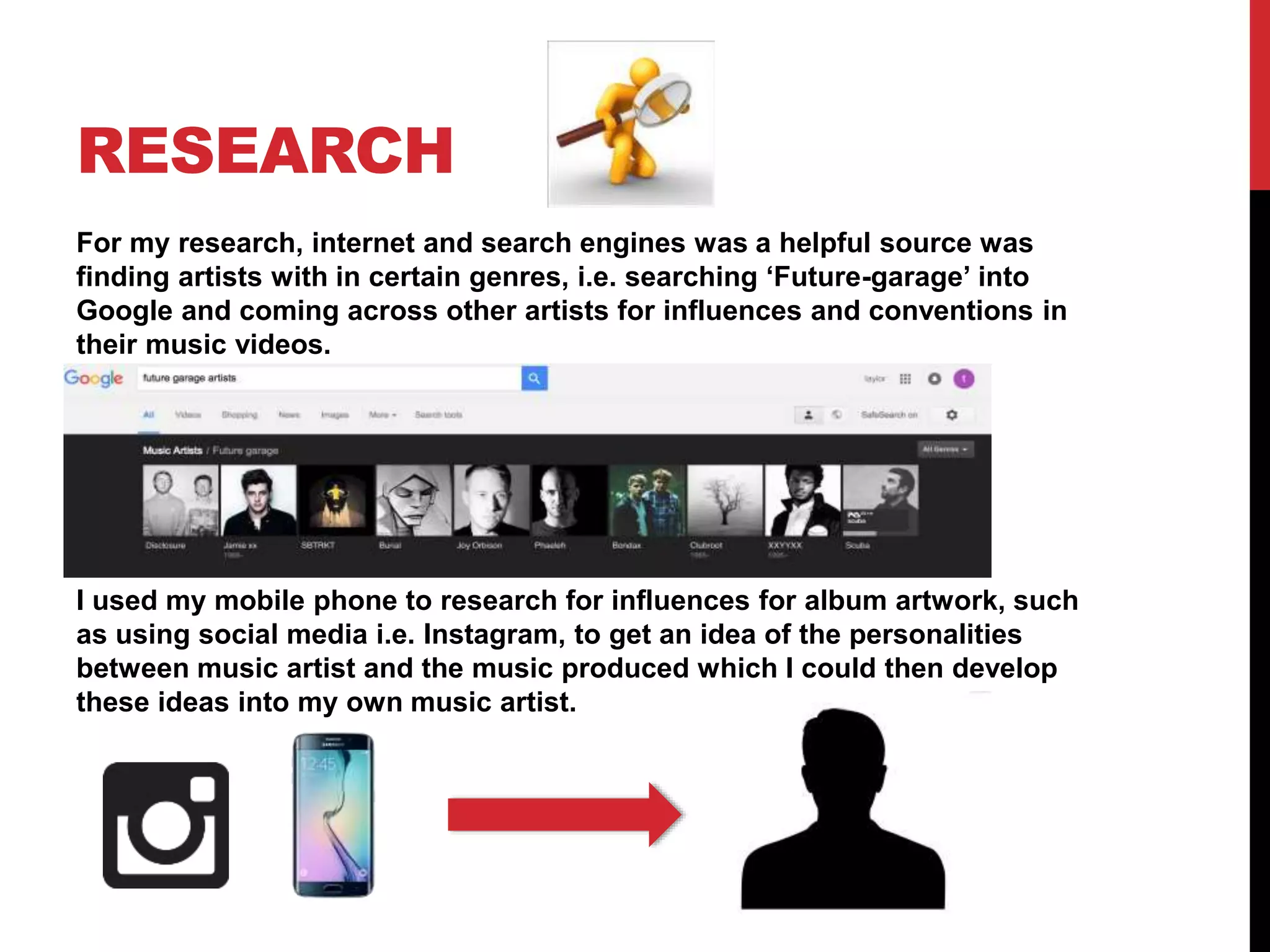
For my research, internet and search engines was a helpful source was
finding artists with in certain genres, i.e. searching ‘Future-garage’ into
Google and coming across other artists for influences and conventions in
their music videos.
I used my mobile phone to research for influences for album artwork, such
as using social media i.e. Instagram, to get an idea of the personalities
between music artist and the music produced which I could then develop
these ideas into my own music artist.
PLANNING
I relied on Blogger to document my planning stages as this way I
could always refer and find ideas that I had already posted or to
create a journey for my ideas of the ancillary texts and main media
text.
I also used Google Calendar throughout the project to plan and
save a date for location scouting/test shoots/ photo shoots/filming
in order to have a consistent practice. I also had to plan based on
weather, so planning and researching what days suited was
essential i.e. if it rained the camera equipment could get damaged.
Therefore using a weather forecast on Google and putting it in the
calendar kept our time management good.
CONSTRUCTION
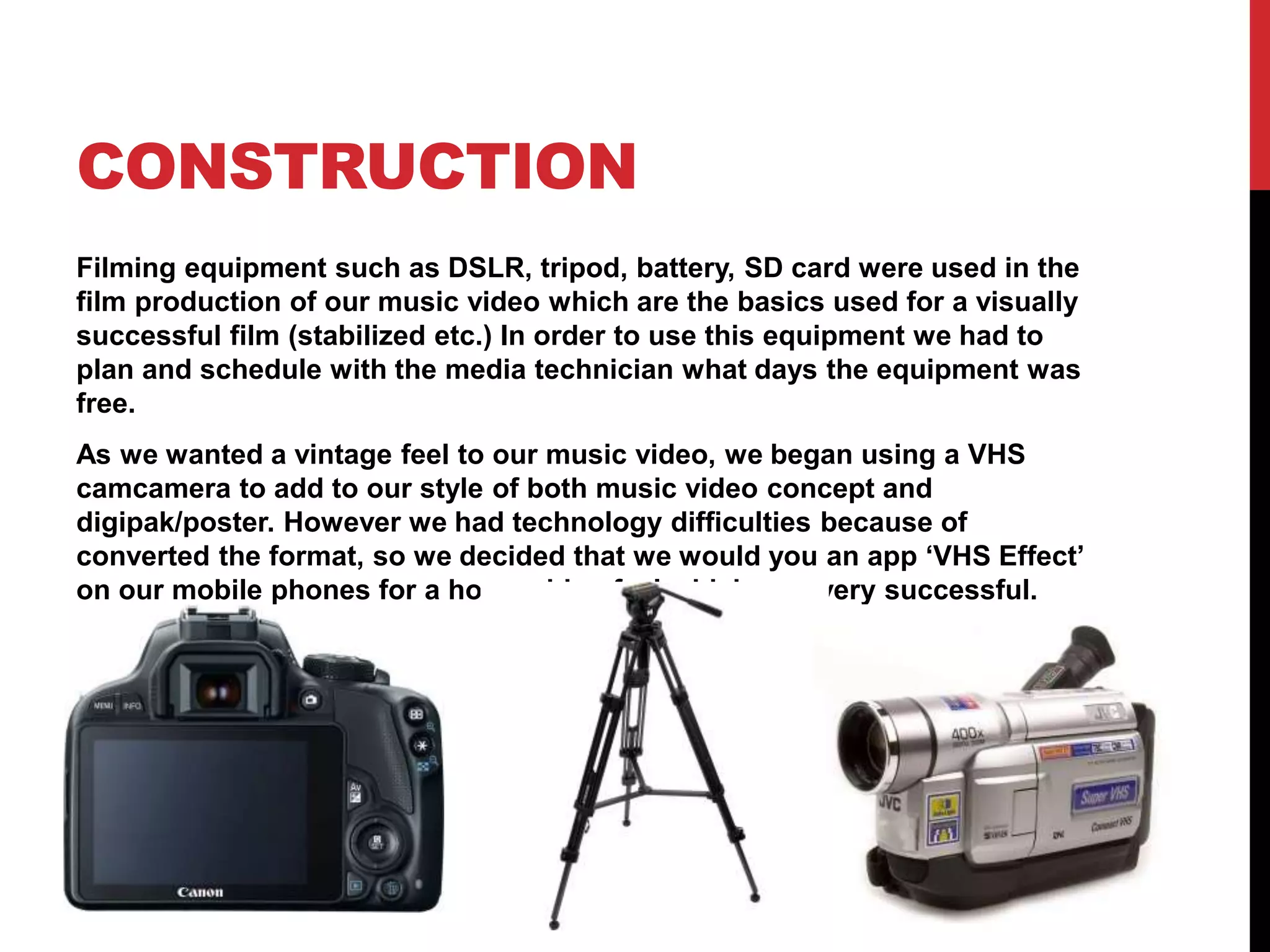
Filming equipment such as DSLR, tripod, battery, SD card were used in the
film production of our music video which are the basics used for a visually
successful film (stabilized etc.) In order to use this equipment we had to
plan and schedule with the media technician what days the equipment was
free.
As we wanted a vintage feel to our music video, we began using a VHS
camcamera to add to our style of both music video concept and
digipak/poster. However we had technology difficulties because of
converted the format, so we decided that we would you an app ‘VHS Effect’
on our mobile phones for a home video feel which was very successful.
CONSTRUCTION -
EDITING
In post-production we used editing software's such as Final Cut Pro for
the music video and Photoshop for ancillary texts.
Final Cut Pro – this software enabled us to put our music video together
in chronological order which was essential as a somewhat narrative is
to be portrayed. In final cut pro we was able to change any
discoloration, lighting and scale/composition. We was also able to
change the pace of the footage through ‘speed (%)’ to complement the
visuals i.e. slow motion when the music became eerie; another effect
we was able to use was a visual echo for the same reasons.
Photoshop – to create the digipak and poster I used Photoshop as a
tool to play around with templates to make our digipak conform the
conventions of this text. I could play around with abstraction by using
tools and colors such as ‘marbleize which played with psychedelic
visuals which could potentially fit the style of the artist. I wasn't limited
at all using this software, and therefore I experimented and saved many
different copies and drafts. I concluded in using the ‘noise’ tool to add
to the style of vintage and visuals that I had planned to use (VHS) in the
music video so a house style was prominent.
EVALUATION
For my evaluation part 1 I used Prezi to present the answers and points to
the question, this way I was able to break down my answer in sections and
in a visually interesting way.
For part 2, I used 1 I used final cut pro to produce a video of myself narrating
the answers, using footage from the music video to accompany the sound.
In order to do this I had to use a green screen so I was able to change the
layer and opacity of the green screen in FCP and add a layer on top.
For part 3, I used text and imagery on Blogger.
Finally, part 4 I used software PowerPoint as I could use a different slide for
a different specific topic, using text and images to represent

Evaluation q4

  • 1.
    HOW DID YOUUSE MEDIA TECHNOLOGIES IN THE CONSTRUCTION AND RESEARCH, PLANNING AND EVALUATION STAGES? TAYLOR LYTTLETON
  • 2.
    RESEARCH For my research,internet and search engines was a helpful source was finding artists with in certain genres, i.e. searching ‘Future-garage’ into Google and coming across other artists for influences and conventions in their music videos. I used my mobile phone to research for influences for album artwork, such as using social media i.e. Instagram, to get an idea of the personalities between music artist and the music produced which I could then develop these ideas into my own music artist.
  • 3.
    PLANNING I relied onBlogger to document my planning stages as this way I could always refer and find ideas that I had already posted or to create a journey for my ideas of the ancillary texts and main media text. I also used Google Calendar throughout the project to plan and save a date for location scouting/test shoots/ photo shoots/filming in order to have a consistent practice. I also had to plan based on weather, so planning and researching what days suited was essential i.e. if it rained the camera equipment could get damaged. Therefore using a weather forecast on Google and putting it in the calendar kept our time management good.
  • 4.
    CONSTRUCTION Filming equipment suchas DSLR, tripod, battery, SD card were used in the film production of our music video which are the basics used for a visually successful film (stabilized etc.) In order to use this equipment we had to plan and schedule with the media technician what days the equipment was free. As we wanted a vintage feel to our music video, we began using a VHS camcamera to add to our style of both music video concept and digipak/poster. However we had technology difficulties because of converted the format, so we decided that we would you an app ‘VHS Effect’ on our mobile phones for a home video feel which was very successful.
  • 5.
    CONSTRUCTION - EDITING In post-productionwe used editing software's such as Final Cut Pro for the music video and Photoshop for ancillary texts. Final Cut Pro – this software enabled us to put our music video together in chronological order which was essential as a somewhat narrative is to be portrayed. In final cut pro we was able to change any discoloration, lighting and scale/composition. We was also able to change the pace of the footage through ‘speed (%)’ to complement the visuals i.e. slow motion when the music became eerie; another effect we was able to use was a visual echo for the same reasons. Photoshop – to create the digipak and poster I used Photoshop as a tool to play around with templates to make our digipak conform the conventions of this text. I could play around with abstraction by using tools and colors such as ‘marbleize which played with psychedelic visuals which could potentially fit the style of the artist. I wasn't limited at all using this software, and therefore I experimented and saved many different copies and drafts. I concluded in using the ‘noise’ tool to add to the style of vintage and visuals that I had planned to use (VHS) in the music video so a house style was prominent.
  • 6.
    EVALUATION For my evaluationpart 1 I used Prezi to present the answers and points to the question, this way I was able to break down my answer in sections and in a visually interesting way. For part 2, I used 1 I used final cut pro to produce a video of myself narrating the answers, using footage from the music video to accompany the sound. In order to do this I had to use a green screen so I was able to change the layer and opacity of the green screen in FCP and add a layer on top. For part 3, I used text and imagery on Blogger. Finally, part 4 I used software PowerPoint as I could use a different slide for a different specific topic, using text and images to represent