Download as PDF, PPTX






![London Information Retrieval Meetup
! Find anomalies in data, like: weird distribution of the
features, strange collected values, …
! Check how the model performs before using it in
production: implement improvements, fix bugs, tune
parameters, …
! Save time and money. Put in production a bad model
can worse the user experience on the website.
Advantages:
[Offline] A Business Perspective](https://image.slidesharecdn.com/offlineonlineevaluation-200624111633/75/Evaluating-Your-Learning-to-Rank-Model-Dos-and-Don-ts-in-Offline-Online-Evaluation-8-2048.jpg)
![London Information Retrieval Meetup[Offline] XGBoost
XGBoost is an optimized distributed gradient boosting library
designed to be highly efficient, flexible and portable.
It implements machine learning algorithms under the Gradient
Boosting framework.
It is Open Source.
https://github.com/dmlc/xgboost](https://image.slidesharecdn.com/offlineonlineevaluation-200624111633/75/Evaluating-Your-Learning-to-Rank-Model-Dos-and-Don-ts-in-Offline-Online-Evaluation-10-2048.jpg)
![London Information Retrieval Meetup[Offline] Build a Test Set
Relevance
Label
QueryId DocumentId Feature1 Feature2
3 1 1 3.0 2.0
2 1 2 0.0 1.0
4 2 2 3.0 2.5
1 2 1 9.0 4.0
0 3 2 8.0 4.0
2 3 1 3.0 1.0
Create a training set with XGBoost:
training_data_set = training_set_data_frame[
training_set_data_frame.columns.difference(
[features.RELEVANCE_LABEL, features.DOCUMENT_ID, features.QUERY_ID])]
Feature1 Feature2
3.0 2.0
0.0 1.0
3.0 2.5
9.0 4.0
8.0 4.0
3.0 1.0
training_data_set](https://image.slidesharecdn.com/offlineonlineevaluation-200624111633/75/Evaluating-Your-Learning-to-Rank-Model-Dos-and-Don-ts-in-Offline-Online-Evaluation-11-2048.jpg)
![London Information Retrieval Meetup[Offline] Build a Test Set
Relevance
Label
QueryId DocumentId Feature1 Feature2
3 1 1 3.0 2.0
2 1 2 0.0 1.0
4 2 2 3.0 2.5
1 2 1 9.0 4.0
0 3 2 8.0 4.0
2 3 1 3.0 1.0
Create the query Id groups:
training_query_id_column = training_set_data_frame[features.QUERY_ID]
training_query_groups = training_query_id_column.value_counts(sort=False)
training_query_id_column
QueryId
1
1
2
2
3
3
QueryId Count
1 2
2 2
3 2
training_query_groups](https://image.slidesharecdn.com/offlineonlineevaluation-200624111633/75/Evaluating-Your-Learning-to-Rank-Model-Dos-and-Don-ts-in-Offline-Online-Evaluation-12-2048.jpg)
![London Information Retrieval Meetup[Offline] Build a Test Set
Relevance
Label
QueryId DocumentId Feature1 Feature2
3 1 1 3.0 2.0
2 1 2 0.0 1.0
4 2 2 3.0 2.5
1 2 1 9.0 4.0
0 3 2 8.0 4.0
2 3 1 3.0 1.0
Create the relevance label column:
training_label_column = training_set_data_frame[features.RELEVANCE_LABEL]
Relevance
Label
3
2
4
1
0
2
training_label_column](https://image.slidesharecdn.com/offlineonlineevaluation-200624111633/75/Evaluating-Your-Learning-to-Rank-Model-Dos-and-Don-ts-in-Offline-Online-Evaluation-13-2048.jpg)
![London Information Retrieval Meetup
Create a training set with XGBoost:
training_xgb_matrix = xgb.DMatrix(training_data_set, label=training_label_column)
training_xgb_matrix.set_group(training_query_groups)
training_data_set = training_set_data_frame[
training_set_data_frame.columns.difference(
[features.RELEVANCE_LABEL, features.DOCUMENT_ID, features.QUERY_ID])]
training_query_id_column = training_set_data_frame[features.QUERY_ID]
training_query_groups = training_query_id_column.value_counts(sort=False)
training_label_column = training_set_data_frame[features.RELEVANCE_LABEL]
[Offline] Build a Test Set](https://image.slidesharecdn.com/offlineonlineevaluation-200624111633/75/Evaluating-Your-Learning-to-Rank-Model-Dos-and-Don-ts-in-Offline-Online-Evaluation-14-2048.jpg)
![London Information Retrieval Meetup
Create a test set with XGBoost:
test_xgb_matrix = xgb.DMatrix(test_data_set, label=test_label_column)
test_xgb_matrix.set_group(test_query_groups)
test_data_set = test_set_data_frame[
test_set_data_frame.columns.difference(
[features.RELEVANCE_LABEL, features.DOCUMENT_ID, features.QUERY_ID])]
test_query_id_column = test_set_data_frame[features.QUERY_ID]
test_query_groups = test_query_id_column.value_counts(sort=False)
test_label_column = test_set_data_frame[features.RELEVANCE_LABEL]
[Offline] Build a Test Set](https://image.slidesharecdn.com/offlineonlineevaluation-200624111633/75/Evaluating-Your-Learning-to-Rank-Model-Dos-and-Don-ts-in-Offline-Online-Evaluation-15-2048.jpg)
![London Information Retrieval Meetup
Train and test the model with XGBoost:
params = {'objective': 'rank:ndcg', 'eval_metric': 'ndcg@4','verbosity': 2,
'early_stopping_rounds' : 10}
watch_list = [(test_xgb_matrix, 'eval'), (training_xgb_matrix, 'train')]
print('- - - - Training The Model')
xgb_model = xgb.train(params, training_xgb_matrix, num_boost_round=999,
evals=watch_list)
print('- - - - Saving XGBoost model')
xgboost_model_json = output_dir + "/xgboost-" + name + ".json"
xgb_model.dump_model(xgboost_model_json, fmap='', with_stats=True,
dump_format='json')
[Offline] Train/Test](https://image.slidesharecdn.com/offlineonlineevaluation-200624111633/75/Evaluating-Your-Learning-to-Rank-Model-Dos-and-Don-ts-in-Offline-Online-Evaluation-16-2048.jpg)
![London Information Retrieval Meetup
Save an XGBoost model:
logging.info('- - - - Saving XGBoost model')
xgboost_model_name = output_dir + "/xgboost-" + name
xgb_model.save_model(xgboost_model_name)
logging.info('- - - - Loading xgboost model')
xgb_model = xgb.Booster()
xgb_model.load_model(model_path)
[Offline] Save/Load Models
Load an XGBoost model:](https://image.slidesharecdn.com/offlineonlineevaluation-200624111633/75/Evaluating-Your-Learning-to-Rank-Model-Dos-and-Don-ts-in-Offline-Online-Evaluation-17-2048.jpg)
![London Information Retrieval Meetup
• precision = Ratio of relevant results among the search results
returned
• precision@K = Ratio of relevant results among the top-k search
results returned
• recall = Ratio of relevant results found among all the relevant results
• recall@k ? = Ratio of all the relevant results, you found in the topK
What happens if :
[Offline] Metrics
means fewer <relevant results> in the top K
means more <relevant results> in the top K
means fewer <relevant results> found among all relevantrecall@k
means more <relevant results> found among all relevantrecall@k
precision@k
precision@k](https://image.slidesharecdn.com/offlineonlineevaluation-200624111633/75/Evaluating-Your-Learning-to-Rank-Model-Dos-and-Don-ts-in-Offline-Online-Evaluation-18-2048.jpg)
![London Information Retrieval Meetup
• DCG@K = Discounted Cumulative Gain@K
Normalised Discounted Cumulative Gain
• NDCG@K = DCG@K/ Ideal DCG@K
Model1 Model2 Model3 Ideal
1 2 2 4
2 3 4 3
3 2 3 2
4 4 2 2
2 1 1 1
0 0 0 0
0 0 0 0
0.64 0.73 0.79 1.0
[Offline] NDCG
means less <relevant results> in worse positions
with worse relevance *
NDCG@k
relevance weight
result position
means more <relevant results> in better positions
with better relevance *
NDCG@k](https://image.slidesharecdn.com/offlineonlineevaluation-200624111633/75/Evaluating-Your-Learning-to-Rank-Model-Dos-and-Don-ts-in-Offline-Online-Evaluation-19-2048.jpg)
![London Information Retrieval Meetup[Offline] Test a Trained Model
Relevance
Label
QueryId DocumentId Feature1 Feature2
3 1 1 3.0 2.0
2 1 2 0.0 1.0
4 2 2 3.0 2.0
1 2 1 9.0 4.0
0 3 2 8.0 4.0
2 3 1 3.0 1.0
test_relevance_labels_per_queryId =
[np.array(data_frame.loc[:, data_frame.columns != features.QUERY_ID])
for query_id, data_frame in
test_set_data_frame[[features.RELEVANCE_LABEL,
features.QUERY_ID]].groupby(features.QUERY_ID)]
QueryId Relevance
Label
1 [3,2]
2 [4,1]
3 [0,2]
Relevance
Labels
[3,2]
[4,1]
[0,2]
test_relevance_labels
_per_queryIddata_frame](https://image.slidesharecdn.com/offlineonlineevaluation-200624111633/75/Evaluating-Your-Learning-to-Rank-Model-Dos-and-Don-ts-in-Offline-Online-Evaluation-20-2048.jpg)
![London Information Retrieval Meetup[Offline] Test a Trained Model
Relevance
Label
QueryId DocumentId Feature1 Feature2
3 1 1 3.0 2.0
2 1 2 0.0 1.0
4 2 2 3.0 2.0
1 2 1 9.0 4.0
0 3 2 8.0 4.0
2 3 1 3.0 1.0
test_set_data_frame =
test_set_data_frame[test_set_data_frame.columns.difference(
[features.RELEVANCE_LABEL,features.DOCUMENT_ID])]
QueryId Feature1 Feature2
1 3.0 2.0
1 0.0 1.0
2 3.0 2.0
2 9.0 4.0
3 8.0 4.0
3 3.0 1.0](https://image.slidesharecdn.com/offlineonlineevaluation-200624111633/75/Evaluating-Your-Learning-to-Rank-Model-Dos-and-Don-ts-in-Offline-Online-Evaluation-21-2048.jpg)
![London Information Retrieval Meetup[Offline] Test a Trained Model
test_data_per_queryId = [data_frame.loc[:, data_frame.columns !=
features.QUERY_ID] for query_id, data_frame in
test_set_data_frame.groupby(features.QUERY_ID)]
QueryId Feature1 Feature2
1 3.0 2.0
1 0.0 1.0
2 3.0 2.0
2 9.0 4.0
3 8.0 4.0
3 3.0 1.0
QueryId Feature1 Feature2
1 [3,0] [2,1]
2 [3,9] [2,4]
3 [8,3] [4,1]
test_data_per_queryId
Feature1 Feature2
[3,0] [2,1]
[3,9] [2,4]
[8,3] [4,1]
data_frame](https://image.slidesharecdn.com/offlineonlineevaluation-200624111633/75/Evaluating-Your-Learning-to-Rank-Model-Dos-and-Don-ts-in-Offline-Online-Evaluation-22-2048.jpg)
![London Information Retrieval Meetup
Test an already trained XGBoost model.
Prepare the test set:
test_relevance_labels_per_queryId = [np.array(data_frame.loc[:, data_frame.columns !=
features.QUERY_ID]) for query_id, data_frame in
test_set_data_frame[[features.RELEVANCE_LABEL,
features.QUERY_ID]].groupby(features.QUERY_ID)]
test_relevance_labels_per_queryId =
[test_relevance_labels.reshape(len(test_relevance_labels),) for test_relevance_labels in
test_relevance_labels_per_queryId]
test_set_data_frame = test_set_data_frame[test_set_data_frame.columns.difference(
[features.RELEVANCE_LABEL, features.DOCUMENT_ID])]
test_data_per_queryId = [data_frame.loc[:, data_frame.columns != features.QUERY_ID] for
query_id, data_frame in test_set_data_frame.groupby(features.QUERY_ID)]
test_xgb_matrix_list = [xgb.DMatrix(test_set) for test_set in test_data_per_queryId ]
[Offline] Test a Trained Model](https://image.slidesharecdn.com/offlineonlineevaluation-200624111633/75/Evaluating-Your-Learning-to-Rank-Model-Dos-and-Don-ts-in-Offline-Online-Evaluation-23-2048.jpg)
![London Information Retrieval Meetup
Test an already trained xgboost model:
predictions_with_relevance = []
logging.info('- - - - Making predictions')
predictions_list = [xgb_model.predict(test_xgb_matrix) for test_xgb_matrix in test_xgb_matrix_list]
for predictions, labels in zip(predictions_list, test_label_list):
to_data_frame = [list(row) for row in zip(predictions, labels)]
predictions_with_relevance.append(pd.DataFrame(to_data_frame, columns=[‘predicted_scores’,
'relevance_labels']))
predictions_with_relevance = [predictions_per_query.sort_values(by='predicted_score',
ascending=False) for predictions_per_query in predictions_with_relevance]
logging.info('- - - - Ndcg computation')
ndcg_scores_list = []
for predictions_per_query in predictions_with_relevance:
ndcg = ndcg_at_k(predictions_per_query['relevance_label'], len(predictions_per_query))
ndcg_scores_list.append(ndcg)
final_ndcg = statistics.mean(ndcg_scores_list)
logging.info('- - - - The final ndcg is: ' + str(final_ndcg))
[Offline] Test a Trained Model](https://image.slidesharecdn.com/offlineonlineevaluation-200624111633/75/Evaluating-Your-Learning-to-Rank-Model-Dos-and-Don-ts-in-Offline-Online-Evaluation-24-2048.jpg)
![London Information Retrieval Meetup
Let’s see the common mistakes to avoid during the test set
creation:
! One sample per query group:
! If we have a small number of interactions it could happen
during the split that we obtain some queries with just a
single training sample.
In this case the NDCG@K for the query group will be 1!
(independently of the model)
[Offline] Common Mistakes
Model1 Model2 Model3 Ideal
1 1 1 1
1 1 1 1
Model1 Model2 Model3 Ideal
3 3 3 3
7 7 7 7
Query1 Query2
DCG](https://image.slidesharecdn.com/offlineonlineevaluation-200624111633/75/Evaluating-Your-Learning-to-Rank-Model-Dos-and-Don-ts-in-Offline-Online-Evaluation-25-2048.jpg)
![London Information Retrieval Meetup
Let’s see the common mistakes to avoid during the test set
creation:
! One sample per query group
! One relevance label for all the samples in a query group:
! During the split we could put all the samples with a single
relevance label in the test set.
[Offline] Common Mistakes](https://image.slidesharecdn.com/offlineonlineevaluation-200624111633/75/Evaluating-Your-Learning-to-Rank-Model-Dos-and-Don-ts-in-Offline-Online-Evaluation-26-2048.jpg)
![London Information Retrieval Meetup
Let’s see the common mistakes to avoid during the test set creation:
! One sample per query group
! One relevance label for all the samples of a query group
! Samples considered for the data set creation:
! We have to be sure that we are using realistic set of samples for the
test set creation.
These <query,document> pairs represent the possible user behavior,
so they must have a balance of unknown/known queries with results
mixed in relevance.
[Offline] Common Mistakes](https://image.slidesharecdn.com/offlineonlineevaluation-200624111633/75/Evaluating-Your-Learning-to-Rank-Model-Dos-and-Don-ts-in-Offline-Online-Evaluation-27-2048.jpg)
![London Information Retrieval Meetup
► An incorrect or imperfect test set brings us model
evaluation results that aren’t reflecting the real model
improvement/regressions.
► We may get an extremely high evaluation metric
offline, but only because we improperly designed the
test, the model is unfortunately not a good fit
There are several problems that are hard to be detected
with an offline evaluation:
[Online] A Business Perspective](https://image.slidesharecdn.com/offlineonlineevaluation-200624111633/75/Evaluating-Your-Learning-to-Rank-Model-Dos-and-Don-ts-in-Offline-Online-Evaluation-29-2048.jpg)
![London Information Retrieval Meetup
► An incorrect or imperfect test set brings us model
evaluation results that aren’t reflecting the real model
improvement/regressions.
► Finding a direct correlation between the offline evaluation
metrics and the parameters used for the online model
performance evaluation (e.g. revenues, click through rate…).
There are several problems that are hard to be detected
with an offline evaluation:
[Online] A Business Perspective](https://image.slidesharecdn.com/offlineonlineevaluation-200624111633/75/Evaluating-Your-Learning-to-Rank-Model-Dos-and-Don-ts-in-Offline-Online-Evaluation-30-2048.jpg)
![London Information Retrieval Meetup
► An incorrect or imperfect test set brings us model
evaluation results that aren’t reflecting the real model
improvement/regressions.
► Finding a direct correlation between the offline evaluation
metrics and the parameters used for the online model
performance evaluation (e.g. revenues, click through rate…).
► Is based on generated relevance labels that not always
reflect the real user need.
[Online] A Business Perspective
There are several problems that are hard to be detected
with an offline evaluation:](https://image.slidesharecdn.com/offlineonlineevaluation-200624111633/75/Evaluating-Your-Learning-to-Rank-Model-Dos-and-Don-ts-in-Offline-Online-Evaluation-31-2048.jpg)
![London Information Retrieval Meetup
► The reliability of the results: we directly observe the user
behaviour.
► The interpretability of the results: we directly observe the
impact of the model in terms of online metrics the business
cares.
► The possibility to observe the model behavior: we can see
how the user interact with the model and figure out how to
improve it.
Using online testing can lead to many advantages:
[Online] Business Advantages](https://image.slidesharecdn.com/offlineonlineevaluation-200624111633/75/Evaluating-Your-Learning-to-Rank-Model-Dos-and-Don-ts-in-Offline-Online-Evaluation-32-2048.jpg)
![London Information Retrieval Meetup
! Click Through Rates ( views, downloads, add to cart …)
! Sale/Revenue Rates
! Dwell time ( time spent on a search result after the click)
! Query reformulations/ Bounce rates
! ….
Recommendation: test for direct correlation!
When training the model, we probably chose one
objective to optimise (there are also multi objective
learning to rank models)
[Online] Signals to measure](https://image.slidesharecdn.com/offlineonlineevaluation-200624111633/75/Evaluating-Your-Learning-to-Rank-Model-Dos-and-Don-ts-in-Offline-Online-Evaluation-33-2048.jpg)
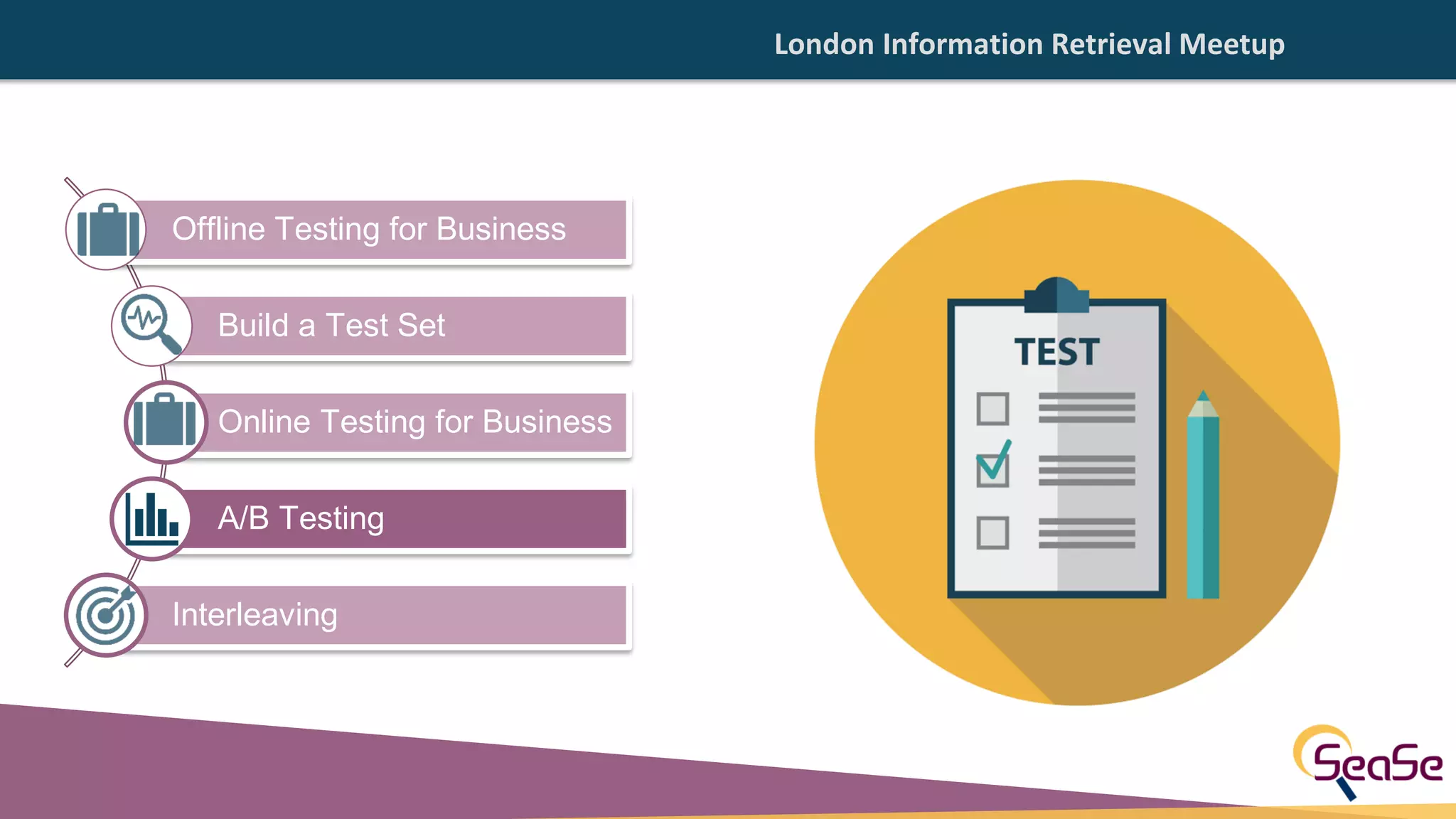
![London Information Retrieval Meetup
50%
50%
A B
20% 40%
Control Variation
[Online] A/B testing](https://image.slidesharecdn.com/offlineonlineevaluation-200624111633/75/Evaluating-Your-Learning-to-Rank-Model-Dos-and-Don-ts-in-Offline-Online-Evaluation-35-2048.jpg)
![London Information Retrieval Meetup
► Be sure to consider only interactions from result pages
ranked by the models you are comparing.
i.e. not using every clicks, sales, downloads happening in
the site
[Online] A/B Testing Noise
Extra care is needed when implementing A/B Testing.](https://image.slidesharecdn.com/offlineonlineevaluation-200624111633/75/Evaluating-Your-Learning-to-Rank-Model-Dos-and-Don-ts-in-Offline-Online-Evaluation-36-2048.jpg)
![London Information Retrieval Meetup
► Be sure to consider only interactions from result pages
ranked by the models you are comparing.
Extra care is needed when implementing A/B Testing.
► Suppose we are analyzing
model A.
We obtain:
10 sales from the homepage and
5 sales from the search page.
► Suppose we are analyzing
model B.
We obtain:
4 sales from the homepage and
10 sales from the search page.
Model A is better than Model B(?)
[Online] A/B Testing Noise 1](https://image.slidesharecdn.com/offlineonlineevaluation-200624111633/75/Evaluating-Your-Learning-to-Rank-Model-Dos-and-Don-ts-in-Offline-Online-Evaluation-37-2048.jpg)
![London Information Retrieval Meetup
► Suppose we are analyzing
model A.
We obtain:
10 sales from the homepage and
5 sales from the search page.
► Suppose we are analyzing
model B.
We obtain:
4 sales from the homepage and
10 sales from the search page.
[Online] A/B Testing Noise 1
Model A is better than Model B(?)
Extra care is needed when implementing A/B Testing.
► Be sure to consider only interactions from result pages
ranked by the models you are comparing.](https://image.slidesharecdn.com/offlineonlineevaluation-200624111633/75/Evaluating-Your-Learning-to-Rank-Model-Dos-and-Don-ts-in-Offline-Online-Evaluation-38-2048.jpg)
![London Information Retrieval Meetup
► Suppose we are analyzing
model B.
We obtain:
5 sales from the homepage and
10 sales from the search page.
► Suppose we are analyzing
model A.
We obtain:
12 sales from the homepage and
11 sales from the search page.
[Online] A/B Testing Noise 2
Extra care is needed when implementing A/B Testing.
► Be sure to consider only interactions from result pages
ranked by the models you are comparing.
Model A is better than Model B(?)](https://image.slidesharecdn.com/offlineonlineevaluation-200624111633/75/Evaluating-Your-Learning-to-Rank-Model-Dos-and-Don-ts-in-Offline-Online-Evaluation-39-2048.jpg)
![London Information Retrieval Meetup
Model A is better than Model B(?)
► Suppose we are analyzing
model B.
We obtain:
5 sales from the homepage and
10 sales from the search page.
► Suppose we are analyzing
model A.
We obtain:
12 sales from the homepage and
11 sales from the search page.
[Online] A/B Testing Noise 2
► Be sure to consider only interactions from result pages
ranked by the models you are comparing.
Extra care is needed when implementing A/B Testing.](https://image.slidesharecdn.com/offlineonlineevaluation-200624111633/75/Evaluating-Your-Learning-to-Rank-Model-Dos-and-Don-ts-in-Offline-Online-Evaluation-40-2048.jpg)
![London Information Retrieval Meetup
► It reduces the problem with users’ variance due to
their separation in groups (group A and group B).
► It is more sensitive in comparison between models.
► It requires less traffic.
► It requires less time to achieve reliable results.
► It doesn’t necessarily expose a bad model to a sub
population of users.
[Online] Interleaving Advantages](https://image.slidesharecdn.com/offlineonlineevaluation-200624111633/75/Evaluating-Your-Learning-to-Rank-Model-Dos-and-Don-ts-in-Offline-Online-Evaluation-42-2048.jpg)
![London Information Retrieval Meetup
100%
Model A Model B
21 3 1 2 3
1 2 3 4
[Online] Interleaving](https://image.slidesharecdn.com/offlineonlineevaluation-200624111633/75/Evaluating-Your-Learning-to-Rank-Model-Dos-and-Don-ts-in-Offline-Online-Evaluation-43-2048.jpg)
![London Information Retrieval Meetup[Online] Balanced Interleaving
There are different types of interleaving:
► Balanced Interleaving: alternate insertion with one
model having the priority.](https://image.slidesharecdn.com/offlineonlineevaluation-200624111633/75/Evaluating-Your-Learning-to-Rank-Model-Dos-and-Don-ts-in-Offline-Online-Evaluation-44-2048.jpg)
![London Information Retrieval Meetup
There are different types of interleaving:
► Balanced Interleaving: alternate insertion with one
model having the priority.
DRAWBACK
► When comparing two very similar models.
► Model A: lA = (a, b, c, d)
► Model B: lB = (b, c, d, a)
► The comparison phase will bring the Model B to win more often
than Model A. This happens regardless of the model chosen
as prior.
► This drawback arises due to:
► the way in which the evaluation of the results is done.
► the fact that model_B rank higher than model_A all documents with
the exception of a.
[Online] Balanced Interleaving](https://image.slidesharecdn.com/offlineonlineevaluation-200624111633/75/Evaluating-Your-Learning-to-Rank-Model-Dos-and-Don-ts-in-Offline-Online-Evaluation-45-2048.jpg)
![London Information Retrieval Meetup[Online] Team-Draft Interleaving
There are different types of interleaving:
► Balanced Interleaving: alternate insertion with one
model having the priority.
► Team-Draft Interleaving: method of team captains in
team-matches.
https://issues.apache.org/jira/browse/SOLR-14560](https://image.slidesharecdn.com/offlineonlineevaluation-200624111633/75/Evaluating-Your-Learning-to-Rank-Model-Dos-and-Don-ts-in-Offline-Online-Evaluation-46-2048.jpg)
![London Information Retrieval Meetup
There are different types of interleaving:
► Balanced Interleaving: alternate insertion with one
model having the priority.
► Team-Draft Interleaving: method of team captains in
team-matches.
DRAWBACK
► When comparing two very similar models.
► Model A: lA = (a, b, c, d)
► Model B: lB = (b, c, d, a)
► Suppose c to be the only relevant document.
► With this approach we can obtain four different interleaved
lists:
► lI1 = (aA, bB, cA, dB)
► lI2 = (bB, aA, cB, dA)
► lI3 = (bB, aA, cA, dB)
► lI4 = (aA, bB, cB, dA)
► All of them putting c at the same rank.
Tie!
But Model B should be chosen
as the best model!
[Online] Team-Draft Interleaving](https://image.slidesharecdn.com/offlineonlineevaluation-200624111633/75/Evaluating-Your-Learning-to-Rank-Model-Dos-and-Don-ts-in-Offline-Online-Evaluation-47-2048.jpg)
![London Information Retrieval Meetup
There are different types of interleaving:
► Balanced Interleaving: alternate insertion with one
model having the priority.
► Team-Draft Interleaving: method of team captains in
team-matches.
► Probabilistic Interleaving: rely on probability
distributions. Every documents have a non-zero
probability to be added in the interleaved result list.
[Online] Probabilistic Interleaving](https://image.slidesharecdn.com/offlineonlineevaluation-200624111633/75/Evaluating-Your-Learning-to-Rank-Model-Dos-and-Don-ts-in-Offline-Online-Evaluation-48-2048.jpg)
![London Information Retrieval Meetup
There are different types of interleaving:
► Balanced Interleaving: alternate insertion with one
model having the priority.
► Team-Draft Interleaving: method of team captains in
team-matches.
► Probabilistic Interleaving: rely on probability
distributions. Every documents have a non-zero
probability to be added in the interleaved result list.
DRAWBACK
The use of probability distribution could lead to a worse user
experience. Less relevant document could be put higher.
[Online] Probabilistic Interleaving](https://image.slidesharecdn.com/offlineonlineevaluation-200624111633/75/Evaluating-Your-Learning-to-Rank-Model-Dos-and-Don-ts-in-Offline-Online-Evaluation-49-2048.jpg)
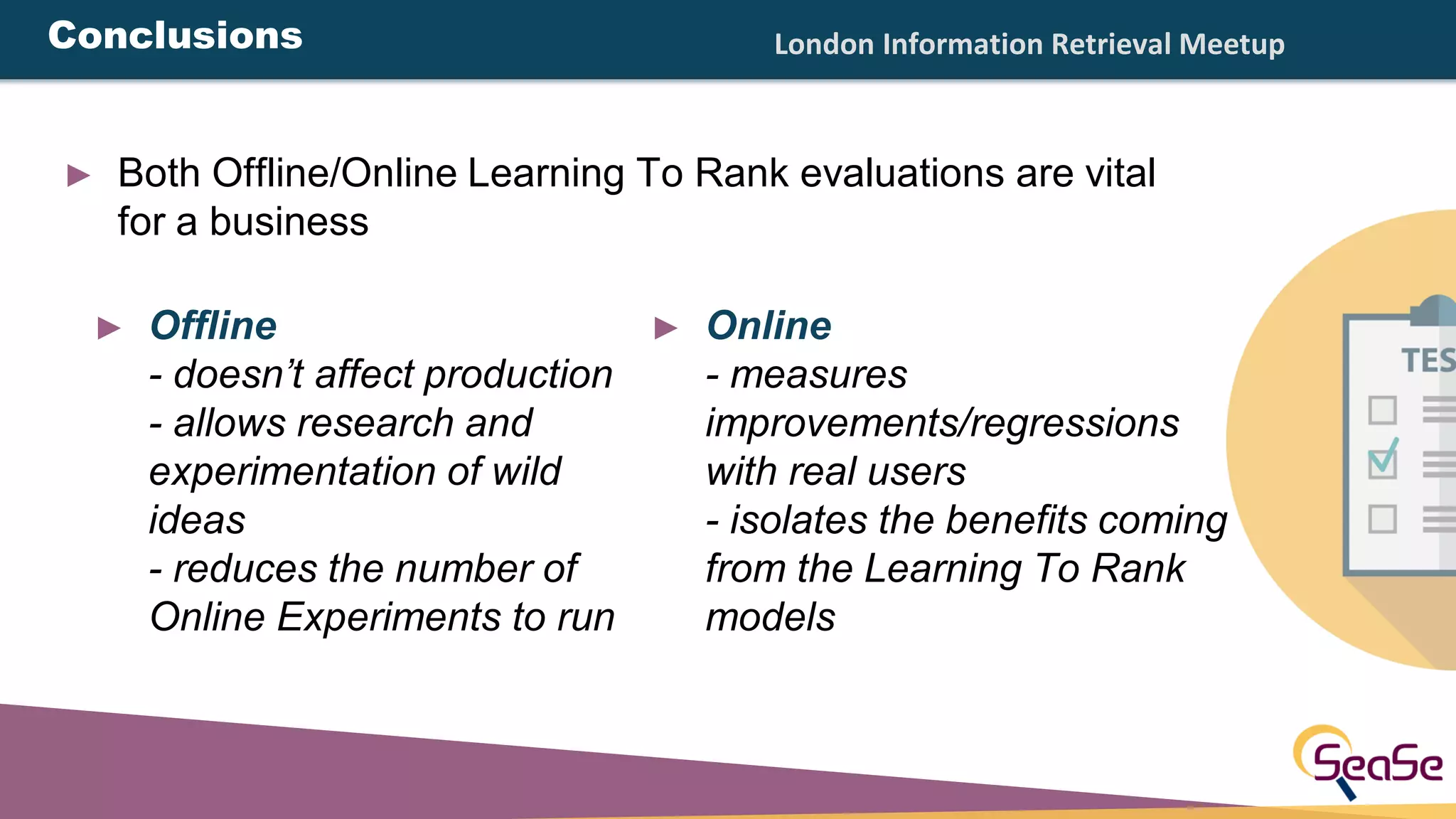


1. The document discusses evaluating learning to rank models, including offline and online evaluation methods. Offline evaluation involves building a test set from labeled data and evaluating metrics like NDCG, while online evaluation uses methods like A/B testing and interleaving to directly measure user behavior and business metrics. 2. Common mistakes in offline evaluation include having only one sample per query, single relevance labels per query, and unrepresentative test samples. While offline evaluation provides efficiency, online evaluation allows observing real user interactions and model impact on key metrics. 3. Recommendations are given to test models both offline and online, with online testing providing advantages like measuring actual business outcomes and interpreting model effects.


![Vibe Coding vs. Spec-Driven Development [Free Meetup]](https://cdn.slidesharecdn.com/ss_thumbnails/vibecodingvsspecdrivendevelopment-251209105622-43f455e7-thumbnail.jpg?width=640&height=640&fit=bounds)


