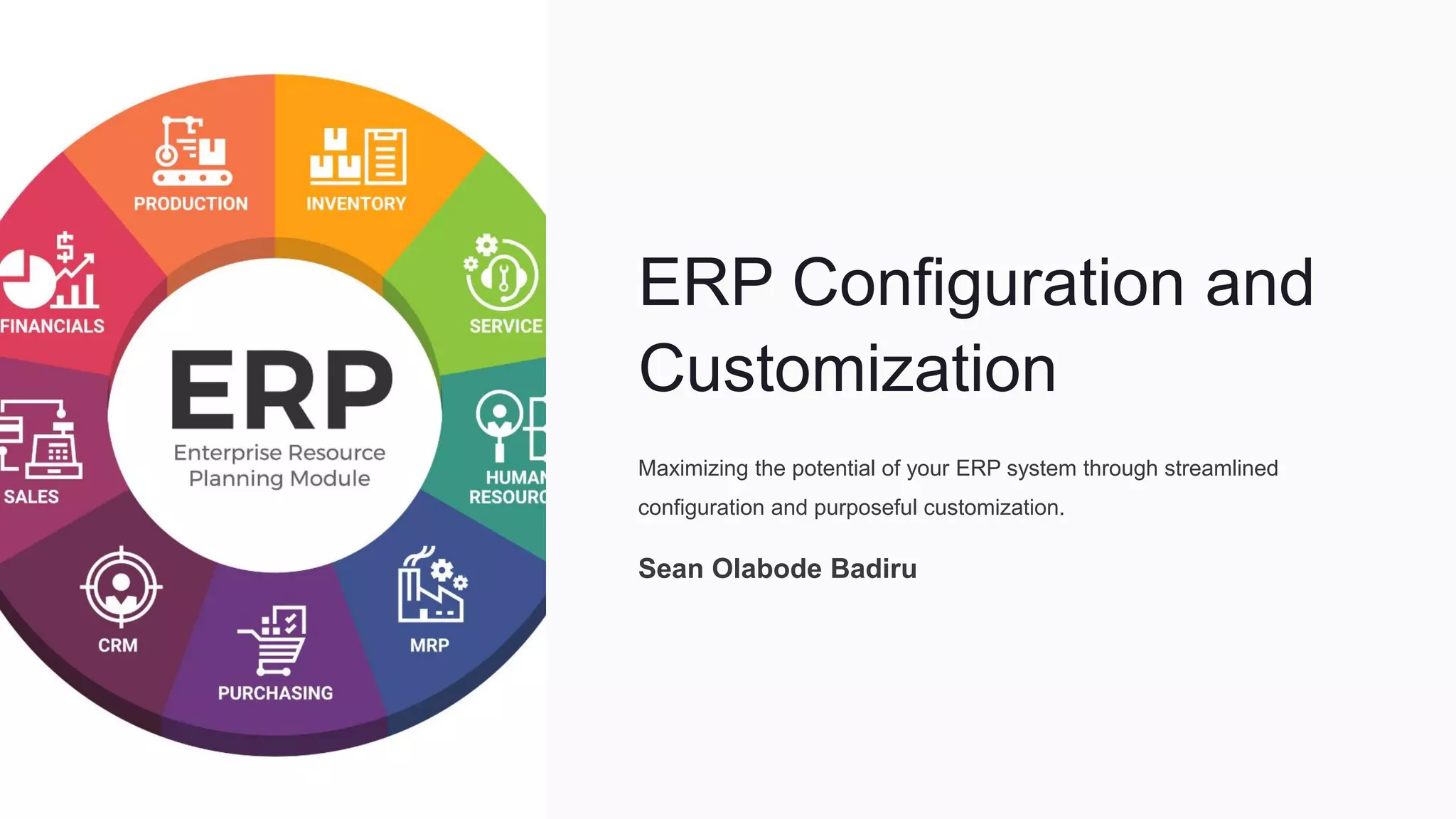
ERP Configuration and
Customization
Maximizing the potential of your ERP system through streamlined
configuration and purposeful customization.
Sean Olabode Badiru
Understanding ERP Configuration
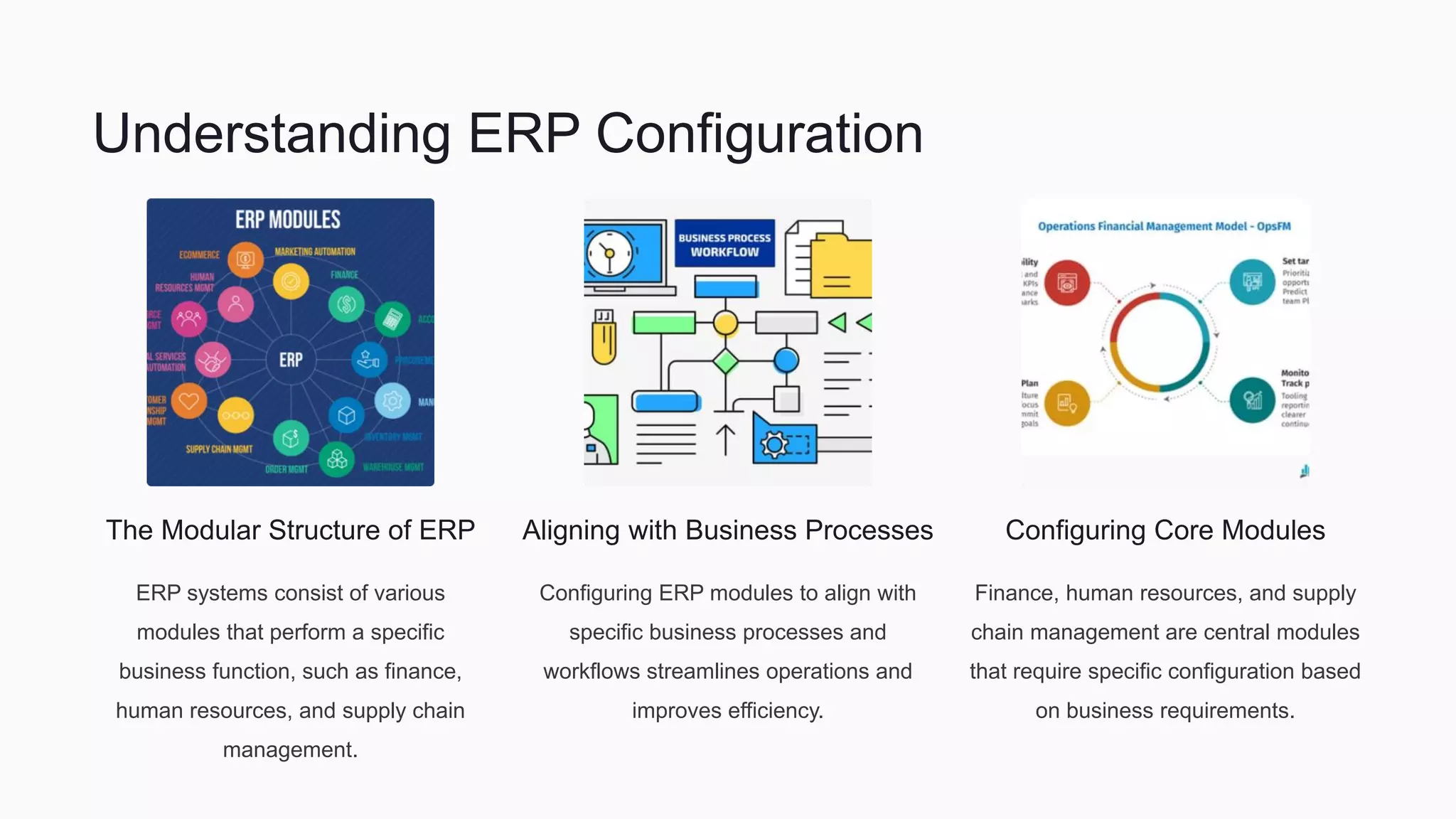
The Modular Structure of ERP
ERP systems consist of various
modules that perform a specific
business function, such as finance,
human resources, and supply chain
management.
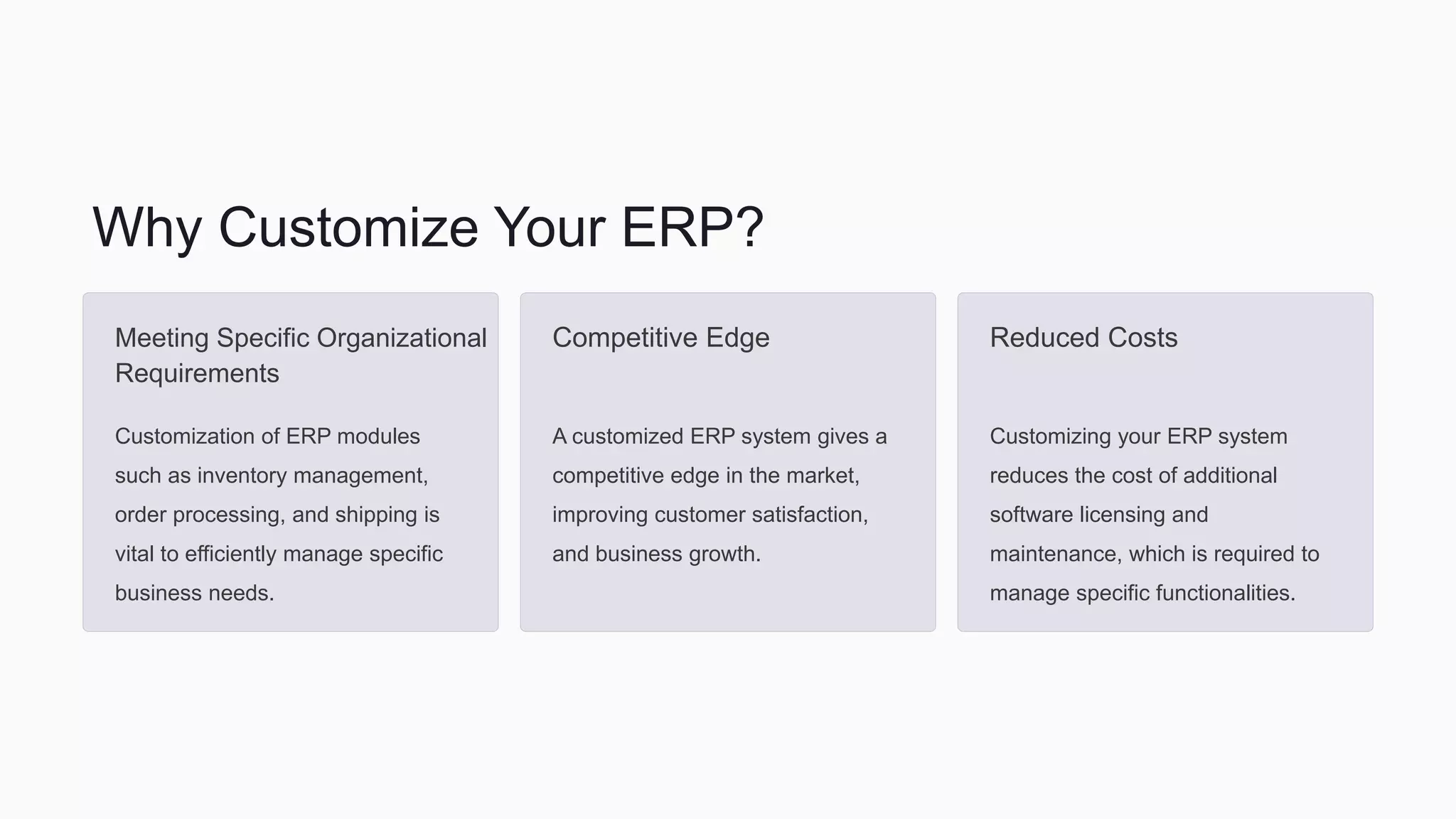
Aligning with Business Processes
Configuring ERP modules to align with
specific business processes and
workflows streamlines operations and
improves efficiency.
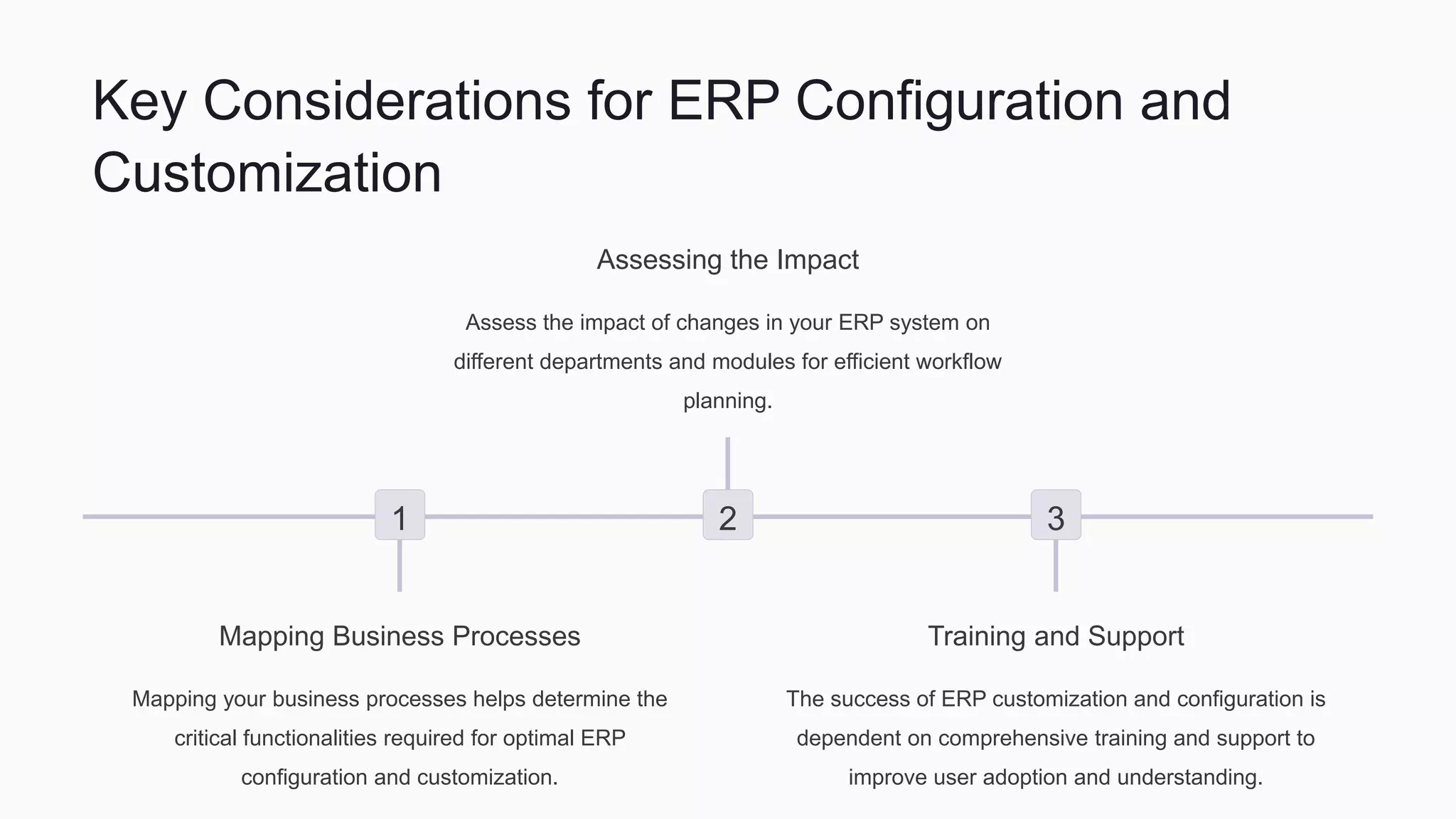
Configuring Core Modules
Finance, human resources, and supply
chain management are central modules
that require specific configuration based
on business requirements.
Why Customize Your ERP?
Meeting Specific Organizational
Requirements
Customization of ERP modules
such as inventory management,
order processing, and shipping is
vital to efficiently manage specific
business needs.
Competitive Edge
A customized ERP system gives a
competitive edge in the market,
improving customer satisfaction,
and business growth.
Reduced Costs
Customizing your ERP system
reduces the cost of additional
software licensing and
maintenance, which is required to
manage specific functionalities.
Key Considerations for ERP Configuration and
Customization
1
Mapping Business Processes
Mapping your business processes helps determine the
critical functionalities required for optimal ERP
configuration and customization.
2
Assessing the Impact
Assess the impact of changes in your ERP system on
different departments and modules for efficient workflow
planning.
3
Training and Support
The success of ERP customization and configuration is
dependent on comprehensive training and support to
improve user adoption and understanding.
Retain ERP Version Control with Third-Party Integrations/
Add-Ons
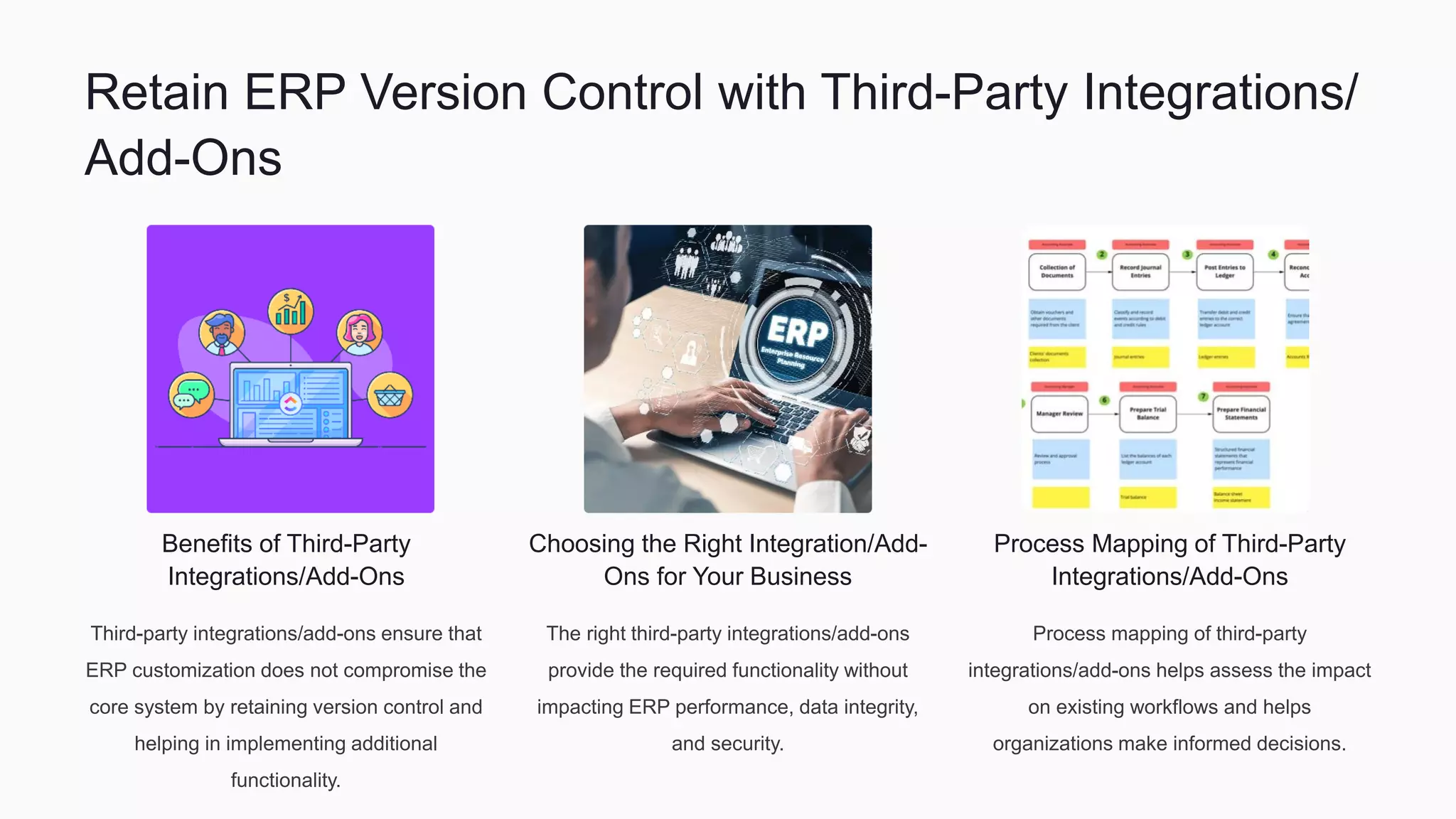
Benefits of Third-Party
Integrations/Add-Ons
Third-party integrations/add-ons ensure that
ERP customization does not compromise the
core system by retaining version control and
helping in implementing additional
functionality.
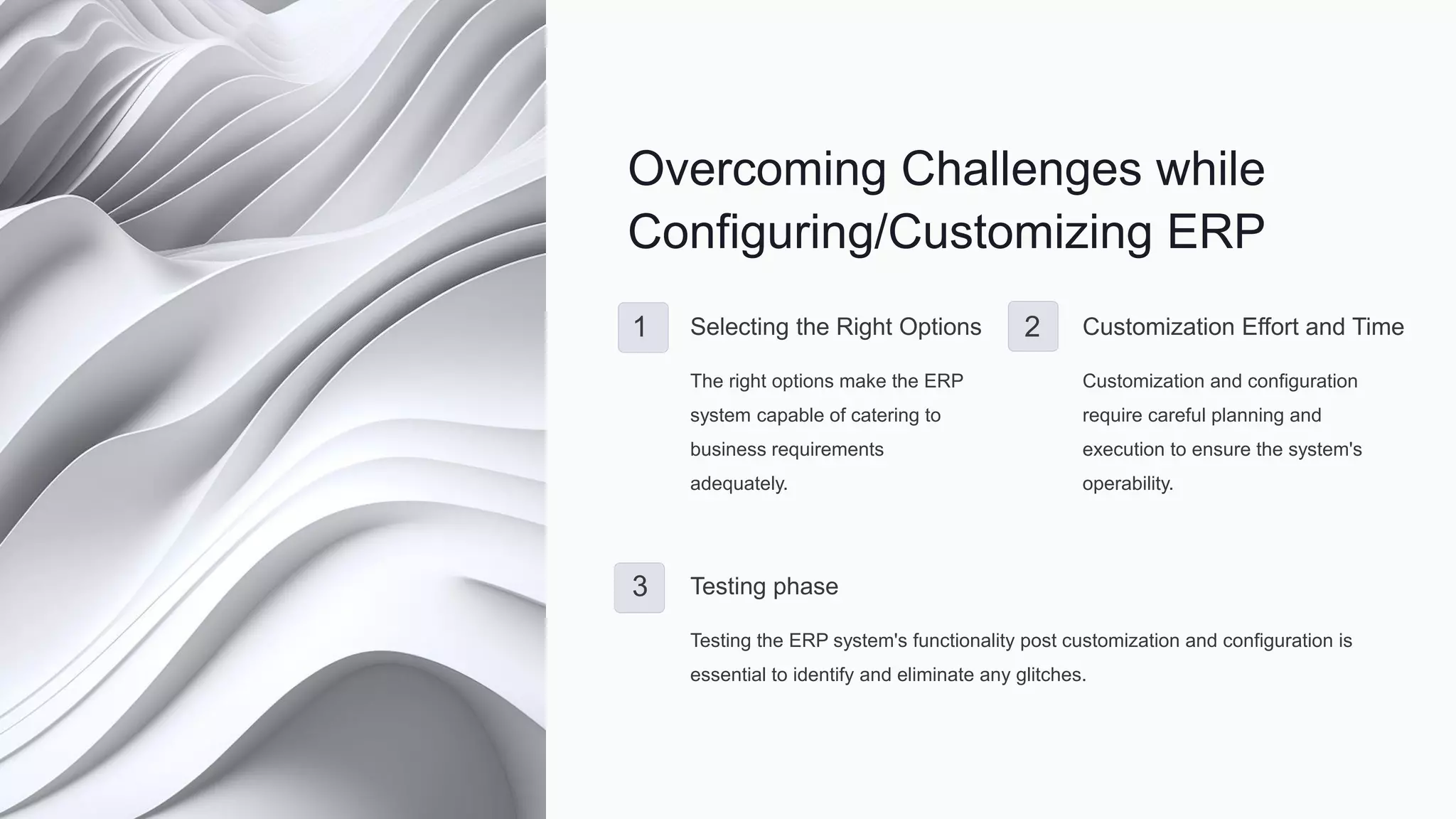
Choosing the Right Integration/Add-
Ons for Your Business
The right third-party integrations/add-ons
provide the required functionality without
impacting ERP performance, data integrity,
and security.
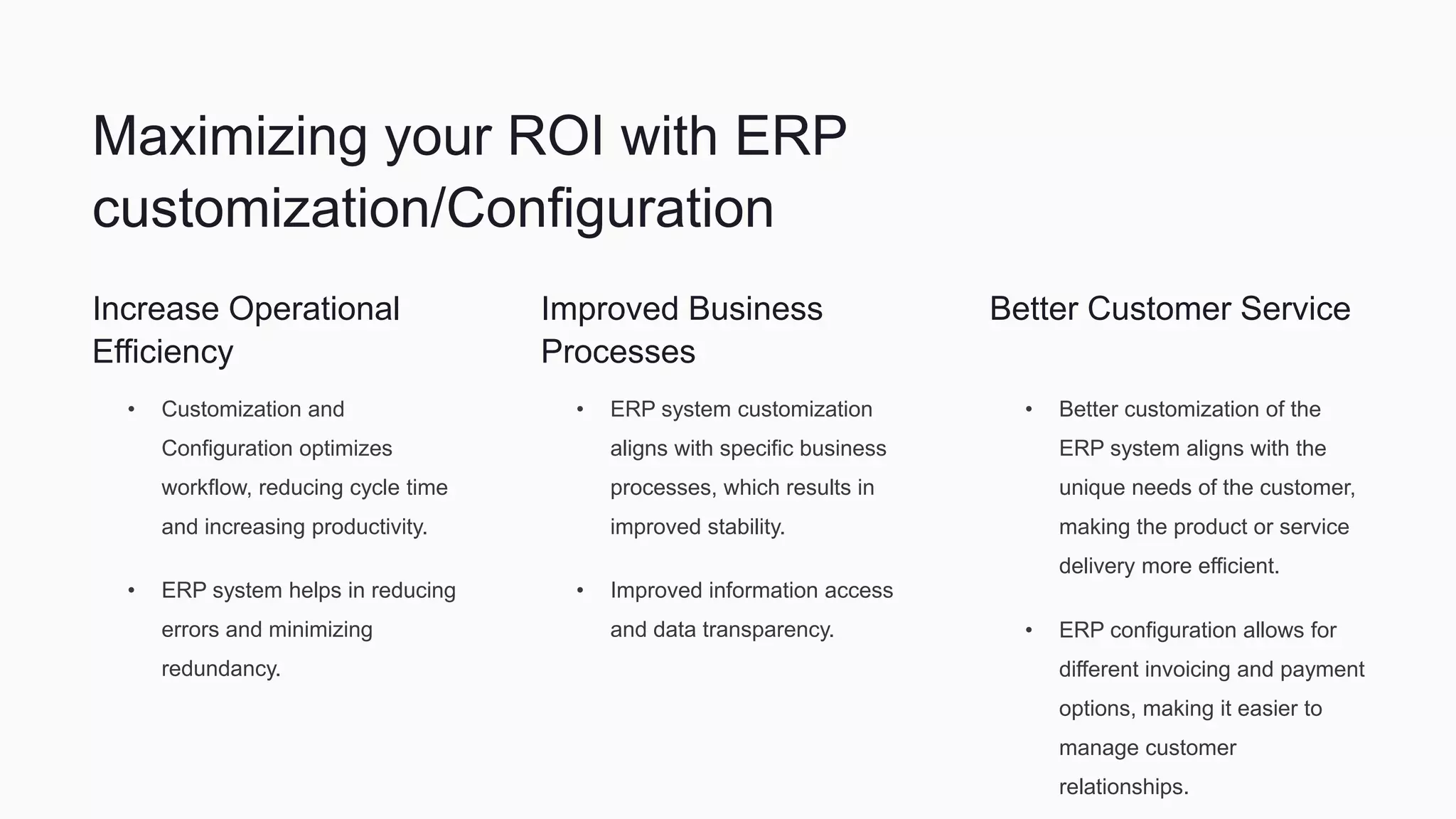
Process Mapping of Third-Party
Integrations/Add-Ons
Process mapping of third-party
integrations/add-ons helps assess the impact
on existing workflows and helps
organizations make informed decisions.
Overcoming Challenges while
Configuring/Customizing ERP
1 Selecting the Right Options
The right options make the ERP
system capable of catering to
business requirements
adequately.
2 Customization Effort and Time
Customization and configuration
require careful planning and
execution to ensure the system's
operability.
3 Testing phase
Testing the ERP system's functionality post customization and configuration is
essential to identify and eliminate any glitches.
Maximizing your ROI with ERP
customization/Configuration
Increase Operational
Efficiency
• Customization and
Configuration optimizes
workflow, reducing cycle time
and increasing productivity.
• ERP system helps in reducing
errors and minimizing
redundancy.
Improved Business
Processes
• ERP system customization
aligns with specific business
processes, which results in
improved stability.
• Improved information access
and data transparency.
Better Customer Service
• Better customization of the
ERP system aligns with the
unique needs of the customer,
making the product or service
delivery more efficient.
• ERP configuration allows for
different invoicing and payment
options, making it easier to
manage customer
relationships.
Conclusion
ERP configuration and customization is essential in improving business
processes and meeting unique business needs. An optimal ERP system
requires careful planning, comprehensive testing, and effective training
and support for a smooth transition and optimal performance. External
integrations and add-ons help manage specific functionalities while
retaining core data integrity.
Sean Bode Badiru
bodebadiru

ERP Configuration and Customization

  • 1.
    ERP Configuration and Customization Maximizingthe potential of your ERP system through streamlined configuration and purposeful customization. Sean Olabode Badiru
  • 2.
    Understanding ERP Configuration TheModular Structure of ERP ERP systems consist of various modules that perform a specific business function, such as finance, human resources, and supply chain management. Aligning with Business Processes Configuring ERP modules to align with specific business processes and workflows streamlines operations and improves efficiency. Configuring Core Modules Finance, human resources, and supply chain management are central modules that require specific configuration based on business requirements.
  • 3.
    Why Customize YourERP? Meeting Specific Organizational Requirements Customization of ERP modules such as inventory management, order processing, and shipping is vital to efficiently manage specific business needs. Competitive Edge A customized ERP system gives a competitive edge in the market, improving customer satisfaction, and business growth. Reduced Costs Customizing your ERP system reduces the cost of additional software licensing and maintenance, which is required to manage specific functionalities.
  • 4.
    Key Considerations forERP Configuration and Customization 1 Mapping Business Processes Mapping your business processes helps determine the critical functionalities required for optimal ERP configuration and customization. 2 Assessing the Impact Assess the impact of changes in your ERP system on different departments and modules for efficient workflow planning. 3 Training and Support The success of ERP customization and configuration is dependent on comprehensive training and support to improve user adoption and understanding.
  • 5.
    Retain ERP VersionControl with Third-Party Integrations/ Add-Ons Benefits of Third-Party Integrations/Add-Ons Third-party integrations/add-ons ensure that ERP customization does not compromise the core system by retaining version control and helping in implementing additional functionality. Choosing the Right Integration/Add- Ons for Your Business The right third-party integrations/add-ons provide the required functionality without impacting ERP performance, data integrity, and security. Process Mapping of Third-Party Integrations/Add-Ons Process mapping of third-party integrations/add-ons helps assess the impact on existing workflows and helps organizations make informed decisions.
  • 6.
    Overcoming Challenges while Configuring/CustomizingERP 1 Selecting the Right Options The right options make the ERP system capable of catering to business requirements adequately. 2 Customization Effort and Time Customization and configuration require careful planning and execution to ensure the system's operability. 3 Testing phase Testing the ERP system's functionality post customization and configuration is essential to identify and eliminate any glitches.
  • 7.
    Maximizing your ROIwith ERP customization/Configuration Increase Operational Efficiency • Customization and Configuration optimizes workflow, reducing cycle time and increasing productivity. • ERP system helps in reducing errors and minimizing redundancy. Improved Business Processes • ERP system customization aligns with specific business processes, which results in improved stability. • Improved information access and data transparency. Better Customer Service • Better customization of the ERP system aligns with the unique needs of the customer, making the product or service delivery more efficient. • ERP configuration allows for different invoicing and payment options, making it easier to manage customer relationships.
  • 8.
    Conclusion ERP configuration andcustomization is essential in improving business processes and meeting unique business needs. An optimal ERP system requires careful planning, comprehensive testing, and effective training and support for a smooth transition and optimal performance. External integrations and add-ons help manage specific functionalities while retaining core data integrity.
  • 9.