



www.clearbox.co.uk 
@sammarshall 
Deepening 
SharePoint user 
adoption 
Congres SharePoint 
2014
Sam Marshall 
Director of ClearBox Consulting 
— 15 years intranet and digital 
workplace 
— Former global portal manager at 
Unilever 
— SharePoint & Intranet 
• Strategy 
• Adoption 
• Internal Comms & Collaboration 
sam@clearbox.co.uk 
www.clearbox.co.uk 
@sammarshall
ClearBox Consulting 
Intranet, SharePoint and 
digital workplace: 
— Strategy 
— Governance 
— Collaboration 
— Communities 
— Adoption 
— Training
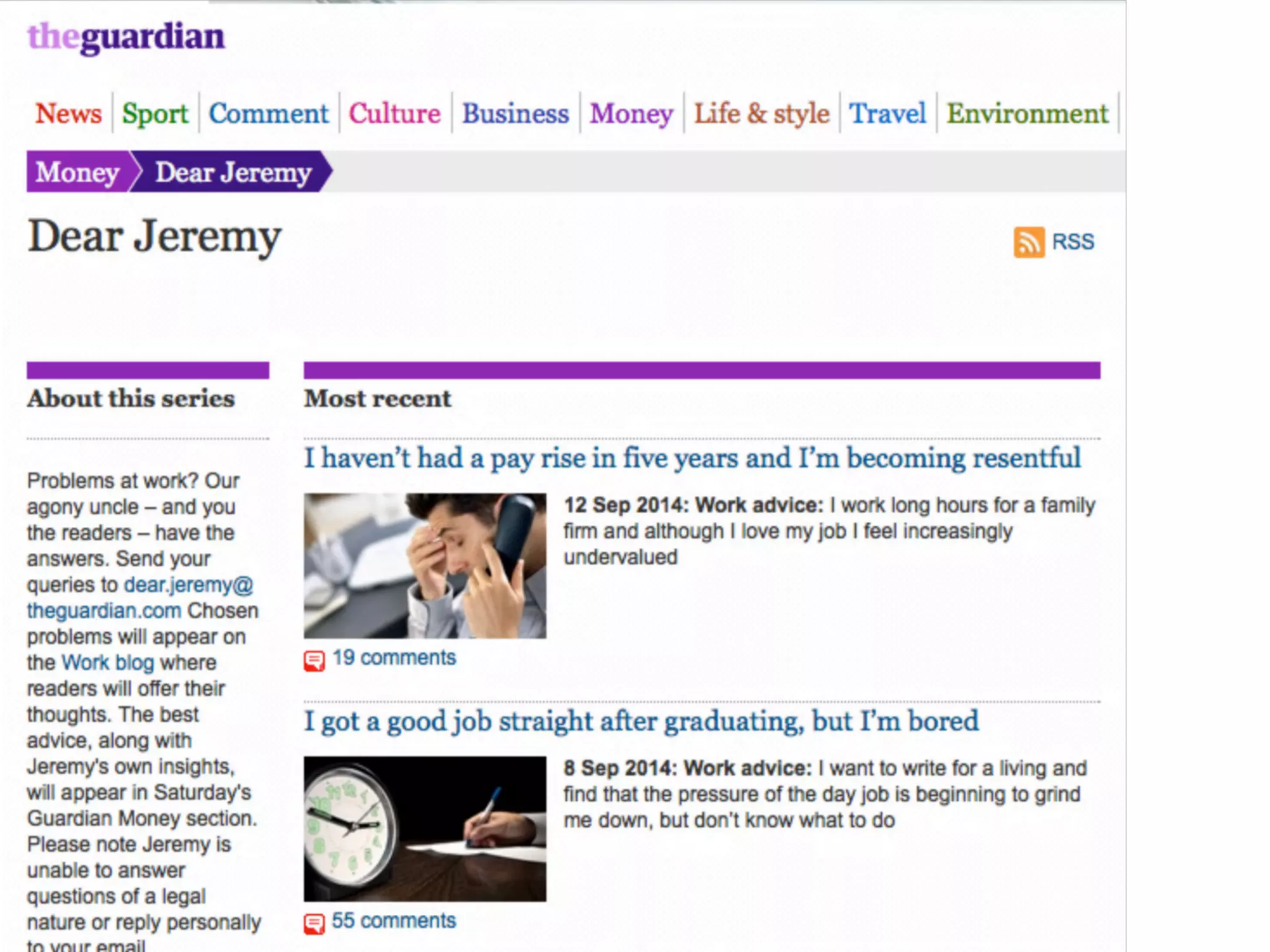
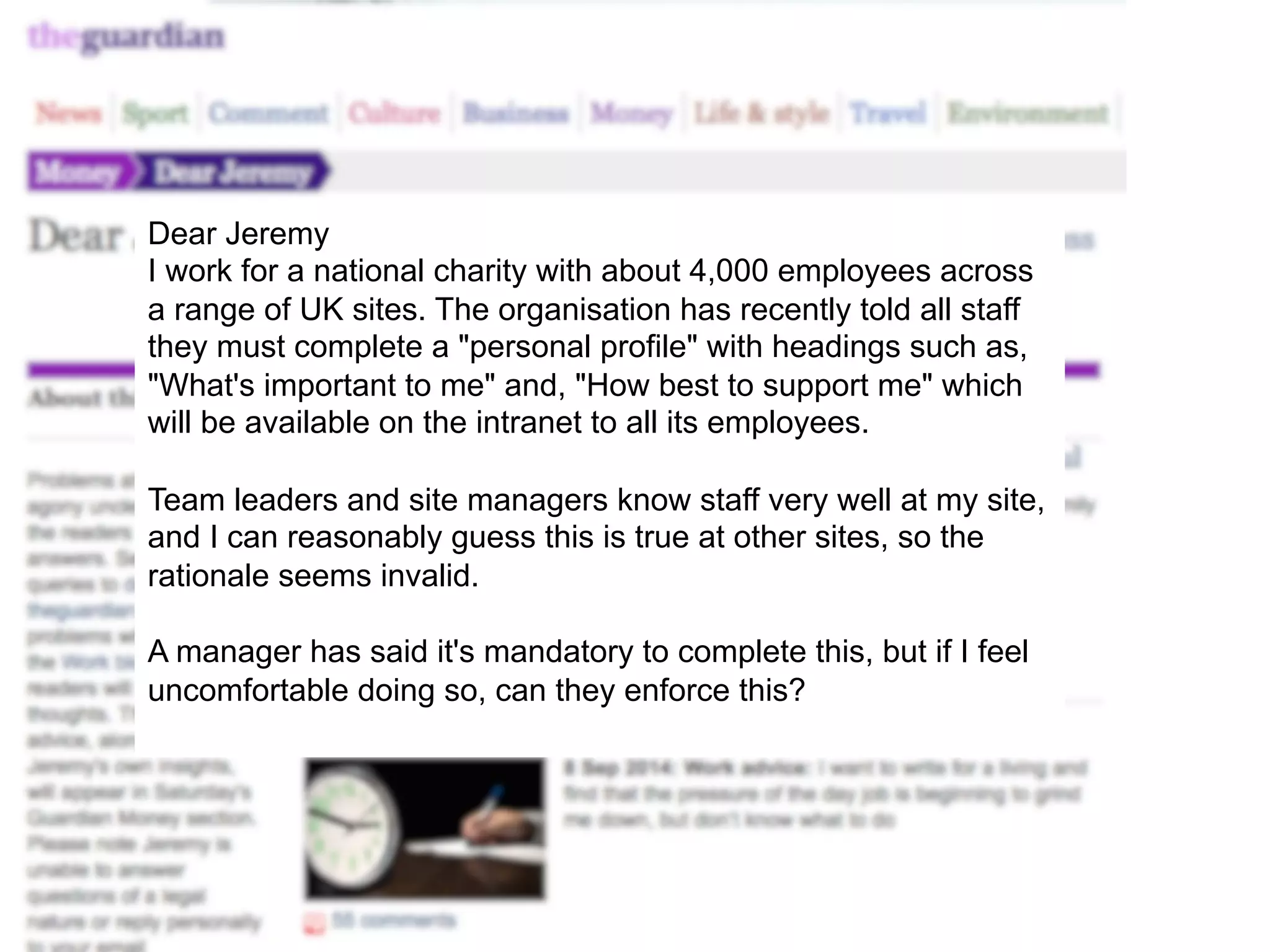
Dear Jeremy 
I work for a national charity with about 4,000 employees across 
a range of UK sites. The organisation has recently told all staff 
they must complete a "personal profile" with headings such as, 
"What's important to me" and, "How best to support me" which 
will be available on the intranet to all its employees. 
Team leaders and site managers know staff very well at my site, 
and I can reasonably guess this is true at other sites, so the 
rationale seems invalid. 
A manager has said it's mandatory to complete this, but if I feel 
uncomfortable doing so, can they enforce this?
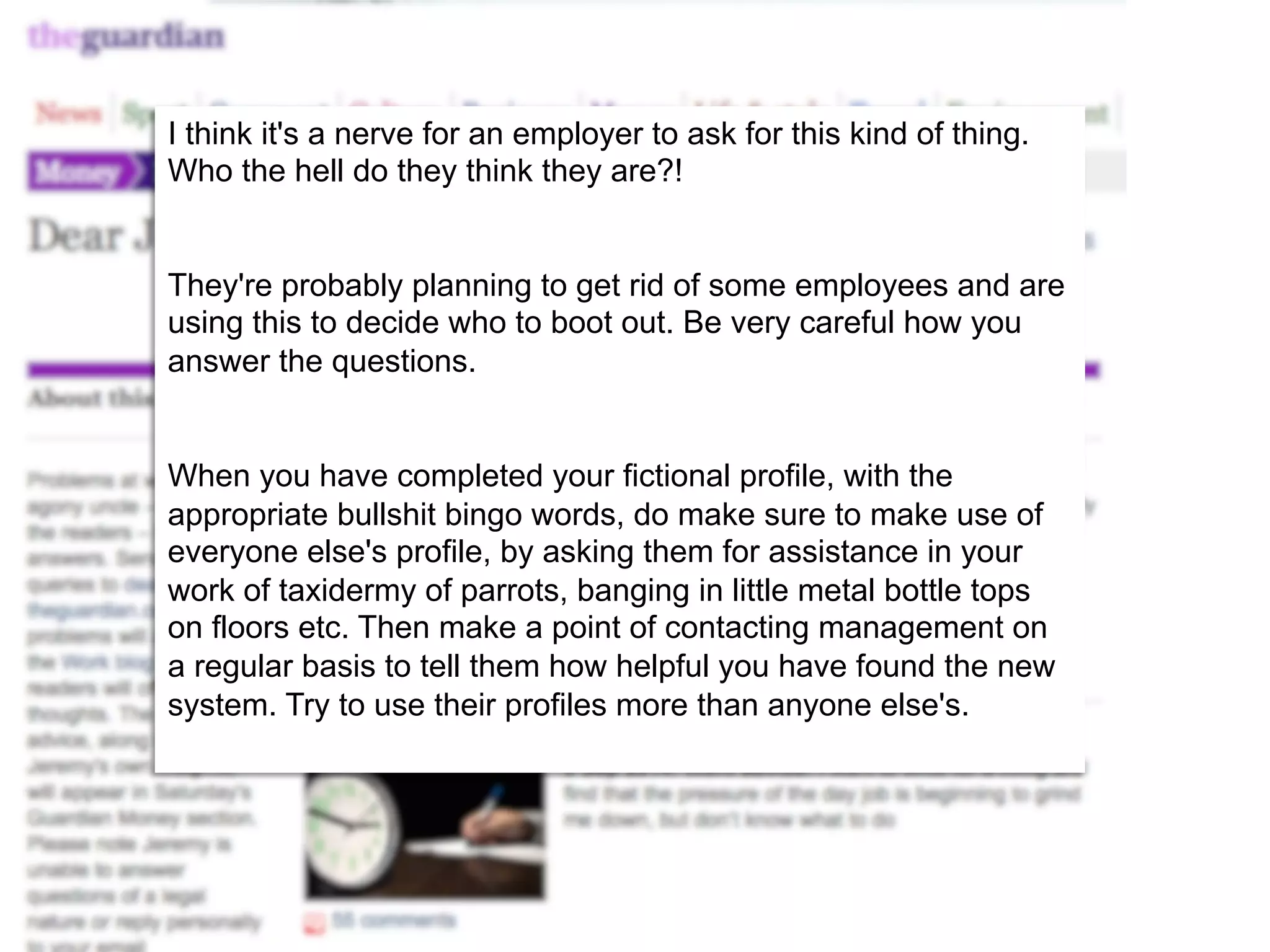
I think it's a nerve for an employer to ask for this kind of thing. 
Who the hell do they think they are?! 
They're probably planning to get rid of some employees and are 
using this to decide who to boot out. Be very careful how you 
answer the questions. 
When you have completed your fictional profile, with the 
appropriate bullshit bingo words, do make sure to make use of 
everyone else's profile, by asking them for assistance in your 
work of taxidermy of parrots, banging in little metal bottle tops 
on floors etc. Then make a point of contacting management on 
a regular basis to tell them how helpful you have found the new 
system. Try to use their profiles more than anyone else's.
The adoption problem
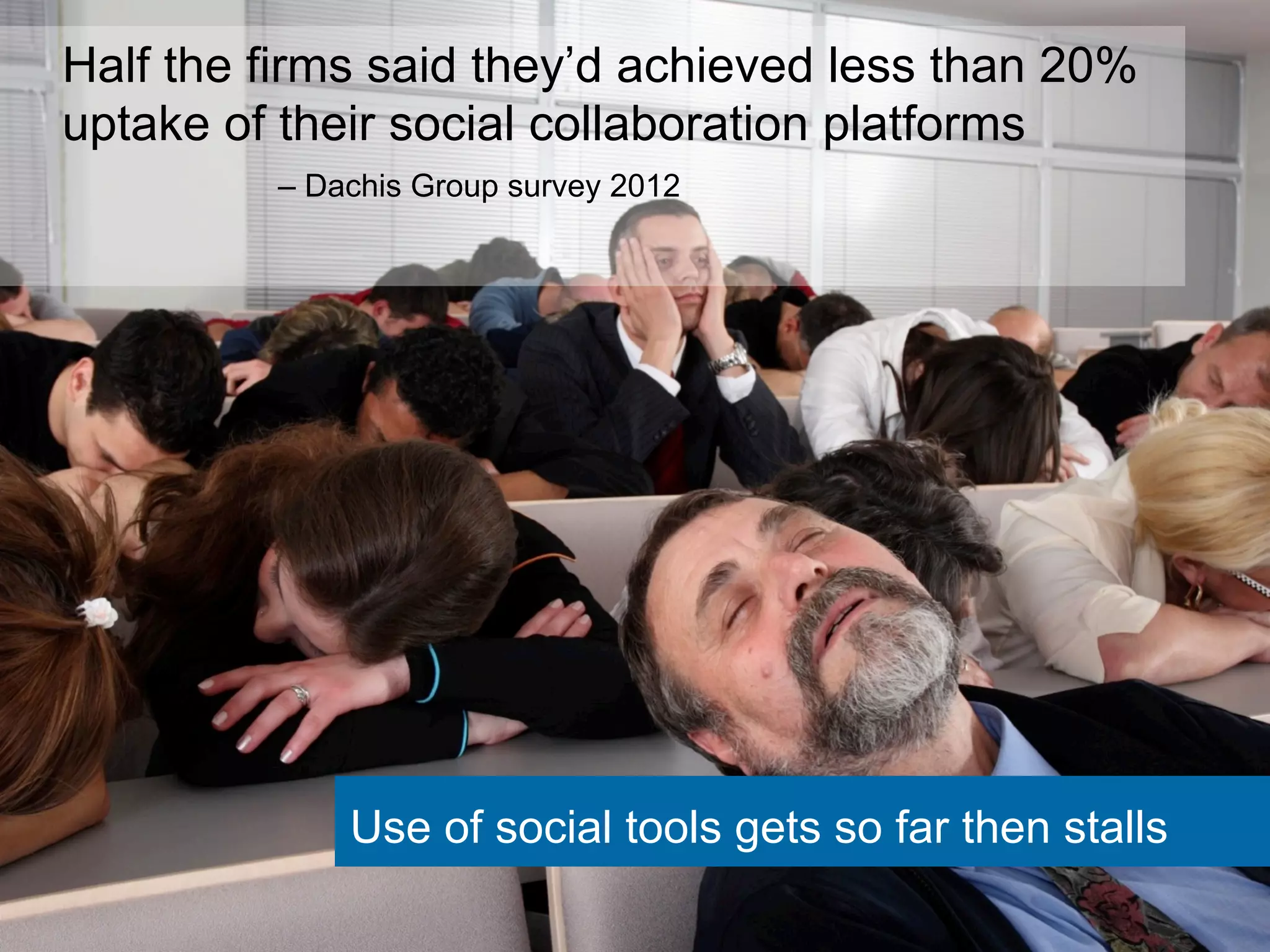
Half the firms said they’d achieved less than 20% 
uptake of their social collaboration platforms 
– Dachis Group survey 2012 
Use of social tools gets so far then stalls
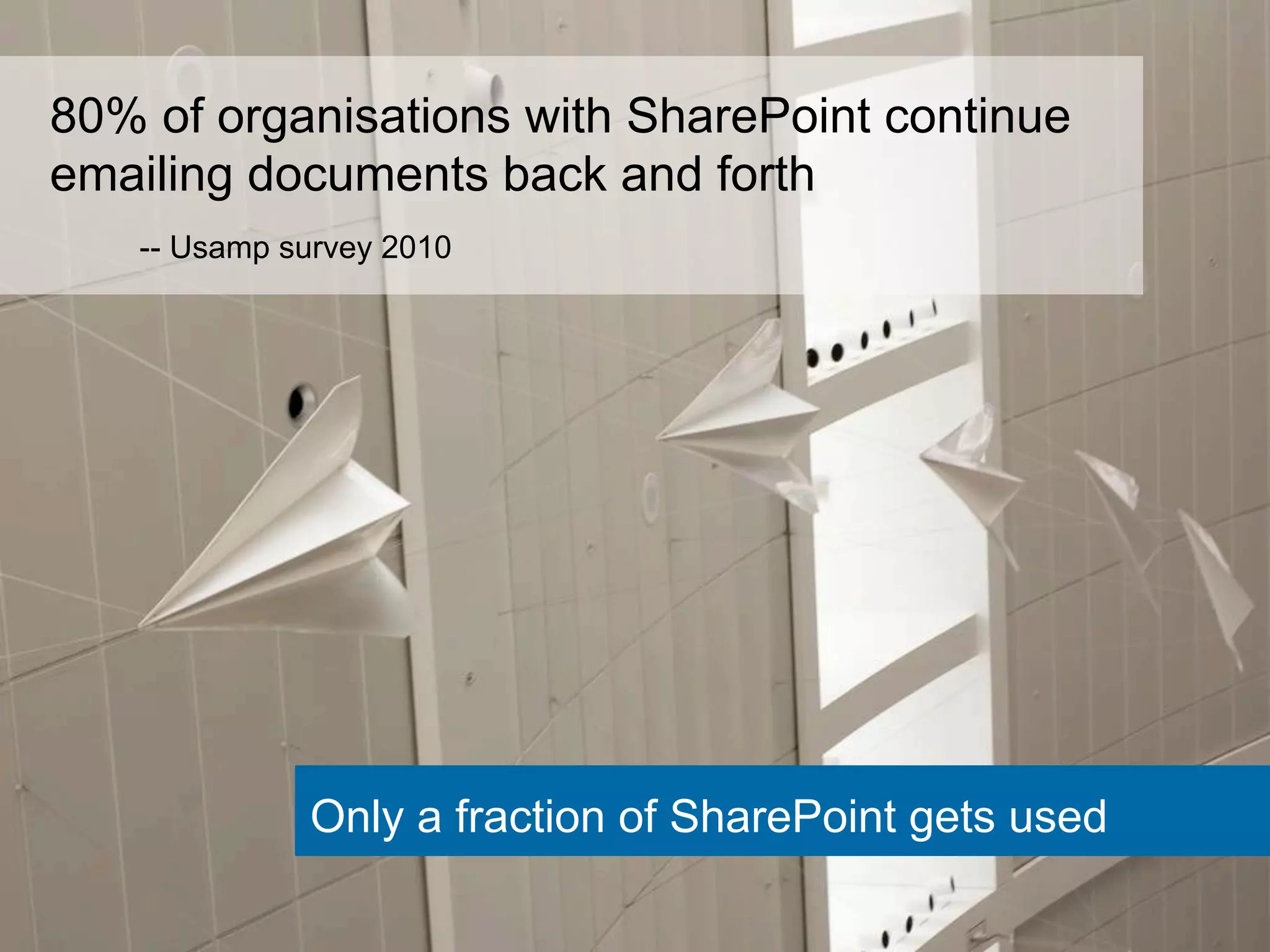
80% of organisations with SharePoint continue 
emailing documents back and forth 
-- Usamp survey 2010 
Only a fraction of SharePoint gets used
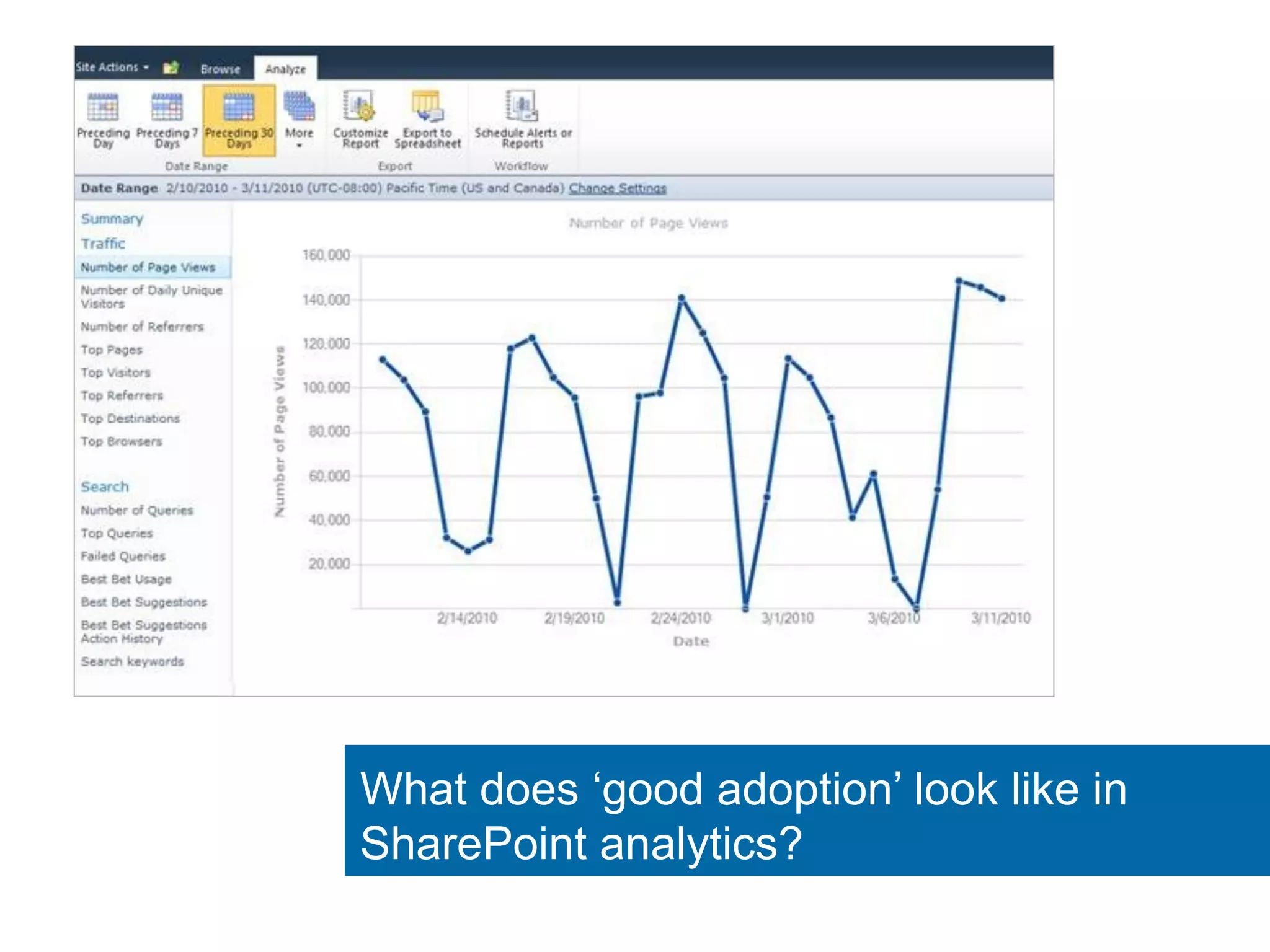
What does ‘good adoption’ look like in 
SharePoint analytics?
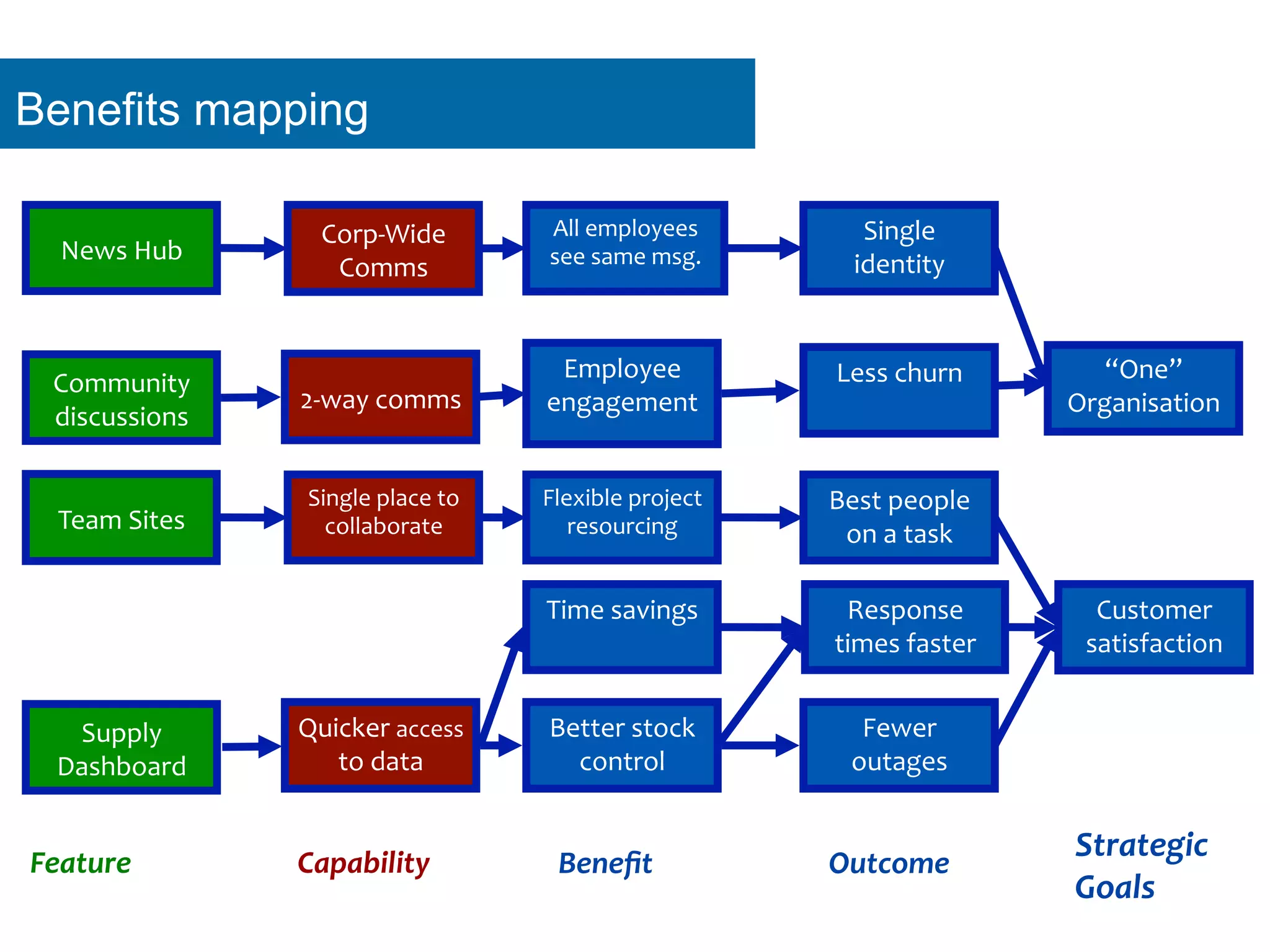
What matters is that employees are productive
Single 
place 
to 
collaborate 
Capability 
Benefit 
Outcome 
Strategic 
Goals 
Feature 
“One” 
Organisation 
Single 
identity 
All 
employees 
see 
same 
msg. 
Corp-­‐Wide 
News 
Hub 
Comms 
2-­‐way 
comms 
Employee 
engagement 
Community 
discussions 
Less 
churn 
Customer 
satisfaction 
Time 
savings 
Response 
times 
faster 
Fewer 
outages 
Better 
stock 
control 
Supply 
Dashboard 
Quicker 
access 
to 
data 
Flexible 
project 
resourcing 
Best 
people 
Team 
Sites 
on 
a 
task 
Benefits mapping
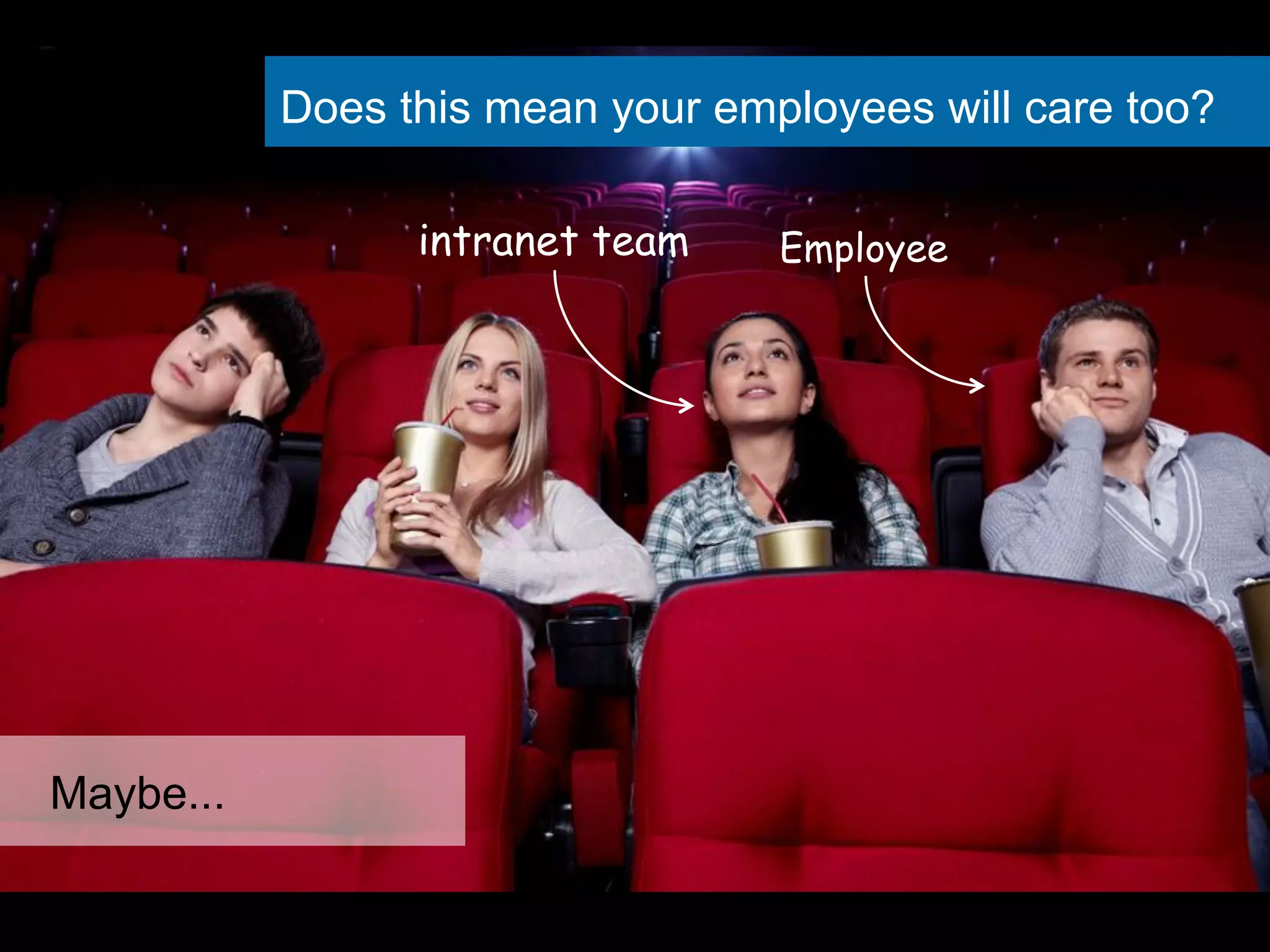
Does this mean your employees will care too? 
Maybe... 
intranet team Employee
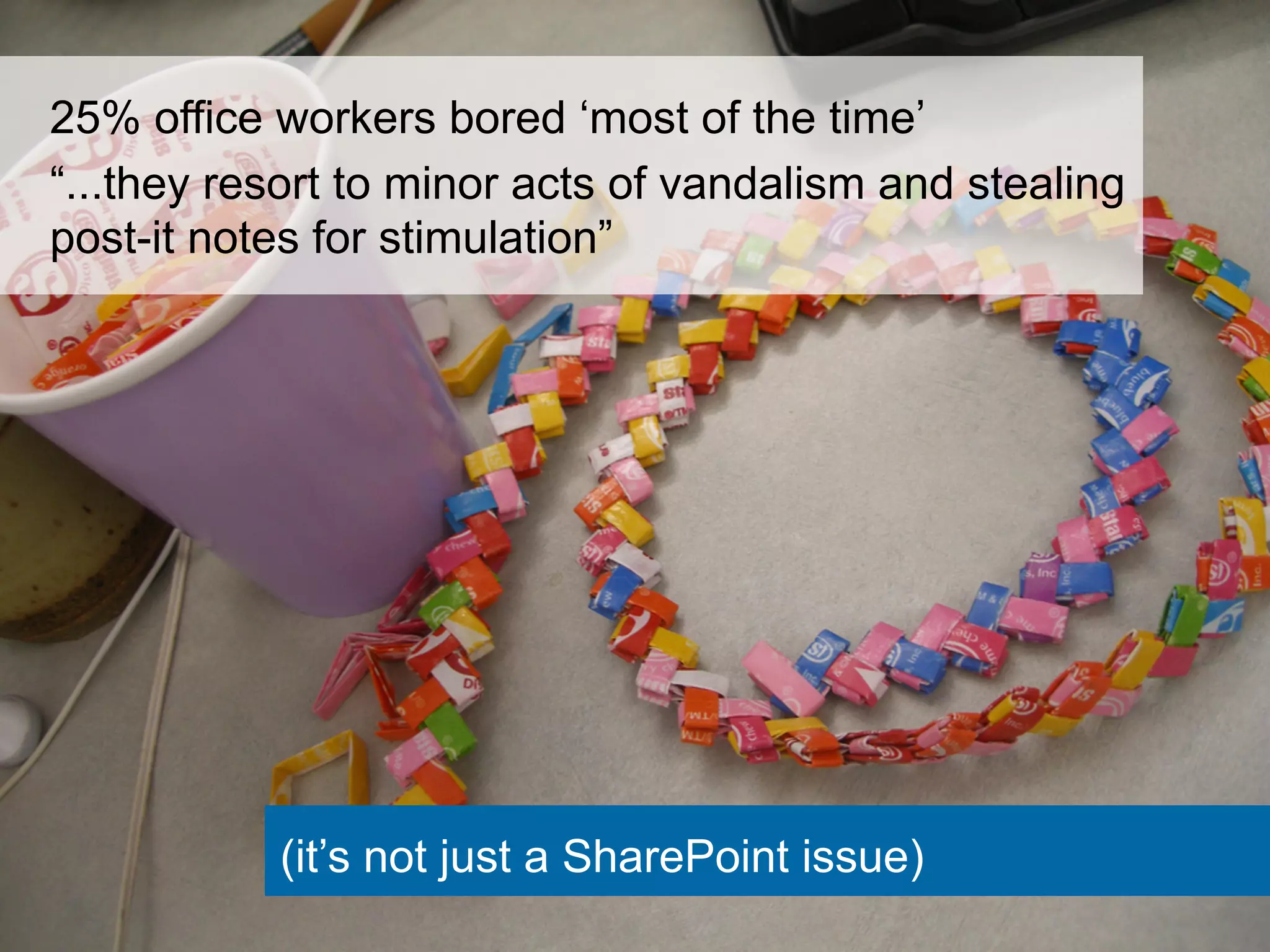
25% office workers bored ‘most of the time’ 
“...they resort to minor acts of vandalism and stealing 
post-it notes for stimulation” 
(it’s not just a SharePoint issue)
How should we think about “Adoption?”
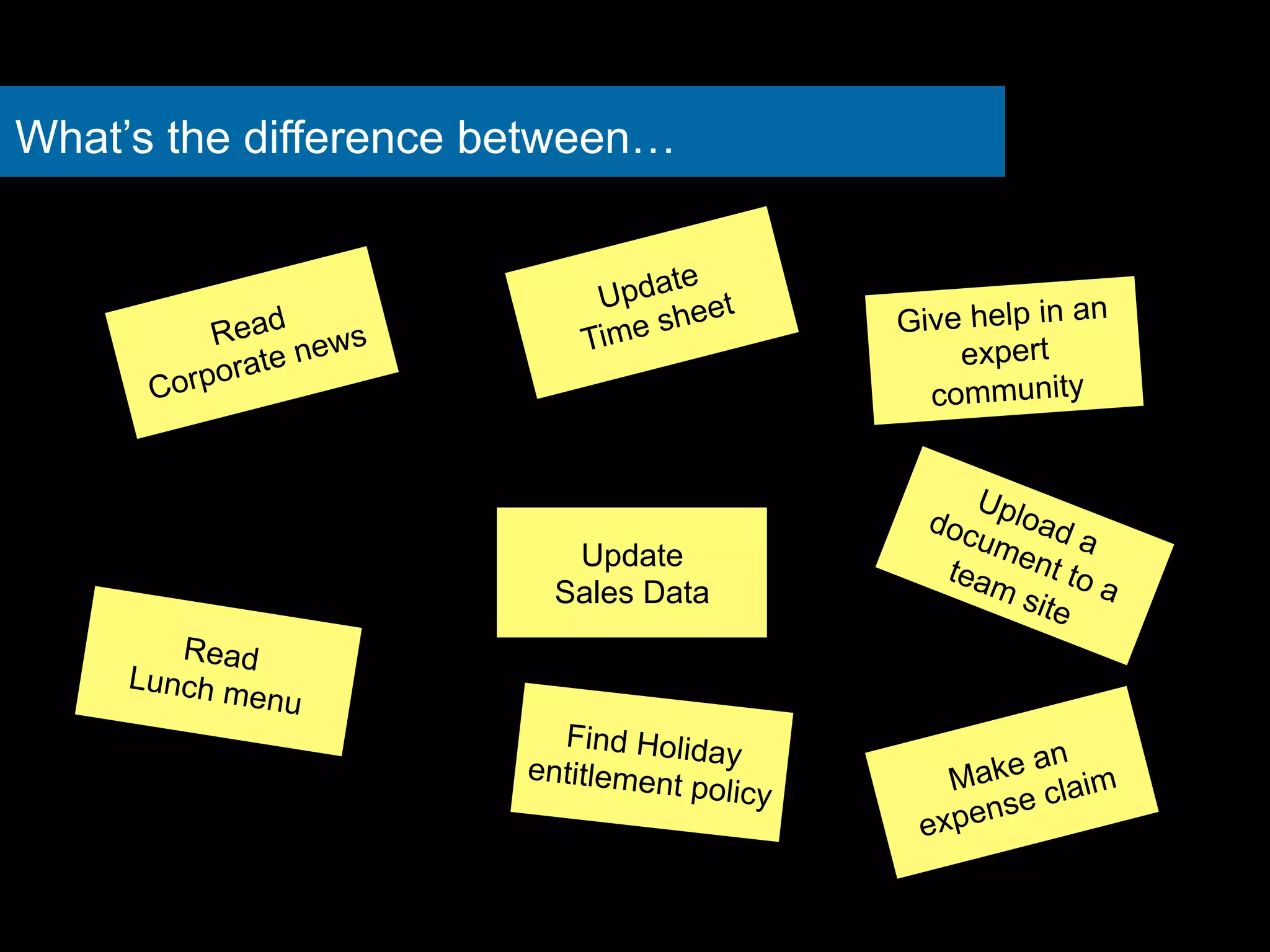
What’s the difference between… 
Read 
Corporate news 
Update 
Time sheet 
Find Holiday 
entitlement policy 
Read 
Lunch menu 
Give help in an 
expert 
community 
Update 
Sales Data 
Make an 
expense claim
Adoption isn’t one thing but many
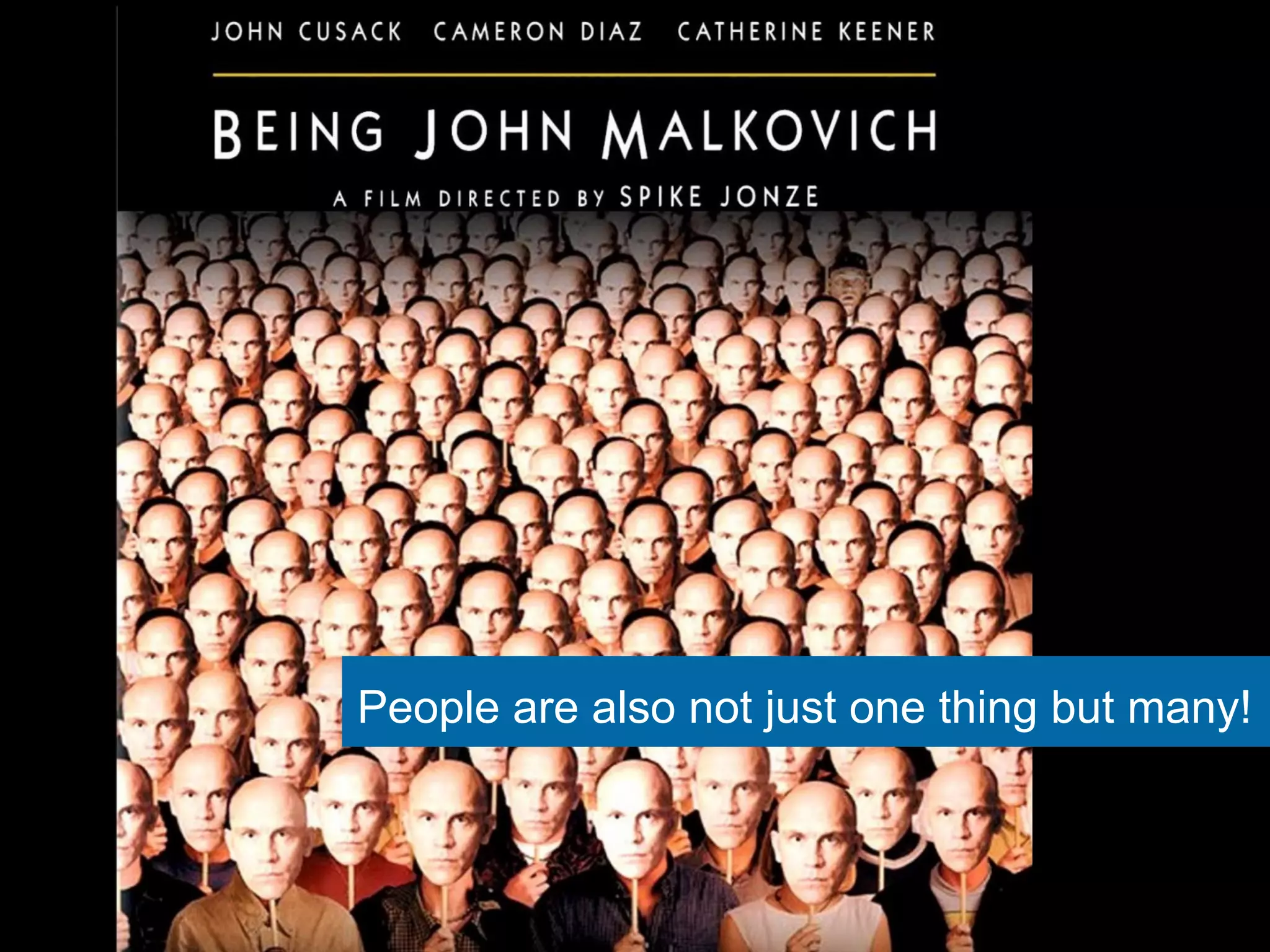
People are also not just one thing but many!
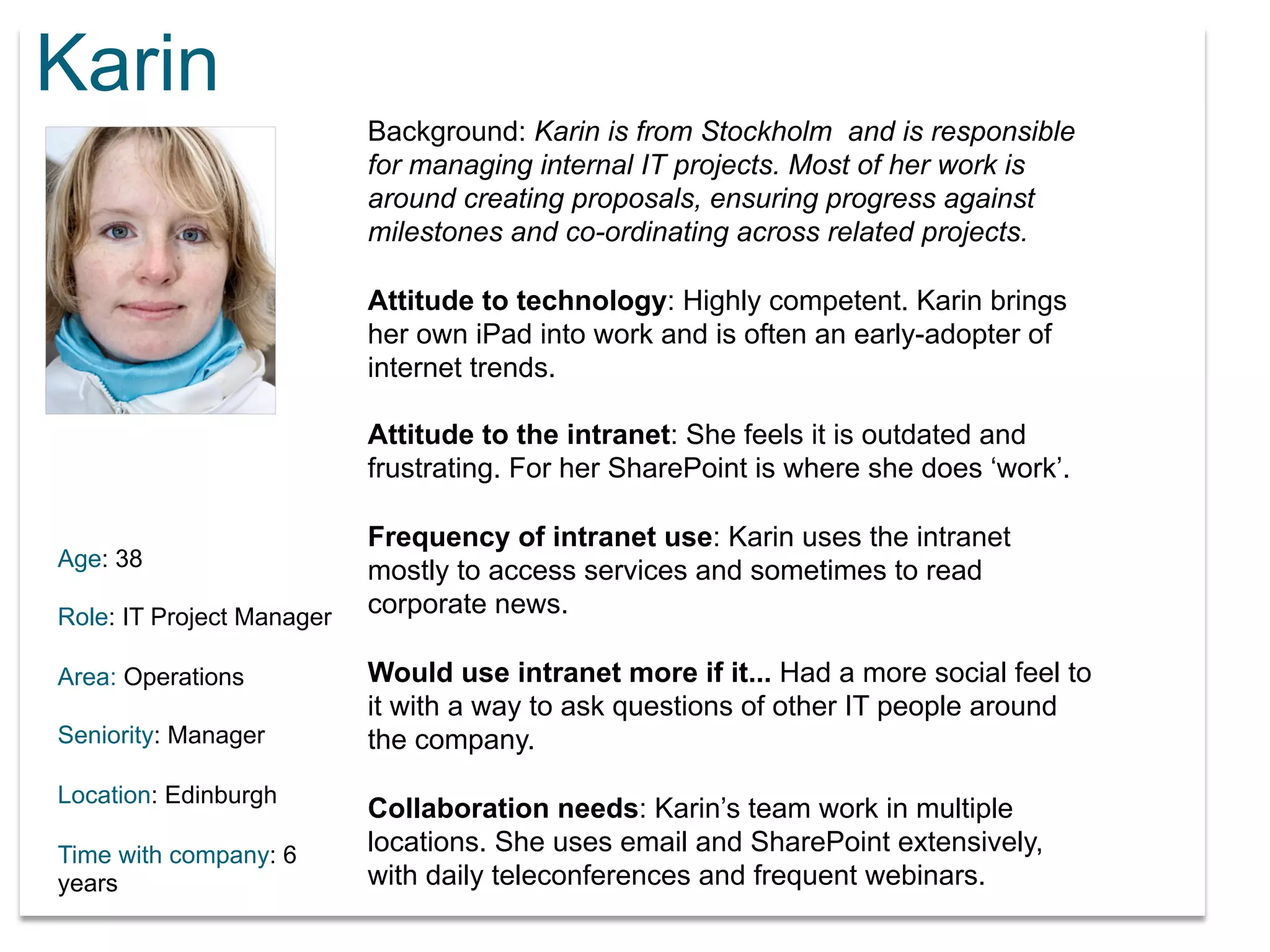
Karin 
Age: 38 
Role: IT Project Manager 
Area: Operations 
Seniority: Manager 
Location: Edinburgh 
Time with company: 6 
years 
Background: Karin is from Stockholm and is responsible 
for managing internal IT projects. Most of her work is 
around creating proposals, ensuring progress against 
milestones and co-ordinating across related projects. 
Attitude to technology: Highly competent. Karin brings 
her own iPad into work and is often an early-adopter of 
internet trends. 
Attitude to the intranet: She feels it is outdated and 
frustrating. For her SharePoint is where she does ‘work’. 
Frequency of intranet use: Karin uses the intranet 
mostly to access services and sometimes to read 
corporate news. 
Would use intranet more if it... Had a more social feel to 
it with a way to ask questions of other IT people around 
the company. 
Collaboration needs: Karin’s team work in multiple 
locations. She uses email and SharePoint extensively, 
with daily teleconferences and frequent webinars.
What matters most in 
intranet success: 
The people side or the 
technology side?
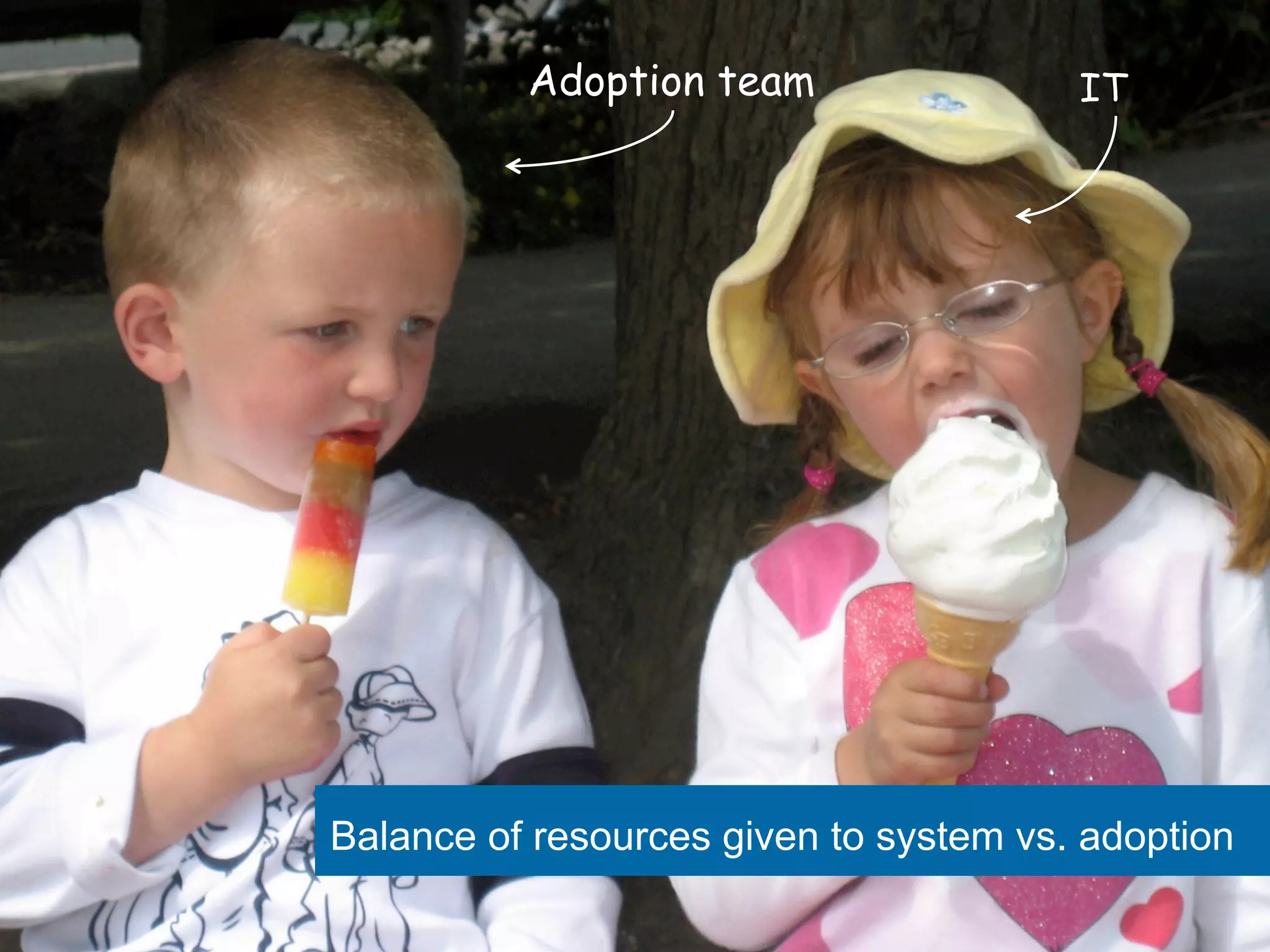
Adoption team IT 
Balance of resources given to system vs. adoption
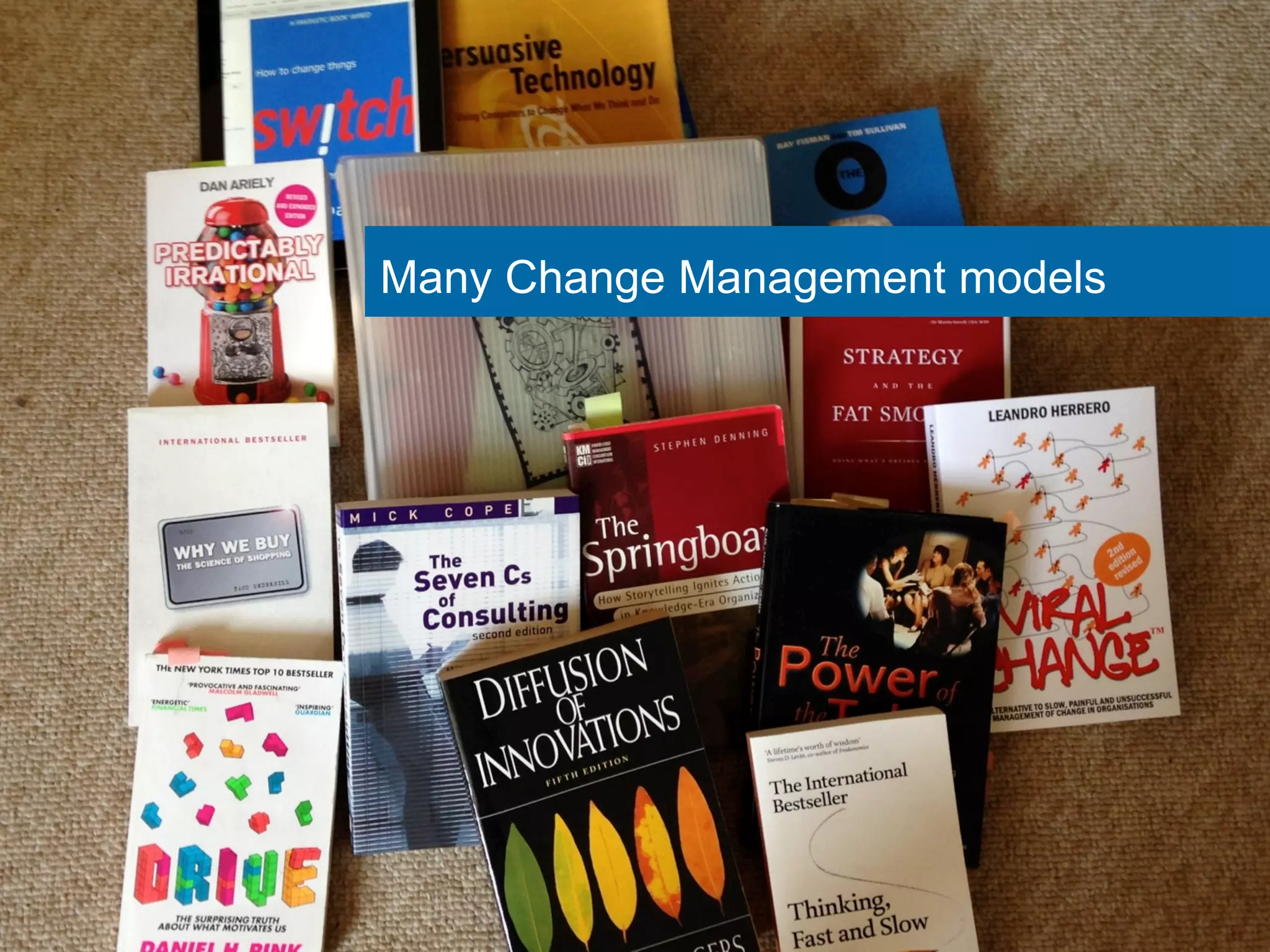
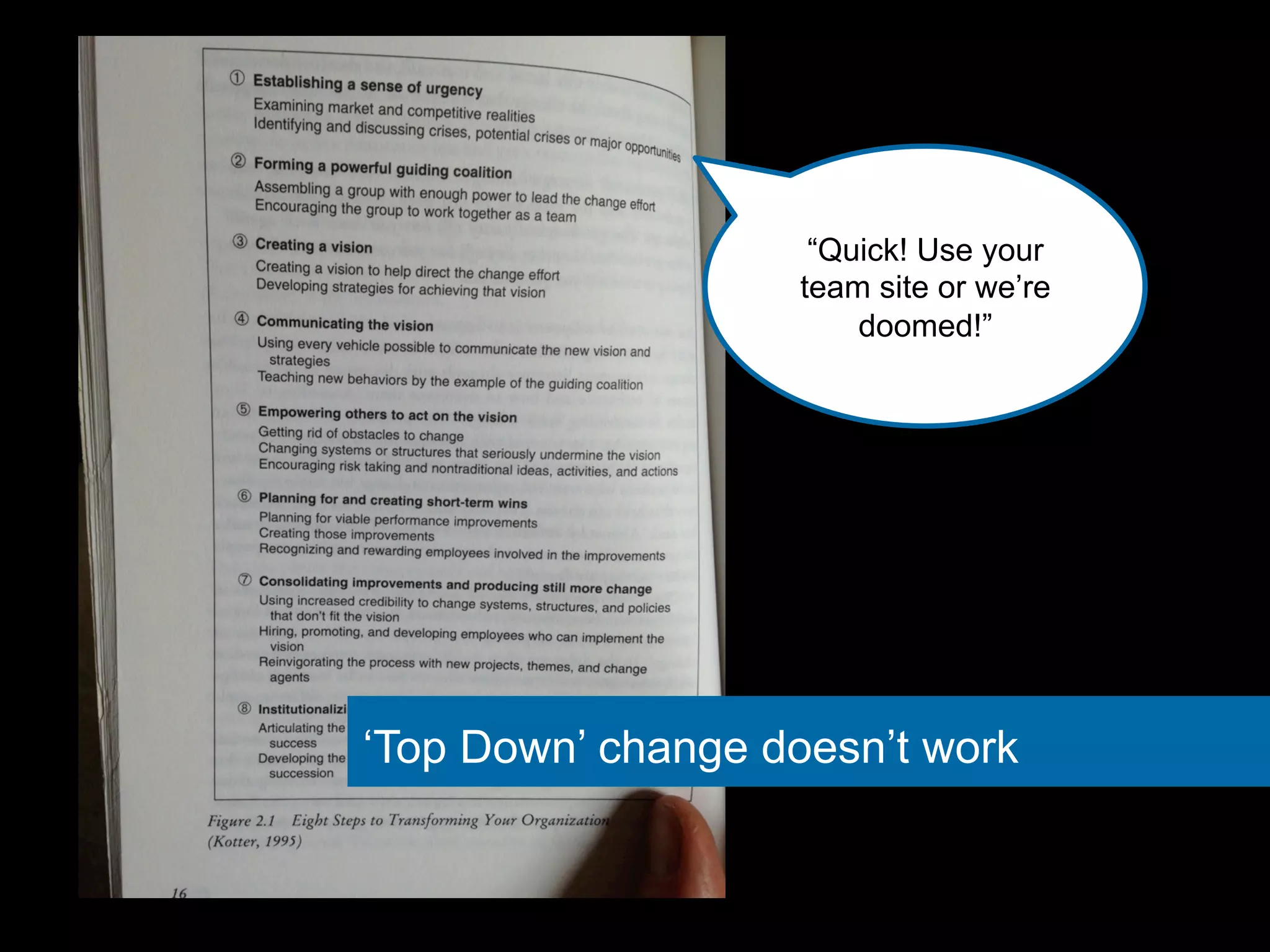
Many Change Management models
“Quick! Use your 
team site or we’re 
doomed!” 
‘Top Down’ change doesn’t work
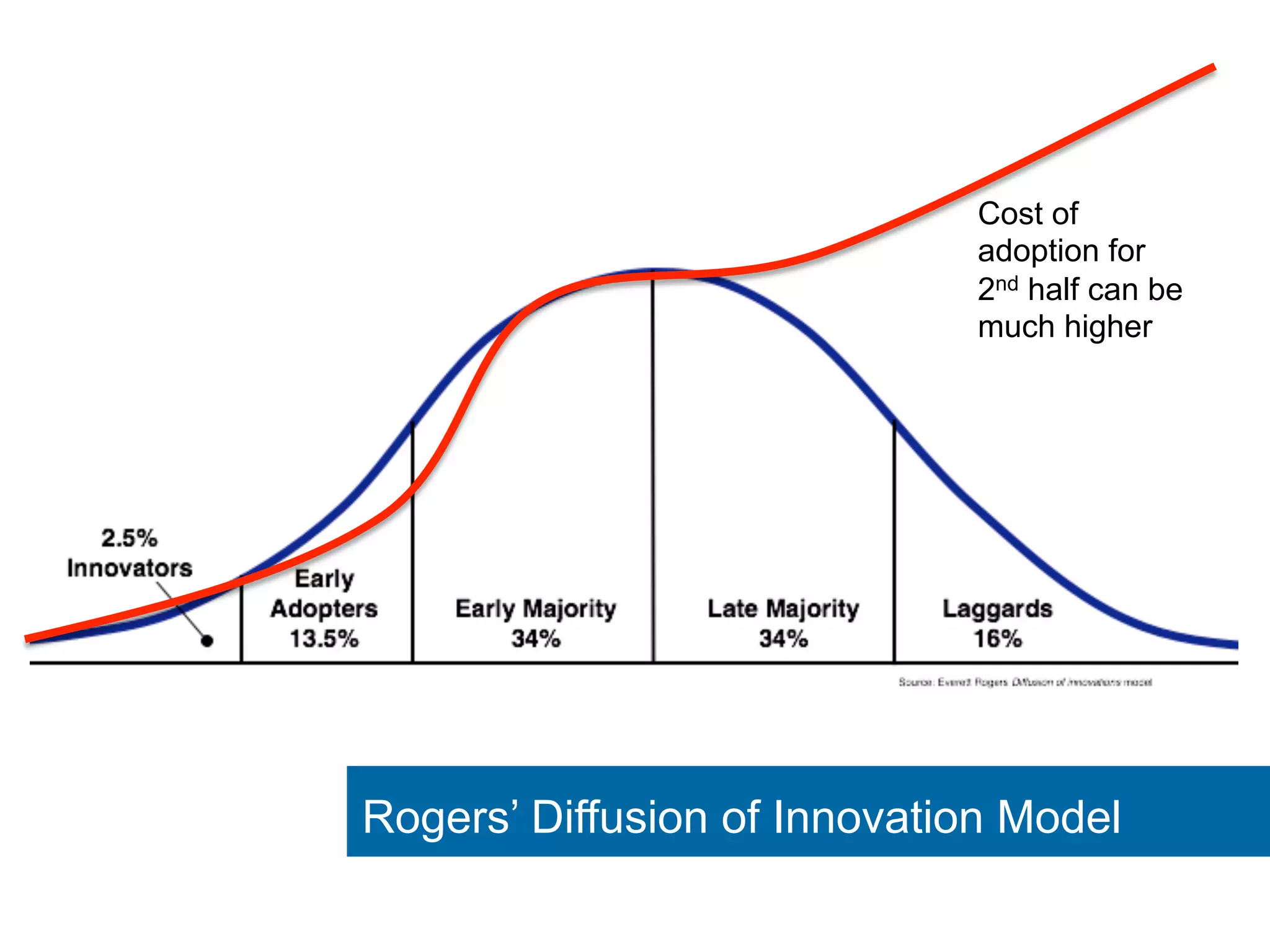
Cost of 
adoption for 
2nd half can be 
much higher 
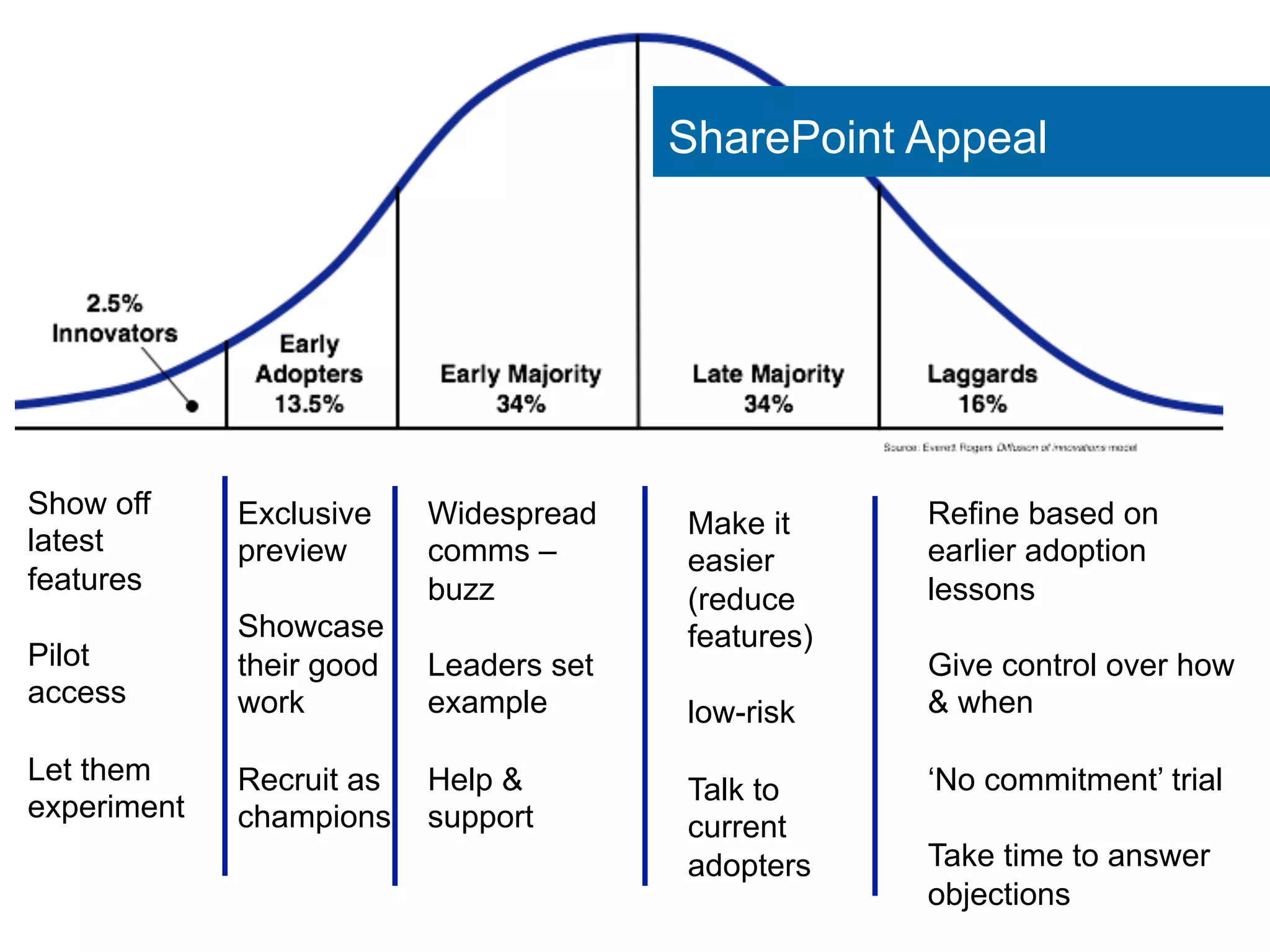
Rogers’ Diffusion of Innovation Model
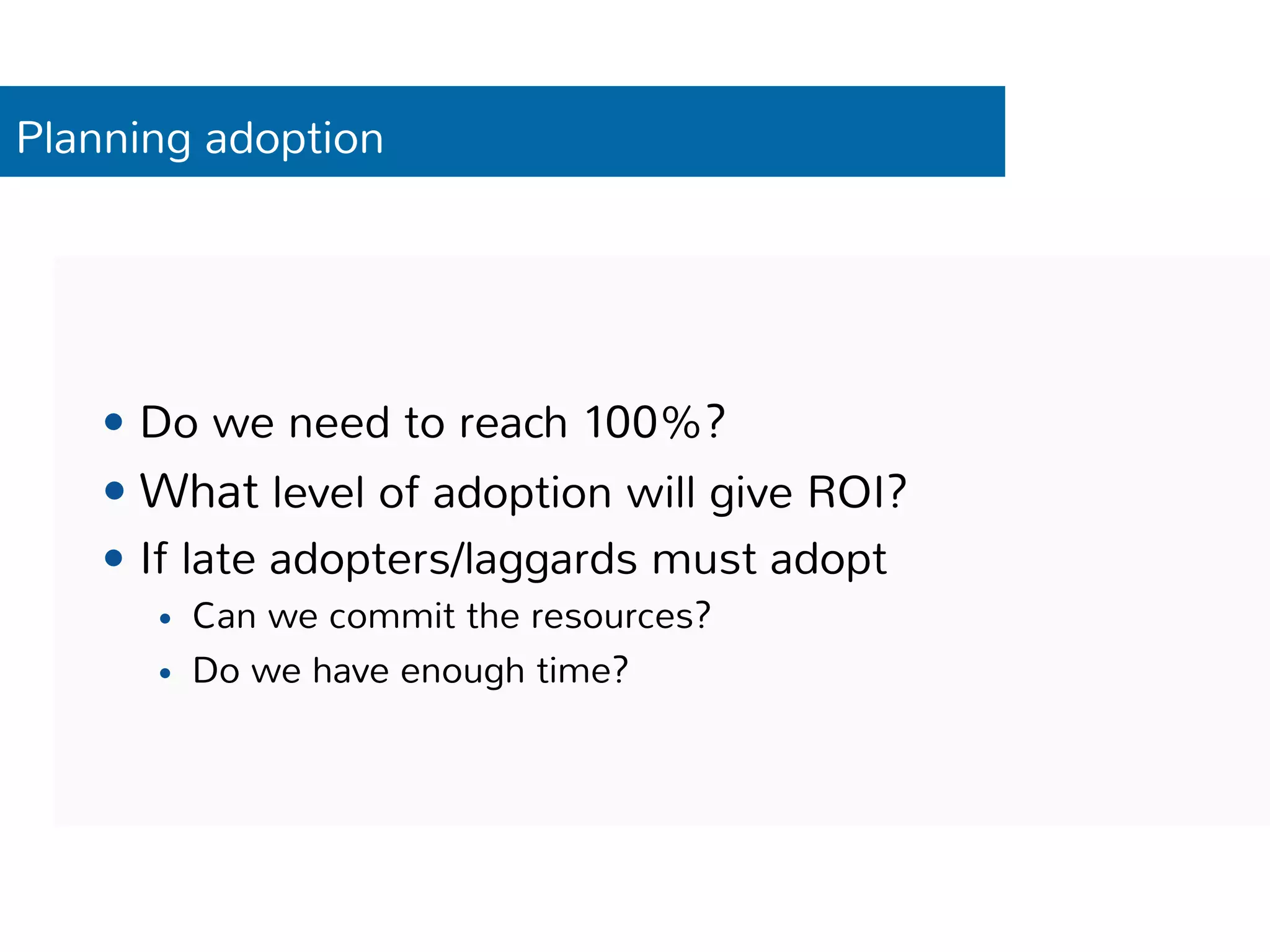
Planning adoption 
— Do we need to reach 100%? 
— What level of adoption will give ROI? 
— If late adopters/laggards must adopt 
— Can we commit the resources? 
— Do we have enough time?
Getting people to make the leap
No matter how good SharePoint is, if the 
basics aren’t right, it will fail
First: Remove the dissatisfiers 
What could you do to sabotage adoption of your 
SharePoint intranet? 
— Slow 
— Crashes 
— Unreliable content 
— Badly written content 
— Complex logins 
— Limit access to in-office PCs only
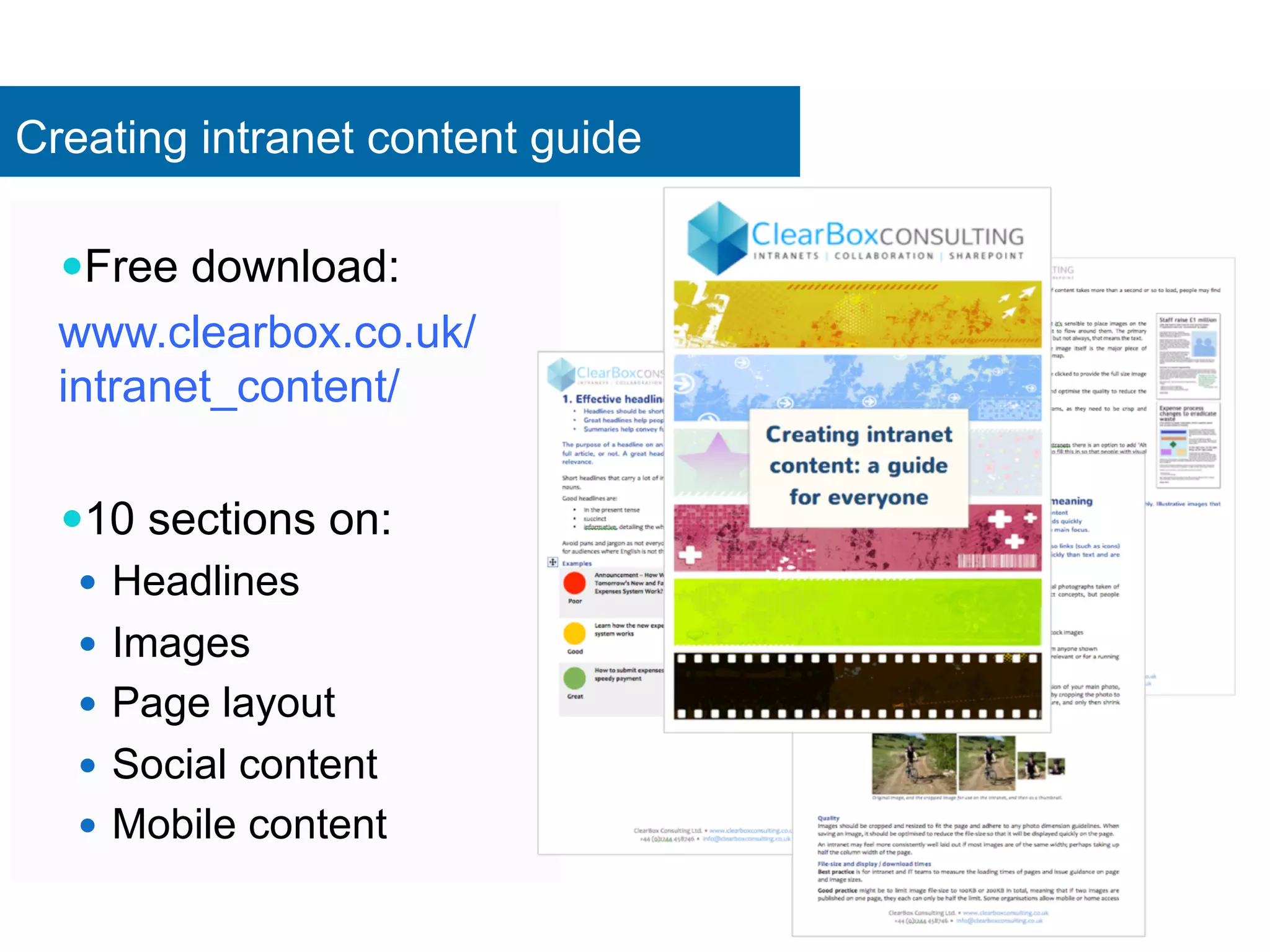
Creating intranet content guide 
— Free download: 
www.clearbox.co.uk/ 
intranet_content/ 
— 10 sections on: 
— Headlines 
— Images 
— Page layout 
— Social content 
— Mobile content
Not just good content or ease of use
SharePoint Appeal 
Show off 
latest 
features 
Pilot 
access 
Let them 
experiment 
Exclusive 
preview 
Showcase 
their good 
work 
Recruit as 
champions 
Widespread 
comms – 
buzz 
Leaders set 
example 
Help & 
support 
Make it 
easier 
(reduce 
features) 
low-risk 
Talk to 
current 
adopters 
Refine based on 
earlier adoption 
lessons 
Give control over how 
& when 
‘No commitment’ trial 
Take time to answer 
objections
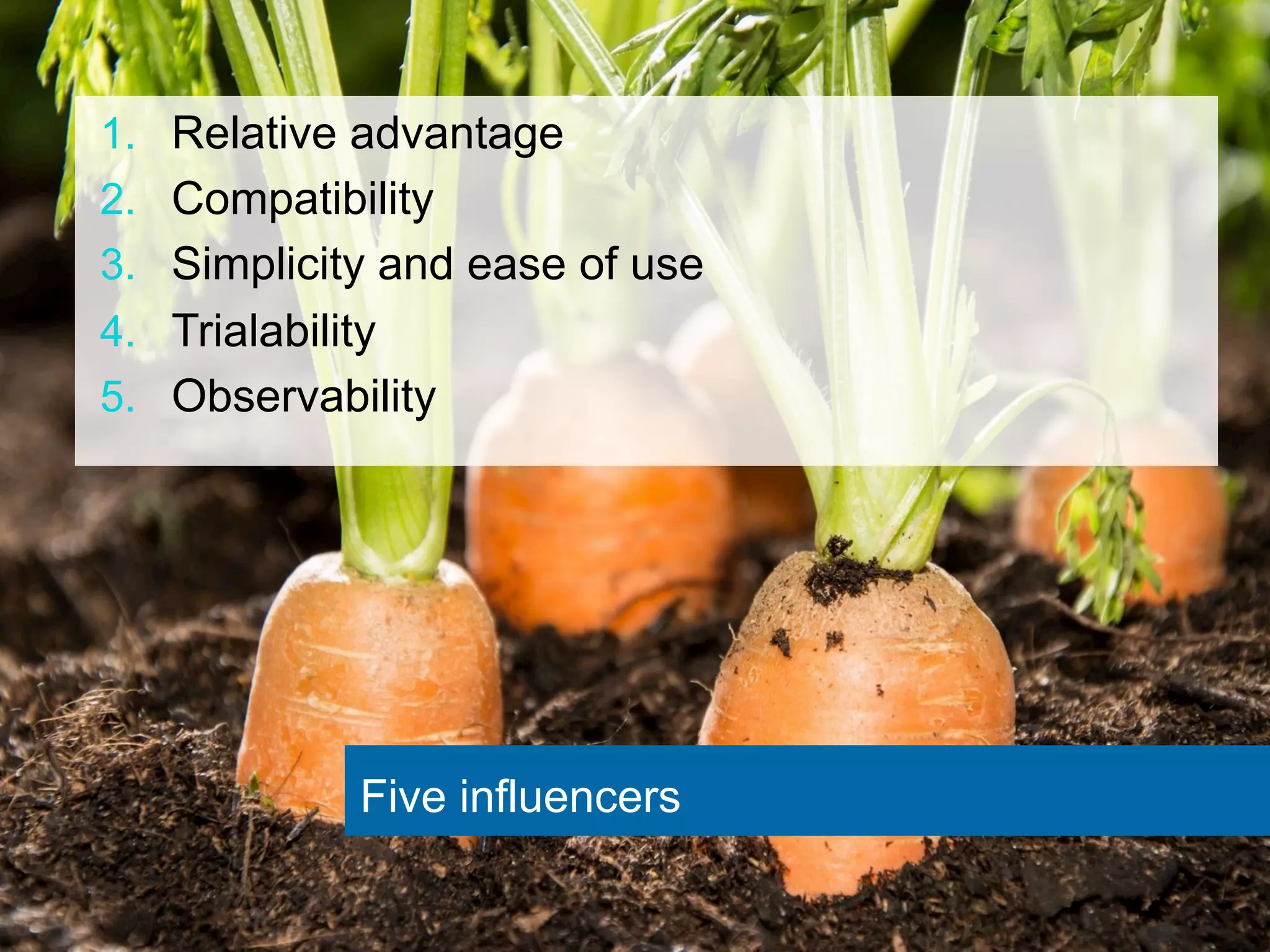
1. Relative advantage 
2. Compatibility 
3. Simplicity and ease of use 
4. Trialability 
5. Observability 
Five influencers
Relative Advantage 
— Is it better? 
— Save me time 
— Help my career 
— Intrinsically interesting 
— Good for the company? 
— Good for the community? 
— What are the risks? 
— Will there be donuts?* 
*may not be sustainable
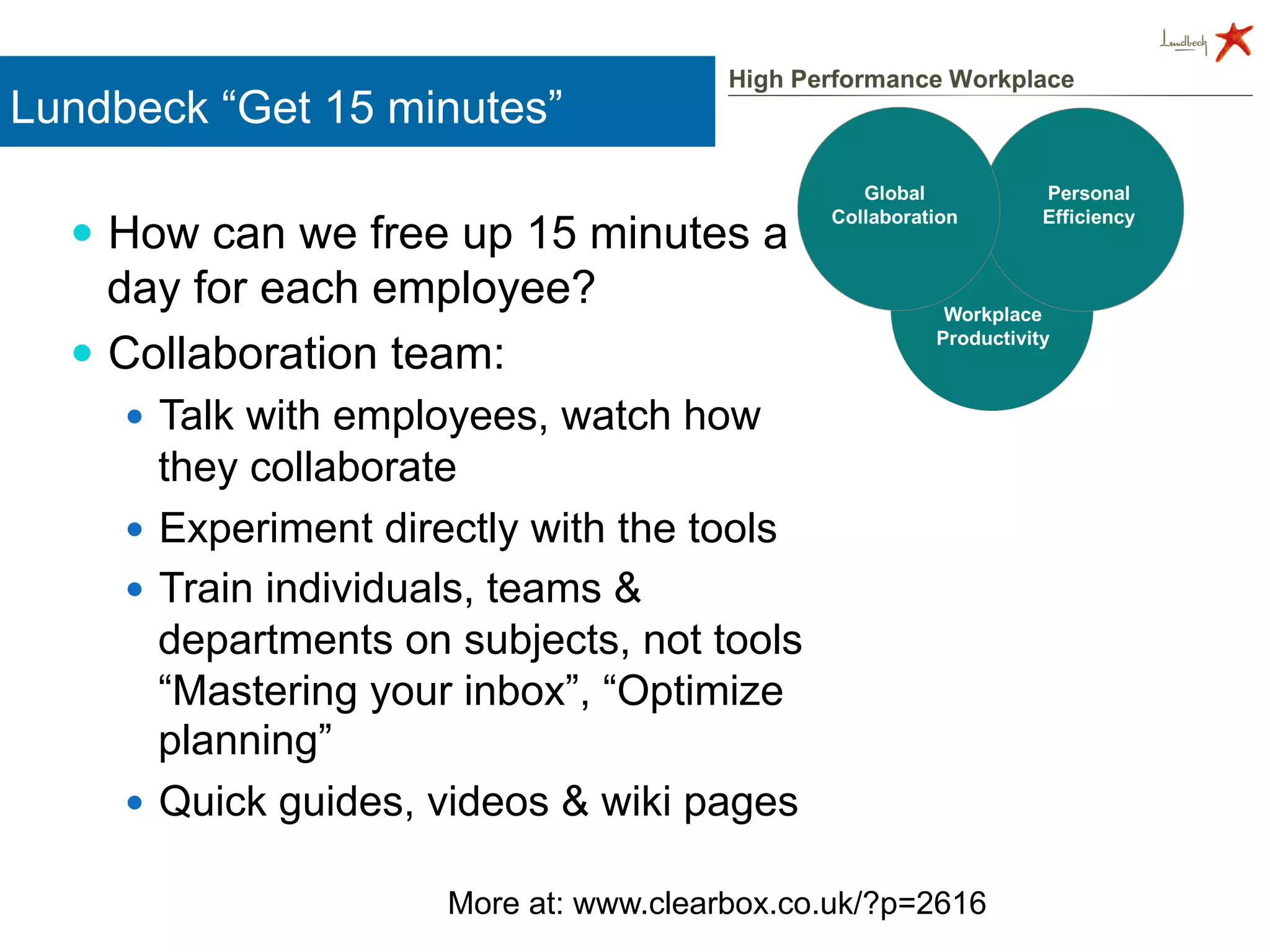
Lundbeck “Get 15 minutes” 
— How can we free up 15 minutes a 
day for each employee? 
— Collaboration team: 
— Talk with employees, watch how 
they collaborate 
— Experiment directly with the tools 
— Train individuals, teams & 
departments on subjects, not tools 
“Mastering your inbox”, “Optimize 
planning” 
— Quick guides, videos & wiki pages 
More at: www.clearbox.co.uk/?p=2616
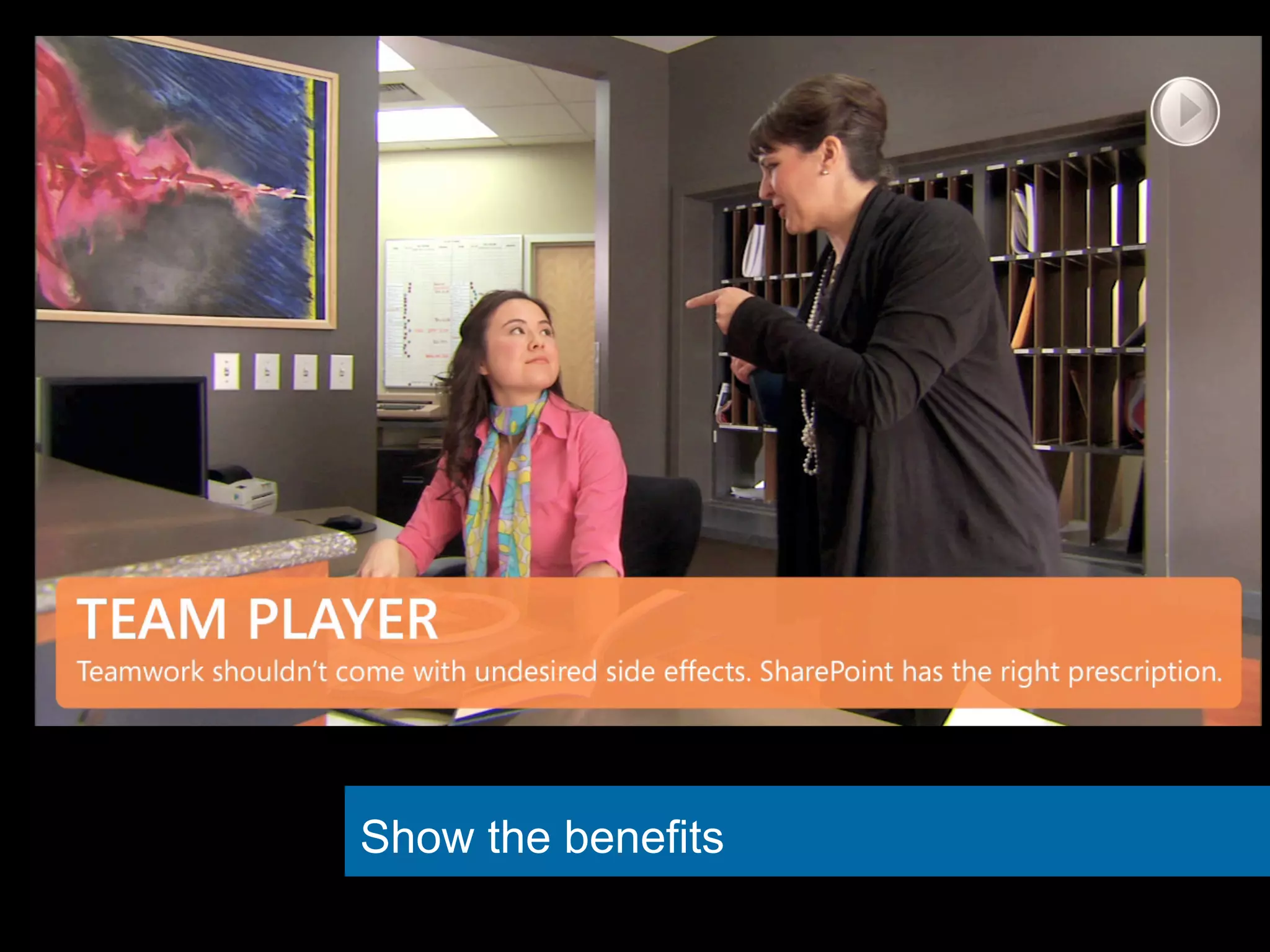
Show the benefits
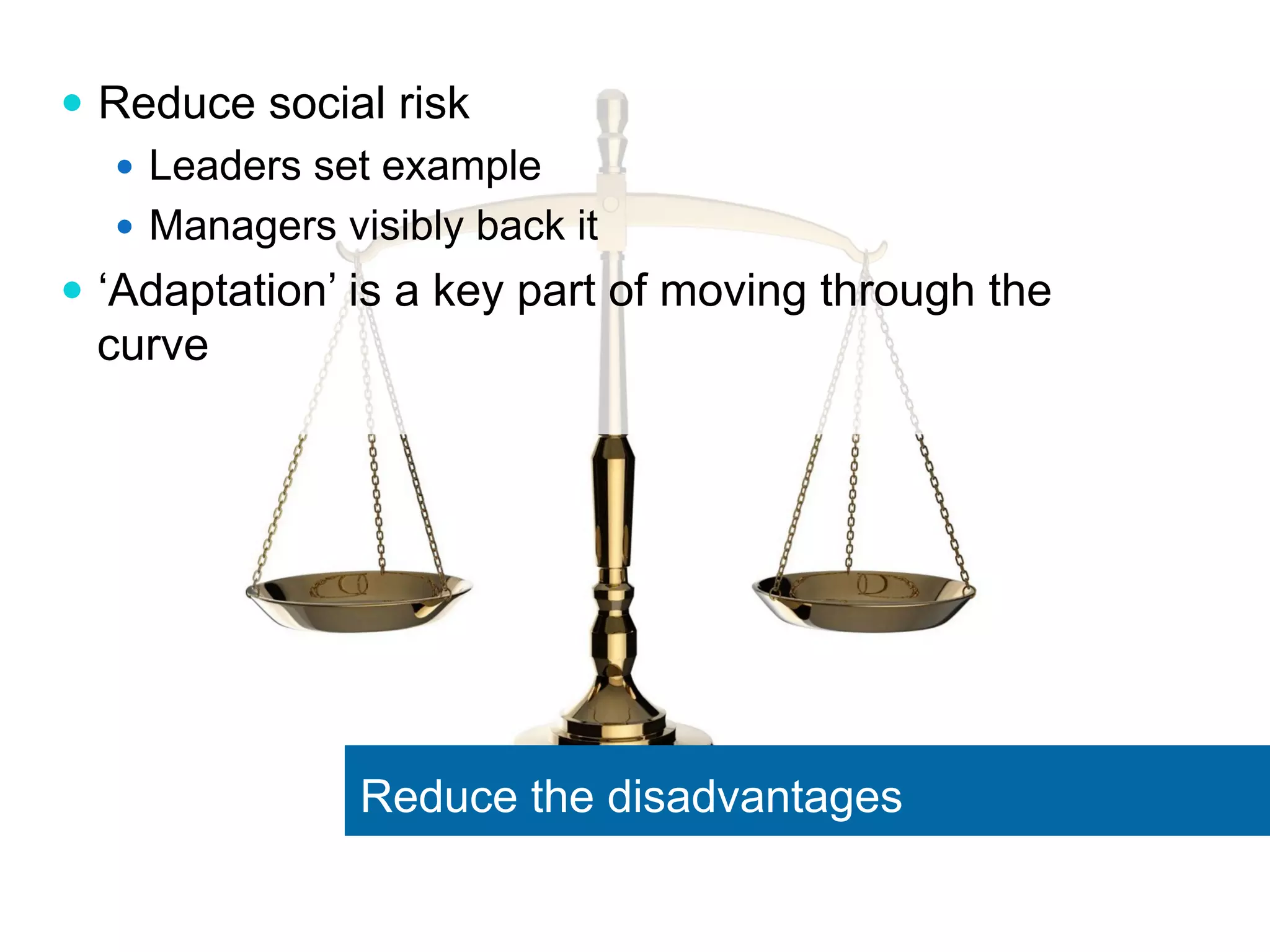
— Reduce social risk 
— Leaders set example 
— Managers visibly back it 
— ‘Adaptation’ is a key part of moving through the 
curve 
Reduce the disadvantages
— Is this what ‘most’ people do? 
— Is this how our company works? 
— Have we tried something like it before successfully? 
— Are we “different” to people it has worked for so far? 
Compatible values & practices
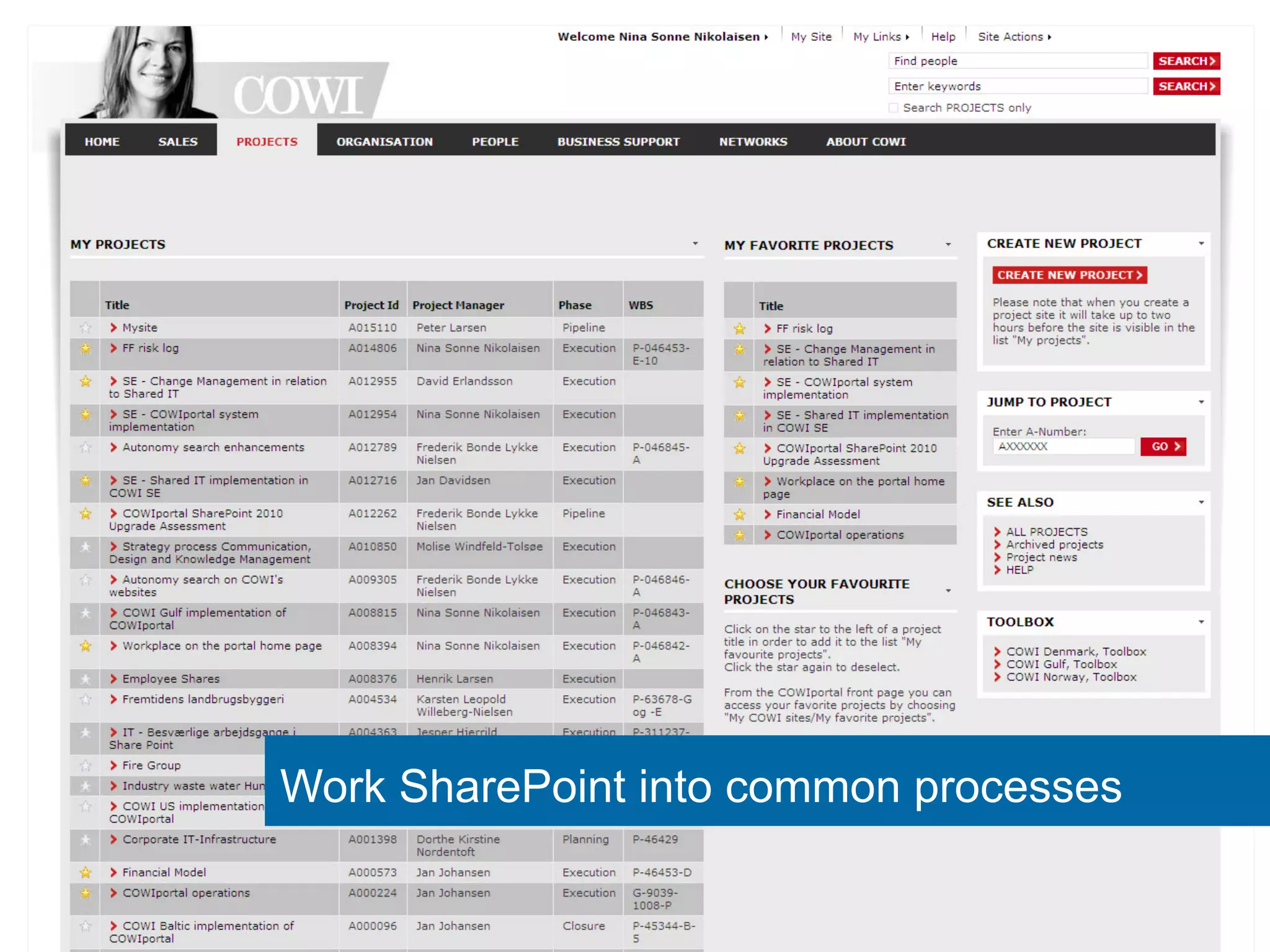
Work SharePoint into common processes
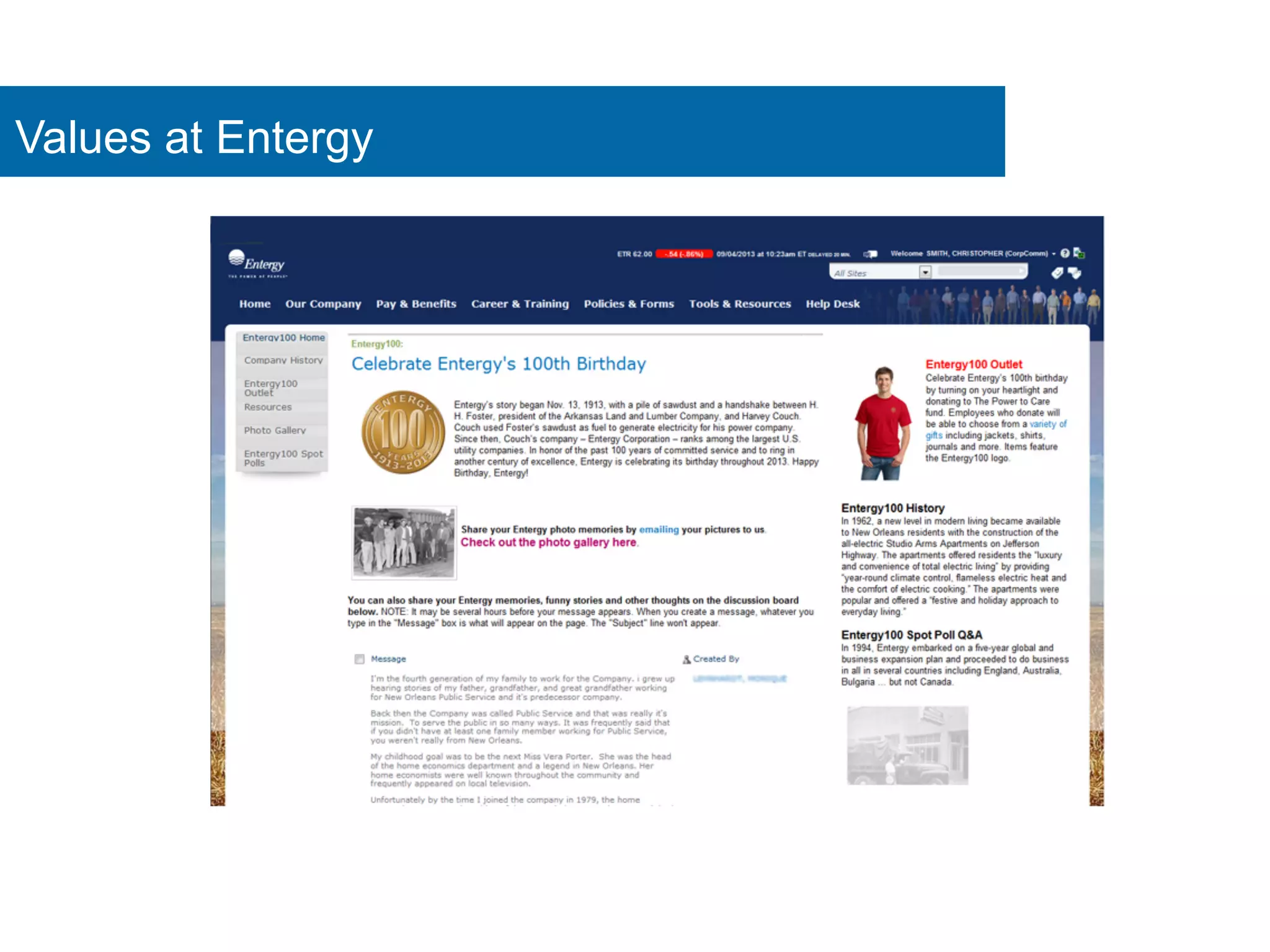
Values at Entergy
— Is there an easy idea to grasp? 
— Can I explain it using a scenario people already 
understand? 
— Can we launch a simplified version and slowly add 
features? 
— Can we re-design it to hide the complexity? 
Simplicity & ease of use
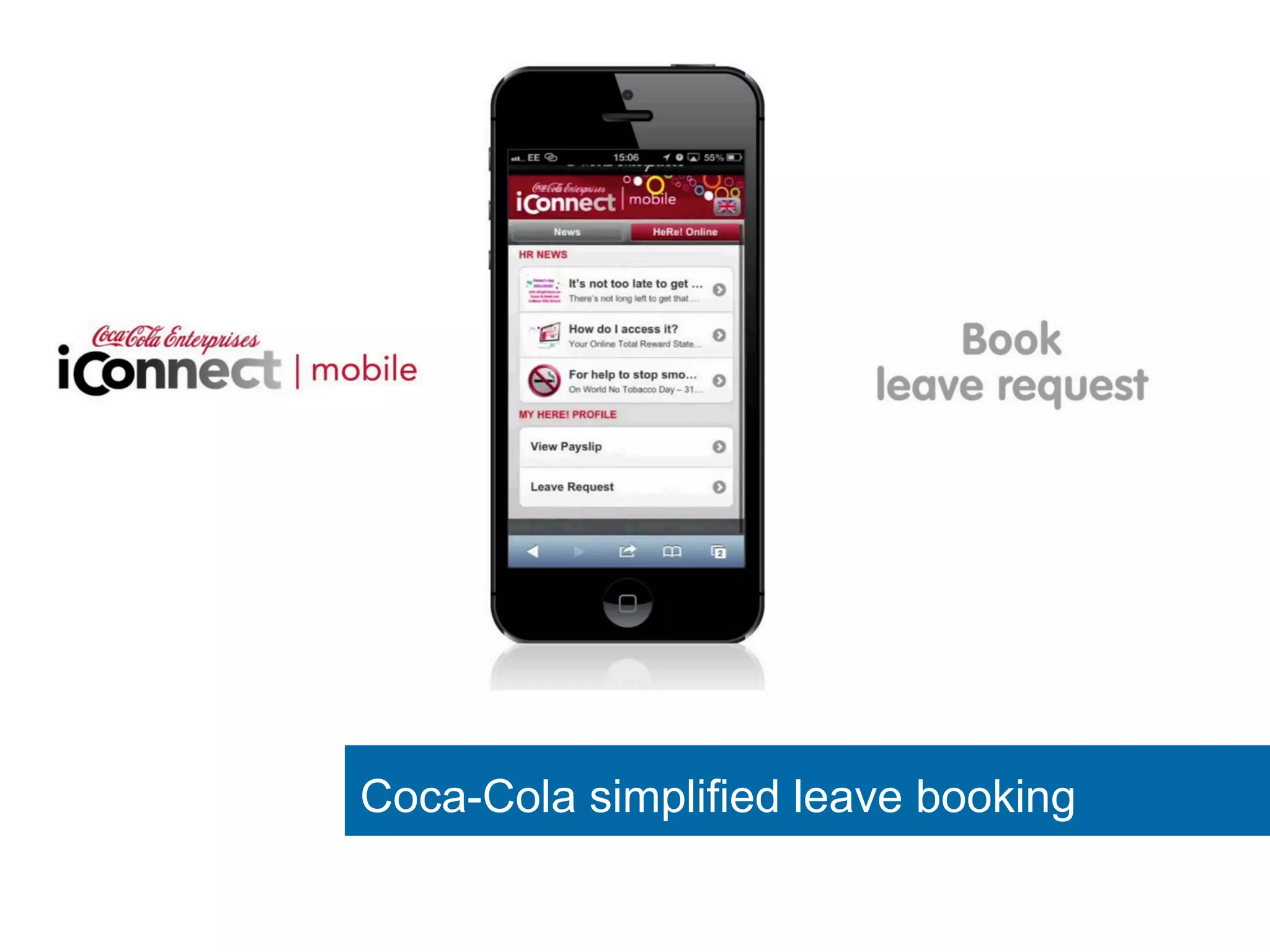
Coca-Cola simplified leave booking
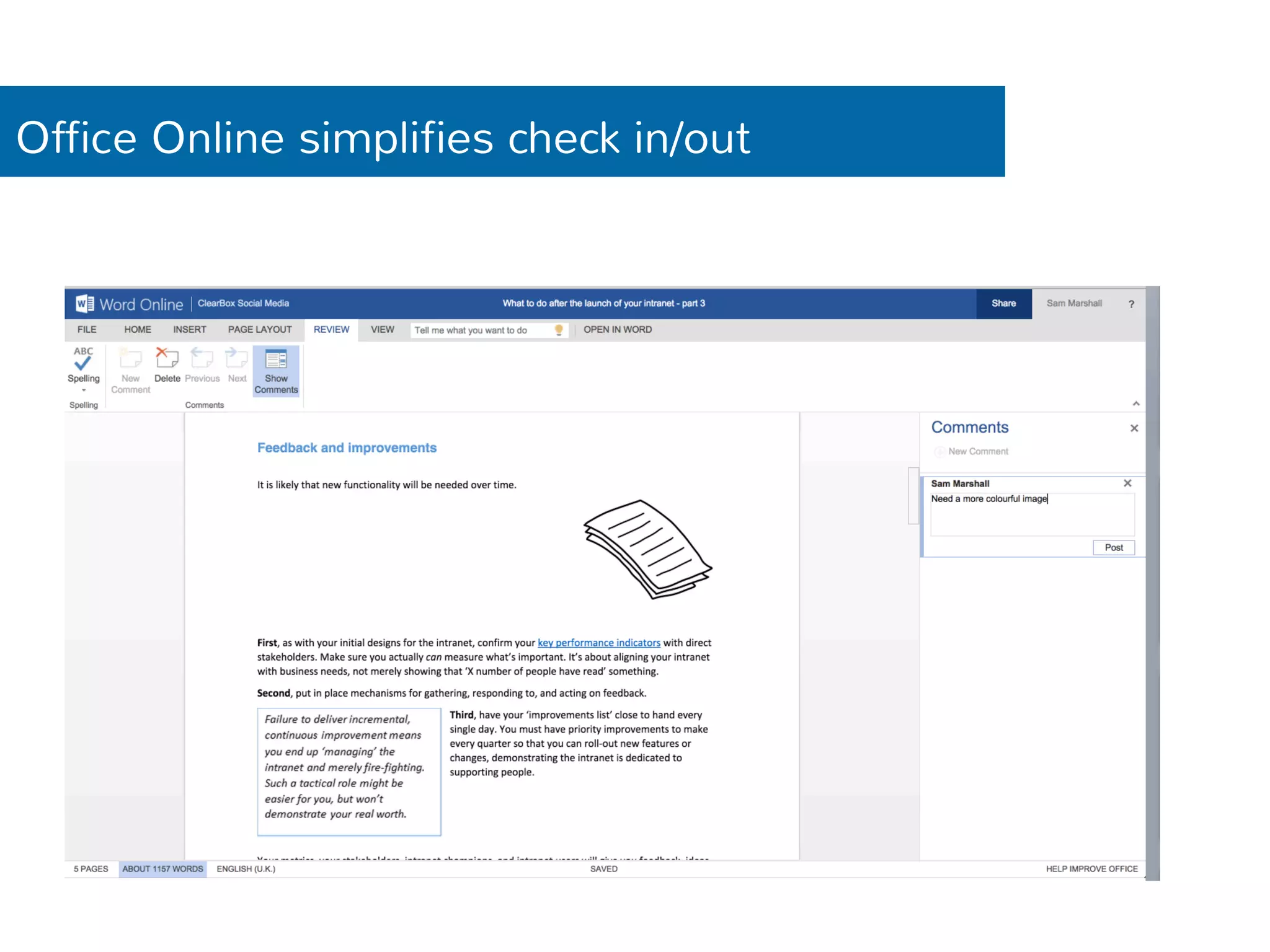
Office Online simplifies check in/out
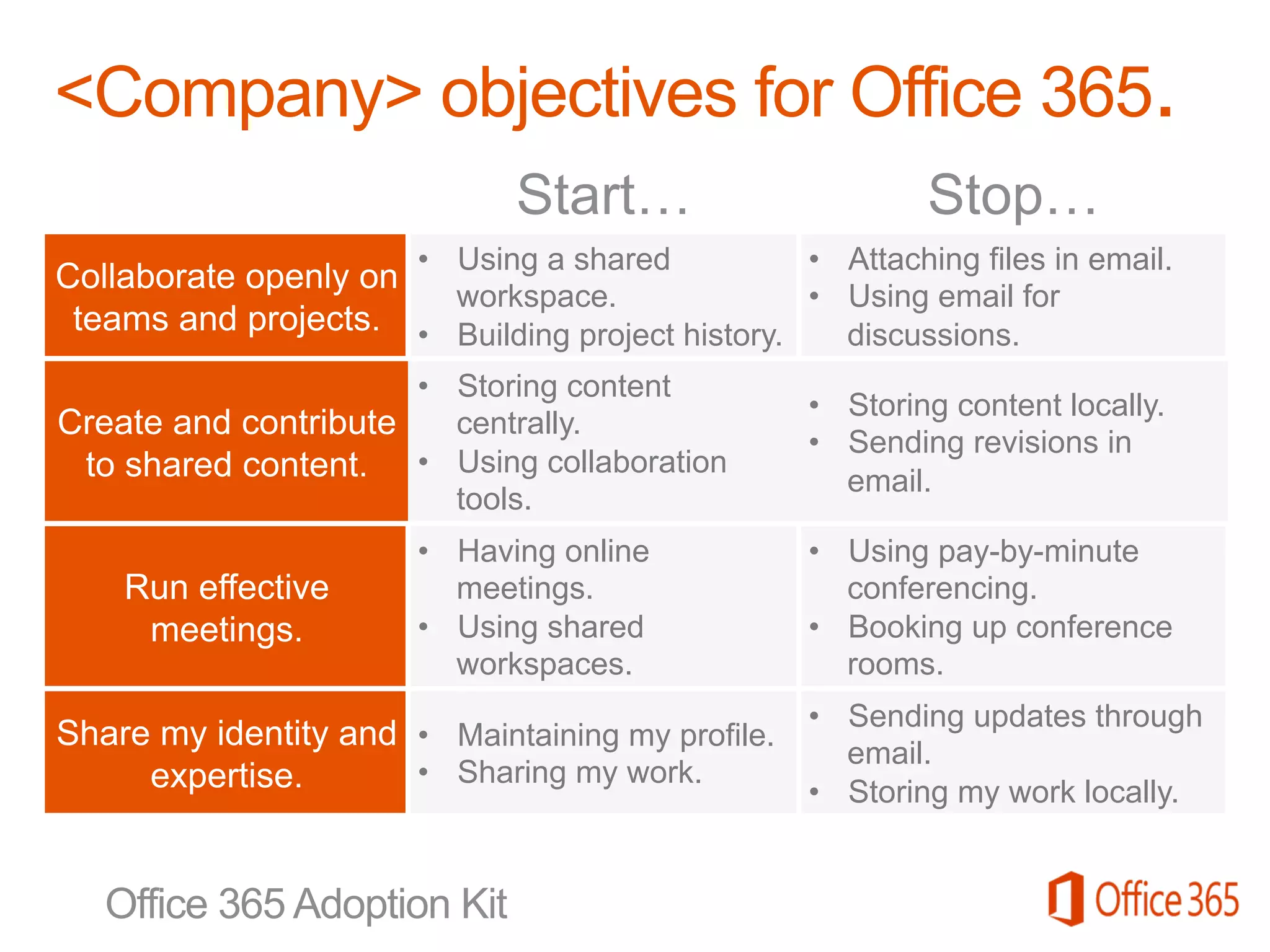
• Using a shared 
workspace. 
• Building project history. 
• Attaching files in email. 
• Using email for 
discussions. 
• Storing content 
centrally. 
• Using collaboration 
tools. 
• Storing content locally. 
• Sending revisions in 
email. 
• Having online 
meetings. 
• Using shared 
workspaces. 
• Using pay-by-minute 
conferencing. 
• Booking up conference 
rooms. 
• Maintaining my profile. 
• Sharing my work. 
• Sending updates through 
email. 
• Storing my work locally.
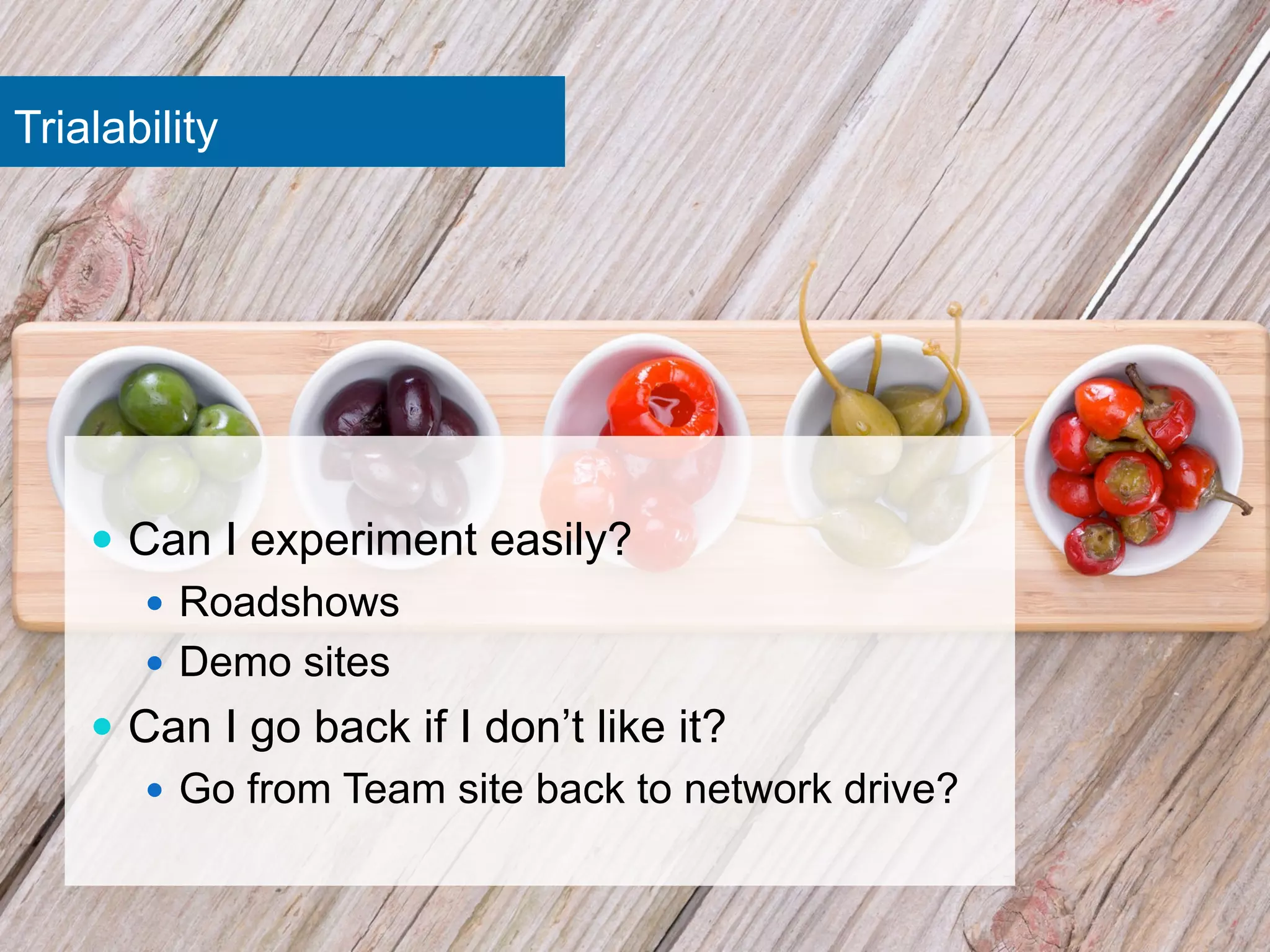
Trialability 
— Can I experiment easily? 
— Roadshows 
— Demo sites 
— Can I go back if I don’t like it? 
— Go from Team site back to network drive?
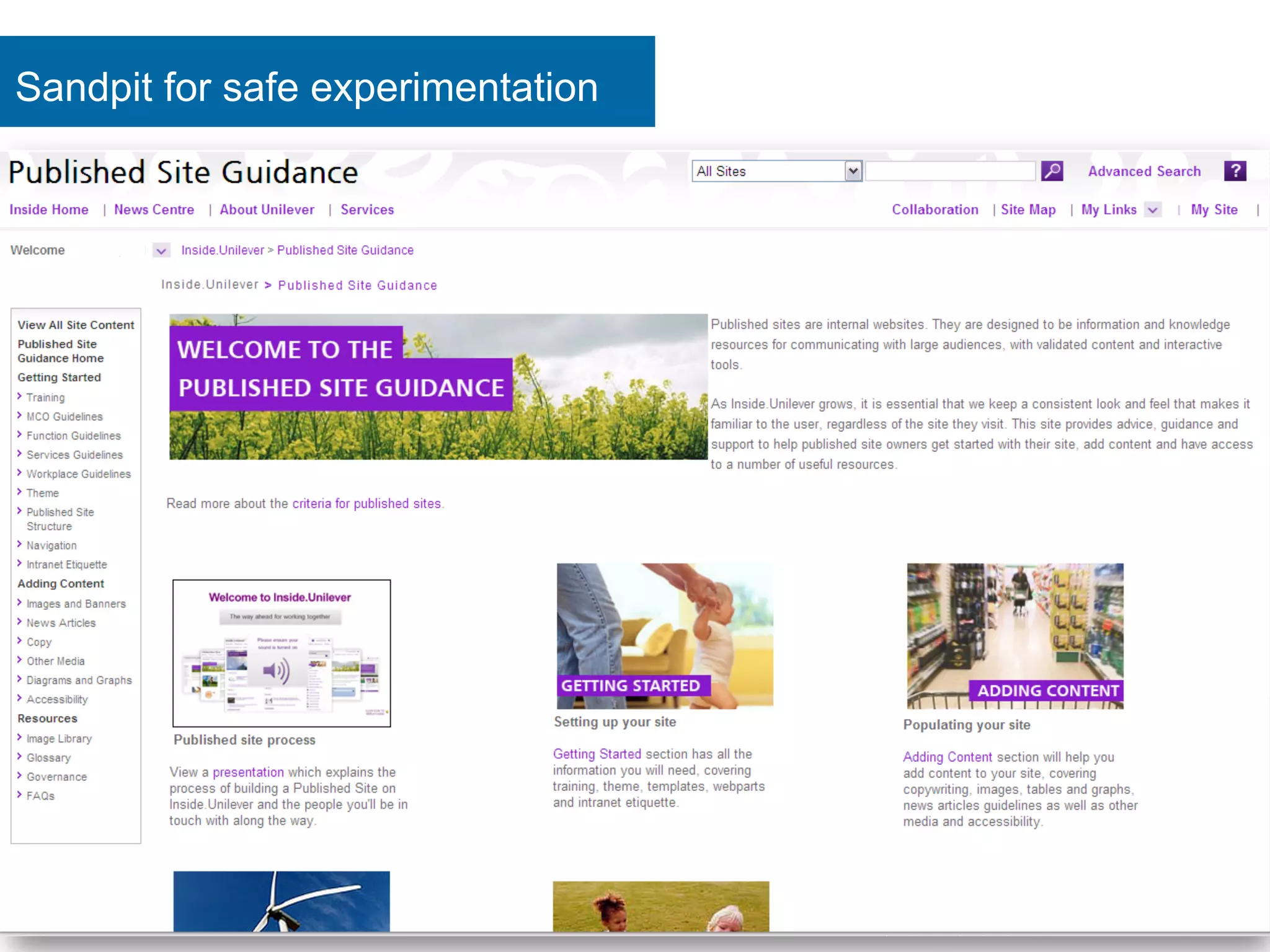
Sandpit for safe experimentation
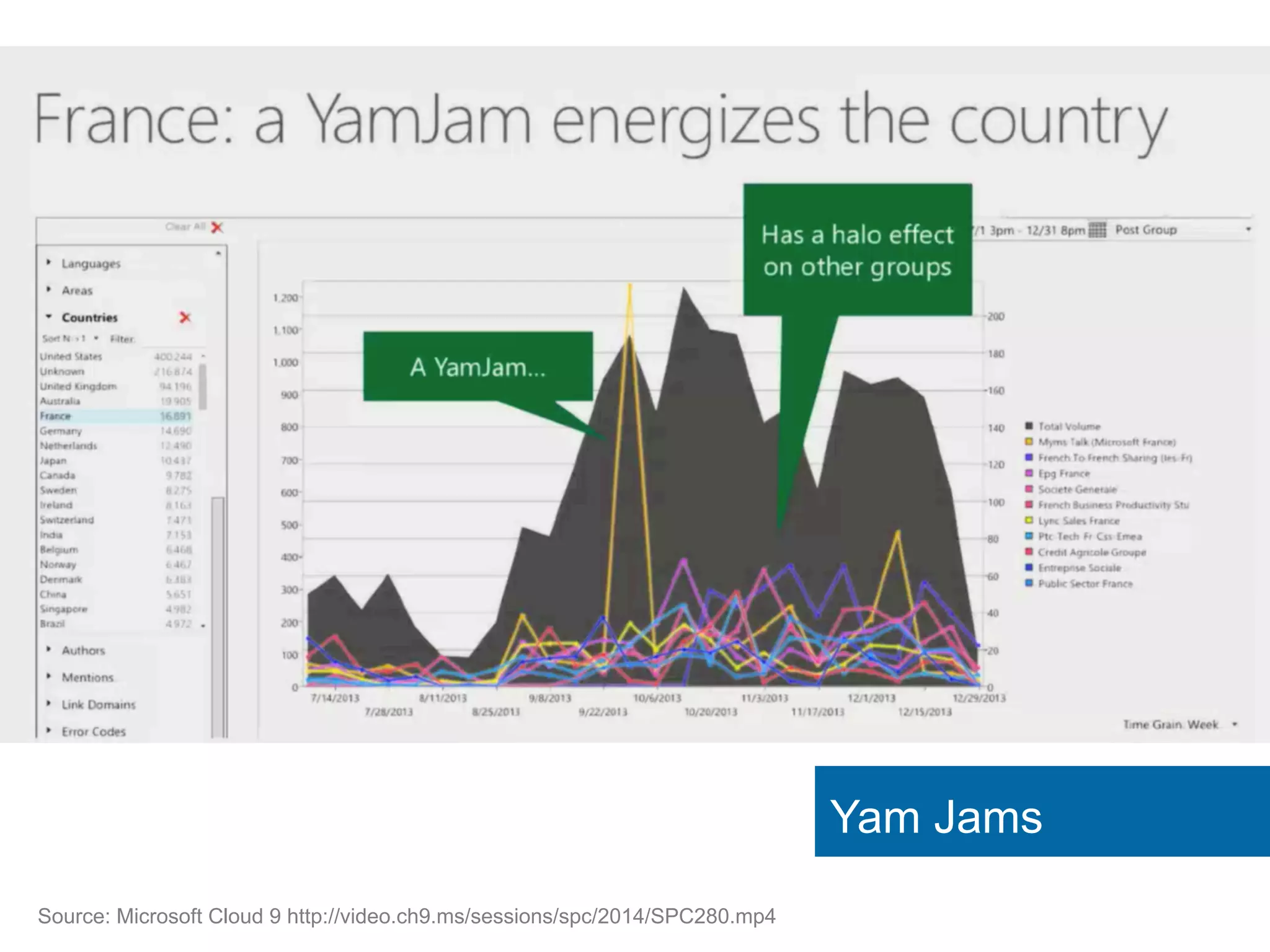
Yam Jams 
Source: Microsoft Cloud 9 http://video.ch9.ms/sessions/spc/2014/SPC280.mp4
Observable Results 
— Can I see what others 
are doing? 
— Is it easy to discuss? 
— Are there colleagues I 
can talk to about it?
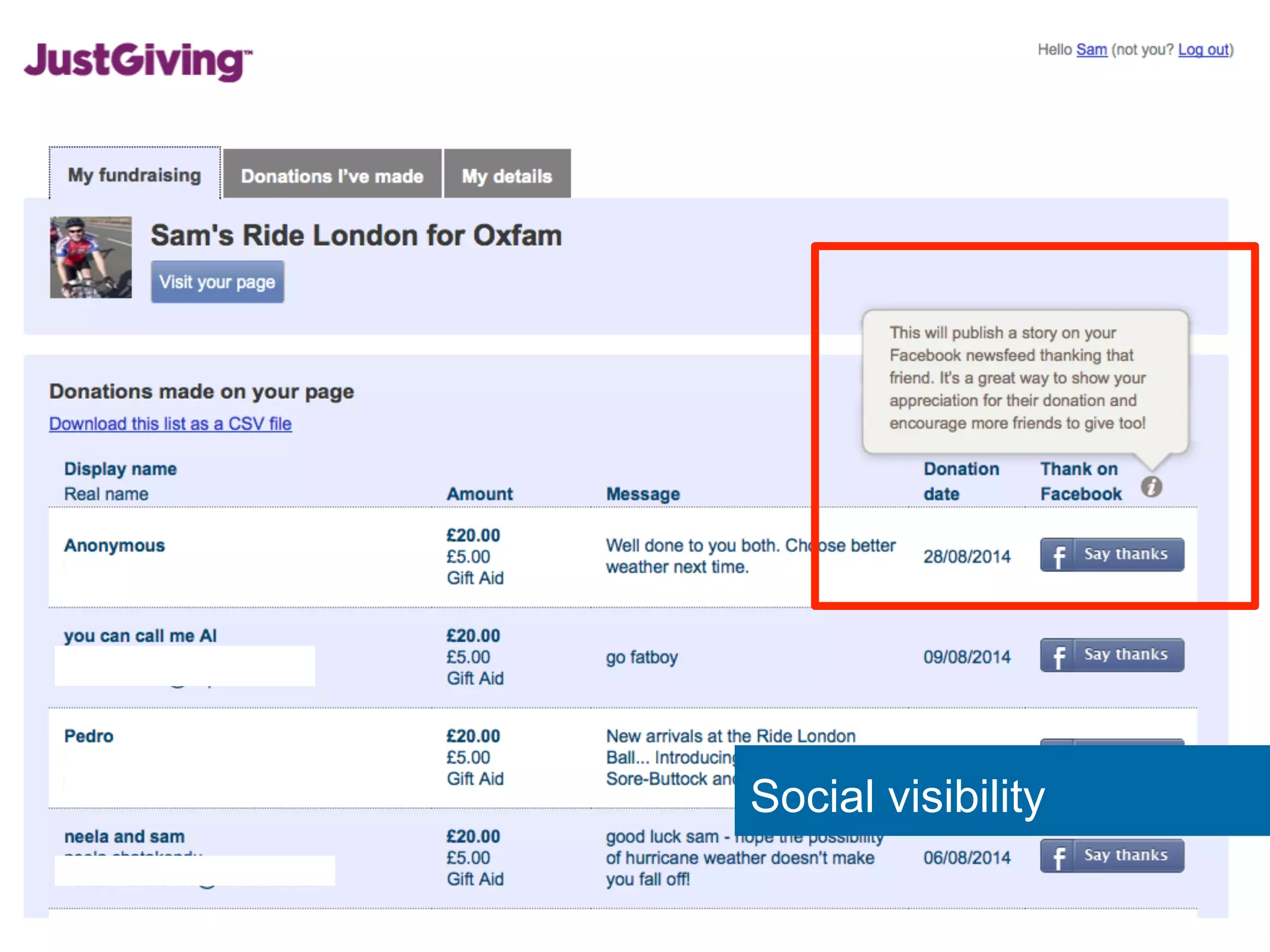
Social visibility
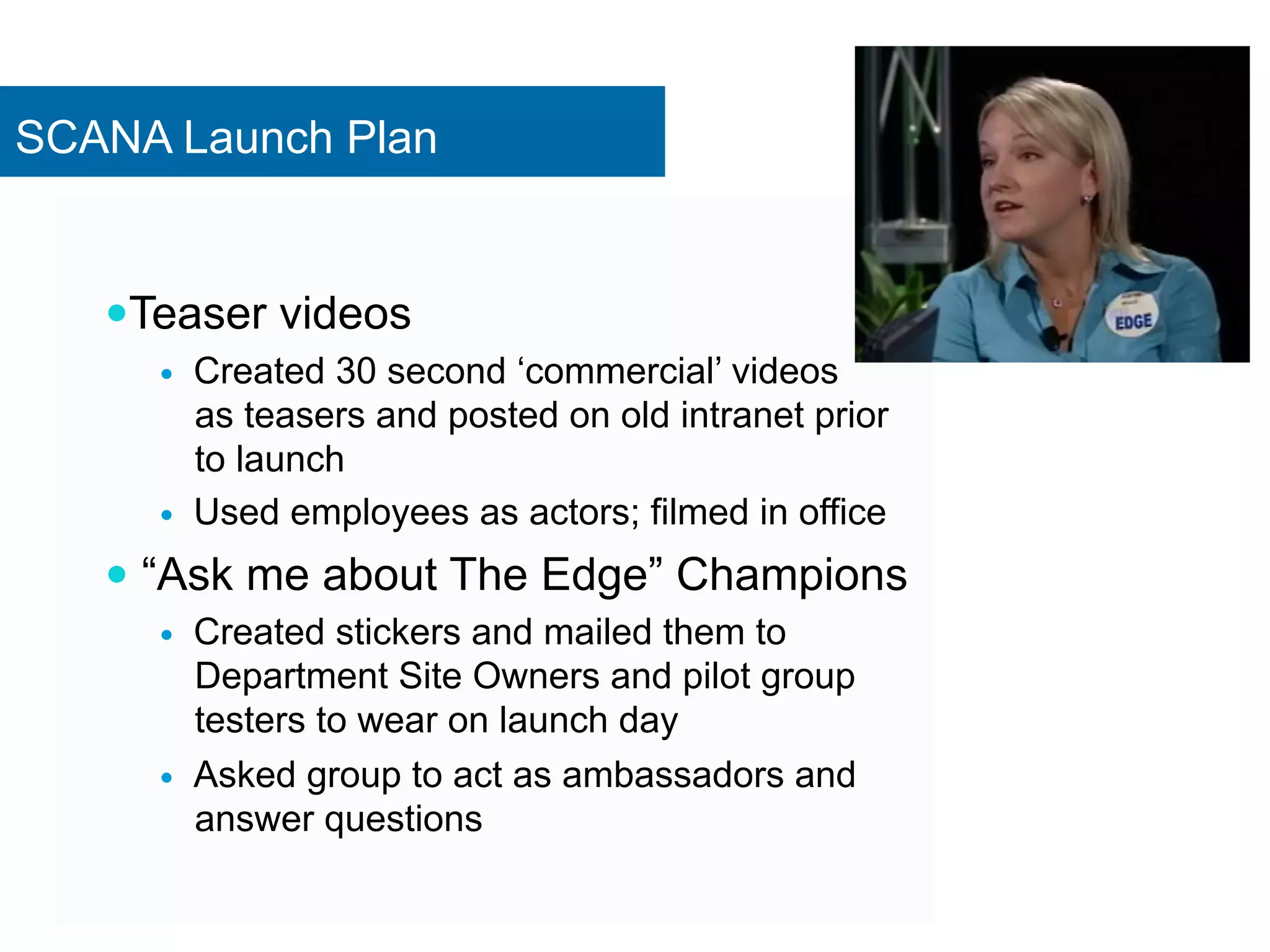
SCANA Launch Plan 
— Teaser videos 
— Created 30 second ‘commercial’ videos 
as teasers and posted on old intranet prior 
to launch 
— Used employees as actors; filmed in office 
— “Ask me about The Edge” Champions 
— Created stickers and mailed them to 
Department Site Owners and pilot group 
testers to wear on launch day 
— Asked group to act as ambassadors and 
answer questions
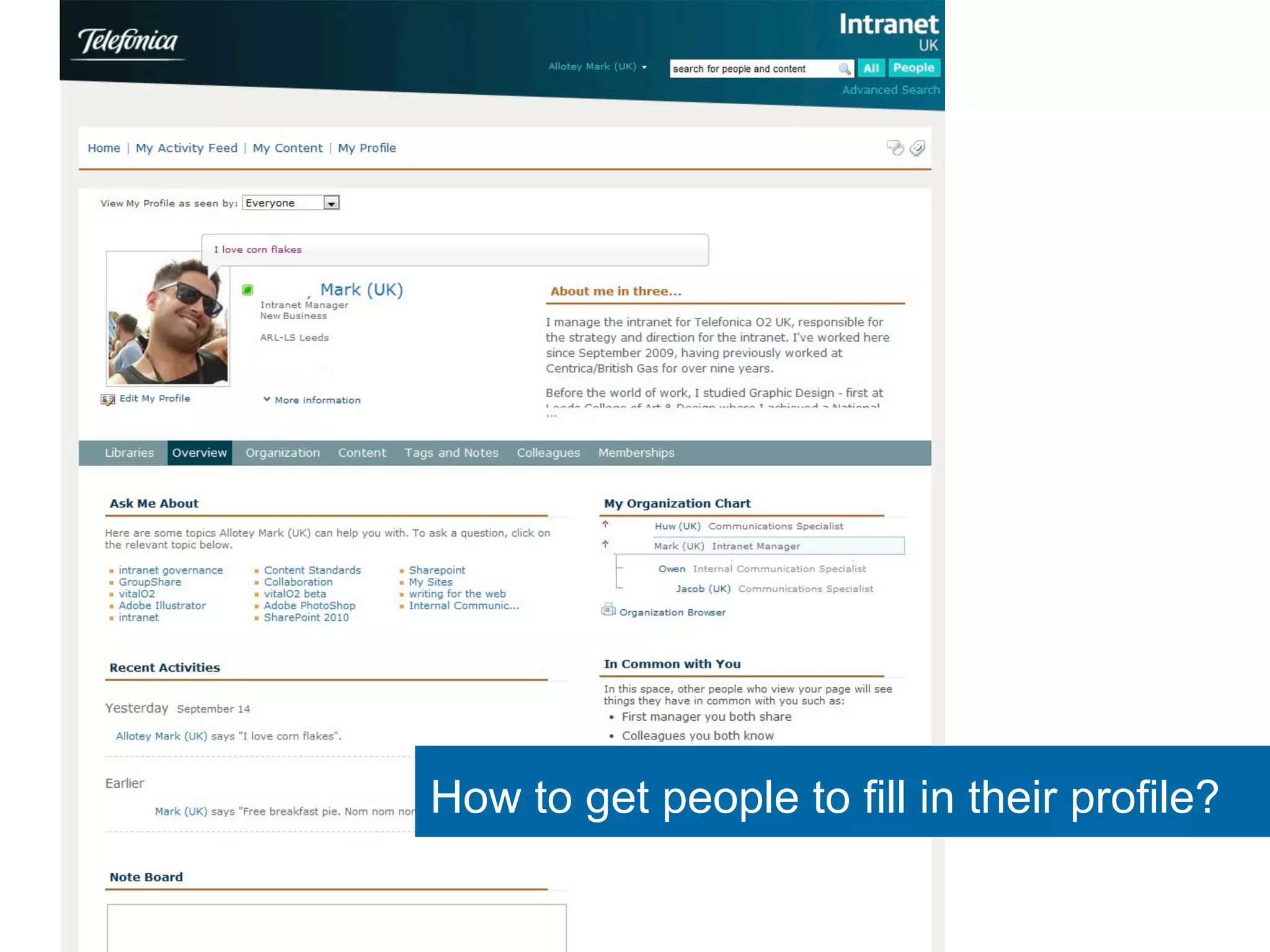
How to get people to fill in their profile?
Dear Jeremy 
I work for a national charity with about 4,000 employees across 
a range of UK sites. The organisation has recently told all staff 
they must complete a "personal profile" with headings such as, 
"What's important to me" and, "How best to support me" which 
will be available on the intranet to all its employees. 
Team leaders and site managers know staff very well at my site, 
and I can reasonably guess this is true at other sites, so the 
rationale seems invalid. 
A manager has said it's mandatory to complete this, but if I feel 
uncomfortable doing so, can they enforce this?
Filling in My Site profiles 
— Relative Advantage 
— Pilot with people active in external social media – they 
know the benefits 
— Benefits to you: opportunities, recognition, shared 
hobbies, personalized portal 
— Benefits to company: find experts 
— Compatibility 
— Leaders set example by filling in profile first 
— Simplicity 
— Pre-fill with known data
Filling in My Site profiles 
— Trialability 
— Only ask for very small set of details 
— Users have full control over when and how to fill in 
— Observable 
— Celebrate ‘profile of the week’ 
— Show statistics of ‘Number of profiles completed’ 
— Only address laggards when majority have taken part 
to prove nothing bad happens
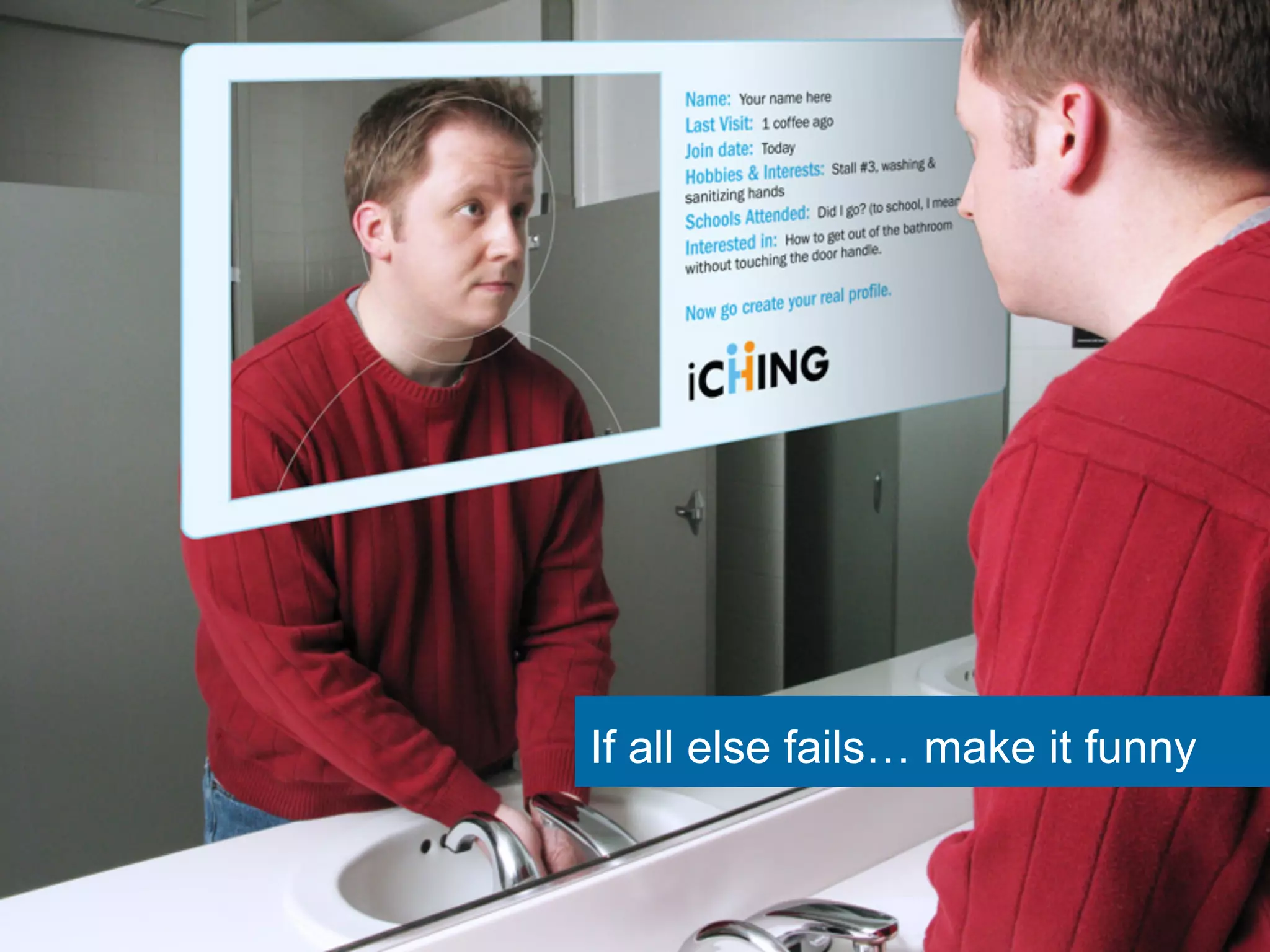
If all else fails… make it funny
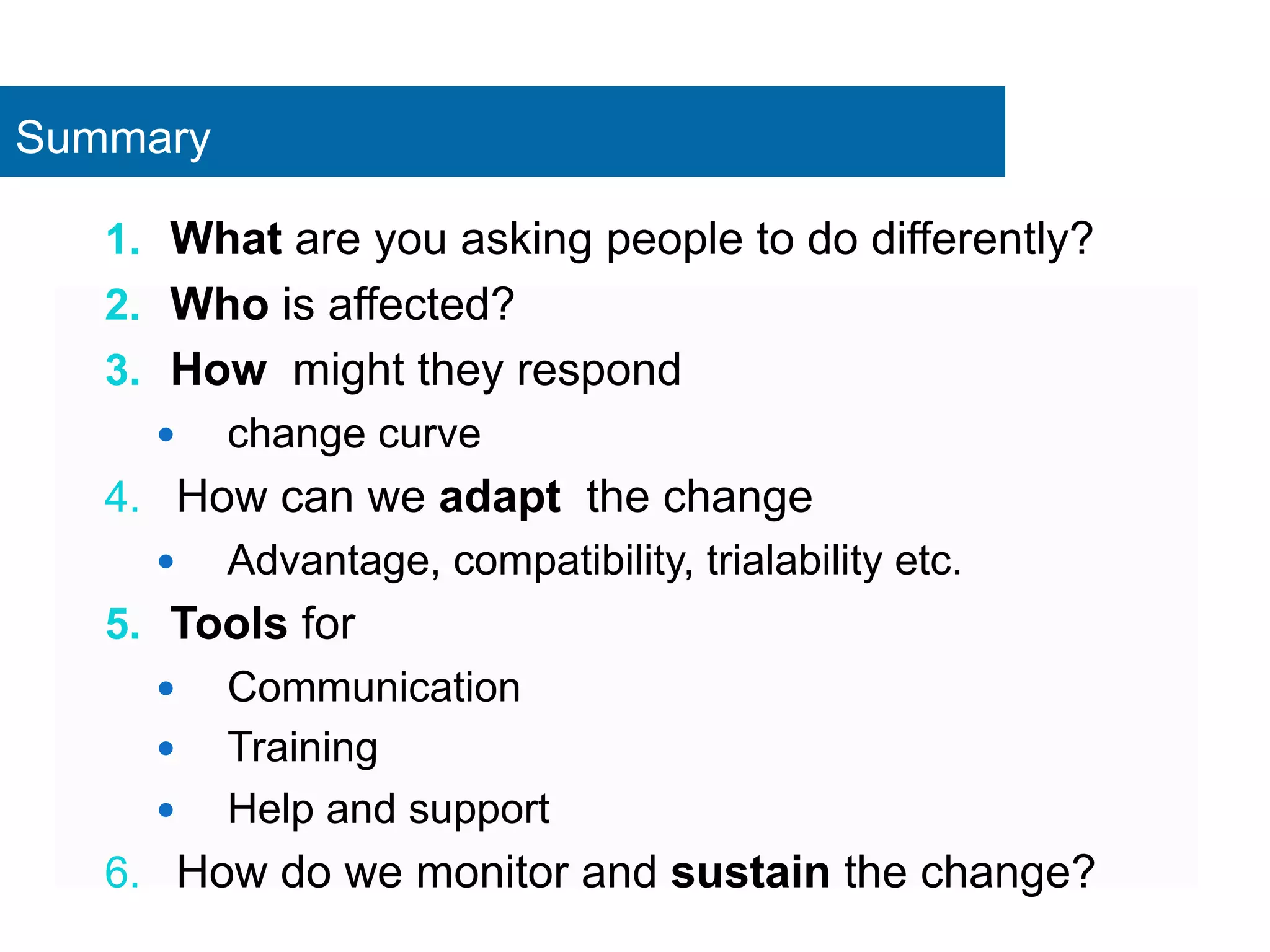
Summary 
1. What are you asking people to do differently? 
2. Who is affected? 
3. How might they respond 
— change curve 
4. How can we adapt the change 
— Advantage, compatibility, trialability etc. 
5. Tools for 
— Communication 
— Training 
— Help and support 
6. How do we monitor and sustain the change?
Intranet, SharePoint & Digital Workplace 
— Strategy 
— Governance 
— Implementation 
— Collaboration 
— Training 
www.clearbox.co.uk 
thank you 
@sammarshall 
sam@clearbox.co.uk
Back to old habits
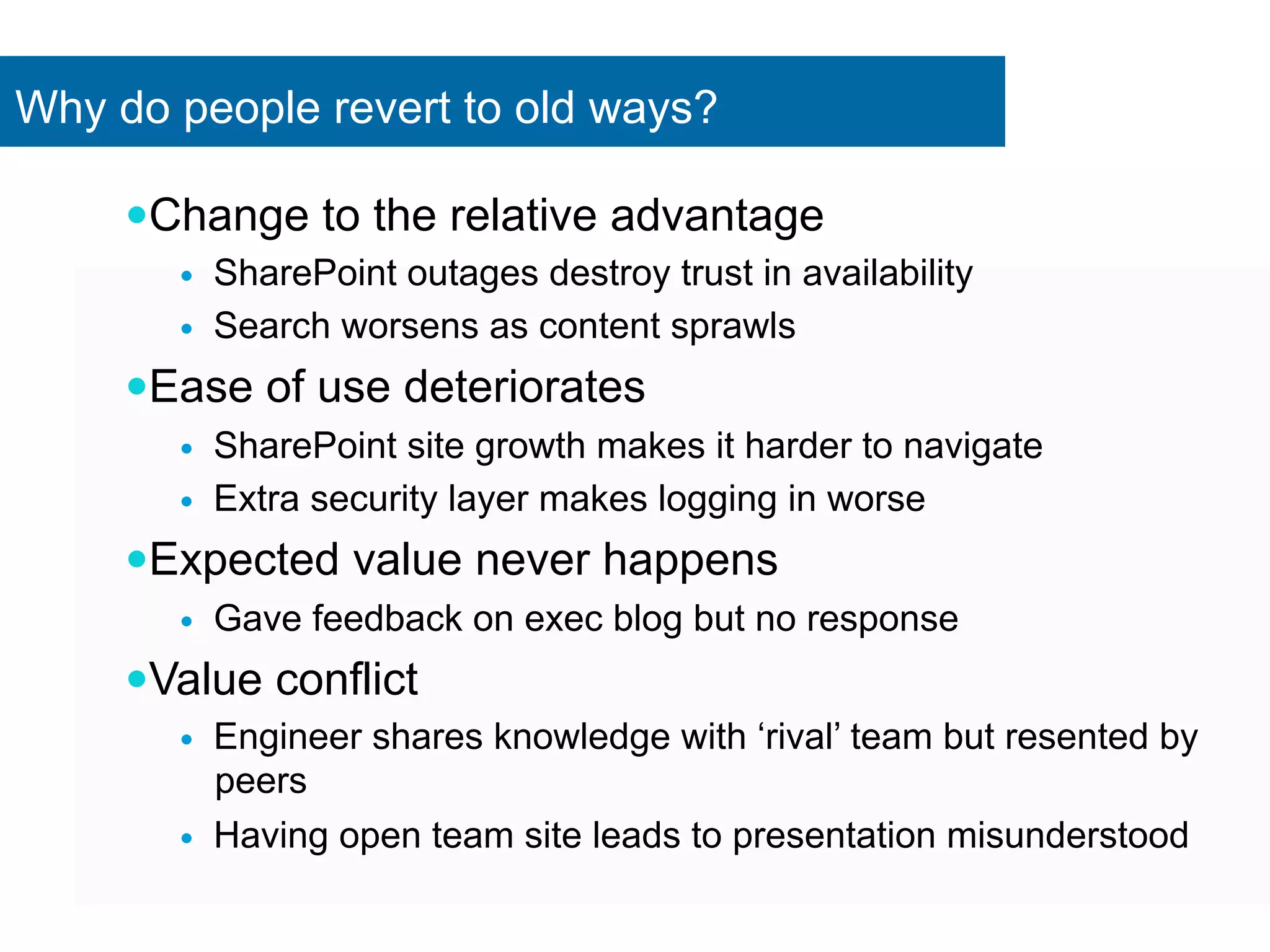
Why do people revert to old ways? 
— Change to the relative advantage 
— SharePoint outages destroy trust in availability 
— Search worsens as content sprawls 
— Ease of use deteriorates 
— SharePoint site growth makes it harder to navigate 
— Extra security layer makes logging in worse 
— Expected value never happens 
— Gave feedback on exec blog but no response 
— Value conflict 
— Engineer shares knowledge with ‘rival’ team but resented by 
peers 
— Having open team site leads to presentation misunderstood

Deepening SharePoint User Adoption

  • 1.
    www.clearbox.co.uk @sammarshall Deepening SharePoint user adoption Congres SharePoint 2014
  • 2.
    Sam Marshall Directorof ClearBox Consulting — 15 years intranet and digital workplace — Former global portal manager at Unilever — SharePoint & Intranet • Strategy • Adoption • Internal Comms & Collaboration sam@clearbox.co.uk www.clearbox.co.uk @sammarshall
  • 3.
    ClearBox Consulting Intranet,SharePoint and digital workplace: — Strategy — Governance — Collaboration — Communities — Adoption — Training
  • 5.
    Dear Jeremy Iwork for a national charity with about 4,000 employees across a range of UK sites. The organisation has recently told all staff they must complete a "personal profile" with headings such as, "What's important to me" and, "How best to support me" which will be available on the intranet to all its employees. Team leaders and site managers know staff very well at my site, and I can reasonably guess this is true at other sites, so the rationale seems invalid. A manager has said it's mandatory to complete this, but if I feel uncomfortable doing so, can they enforce this?
  • 6.
    I think it'sa nerve for an employer to ask for this kind of thing. Who the hell do they think they are?! They're probably planning to get rid of some employees and are using this to decide who to boot out. Be very careful how you answer the questions. When you have completed your fictional profile, with the appropriate bullshit bingo words, do make sure to make use of everyone else's profile, by asking them for assistance in your work of taxidermy of parrots, banging in little metal bottle tops on floors etc. Then make a point of contacting management on a regular basis to tell them how helpful you have found the new system. Try to use their profiles more than anyone else's.
  • 7.
  • 8.
    Half the firmssaid they’d achieved less than 20% uptake of their social collaboration platforms – Dachis Group survey 2012 Use of social tools gets so far then stalls
  • 9.
    80% of organisationswith SharePoint continue emailing documents back and forth -- Usamp survey 2010 Only a fraction of SharePoint gets used
  • 10.
    What does ‘goodadoption’ look like in SharePoint analytics?
  • 11.
    What matters isthat employees are productive
  • 12.
    Single place to collaborate Capability Benefit Outcome Strategic Goals Feature “One” Organisation Single identity All employees see same msg. Corp-­‐Wide News Hub Comms 2-­‐way comms Employee engagement Community discussions Less churn Customer satisfaction Time savings Response times faster Fewer outages Better stock control Supply Dashboard Quicker access to data Flexible project resourcing Best people Team Sites on a task Benefits mapping
  • 13.
    Does this meanyour employees will care too? Maybe... intranet team Employee
  • 14.
    25% office workersbored ‘most of the time’ “...they resort to minor acts of vandalism and stealing post-it notes for stimulation” (it’s not just a SharePoint issue)
  • 15.
    How should wethink about “Adoption?”
  • 16.
    What’s the differencebetween… Read Corporate news Update Time sheet Find Holiday entitlement policy Read Lunch menu Give help in an expert community Update Sales Data Make an expense claim
  • 17.
    Adoption isn’t onething but many
  • 18.
    People are alsonot just one thing but many!
  • 19.
    Karin Age: 38 Role: IT Project Manager Area: Operations Seniority: Manager Location: Edinburgh Time with company: 6 years Background: Karin is from Stockholm and is responsible for managing internal IT projects. Most of her work is around creating proposals, ensuring progress against milestones and co-ordinating across related projects. Attitude to technology: Highly competent. Karin brings her own iPad into work and is often an early-adopter of internet trends. Attitude to the intranet: She feels it is outdated and frustrating. For her SharePoint is where she does ‘work’. Frequency of intranet use: Karin uses the intranet mostly to access services and sometimes to read corporate news. Would use intranet more if it... Had a more social feel to it with a way to ask questions of other IT people around the company. Collaboration needs: Karin’s team work in multiple locations. She uses email and SharePoint extensively, with daily teleconferences and frequent webinars.
  • 20.
    What matters mostin intranet success: The people side or the technology side?
  • 21.
    Adoption team IT Balance of resources given to system vs. adoption
  • 22.
  • 23.
    “Quick! Use your team site or we’re doomed!” ‘Top Down’ change doesn’t work
  • 24.
    Cost of adoptionfor 2nd half can be much higher Rogers’ Diffusion of Innovation Model
  • 25.
    Planning adoption —Do we need to reach 100%? — What level of adoption will give ROI? — If late adopters/laggards must adopt — Can we commit the resources? — Do we have enough time?
  • 26.
    Getting people tomake the leap
  • 27.
    No matter howgood SharePoint is, if the basics aren’t right, it will fail
  • 28.
    First: Remove thedissatisfiers What could you do to sabotage adoption of your SharePoint intranet? — Slow — Crashes — Unreliable content — Badly written content — Complex logins — Limit access to in-office PCs only
  • 29.
    Creating intranet contentguide — Free download: www.clearbox.co.uk/ intranet_content/ — 10 sections on: — Headlines — Images — Page layout — Social content — Mobile content
  • 30.
    Not just goodcontent or ease of use
  • 31.
    SharePoint Appeal Showoff latest features Pilot access Let them experiment Exclusive preview Showcase their good work Recruit as champions Widespread comms – buzz Leaders set example Help & support Make it easier (reduce features) low-risk Talk to current adopters Refine based on earlier adoption lessons Give control over how & when ‘No commitment’ trial Take time to answer objections
  • 32.
    1. Relative advantage 2. Compatibility 3. Simplicity and ease of use 4. Trialability 5. Observability Five influencers
  • 33.
    Relative Advantage —Is it better? — Save me time — Help my career — Intrinsically interesting — Good for the company? — Good for the community? — What are the risks? — Will there be donuts?* *may not be sustainable
  • 34.
    Lundbeck “Get 15minutes” — How can we free up 15 minutes a day for each employee? — Collaboration team: — Talk with employees, watch how they collaborate — Experiment directly with the tools — Train individuals, teams & departments on subjects, not tools “Mastering your inbox”, “Optimize planning” — Quick guides, videos & wiki pages More at: www.clearbox.co.uk/?p=2616
  • 35.
  • 36.
    — Reduce socialrisk — Leaders set example — Managers visibly back it — ‘Adaptation’ is a key part of moving through the curve Reduce the disadvantages
  • 37.
    — Is thiswhat ‘most’ people do? — Is this how our company works? — Have we tried something like it before successfully? — Are we “different” to people it has worked for so far? Compatible values & practices
  • 38.
    Work SharePoint intocommon processes
  • 39.
  • 40.
    — Is therean easy idea to grasp? — Can I explain it using a scenario people already understand? — Can we launch a simplified version and slowly add features? — Can we re-design it to hide the complexity? Simplicity & ease of use
  • 41.
  • 42.
  • 43.
    • Using ashared workspace. • Building project history. • Attaching files in email. • Using email for discussions. • Storing content centrally. • Using collaboration tools. • Storing content locally. • Sending revisions in email. • Having online meetings. • Using shared workspaces. • Using pay-by-minute conferencing. • Booking up conference rooms. • Maintaining my profile. • Sharing my work. • Sending updates through email. • Storing my work locally.
  • 44.
    Trialability — CanI experiment easily? — Roadshows — Demo sites — Can I go back if I don’t like it? — Go from Team site back to network drive?
  • 45.
    Sandpit for safeexperimentation
  • 46.
    Yam Jams Source:Microsoft Cloud 9 http://video.ch9.ms/sessions/spc/2014/SPC280.mp4
  • 47.
    Observable Results —Can I see what others are doing? — Is it easy to discuss? — Are there colleagues I can talk to about it?
  • 48.
  • 49.
    SCANA Launch Plan — Teaser videos — Created 30 second ‘commercial’ videos as teasers and posted on old intranet prior to launch — Used employees as actors; filmed in office — “Ask me about The Edge” Champions — Created stickers and mailed them to Department Site Owners and pilot group testers to wear on launch day — Asked group to act as ambassadors and answer questions
  • 50.
    How to getpeople to fill in their profile?
  • 51.
    Dear Jeremy Iwork for a national charity with about 4,000 employees across a range of UK sites. The organisation has recently told all staff they must complete a "personal profile" with headings such as, "What's important to me" and, "How best to support me" which will be available on the intranet to all its employees. Team leaders and site managers know staff very well at my site, and I can reasonably guess this is true at other sites, so the rationale seems invalid. A manager has said it's mandatory to complete this, but if I feel uncomfortable doing so, can they enforce this?
  • 52.
    Filling in MySite profiles — Relative Advantage — Pilot with people active in external social media – they know the benefits — Benefits to you: opportunities, recognition, shared hobbies, personalized portal — Benefits to company: find experts — Compatibility — Leaders set example by filling in profile first — Simplicity — Pre-fill with known data
  • 53.
    Filling in MySite profiles — Trialability — Only ask for very small set of details — Users have full control over when and how to fill in — Observable — Celebrate ‘profile of the week’ — Show statistics of ‘Number of profiles completed’ — Only address laggards when majority have taken part to prove nothing bad happens
  • 54.
    If all elsefails… make it funny
  • 55.
    Summary 1. Whatare you asking people to do differently? 2. Who is affected? 3. How might they respond — change curve 4. How can we adapt the change — Advantage, compatibility, trialability etc. 5. Tools for — Communication — Training — Help and support 6. How do we monitor and sustain the change?
  • 56.
    Intranet, SharePoint &Digital Workplace — Strategy — Governance — Implementation — Collaboration — Training www.clearbox.co.uk thank you @sammarshall sam@clearbox.co.uk
  • 57.
  • 58.
    Why do peoplerevert to old ways? — Change to the relative advantage — SharePoint outages destroy trust in availability — Search worsens as content sprawls — Ease of use deteriorates — SharePoint site growth makes it harder to navigate — Extra security layer makes logging in worse — Expected value never happens — Gave feedback on exec blog but no response — Value conflict — Engineer shares knowledge with ‘rival’ team but resented by peers — Having open team site leads to presentation misunderstood