




















1
Mr.R.D.SIVAKUMAR,M.Sc.,M.Phil.,M.Tech.,
ASSISTANT PROFESSOR AND HEAD, DEPARTMENT OF M.Com. (CA) &
ASSISTANT PROFESSOR OF COMPUTER SCIENCE
AYYA NADAR JANAKI AMMAL COLLEGE
(Affiliated to Madurai Kamaraj University, Madurai, Re-accredited (3rd Cycle) with
‘A’ Grade (CGPA 3.67 out of 4) by NAAC, Recognized by DBT as Star College and
College of Excellence by UGC)
SIVAKASI – 626 124.
www.rdsivakumar.blogspot.in
E-mail : sivamsccsit@gmail.com Mobile : 99440-42243
CLOUD LMS
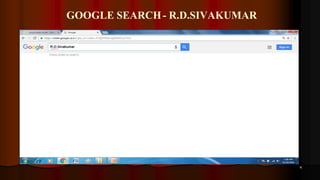
GOOGLE SEARCH- R.D.SIVAKUMAR
4
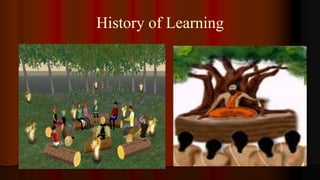
History of Learning
A thousand hearings are not so effective as one seeing.
A picture is worth a
thousand words.
- Chinese Proverbs
e
 In the form of
 CD
 Pen Drive
 Memory Card
 Hard Disk
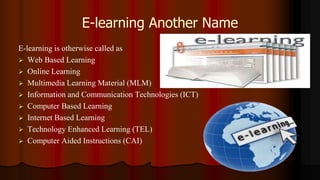
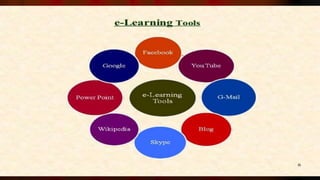
E-learning Another Name
E-learning is otherwise called as
 Web Based Learning
 Online Learning
 Multimedia Learning Material (MLM)
 Information and Communication Technologies (ICT)
 Computer Based Learning
 Internet Based Learning
 Technology Enhanced Learning (TEL)
 Computer Aided Instructions (CAI)
Definition
 E-learning involves the use of a computer or electronic
device (e.g. a mobile phone) in some way to provide
training, educational or learning material
It is Combination of
Audio
Video
Text
Graphics
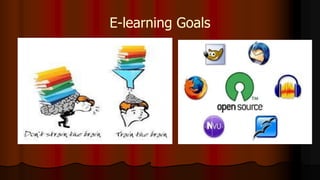
E-learning Goals
26
Self-paced Course
 It involves using the
 Internet
 Intranet
 Knowledge Explosion
 Digital Generation
 New Generation of Learners
 New Learning Environments
 New Learning Media
 New Generation of Teachers ?
Types of e- learning
Synchronous
Asynchronous
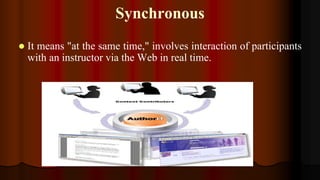
Synchronous
 It means "at the same time," involves interaction of participants
with an instructor via the Web in real time.
Asynchronous
Which means "not at the same time,"
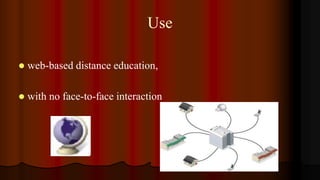
Use
 web-based distance education,
 with no face-to-face interaction
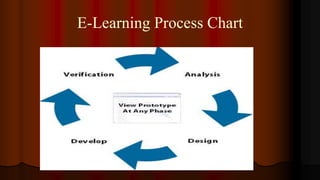
E-Learning Process Chart
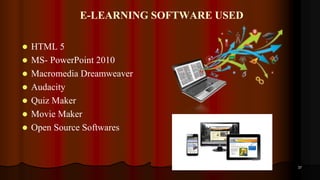
E-LEARNING SOFTWARE USED
 HTML 5
 MS- PowerPoint 2010
 Macromedia Dreamweaver
 Audacity
 Quiz Maker
 Movie Maker
 Open Source Softwares
37
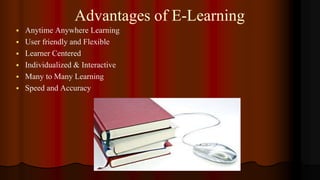
Advantages of E-Learning
 Anytime Anywhere Learning
 User friendly and Flexible
 Learner Centered
 Individualized & Interactive
 Many to Many Learning
 Speed and Accuracy
The future soldiers will
not be carry guns but
computers
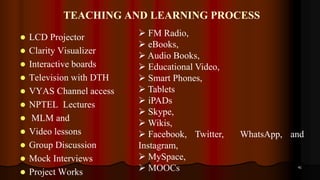
TEACHING AND LEARNING PROCESS
 LCD Projector
 Clarity Visualizer
 Interactive boards
 Television with DTH
 VYAS Channel access
 NPTEL Lectures
 MLM and
 Video lessons
 Group Discussion
 Mock Interviews
 Project Works
41
 FM Radio,
 eBooks,
 Audio Books,
 Educational Video,
 Smart Phones,
 Tablets
 iPADs
 Skype,
 Wikis,
 Facebook, Twitter, WhatsApp, and
Instagram,
 MySpace,
 MOOCs
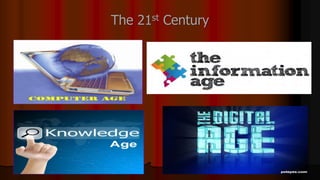
The 21st Century
SCRIPT WRITING
Format of e-content
 Make your one or two web pages an outline of your e-
content
 Follow the order of your outline for the rest of the e-
content
 Use the titles of each web page as main points
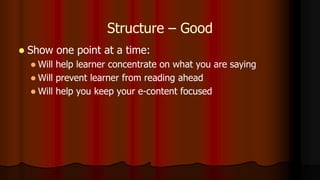
Structure – Good
 Write in point form, not complete sentences
 Include 4-5 points per Web page
 Avoid wordiness: use key words and phrases only
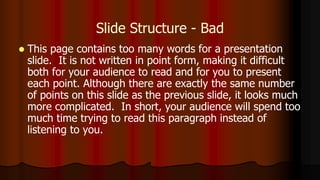
Slide Structure - Bad
 This page contains too many words for a presentation
slide. It is not written in point form, making it difficult
both for your audience to read and for you to present
each point. Although there are exactly the same number
of points on this slide as the previous slide, it looks much
more complicated. In short, your audience will spend too
much time trying to read this paragraph instead of
listening to you.
Structure – Good
 Show one point at a time:
 Will help learner concentrate on what you are saying
 Will prevent learner from reading ahead
 Will help you keep your e-content focused
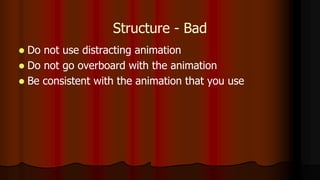
Structure - Bad
 Do not use distracting animation
 Do not go overboard with the animation
 Be consistent with the animation that you use
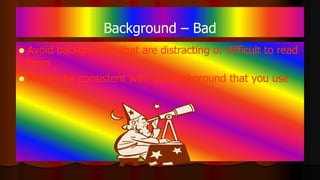
Background – Bad
 Avoid backgrounds that are distracting or difficult to read
from
 Always be consistent with the background that you use
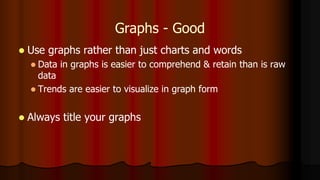
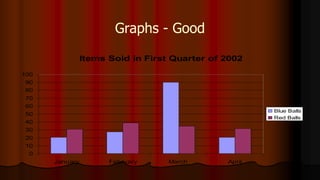
Graphs - Good
 Use graphs rather than just charts and words
 Data in graphs is easier to comprehend & retain than is raw
data
 Trends are easier to visualize in graph form
 Always title your graphs
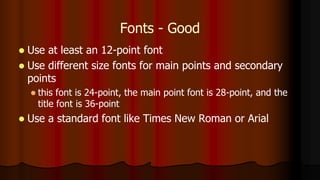
Fonts - Good
 Use at least an 12-point font
 Use different size fonts for main points and secondary
points
 this font is 24-point, the main point font is 28-point, and the
title font is 36-point
 Use a standard font like Times New Roman or Arial
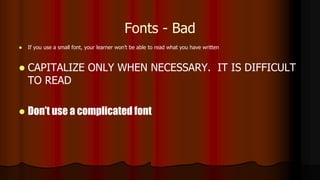
Fonts - Bad
 If you use a small font, your learner won’t be able to read what you have written
 CAPITALIZE ONLY WHEN NECESSARY. IT IS DIFFICULT
TO READ
 Don’t use a complicated font
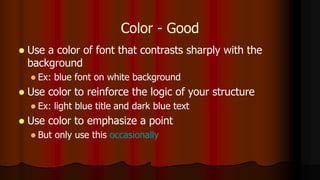
Color - Good
 Use a color of font that contrasts sharply with the
background
 Ex: blue font on white background
 Use color to reinforce the logic of your structure
 Ex: light blue title and dark blue text
 Use color to emphasize a point
 But only use this occasionally
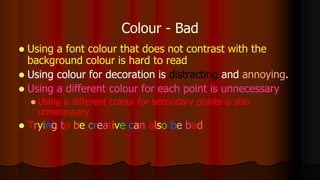
Colour - Bad
 Using a font colour that does not contrast with the
background colour is hard to read
 Using colour for decoration is distracting and annoying.
 Using a different colour for each point is unnecessary
 Using a different colour for secondary points is also
unnecessary
 Trying to be creative can also be bad
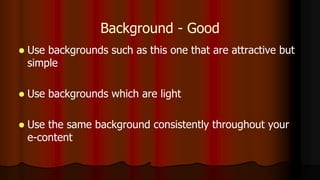
Background - Good
 Use backgrounds such as this one that are attractive but
simple
 Use backgrounds which are light
 Use the same background consistently throughout your
e-content
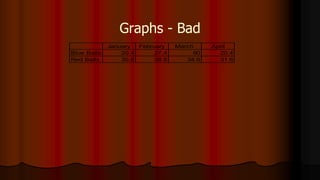
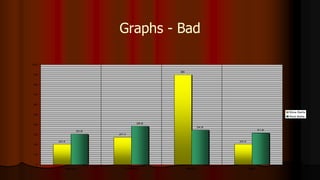
Graphs - Bad
January February March April
Blue Balls 20.4 27.4 90 20.4
Red Balls 30.6 38.6 34.6 31.6
Graphs - Good
Items Sold in First Quarter of 2002
0
10
20
30
40
50
60
70
80
90
100
January February March April
Blue Balls
Red Balls
Graphs - Bad
20.4
27.4
90
20.4
30.6
38.6
34.6
31.6
0
10
20
30
40
50
60
70
80
90
100
January February March April
Blue Balls
Red Balls
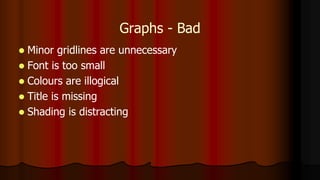
Graphs - Bad
 Minor gridlines are unnecessary
 Font is too small
 Colours are illogical
 Title is missing
 Shading is distracting
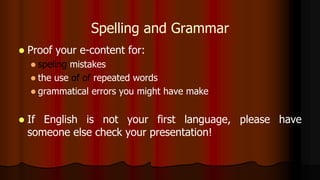
Spelling and Grammar
 Proof your e-content for:
 speling mistakes
 the use of of repeated words
 grammatical errors you might have make
 If English is not your first language, please have
someone else check your presentation!
Various Stages of
e-Content Development
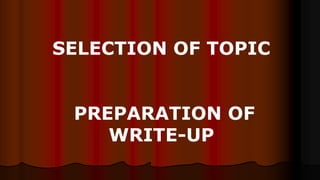
SELECTION OF TOPIC
PREPARATION OF
WRITE-UP
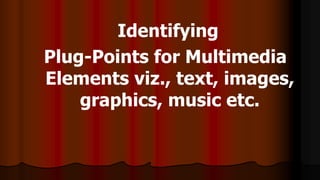
Identifying
Plug-Points for Multimedia
Elements viz., text, images,
graphics, music etc.
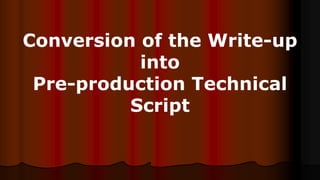
Conversion of the Write-up
into
Pre-production Technical
Script
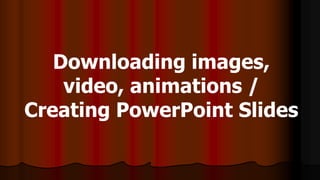
Downloading images,
video, animations /
Creating PowerPoint Slides
Rehearsal For Shooting
Shooting
Post Production
Editing/Digital Integration
Web Hosting the developed
e-content
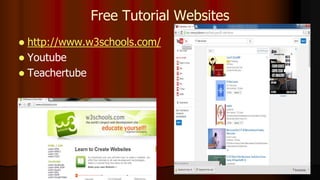
Free Tutorial Websites
 http://www.w3schools.com/
 Youtube
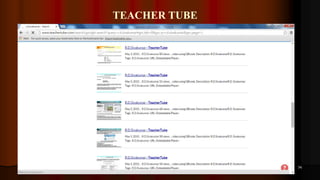
 Teachertube
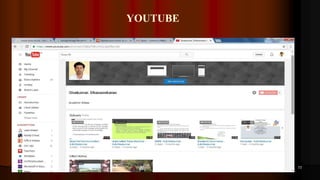
YOUTUBE
73
TEACHER TUBE
74
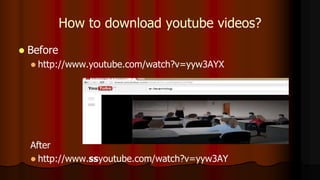
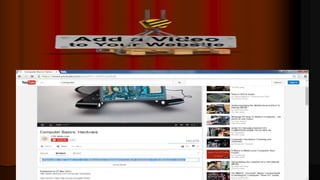
How to download youtube videos?
 Before
 http://www.youtube.com/watch?v=yyw3AYX
After
 http://www.ssyoutube.com/watch?v=yyw3AY
3
AUDIO BOOK
 An audiobook is a recorded book that can be played on a computer or
mobile device.
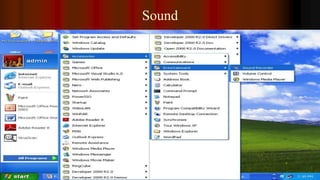
Sound
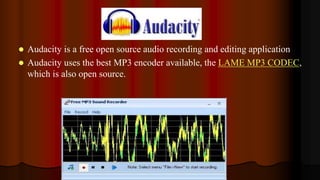
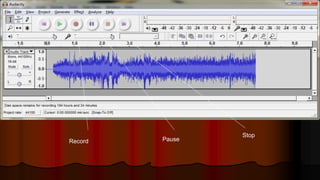
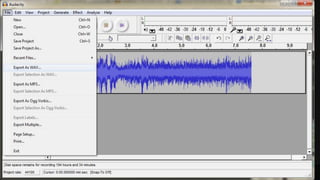
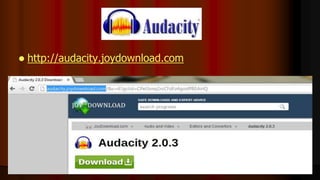
 Audacity is a free open source audio recording and editing application
 Audacity uses the best MP3 encoder available, the LAME MP3 CODEC,
which is also open source.
Record Pause
Stop
 http://audacity.joydownload.com
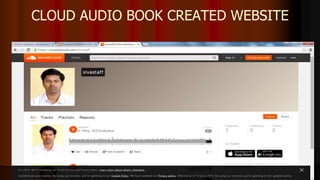
CLOUD AUDIO BOOK CREATED WEBSITE
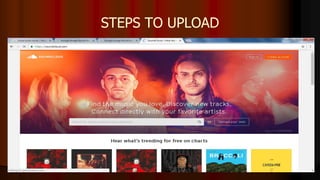
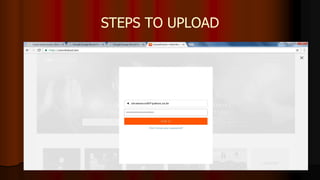
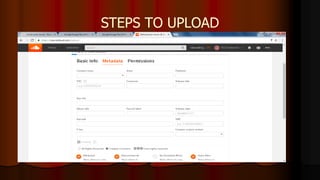
STEPS TO UPLOAD
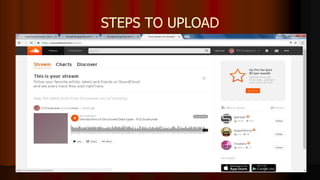
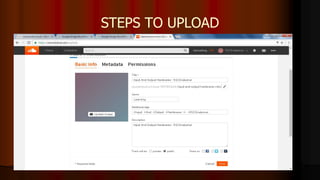
STEPS TO UPLOAD
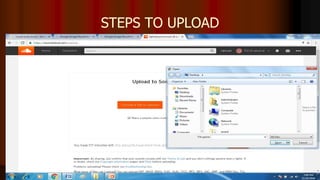
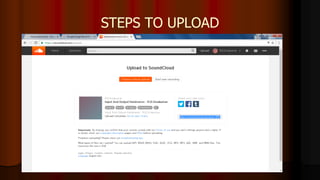
STEPS TO UPLOAD
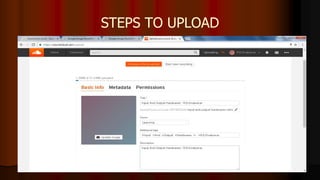
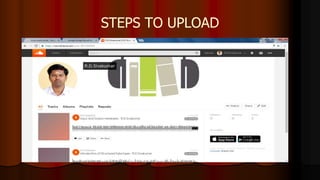
STEPS TO UPLOAD
STEPS TO UPLOAD
STEPS TO UPLOAD
STEPS TO UPLOAD
STEPS TO UPLOAD
STEPS TO UPLOAD
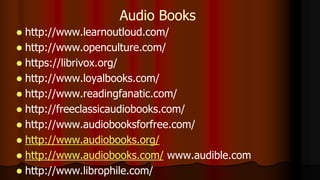
 http://www.learnoutloud.com/
 http://www.openculture.com/
 https://librivox.org/
 http://www.loyalbooks.com/
 http://www.readingfanatic.com/
 http://freeclassicaudiobooks.com/
 http://www.audiobooksforfree.com/
 http://www.audiobooks.org/
 http://www.audiobooks.com/ www.audible.com
 http://www.librophile.com/
Audio Books
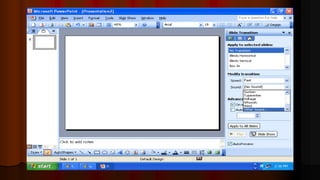
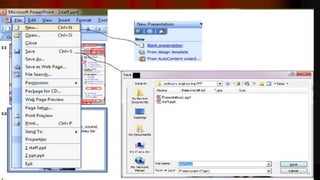
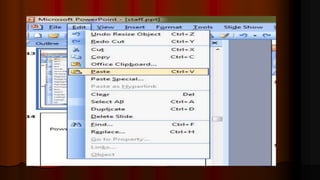
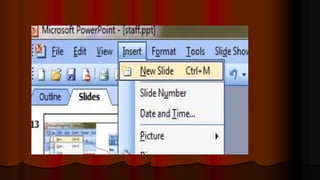
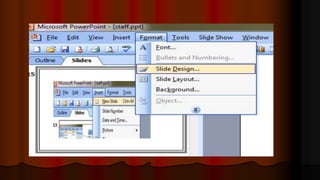
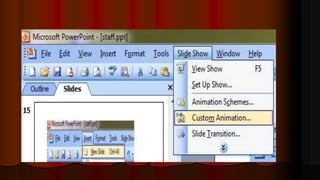
What is Power Point?
 To Create a Presentation
 Microsoft Product
 Version – 2003, 2007, 2010
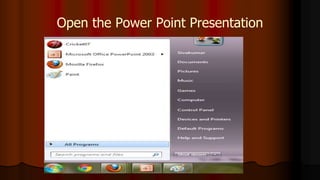
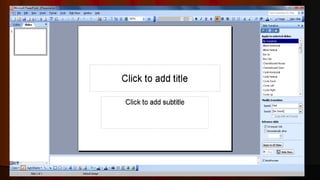
Open the Power Point Presentation
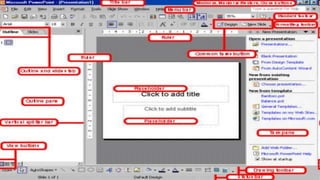
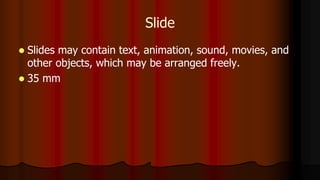
Slide
 Slides may contain text, animation, sound, movies, and
other objects, which may be arranged freely.
 35 mm
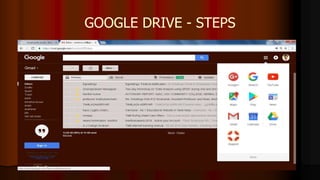
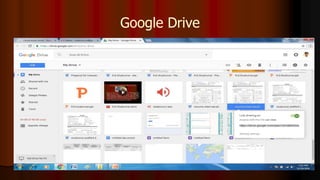
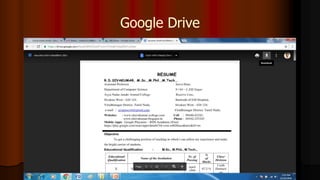
GOOGLE DRIVE - STEPS
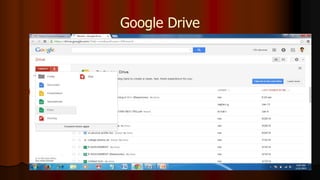
Google Drive
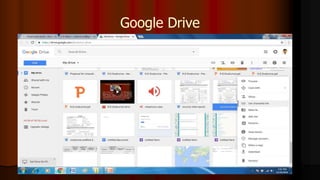
Google Drive
Google Drive
Google Drive
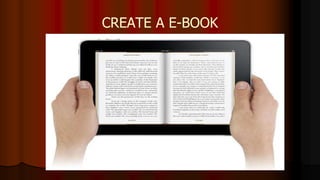
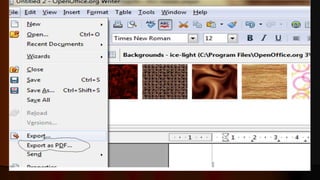
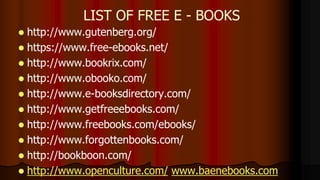
CREATE A E-BOOK
 http://www.gutenberg.org/
 https://www.free-ebooks.net/
 http://www.bookrix.com/
 http://www.obooko.com/
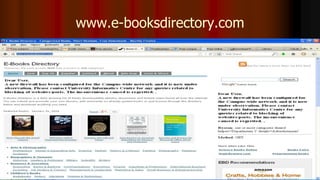
 http://www.e-booksdirectory.com/
 http://www.getfreeebooks.com/
 http://www.freebooks.com/ebooks/
 http://www.forgottenbooks.com/
 http://bookboon.com/
 http://www.openculture.com/ www.baenebooks.com
LIST OF FREE E - BOOKS
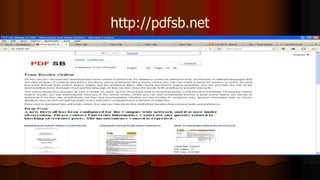
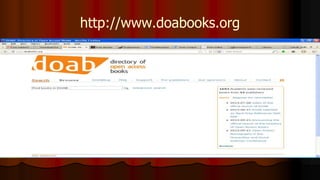
OPEN ACCESS E BOOKS
http://pdfsb.net
http://www.doabooks.org
www.e-booksdirectory.com
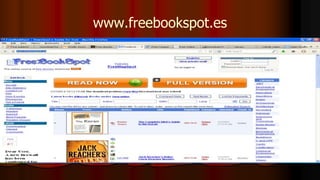
www.freebookspot.es
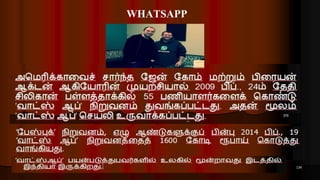
WHATSAPP
134
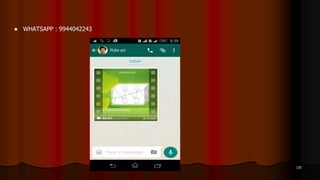
 WHATSAPP : 9944042243
135
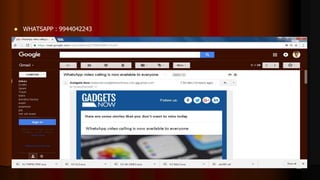
 WHATSAPP : 9944042243
136
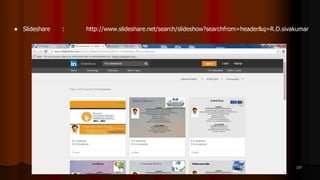
 Slideshare : http://www.slideshare.net/search/slideshow?searchfrom=header&q=R.D.sivakumar
137
138
139
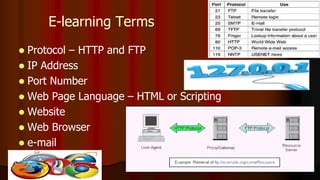
E-learning Terms
 Protocol – HTTP and FTP
 IP Address
 Port Number
 Web Page Language – HTML or Scripting
 Website
 Web Browser
 e-mail
HTML
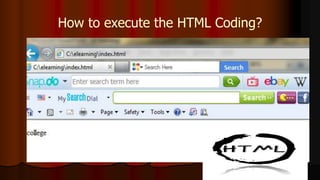
 HTML – Hypertext Markup Language. To design a web
page.
 Save Extension – filename.html
 Run – Web Browser
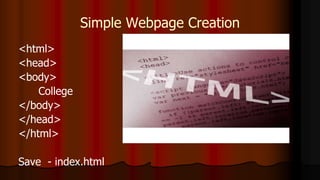
Simple Webpage Creation
<html>
<head>
<body>
College
</body>
</head>
</html>
Save - index.html
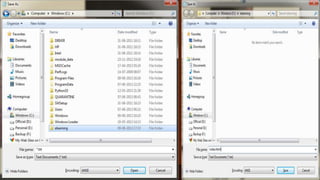
How to execute the HTML Coding?
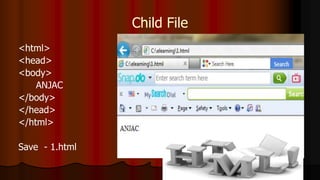
Child File
<html>
<head>
<body>
ANJAC
</body>
</head>
</html>
Save - 1.html
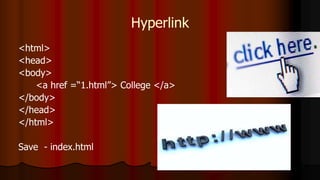
Hyperlink
<html>
<head>
<body>
<a href =“1.html”> College </a>
</body>
</head>
</html>
Save - index.html
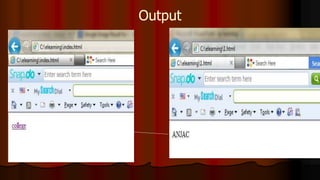
Output
Small Tips
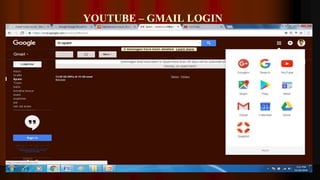
YOUTUBE – GMAIL LOGIN
152
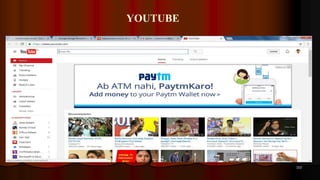
YOUTUBE
153
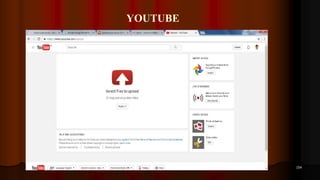
YOUTUBE
154
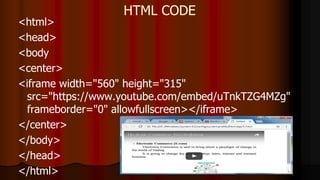
HTML CODE
<html>
<head>
<body
<center>
<iframe width="560" height="315"
src="https://www.youtube.com/embed/uTnkTZG4MZg"
frameborder="0" allowfullscreen></iframe>
</center>
</body>
</head>
</html>
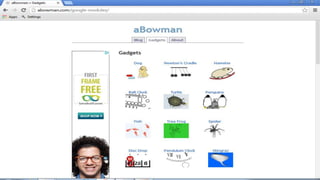
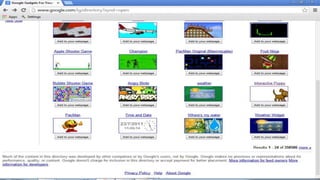
ONLINE FREE WIDGETS
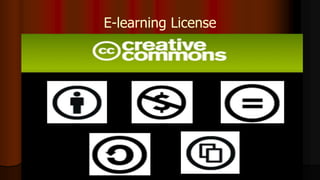
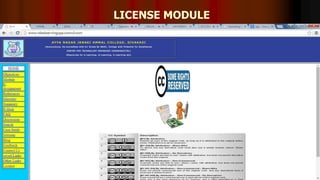
E-learning License
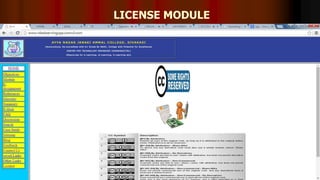
LICENSE MODULE
166
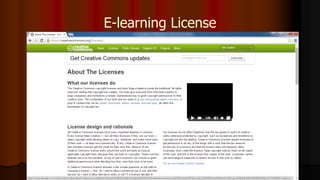
E-learning License
LICENSE MODULE
168
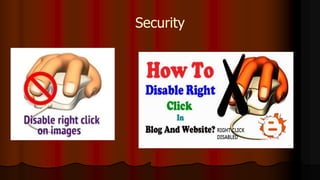
Security
172
ACADEMIC RELEVANT SOCIAL LINKS
 Facebook : https://www.facebook.com/sivamsccsit/photos
 Flickr : http://www.flickr.com/photos/98191432@N06/
 Blog : http://www.rdsivakumar.blogspot.in/
 Twitter : https://twitter.com/sivakum82452050
 Youtube :
http://www.youtube.com/results?search_query=rdsivakumar+private&oq=rd
sivakumar+private&gs_l=youtube.3..35i39.5347.10940.0.11190.21.20.1.0.0.
Google Images :
 http://www.google.co.in/search?q=rdsivakumar&bav=on.2,or.r_qf.&bv
m=bv.48705608,d.bmk&biw=1241&bih=567&um=1&ie=UTF-
8&hl=en&tbm=isch&source=og&sa=N&tab=wi&ei=rdv 173
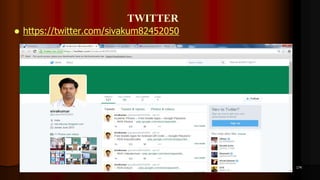
TWITTER
 https://twitter.com/sivakum82452050
174
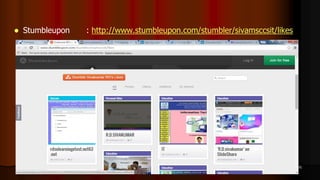
 Stumbleupon : http://www.stumbleupon.com/stumbler/sivamsccsit/likes
175
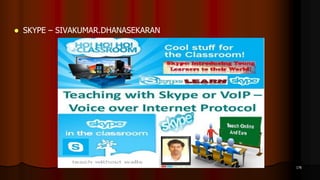
 SKYPE – SIVAKUMAR.DHANASEKARAN
176
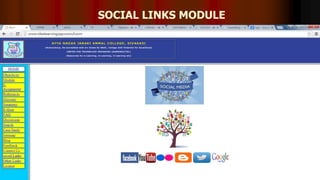
SOCIAL LINKS MODULE
177
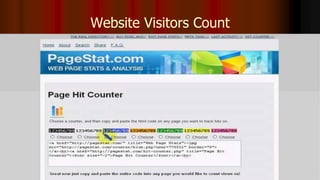
Website Visitors Count
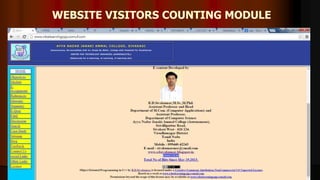
WEBSITE VISITORS COUNTING MODULE
179
ANDROID – QR CODE CREATED
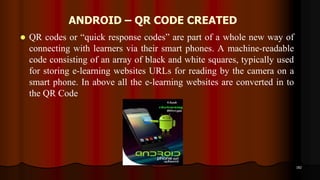
 QR codes or “quick response codes” are part of a whole new way of
connecting with learners via their smart phones. A machine-readable
code consisting of an array of black and white squares, typically used
for storing e-learning websites URLs for reading by the camera on a
smart phone. In above all the e-learning websites are converted in to
the QR Code
182
ANDROID – QR CODE CREATED
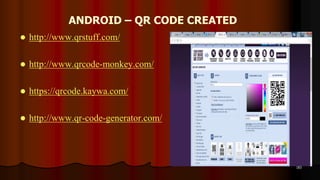
 http://www.qrstuff.com/
 http://www.qrcode-monkey.com/
 https://qrcode.kaywa.com/
 http://www.qr-code-generator.com/
183
VIDEO LECTURE
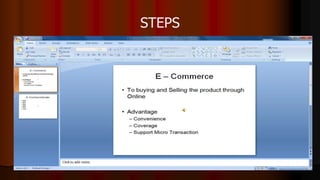
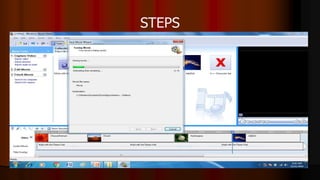
STEPS
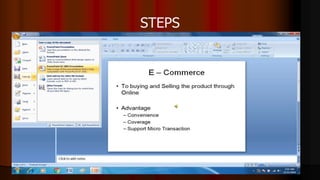
STEPS
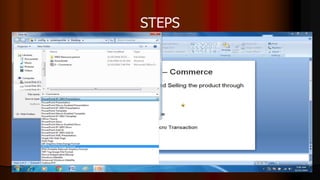
STEPS
STEPS
STEPS
STEPS
STEPS
STEPS
STEPS
STEPS
STEPS
STEPS
STEPS
STEPS
STEPS
STEPS
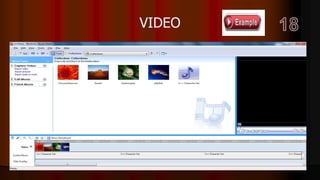
VIDEO
MLM
 http://mhrd.gov.in/e-contents
 http://epathshala.nic.in/e-pathshala-4/e-resources-2/
 http://epathshala.nic.in/e-pathshala-4/flipbook/
 http://mhrd.gov.in/school -education
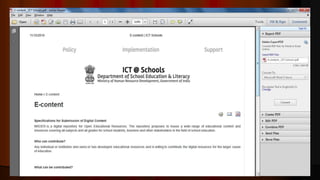
 http://ictschools.gov.in/ICTSchools/e-content
 http://epathshala.nic.in/e-pathshala-4/students/supplementary/
6 to XII
 https://librarykvpattom.wordpress.com/category/downloads/
e-books
 http://www.cbseguess.com/ebooks/
MLM
 http://tamilnadu-trb-tet-tnpsc.blogspot.in/p/all-study-materials-
dowmload-2016-2017.html
10th Question Papers
 http://tnquestionpapersdownload.blogspot.in/p/tamil-nadu-sslc-year-
wise-all-govt.html
 http://tamilnadu-trb-tet-tnpsc.blogspot.in/p/blog-page_4.html
+2 Question Papers
 http://tnquestionpapersdownload.blogspot.in/
205
Future Plan
207
211
Mr.R.D.SIVAKUMAR,M.Sc.,M.Phil.,M.Tech.,
ASSISTANT PROFESSOR OF COMPUTER SCIENCE &
ASSISTANT PROFESSOR AND HEAD, DEPARTMENT OF M.Com. (CA),
AYYA NADAR JANAKI AMMAL COLLEGE
(Affiliated to Madurai Kamaraj University, Madurai, Re-accredited (3rd Cycle) with
‘A’ Grade (CGPA 3.67 out of 4) by NAAC, Recognized by DBT as Star College and
College of Excellence by UGC)
SIVAKASI – 626 124.
www.rdsivakumar.blogspot.in
E-mail : sivamsccsit@gmail.com Mobile : 99440-42243

Cloud LMS - R.D.Sivakumar