











Social Media
   Beyond the Basics
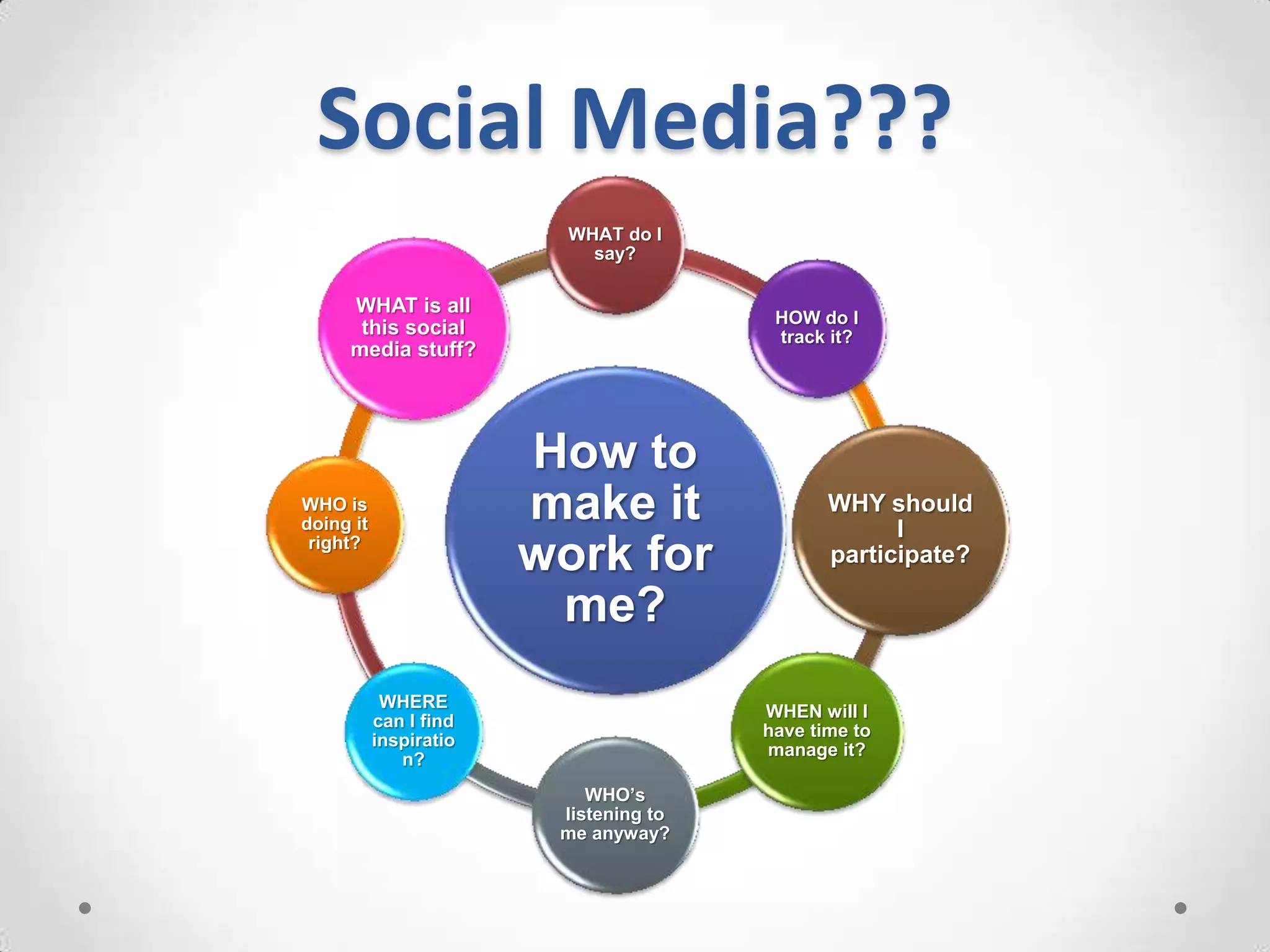
Social Media???
                          WHAT do I
                            say?

     WHAT is all
                                         HOW do I
      this social                        track it?
     media stuff?


                        How to
WHO is
doing it
                        make it                WHY should
                                                     I
 right?
                        work for               participate?

                         me?
            WHERE
                                        WHEN will I
           can I find
                                        have time to
           inspiratio
                                        manage it?
              n?
                            WHO’s
                         listening to
                         me anyway?
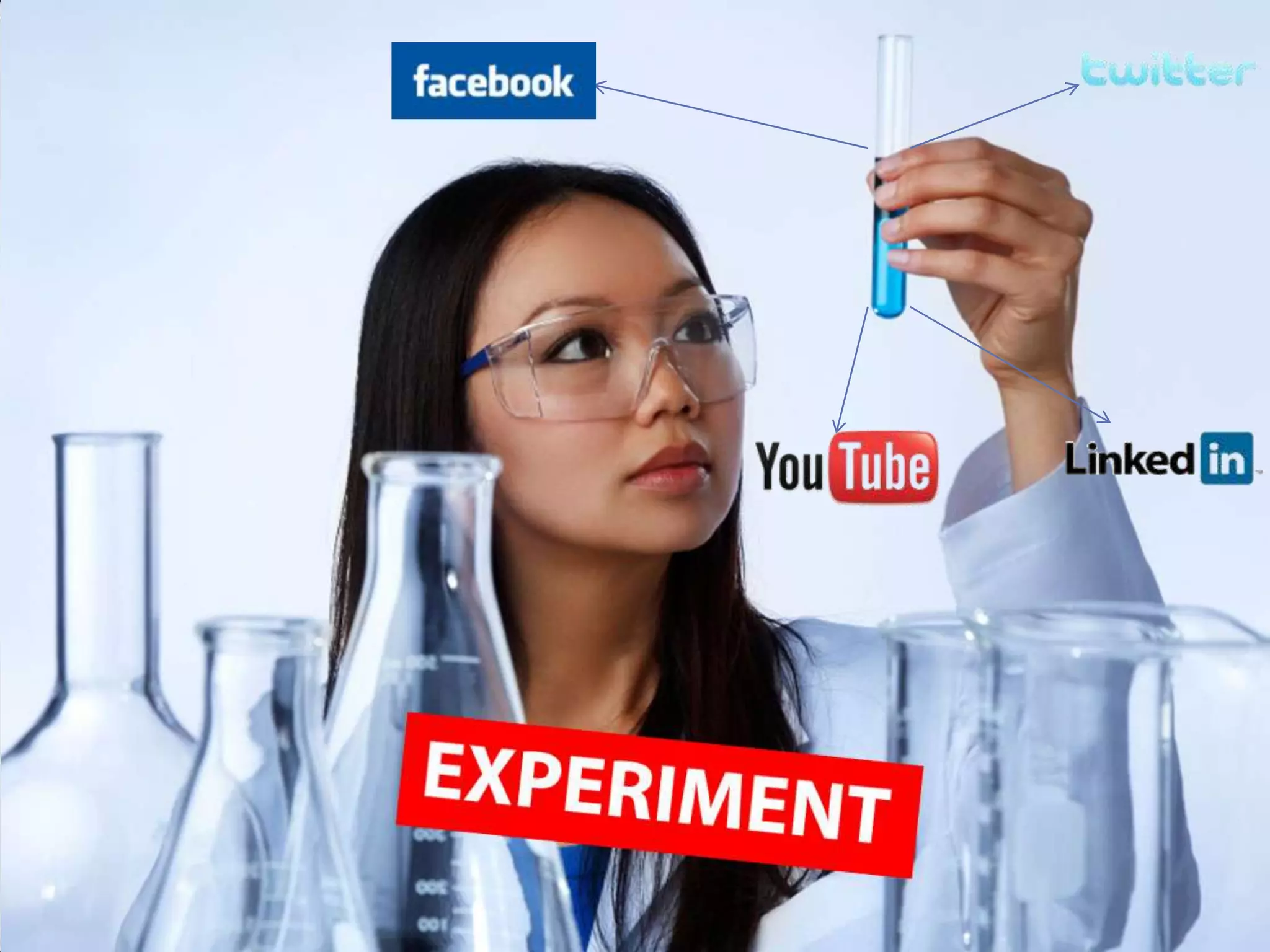
You have a:
•   Facebook Account
•   Twitter Account
•   Linkedin Account
•   YouTube Account
Are you using Social
     Media…..
       • To drive traffic to your
         website?
       • Connect with your
         customers?
       • Use as an extension of your
         overall promotional
         campaign?
Benefits of Social Media
Law of Attraction (pull marketing)
Allows you to establish yourself as an expert
Organically increases SEO
Only investment is your time*

*some restrictions may apply
First of all…
      You have to have a goal.
I like Facebook and everything, but I’m just spinning
    my wheels if I don’t have a goal. Sure, I like
    connecting with old and new friends, but am I
    doing it to gain something for my business?
Social Media

IS NOT A
 MAGIC
 BULLET
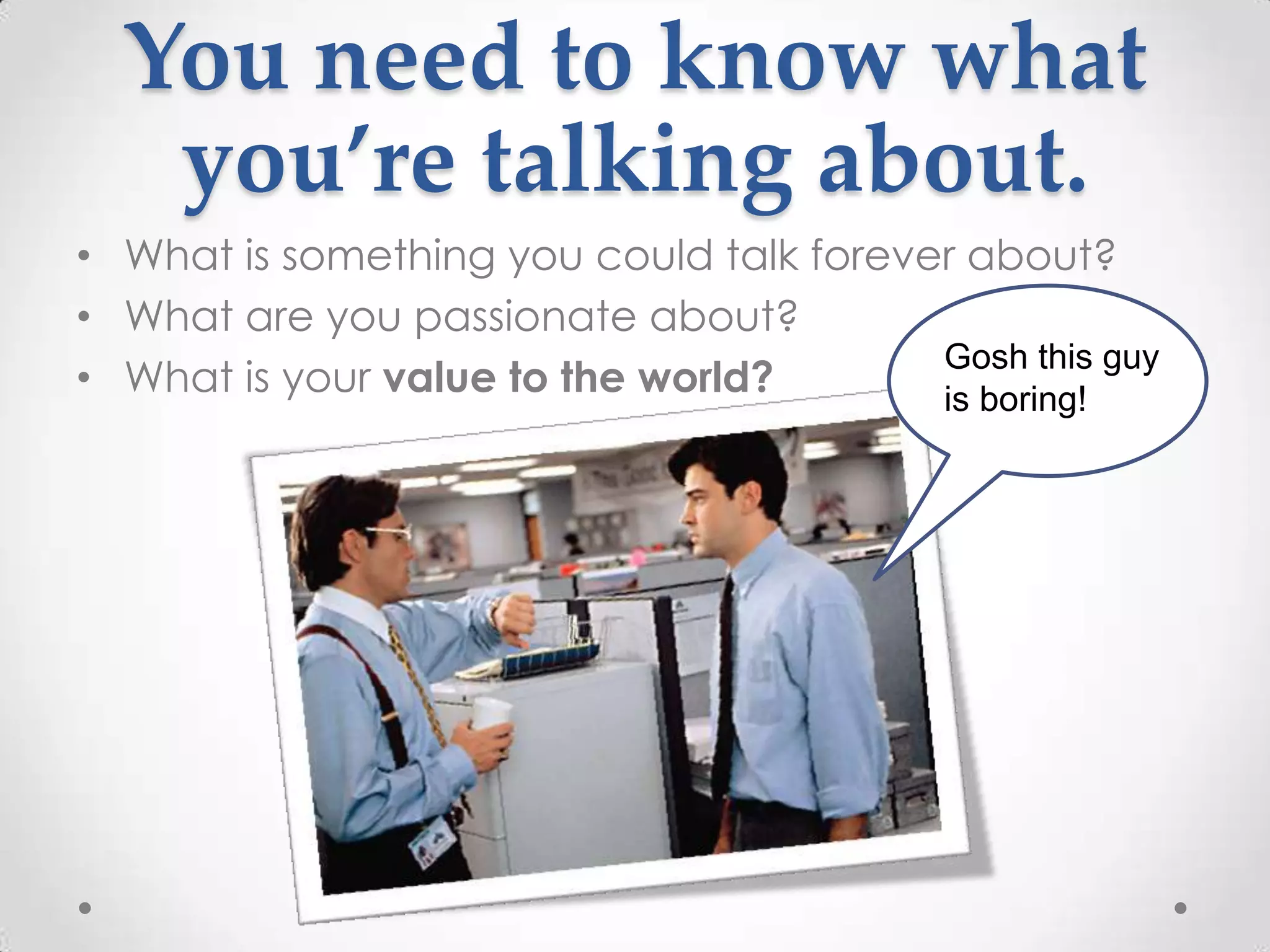
You need to know what
   you’re talking about.
• What is something you could talk forever about?
• What are you passionate about?
                                         Gosh this guy
• What is your value to the world?       is boring!
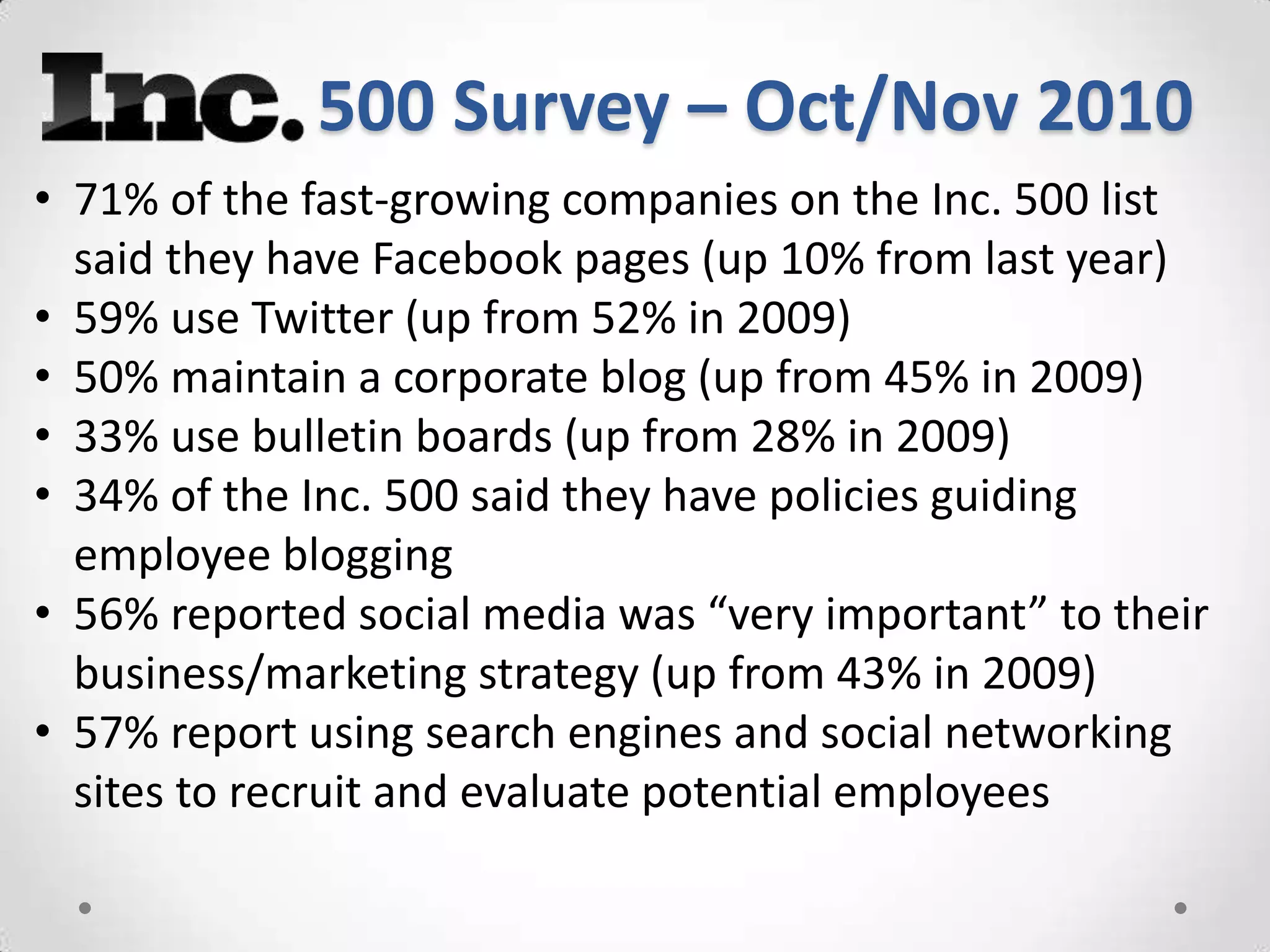
500 Survey – Oct/Nov 2010
• 71% of the fast-growing companies on the Inc. 500 list
  said they have Facebook pages (up 10% from last year)
• 59% use Twitter (up from 52% in 2009)
• 50% maintain a corporate blog (up from 45% in 2009)
• 33% use bulletin boards (up from 28% in 2009)
• 34% of the Inc. 500 said they have policies guiding
  employee blogging
• 56% reported social media was “very important” to their
  business/marketing strategy (up from 43% in 2009)
• 57% report using search engines and social networking
  sites to recruit and evaluate potential employees
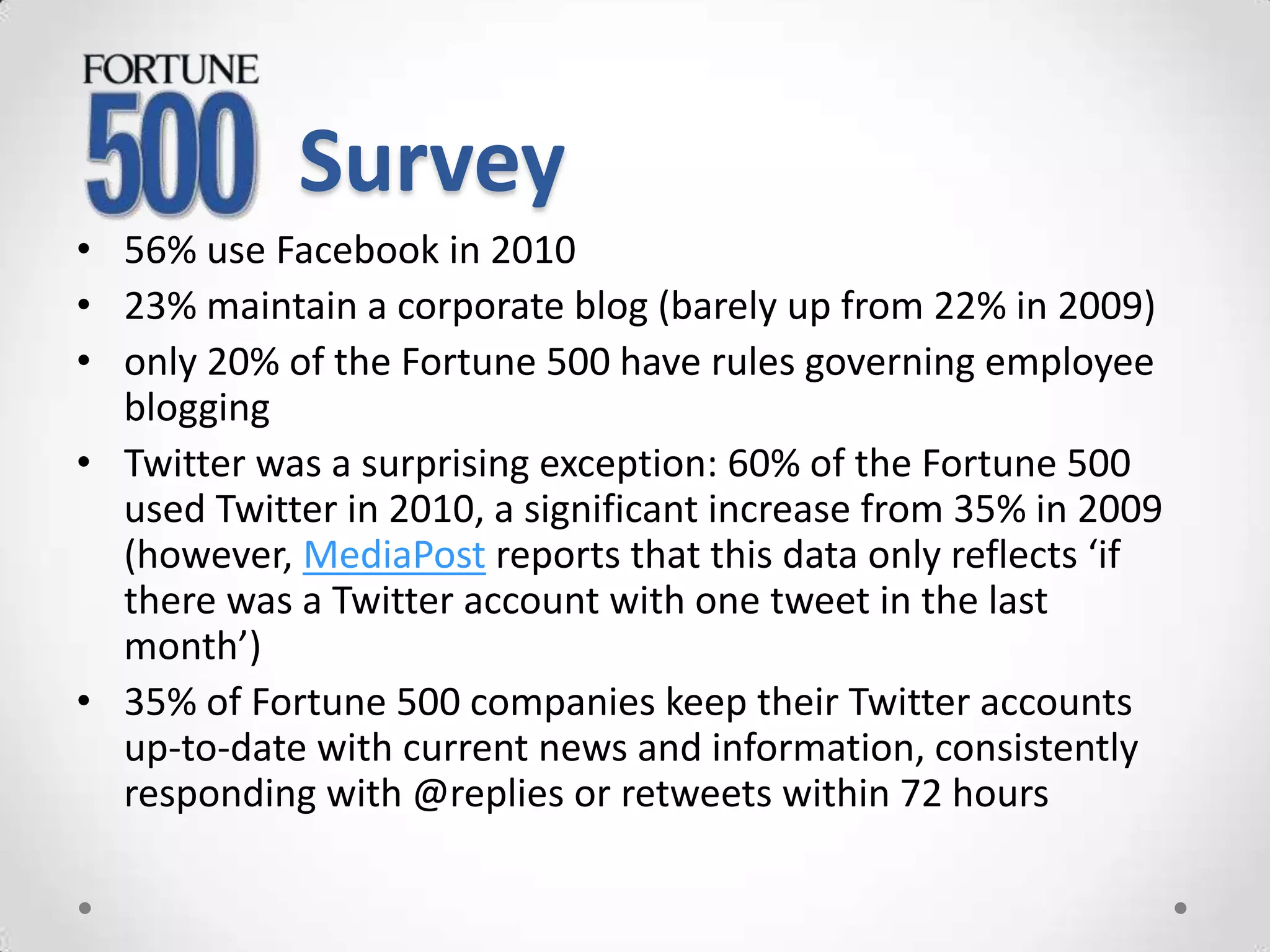
Survey
• 56% use Facebook in 2010
• 23% maintain a corporate blog (barely up from 22% in 2009)
• only 20% of the Fortune 500 have rules governing employee
  blogging
• Twitter was a surprising exception: 60% of the Fortune 500
  used Twitter in 2010, a significant increase from 35% in 2009
  (however, MediaPost reports that this data only reflects ‘if
  there was a Twitter account with one tweet in the last
  month’)
• 35% of Fortune 500 companies keep their Twitter accounts
  up-to-date with current news and information, consistently
  responding with @replies or retweets within 72 hours
PR?
Corporate Communications?
Marketing?
IT?
Your Customers?

               WHO?
It belongs to everyone.
       It has to!
But are you
 making it
 work for
   your
business?
Dig around to find
 the application
  right for your
    business.
www
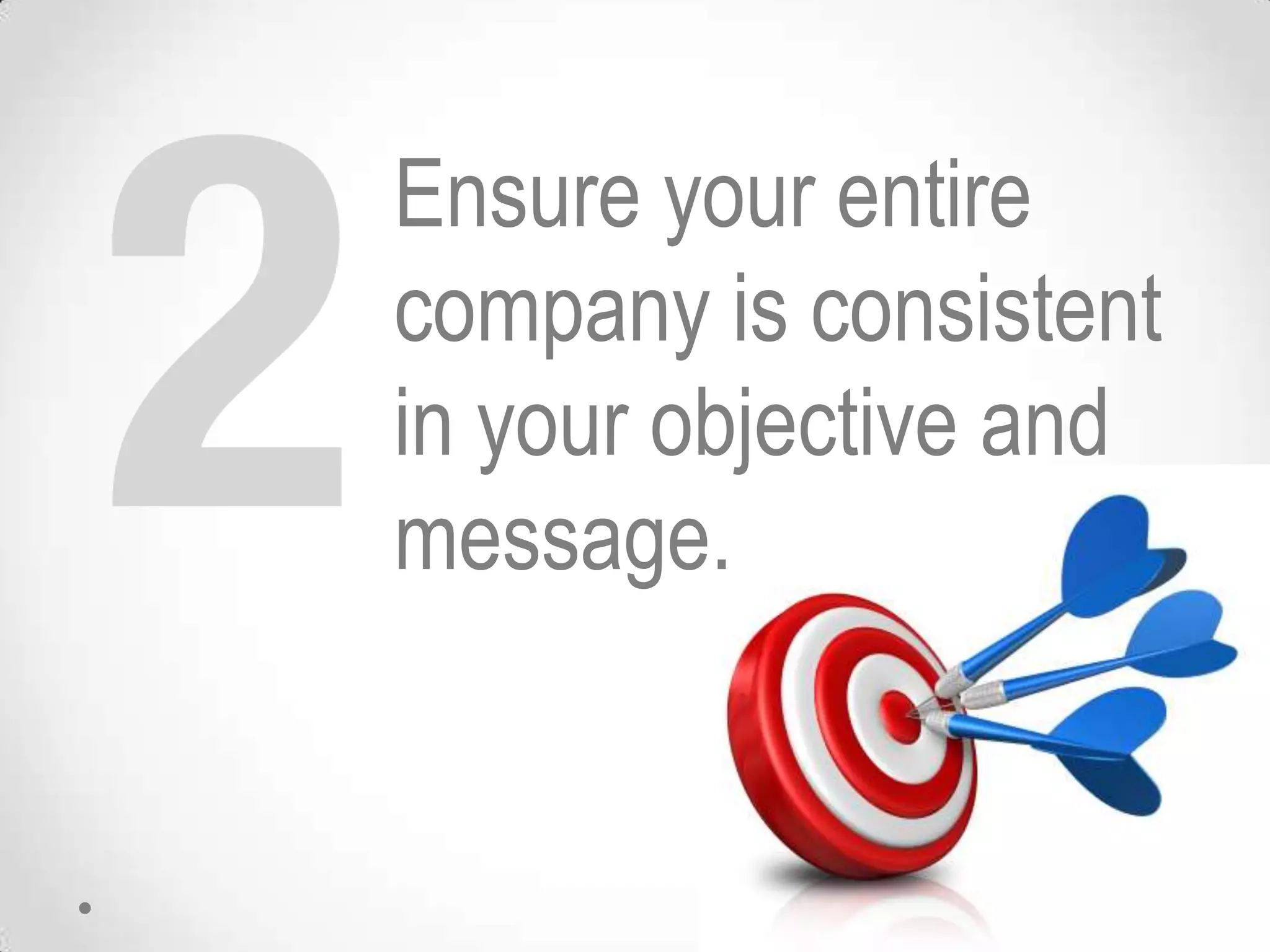
Ensure your entire
company is consistent
in your objective and
message.
Our Focus: The BIG
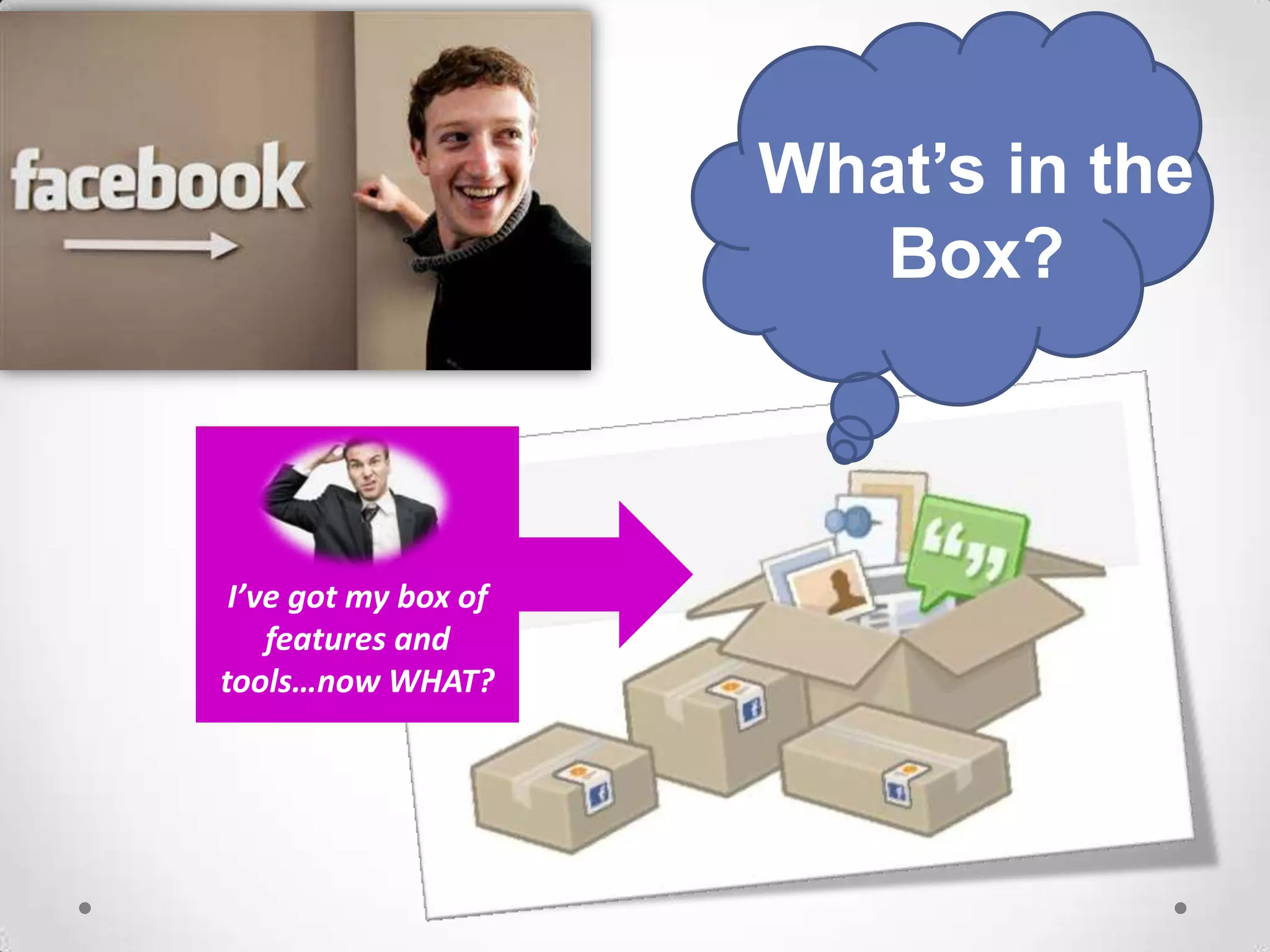
What’s in the
                         Box?


 I’ve got my box of
    features and
tools…now WHAT?
How do
 I use
 this?
Why should
 I use this
   for my
business?
Sandy Ratliff
            Business Services Manager
            Virginia Department of Business Assistance


Phone:       276-676-3768
Email:       sandy.ratliff@vdba.virginia.gov

Twitter:      http://twitter.com/sandyratliff
Facebook:     http://www.facebook.com/sandy.ratliff
LinkedIn:     http://www.linkedin.com/in/sandyratliff
YouTube:      http://www.youtube.com/user/vastartup
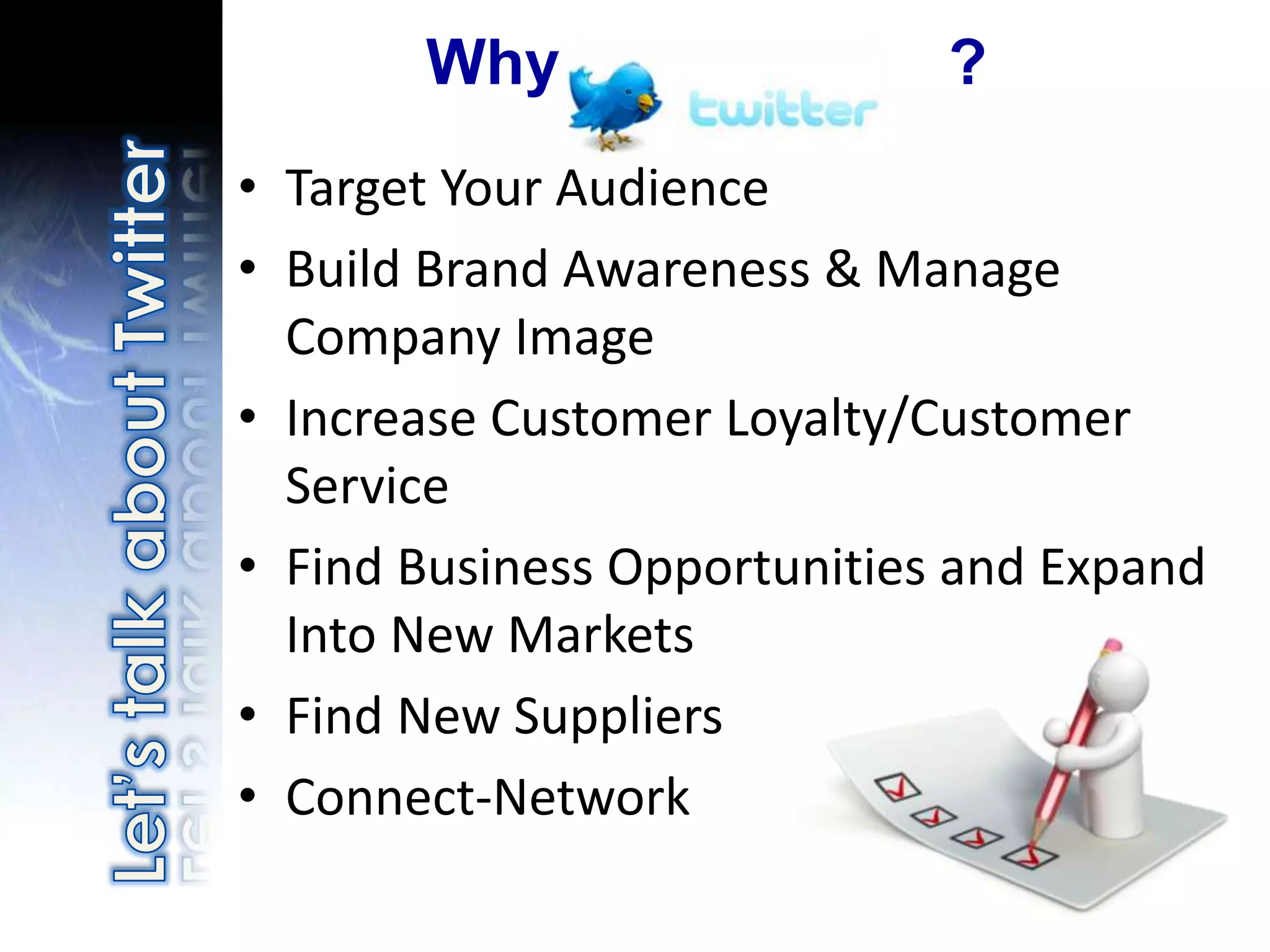
Why                   ?
• Target Your Audience
• Build Brand Awareness & Manage
  Company Image
• Increase Customer Loyalty/Customer
  Service
• Find Business Opportunities and Expand
  Into New Markets
• Find New Suppliers
• Connect-Network
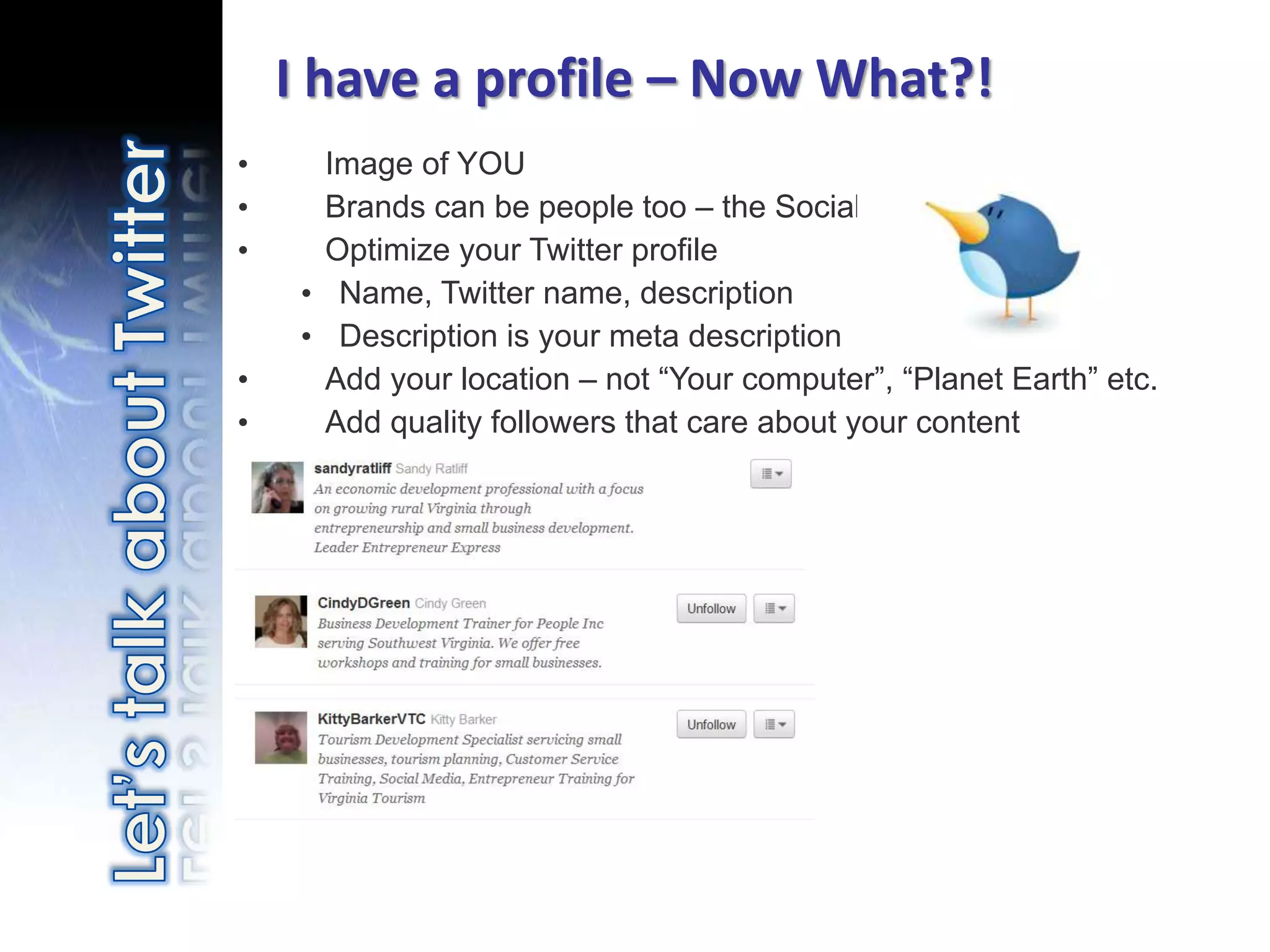
I have a profile – Now What?!
•       Image of YOU
•       Brands can be people too – the Social Web
•       Optimize your Twitter profile
       • Name, Twitter name, description
       • Description is your meta description
•       Add your location – not “Your computer”, “Planet Earth” etc.
•       Add quality followers that care about your content


    Photo credit: http://www.flickr.com/photos/matthamm/3383916444/
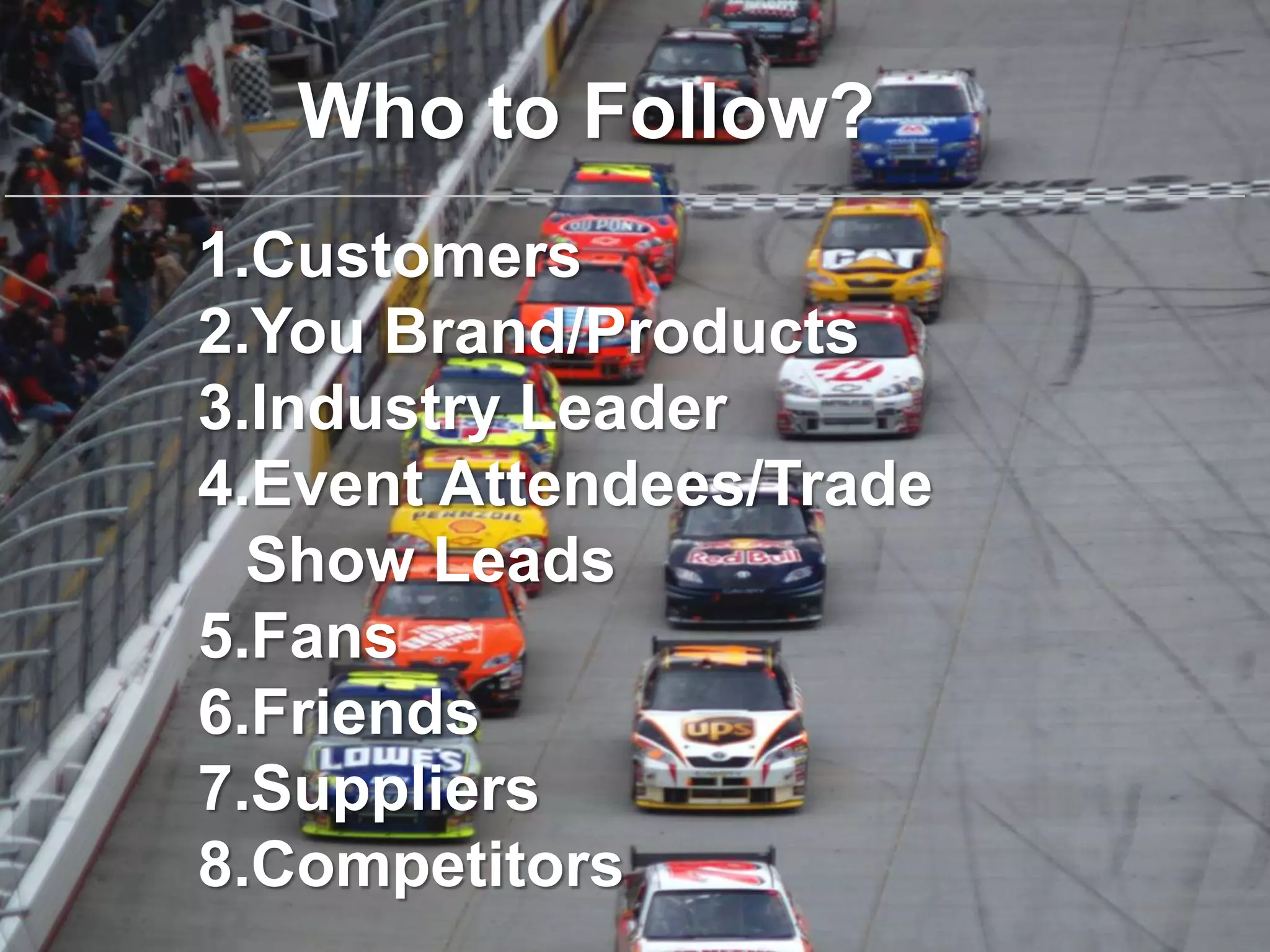
Who to Follow?
1.Customers
2.You Brand/Products
3.Industry Leader
4.Event Attendees/Trade
  Show Leads
5.Fans
6.Friends
7.Suppliers
8.Competitors
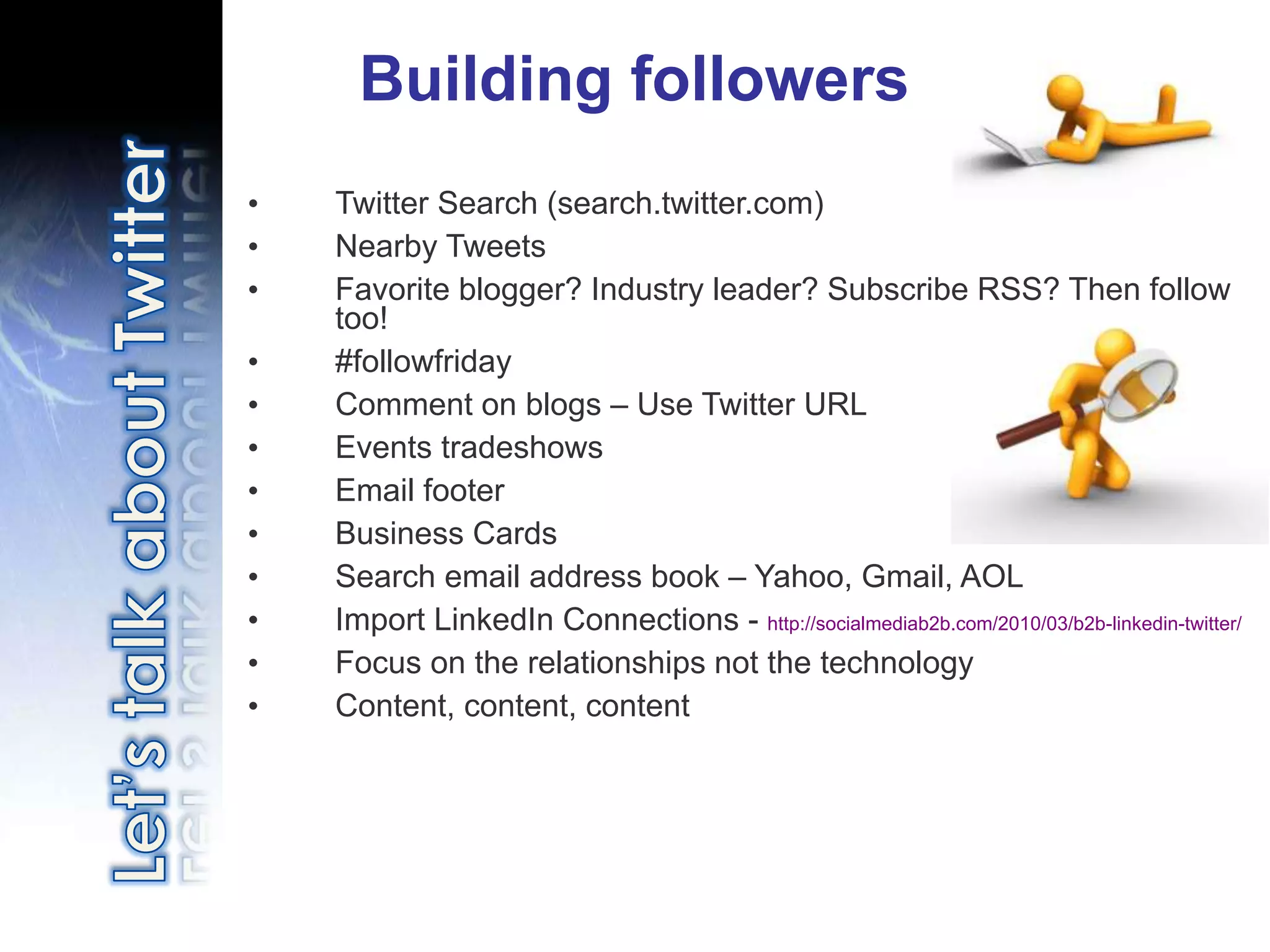
Building followers
•   Twitter Search (search.twitter.com)
•   Nearby Tweets
•   Favorite blogger? Industry leader? Subscribe RSS? Then follow
    too!
•   #followfriday
•   Comment on blogs – Use Twitter URL
•   Events tradeshows
•   Email footer
•   Business Cards
•   Search email address book – Yahoo, Gmail, AOL
•   Import LinkedIn Connections - http://socialmediab2b.com/2010/03/b2b-linkedin-twitter/
•   Focus on the relationships not the technology
•   Content, content, content
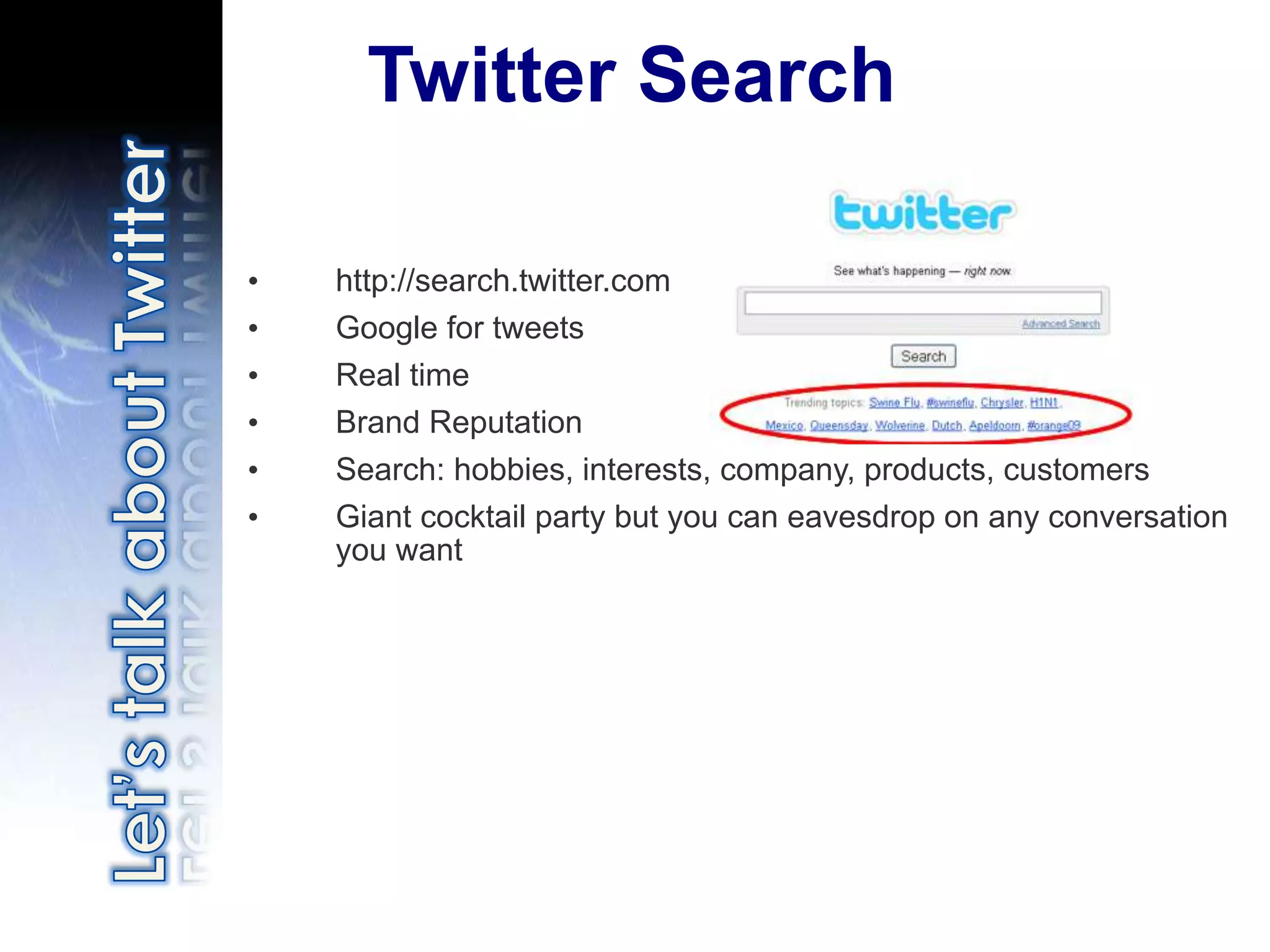
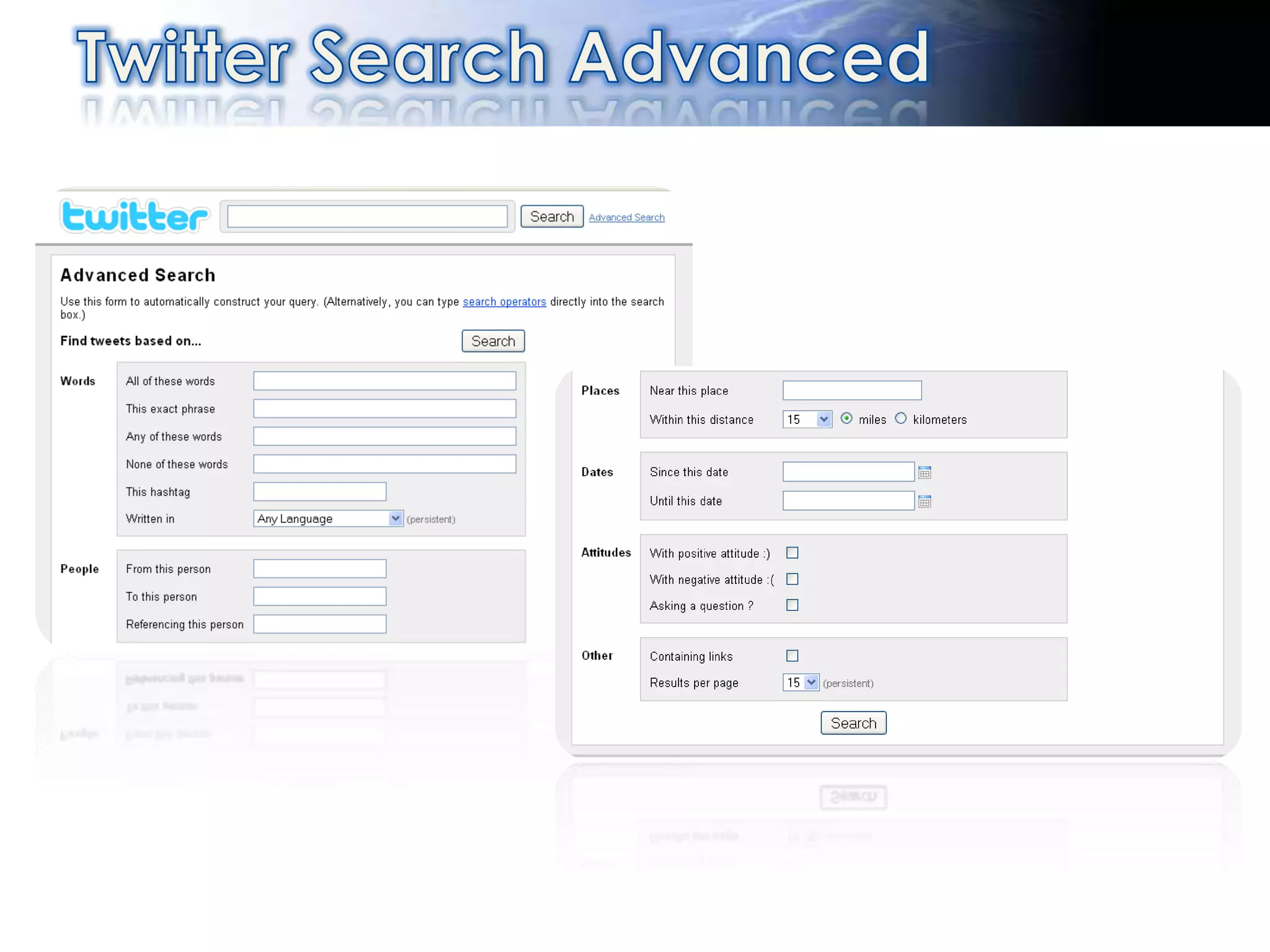
Twitter Search

•   http://search.twitter.com
•   Google for tweets
•   Real time
•   Brand Reputation
•   Search: hobbies, interests, company, products, customers
•   Giant cocktail party but you can eavesdrop on any conversation
    you want
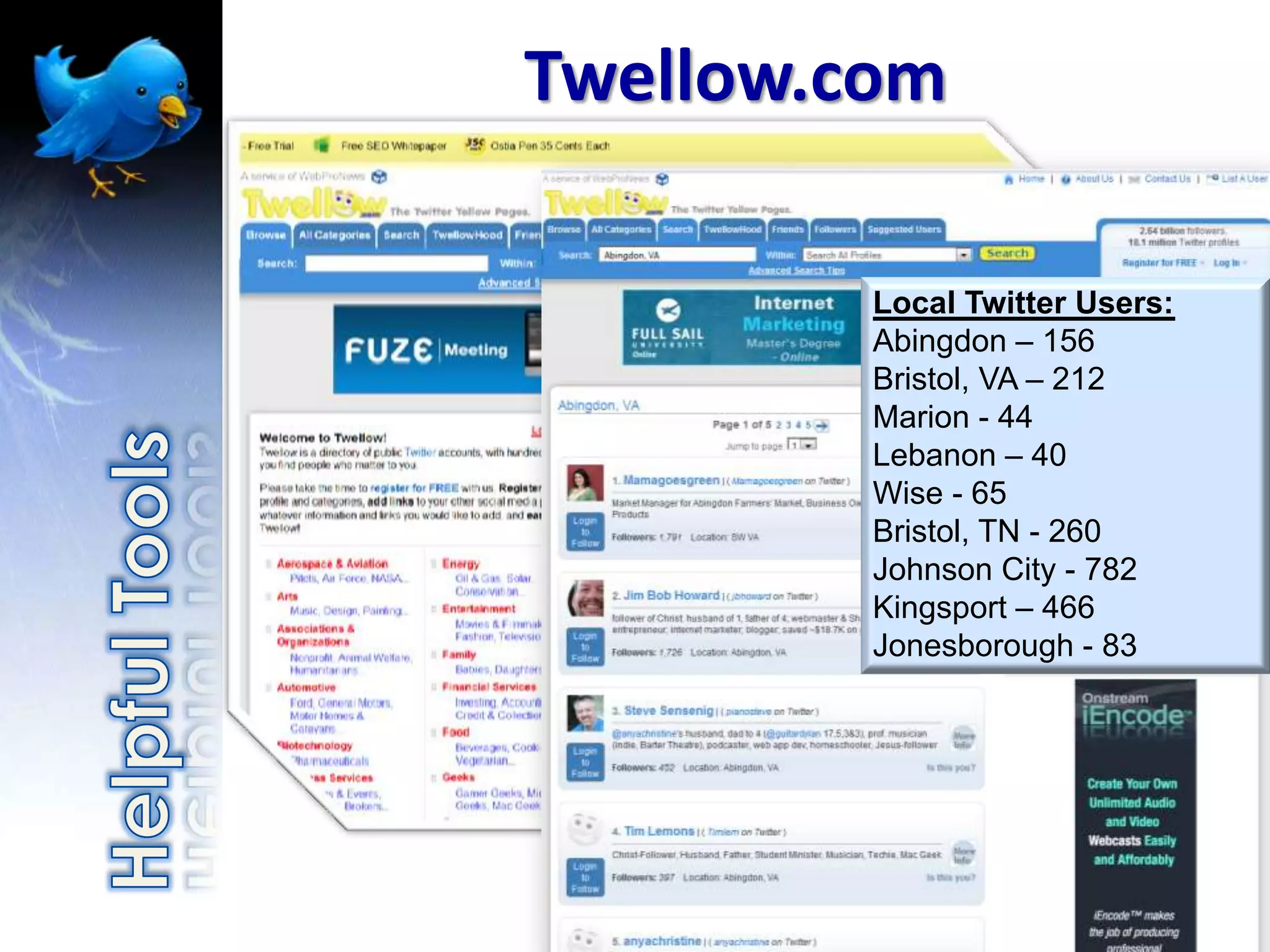
Twellow.com

         Local Twitter Users:
         Abingdon – 156
         Bristol, VA – 212
         Marion - 44
         Lebanon – 40
         Wise - 65
         Bristol, TN - 260
         Johnson City - 782
         Kingsport – 466
         Jonesborough - 83
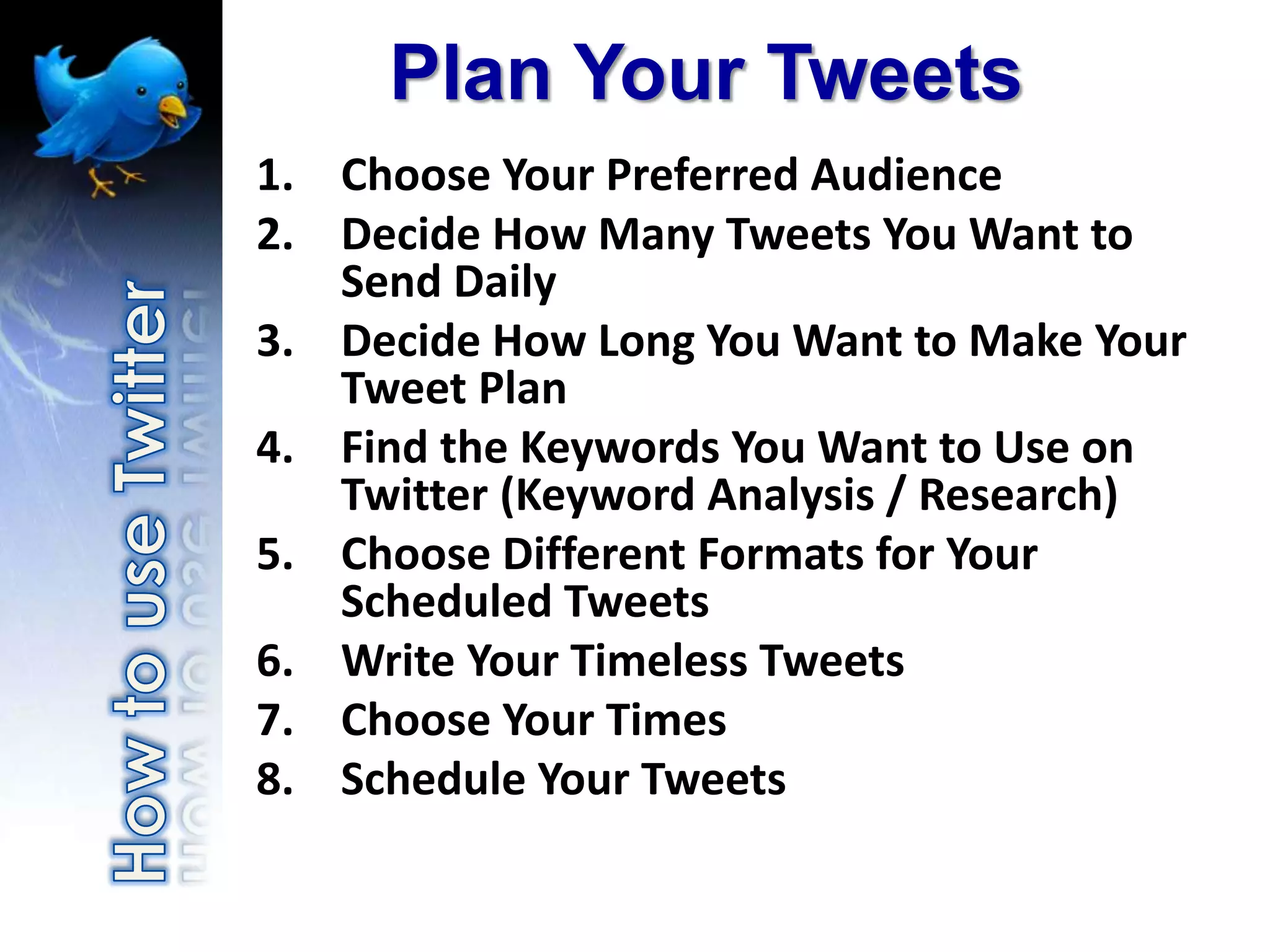
Plan Your Tweets
1. Choose Your Preferred Audience
2. Decide How Many Tweets You Want to
   Send Daily
3. Decide How Long You Want to Make Your
   Tweet Plan
4. Find the Keywords You Want to Use on
   Twitter (Keyword Analysis / Research)
5. Choose Different Formats for Your
   Scheduled Tweets
6. Write Your Timeless Tweets
7. Choose Your Times
8. Schedule Your Tweets
Beyond the basics
•   Hash tags and trending
•   URL shortening services
•   Popularity and reach
•   Controlling multiple accounts
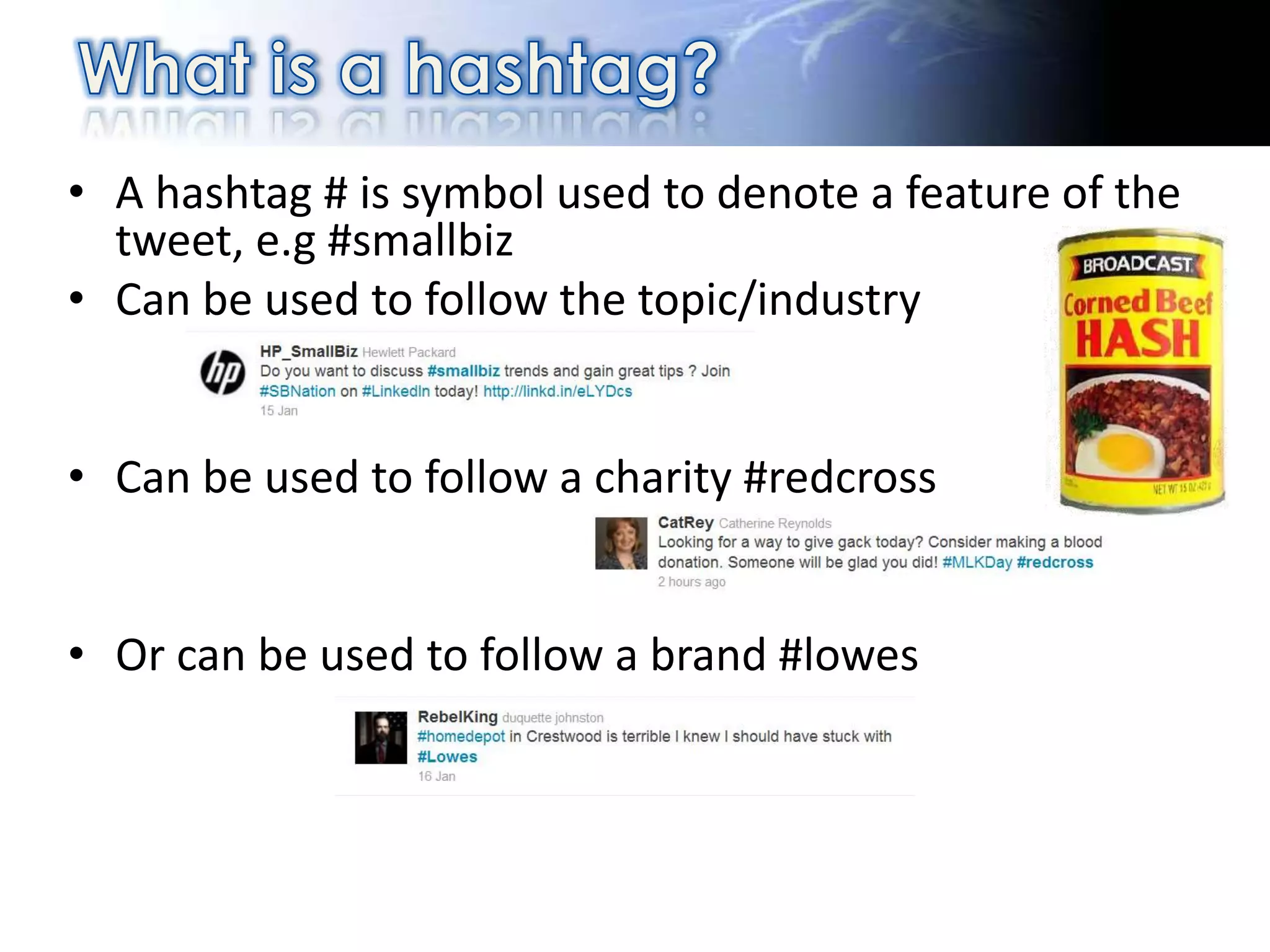
• A hashtag # is symbol used to denote a feature of the
  tweet, e.g #smallbiz
• Can be used to follow the topic/industry


• Can be used to follow a charity #redcross


• Or can be used to follow a brand #lowes
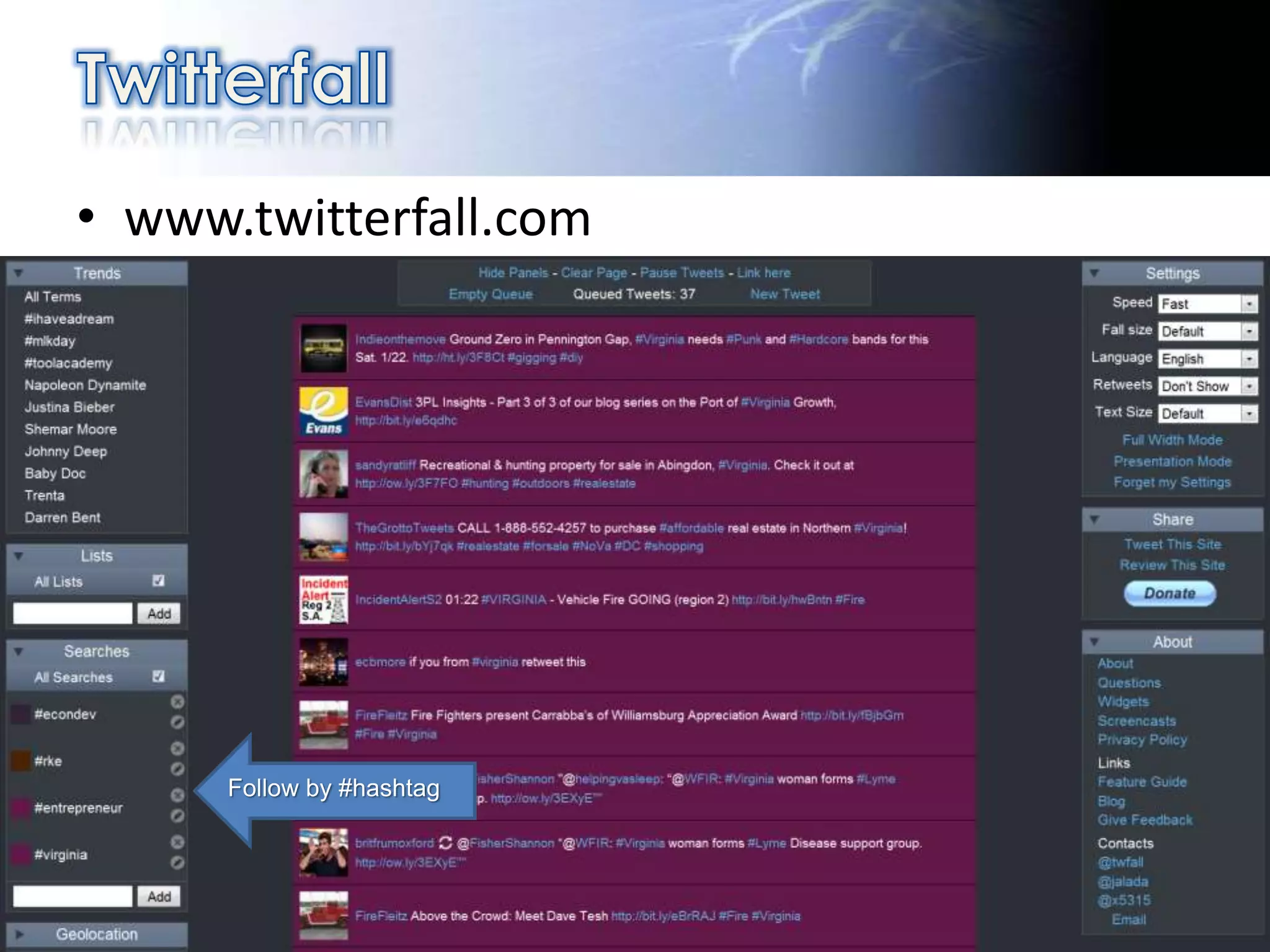
• www.twitterfall.com


      Follow by #hashtag
Cool Twitter Tips
And Tricks
•   Make a customized background
•   Use Google to search Twitter
•   Make a list
•   Find a Twitter client that works for you
•   Shrink URL’s when sending links
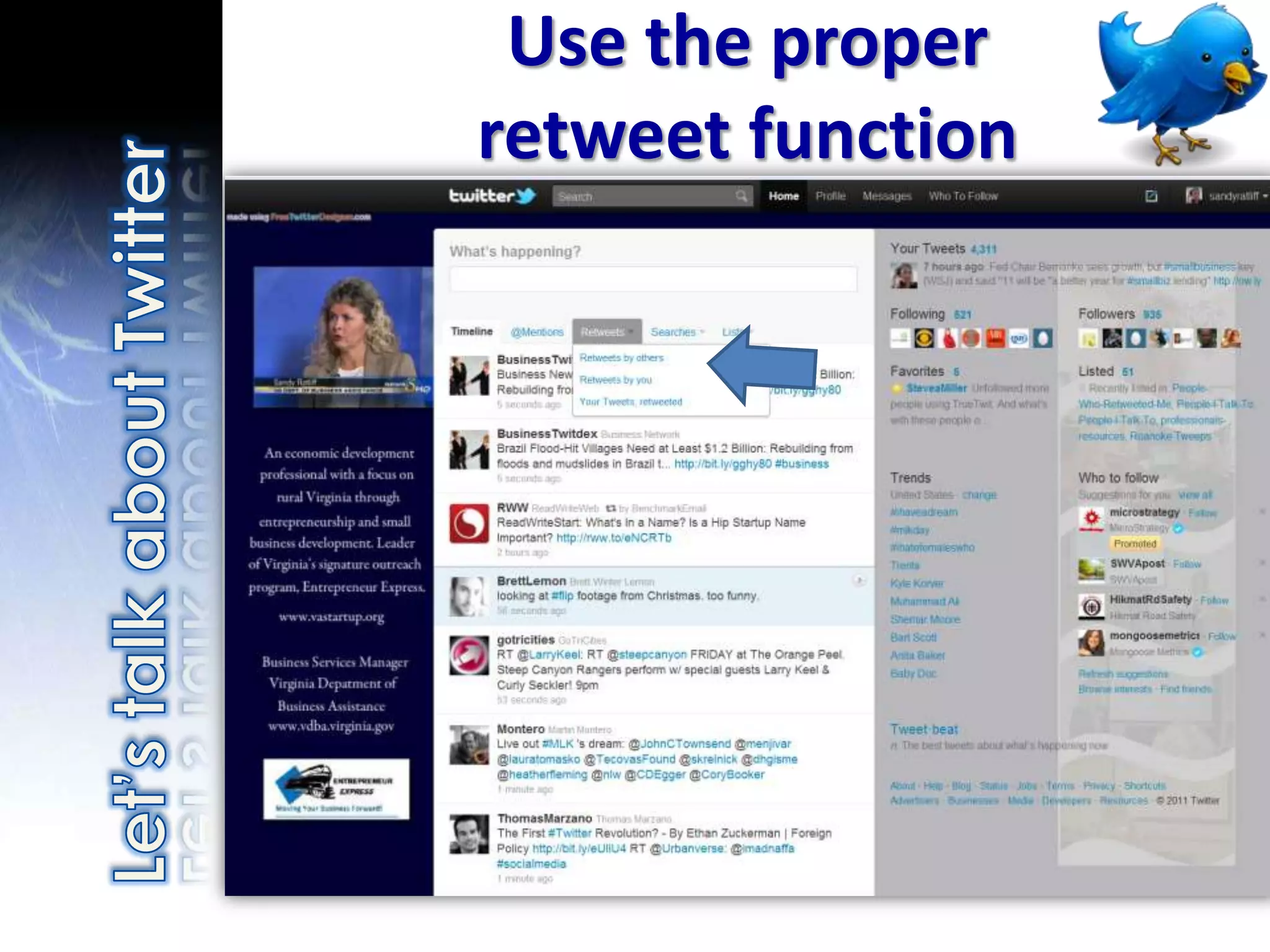
•   Use the proper retweet function
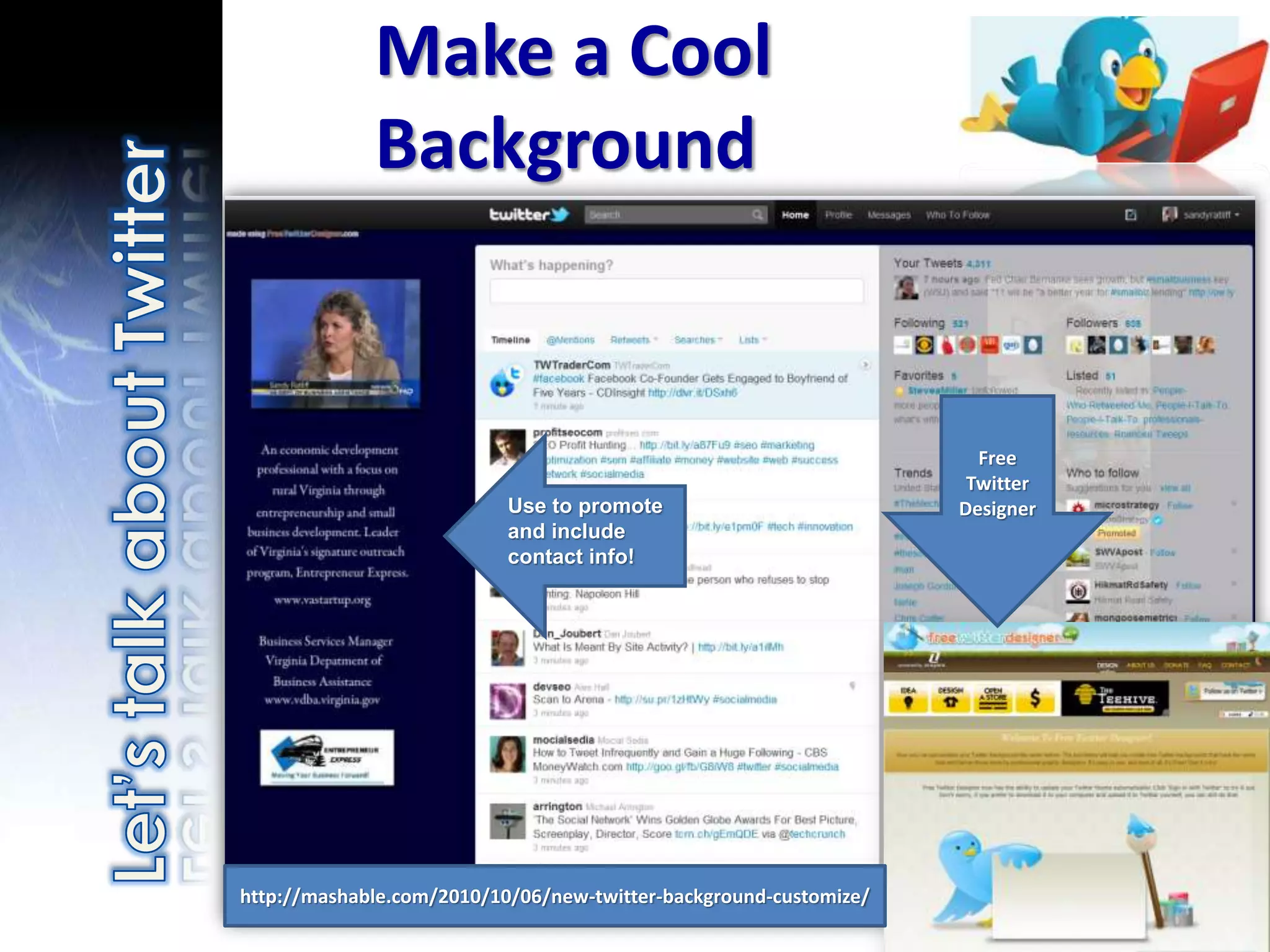
Make a Cool
             Background


                                                                     Free
                                                                    Twitter
                           Use to promote                          Designer
                           and include
                           contact info!


http://mashable.com/2010/10/06/new-twitter-background-customize/
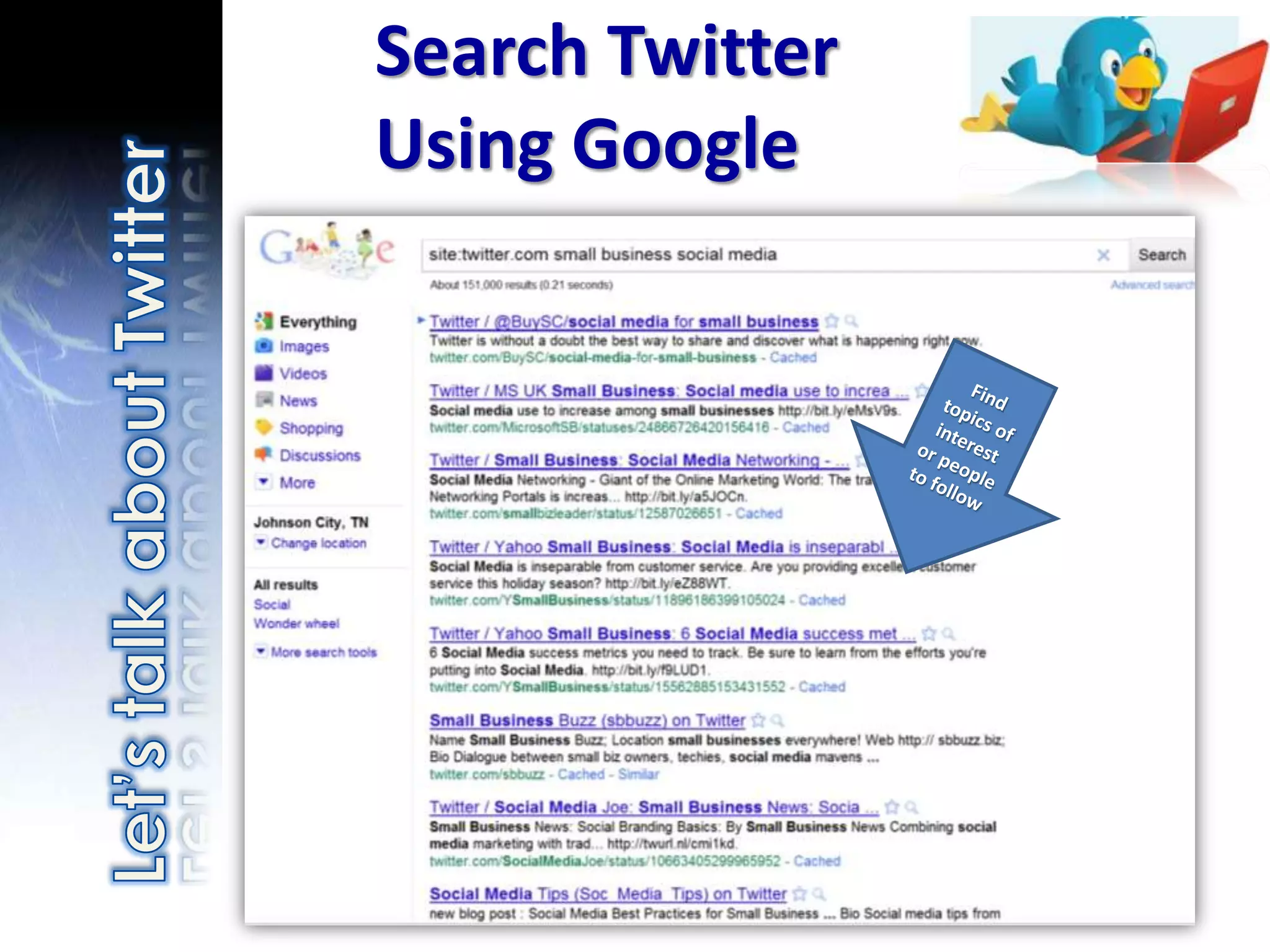
Search Twitter
Using Google
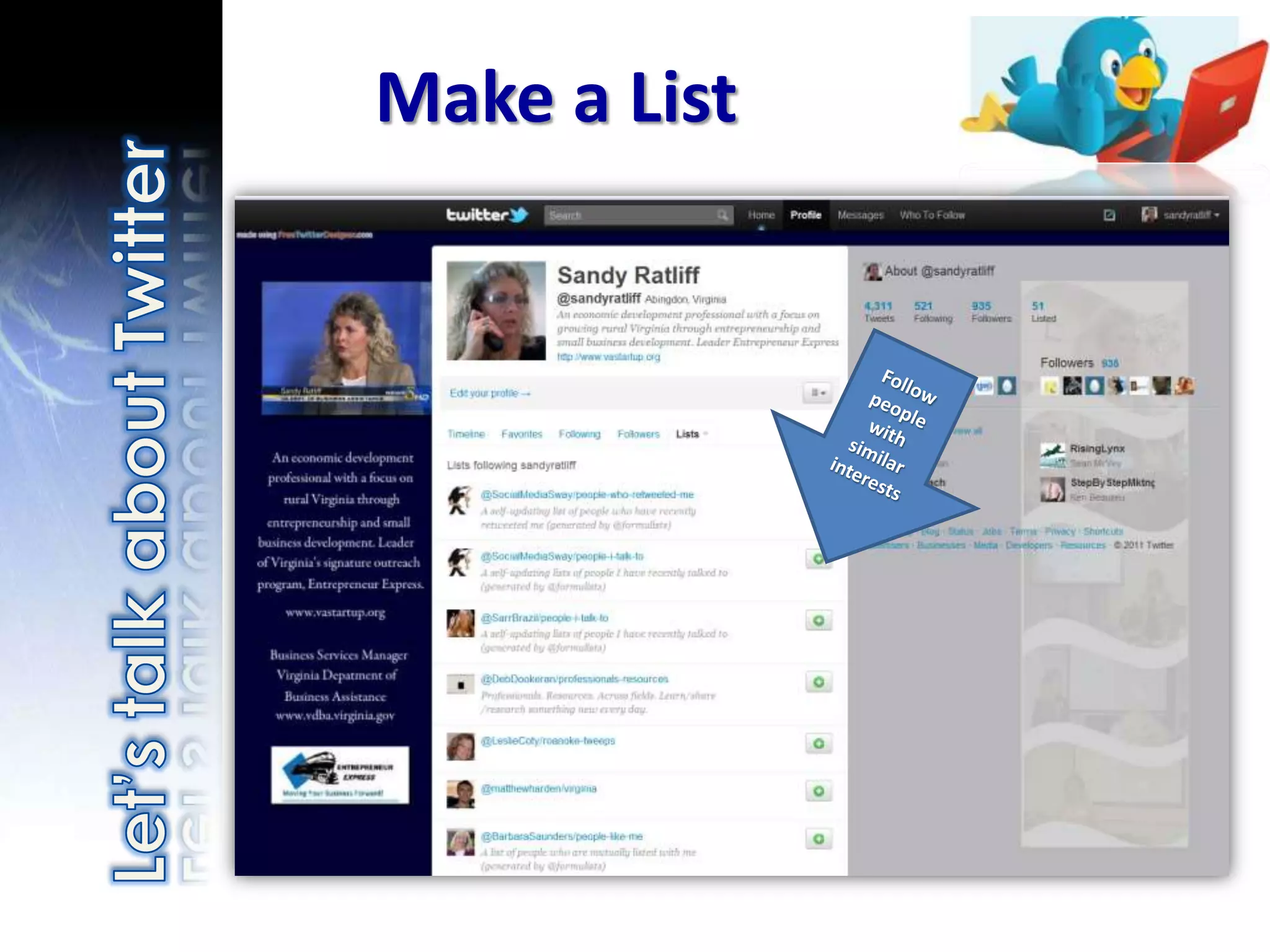
Make a List
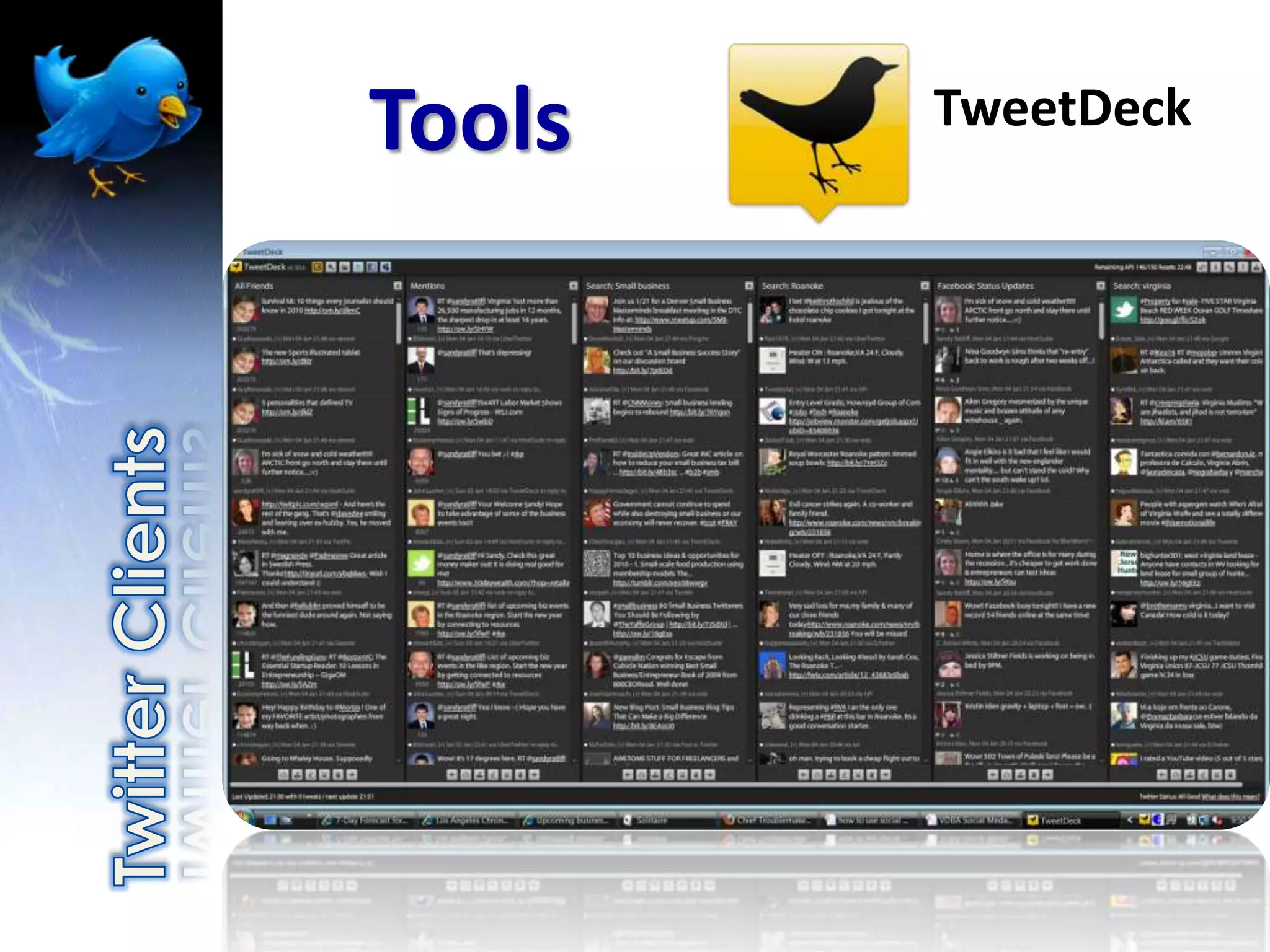
Tools   TweetDeck
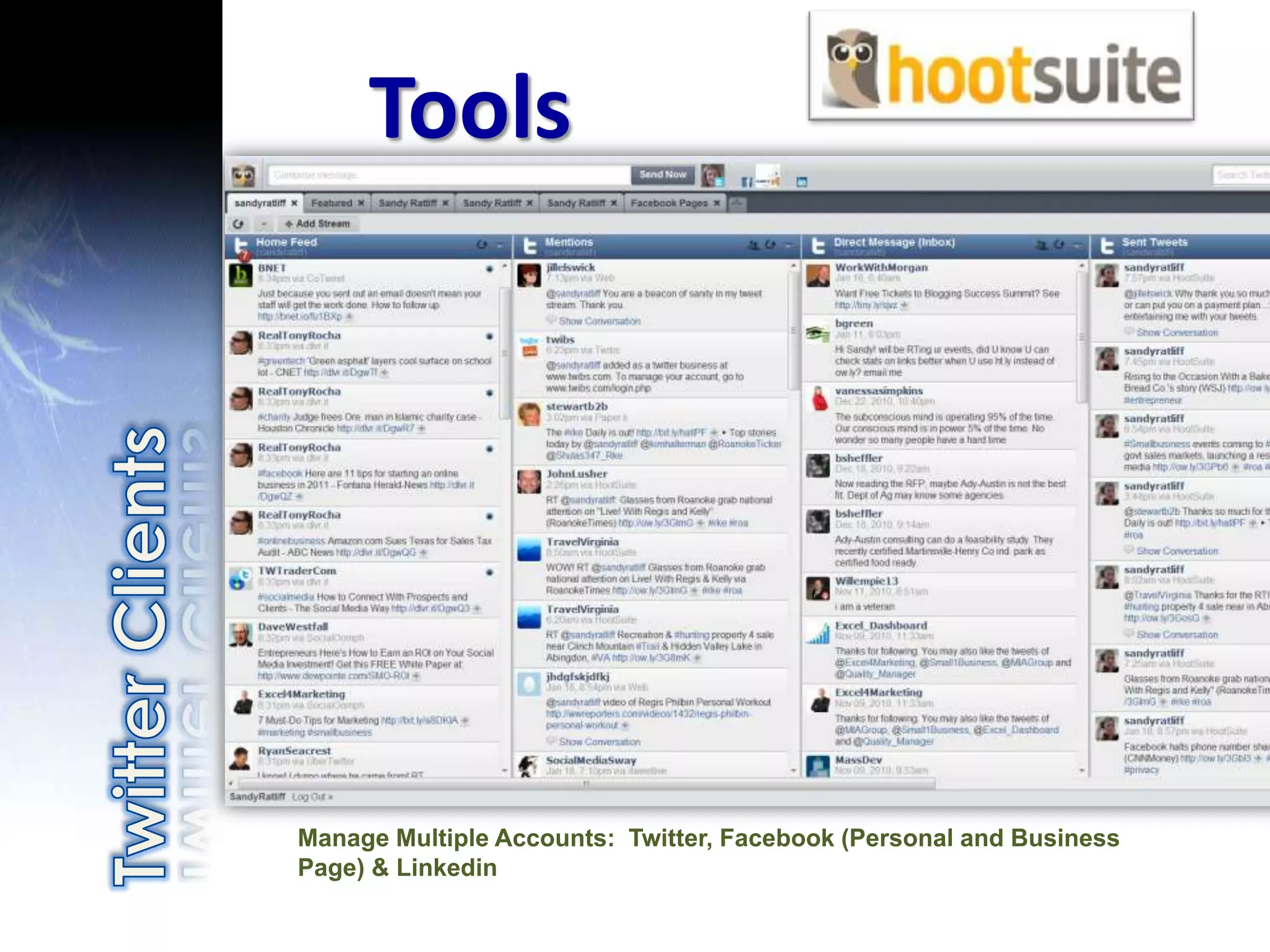
Tools


Manage Multiple Accounts: Twitter, Facebook (Personal and Business
Page) & Linkedin
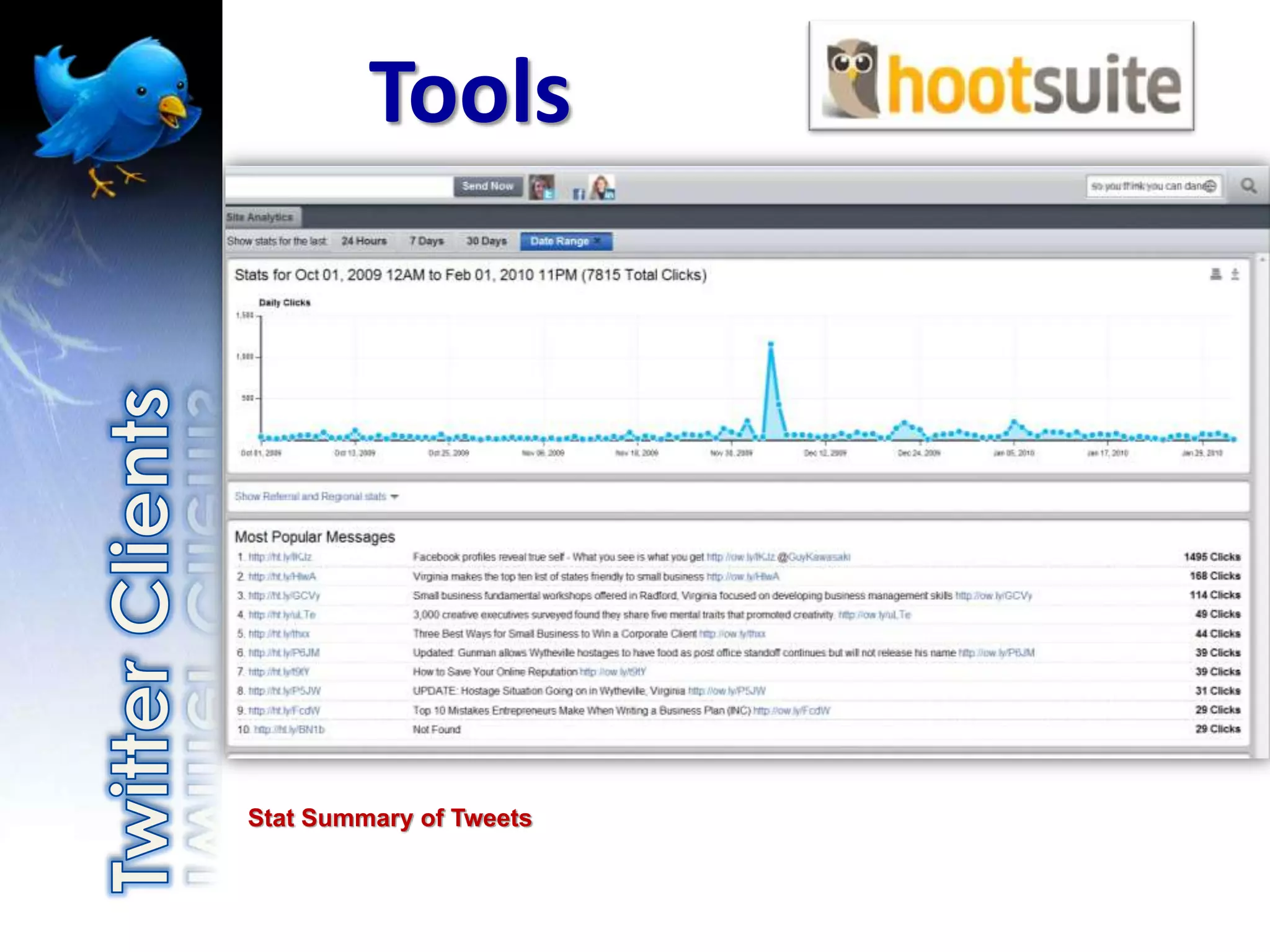
Tools


Stat Summary of Tweets
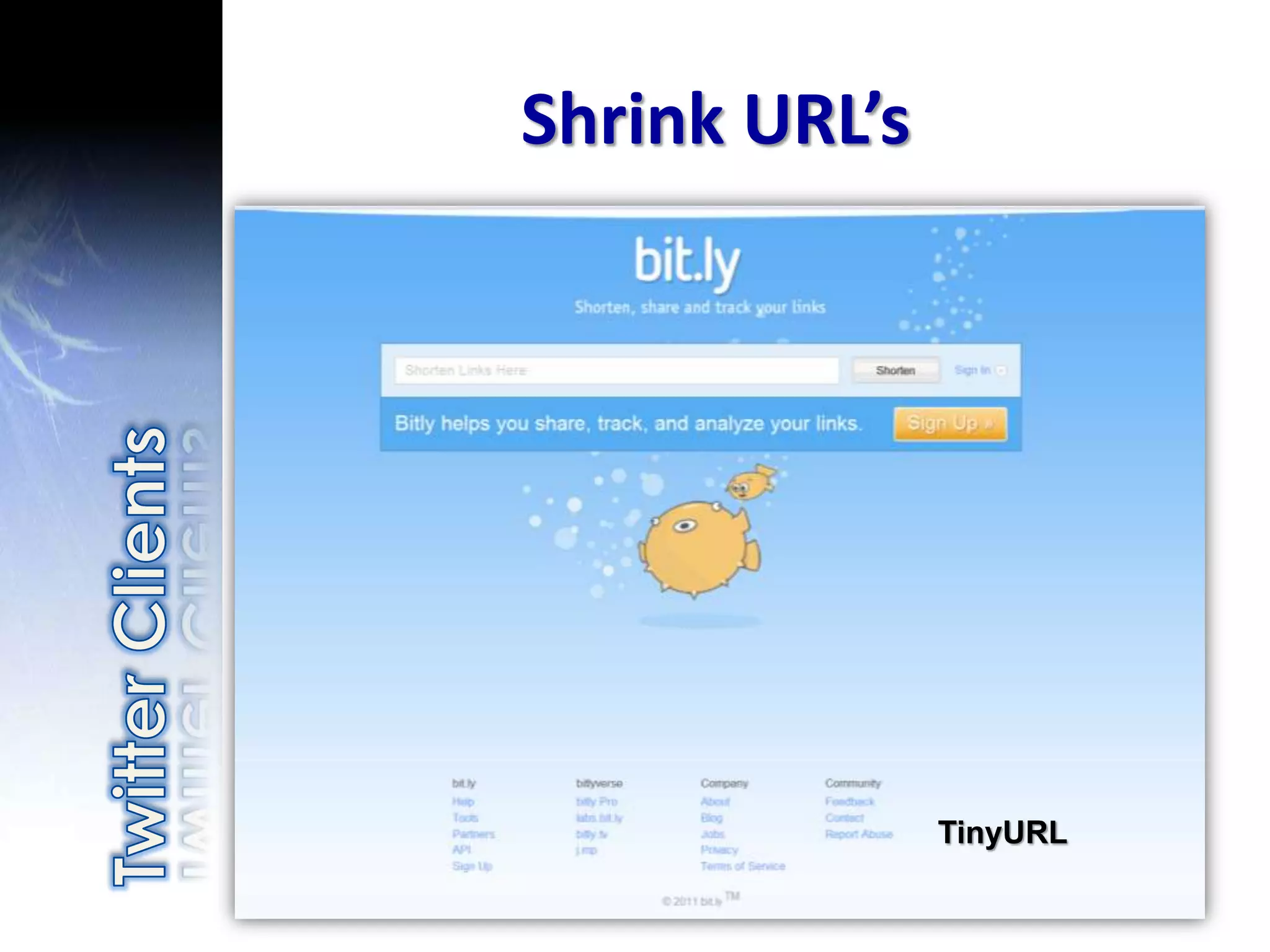
Shrink URL’s


               TinyURL
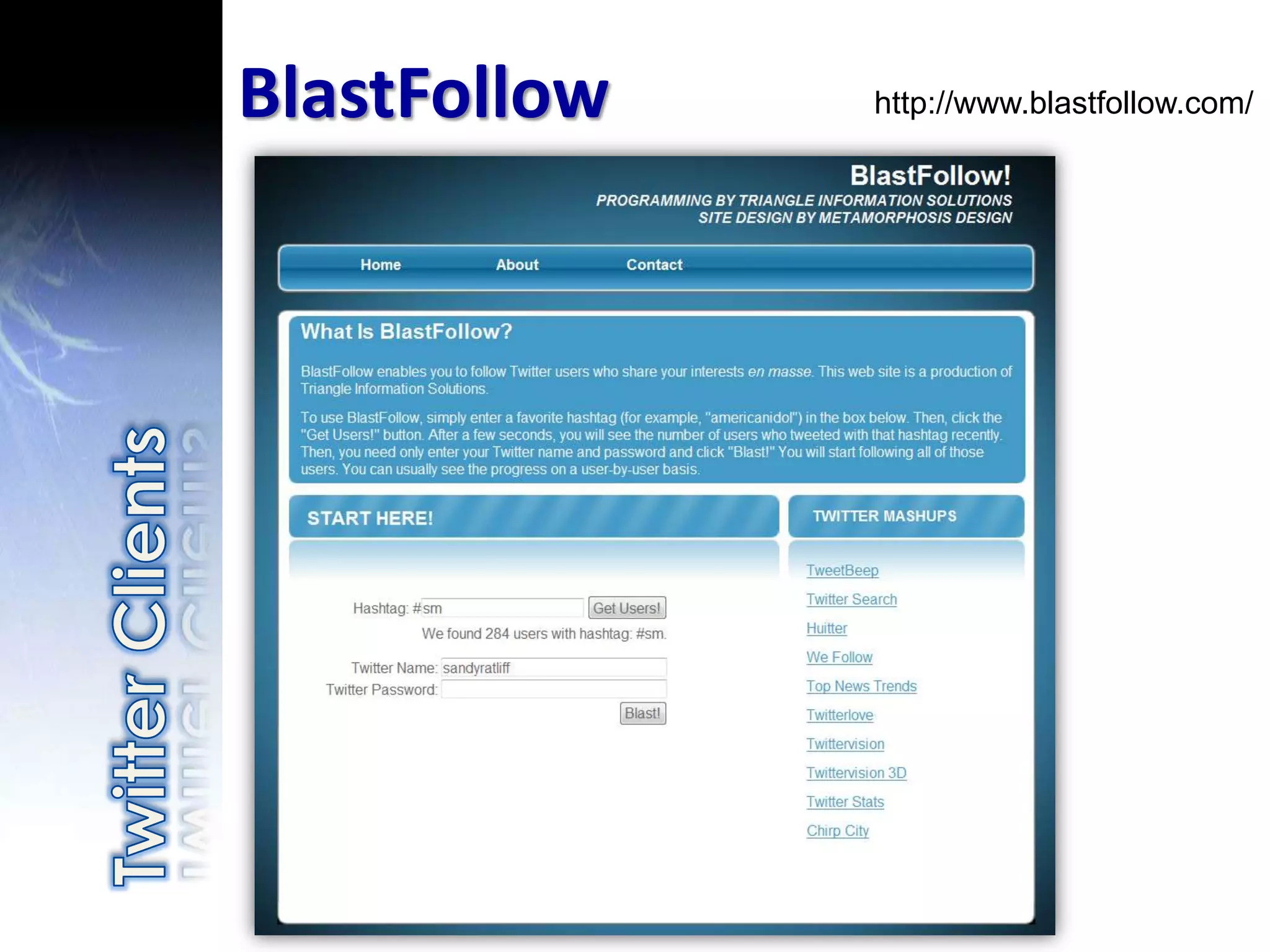
BlastFollow   http://www.blastfollow.com/
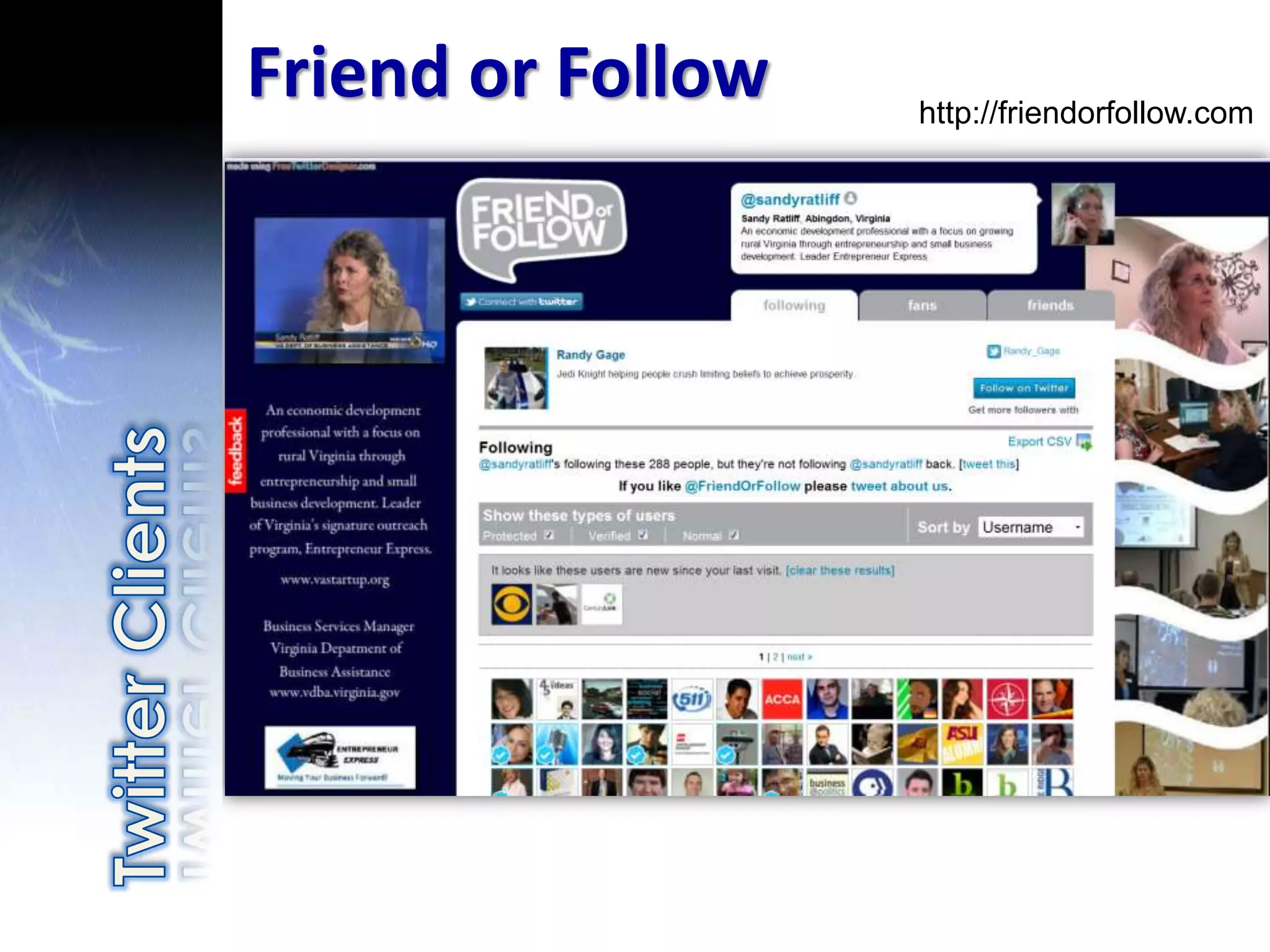
Friend or Follow   http://friendorfollow.com
Use the proper
retweet function
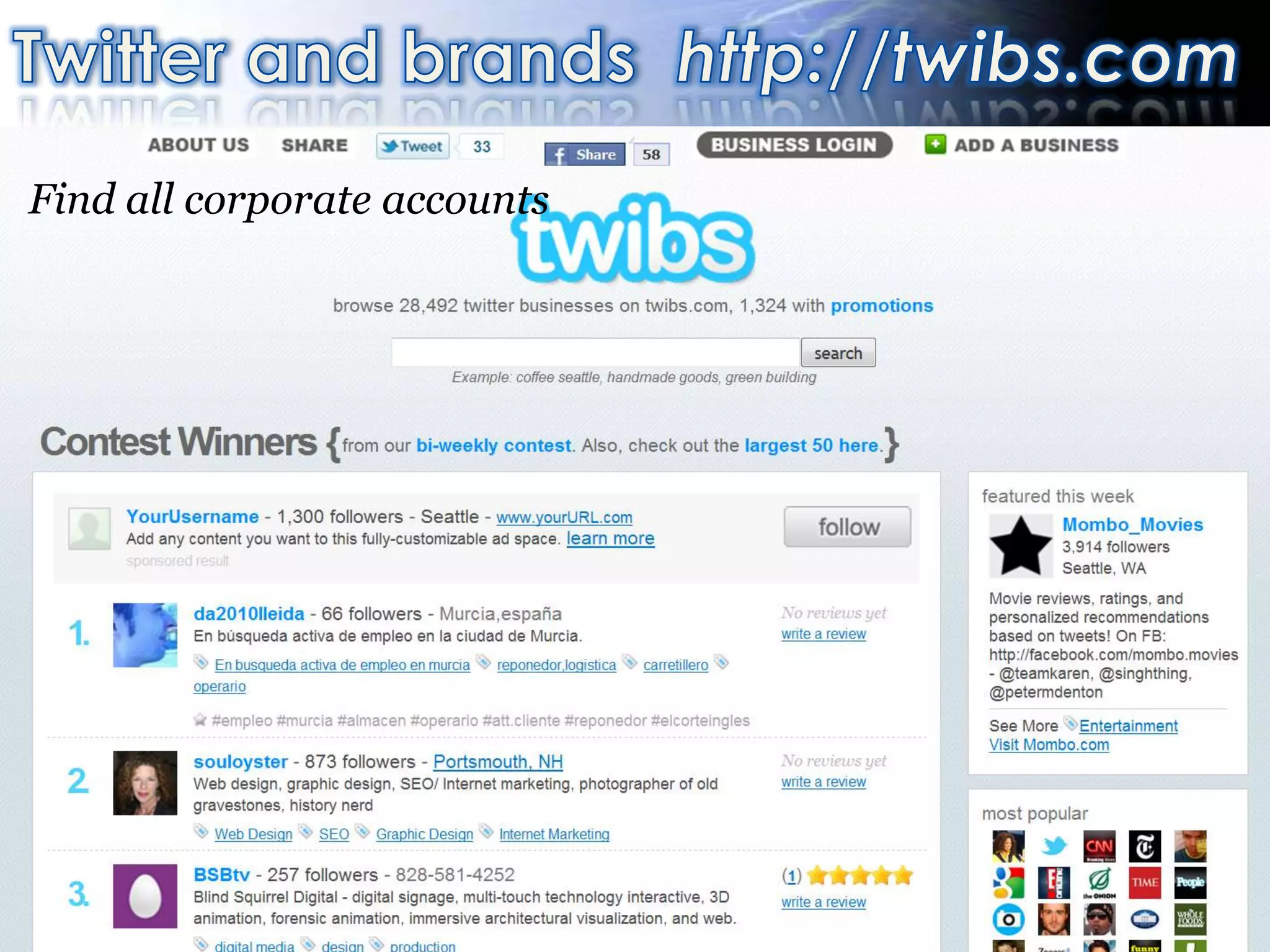
Find all corporate accounts
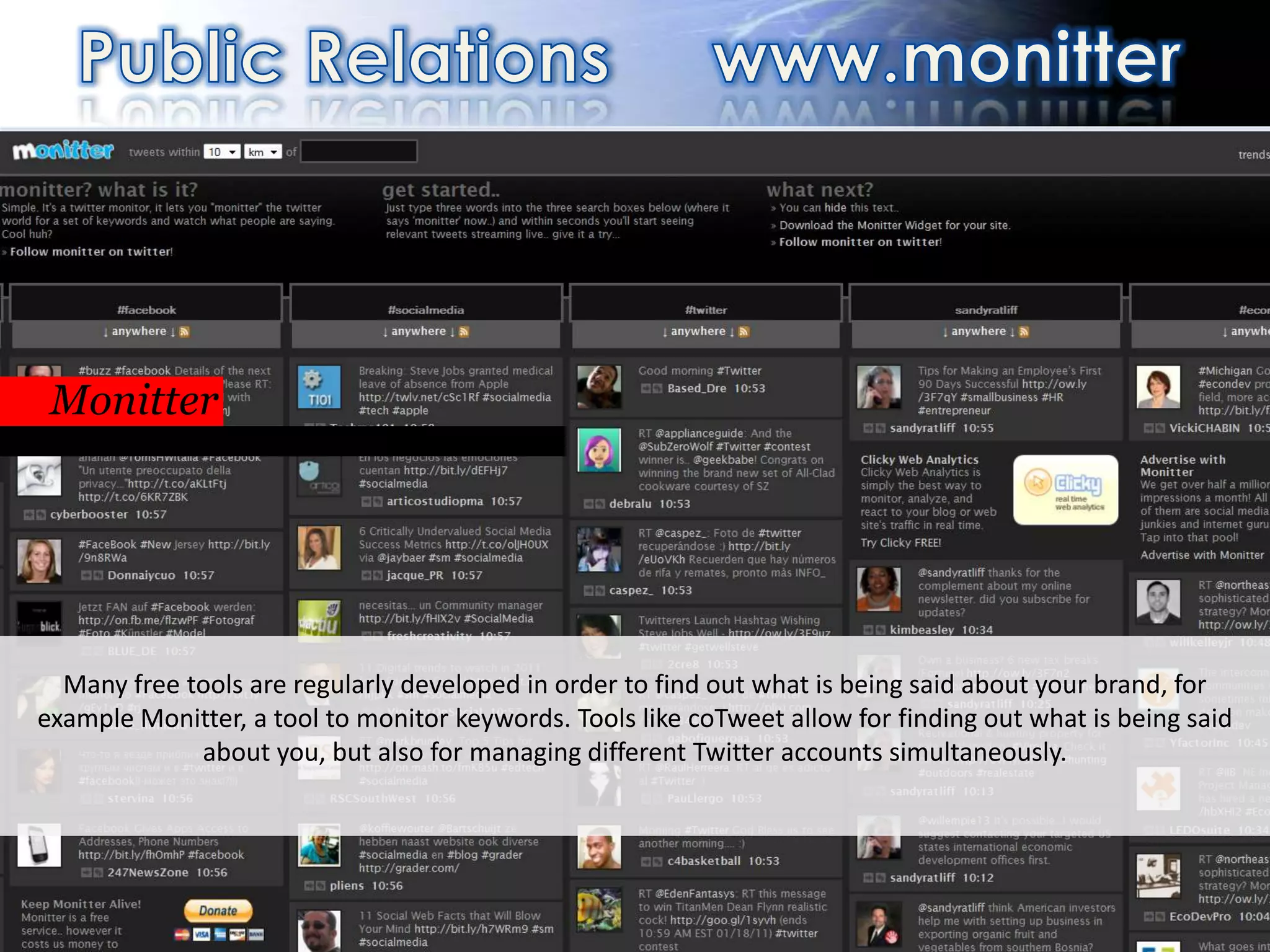
PR                                                                http://monitter.com/


 Monitter
 Or real time, with different clients


  Many free tools are regularly developed in order to find out what is being said about your brand, for
example Monitter, a tool to monitor keywords. Tools like coTweet allow for finding out what is being said
             about you, but also for managing different Twitter accounts simultaneously.


                                                  71
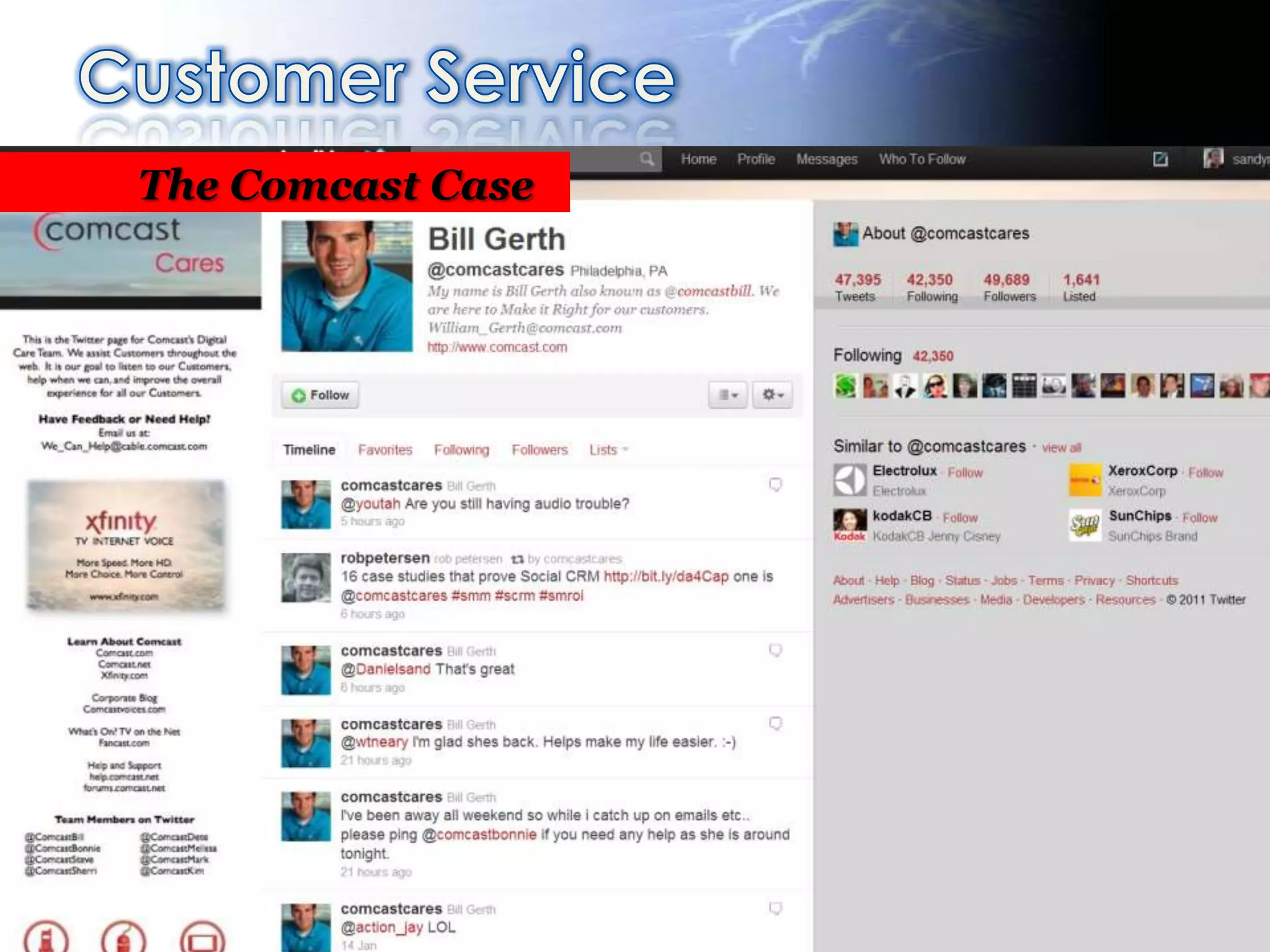
The Comcast Case
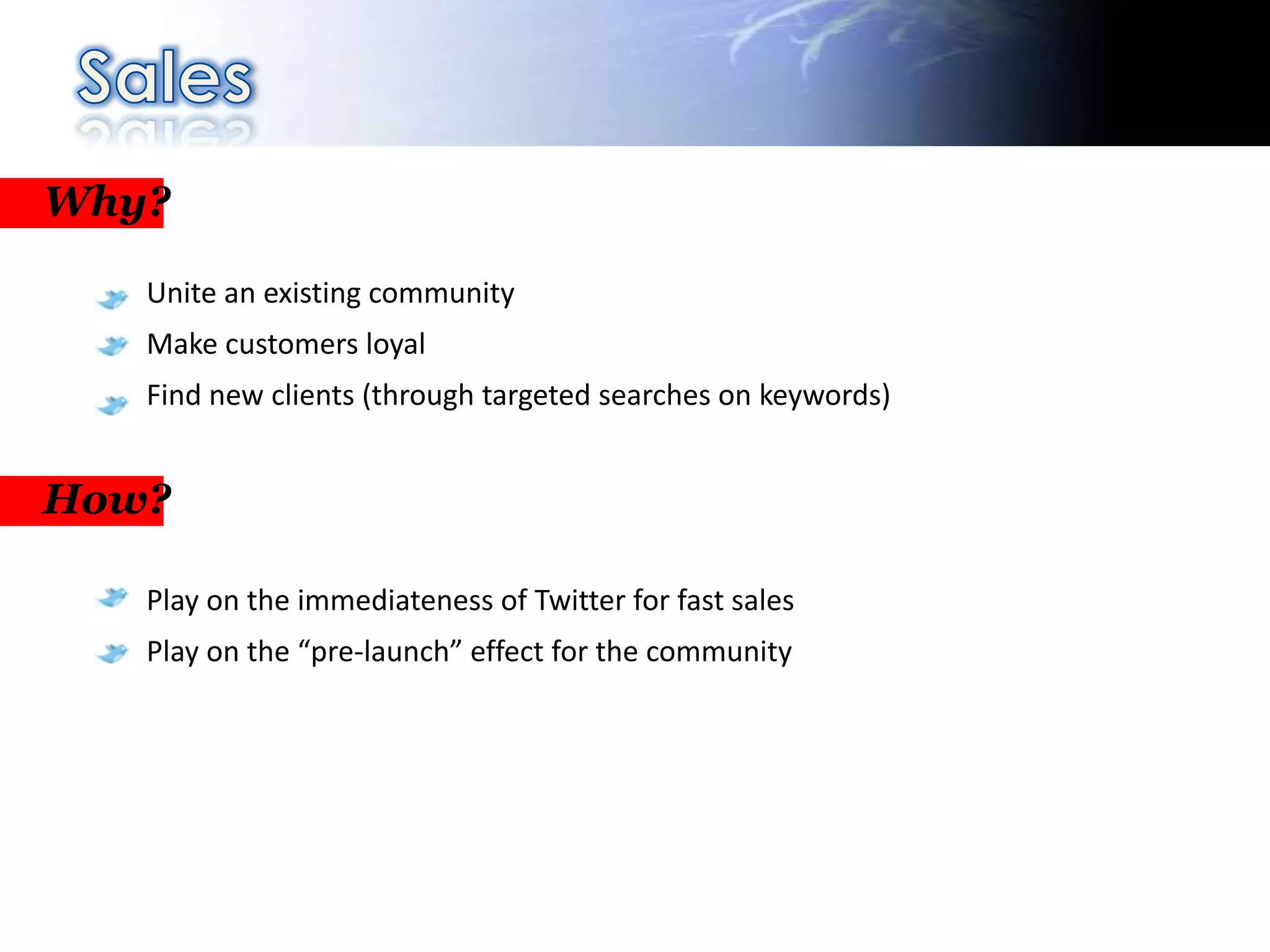
Why?

   Unite an existing community
   Make customers loyal
   Find new clients (through targeted searches on keywords)


How?

   Play on the immediateness of Twitter for fast sales
   Play on the “pre-launch” effect for the community
Sales
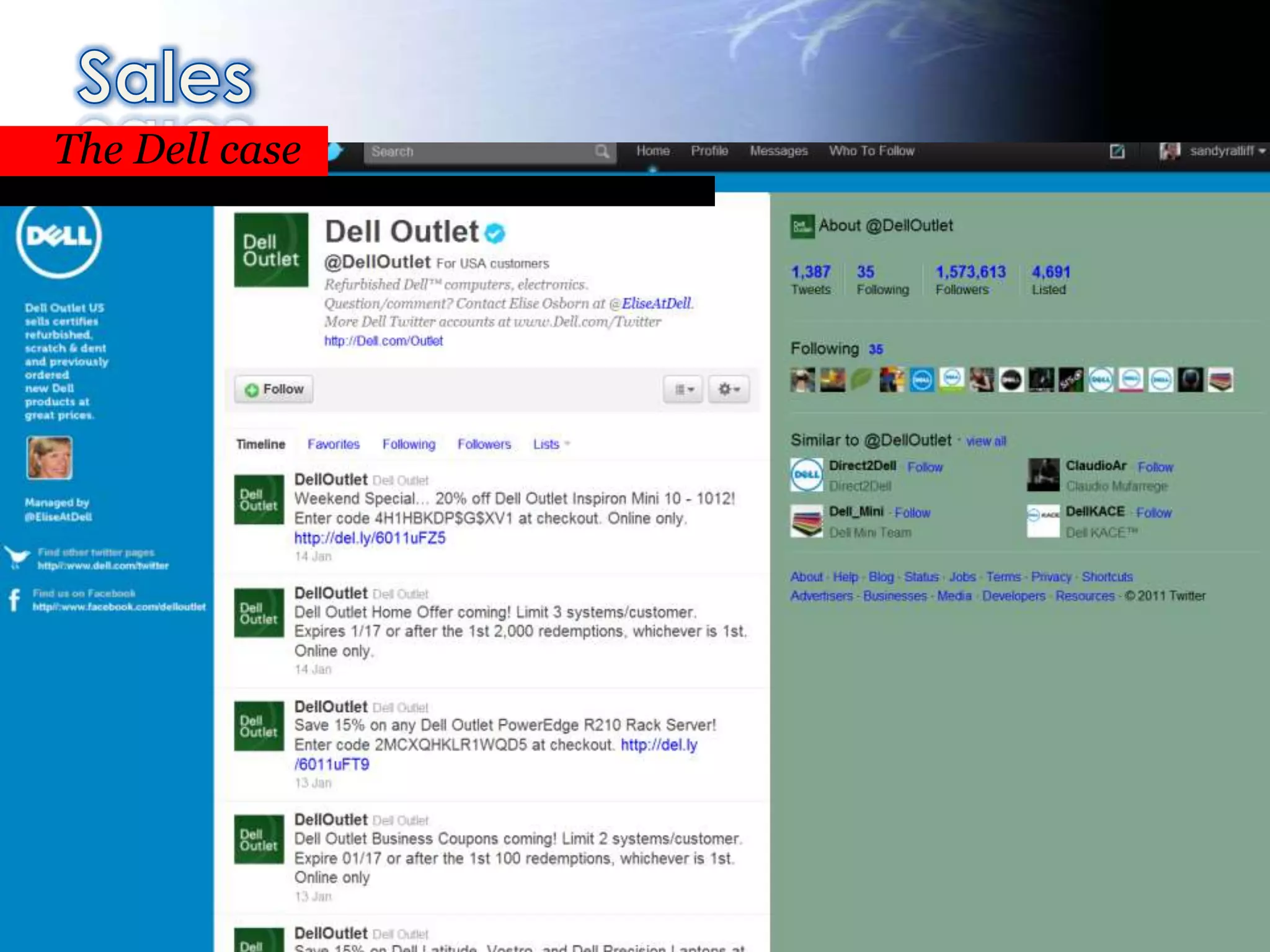
The Dell case


Over 2 million dollars generated on Twitter


                                       74
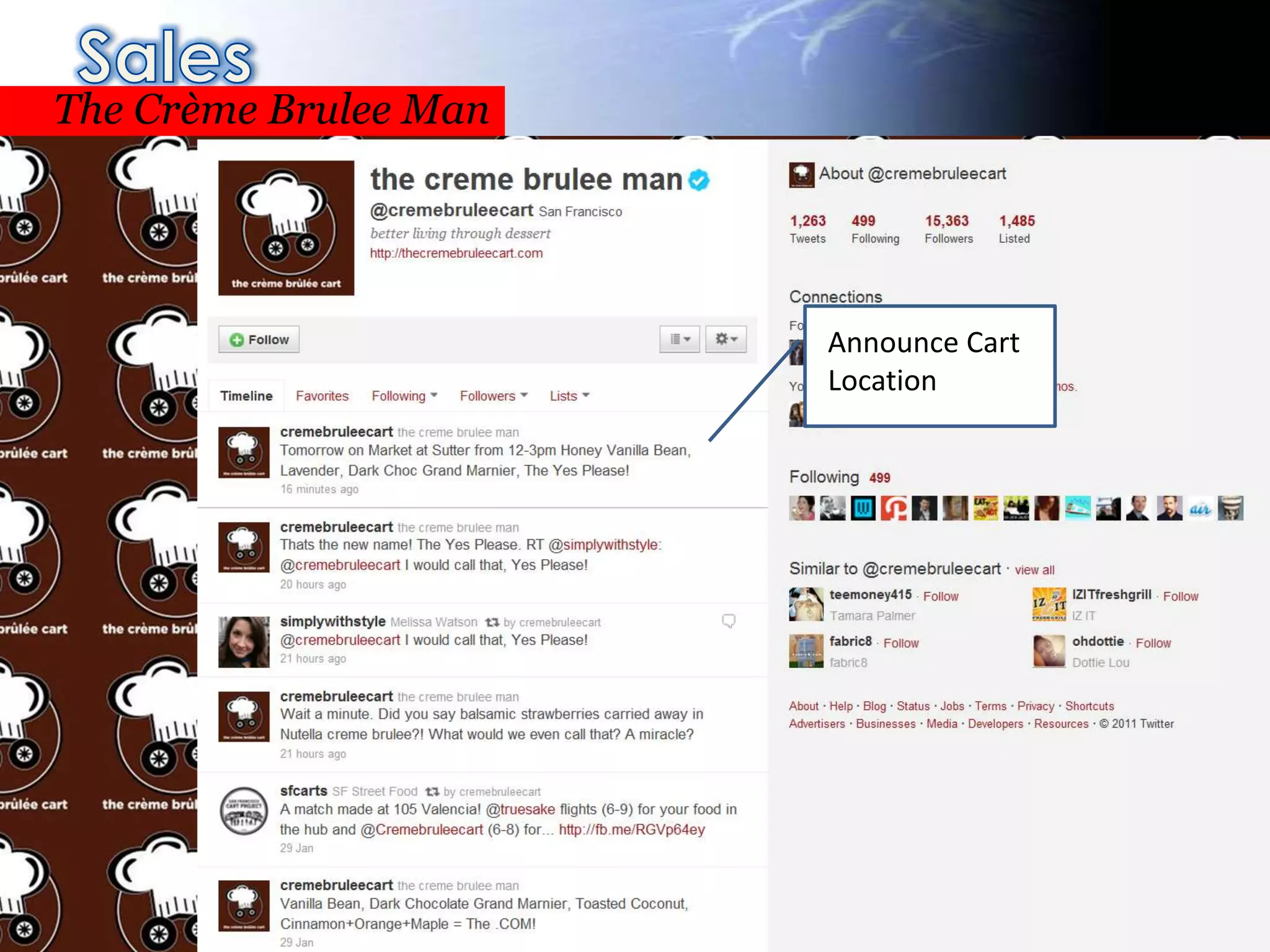
Sales
The Crème Brulee Man


                                              Announce Cart
                                              Location
Over 2 million dollars generated on Twitter


                                       75
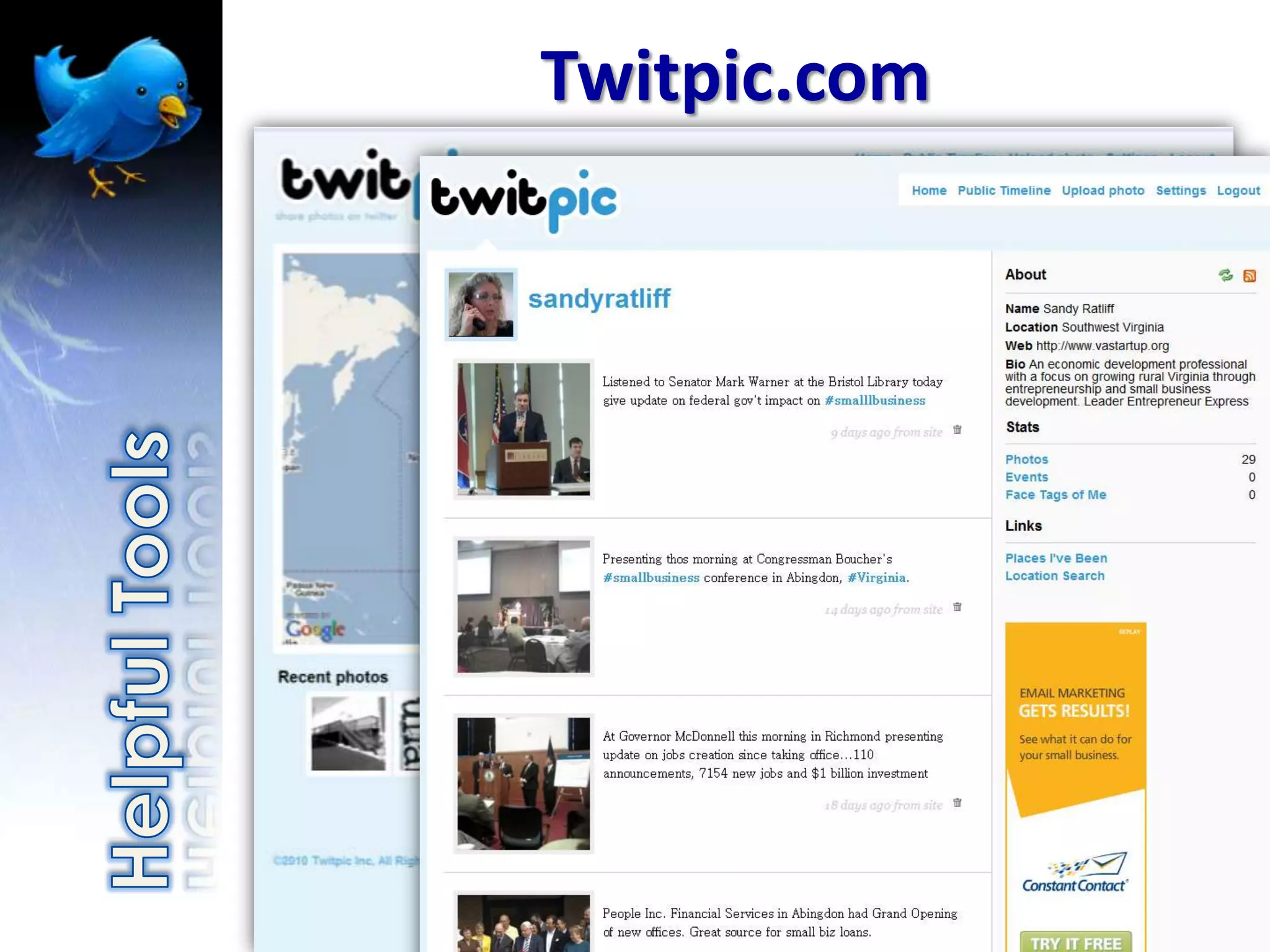
Twitpic.com
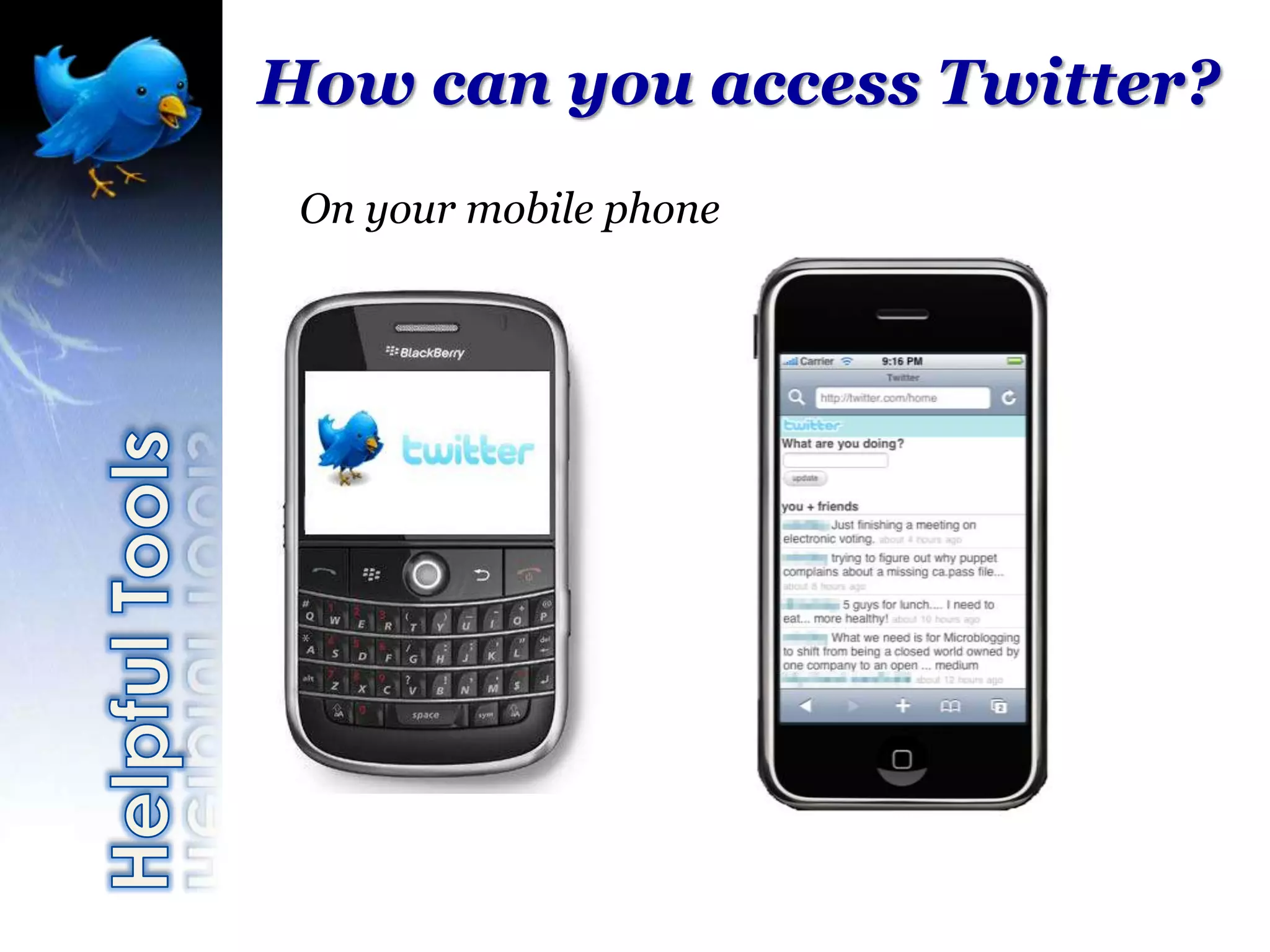
How can you access Twitter?
 On your mobile phone
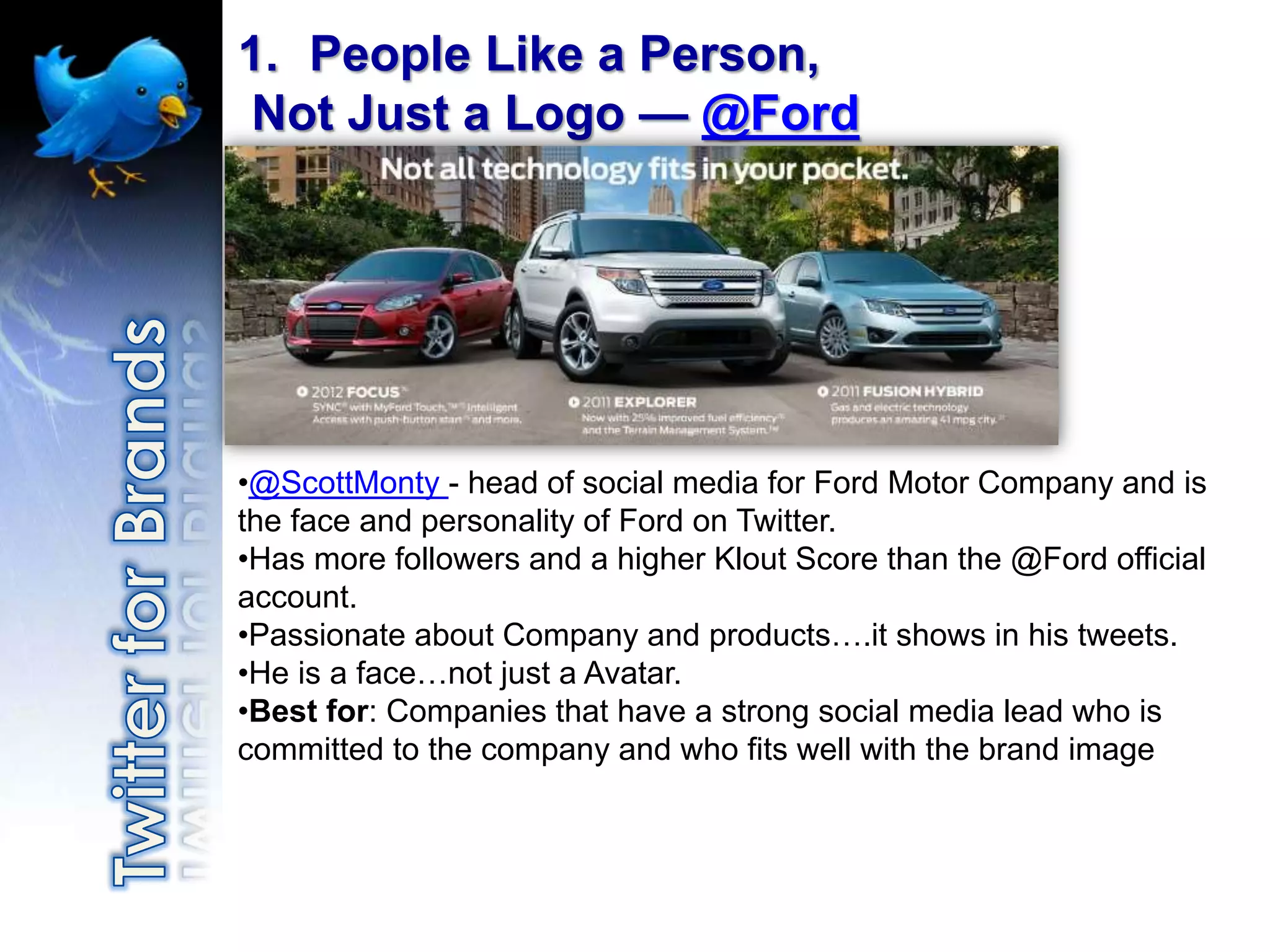
1. People Like a Person,
Not Just a Logo — @Ford


•@ScottMonty - head of social media for Ford Motor Company and is
the face and personality of Ford on Twitter.
•Has more followers and a higher Klout Score than the @Ford official
account.
•Passionate about Company and products….it shows in his tweets.
•He is a face…not just a Avatar.
•Best for: Companies that have a strong social media lead who is
committed to the company and who fits well with the brand image
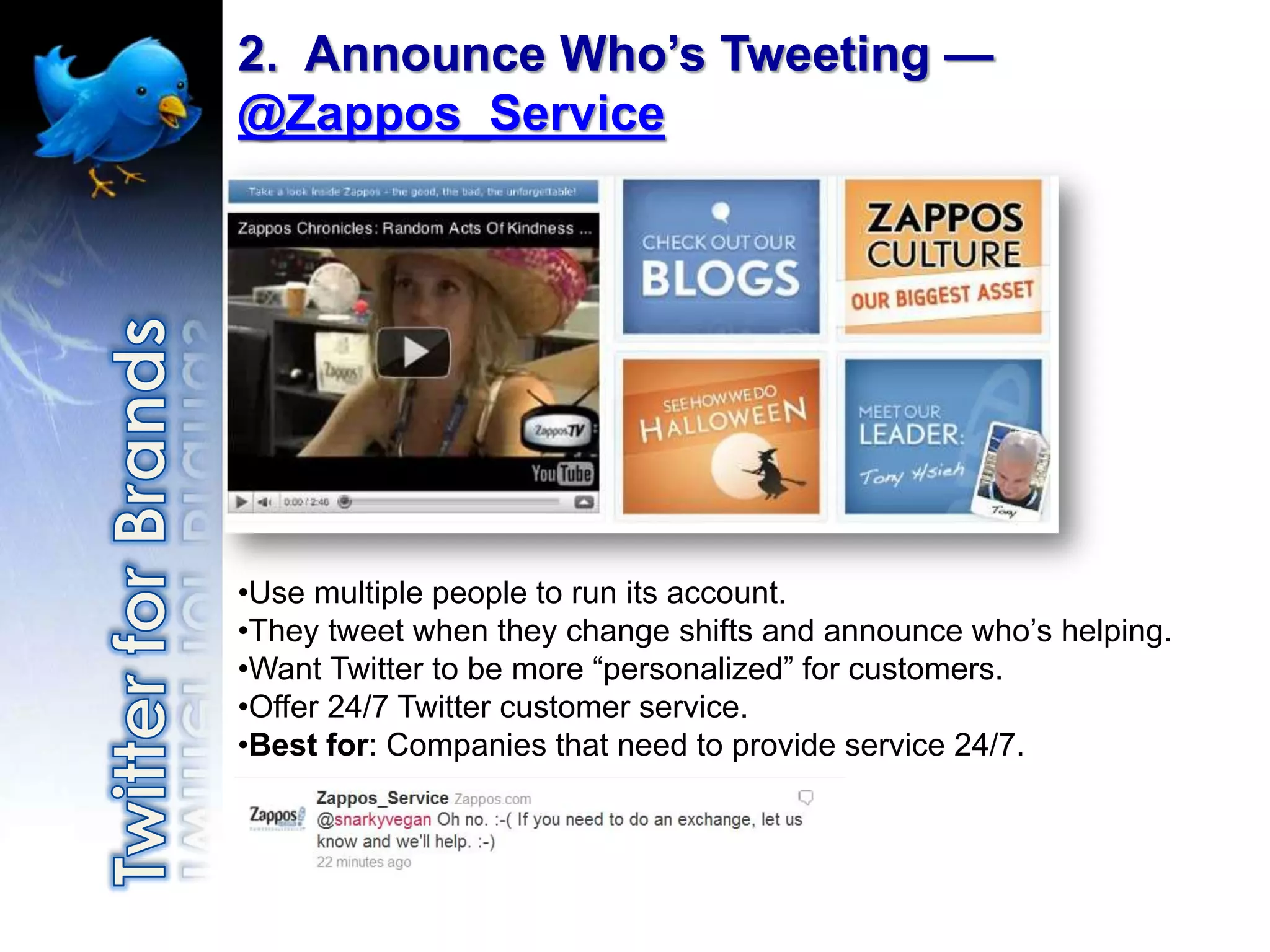
2. Announce Who’s Tweeting —
@Zappos_Service


•Use multiple people to run its account.
•They tweet when they change shifts and announce who‟s helping.
•Want Twitter to be more “personalized” for customers.
•Offer 24/7 Twitter customer service.
•Best for: Companies that need to provide service 24/7.
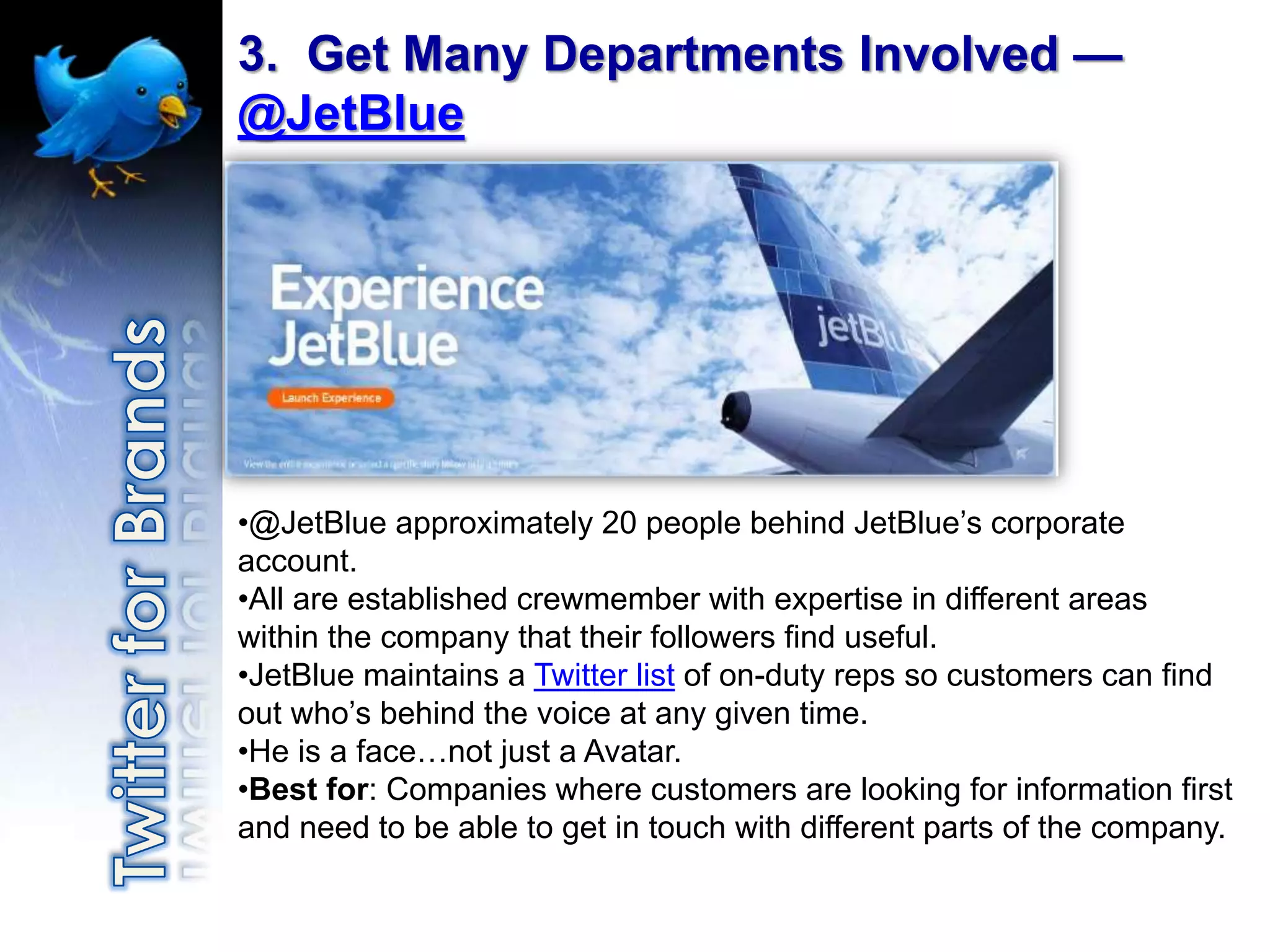
3. Get Many Departments Involved —
@JetBlue


•@JetBlue approximately 20 people behind JetBlue‟s corporate
account.
•All are established crewmember with expertise in different areas
within the company that their followers find useful.
•JetBlue maintains a Twitter list of on-duty reps so customers can find
out who‟s behind the voice at any given time.
•He is a face…not just a Avatar.
•Best for: Companies where customers are looking for information first
and need to be able to get in touch with different parts of the company.
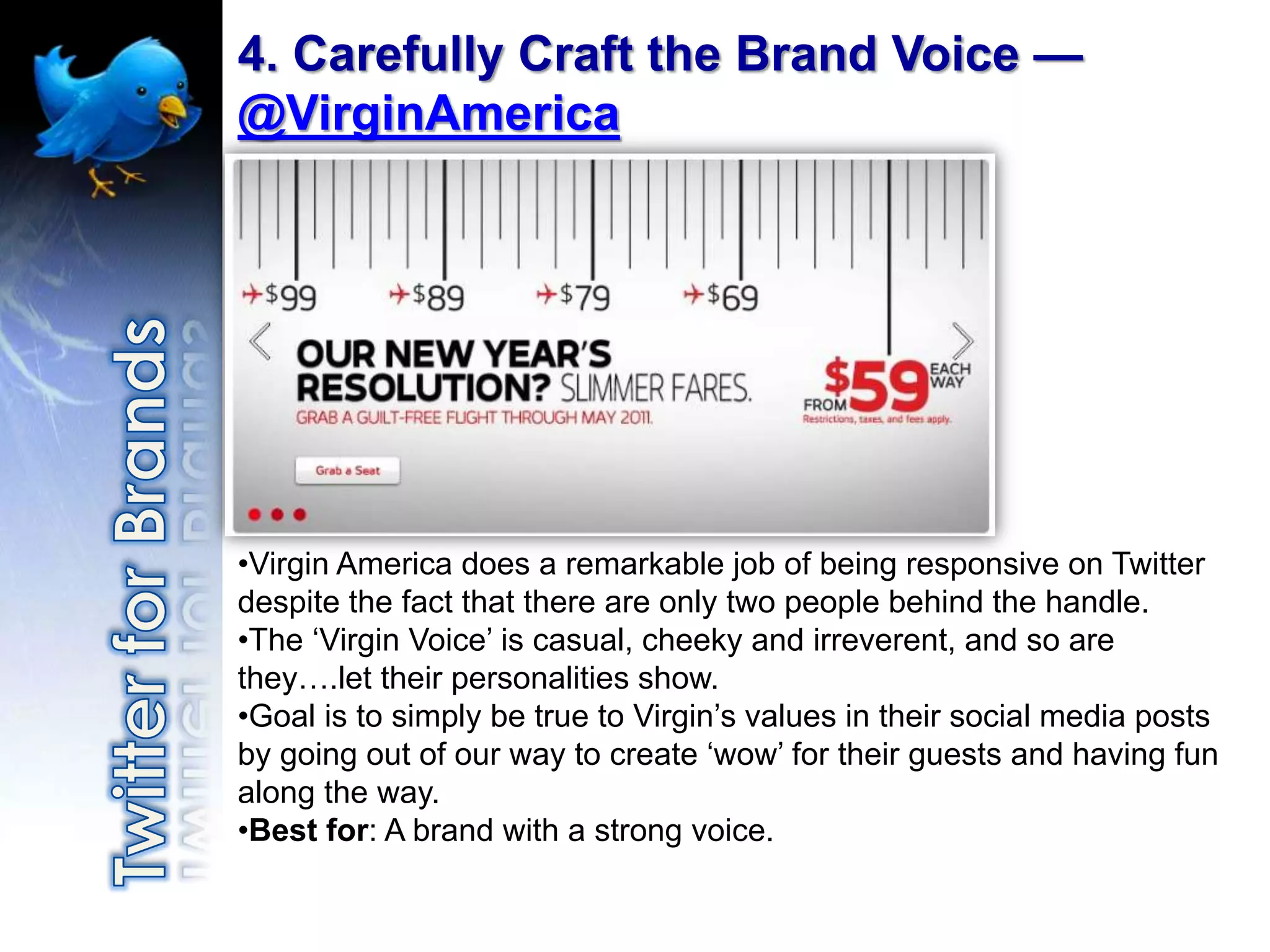
4. Carefully Craft the Brand Voice —
@VirginAmerica


•Virgin America does a remarkable job of being responsive on Twitter
despite the fact that there are only two people behind the handle.
•The „Virgin Voice‟ is casual, cheeky and irreverent, and so are
they….let their personalities show.
•Goal is to simply be true to Virgin‟s values in their social media posts
by going out of our way to create „wow‟ for their guests and having fun
along the way.
•Best for: A brand with a strong voice.
Don't
•   Not participate
•   Sell sell sell
•   Give up right away
•   Forget to have a plan
•   Forget to think before you Tweet
•   Relevant content...reason to follow
Recap
•   No Magic Bullet
•   Part of your business communication plan
•   Have a plan
•   Measurable Goals
•   Optimize your profile
•   Customize your background
•   Build followers who care, listen and share
    (patient)
•   Use Twitter Search, Hashtags and Twitter
    Lists
•   Use Tools to Manage Account
•   Lighten up
IT’S NOT HARD, IT JUST TAKES PRACTICE
Sandy Ratliff
            Business Services Manager
            Virginia Department of Business Assistance


Phone:        276-676-3768
Email:        sandy.ratliff@vdba.virginia.gov

Twitter:      http://twitter.com/sandyratliff
Facebook:     http://www.facebook.com/sandy.ratliff
LinkedIn:     http://www.linkedin.com/in/sandyratliff
YouTube:      http://www.youtube.com/user/vastartup
EE Social Media Advanced Presentation

EE Social Media Advanced Presentation

  • 2.
    Social Media Beyond the Basics
  • 3.
    Social Media??? WHAT do I say? WHAT is all HOW do I this social track it? media stuff? How to WHO is doing it make it WHY should I right? work for participate? me? WHERE WHEN will I can I find have time to inspiratio manage it? n? WHO’s listening to me anyway?
  • 4.
    You have a: • Facebook Account • Twitter Account • Linkedin Account • YouTube Account
  • 5.
    Are you usingSocial Media….. • To drive traffic to your website? • Connect with your customers? • Use as an extension of your overall promotional campaign?
  • 6.
    Benefits of SocialMedia Law of Attraction (pull marketing) Allows you to establish yourself as an expert Organically increases SEO Only investment is your time* *some restrictions may apply
  • 7.
    First of all… You have to have a goal. I like Facebook and everything, but I’m just spinning my wheels if I don’t have a goal. Sure, I like connecting with old and new friends, but am I doing it to gain something for my business?
  • 8.
    Social Media IS NOTA MAGIC BULLET
  • 9.
    You need toknow what you’re talking about. • What is something you could talk forever about? • What are you passionate about? Gosh this guy • What is your value to the world? is boring!
  • 12.
    500 Survey –Oct/Nov 2010 • 71% of the fast-growing companies on the Inc. 500 list said they have Facebook pages (up 10% from last year) • 59% use Twitter (up from 52% in 2009) • 50% maintain a corporate blog (up from 45% in 2009) • 33% use bulletin boards (up from 28% in 2009) • 34% of the Inc. 500 said they have policies guiding employee blogging • 56% reported social media was “very important” to their business/marketing strategy (up from 43% in 2009) • 57% report using search engines and social networking sites to recruit and evaluate potential employees
  • 13.
    Survey • 56% useFacebook in 2010 • 23% maintain a corporate blog (barely up from 22% in 2009) • only 20% of the Fortune 500 have rules governing employee blogging • Twitter was a surprising exception: 60% of the Fortune 500 used Twitter in 2010, a significant increase from 35% in 2009 (however, MediaPost reports that this data only reflects ‘if there was a Twitter account with one tweet in the last month’) • 35% of Fortune 500 companies keep their Twitter accounts up-to-date with current news and information, consistently responding with @replies or retweets within 72 hours
  • 16.
  • 17.
    It belongs toeveryone. It has to!
  • 18.
    But are you making it work for your business?
  • 20.
    Dig around tofind the application right for your business.
  • 24.
  • 33.
    Ensure your entire companyis consistent in your objective and message.
  • 40.
  • 41.
    What’s in the Box? I’ve got my box of features and tools…now WHAT?
  • 42.
    How do Iuse this?
  • 44.
    Why should Iuse this for my business?
  • 46.
    Sandy Ratliff Business Services Manager Virginia Department of Business Assistance Phone: 276-676-3768 Email: sandy.ratliff@vdba.virginia.gov Twitter: http://twitter.com/sandyratliff Facebook: http://www.facebook.com/sandy.ratliff LinkedIn: http://www.linkedin.com/in/sandyratliff YouTube: http://www.youtube.com/user/vastartup
  • 47.
    Why ? • Target Your Audience • Build Brand Awareness & Manage Company Image • Increase Customer Loyalty/Customer Service • Find Business Opportunities and Expand Into New Markets • Find New Suppliers • Connect-Network
  • 48.
    I have aprofile – Now What?! • Image of YOU • Brands can be people too – the Social Web • Optimize your Twitter profile • Name, Twitter name, description • Description is your meta description • Add your location – not “Your computer”, “Planet Earth” etc. • Add quality followers that care about your content Photo credit: http://www.flickr.com/photos/matthamm/3383916444/
  • 49.
    Who to Follow? 1.Customers 2.YouBrand/Products 3.Industry Leader 4.Event Attendees/Trade Show Leads 5.Fans 6.Friends 7.Suppliers 8.Competitors
  • 50.
    Building followers • Twitter Search (search.twitter.com) • Nearby Tweets • Favorite blogger? Industry leader? Subscribe RSS? Then follow too! • #followfriday • Comment on blogs – Use Twitter URL • Events tradeshows • Email footer • Business Cards • Search email address book – Yahoo, Gmail, AOL • Import LinkedIn Connections - http://socialmediab2b.com/2010/03/b2b-linkedin-twitter/ • Focus on the relationships not the technology • Content, content, content
  • 51.
    Twitter Search • http://search.twitter.com • Google for tweets • Real time • Brand Reputation • Search: hobbies, interests, company, products, customers • Giant cocktail party but you can eavesdrop on any conversation you want
  • 53.
    Twellow.com Local Twitter Users: Abingdon – 156 Bristol, VA – 212 Marion - 44 Lebanon – 40 Wise - 65 Bristol, TN - 260 Johnson City - 782 Kingsport – 466 Jonesborough - 83
  • 54.
    Plan Your Tweets 1.Choose Your Preferred Audience 2. Decide How Many Tweets You Want to Send Daily 3. Decide How Long You Want to Make Your Tweet Plan 4. Find the Keywords You Want to Use on Twitter (Keyword Analysis / Research) 5. Choose Different Formats for Your Scheduled Tweets 6. Write Your Timeless Tweets 7. Choose Your Times 8. Schedule Your Tweets
  • 56.
    Beyond the basics • Hash tags and trending • URL shortening services • Popularity and reach • Controlling multiple accounts
  • 57.
    • A hashtag# is symbol used to denote a feature of the tweet, e.g #smallbiz • Can be used to follow the topic/industry • Can be used to follow a charity #redcross • Or can be used to follow a brand #lowes
  • 58.
    • www.twitterfall.com Follow by #hashtag
  • 59.
    Cool Twitter Tips AndTricks • Make a customized background • Use Google to search Twitter • Make a list • Find a Twitter client that works for you • Shrink URL’s when sending links • Use the proper retweet function
  • 60.
    Make a Cool Background Free Twitter Use to promote Designer and include contact info! http://mashable.com/2010/10/06/new-twitter-background-customize/
  • 61.
  • 62.
  • 63.
    Tools TweetDeck
  • 64.
    Tools Manage Multiple Accounts:Twitter, Facebook (Personal and Business Page) & Linkedin
  • 65.
  • 66.
  • 67.
    BlastFollow http://www.blastfollow.com/
  • 68.
    Friend or Follow http://friendorfollow.com
  • 69.
  • 70.
  • 71.
    PR http://monitter.com/ Monitter Or real time, with different clients Many free tools are regularly developed in order to find out what is being said about your brand, for example Monitter, a tool to monitor keywords. Tools like coTweet allow for finding out what is being said about you, but also for managing different Twitter accounts simultaneously. 71
  • 72.
  • 73.
    Why? Unite an existing community Make customers loyal Find new clients (through targeted searches on keywords) How? Play on the immediateness of Twitter for fast sales Play on the “pre-launch” effect for the community
  • 74.
    Sales The Dell case Over2 million dollars generated on Twitter 74
  • 75.
    Sales The Crème BruleeMan Announce Cart Location Over 2 million dollars generated on Twitter 75
  • 76.
  • 77.
    How can youaccess Twitter? On your mobile phone
  • 78.
    1. People Likea Person, Not Just a Logo — @Ford •@ScottMonty - head of social media for Ford Motor Company and is the face and personality of Ford on Twitter. •Has more followers and a higher Klout Score than the @Ford official account. •Passionate about Company and products….it shows in his tweets. •He is a face…not just a Avatar. •Best for: Companies that have a strong social media lead who is committed to the company and who fits well with the brand image
  • 79.
    2. Announce Who’sTweeting — @Zappos_Service •Use multiple people to run its account. •They tweet when they change shifts and announce who‟s helping. •Want Twitter to be more “personalized” for customers. •Offer 24/7 Twitter customer service. •Best for: Companies that need to provide service 24/7.
  • 80.
    3. Get ManyDepartments Involved — @JetBlue •@JetBlue approximately 20 people behind JetBlue‟s corporate account. •All are established crewmember with expertise in different areas within the company that their followers find useful. •JetBlue maintains a Twitter list of on-duty reps so customers can find out who‟s behind the voice at any given time. •He is a face…not just a Avatar. •Best for: Companies where customers are looking for information first and need to be able to get in touch with different parts of the company.
  • 81.
    4. Carefully Craftthe Brand Voice — @VirginAmerica •Virgin America does a remarkable job of being responsive on Twitter despite the fact that there are only two people behind the handle. •The „Virgin Voice‟ is casual, cheeky and irreverent, and so are they….let their personalities show. •Goal is to simply be true to Virgin‟s values in their social media posts by going out of our way to create „wow‟ for their guests and having fun along the way. •Best for: A brand with a strong voice.
  • 82.
    Don't • Not participate • Sell sell sell • Give up right away • Forget to have a plan • Forget to think before you Tweet • Relevant content...reason to follow
  • 83.
    Recap • No Magic Bullet • Part of your business communication plan • Have a plan • Measurable Goals • Optimize your profile • Customize your background • Build followers who care, listen and share (patient) • Use Twitter Search, Hashtags and Twitter Lists • Use Tools to Manage Account • Lighten up
  • 84.
    IT’S NOT HARD,IT JUST TAKES PRACTICE
  • 85.
    Sandy Ratliff Business Services Manager Virginia Department of Business Assistance Phone: 276-676-3768 Email: sandy.ratliff@vdba.virginia.gov Twitter: http://twitter.com/sandyratliff Facebook: http://www.facebook.com/sandy.ratliff LinkedIn: http://www.linkedin.com/in/sandyratliff YouTube: http://www.youtube.com/user/vastartup