A new application paradigm: Using the 2nd
screen API with Miracast
• Who we are: short recap of LG's Android highlights

• What is Miracast and how can I use it?

• Android API Level 17: The 2nd Screen API hands-on

• Usage Scenarios – what can I do with it?
LIFE’S GOOD
WHEN YOU MAKE
THE MOST OF IT!
NEXUS 4

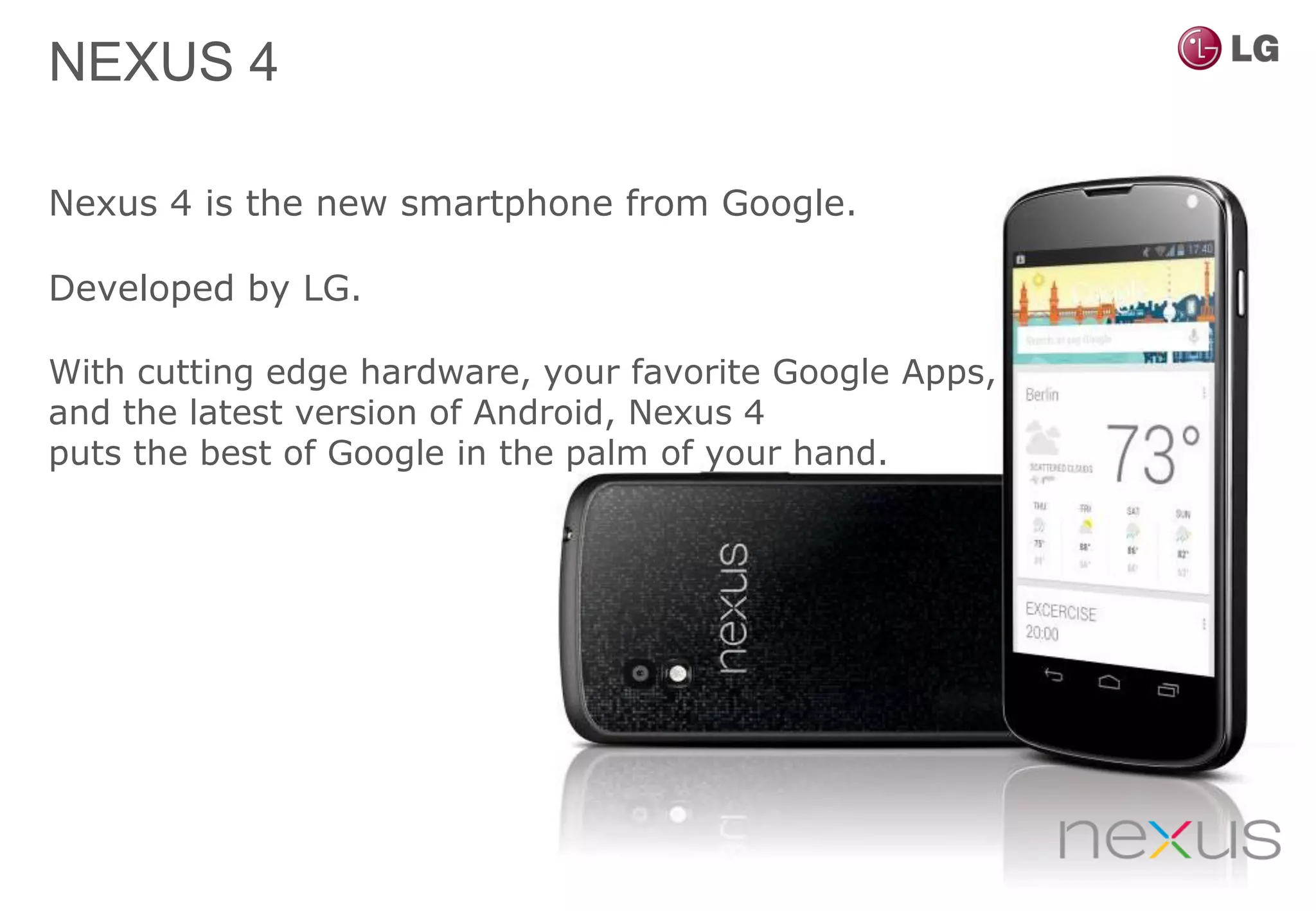
Nexus 4 is the new smartphone from Google.

Developed by LG.

With cutting edge hardware, your favorite Google Apps,
and the latest version of Android, Nexus 4
puts the best of Google in the palm of your hand.
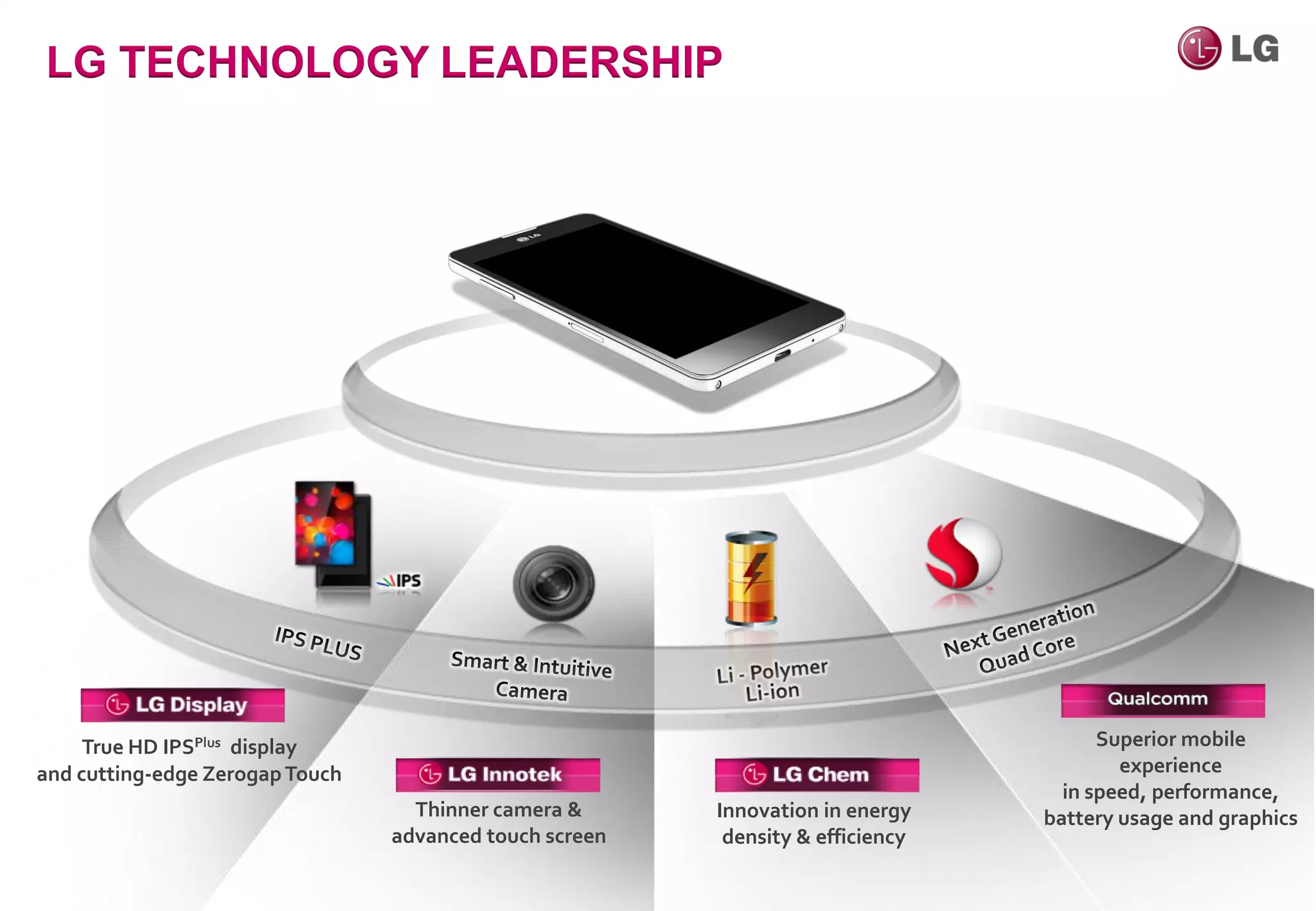
LG TECHNOLOGY LEADERSHIP


     True HD IPSPlus display                                                           Superior mobile
and cutting-edge Zerogap Touch                                                           experience
                                                                                   in speed, performance,
                                   Thinner camera &      Innovation in energy    battery usage and graphics
                                 advanced touch screen    density & efficiency
Wi-Fi Miracast
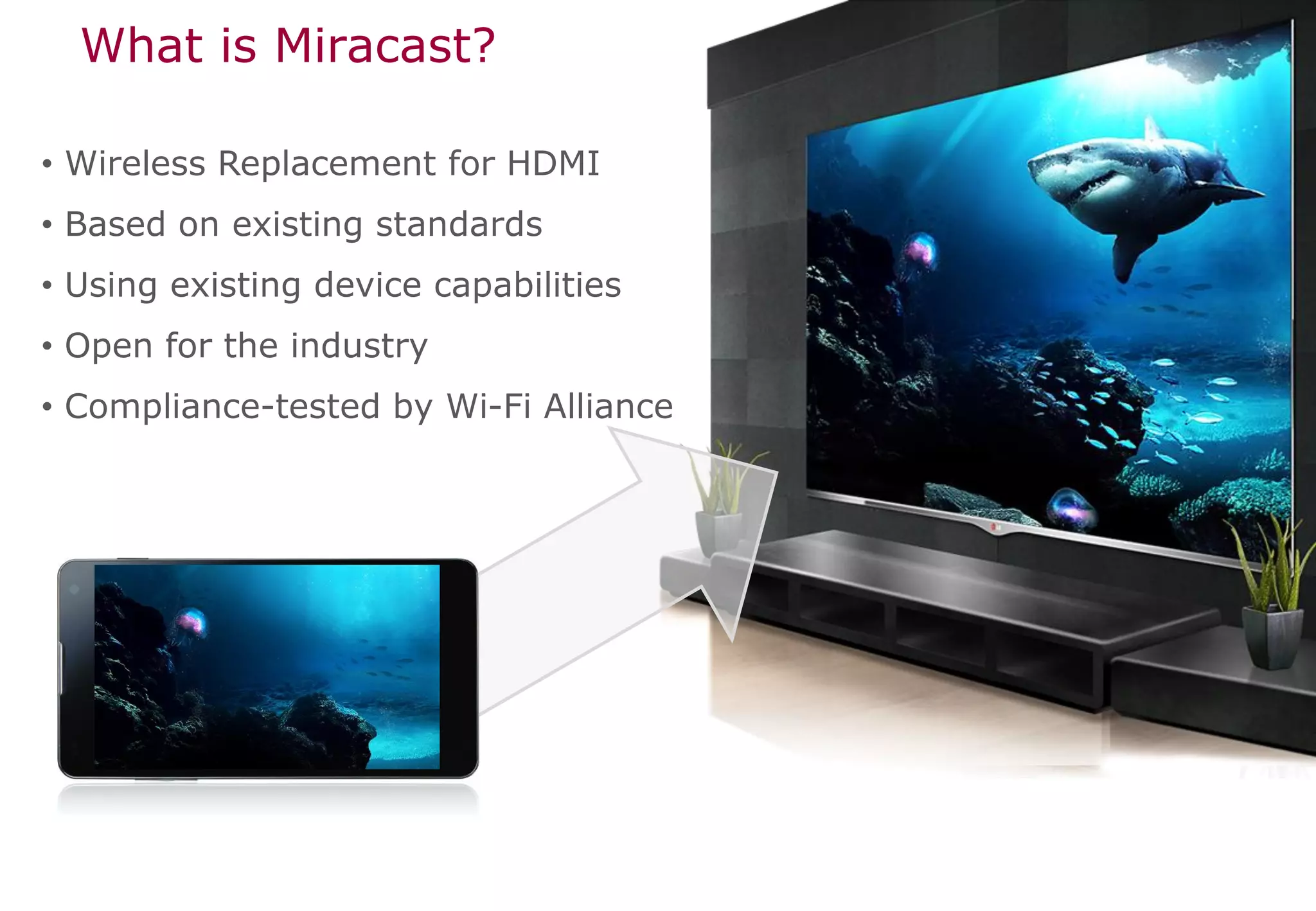
What is Miracast?

• Wireless Replacement for HDMI
• Based on existing standards
• Using existing device capabilities
• Open for the industry
• Compliance-tested by Wi-Fi Alliance
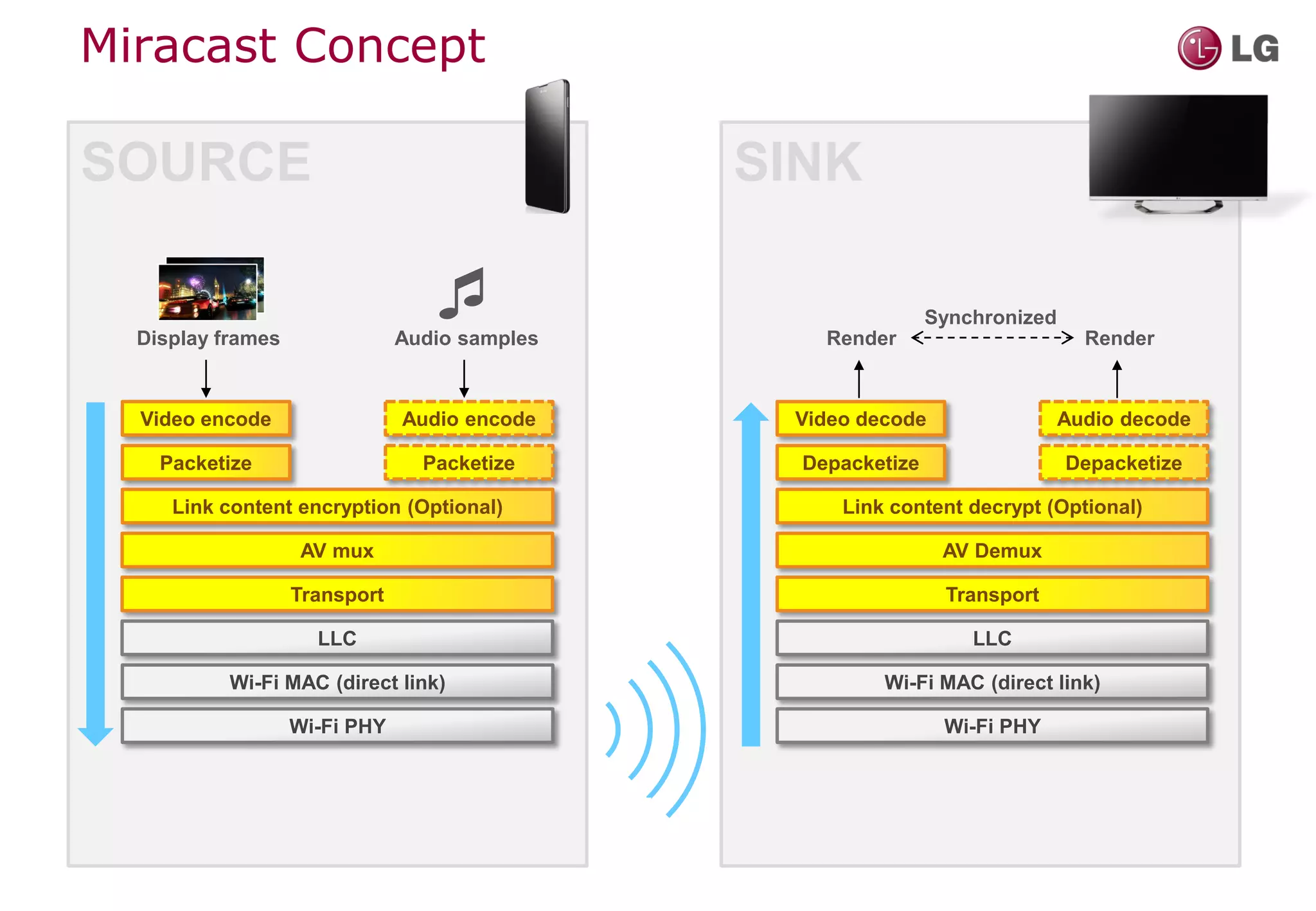
Miracast Concept

SOURCE                                         SINK


  Display frames
                                 
                               Audio samples       Render
                                                               Synchronized
                                                                                Render


  Video encode                 Audio encode     Video decode                  Audio decode

    Packetize                    Packetize       Depacketize                  Depacketize

     Link content encryption (Optional)             Link content decrypt (Optional)

                    AV mux                                      AV Demux

                   Transport                                    Transport

                     LLC                                           LLC

           Wi-Fi MAC (direct link)                      Wi-Fi MAC (direct link)

                   Wi-Fi PHY                                    Wi-Fi PHY
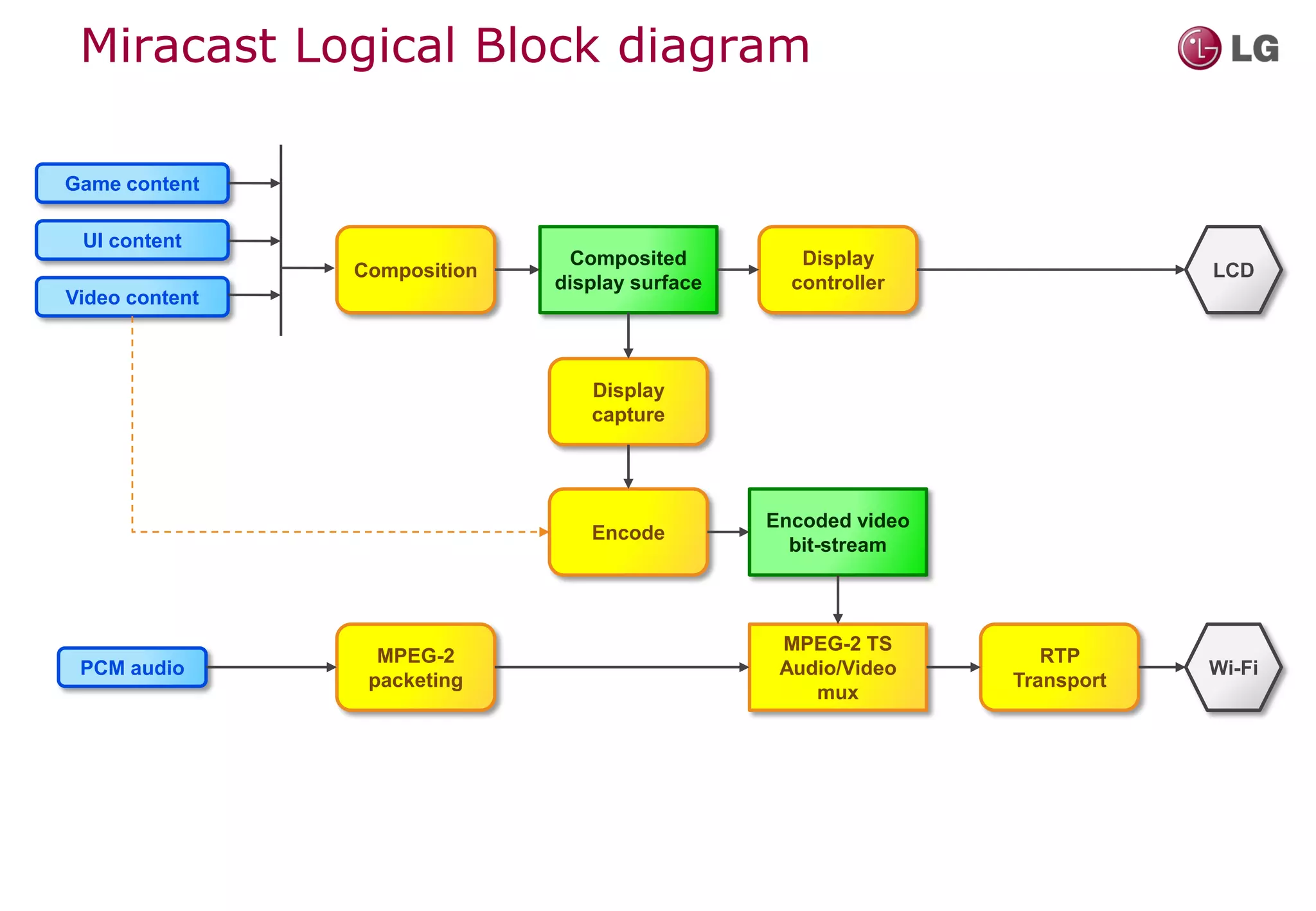
Miracast Logical Block diagram

Game content

 UI content
                                Composited         Display
                Composition                                                 LCD
                              display surface     controller
Video content


                                 Display
                                 capture


                                                Encoded video
                                 Encode
                                                  bit-stream


                                                 MPEG-2 TS
                  MPEG-2                                           RTP
 PCM audio                                       Audio/Video                Wi-Fi
                 packeting                                      Transport
                                                    mux
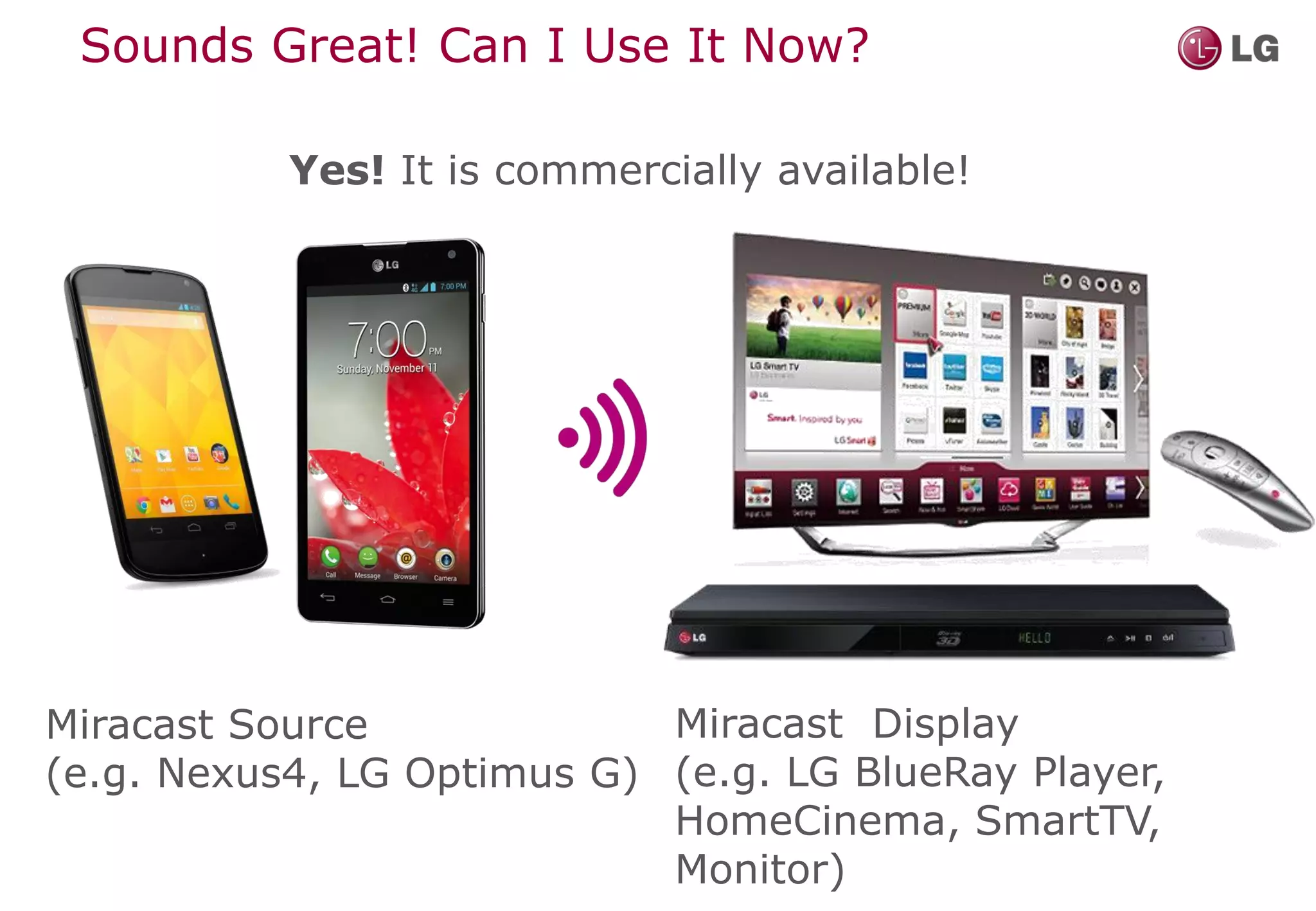
Sounds Great! Can I Use It Now?

           Yes! It is commercially available!


Miracast Source             Miracast Display
(e.g. Nexus4, LG Optimus G) (e.g. LG BlueRay Player,
                            HomeCinema, SmartTV,
                            Monitor)
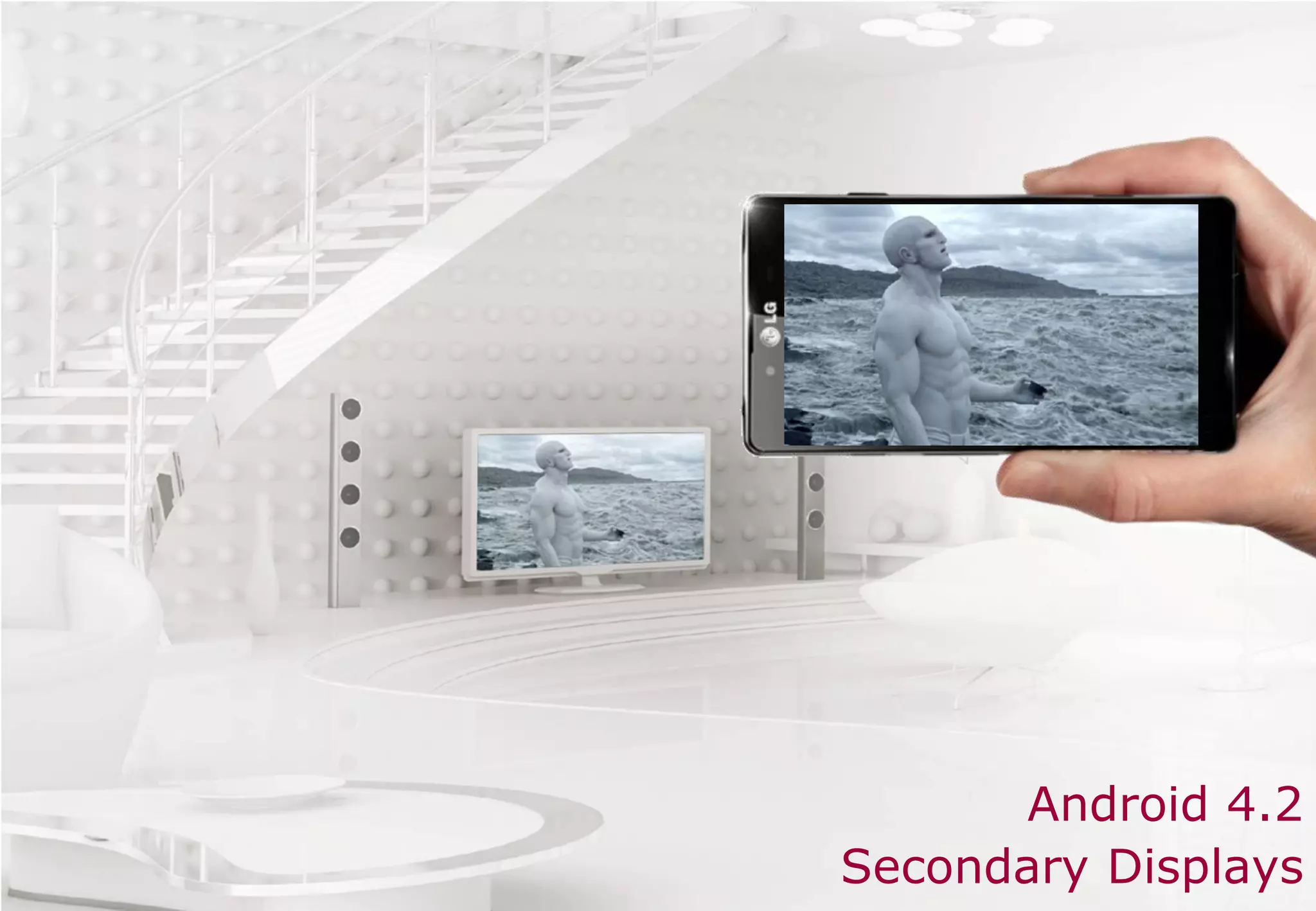
Android 4.2
Secondary Displays
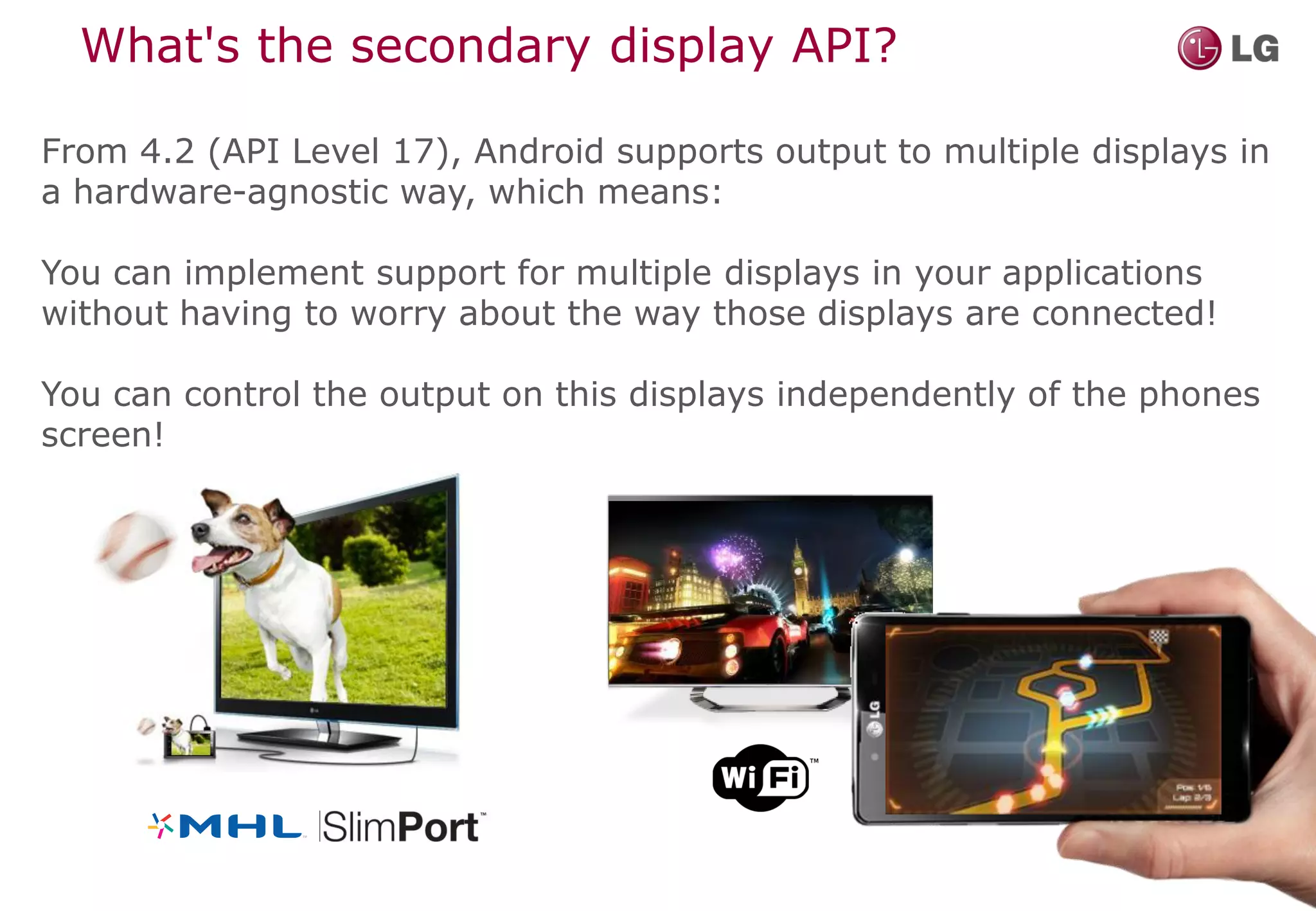
What's the secondary display API?

From 4.2 (API Level 17), Android supports output to multiple displays in
a hardware-agnostic way, which means:

You can implement support for multiple displays in your applications
without having to worry about the way those displays are connected!

You can control the output on this displays independently of the phones
screen!
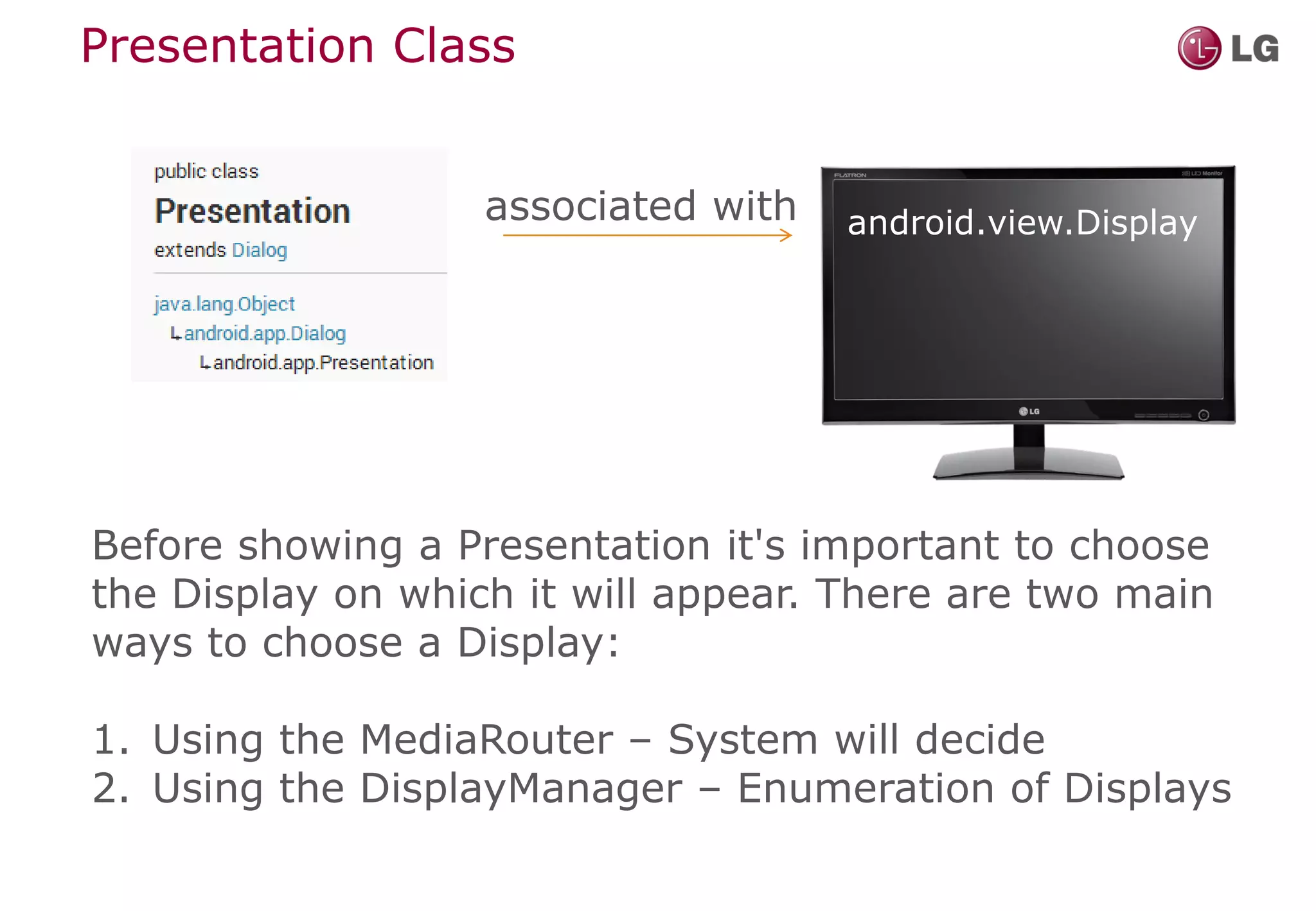
Presentation Class


                   associated with   android.view.Display


Before showing a Presentation it's important to choose
the Display on which it will appear. There are two main
ways to choose a Display:

1. Using the MediaRouter – System will decide
2. Using the DisplayManager – Enumeration of Displays
Code Example - How to get a display

protected Display getDisplay() {

     if(mUseMediaRouter){
         //Use the MediaRouter that supports live video
         MediaRouter.RouteInfo route =
           mMediaRouter.getSelectedRoute(MediaRouter.ROUTE_TYPE_LIVE_VIDEO);

          mCurrentDisplay = route.getPresentationDisplay();
     }
     else {
       // Get all available displays using the DisplayManager

         Display[] displays =
           mDisplayManager.getDisplays(
             DisplayManager.DISPLAY_CATEGORY_PRESENTATION);

          // Keep an object to the first available external display
          mCurrentDisplay = displays[0];
     }

     return mCurrentDisplay;
}
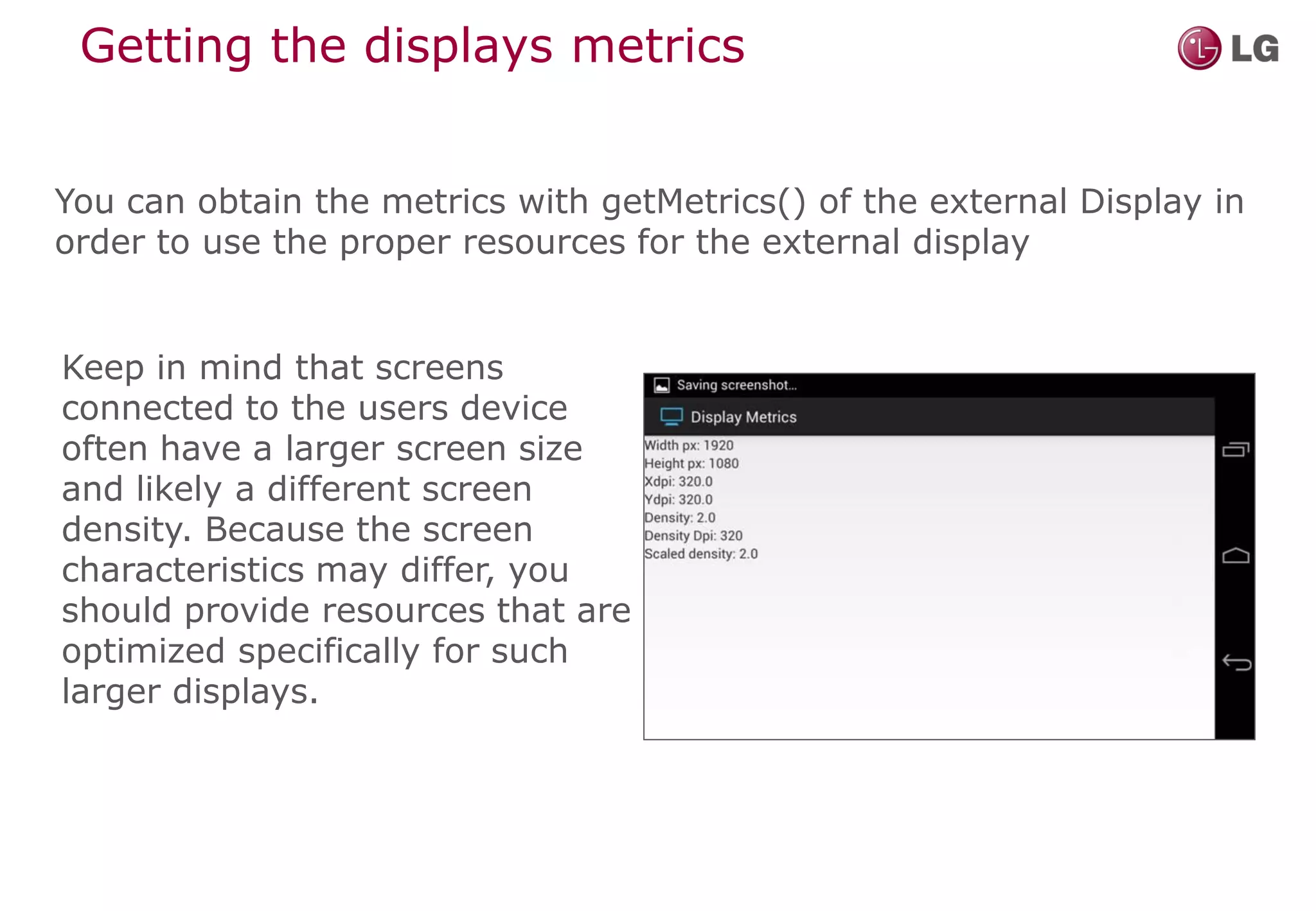
Getting the displays metrics


You can obtain the metrics with getMetrics() of the external Display in
order to use the proper resources for the external display


Keep in mind that screens
connected to the users device
often have a larger screen size
and likely a different screen
density. Because the screen
characteristics may differ, you
should provide resources that are
optimized specifically for such
larger displays.
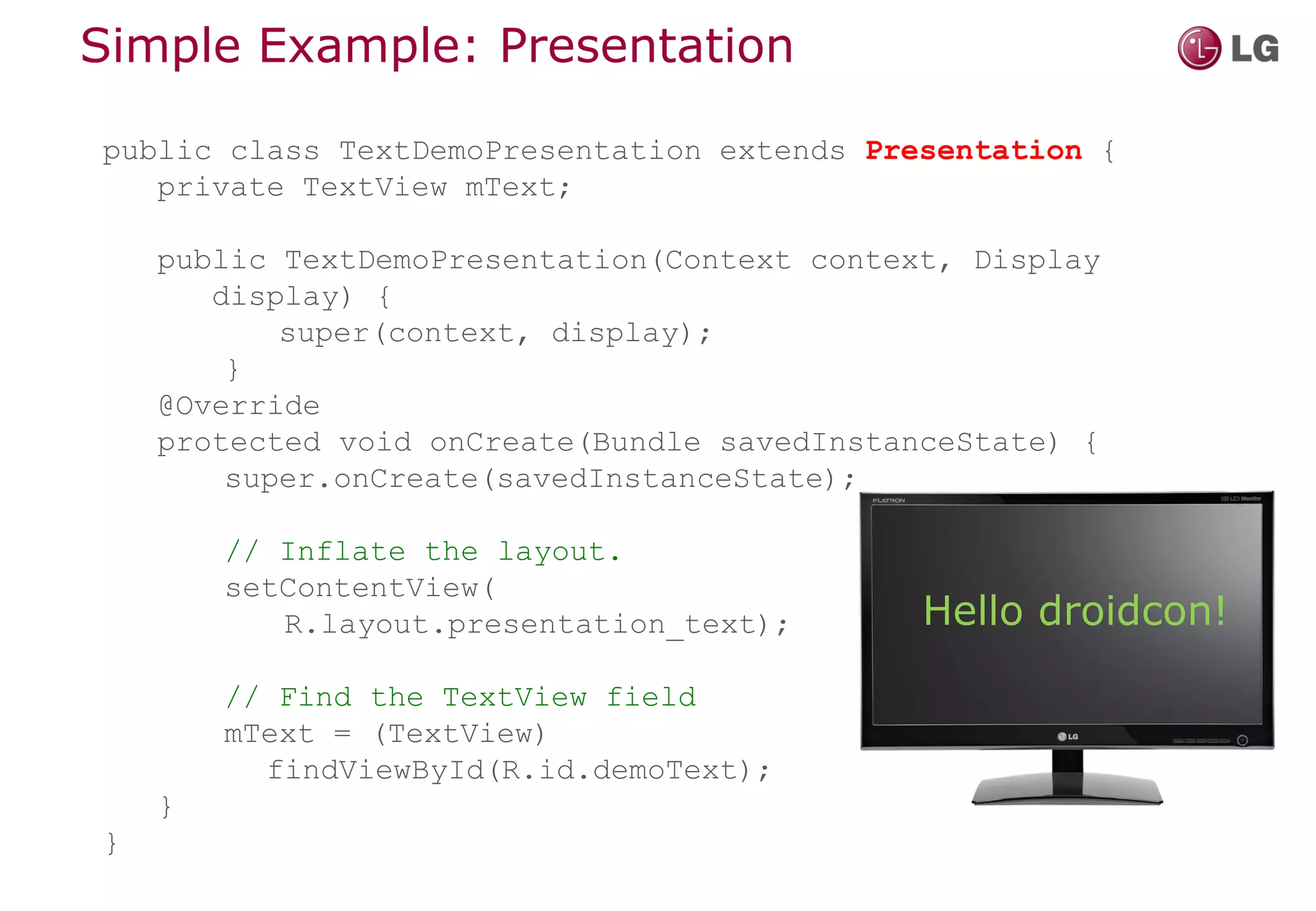
Simple Example: Presentation

public class TextDemoPresentation extends Presentation {
   private TextView mText;

    public TextDemoPresentation(Context context, Display
       display) {
           super(context, display);
        }
    @Override
    protected void onCreate(Bundle savedInstanceState) {
        super.onCreate(savedInstanceState);

        // Inflate the layout.
        setContentView(
           R.layout.presentation_text);       Hello droidcon!
        // Find the TextView field
        mText = (TextView)
          findViewById(R.id.demoText);
    }
}
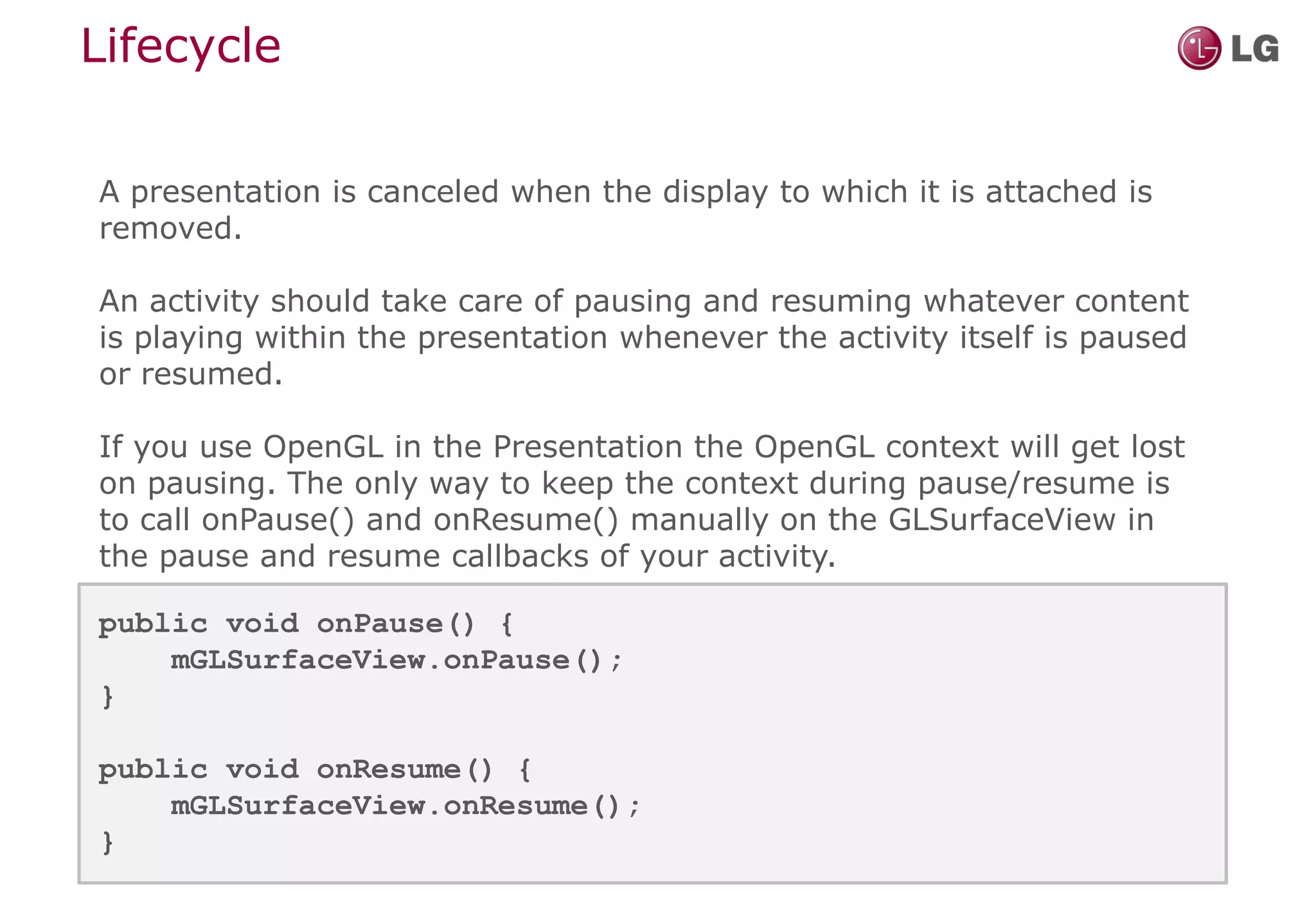
Lifecycle

A presentation is canceled when the display to which it is attached is
removed.

An activity should take care of pausing and resuming whatever content
is playing within the presentation whenever the activity itself is paused
or resumed.

If you use OpenGL in the Presentation the OpenGL context will get lost
on pausing. The only way to keep the context during pause/resume is
to call onPause() and onResume() manually on the GLSurfaceView in
the pause and resume callbacks of your activity.

public void onPause() {
    mGLSurfaceView.onPause();
}

public void onResume() {
    mGLSurfaceView.onResume();
}
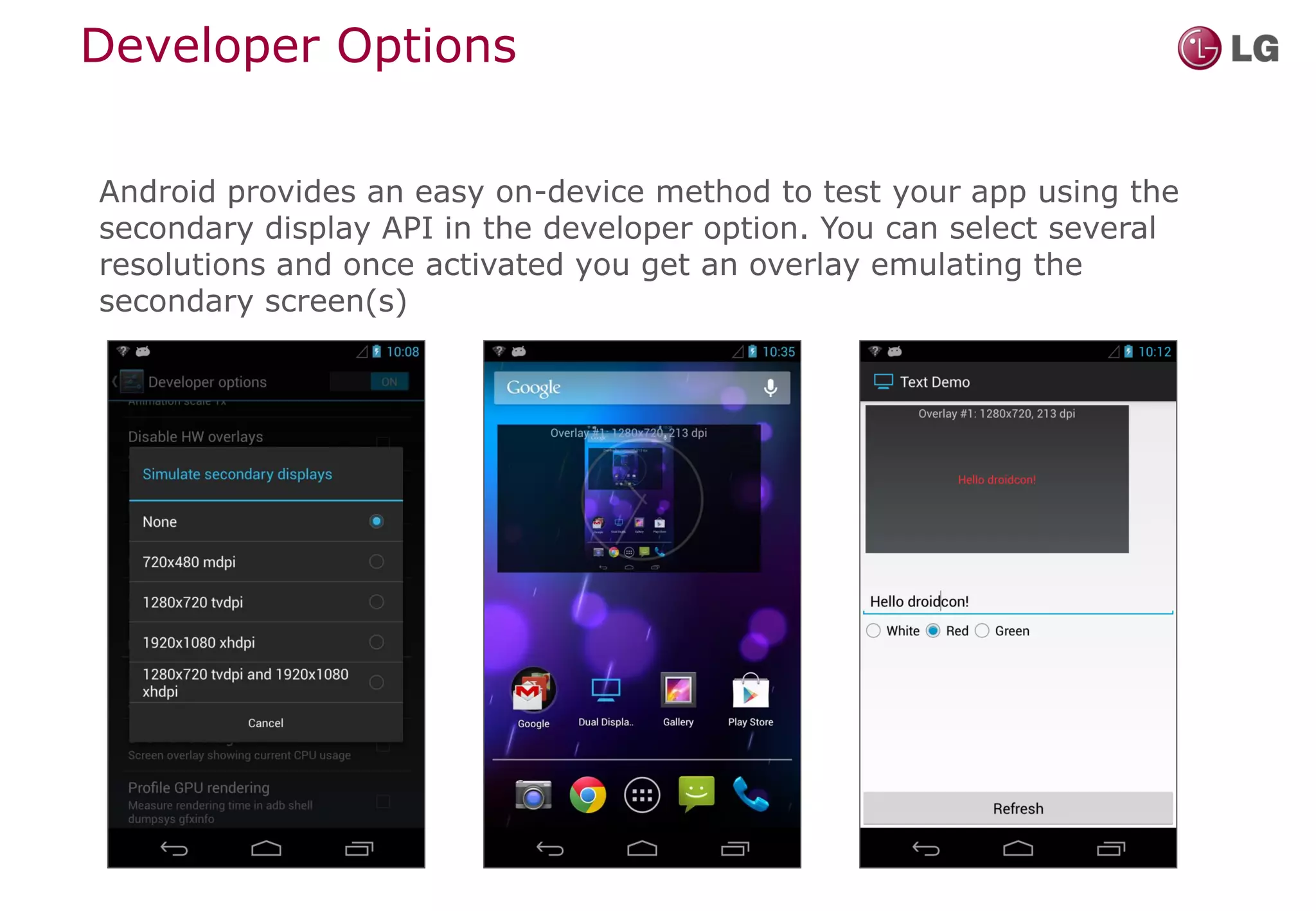
Developer Options

Android provides an easy on-device method to test your app using the
secondary display API in the developer option. You can select several
resolutions and once activated you get an overlay emulating the
secondary screen(s)
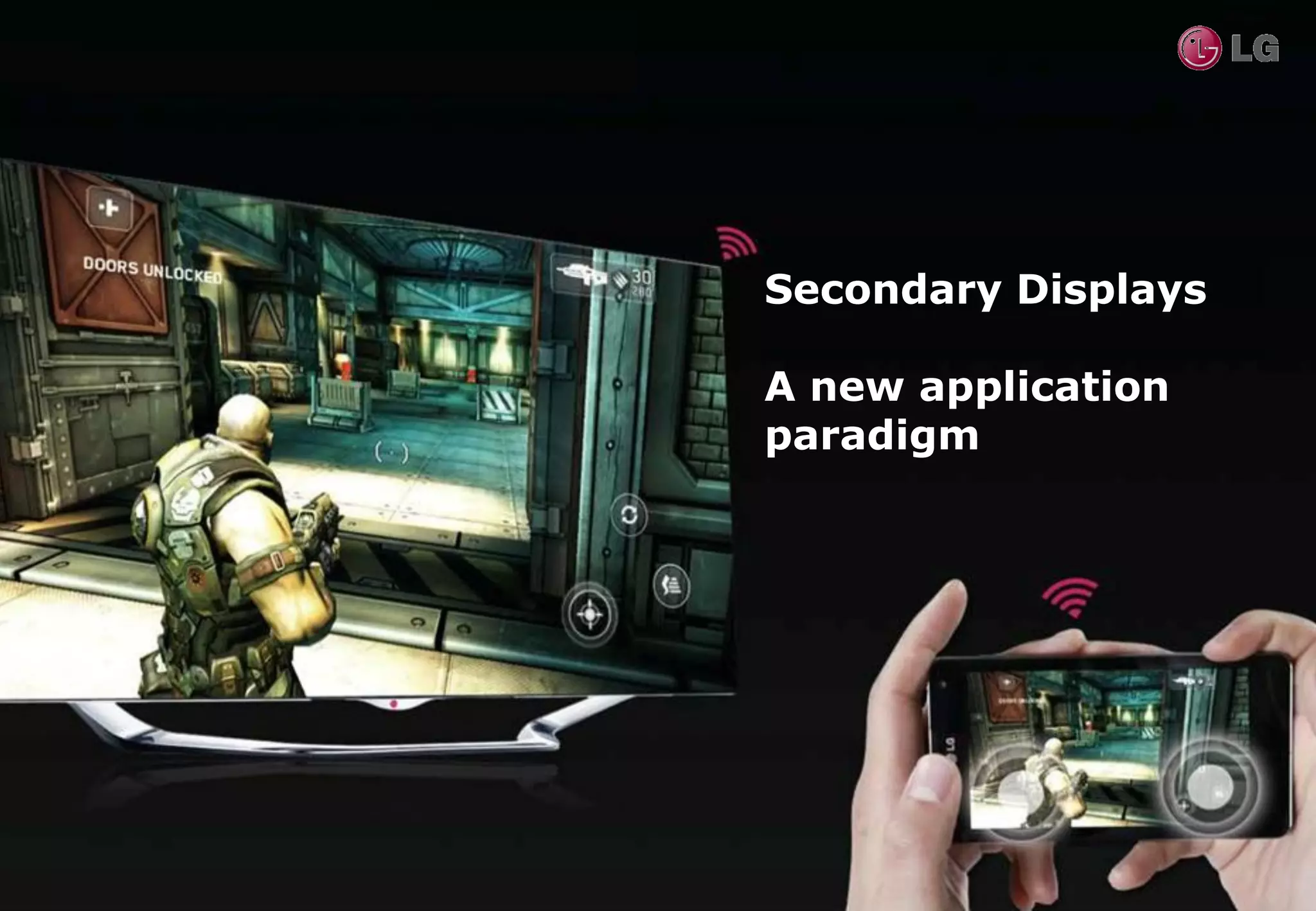
Secondary Displays

A new application
paradigm
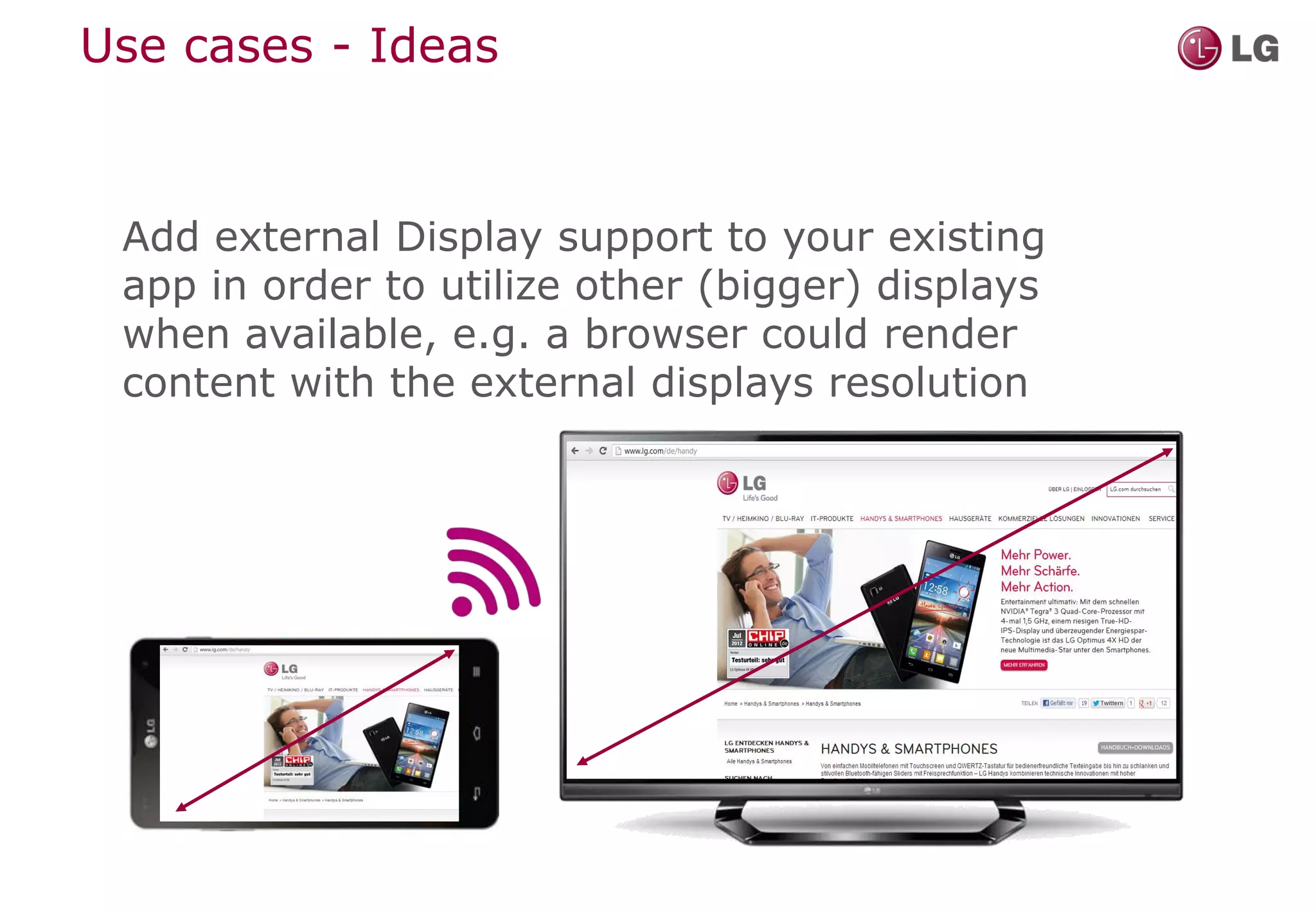
Use cases - Ideas


 Add external Display support to your existing
 app in order to utilize other (bigger) displays
 when available, e.g. a browser could render
 content with the external displays resolution
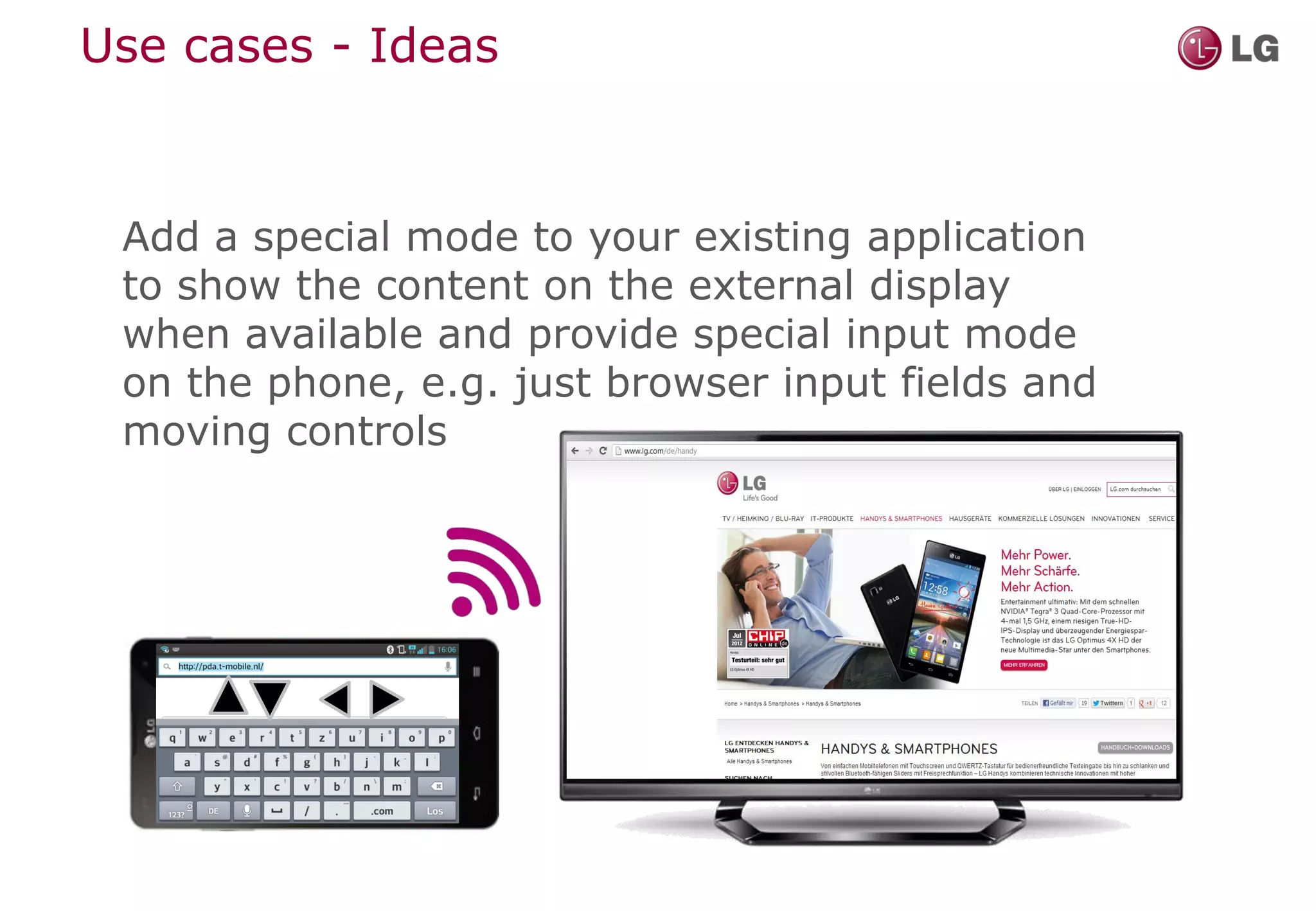
Use cases - Ideas


 Add a special mode to your existing application
 to show the content on the external display
 when available and provide special input mode
 on the phone, e.g. just browser input fields and
 moving controls
Use cases - Ideas


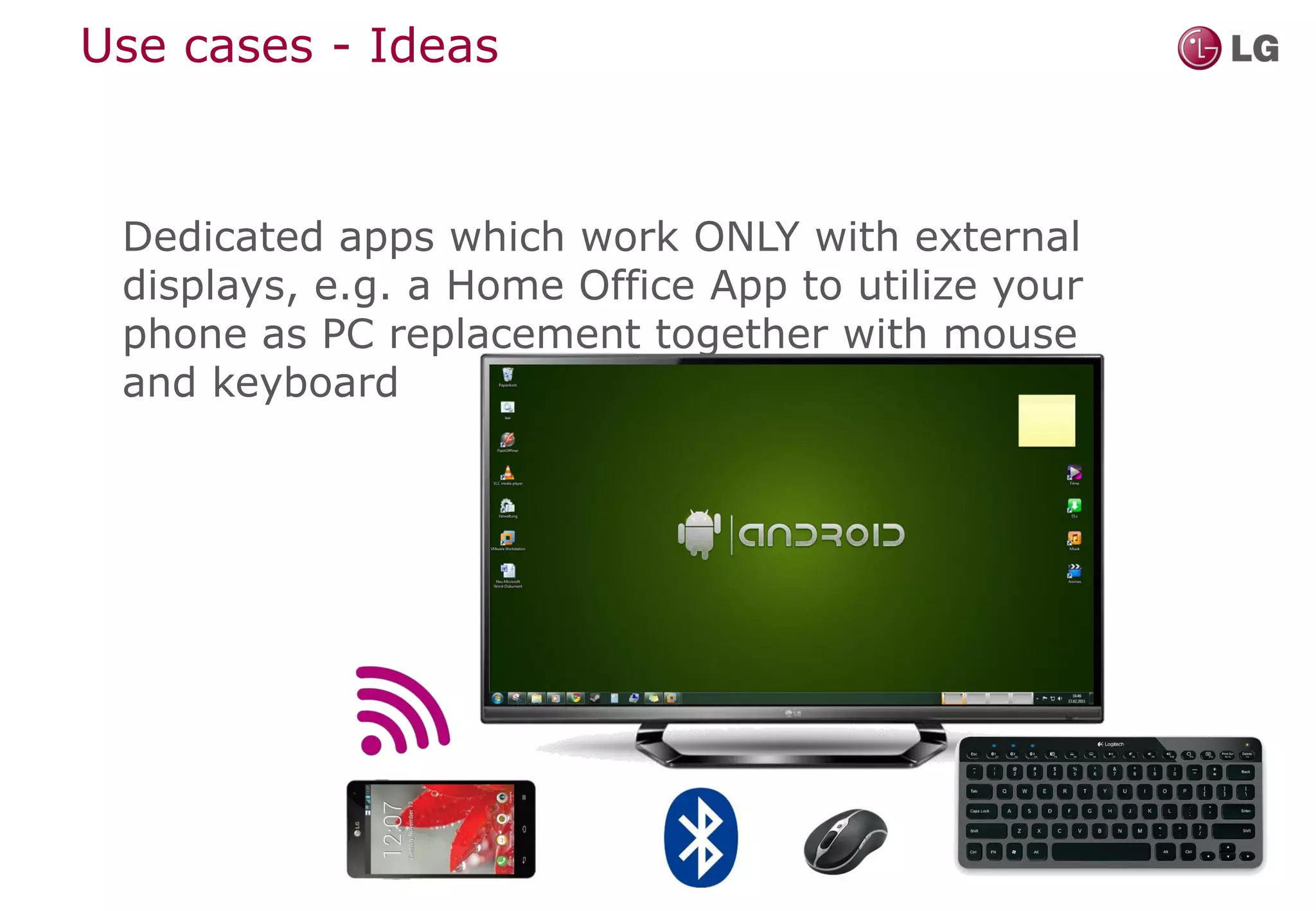
 Dedicated apps which work ONLY with external
 displays, e.g. a Home Office App to utilize your
 phone as PC replacement together with mouse
 and keyboard
Summary

Miracast is
• a method to transmit audio/video from a mobile
  device to external display(s)
• OPEN, STANDARDIZED and COMMERCIALLY
  AVAILABLE

Secondary Display API is
• introduced with Android API Level 17
• adds methods to control the content on multiple
  displays

   Exciting new use cases for applications!!!
http://developer.lge.com


Thank you.
Don’t miss the
demo at our         www.lgworld.com

booth!

Droidcon2013 miracast final2

  • 2.
    A new applicationparadigm: Using the 2nd screen API with Miracast • Who we are: short recap of LG's Android highlights • What is Miracast and how can I use it? • Android API Level 17: The 2nd Screen API hands-on • Usage Scenarios – what can I do with it?
  • 3.
    LIFE’S GOOD WHEN YOUMAKE THE MOST OF IT!
  • 4.
    NEXUS 4 Nexus 4is the new smartphone from Google. Developed by LG. With cutting edge hardware, your favorite Google Apps, and the latest version of Android, Nexus 4 puts the best of Google in the palm of your hand.
  • 6.
    LG TECHNOLOGY LEADERSHIP True HD IPSPlus display Superior mobile and cutting-edge Zerogap Touch experience in speed, performance, Thinner camera & Innovation in energy battery usage and graphics advanced touch screen density & efficiency
  • 7.
  • 8.
    What is Miracast? •Wireless Replacement for HDMI • Based on existing standards • Using existing device capabilities • Open for the industry • Compliance-tested by Wi-Fi Alliance
  • 9.
    Miracast Concept SOURCE SINK Display frames  Audio samples Render Synchronized Render Video encode Audio encode Video decode Audio decode Packetize Packetize Depacketize Depacketize Link content encryption (Optional) Link content decrypt (Optional) AV mux AV Demux Transport Transport LLC LLC Wi-Fi MAC (direct link) Wi-Fi MAC (direct link) Wi-Fi PHY Wi-Fi PHY
  • 10.
    Miracast Logical Blockdiagram Game content UI content Composited Display Composition LCD display surface controller Video content Display capture Encoded video Encode bit-stream MPEG-2 TS MPEG-2 RTP PCM audio Audio/Video Wi-Fi packeting Transport mux
  • 11.
    Sounds Great! CanI Use It Now? Yes! It is commercially available! Miracast Source Miracast Display (e.g. Nexus4, LG Optimus G) (e.g. LG BlueRay Player, HomeCinema, SmartTV, Monitor)
  • 12.
  • 13.
    What's the secondarydisplay API? From 4.2 (API Level 17), Android supports output to multiple displays in a hardware-agnostic way, which means: You can implement support for multiple displays in your applications without having to worry about the way those displays are connected! You can control the output on this displays independently of the phones screen!
  • 14.
    Presentation Class associated with android.view.Display Before showing a Presentation it's important to choose the Display on which it will appear. There are two main ways to choose a Display: 1. Using the MediaRouter – System will decide 2. Using the DisplayManager – Enumeration of Displays
  • 15.
    Code Example -How to get a display protected Display getDisplay() { if(mUseMediaRouter){ //Use the MediaRouter that supports live video MediaRouter.RouteInfo route = mMediaRouter.getSelectedRoute(MediaRouter.ROUTE_TYPE_LIVE_VIDEO); mCurrentDisplay = route.getPresentationDisplay(); } else { // Get all available displays using the DisplayManager Display[] displays = mDisplayManager.getDisplays( DisplayManager.DISPLAY_CATEGORY_PRESENTATION); // Keep an object to the first available external display mCurrentDisplay = displays[0]; } return mCurrentDisplay; }
  • 16.
    Getting the displaysmetrics You can obtain the metrics with getMetrics() of the external Display in order to use the proper resources for the external display Keep in mind that screens connected to the users device often have a larger screen size and likely a different screen density. Because the screen characteristics may differ, you should provide resources that are optimized specifically for such larger displays.
  • 17.
    Simple Example: Presentation publicclass TextDemoPresentation extends Presentation { private TextView mText; public TextDemoPresentation(Context context, Display display) { super(context, display); } @Override protected void onCreate(Bundle savedInstanceState) { super.onCreate(savedInstanceState); // Inflate the layout. setContentView( R.layout.presentation_text); Hello droidcon! // Find the TextView field mText = (TextView) findViewById(R.id.demoText); } }
  • 18.
    Lifecycle A presentation iscanceled when the display to which it is attached is removed. An activity should take care of pausing and resuming whatever content is playing within the presentation whenever the activity itself is paused or resumed. If you use OpenGL in the Presentation the OpenGL context will get lost on pausing. The only way to keep the context during pause/resume is to call onPause() and onResume() manually on the GLSurfaceView in the pause and resume callbacks of your activity. public void onPause() { mGLSurfaceView.onPause(); } public void onResume() { mGLSurfaceView.onResume(); }
  • 19.
    Developer Options Android providesan easy on-device method to test your app using the secondary display API in the developer option. You can select several resolutions and once activated you get an overlay emulating the secondary screen(s)
  • 20.
    Secondary Displays A newapplication paradigm
  • 21.
    Use cases -Ideas Add external Display support to your existing app in order to utilize other (bigger) displays when available, e.g. a browser could render content with the external displays resolution
  • 22.
    Use cases -Ideas Add a special mode to your existing application to show the content on the external display when available and provide special input mode on the phone, e.g. just browser input fields and moving controls
  • 23.
    Use cases -Ideas Dedicated apps which work ONLY with external displays, e.g. a Home Office App to utilize your phone as PC replacement together with mouse and keyboard
  • 24.
    Summary Miracast is • amethod to transmit audio/video from a mobile device to external display(s) • OPEN, STANDARDIZED and COMMERCIALLY AVAILABLE Secondary Display API is • introduced with Android API Level 17 • adds methods to control the content on multiple displays Exciting new use cases for applications!!!
  • 25.
    http://developer.lge.com Thank you. Don’t missthe demo at our www.lgworld.com booth!