Agenda: -Intro
-Android Testing
-Creating a project
-JUnit Testing
-Mock Objects + UI Testing
-Integration and acceptance test
-Performance and system testing
-Advance assertions
-TDD
-Real App Dev
!
Agenda:
-Tools
-Continuous Integration
!
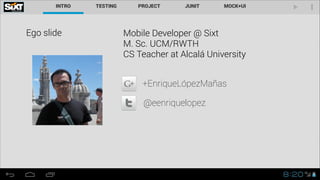
Ego slide Mobile Developer @ Sixt
M. Sc. UCM/RWTH
CS Teacher at Alcalá University
!
!
! +EnriqueLópezMañas
@eenriquelopez
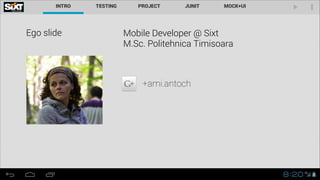
Ego slide Mobile Developer @ Sixt
M.Sc. Politehnica Timisoara
!
!
! +ami.antoch
Keywords
Continuous Integration
TDD
JUnit / Unit Testing
Instrumentation
Behavior Driven Development
Performance Testing
Profiling
What you need • Java SE Version 1.6
• Android SDK Tools
• Eclipse IDE for Java Developers
• ADT
• (Android Bundle)
Testing • Develop
• Finding
• Correcting
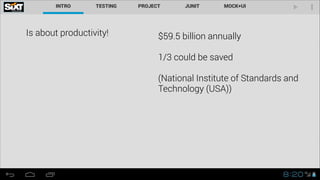
Is about productivity! $59.5 billion annually
!
1/3 could be saved
!
(National Institute of Standards and
Technology (USA))
Why, what, how, when
During, before
!
Continuous Integration
!
Classes, methods, lines, basic
blocks..
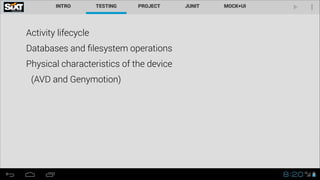
Activity lifecycle
Activity lifecycle
Databases and filesystem operations
Activity lifecycle
Databases and filesystem operations
Physical characteristics of the device
Activity lifecycle
Databases and filesystem operations
Physical characteristics of the device
(AVD and Genymotion)
UnitTests Written by programmers for programmers
JUnit
Elements of a test The fixture
Method setUp()
Method tearDown()
Test preconditions (retrospection vs. annotations)
Assertions • assertEquals()
• assertFalse()
• assertNotNull()
• assertNotSame()
• assertNull()
• assertSame()
• assertTrue()
• fail()
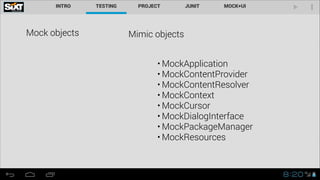
Mock objects Mimic objects
• MockApplication
• MockContentProvider
• MockContentResolver
• MockContext
• MockCursor
• MockDialogInterface
• MockPackageManager
• MockResources
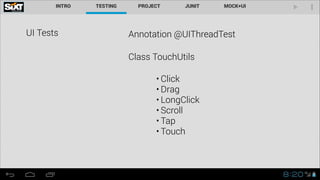
UI Tests Annotation @UIThreadTest
Class TouchUtils
• Click
• Drag
• LongClick
• Scroll
• Tap
• Touch
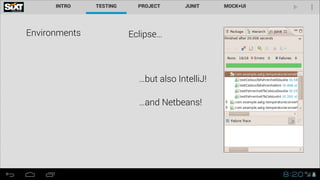
Environments Eclipse…
…but also IntelliJ!
…and Netbeans!
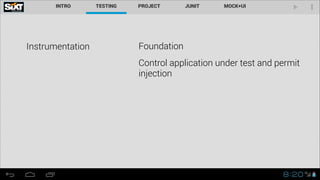
Instrumentation Foundation
Control application under test and permit
injection
Project Test MyProject
MyProjectTest
Testing Target Device
AVD Machines
GenyMotion
Summary
Android Testing
Best practice: test should live in a separate
correlated project
• Stripped (not included in main)
• Easier to run in Emulator
• Takes less time
• Encourages code reusability
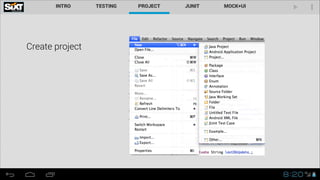
Create project
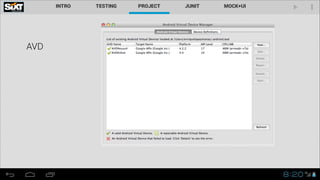
AVD
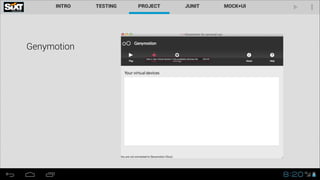
Genymotion
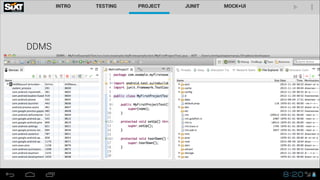
DDMS
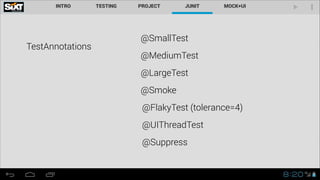
TestAnnotations
@SmallTest
@MediumTest
@LargeTest
@Smoke
@FlakyTest (tolerance=4)
@UIThreadTest
@Suppress
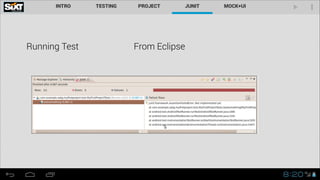
Running Test From Eclipse
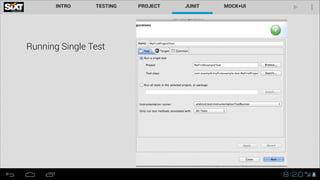
Running Single Test
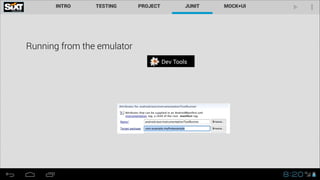
Running from the emulator
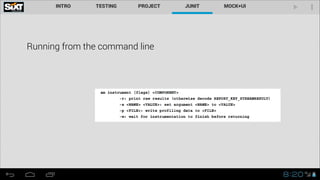
Running from the command line
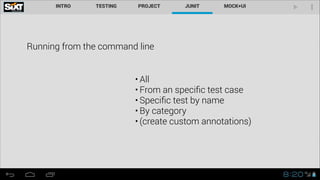
• All
• From an specific test case
• Specific test by name
• By category
• (create custom annotations)
Debug bugs
Summary • Created first Android project
• Followed best practice creating companion project
• Simple test class
• Eclipse
• Command line options
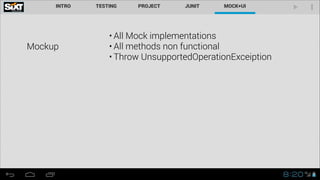
Mockup
• All Mock implementations
• All methods non functional
• Throw UnsupportedOperationExceiption
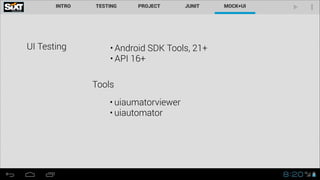
UI Testing • Android SDK Tools, 21+
• API 16+
• uiaumatorviewer
• uiautomator
Tools
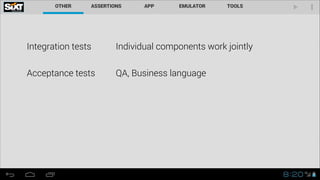
Integration tests Individual components work jointly
Acceptance tests QA, Business language
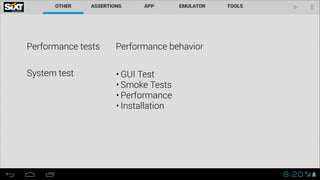
Performance tests Performance behavior
System test • GUI Test
• Smoke Tests
• Performance
• Installation
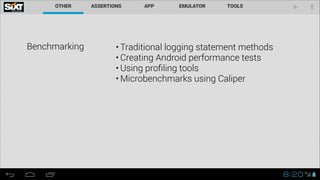
Benchmarking • Traditional logging statement methods
• Creating Android performance tests
• Using profiling tools
• Microbenchmarks using Caliper
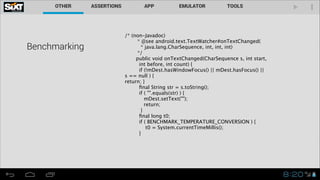
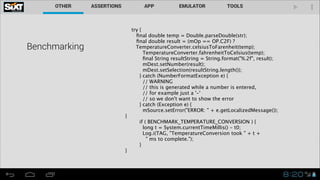
Benchmarking
/* (non-Javadoc)
* @see android.text.TextWatcher#onTextChanged(
* java.lang.CharSequence, int, int, int)
*/
public void onTextChanged(CharSequence s, int start,
int before, int count) {
if (!mDest.hasWindowFocus() || mDest.hasFocus() ||
s == null ) {
return; }
final String str = s.toString();
if ( "".equals(str) ) {
mDest.setText("");
return;
}
final long t0;
if ( BENCHMARK_TEMPERATURE_CONVERSION ) {
t0 = System.currentTimeMillis();
}
!
Benchmarking

try {
final double temp = Double.parseDouble(str);
final double result = (mOp == OP.C2F) ?

 TemperatureConverter.celsiusToFarenheit(temp);
TemperatureConverter.fahrenheitToCelsius(temp);
final String resultString = String.format("%.2f", result);
mDest.setNumber(result);
mDest.setSelection(resultString.length());
} catch (NumberFormatException e) {
// WARNING
// this is generated while a number is entered,
// for example just a '-'
// so we don't want to show the error
} catch (Exception e) {
mSource.setError("ERROR: " + e.getLocalizedMessage());
}
if ( BENCHMARK_TEMPERATURE_CONVERSION ) {
long t = System.currentTimeMillis() - t0;
Log.i(TAG, "TemperatureConversion took " + t +
" ms to complete.");
}
}
Android performance tests
Classes hidden only for System
apps :(
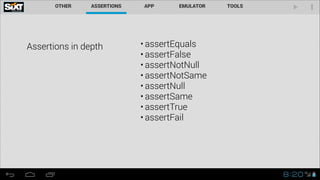
Assertions in depth • assertEquals
• assertFalse
• assertNotNull
• assertNotSame
• assertNull
• assertSame
• assertTrue
• assertFail
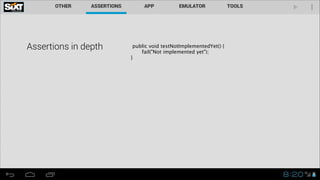
Assertions in depth public void testNotImplementedYet() {
fail("Not implemented yet");
}
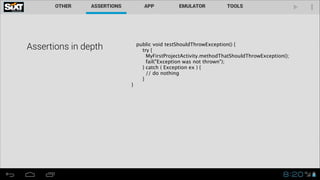
Assertions in depth public void testShouldThrowException() {
try {
MyFirstProjectActivity.methodThatShouldThrowException();
fail("Exception was not thrown");
} catch ( Exception ex ) {
// do nothing
}
}
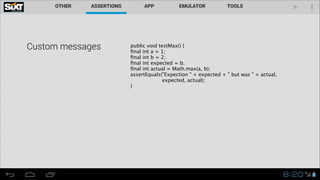
Custom messages public void testMax() {

final int a = 1;

final int b = 2;

final int expected = b;

final int actual = Math.max(a, b);

assertEquals("Expection " + expected + " but was " + actual,
expected, actual);
}
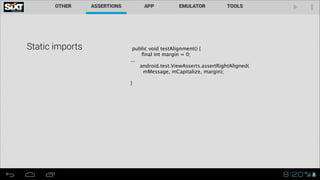
Static imports public void testAlignment() {
final int margin = 0;
...
android.test.ViewAsserts.assertRightAligned(
mMessage, mCapitalize, margin);
!
}
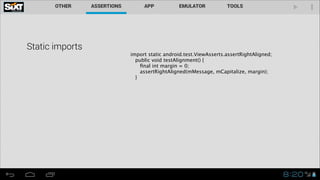
Static imports
import static android.test.ViewAsserts.assertRightAligned;
public void testAlignment() {

final int margin = 0;

assertRightAligned(mMessage, mCapitalize, margin);
}
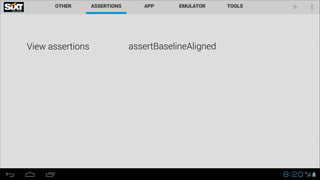
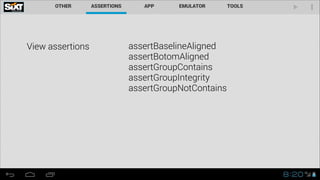
View assertions assertBaselineAligned

assertBotomAligned
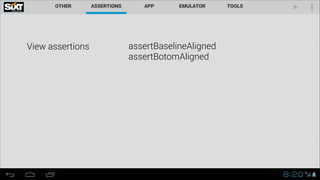
View assertions assertBaselineAligned

assertBotomAligned
assertGroupContains
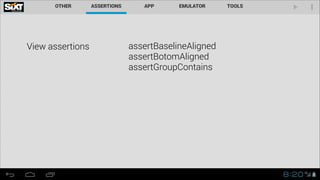
View assertions assertBaselineAligned

assertBotomAligned
assertGroupContains
assertGroupIntegrity
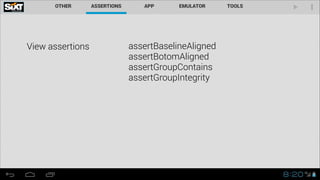
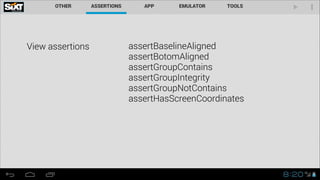
View assertions assertBaselineAligned

assertBotomAligned
assertGroupContains
assertGroupIntegrity
assertGroupNotContains
View assertions assertBaselineAligned

assertBotomAligned
assertGroupContains
assertGroupIntegrity
assertGroupNotContains
assertHasScreenCoordinates
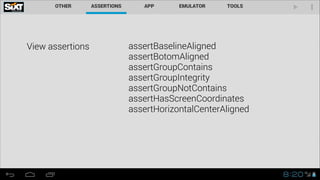
View assertions assertBaselineAligned

assertBotomAligned
assertGroupContains
assertGroupIntegrity
assertGroupNotContains
assertHasScreenCoordinates
assertHorizontalCenterAligned
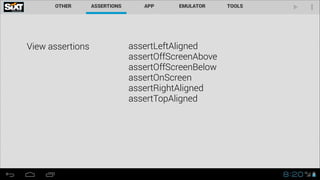
View assertions assertLeftAligned
assertOffScreenAbove
View assertions assertLeftAligned
assertOffScreenAbove
assertOffScreenBelow
View assertions assertLeftAligned
assertOffScreenAbove
assertOffScreenBelow
assertOnScreen
View assertions assertLeftAligned
assertOffScreenAbove
assertOffScreenBelow
assertOnScreen
assertRightAligned
View assertions assertLeftAligned
assertOffScreenAbove
assertOffScreenBelow
assertOnScreen
assertRightAligned
assertTopAligned
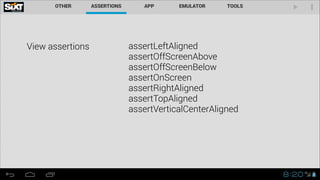
View assertions assertLeftAligned
assertOffScreenAbove
assertOffScreenBelow
assertOnScreen
assertRightAligned
assertTopAligned
assertVerticalCenterAligned
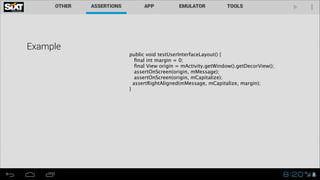
Example
public void testUserInterfaceLayout() {

final int margin = 0;

final View origin = mActivity.getWindow().getDecorView(); 
assertOnScreen(origin, mMessage); 
assertOnScreen(origin, mCapitalize);
assertRightAligned(mMessage, mCapitalize, margin);
}
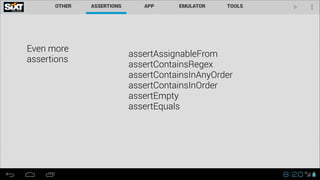
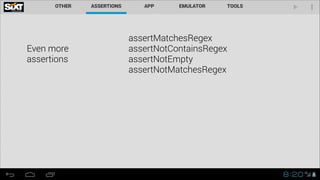
Even more 

assertions
assertAssignableFrom
Even more 

assertions
assertAssignableFrom
assertContainsRegex
Even more 

assertions
assertAssignableFrom
assertContainsRegex
assertContainsInAnyOrder
Even more 

assertions
assertAssignableFrom
assertContainsRegex
assertContainsInAnyOrder
assertContainsInOrder
Even more 

assertions
assertAssignableFrom
assertContainsRegex
assertContainsInAnyOrder
assertContainsInOrder
assertEmpty
Even more 

assertions
assertAssignableFrom
assertContainsRegex
assertContainsInAnyOrder
assertContainsInOrder
assertEmpty
assertEquals
Even more 

assertions
assertMatchesRegex
Even more 

assertions
assertMatchesRegex
assertNotContainsRegex
Even more 

assertions
assertMatchesRegex
assertNotContainsRegex
assertNotEmpty
Even more 

assertions
assertMatchesRegex
assertNotContainsRegex
assertNotEmpty
assertNotMatchesRegex
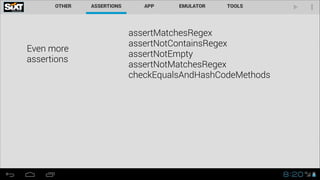
Even more 

assertions
assertMatchesRegex
assertNotContainsRegex
assertNotEmpty
assertNotMatchesRegex
checkEqualsAndHashCodeMethods
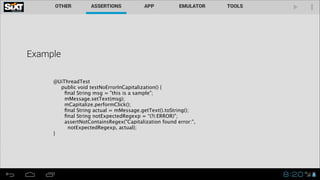
Example
@UiThreadTest
public void testNoErrorInCapitalization() {
final String msg = "this is a sample";
mMessage.setText(msg);
mCapitalize.performClick();
final String actual = mMessage.getText().toString(); 
final String notExpectedRegexp = “(?i:ERROR)";
assertNotContainsRegex("Capitalization found error:",
notExpectedRegexp, actual);
}
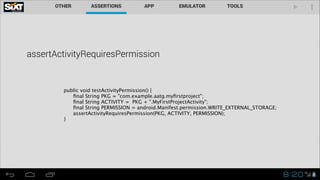
assertActivityRequiresPermission

 
 public void testActivityPermission() {

 
 final String PKG = "com.example.aatg.myfirstproject";

 
 final String ACTIVITY = PKG + ".MyFirstProjectActivity";

 
 final String PERMISSION = android.Manifest.permission.WRITE_EXTERNAL_STORAGE;

 
 assertActivityRequiresPermission(PKG, ACTIVITY, PERMISSION);

 }
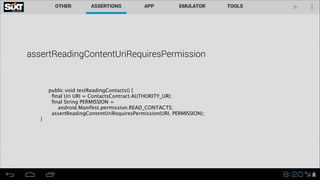
assertReadingContentUriRequiresPermission
public void testReadingContacts() {
final Uri URI = ContactsContract.AUTHORITY_URI;
final String PERMISSION =
android.Manifest.permission.READ_CONTACTS;
assertReadingContentUriRequiresPermission(URI, PERMISSION);
}
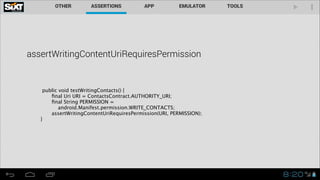
assertWritingContentUriRequiresPermission
public void testWritingContacts() {
final Uri URI = ContactsContract.AUTHORITY_URI;
final String PERMISSION =
android.Manifest.permission.WRITE_CONTACTS;
assertWritingContentUriRequiresPermission(URI, PERMISSION);
}
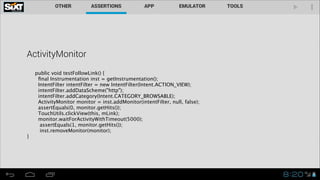
ActivityMonitor
public void testFollowLink() {
final Instrumentation inst = getInstrumentation();
IntentFilter intentFilter = new IntentFilter(Intent.ACTION_VIEW);
intentFilter.addDataScheme("http");
intentFilter.addCategory(Intent.CATEGORY_BROWSABLE);
ActivityMonitor monitor = inst.addMonitor(intentFilter, null, false); 
assertEquals(0, monitor.getHits()); 
TouchUtils.clickView(this, mLink); 
monitor.waitForActivityWithTimeout(5000); 
assertEquals(1, monitor.getHits()); 
inst.removeMonitor(monitor);
}
Example project
Summary
Used several types of assertion
Explained mock objects
Exemplified different tests
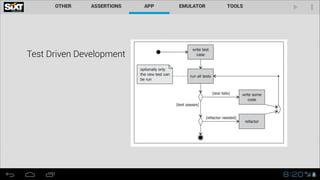
Test Driven Development
Test Driven Development • Difficult to divert code
• Focus
NO SILVER BULLET
Example project - temperature converter
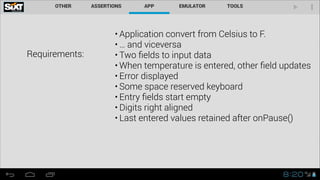
Requirements:
• Application convert from Celsius to F.
• … and viceversa
• Two fields to input data
• When temperature is entered, other field updates
• Error displayed
• Some space reserved keyboard
• Entry fields start empty
• Digits right aligned
• Last entered values retained after onPause()
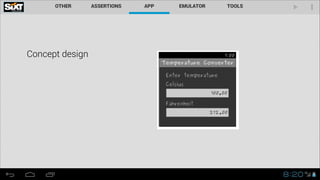
Concept design
Create projects
From requirement to tests
AVD and Emulator Options
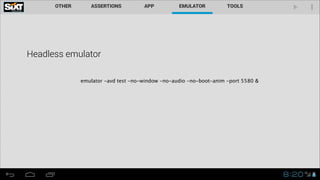
Headless emulator
emulator -avd test -no-window -no-audio -no-boot-anim -port 5580 &
Monkeyrunner
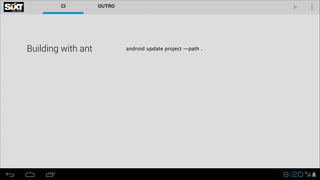
Building with ant android update project —path .
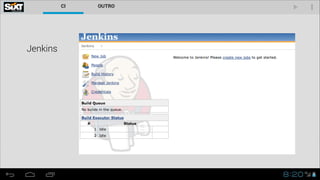
Jenkins
Testing recipes
Thank you !
+ Enrique López Mañas
@eenriquelopez

Testing and Building Android