Dreamforce ‘19 Highlights
for Salesforce Admins
#AwesomeAdmin
Date: 11th Jan 2020
Manoj Sonawane (Salesforce Solution Architect)
sonumanoj@gmail.com
@sonumanoj
Agenda
1. Admin Keynote Highlights
2. Admin Super Session Highlights
3. Top Admin Breakout Session Highlights
#AwesomeAdmin Trivia
Salesforce has 3 releases each year, which
seasons are they based on?
A. Fall, Spring, Summer
C. Spring, Summer, Winter
B. Winter, Summer, Autumn
D. Winter, Spring, Fall
#AwesomeAdmin Trivia
How do you grant user access to the new Salesforce Mobile App?
A. Profile
C. Magic Wand
B. Permission Set
D. User Checkbox
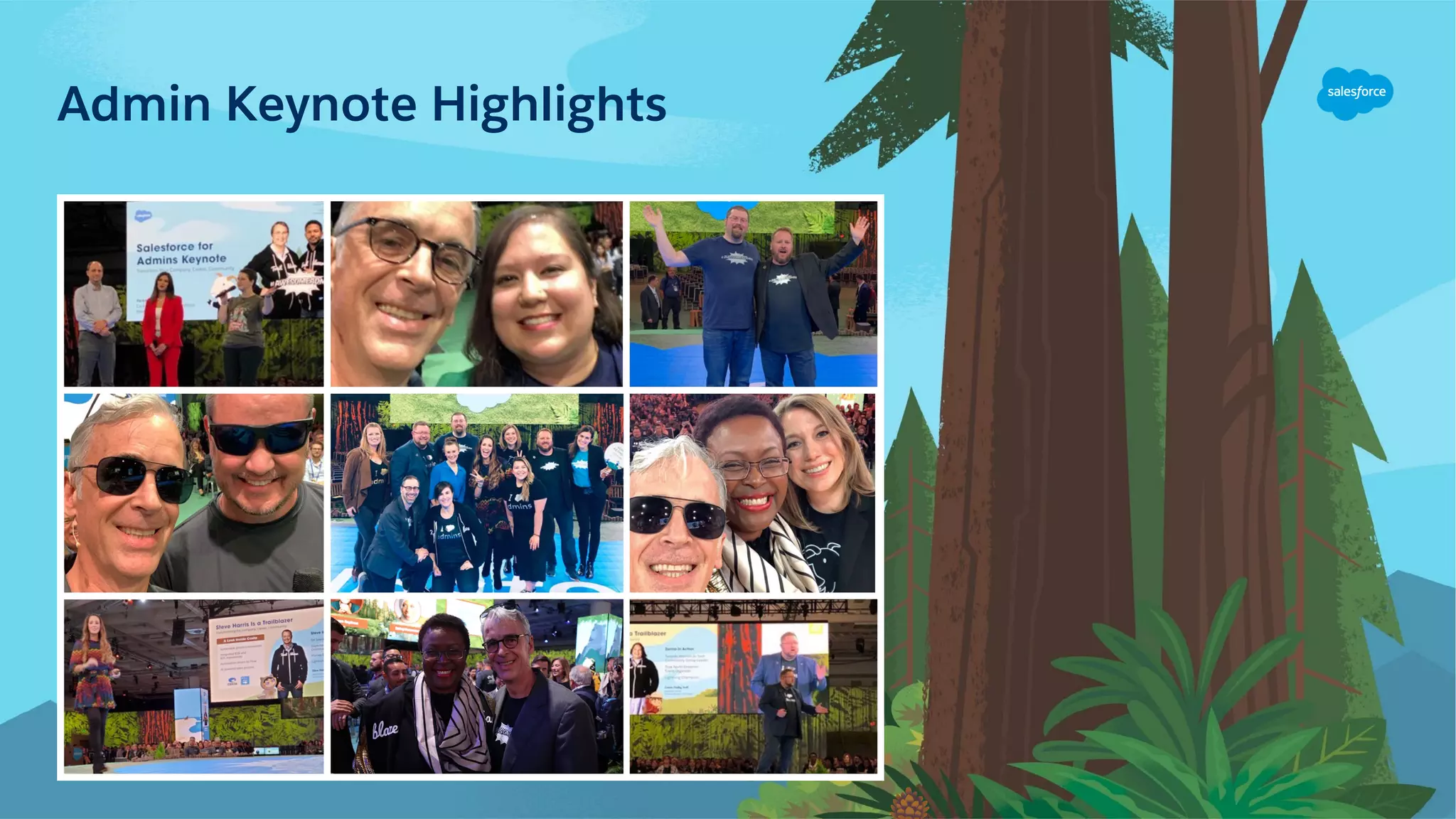
Admin Keynote Highlights
Admin Keynote Speakers
Michael Gerholdt
Sr. Director,
Admin Evangelism
LeeAnne Rimel
Principal Admin
Evangelist
Josie Chiles
Vice President,
Admin Relations
Parker Harris
Co-founder & CTO
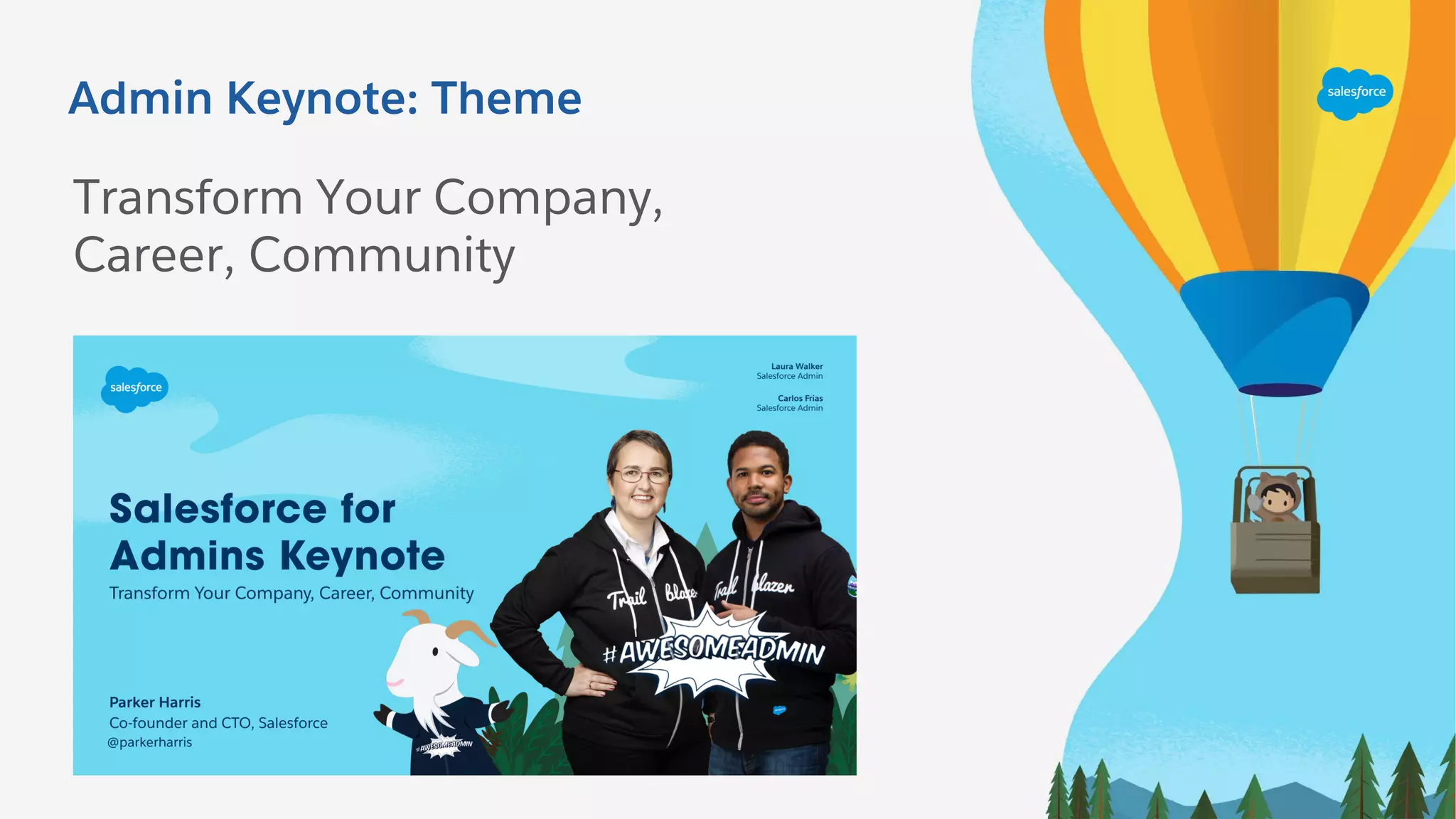
Admin Keynote: Theme
Transform Your Company,
Career, Community
Opening Video From Admin Keynote
Click here to play
the Opening
Keynote Video
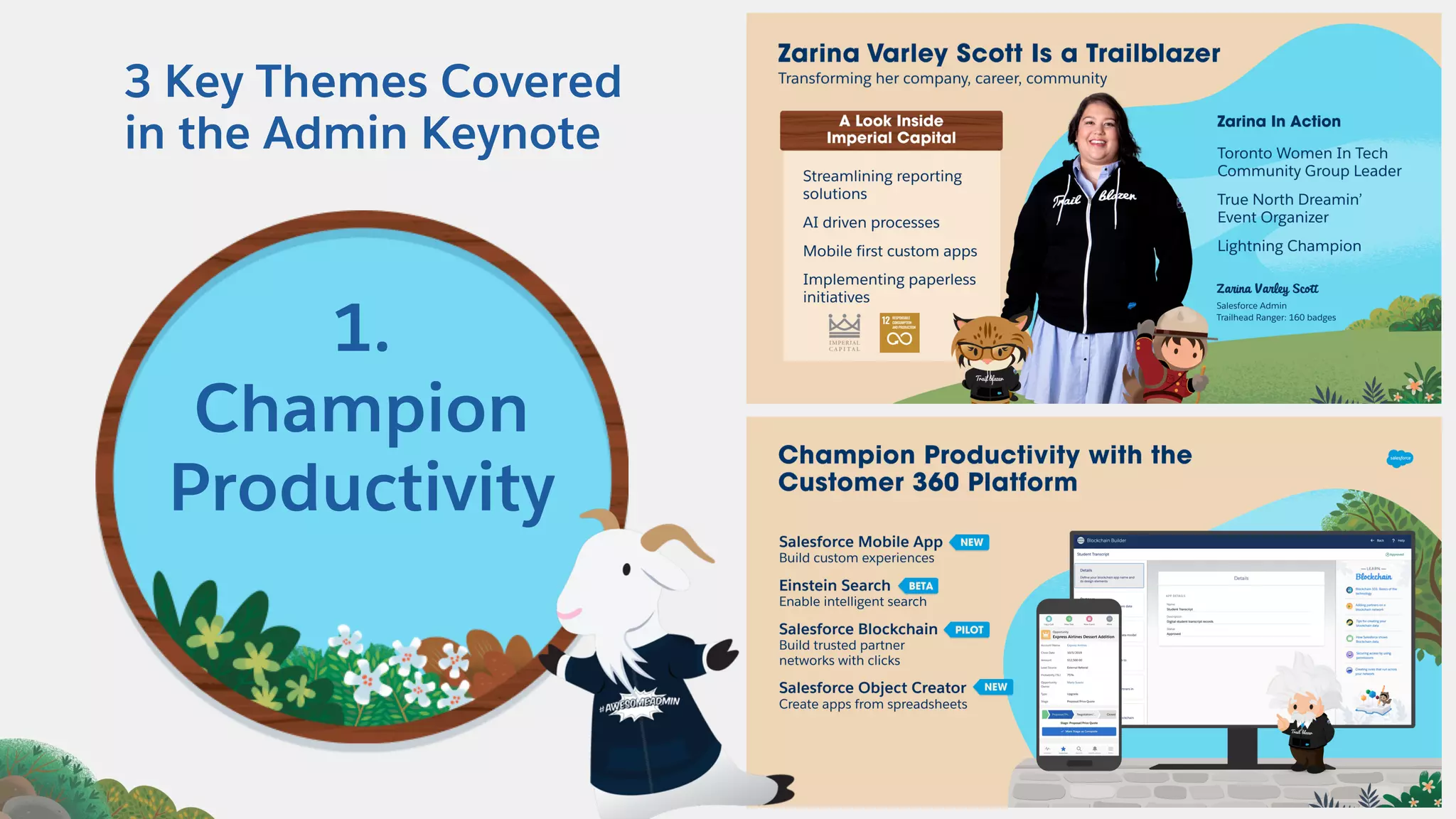
3 Key Themes Covered
in the Admin Keynote
1.
Champion
Productivity
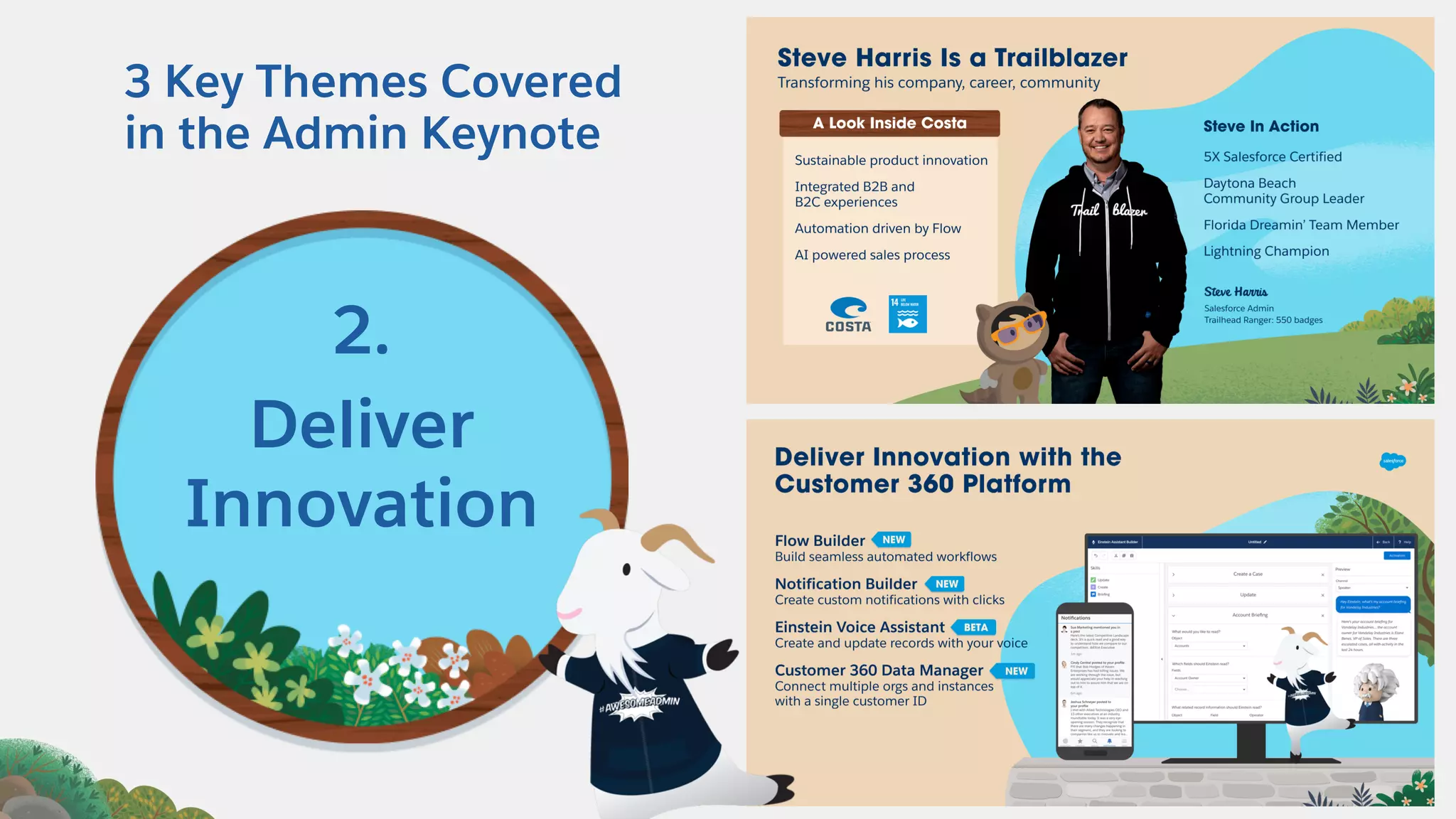
3 Key Themes Covered
in the Admin Keynote
2.
Deliver
Innovation
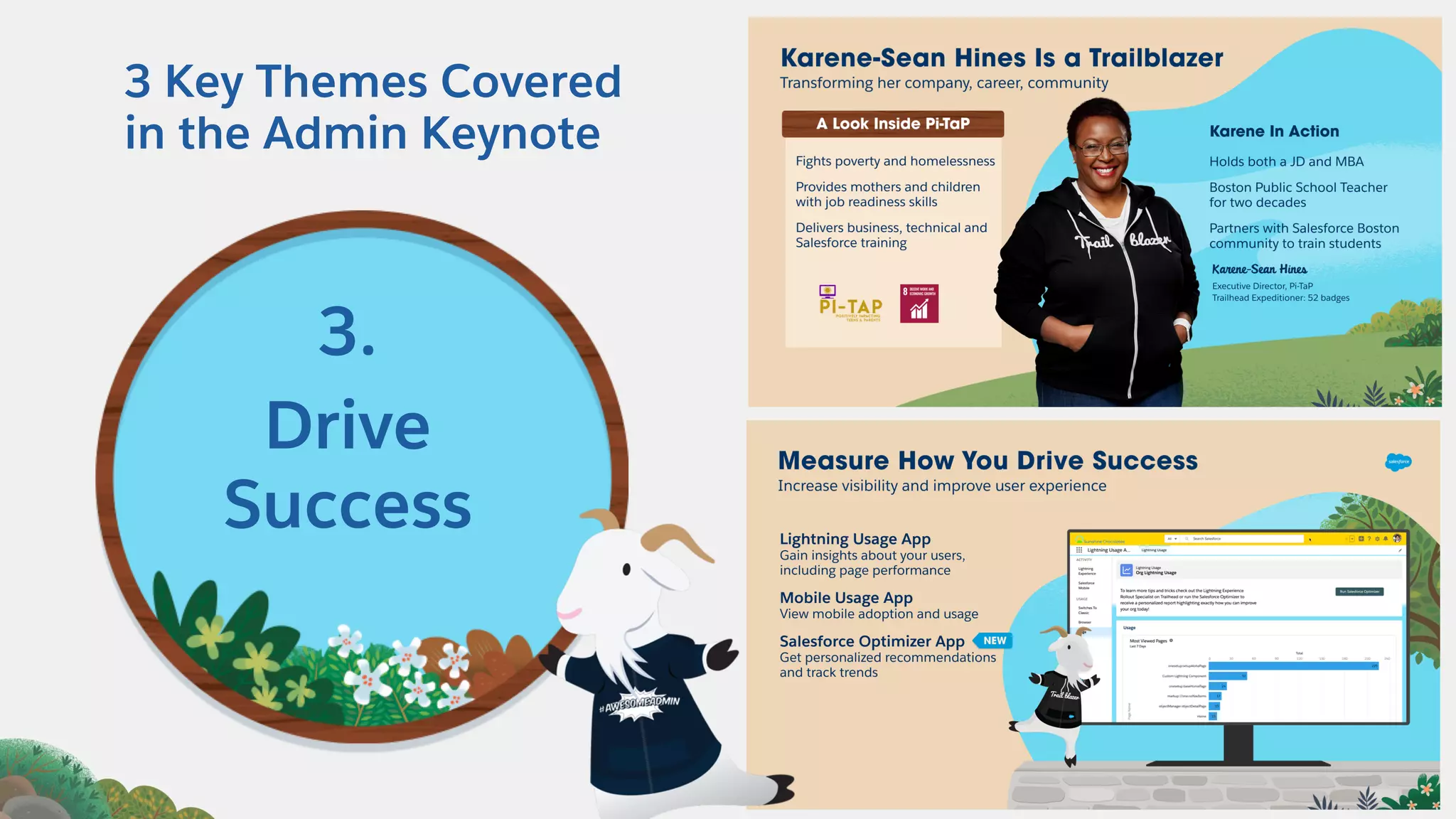
3 Key Themes Covered
in the Admin Keynote
3.
Drive
Success
#AwesomeAdmin Trivia
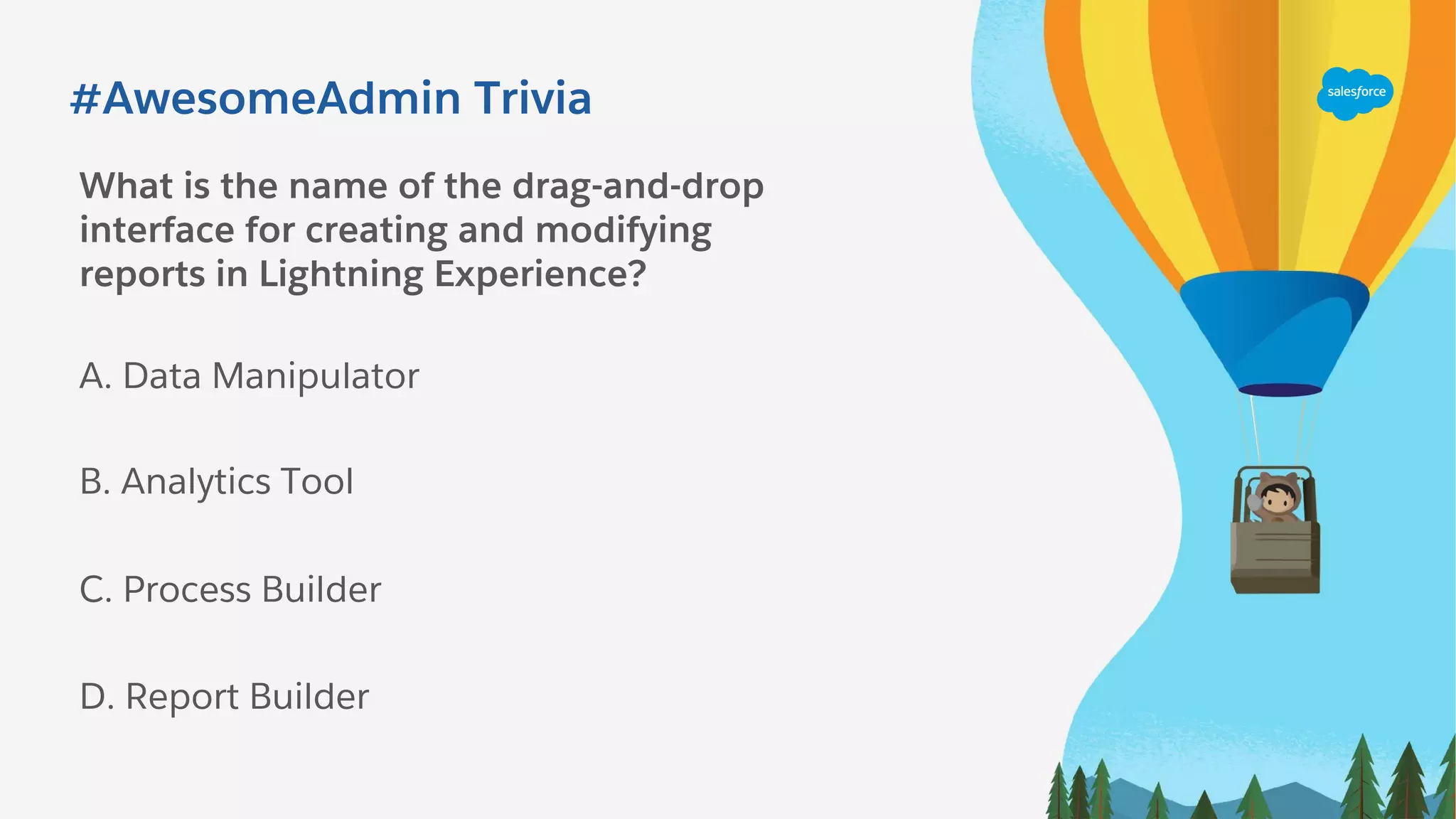
What is the name of the drag-and-drop
interface for creating and modifying
reports in Lightning Experience?
A. Data Manipulator
C. Process Builder
B. Analytics Tool
D. Report Builder
#AwesomeAdmin Trivia
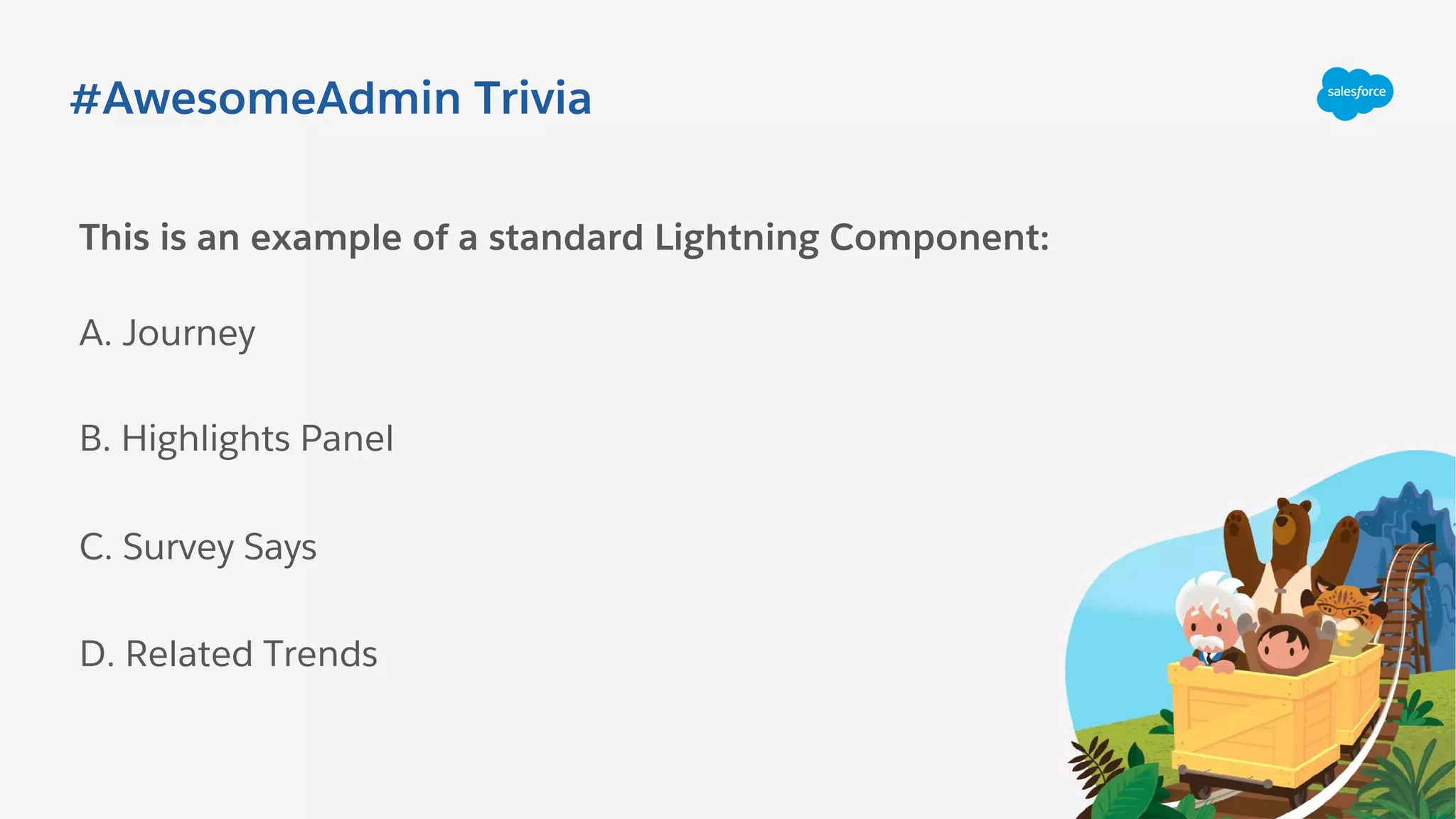
This is an example of a standard Lightning Component:
A. Journey
C. Survey Says
B. Highlights Panel
D. Related Trends
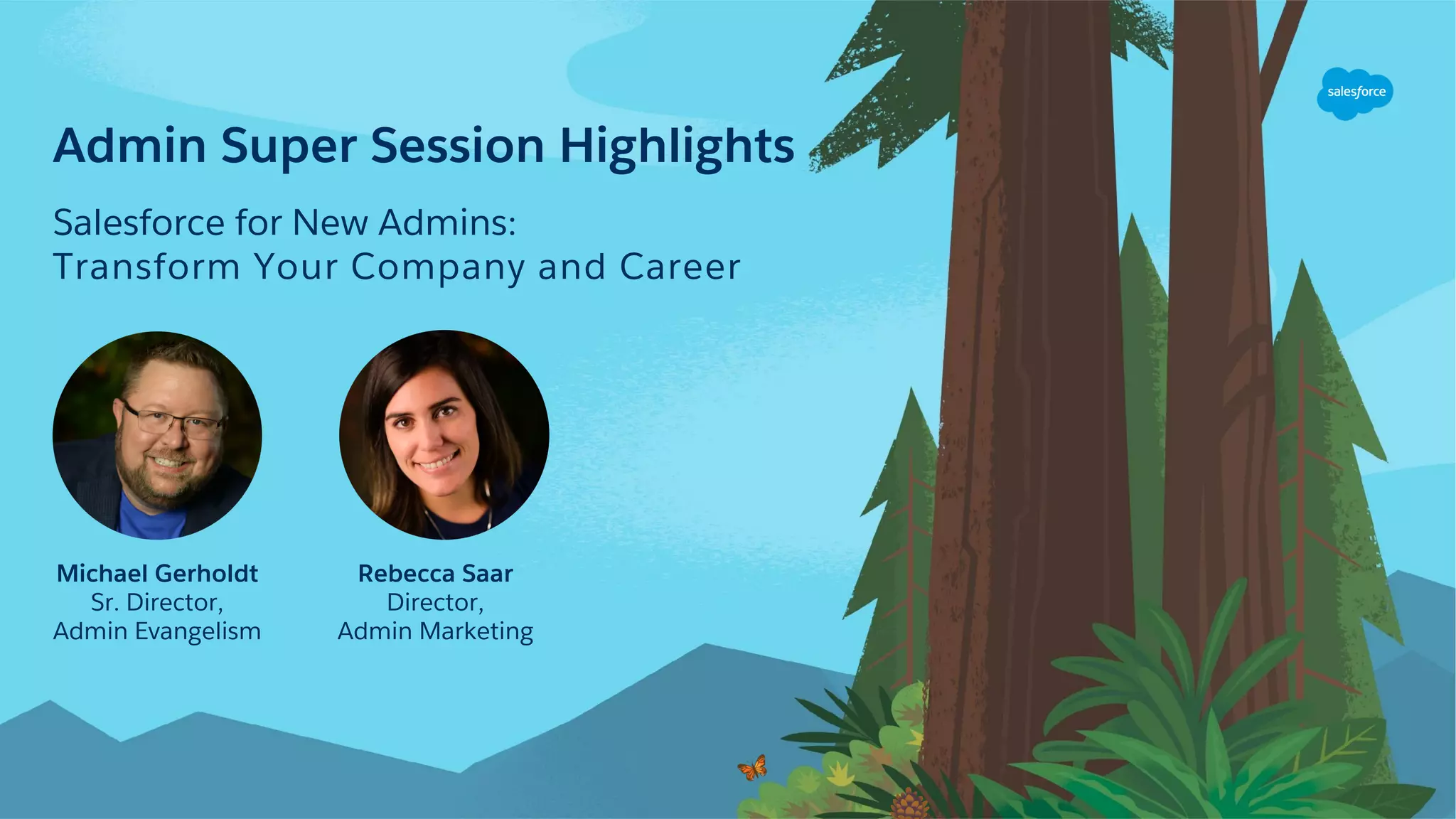
Admin Super Session Highlights
Salesforce for New Admins:
Transform Your Company and Career
Michael Gerholdt
Sr. Director,
Admin Evangelism
Rebecca Saar
Director,
Admin Marketing
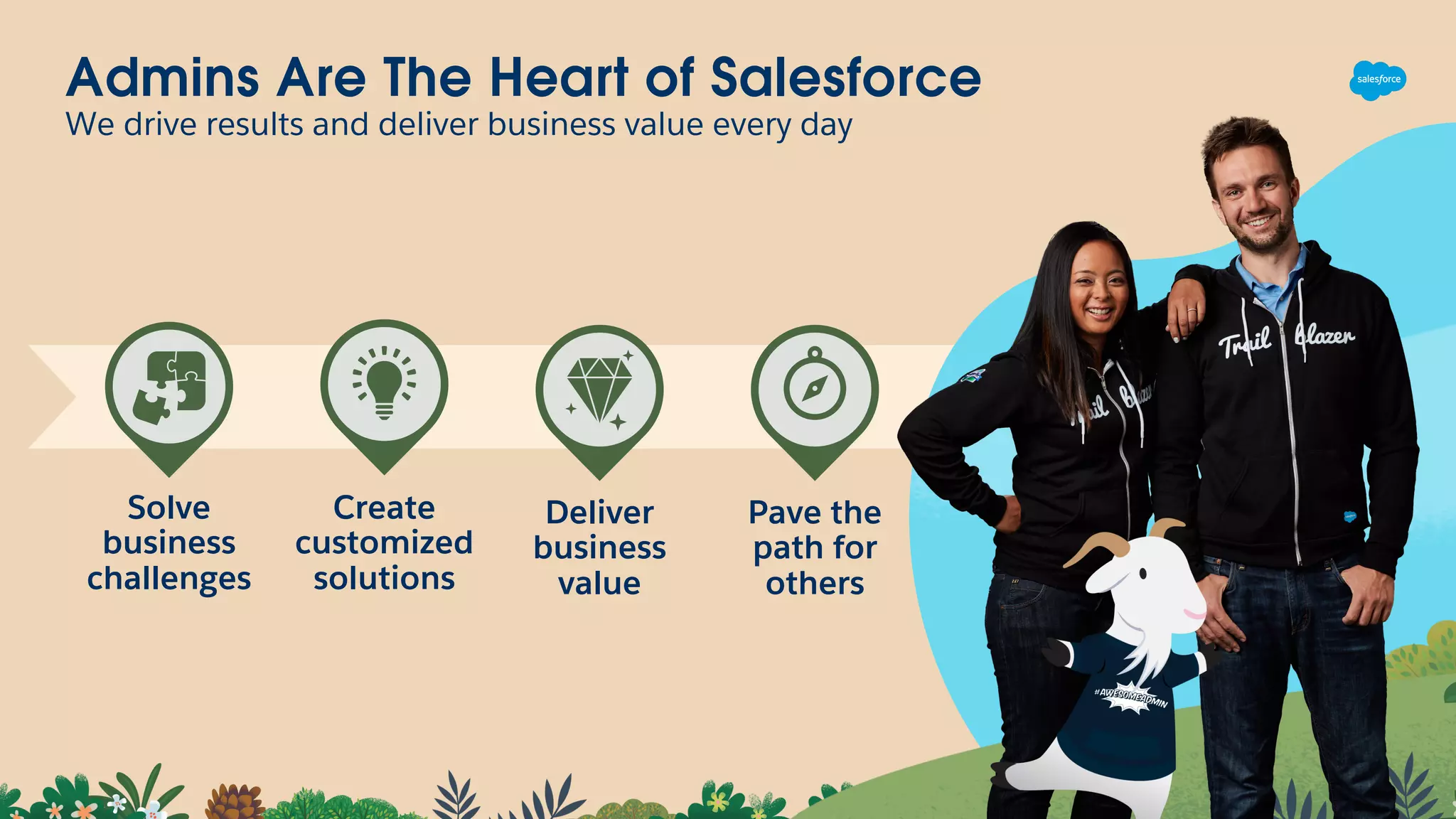
Admins Are The Heart of Salesforce
We drive results and deliver business value every day
Solve
business
challenges
Create
customized
solutions
Deliver
business
value
Pave the
path for
others
#AwesomeAdmin Trivia
What is a type of field that contains a linkable
value to another record?
A. Lookup Field
C. LookWhere
B. Currency
D. Lookinto Field
Top Breakout Session Highlights
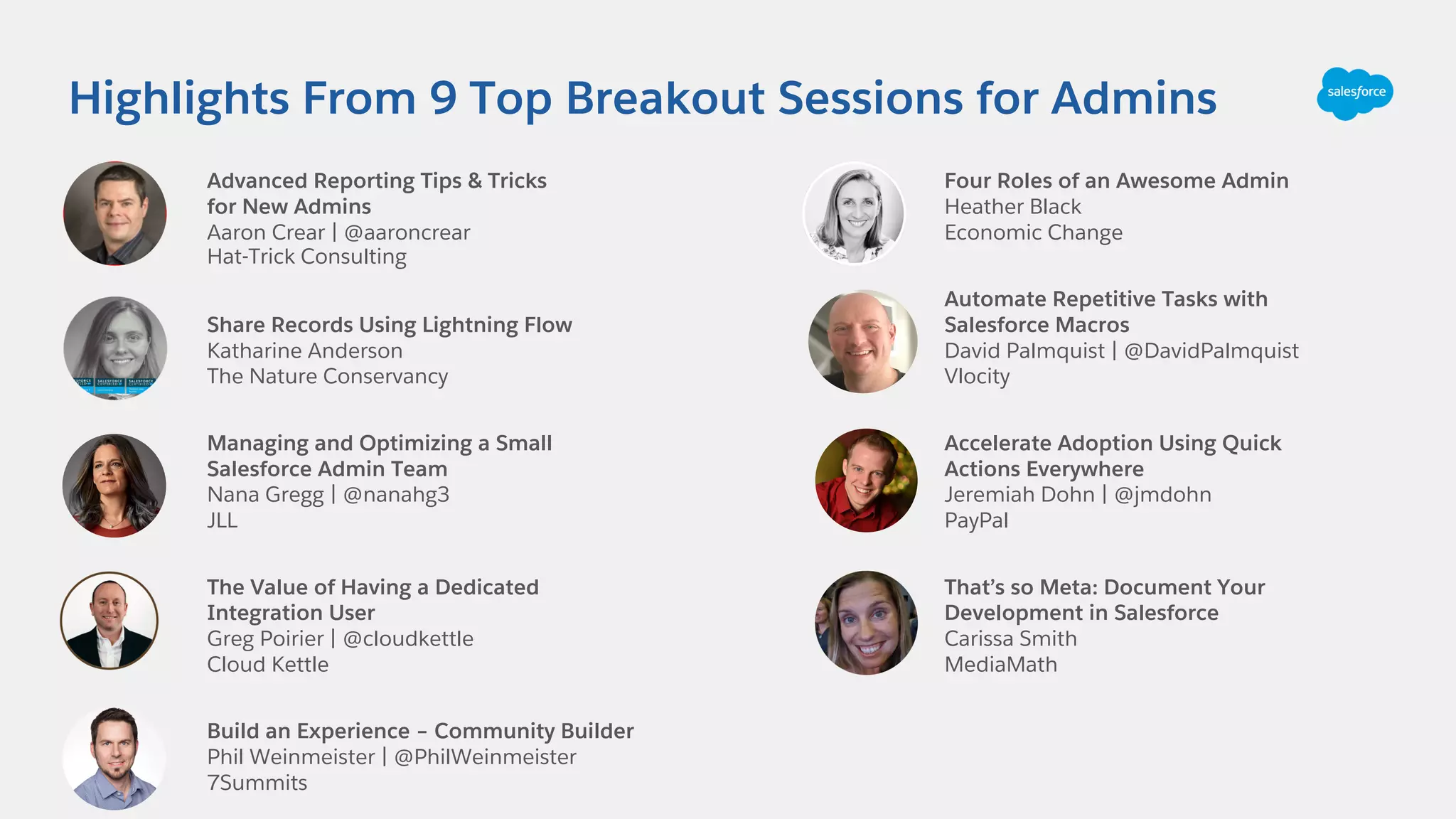
Highlights From 9 Top Breakout Sessions for Admins
Advanced Reporting Tips & Tricks
for New Admins
Aaron Crear | @aaroncrear
Hat-Trick Consulting
Share Records Using Lightning Flow
Katharine Anderson
The Nature Conservancy
Managing and Optimizing a Small
Salesforce Admin Team
Nana Gregg | @nanahg3
JLL
The Value of Having a Dedicated
Integration User
Greg Poirier | @cloudkettle
Cloud Kettle
Build an Experience – Community Builder
Phil Weinmeister | @PhilWeinmeister
7Summits
Four Roles of an Awesome Admin
Heather Black
Economic Change
Automate Repetitive Tasks with
Salesforce Macros
David Palmquist | @DavidPalmquist
Vlocity
Accelerate Adoption Using Quick
Actions Everywhere
Jeremiah Dohn | @jmdohn
PayPal
That’s so Meta: Document Your
Development in Salesforce
Carissa Smith
MediaMath
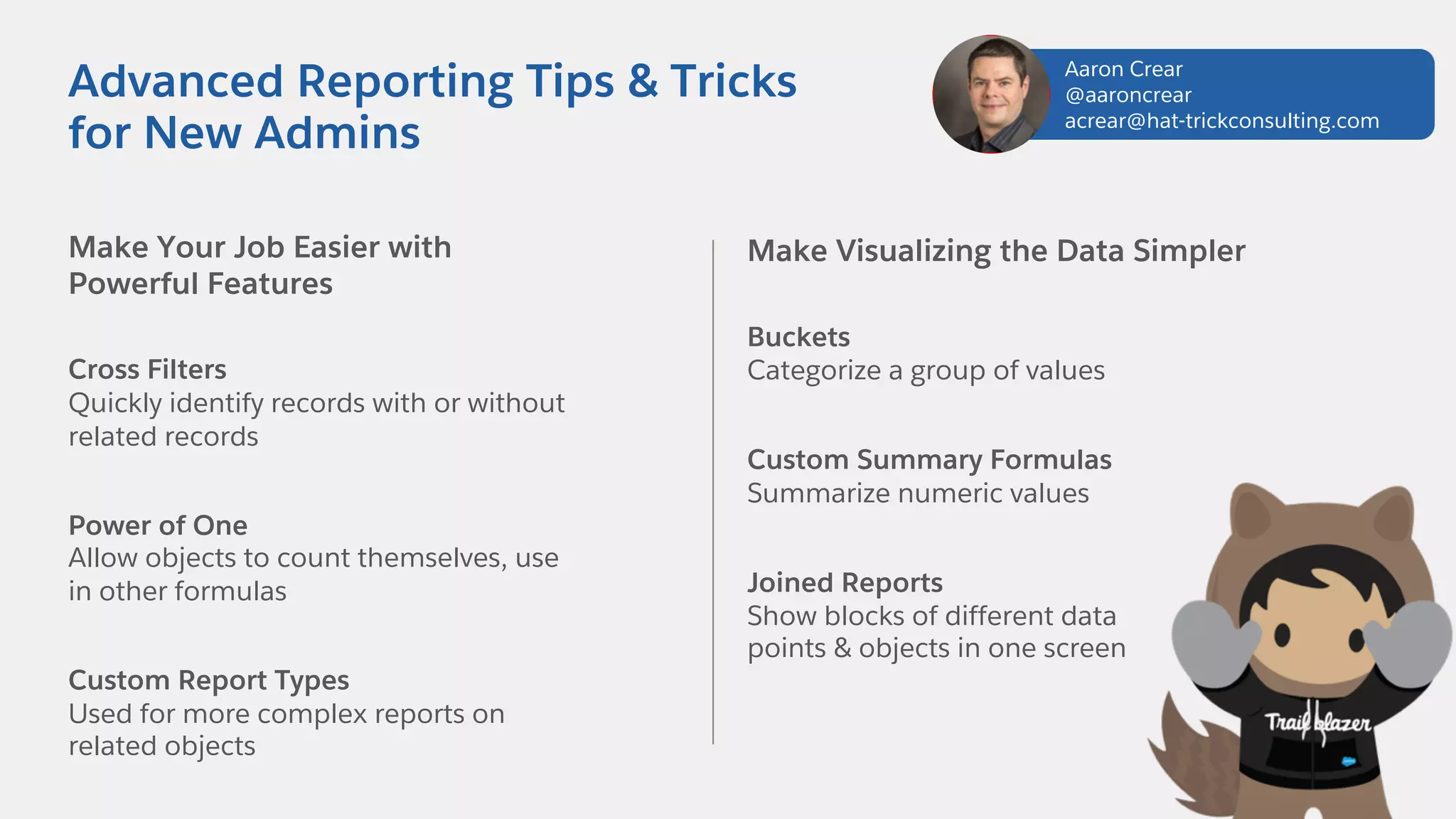
Make Your Job Easier with
Powerful Features
Cross Filters
Quickly identify records with or without
related records
Power of One
Allow objects to count themselves, use
in other formulas
Custom Report Types
Used for more complex reports on
related objects
Advanced Reporting Tips & Tricks
for New Admins
Make Visualizing the Data Simpler
Buckets
Categorize a group of values
Custom Summary Formulas
Summarize numeric values
Joined Reports
Show blocks of different data
points & objects in one screen
Aaron Crear
@aaroncrear
acrear@hat-trickconsulting.com
Learn About New Report Features
Field-to-Field Filters
Filter reports based on comparisons to other
fields. E.g. Show Campaigns with actual cost >
budgeted cost
Unique Values
Quickly see how many unique objects are in
your report. E.g. Show how many Accounts
are in an Opportunity Pipeline
Row-Level Formulas
Reduces the need for formulas fields on
objects E.g. Days to Close = Close Date –
DATEVALUE(Created Date)
Helpful Resources
Watch Session Online
https://www.salesforce.com/video/7790761/
Trailhead
https://sforce.co/2pna6Sg
Blog
Reportforce.Blog
Advanced Reporting Tips & Tricks
for New Admins
Aaron Crear
@aaroncrear
acrear@hat-trickconsulting.com
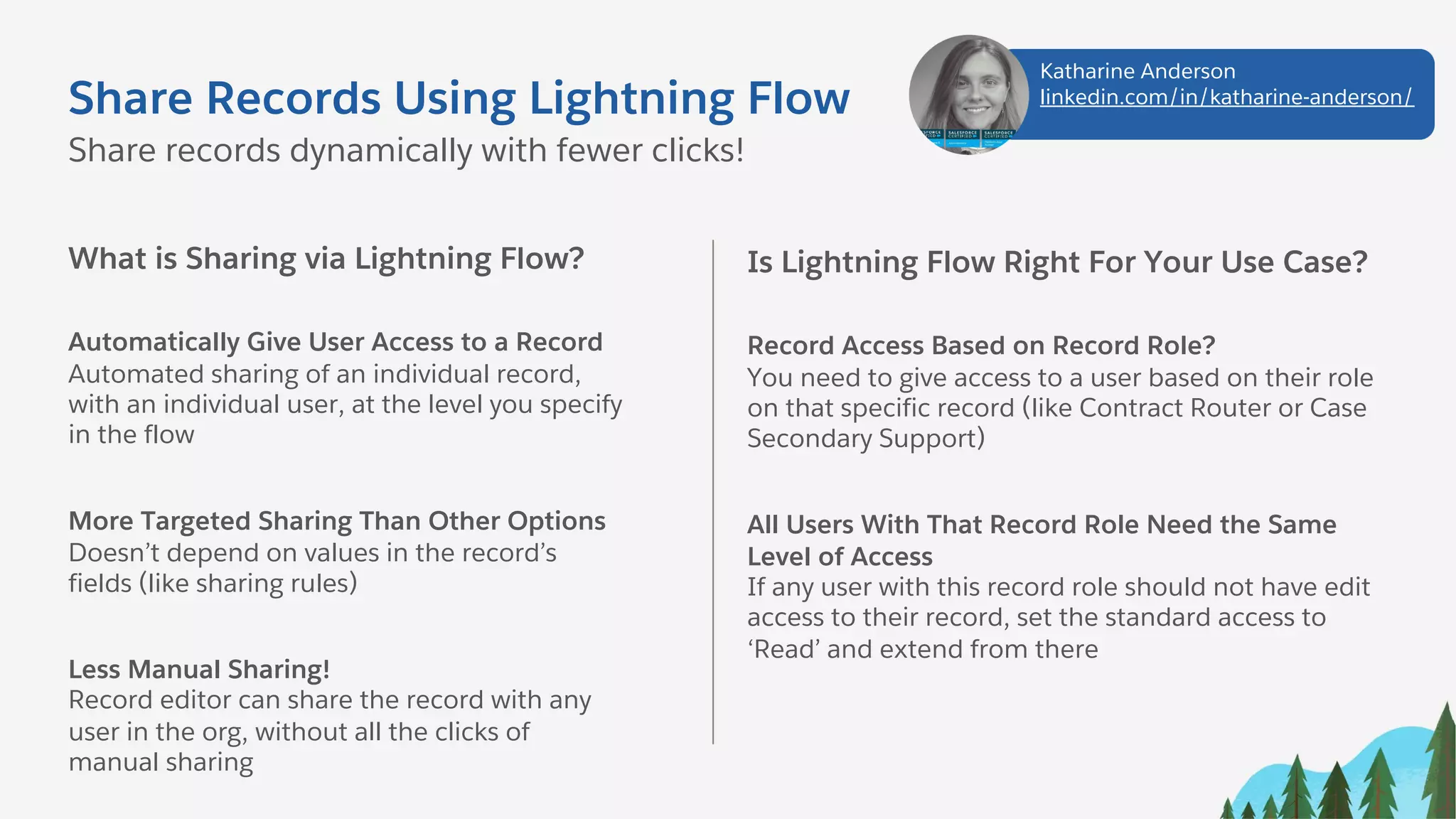
Share Records Using Lightning Flow
What is Sharing via Lightning Flow?
Automatically Give User Access to a Record
Automated sharing of an individual record,
with an individual user, at the level you specify
in the flow
More Targeted Sharing Than Other Options
Doesn’t depend on values in the record’s
fields (like sharing rules)
Less Manual Sharing!
Record editor can share the record with any
user in the org, without all the clicks of
manual sharing
Share records dynamically with fewer clicks!
Is Lightning Flow Right For Your Use Case?
Record Access Based on Record Role?
You need to give access to a user based on their role
on that specific record (like Contract Router or Case
Secondary Support)
All Users With That Record Role Need the Same
Level of Access
If any user with this record role should not have edit
access to their record, set the standard access to
‘Read’ and extend from there
Katharine Anderson
linkedin.com/in/katharine-anderson/
Share Records Using Lightning Flow
Setup Lightning Flow
Create Invocable Flow
Use Flow to create an [Object]Share record
Create Process
Triggered by change to user lookup field on
record. Invokes the flow and sets the share
record’s values
Activate and Test
Activate everything, test it, and deploy to
production
Share records dynamically with fewer clicks!
Helpful Resources
Create Manual Sharing Button in Lightning
https://sforce.co/2rGjQIf
Flow Based Record Sharing in Salesforce
https://bit.ly/2rzVShz
Use Lightning Flow to Auto-share Task With Task Creator
https://bit.ly/2rx3qSe
Lightning Flow Trailhead Module
https://sforce.co/2pcSYP3
Data Security Trailhead Module
https://sforce.co/2O23wcg
Katharine Anderson
linkedin.com/in/katharine-anderson/
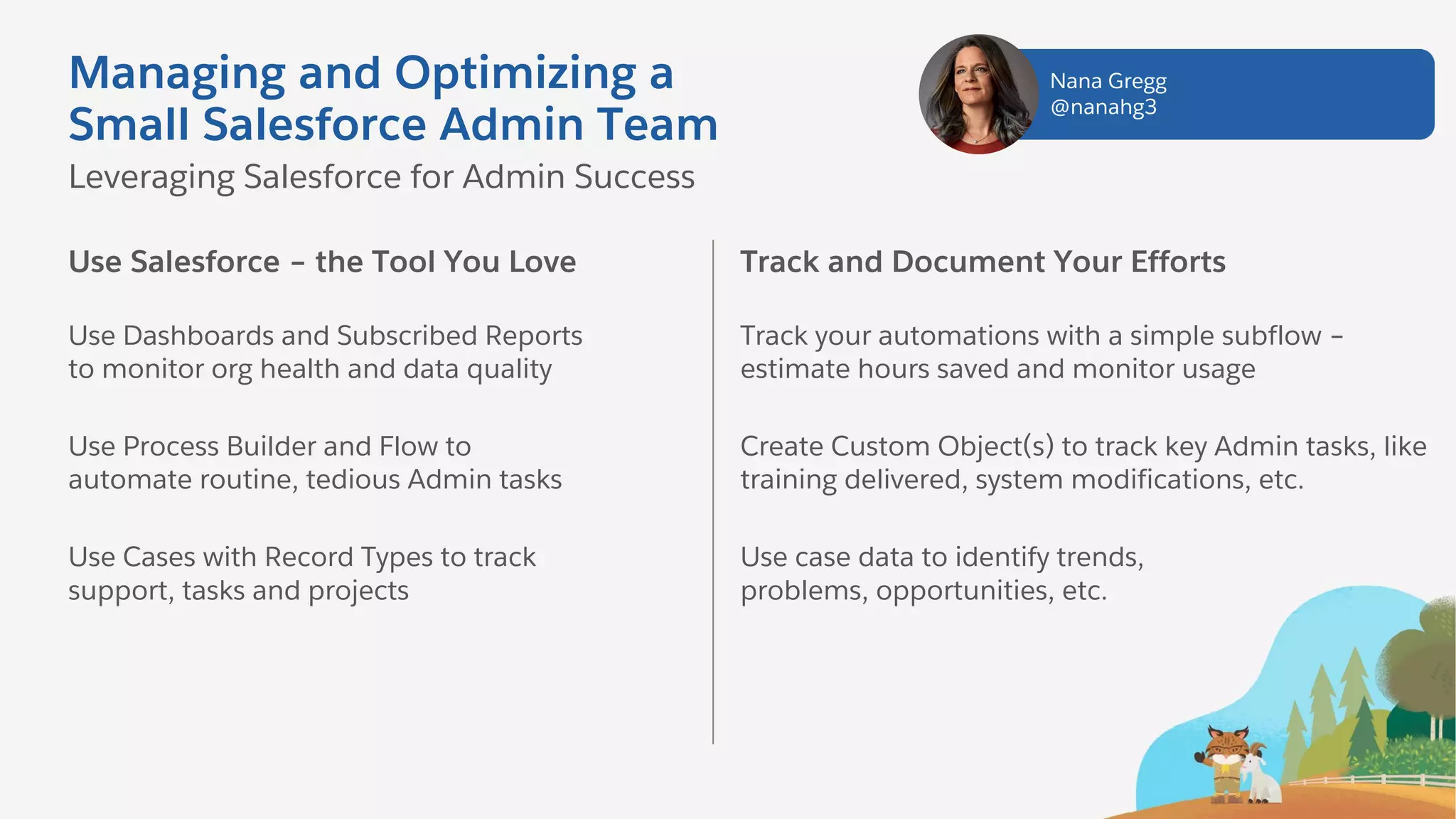
Managing and Optimizing a
Small Salesforce Admin Team
Use Salesforce – the Tool You Love
Use Dashboards and Subscribed Reports
to monitor org health and data quality
Use Process Builder and Flow to
automate routine, tedious Admin tasks
Use Cases with Record Types to track
support, tasks and projects
Leveraging Salesforce for Admin Success
Track and Document Your Efforts
Track your automations with a simple subflow –
estimate hours saved and monitor usage
Create Custom Object(s) to track key Admin tasks, like
training delivered, system modifications, etc.
Use case data to identify trends,
problems, opportunities, etc.
Nana Gregg
@nanahg3
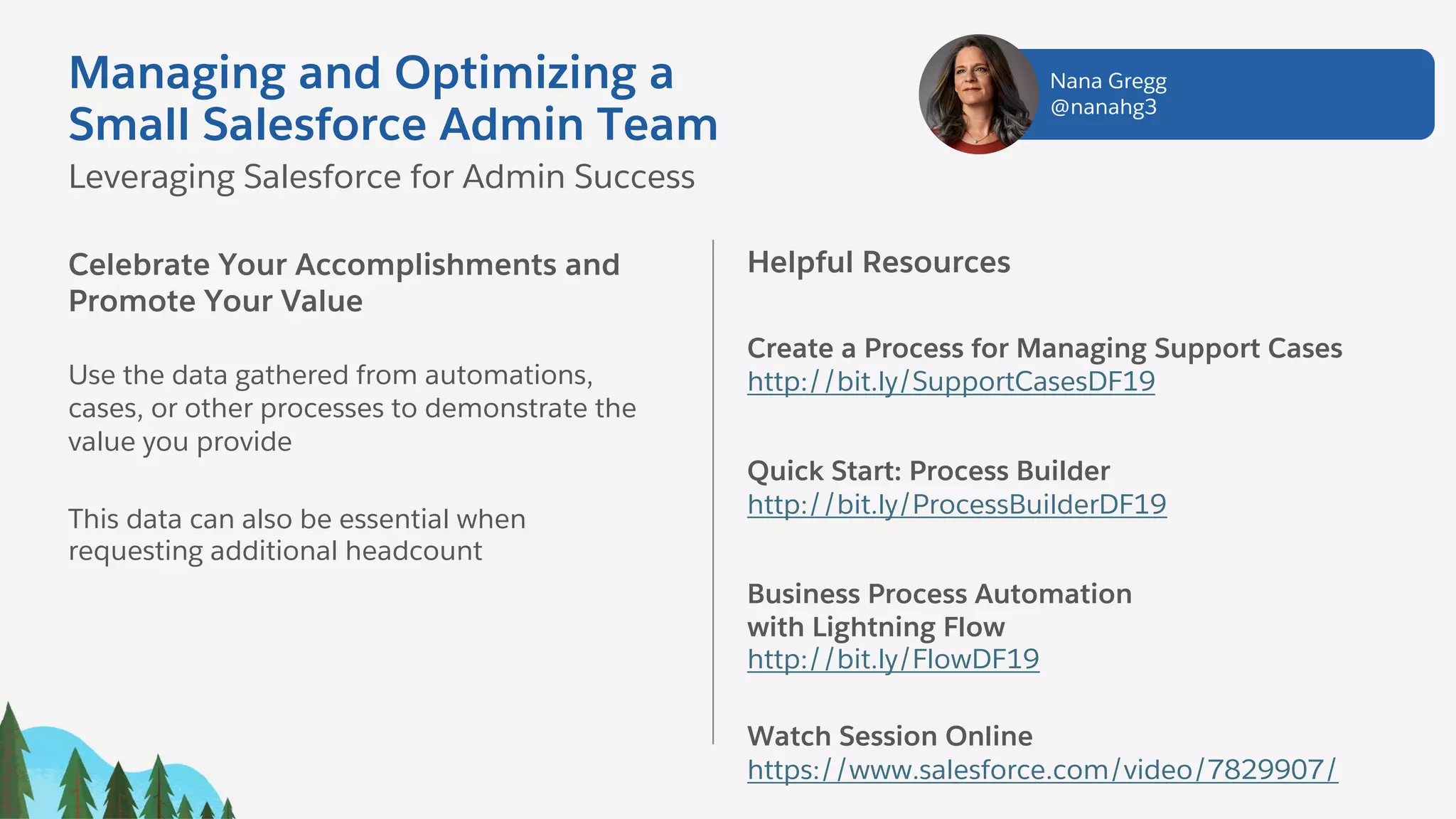
Celebrate Your Accomplishments and
Promote Your Value
Use the data gathered from automations,
cases, or other processes to demonstrate the
value you provide
This data can also be essential when
requesting additional headcount
Helpful Resources
Create a Process for Managing Support Cases
http://bit.ly/SupportCasesDF19
Quick Start: Process Builder
http://bit.ly/ProcessBuilderDF19
Business Process Automation
with Lightning Flow
http://bit.ly/FlowDF19
Watch Session Online
https://www.salesforce.com/video/7829907/
Nana Gregg
@nanahg3
Managing and Optimizing a
Small Salesforce Admin Team
Leveraging Salesforce for Admin Success
#AwesomeAdmin Trivia
What tool would you use to create an interactive interface for your users?
A. Report Builder
C. Formula Editor
B. Process Builder
D. Flow Builder
#AwesomeAdmin Trivia
To prevent a user from entering incorrect data, you should use...
A. Medium
C. Validation Rules
B. Carrots
D. Campaigns
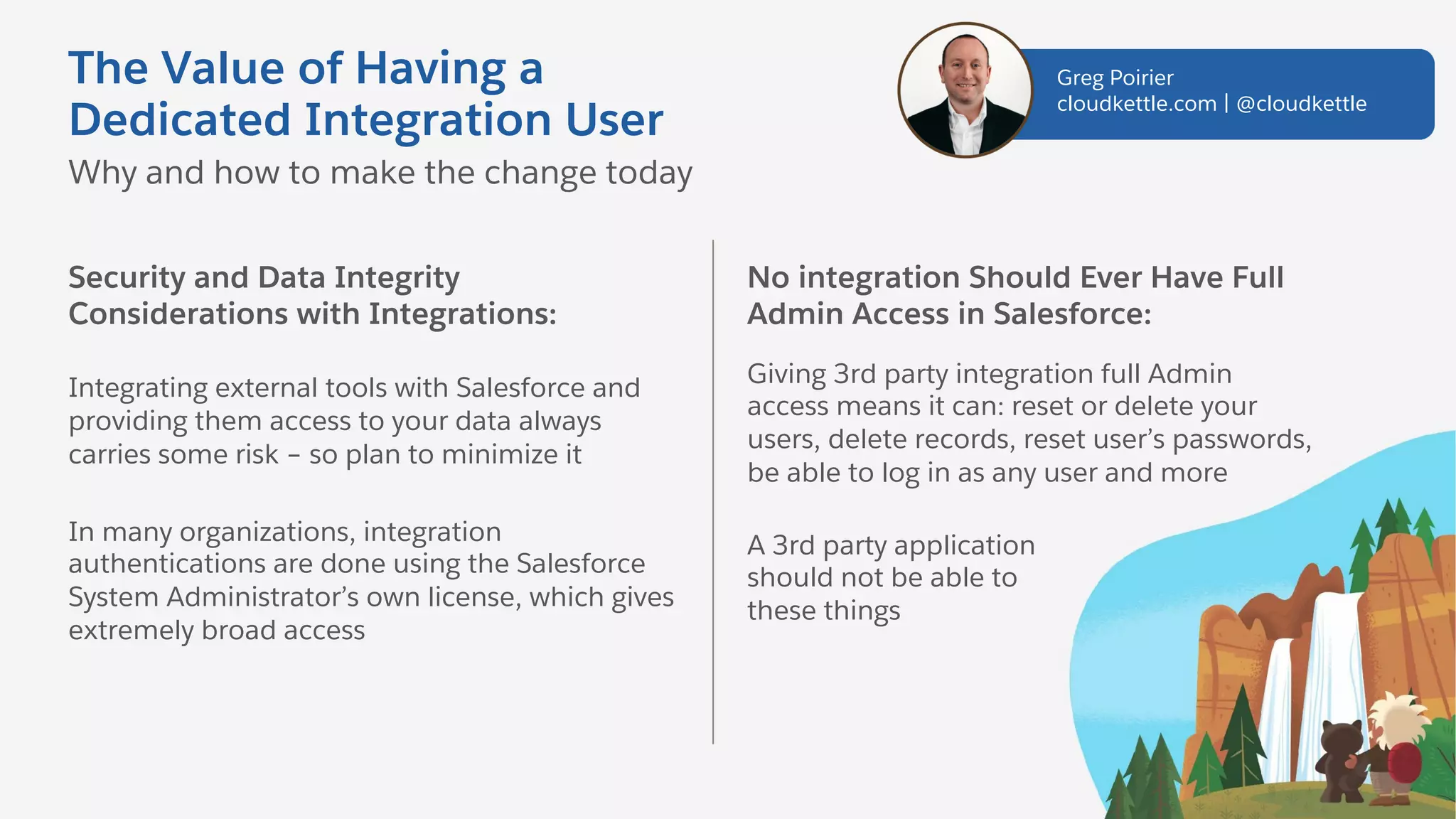
The Value of Having a
Dedicated Integration User
Security and Data Integrity
Considerations with Integrations:
Integrating external tools with Salesforce and
providing them access to your data always
carries some risk – so plan to minimize it
In many organizations, integration
authentications are done using the Salesforce
System Administrator’s own license, which gives
extremely broad access
Why and how to make the change today
No integration Should Ever Have Full
Admin Access in Salesforce:
Giving 3rd party integration full Admin
access means it can: reset or delete your
users, delete records, reset user’s passwords,
be able to log in as any user and more
A 3rd party application
should not be able to
these things
Greg Poirier
cloudkettle.com | @cloudkettle
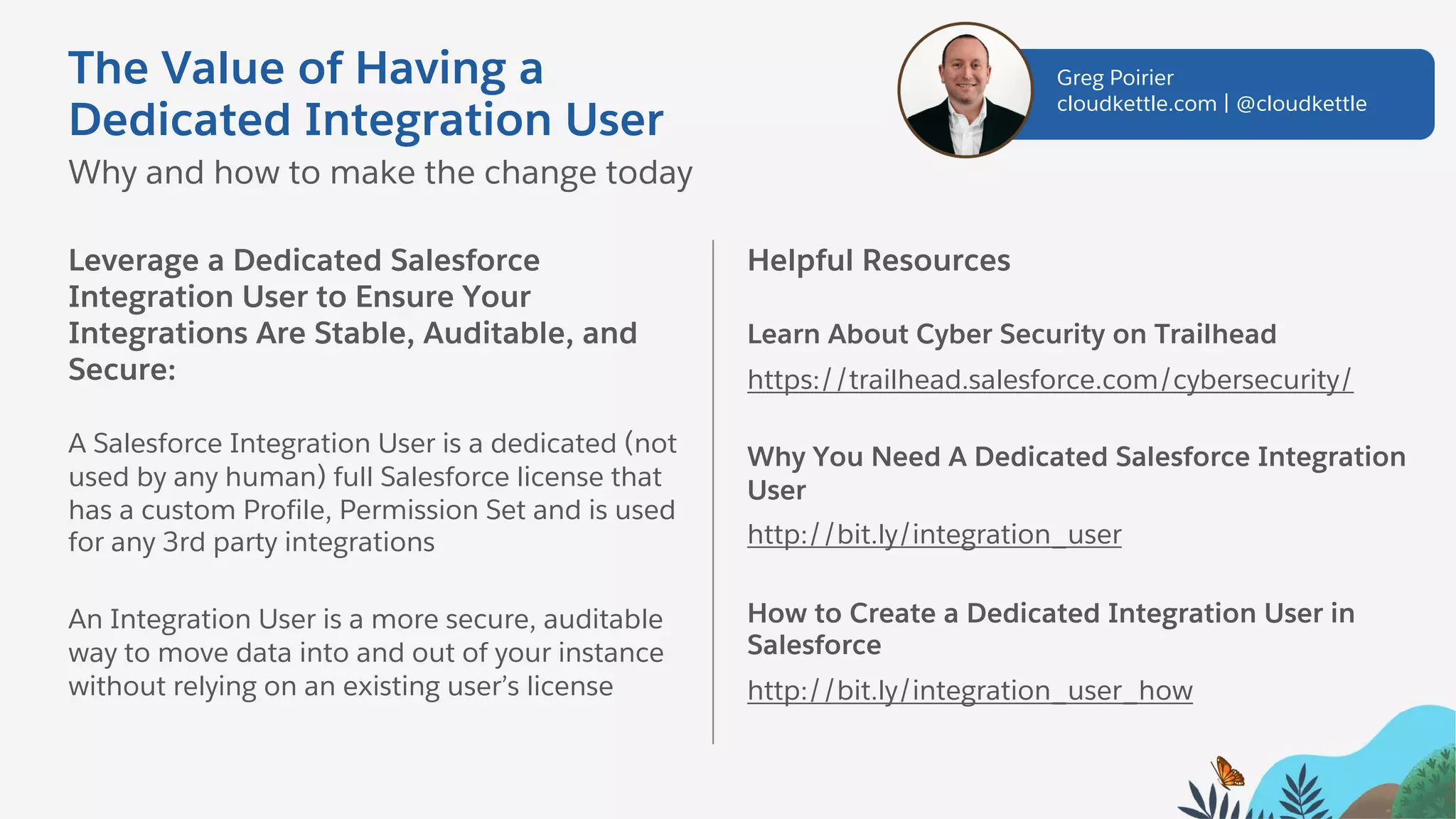
Leverage a Dedicated Salesforce
Integration User to Ensure Your
Integrations Are Stable, Auditable, and
Secure:
A Salesforce Integration User is a dedicated (not
used by any human) full Salesforce license that
has a custom Profile, Permission Set and is used
for any 3rd party integrations
An Integration User is a more secure, auditable
way to move data into and out of your instance
without relying on an existing user’s license
Helpful Resources
Learn About Cyber Security on Trailhead
https://trailhead.salesforce.com/cybersecurity/
Why You Need A Dedicated Salesforce Integration
User
http://bit.ly/integration_user
How to Create a Dedicated Integration User in
Salesforce
http://bit.ly/integration_user_how
The Value of Having a
Dedicated Integration User
Why and how to make the change today
Greg Poirier
cloudkettle.com | @cloudkettle
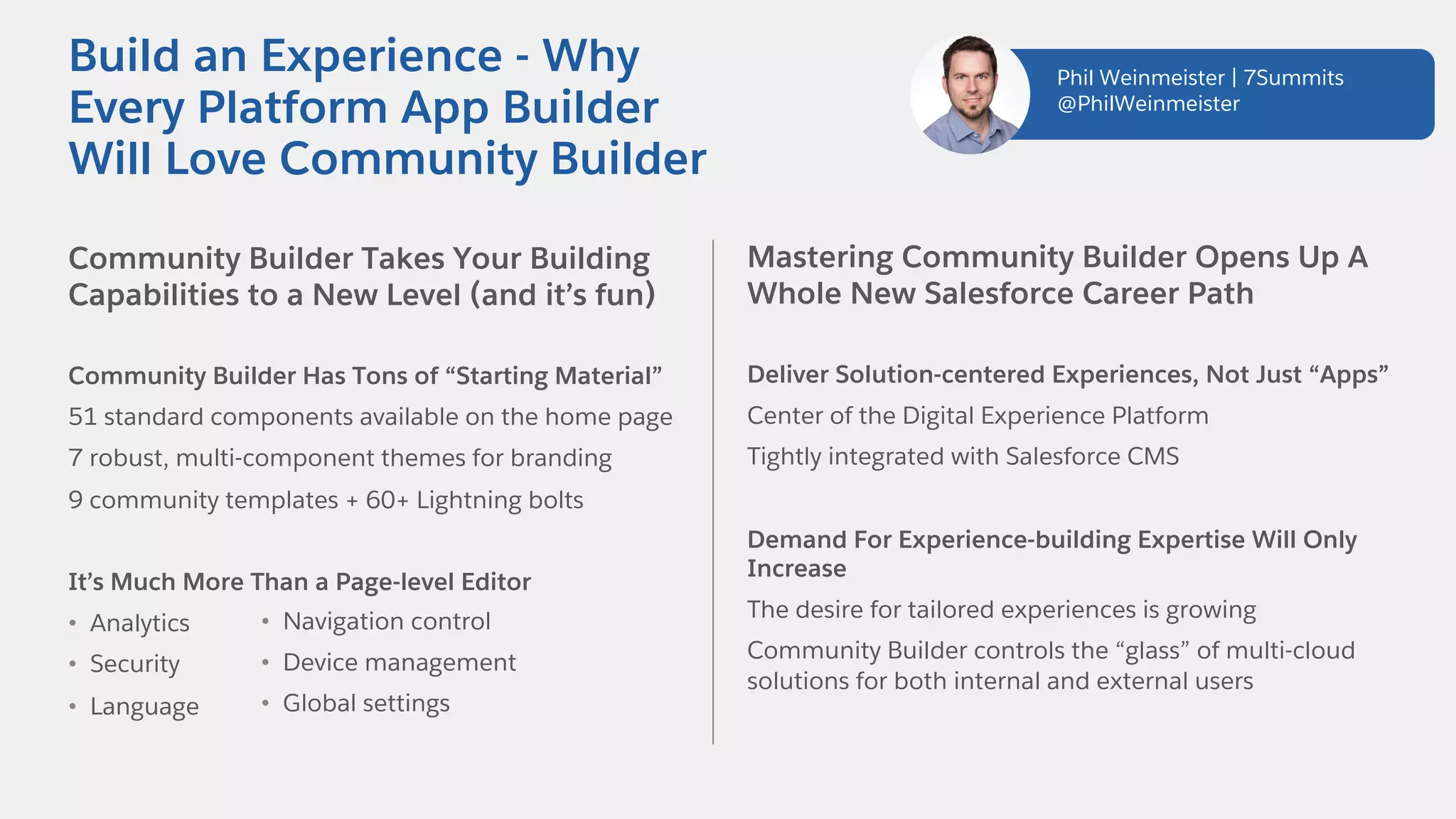
Community Builder Takes Your Building
Capabilities to a New Level (and it’s fun)
Community Builder Has Tons of “Starting Material”
51 standard components available on the home page
7 robust, multi-component themes for branding
9 community templates + 60+ Lightning bolts
It’s Much More Than a Page-level Editor
• Analytics
• Security
• Language
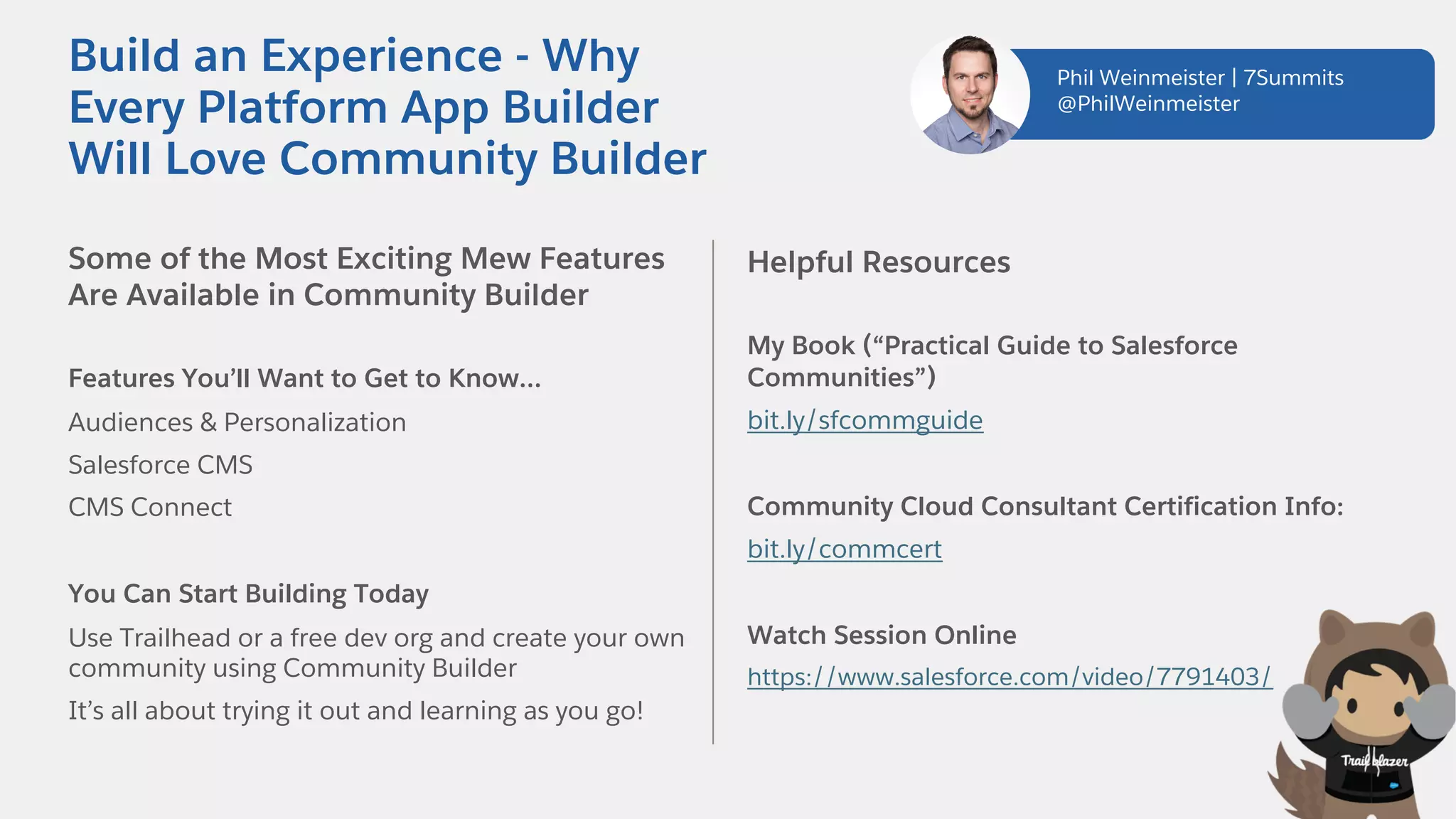
Build an Experience - Why
Every Platform App Builder
Will Love Community Builder
Mastering Community Builder Opens Up A
Whole New Salesforce Career Path
Deliver Solution-centered Experiences, Not Just “Apps”
Center of the Digital Experience Platform
Tightly integrated with Salesforce CMS
Demand For Experience-building Expertise Will Only
Increase
The desire for tailored experiences is growing
Community Builder controls the “glass” of multi-cloud
solutions for both internal and external users
• Navigation control
• Device management
• Global settings
Phil Weinmeister | 7Summits
@PhilWeinmeister
Some of the Most Exciting Mew Features
Are Available in Community Builder
Features You’ll Want to Get to Know…
Audiences & Personalization
Salesforce CMS
CMS Connect
You Can Start Building Today
Use Trailhead or a free dev org and create your own
community using Community Builder
It’s all about trying it out and learning as you go!
Helpful Resources
My Book (“Practical Guide to Salesforce
Communities”)
bit.ly/sfcommguide
Community Cloud Consultant Certification Info:
bit.ly/commcert
Watch Session Online
https://www.salesforce.com/video/7791403/
Build an Experience - Why
Every Platform App Builder
Will Love Community Builder
Phil Weinmeister | 7Summits
@PhilWeinmeister
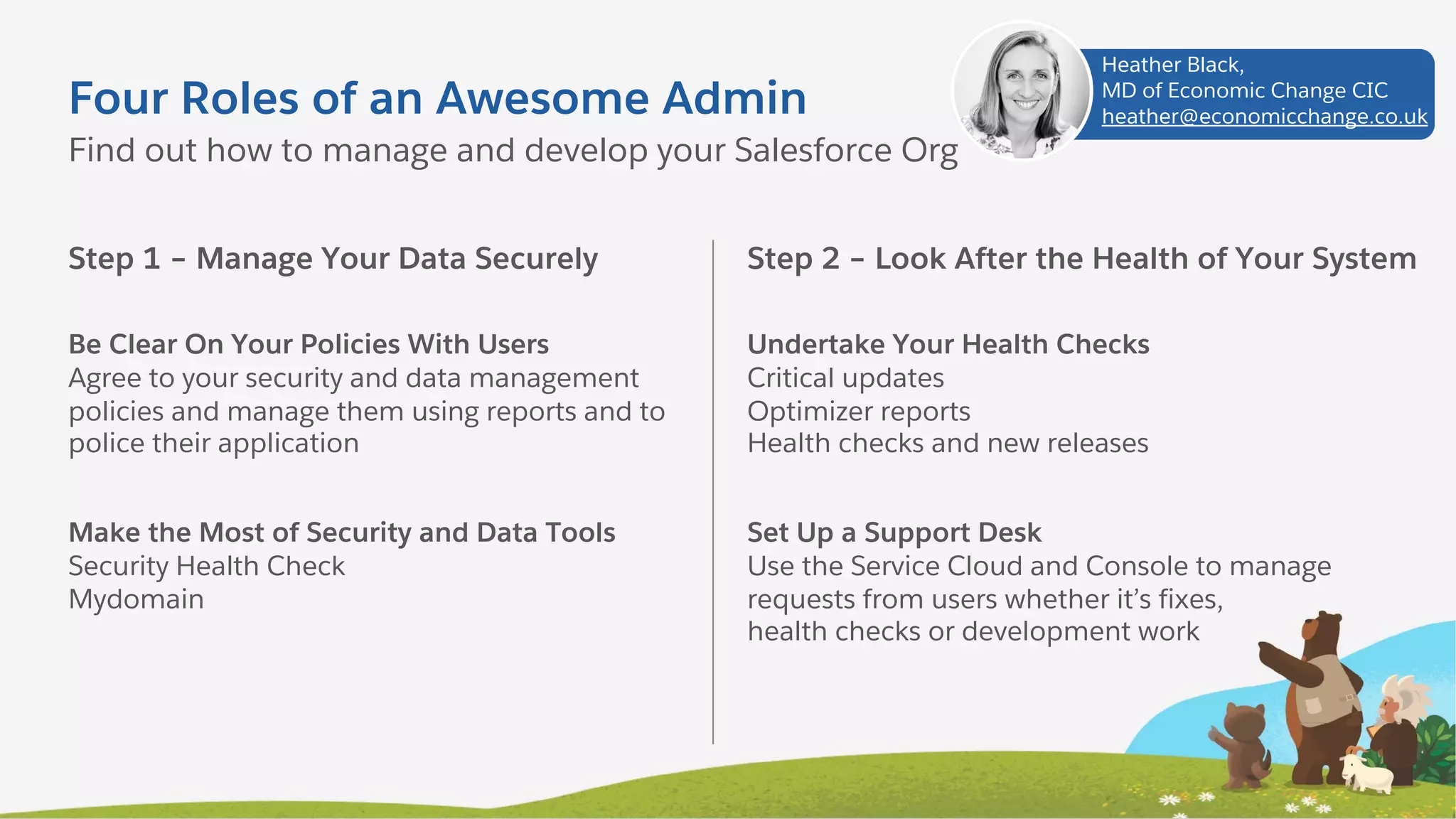
Four Roles of an Awesome Admin
Step 1 – Manage Your Data Securely
Be Clear On Your Policies With Users
Agree to your security and data management
policies and manage them using reports and to
police their application
Make the Most of Security and Data Tools
Security Health Check
Mydomain
Find out how to manage and develop your Salesforce Org
Step 2 – Look After the Health of Your System
Undertake Your Health Checks
Critical updates
Optimizer reports
Health checks and new releases
Set Up a Support Desk
Use the Service Cloud and Console to manage
requests from users whether it’s fixes,
health checks or development work
Heather Black,
MD of Economic Change CIC
heather@economicchange.co.uk
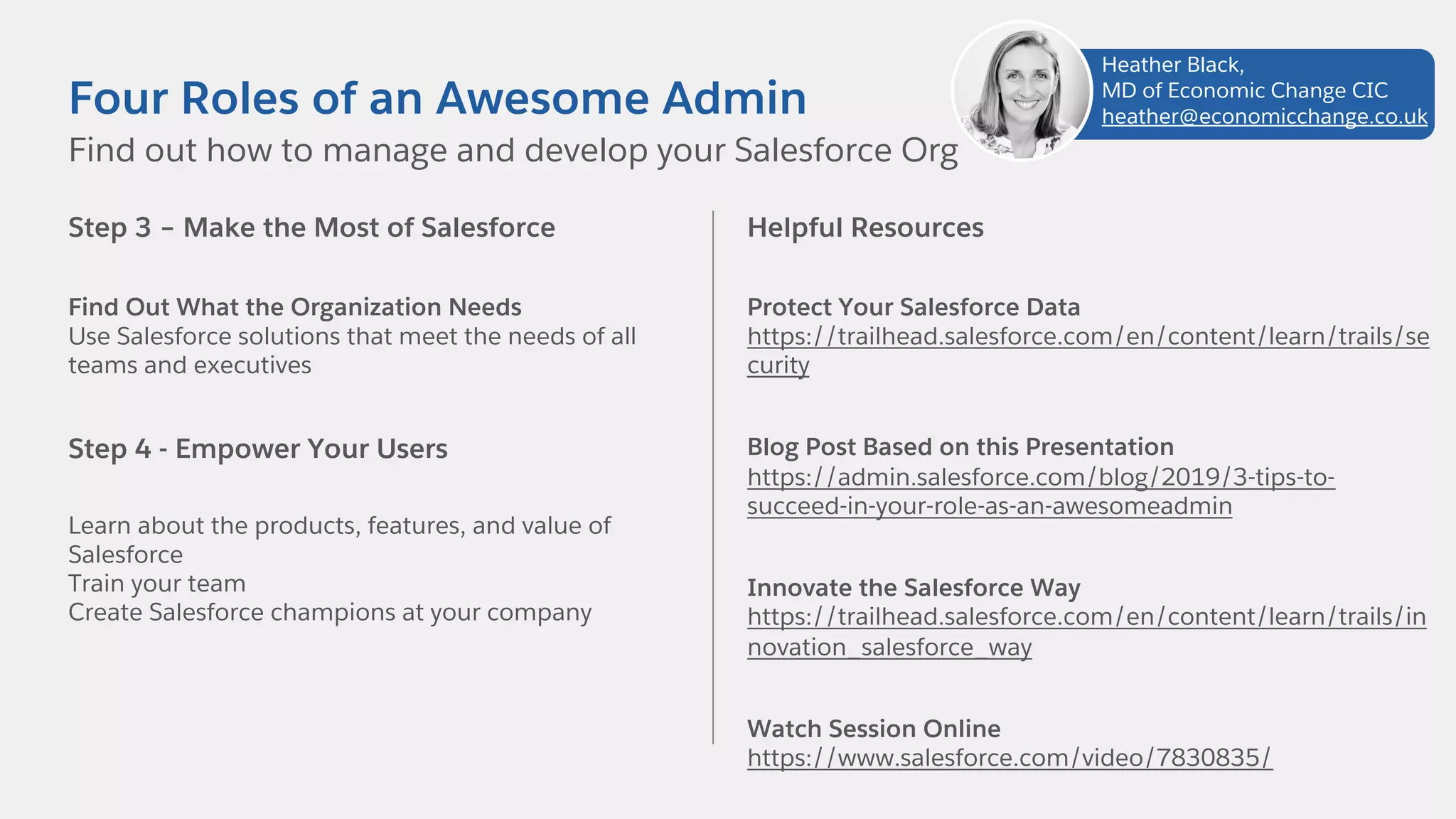
Step 3 – Make the Most of Salesforce
Find Out What the Organization Needs
Use Salesforce solutions that meet the needs of all
teams and executives
Step 4 - Empower Your Users
Learn about the products, features, and value of
Salesforce
Train your team
Create Salesforce champions at your company
Find out how to manage and develop your Salesforce Org
Four Roles of an Awesome Admin
Helpful Resources
Protect Your Salesforce Data
https://trailhead.salesforce.com/en/content/learn/trails/se
curity
Blog Post Based on this Presentation
https://admin.salesforce.com/blog/2019/3-tips-to-
succeed-in-your-role-as-an-awesomeadmin
Innovate the Salesforce Way
https://trailhead.salesforce.com/en/content/learn/trails/in
novation_salesforce_way
Watch Session Online
https://www.salesforce.com/video/7830835/
Heather Black,
MD of Economic Change CIC
heather@economicchange.co.uk
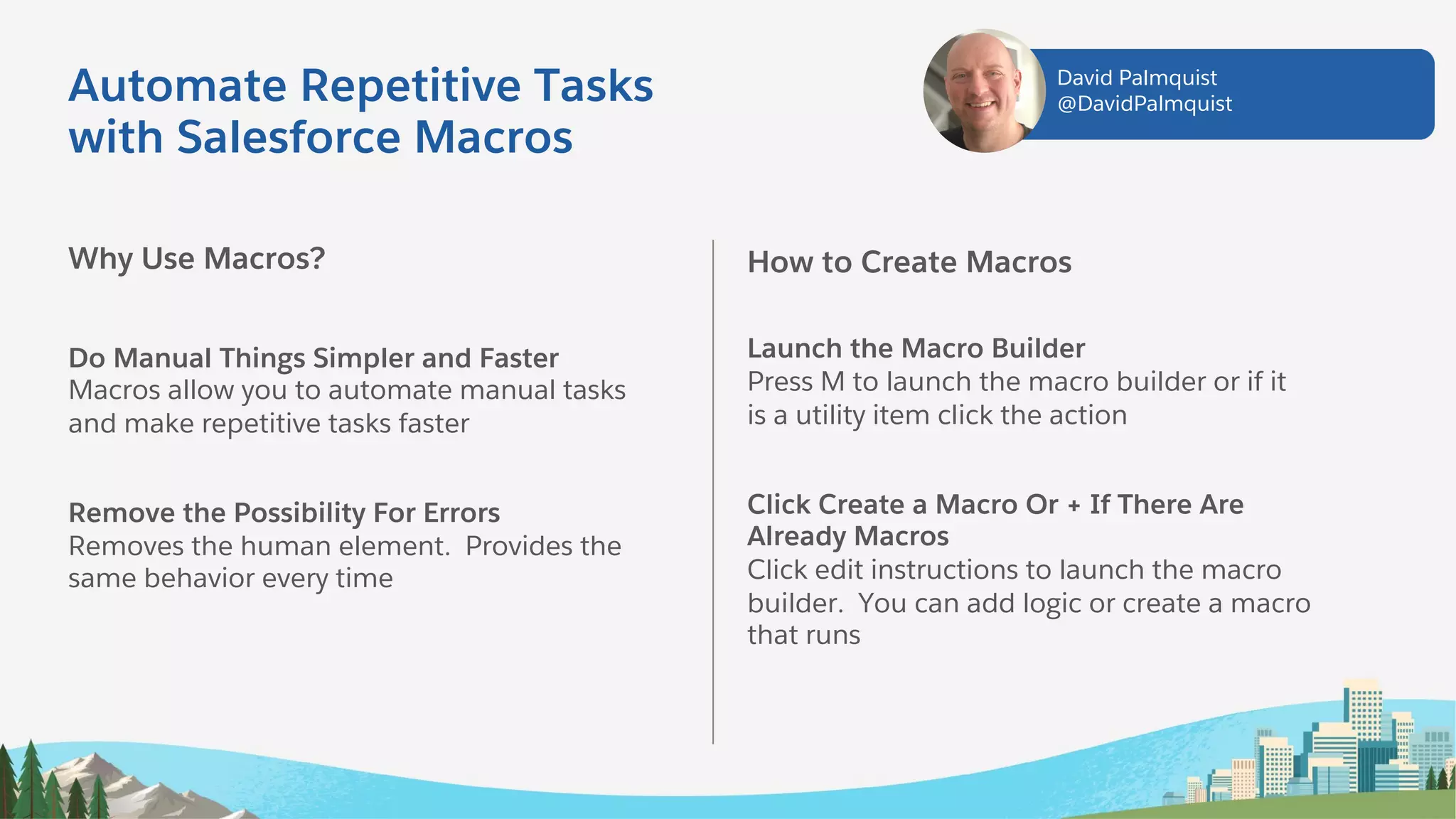
Automate Repetitive Tasks
with Salesforce Macros
Why Use Macros?
Do Manual Things Simpler and Faster
Macros allow you to automate manual tasks
and make repetitive tasks faster
Remove the Possibility For Errors
Removes the human element. Provides the
same behavior every time
How to Create Macros
Launch the Macro Builder
Press M to launch the macro builder or if it
is a utility item click the action
Click Create a Macro Or + If There Are
Already Macros
Click edit instructions to launch the macro
builder. You can add logic or create a macro
that runs
David Palmquist
@DavidPalmquist
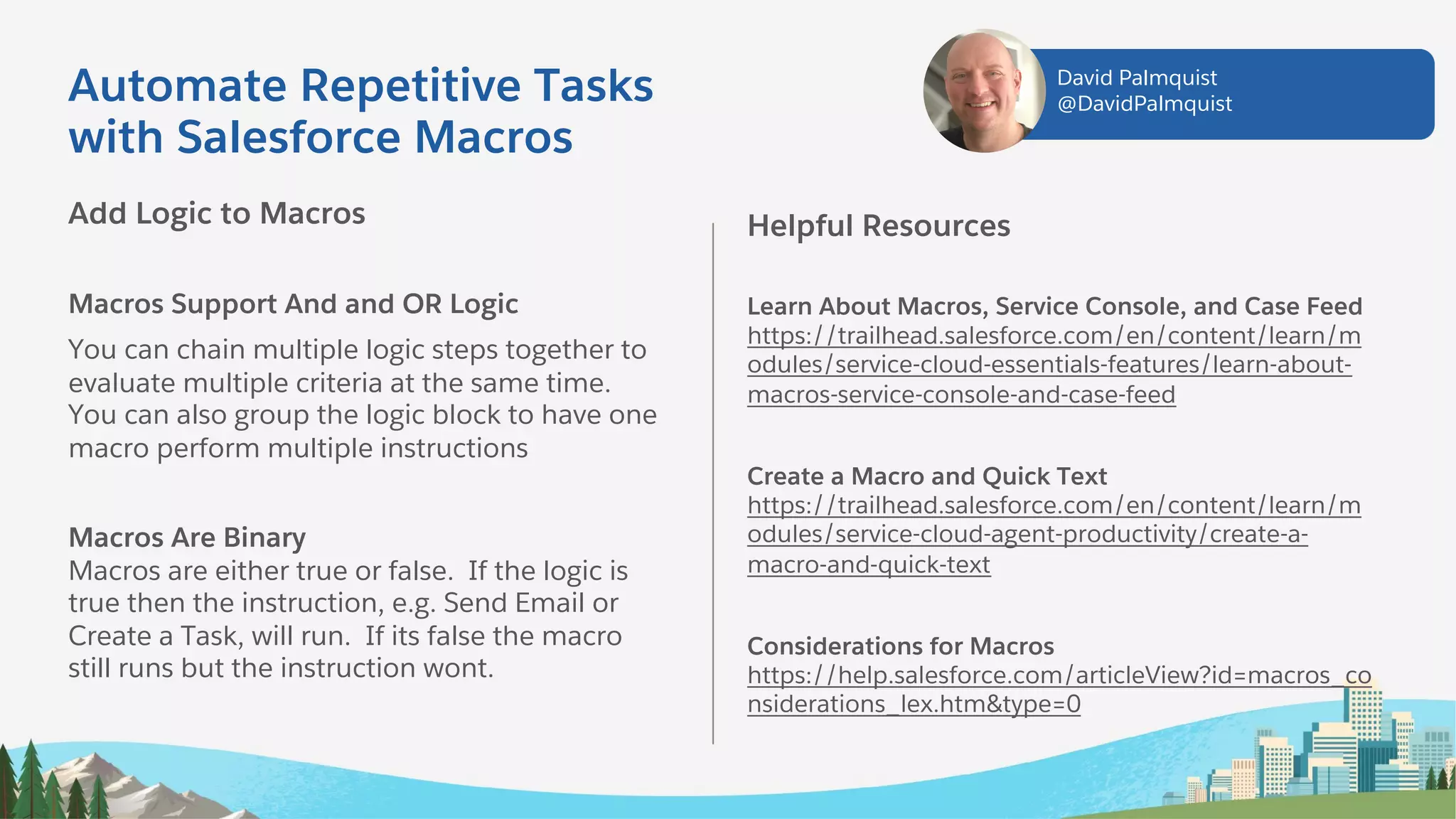
Add Logic to Macros
Macros Support And and OR Logic
You can chain multiple logic steps together to
evaluate multiple criteria at the same time.
You can also group the logic block to have one
macro perform multiple instructions
Macros Are Binary
Macros are either true or false. If the logic is
true then the instruction, e.g. Send Email or
Create a Task, will run. If its false the macro
still runs but the instruction wont.
Helpful Resources
Learn About Macros, Service Console, and Case Feed
https://trailhead.salesforce.com/en/content/learn/m
odules/service-cloud-essentials-features/learn-about-
macros-service-console-and-case-feed
Create a Macro and Quick Text
https://trailhead.salesforce.com/en/content/learn/m
odules/service-cloud-agent-productivity/create-a-
macro-and-quick-text
Considerations for Macros
https://help.salesforce.com/articleView?id=macros_co
nsiderations_lex.htm&type=0
Automate Repetitive Tasks
with Salesforce Macros
David Palmquist
@DavidPalmquist
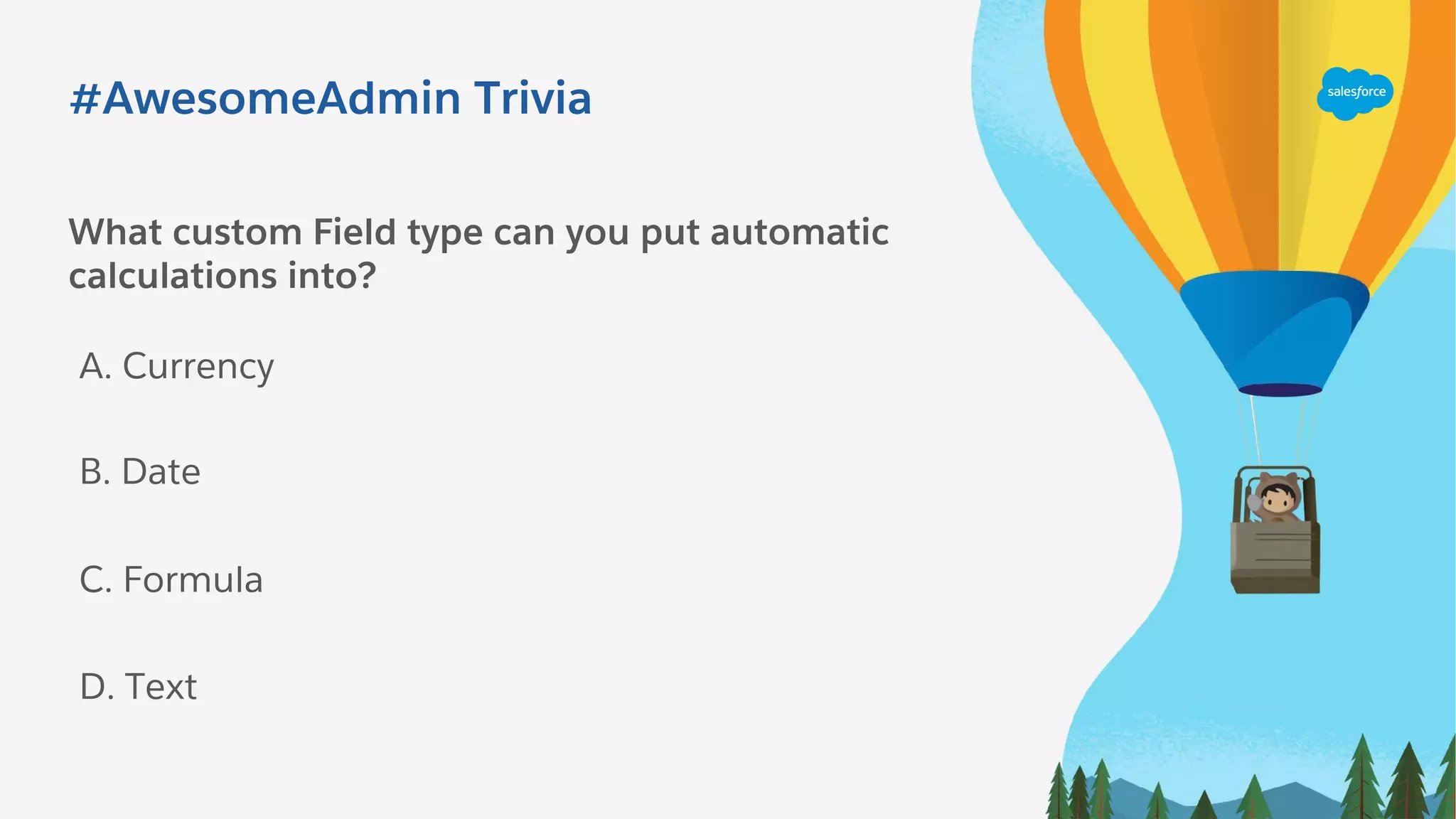
What custom Field type can you put automatic
calculations into?
A. Currency
C. Formula
B. Date
D. Text
#AwesomeAdmin Trivia
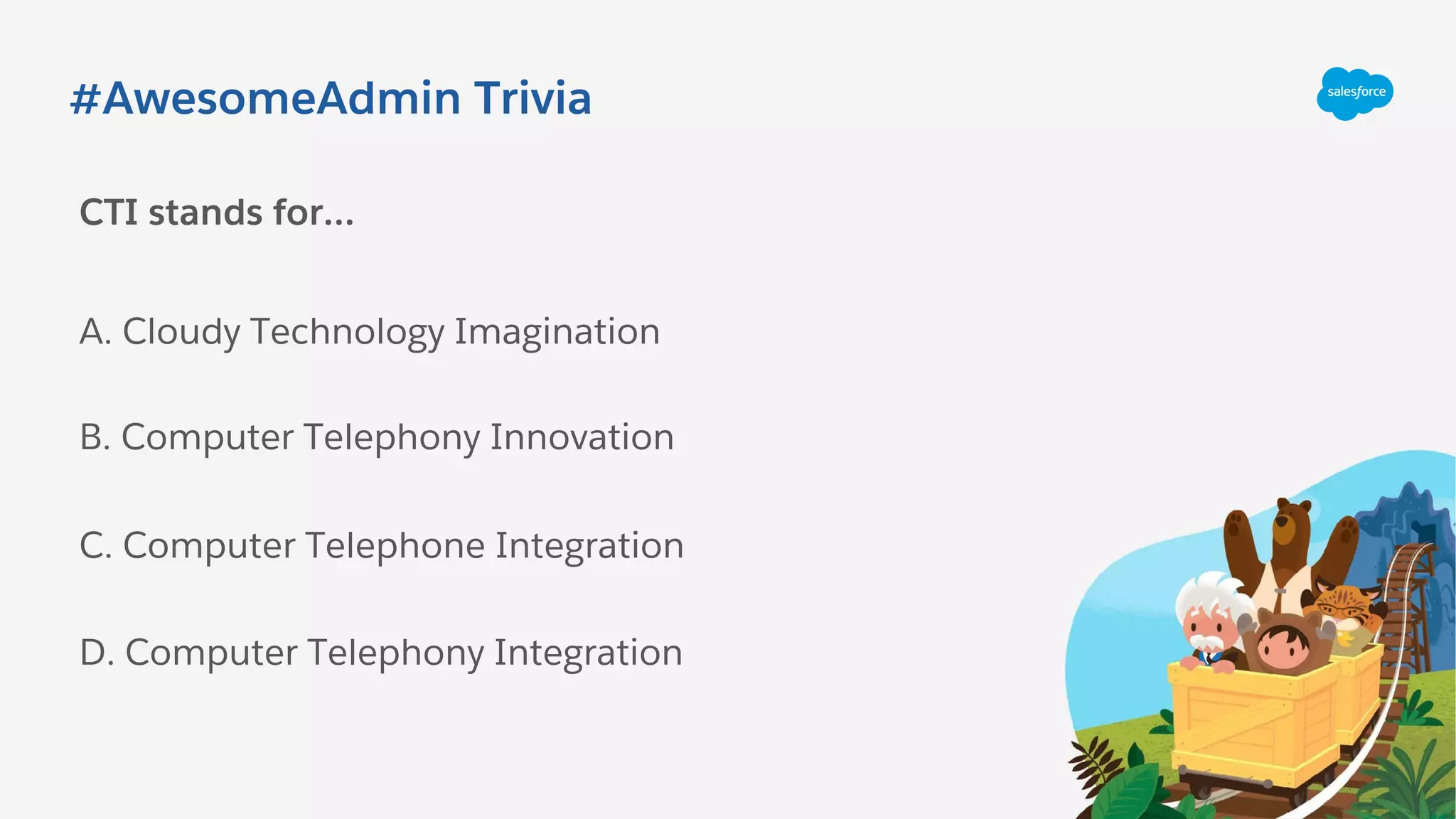
CTI stands for…
A. Cloudy Technology Imagination
C. Computer Telephone Integration
B. Computer Telephony Innovation
D. Computer Telephony Integration
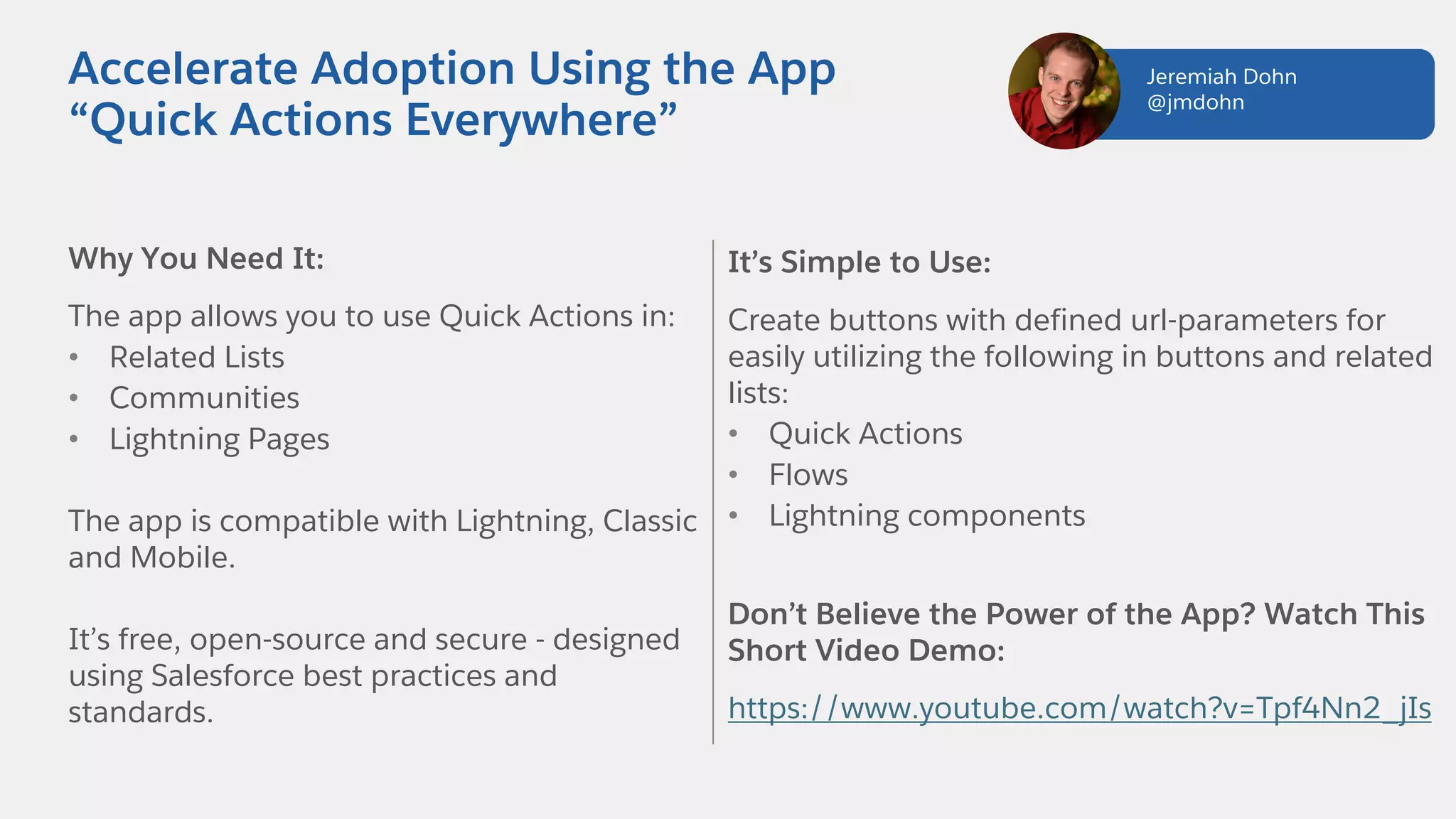
Why You Need It:
The app allows you to use Quick Actions in:
• Related Lists
• Communities
• Lightning Pages
The app is compatible with Lightning, Classic
and Mobile.
It’s free, open-source and secure - designed
using Salesforce best practices and
standards.
Accelerate Adoption Using the App
“Quick Actions Everywhere”
It’s Simple to Use:
Create buttons with defined url-parameters for
easily utilizing the following in buttons and related
lists:
• Quick Actions
• Flows
• Lightning components
Don’t Believe the Power of the App? Watch This
Short Video Demo:
https://www.youtube.com/watch?v=Tpf4Nn2_jIs
Jeremiah Dohn
@jmdohn
How to Install the App
Go To
https://github.com/jmdohn/Quick-
Actions-Everywhere
• Install via “Click to Deploy” button
(recommended), Workbench or SFDX
• Follow post-setup instructions closely
• Create your first quick action using
quick actions everywhere!
Helpful Resources
Laws of UX
https://lawsofux.com/
Salesforce Lightning Design System
https://lightningdesignsystem.com/
Jeremiah Dohn
@jmdohn
Accelerate Adoption Using the App
“Quick Actions Everywhere”
Step 1: Track your User Requests
Use the Case Object or a Custom Object
A Case represents the user request with its
ownership, status, details, and any other
information you want to capture
Group User Requests into Releases
A release is a simple custom object that
represents a deployment. Fields include:
Deployment Date, Status, Type (Bug Fix,
Planned). Each case has a lookup to a Release
Steps to build a Development tracking tool that truly rocks!
That’s so Meta: Document Your
Development in Salesforce
Step 2: Track your Development as You Go
Create the Component Custom Object
The Component Represents a piece of configuration
in your Org – a field, Validation Rule, etc. Through
fields on the object, capture the Component Label,
API name, Object, Type, etc
Create the Component Change Custom Object
This master-detail object to the Component has a
lookup to a Case and tracks each change you make
on a component. Key fields: Action (Create, Modify,
etc.), Sandbox, Development Status, Deployment
Status (Pending, Change Set)
Carissa Smith
Carissa.lucyk@gmail.com
Step 3: Release Your Changes with Peace
of Mind
Release Components Report
Create a report of Releases with Cases with Component
Changes, grouped by Deployment Status and then Type
(the types you choose in the Change Set picklist)
Use the Report to Build Your Change Set
As you add Components to the Change Set, mark
Component Changes as “Change Set” and keep track of
your count to validate
Amazing Benefits of this Approach
Document Why Everything Exists in Your Org
Look at a Component to see the original Case it was
attached to, any related Components, and how it has
changed since
All Your Development is Trackable!
Pull a report of pending changes by sandbox to determine if
you can refresh, see if there’s development on one
component in multiple sandboxes, and more!
Resources
Watch Session online:
https://www.salesforce.com/video/7831010/
Package: https://sforce.co/2OwPjUO
Change Set Helpers: ORGanize for Salesforce, Boostr
Tools: Gridbuddy ($), Google Sheets Plugin, Config Workbook
Steps to build a Development tracking tool that truly rocks!
That’s so Meta: Document Your
Development in Salesforce
Carissa Smith
Carissa.lucyk@gmail.com
Keep Blazing Trails!
Salesforce Admins Website
admin.salesforce.com
Access to blogs, podcasts, webinars & more
Take the #DF19 Keynote Trailmix
sforce.co/ParkersTrailmix
Leverage the power of the Salesforce Customer 360 Platform to
drive impact at your company, in your career, and in your
community
Trailblazer Community
sforce.co/AdminTrailblazerGroup
Join thousands of peers in the Admin Trailblazers Chatter Group
Watch the Full DF19 Admin Keynote
https://www.youtube.com/watch?v=PsWaWMpvMw0
Join us January 24, 2020 for
Release Readiness Live: Admin Preview
to Learn MOAR
Dreamforce Global Gathering (Admin)

Dreamforce Global Gathering (Admin)

  • 2.
    Dreamforce ‘19 Highlights forSalesforce Admins #AwesomeAdmin Date: 11th Jan 2020 Manoj Sonawane (Salesforce Solution Architect) sonumanoj@gmail.com @sonumanoj
  • 4.
    Agenda 1. Admin KeynoteHighlights 2. Admin Super Session Highlights 3. Top Admin Breakout Session Highlights
  • 5.
    #AwesomeAdmin Trivia Salesforce has3 releases each year, which seasons are they based on? A. Fall, Spring, Summer C. Spring, Summer, Winter B. Winter, Summer, Autumn D. Winter, Spring, Fall
  • 6.
    #AwesomeAdmin Trivia How doyou grant user access to the new Salesforce Mobile App? A. Profile C. Magic Wand B. Permission Set D. User Checkbox
  • 7.
  • 8.
    Admin Keynote Speakers MichaelGerholdt Sr. Director, Admin Evangelism LeeAnne Rimel Principal Admin Evangelist Josie Chiles Vice President, Admin Relations Parker Harris Co-founder & CTO
  • 9.
    Admin Keynote: Theme TransformYour Company, Career, Community
  • 10.
    Opening Video FromAdmin Keynote Click here to play the Opening Keynote Video
  • 11.
    3 Key ThemesCovered in the Admin Keynote 1. Champion Productivity
  • 12.
    3 Key ThemesCovered in the Admin Keynote 2. Deliver Innovation
  • 13.
    3 Key ThemesCovered in the Admin Keynote 3. Drive Success
  • 15.
    #AwesomeAdmin Trivia What isthe name of the drag-and-drop interface for creating and modifying reports in Lightning Experience? A. Data Manipulator C. Process Builder B. Analytics Tool D. Report Builder
  • 16.
    #AwesomeAdmin Trivia This isan example of a standard Lightning Component: A. Journey C. Survey Says B. Highlights Panel D. Related Trends
  • 17.
    Admin Super SessionHighlights Salesforce for New Admins: Transform Your Company and Career Michael Gerholdt Sr. Director, Admin Evangelism Rebecca Saar Director, Admin Marketing
  • 18.
    Admins Are TheHeart of Salesforce We drive results and deliver business value every day Solve business challenges Create customized solutions Deliver business value Pave the path for others
  • 22.
    #AwesomeAdmin Trivia What isa type of field that contains a linkable value to another record? A. Lookup Field C. LookWhere B. Currency D. Lookinto Field
  • 23.
  • 24.
    Highlights From 9Top Breakout Sessions for Admins Advanced Reporting Tips & Tricks for New Admins Aaron Crear | @aaroncrear Hat-Trick Consulting Share Records Using Lightning Flow Katharine Anderson The Nature Conservancy Managing and Optimizing a Small Salesforce Admin Team Nana Gregg | @nanahg3 JLL The Value of Having a Dedicated Integration User Greg Poirier | @cloudkettle Cloud Kettle Build an Experience – Community Builder Phil Weinmeister | @PhilWeinmeister 7Summits Four Roles of an Awesome Admin Heather Black Economic Change Automate Repetitive Tasks with Salesforce Macros David Palmquist | @DavidPalmquist Vlocity Accelerate Adoption Using Quick Actions Everywhere Jeremiah Dohn | @jmdohn PayPal That’s so Meta: Document Your Development in Salesforce Carissa Smith MediaMath
  • 25.
    Make Your JobEasier with Powerful Features Cross Filters Quickly identify records with or without related records Power of One Allow objects to count themselves, use in other formulas Custom Report Types Used for more complex reports on related objects Advanced Reporting Tips & Tricks for New Admins Make Visualizing the Data Simpler Buckets Categorize a group of values Custom Summary Formulas Summarize numeric values Joined Reports Show blocks of different data points & objects in one screen Aaron Crear @aaroncrear acrear@hat-trickconsulting.com
  • 26.
    Learn About NewReport Features Field-to-Field Filters Filter reports based on comparisons to other fields. E.g. Show Campaigns with actual cost > budgeted cost Unique Values Quickly see how many unique objects are in your report. E.g. Show how many Accounts are in an Opportunity Pipeline Row-Level Formulas Reduces the need for formulas fields on objects E.g. Days to Close = Close Date – DATEVALUE(Created Date) Helpful Resources Watch Session Online https://www.salesforce.com/video/7790761/ Trailhead https://sforce.co/2pna6Sg Blog Reportforce.Blog Advanced Reporting Tips & Tricks for New Admins Aaron Crear @aaroncrear acrear@hat-trickconsulting.com
  • 27.
    Share Records UsingLightning Flow What is Sharing via Lightning Flow? Automatically Give User Access to a Record Automated sharing of an individual record, with an individual user, at the level you specify in the flow More Targeted Sharing Than Other Options Doesn’t depend on values in the record’s fields (like sharing rules) Less Manual Sharing! Record editor can share the record with any user in the org, without all the clicks of manual sharing Share records dynamically with fewer clicks! Is Lightning Flow Right For Your Use Case? Record Access Based on Record Role? You need to give access to a user based on their role on that specific record (like Contract Router or Case Secondary Support) All Users With That Record Role Need the Same Level of Access If any user with this record role should not have edit access to their record, set the standard access to ‘Read’ and extend from there Katharine Anderson linkedin.com/in/katharine-anderson/
  • 28.
    Share Records UsingLightning Flow Setup Lightning Flow Create Invocable Flow Use Flow to create an [Object]Share record Create Process Triggered by change to user lookup field on record. Invokes the flow and sets the share record’s values Activate and Test Activate everything, test it, and deploy to production Share records dynamically with fewer clicks! Helpful Resources Create Manual Sharing Button in Lightning https://sforce.co/2rGjQIf Flow Based Record Sharing in Salesforce https://bit.ly/2rzVShz Use Lightning Flow to Auto-share Task With Task Creator https://bit.ly/2rx3qSe Lightning Flow Trailhead Module https://sforce.co/2pcSYP3 Data Security Trailhead Module https://sforce.co/2O23wcg Katharine Anderson linkedin.com/in/katharine-anderson/
  • 29.
    Managing and Optimizinga Small Salesforce Admin Team Use Salesforce – the Tool You Love Use Dashboards and Subscribed Reports to monitor org health and data quality Use Process Builder and Flow to automate routine, tedious Admin tasks Use Cases with Record Types to track support, tasks and projects Leveraging Salesforce for Admin Success Track and Document Your Efforts Track your automations with a simple subflow – estimate hours saved and monitor usage Create Custom Object(s) to track key Admin tasks, like training delivered, system modifications, etc. Use case data to identify trends, problems, opportunities, etc. Nana Gregg @nanahg3
  • 30.
    Celebrate Your Accomplishmentsand Promote Your Value Use the data gathered from automations, cases, or other processes to demonstrate the value you provide This data can also be essential when requesting additional headcount Helpful Resources Create a Process for Managing Support Cases http://bit.ly/SupportCasesDF19 Quick Start: Process Builder http://bit.ly/ProcessBuilderDF19 Business Process Automation with Lightning Flow http://bit.ly/FlowDF19 Watch Session Online https://www.salesforce.com/video/7829907/ Nana Gregg @nanahg3 Managing and Optimizing a Small Salesforce Admin Team Leveraging Salesforce for Admin Success
  • 31.
    #AwesomeAdmin Trivia What toolwould you use to create an interactive interface for your users? A. Report Builder C. Formula Editor B. Process Builder D. Flow Builder
  • 32.
    #AwesomeAdmin Trivia To preventa user from entering incorrect data, you should use... A. Medium C. Validation Rules B. Carrots D. Campaigns
  • 33.
    The Value ofHaving a Dedicated Integration User Security and Data Integrity Considerations with Integrations: Integrating external tools with Salesforce and providing them access to your data always carries some risk – so plan to minimize it In many organizations, integration authentications are done using the Salesforce System Administrator’s own license, which gives extremely broad access Why and how to make the change today No integration Should Ever Have Full Admin Access in Salesforce: Giving 3rd party integration full Admin access means it can: reset or delete your users, delete records, reset user’s passwords, be able to log in as any user and more A 3rd party application should not be able to these things Greg Poirier cloudkettle.com | @cloudkettle
  • 34.
    Leverage a DedicatedSalesforce Integration User to Ensure Your Integrations Are Stable, Auditable, and Secure: A Salesforce Integration User is a dedicated (not used by any human) full Salesforce license that has a custom Profile, Permission Set and is used for any 3rd party integrations An Integration User is a more secure, auditable way to move data into and out of your instance without relying on an existing user’s license Helpful Resources Learn About Cyber Security on Trailhead https://trailhead.salesforce.com/cybersecurity/ Why You Need A Dedicated Salesforce Integration User http://bit.ly/integration_user How to Create a Dedicated Integration User in Salesforce http://bit.ly/integration_user_how The Value of Having a Dedicated Integration User Why and how to make the change today Greg Poirier cloudkettle.com | @cloudkettle
  • 35.
    Community Builder TakesYour Building Capabilities to a New Level (and it’s fun) Community Builder Has Tons of “Starting Material” 51 standard components available on the home page 7 robust, multi-component themes for branding 9 community templates + 60+ Lightning bolts It’s Much More Than a Page-level Editor • Analytics • Security • Language Build an Experience - Why Every Platform App Builder Will Love Community Builder Mastering Community Builder Opens Up A Whole New Salesforce Career Path Deliver Solution-centered Experiences, Not Just “Apps” Center of the Digital Experience Platform Tightly integrated with Salesforce CMS Demand For Experience-building Expertise Will Only Increase The desire for tailored experiences is growing Community Builder controls the “glass” of multi-cloud solutions for both internal and external users • Navigation control • Device management • Global settings Phil Weinmeister | 7Summits @PhilWeinmeister
  • 36.
    Some of theMost Exciting Mew Features Are Available in Community Builder Features You’ll Want to Get to Know… Audiences & Personalization Salesforce CMS CMS Connect You Can Start Building Today Use Trailhead or a free dev org and create your own community using Community Builder It’s all about trying it out and learning as you go! Helpful Resources My Book (“Practical Guide to Salesforce Communities”) bit.ly/sfcommguide Community Cloud Consultant Certification Info: bit.ly/commcert Watch Session Online https://www.salesforce.com/video/7791403/ Build an Experience - Why Every Platform App Builder Will Love Community Builder Phil Weinmeister | 7Summits @PhilWeinmeister
  • 37.
    Four Roles ofan Awesome Admin Step 1 – Manage Your Data Securely Be Clear On Your Policies With Users Agree to your security and data management policies and manage them using reports and to police their application Make the Most of Security and Data Tools Security Health Check Mydomain Find out how to manage and develop your Salesforce Org Step 2 – Look After the Health of Your System Undertake Your Health Checks Critical updates Optimizer reports Health checks and new releases Set Up a Support Desk Use the Service Cloud and Console to manage requests from users whether it’s fixes, health checks or development work Heather Black, MD of Economic Change CIC heather@economicchange.co.uk
  • 38.
    Step 3 –Make the Most of Salesforce Find Out What the Organization Needs Use Salesforce solutions that meet the needs of all teams and executives Step 4 - Empower Your Users Learn about the products, features, and value of Salesforce Train your team Create Salesforce champions at your company Find out how to manage and develop your Salesforce Org Four Roles of an Awesome Admin Helpful Resources Protect Your Salesforce Data https://trailhead.salesforce.com/en/content/learn/trails/se curity Blog Post Based on this Presentation https://admin.salesforce.com/blog/2019/3-tips-to- succeed-in-your-role-as-an-awesomeadmin Innovate the Salesforce Way https://trailhead.salesforce.com/en/content/learn/trails/in novation_salesforce_way Watch Session Online https://www.salesforce.com/video/7830835/ Heather Black, MD of Economic Change CIC heather@economicchange.co.uk
  • 39.
    Automate Repetitive Tasks withSalesforce Macros Why Use Macros? Do Manual Things Simpler and Faster Macros allow you to automate manual tasks and make repetitive tasks faster Remove the Possibility For Errors Removes the human element. Provides the same behavior every time How to Create Macros Launch the Macro Builder Press M to launch the macro builder or if it is a utility item click the action Click Create a Macro Or + If There Are Already Macros Click edit instructions to launch the macro builder. You can add logic or create a macro that runs David Palmquist @DavidPalmquist
  • 40.
    Add Logic toMacros Macros Support And and OR Logic You can chain multiple logic steps together to evaluate multiple criteria at the same time. You can also group the logic block to have one macro perform multiple instructions Macros Are Binary Macros are either true or false. If the logic is true then the instruction, e.g. Send Email or Create a Task, will run. If its false the macro still runs but the instruction wont. Helpful Resources Learn About Macros, Service Console, and Case Feed https://trailhead.salesforce.com/en/content/learn/m odules/service-cloud-essentials-features/learn-about- macros-service-console-and-case-feed Create a Macro and Quick Text https://trailhead.salesforce.com/en/content/learn/m odules/service-cloud-agent-productivity/create-a- macro-and-quick-text Considerations for Macros https://help.salesforce.com/articleView?id=macros_co nsiderations_lex.htm&type=0 Automate Repetitive Tasks with Salesforce Macros David Palmquist @DavidPalmquist
  • 41.
    What custom Fieldtype can you put automatic calculations into? A. Currency C. Formula B. Date D. Text #AwesomeAdmin Trivia
  • 42.
    #AwesomeAdmin Trivia CTI standsfor… A. Cloudy Technology Imagination C. Computer Telephone Integration B. Computer Telephony Innovation D. Computer Telephony Integration
  • 43.
    Why You NeedIt: The app allows you to use Quick Actions in: • Related Lists • Communities • Lightning Pages The app is compatible with Lightning, Classic and Mobile. It’s free, open-source and secure - designed using Salesforce best practices and standards. Accelerate Adoption Using the App “Quick Actions Everywhere” It’s Simple to Use: Create buttons with defined url-parameters for easily utilizing the following in buttons and related lists: • Quick Actions • Flows • Lightning components Don’t Believe the Power of the App? Watch This Short Video Demo: https://www.youtube.com/watch?v=Tpf4Nn2_jIs Jeremiah Dohn @jmdohn
  • 44.
    How to Installthe App Go To https://github.com/jmdohn/Quick- Actions-Everywhere • Install via “Click to Deploy” button (recommended), Workbench or SFDX • Follow post-setup instructions closely • Create your first quick action using quick actions everywhere! Helpful Resources Laws of UX https://lawsofux.com/ Salesforce Lightning Design System https://lightningdesignsystem.com/ Jeremiah Dohn @jmdohn Accelerate Adoption Using the App “Quick Actions Everywhere”
  • 45.
    Step 1: Trackyour User Requests Use the Case Object or a Custom Object A Case represents the user request with its ownership, status, details, and any other information you want to capture Group User Requests into Releases A release is a simple custom object that represents a deployment. Fields include: Deployment Date, Status, Type (Bug Fix, Planned). Each case has a lookup to a Release Steps to build a Development tracking tool that truly rocks! That’s so Meta: Document Your Development in Salesforce Step 2: Track your Development as You Go Create the Component Custom Object The Component Represents a piece of configuration in your Org – a field, Validation Rule, etc. Through fields on the object, capture the Component Label, API name, Object, Type, etc Create the Component Change Custom Object This master-detail object to the Component has a lookup to a Case and tracks each change you make on a component. Key fields: Action (Create, Modify, etc.), Sandbox, Development Status, Deployment Status (Pending, Change Set) Carissa Smith Carissa.lucyk@gmail.com
  • 46.
    Step 3: ReleaseYour Changes with Peace of Mind Release Components Report Create a report of Releases with Cases with Component Changes, grouped by Deployment Status and then Type (the types you choose in the Change Set picklist) Use the Report to Build Your Change Set As you add Components to the Change Set, mark Component Changes as “Change Set” and keep track of your count to validate Amazing Benefits of this Approach Document Why Everything Exists in Your Org Look at a Component to see the original Case it was attached to, any related Components, and how it has changed since All Your Development is Trackable! Pull a report of pending changes by sandbox to determine if you can refresh, see if there’s development on one component in multiple sandboxes, and more! Resources Watch Session online: https://www.salesforce.com/video/7831010/ Package: https://sforce.co/2OwPjUO Change Set Helpers: ORGanize for Salesforce, Boostr Tools: Gridbuddy ($), Google Sheets Plugin, Config Workbook Steps to build a Development tracking tool that truly rocks! That’s so Meta: Document Your Development in Salesforce Carissa Smith Carissa.lucyk@gmail.com
  • 47.
    Keep Blazing Trails! SalesforceAdmins Website admin.salesforce.com Access to blogs, podcasts, webinars & more Take the #DF19 Keynote Trailmix sforce.co/ParkersTrailmix Leverage the power of the Salesforce Customer 360 Platform to drive impact at your company, in your career, and in your community Trailblazer Community sforce.co/AdminTrailblazerGroup Join thousands of peers in the Admin Trailblazers Chatter Group Watch the Full DF19 Admin Keynote https://www.youtube.com/watch?v=PsWaWMpvMw0
  • 48.
    Join us January24, 2020 for Release Readiness Live: Admin Preview to Learn MOAR