Basic Layout
Subtitle placeholder
Prag
Ravichandran
Salesforce Practice Lead – Sales and Service Cloud
● About a decade of Salesforce Experience
● Trailblazer Community Leader - Halifax, Canada
● 6x Certified
● 5x Dreamforce Speaker
● Salesforce Saturdays Cohort Founder
About Me
prag_rk
Purpose of the Trailblazer Community
● Provide a friendly environment for Salesforce
Administrators/Developers and users to learn and meet
others like themselves.
● Provide our community a space where people can share
stories and find answers to Salesforce questions
Goal
Today’s Agenda
5:30 PM Doors Open
5:45 – 6:00 PM Meet and Greet
6:00 - 6:30 PM Highlights from Dreamforce 2019
6:30 – 7:00 PM Spring 2020 Release features
7:00 – 7:30 PM Networking
7:30 PM Wrap up
Dreamforce ‘19 Highlights
for Salesforce Admins
#AwesomeAdmin
Jan 30, 2020
Prag, Salesforce Practice Lead – Sales and Service
Cloud
Prag.rk@trailblazercgl.com
Agenda
1. Admin Keynote Highlights
2. Admin Super Session Highlights
3. Top Admin Breakout Session Highlights
Admin Keynote Speakers
Michael Gerholdt
Sr. Director,
Admin Evangelism
LeeAnne Rimel
Principal Admin
Evangelist
Josie Chiles
Vice President,
Admin Relations
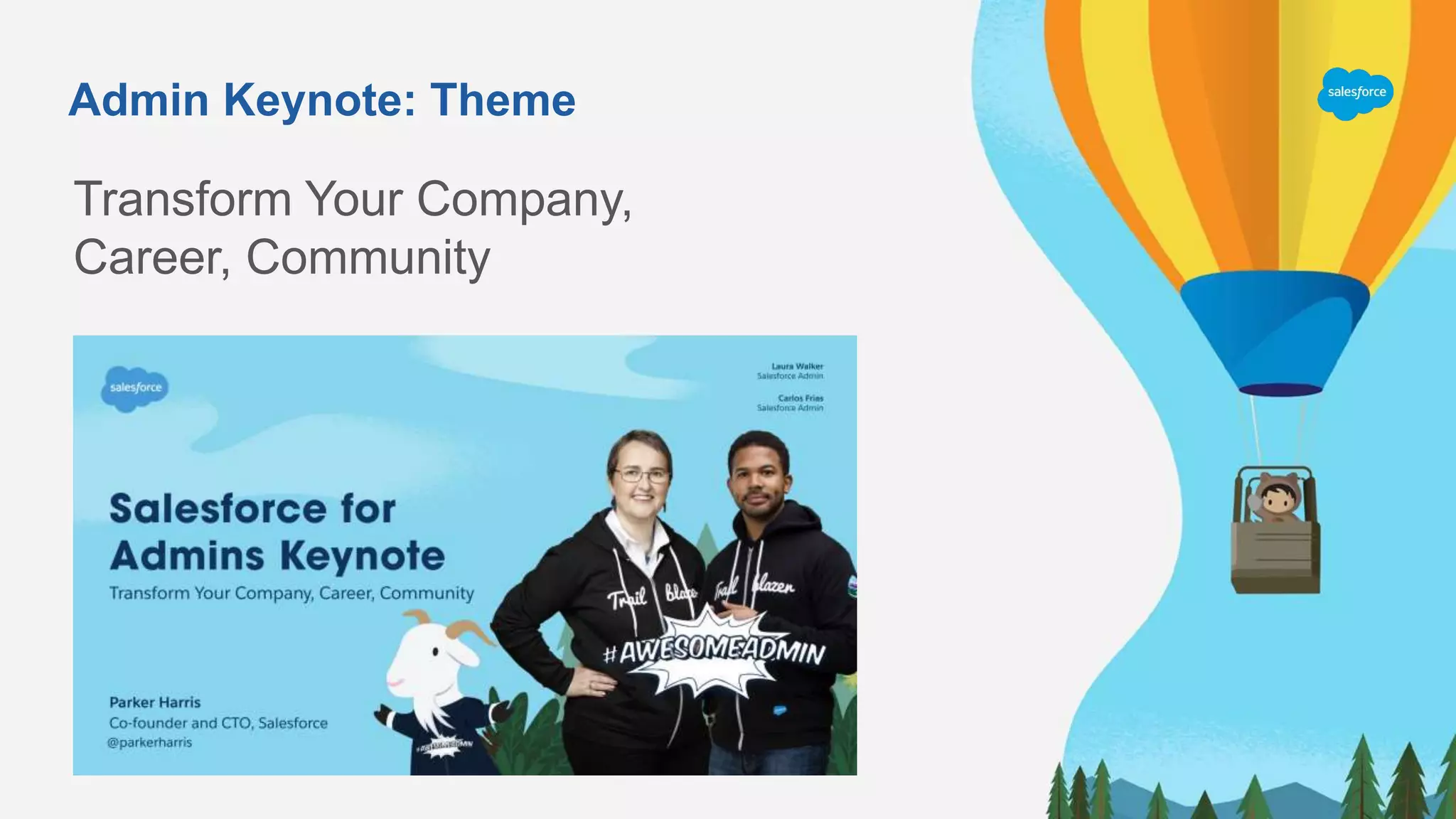
Parker Harris
Co-founder & CTO
Admin Keynote: Theme
Transform Your Company,
Career, Community
Opening Video From Admin Keynote
Click here to play
the Opening
Keynote Video
Admin Super Session Highlights
Salesforce for New Admins:
Transform Your Company and Career
Michael Gerholdt
Sr. Director,
Admin Evangelism
Rebecca Saar
Director,
Admin Marketing
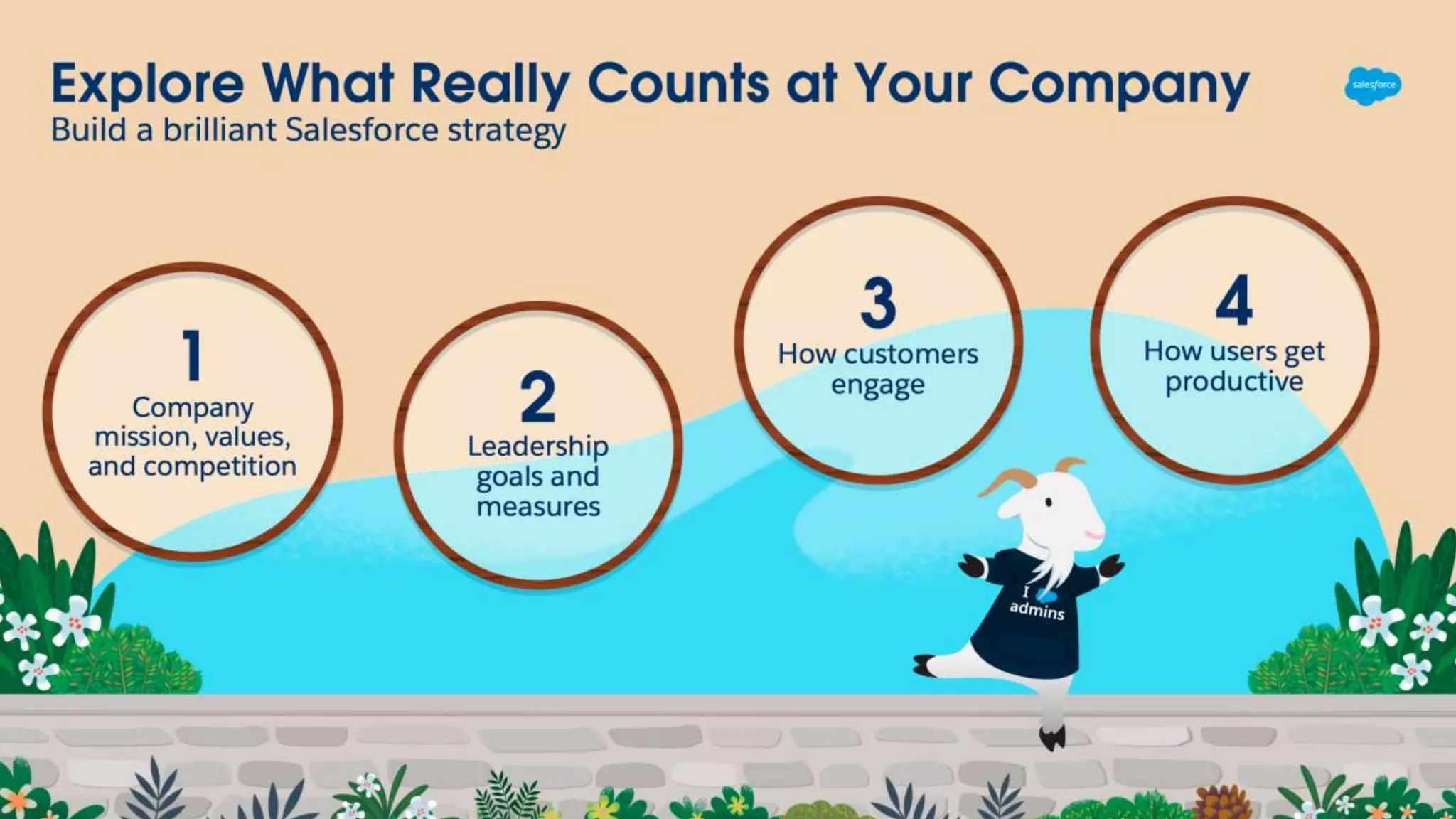
Admins Are The Heart of Salesforc e
We drive results and deliver business value every day
Solve
business
challenges
Create
customized
solutions
Deliver
business
value
Pave the
path for
others
Top Breakout Session Highlights
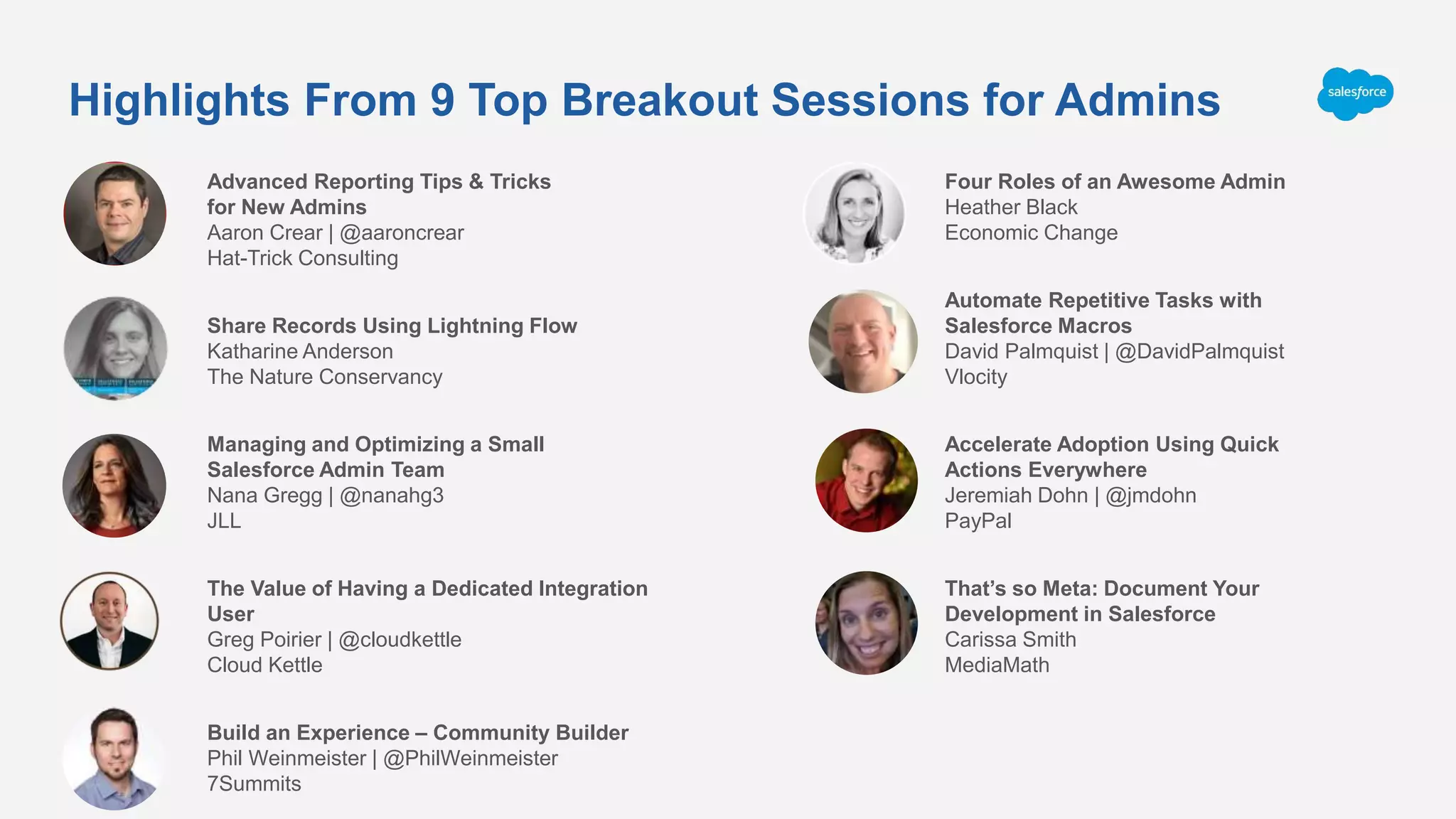
Highlights From 9 Top Breakout Sessions for Admins
Advanced Reporting Tips & Tricks
for New Admins
Aaron Crear | @aaroncrear
Hat-Trick Consulting
Share Records Using Lightning Flow
Katharine Anderson
The Nature Conservancy
Managing and Optimizing a Small
Salesforce Admin Team
Nana Gregg | @nanahg3
JLL
The Value of Having a Dedicated Integration
User
Greg Poirier | @cloudkettle
Cloud Kettle
Build an Experience – Community Builder
Phil Weinmeister | @PhilWeinmeister
7Summits
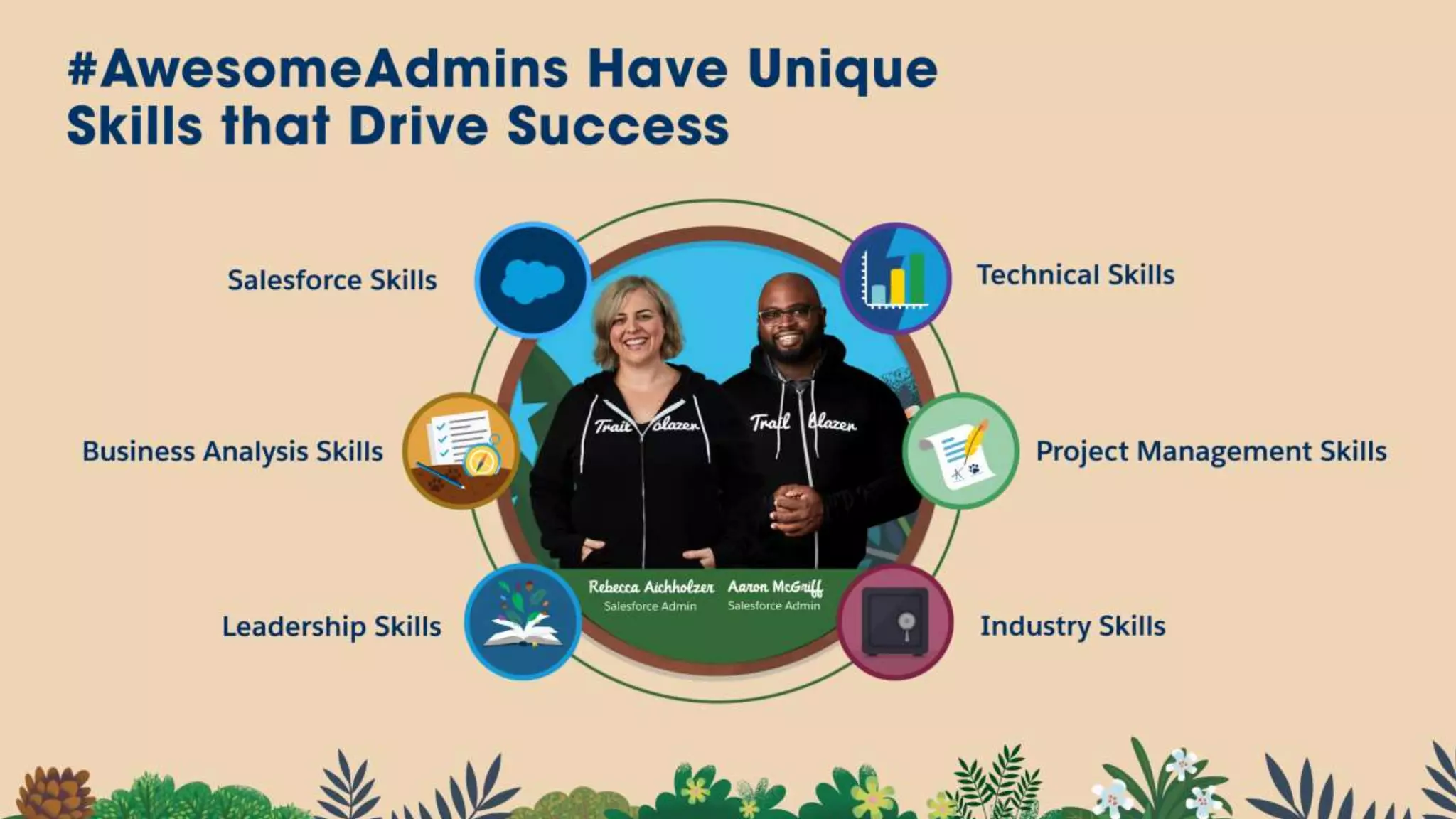
Four Roles of an Awesome Admin
Heather Black
Economic Change
Automate Repetitive Tasks with
Salesforce Macros
David Palmquist | @DavidPalmquist
Vlocity
Accelerate Adoption Using Quick
Actions Everywhere
Jeremiah Dohn | @jmdohn
PayPal
That’s so Meta: Document Your
Development in Salesforce
Carissa Smith
MediaMath
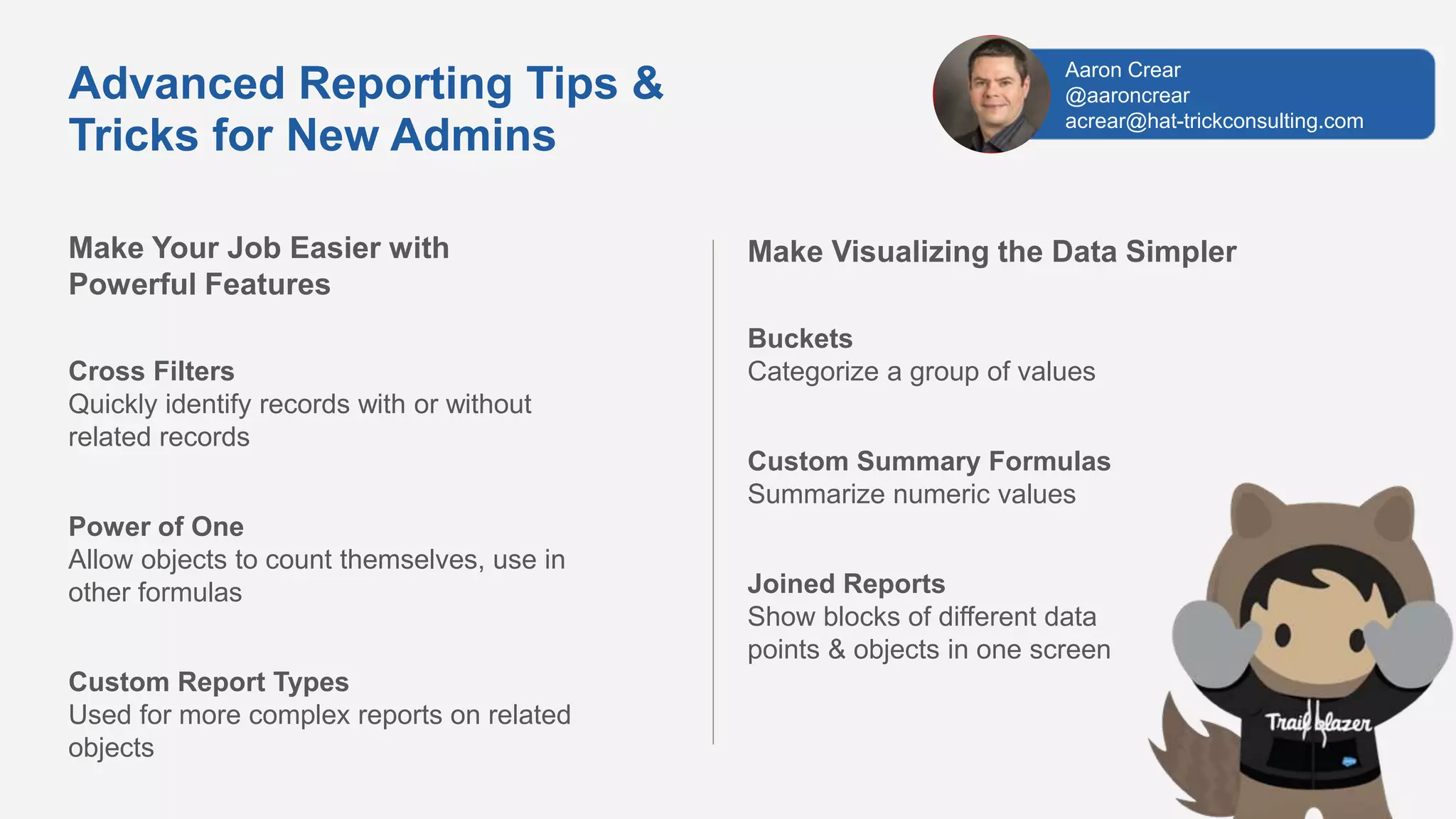
Make Your Job Easier with
Powerful Features
Cross Filters
Quickly identify records with or without
related records
Power of One
Allow objects to count themselves, use in
other formulas
Custom Report Types
Used for more complex reports on related
objects
Advanced Reporting Tips &
Tricks for New Admins
Make Visualizing the Data Simpler
Buckets
Categorize a group of values
Custom Summary Formulas
Summarize numeric values
Joined Reports
Show blocks of different data
points & objects in one screen
Aaron Crear
@aaroncrear
acrear@hat-trickconsulting.com
Learn About New Report Features
Field-to-Field Filters
Filter reports based on comparisons to other
fields. E.g. Show Campaigns with actual cost >
budgeted cost
Unique Values
Quickly see how many unique objects are in
your report. E.g. Show how many Accounts are
in an Opportunity Pipeline
Row-Level Formulas
Reduces the need for formulas fields on objects
E.g. Days to Close = Close Date –
DATEVALUE(Created Date)
Helpful Resources
Watch Session Online
https://www.salesforce.com/video/7790761/
Trailhead
https://sforce.co/2pna6Sg
Blog
Reportforce.Blog
Advanced Reporting Tips &
Tricks for New Admins
Aaron Crear
@aaroncrear
acrear@hat-trickconsulting.com
Share Records Using Lightning Flow
What is Sharing via Lightning Flow?
Automatically Give User Access to a Record
Automated sharing of an individual record, with
an individual user, at the level you specify in the
flow
More Targeted Sharing Than Other Options
Doesn’t depend on values in the record’s fields
(like sharing rules)
Less Manual Sharing!
Record editor can share the record with any
user in the org, without all the clicks of manual
sharing
Share records dynamically with fewer clicks!
Is Lightning Flow Right For Your Use Case?
Record Access Based on Record Role?
You need to give access to a user based on their role
on that specific record (like Contract Router or Case
Secondary Support)
All Users With That Record Role Need the Same
Level of Access
If any user with this record role should not have edit
access to their record, set the standard access to
‘Read’ and extend from there
Katharine Anderson
linkedin.com/in/katharine-anderson/
Share Records Using Lightning Flow
Setup Lightning Flow
Create Invocable Flow
Use Flow to create an [Object]Share record
Create Process
Triggered by change to user lookup field on record.
Invokes the flow and sets the share record’s values
Activate and Test
Activate everything, test it, and deploy to
production
Share records dynamically with fewer clicks!
Helpful Resources
Create Manual Sharing Button in Lightning
https://sforce.co/2rGjQIf
Flow Based Record Sharing in Salesforce
https://bit.ly/2rzVShz
Use Lightning Flow to Auto-share Task With Task Creator
https://bit.ly/2rx3qSe
Lightning Flow Trailhead Module
https://sforce.co/2pcSYP3
Data Security Trailhead Module
https://sforce.co/2O23wcg
Katharine Anderson
linkedin.com/in/katharine-anderson/
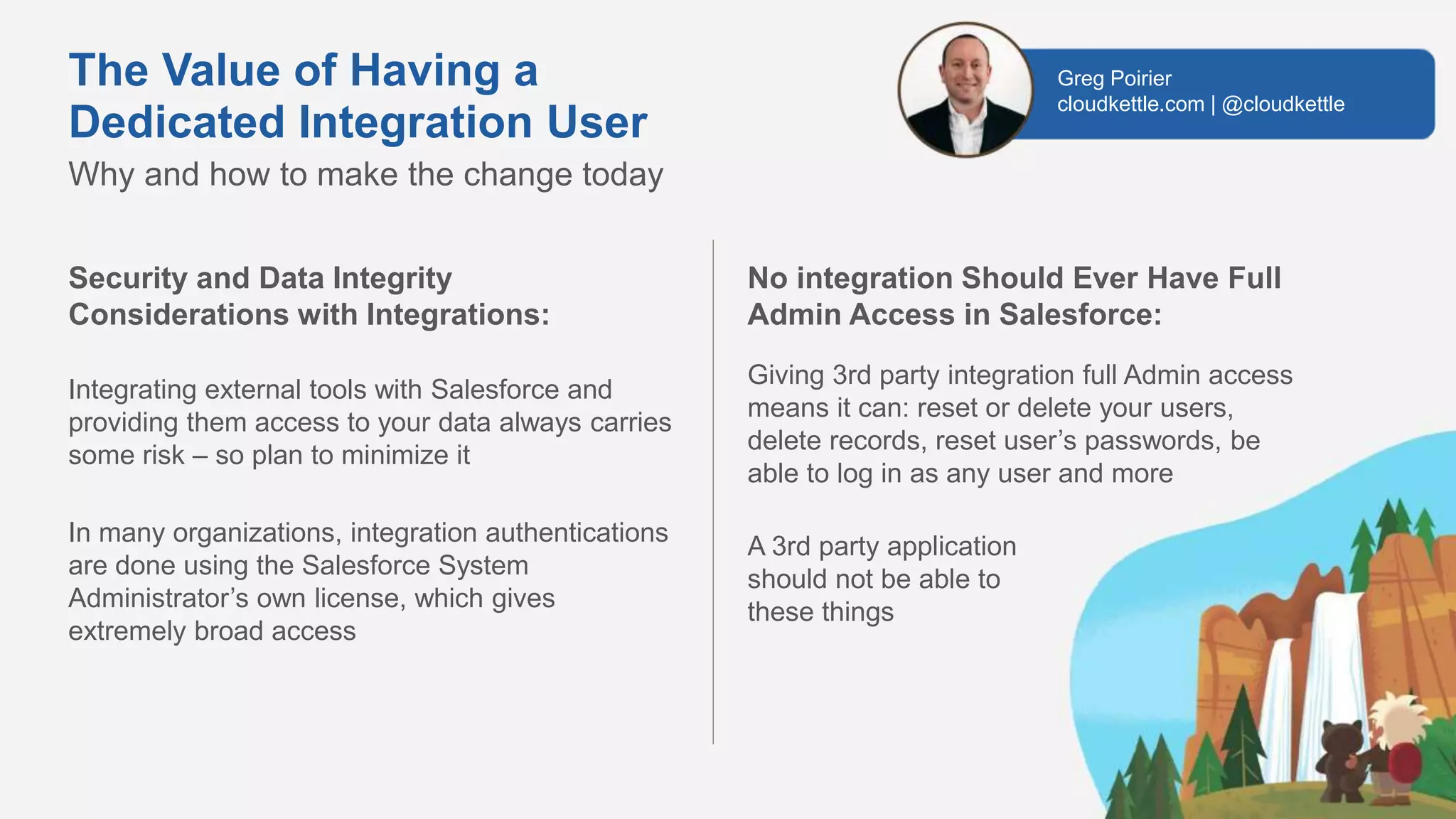
The Value of Having a
Dedicated Integration User
Security and Data Integrity
Considerations with Integrations:
Integrating external tools with Salesforce and
providing them access to your data always carries
some risk – so plan to minimize it
In many organizations, integration authentications
are done using the Salesforce System
Administrator’s own license, which gives
extremely broad access
Why and how to make the change today
No integration Should Ever Have Full
Admin Access in Salesforce:
Giving 3rd party integration full Admin access
means it can: reset or delete your users,
delete records, reset user’s passwords, be
able to log in as any user and more
A 3rd party application
should not be able to
these things
Greg Poirier
cloudkettle.com | @cloudkettle
Leverage a Dedicated Salesforce
Integration User to Ensure Your
Integrations Are Stable, Auditable, and
Secure:
A Salesforce Integration User is a dedicated (not
used by any human) full Salesforce license that has
a custom Profile, Permission Set and is used for
any 3rd party integrations
An Integration User is a more secure, auditable
way to move data into and out of your instance
without relying on an existing user’s license
Helpful Resources
Learn About Cyber Security on Trailhead
https://trailhead.salesforce.com/cybersecurity/
Why You Need A Dedicated Salesforce Integration
User
http://bit.ly/integration_user
How to Create a Dedicated Integration User in
Salesforce
http://bit.ly/integration_user_how
The Value of Having a
Dedicated Integration User
Why and how to make the change today
Greg Poirier
cloudkettle.com | @cloudkettle
Four Roles of an Awesome Admin
Step 1 – Manage Your Data Securely
Be Clear On Your Policies With Users
Agree to your security and data management
policies and manage them using reports and to
police their application
Make the Most of Security and Data Tools
Security Health Check
Mydomain
Find out how to manage and develop your Salesforce Org
Step 2 – Look After the Health of Your System
Undertake Your Health Checks
Critical updates
Optimizer reports
Health checks and new releases
Set Up a Support Desk
Use the Service Cloud and Console to manage requests
from users whether it’s fixes,
health checks or development work
Heather Black,
MD of Economic Change CIC
heather@economicchange.co.uk
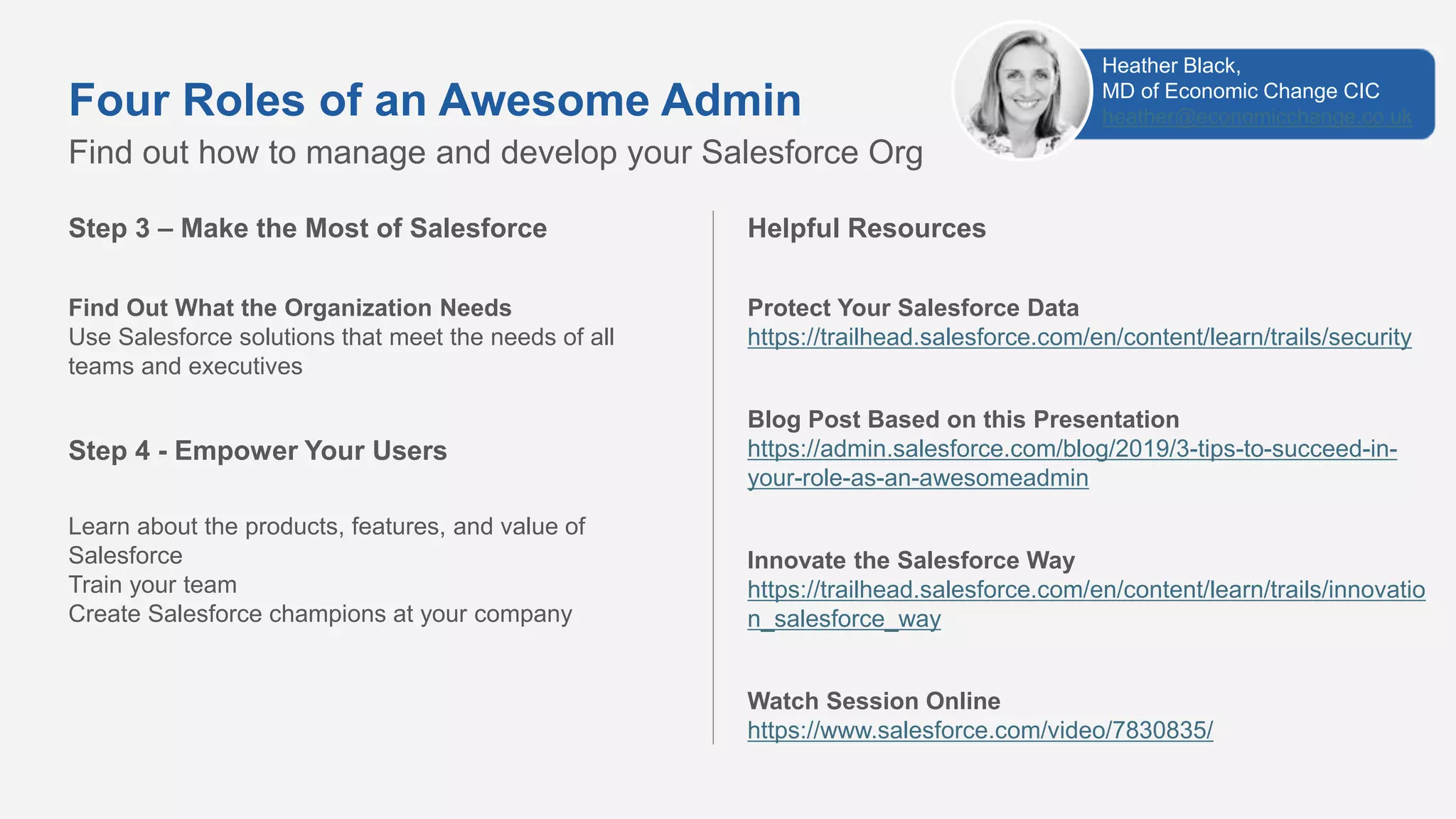
Step 3 – Make the Most of Salesforce
Find Out What the Organization Needs
Use Salesforce solutions that meet the needs of all
teams and executives
Step 4 - Empower Your Users
Learn about the products, features, and value of
Salesforce
Train your team
Create Salesforce champions at your company
Find out how to manage and develop your Salesforce Org
Four Roles of an Awesome Admin
Helpful Resources
Protect Your Salesforce Data
https://trailhead.salesforce.com/en/content/learn/trails/security
Blog Post Based on this Presentation
https://admin.salesforce.com/blog/2019/3-tips-to-succeed-in-
your-role-as-an-awesomeadmin
Innovate the Salesforce Way
https://trailhead.salesforce.com/en/content/learn/trails/innovatio
n_salesforce_way
Watch Session Online
https://www.salesforce.com/video/7830835/
Heather Black,
MD of Economic Change CIC
heather@economicchange.co.uk
Keep Blazing Trails!
Salesforce Admins Website
admin.salesforce.com
Access to blogs, podcasts, webinars & more
Take the #DF19 Keynote Trailmix
​sforce.co/ParkersTrailmix
Leverage the power of the Salesforce Customer 360 Platform to
drive impact at your company, in your career, and in your community
Trailblazer Community
sforce.co/AdminTrailblazerGroup
Join thousands of peers in the Admin Trailblazers Chatter Group
Watch the Full DF19 Admin Keynote
https://www.youtube.com/watch?v=PsWaWMpvMw0
#AwesomeAdmin Trivia
What is a type of field that contains a linkable
value to another record?
A. Lookup Field
C. LookWhere
B. Currency
D. Lookinto Field
#AwesomeAdmin Trivia
To prevent a user from entering incorrect data, you should use...
A. Medium
C. Validation Rules
B. Carrots
D. Campaigns
#AwesomeAdmin Trivia
How do you grant user access to the new Salesforce Mobile App?
A. Profile
C. Magic Wand
B. Permission Set
D. User Checkbox
#AwesomeAdmin Trivia
What is the name of the drag-and-drop
interface for creating and modifying
reports in Lightning Experience?
A. Data Manipulator
C. Process Builder
B. Analytics Tool
D. Report Builder
#AwesomeAdmin Trivia
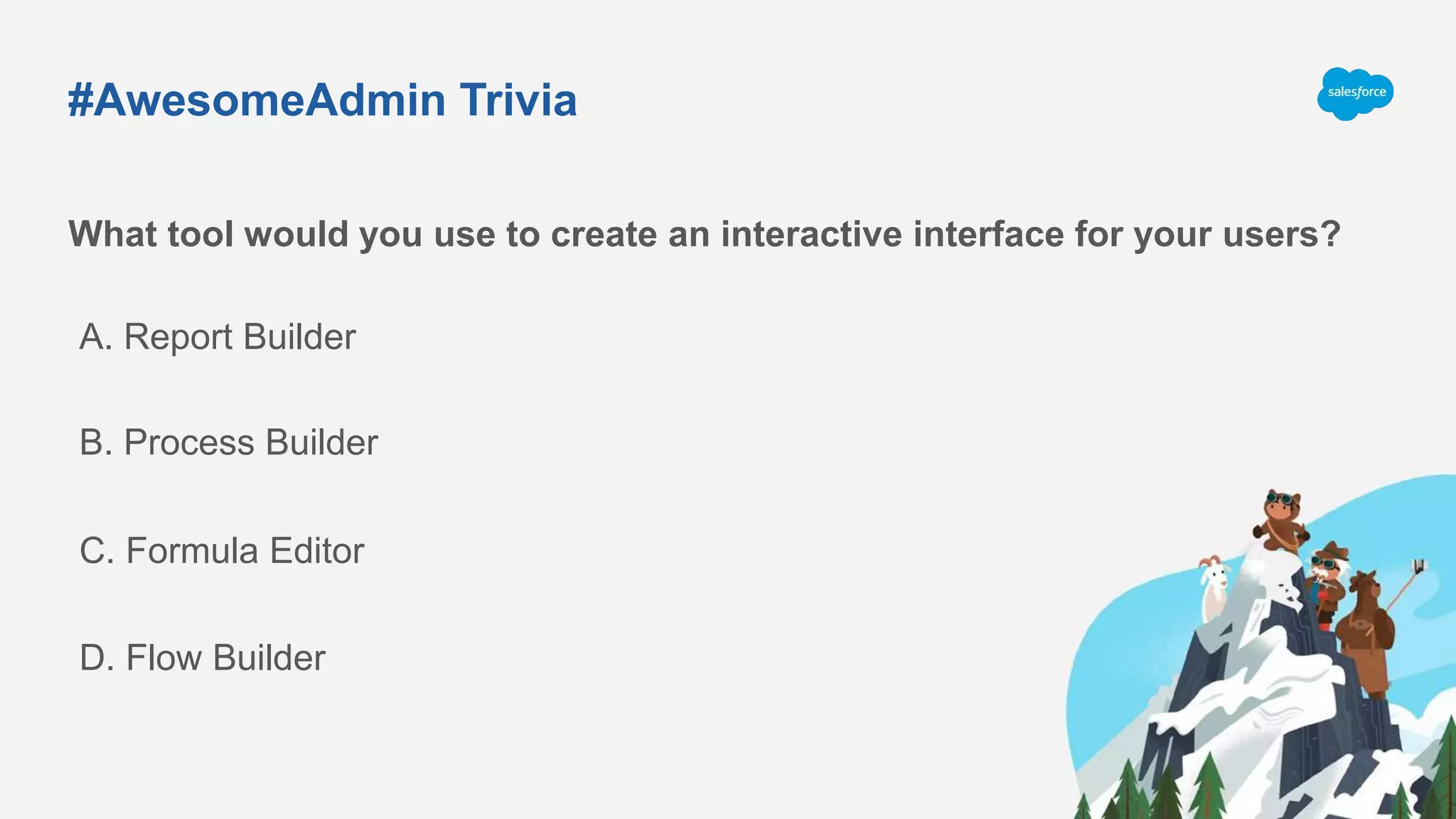
What tool would you use to create an interactive interface for your users?
A. Report Builder
C. Formula Editor
B. Process Builder
D. Flow Builder
#AwesomeAdmin Trivia
Salesforce has 3 releases each year, which
seasons are they based on?
A. Fall, Spring, Summer
C. Spring, Summer, Winter
B. Winter, Summer, Autumn
D. Winter, Spring, Fall
Join us January 30, 2020 for
Spring’20 Release Readiness
André
Tremblay
Salesforce Administrator
Tonight’s Speakers:
Mitch Hussey
Salesforce Administrator
Mounica Yaramareddy
Salesforce Developer
Spring ‘20 Key Features
• Sales Cloud
• Quality of Life Changes
• Service Cloud
• Security
• Automation
• Roadmap Changes
Sales Cloud
Task-Queue Assignment
Streamline your sales organization’s workflow
with Task-Queue Assignment. Assign a task
to any queue, so members can easily take
ownership and tackle the sales team’s to-do
list.
Learn More
Business User
Watch Demo
*Available with purchase of Sales Cloud
Quality of Life
App Launcher Enhancements
Users now have a quicker and simplified
experience when switching apps. App
Launcher has a new app switcher view to
enable users to quickly select their favorite
apps or let them search and view all apps
and items in the full App Launcher view.
Learn More
Business User
Watch Demo
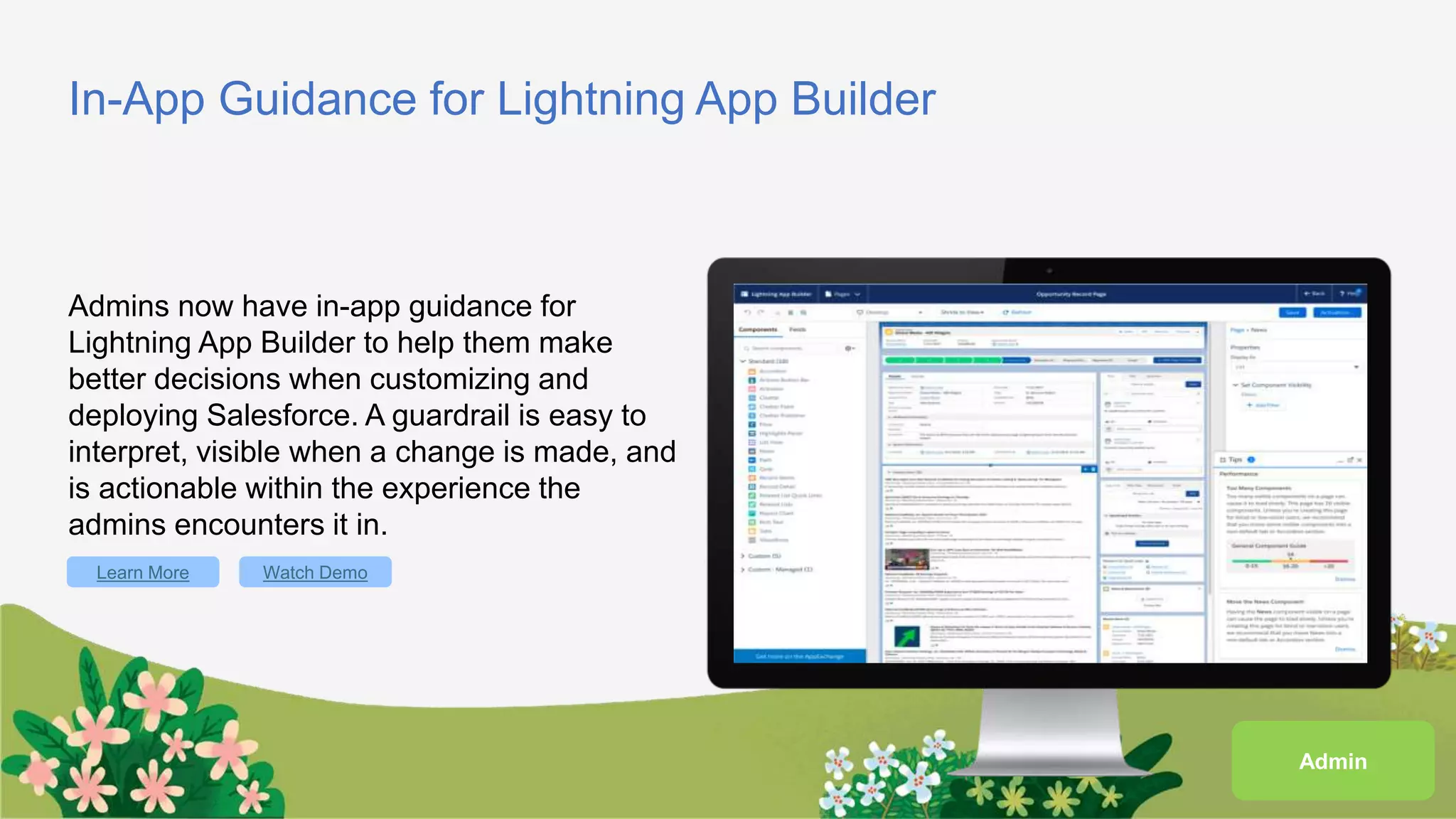
In-App Guidance for Lightning App Builder
Admins now have in-app guidance for
Lightning App Builder to help them make
better decisions when customizing and
deploying Salesforce. A guardrail is easy to
interpret, visible when a change is made, and
is actionable within the experience the
admins encounters it in.
Learn More Watch Demo
Admin
In-App Guidance Enhancements
Admins now have more flexibility over who
sees prompts with the addition of Profiles in
Prompt authoring. Admins can also fully
translate prompts, author a video in docked
prompts, and have full control of prompt
delays. There are also enhancements to the
Setup page including search and and
updated UI for floating prompts.
Learn More Watch Demo
Admin
Service Cloud
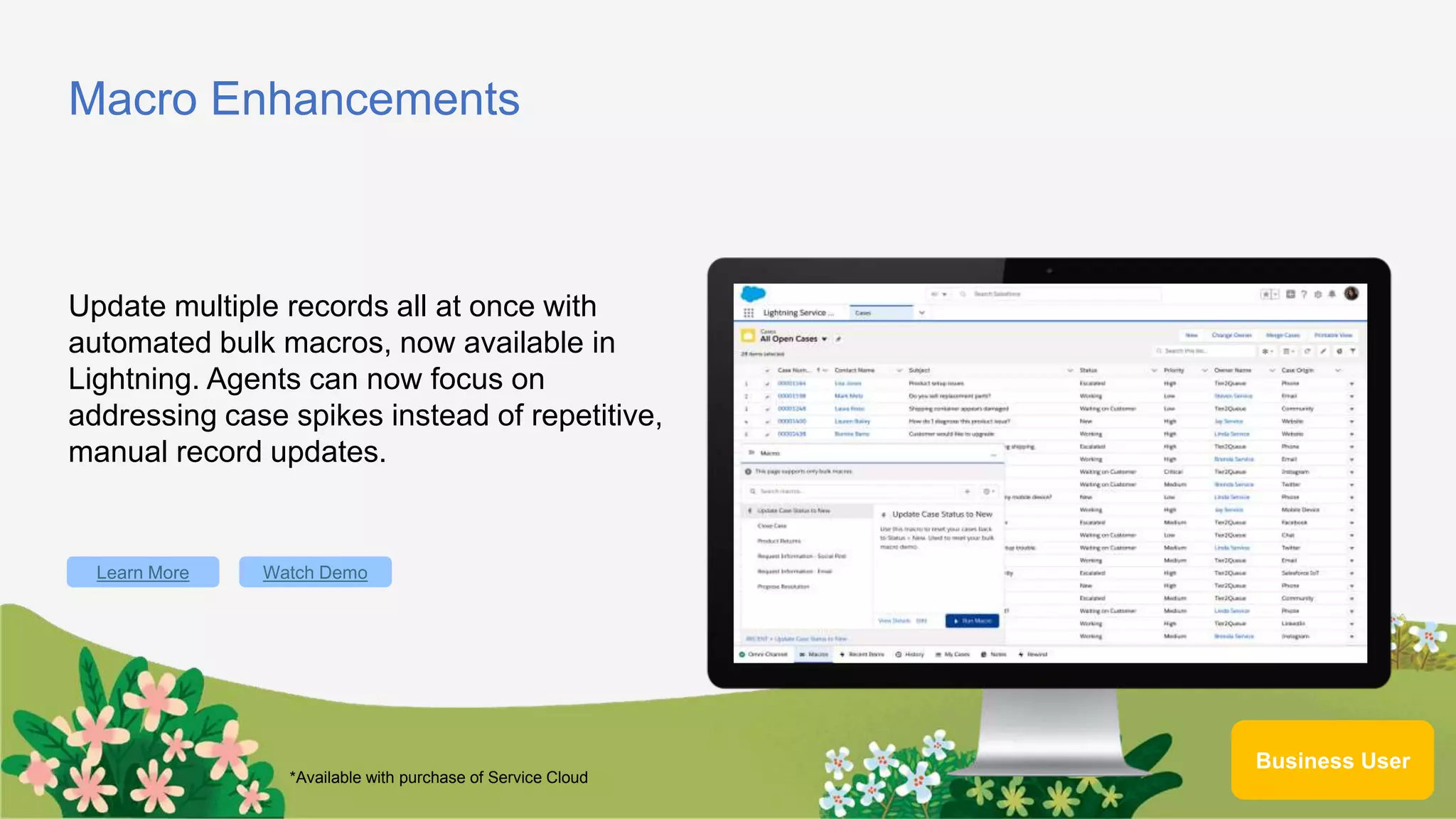
Macro Enhancements
Update multiple records all at once with
automated bulk macros, now available in
Lightning. Agents can now focus on
addressing case spikes instead of repetitive,
manual record updates.
Learn More
Business User
Watch Demo
*Available with purchase of Service Cloud
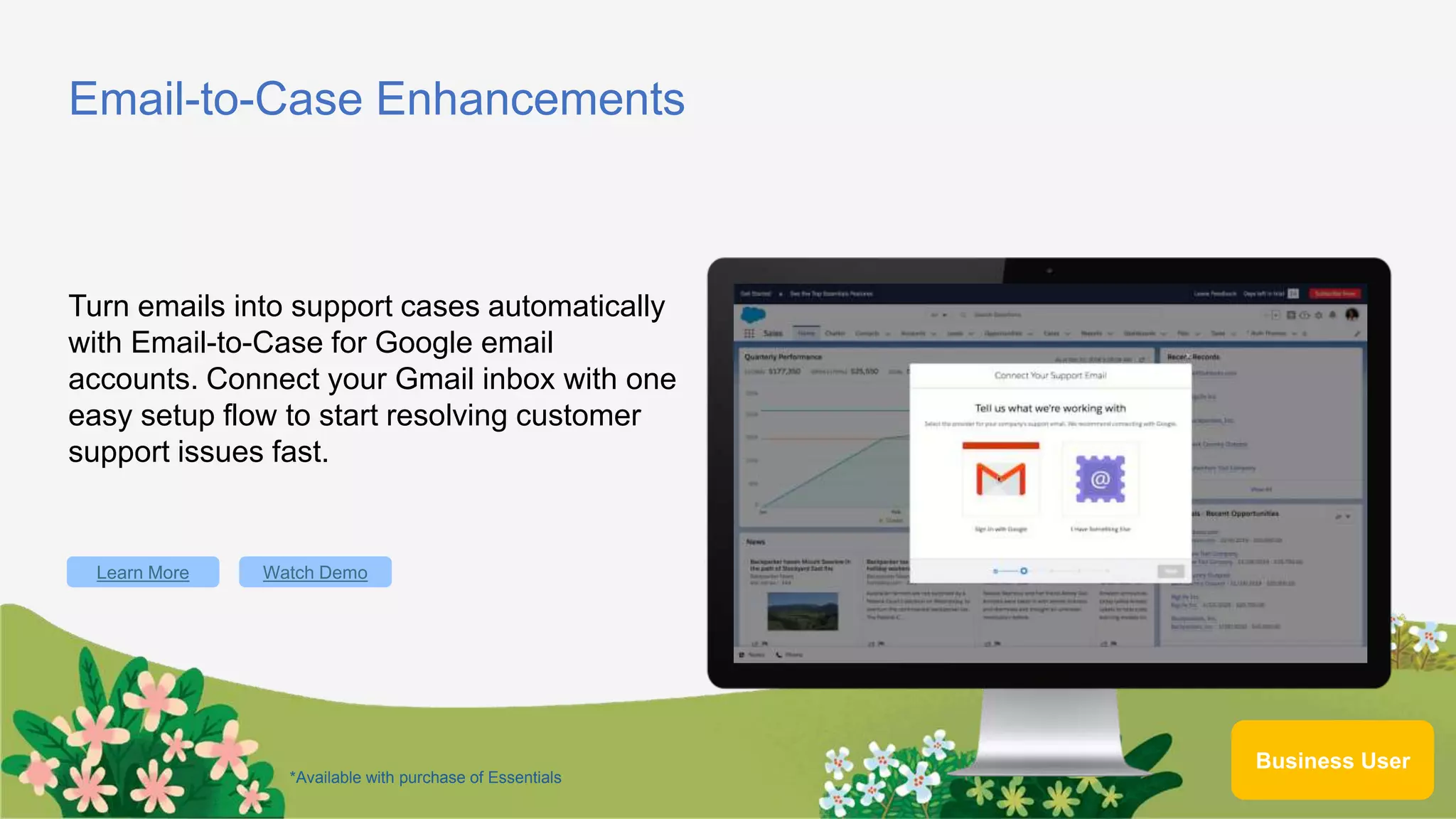
Email-to-Case Enhancements
Turn emails into support cases automatically
with Email-to-Case for Google email
accounts. Connect your Gmail inbox with one
easy setup flow to start resolving customer
support issues fast.
Learn More
Business User
Watch Demo
*Available with purchase of Essentials
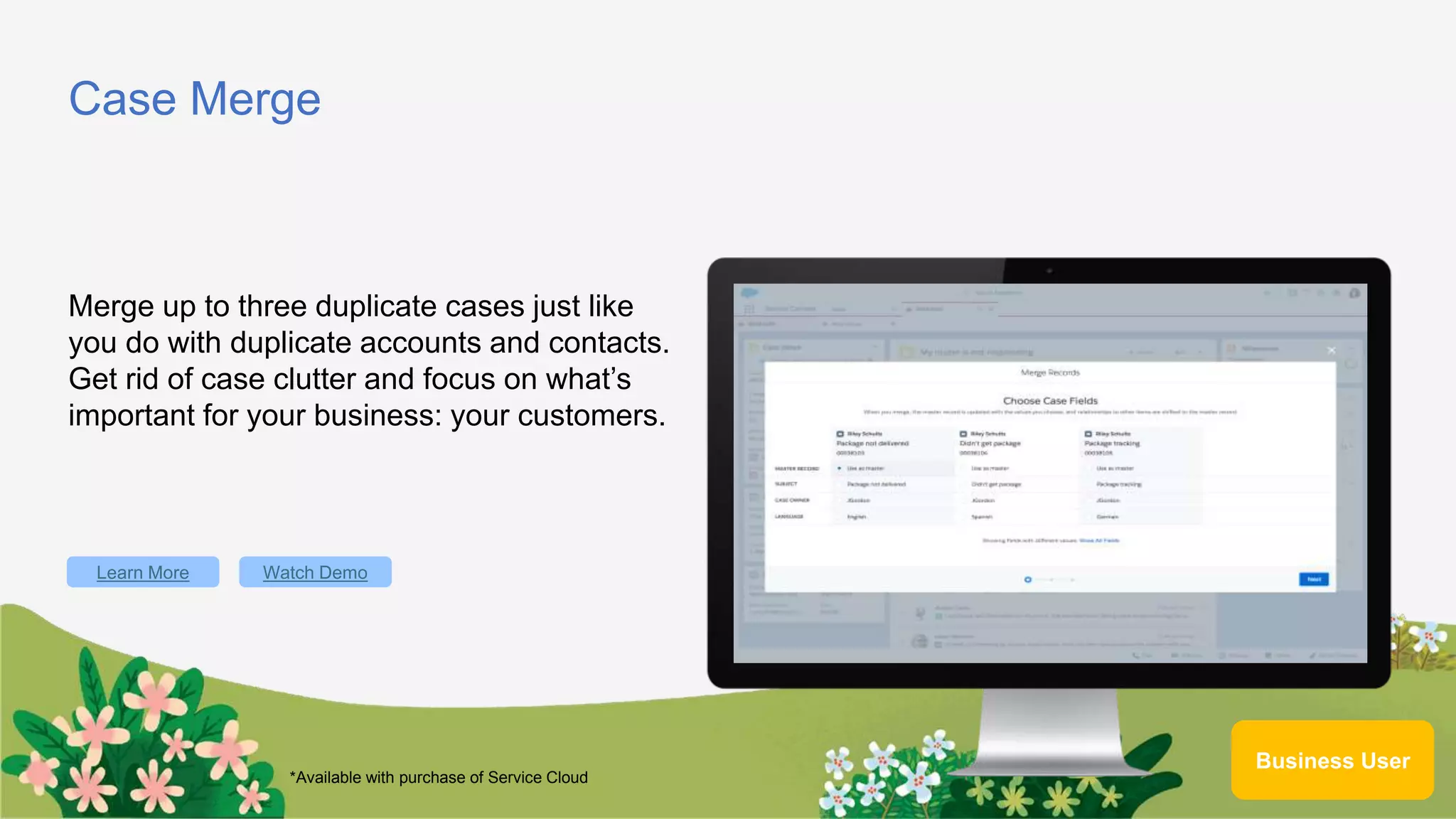
Case Merge
Merge up to three duplicate cases just like
you do with duplicate accounts and contacts.
Get rid of case clutter and focus on what’s
important for your business: your customers.
Learn More
Business User
Watch Demo
*Available with purchase of Service Cloud
Einstein Article Recommendations
Recommend the best knowledge articles to
agents based on case data with an intelligent
natural language processing engine across
SMS, chat, and other channels.
Learn More
Business User
Watch Demo
*Included with the purchase of Service Cloud Enterprise and Unlimited
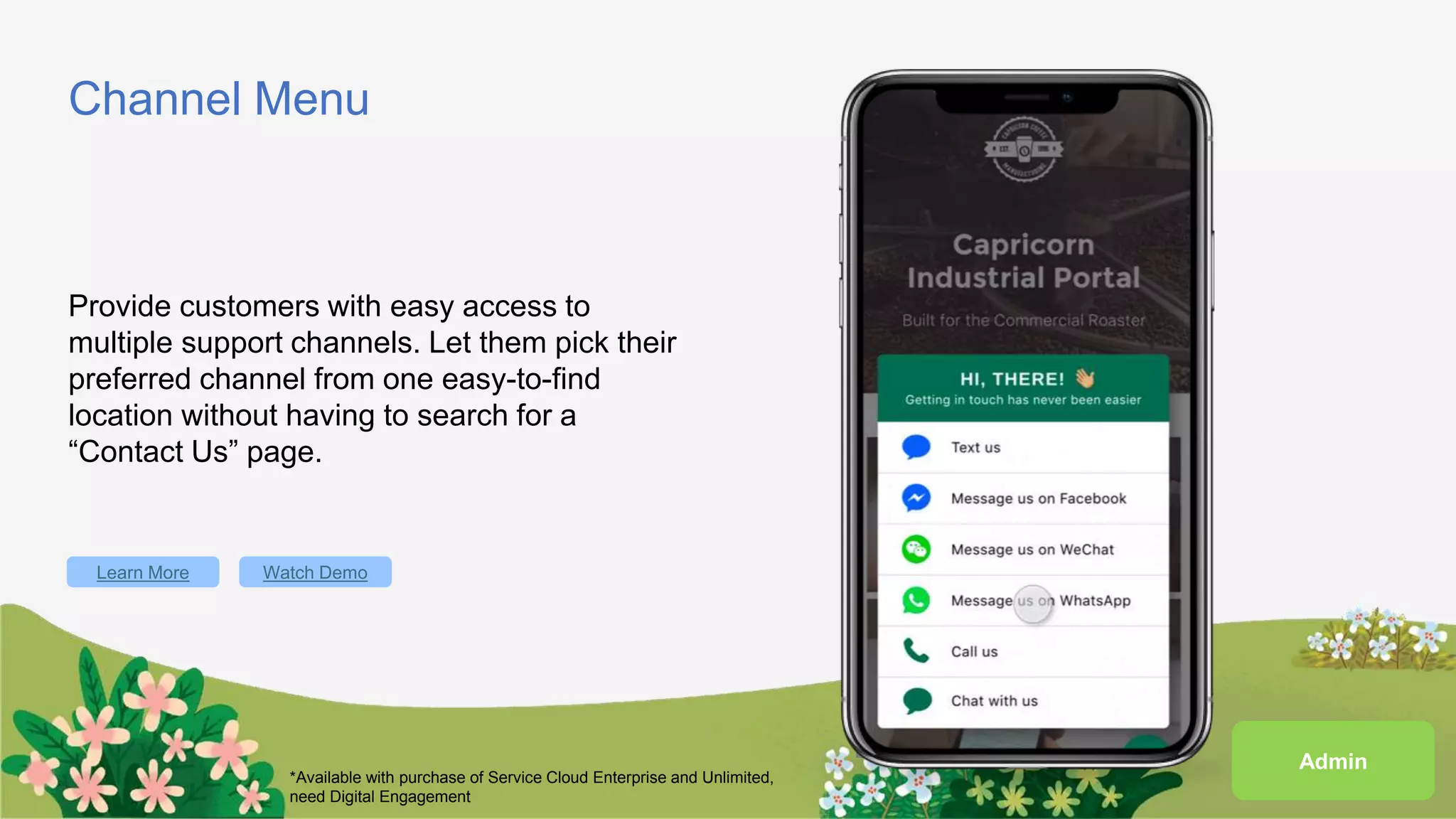
Channel Menu
Provide customers with easy access to
multiple support channels. Let them pick their
preferred channel from one easy-to-find
location without having to search for a
“Contact Us” page.
Learn More Watch Demo
*Available with purchase of Service Cloud Enterprise and Unlimited,
need Digital Engagement
Admin
Security
Salesforce Data Mask
Anonymize personally identifiable information
in sandboxes to protect confidentiality and
maintain regulatory compliance.
Learn More
Developer
Automation
Lightning Flow: System Mode
Enable edit access to user records that have
been shared, but don’t have object-level or
field-level access. Achieve this declaratively
by setting your flows to run in system mode.
Learn More Watch Demo
Admin
Lightning Flow: Before-Save Updates
Leverage Before-Save Updates with
autolaunched flows to automatically and
rapidly update a triggering record and
eliminate the need for looping and recursion.
Learn More Watch Demo
Admin
Roadmap Changes
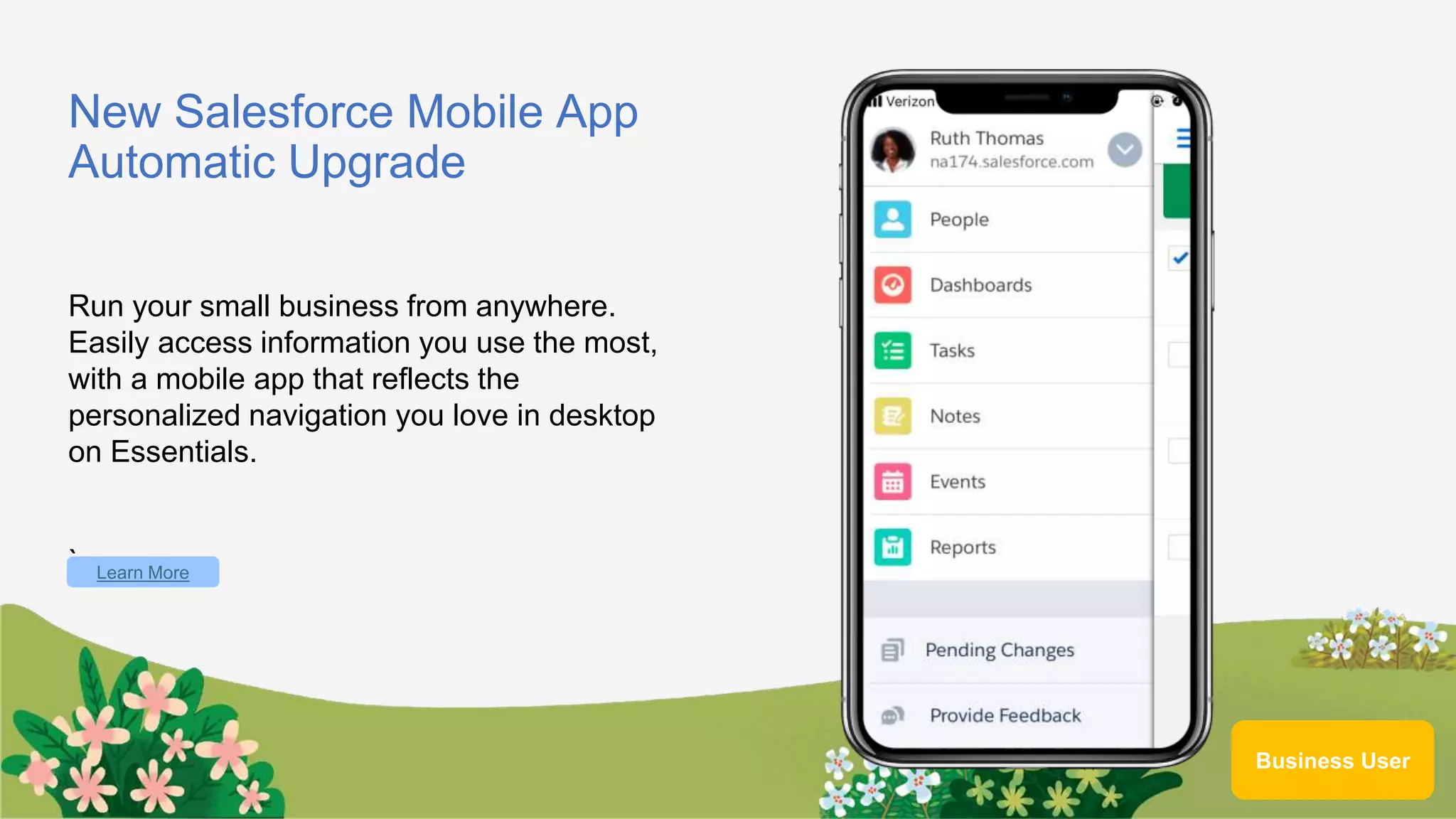
New Salesforce Mobile App
Automatic Upgrade
Run your small business from anywhere.
Easily access information you use the most,
with a mobile app that reflects the
personalized navigation you love in desktop
on Essentials.
` Learn More
Business User
Networking
Instructions
Talk to as many people as possible and when a statement applies to someone you
meet, have them sign their name in the box. Each person can only sign your sheet once.
Try to be the first to get five boxes in a row (horizontally, vertically, or diagonally) and
shout “BINGO!” to win.
In the end, we all win by learning more about our peers. Good luck and have fun!
We want to hear from you
http://bit.ly/feedbackohana
Upcoming Trailblazer Community Meetings
Feb 27, 2020 – Thursday 5:30 PM – 7:30 PM
Mar 26, 2020 – Thursday 5:30 PM– 7:30 PM
(Last Thursday of every month)
Dreamforce 2019 GG & Spring 20 release features - Halifax, Canada Community

Dreamforce 2019 GG & Spring 20 release features - Halifax, Canada Community

  • 1.
  • 2.
    Prag Ravichandran Salesforce Practice Lead– Sales and Service Cloud ● About a decade of Salesforce Experience ● Trailblazer Community Leader - Halifax, Canada ● 6x Certified ● 5x Dreamforce Speaker ● Salesforce Saturdays Cohort Founder About Me prag_rk
  • 3.
    Purpose of theTrailblazer Community ● Provide a friendly environment for Salesforce Administrators/Developers and users to learn and meet others like themselves. ● Provide our community a space where people can share stories and find answers to Salesforce questions
  • 4.
  • 5.
    Today’s Agenda 5:30 PMDoors Open 5:45 – 6:00 PM Meet and Greet 6:00 - 6:30 PM Highlights from Dreamforce 2019 6:30 – 7:00 PM Spring 2020 Release features 7:00 – 7:30 PM Networking 7:30 PM Wrap up
  • 7.
    Dreamforce ‘19 Highlights forSalesforce Admins #AwesomeAdmin Jan 30, 2020 Prag, Salesforce Practice Lead – Sales and Service Cloud Prag.rk@trailblazercgl.com
  • 9.
    Agenda 1. Admin KeynoteHighlights 2. Admin Super Session Highlights 3. Top Admin Breakout Session Highlights
  • 10.
    Admin Keynote Speakers MichaelGerholdt Sr. Director, Admin Evangelism LeeAnne Rimel Principal Admin Evangelist Josie Chiles Vice President, Admin Relations Parker Harris Co-founder & CTO
  • 11.
    Admin Keynote: Theme TransformYour Company, Career, Community
  • 12.
    Opening Video FromAdmin Keynote Click here to play the Opening Keynote Video
  • 15.
    Admin Super SessionHighlights Salesforce for New Admins: Transform Your Company and Career Michael Gerholdt Sr. Director, Admin Evangelism Rebecca Saar Director, Admin Marketing
  • 16.
    Admins Are TheHeart of Salesforc e We drive results and deliver business value every day Solve business challenges Create customized solutions Deliver business value Pave the path for others
  • 20.
  • 21.
    Highlights From 9Top Breakout Sessions for Admins Advanced Reporting Tips & Tricks for New Admins Aaron Crear | @aaroncrear Hat-Trick Consulting Share Records Using Lightning Flow Katharine Anderson The Nature Conservancy Managing and Optimizing a Small Salesforce Admin Team Nana Gregg | @nanahg3 JLL The Value of Having a Dedicated Integration User Greg Poirier | @cloudkettle Cloud Kettle Build an Experience – Community Builder Phil Weinmeister | @PhilWeinmeister 7Summits Four Roles of an Awesome Admin Heather Black Economic Change Automate Repetitive Tasks with Salesforce Macros David Palmquist | @DavidPalmquist Vlocity Accelerate Adoption Using Quick Actions Everywhere Jeremiah Dohn | @jmdohn PayPal That’s so Meta: Document Your Development in Salesforce Carissa Smith MediaMath
  • 22.
    Make Your JobEasier with Powerful Features Cross Filters Quickly identify records with or without related records Power of One Allow objects to count themselves, use in other formulas Custom Report Types Used for more complex reports on related objects Advanced Reporting Tips & Tricks for New Admins Make Visualizing the Data Simpler Buckets Categorize a group of values Custom Summary Formulas Summarize numeric values Joined Reports Show blocks of different data points & objects in one screen Aaron Crear @aaroncrear acrear@hat-trickconsulting.com
  • 23.
    Learn About NewReport Features Field-to-Field Filters Filter reports based on comparisons to other fields. E.g. Show Campaigns with actual cost > budgeted cost Unique Values Quickly see how many unique objects are in your report. E.g. Show how many Accounts are in an Opportunity Pipeline Row-Level Formulas Reduces the need for formulas fields on objects E.g. Days to Close = Close Date – DATEVALUE(Created Date) Helpful Resources Watch Session Online https://www.salesforce.com/video/7790761/ Trailhead https://sforce.co/2pna6Sg Blog Reportforce.Blog Advanced Reporting Tips & Tricks for New Admins Aaron Crear @aaroncrear acrear@hat-trickconsulting.com
  • 24.
    Share Records UsingLightning Flow What is Sharing via Lightning Flow? Automatically Give User Access to a Record Automated sharing of an individual record, with an individual user, at the level you specify in the flow More Targeted Sharing Than Other Options Doesn’t depend on values in the record’s fields (like sharing rules) Less Manual Sharing! Record editor can share the record with any user in the org, without all the clicks of manual sharing Share records dynamically with fewer clicks! Is Lightning Flow Right For Your Use Case? Record Access Based on Record Role? You need to give access to a user based on their role on that specific record (like Contract Router or Case Secondary Support) All Users With That Record Role Need the Same Level of Access If any user with this record role should not have edit access to their record, set the standard access to ‘Read’ and extend from there Katharine Anderson linkedin.com/in/katharine-anderson/
  • 25.
    Share Records UsingLightning Flow Setup Lightning Flow Create Invocable Flow Use Flow to create an [Object]Share record Create Process Triggered by change to user lookup field on record. Invokes the flow and sets the share record’s values Activate and Test Activate everything, test it, and deploy to production Share records dynamically with fewer clicks! Helpful Resources Create Manual Sharing Button in Lightning https://sforce.co/2rGjQIf Flow Based Record Sharing in Salesforce https://bit.ly/2rzVShz Use Lightning Flow to Auto-share Task With Task Creator https://bit.ly/2rx3qSe Lightning Flow Trailhead Module https://sforce.co/2pcSYP3 Data Security Trailhead Module https://sforce.co/2O23wcg Katharine Anderson linkedin.com/in/katharine-anderson/
  • 26.
    The Value ofHaving a Dedicated Integration User Security and Data Integrity Considerations with Integrations: Integrating external tools with Salesforce and providing them access to your data always carries some risk – so plan to minimize it In many organizations, integration authentications are done using the Salesforce System Administrator’s own license, which gives extremely broad access Why and how to make the change today No integration Should Ever Have Full Admin Access in Salesforce: Giving 3rd party integration full Admin access means it can: reset or delete your users, delete records, reset user’s passwords, be able to log in as any user and more A 3rd party application should not be able to these things Greg Poirier cloudkettle.com | @cloudkettle
  • 27.
    Leverage a DedicatedSalesforce Integration User to Ensure Your Integrations Are Stable, Auditable, and Secure: A Salesforce Integration User is a dedicated (not used by any human) full Salesforce license that has a custom Profile, Permission Set and is used for any 3rd party integrations An Integration User is a more secure, auditable way to move data into and out of your instance without relying on an existing user’s license Helpful Resources Learn About Cyber Security on Trailhead https://trailhead.salesforce.com/cybersecurity/ Why You Need A Dedicated Salesforce Integration User http://bit.ly/integration_user How to Create a Dedicated Integration User in Salesforce http://bit.ly/integration_user_how The Value of Having a Dedicated Integration User Why and how to make the change today Greg Poirier cloudkettle.com | @cloudkettle
  • 28.
    Four Roles ofan Awesome Admin Step 1 – Manage Your Data Securely Be Clear On Your Policies With Users Agree to your security and data management policies and manage them using reports and to police their application Make the Most of Security and Data Tools Security Health Check Mydomain Find out how to manage and develop your Salesforce Org Step 2 – Look After the Health of Your System Undertake Your Health Checks Critical updates Optimizer reports Health checks and new releases Set Up a Support Desk Use the Service Cloud and Console to manage requests from users whether it’s fixes, health checks or development work Heather Black, MD of Economic Change CIC heather@economicchange.co.uk
  • 29.
    Step 3 –Make the Most of Salesforce Find Out What the Organization Needs Use Salesforce solutions that meet the needs of all teams and executives Step 4 - Empower Your Users Learn about the products, features, and value of Salesforce Train your team Create Salesforce champions at your company Find out how to manage and develop your Salesforce Org Four Roles of an Awesome Admin Helpful Resources Protect Your Salesforce Data https://trailhead.salesforce.com/en/content/learn/trails/security Blog Post Based on this Presentation https://admin.salesforce.com/blog/2019/3-tips-to-succeed-in- your-role-as-an-awesomeadmin Innovate the Salesforce Way https://trailhead.salesforce.com/en/content/learn/trails/innovatio n_salesforce_way Watch Session Online https://www.salesforce.com/video/7830835/ Heather Black, MD of Economic Change CIC heather@economicchange.co.uk
  • 30.
    Keep Blazing Trails! SalesforceAdmins Website admin.salesforce.com Access to blogs, podcasts, webinars & more Take the #DF19 Keynote Trailmix ​sforce.co/ParkersTrailmix Leverage the power of the Salesforce Customer 360 Platform to drive impact at your company, in your career, and in your community Trailblazer Community sforce.co/AdminTrailblazerGroup Join thousands of peers in the Admin Trailblazers Chatter Group Watch the Full DF19 Admin Keynote https://www.youtube.com/watch?v=PsWaWMpvMw0
  • 31.
    #AwesomeAdmin Trivia What isa type of field that contains a linkable value to another record? A. Lookup Field C. LookWhere B. Currency D. Lookinto Field
  • 32.
    #AwesomeAdmin Trivia To preventa user from entering incorrect data, you should use... A. Medium C. Validation Rules B. Carrots D. Campaigns
  • 33.
    #AwesomeAdmin Trivia How doyou grant user access to the new Salesforce Mobile App? A. Profile C. Magic Wand B. Permission Set D. User Checkbox
  • 34.
    #AwesomeAdmin Trivia What isthe name of the drag-and-drop interface for creating and modifying reports in Lightning Experience? A. Data Manipulator C. Process Builder B. Analytics Tool D. Report Builder
  • 35.
    #AwesomeAdmin Trivia What toolwould you use to create an interactive interface for your users? A. Report Builder C. Formula Editor B. Process Builder D. Flow Builder
  • 36.
    #AwesomeAdmin Trivia Salesforce has3 releases each year, which seasons are they based on? A. Fall, Spring, Summer C. Spring, Summer, Winter B. Winter, Summer, Autumn D. Winter, Spring, Fall
  • 37.
    Join us January30, 2020 for Spring’20 Release Readiness
  • 38.
    André Tremblay Salesforce Administrator Tonight’s Speakers: MitchHussey Salesforce Administrator Mounica Yaramareddy Salesforce Developer
  • 39.
    Spring ‘20 KeyFeatures • Sales Cloud • Quality of Life Changes • Service Cloud • Security • Automation • Roadmap Changes
  • 40.
  • 41.
    Task-Queue Assignment Streamline yoursales organization’s workflow with Task-Queue Assignment. Assign a task to any queue, so members can easily take ownership and tackle the sales team’s to-do list. Learn More Business User Watch Demo *Available with purchase of Sales Cloud
  • 42.
  • 43.
    App Launcher Enhancements Usersnow have a quicker and simplified experience when switching apps. App Launcher has a new app switcher view to enable users to quickly select their favorite apps or let them search and view all apps and items in the full App Launcher view. Learn More Business User Watch Demo
  • 44.
    In-App Guidance forLightning App Builder Admins now have in-app guidance for Lightning App Builder to help them make better decisions when customizing and deploying Salesforce. A guardrail is easy to interpret, visible when a change is made, and is actionable within the experience the admins encounters it in. Learn More Watch Demo Admin
  • 45.
    In-App Guidance Enhancements Adminsnow have more flexibility over who sees prompts with the addition of Profiles in Prompt authoring. Admins can also fully translate prompts, author a video in docked prompts, and have full control of prompt delays. There are also enhancements to the Setup page including search and and updated UI for floating prompts. Learn More Watch Demo Admin
  • 46.
  • 47.
    Macro Enhancements Update multiplerecords all at once with automated bulk macros, now available in Lightning. Agents can now focus on addressing case spikes instead of repetitive, manual record updates. Learn More Business User Watch Demo *Available with purchase of Service Cloud
  • 48.
    Email-to-Case Enhancements Turn emailsinto support cases automatically with Email-to-Case for Google email accounts. Connect your Gmail inbox with one easy setup flow to start resolving customer support issues fast. Learn More Business User Watch Demo *Available with purchase of Essentials
  • 49.
    Case Merge Merge upto three duplicate cases just like you do with duplicate accounts and contacts. Get rid of case clutter and focus on what’s important for your business: your customers. Learn More Business User Watch Demo *Available with purchase of Service Cloud
  • 50.
    Einstein Article Recommendations Recommendthe best knowledge articles to agents based on case data with an intelligent natural language processing engine across SMS, chat, and other channels. Learn More Business User Watch Demo *Included with the purchase of Service Cloud Enterprise and Unlimited
  • 51.
    Channel Menu Provide customerswith easy access to multiple support channels. Let them pick their preferred channel from one easy-to-find location without having to search for a “Contact Us” page. Learn More Watch Demo *Available with purchase of Service Cloud Enterprise and Unlimited, need Digital Engagement Admin
  • 52.
  • 53.
    Salesforce Data Mask Anonymizepersonally identifiable information in sandboxes to protect confidentiality and maintain regulatory compliance. Learn More Developer
  • 54.
  • 55.
    Lightning Flow: SystemMode Enable edit access to user records that have been shared, but don’t have object-level or field-level access. Achieve this declaratively by setting your flows to run in system mode. Learn More Watch Demo Admin
  • 56.
    Lightning Flow: Before-SaveUpdates Leverage Before-Save Updates with autolaunched flows to automatically and rapidly update a triggering record and eliminate the need for looping and recursion. Learn More Watch Demo Admin
  • 57.
  • 58.
    New Salesforce MobileApp Automatic Upgrade Run your small business from anywhere. Easily access information you use the most, with a mobile app that reflects the personalized navigation you love in desktop on Essentials. ` Learn More Business User
  • 59.
  • 60.
    Instructions Talk to asmany people as possible and when a statement applies to someone you meet, have them sign their name in the box. Each person can only sign your sheet once. Try to be the first to get five boxes in a row (horizontally, vertically, or diagonally) and shout “BINGO!” to win. In the end, we all win by learning more about our peers. Good luck and have fun!
  • 61.
    We want tohear from you http://bit.ly/feedbackohana
  • 62.
    Upcoming Trailblazer CommunityMeetings Feb 27, 2020 – Thursday 5:30 PM – 7:30 PM Mar 26, 2020 – Thursday 5:30 PM– 7:30 PM (Last Thursday of every month)