Digital Storytelling
Do you have a story to tell?
Presented by:
Stephanie Dixon
Stories represent who we are, portray our
life experiences, and when presented to
others, help connect us to others through
common shared experience.
David Jakes
Stephanie Dixon
Agenda
• Overview/Samples
• The Process of Digital Storytelling
• Tools of Digital Storytelling
• Group Project: Louisiana Products
• Presenting and Assessing Digital Stories
• Dissemination of Materials
• Course Evaluation
Stephanie Dixon
Think about one of your
favorite stories…
What about the story appealed to
you as a reader or listener?
Stephanie Dixon
Characteristics of a good story:
• A single theme, clearly defined
• A well developed plot
• Style: vivid word pictures, pleasing sounds and
rhythm
• Characterization
• Faithful to source
• Dramatic appeal
• Appropriateness to listeners
Baker and Greene, Storytelling: Art and Technique, pp. 28
Stephanie Dixon
Digital Storytelling
• A story told using digital media such as
audio, video, and images
• Under 5 minutes
• Can be emotional (affective domain)
• Oftentimes personal such as an
autobiography
• Instructional, persuasive, historical, or
reflective
• Begins with a script
Bernajean Porter
http://www.digitales.us/
DigiTales: The Art of Digital Stories
• Point of View
• Elements of a Good Digital Story
– Live inside your story
– Unfold lesson learned
– Develop creative tension
– Economize the story told
– Show, don’t tell
– Develop craftsmanship
Stephanie Dixon
Joe Lambert
The Center for Digital Storytelling
Podcast:
• http://technosavvy.org
/2006/03/14/joe-
lambert-digital-
storytelling-part-1/
• http://support.hopkins.
k12.mn.us/podcasts/S
TP-JoeLambert.mp3
Stephanie Dixon
Joe Lambert
The Seven Elements of Digital Storytelling
Point of View
Dramatic Question
Emotional Content
The Gift of Your Voice
The Power of the Soundtrack
Economy
Pacing
Stephanie Dixon
• http://tiny.cc/ebrpss_eval_2010
• SRN- 6010501
Stephanie Dixon
Sample 1
http://www.dtc.scott.k12.ky.us/tec
hnology/digitalstorytelling/connor_
T1.mov
Stephanie Dixon
Gail Matthews-DeNatale
• Combines visual, aural,
and kinesthetic learning
• Iterative production
process encourages
revisiting, reflecting on
meaning
• Increases literacy/fluency
across media
• Connects prior life
experiences, course, and
other co-curricular
learning
• Can be shared beyond
academia
Podcast:
• http://www.educause.
edu/blog/gbayne/ELII
nConversationWeb20
andDigit/167499
Carole McCulloch
Uses of Digital
Storytelling:
• Demonstrate a
competency
• Describe a process
• In Portfolios of
achievement
• Develop writing skills
and sense of story for
younger students
Wiki:
http://en.wikibooks.org/
wiki/Instructional_Tec
hnology/Digital_Storyt
elling
Presentation:
http://www.slideshare.n
et/cmcculloch/using-
digital-stories-in-
elearning
Stephanie Dixon
Carole McCulloch
Good Digital Stories:
• Are personal
• Begin with the story/script
• Are concise
• Use readily-available source materials
• Include universal story elements
• Involve collaboration: "Story circles," in which
participants give and receive feedback on their stories
and scripts, are an important part of many digital
storytelling workshops. As Joe Lambert puts it,
"Storytelling is meant to be a collaborative art. It is much
more realistic this way, and much more fun."
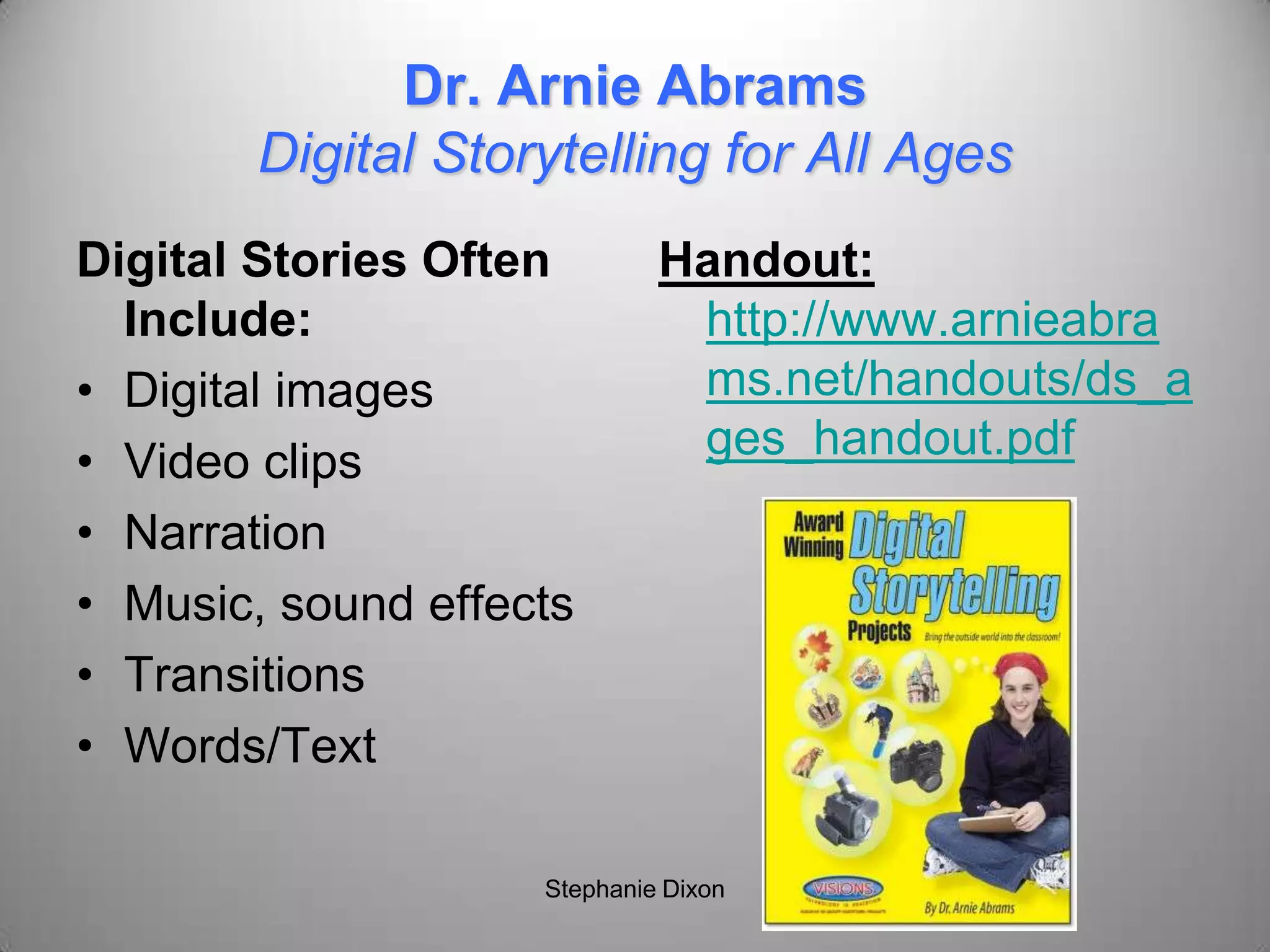
Dr. Arnie Abrams
Digital Storytelling for All Ages
Digital Stories Often
Include:
• Digital images
• Video clips
• Narration
• Music, sound effects
• Transitions
• Words/Text
Handout:
http://www.arnieabra
ms.net/handouts/ds_a
ges_handout.pdf
Stephanie Dixon
Sample 2
http://qtss.iats.missouri.edu/educ/
emints/digitalstories01/music.mov
Stephanie Dixon
Benefits
• Address multiple learning modalities
• Visual and multimedia literacy
• Foster sense of individuality and
ownership
• Deeper thinking as a result of organizing
and synchronizing media
• Competitive Voice- ability to distribute
story to a world wide audience (David
Jakes) Stephanie Dixon
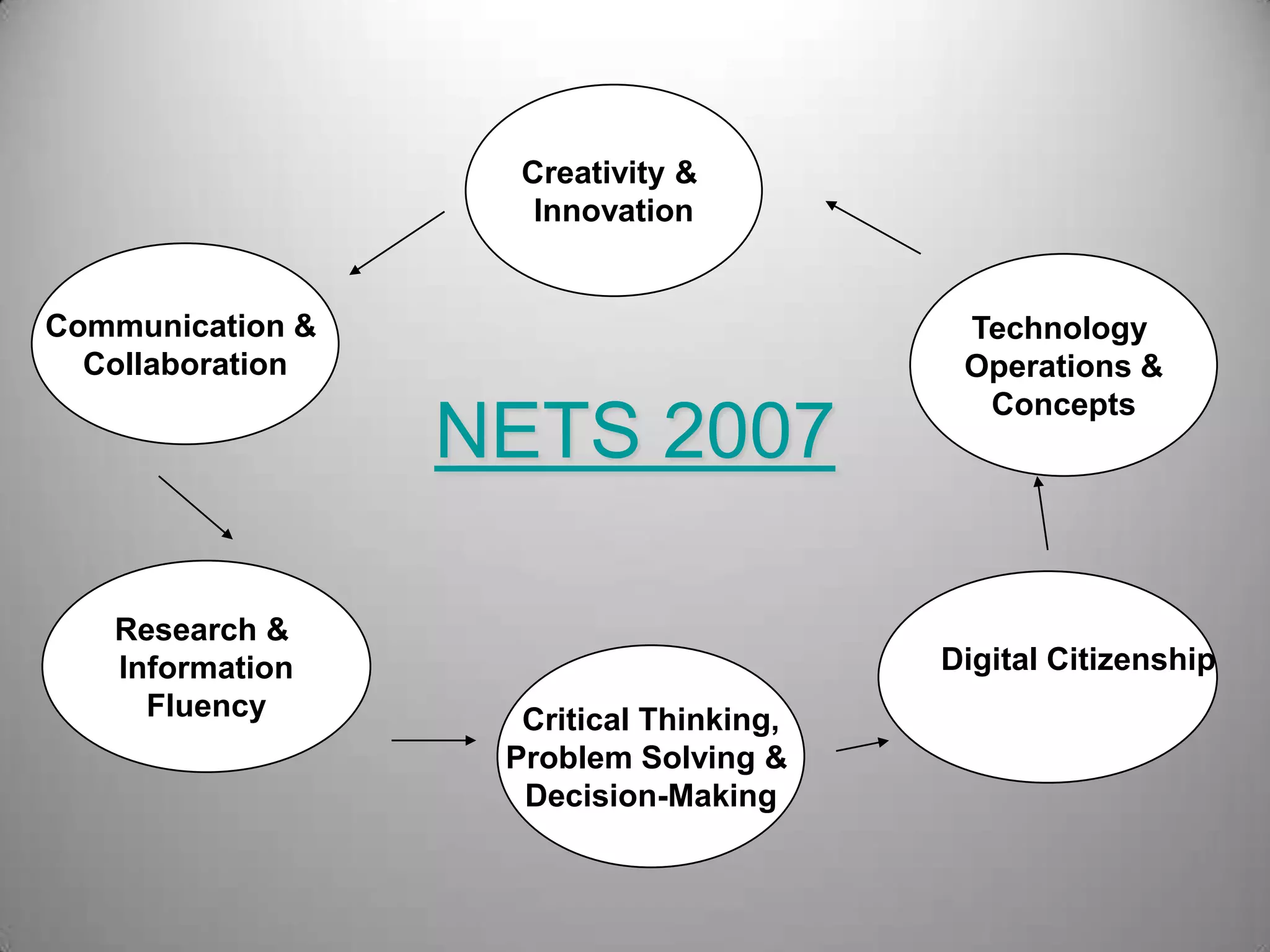
NETS 2007
Creativity &
Innovation
Communication &
Collaboration
Research &
Information
Fluency Critical Thinking,
Problem Solving &
Decision-Making
Digital Citizenship
Technology
Operations &
Concepts
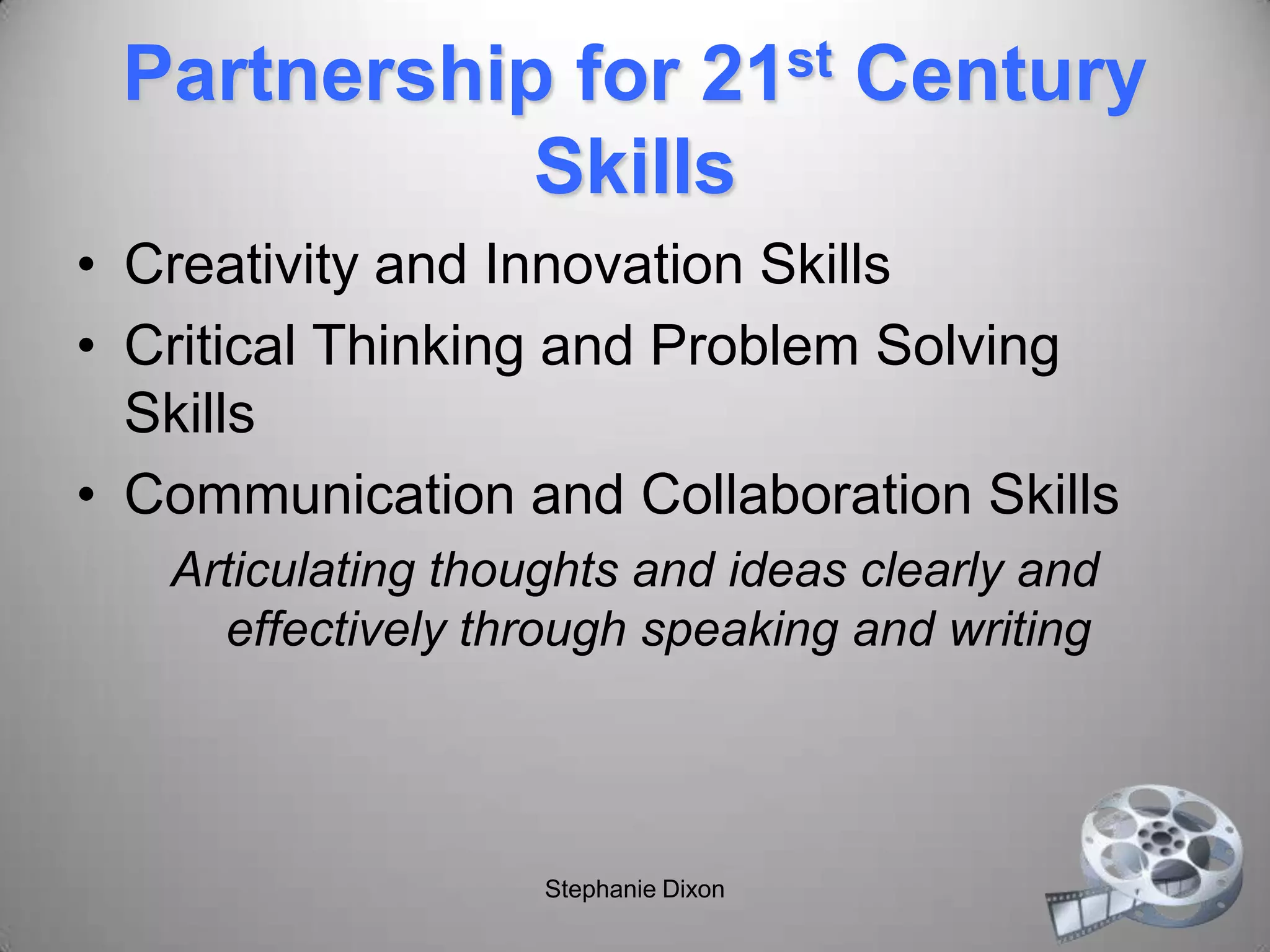
Partnership for 21st Century
Skills
• Creativity and Innovation Skills
• Critical Thinking and Problem Solving
Skills
• Communication and Collaboration Skills
Articulating thoughts and ideas clearly and
effectively through speaking and writing
Stephanie Dixon
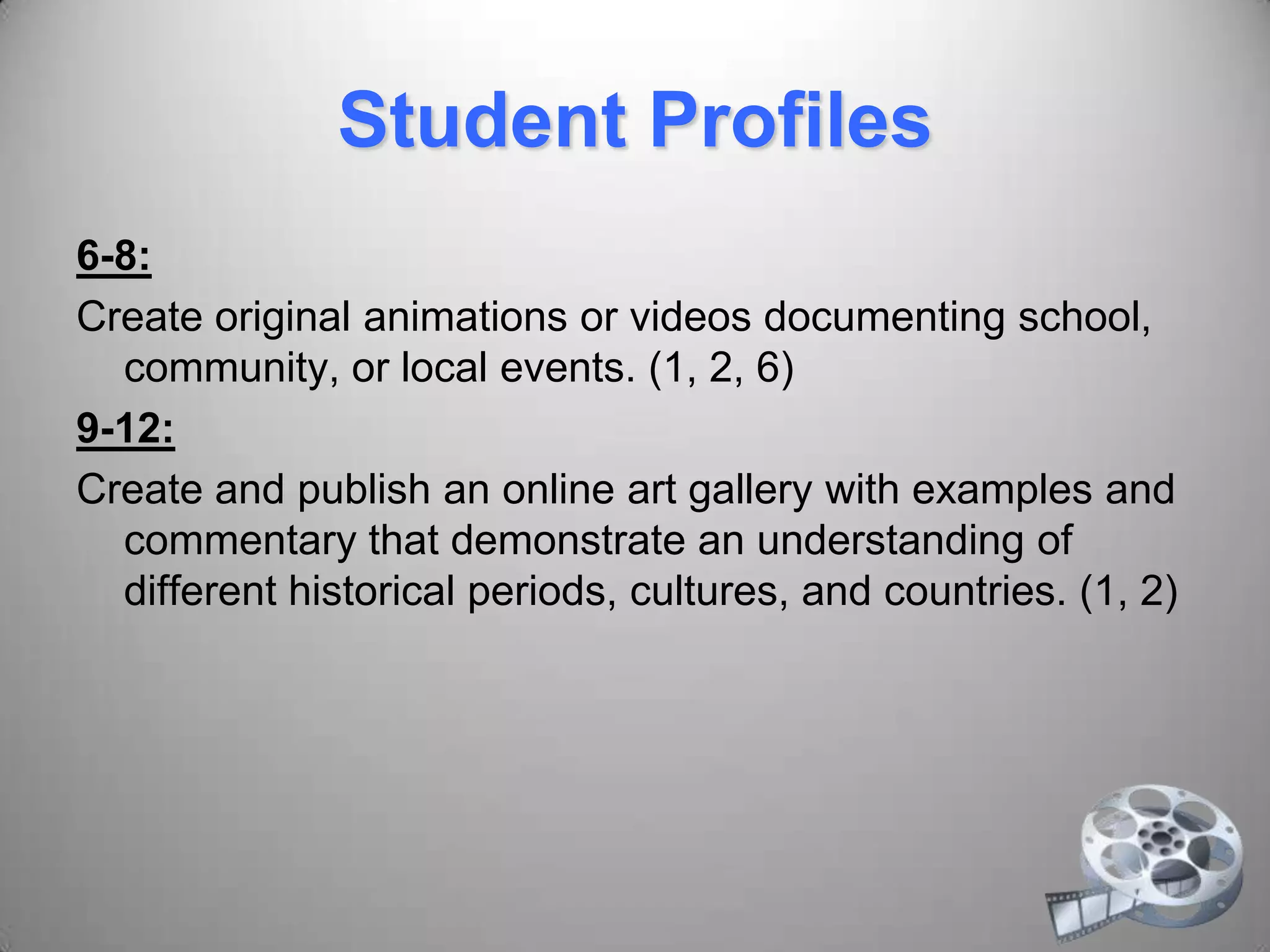
Student Profiles
6-8:
Create original animations or videos documenting school,
community, or local events. (1, 2, 6)
9-12:
Create and publish an online art gallery with examples and
commentary that demonstrate an understanding of
different historical periods, cultures, and countries. (1, 2)
Sample 3
http://www.digitales.us/story_detai
ls.php?story_id=107
Stephanie Dixon
Home is Where You Find It
2009 My Hero
Film Festival Winner
http://myhero.com/go/films/festival
_winners.asp?year=09
Stephanie Dixon
Other Samples
• http://www.storycenter.org/stories/index.ph
p?cat=3
• http://www.santeesd.net/14442081413523
7393/lib/144420814135237393/videos/hor
seback%20riding.MOV
• http://www.bbc.co.uk/wales/arts/yourvideo/
media/pages/paul_cabuts_01.shtml
Tips
• Beginning, middle, and end
• Enhance with original art, photographs,
and other artifacts
• Point of view
• Music that aids in the progression of the
story
Stephanie Dixon
David Jakes
The Digital Story Process
Write
Write some more
Storyboard
Locate resources
Create
Share
Stephanie Dixon
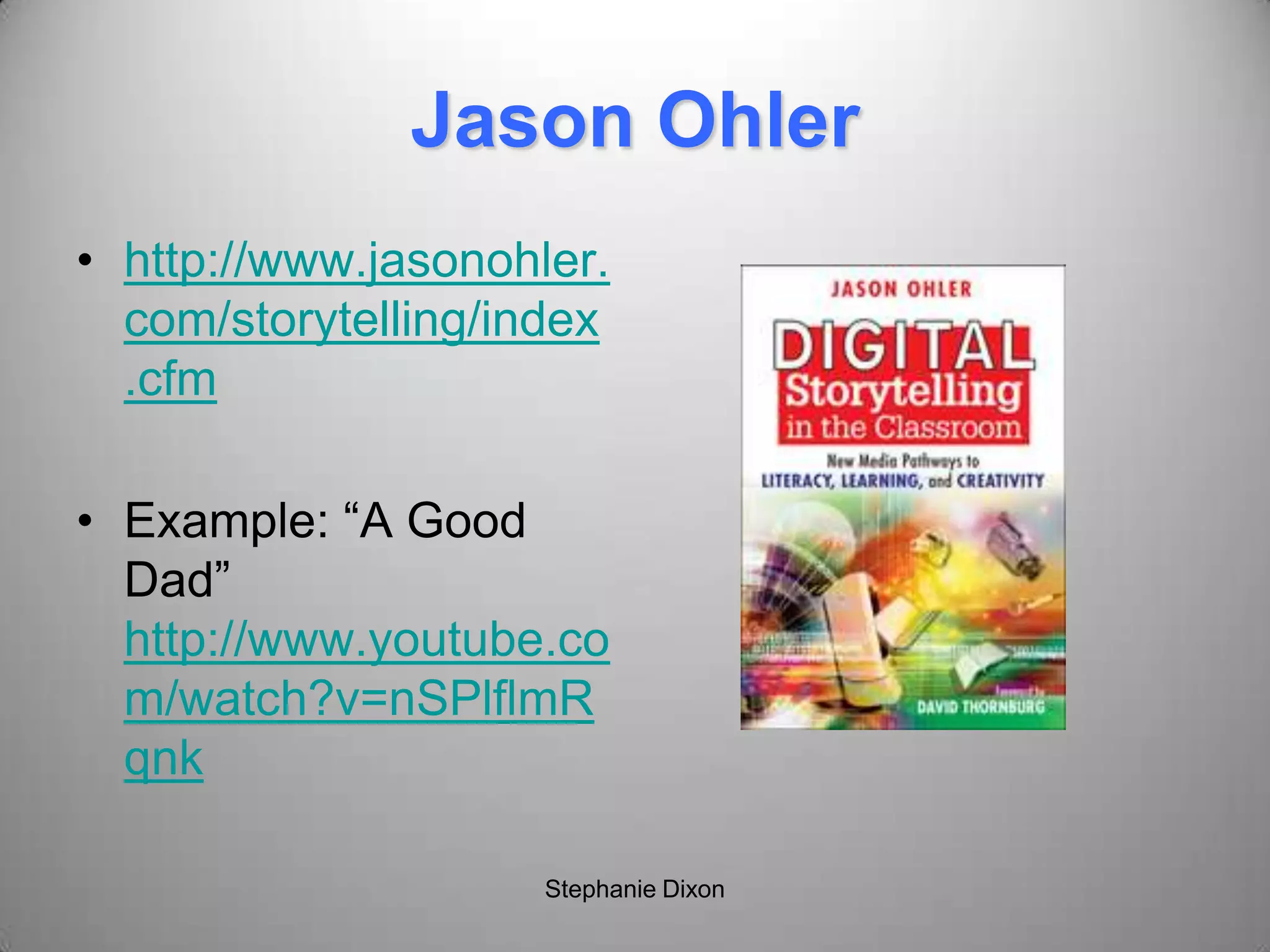
Jason Ohler
• http://www.jasonohler.
com/storytelling/index
.cfm
• Example: “A Good
Dad”
http://www.youtube.co
m/watch?v=nSPlflmR
qnk
Stephanie Dixon
Storyboarding
• Mapping out the story
• Organizing ideas
• Can use index cards, Word, PowerPoint,
Inspiration, Google Docs/Notebook
Stephanie Dixon
Digital Storytelling Steps
• Develop your story
• Write your script
• Create a storyboard
• Gather media (audio, music, video,
images, etc.)
• Build the story (pull all the media together)
• Share your story
Stephanie Dixon
Topic Ideas
• Interview
• Myth or legend
• The perfect vacation
• Recipe
• A character
• Inspirational stories
• Taboo topics
• Events and
experiences
• Survival
• Discovery
• Accomplishment
• Adventure
• Loss
• Legacy
Stephanie Dixon
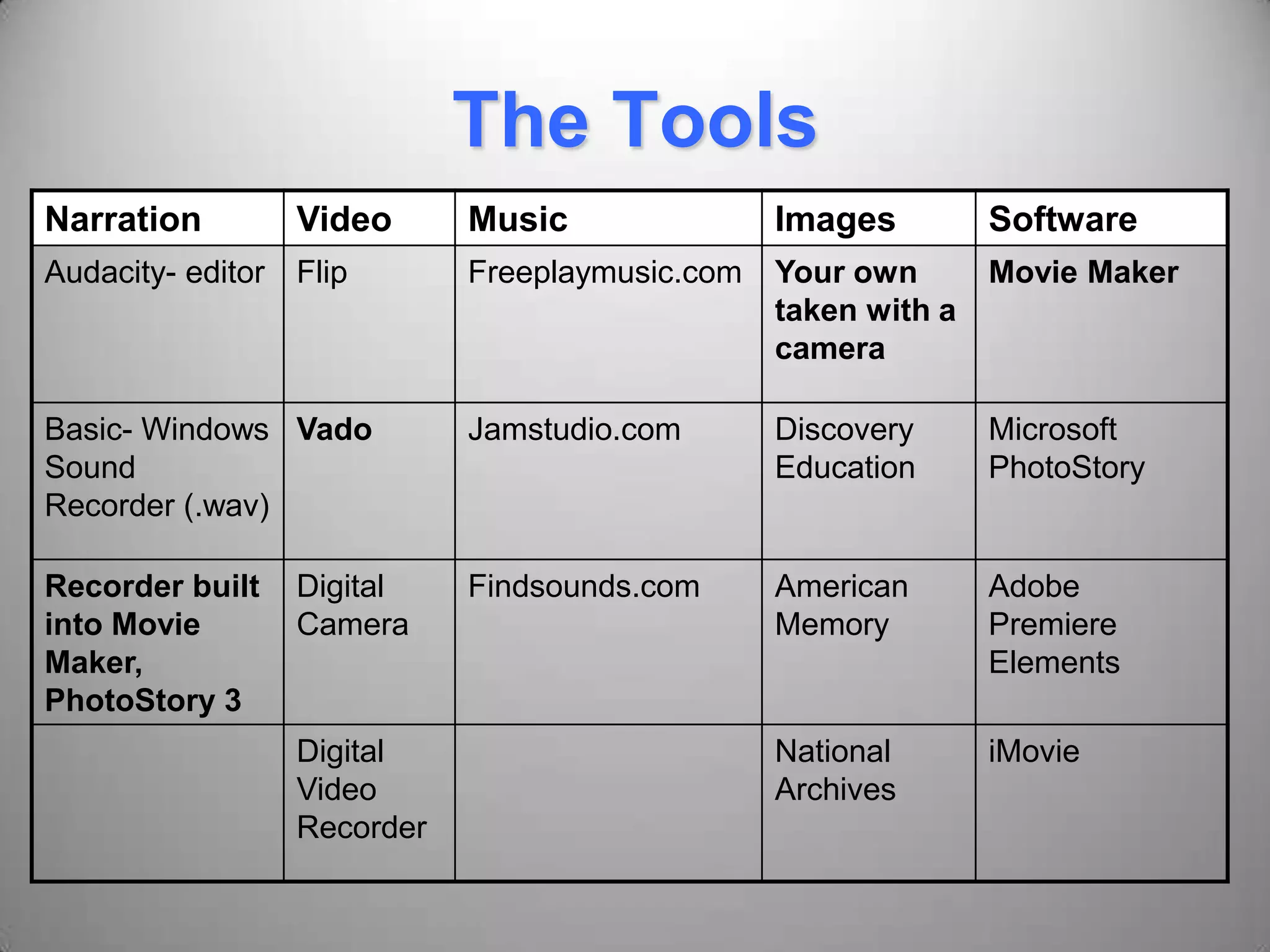
The Tools
Narration Video Music Images Software
Audacity- editor Flip Freeplaymusic.com Your own
taken with a
camera
Movie Maker
Basic- Windows
Sound
Recorder (.wav)
Vado Jamstudio.com Discovery
Education
Microsoft
PhotoStory
Recorder built
into Movie
Maker,
PhotoStory 3
Digital
Camera
Findsounds.com American
Memory
Adobe
Premiere
Elements
Digital
Video
Recorder
National
Archives
iMovie
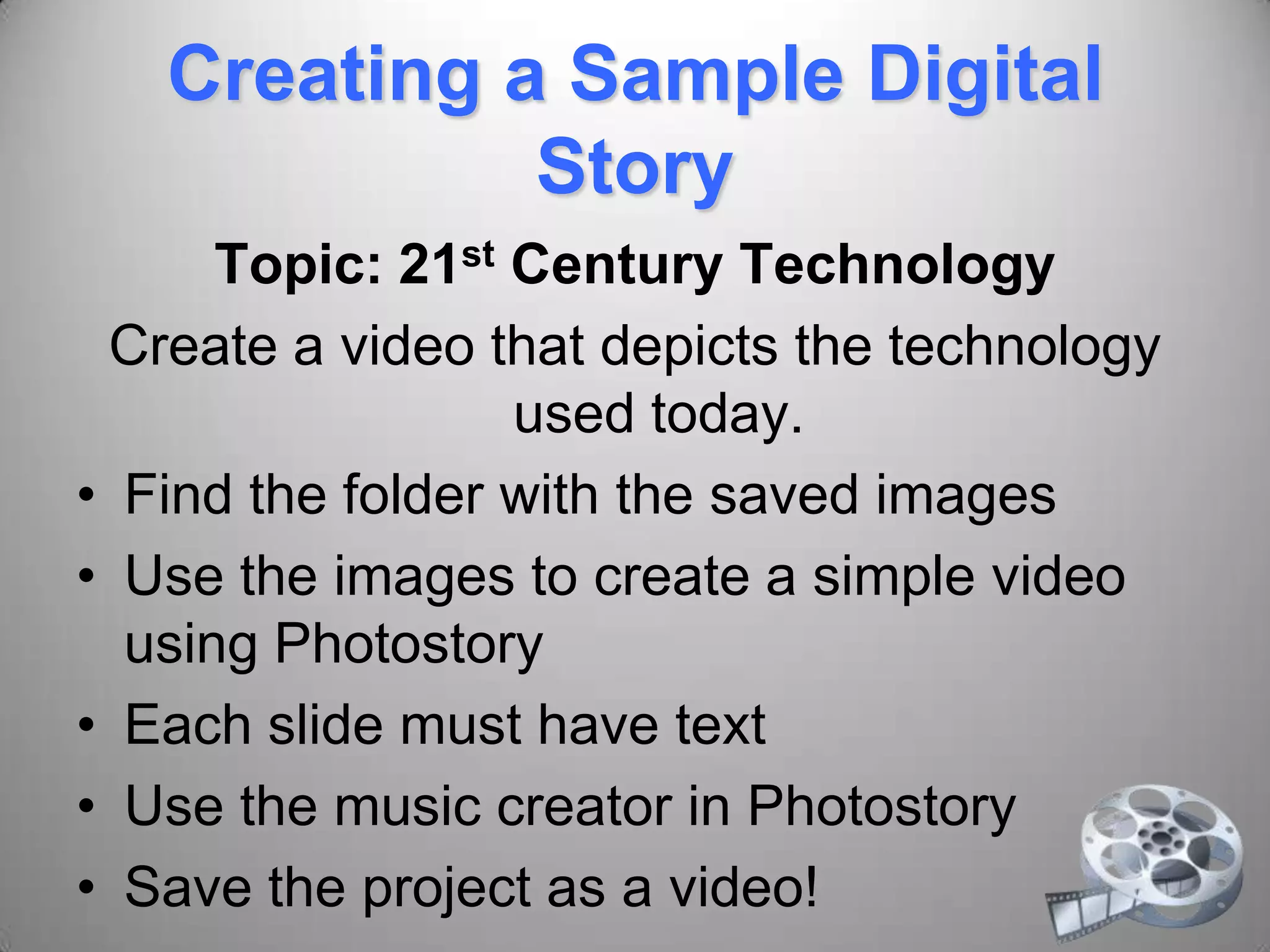
Creating a Sample Digital
Story
Topic: 21st Century Technology
Create a video that depicts the technology
used today.
• Find the folder with the saved images
• Use the images to create a simple video
using Photostory
• Each slide must have text
• Use the music creator in Photostory
• Save the project as a video!
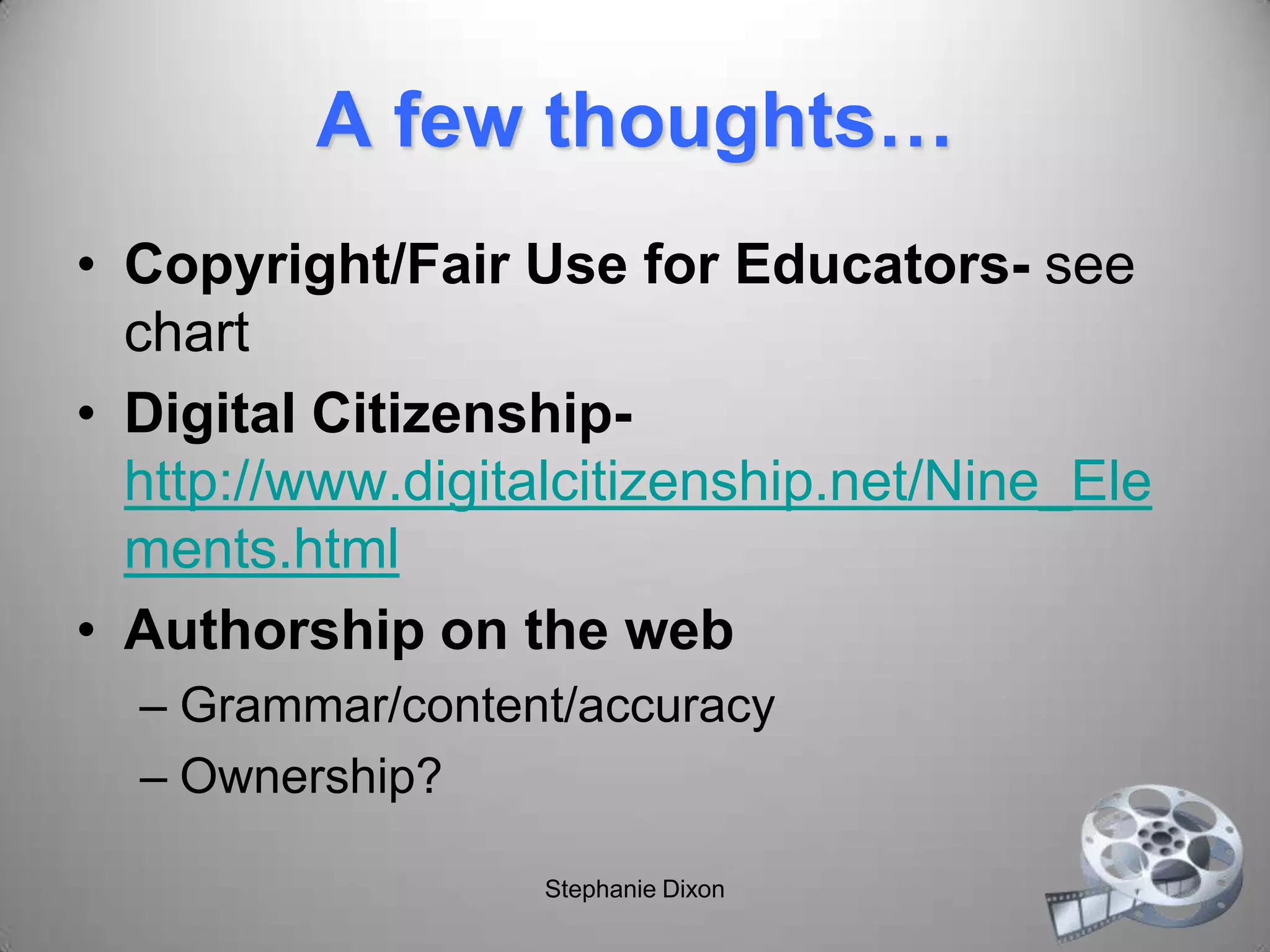
A few thoughts…
• Copyright/Fair Use for Educators- see
chart
• Digital Citizenship-
http://www.digitalcitizenship.net/Nine_Ele
ments.html
• Authorship on the web
– Grammar/content/accuracy
– Ownership?
Stephanie Dixon
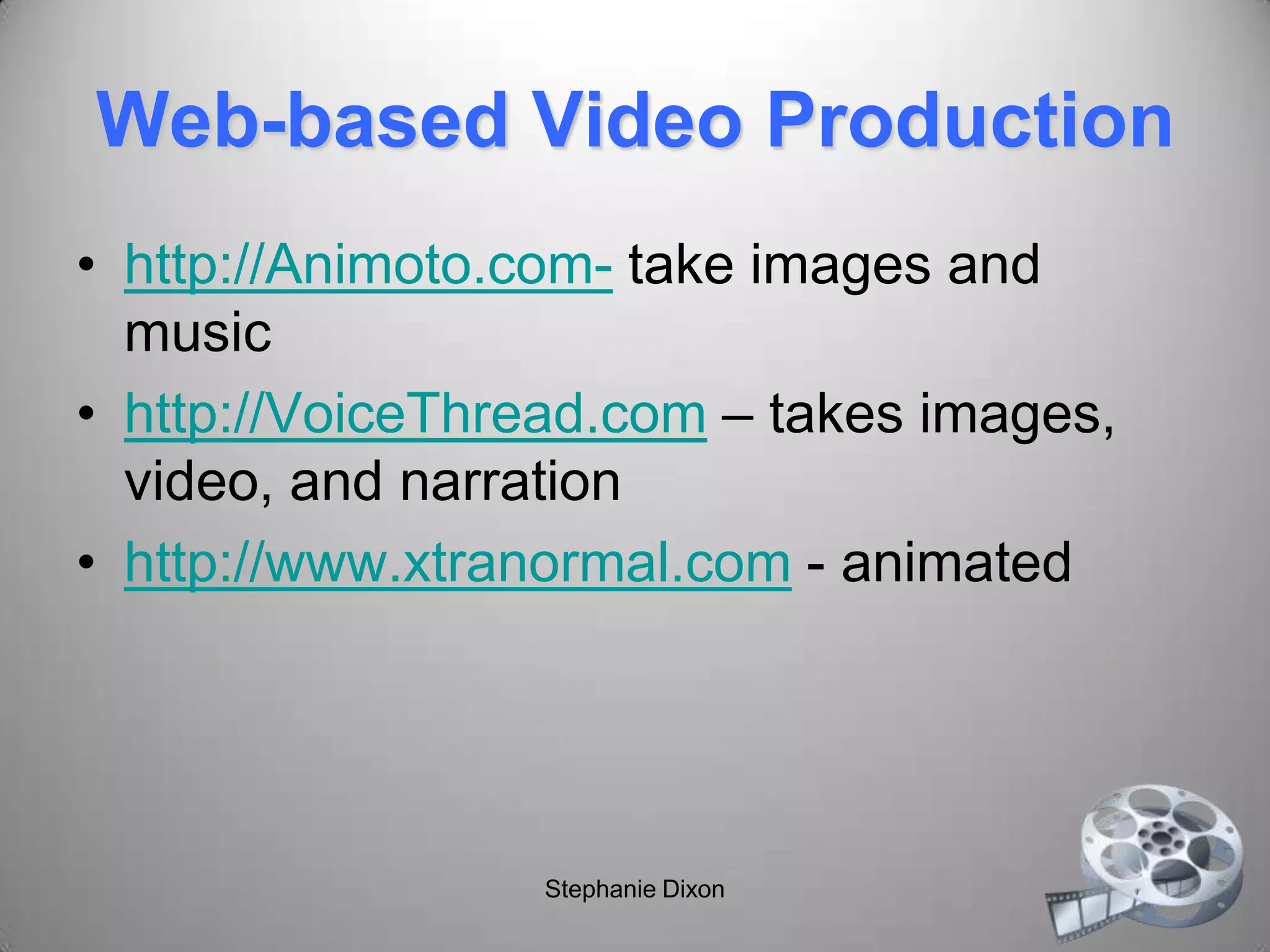
Web-based Video Production
• http://Animoto.com- take images and
music
• http://VoiceThread.com – takes images,
video, and narration
• http://www.xtranormal.com - animated
Stephanie Dixon
Image Editing Sites
• http://www.picnik.com
• http://bighugelabs.com
Stephanie Dixon
Collaborative Activity
• Groups of 3
• Create a 1-2 minute digital story based on
assigned product
• Write script
• Create storyboard
• Gather media (images, video, audio,
narration, PPT slides, etc.)
• Build story
• Assess using rubric
Stephanie Dixon
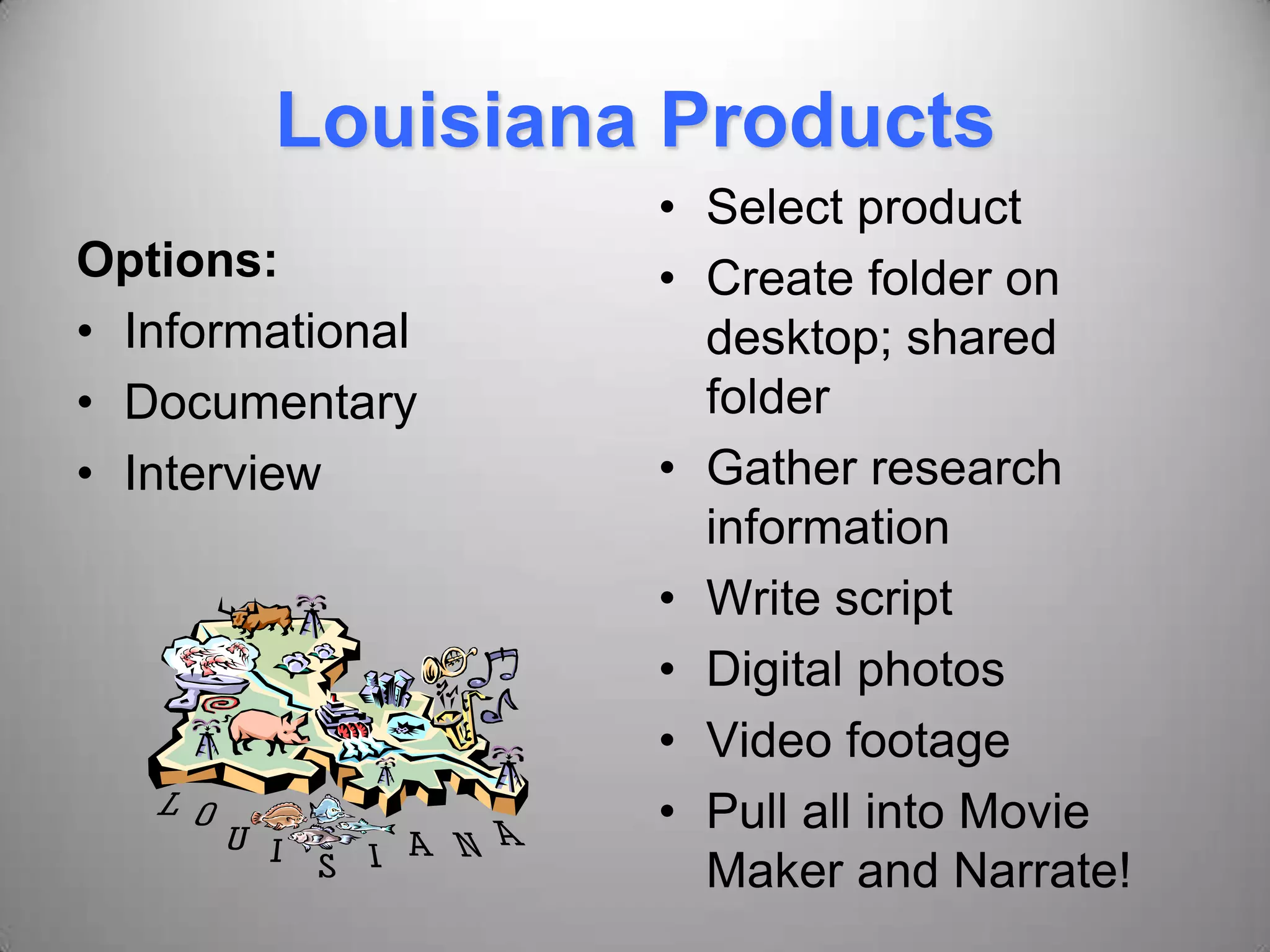
Louisiana Products
Options:
• Informational
• Documentary
• Interview
• Select product
• Create folder on
desktop; shared
folder
• Gather research
information
• Write script
• Digital photos
• Video footage
• Pull all into Movie
Maker and Narrate!
Products to choose from:
• Louisiana Fish Fry
• Tabasco Sauce
• Louisiana Hot Sauce
• Steen’s Syrup
• Camellia Beans
• Zatarain’s mix
• Community Coffee
• Zapp’s
• Tony Chachere’s
Stephanie Dixon
Media
• Text
• Video Footage
• Images
• Music
• Narration
Stephanie Dixon
Your Tools
• Narration- Microphones
• Digital Video Clips- Vado Camera
• Text on Slides- Microsoft PowerPoint
• Digital Images- Digital Camera, Web
images
• Music- Freeplaymusic.com
• Software- Movie Maker
• Video and Images- Discovery Education
Stephanie Dixon
Vado Pocket Video Camera
• Computer may need XVID Codec
• The Vado software should have the file
If not…
• http://www.koepi.info/xvid.html - run the
file on the computer
Stephanie Dixon
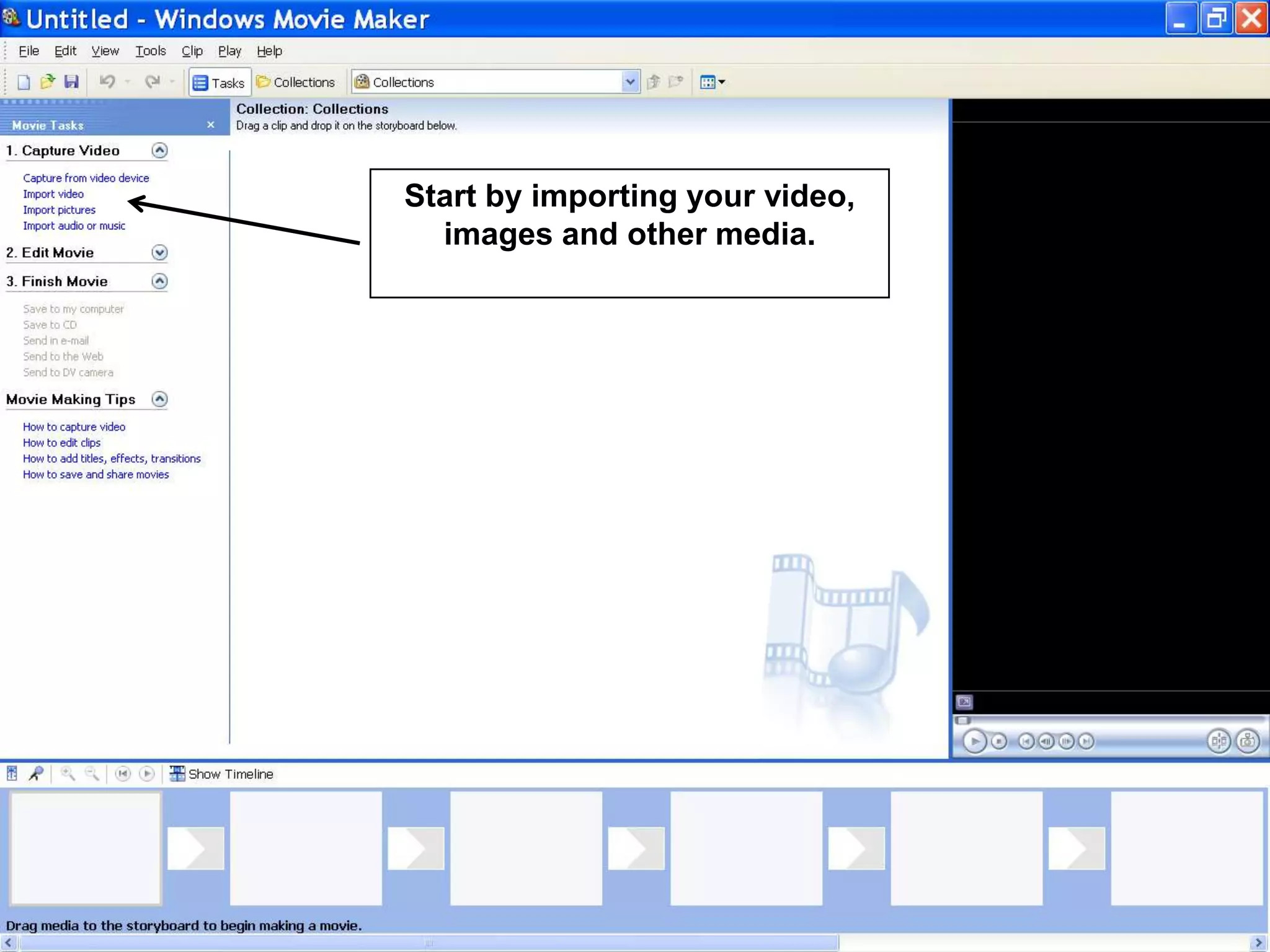
Start by importing your video,
images and other media.
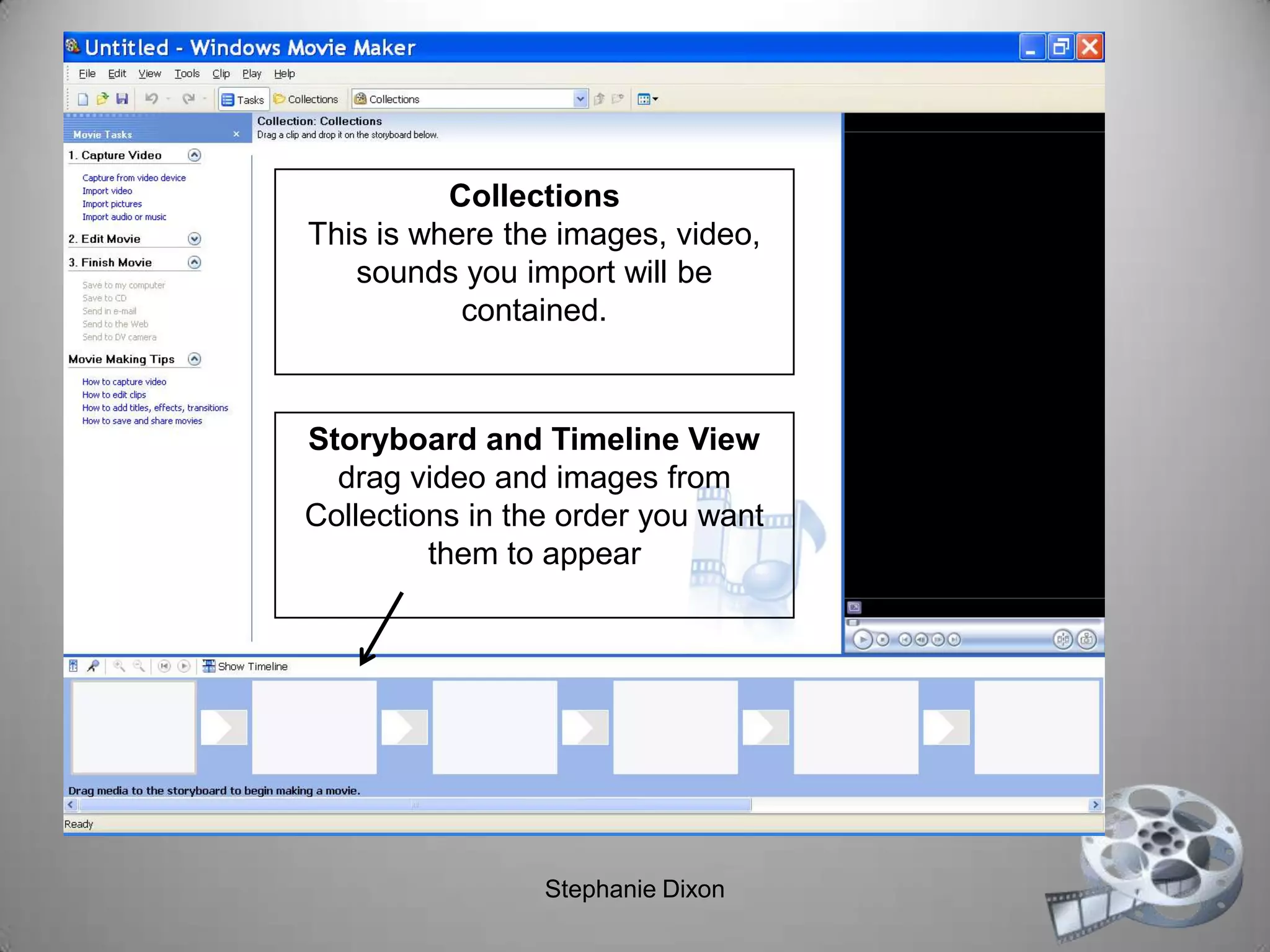
Storyboard and Timeline View
drag video and images from
Collections in the order you want
them to appear
Collections
This is where the images, video,
sounds you import will be
contained.
Stephanie Dixon
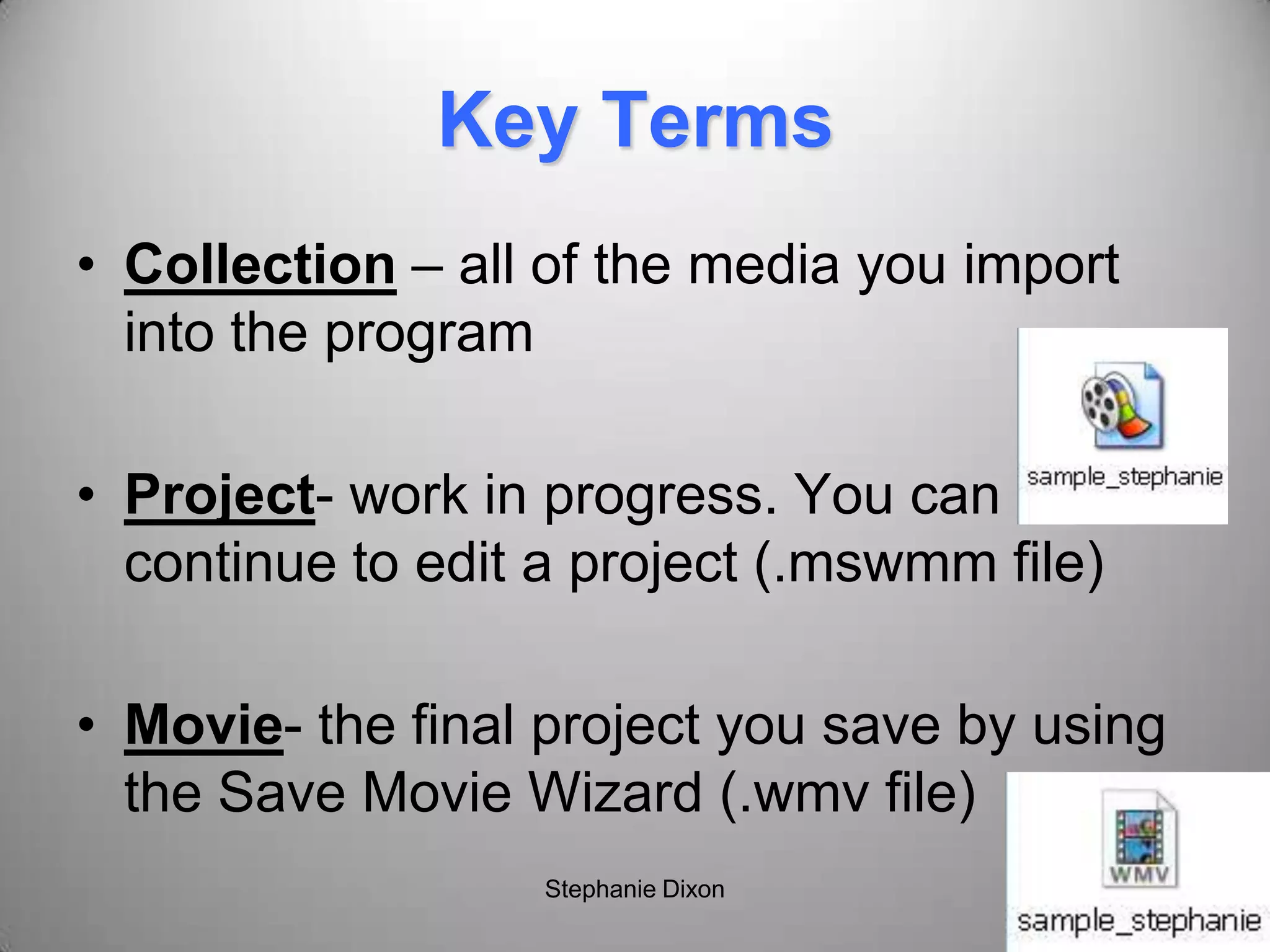
Key Terms
• Collection – all of the media you import
into the program
• Project- work in progress. You can
continue to edit a project (.mswmm file)
• Movie- the final project you save by using
the Save Movie Wizard (.wmv file)
Stephanie Dixon
Digital Storytelling Resources
• http://www.digitales.us/
• http://jdorman.wikispaces.com/digitalstoryt
elling
• http://www.creativenarrations.net/site/story
book/index.html
• http://electronicportfolios.com/digistory/
• http://www.microsoft.com/education/teach
ers/guides/digital_storytelling.aspx
Stephanie Dixon
Assessing Digital Stories
• Jason Ohler-
http://www.jasonohler.com/storytelling/ass
essment.cfm
Stephanie Dixon
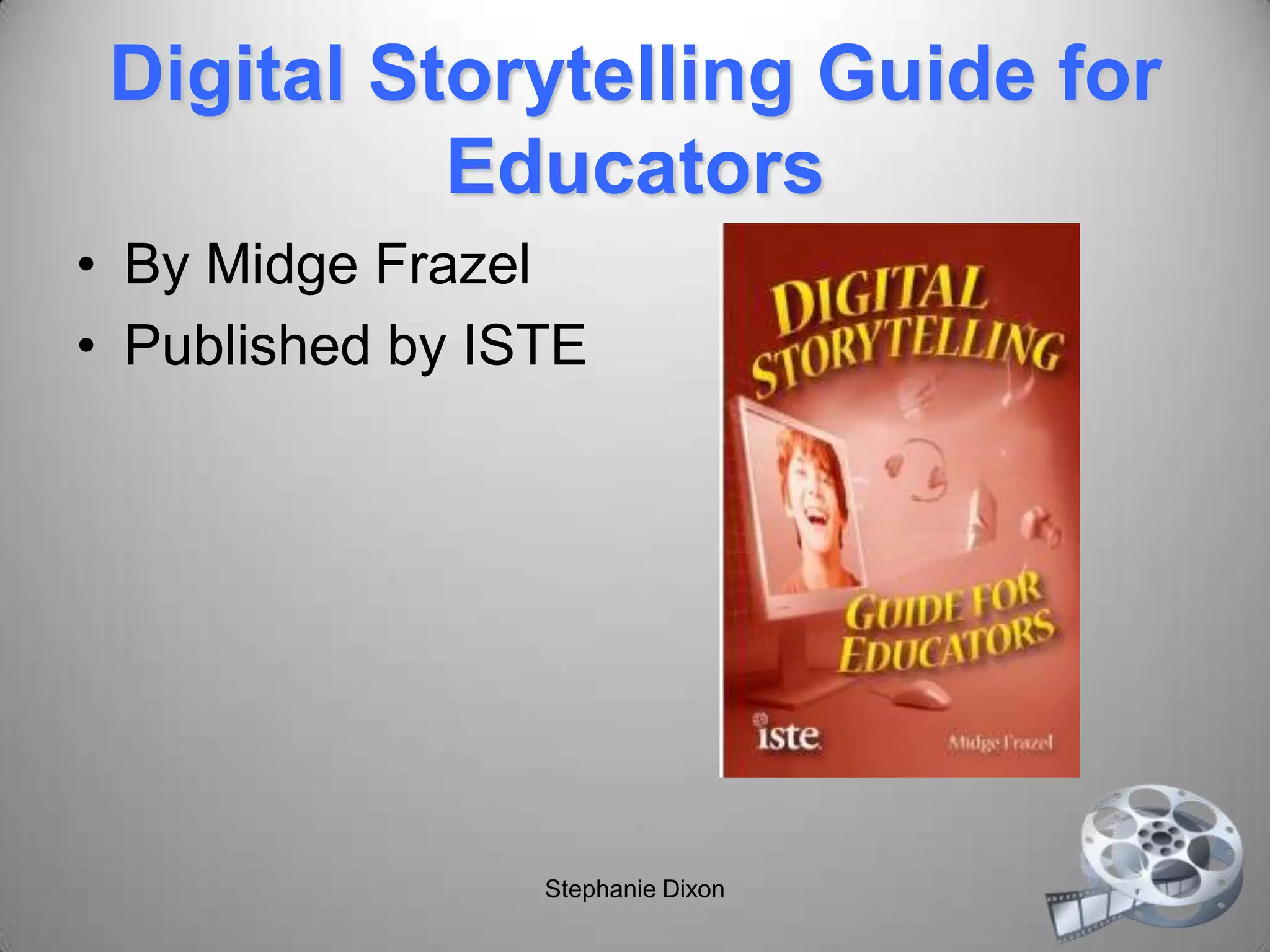
Digital Storytelling Guide for
Educators
• By Midge Frazel
• Published by ISTE
Stephanie Dixon
Thank you!
Stephanie Dixon
sdixon@ebrschools.org

Digital Storytelling in the Classroom

  • 1.
    Digital Storytelling Do youhave a story to tell? Presented by: Stephanie Dixon
  • 2.
    Stories represent whowe are, portray our life experiences, and when presented to others, help connect us to others through common shared experience. David Jakes Stephanie Dixon
  • 3.
    Agenda • Overview/Samples • TheProcess of Digital Storytelling • Tools of Digital Storytelling • Group Project: Louisiana Products • Presenting and Assessing Digital Stories • Dissemination of Materials • Course Evaluation Stephanie Dixon
  • 4.
    Think about oneof your favorite stories… What about the story appealed to you as a reader or listener? Stephanie Dixon
  • 5.
    Characteristics of agood story: • A single theme, clearly defined • A well developed plot • Style: vivid word pictures, pleasing sounds and rhythm • Characterization • Faithful to source • Dramatic appeal • Appropriateness to listeners Baker and Greene, Storytelling: Art and Technique, pp. 28 Stephanie Dixon
  • 6.
    Digital Storytelling • Astory told using digital media such as audio, video, and images • Under 5 minutes • Can be emotional (affective domain) • Oftentimes personal such as an autobiography • Instructional, persuasive, historical, or reflective • Begins with a script
  • 7.
    Bernajean Porter http://www.digitales.us/ DigiTales: TheArt of Digital Stories • Point of View • Elements of a Good Digital Story – Live inside your story – Unfold lesson learned – Develop creative tension – Economize the story told – Show, don’t tell – Develop craftsmanship Stephanie Dixon
  • 8.
    Joe Lambert The Centerfor Digital Storytelling Podcast: • http://technosavvy.org /2006/03/14/joe- lambert-digital- storytelling-part-1/ • http://support.hopkins. k12.mn.us/podcasts/S TP-JoeLambert.mp3 Stephanie Dixon
  • 9.
    Joe Lambert The SevenElements of Digital Storytelling Point of View Dramatic Question Emotional Content The Gift of Your Voice The Power of the Soundtrack Economy Pacing Stephanie Dixon
  • 10.
  • 11.
  • 12.
    Gail Matthews-DeNatale • Combinesvisual, aural, and kinesthetic learning • Iterative production process encourages revisiting, reflecting on meaning • Increases literacy/fluency across media • Connects prior life experiences, course, and other co-curricular learning • Can be shared beyond academia Podcast: • http://www.educause. edu/blog/gbayne/ELII nConversationWeb20 andDigit/167499
  • 13.
    Carole McCulloch Uses ofDigital Storytelling: • Demonstrate a competency • Describe a process • In Portfolios of achievement • Develop writing skills and sense of story for younger students Wiki: http://en.wikibooks.org/ wiki/Instructional_Tec hnology/Digital_Storyt elling Presentation: http://www.slideshare.n et/cmcculloch/using- digital-stories-in- elearning Stephanie Dixon
  • 14.
    Carole McCulloch Good DigitalStories: • Are personal • Begin with the story/script • Are concise • Use readily-available source materials • Include universal story elements • Involve collaboration: "Story circles," in which participants give and receive feedback on their stories and scripts, are an important part of many digital storytelling workshops. As Joe Lambert puts it, "Storytelling is meant to be a collaborative art. It is much more realistic this way, and much more fun."
  • 15.
    Dr. Arnie Abrams DigitalStorytelling for All Ages Digital Stories Often Include: • Digital images • Video clips • Narration • Music, sound effects • Transitions • Words/Text Handout: http://www.arnieabra ms.net/handouts/ds_a ges_handout.pdf Stephanie Dixon
  • 16.
  • 17.
    Benefits • Address multiplelearning modalities • Visual and multimedia literacy • Foster sense of individuality and ownership • Deeper thinking as a result of organizing and synchronizing media • Competitive Voice- ability to distribute story to a world wide audience (David Jakes) Stephanie Dixon
  • 18.
    NETS 2007 Creativity & Innovation Communication& Collaboration Research & Information Fluency Critical Thinking, Problem Solving & Decision-Making Digital Citizenship Technology Operations & Concepts
  • 19.
    Partnership for 21stCentury Skills • Creativity and Innovation Skills • Critical Thinking and Problem Solving Skills • Communication and Collaboration Skills Articulating thoughts and ideas clearly and effectively through speaking and writing Stephanie Dixon
  • 20.
    Student Profiles 6-8: Create originalanimations or videos documenting school, community, or local events. (1, 2, 6) 9-12: Create and publish an online art gallery with examples and commentary that demonstrate an understanding of different historical periods, cultures, and countries. (1, 2)
  • 21.
  • 22.
    Home is WhereYou Find It 2009 My Hero Film Festival Winner http://myhero.com/go/films/festival _winners.asp?year=09 Stephanie Dixon
  • 23.
    Other Samples • http://www.storycenter.org/stories/index.ph p?cat=3 •http://www.santeesd.net/14442081413523 7393/lib/144420814135237393/videos/hor seback%20riding.MOV • http://www.bbc.co.uk/wales/arts/yourvideo/ media/pages/paul_cabuts_01.shtml
  • 24.
    Tips • Beginning, middle,and end • Enhance with original art, photographs, and other artifacts • Point of view • Music that aids in the progression of the story Stephanie Dixon
  • 25.
    David Jakes The DigitalStory Process Write Write some more Storyboard Locate resources Create Share Stephanie Dixon
  • 26.
    Jason Ohler • http://www.jasonohler. com/storytelling/index .cfm •Example: “A Good Dad” http://www.youtube.co m/watch?v=nSPlflmR qnk Stephanie Dixon
  • 27.
    Storyboarding • Mapping outthe story • Organizing ideas • Can use index cards, Word, PowerPoint, Inspiration, Google Docs/Notebook Stephanie Dixon
  • 28.
    Digital Storytelling Steps •Develop your story • Write your script • Create a storyboard • Gather media (audio, music, video, images, etc.) • Build the story (pull all the media together) • Share your story Stephanie Dixon
  • 29.
    Topic Ideas • Interview •Myth or legend • The perfect vacation • Recipe • A character • Inspirational stories • Taboo topics • Events and experiences • Survival • Discovery • Accomplishment • Adventure • Loss • Legacy Stephanie Dixon
  • 30.
    The Tools Narration VideoMusic Images Software Audacity- editor Flip Freeplaymusic.com Your own taken with a camera Movie Maker Basic- Windows Sound Recorder (.wav) Vado Jamstudio.com Discovery Education Microsoft PhotoStory Recorder built into Movie Maker, PhotoStory 3 Digital Camera Findsounds.com American Memory Adobe Premiere Elements Digital Video Recorder National Archives iMovie
  • 31.
    Creating a SampleDigital Story Topic: 21st Century Technology Create a video that depicts the technology used today. • Find the folder with the saved images • Use the images to create a simple video using Photostory • Each slide must have text • Use the music creator in Photostory • Save the project as a video!
  • 32.
    A few thoughts… •Copyright/Fair Use for Educators- see chart • Digital Citizenship- http://www.digitalcitizenship.net/Nine_Ele ments.html • Authorship on the web – Grammar/content/accuracy – Ownership? Stephanie Dixon
  • 33.
    Web-based Video Production •http://Animoto.com- take images and music • http://VoiceThread.com – takes images, video, and narration • http://www.xtranormal.com - animated Stephanie Dixon
  • 34.
    Image Editing Sites •http://www.picnik.com • http://bighugelabs.com Stephanie Dixon
  • 35.
    Collaborative Activity • Groupsof 3 • Create a 1-2 minute digital story based on assigned product • Write script • Create storyboard • Gather media (images, video, audio, narration, PPT slides, etc.) • Build story • Assess using rubric Stephanie Dixon
  • 36.
    Louisiana Products Options: • Informational •Documentary • Interview • Select product • Create folder on desktop; shared folder • Gather research information • Write script • Digital photos • Video footage • Pull all into Movie Maker and Narrate!
  • 37.
    Products to choosefrom: • Louisiana Fish Fry • Tabasco Sauce • Louisiana Hot Sauce • Steen’s Syrup • Camellia Beans • Zatarain’s mix • Community Coffee • Zapp’s • Tony Chachere’s Stephanie Dixon
  • 38.
    Media • Text • VideoFootage • Images • Music • Narration Stephanie Dixon
  • 39.
    Your Tools • Narration-Microphones • Digital Video Clips- Vado Camera • Text on Slides- Microsoft PowerPoint • Digital Images- Digital Camera, Web images • Music- Freeplaymusic.com • Software- Movie Maker • Video and Images- Discovery Education Stephanie Dixon
  • 40.
    Vado Pocket VideoCamera • Computer may need XVID Codec • The Vado software should have the file If not… • http://www.koepi.info/xvid.html - run the file on the computer Stephanie Dixon
  • 41.
    Start by importingyour video, images and other media.
  • 42.
    Storyboard and TimelineView drag video and images from Collections in the order you want them to appear Collections This is where the images, video, sounds you import will be contained. Stephanie Dixon
  • 43.
    Key Terms • Collection– all of the media you import into the program • Project- work in progress. You can continue to edit a project (.mswmm file) • Movie- the final project you save by using the Save Movie Wizard (.wmv file) Stephanie Dixon
  • 44.
    Digital Storytelling Resources •http://www.digitales.us/ • http://jdorman.wikispaces.com/digitalstoryt elling • http://www.creativenarrations.net/site/story book/index.html • http://electronicportfolios.com/digistory/ • http://www.microsoft.com/education/teach ers/guides/digital_storytelling.aspx Stephanie Dixon
  • 45.
    Assessing Digital Stories •Jason Ohler- http://www.jasonohler.com/storytelling/ass essment.cfm Stephanie Dixon
  • 46.
    Digital Storytelling Guidefor Educators • By Midge Frazel • Published by ISTE Stephanie Dixon
  • 47.