
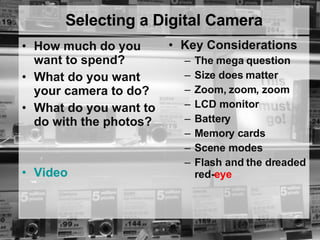
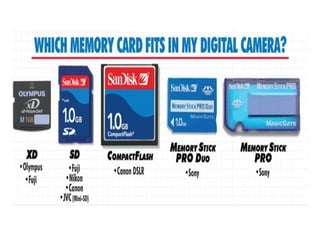
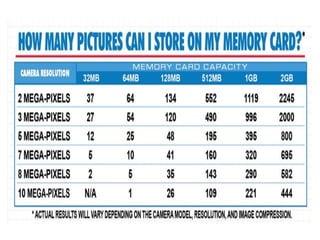
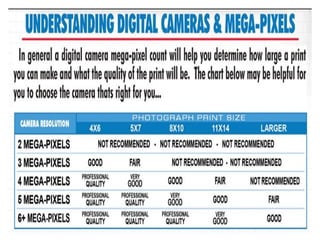

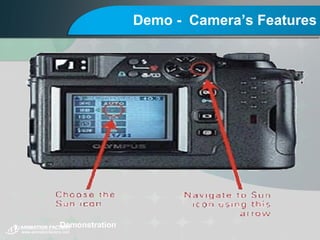
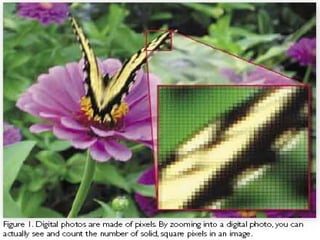
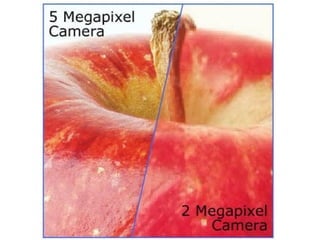
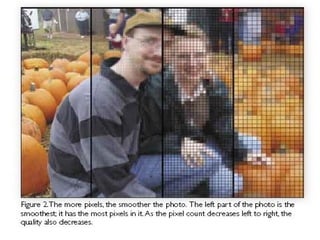
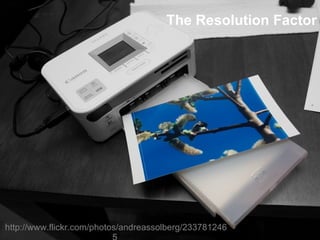
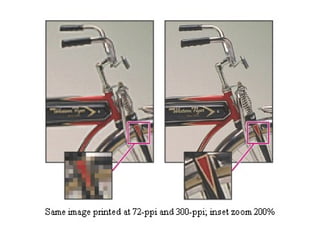
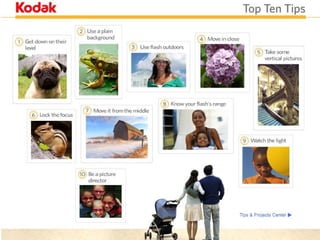

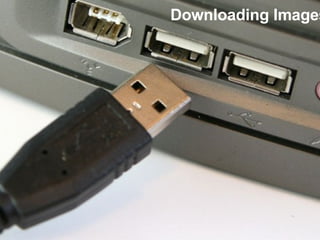
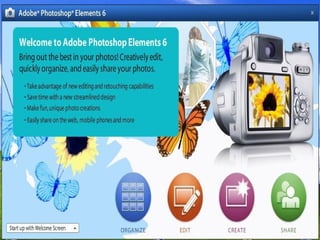
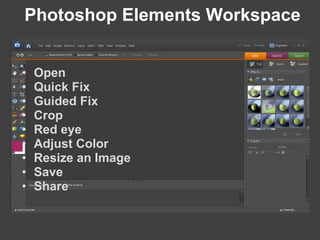
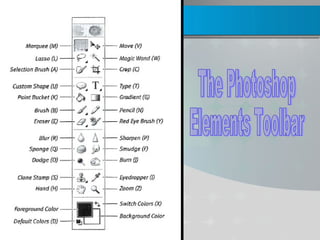


This document provides an overview of using digital cameras in the classroom. It discusses selecting a camera, understanding resolution and file size, camera controls, taking photos, editing photos, and sharing images. The agenda includes demonstrations of camera features and tips for taking great photos, as well as activities where students take photos and learn editing skills in Photoshop Elements. The goal is to help students learn digital photography and use photos to tell stories in lesson plans.

![As media lesson 3 2014 foundation portfolio - shots [no clips]](https://cdn.slidesharecdn.com/ss_thumbnails/asmedialesson32014-foundationportfolio-shotsnoclips-140916020355-phpapp02-thumbnail.jpg?width=640&height=640&fit=bounds)


