1
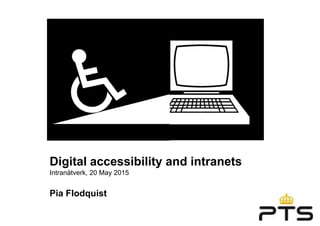
Digital accessibility and intranets
Intranätverk, 20 May 2015
Pia Flodquist
2
Copyright CC- BY Illustrations @PiaFlodquist
= please share but set pictogram.se #webbriktlinjer
source webbriktlinjer.se thenounproject.com
3
Agenda
»Why?
»Who?
»What?
»How?
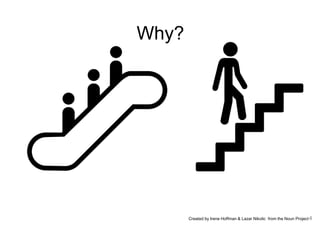
4Created by Irene Hoffman & Lazar Nikolic from the Noun Project
Why?
5
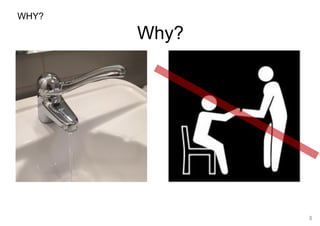
WHY?
Why?
6
7
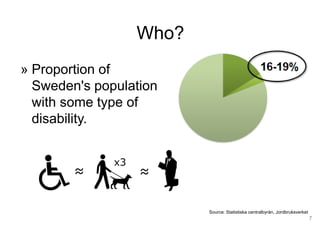
» Proportion of
Sweden's population
with some type of
disability.
Source: Statistiska centralbyrån, Jordbruksverket
Who?
8
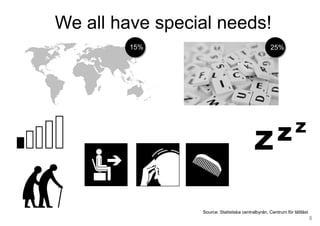
Source: Statistiska centralbyrån, Centrum för lättläst
?
25%15%
We all have special needs!
9
10
What?
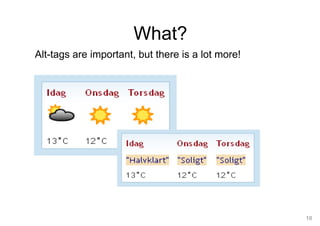
Alt-tags are important, but there is a lot more!
11
What?
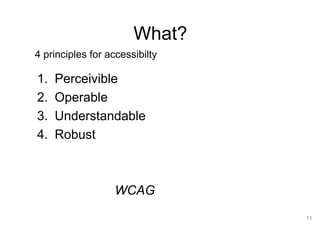
1. Perceivible
2. Operable
3. Understandable
4. Robust
WCAG
4 principles for accessibilty
12
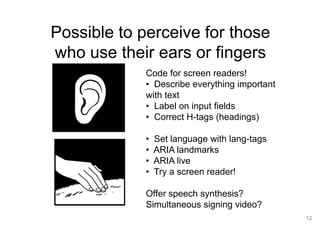
Possible to perceive for those
who use their ears or fingers
Code for screen readers!
• Describe everything important
with text
• Label on input fields
• Correct H-tags (headings)
• Set language with lang-tags
• ARIA landmarks
• ARIA live
• Try a screen reader!
Offer speech synthesis?
Simultaneous signing video?
13
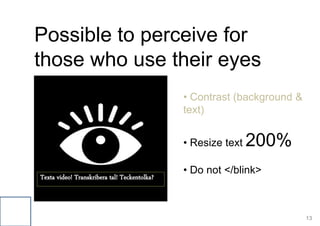
Possible to perceive for
those who use their eyes
Texta video! Transkribera tal! Teckentolka?
• Contrast (background &
text)
• Resize text 200%
• Do not </blink>
14
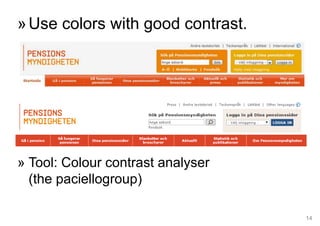
»Use colors with good contrast.
» Tool: Colour contrast analyser
(the paciellogroup)
15
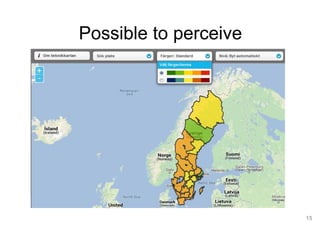
Possible to perceive
16
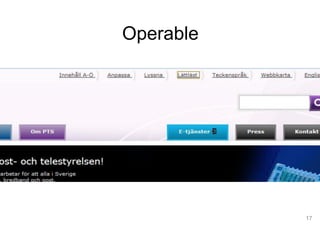
Operable
17
Operable
18
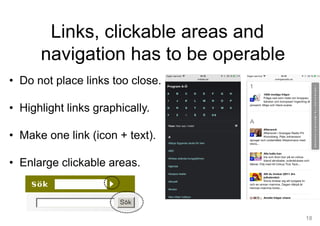
• Do not place links too close.
• Highlight links graphically.
• Make one link (icon + text).
• Enlarge clickable areas.
Links, clickable areas and
navigation has to be operable
19
Understandable
20
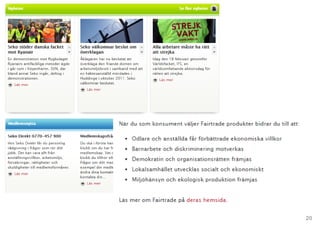
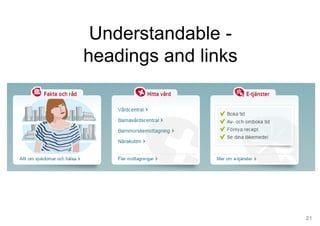
Tydliga rubriker och länkar
21
Understandable -
headings and links
22
Understandable structur
• Content – distinct
headings!
• Keywords.
• The most important
content first.
• Verb.
• Correct use of h-tags.
23
“… says Stockholm County Council in a
new report on health care. To read the
full report, click here.“
Write instead:
“… says Stockholm County Council in the
report." Quality indicators of health
care“ (pdf 1.5 MB)
Understandable links
24
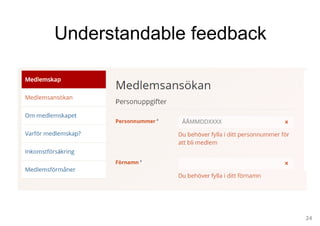
Understandable feedback
25
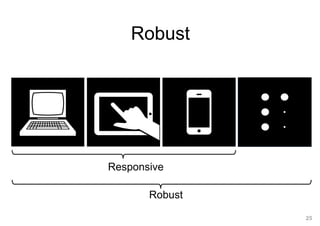
Robust
Responsive
Robust
26
27
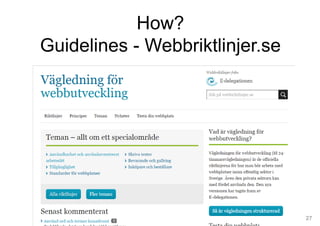
How?
Guidelines - Webbriktlinjer.se
28
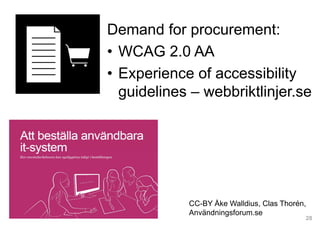
Demand for procurement:
• WCAG 2.0 AA
• Experience of accessibility
guidelines – webbriktlinjer.se
CC-BY Åke Walldius, Clas Thorén,
Användningsforum.se
29
Usability testing
with real users!
Test regularly!
30
– Validator.w3.org
– Colorbrewer - maps
– Fangs (screen reader test)
– VoiceOver (screen readers)
– Resizer – see different
resolution
– Colour Contrast analysis
Use tools
31
How?
• Determine
• Partition the
responsibility
• Assign resources
33
Pia Flodquist
@PiaFlodquist
pia.flodquist@metamatrix.se
Metamatrix
facebook.com/metamatrix.ab
@metamatrix
The End

Digital accessibility and intranets