
Dev/Test in the … “Cloud”
Agenda
•   Who are you?
•   What are you doing here!?
•   Oh that is cool, what is it?
•   Tell me more…
•   Oh oh Question, Question
Who are you!?


 I’m Chris
Who are you!?


Chris Riley … to be exact
     @HoardingInfo
I know stuff about
•   SharePoint Enterprise Content Management
•   SharePoint Information Architecture
•   ECM Governance and Adoption
•   The Cloud and Virtualization
•   + these fun acronyms: ECMp, IOAp, CAPTUREp
My Job is
• Product Management for a Cloud Startup

• And Listen to myself talk
Why are you here Chris!?
• To talk to you about the “Cloud”

• Help you be more productive using the Cloud

• Answer your questions about SharePoint + Cloud
How about you ?
And do you think this is cool?
                       12 LBS
                       16GBs
                        1TB
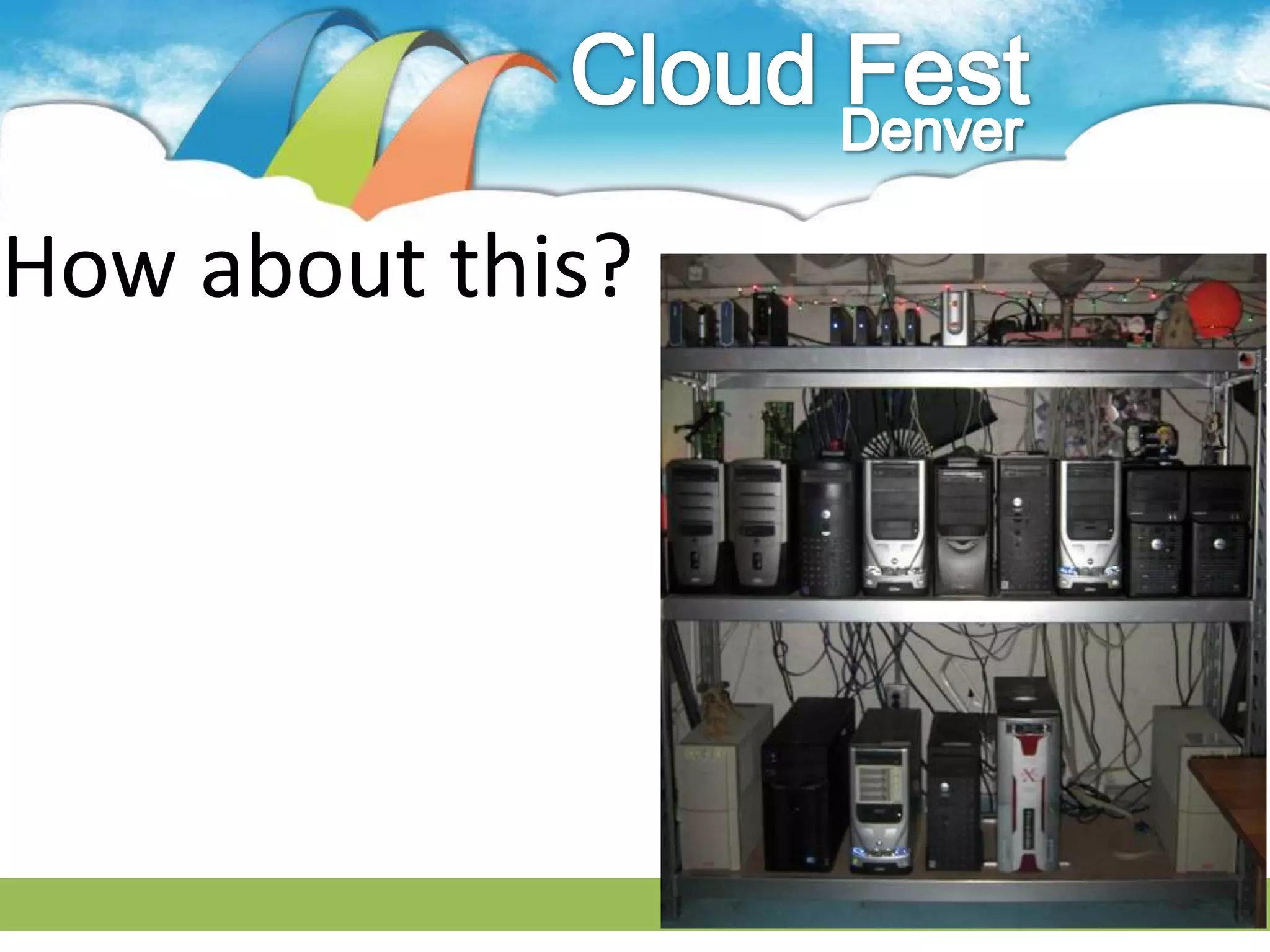
How about this?
Then the cloud

       Might not

Be the right thing for you
Do you like to break stuff?
What does the “Cloud”
 make you think of?
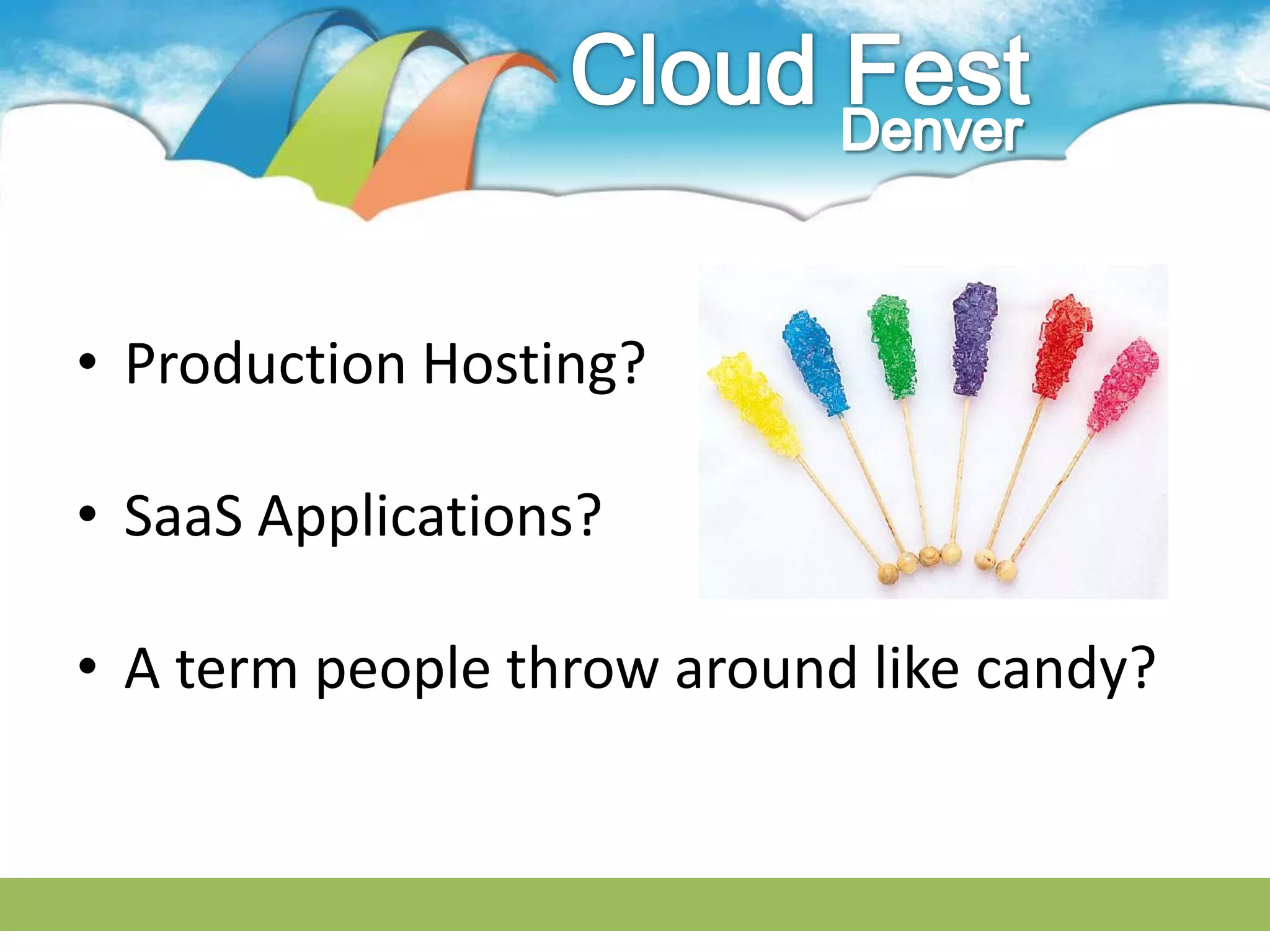
• Production Hosting?

• SaaS Applications?

• A term people throw around like candy?
It is all of those.
  But it is also:
• A great place for development

• For testing

• For demos

• And remove pre-production hardware & hassle
• SaaS + IaaS = One of the best use of the “Cloud”

• Remove the machine under your desk

• Have a cool trick in your back pocket
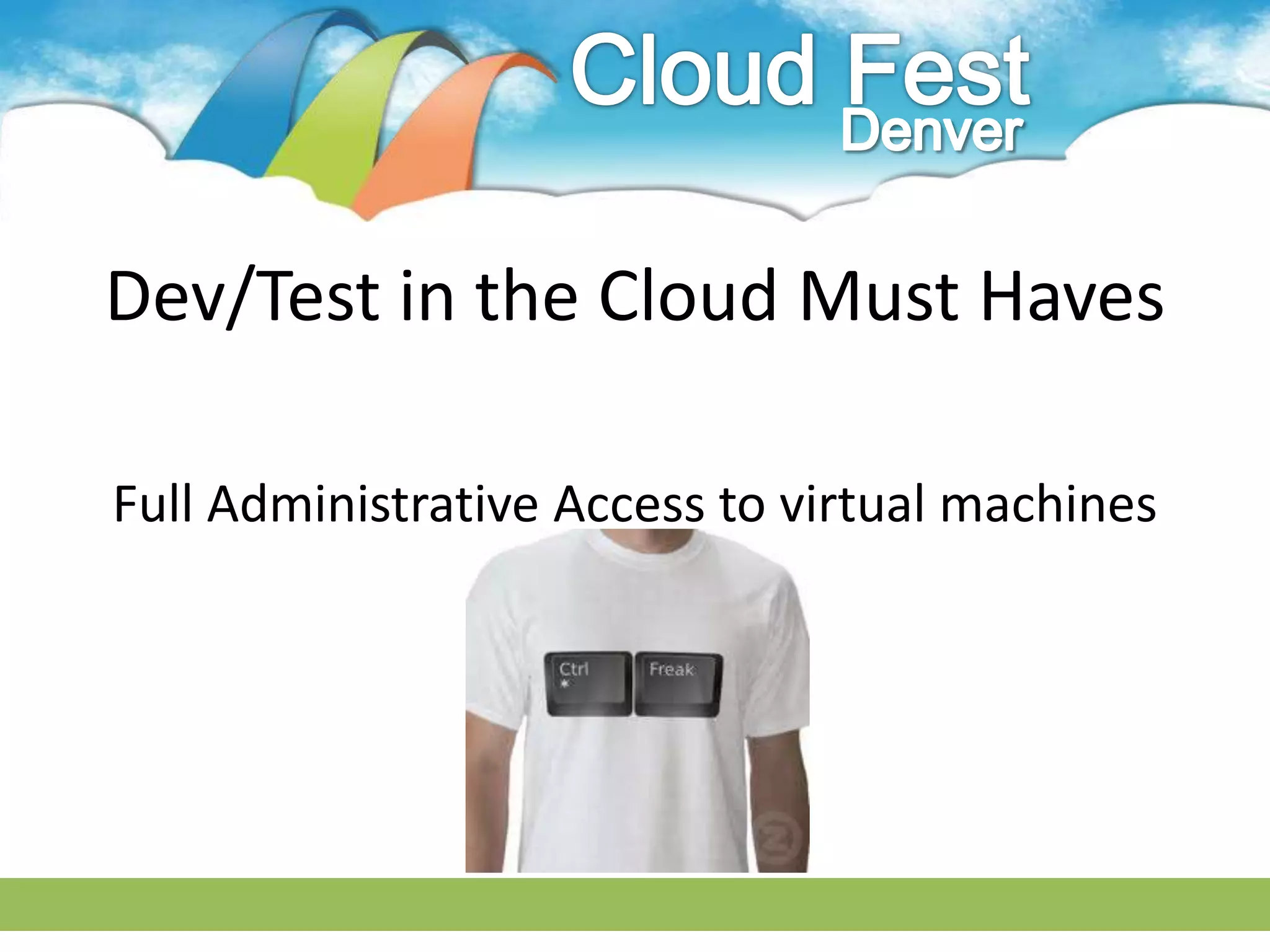
Dev/Test in the Cloud Must Haves

Full Administrative Access to virtual machines
Dev/Test in the Cloud Must Haves

Ability to share just the web applications with
  your end-users, prospects, or customers
Dev/Test in the Cloud Must Haves


     Ability to share with your team
Dev/Test in the Cloud Must Haves


Ability to create virtual machines on-demand
Dev/Test in the Cloud Must Haves


Ability to RDP or Console into your machines
Dev/Test in the Cloud Must Haves
• You MUST be able to install your own software

• You MUST be able to control user accounts

• You MUST be able to integrate with local
  networks
Dev/Test in the Cloud Must Haves
• You MUST be able to migrate to and from the
  Cloud

• You MUST be able to create templates

• You MUST be able to run IDEs on the virtual
  machines
SharePoint Dev/Test in the Cloud
                 Best Practices
• Always have a base VM template ready to go

• Do not use P@ssw0rd1

• Choose your farm configuration and stick with it
  – Multi-server for production approximation
  – Single Server farm for convenience
SharePoint Dev/Test in the Cloud
                  Best Practices


• Script your deployments
   – PowerShell, AutoSPInstaller, 3rd Party Tools


• Be agile, Fail fast, Break stuff
SharePoint Dev/Test in the Cloud
                   Is it safe?
• As secure as your computer now. Maybe more

• If it’s a concern DO NOT use production data

• Change the admin password, throw away the key
SharePoint Dev/Test in the Cloud
         What about connectivity?


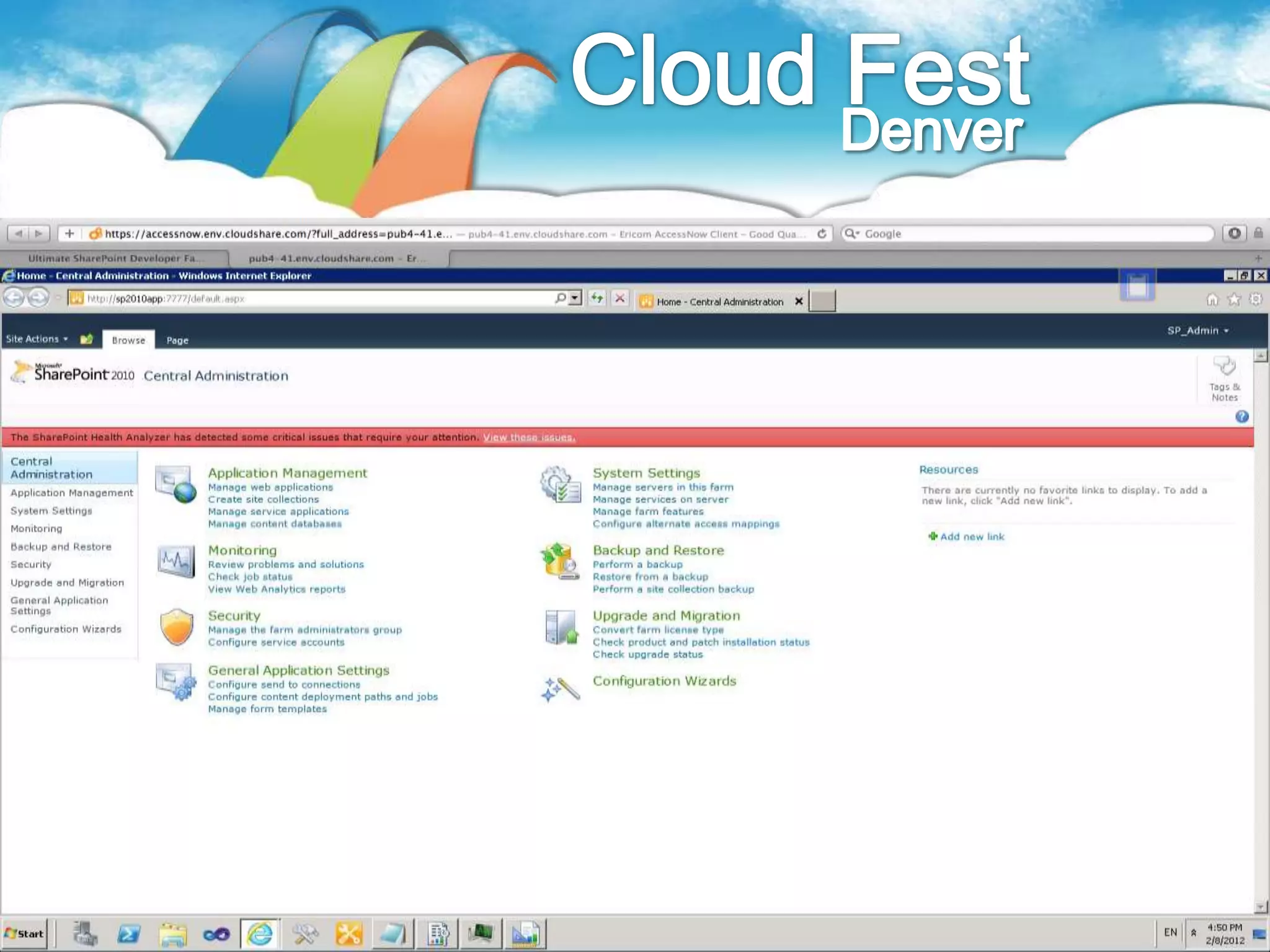
Did I tell you I configured Managed Meta-
    Data Term store on the flight out?
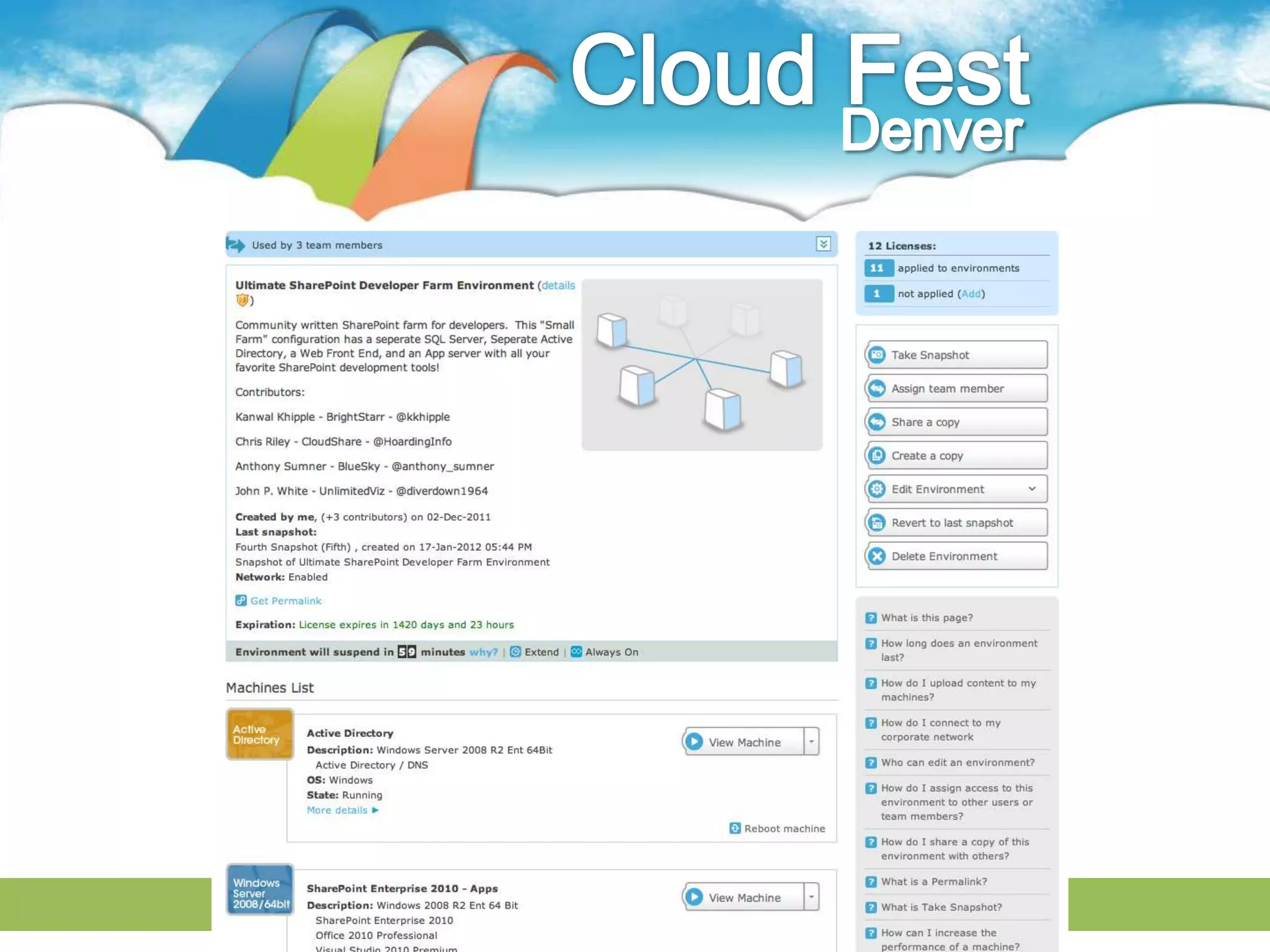
Demo
Questions
Connect with the Cloud
• SharePoint Solution Showcase
   – Denali
   – Project Server
   – VS 2011 Developer Preview

• www.CloudShare.com

• Chris@CloudShare.com

Dev/Test in the Cloud - F

  • 1.
    Dev/Test in the… “Cloud”
  • 2.
    Agenda • Who are you? • What are you doing here!? • Oh that is cool, what is it? • Tell me more… • Oh oh Question, Question
  • 3.
    Who are you!? I’m Chris
  • 4.
    Who are you!? ChrisRiley … to be exact @HoardingInfo
  • 5.
    I know stuffabout • SharePoint Enterprise Content Management • SharePoint Information Architecture • ECM Governance and Adoption • The Cloud and Virtualization • + these fun acronyms: ECMp, IOAp, CAPTUREp
  • 6.
    My Job is •Product Management for a Cloud Startup • And Listen to myself talk
  • 7.
    Why are youhere Chris!? • To talk to you about the “Cloud” • Help you be more productive using the Cloud • Answer your questions about SharePoint + Cloud
  • 8.
  • 9.
    And do youthink this is cool? 12 LBS 16GBs 1TB
  • 10.
  • 11.
    Then the cloud Might not Be the right thing for you
  • 12.
    Do you liketo break stuff?
  • 13.
    What does the“Cloud” make you think of?
  • 14.
    • Production Hosting? •SaaS Applications? • A term people throw around like candy?
  • 15.
    It is allof those. But it is also:
  • 16.
    • A greatplace for development • For testing • For demos • And remove pre-production hardware & hassle
  • 17.
    • SaaS +IaaS = One of the best use of the “Cloud” • Remove the machine under your desk • Have a cool trick in your back pocket
  • 18.
    Dev/Test in theCloud Must Haves Full Administrative Access to virtual machines
  • 19.
    Dev/Test in theCloud Must Haves Ability to share just the web applications with your end-users, prospects, or customers
  • 20.
    Dev/Test in theCloud Must Haves Ability to share with your team
  • 21.
    Dev/Test in theCloud Must Haves Ability to create virtual machines on-demand
  • 22.
    Dev/Test in theCloud Must Haves Ability to RDP or Console into your machines
  • 23.
    Dev/Test in theCloud Must Haves • You MUST be able to install your own software • You MUST be able to control user accounts • You MUST be able to integrate with local networks
  • 24.
    Dev/Test in theCloud Must Haves • You MUST be able to migrate to and from the Cloud • You MUST be able to create templates • You MUST be able to run IDEs on the virtual machines
  • 25.
    SharePoint Dev/Test inthe Cloud Best Practices • Always have a base VM template ready to go • Do not use P@ssw0rd1 • Choose your farm configuration and stick with it – Multi-server for production approximation – Single Server farm for convenience
  • 26.
    SharePoint Dev/Test inthe Cloud Best Practices • Script your deployments – PowerShell, AutoSPInstaller, 3rd Party Tools • Be agile, Fail fast, Break stuff
  • 27.
    SharePoint Dev/Test inthe Cloud Is it safe? • As secure as your computer now. Maybe more • If it’s a concern DO NOT use production data • Change the admin password, throw away the key
  • 28.
    SharePoint Dev/Test inthe Cloud What about connectivity? Did I tell you I configured Managed Meta- Data Term store on the flight out?
  • 31.
  • 32.
  • 33.
    Connect with theCloud • SharePoint Solution Showcase – Denali – Project Server – VS 2011 Developer Preview • www.CloudShare.com • Chris@CloudShare.com