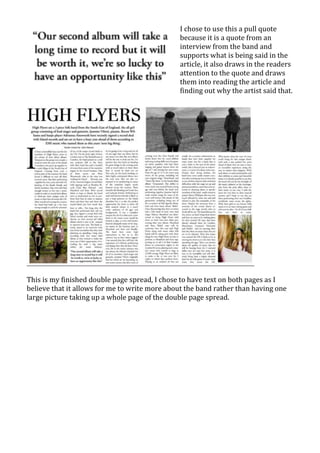
The document provides a development diary of creating a magazine front cover and contents page in Photoshop. Key steps include:
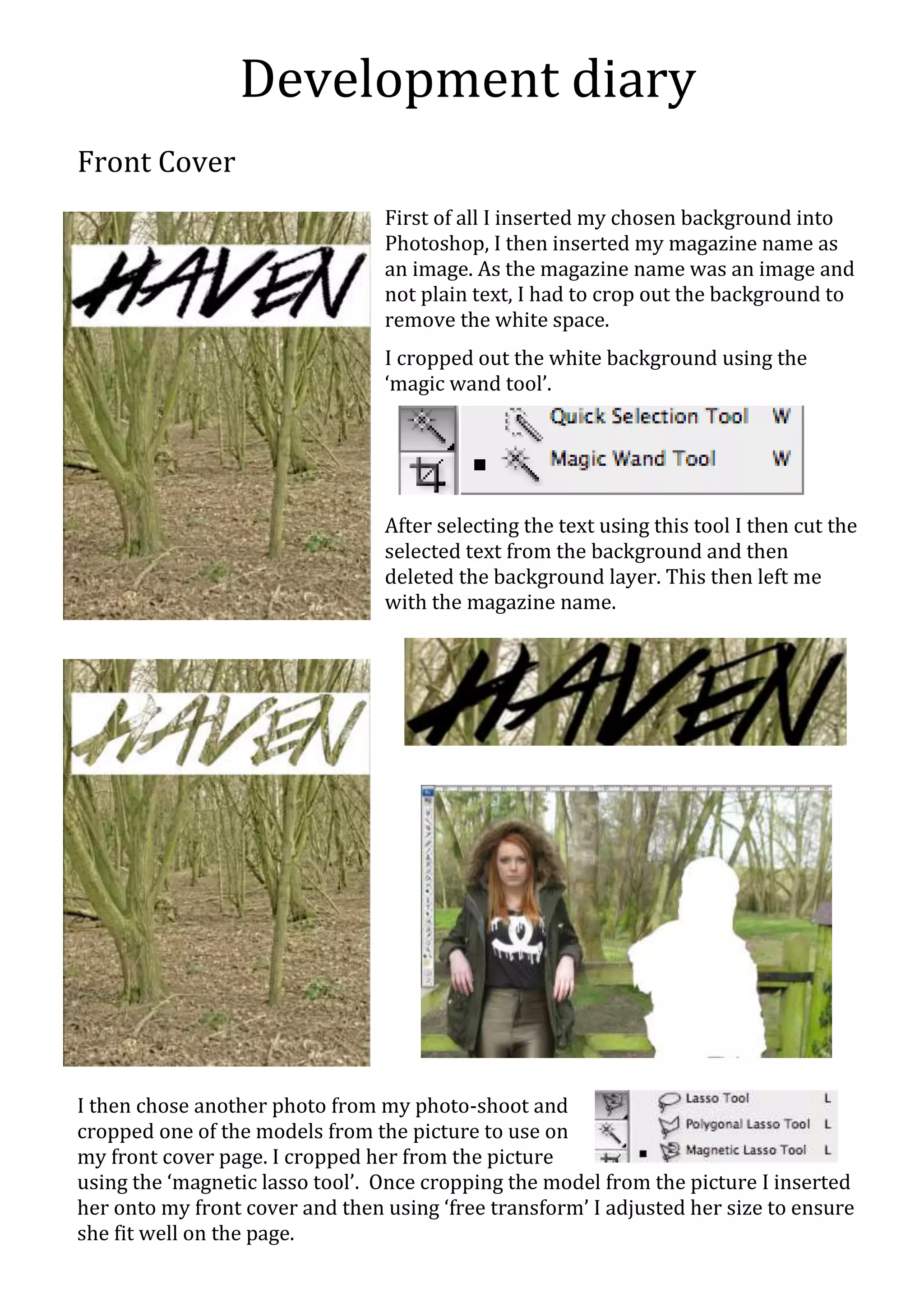
1) Inserting a background image and cropping out white space to isolate the magazine name.
2) Cropping a model from a photo and adjusting her size on the front cover.
3) Adding coverlines, a barcode, strapline and other design elements to complete the front cover.
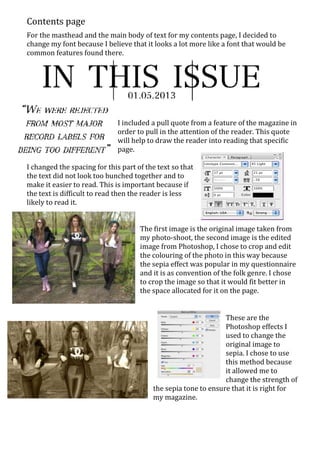
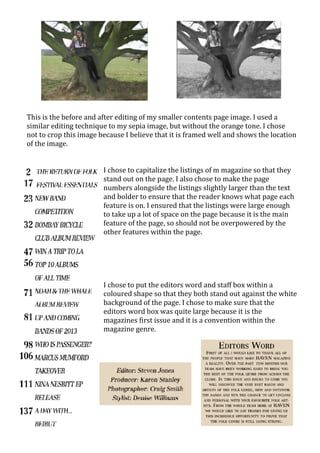
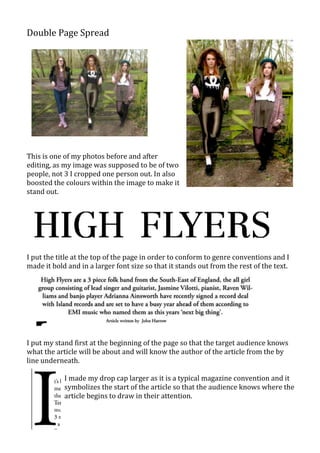
4) Changing fonts and layouts and adding images and pull quotes to create the contents page.
5) Editing photos using effects like sepia tone and cropping to feature in the magazine.