








![30
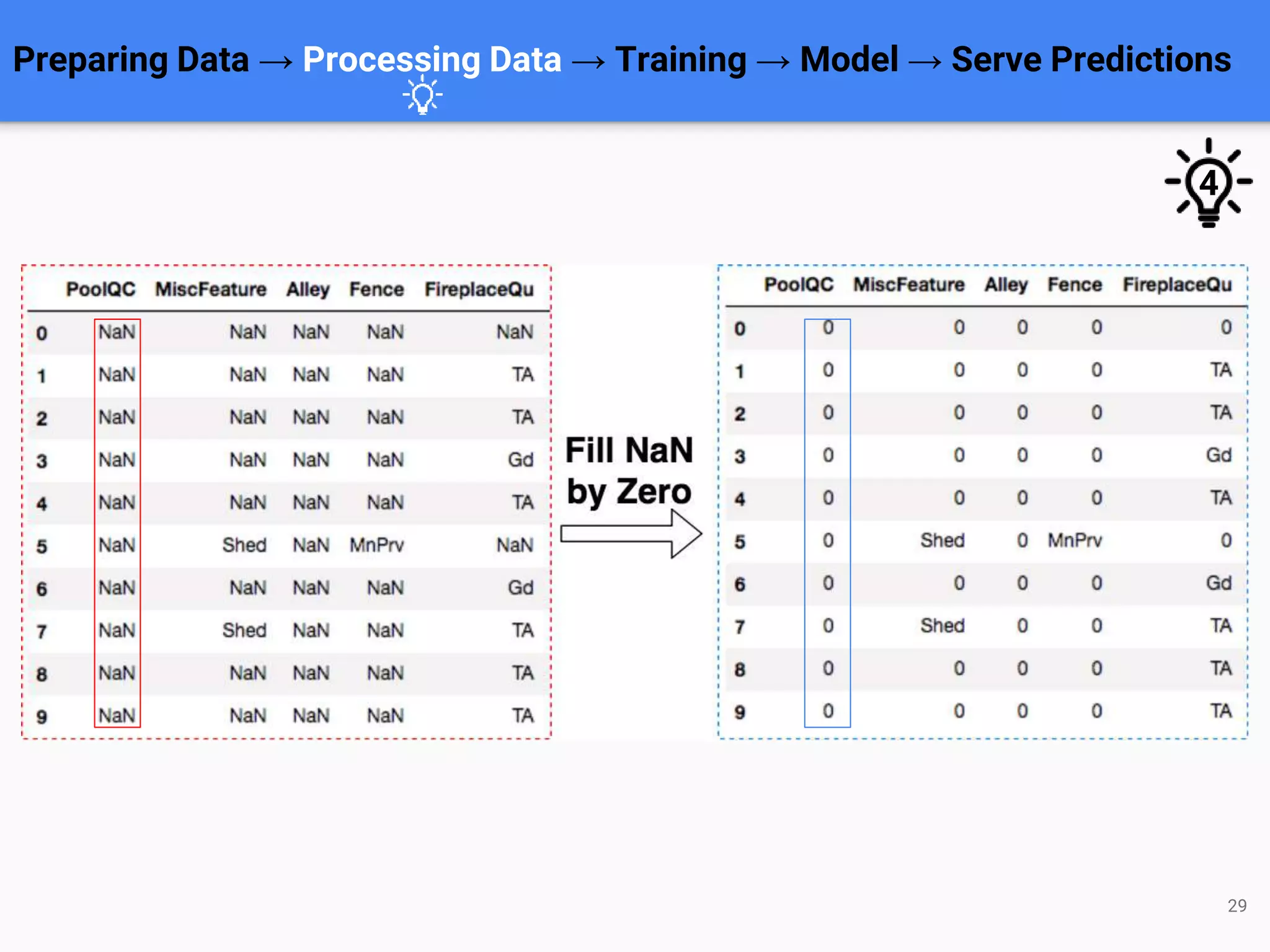
train = train.replace([-np.inf, np.inf], 0.0)
train = train.fillna(0.0)
test = test.replace([-np.inf, np.inf], 0.0)
test = test.fillna(0.0)
Preparing Data → Processing Data → Training → Model → Serve Predictions
Sample code for filling NaN by Zero
4](https://image.slidesharecdn.com/thongnguyen-devday2019pythonmlwithjupyternotebook-190408093340/75/DevDay2019-Python-Machine-Learning-with-Jupyter-Notebook-By-Nguyen-Huu-Thong-Pham-Khac-Truoc-Developer-at-Agility-IO-30-2048.jpg)
![32
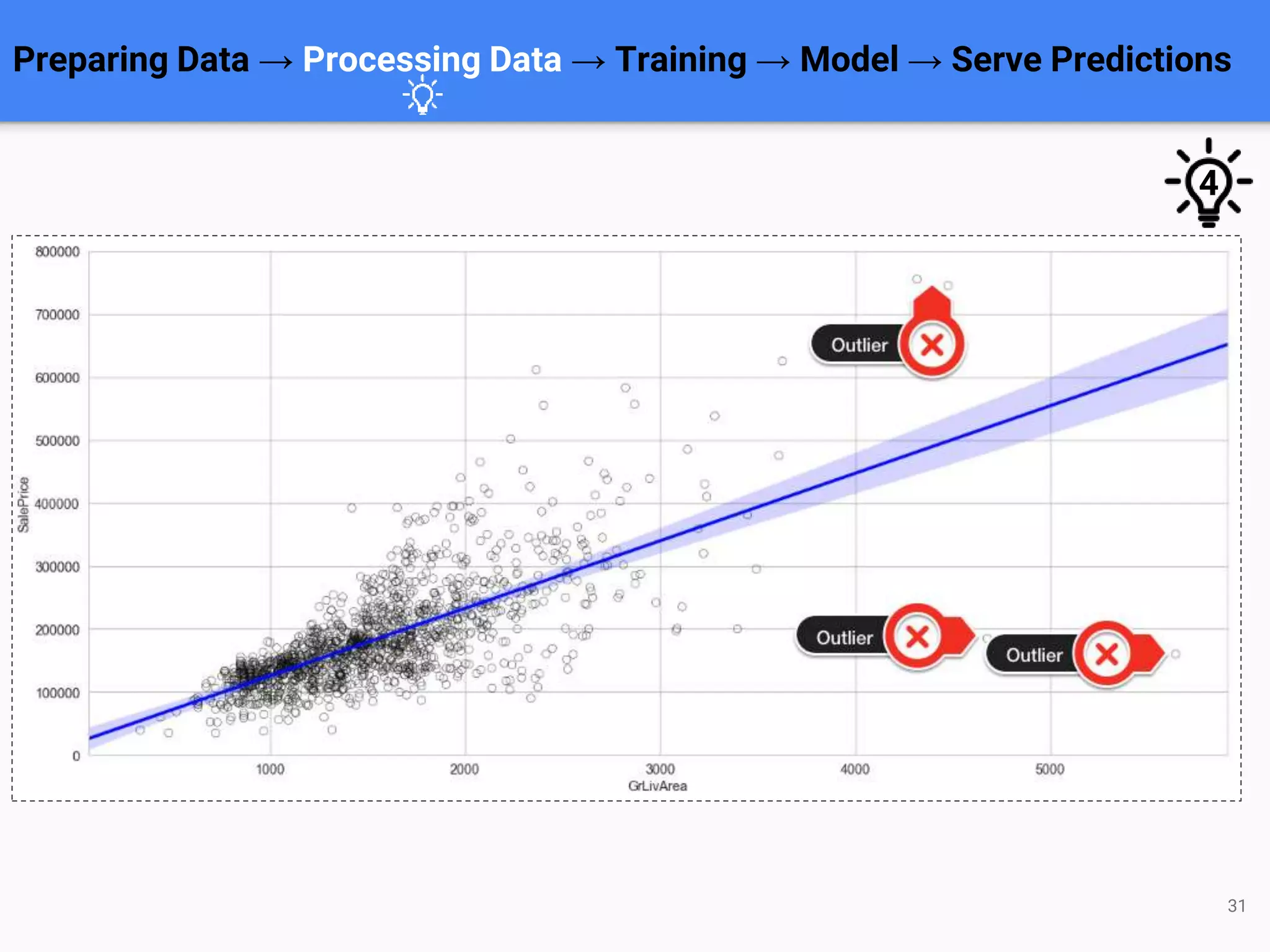
train.drop(
train[(train['GrLivArea'] > 4000)].index,
inplace=True
)
Preparing Data → Processing Data → Training → Model → Serve Predictions
Sample code for removing outliers
4](https://image.slidesharecdn.com/thongnguyen-devday2019pythonmlwithjupyternotebook-190408093340/75/DevDay2019-Python-Machine-Learning-with-Jupyter-Notebook-By-Nguyen-Huu-Thong-Pham-Khac-Truoc-Developer-at-Agility-IO-32-2048.jpg)
![34
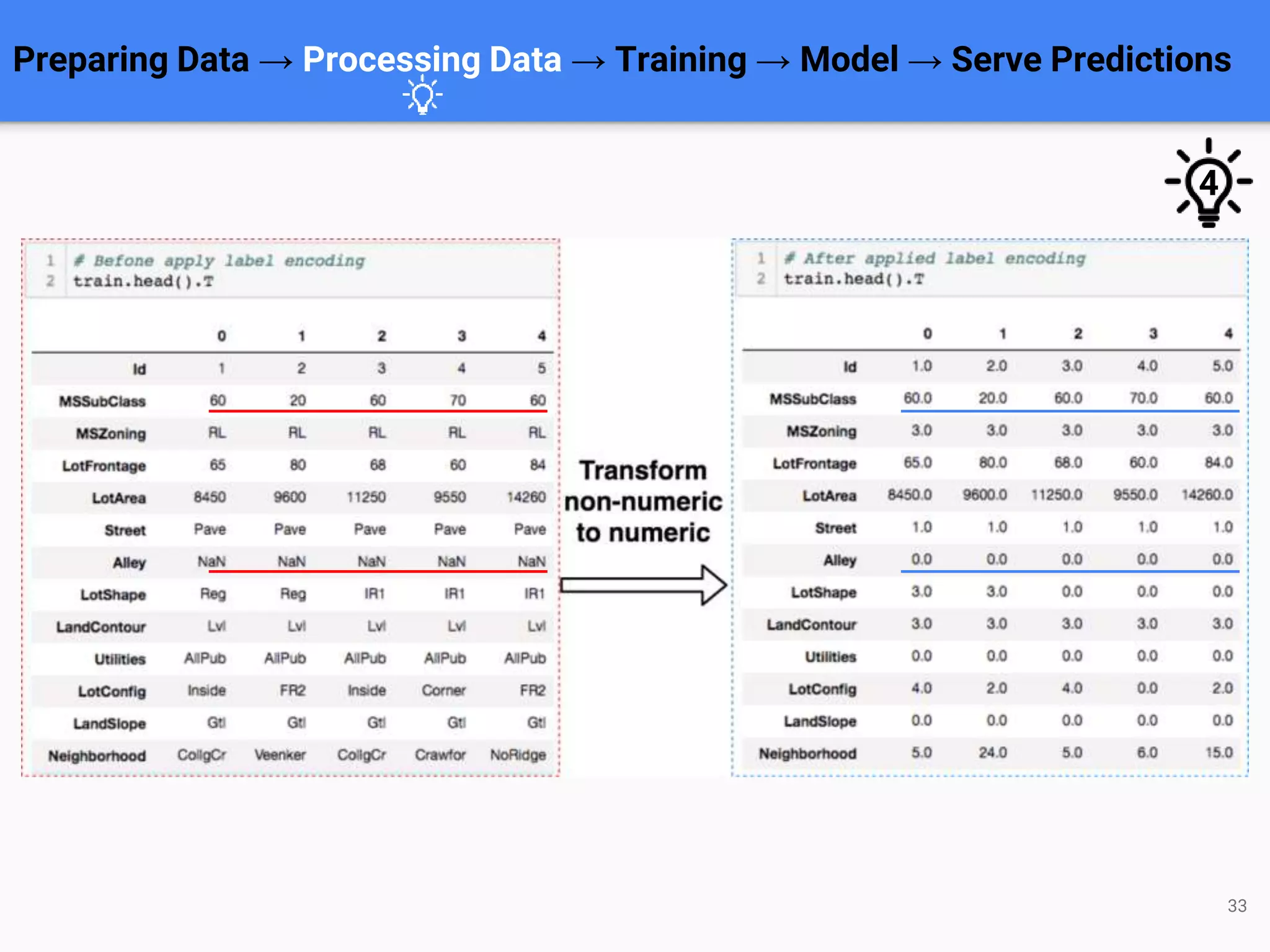
def label_encoding(df):
cat_features = df.select_dtypes(include=['object']).columns
lbl = LabelEncoder()
for col in cat_features:
df[col] = lbl.fit_transform(list(df[col].values.astype('str')))
return df
train = label_encoding(train)
Preparing Data → Processing Data → Training → Model → Serve Predictions
Sample code for label encoding
4](https://image.slidesharecdn.com/thongnguyen-devday2019pythonmlwithjupyternotebook-190408093340/75/DevDay2019-Python-Machine-Learning-with-Jupyter-Notebook-By-Nguyen-Huu-Thong-Pham-Khac-Truoc-Developer-at-Agility-IO-34-2048.jpg)
![36
ignore_cols = ['Id', 'SalePrice']
train_features = [col for col in train.select_dtypes(include=['float64',
'int64']).columns
if col not in ignore_cols]
X = train[train_features].copy()
y = np.log1p(train['SalePrice'])
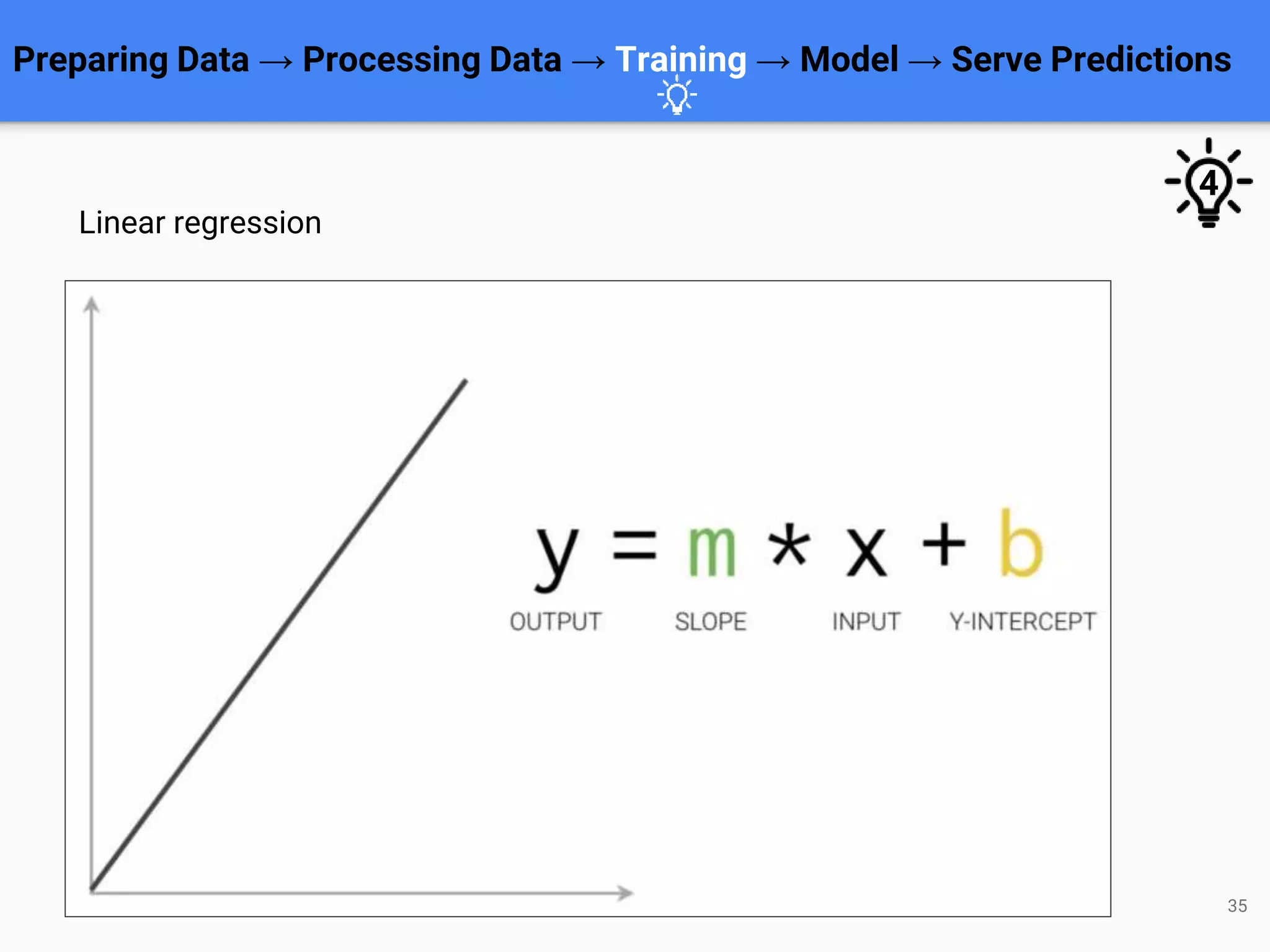
clf = LinearRegression()
clf.fit(X, y)
Using simple Linear Regression model
4
Preparing Data → Processing Data → Training → Model → Serve Predictions](https://image.slidesharecdn.com/thongnguyen-devday2019pythonmlwithjupyternotebook-190408093340/75/DevDay2019-Python-Machine-Learning-with-Jupyter-Notebook-By-Nguyen-Huu-Thong-Pham-Khac-Truoc-Developer-at-Agility-IO-36-2048.jpg)
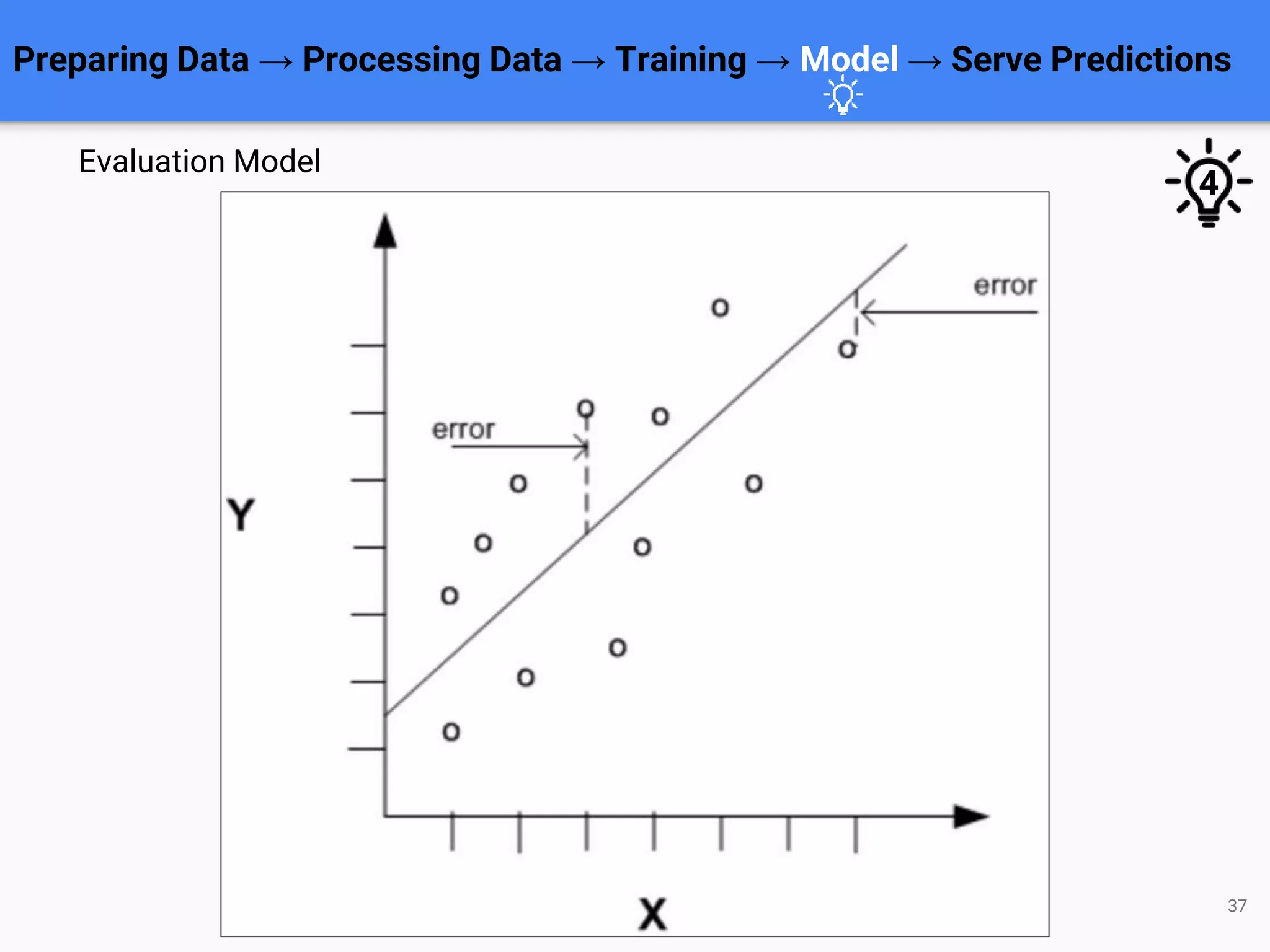
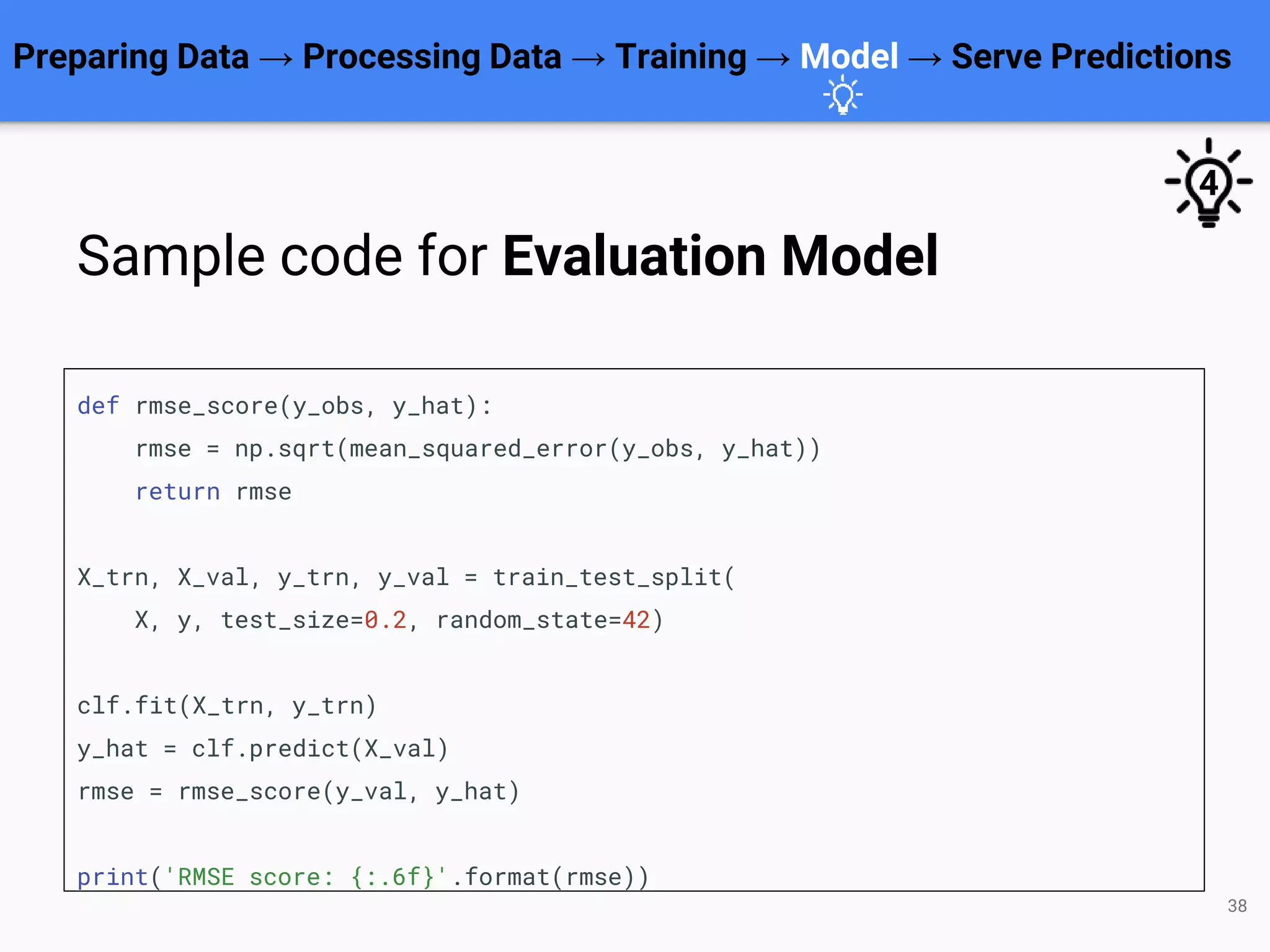
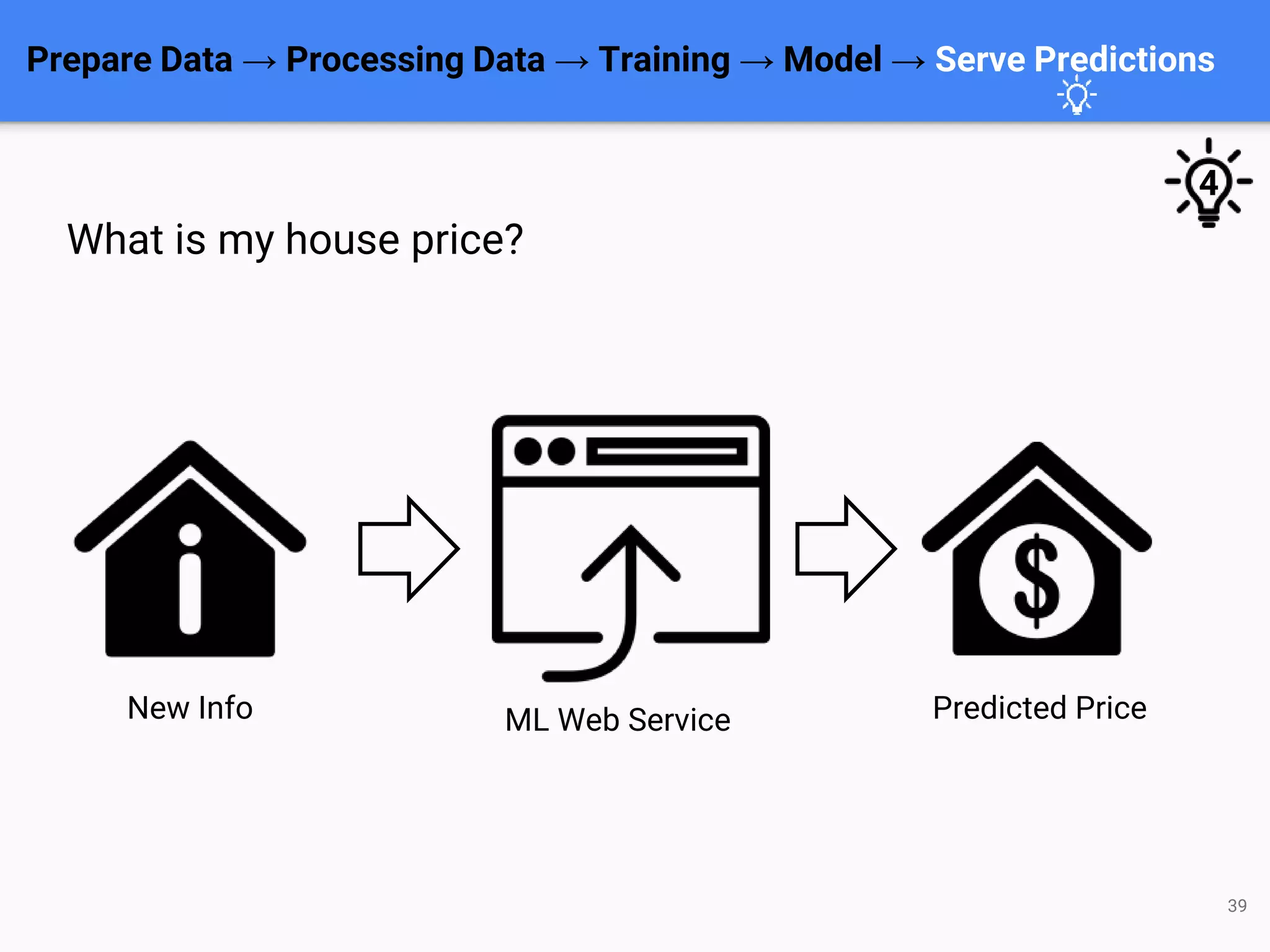




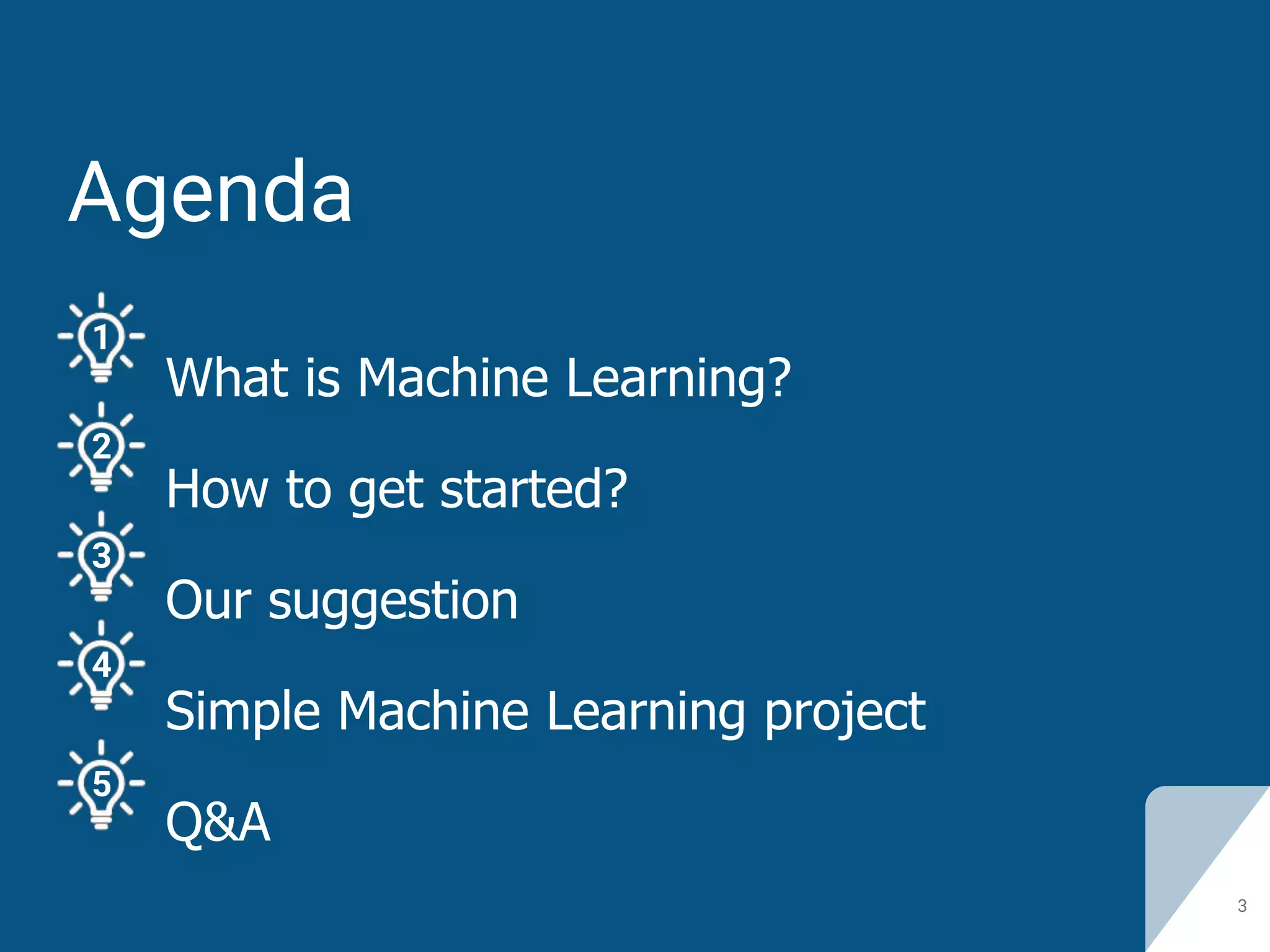
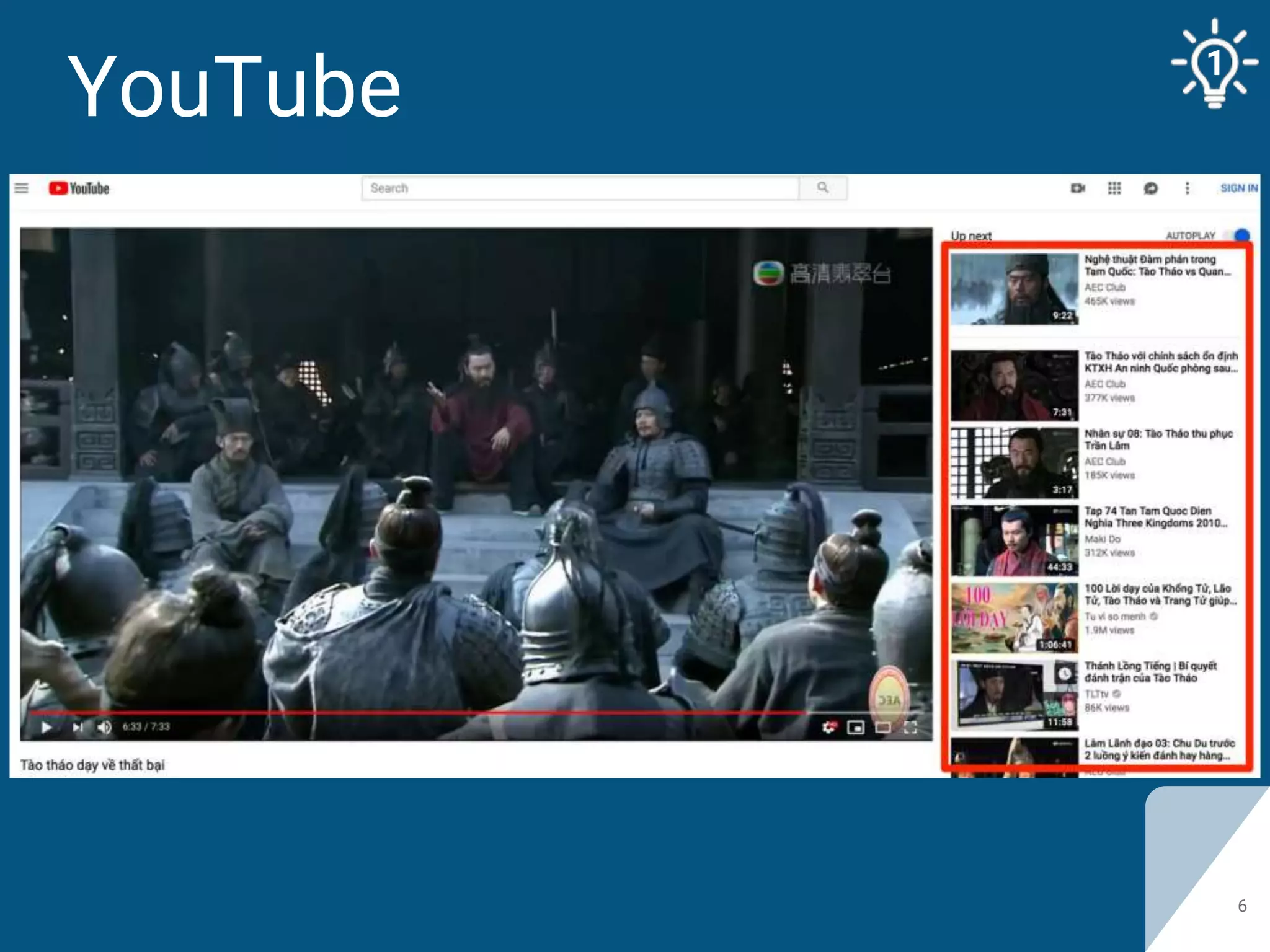
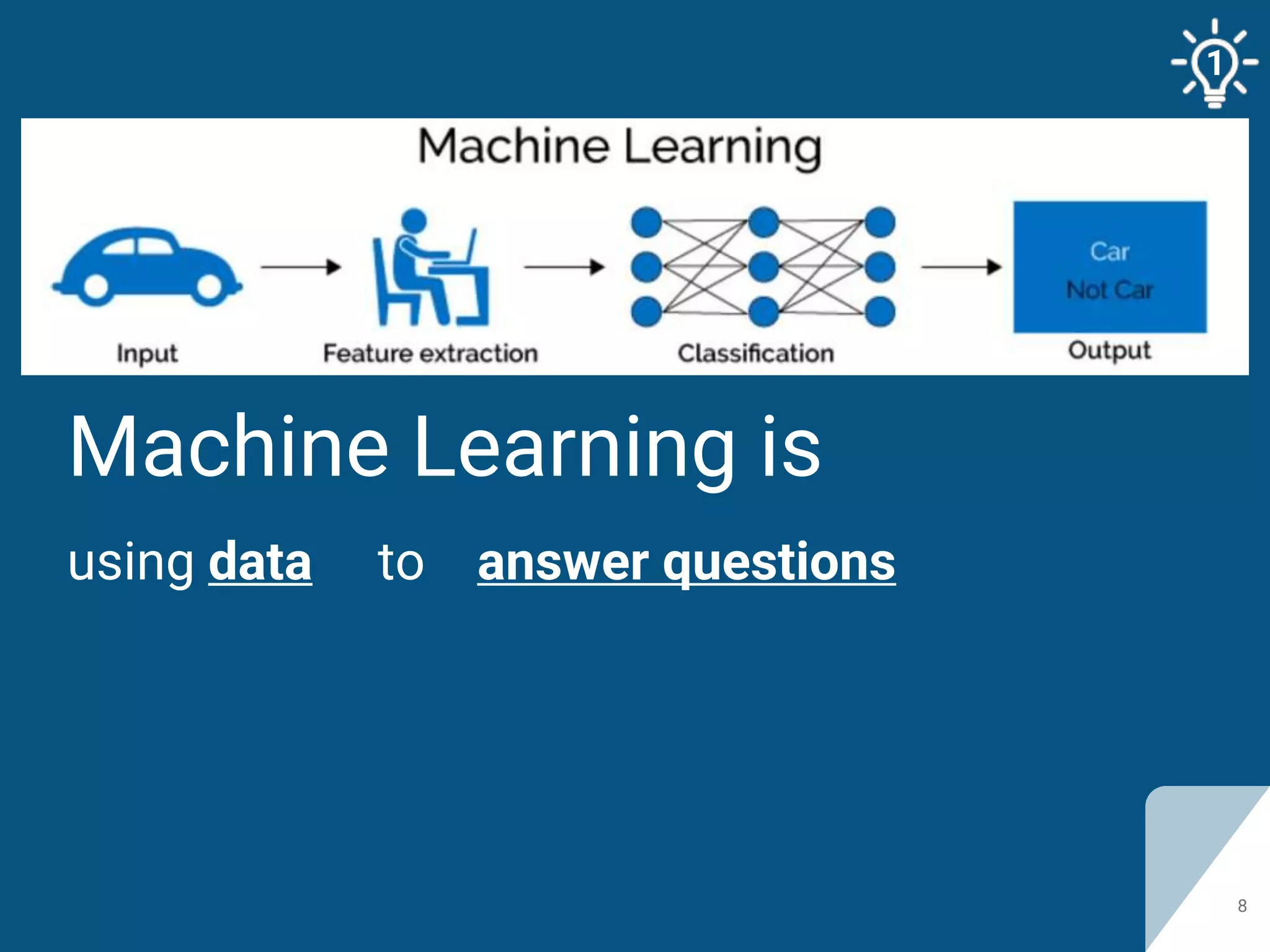
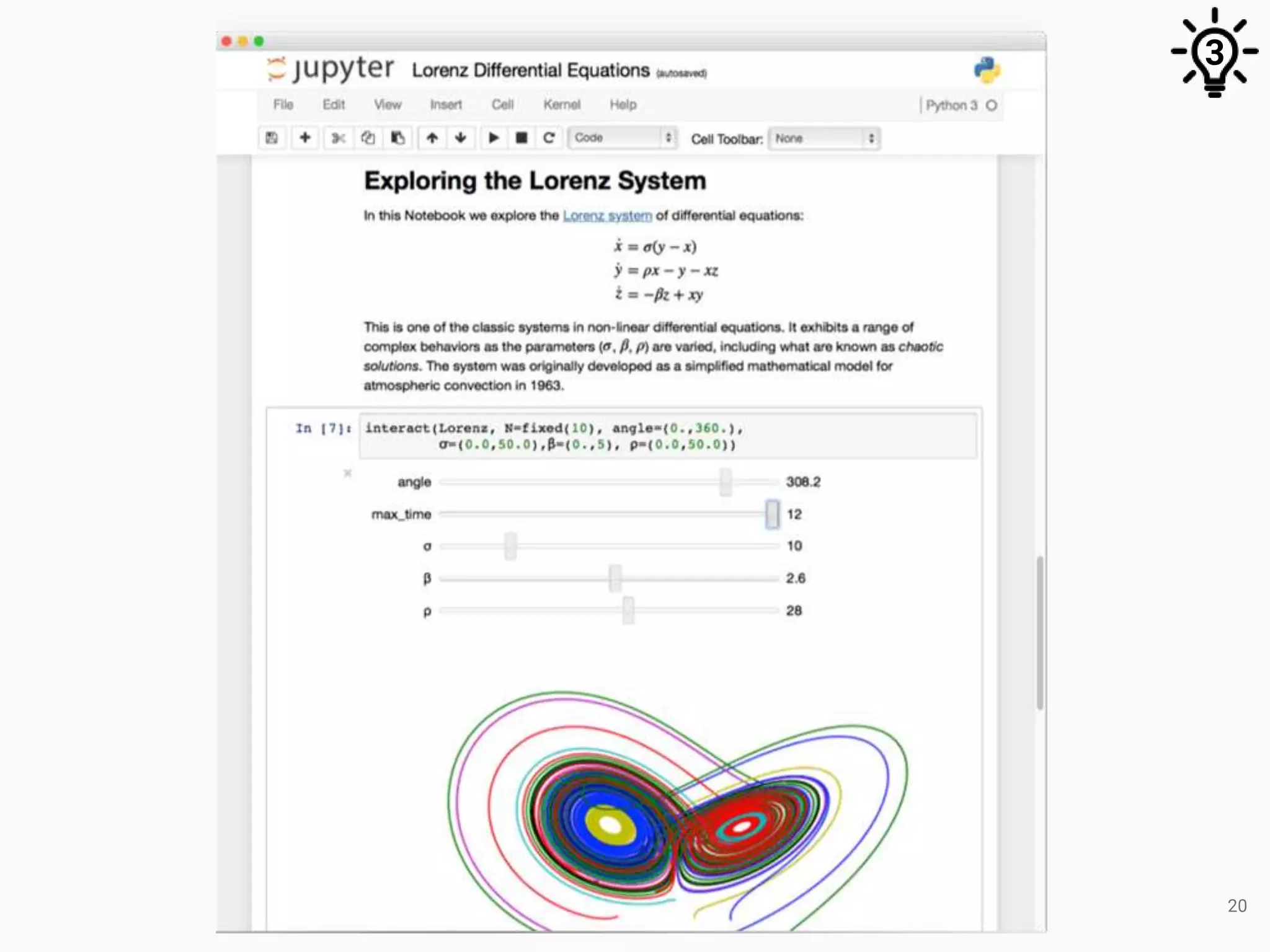
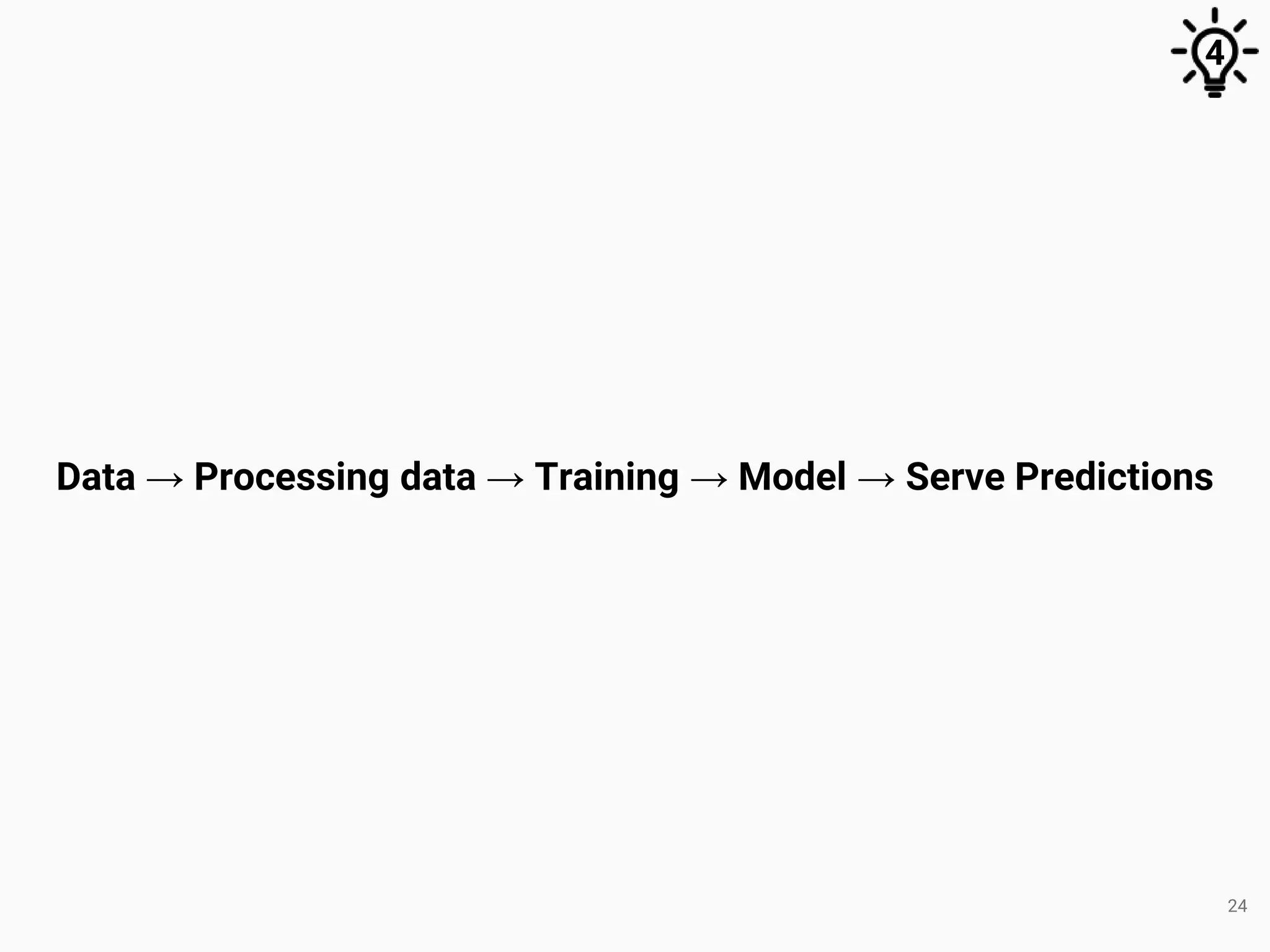
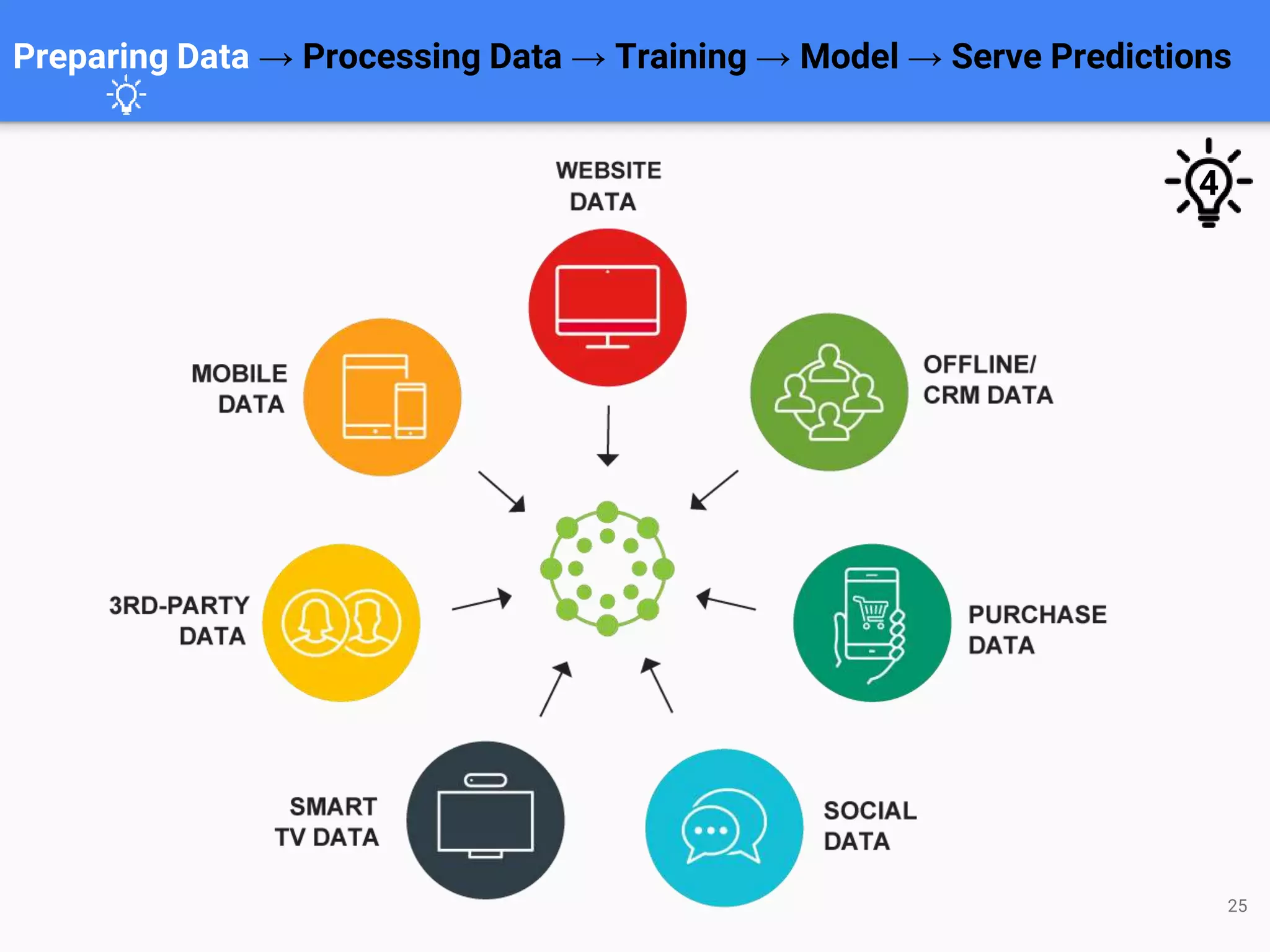
This document discusses machine learning using Python and Jupyter Notebook. It provides an overview of machine learning and how to get started. It then demonstrates a simple machine learning project for predicting house prices, covering data preparation, model training, evaluation, and serving predictions through a web service. The project uses a linear regression model trained on housing data from Kaggle and implemented in Python with Jupyter Notebook.


![USER DEFINE FUNCTIONS IN PYTHON[WITH PARAMETERS]](https://cdn.slidesharecdn.com/ss_thumbnails/functionuserdefinewithparameters-200924085446-thumbnail.jpg?width=640&height=640&fit=bounds)


![Functions & Procedures [7]](https://cdn.slidesharecdn.com/ss_thumbnails/functions-procedures-7-1233232816482839-1-thumbnail.jpg?width=640&height=640&fit=bounds)


![[DevDay2019] How do I test AI models? - By Minh Hoang, Senior QA Engineer at KMS](https://cdn.slidesharecdn.com/ss_thumbnails/howitestaimodeledit-190410070228-thumbnail.jpg?width=640&height=640&fit=bounds)
![[DevDay2019] Why you'll lose without UX Design - By Szilard Toth, CTO at e·pi...](https://cdn.slidesharecdn.com/ss_thumbnails/nicolaspython-devdaypresentationfinal-2-190412104945-thumbnail.jpg?width=640&height=640&fit=bounds)
![[DevDay2019] How AI is changing the future of Software Testing? - By Vui Nguy...](https://cdn.slidesharecdn.com/ss_thumbnails/vuinguyenhowaiischangingthefutureofsoftwaretesting-190412021635-thumbnail.jpg?width=640&height=640&fit=bounds)
![[DevDay2019] Micro Frontends Architecture - By Thang Pham, Senior Software En...](https://cdn.slidesharecdn.com/ss_thumbnails/microfrontendsarchitectureedit-190410074045-thumbnail.jpg?width=640&height=640&fit=bounds)
![[DevDay2019] Lean UX - By Bryant Castro, Bryant Castro at Wizeline](https://cdn.slidesharecdn.com/ss_thumbnails/bryantcastro-43ddopresoleanux-190416065313-thumbnail.jpg?width=640&height=640&fit=bounds)
![[DevDay2019] Paradigm shift towards effective Scrum - By Tam Doan, Agile Coac...](https://cdn.slidesharecdn.com/ss_thumbnails/paradigmshift-tamdoanv1-190408090610-thumbnail.jpg?width=640&height=640&fit=bounds)
![[DevDay2019] Develop a web application with Kubernetes - By Nguyen Xuan Phong...](https://cdn.slidesharecdn.com/ss_thumbnails/phongnguyen-kubernetesphongnxdevday-190408091447-thumbnail.jpg?width=640&height=640&fit=bounds)
![[DevDay2019] Designing design teams - Christopher Nguyen, UX Manager at Wizeline](https://cdn.slidesharecdn.com/ss_thumbnails/chrisnguyen-designingdesignteams-190412100940-thumbnail.jpg?width=640&height=640&fit=bounds)
![[DevDay2019] Growth Hacking - How to double the benefits of your startup with...](https://cdn.slidesharecdn.com/ss_thumbnails/lucaskacem-growth-conference-devday2019-190412100811-thumbnail.jpg?width=640&height=640&fit=bounds)
![[DevDay2019] Opportunities and challenges for human resources during the digi...](https://cdn.slidesharecdn.com/ss_thumbnails/vietvyvan-devday2019-cohoivathachthucdoivoinguonnhanluctrongthoikychuyendoiso-190408094633-thumbnail.jpg?width=640&height=640&fit=bounds)
![[Devday2019] Dev start-up - By Le Trung, Founder & CEO at Hifiveplus and Edu...](https://cdn.slidesharecdn.com/ss_thumbnails/devstartup-190408095354-thumbnail.jpg?width=640&height=640&fit=bounds)
![[DevDay2019] Hands-on Machine Learning on Google Cloud Platform - By Thanh Le...](https://cdn.slidesharecdn.com/ss_thumbnails/mltfgcpthanhleedit-190410074403-thumbnail.jpg?width=640&height=640&fit=bounds)
![[DevDay2019] Layering GraphQL on top of existing infrastructure - By Phan Tha...](https://cdn.slidesharecdn.com/ss_thumbnails/linhphan-slide-layeringgraphql-190408085843-thumbnail.jpg?width=640&height=640&fit=bounds)
![[DevDay2019] Web Development In 2019 - A Practical Guide - By Hoang Nhu Vinh,...](https://cdn.slidesharecdn.com/ss_thumbnails/vinhhoang-webdevelopmentin2019-190408094753-thumbnail.jpg?width=640&height=640&fit=bounds)
![[DevDay2019] Collaborate or die: The designers’ guide to working with develop...](https://cdn.slidesharecdn.com/ss_thumbnails/deridevday2019-190412074811-thumbnail.jpg?width=640&height=640&fit=bounds)
![[DevDay2019] Power of Test Automation and DevOps combination - One click savi...](https://cdn.slidesharecdn.com/ss_thumbnails/devdaydanang2019-powerofdevopsintestautomationtoanleedit-190410073339-thumbnail.jpg?width=640&height=640&fit=bounds)
![[DevDay2019] How to quickly become a Senior Engineer - By Tran Anh Minh, CEO ...](https://cdn.slidesharecdn.com/ss_thumbnails/devday2019-bytrananhminhceoestrouge-copy-190408100448-thumbnail.jpg?width=640&height=640&fit=bounds)
![[DevDay2019] Do you dockerize? Are your containers safe? - By Pham Hong Khanh...](https://cdn.slidesharecdn.com/ss_thumbnails/slideskhanhphamhong-190408091925-thumbnail.jpg?width=640&height=640&fit=bounds)
![[DevDay2019] Things i wish I knew when I was a 23-year-old Developer - By Chr...](https://cdn.slidesharecdn.com/ss_thumbnails/devday2019-whatiwouldtellmyselfsakura-190412102245-thumbnail.jpg?width=640&height=640&fit=bounds)
![[DevDay2019] JAM Stack - By Ngo Thi Ni, Web Developer at Agility IO](https://cdn.slidesharecdn.com/ss_thumbnails/ningo-ningo-jamstack-contentmanagementwithgatsbycontentful-190408090335-thumbnail.jpg?width=640&height=640&fit=bounds)


![Coded Agents – with UiPath SDK + LangGraph [Virtual Hands-on Workshop]](https://cdn.slidesharecdn.com/ss_thumbnails/codedagentsdeck-251215155422-5497c599-thumbnail.jpg?width=640&height=640&fit=bounds)


