



















WordCamp Montreal 2010


 Brian Rotsztein
Hub: www.brianrotsztein.com
Blog: www.purposive.com
Follow Me: @brianrotsztein
Write Me: info@brianrotsztein.com
Seminar Overview
1.     From Basic CMS to WordPress
2.     Why WordPress is a Powerful CMS
3.     How to Convert WordPress to a CMS
4.     Refining Your CMS for Business Websites
5.     What is Being Managed?
6.     Pitfalls of WordPress as a Business CMS
7.     Business Questions
8.     Gallery of Popular WordPress Uses

P.S. Say “no!” to death by PowerPoint. No other slide in this presentation will look like this!
What is a
CMS
   ?
Software
A Basic CMS…

Allows users with
little understanding of
web programming to
update a website.
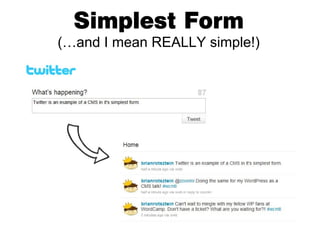
Simplest Form
(…and I mean REALLY simple!)
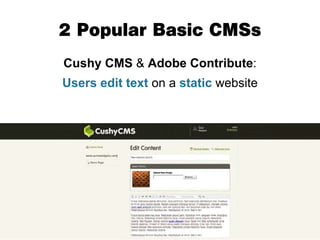
2 Popular Basic CMSs
Cushy CMS & Adobe Contribute:
Users edit text on a static website
A basic CMS is a
limited product
A Better CMS…

Can do a lot more
than these simplistic
systems.
Enter:
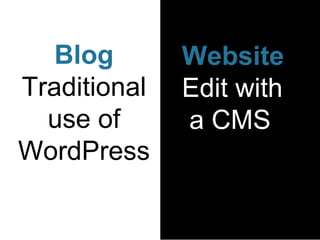
Blog       Website
Traditional   Edit with
  use of      a CMS
WordPress
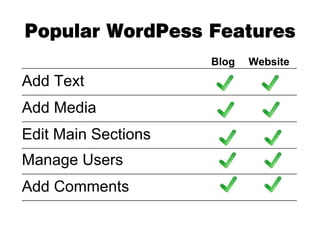
Popular WordPess Features
                                                                     Blog          Website
_____________________________________________________________________________________________________


Add Text
_____________________________________________________________________________________________________


Add Media
_____________________________________________________________________________________________________


Edit Main Sections
_____________________________________________________________________________________________________


Manage Users
_____________________________________________________________________________________________________


Add Comments
_____________________________________________________________________________________________________
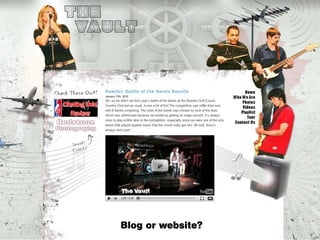
Blog or website?
A Blog IS a Website!
In most cases,
    the distinction is


  ARBITRARY
The main defining factor is

          PURPOSE
      How is WordPress being used?
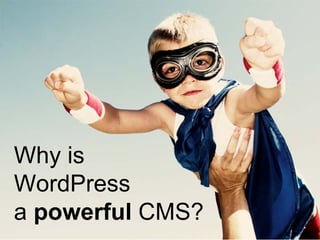
Why is
WordPress
a powerful CMS?
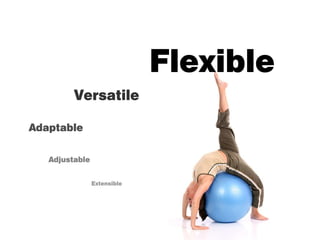
Easy
Flexible
         Versatile

Adaptable


   Adjustable


                Extensible
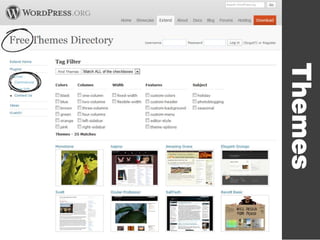
Themes
n s
      g i
Plu
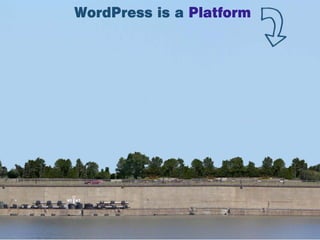
WordPress is a Platform
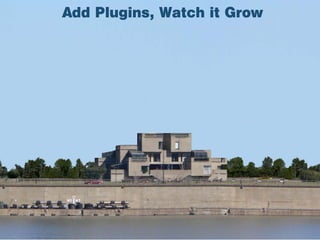
Add Plugins, Watch it Grow
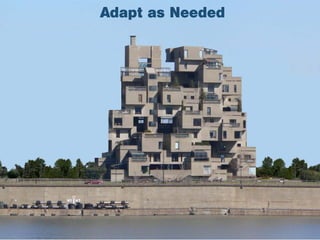
Adapt as Needed
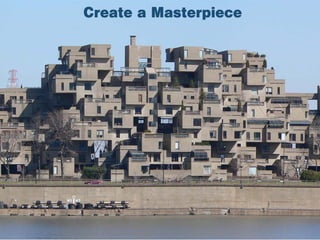
Create a Masterpiece
How Many?
Photo by Wikimedia User
        Darkfate
Community
 Support
Mobile Apps
Have Smartphone.
Will Update.
A Deeper Look
Posts vs. Pages
   Get Over It!
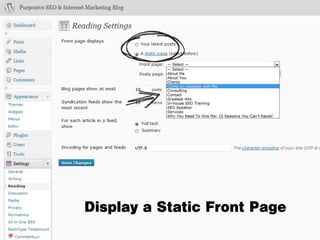
Display a Static Front Page
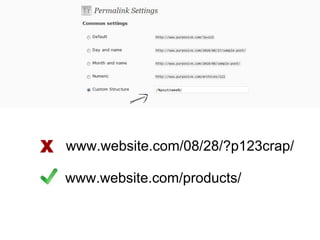
X www.website.com/08/28/?p123crap/
   www.website.com/products/
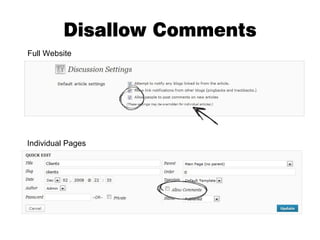
Disallow Comments
Full Website


Individual Pages
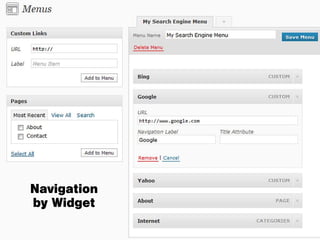
Navigation
by Widget
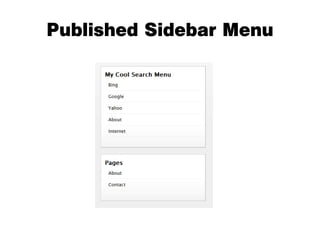
Published Sidebar Menu
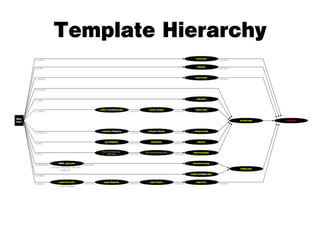
Template Hierarchy
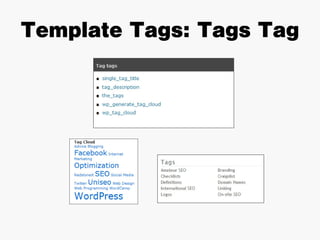
Template Tags: Tags Tag
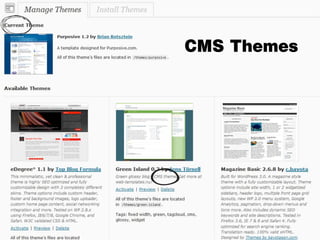
CMS Themes
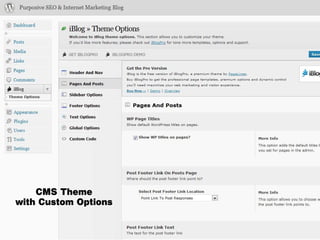
CMS Theme
with Custom Options
Refine
Your CMS
Admin Management: User Roles
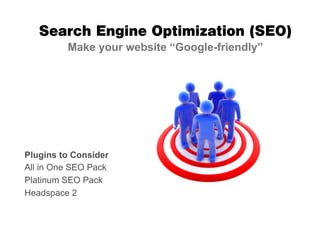
Search Engine Optimization (SEO)
         Make your website “Google-friendly”


Plugins to Consider
All in One SEO Pack
Platinum SEO Pack
Headspace 2
Maintenance
   Mode
Don’t wait until
disaster strikes


Make
Back-ups!
More Ideas for Business CMSs

   Project / Task Management (CollabPress)
   Speed Up WordPress (WP Super Cache)
   “Actual” CMS Plugins
   White Label Admin Templates
What exactly are you
managing?
The main factors are


      Content
        &
   Communications
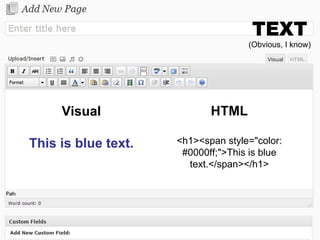
TEXT
                                    (Obvious, I know)


     Visual                 HTML

This is blue text.   <h1><span style="color:
                      #0000ff;">This is blue
                       text.</span></h1>
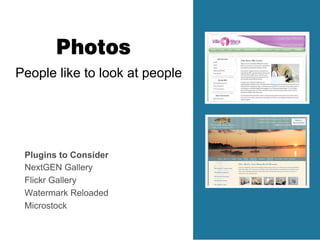
Photos
People like to look at people


 Plugins to Consider
 NextGEN Gallery
 Flickr Gallery
 Watermark Reloaded
 Microstock
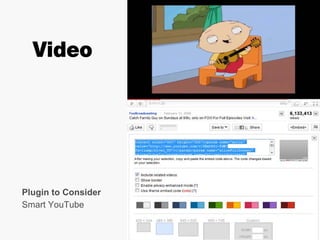
Video


Plugin to Consider
Smart YouTube
Contact Management


            Plugins to Consider
            WP Contacts Directory
            RoloPress
Email
                      “Marketing”


Plugins to Consider
MailPress
Customer Support


  Plugins to Consider
  WordPress Advanced Ticket System
  LiveHelpNow
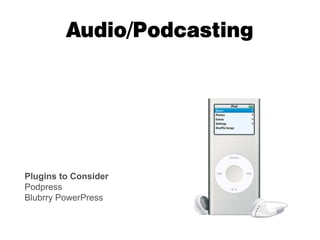
Audio/Podcasting


Plugins to Consider
Podpress
Blubrry PowerPress
E-commerce
Social Media Networking
Remember…
  WordPress is User-defined

      The Definers
      Business Owners
      Web Designers
      Web Programmers
      Internet Marketers
      End-users
      YOU
Build On Your Platform

Business Website              Job Boards
Personal Site                 Classified Ads
Real Estate Listings          Social Media Network
Magazine                      Forum
Event Registration            Portfolio
Membership Website            Review Websites
Radio Station (RSS Station)   Online Store
Subscription-only Website     Product Gallery
Video Sharing                 Wiki
Intranet                      Auctions
Word Processing Cloud         Web Directory
                              The List Goes On…
Pitfalls
Upgrades
Start with Version 1.0
New Version is Released
Upgrade to a Better Version
Custom
Programming
A Web Designer
   Can Help
You May Want to

Un-plugin
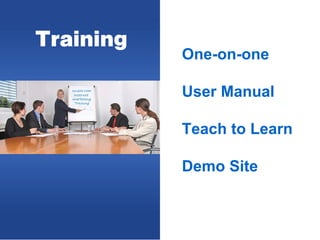
Training
           One-on-one

           User Manual

           Teach to Learn

           Demo Site
Multilingualism


WordPress might have
trouble displaying text
in a language that
others can understand.
Business Questions

Why do I need a CMS?

What are my needs? (Realistic?)
Who is going to manage my WordPress CMS?

Will there be future expansion? (Themes, Plugins, Content Types Upgrades)
Do I have time? (E.g., search for plugins, test plugins, read reviews,…)
Do I have the skill set?

What’s my budget?
Who is using


      ?
Brian Rotsztein
Hub: www.brianrotsztein.com
Blog: www.purposive.com
Follow Me: @brianrotsztein
Write Me: info@brianrotsztein.com
Web Design: www.redstonex.com
Internet Marketing: www.uniseo.com

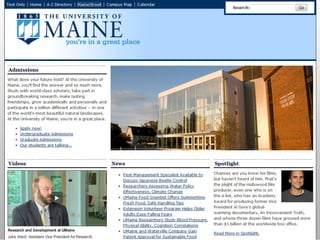
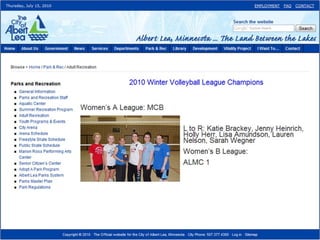
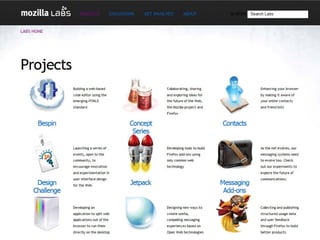
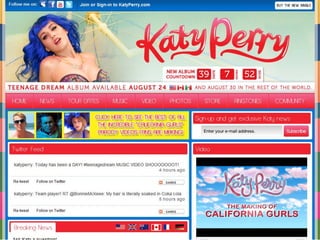
WordPress as a CMS