
Er. Nawaraj Bhandari
Topic 2:
Databases and Database Management Systems
Metadata
 Metadata is data about data.
 It is the way in which the database keeps information about its own
structure.
 Metadata is stored in the data dictionary.
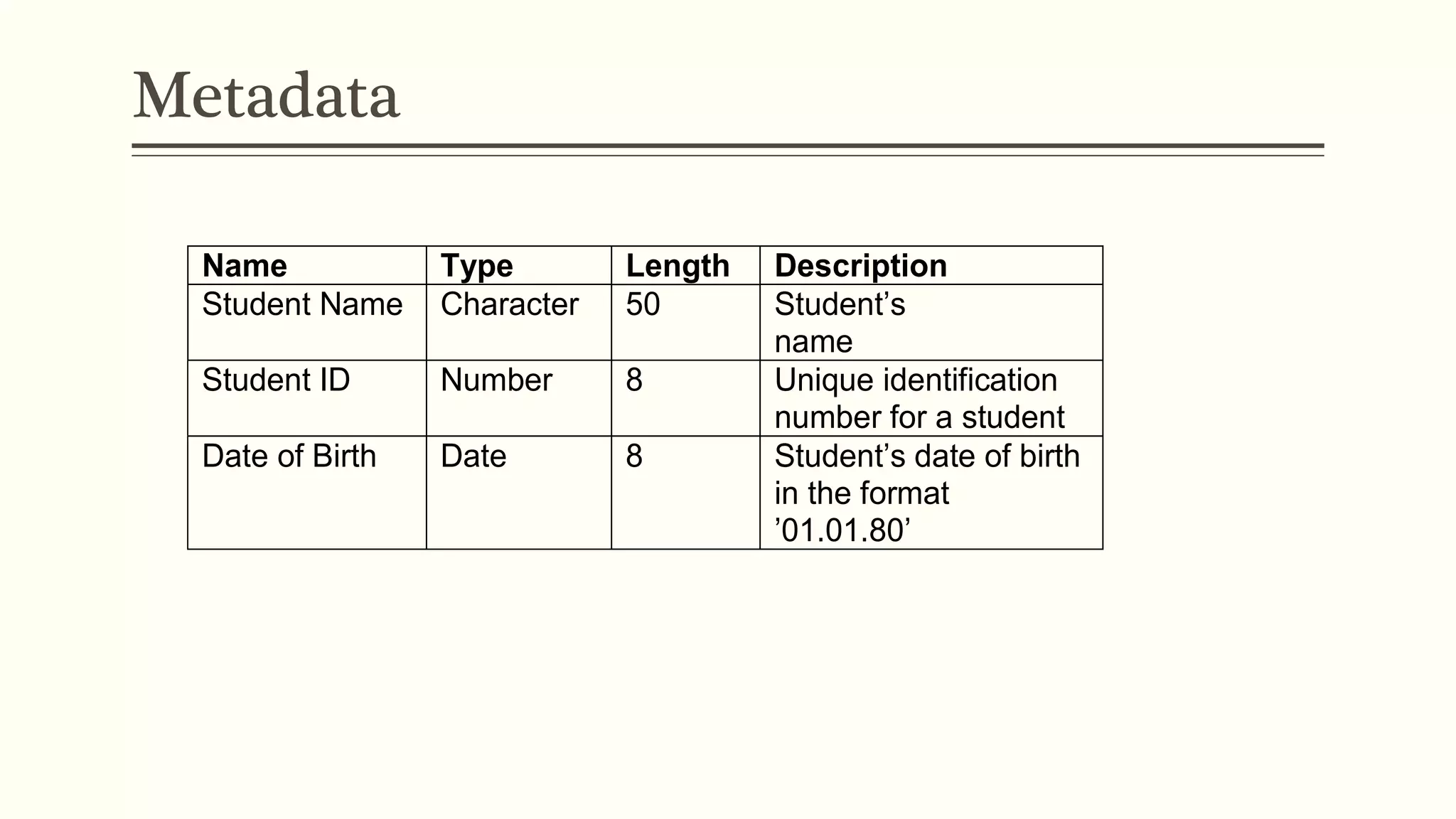
Metadata
Name Type Length Description
Student Name Character 50 Student’s
name
Student ID Number 8 Unique identification
number for a student
Date of Birth Date 8 Student’s date of birth
in the format
’01.01.80’
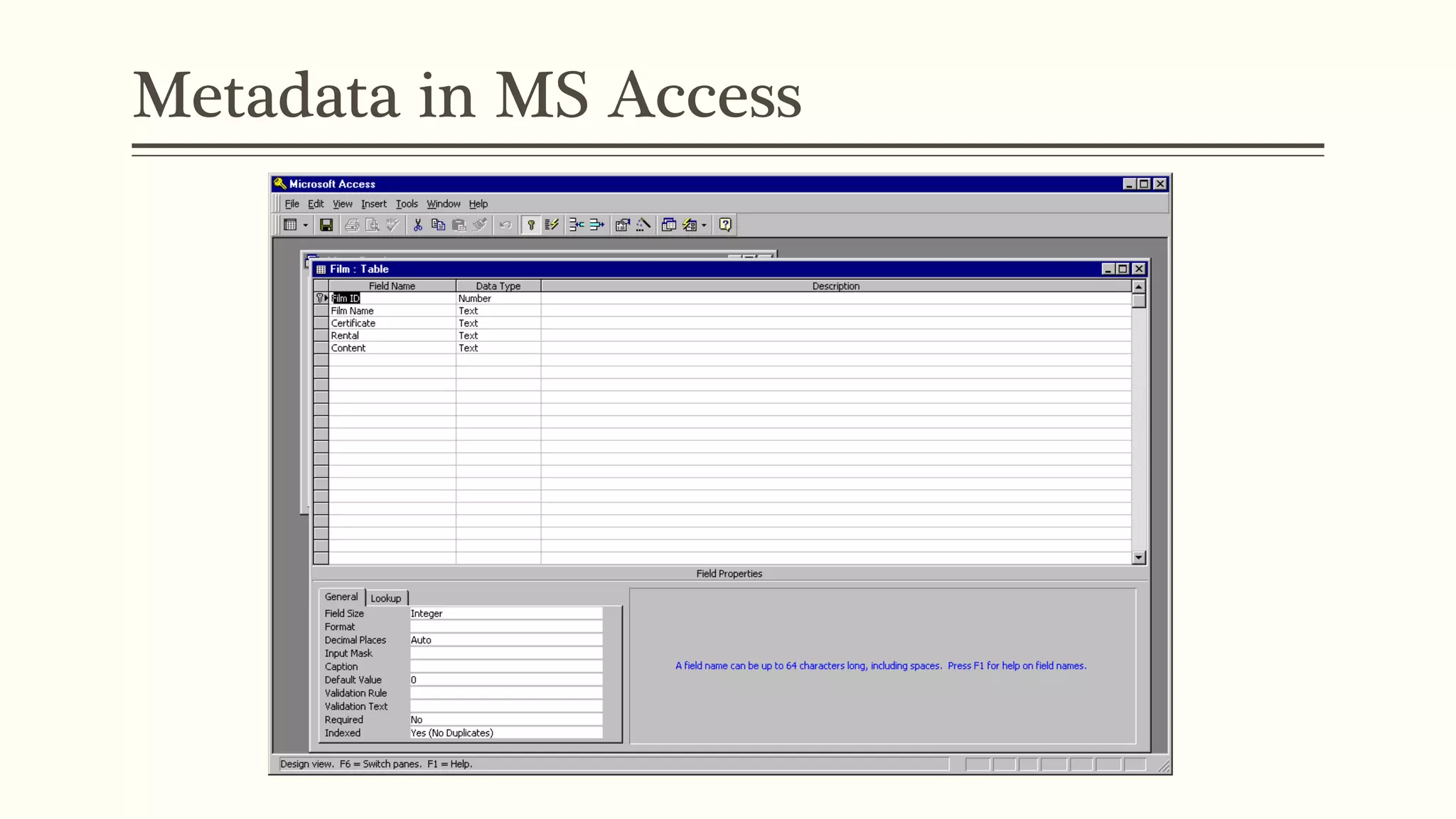
Metadata in MS Access
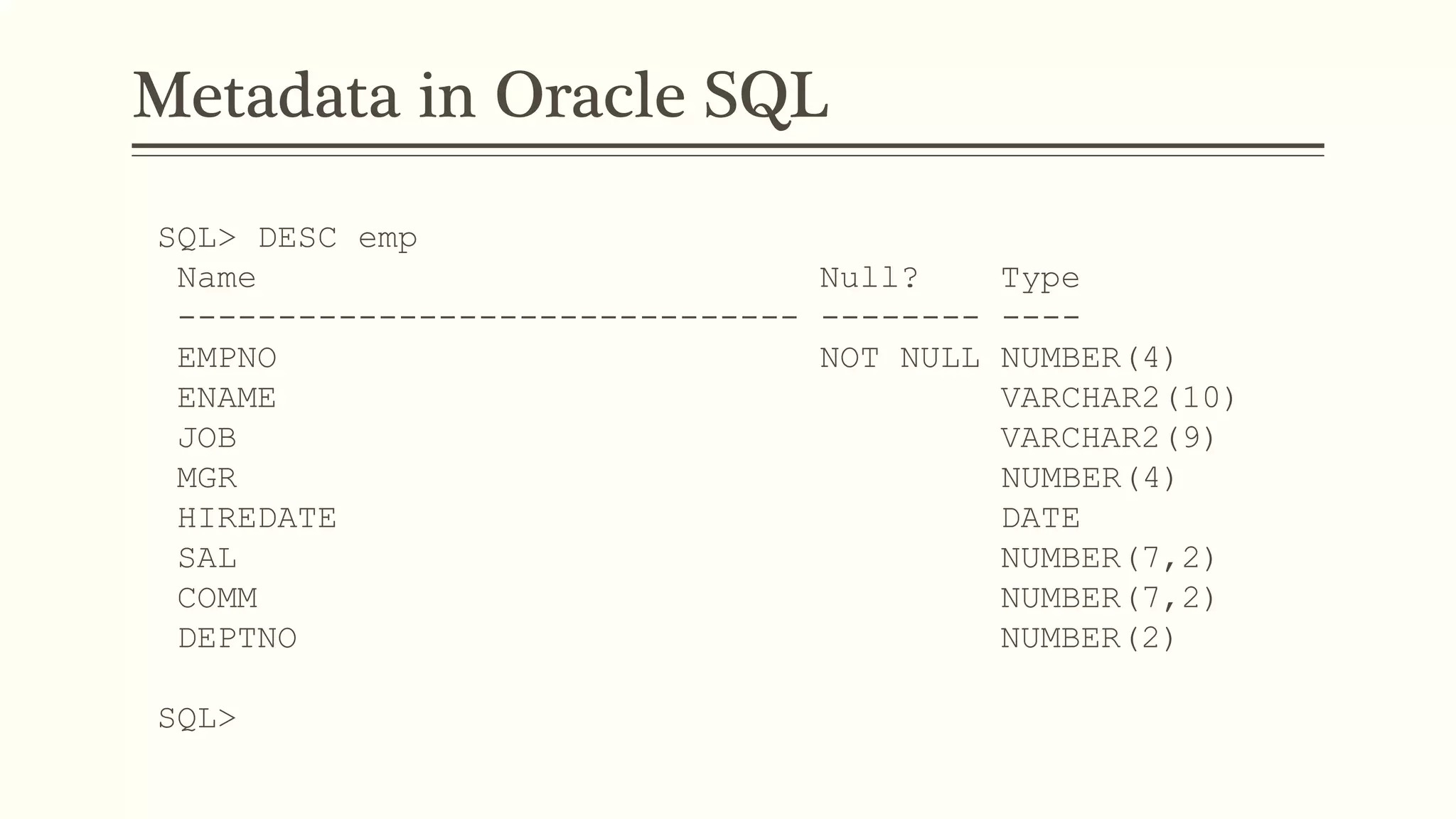
Metadata in Oracle SQL
SQL> DESC emp
Name Null? Type
------------------------------- -------- ----
EMPNO NOT NULL NUMBER(4)
ENAME VARCHAR2(10)
JOB VARCHAR2(9)
MGR NUMBER(4)
HIREDATE DATE
SAL NUMBER(7,2)
COMM NUMBER(7,2)
DEPTNO NUMBER(2)
SQL>
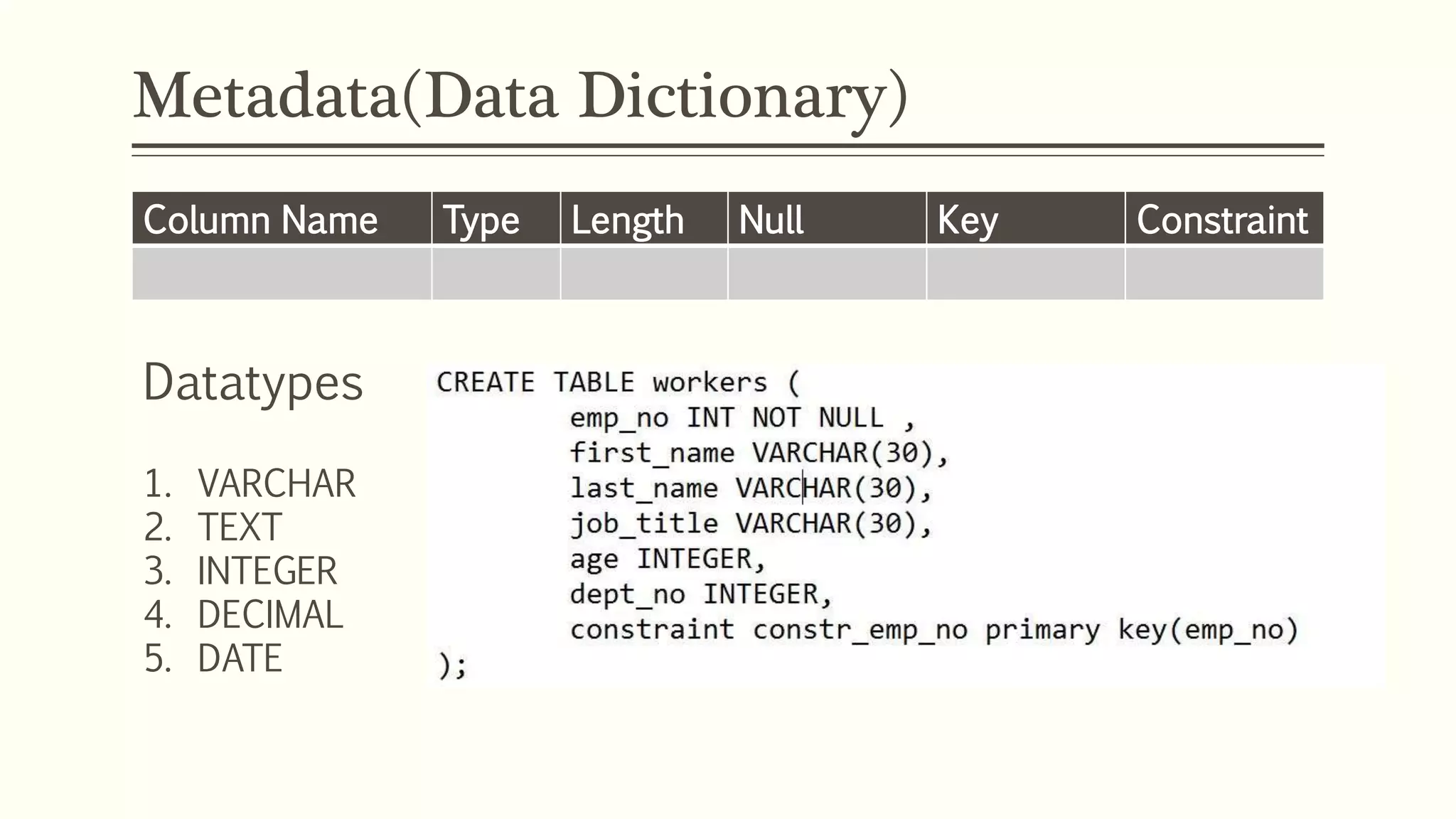
Metadata(Data Dictionary)
Datatypes
1. VARCHAR
2. TEXT
3. INTEGER
4. DECIMAL
5. DATE
Column Name Type Length Null Key Constraint
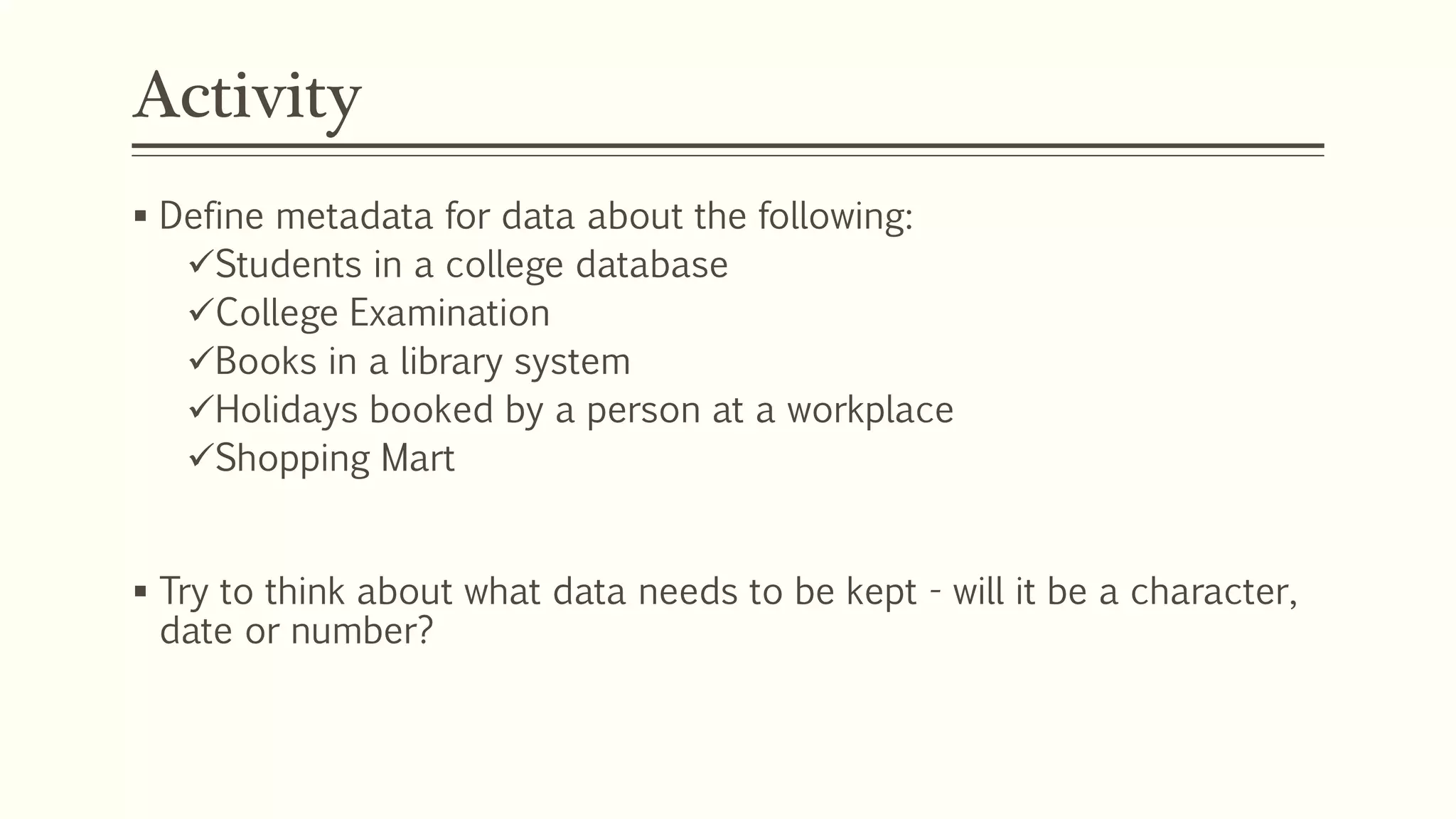
Activity
 Define metadata for data about the following:
Students in a college database
College Examination
Books in a library system
Holidays booked by a person at a workplace
Shopping Mart
 Try to think about what data needs to be kept - will it be a character,
date or number?
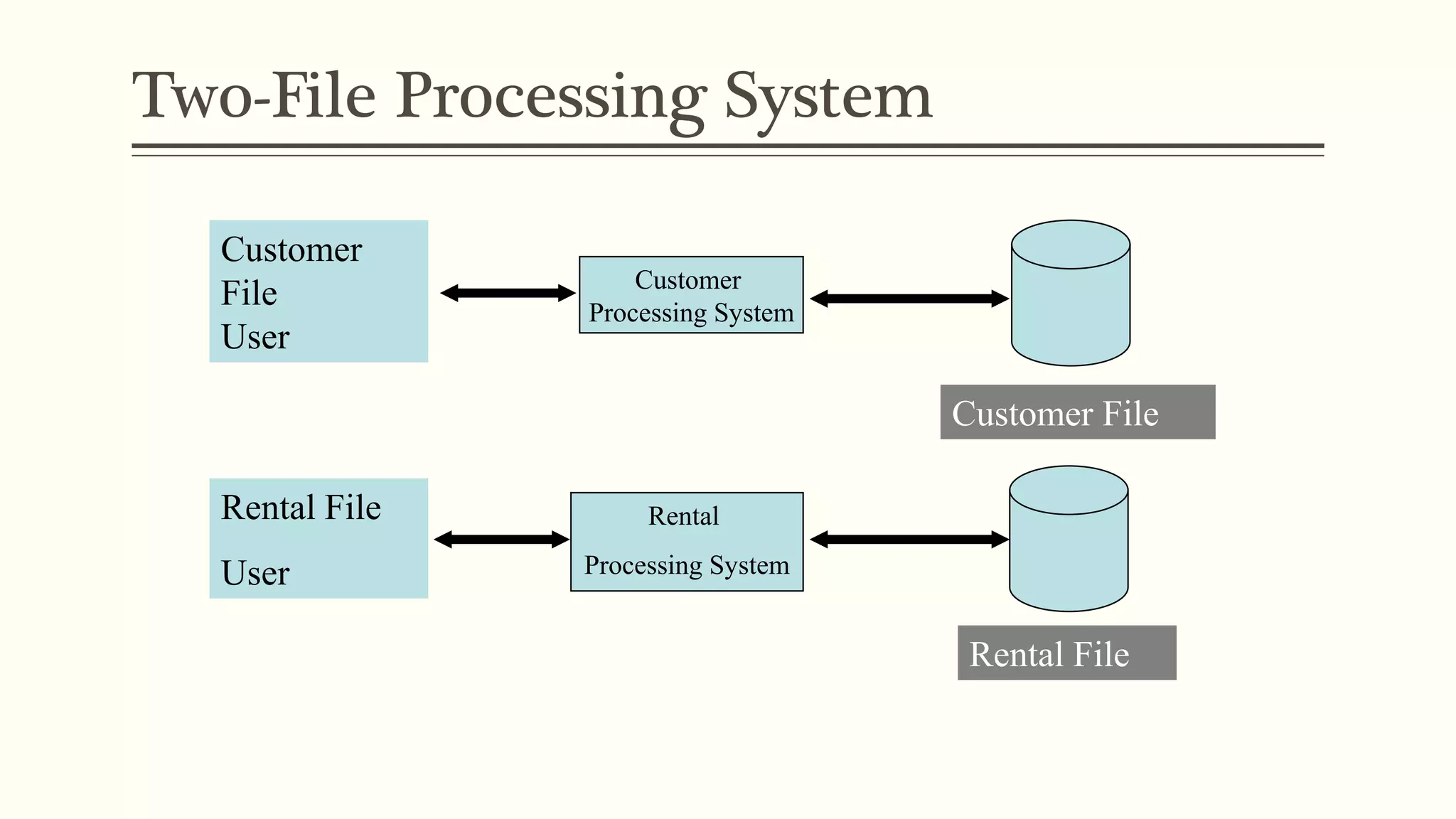
Two-File Processing System
Customer
File
User
Customer
Processing System
Rental
Processing System
Customer File
Rental File
Rental File
User
Two-File Processing System
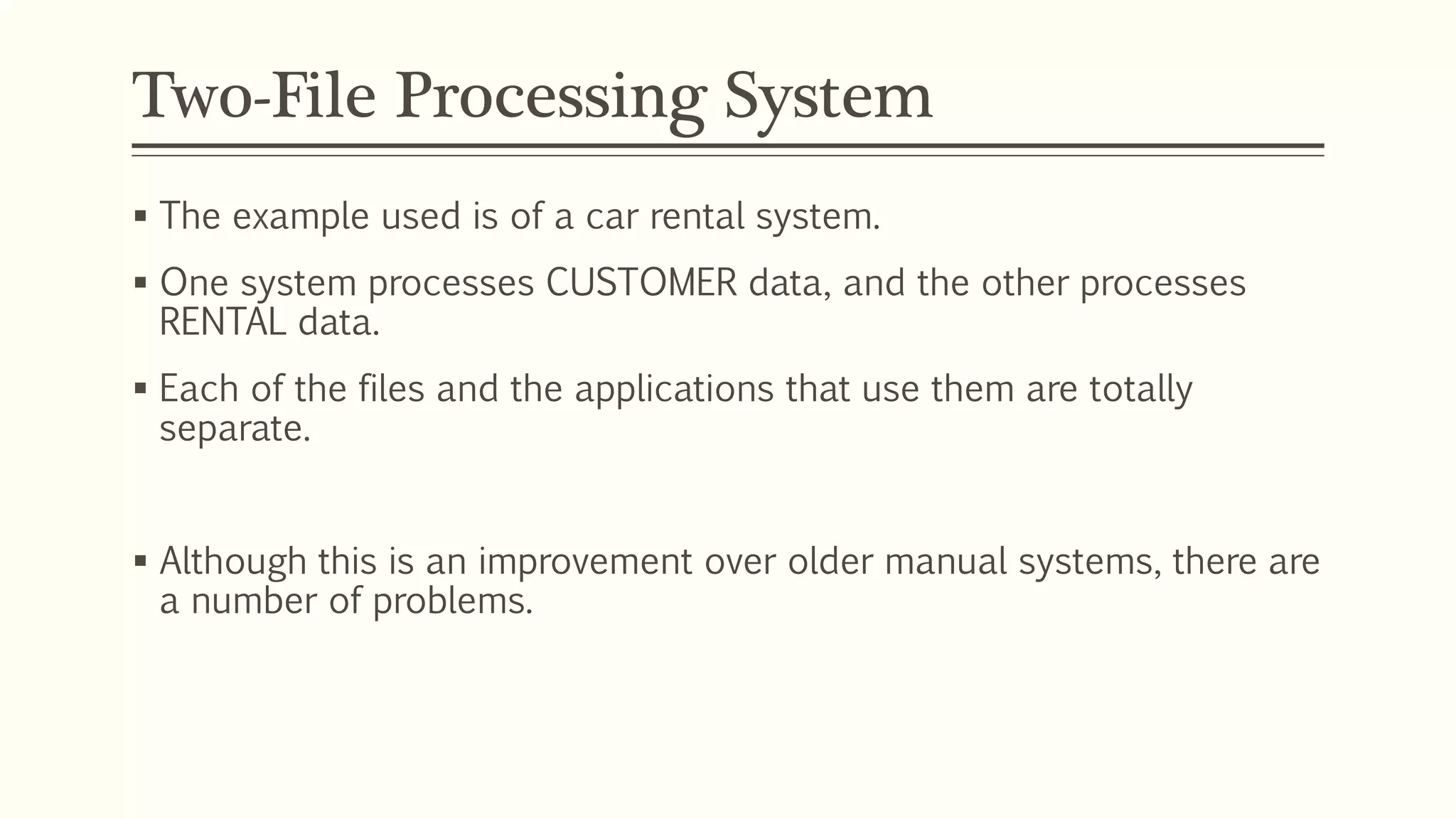
 The example used is of a car rental system.
 One system processes CUSTOMER data, and the other processes
RENTAL data.
 Each of the files and the applications that use them are totally
separate.
 Although this is an improvement over older manual systems, there are
a number of problems.
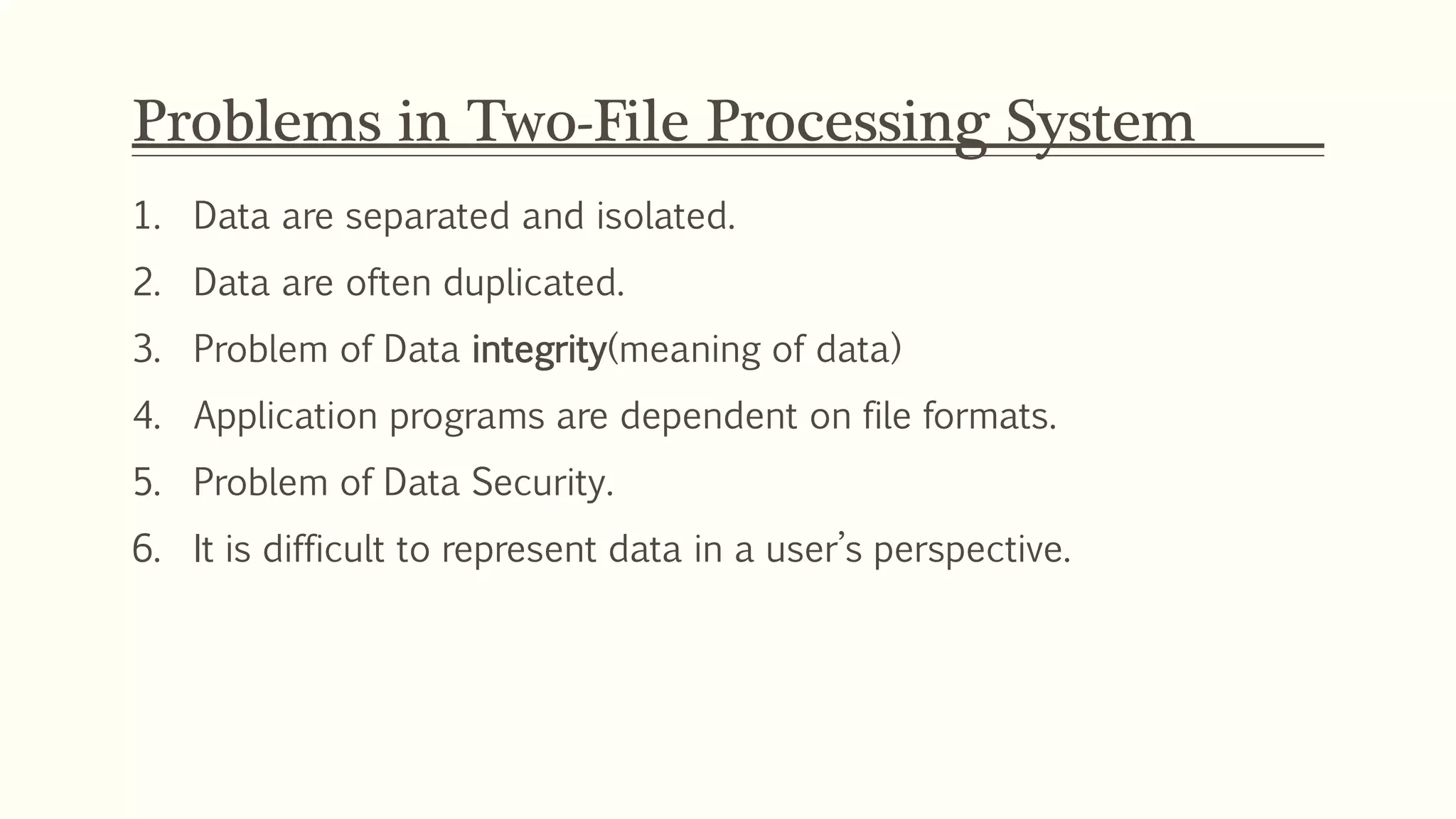
Problems in Two-File Processing System
1. Data are separated and isolated.
2. Data are often duplicated.
3. Problem of Data integrity(meaning of data)
4. Application programs are dependent on file formats.
5. Problem of Data Security.
6. It is difficult to represent data in a user’s perspective.
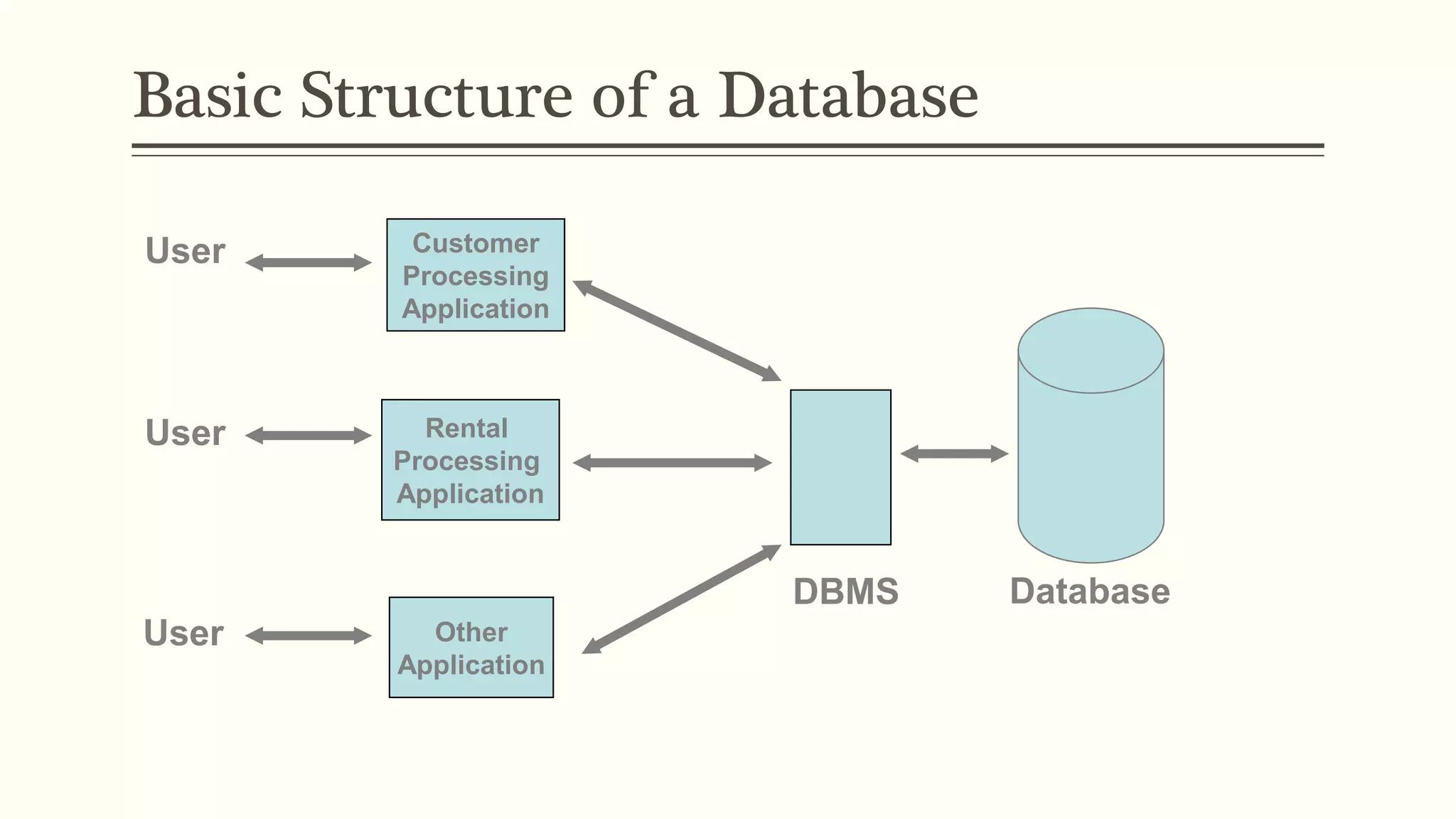
Basic Structure of a Database
Customer
Processing
Application
Rental
Processing
Application
Other
Application
DBMS
User
User
User
Database
Database System in Detail
DATA
Customer
Processing
Application
Rental
Processing
Application
Other
Application Database
DBMS
User
User
User
METADATA
Database
Management
System
Application Requests
Data
Data
Data
Application Requests
DBMS serves as intermediary
between user and the database by translating
user requests into the complex code required
to fulfill those requests.
Application programs might be written in a programming
Language, such as Visual Basic or C++, or it might
be created through a DBMS utility e.g. Access’s forms wizard.
DBMS
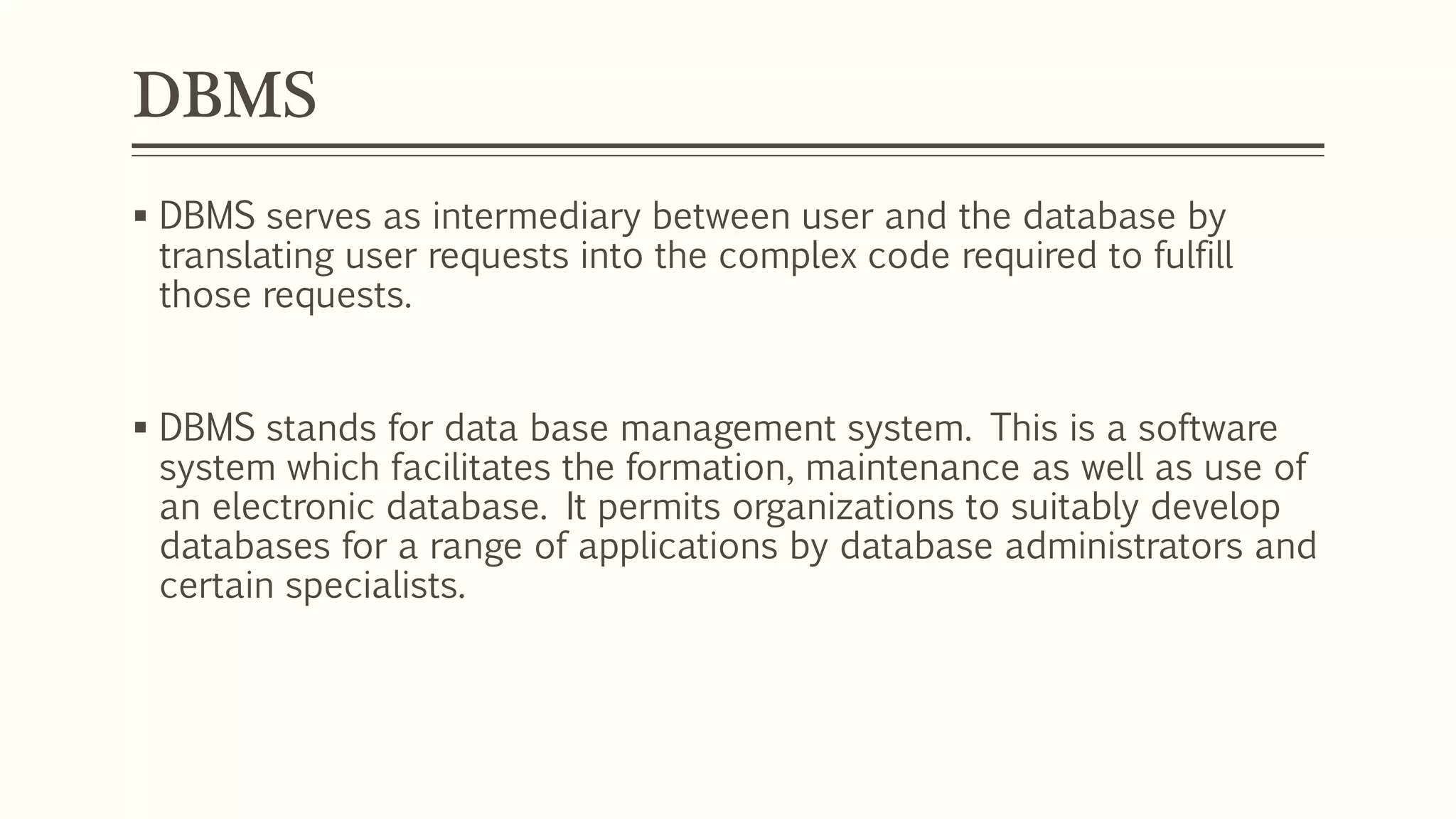
 DBMS serves as intermediary between user and the database by
translating user requests into the complex code required to fulfill
those requests.
 DBMS stands for data base management system. This is a software
system which facilitates the formation, maintenance as well as use of
an electronic database. It permits organizations to suitably develop
databases for a range of applications by database administrators and
certain specialists.
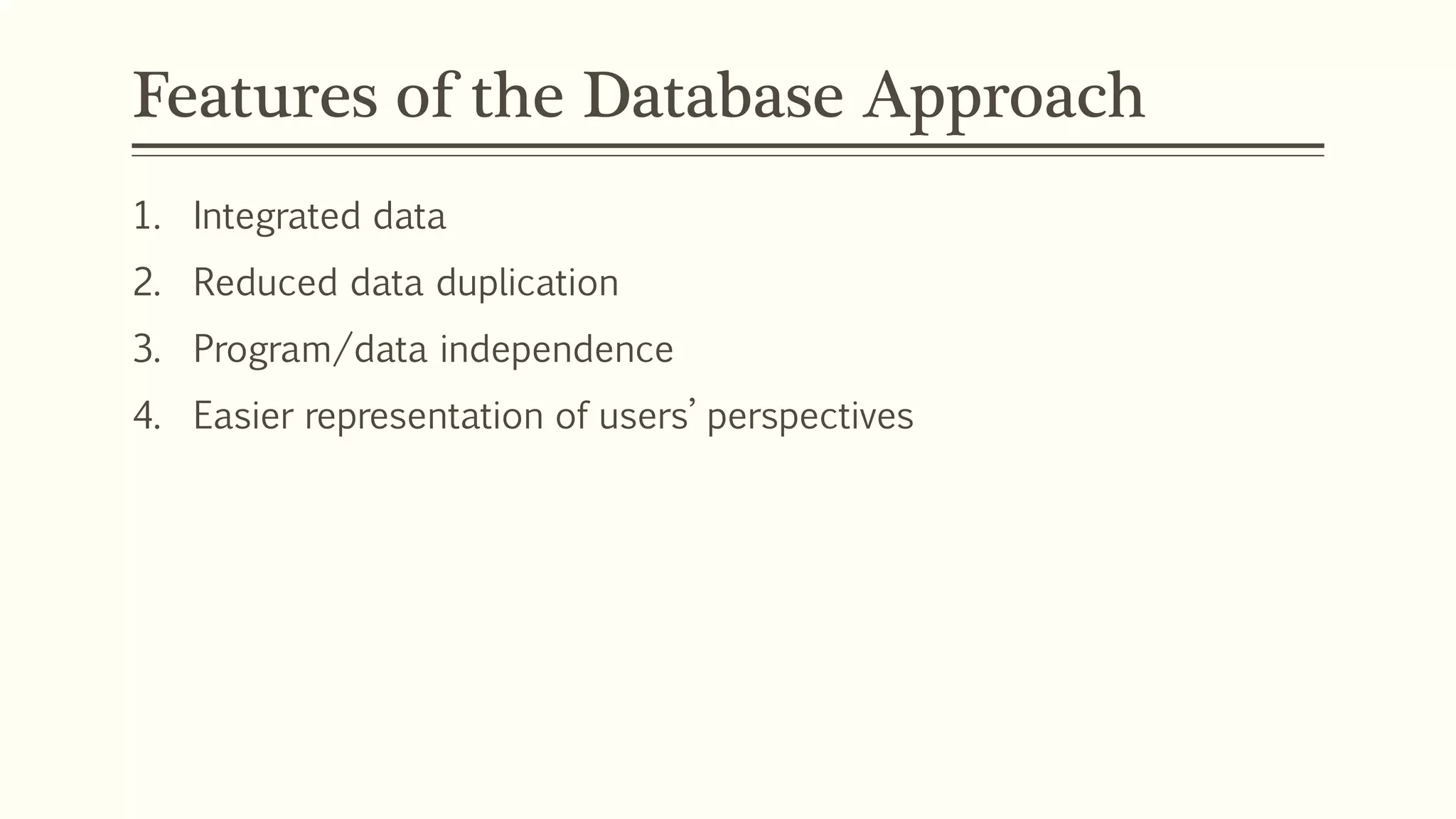
Features of the Database Approach
1. Integrated data
2. Reduced data duplication
3. Program/data independence
4. Easier representation of users’ perspectives
Common Applications
1. Forms
2. Reports
3. Web-applications
4. Desktop Applications
DBMS Functions
1. CRUD functions
2. Data dictionary
3. Transaction management
4. Concurrency control
5. Recovery
6. Authorization
7. Data integrity
8. Administration utilities
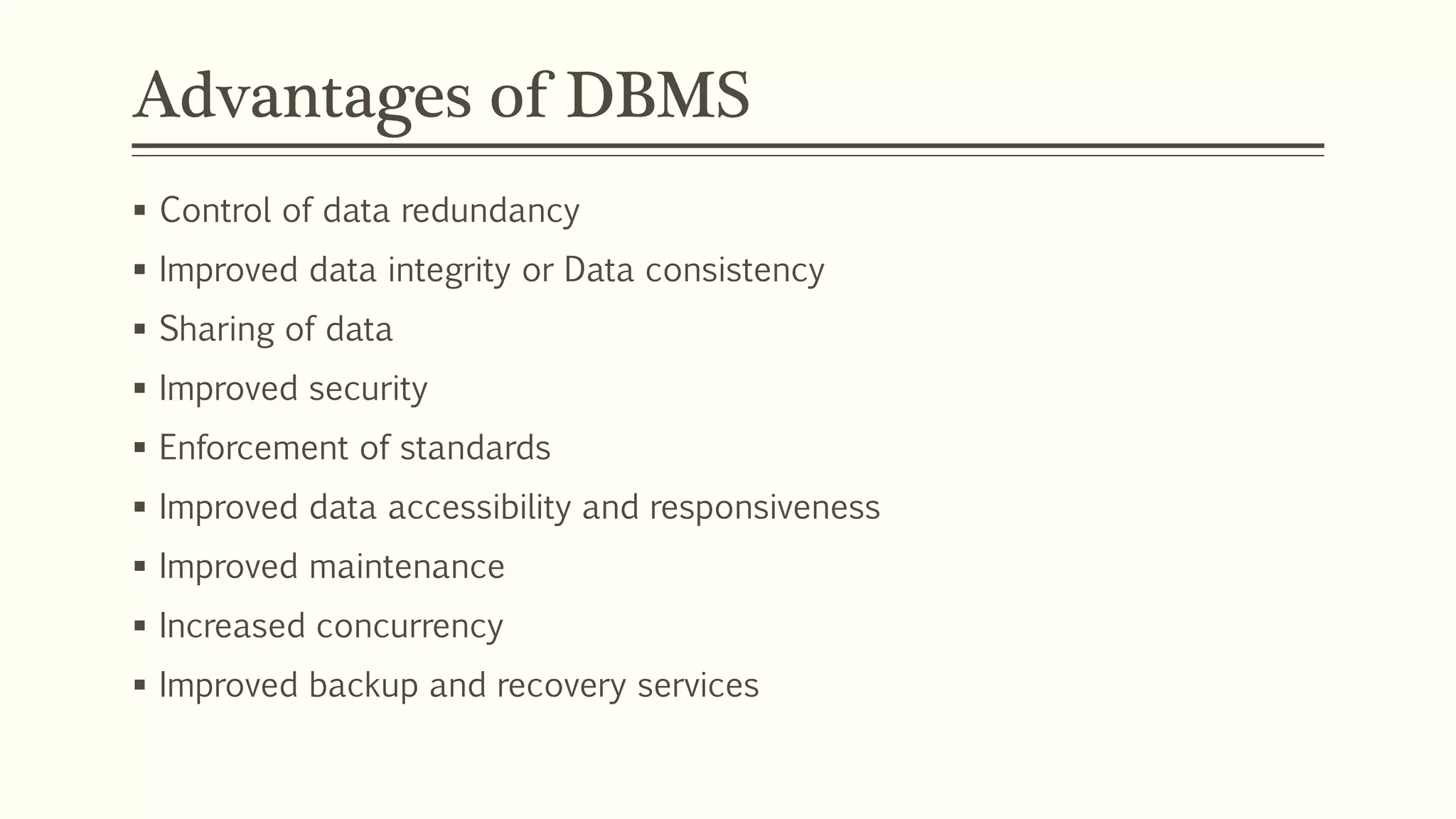
Advantages of DBMS
 Control of data redundancy
 Improved data integrity or Data consistency
 Sharing of data
 Improved security
 Enforcement of standards
 Improved data accessibility and responsiveness
 Improved maintenance
 Increased concurrency
 Improved backup and recovery services
Disadvantages of DBMS
 Complexity
 Size
 Cost of DBMSs
 Additional hardware costs
 Cost of conversion
 Performance
 Requires skilled manpower
DBMS – Architecture
• The DBMS is the software that handles all the interactions between
applications and the database.
• Paul Benyon-Davis provides a useful way of looking at the structure of
the DBMS itself i.e. DBMS Architecture.
• 3 layers
1. Kernel
2. Interface
3. Toolkit
Kernel, Interface and Toolkit
DBMS Toolkit
Interface
DBMS Kernel
Database
Kernel, Interface and Toolkit
1. Kernel
 Central engine, which operates most of the core data management
functions
2. Toolkit
 The tools and applications that interact with the end-users.
 These might be provided as part of the DBMS product or as separate
piece of software.
Eg. Batch Processing of supply chain, Processing sales.
3. Interface
 It handles the interaction between the toolkit and the kernel
Eg. design of screens for applications such as point of sale
References
 http://www.ask.com/question/what-is-a-dbms
 http://en.wikipedia.org/wiki/Microsoft_SQL_Server
Data Models
 Hierarchical
 Network
 Relational
 Object-oriented
 Deductive
 Post-relational
ANY QUESTIONS?

Dbms

  • 1.
    Er. Nawaraj Bhandari Topic2: Databases and Database Management Systems
  • 2.
    Metadata  Metadata isdata about data.  It is the way in which the database keeps information about its own structure.  Metadata is stored in the data dictionary.
  • 3.
    Metadata Name Type LengthDescription Student Name Character 50 Student’s name Student ID Number 8 Unique identification number for a student Date of Birth Date 8 Student’s date of birth in the format ’01.01.80’
  • 4.
  • 5.
    Metadata in OracleSQL SQL> DESC emp Name Null? Type ------------------------------- -------- ---- EMPNO NOT NULL NUMBER(4) ENAME VARCHAR2(10) JOB VARCHAR2(9) MGR NUMBER(4) HIREDATE DATE SAL NUMBER(7,2) COMM NUMBER(7,2) DEPTNO NUMBER(2) SQL>
  • 6.
    Metadata(Data Dictionary) Datatypes 1. VARCHAR 2.TEXT 3. INTEGER 4. DECIMAL 5. DATE Column Name Type Length Null Key Constraint
  • 7.
    Activity  Define metadatafor data about the following: Students in a college database College Examination Books in a library system Holidays booked by a person at a workplace Shopping Mart  Try to think about what data needs to be kept - will it be a character, date or number?
  • 8.
    Two-File Processing System Customer File User Customer ProcessingSystem Rental Processing System Customer File Rental File Rental File User
  • 9.
    Two-File Processing System The example used is of a car rental system.  One system processes CUSTOMER data, and the other processes RENTAL data.  Each of the files and the applications that use them are totally separate.  Although this is an improvement over older manual systems, there are a number of problems.
  • 10.
    Problems in Two-FileProcessing System 1. Data are separated and isolated. 2. Data are often duplicated. 3. Problem of Data integrity(meaning of data) 4. Application programs are dependent on file formats. 5. Problem of Data Security. 6. It is difficult to represent data in a user’s perspective.
  • 11.
    Basic Structure ofa Database Customer Processing Application Rental Processing Application Other Application DBMS User User User Database
  • 12.
    Database System inDetail DATA Customer Processing Application Rental Processing Application Other Application Database DBMS User User User METADATA Database Management System Application Requests Data Data Data Application Requests Application Requests DBMS serves as intermediary between user and the database by translating user requests into the complex code required to fulfill those requests. Application programs might be written in a programming Language, such as Visual Basic or C++, or it might be created through a DBMS utility e.g. Access’s forms wizard.
  • 13.
    DBMS  DBMS servesas intermediary between user and the database by translating user requests into the complex code required to fulfill those requests.  DBMS stands for data base management system. This is a software system which facilitates the formation, maintenance as well as use of an electronic database. It permits organizations to suitably develop databases for a range of applications by database administrators and certain specialists.
  • 14.
    Features of theDatabase Approach 1. Integrated data 2. Reduced data duplication 3. Program/data independence 4. Easier representation of users’ perspectives
  • 15.
    Common Applications 1. Forms 2.Reports 3. Web-applications 4. Desktop Applications
  • 16.
    DBMS Functions 1. CRUDfunctions 2. Data dictionary 3. Transaction management 4. Concurrency control 5. Recovery 6. Authorization 7. Data integrity 8. Administration utilities
  • 17.
    Advantages of DBMS Control of data redundancy  Improved data integrity or Data consistency  Sharing of data  Improved security  Enforcement of standards  Improved data accessibility and responsiveness  Improved maintenance  Increased concurrency  Improved backup and recovery services
  • 18.
    Disadvantages of DBMS Complexity  Size  Cost of DBMSs  Additional hardware costs  Cost of conversion  Performance  Requires skilled manpower
  • 19.
    DBMS – Architecture •The DBMS is the software that handles all the interactions between applications and the database. • Paul Benyon-Davis provides a useful way of looking at the structure of the DBMS itself i.e. DBMS Architecture. • 3 layers 1. Kernel 2. Interface 3. Toolkit
  • 20.
    Kernel, Interface andToolkit DBMS Toolkit Interface DBMS Kernel Database
  • 21.
    Kernel, Interface andToolkit 1. Kernel  Central engine, which operates most of the core data management functions 2. Toolkit  The tools and applications that interact with the end-users.  These might be provided as part of the DBMS product or as separate piece of software. Eg. Batch Processing of supply chain, Processing sales. 3. Interface  It handles the interaction between the toolkit and the kernel Eg. design of screens for applications such as point of sale
  • 22.
  • 23.
    Data Models  Hierarchical Network  Relational  Object-oriented  Deductive  Post-relational
  • 24.

Editor's Notes

  • #11 Data Integrity: Data integrity refers to the validity of data, meaning data is consistent and correct
  • #12 DBMS – Microsoft SQL Server, MySQL, SQLite, mSQL, etc Database - A database is an organized collection of data.
  • #13 DBMS stands for data base management system. This is a software system which facilitates the formation, maintenance as well as use of an electronic database. It permits organizations to suitably develop databases for a range of applications by database administrators and certain specialists.
  • #17 Data Dictionary -The repository for the metadata should be supported. Not only the structure of tables, but also the primary keys, relationships between tables etc. Transaction Management -A transaction is one or more operations that access or make a change to the database. This must be supported by the DBMS. Concurrency Control -The ability for many users to perform transactions at the same time. Recovery -In the event of a hardware or software failure, the database must be capable of being recovered. Authorization -Security must be enforceable. This means being able to allocate different roles and levels of access to users with associated user names, passwords and privileges that give access to some, but not all areas of the database and some, but not necessarily all, CRUD operations. Data Integrity -Making sure that the database data reflects accurately the model of the world that data is being kept about. This involves the use of integrity constraints, such as enforcing that the values of an attribute are valid values. Administration Utilities -Allow importing and exporting of data, monitoring of use and monitoring of performance
  • #18 Concurrency -Allowing multiple accesses without creating conflicts or inconsistent data.
  • #20 Paul Beynon-Davies is an academic, author and consultant. Born in the Rhondda, South Wales, he received his BSc in Economics and Social Science and PhD in Computing from University of Wales College, Cardiff.
  • #22 Batch processing is the execution of a series of programs ("jobs") on a computer without manual intervention.