Data Capture

  YEAR 7 ICT
Learning outcomes
• To know how data capture turns
  INFORMATION into DATA

• To understand the difference between
  MANUAL and AUTOMATIC data capture
  methods

• To explain how to create a well designed DATA
  CAPTURE FORM
Data Capture
“DATA CAPTURE is gathering information to put on a
computer system”

Starter: In pairs, think of 3 companies that might use data
capture. Think about why they would want to gather the
information.

For example, a library may have a form for new members
to fill in to register.

Discuss your answers with the class
Data Capture
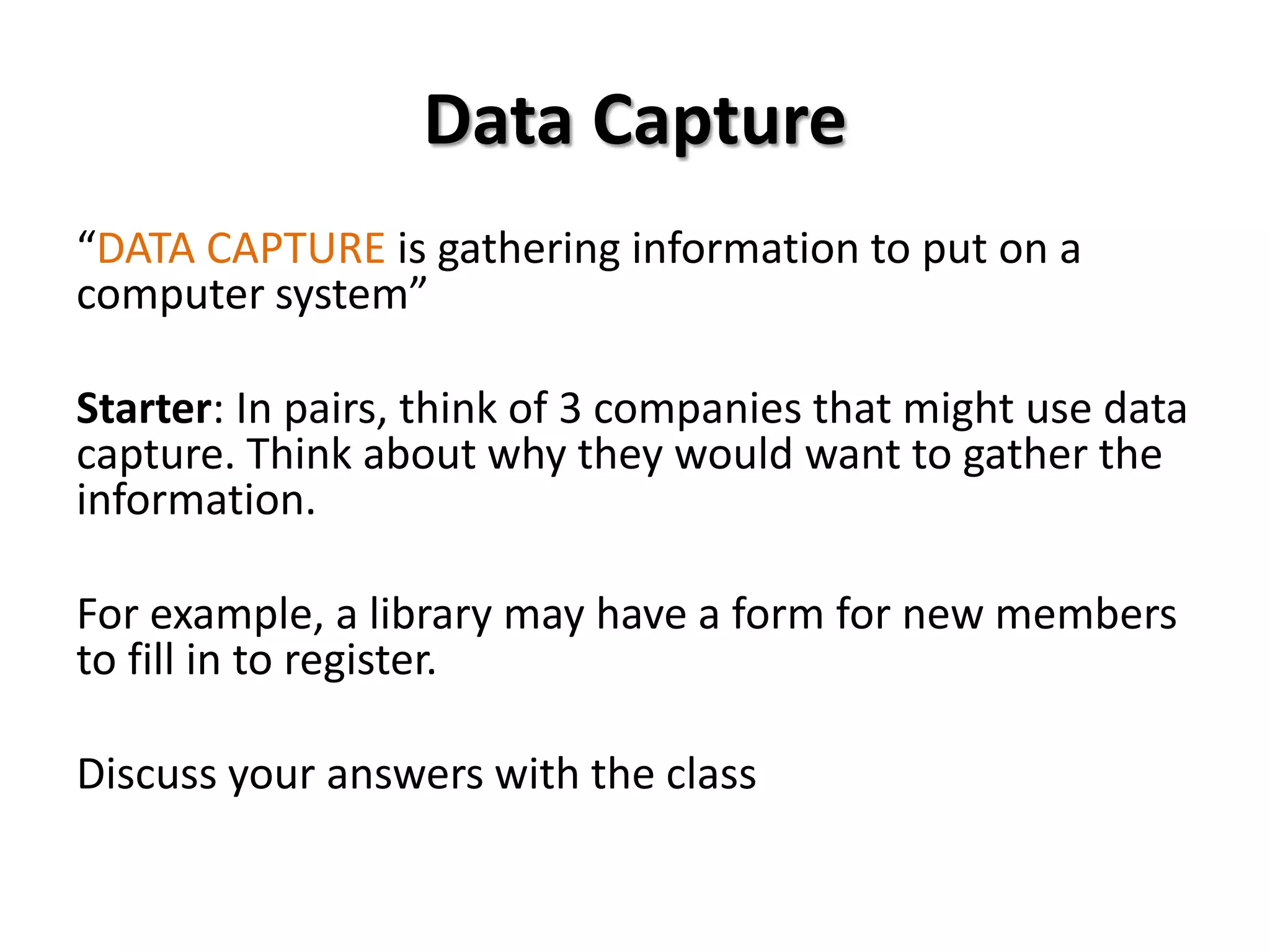
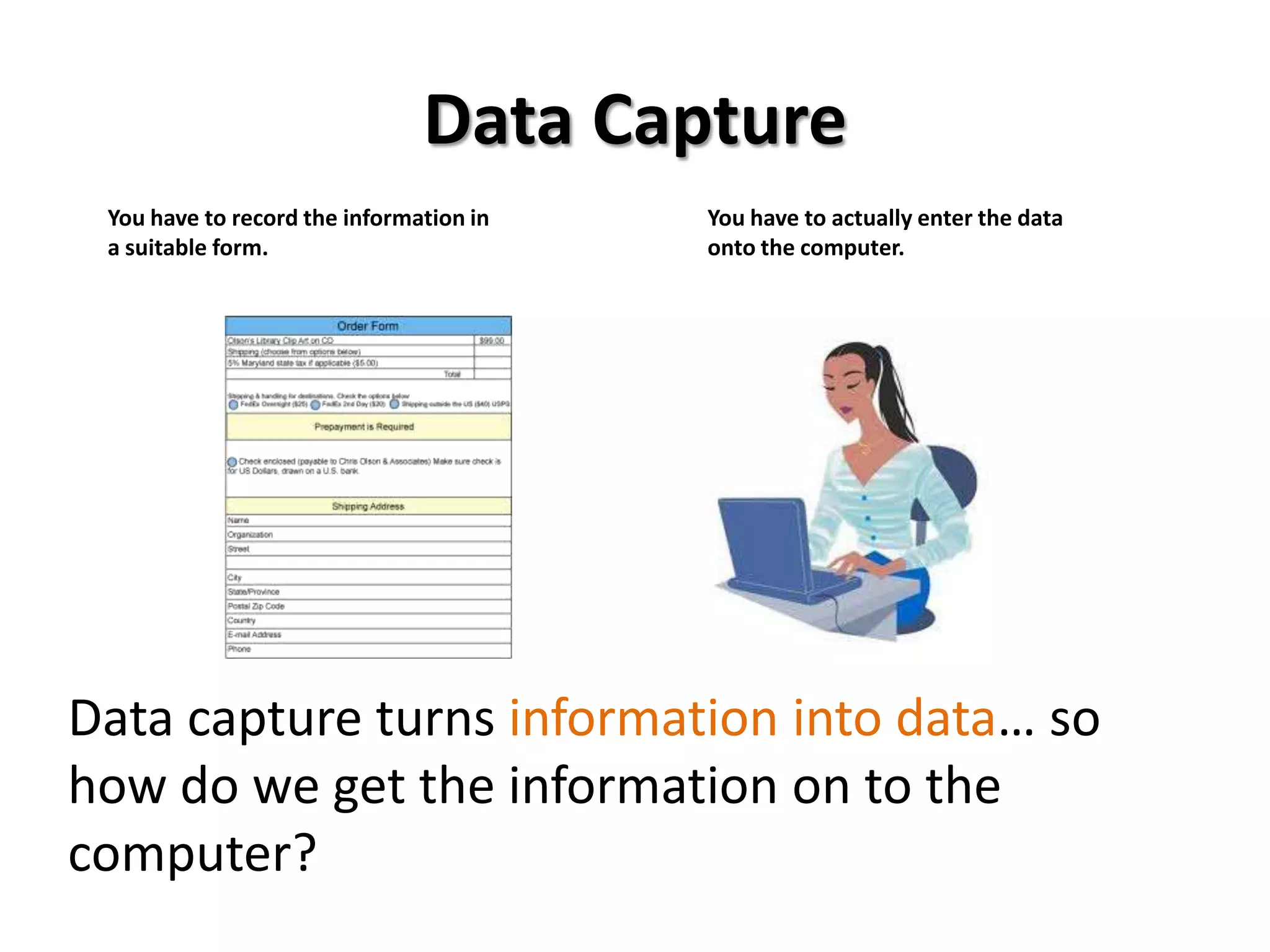
 You have to record the information in   You have to actually enter the data
 a suitable form.                        onto the computer.


Data capture turns information into data… so
how do we get the information on to the
computer?
Manual methods


               Forms                                   Questionnaires


Manual methods include forms and questionnaires. Someone writes out
information in a set way (e.g. on a form). It’s then input into the computer
exactly the way it was written on the form.
Manual methods
 Questionnaires usually need someone to
  key in the results by hand.

 With data capture forms, you just enter      How do you get to school?
  information in code format. The               A. Walk
  information is automatically read using a     B. Car
                                                C. Bus
  scanner –type thing. E.g. multiple choice     D. Train/Tube
  answer sheets or some school registers.

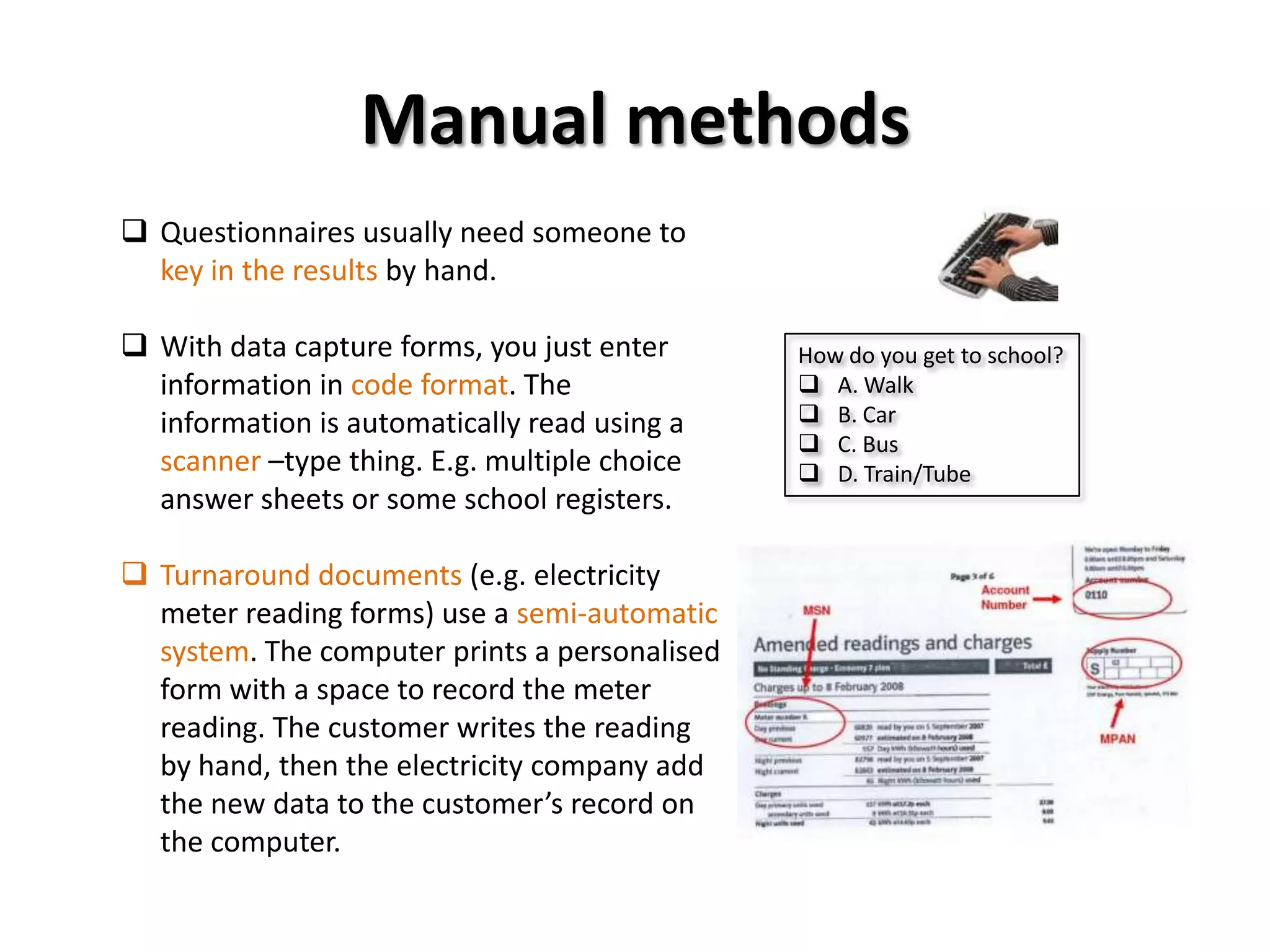
 Turnaround documents (e.g. electricity
  meter reading forms) use a semi-automatic
  system. The computer prints a personalised
  form with a space to record the meter
  reading. The customer writes the reading
  by hand, then the electricity company add
  the new data to the customer’s record on
  the computer.
Automatic methods
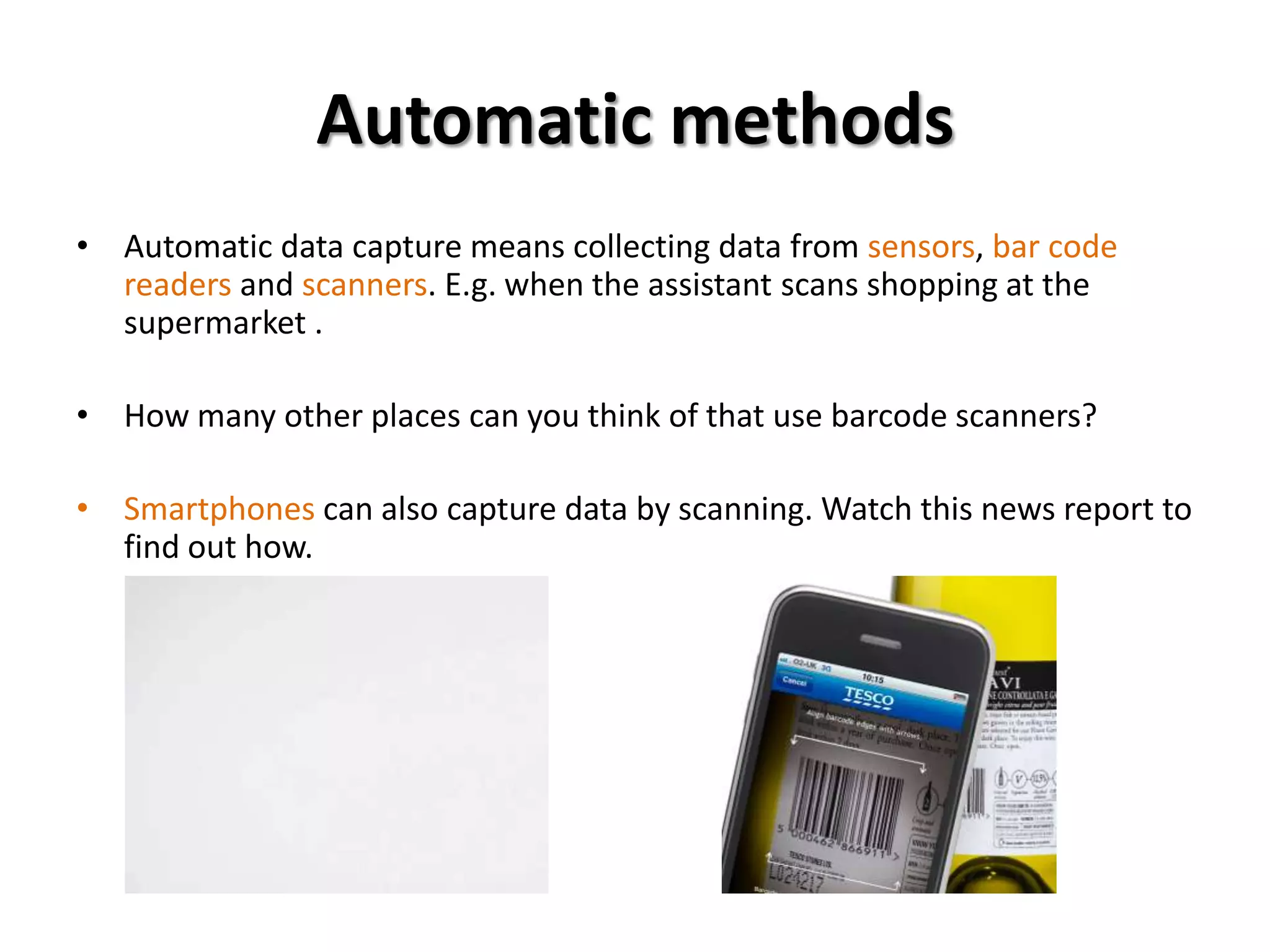
• Automatic data capture means collecting data from sensors, bar code
  readers and scanners. E.g. when the assistant scans shopping at the
  supermarket .

• How many other places can you think of that use barcode scanners?

• Smartphones can also capture data by scanning. Watch this news report to
  find out how.
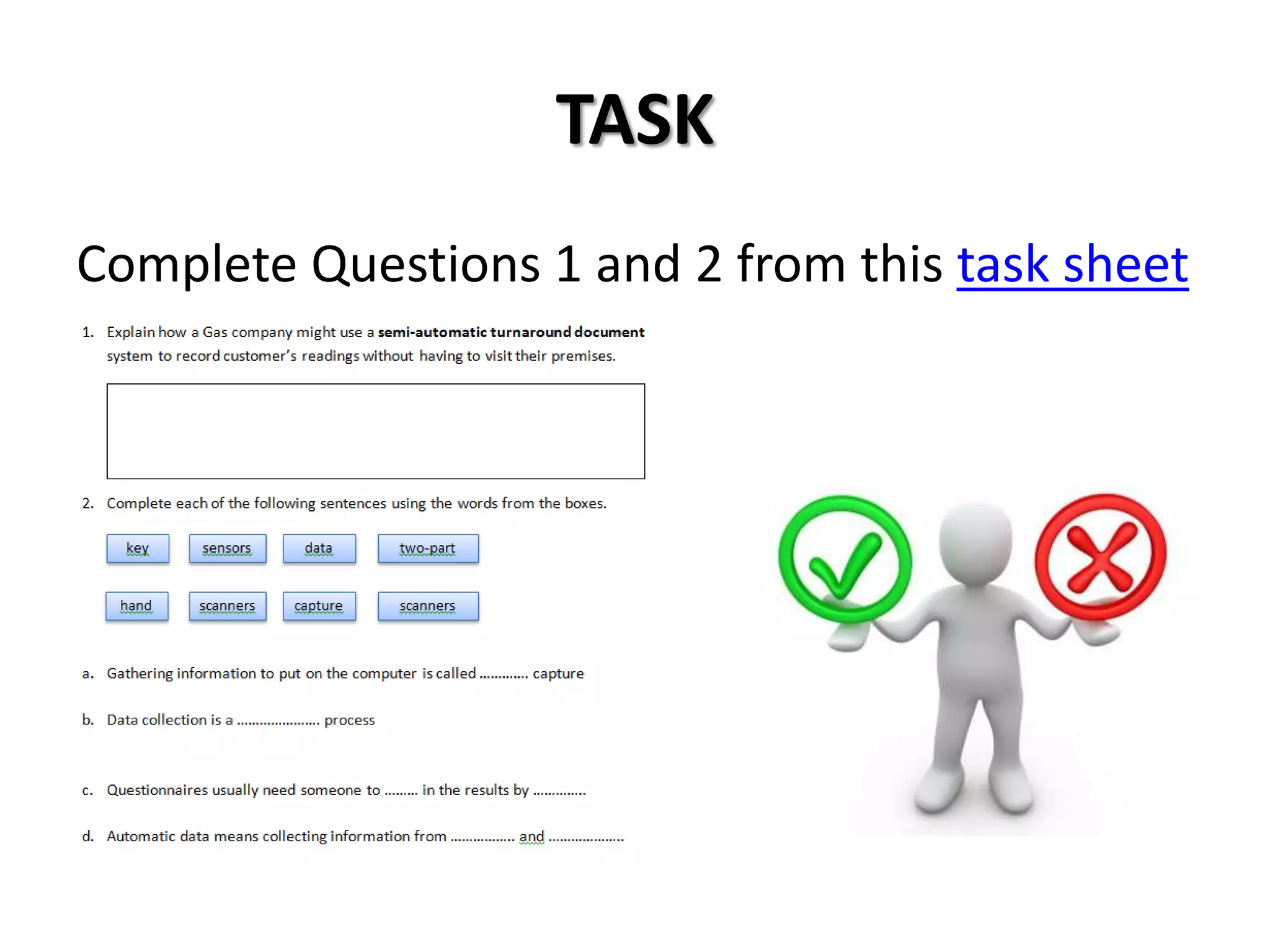
TASK
Complete Questions 1 and 2 from this task sheet
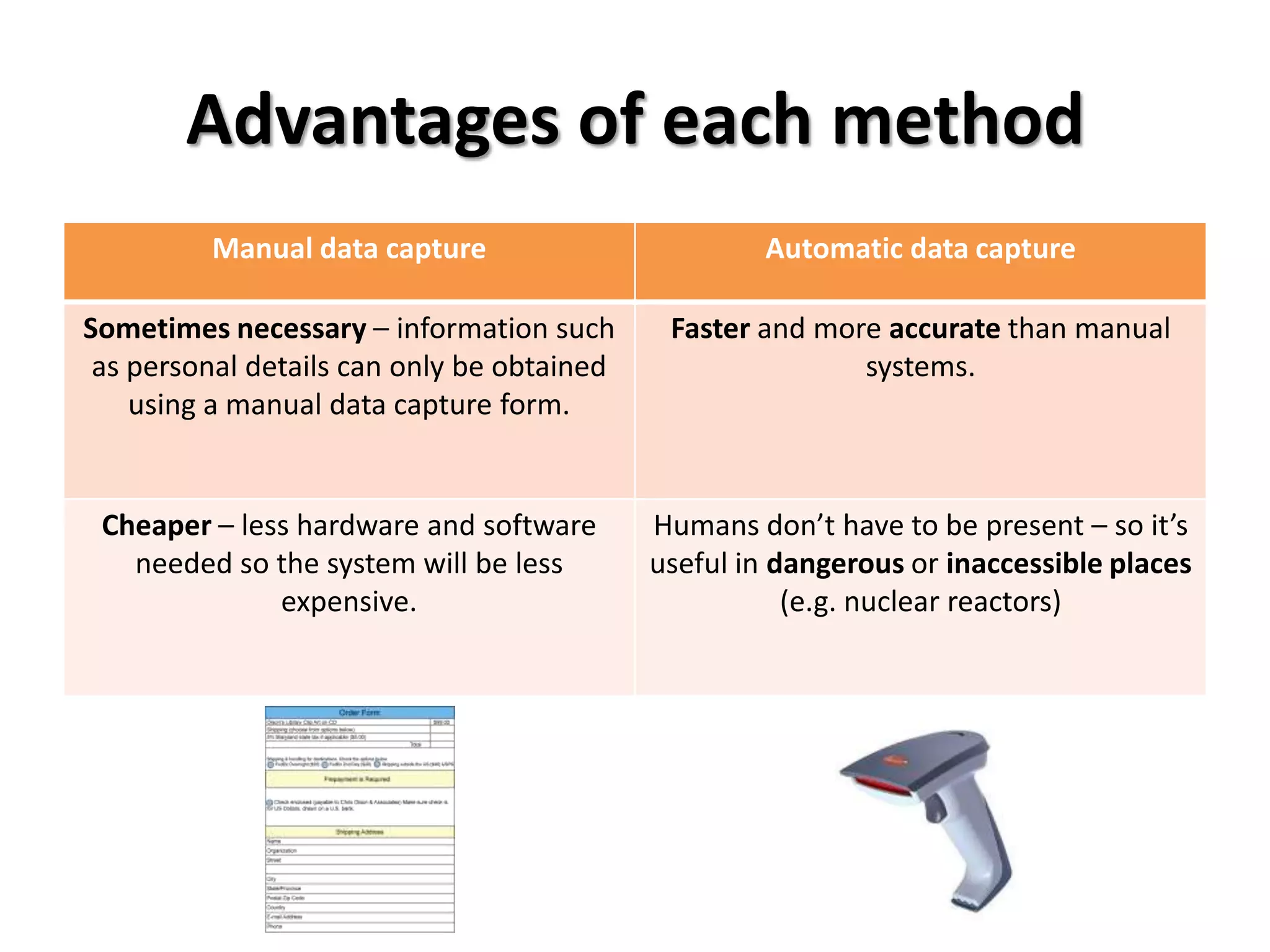
Advantages of each method
         Manual data capture                        Automatic data capture

Sometimes necessary – information such       Faster and more accurate than manual
 as personal details can only be obtained                  systems.
    using a manual data capture form.


 Cheaper – less hardware and software       Humans don’t have to be present – so it’s
   needed so the system will be less        useful in dangerous or inaccessible places
              expensive.                               (e.g. nuclear reactors)
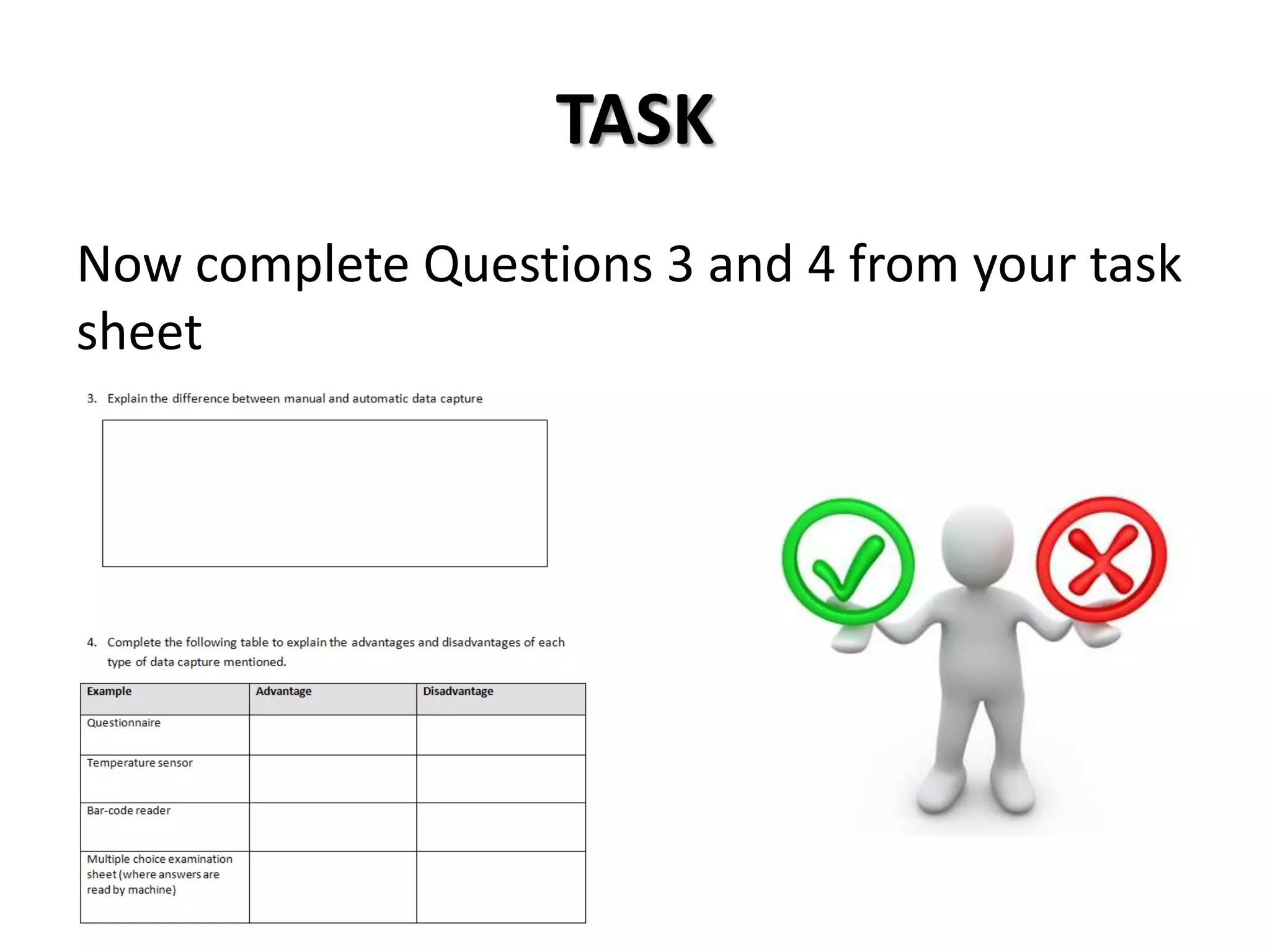
TASK
Now complete Questions 3 and 4 from your task
sheet
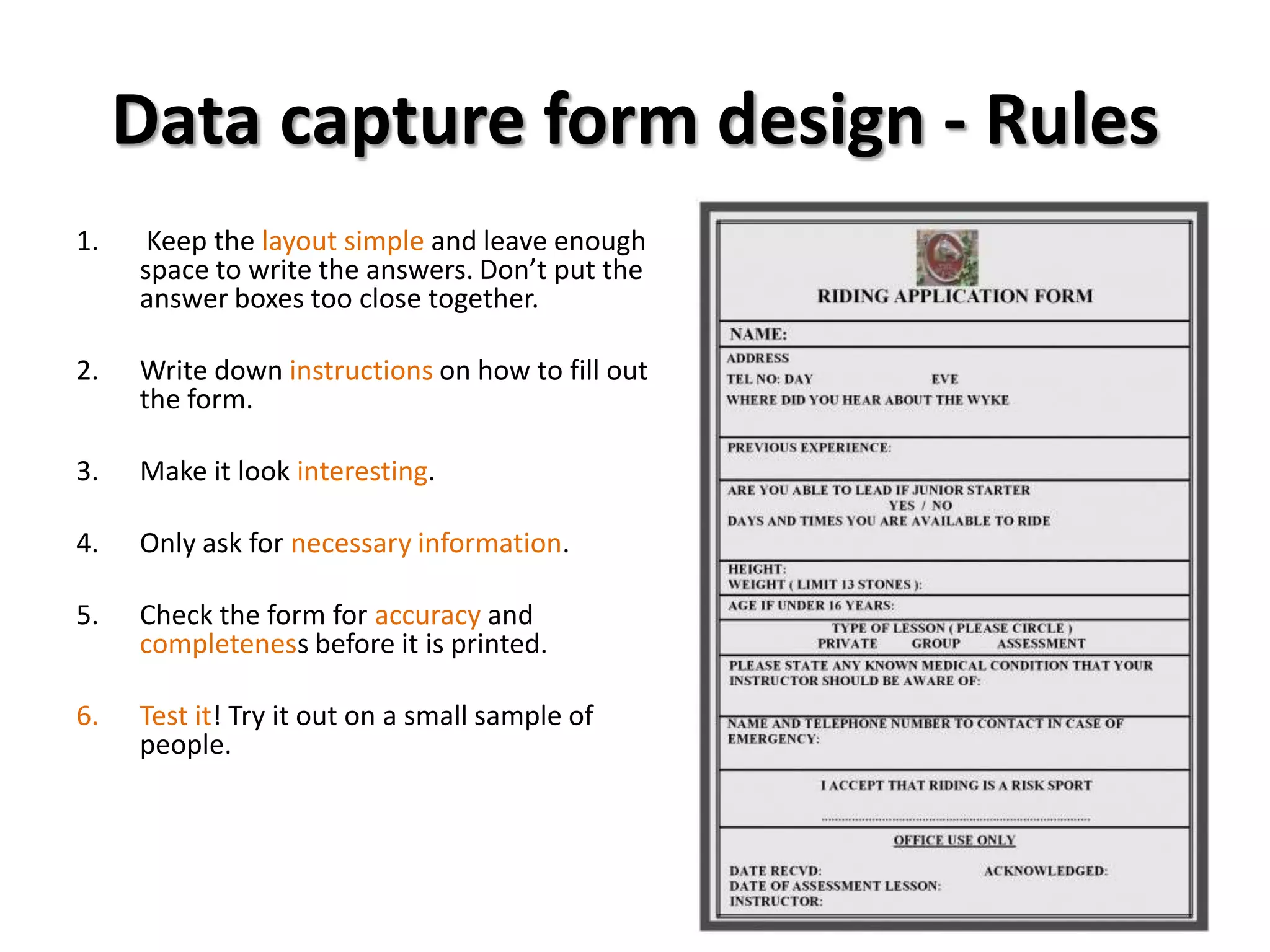
Data capture form design - Rules
1.    Keep the layout simple and leave enough
     space to write the answers. Don’t put the
     answer boxes too close together.

2.   Write down instructions on how to fill out
     the form.

3.   Make it look interesting.

4.   Only ask for necessary information.

5.   Check the form for accuracy and
     completeness before it is printed.

6.   Test it! Try it out on a small sample of
     people.
TASK
Now complete Questions 5 - 8 from your task
sheet
Plenary
In pairs think of three keywords associated
with today’s lesson. You partner will have to try
and guess what these are!
Homework
Click here for today’s homework.

Data capture

  • 1.
    Data Capture YEAR 7 ICT
  • 2.
    Learning outcomes • Toknow how data capture turns INFORMATION into DATA • To understand the difference between MANUAL and AUTOMATIC data capture methods • To explain how to create a well designed DATA CAPTURE FORM
  • 3.
    Data Capture “DATA CAPTUREis gathering information to put on a computer system” Starter: In pairs, think of 3 companies that might use data capture. Think about why they would want to gather the information. For example, a library may have a form for new members to fill in to register. Discuss your answers with the class
  • 4.
    Data Capture Youhave to record the information in You have to actually enter the data a suitable form. onto the computer. Data capture turns information into data… so how do we get the information on to the computer?
  • 5.
    Manual methods Forms Questionnaires Manual methods include forms and questionnaires. Someone writes out information in a set way (e.g. on a form). It’s then input into the computer exactly the way it was written on the form.
  • 6.
    Manual methods  Questionnairesusually need someone to key in the results by hand.  With data capture forms, you just enter How do you get to school? information in code format. The  A. Walk information is automatically read using a  B. Car  C. Bus scanner –type thing. E.g. multiple choice  D. Train/Tube answer sheets or some school registers.  Turnaround documents (e.g. electricity meter reading forms) use a semi-automatic system. The computer prints a personalised form with a space to record the meter reading. The customer writes the reading by hand, then the electricity company add the new data to the customer’s record on the computer.
  • 7.
    Automatic methods • Automaticdata capture means collecting data from sensors, bar code readers and scanners. E.g. when the assistant scans shopping at the supermarket . • How many other places can you think of that use barcode scanners? • Smartphones can also capture data by scanning. Watch this news report to find out how.
  • 8.
    TASK Complete Questions 1and 2 from this task sheet
  • 9.
    Advantages of eachmethod Manual data capture Automatic data capture Sometimes necessary – information such Faster and more accurate than manual as personal details can only be obtained systems. using a manual data capture form. Cheaper – less hardware and software Humans don’t have to be present – so it’s needed so the system will be less useful in dangerous or inaccessible places expensive. (e.g. nuclear reactors)
  • 10.
    TASK Now complete Questions3 and 4 from your task sheet
  • 11.
    Data capture formdesign - Rules 1. Keep the layout simple and leave enough space to write the answers. Don’t put the answer boxes too close together. 2. Write down instructions on how to fill out the form. 3. Make it look interesting. 4. Only ask for necessary information. 5. Check the form for accuracy and completeness before it is printed. 6. Test it! Try it out on a small sample of people.
  • 12.
    TASK Now complete Questions5 - 8 from your task sheet
  • 13.
    Plenary In pairs thinkof three keywords associated with today’s lesson. You partner will have to try and guess what these are!
  • 14.
    Homework Click here fortoday’s homework.