Working with JavaBean Properties and Events


Pre-assessment Questions
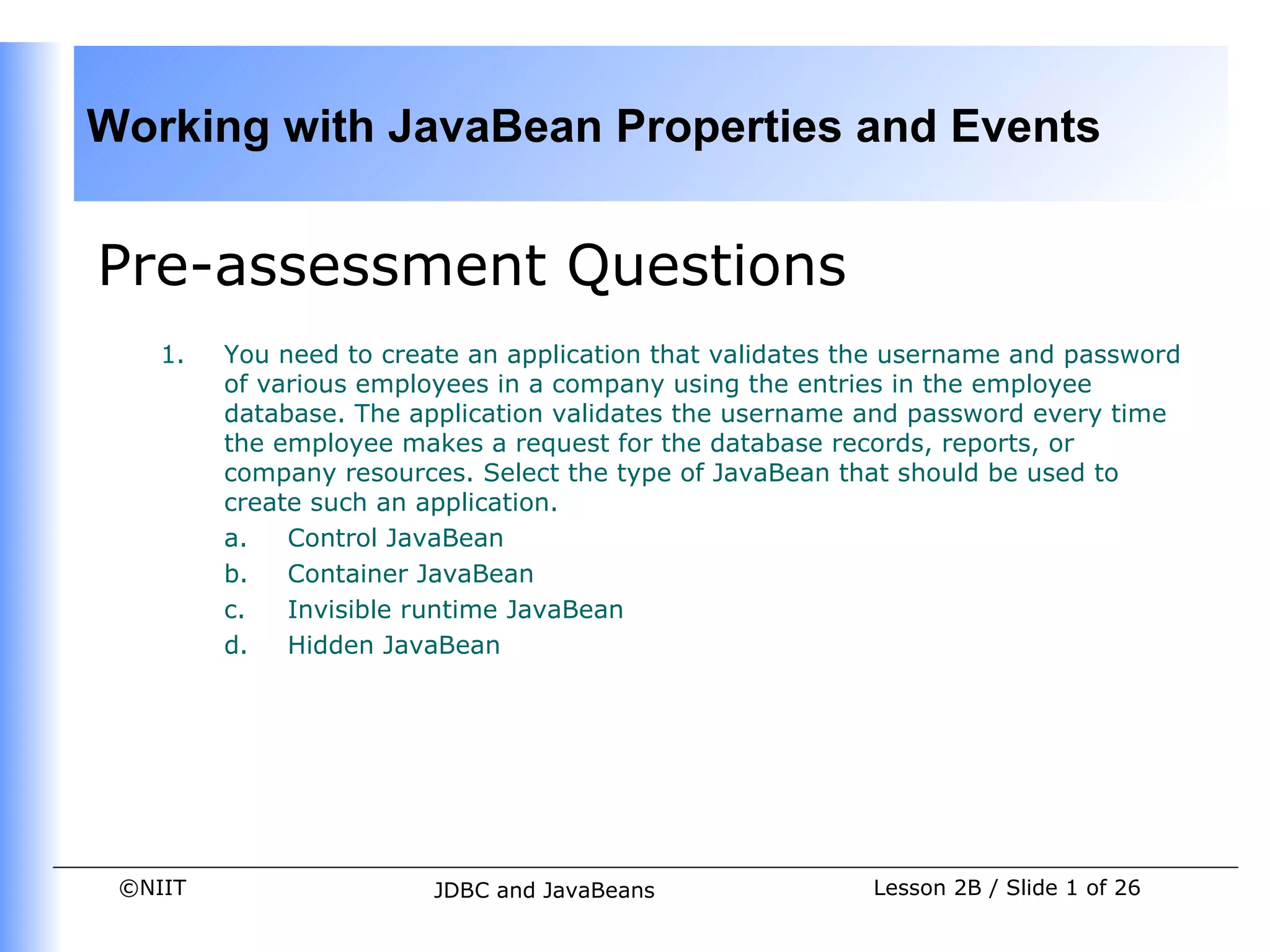
    1.   You need to create an application that validates the username and password
         of various employees in a company using the entries in the employee
         database. The application validates the username and password every time
         the employee makes a request for the database records, reports, or
         company resources. Select the type of JavaBean that should be used to
         create such an application.
         a.   Control JavaBean
         b.   Container JavaBean
         c.   Invisible runtime JavaBean
         d.   Hidden JavaBean


 ©NIIT                   JDBC and JavaBeans                Lesson 2B / Slide 1 of 26
Working with JavaBean Properties and Events


Pre-assessment Questions (Contd.)
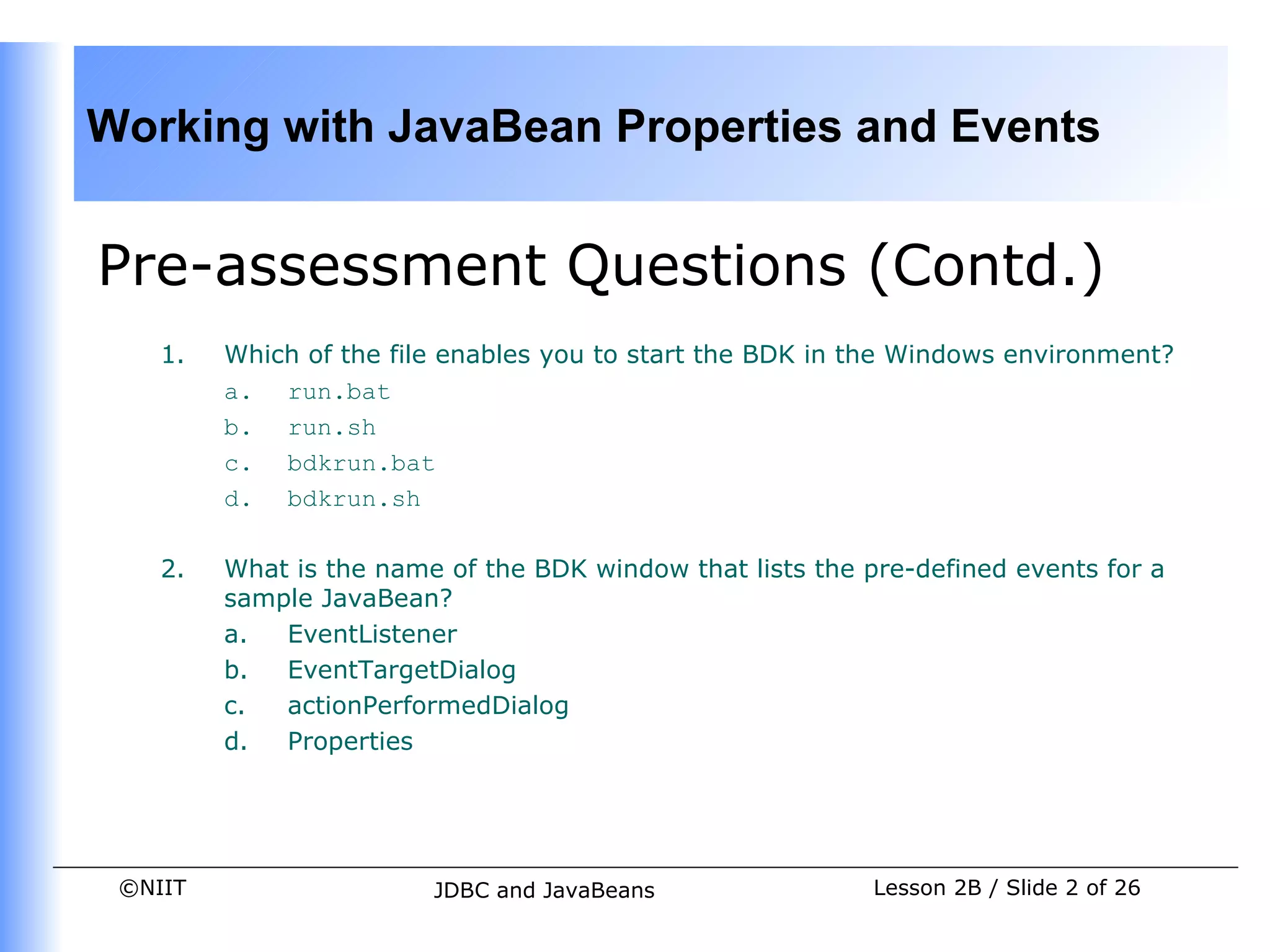
    1.   Which of the file enables you to start the BDK in the Windows environment?
         a. run.bat
         b. run.sh
         c. bdkrun.bat
         d. bdkrun.sh

    2.   What is the name of the BDK window that lists the pre-defined events for a
         sample JavaBean?
         a.  EventListener
         b.  EventTargetDialog
         c.  actionPerformedDialog
         d.  Properties


 ©NIIT                   JDBC and JavaBeans                 Lesson 2B / Slide 2 of 26
Working with JavaBean Properties and Events


Pre-assessment Questions (Contd.)
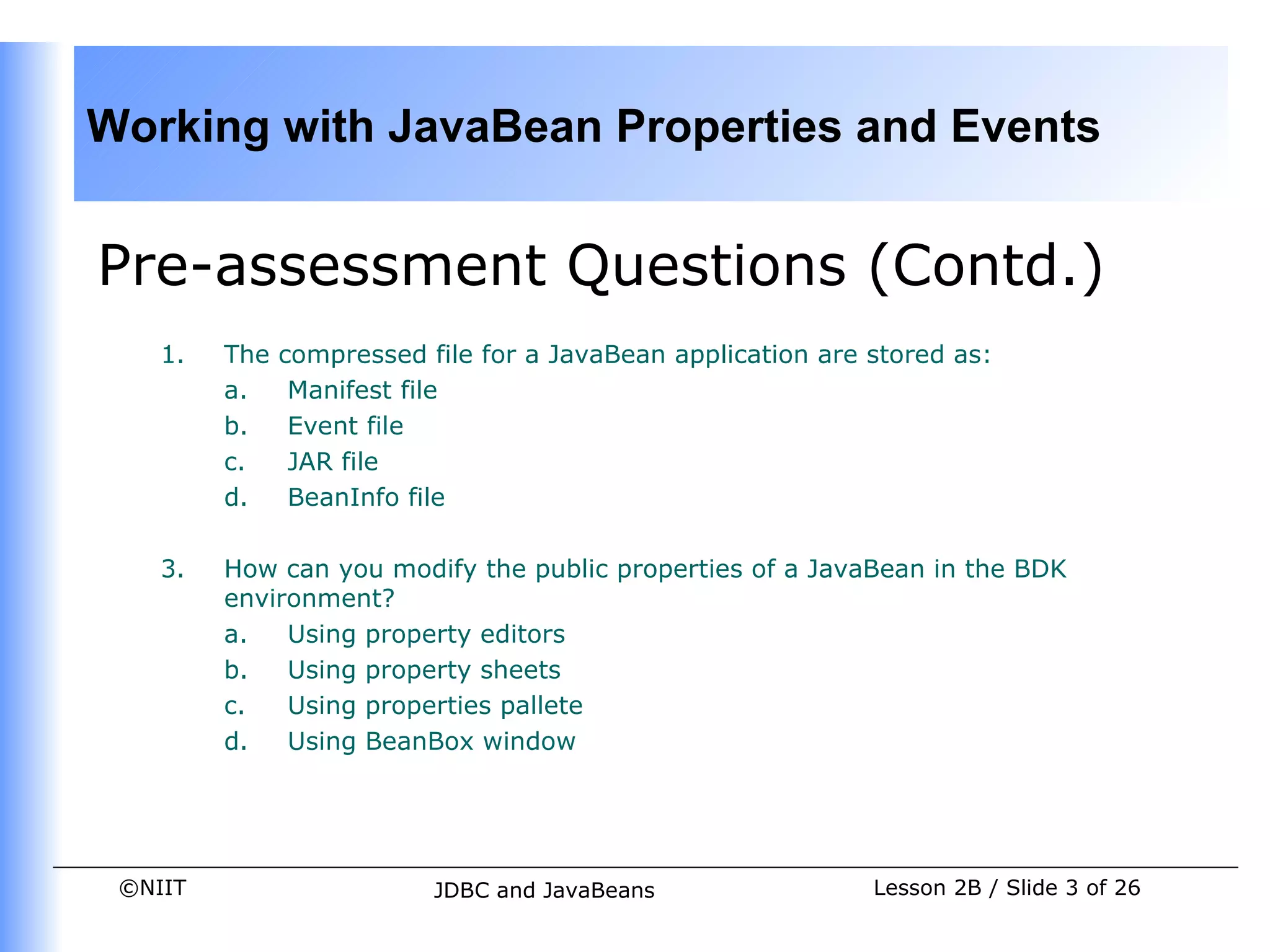
    1.   The   compressed file for a JavaBean application are stored as:
         a.     Manifest file
         b.     Event file
         c.     JAR file
         d.     BeanInfo file

    3.   How can you modify the public properties of a JavaBean in the BDK
         environment?
         a.   Using property editors
         b.   Using property sheets
         c.   Using properties pallete
         d.   Using BeanBox window


 ©NIIT                     JDBC and JavaBeans                 Lesson 2B / Slide 3 of 26
Working with JavaBean Properties and Events


Solutions to Pre-assessment
Questions
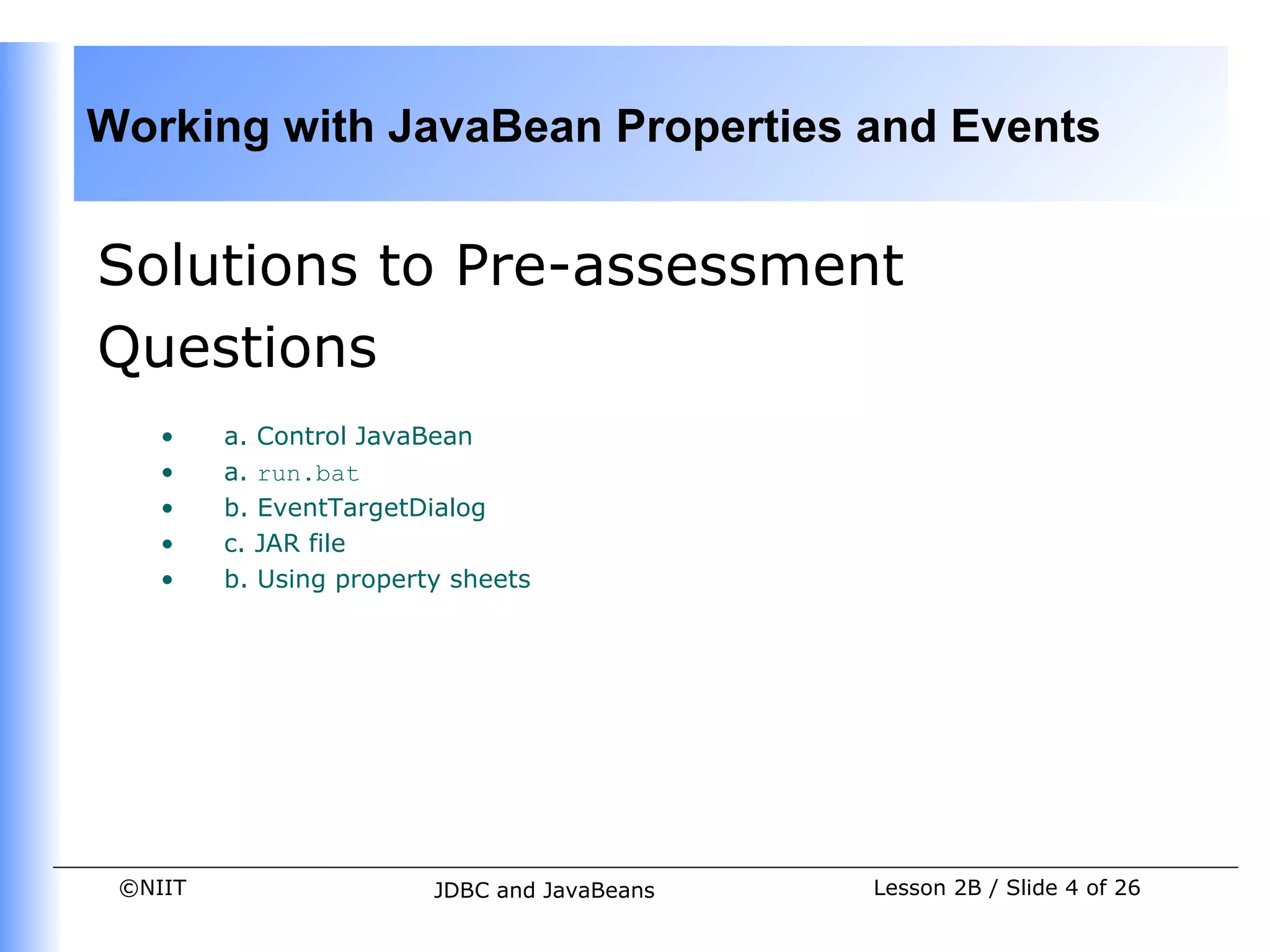
    •    a. Control JavaBean
    •    a. run.bat
    •    b. EventTargetDialog
    •    c. JAR file
    •    b. Using property sheets


 ©NIIT                   JDBC and JavaBeans   Lesson 2B / Slide 4 of 26
Working with JavaBean Properties and Events


Objectives
    In this lesson, you will learn about:


         •   Different types of JavaBean properties
         •   Creating custom events
         •   Using JavaBeans in applications


 ©NIIT                     JDBC and JavaBeans         Lesson 2B / Slide 5 of 26
Working with JavaBean Properties and Events


JavaBean Properties
    •    JavaBean properties:
           • Are the private data members of the JavaBean classes.
           • Are used to accept input from an end user in order to customize a
             JavaBean.
           • Can retrieve and specify the values of various attributes, which determine
             the behavior of a JavaBean.


 ©NIIT                     JDBC and JavaBeans                 Lesson 2B / Slide 6 of 26
Working with JavaBean Properties and Events


JavaBean Properties (Contd.)
    •    Types of JavaBeans Properties
           • Simple properties
           • Boolean properties
           • Indexed properties
           • Bound properties
           • Constrained properties


 ©NIIT                    JDBC and JavaBeans   Lesson 2B / Slide 7 of 26
Working with JavaBean Properties and Events


JavaBean Properties (Contd.)
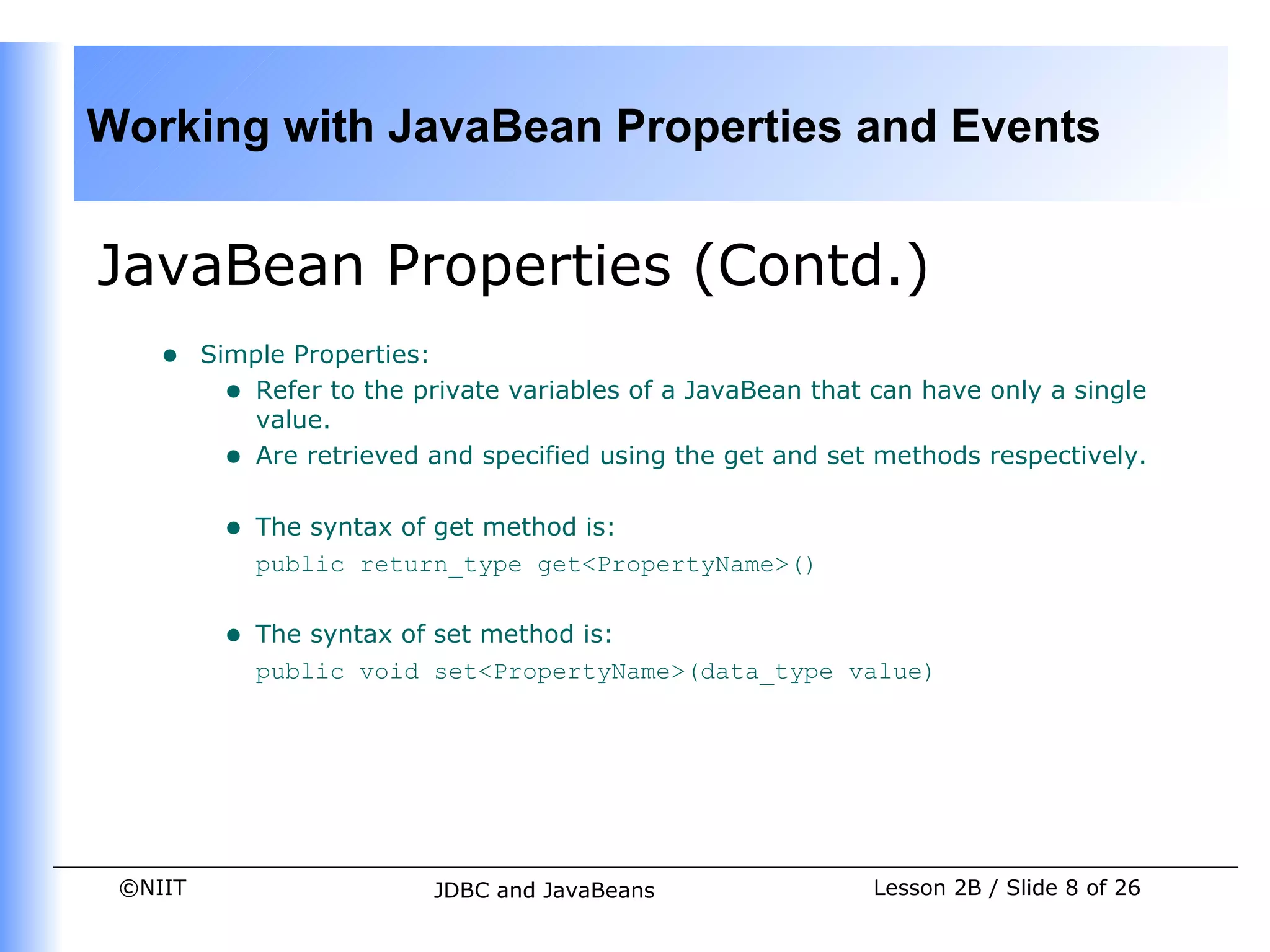
    •    Simple Properties:
           • Refer to the private variables of a JavaBean that can have only a single
             value.
           • Are retrieved and specified using the get and set methods respectively.

          •   The syntax of get method is:
              public return_type get<PropertyName>()


          •   The syntax of set method is:
              public void set<PropertyName>(data_type value)


 ©NIIT                     JDBC and JavaBeans                  Lesson 2B / Slide 8 of 26
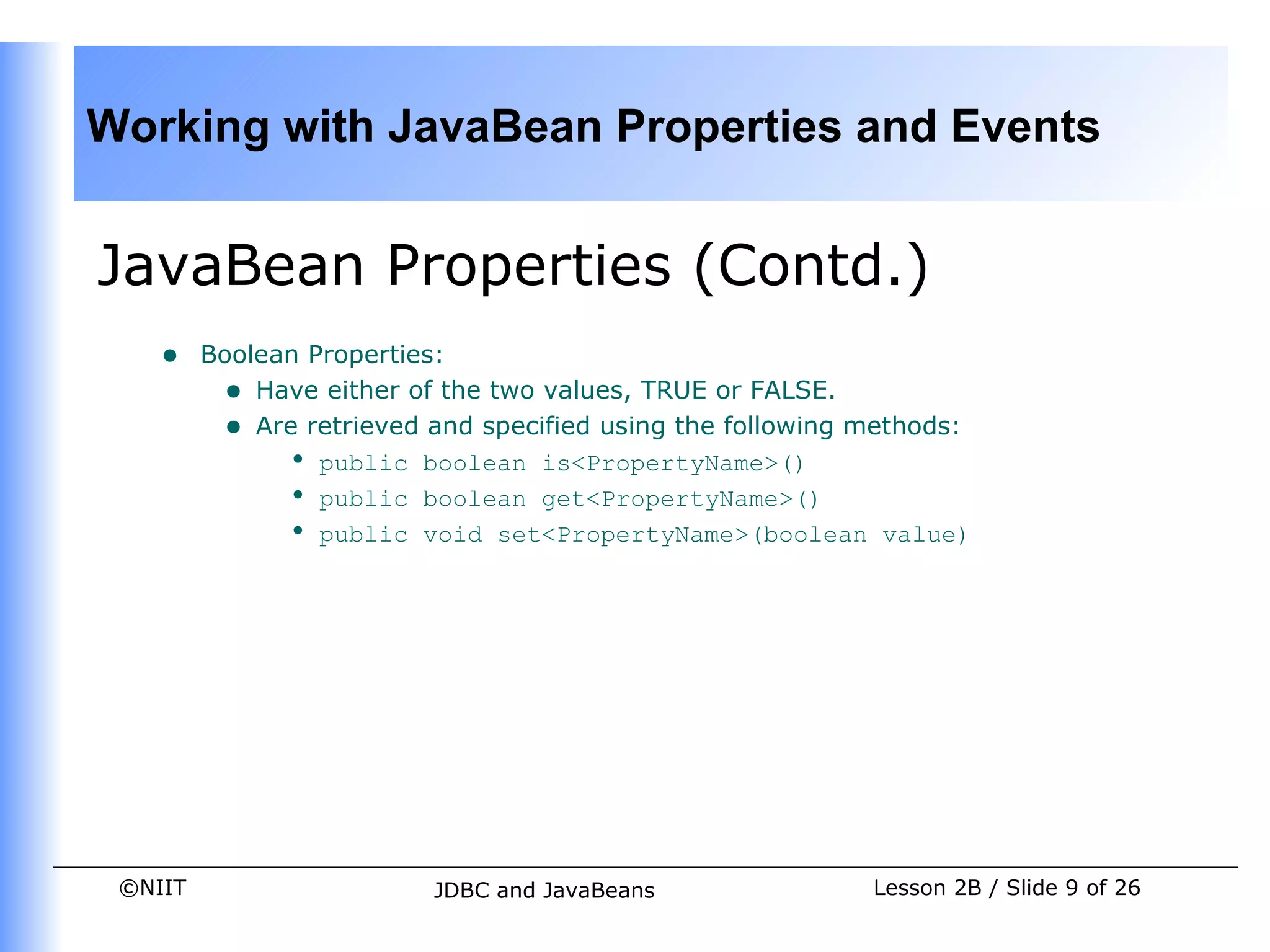
Working with JavaBean Properties and Events


JavaBean Properties (Contd.)
    •    Boolean Properties:
          • Have either of the two values, TRUE or FALSE.
          • Are retrieved and specified using the following methods:
               • public boolean is<PropertyName>()
               • public boolean get<PropertyName>()
               • public void set<PropertyName>(boolean value)


 ©NIIT                    JDBC and JavaBeans                Lesson 2B / Slide 9 of 26
Working with JavaBean Properties and Events


JavaBean Properties (Contd.)
    •    Indexed Properties:
         • Are indexed under a single name, with each index being an integer
             value.
         • Enable you to set or retrieve the values from an array of property
             values.
         • Are retrieved using the following get methods:
             • public int[] get<PropertyName>()
             • public property_datatype get<PropertyName>(int index)
         • Are specified using the following set methods:
             • public void set<PropertyName>(int index,
                  property_datatype value)
             • public void set<PropertyName>(property_datatype[]
                  property_array)


 ©NIIT                  JDBC and JavaBeans              Lesson 2B / Slide 10 of 26
Working with JavaBean Properties and Events


JavaBean Properties (Contd.)
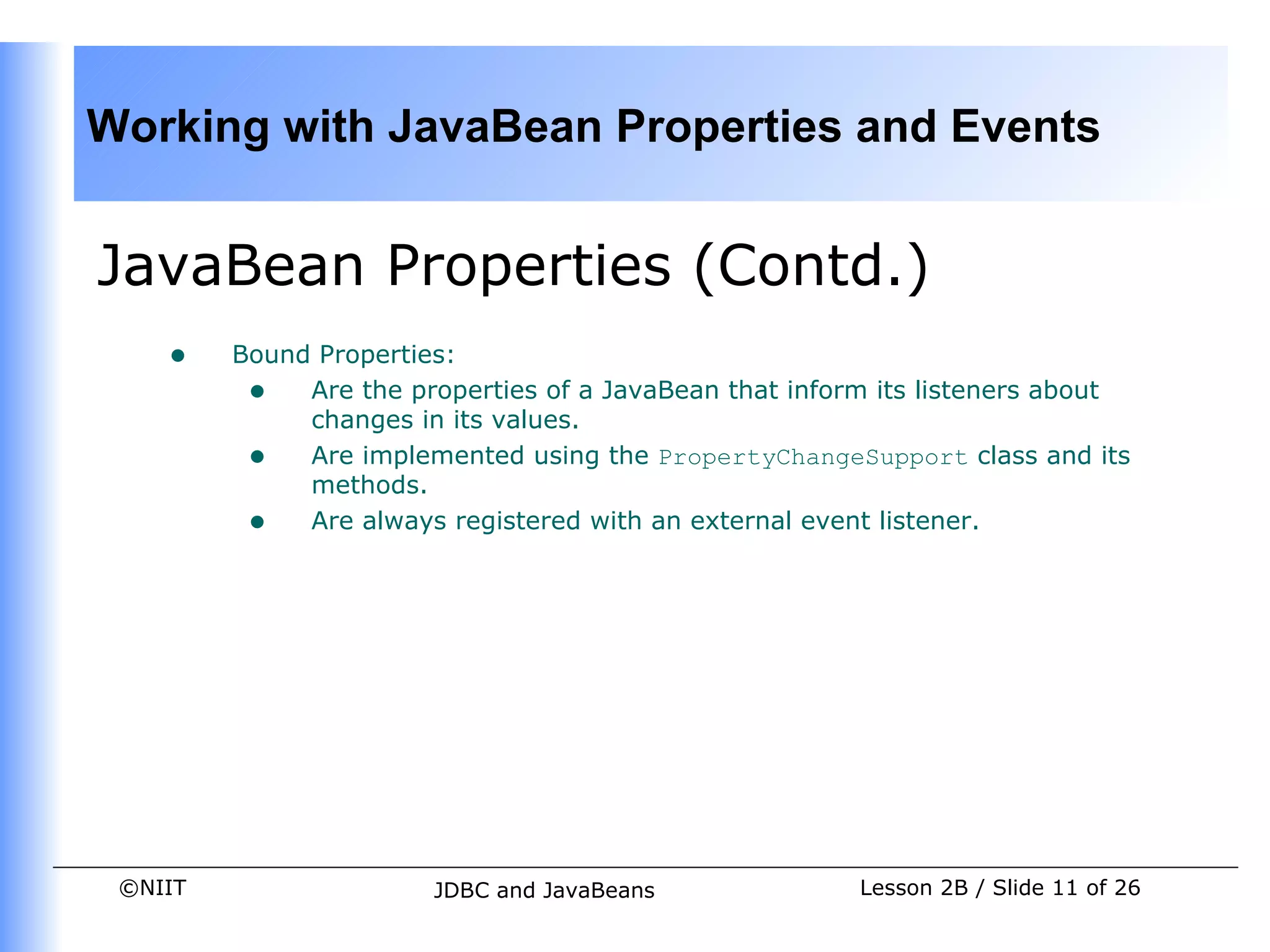
    •    Bound Properties:
          • Are the properties of a JavaBean that inform its listeners about
              changes in its values.
          • Are implemented using the PropertyChangeSupport class and its
              methods.
          • Are always registered with an external event listener.


 ©NIIT                  JDBC and JavaBeans             Lesson 2B / Slide 11 of 26
Working with JavaBean Properties and Events


JavaBean Properties (Contd.)
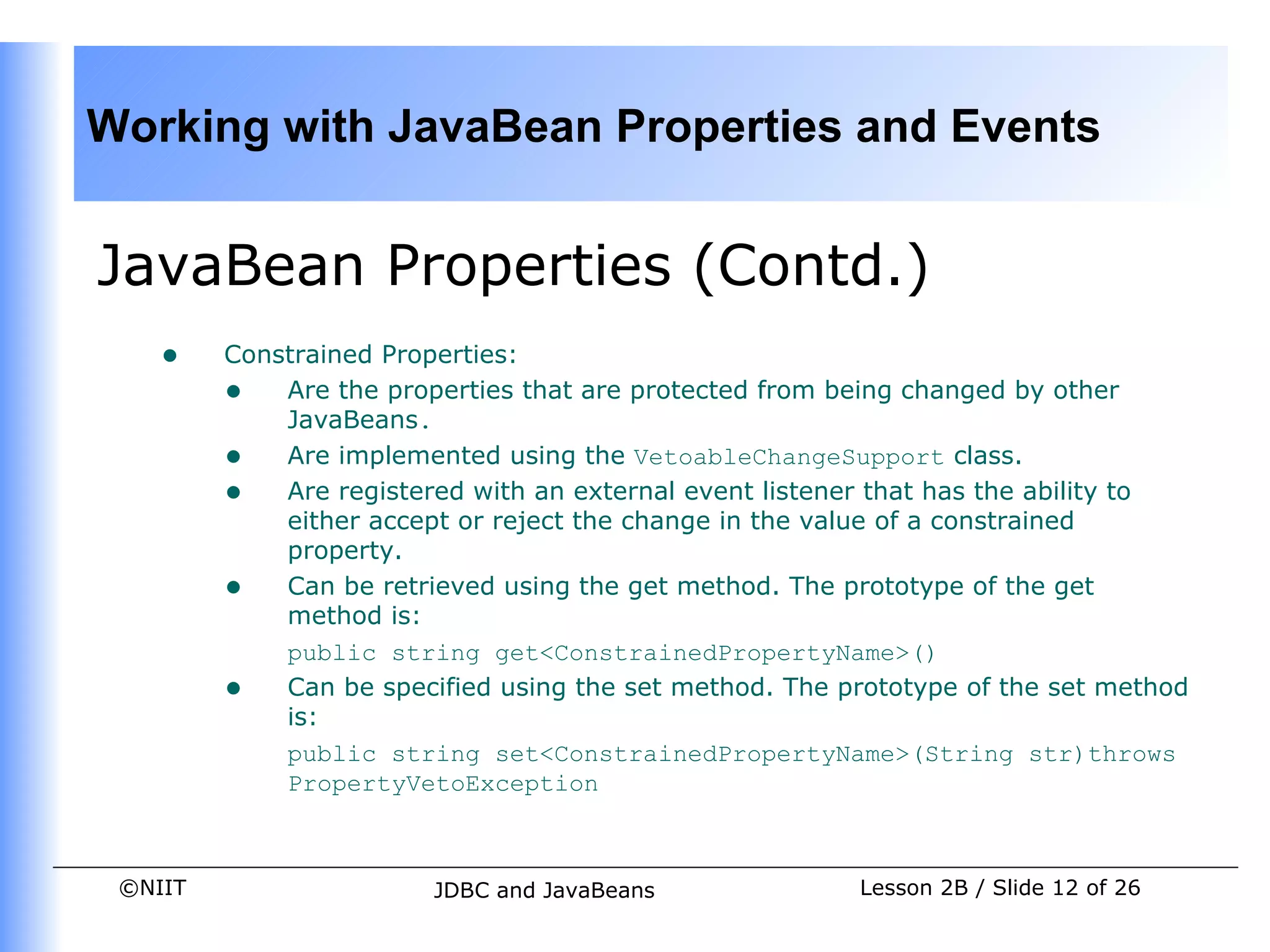
    •    Constrained Properties:
         • Are the properties that are protected from being changed by other
             JavaBeans.
         • Are implemented using the VetoableChangeSupport class.
         • Are registered with an external event listener that has the ability to
             either accept or reject the change in the value of a constrained
             property.
         • Can be retrieved using the get method. The prototype of the get
             method is:
             public string get<ConstrainedPropertyName>()
         • Can be specified using the set method. The prototype of the set method
             is:
             public string set<ConstrainedPropertyName>(String str)throws
             PropertyVetoException


 ©NIIT                  JDBC and JavaBeans              Lesson 2B / Slide 12 of 26
Working with JavaBean Properties and Events


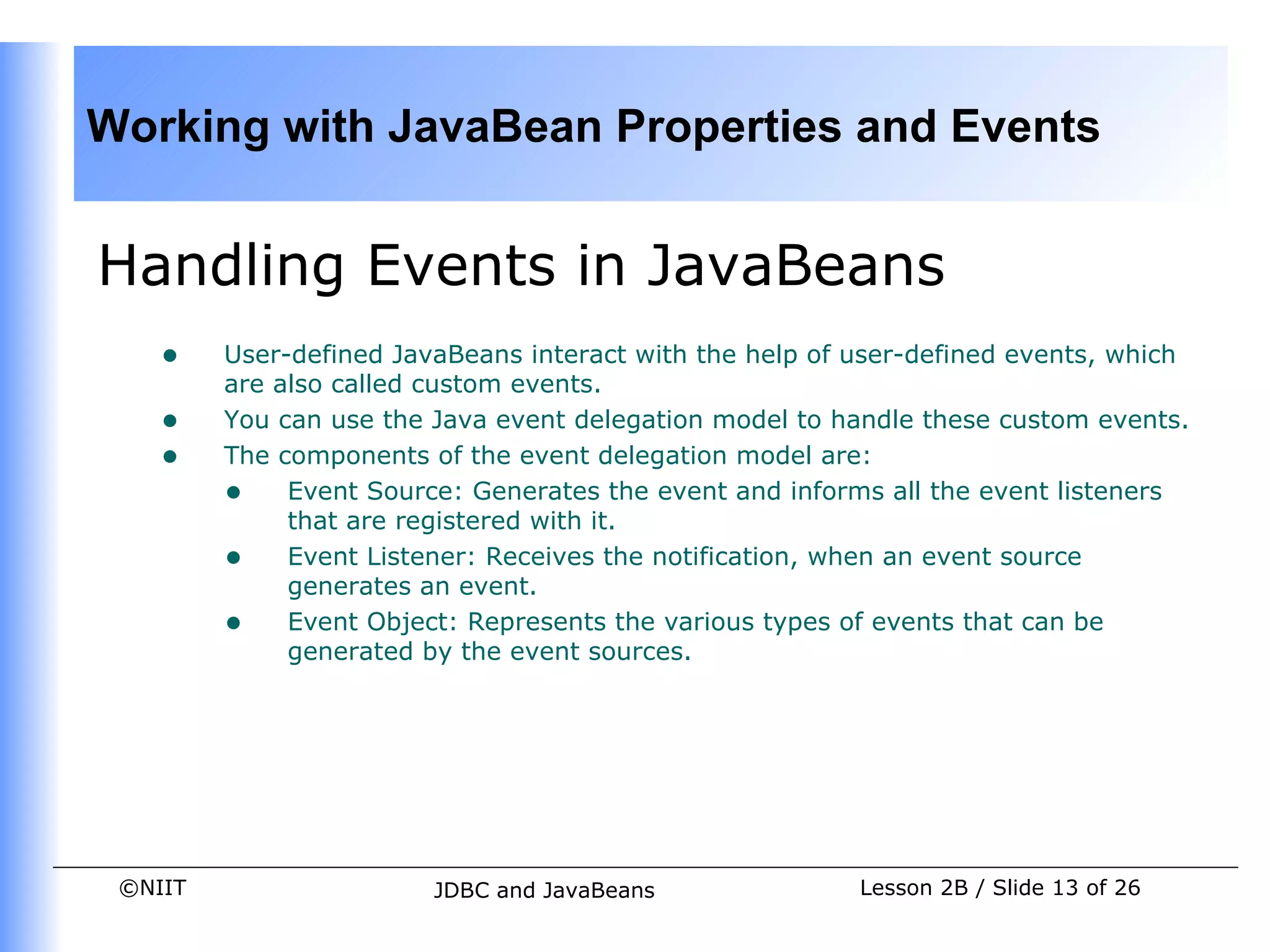
Handling Events in JavaBeans
    •    User-defined JavaBeans interact with the help of user-defined events, which
         are also called custom events.
    •    You can use the Java event delegation model to handle these custom events.
    •    The components of the event delegation model are:
         • Event Source: Generates the event and informs all the event listeners
              that are registered with it.
         • Event Listener: Receives the notification, when an event source
              generates an event.
         • Event Object: Represents the various types of events that can be
              generated by the event sources.


 ©NIIT                   JDBC and JavaBeans               Lesson 2B / Slide 13 of 26
Working with JavaBean Properties and Events


Handling Events in JavaBeans
  (Contd.)
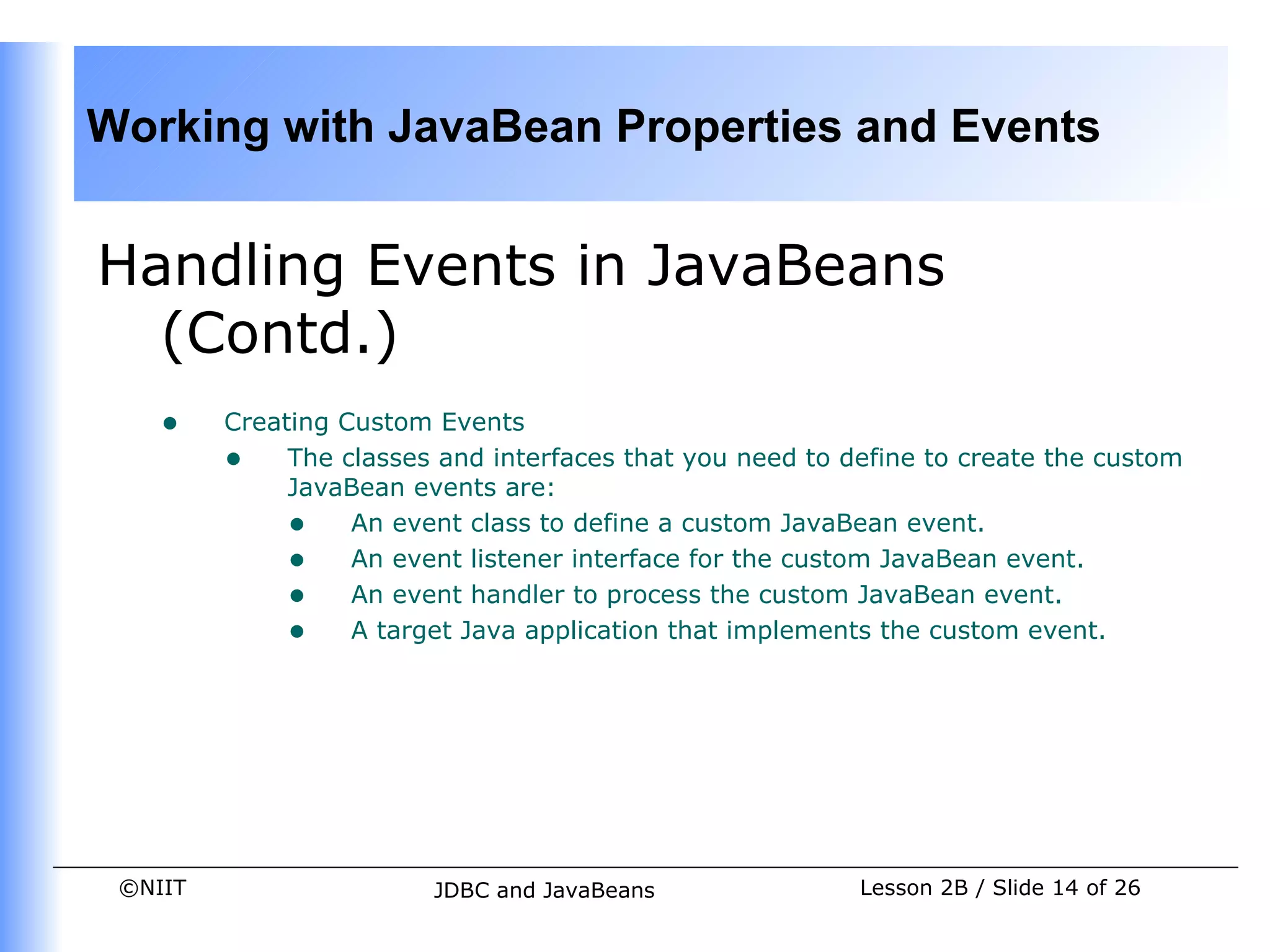
    •    Creating Custom Events
         • The classes and interfaces that you need to define to create the custom
              JavaBean events are:
              • An event class to define a custom JavaBean event.
              • An event listener interface for the custom JavaBean event.
              • An event handler to process the custom JavaBean event.
              • A target Java application that implements the custom event.


 ©NIIT                  JDBC and JavaBeans               Lesson 2B / Slide 14 of 26
Working with JavaBean Properties and Events


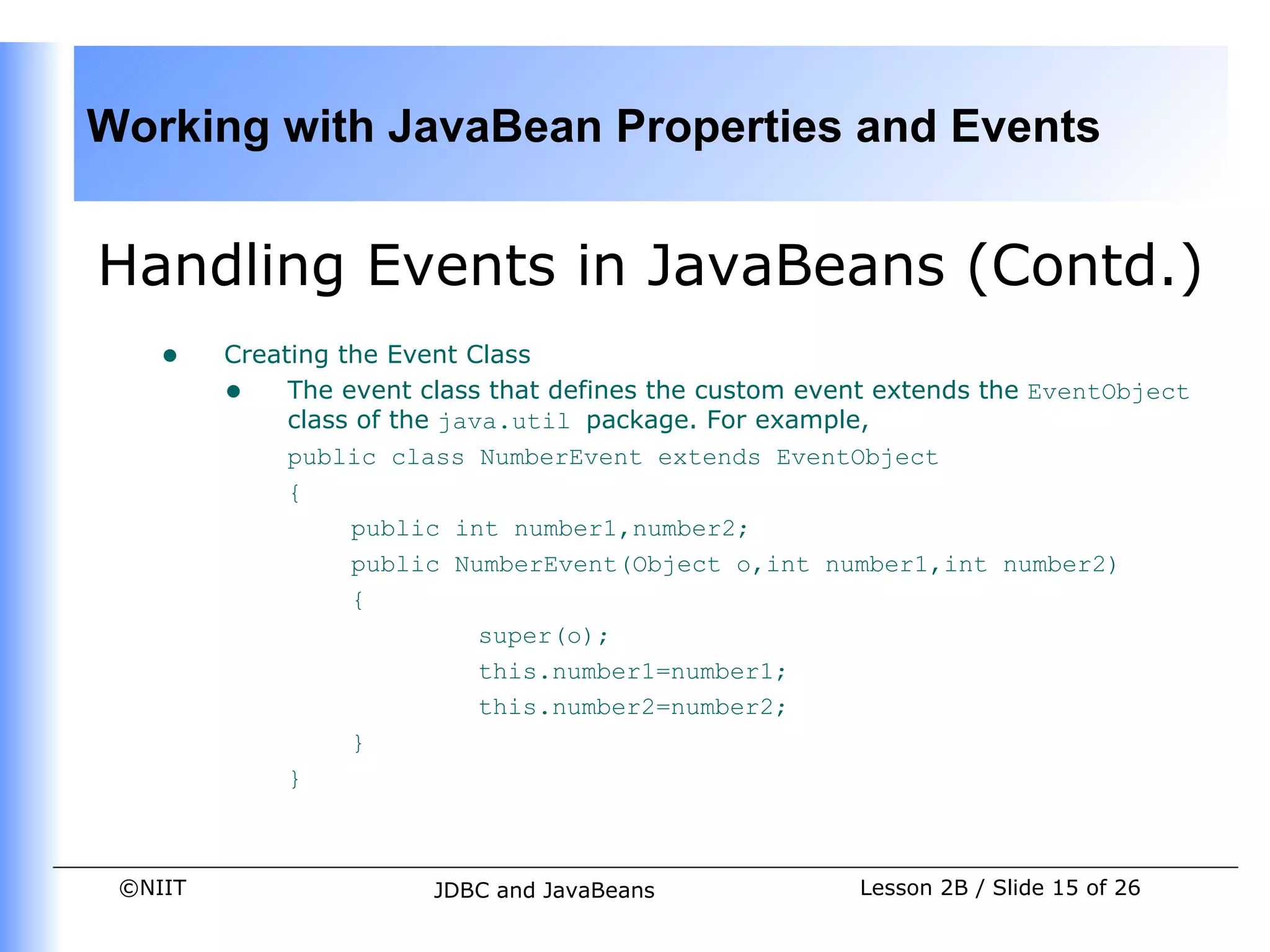
Handling Events in JavaBeans (Contd.)
    •    Creating the Event Class
         • The event class that defines the custom event extends the EventObject
              class of the java.util package. For example,
              public class NumberEvent extends EventObject
              {
                   public int number1,number2;
                   public NumberEvent(Object o,int number1,int number2)
                   {
                              super(o);
                              this.number1=number1;
                              this.number2=number2;
                   }
              }


 ©NIIT                  JDBC and JavaBeans             Lesson 2B / Slide 15 of 26
Working with JavaBean Properties and Events


Handling Events in JavaBeans
  (Contd.)
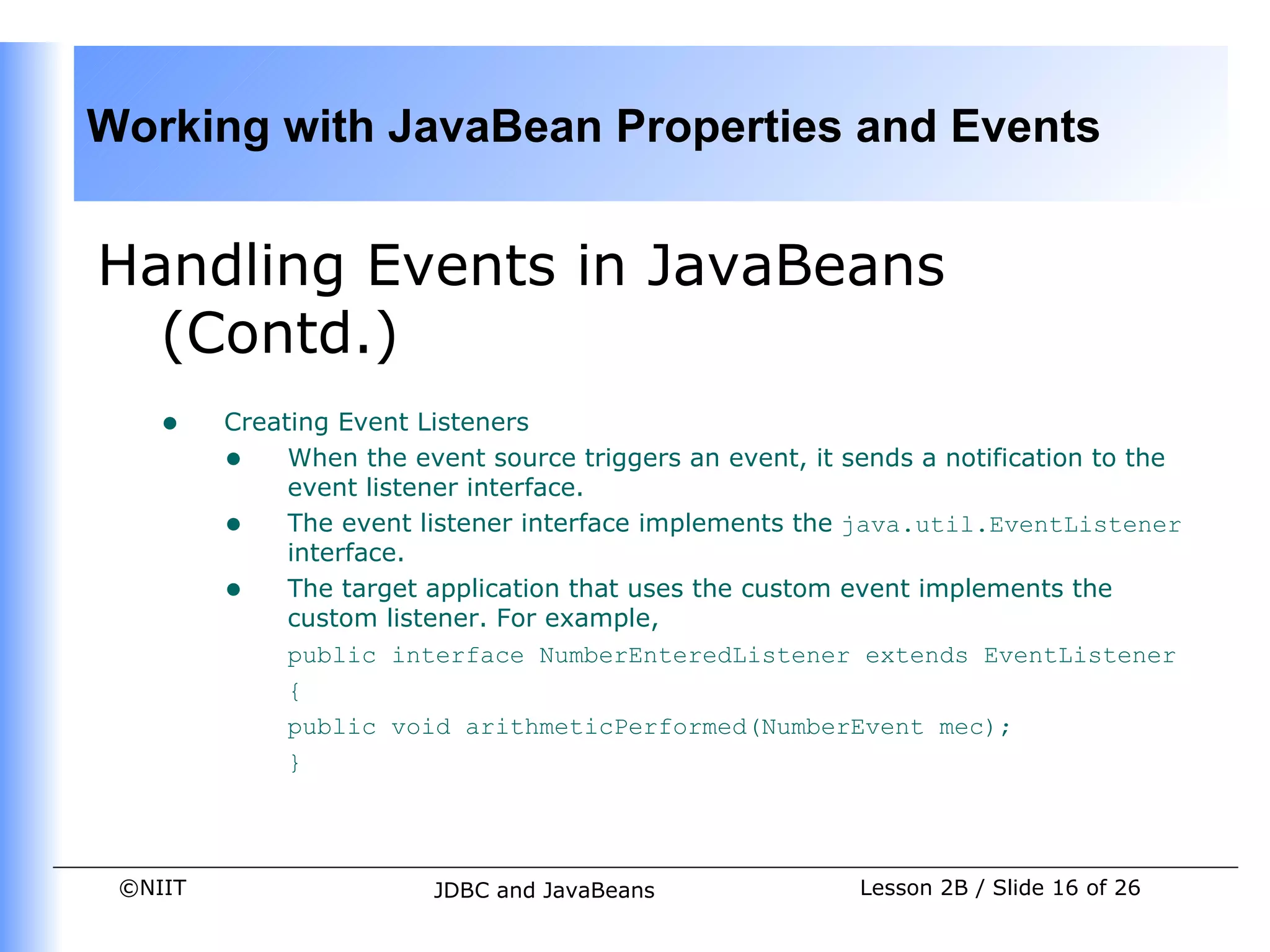
    •    Creating Event Listeners
         • When the event source triggers an event, it sends a notification to the
              event listener interface.
         • The event listener interface implements the java.util.EventListener
              interface.
         • The target application that uses the custom event implements the
              custom listener. For example,
              public interface NumberEnteredListener extends EventListener
              {
              public void arithmeticPerformed(NumberEvent mec);
              }


 ©NIIT                  JDBC and JavaBeans               Lesson 2B / Slide 16 of 26
Working with JavaBean Properties and Events


Handling Events in JavaBeans
  (Contd.)
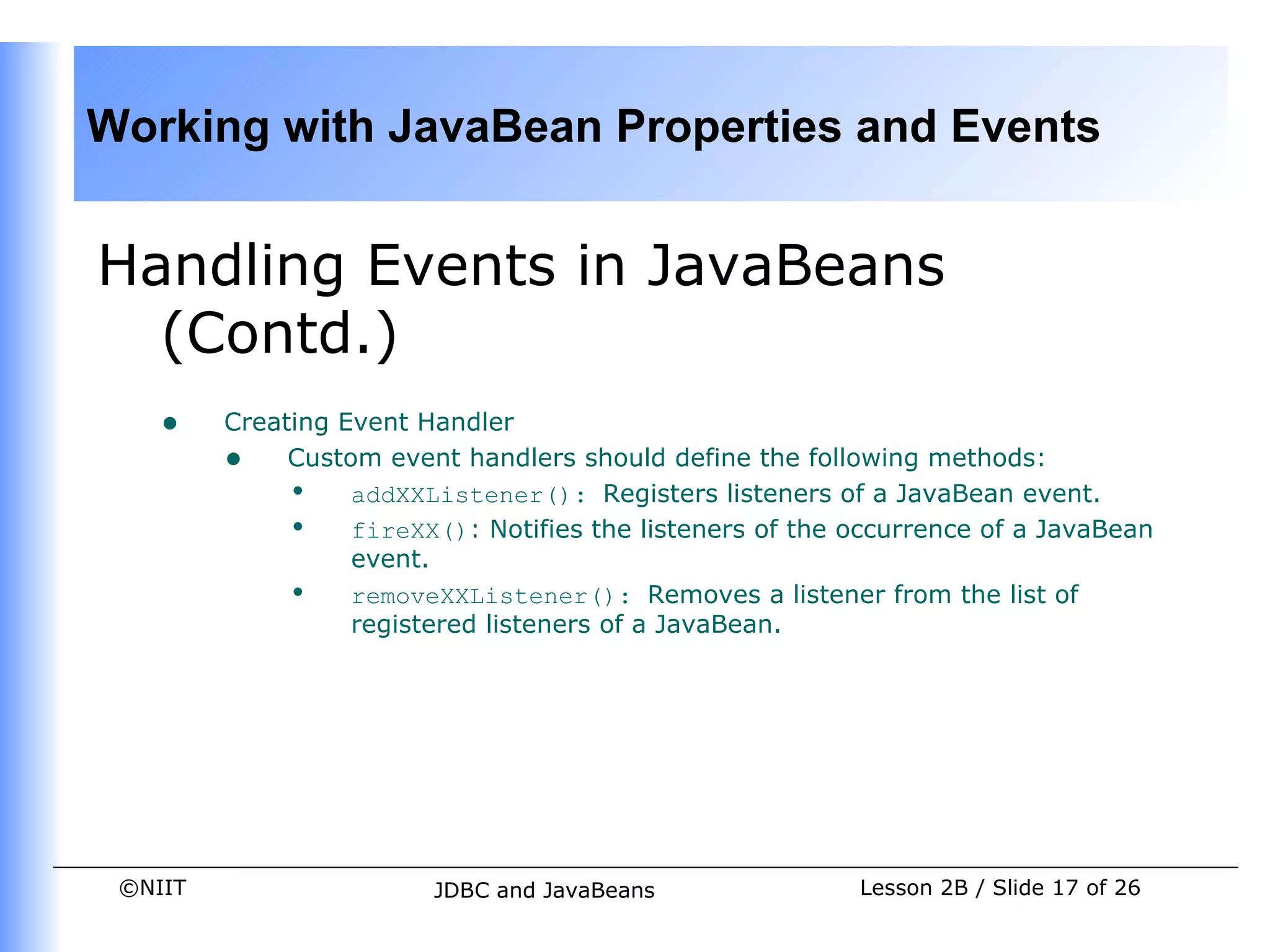
    •    Creating Event Handler
         • Custom event handlers should define the following methods:
              • addXXListener(): Registers listeners of a JavaBean event.
              • fireXX(): Notifies the listeners of the occurrence of a JavaBean
                   event.
              • removeXXListener(): Removes a listener from the list of
                   registered listeners of a JavaBean.


 ©NIIT                   JDBC and JavaBeans              Lesson 2B / Slide 17 of 26
Working with JavaBean Properties and Events


Handling Events in JavaBeans
  (Contd.)
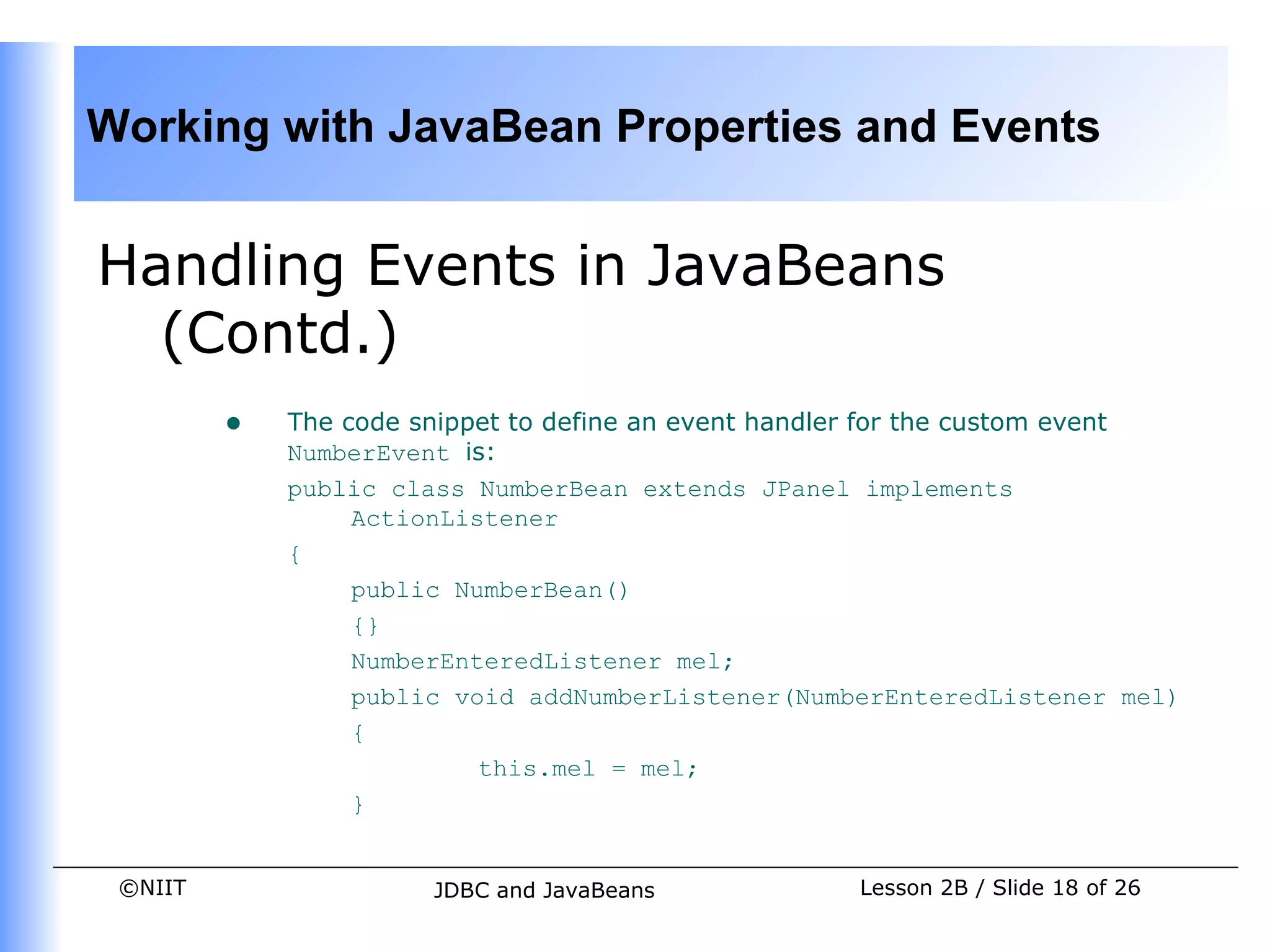
         •   The code snippet to define an event handler for the custom event
             NumberEvent is:
             public class NumberBean extends JPanel implements
                  ActionListener
             {
                  public NumberBean()
                  {}
                  NumberEnteredListener mel;
                  public void addNumberListener(NumberEnteredListener mel)
                  {
                           this.mel = mel;
                  }


 ©NIIT                 JDBC and JavaBeans             Lesson 2B / Slide 18 of 26
Working with JavaBean Properties and Events


Handling Events in JavaBeans
  (Contd.)
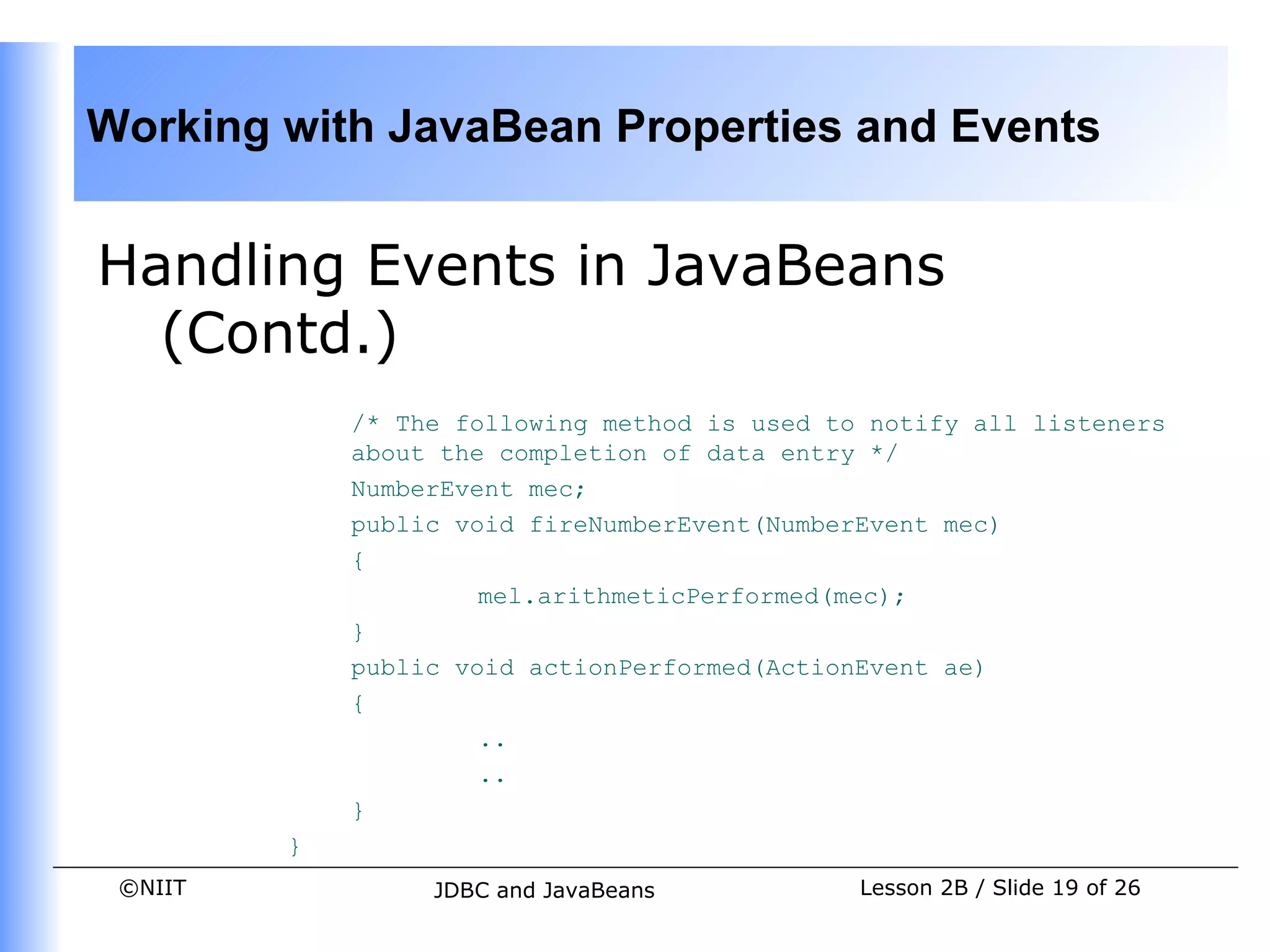
             /* The following method is used to notify all listeners
             about the completion of data entry */
             NumberEvent mec;
             public void fireNumberEvent(NumberEvent mec)
             {
                      mel.arithmeticPerformed(mec);
             }
             public void actionPerformed(ActionEvent ae)
             {
                      ..
                      ..
             }
         }
 ©NIIT            JDBC and JavaBeans           Lesson 2B / Slide 19 of 26
Working with JavaBean Properties and Events


Handling Events in JavaBeans
  (Contd.)
    •    Using Custom Event in a Target Application
         • A target application, which uses the JavaBean that fires the custom
              event, must first register itself as a listener of the event.
         • A target application must define the code to specify what has to be
              done when the custom event is fired.
         • For example, a sample target application that uses the NumberEvent
              custom event accepts two numbers as input from an end user, fires the
              custom event, and displays the result of adding two numbers.


 ©NIIT                   JDBC and JavaBeans               Lesson 2B / Slide 20 of 26
Working with JavaBean Properties and Events


Demonstration-Creating User-Defined
JavaBean
    •    Problem Statement


          •   A JavaBean has to be created to accept the login information
              from a customer. The JavaBean should accept the login name
              and the password. The login information will be used by
              Earnest Bank for several purposes, such as to store the login
              details in the database of Customer Call Center and ATM
              Centers of the bank. You need to create the login JavaBean
              that does the following:


 ©NIIT                JDBC and JavaBeans             Lesson 2B / Slide 21 of 26
Working with JavaBean Properties and Events


Demonstration-Creating User-Defined
JavaBean (Contd.)
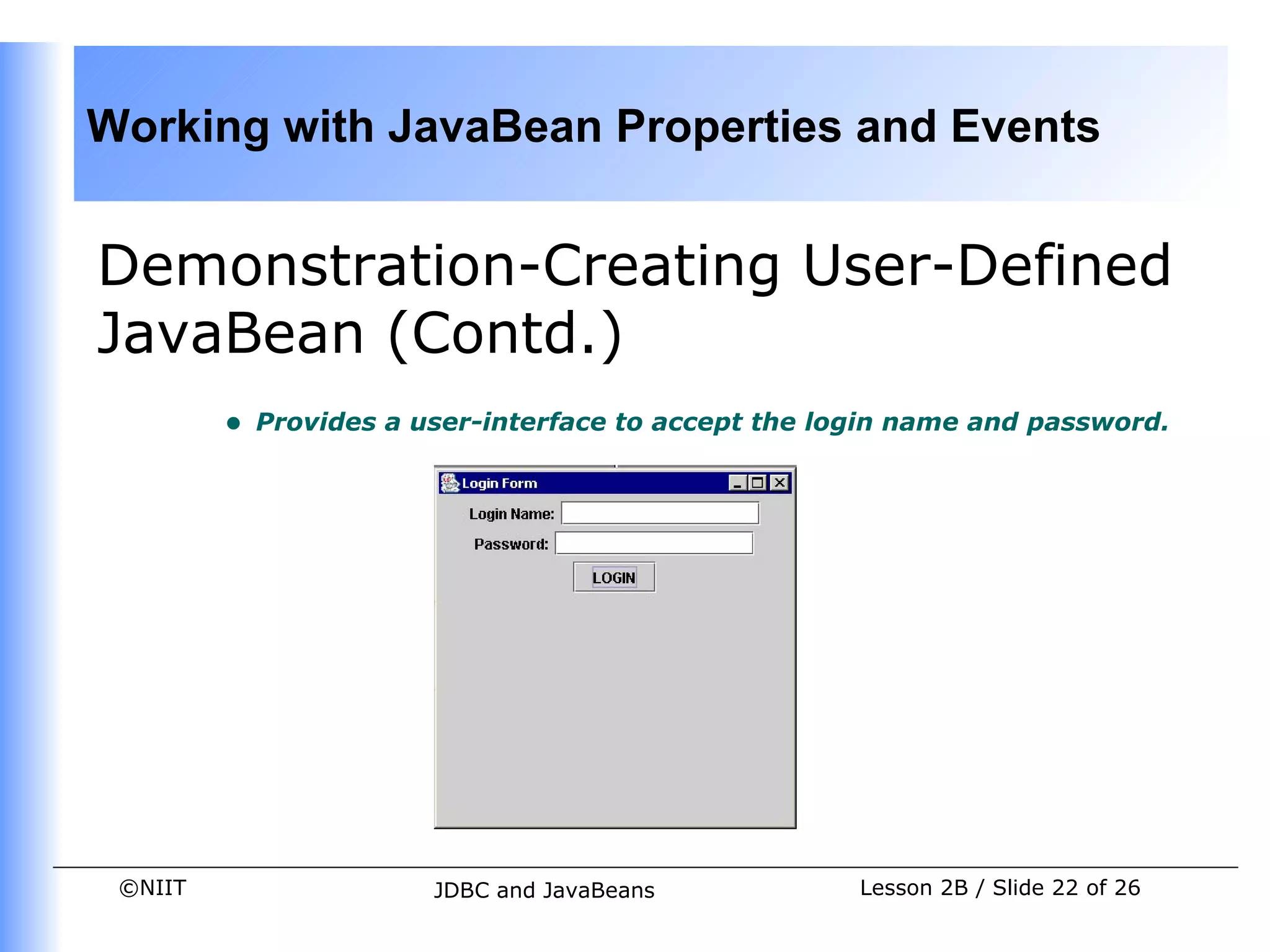
         •   Provides a user-interface to accept the login name and password.


 ©NIIT                   JDBC and JavaBeans            Lesson 2B / Slide 22 of 26
Working with JavaBean Properties and Events


Demonstration-Creating User-Defined
JavaBean (Contd.)
         •   Creates an event object that stores the login information and fires
             an event every time a user logs on.
         •   You should verify the JavaBean functionality by creating a simple
             target application that checks that the name and password are not
             same.


 ©NIIT                   JDBC and JavaBeans             Lesson 2B / Slide 23 of 26
Working with JavaBean Properties and Events


Demonstration-Creating User-Defined
  JavaBean (Contd.)
    •    Solution


         •   To create the login JavaBean that uses the custom event to
             check that the login name and password are not same, the
             following tasks need to be performed:
             1. Creating an event class
             2. Creating an event listener
             3. Creating an event handler
             4. Using the custom event in a target Java application
             5. Verifying the execution of custom event


 ©NIIT                 JDBC and JavaBeans            Lesson 2B / Slide 24 of 26
Working with JavaBean Properties and Events


Summary
    In this lesson, you learned:
         • The properties of a JavaBean are the private data members of the
               JavaBean class.
         • Properties are used to define the behavior of JavaBean components.
         • The properties of a JavaBean that can have only one value at a time are
               called simple properties.
         • The boolean properties of a JavaBean can have one of the two values,
               true or false.
         • The JavaBean properties that are indexed under a single name are
               called indexed properties. The index in the property array of an indexed
               property is an integer value.
         • The bound properties of a JavaBean are registered with an external
               event listener.


 ©NIIT                    JDBC and JavaBeans                Lesson 2B / Slide 25 of 26
Working with JavaBean Properties and Events


Summary (Contd.)
         •   The constrained properties of a JavaBean are also registered with an
             external listener. The external event listener for the constrained
             property can revert the changes in the value of JavaBean property, if
             the change is invalid.
         •   The event delegation model of Java is used to handle custom events.
         •   The event source generates an event.
         •   The event listener interfaces are notified, when an event is generated.
         •   The event classes define the various events that can be generated by
             the event source.
         •   The steps to create a custom event and implement it in a target
             application are:
             • Create an event class.
             • Create an event listener interface.
             • Create an event handler JavaBean to process the event.
             • Create a target application to implement the custom event. `
 ©NIIT                  JDBC and JavaBeans                 Lesson 2B / Slide 26 of 26

Dacj 4 2-b

  • 1.
    Working with JavaBeanProperties and Events Pre-assessment Questions 1. You need to create an application that validates the username and password of various employees in a company using the entries in the employee database. The application validates the username and password every time the employee makes a request for the database records, reports, or company resources. Select the type of JavaBean that should be used to create such an application. a. Control JavaBean b. Container JavaBean c. Invisible runtime JavaBean d. Hidden JavaBean ©NIIT JDBC and JavaBeans Lesson 2B / Slide 1 of 26
  • 2.
    Working with JavaBeanProperties and Events Pre-assessment Questions (Contd.) 1. Which of the file enables you to start the BDK in the Windows environment? a. run.bat b. run.sh c. bdkrun.bat d. bdkrun.sh 2. What is the name of the BDK window that lists the pre-defined events for a sample JavaBean? a. EventListener b. EventTargetDialog c. actionPerformedDialog d. Properties ©NIIT JDBC and JavaBeans Lesson 2B / Slide 2 of 26
  • 3.
    Working with JavaBeanProperties and Events Pre-assessment Questions (Contd.) 1. The compressed file for a JavaBean application are stored as: a. Manifest file b. Event file c. JAR file d. BeanInfo file 3. How can you modify the public properties of a JavaBean in the BDK environment? a. Using property editors b. Using property sheets c. Using properties pallete d. Using BeanBox window ©NIIT JDBC and JavaBeans Lesson 2B / Slide 3 of 26
  • 4.
    Working with JavaBeanProperties and Events Solutions to Pre-assessment Questions • a. Control JavaBean • a. run.bat • b. EventTargetDialog • c. JAR file • b. Using property sheets ©NIIT JDBC and JavaBeans Lesson 2B / Slide 4 of 26
  • 5.
    Working with JavaBeanProperties and Events Objectives In this lesson, you will learn about: • Different types of JavaBean properties • Creating custom events • Using JavaBeans in applications ©NIIT JDBC and JavaBeans Lesson 2B / Slide 5 of 26
  • 6.
    Working with JavaBeanProperties and Events JavaBean Properties • JavaBean properties: • Are the private data members of the JavaBean classes. • Are used to accept input from an end user in order to customize a JavaBean. • Can retrieve and specify the values of various attributes, which determine the behavior of a JavaBean. ©NIIT JDBC and JavaBeans Lesson 2B / Slide 6 of 26
  • 7.
    Working with JavaBeanProperties and Events JavaBean Properties (Contd.) • Types of JavaBeans Properties • Simple properties • Boolean properties • Indexed properties • Bound properties • Constrained properties ©NIIT JDBC and JavaBeans Lesson 2B / Slide 7 of 26
  • 8.
    Working with JavaBeanProperties and Events JavaBean Properties (Contd.) • Simple Properties: • Refer to the private variables of a JavaBean that can have only a single value. • Are retrieved and specified using the get and set methods respectively. • The syntax of get method is: public return_type get<PropertyName>() • The syntax of set method is: public void set<PropertyName>(data_type value) ©NIIT JDBC and JavaBeans Lesson 2B / Slide 8 of 26
  • 9.
    Working with JavaBeanProperties and Events JavaBean Properties (Contd.) • Boolean Properties: • Have either of the two values, TRUE or FALSE. • Are retrieved and specified using the following methods: • public boolean is<PropertyName>() • public boolean get<PropertyName>() • public void set<PropertyName>(boolean value) ©NIIT JDBC and JavaBeans Lesson 2B / Slide 9 of 26
  • 10.
    Working with JavaBeanProperties and Events JavaBean Properties (Contd.) • Indexed Properties: • Are indexed under a single name, with each index being an integer value. • Enable you to set or retrieve the values from an array of property values. • Are retrieved using the following get methods: • public int[] get<PropertyName>() • public property_datatype get<PropertyName>(int index) • Are specified using the following set methods: • public void set<PropertyName>(int index, property_datatype value) • public void set<PropertyName>(property_datatype[] property_array) ©NIIT JDBC and JavaBeans Lesson 2B / Slide 10 of 26
  • 11.
    Working with JavaBeanProperties and Events JavaBean Properties (Contd.) • Bound Properties: • Are the properties of a JavaBean that inform its listeners about changes in its values. • Are implemented using the PropertyChangeSupport class and its methods. • Are always registered with an external event listener. ©NIIT JDBC and JavaBeans Lesson 2B / Slide 11 of 26
  • 12.
    Working with JavaBeanProperties and Events JavaBean Properties (Contd.) • Constrained Properties: • Are the properties that are protected from being changed by other JavaBeans. • Are implemented using the VetoableChangeSupport class. • Are registered with an external event listener that has the ability to either accept or reject the change in the value of a constrained property. • Can be retrieved using the get method. The prototype of the get method is: public string get<ConstrainedPropertyName>() • Can be specified using the set method. The prototype of the set method is: public string set<ConstrainedPropertyName>(String str)throws PropertyVetoException ©NIIT JDBC and JavaBeans Lesson 2B / Slide 12 of 26
  • 13.
    Working with JavaBeanProperties and Events Handling Events in JavaBeans • User-defined JavaBeans interact with the help of user-defined events, which are also called custom events. • You can use the Java event delegation model to handle these custom events. • The components of the event delegation model are: • Event Source: Generates the event and informs all the event listeners that are registered with it. • Event Listener: Receives the notification, when an event source generates an event. • Event Object: Represents the various types of events that can be generated by the event sources. ©NIIT JDBC and JavaBeans Lesson 2B / Slide 13 of 26
  • 14.
    Working with JavaBeanProperties and Events Handling Events in JavaBeans (Contd.) • Creating Custom Events • The classes and interfaces that you need to define to create the custom JavaBean events are: • An event class to define a custom JavaBean event. • An event listener interface for the custom JavaBean event. • An event handler to process the custom JavaBean event. • A target Java application that implements the custom event. ©NIIT JDBC and JavaBeans Lesson 2B / Slide 14 of 26
  • 15.
    Working with JavaBeanProperties and Events Handling Events in JavaBeans (Contd.) • Creating the Event Class • The event class that defines the custom event extends the EventObject class of the java.util package. For example, public class NumberEvent extends EventObject { public int number1,number2; public NumberEvent(Object o,int number1,int number2) { super(o); this.number1=number1; this.number2=number2; } } ©NIIT JDBC and JavaBeans Lesson 2B / Slide 15 of 26
  • 16.
    Working with JavaBeanProperties and Events Handling Events in JavaBeans (Contd.) • Creating Event Listeners • When the event source triggers an event, it sends a notification to the event listener interface. • The event listener interface implements the java.util.EventListener interface. • The target application that uses the custom event implements the custom listener. For example, public interface NumberEnteredListener extends EventListener { public void arithmeticPerformed(NumberEvent mec); } ©NIIT JDBC and JavaBeans Lesson 2B / Slide 16 of 26
  • 17.
    Working with JavaBeanProperties and Events Handling Events in JavaBeans (Contd.) • Creating Event Handler • Custom event handlers should define the following methods: • addXXListener(): Registers listeners of a JavaBean event. • fireXX(): Notifies the listeners of the occurrence of a JavaBean event. • removeXXListener(): Removes a listener from the list of registered listeners of a JavaBean. ©NIIT JDBC and JavaBeans Lesson 2B / Slide 17 of 26
  • 18.
    Working with JavaBeanProperties and Events Handling Events in JavaBeans (Contd.) • The code snippet to define an event handler for the custom event NumberEvent is: public class NumberBean extends JPanel implements ActionListener { public NumberBean() {} NumberEnteredListener mel; public void addNumberListener(NumberEnteredListener mel) { this.mel = mel; } ©NIIT JDBC and JavaBeans Lesson 2B / Slide 18 of 26
  • 19.
    Working with JavaBeanProperties and Events Handling Events in JavaBeans (Contd.) /* The following method is used to notify all listeners about the completion of data entry */ NumberEvent mec; public void fireNumberEvent(NumberEvent mec) { mel.arithmeticPerformed(mec); } public void actionPerformed(ActionEvent ae) { .. .. } } ©NIIT JDBC and JavaBeans Lesson 2B / Slide 19 of 26
  • 20.
    Working with JavaBeanProperties and Events Handling Events in JavaBeans (Contd.) • Using Custom Event in a Target Application • A target application, which uses the JavaBean that fires the custom event, must first register itself as a listener of the event. • A target application must define the code to specify what has to be done when the custom event is fired. • For example, a sample target application that uses the NumberEvent custom event accepts two numbers as input from an end user, fires the custom event, and displays the result of adding two numbers. ©NIIT JDBC and JavaBeans Lesson 2B / Slide 20 of 26
  • 21.
    Working with JavaBeanProperties and Events Demonstration-Creating User-Defined JavaBean • Problem Statement • A JavaBean has to be created to accept the login information from a customer. The JavaBean should accept the login name and the password. The login information will be used by Earnest Bank for several purposes, such as to store the login details in the database of Customer Call Center and ATM Centers of the bank. You need to create the login JavaBean that does the following: ©NIIT JDBC and JavaBeans Lesson 2B / Slide 21 of 26
  • 22.
    Working with JavaBeanProperties and Events Demonstration-Creating User-Defined JavaBean (Contd.) • Provides a user-interface to accept the login name and password. ©NIIT JDBC and JavaBeans Lesson 2B / Slide 22 of 26
  • 23.
    Working with JavaBeanProperties and Events Demonstration-Creating User-Defined JavaBean (Contd.) • Creates an event object that stores the login information and fires an event every time a user logs on. • You should verify the JavaBean functionality by creating a simple target application that checks that the name and password are not same. ©NIIT JDBC and JavaBeans Lesson 2B / Slide 23 of 26
  • 24.
    Working with JavaBeanProperties and Events Demonstration-Creating User-Defined JavaBean (Contd.) • Solution • To create the login JavaBean that uses the custom event to check that the login name and password are not same, the following tasks need to be performed: 1. Creating an event class 2. Creating an event listener 3. Creating an event handler 4. Using the custom event in a target Java application 5. Verifying the execution of custom event ©NIIT JDBC and JavaBeans Lesson 2B / Slide 24 of 26
  • 25.
    Working with JavaBeanProperties and Events Summary In this lesson, you learned: • The properties of a JavaBean are the private data members of the JavaBean class. • Properties are used to define the behavior of JavaBean components. • The properties of a JavaBean that can have only one value at a time are called simple properties. • The boolean properties of a JavaBean can have one of the two values, true or false. • The JavaBean properties that are indexed under a single name are called indexed properties. The index in the property array of an indexed property is an integer value. • The bound properties of a JavaBean are registered with an external event listener. ©NIIT JDBC and JavaBeans Lesson 2B / Slide 25 of 26
  • 26.
    Working with JavaBeanProperties and Events Summary (Contd.) • The constrained properties of a JavaBean are also registered with an external listener. The external event listener for the constrained property can revert the changes in the value of JavaBean property, if the change is invalid. • The event delegation model of Java is used to handle custom events. • The event source generates an event. • The event listener interfaces are notified, when an event is generated. • The event classes define the various events that can be generated by the event source. • The steps to create a custom event and implement it in a target application are: • Create an event class. • Create an event listener interface. • Create an event handler JavaBean to process the event. • Create a target application to implement the custom event. ` ©NIIT JDBC and JavaBeans Lesson 2B / Slide 26 of 26