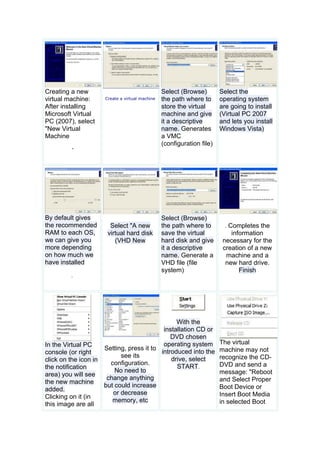
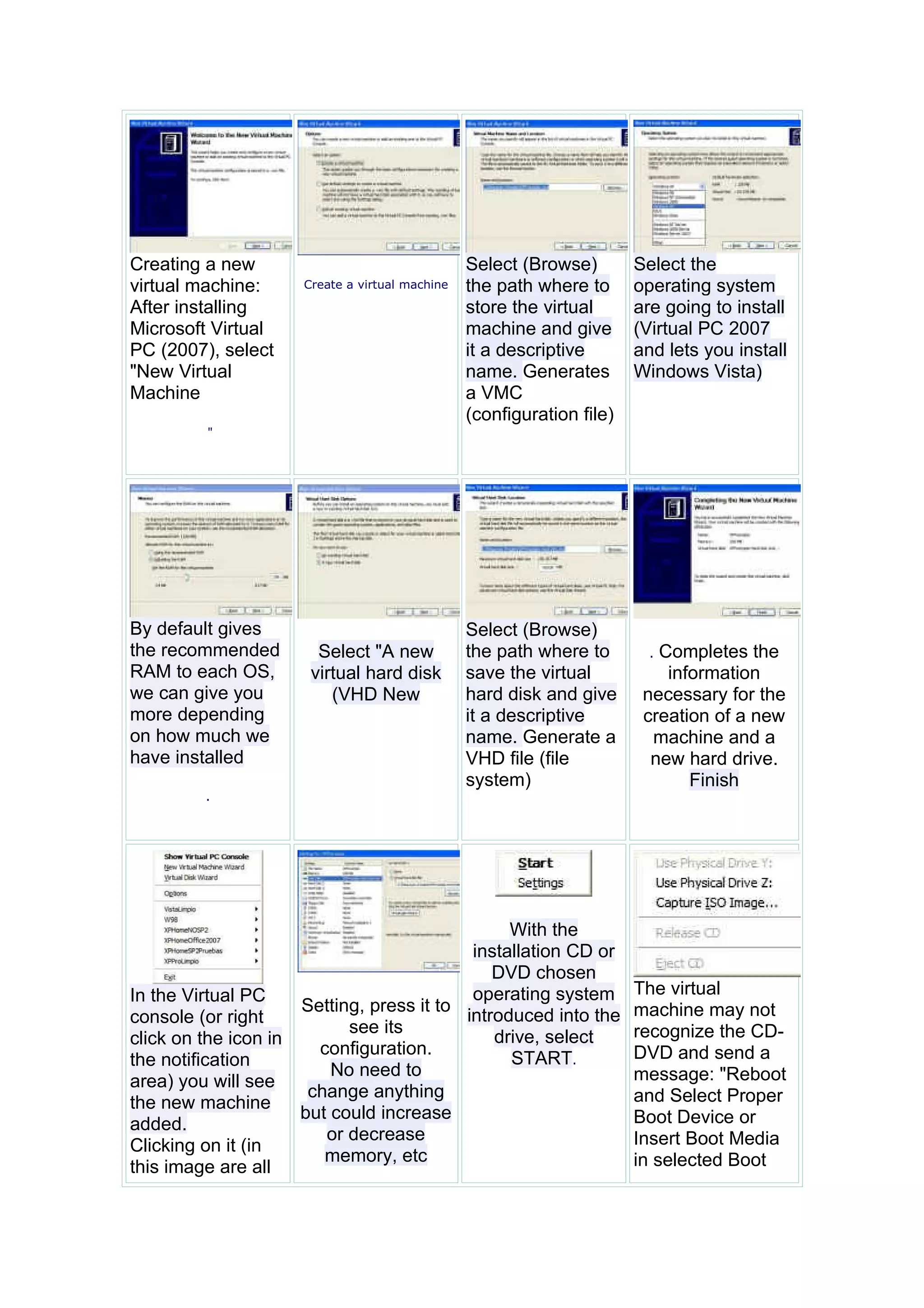
Creating a new                                  Select (Browse)        Select the
virtual machine:     Create a virtual machine   the path where to      operating system
After installing                                store the virtual      are going to install
Microsoft Virtual                               machine and give       (Virtual PC 2007
PC (2007), select                               it a descriptive       and lets you install
"New Virtual                                    name. Generates        Windows Vista)
Machine                                         a VMC
                                                (configuration file)
         "


By default gives                                Select (Browse)
the recommended        Select "A new            the path where to        .Completes the
RAM to each OS,       virtual hard disk         save the virtual           information
we can give you          (VHD New               hard disk and give      necessary for the
more depending                                  it a descriptive        creation of a new
on how much we                                  name. Generate a         machine and a
have installed                                  VHD file (file           new hard drive.
                                                system)                       Finish
         .


                                                With the
                                           installation CD or
                                              DVD chosen
In the Virtual PC                          operating system            The virtual
                     Setting, press it to                              machine may not
console (or right                         introduced into the
                           see its                                     recognize the CD-
click on the icon in                          drive, select
                       configuration.                                  DVD and send a
the notification                                START.
                         No need to                                    message: "Reboot
area) you will see
                      change anything                                  and Select Proper
the new machine
                     but could increase                                Boot Device or
added.
                        or decrease                                    Insert Boot Media
Clicking on it (in
                        memory, etc                                    in selected Boot
this image are all
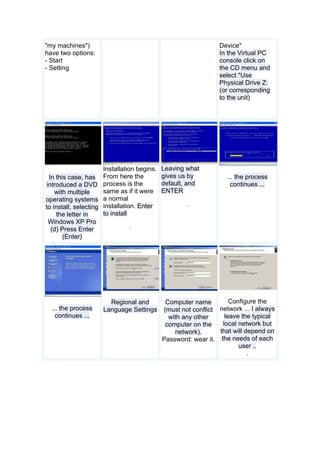
"my machines")                                                  Device"
have two options:                                               In the Virtual PC
- Start                                                         console click on
- Setting                                                       the CD menu and
                                                                select "Use
                                                                Physical Drive Z:
                                                                (or corresponding
                                                                to the unit)


                      Installation begins.   Leaving what
 In this case, has From here the             gives us by           ... the process
introduced a DVD process is the              default, and            continues ...
    with multiple     same as if it were     ENTER
operating systems a normal
                                                     .
to install, selecting installation. Enter
    the letter in     to install
 Windows XP Pro
                                 .
  (d) Press Enter
       (Enter)


                       Regional and           Computer name         Configure the
  ... the process    Language Settings       (must not conflict network ... I always
    continues ...                              with any other     leave the typical
                                              computer on the    local network but
                                                 network).      that will depend on
                                             Password: wear it. the needs of each
                                                                       user ..
                                                                           .
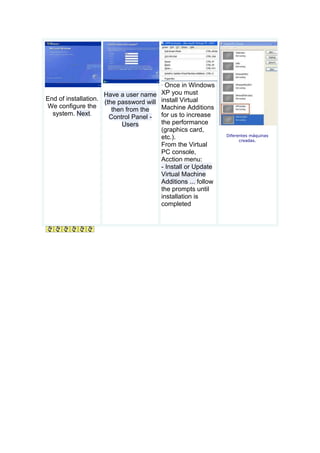
.Once in Windows
                     Have a user name   XP you must
End of installation.
                     (the password will install Virtual
We configure the                        Machine Additions
                        then from the
  system. Next.
                       Control Panel - for us to increase
                           Users        the performance
                                        (graphics card,
                                                               Diferentes máquinas
                                        etc.).                       creadas.
                                        From the Virtual
                                        PC console,
                                        Acction menu:
                                        - Install or Update
                                        Virtual Machine
                                        Additions ... follow
                                        the prompts until
                                        installation is
                                        completed

Creating a new virtual machine

  • 1.
    Creating a new Select (Browse) Select the virtual machine: Create a virtual machine the path where to operating system After installing store the virtual are going to install Microsoft Virtual machine and give (Virtual PC 2007 PC (2007), select it a descriptive and lets you install "New Virtual name. Generates Windows Vista) Machine a VMC (configuration file) " By default gives Select (Browse) the recommended Select "A new the path where to .Completes the RAM to each OS, virtual hard disk save the virtual information we can give you (VHD New hard disk and give necessary for the more depending it a descriptive creation of a new on how much we name. Generate a machine and a have installed VHD file (file new hard drive. system) Finish . With the installation CD or DVD chosen In the Virtual PC operating system The virtual Setting, press it to machine may not console (or right introduced into the see its recognize the CD- click on the icon in drive, select configuration. DVD and send a the notification START. No need to message: "Reboot area) you will see change anything and Select Proper the new machine but could increase Boot Device or added. or decrease Insert Boot Media Clicking on it (in memory, etc in selected Boot this image are all
  • 2.
    "my machines") Device" have two options: In the Virtual PC - Start console click on - Setting the CD menu and select "Use Physical Drive Z: (or corresponding to the unit) Installation begins. Leaving what In this case, has From here the gives us by ... the process introduced a DVD process is the default, and continues ... with multiple same as if it were ENTER operating systems a normal . to install, selecting installation. Enter the letter in to install Windows XP Pro . (d) Press Enter (Enter) Regional and Computer name Configure the ... the process Language Settings (must not conflict network ... I always continues ... with any other leave the typical computer on the local network but network). that will depend on Password: wear it. the needs of each user .. .
  • 3.
    .Once in Windows Have a user name XP you must End of installation. (the password will install Virtual We configure the Machine Additions then from the system. Next. Control Panel - for us to increase Users the performance (graphics card, Diferentes máquinas etc.). creadas. From the Virtual PC console, Acction menu: - Install or Update Virtual Machine Additions ... follow the prompts until installation is completed