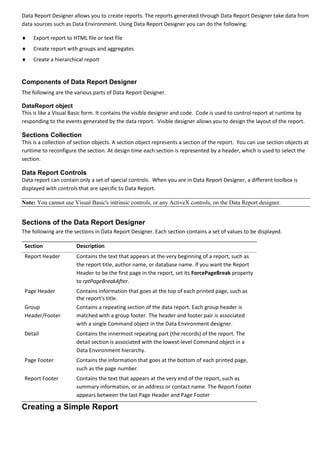
The document discusses how to create reports using the Data Report Designer in Visual Basic 6. Key points include:
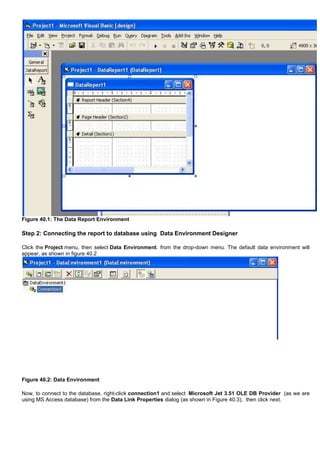
1. The Data Report Designer allows adding sections like report header, page header, detail, etc. and controls to design reports.
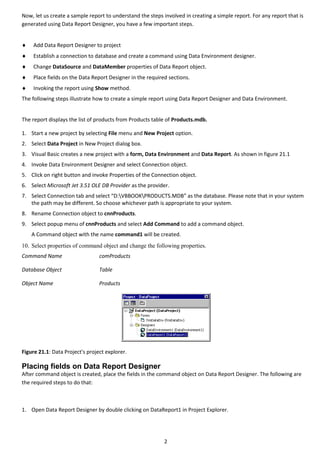
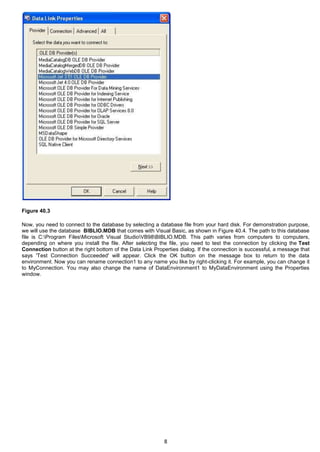
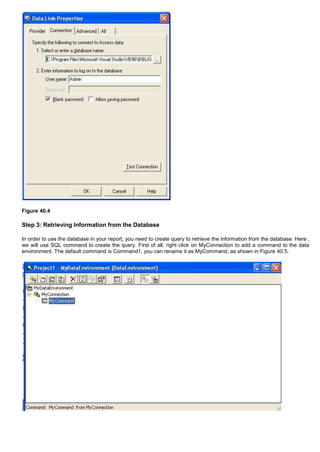
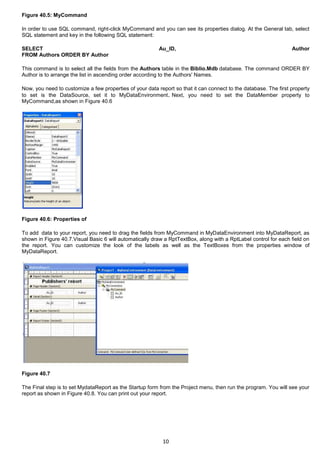
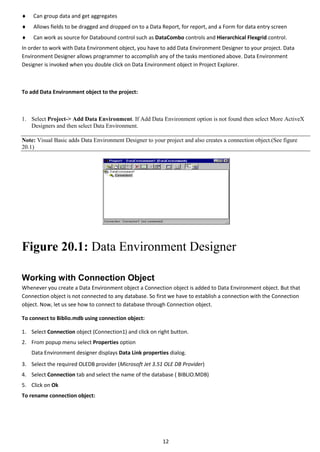
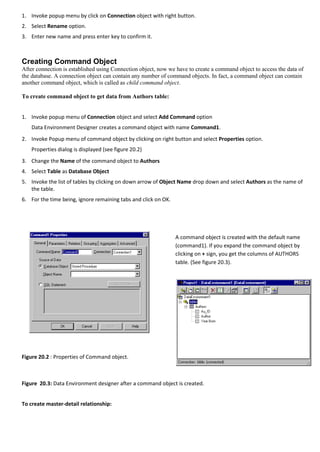
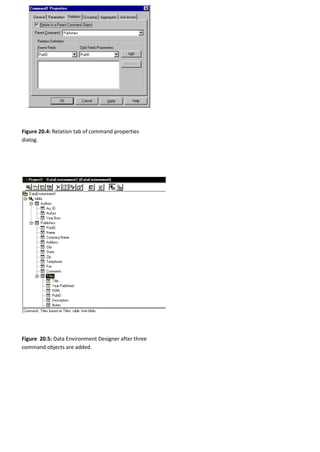
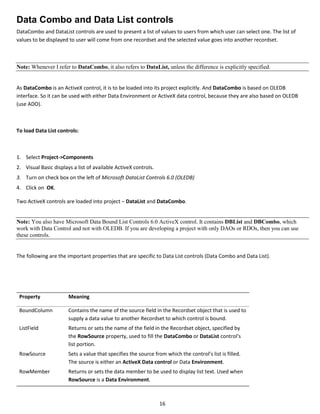
2. Reports can be bound to a data source using the Data Environment Designer to connect to a database and retrieve data.
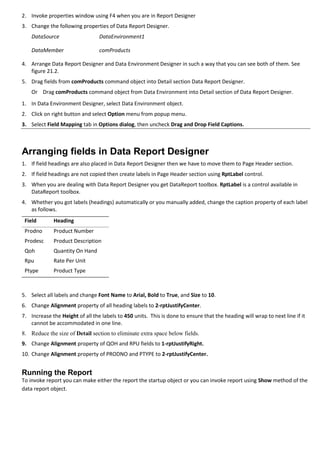
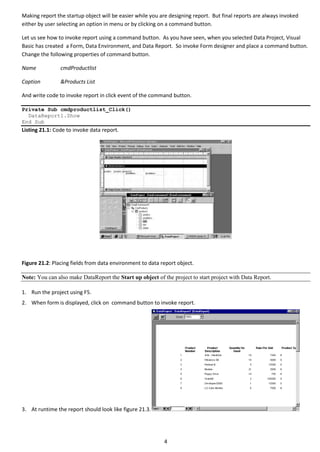
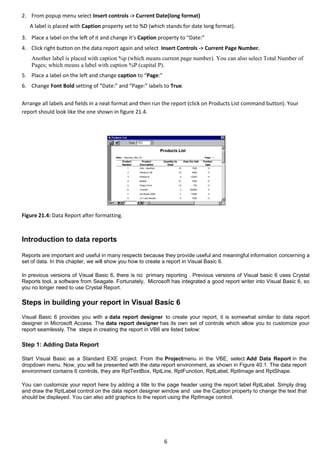
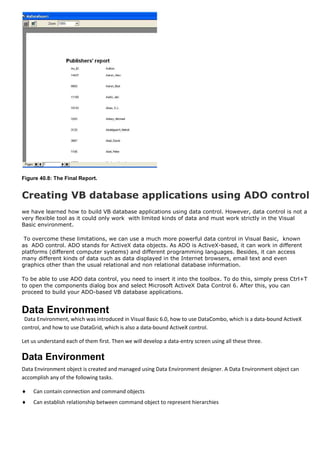
3. Fields can be dragged from the Data Environment onto the Data Report Designer and arranged in sections to display data.